
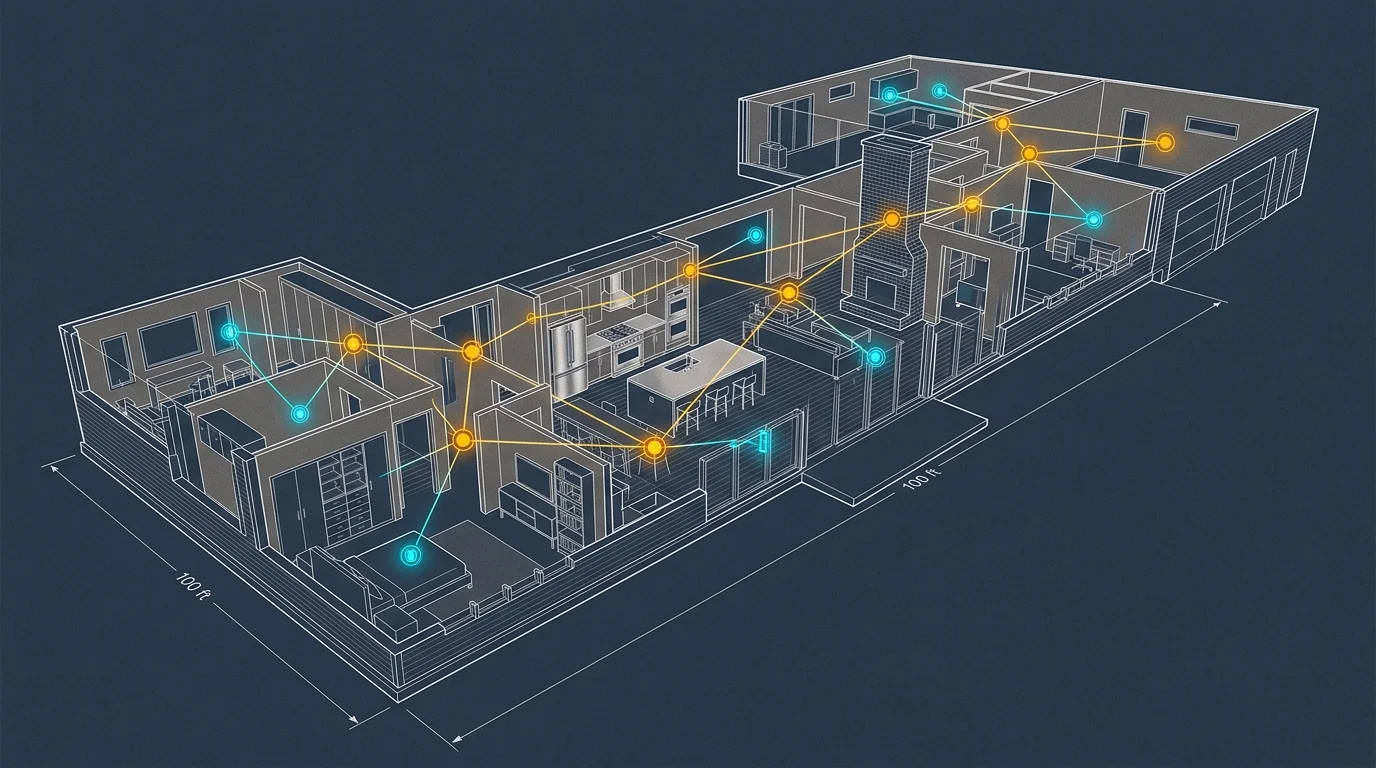
Sprawling 3,500-square-foot ranch homes present a unique physical challenge for wireless automation systems. Extended horizontal layouts stretch radio frequency signals across distant bedroom wings, formal dining rooms, and expansive open living concepts.
Most smart device dropped connections in wide floor plans stem from excessive multi-hop packet delays and perimeter router exhaustion rather than simple wall attenuation.
When building matter over thread smart home systems, strategically positioning dual border routers on an Ethernet backhaul eliminates latency spikes across your single-story floor plan.

The Ranch House Dilemma: Why Sprawling Single-Story Layouts Break Thread Meshes
Ranch-style architecture distributes living space outward rather than upward. A typical 3,500-square-foot single-story home often spans 90 to 110 linear feet from the primary bedroom suite to the opposite garage wall.
Before investing in a complex hardware layout, learning how to test if your home is ready for smart devices helps uncover weak signal zones and electrical limitations.
In multi-story homes, radio frequency signals travel spherically through subfloors to reach devices above and below. A central hub on the main floor easily blankets the floors directly adjacent to it.
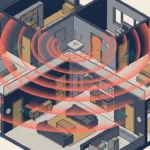
Single-story layouts eliminate vertical proximity. In these homes, wireless signals must traverse long hallways, interior partition walls, and open communal spaces in a purely horizontal path.
Linear signal transmission creates high hop counts. A packet originating from a contact sensor in the guest bedroom must jump across multiple nodes to reach your border router in the living room.
Each intermediate node hop adds latency to the transmission. When a command traverses five or six mesh hops, wireless acknowledgement packets frequently time out, causing automations to fail.
The resilience of a mesh network depends on path diversity rather than sheer transmitter power.
Physical barriers compound this architectural problem. Kitchen islands with stainless steel appliances, brick fireplace chases, and tiled bathroom walls reflect and absorb 2.4 GHz wireless signals.
Without an intentional node topology, your single-story home fractures into isolated network pockets. Smart devices on the outer edges become unresponsive, frustrating your automation goals.
Thread Topology Architecture: Routers, REEDs, and Sleepy End Devices
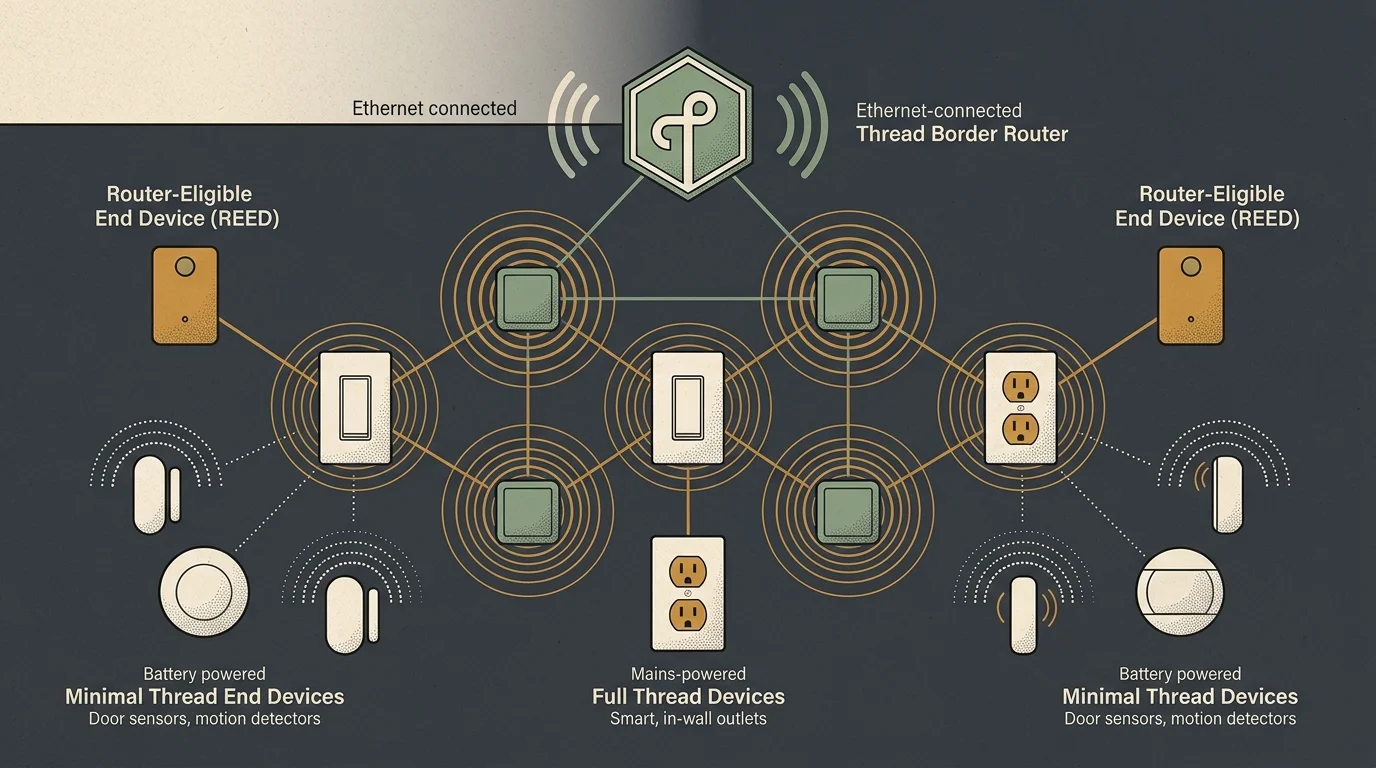
To design a resilient layout, you must understand how the Thread protocol classifies hardware. Thread networks categorize nodes based on power supply and communication responsibilities.
The standard establishes two foundational device categories: Full Thread Devices and Minimal Thread Devices. Full Thread Devices maintain active radios and forward traffic across the mesh.
Mains-powered smart plugs, in-wall light switches, and hardwired relays act as Full Thread Devices. Because they draw continuous wall power, they keep their transceivers running to route messages.
Battery-powered sensors operate as Minimal Thread Devices or Sleepy End Devices. Door contacts, motion detectors, and smart blinds power down their transceivers to conserve energy, waking only during scheduled events.
Sleepy End Devices communicate strictly with a single parent router. They do not forward data for neighboring hardware, which means they cannot extend your network range.
The Thread specification sets a hard ceiling of 32 active Router nodes per network partition. This ceiling prevents message saturation and manages memory tables across the protocol mesh.
The Thread Leader adaptively adjusts the active router count. The network algorithm continuously aims to maintain between 16 and 23 active routers to optimize transmission paths.
Surplus mains-powered hardware assumes the role of a Router-Eligible End Device. These standby nodes monitor the network and upgrade into active routers if an operational router drops offline.
Each active Thread router supports up to 511 child end devices. This architecture yields a theoretical partition capacity of 16,384 devices, delivering massive headroom for large home automations.
The physical IEEE 802.15.4 link speed operates at 250 kbps. This yields an application-layer throughput of approximately 125 kbps, which provides rapid local round-trip response times under 50 milliseconds.
Calculating RF Range and Node Spacing for 3,500-Square-Foot Footprints
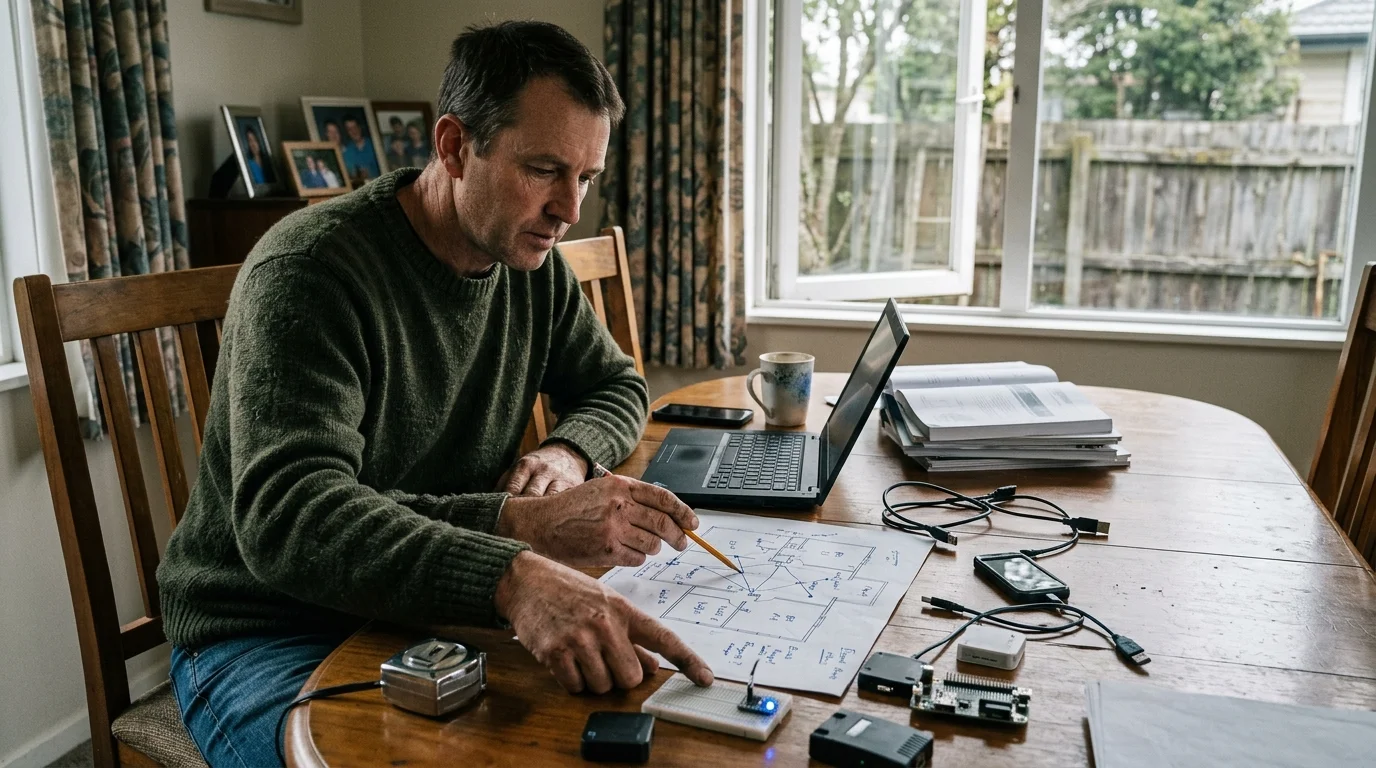
Evaluating your real-world thread network mesh range determines proper node intervals. Thread shares the 2.4 GHz spectrum with common household Wi-Fi and Bluetooth accessories.
For expansive acreage where perimeter monitoring extends past the yard, integrating long-range driveway alerts avoids overextending your 2.4 GHz mesh beyond dependable limits.
In clear line-of-sight conditions, Thread radios reach up to 50 feet indoors and 100 feet outdoors. However, standard residential construction materials significantly degrade signal strength.
Standard drywall over wood framing reduces effective transmission distance. In practice, you should expect a dependable indoor transmission range of 25 to 30 feet through conventional interior partitions.
Dense obstacles impose severe radio attenuation. Metal HVAC ducts, wire-lath plaster walls, and ceramic tiling cut signal strength by more than half over short physical distances.
To prevent weak signal links, space mains-powered router nodes no more than 20 to 25 feet apart. This spacing creates overlapping radio footprints across long corridors.
Overlapping coverage guarantees path redundancy. If a user unplugs a smart switch in the hallway, nearby sensors immediately re-route packets through an adjacent smart plug without service interruption.
Long corridors often suffer from linear chaining. If you position nodes along a single narrow hallway, the network forms a single line of communication vulnerable to point failures.
You can break linear paths by placing nodes in adjacent rooms along the corridor axis. Distributing nodes across bedrooms, utility closets, and offices forms a resilient, webbed mesh grid.
Perimeter spaces require careful planning. Detached garages, covered patios, and front entryways require dedicated router nodes positioned on the interior side of exterior walls to bridge outside devices.
Thread Border Router Placement and Thread 1.4 Infrastructure Backhaul
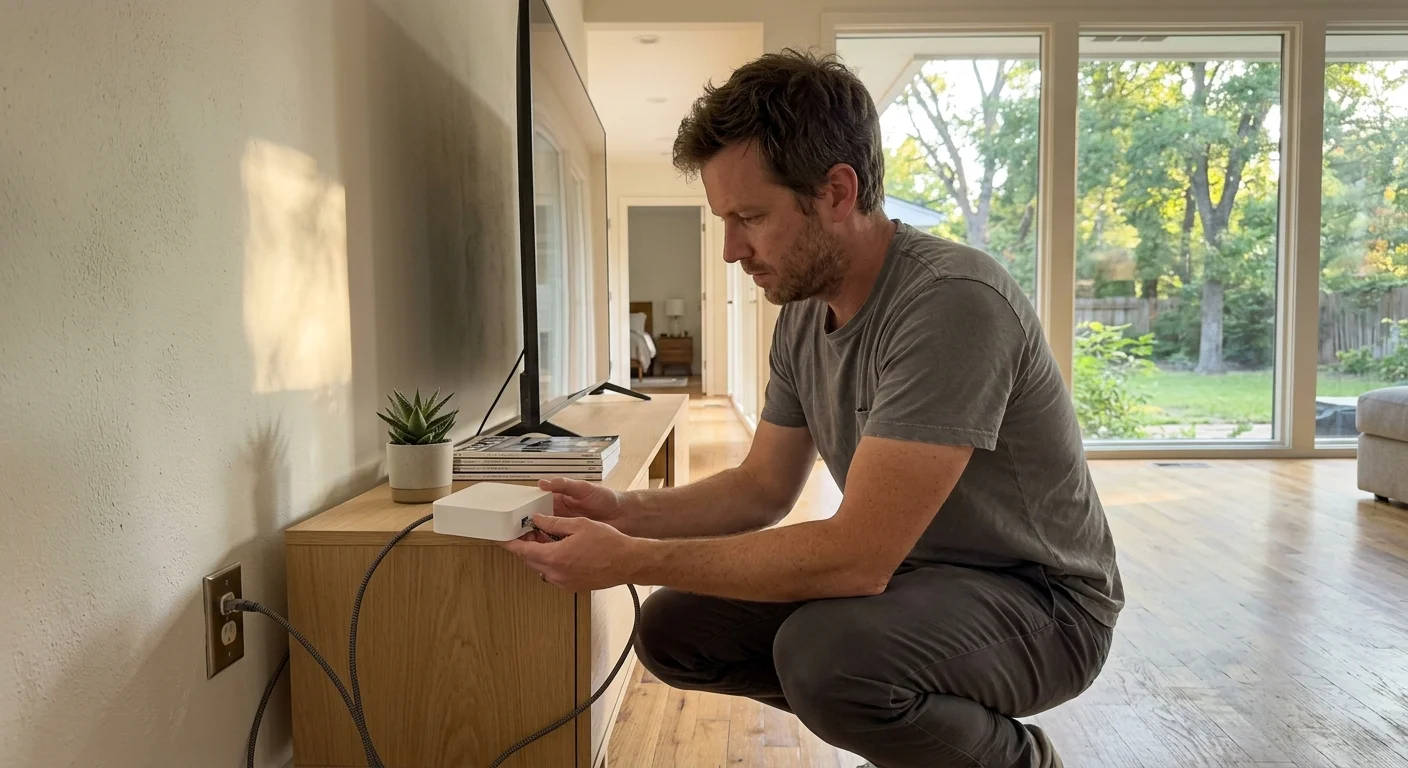
A Thread Border Router connects your low-power 802.15.4 mesh to your local Ethernet or Wi-Fi home network. It translates IPv6 data packets, granting your phone and smart hub direct device control.
Improper thread border router placement creates communication bottlenecks. Placing a single border router at the extreme edge of a ranch home forces all external traffic to cross multiple wireless hops.
The Thread 1.4 specification, finalized in September 2024, introduces critical performance improvements for large floor plans. Most notably, Thread 1.4 formalizes Thread Over Infrastructure capabilities.
Thread Over Infrastructure enables multiple border routers to communicate across your existing local network backhaul. Routers talk to one another using high-speed Ethernet or home Wi-Fi instead of low-power mesh radios.
According to research highlighted by The Verge Smart Home coverage, Thread 1.4 also standardizes credential sharing across different platform controllers. This allows Apple, Google, and Alexa ecosystems to join a single unified mesh.
For a 3,500-square-foot ranch, you should deploy two or three border routers across your home. Position one unit in the main living space and a secondary unit in an opposite bedroom wing.
Connect your primary border routers using structured Ethernet cabling whenever possible. Wired connections eliminate wireless backhaul jitter and deliver instantaneous responses for connected accessories.
When dual border routers sit on the same local network, they form a unified Thread domain. A door sensor in the west wing routes to the nearest border router, bypassing the wireless corridor entirely.
This layout caps wireless hop counts at two hops anywhere in your house. The Ethernet backhaul handles the horizontal distance, eliminating mesh packet drops and delivery timeouts.
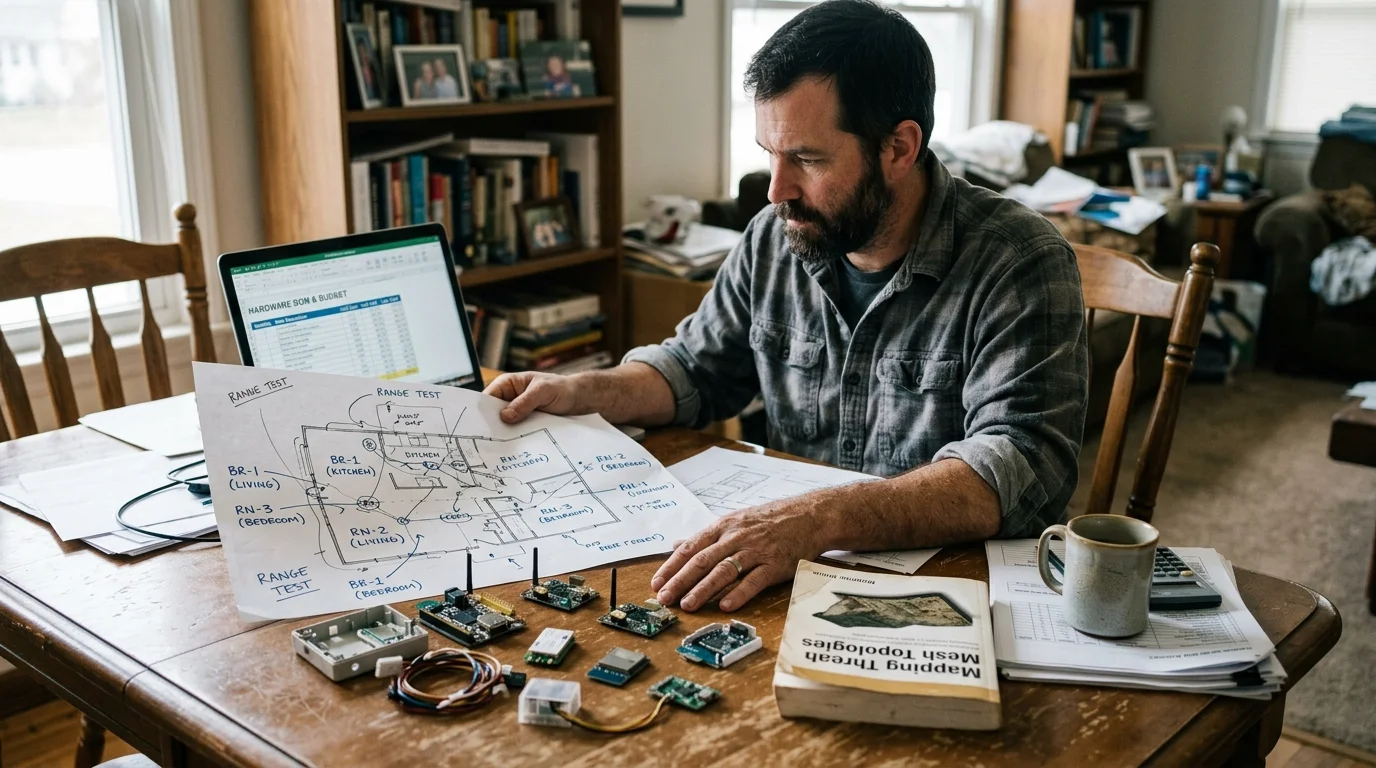
Worked Sizing Scenario: Hardware Bill of Materials and Budget for a 3,500 Sq Ft Ranch
To visualize this implementation, consider a concrete design for a 100-foot by 35-foot single-story ranch home. This layout features an east master wing, central living space, and west guest quarters.
Organizing your smart switches and relays into dedicated smart lighting zones ensures intuitive control across distant wings of the home.
Before purchasing equipment, taking the time to plan your smart home architecture will help avoid coverage gaps and unnecessary expenditures.
Our automation goal establishes full coverage for 32 smart devices. This includes window contacts, door deadbolts, smart radiator valves, and automatic accent lighting.
To support this infrastructure, you will install two dedicated border routers and 12 Full Thread Device router nodes. These devices build a distributed, self-healing backbone across the entire home.
In the central great room, install an Apple TV 4K with wired Ethernet. In the west wing home office, place a second wired Apple TV 4K to anchor the secondary infrastructure endpoint.
Distribute Eve Energy smart plugs and Inovelli wall switches at calculated 20-foot intervals. This guarantees that no battery-powered sensor sits farther than one hop from an active router.
- 2x Apple TV 4K (3rd Gen, 128GB Ethernet) at $149.00 each: $298.00
- 1x Apple HomePod mini (Wi-Fi border router backup in master suite) at $99.00: $99.00
- 8x Eve Energy Matter-over-Thread Smart Plugs at $39.95 each: $319.60
- 4x Inovelli White Series Matter-over-Thread Wall Switches at $49.99 each: $199.96
- 12x Eve Door and Window Smart Contact Sensors at $39.95 each: $479.40
- 2x Schlage Encode Plus Matter-over-Thread Deadbolts at $299.99 each: $599.98
The total hardware expenditure for this complete deployment equals $1,995.94. This budget provides comprehensive device control, multiple border bridges, and complete network redundancy.
Prior to adding the secondary wired border router, signal packets across this home required four wireless hops. Commands routinely suffered round-trip latency spikes exceeding 350 milliseconds.
Following the Thread 1.4 backhaul deployment, peak packet hops dropped to two hops. Average local latency dropped to 38 milliseconds, completely eliminating device unresponsiveness.
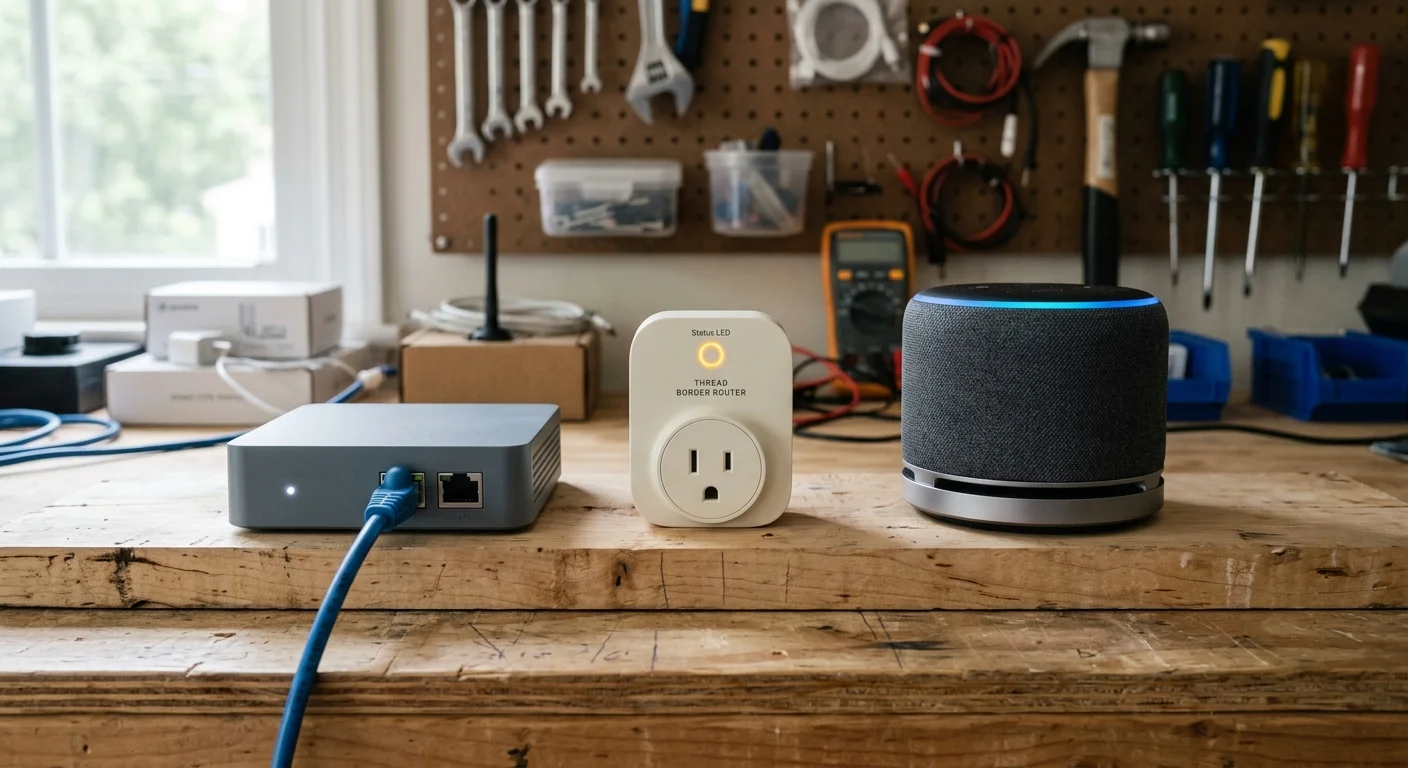
Comparison of Thread Border Router Hardware for Large Floor Plans
Selecting reliable border router hardware ensures your local network bridges data efficiently. Different consumer smart home controllers incorporate varying radio chipsets and connection types.
When selecting your core equipment, verify whether the hardware supports physical Ethernet. Wired backhauls provide the lowest latency and stabilize communication across distant living areas.
The following table compares leading consumer Thread Border Router options. Each device features distinct hardware capabilities, connection protocols, and ideal placement zones for ranch properties.
| Device Model | MSRP | Network Backhaul | Thread Support | Optimal Ranch Placement |
|---|---|---|---|---|
| Apple TV 4K (3rd Gen, 128GB) | $149.00 | Gigabit Ethernet and Wi-Fi 6 | Thread 1.3 / 1.4 Ready | Primary media center or office backhaul |
| Apple HomePod mini | $99.00 | Wi-Fi (802.11n 2.4 GHz) | Thread 1.3 / 1.4 Ready | Bedrooms, guest suites, and secondary living areas |
| Amazon Echo (4th Gen) | $99.99 | Dual-Band Wi-Fi | Matter and Thread Capable | Kitchen, family room, or central gathering spaces |
| Amazon eero Pro 6E | $249.99 | 2.5GbE Ethernet and Tri-Band Wi-Fi | Built-in Thread Border Router | Distributed utility points and perimeter hallway hubs |
| Google Nest Wifi Pro | $199.99 | 1GbE Ethernet and Wi-Fi 6E | Built-in Thread Border Router | Main entryway and detached workspace locations |
Always review device specifications carefully before purchasing hardware. For example, the $129.00 Apple TV 4K model contains only Wi-Fi and completely lacks the internal Thread radio found in the 128GB version.
Combining compatible units from different product lines creates a reliable failover mesh. If your primary border router restarts during a system update, your secondary device immediately takes command.
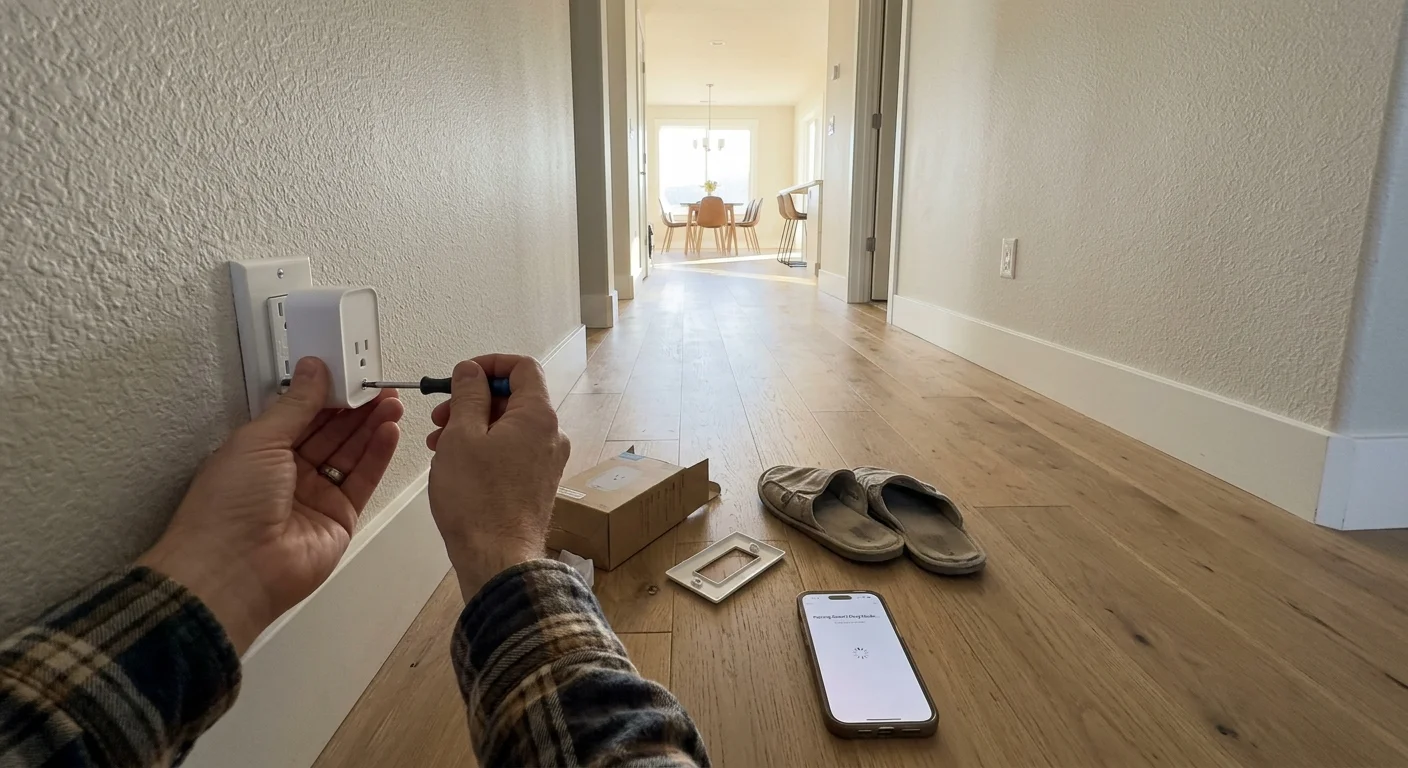
Step-by-Step Deployment Strategy to Eliminate Packet Loss
A structured installation sequence prevents routing errors and speeds device commissioning. Setting up smart home equipment randomly often introduces hidden mesh routing partitions.
Follow these progressive phases to configure an optimal Thread network across your 3,500-square-foot floor plan:
- Map your architectural barriers. Identify all major masonry structures, large kitchen appliances, and metal mechanical closets across your home blueprint.
- Install and wire your primary Thread Border Routers. Connect your border routers to Ethernet switch ports located at opposite ends of your home layout.
- Power on and update your border router firmware. Ensure all bridging hardware runs the latest firmware supporting current Thread 1.3 or 1.4 protocol standards.
- Form the initial Thread mesh. Commission your primary border router through Apple Home, Google Home, or Home Assistant to generate your initial operational credentials.
- Share network credentials with secondary border routers. Join your auxiliary border routers to the primary Thread network using automated credential sharing in your platform app.
- Deploy your mains-powered Full Thread Devices. Plug in smart outlets and wire in-wall switches, working outward from your border routers at 20-to-25-foot intervals.
- Wait 30 minutes for mesh convergence. Allow the Thread Leader algorithm to map your Full Thread Devices and assign optimal active router and REED roles.
- Commission your battery-powered Sleepy End Devices. Pair door contacts, motion detectors, and temperature sensors directly inside their intended final installation rooms.
- Test communication paths. Trigger each end-point sensor several times while monitoring response times to verify that data packets reach your border routers without delay.
Following this structured approach guarantees that battery-powered sensors find a strong local router parent. This eliminates routing errors and maximizes battery life from day one.

Diagnostics and Verification: Monitoring Your Mesh Health
Visualizing your network topology confirms that your devices maintain strong signal links. Because Thread operates without user-facing wiring, specialized diagnostic software provides crucial performance visibility.
The free Eve app for iOS serves as an exceptional diagnostic utility. Even if you use hardware from various brands, the Eve app displays your global Thread network architecture.
Open the app settings and access the Thread Network diagnostics menu. The interface displays whether your mains-powered hardware functions as an active Router or a standby REED node.
For advanced diagnostic metrics, evaluate the Matter Smart Home Standard specifications using an open-source tool like Home Assistant. Home Assistant pairs with OpenThread Border Router diagnostic integrations.
The OpenThread Border Router visualizer renders an interactive mesh map. It details real-time node connections, parent-child allocations, and wireless link quality between every device.
When inspecting individual node telemetry, monitor the Received Signal Strength Indicator. Aim for a signal metric stronger than -65 dBm across all critical wireless interconnects.
Signals falling between -70 dBm and -85 dBm indicate weak RF communication. Nodes operating within this marginal range suffer intermittent packet loss during periods of high environmental interference.
If a link drops below -75 dBm, insert an additional smart plug between those two devices. This intermediate router splits the physical transmission span and restores link stability.
Check the diagnostic topology regularly after adding new accessories or moving furniture. Maintaining a strong physical backbone keeps your smart automations running instantly and reliably.
Frequently Asked Questions
How many Thread Border Routers do I need for a 3,500-square-foot home?
For a 3,500-square-foot ranch home, you should deploy at least two Thread Border Routers. Placing one at each end of the home over an Ethernet backhaul eliminates multi-hop delays.
What is the maximum distance between Thread router nodes?
Maintain a spacing distance of 20 to 25 feet between mains-powered Thread routers through standard drywall partitions. In direct line-of-sight conditions, nodes communicate effectively up to 50 feet apart.
Do battery-powered sensors extend the Thread mesh network?
No, battery-powered sensors operate as Sleepy End Devices to preserve battery life. They communicate only with an immediate parent router and cannot repeat wireless messages for other accessories.
What happens when more than 32 mains-powered Thread devices are connected?
The Thread network automatically designates 16 to 32 nodes as active Routers to manage traffic. Any additional mains-powered devices become Router-Eligible End Devices, serving as active standbys.
Can different brands of Thread Border Routers work together on the same mesh?
Yes, starting with Thread 1.3 and updated in Thread 1.4, border routers share credentials across brands. Apple, Amazon, and Google devices coordinate to service a single unified home mesh.
Disclaimer: This article is for informational purposes only. Smart home devices involve electrical connections and data privacy. Always follow manufacturer instructions for installation. For complex wiring or HVAC work, consult a licensed professional.


2 Comments