
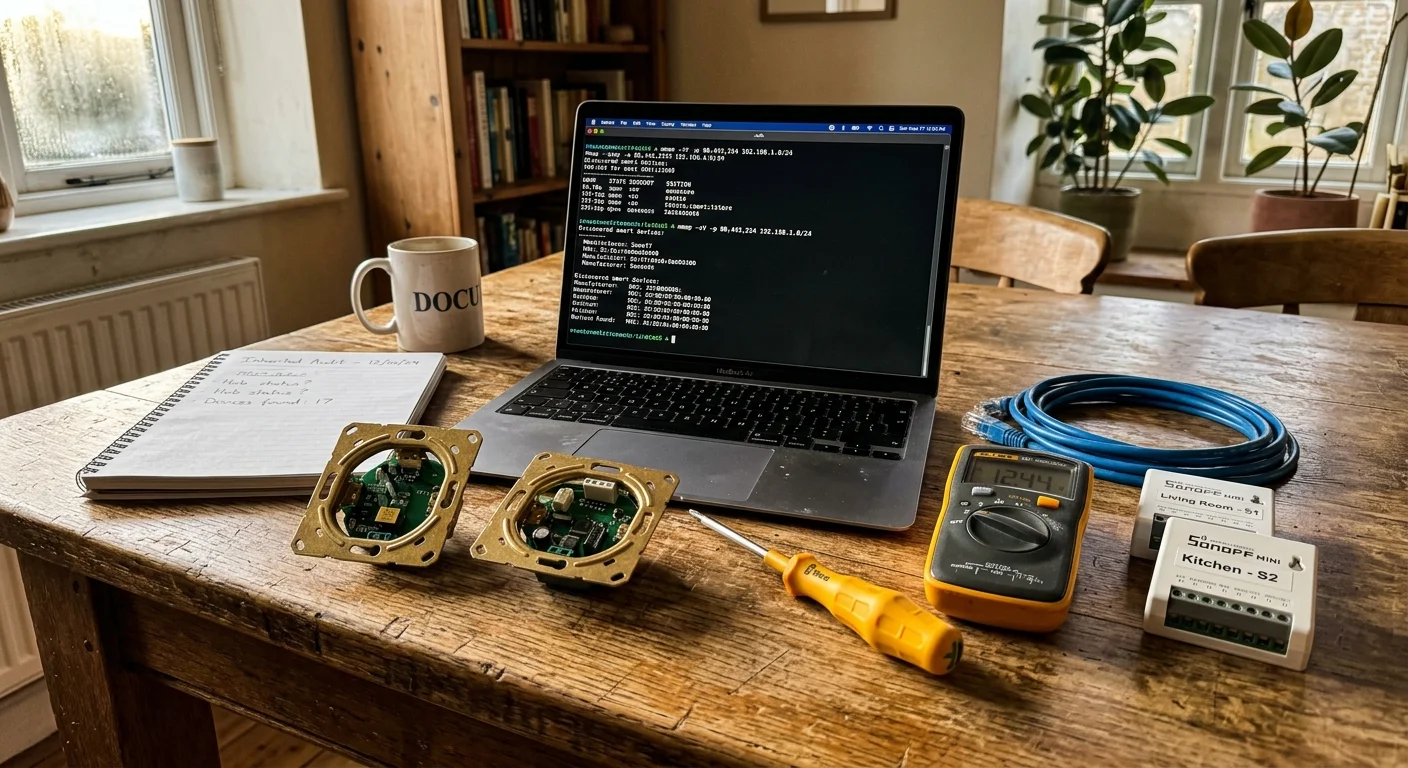
Moving into a home with undocumented smart devices feels like inheriting a digital puzzle. You do not need to discard expensive hardware or gut existing electrical boxes to regain full control of your system.
While departing occupants should ideally perform a structured smart home handover, buyers are frequently left to sort out connected gear on their own.
Most homeowners assume orphaned switches and sensors remain permanently locked to the seller’s accounts. In reality, open networking utilities and universal radio commands let you wipe proprietary ties and rebuild a private automation ecosystem.
This guide demonstrates how to scan subnets, purge wireless coordinators, and reset inherited smart home devices without relying on the previous occupant.
The Smart Home Triage: Physical Hardware Reconnaissance
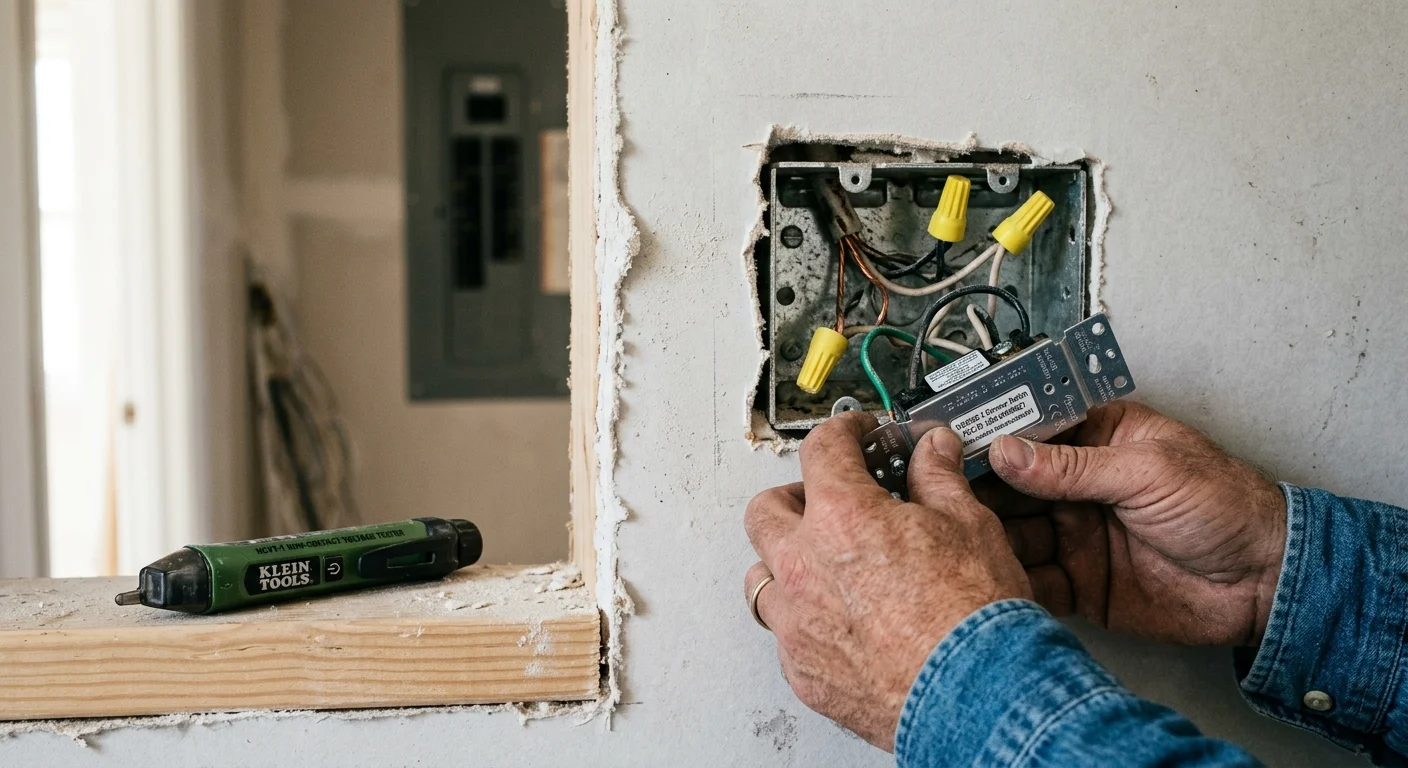
Before launching software utilities, you must physically map the hardware embedded inside your walls and ceilings. Previous owners often leave behind high-voltage switches, low-voltage smart relays, and wireless sensors across several distinct protocols.
Start your audit at the main electrical panel and structured wiring enclosures. Look for smart energy monitoring clamps attached to service mains or automation gateways tucked inside utility closets.
- Check inside low-voltage distribution panels for leftover hub power supplies, PoE injectors, or abandoned bridge controllers.
- Examine wall plate switches in every room to identify paddle designs, indicator LED configurations, and manufacturer logos.
- Inspect door frames, window sills, and ceiling corners for battery-powered magnetic reed sensors and passive infrared motion detectors.
- Inspect the furnace and air handler for splice-in relay controllers or smart thermostat interface modules.
Remove wall plates from a few representative switches while keeping the circuit breakers turned off. Look closely at the metal mounting strap or plastic housing for identifying text.
Model numbers such as WD500Z, Enbrighten 46201, or Lutron PD-6WCL indicate whether the switch communicates over Z-Wave, Zigbee, or proprietary radio bands. Document each device location, model string, and suspected wireless protocol in a single spreadsheet.
Router Isolation and Rogue DHCP Discovery
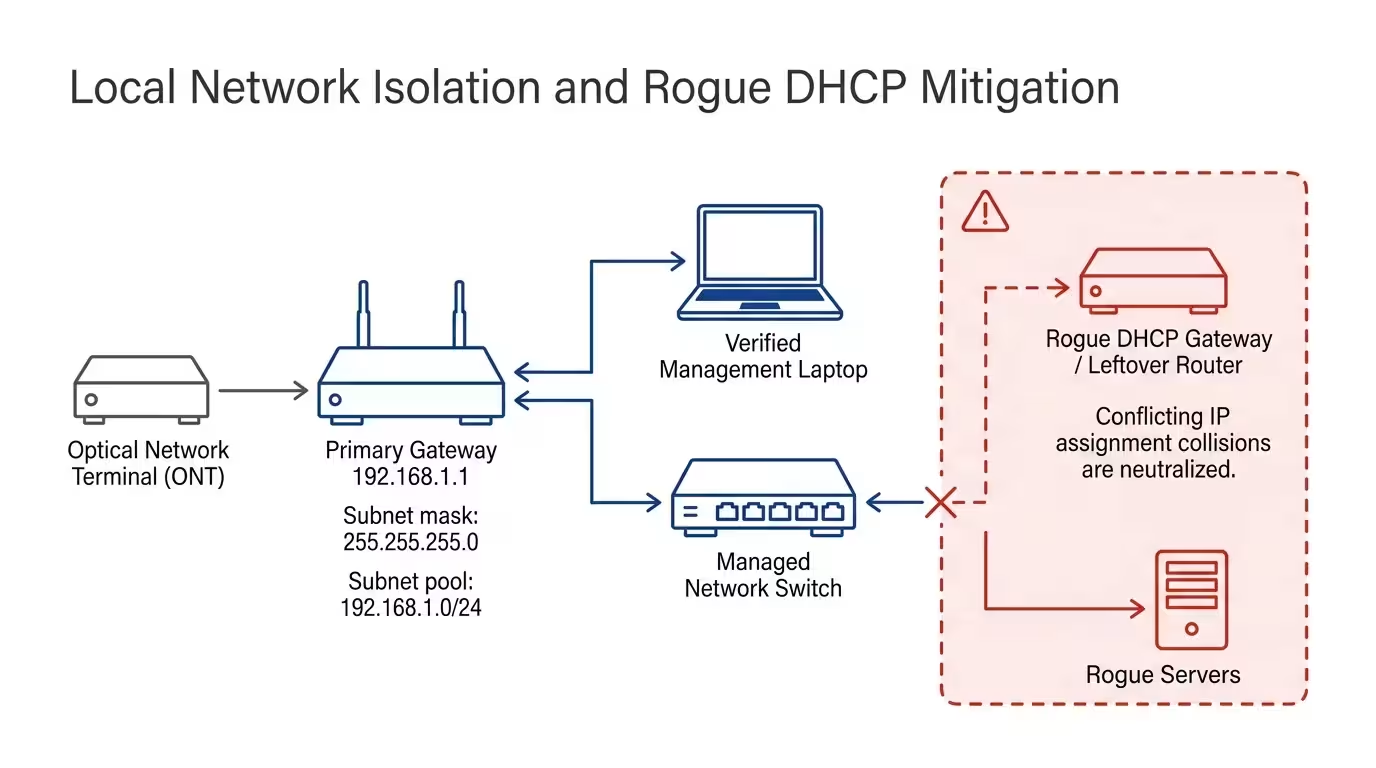
When you bought house with smart home inherited hardware, the local network perimeter became your primary security boundary. Disconnect any leftover networking hardware, modem-router combos, or unmanaged switches left behind by the prior resident.
A rogue DHCP server causes intermittent network drops and routing failures. When two gateways compete to assign local IP addresses, connected hardware loses internet access.
Connect your personal router directly to the optical network terminal or cable modem. Deploy a clean subnet address scheme, such as 192.168.1.0/24 with a subnet mask of 255.255.255.0.
- Disconnect all patch cables from your network switch except for your management computer and router.
- Open your terminal and run a broadcast DHCP discovery command to test for competing address servers.
- Plug in the home’s structured Ethernet runs one by one while monitoring lease distribution in your router console.
- Identify any secondary device that serves IP leases outside your configured DHCP pool range.
If you encounter a hidden router or secondary gateway in an attic or closet, power it off immediately. Trace all network drops back to your primary switch so your router maintains absolute authority over address assignment.
Network Port Scanning: Identifying Unmapped IoT Nodes
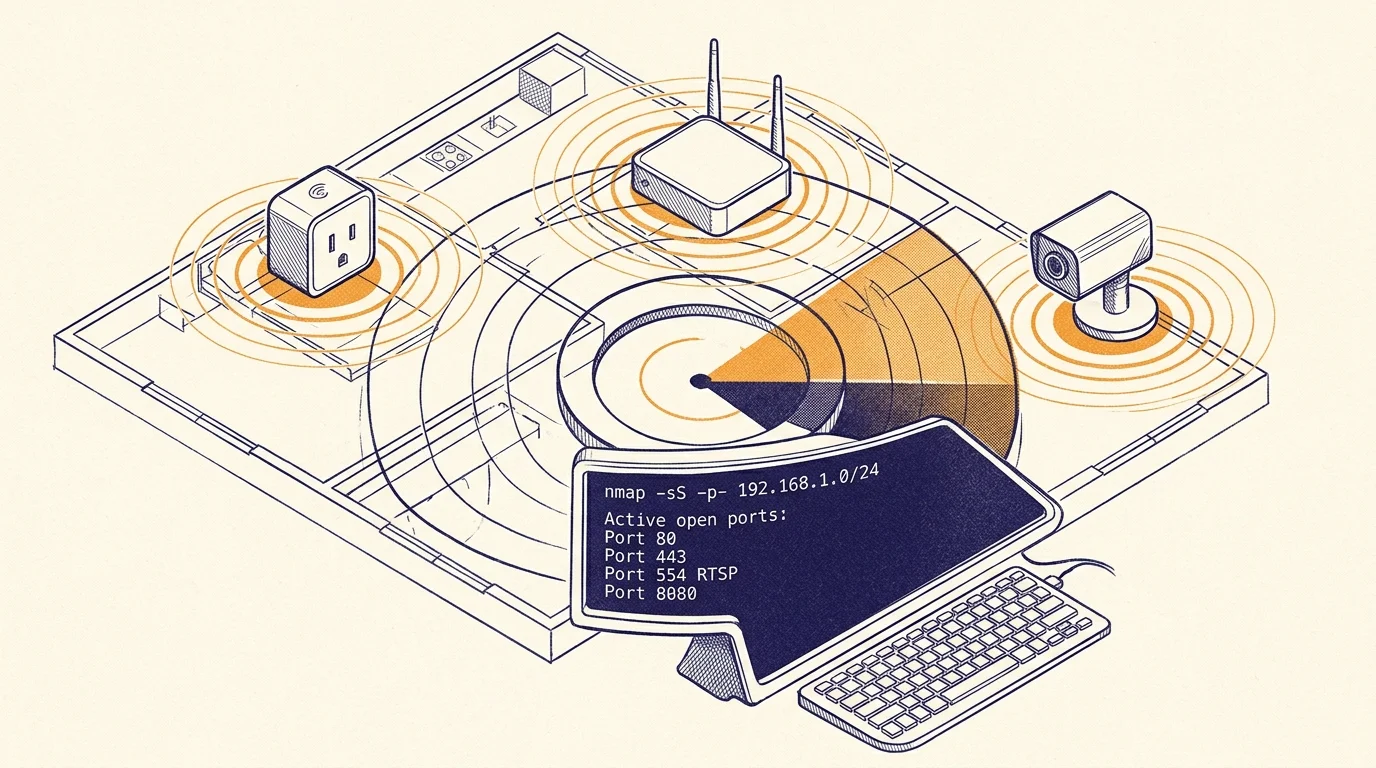
Once you secure your router, you can run a network scan iot devices audit across your local subnet. Network mapping tools reveal active IP addresses, open operational ports, and hardware manufacturer identifiers.
Connect your laptop to the network via Ethernet to prevent packet dropping during intense network sweeps. Install Nmap and execute a ping scan across your entire local subnet address space.
Use the command nmap -sn 192.168.1.0/24 to assemble a complete list of online network clients. Compare the discovered media access control (MAC) address vendor prefixes against known smart home hardware brands.
According to security research published by Consumer Reports Smart Home, scanning local networks helps homeowners detect unpatched hardware, unencrypted ports, and hidden video feeds left behind by prior occupants.
Follow up with a targeted TCP port scan against all discovered active endpoints to classify hardware roles. Run nmap -sT -p 80,443,554,1883,8080,8443,5353 192.168.1.0/24 to locate device web portals and automation services.
- Port 554 (RTSP) indicates unlinked IP security cameras, baby monitors, or video doorbells broadcasting video streams.
- Port 1883 or 8883 (MQTT) exposes local message broker queues used by microcontrollers, Sonoff devices, or DIY smart hubs.
- Port 5353 (mDNS) highlights Apple HomeKit accessories, Google Cast devices, and network bridges advertising services.
- Port 80 and Port 443 (HTTP/HTTPS) reveal configuration web pages for smart plugs, smart thermostats, and managed Ethernet switches.
Take note of every device with an open HTTP or HTTPS port. Enter each corresponding IP address into your web browser to check for accessible administrative panels or setup screens.
Wiping Orphaned Z-Wave Devices Using Any Controller
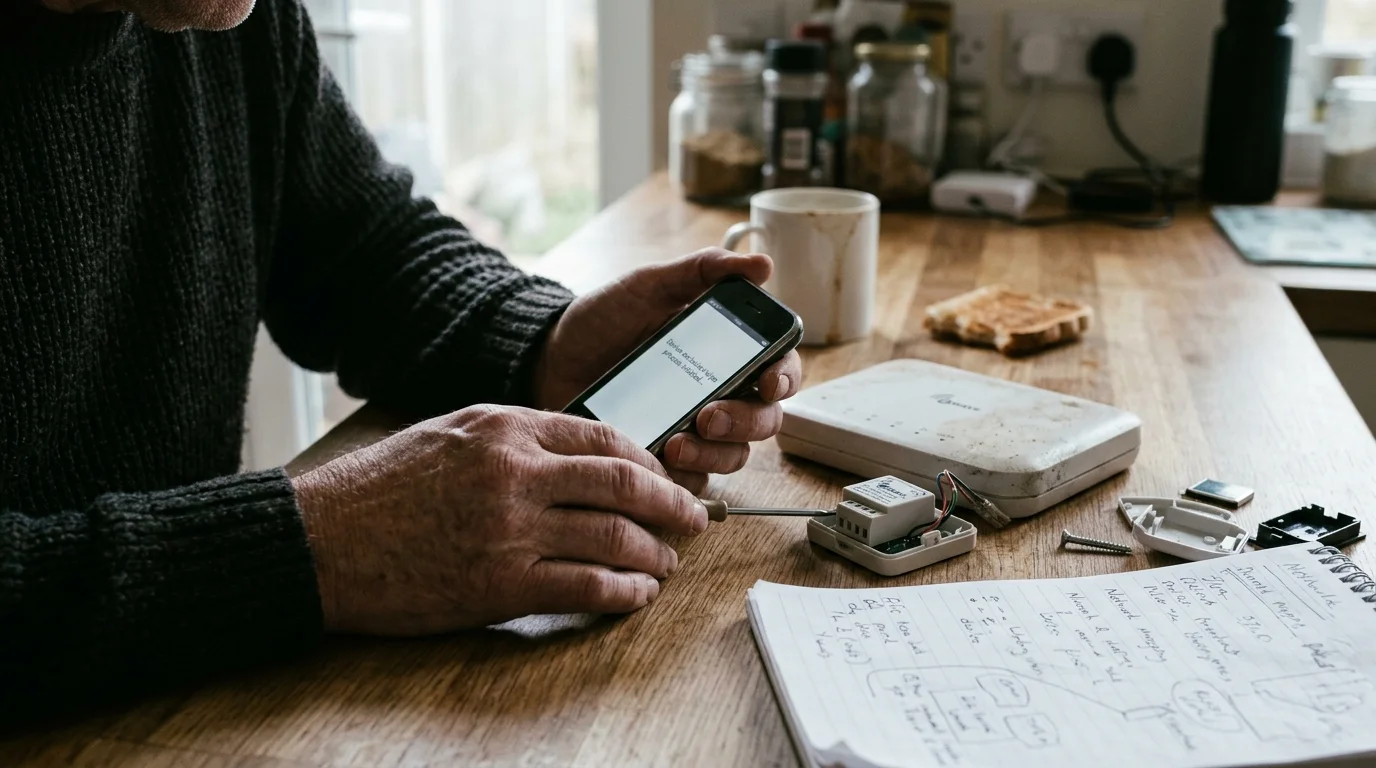
Many homeowners believe inherited Z-Wave switches require the original hub to disconnect from the old network. Fortunately, the Z-Wave wireless specification contains a universal mechanism called General Exclusion.
Z-Wave devices operate on dedicated sub-gigahertz radio bands (908.42 MHz in North America). Every Z-Wave device locks itself to a 32-bit Network Home ID provided by its primary hub.
Any functional Z-Wave controller can issue a universal exclusion broadcast packet. You do not need the seller’s security keys, account login, or original smart hub to clear the switch.
- Connect a universal Z-Wave USB stick or standalone hub to your management system.
- Place your controller into Exclusion Mode using its management software interface.
- Walk to the physical wall switch and tap the exclusion sequence on the paddle.
- Watch for a confirmation alert in your software showing an unknown node dropped its network assignment.
- Place your controller into Inclusion Mode and repeat the paddle sequence to pair the device cleanly.
Different switch manufacturers use slightly different physical exclusion inputs. For example, GE and Jasco switches typically require a single tap on either paddle.
Zooz switches require three rapid taps on the upper paddle to transmit the exclusion radio signal. Inovelli switches often use three rapid taps on the small configuration button next to the paddle.
Once excluded, the switch forgets the previous owner’s Home ID and returns to factory default settings. The switch LED will generally pulse slowly to indicate an unbonded, ready-to-pair state.
Resetting Zigbee Radios and Clearing Coordinator Bindings
Zigbee devices operate on the 2.4 GHz radio spectrum and pair directly to a primary coordinator using a 64-bit Extended PAN ID. Unlike Z-Wave, Zigbee lacks a universal remote exclusion command from foreign controllers.
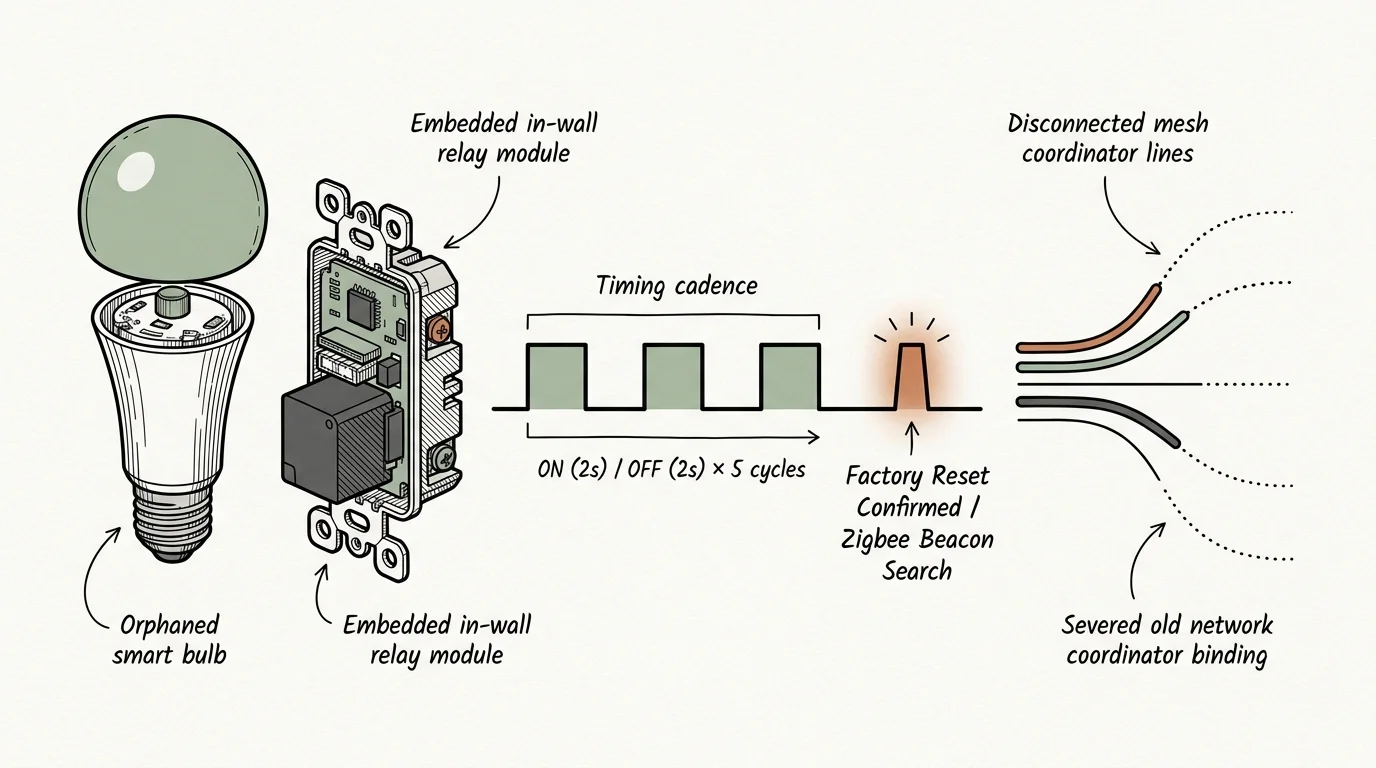
To reclaim an orphaned Zigbee device, you must trigger its physical factory reset routine. This procedure wipes its network table, clears encryption keys, and forces it to enter beacon-searching mode.
For smart bulbs from brands like Philips Hue, Sengled, or IKEA, you must execute a precise power-cycling sequence. Toggle the wall switch off and on five or six times, holding each state for approximately two seconds.
The bulb will flash brightly or cycle through primary colors when the reset succeeds. Modern smart systems increasingly incorporate unified protocols like the Matter Smart Home Standard, simplifying cross-platform commissioning across radio boundaries.
- Hold the physical reset pinhole on Zigbee door and window sensors for five continuous seconds until the LED flashes amber.
- Press and hold the primary action button on Zigbee smart plugs for ten seconds until the internal relay clicks twice.
- Cycle Zigbee in-wall switch air-gap levers or hold the upper paddle for twenty seconds to initiate an internal NVRAM reset.
If you inherited a physical Zigbee USB coordinator, you can wipe its radio memory directly over a serial connection. Use firmware flasher utilities to erase the internal non-volatile memory and generate a fresh random PAN ID.
Worked Example: Reclaiming a Mixed 42-Node Network
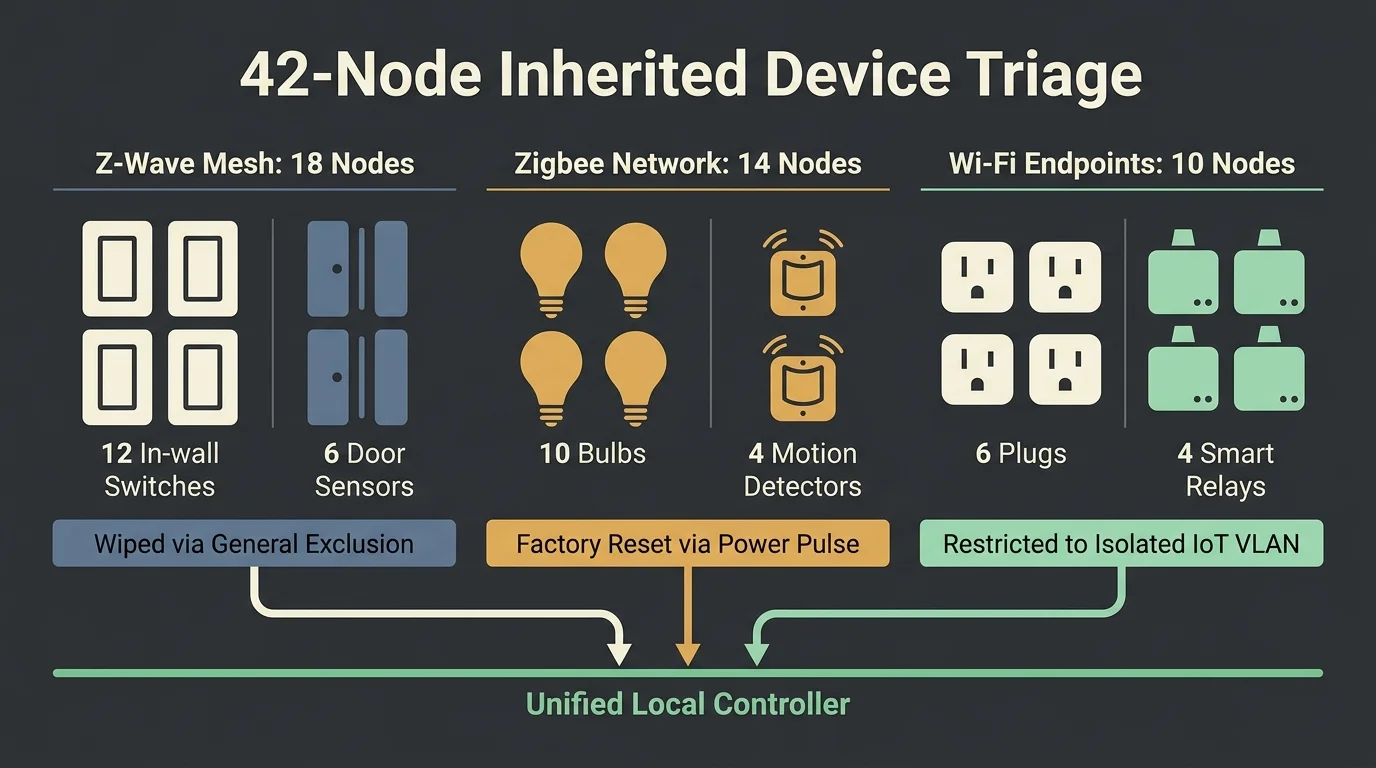
Consider a practical scenario based on a 2,600-square-foot suburban home purchased on November 12, 2024. The previous occupant moved out without leaving hub credentials, documentation, or administrative passwords.
The home contained 22 GE Enbrighten Z-Wave in-wall switches, 12 Philips Hue Zigbee recessed bulbs, 2 Honeywell Home T6 Z-Wave thermostats, and 6 unbranded Wi-Fi smart plugs. Replacing this installed hardware with new switches would cost approximately $1,420 in components alone.
Instead, the homeowner purchased a Zooz 800 Series Z-Wave USB Stick for $35.00 and a Sonoff Universal Zigbee 3.0 Dongle Plus for $28.00. The total replacement controller cost was $63.00.
- 08:00 – 08:30 (30 minutes): Plugged a laptop running Home Assistant into the network and verified all 6 Wi-Fi smart plugs via an Nmap subnet scan.
- 08:30 – 09:45 (75 minutes): Initiated Z-Wave exclusion mode and walked through the house, tapping the 22 wall switches and 2 thermostats to clear their old Home IDs.
- 09:45 – 10:30 (45 minutes): Cycled the lighting circuit breakers in groups of four to trigger the Hue bulb factory reset sequence across all fixtures.
- 10:30 – 11:30 (60 minutes): Ran Zigbee permit-join and Z-Wave inclusion sequences to pair all 42 devices to the new USB coordinators.
The entire physical reclamation process took 3.5 hours (210 minutes) from start to finish. The owner reclaimed 100 percent of the installed hardware, saving $1,357 relative to replacement costs.
Recovering Wi-Fi IoT Endpoints and Isolating Traffic
Inherited Wi-Fi smart devices present a distinct hurdle because they look for the previous owner’s unique network name (SSID) and WPA2 passphrase. When the original access point vanishes, these devices either broadcast an ad-hoc setup network or fail silently.
Check the back of remaining paper router manuals or look inside utility boxes for written Wi-Fi network names. If you know the old SSID and password, you can briefly broadcast that identical network name from your mobile phone hotspot.
Orphaned devices will connect automatically to the familiar hotspot credentials. Once connected, open your hotspot client list to view their assigned IP addresses, access their local web interfaces, and update their wireless profiles.
If you cannot determine the prior network credentials, you must trigger physical hardware resets on each endpoint. Press and hold the power button on smart plugs or light switches for ten to fifteen seconds until the status indicator blinks rapidly.
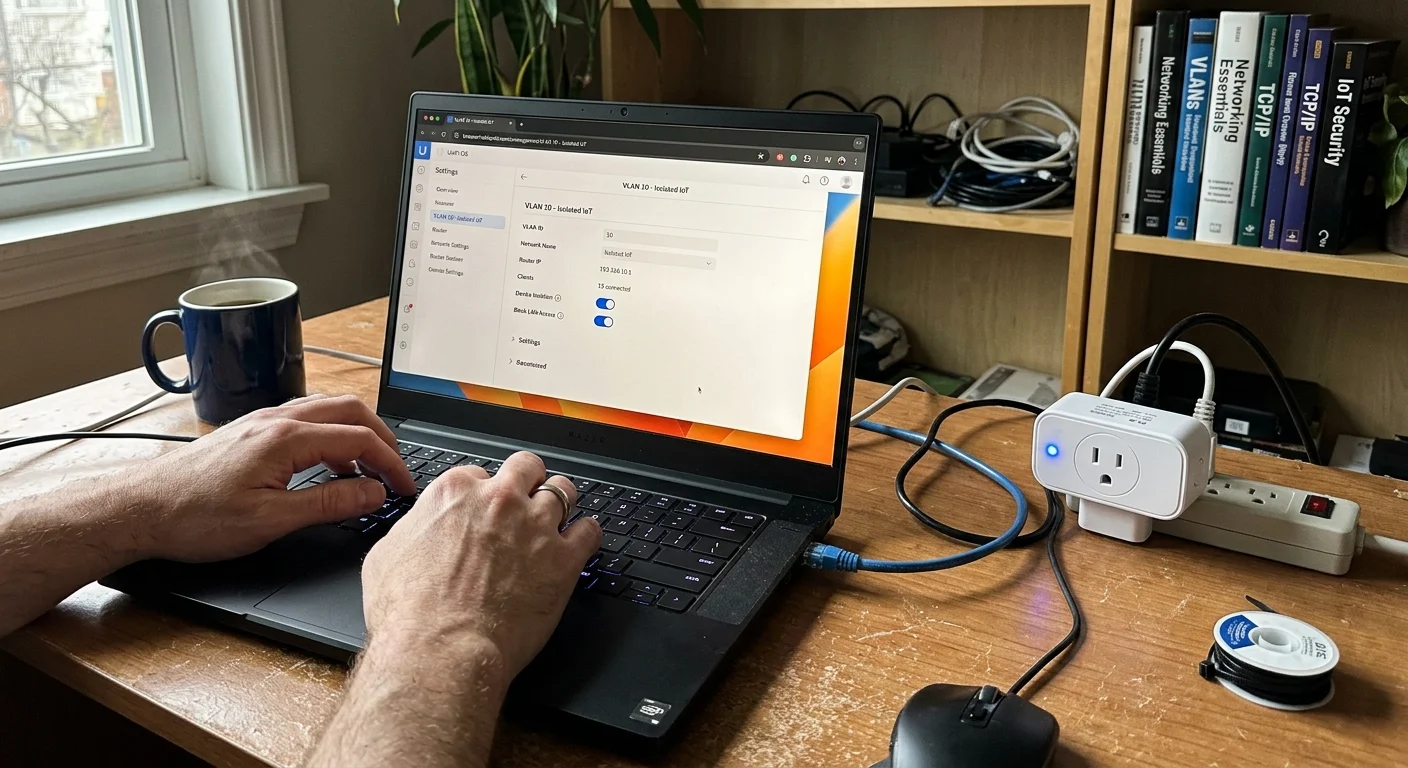
Once you re-pair Wi-Fi devices to your network, place them on an isolated virtual local area network (VLAN). Create VLAN 20 on subnet 192.168.20.0/24 dedicated strictly to smart home appliances.
- Configure your router firewall to drop all traffic originating from VLAN 20 addressed to your trusted private network (192.168.1.0/24).
- Block universal plug and play (UPnP) requests on your IoT VLAN to prevent devices from exposing external port forwards.
- Establish isolated DNS server rules using local filtering to stop telemetry tracking without interrupting automated schedules.
Isolating these endpoints guarantees that a compromised Wi-Fi switch cannot access personal computers, network attached storage units, or confidential home records.
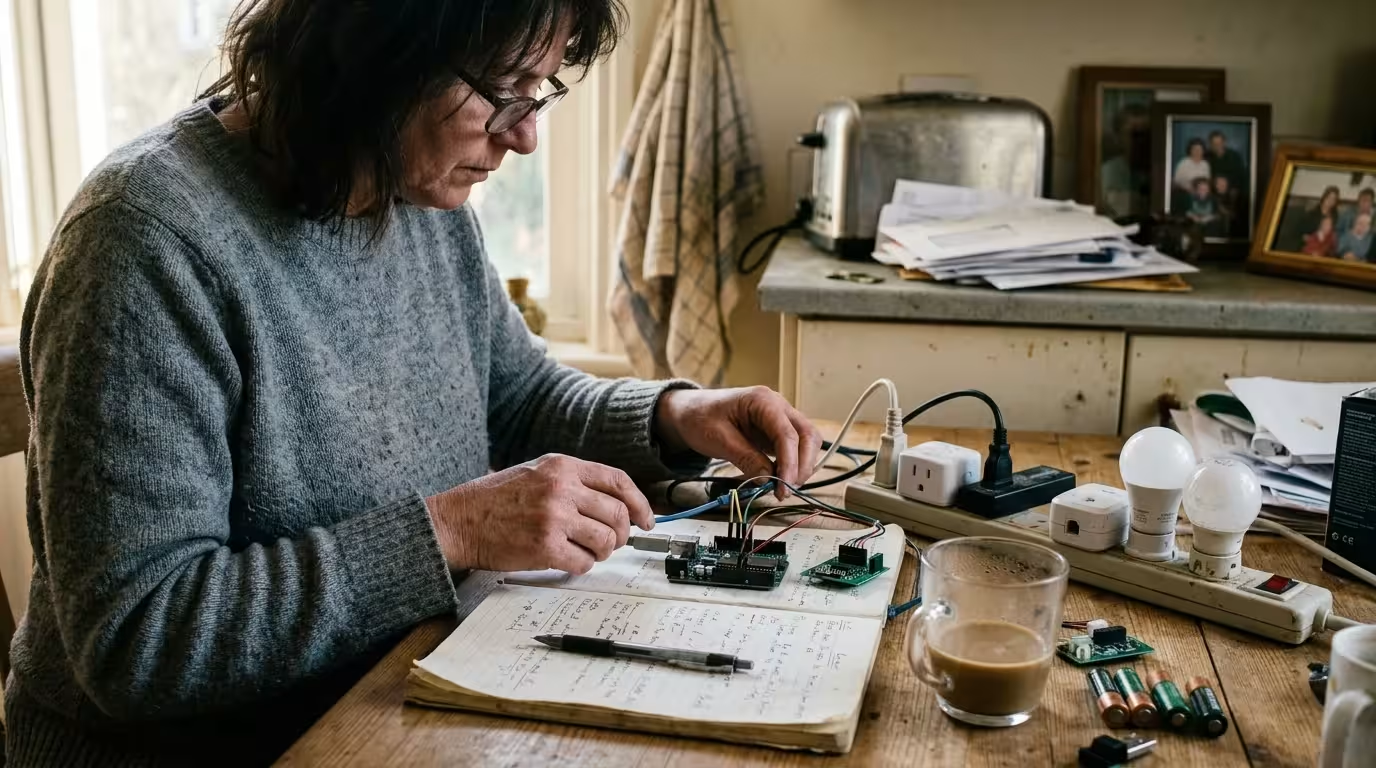
Universal Hubs for Orphaned Smart Home Adoption
To manage an inherited smart home effectively, you need an independent hub capable of communicating with multi-protocol hardware. The table below evaluates the four leading standalone control platforms suitable for adopting orphaned networks.
| Platform Option | Supported Mesh Radios | Local Radio Execution | Z-Wave Exclusion Support | Hardware Retail Price | Initial Setup Curve |
|---|---|---|---|---|---|
| Home Assistant Green with SkyConnect and Zooz 800 | Zigbee, Thread, Matter, Z-Wave (via stick) | 100% Fully Local | Yes (via Z-Wave JS UI) | $160.00 | Moderate (60-90 minutes) |
| Hubitat Elevation C-8 Pro | Zigbee 3.0, Z-Wave Plus v2, Matter | 100% Fully Local | Yes (native dashboard) | $179.95 | Low (30-45 minutes) |
| Homey Pro (Early 2023) | Zigbee, Z-Wave Plus, 433MHz, BLE, Matter | Local First (cloud optional) | Yes (native tool) | $399.00 | Low (20-30 minutes) |
| Aeotec Smart Home Hub | Zigbee 3.0, Z-Wave Plus, Thread | Partial Local (Cloud Dependent) | Yes (SmartThings app) | $134.99 | Low (20-30 minutes) |
For users who prioritize complete data privacy and continuous offline automation, Home Assistant Green and Hubitat Elevation offer the strongest local control features. Both options execute automations locally even when your home internet connection goes down.
The Hubitat Elevation C-8 Pro provides built-in radios with external antennas, making it an exceptional single-box choice for sprawling multi-story homes. Home Assistant Green offers unmatched customization and protocol bridging, accommodating virtually every legacy wireless device manufactured over the last decade.
Frequently Asked Questions
Can a previous owner still control my smart home devices remotely?
A seller can retain control only if the devices remain connected to their original cloud platform accounts or hubs. Once you perform network port scans, factory reset the physical radios, and pair the devices to your personal controller, all previous cloud links are permanently severed.
Do I have to open electrical boxes to reset inherited smart switches?
No, you rarely need to remove switches from the wall to clear their programming. Z-Wave switches accept exclusion commands via simple paddle clicks, while Zigbee switches reset through mechanical paddle holds or switch air-gap pull tabs.
What should I do if a Z-Wave switch fails to enter exclusion mode?
Move your Z-Wave controller within three feet of the stubborn switch to eliminate mesh transmission errors. If the device remains unresponsive, pull the switch’s bottom air-gap tab outward to interrupt power completely, wait ten seconds, and retry the exclusion command.
How can I identify unlabelled smart devices hidden in my ceiling?
Run an mDNS discovery command or an Nmap scan while toggling circuit breakers in specific rooms. When a previously active IP address vanishes from your scan list, you have identified the exact electrical breaker servicing that endpoint.
Disclaimer: This article is for informational purposes only. Smart home devices involve electrical connections and data privacy. Always follow manufacturer instructions for installation. For complex wiring or HVAC work, consult a licensed professional.

1 Comment