
Outfitting your 82-year-old parent’s living space for fall safety should never mean stripping away their personal dignity with video cameras. Privacy matters deeply, especially in vulnerable spaces like bedrooms and bathrooms.
Prioritizing smart home privacy allows families to safeguard vulnerable areas without compromising personal dignity or managing vulnerable video feeds.
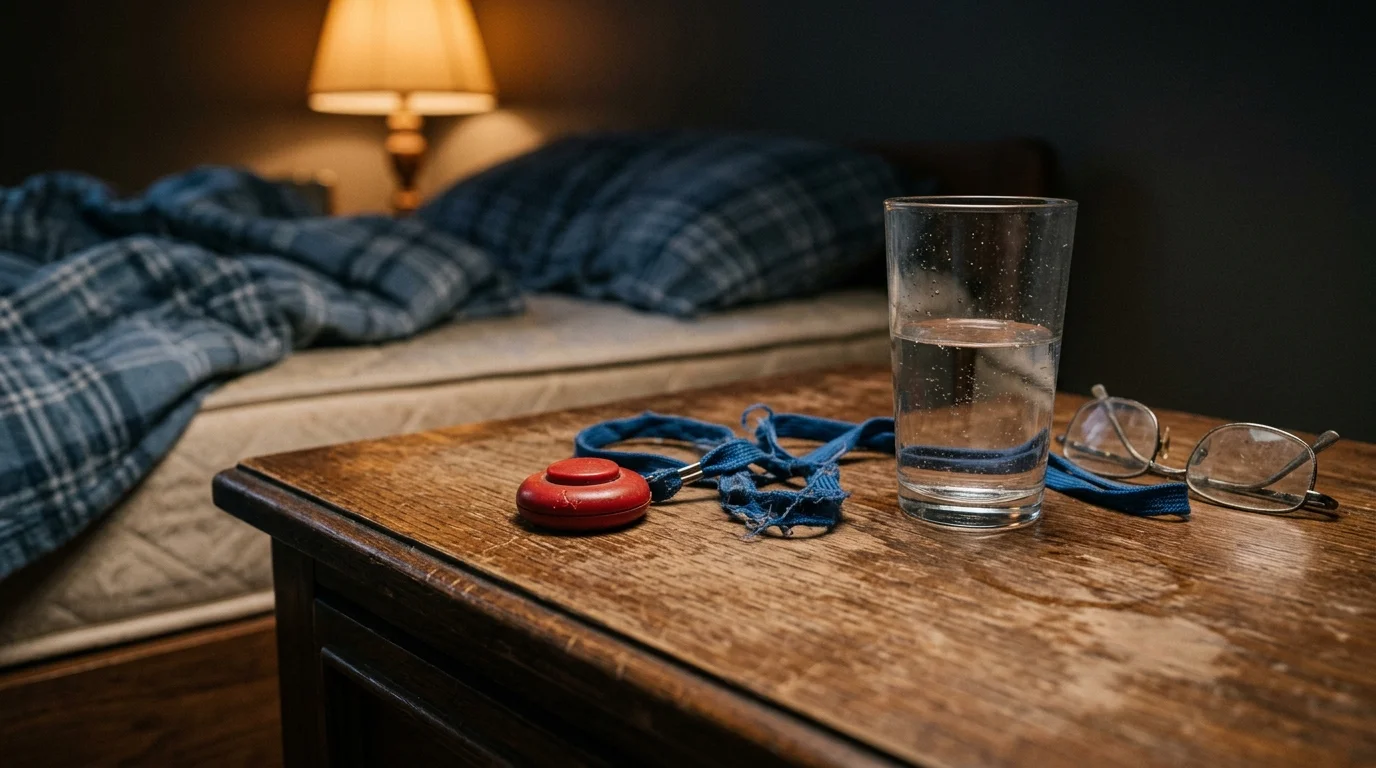
Emergency alert pendants fail because seniors frequently take them off before sleeping or showering. When an unexpected fall occurs, wearable buttons often sit out of reach on a bedside nightstand.
You can create an automated, invisible safety net by pairing 60GHz millimeter-wave radar with under-mattress pressure ribbons. This dual-layer approach detects sudden posture collapses and missed morning routines without capturing a single video frame.
Why Wearable Pendants and Indoor Cameras Fail Seniors
Data from the Centers for Disease Control and Prevention indicates that over 14 million older adults fall each year. Roughly one out of every five falls causes a severe injury, including traumatic head injuries or hip fractures.
Configuring a dedicated smart home emergency alert system ensures that sudden accidents notify designated caregivers immediately without requiring manual intervention from the senior.
Emergency department records reveal that indoor falls concentrate in specific private rooms. The bedroom accounts for 25.0% of falls, followed by stairs at 22.9%, and bathrooms at 22.7%.
Placing traditional cameras in bedrooms or bathrooms violates personal boundaries. Most aging parents outright refuse optical surveillance in areas where they change clothes, sleep, or bathe.
When adult children insist on camera installations, seniors often cover the lenses or disconnect power cords. This resistance leaves parents completely unprotected in the home’s most hazardous spaces.
Wearable emergency response pendants present a different critical vulnerability: compliance and activation. Prospective data from the Cambridge City over-75s Cohort (Fleming & Brayne, BMJ 2008, studying adults over 90) showed that in 80% of falls where alarm owners fell alone and could not get up, they did not activate their call alarms—even when wearing their pendants.
Seniors remove lanyards and wristbands before showering due to skin irritation or fear of water damage. They also take them off before bed because the hardware feels uncomfortable while lying down.
If an 82-year-old parent suffers a mechanical fall or syncopal episode while getting up at night, their pendant remains on the bedside table. Passive, ambient sensing eliminates human error by monitoring the environment rather than the person.
The Physics of 60GHz mmWave Radar vs. 24GHz Sensors
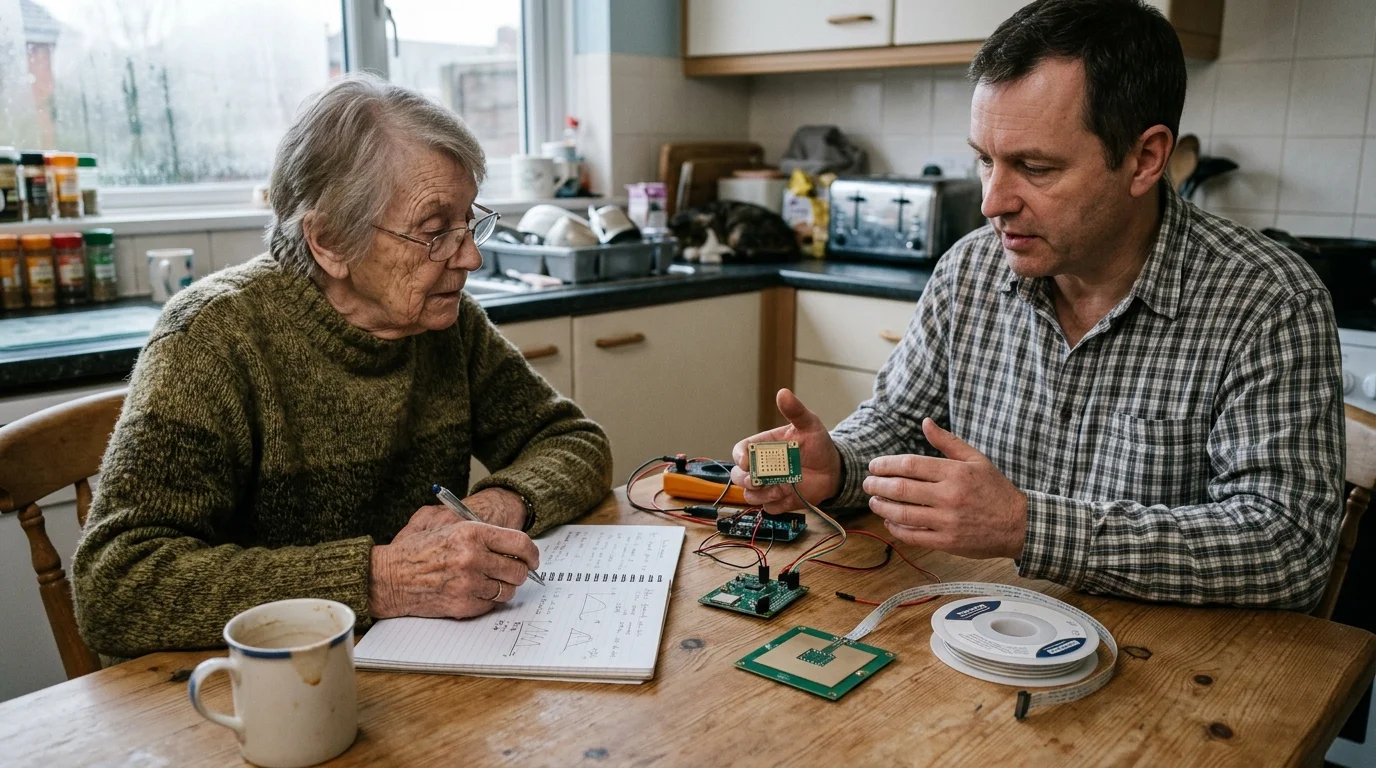
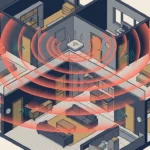
Millimeter-wave (mmWave) radar devices emit high-frequency radio waves and analyze the signals bouncing back from moving objects. These sensors measure the time-of-flight, Doppler shift, and phase shift to track targets in three-dimensional space.
These micro-Doppler spatial capabilities can also power broader accessibility upgrades, such as linking mmWave presence sensors to motorized cabinet lifts to assist individuals with reduced reach.
Older smart home presence sensors operate on the 24GHz narrow band. While 24GHz radar reliably detects gross room occupancy, it lacks the resolution needed for fall verification.
A 24GHz sensor typically operates with roughly 250 MHz of bandwidth. In contrast, 60GHz radar utilizes up to 4 GHz of unlicensed bandwidth within the 57 GHz to 64 GHz range.
Under Title 47 CFR § 15.255 of the FCC Part 15 rules, the FCC expanded operational flexibility for 60GHz field disturbance sensors. This regulatory approval enabled high-precision industrial radar to enter residential environments.
The shorter 5-millimeter wavelength of 60GHz radar provides roughly 16 times greater operational bandwidth than 24GHz hardware. This wide spectrum yields 2.5 times better velocity resolution and sharp range precision.
A 60GHz Frequency-Modulated Continuous Wave (FMCW) sensor generates a dense three-dimensional point cloud. The sensor algorithm converts these reflections into height, velocity, and posture vectors in real time.
When an individual stands, walks, sits, or drops, the 60GHz radar tracks their vertical elevation continuously. The system recognizes a rapid downward velocity followed by immediate horizontal stillness across floor level.
Beyond tracking elevation drops, 60GHz radar detects sub-centimeter biometric micro-movements. The sensor monitors chest cavity displacement, confirming respiratory movement even when a person lies entirely motionless on the rug.
Standard 24GHz sensors confuse oscillating fans, HVAC drafts, and moving curtains with human activity. A calibrated 60GHz radar isolates human spatial signatures, rejecting ambient environmental noise effectively.
Bed Telemetry: Pressure Ribbons and Floor Contact Mats
While 60GHz radar covers open floor plans, bed exits represent a high-risk transition requiring direct physical telemetry. Orthostatic hypotension often causes dizziness the moment an older adult swings their legs out of bed.
For households supporting seniors with memory impairments, pairing these bedroom pressure zones with zero-latency door open chimes provides instant notification if someone attempts to leave the home after dark.
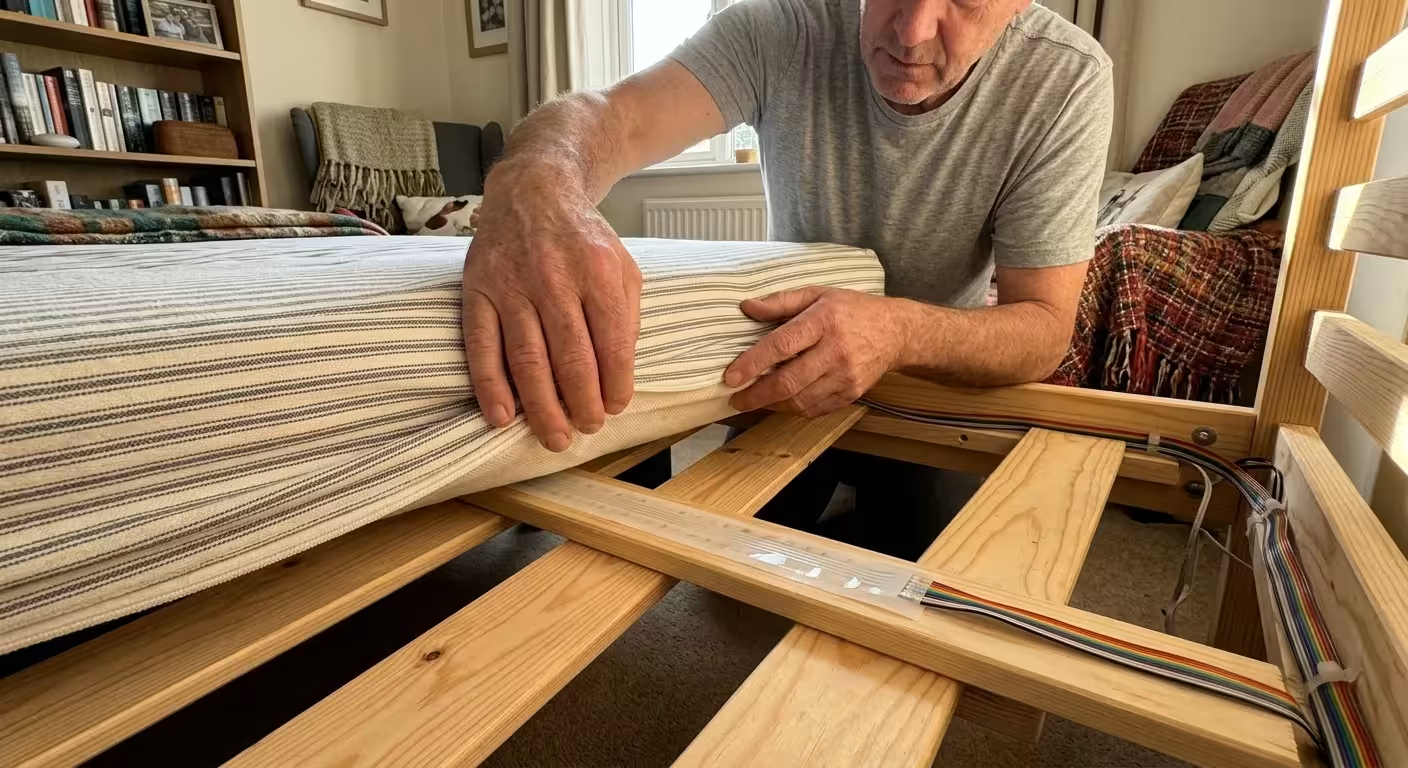
Under-mattress pressure ribbons use continuous piezoresistive or capacitive strips to measure weight distribution. You slide these thin ribbons directly beneath the mattress or between the mattress and a mattress topper.
Unlike wearable sleep trackers, an under-mattress pressure ribbon requires zero charging, pairing, or skin contact. The ribbon detects when your parent rests in bed, shifts to the edge, or exits entirely.
Low-voltage bedside floor contact mats complement the under-mattress ribbons. Placed beneath a runner rug alongside the bed, these pressure mats close an electrical contact the second weight touches the floor.
Pressure ribbons and contact switch pads retail between $30 and $70 for raw components. Packaged kits with dedicated RF transmitters and alert receivers generally cost between $100 and $160.
This physical telemetry establishes clear time boundaries for routine habits. If the pressure ribbon detects a bed exit at 2:15 AM, your smart automation can illuminate low-level path lighting automatically.
If the bed ribbon registers an exit but the bedside contact mat never triggers, your automation flags an irregular transition. This alert pattern pinpoints potential roll-outs where the parent fell off the opposite side of the mattress.

Comparison Table: Non-Invasive Sensor Technologies
Evaluating elder care sensors requires comparing physical performance metrics rather than subjective marketing claims. The table below outlines measurable operational attributes across standard non-invasive options.
| Sensor Technology | Sensing Mechanism | Latency to Fall Alert | Privacy Rating | False Trigger Vulnerability | Hardware Unit Cost |
|---|---|---|---|---|---|
| 60GHz FMCW Radar | 3D point-cloud trajectory and micro-Doppler chest movement | 5 to 15 seconds | High (lensless radio waves) | Low (rejects curtain and fan movement) | $45 – $250 |
| 24GHz mmWave Radar | Coarse Doppler shift and range displacement | Unreliable for falls | High (lensless radio waves) | High (HVAC drafts and pets trigger alerts) | $20 – $50 |
| Piezoresistive Pressure Ribbon | Continuous resistance change under physical load | Instant (< 1 second) | Absolute (no optical or spatial RF data) | Minimal (direct mechanical activation) | $35 – $70 |
| Bedside Floor Contact Mat | Binary mechanical switch closure | Instant (< 1 second) | Absolute (no optical or spatial RF data) | Low (requires direct foot pressure) | $30 – $60 |
| Active Push-Button Pendant | Manual button depression sending 433MHz/LTE signal | Indefinite (requires conscious user action) | High (no lenses) | Severe (device removed or out of reach) | $50 – $150 (plus monthly fees) |
Radar sensors provide wide spatial coverage throughout open rooms, while pressure hardware provides immediate contact confirmation. Combining these two distinct technologies builds a redundant safety net that single-device setups cannot match.
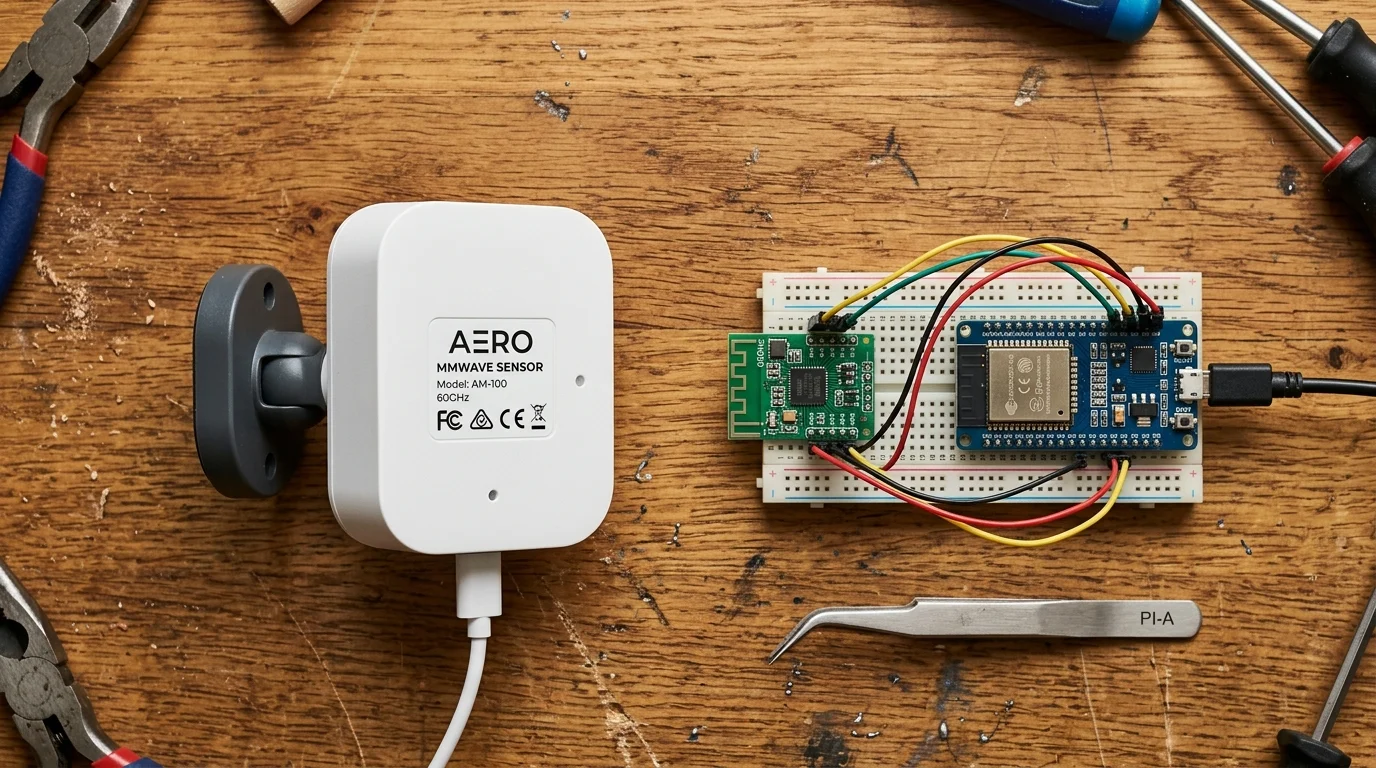
Hardware Breakdown: Turnkey Commercial vs. Local DIY Solutions
Selecting the right hardware depends on your technical comfort, budget, and time availability. You can choose between fully supported commercial appliances and fully local open-source systems.
In addition to radar monitoring, setting up voice control for elderly family members gives aging parents a secondary method to call for help verbally if they feel dizzy or immobilized.
Commercial 4D imaging radar units such as Vayyar Care previously retailed around $225–$250 for consumer pairing with Amazon’s Alexa Together before Amazon discontinued Alexa Together in June 2024; Vayyar Care is now primarily offered through enterprise senior-living and professional care platforms. For a consumer off-the-shelf option, the Aqara Presence Sensor FP2 supports a ceiling-mounted Falling Detection mode (recommended 2.8-meter ceiling height covering roughly a 2-meter radius), though enabling fall detection restricts features such as multi-person tracking and sleep monitoring, and Aqara states it is not a medical device and may miss slow tumbles or trigger false alerts.
Turnkey systems offer simple app-based onboarding and built-in dispatch features. However, professional monitoring services typically require an ongoing subscription fee of roughly $15 to $30 every month.
If you prefer local data ownership without monthly charges, open-source hardware provides exceptional capability. Devices built on the Matter smart home standard and local home automation hubs keep sensitive routines inside the parent’s house.
For DIY builders, Seeed Studio manufactures the MR60FDA1 and MR60FDA2 60GHz fall detection modules for $35 to $60. These compact boards run FMCW radar processing directly on an onboard microprocessor. Important safety notice: Hobbyist development boards such as the Seeed MR60FDA2 are not medical devices, life-safety equipment, or professionally monitored alarm systems; they provide supplemental smart-home notifications only and must not be relied upon as a substitute for clinical care or monitored emergency response.
According to hardware reviews on PCMag, modern smart home hardware increasingly favors decentralized processing to preserve bandwidth and privacy. Local processing guarantees that fall detection continues functioning even during external internet outages.
By wiring an MR60FDA2 module to an ESP32 microcontroller using UART serial communication, you stream binary presence (people_exist) and fall-detection (fall_detected) states directly into Home Assistant via ESPHome with zero cloud dependency.
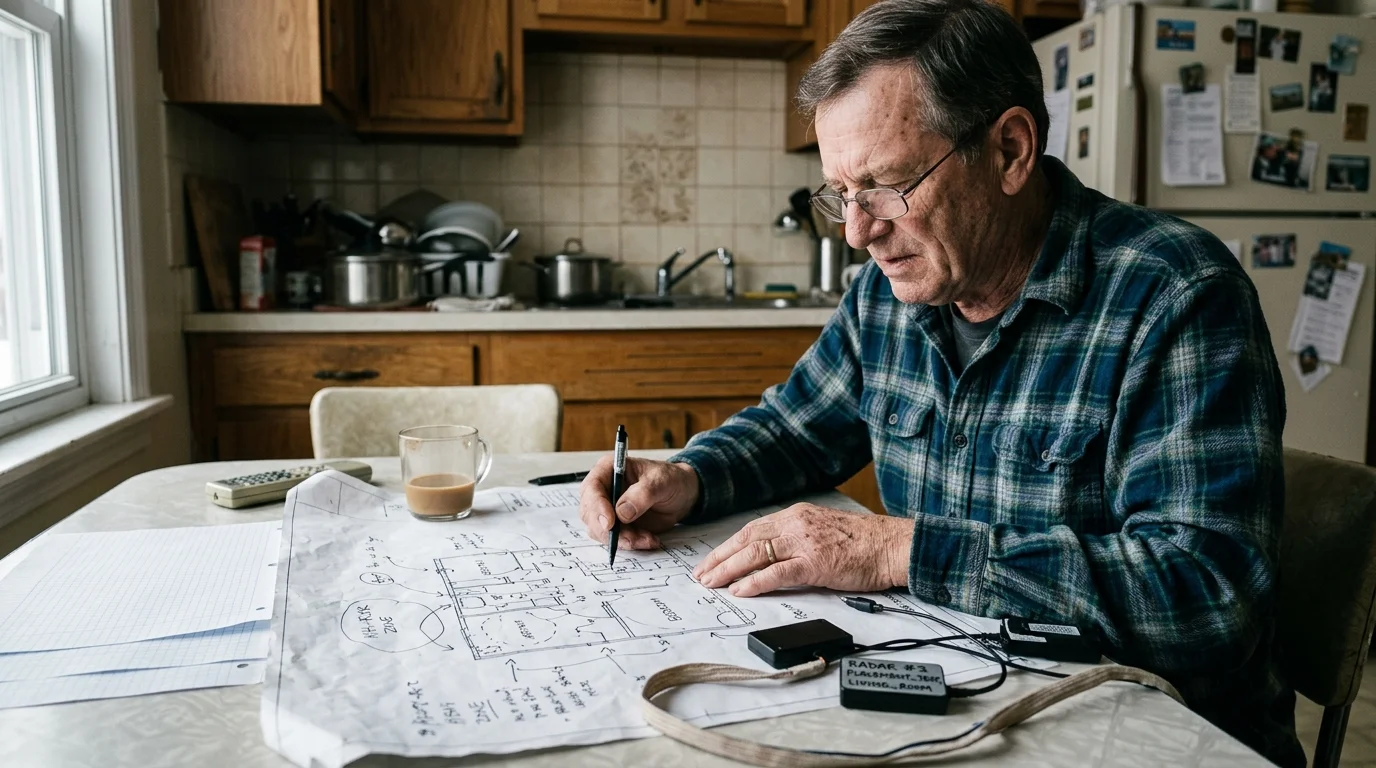
Sensor Layout and Placement Blueprint for High-Risk Zones
Achieving dependable fall detection requires exact sensor placement. Incorrect mounting angles produce blind spots behind furniture or false alarms caused by ceiling fixtures.
Because staircases are responsible for nearly a quarter of domestic fall injuries, installing cascading smart stair lighting helps eliminate blind shadows the moment someone begins navigating steps.
Because bathrooms represent a severe fall hazard with hard, slippery surfaces, prioritize this space first. Mount your 60GHz radar sensor on an interior wall directly opposite the shower or bathtub opening.
- Mount the bathroom radar between 1.4 and 1.6 meters above the floor.
- Angle the faceplate downward precisely 15 degrees toward the center of the room.
- Ensure the radar’s line of sight covers the toilet approach and the shower entrance.
- Verify the sensor enclosure maintains an IP65 moisture-resistance rating against steam.
- Keep the sensor beam clear of metal shower doors, which reflect millimeter waves.
Standard glass and plastic shower curtains do not block 60GHz radar signals. Radio waves pass through fabric and thin fiberglass, enabling the sensor to track an 82-year-old parent inside the stall.
In the bedroom, mount the radar sensor on a wall opposite the parent’s bed at a height of 1.8 to 2.2 meters. Point the sensor across the primary walking path toward the bedroom entry door.
- Position the radar to observe both sides of the bed without obstruction.
- Install the under-mattress pressure ribbon horizontally across the chest-to-hip zone.
- Place the secondary bedside floor mat beneath the walking rug where the parent places their feet.
- Add a narrow-beam passive infrared sensor on the baseboard to verify floor movement.
Keep the radar’s detection cone clear of large rotating ceiling fan blades. Metal fan blades create high-velocity Doppler noise that complicates the sensor’s tracking algorithms.

Worked Integration Scenario: Home Assistant Automation Logic and Budget
Consider this concrete deployment scenario designed for an 82-year-old mother living alone in an 850-square-foot residence. The goal is automated fall detection and bathroom transit monitoring without cameras or wearable buttons.
The hardware deployment for this setup includes four primary components. We deploy two radar units, one pressure ribbon, one contact interface, and a local server hub.
- Two Seeed Studio MR60FDA2 60GHz radar kits in custom wall enclosures: $110.00 total.
- One under-mattress piezoresistive pressure ribbon: $45.00.
- One dry-contact Zigbee wireless bridge for the pressure ribbon: $18.00.
- One Home Assistant Green hub with a Zigbee USB coordinator: $129.00.
- Total hardware expenditure: $302.00 with zero recurring monthly subscription fees.
The 60GHz radar computes fall kinematics internally and exposes binary presence (binary_sensor.people_exist) and fall-detection (binary_sensor.fall_detected) entities to Home Assistant over local Wi-Fi via ESPHome. The automation uses a verification timer to confirm emergencies while filtering out brief false triggers.
Once mounting height, height threshold, and sensitivity selects are configured in ESPHome, the primary Home Assistant automation triggers directly when the MR60FDA2’s binary_sensor.fall_detected entity turns ON. The automation executes using the following parameters:
- The radar registers a fall event condition on the bathroom or bedroom sensor.
- Home Assistant starts an internal 30-second verification timer.
- If
binary_sensor.fall_detectedturns OFF within 30 seconds, the system resets cleanly. - If the target remains on the floor after 45 seconds, the hub activates low-level ambient lighting to illuminate the floor.
- The hub immediately sends a critical push notification to the adult child’s smartphone with the message: “Fall detected: Bathroom floor stationary for 45 seconds.”
- If the child does not acknowledge the mobile alert within 90 seconds, the hub triggers an automated outgoing VoIP phone call to emergency contacts.
The pressure ribbon controls a nighttime routine timer. When the parent leaves the bed between 11:00 PM and 6:00 AM, the ribbon status changes from occupied to cleared.
This status change starts a 20-minute safety countdown. If the parent does not return to bed and the bathroom radar shows no ongoing motion, Home Assistant flags an abnormal routine and sends an alert.
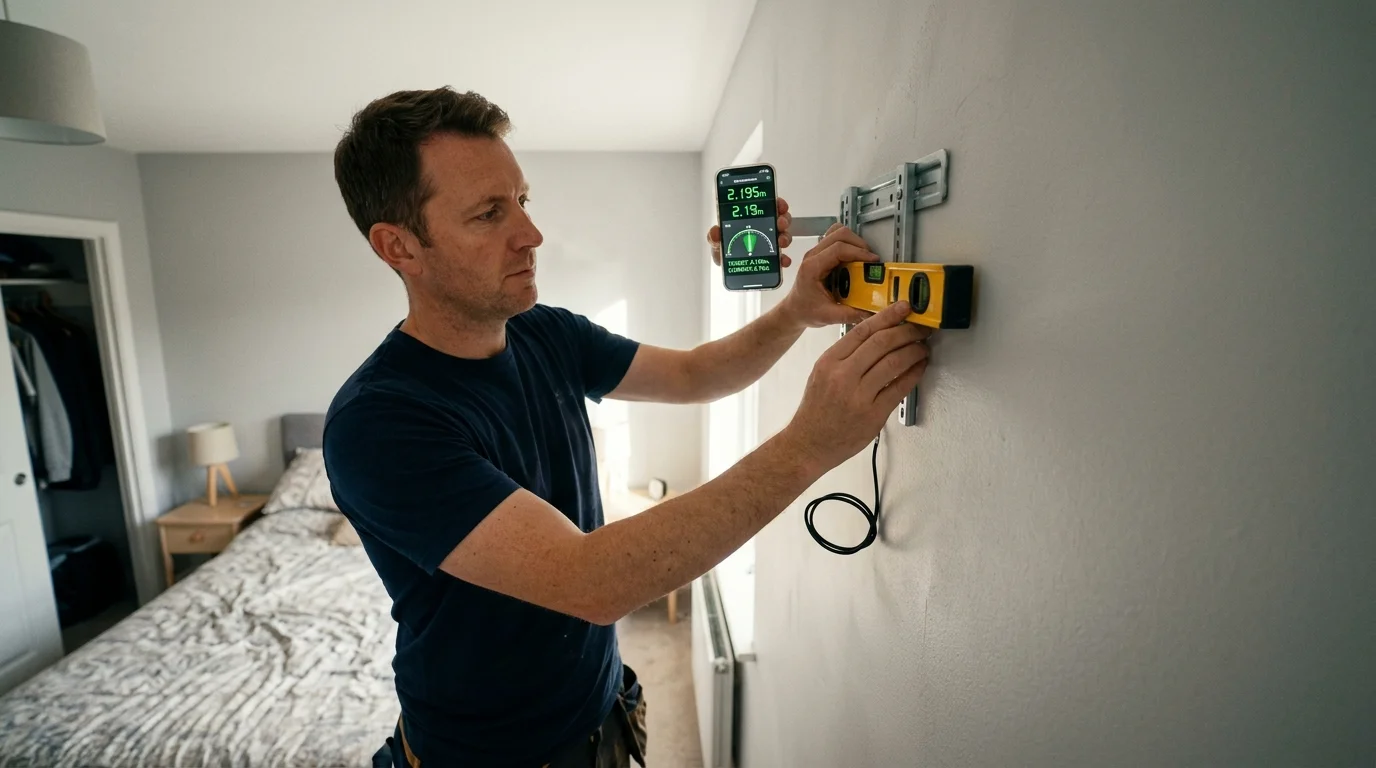
Step-by-Step Installation and Calibration Guide
Follow these practical steps to install and calibrate your camera-free safety grid. Take your time to test each physical zone before trusting the system with daily monitoring.
- Select your mounting location on a clean, solid wall surface away from heavy structural vibrations. Use mechanical anchors rather than adhesive strips to prevent sensor shifting over time.
- Secure the 60GHz radar sensor at your calculated height (1.5 meters for bathrooms, 2.0 meters for bedrooms). Tilt the face downward using the bracket’s degree markings to match your room dimensions.
- Position the pressure ribbon flat beneath the mattress at the level of the parent’s lower chest. Route the low-voltage wire along the back of the headboard, ensuring moving bed parts cannot pinch the cable.
- Connect the ribbon leads to your wireless transmitter module. Adjust the sensitivity potentiometer on the sensor board until it triggers consistently under mattress compression, but disengages when unoccupied.
- Power on your 60GHz radar unit and verify local data transmission in the ESPHome dashboard. Configure the mounting height, height threshold, and sensitivity selects, and verify that standard walking triggers
binary_sensor.people_existwithout triggeringbinary_sensor.fall_detected. - Establish exclusion zones in your radar software. Mask out air conditioning vents, oscillating fans, and window blinds that sway in drafts.
- Conduct calibration tests without putting your parent at risk. Drop a weighted 40-pound duffel bag onto the rug from standing height to verify
binary_sensor.fall_detectedtriggers reliably. - Lie completely motionless on the floor for 60 seconds to confirm the radar detects micro-breathing movements while maintaining its fall alert state.
- Configure secondary alert channels. Set up SMS notifications, local audio chimes on smart speakers, and automated emergency contact workflows.
Always inspect sensor wiring and power supplies periodically. Placing sensor power bricks on small uninterruptible power supplies (UPS) guarantees continuous monitoring during localized power glitches.
Frequently Asked Questions
Can 60GHz radar detect a fall through a shower curtain or glass door?
Yes, 60GHz millimeter waves easily penetrate standard vinyl curtains, fabric, and standard tempered glass shower enclosures. However, heavy metallic framing or dense tile walls reflect radar signals, requiring direct line-of-sight positioning toward the stall opening.
What happens to the monitoring system during an internet outage?
If you deploy a local smart home platform like Home Assistant, all radar tracking, fall detection algorithms, and in-home chimes operate entirely without internet access. Only off-site mobile alerts require an external connection, which you can back up using a cellular modem.
Will small pets trigger false fall alarms on mmWave radar sensors?
Calibrated 60GHz radar systems filter out common domestic pets by calculating target mass and height profiles. A cat or small dog moving beneath 0.4 meters does not generate the rapid vertical elevation drop characteristic of a falling adult human body.
How does an under-mattress pressure ribbon differ from a smart mattress pad?
Under-mattress pressure ribbons are simple, durable, industrial sensors designed specifically to measure presence and exit transitions under heavy physical loads. Smart mattress pads typically focus on biometric sleep stage tracking, cost significantly more, and often require subscription-based cloud services.
Disclaimer: This article is for informational purposes only. Smart home devices involve electrical connections and data privacy. Always follow manufacturer instructions for installation. For complex wiring or HVAC work, consult a licensed professional. Consumer smart-home sensors and DIY radar boards are not medical devices or monitored life-safety alarms and do not replace clinical care or emergency dispatch services.

1 Comment