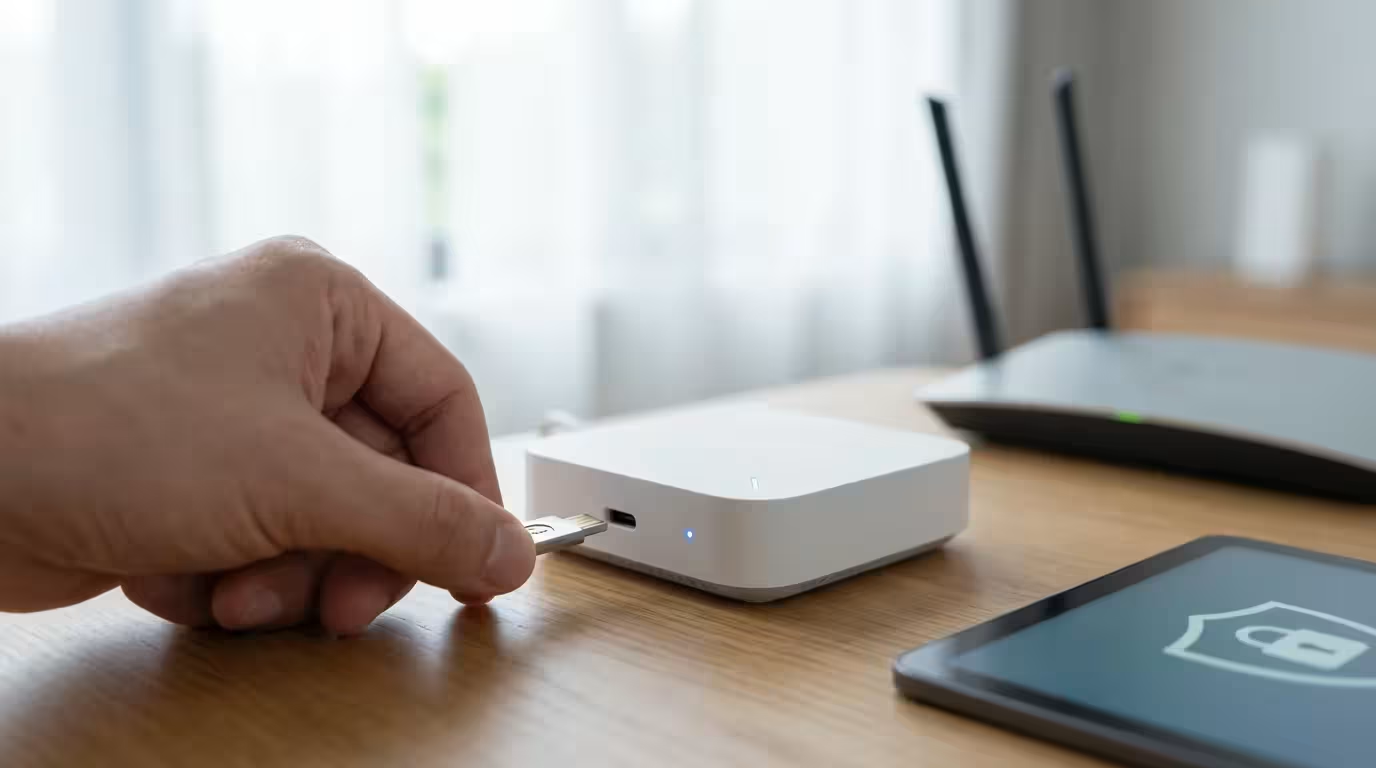
Your smart home offers incredible convenience, from lights that adjust to your schedule to thermostats that optimize energy use. However, connecting devices to your home network introduces potential risks. Protecting your smart home is not just about safeguarding your devices, it is about securing your personal data, privacy, and peace of mind. Cybercriminals constantly seek vulnerabilities, making robust smart home security an absolute necessity. You can take proactive steps to prevent unauthorized access and ensure your connected living space remains safe and private.
If you are new to automation, understanding where to start with a smart home can help you prioritize security from the beginning.
Understanding Smart Home Security Risks
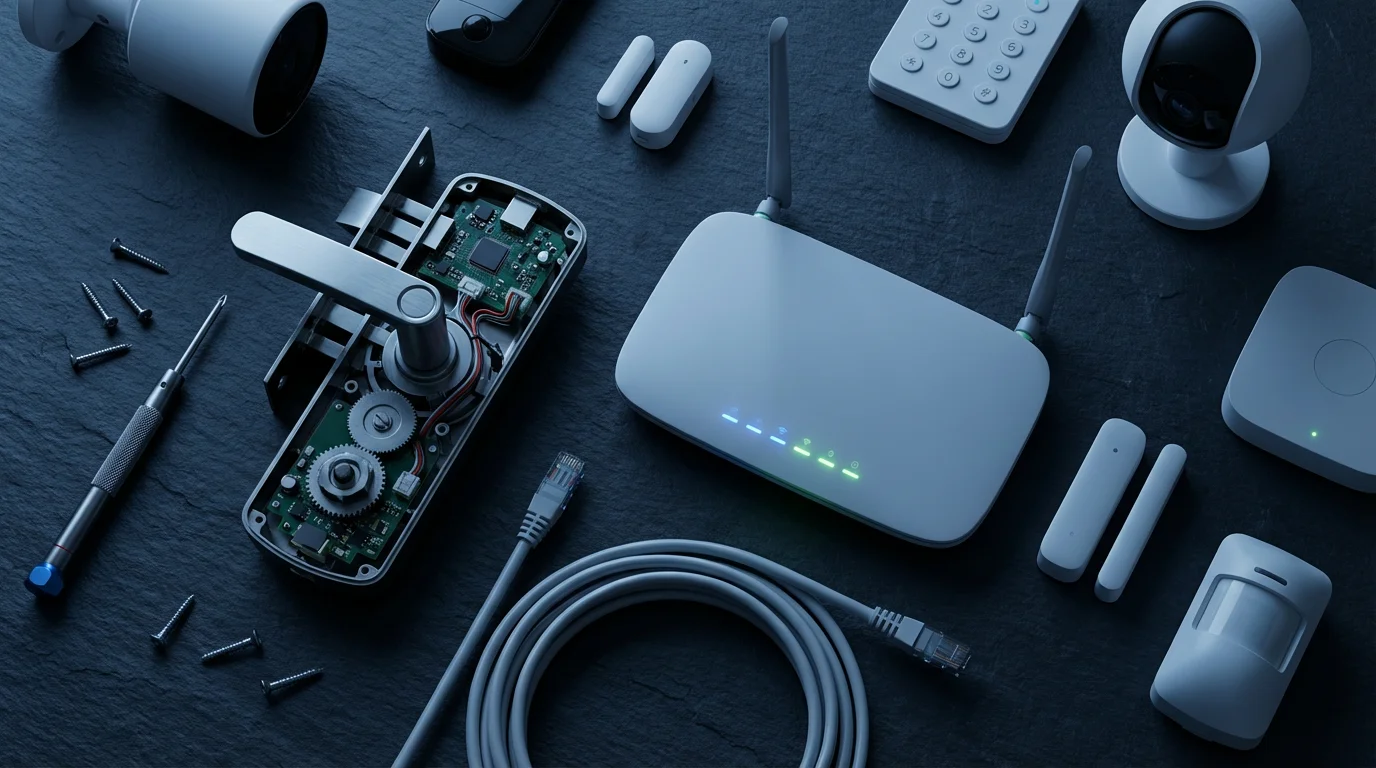
Smart homes operate by connecting various devices to your home network and the internet. Each connection point represents a potential entry for malicious actors. Understanding these common smart home security risks empowers you to implement effective device protection strategies.
Being aware of common smart home mistakes is the first step in building a resilient defense against hackers.
Cybersecurity threats typically fall into several categories. Weak passwords leave your devices vulnerable to brute-force attacks. Unpatched software can expose known exploits, allowing hackers to gain control. Phishing attempts trick you into revealing sensitive information, providing criminals direct access to your accounts.
Consider the potential impact of a breach. An unsecured smart lock could grant unauthorized entry to your home. Compromised security cameras might provide a live feed to strangers. Even smart lighting systems can be exploited to disrupt your home or serve as a gateway to other devices on your network. Your personal data, often collected by smart devices, becomes a target for theft and misuse.
Build a Strong Foundation: Network Security
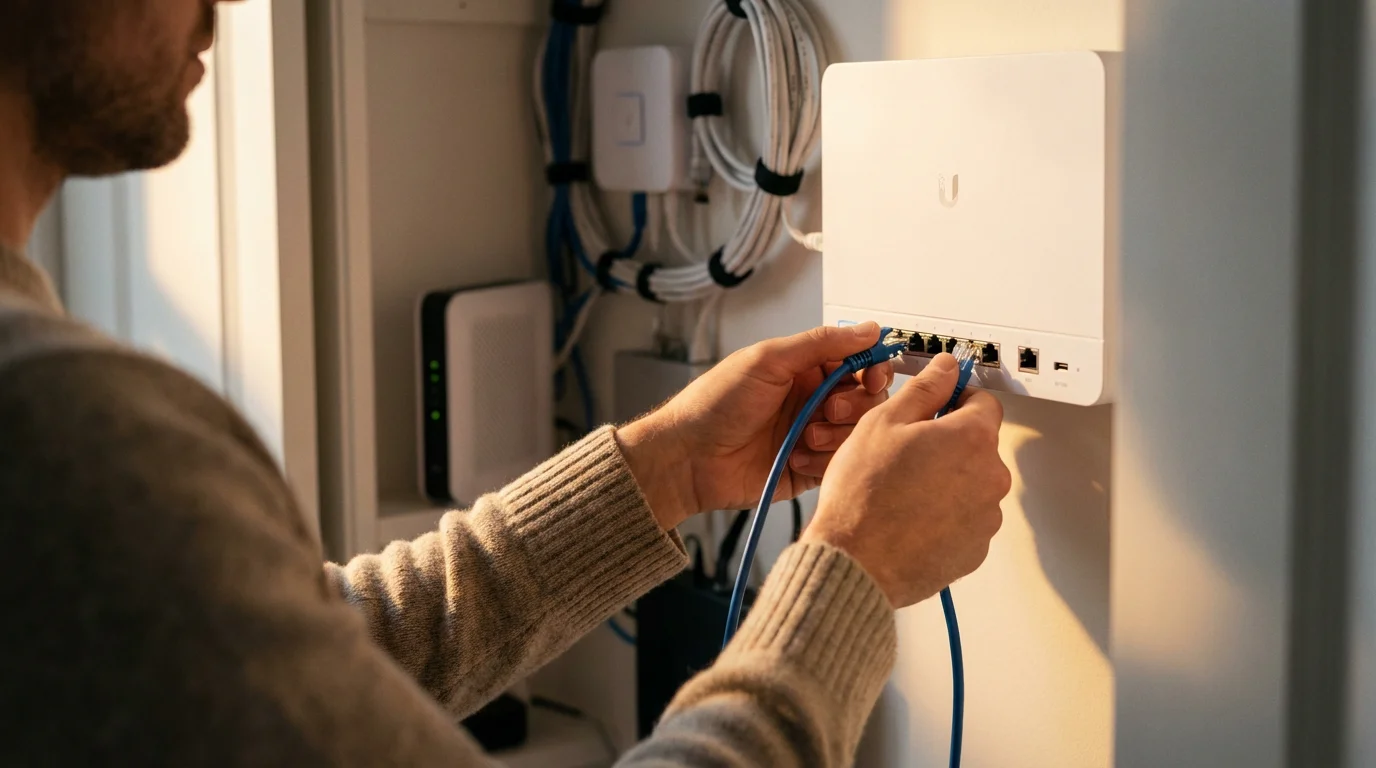
Your home network forms the backbone of your smart home. Securing this foundation is the most critical step in protecting your smart home devices from hackers. A robust network acts as the first line of defense against external threats.
Taking the time to focus on setting up your home WiFi properly ensures your router can handle the traffic from multiple IoT devices safely.
Begin with your Wi-Fi password. Change the default password immediately to a strong, unique phrase that combines uppercase and lowercase letters, numbers, and symbols. Avoid using easily guessable information like birthdays or street names. A complex password significantly raises the bar for unauthorized access.
Next, consider network segmentation. Many modern routers allow you to create a separate network, often called a guest network or a dedicated IoT (Internet of Things) network. Connect all your smart home devices to this isolated network, keeping them separate from your primary computers, phones, and sensitive data. If a smart device on the IoT network gets compromised, the attacker cannot easily access your main devices. According to a report by Consumer Reports, isolating smart devices can significantly improve your overall smart home security posture.
Regularly update your router’s firmware. Manufacturers frequently release updates to patch security vulnerabilities and improve performance. Treat these updates as essential, as outdated firmware presents a significant weak point in your cybersecurity defense. Access your router’s administration page, usually through a web browser, and check for available updates. Many routers now offer automatic updates, which you should enable.
Disable Universal Plug and Play (UPnP) on your router if you do not explicitly need it. UPnP automatically opens ports on your router, which can create security holes that hackers exploit to access your network. While convenient for some applications, the security risks often outweigh the benefits for smart homes.
Establishing a secure connection is the foundational requirement when learning how to set up a complete smart security system for your residence.
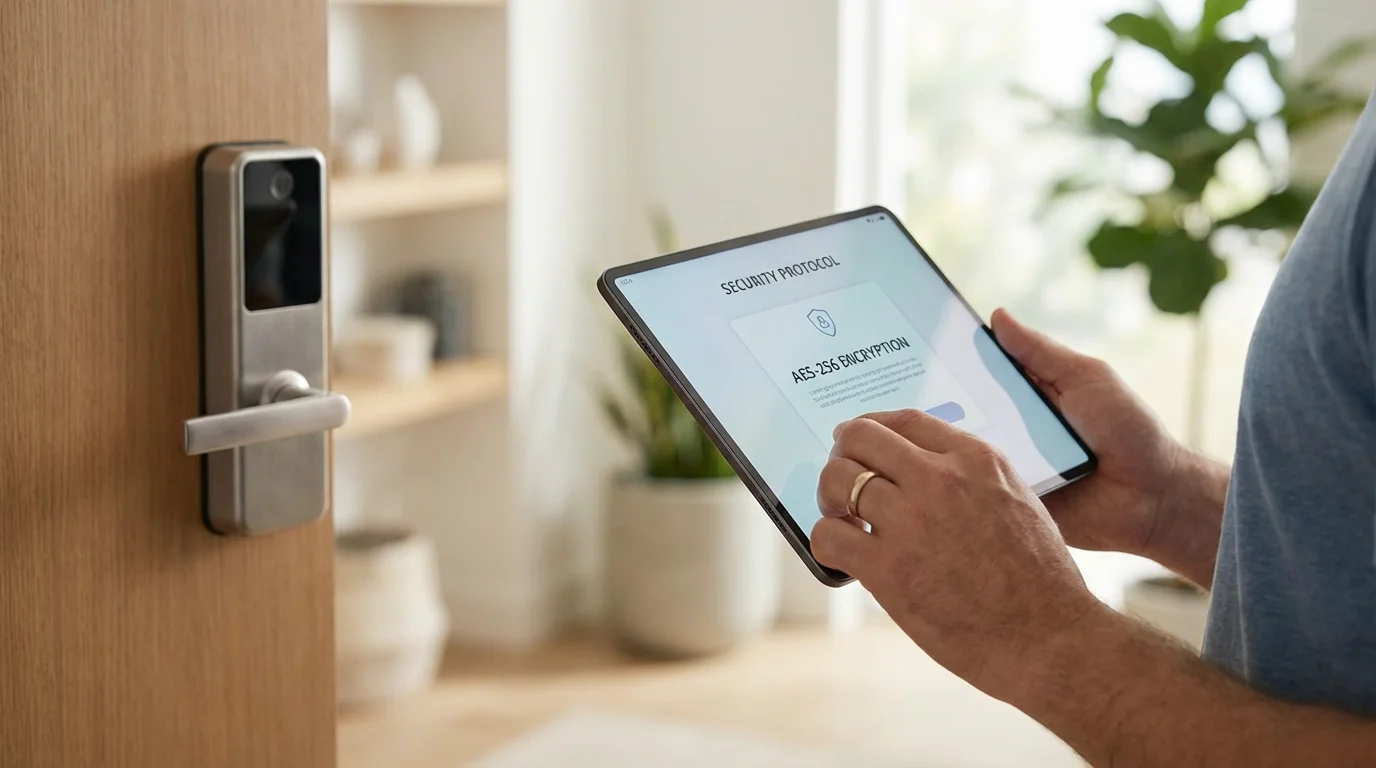
Fortify Your Devices: Essential Device Protection
After securing your network, turn your attention to the individual smart devices within your home. Each device requires specific attention to maintain strong smart home security. Apply a layered approach to device protection for comprehensive coverage.
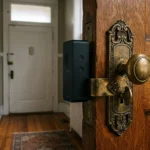
Smart Locks and Keyless Entry Systems
Smart locks offer unparalleled convenience, but their security is paramount. When setting up a smart lock, always change the default administrator password immediately. Choose a unique, strong password that differs from your Wi-Fi password. Enable multi-factor authentication (MFA) if your lock or its accompanying app supports it. This adds an extra layer of verification, often requiring a code from your phone in addition to your password. Regularly check the activity logs within your smart lock’s app. This allows you to monitor who accessed your home and when, quickly identifying any suspicious activity. For instance, if you see an unlock event when no one should be home, investigate immediately.
Video Doorbells and Security Cameras
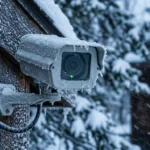
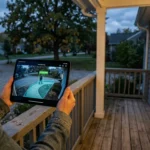
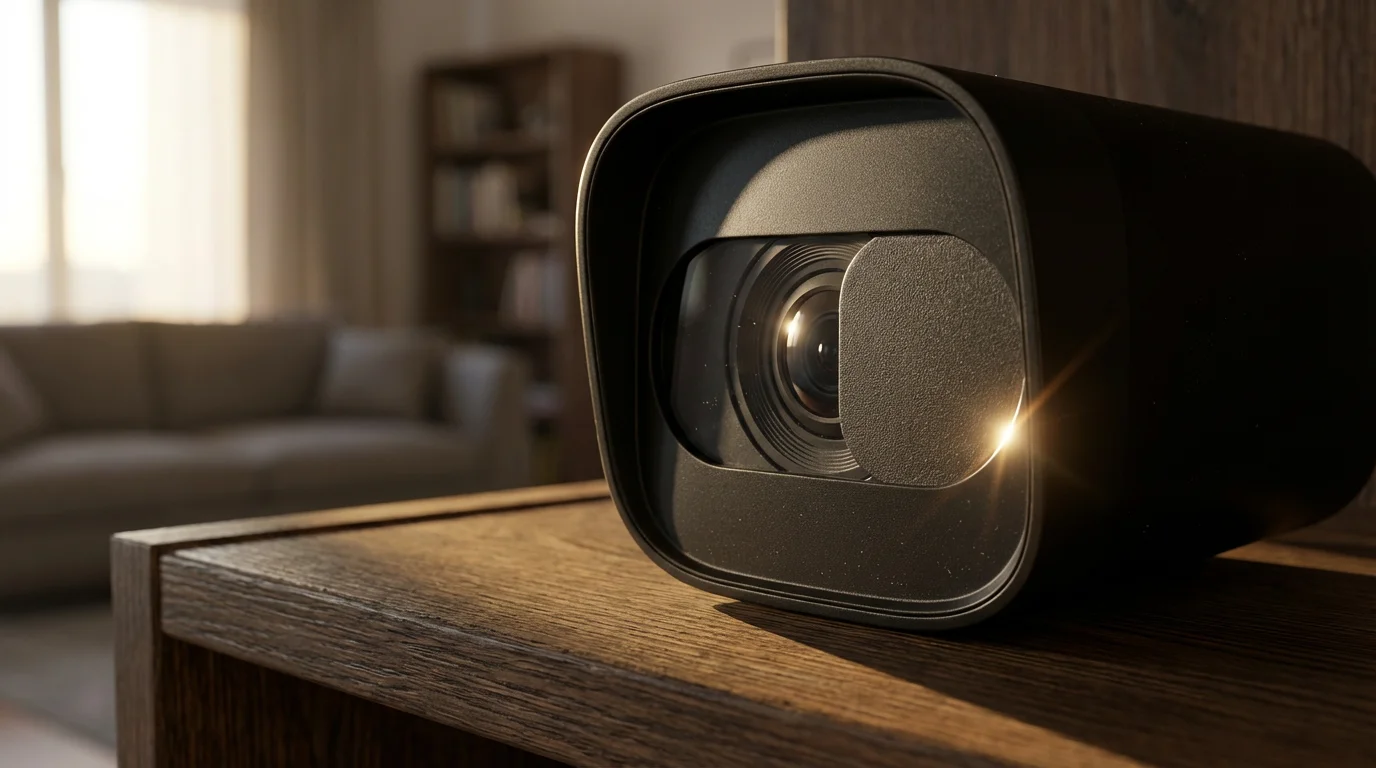
Video doorbells and security cameras are critical for monitoring your home, but they also present significant privacy considerations. Prioritize these smart home cybersecurity tips for your cameras. First, use strong, unique passwords for each camera and its associated cloud service. Enable multi-factor authentication without exception.
Understand the difference between cloud storage and local storage. Cloud storage offers convenience, allowing you to access footage from anywhere, but it relies on the provider’s security measures. Local storage, such as an SD card or network attached storage (NAS), keeps footage within your home, offering more privacy but potentially less accessibility. Many systems offer a hybrid approach, providing the best of both worlds. For robust cybersecurity, ensure your cloud service provider uses strong encryption for data in transit and at rest.
Carefully consider camera placement to maximize security while respecting privacy. Avoid pointing cameras directly into a neighbor’s yard or public areas unless absolutely necessary and legally permissible. Utilize privacy zones offered by many camera apps to black out sensitive areas. For example, you can mask out a neighbor’s window from your camera’s field of view.
Review app permissions for your camera systems. Limit access to only what is essential for the camera to function. Disable features you do not use, such as voice assistants, if they are not integral to your security strategy.
Motion Sensors and Window/Door Sensors
Motion sensors and window/door sensors typically have fewer direct cybersecurity vulnerabilities compared to cameras or locks. They usually communicate through a central hub using protocols like Zigbee or Z-Wave, which are often more secure than direct Wi-Fi connections. Ensure your smart home hub, which controls these sensors, has robust password protection and updated firmware. These sensors play a vital role in triggering alarms or automations, such as turning on lights when a door opens, so their reliability and connection to a secure hub are key.
Smart Security Systems and Professional Monitoring
A comprehensive smart security system integrates various devices into a single, managed platform. Choose a system that prioritizes encryption for all communication between devices and the central hub. Look for systems that offer multi-factor authentication for user accounts. If you opt for professional monitoring, verify the monitoring company’s cybersecurity practices. They handle your alarm data and access codes, making their security as important as your own. Many reputable providers, such as those reviewed by Wirecutter, undergo rigorous testing for their security protocols.
General Device Protection Practices
Apply these fundamental smart home cybersecurity tips across all your connected devices:
- Change Default Credentials: Immediately replace all default usernames and passwords with strong, unique combinations. Manufacturers often use easily guessable defaults.
- Enable Automatic Updates: Set devices to update their firmware automatically whenever possible. If not available, make a schedule to manually check for updates at least monthly.
- Review App Permissions: When installing smart device apps, scrutinize the permissions they request. Deny any permissions that seem unnecessary for the app’s core function.
- Disable Unused Features: Turn off features you do not use on your smart devices, such as remote access if you only control devices locally. Each enabled feature can introduce a potential vulnerability.
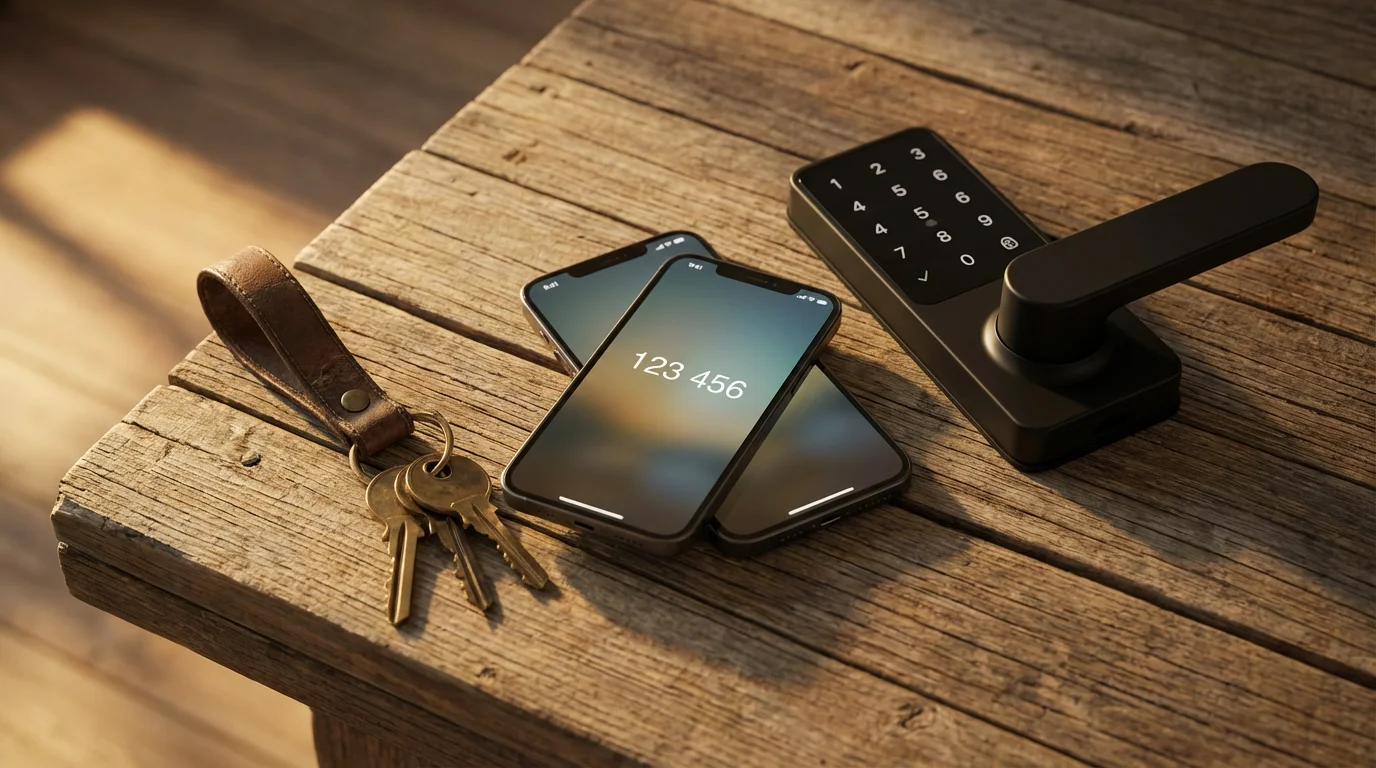
Implement Multi-Factor Authentication Everywhere
Multi-factor authentication (MFA) is one of the most effective smart home security measures you can implement. MFA requires you to provide two or more verification factors to gain access to an account, even if a hacker has your password. This dramatically reduces the risk of unauthorized access.
Common forms of MFA include:
- Something you know: Your password.
- Something you have: A code sent to your phone, a biometric scan like a fingerprint, or a hardware security key.
- Something you are: A fingerprint or facial scan.
For example, after entering your password for your smart security system, you might also need to enter a six-digit code generated by an authenticator app on your smartphone. Even if a hacker obtains your password, they cannot access your account without your phone. Prioritize enabling MFA for your smart home hub, smart lock apps, security camera apps, and any other critical smart home services. This simple step provides a robust layer of device protection.
Master Your Privacy Settings
Privacy is an integral component of smart home security. Your smart devices collect vast amounts of data, from your daily routines to audio and video recordings. Understanding and managing these privacy settings is crucial for protecting your personal information.
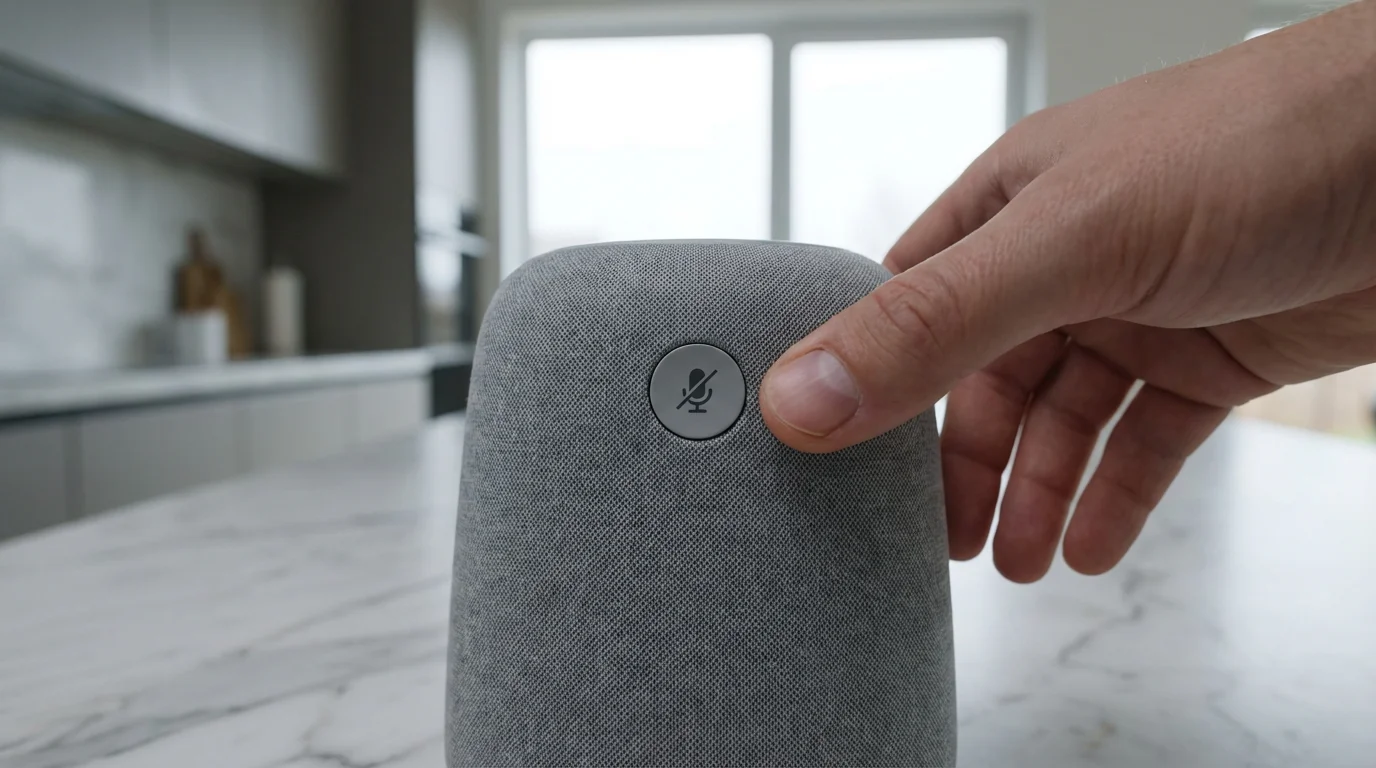
Specifically, review the privacy settings for your smart speaker to ensure voice recordings are not being stored unnecessarily.
Begin by thoroughly reviewing the privacy policies and terms of service for each smart device and its accompanying application. Understand what data the device collects, how it uses that data, and whether it shares information with third parties. Many companies offer granular control over data collection within their app settings.
For smart cameras and video doorbells, utilize features like privacy zones and scheduling. Privacy zones allow you to define areas within the camera’s field of view that the camera will not record or transmit. For example, you can configure your outdoor camera to ignore your neighbor’s property. Scheduling features let you activate or deactivate cameras based on your home and away routines, preventing unnecessary recording when you are present.
Be mindful of smart speakers and devices with always-on microphones. Many devices record and transmit snippets of audio to cloud servers for processing. Review your settings to control how much audio data these devices store and for how long. Disable the microphone entirely when not in use if privacy is a major concern. Regularly delete voice recordings stored in the cloud, if the option is available.
Your smartphone’s operating system also plays a role in smart home privacy. Review app permissions on your phone, limiting access to your location, microphone, camera, and contacts for smart home apps only when absolutely necessary.

Maintain Your Smart Home’s Security Over Time
Smart home security is not a one-time setup; it requires ongoing vigilance and maintenance. Proactive monitoring ensures your device protection remains effective against evolving threats. Regularly checking your system helps identify potential issues before they become serious vulnerabilities.
Here are key maintenance practices for robust smart home cybersecurity:
- Perform Regular Firmware and Software Updates: Create a schedule to check for and install updates for all your smart devices, hubs, and router. Manufacturers frequently release patches to address newly discovered vulnerabilities. Outdated software is a common target for hackers.
- Monitor Activity Logs: Many smart home devices and hubs provide activity logs. Periodically review these logs for unusual patterns or unauthorized access attempts. For example, a log showing a smart lock being accessed late at night when no one is home warrants immediate investigation.
- Conduct Periodic Security Audits: Every few months, take stock of all your smart devices. Verify strong, unique passwords are still in place. Confirm MFA is enabled. Check your router settings for any unexpected changes. Consider it a digital spring cleaning for your home network.
- Secure Device Disposal: When you replace or dispose of a smart device, perform a factory reset to wipe all personal data. Simply deleting the app is insufficient. For devices with internal storage, follow manufacturer instructions for complete data erasure. This prevents your personal information from falling into the wrong hands.
Consistent maintenance helps you protect smart home devices from hackers effectively. It ensures your security measures keep pace with new threats and technologies.
When to Call a Professional for Smart Home Security
While many smart home security measures are manageable for homeowners, certain situations benefit from expert assistance. Knowing when to call a professional ensures complex installations or advanced security setups are handled correctly and safely.
You might consider professional help for:
- Complex Network Configurations: Setting up advanced network segmentation, virtual local area networks (VLANs), or specialized firewalls can be intricate. A cybersecurity professional can configure these to optimize your smart home’s device protection without disrupting your internet access.
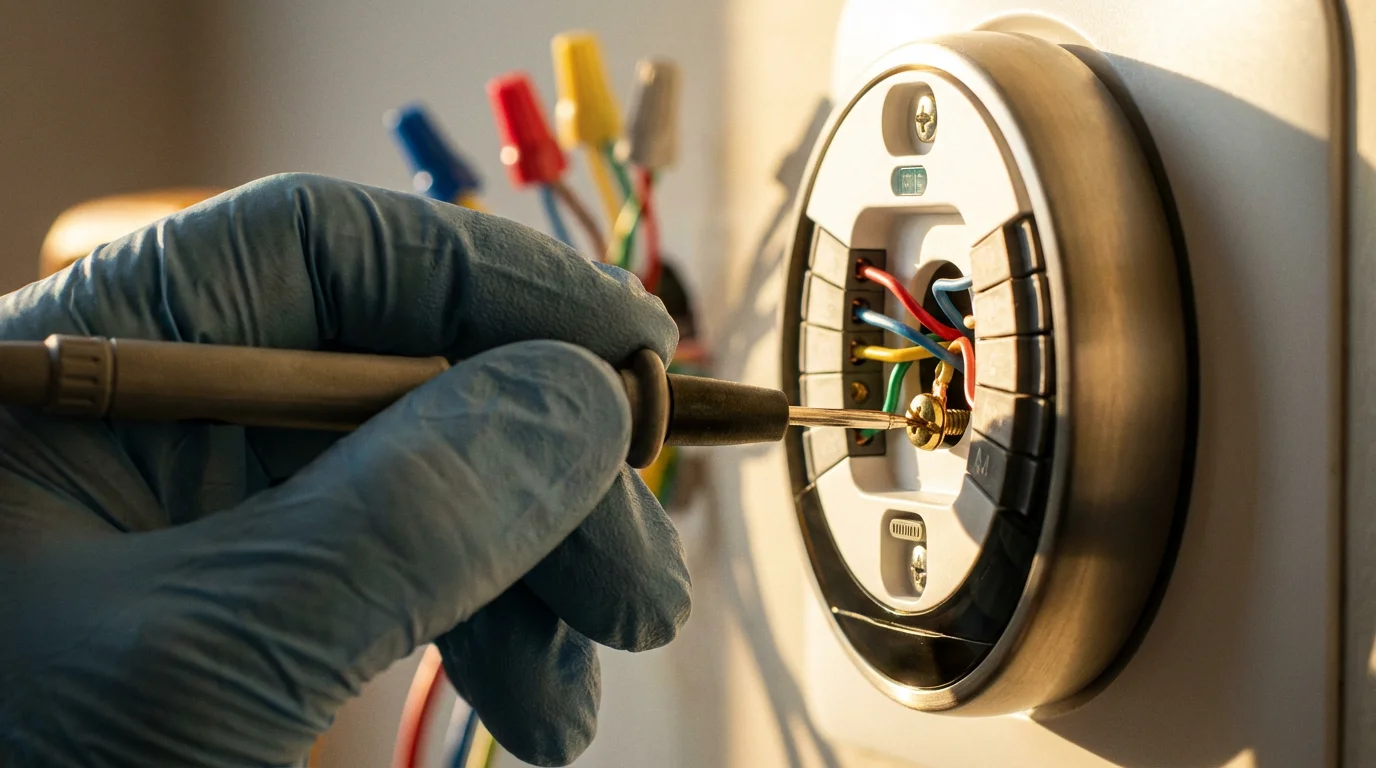
- Wired Security System Installations: While wireless devices are popular, some robust security systems involve hardwired components. An electrician or a licensed security installer ensures correct and safe wiring, preventing electrical hazards and ensuring reliable operation.
- Integrating Diverse Smart Home Ecosystems: If you use devices from multiple manufacturers that struggle to communicate, a smart home integrator can help create a unified, secure system. They can bridge compatibility gaps and ensure all devices work together seamlessly and securely.
- Advanced Threat Assessment: If you suspect a breach, or want a comprehensive assessment of your smart home’s vulnerabilities, a cybersecurity expert can perform an audit. They identify weaknesses and recommend specific smart home cybersecurity tips tailored to your unique setup.
Professionals bring specialized knowledge and tools. They ensure your smart home is not only convenient but also inherently secure against sophisticated threats.
Frequently Asked Questions
What is the most important step for smart home security?
The most important step is to use strong, unique passwords for every device and your Wi-Fi network, and to enable multi-factor authentication (MFA) wherever possible. This provides the strongest barrier against unauthorized access to your accounts and devices.
Can my smart home devices be hacked through Wi-Fi?
Yes, smart home devices can be hacked through Wi-Fi if your network is not secure, if devices have weak passwords, or if their software is outdated. A compromised Wi-Fi network acts as a gateway for hackers to access all connected devices.
Should I create a separate Wi-Fi network for my smart devices?
Yes, creating a separate Wi-Fi network, often called an IoT network or guest network, for your smart devices is a highly recommended smart home cybersecurity tip. This isolates your smart devices from your main computers and phones, limiting a hacker’s access to your entire network if one smart device is compromised.
How often should I update my smart home device’s software?
You should update your smart home device’s software and firmware as soon as updates become available. Many devices offer automatic updates, which you should enable. If not, make it a habit to check for updates monthly. These updates often contain critical security patches.
Securing your smart home from hackers might seem daunting, but it is entirely achievable with consistent effort and practical strategies. By focusing on strong network security, individual device protection, multi-factor authentication, and diligent privacy management, you build a resilient smart home environment. These smart home cybersecurity tips provide you with the framework to enjoy the convenience of your connected devices without sacrificing your safety or privacy. Your proactive approach ensures your intelligent living space remains a source of comfort and control, not vulnerability.
Disclaimer: This article is for informational purposes only. Smart home devices involve electrical connections and data privacy. Always follow manufacturer instructions for installation. For complex wiring or HVAC work, consult a licensed professional.
Safety extends beyond cybersecurity; integrating smart smoke and CO detectors ensures your connected home is also protected from physical hazards.