You do not need a massive budget or a professional installer to transform your living space into a connected, intelligent home. While high-end automation systems can cost thousands, the modern smart home market is flooded with high-quality, reliable devices that cost less than a nice dinner out. Building a budget smart home is entirely possible if you focus on value, compatibility, and starting with the essentials.
Before you start shopping, it is helpful to understand common smart home mistakes beginners should avoid to get the most value for your money.
Whether you want to control your lights from your phone, keep an eye on your pets while you are at work, or simply ask a voice assistant to play your morning playlist, you can achieve it all with affordable gear. This guide focuses on the best entry-level devices that deliver maximum functionality without breaking the bank.

Smart Speakers: The Affordable Command Center
The smartest way to start your automation journey is with a voice assistant. These small speakers act as the central brain of your ecosystem, allowing you to control other devices with simple voice commands. Fortunately, the entry-level models from major tech giants are priced aggressively, often dipping well below $50 during sales.
When you choose a smart speaker, you are essentially choosing your “ecosystem.” This choice dictates which app you will use to manage your home and which devices will work seamlessly together.
- Amazon Echo Dot: This device connects you to Alexa. It is widely compatible with thousands of third-party devices and offers excellent voice recognition. Alexa is generally considered the most versatile platform for smart home control.
- Google Nest Mini: If you rely heavily on Google services like Calendar, Gmail, or Android, this is likely your best bet. Google Assistant excels at answering questions and context-aware queries.
- Apple HomePod mini: While typically priced over $50, it is the entry point for HomeKit. If you are strictly an Apple user, you might want to wait for a sale or look for refurbished units to stay near your budget, though the Echo and Nest are the true budget champions here.
Beyond controlling devices, these speakers provide immense standalone value. You can use them as intercoms to broadcast messages to the family, set kitchen timers hands-free, or listen to news briefings while you get ready for work. They prove that a cheap smart home device can still be incredibly powerful.
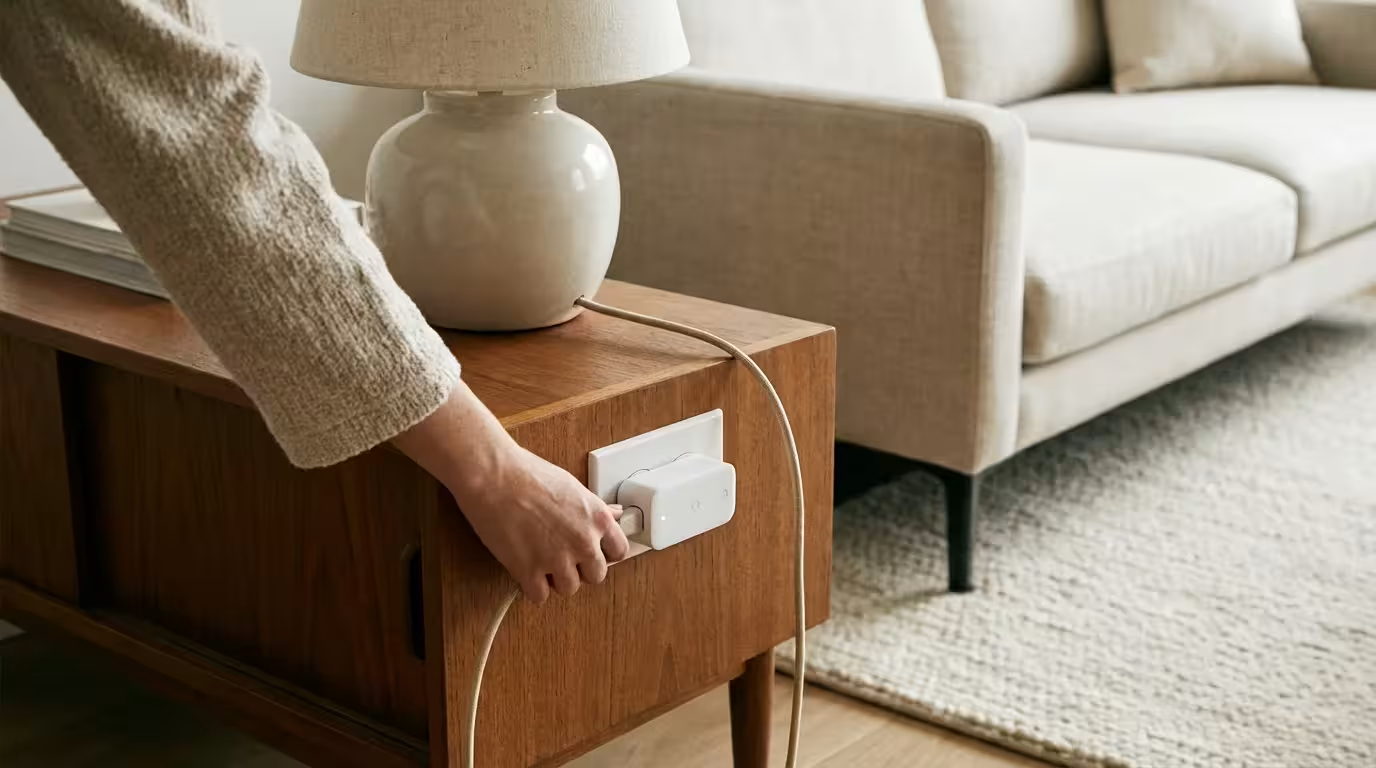
Smart Plugs: Instant Automation for “Dumb” Appliances
If you want the highest return on investment for your smart home, start with smart plugs. These simple adapters plug into your existing wall outlets, and you plug your standard appliances—lamps, fans, coffee makers—into them. Instantly, you gain the ability to turn that device on or off via an app or voice command.
For those living in apartments, these are among the most popular smart home devices for renters because they require no permanent installation.
Smart plugs are the ultimate budget smart home tool because they breathe new life into electronics you already own. You do not need to buy a $300 smart coffee maker; a $10 smart plug and a standard coffee pot with a physical switch will achieve nearly the same result.
Top Uses for Budget Smart Plugs
- Lamp Control: Schedule living room lamps to turn on at sunset so you never walk into a dark house.
- Energy Monitoring: Some budget plugs, like those from Kasa or Wyze, monitor energy usage, helping you identify power-hungry appliances.
- Safety Shut-off: Plug your curling iron or space heater into a smart plug. If you leave the house and panic about leaving it on, you can check the app and cut the power remotely.
- Hard-to-Reach Outlets: Use a smart plug for holiday lights or electronics behind heavy furniture so you never have to crawl around to unplug them.
Look for plugs that connect directly to Wi-Fi. This avoids the need for a separate hub, keeping your costs low. Brands like TP-Link Kasa, Wyze, and Meross offer highly rated multi-packs that can bring the cost down to roughly $7–$10 per plug.

Smart Lighting: Intelligent Ambiance on a Budget
Lighting control is often the “wow” factor that convinces people to invest in home automation. While premium systems like Philips Hue are fantastic, they are expensive and often require a hub. For a smart home under $50, you should look at Wi-Fi-based smart bulbs.
If you want to keep costs to an absolute minimum, you can find several of the best smart bulbs under $15 that offer high performance for a low price.
These bulbs screw into your existing fixtures and connect directly to your router. You can dim them, change their warmth (color temperature), or even change their colors, all without installing dimmer switches.
Key Features to Look For
- Tunable White: Many budget bulbs allow you to adjust the white light from cool (energizing daylight) to warm (relaxing amber). This is excellent for circadian rhythm regulation.
- Dimmability: Smart bulbs dim internally. You do not need a dimmer switch on the wall. in fact, standard dimmer switches can actually damage smart bulbs.
- Scheduling: Set your bedroom lights to slowly brighten over 20 minutes in the morning for a gentle wake-up call.
Wyze Bulbs, Sengled Wi-Fi bulbs, and Philips WiZ are standout options in the budget category. A standard white tunable bulb from these brands can cost as little as $8 to $12. For under $50, you could easily equip a bedroom and living room with smart lighting.
Security Cameras: Peace of Mind for Less
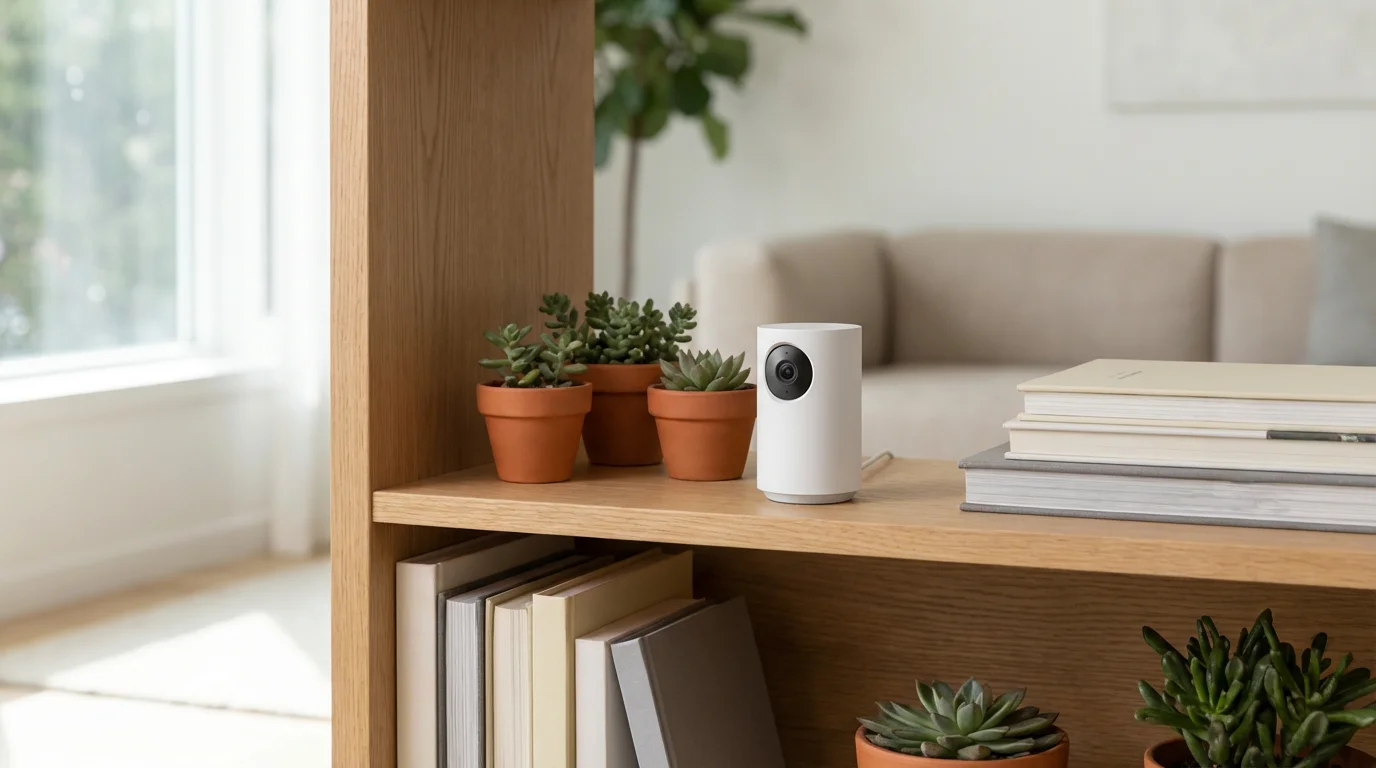
Home security used to require expensive contracts and professional wiring. Today, high-definition smart cameras are incredibly affordable. You can monitor your home, receive motion alerts, and even speak to visitors through two-way audio for a fraction of the cost of traditional systems.
The Wyze Cam series and the Blink Mini are industry leaders in the sub-$50 category. These cameras pack features that rival much more expensive competitors, including night vision, motion detection zones, and integration with Alexa and Google Assistant.
Where to Place Budget Cameras
- Entryways: Point a camera at your front door or back window to monitor reliable entry points.
- Main Living Areas: A centrally placed camera can help you keep an eye on pets or ensure the kids got home safely from school.
- Garage: Monitor your garage door to ensure it was closed after you left for work.
Keep in mind that while the hardware is cheap, some companies charge subscription fees for cloud storage and advanced detection features (like distinguishing between a person and a pet). However, many offer local storage options via a microSD card, allowing you to avoid monthly fees entirely.

Streaming Media Sticks: Smarter Entertainment
A smart home isn’t just about utilities; it is also about entertainment. If you are still using a basic cable box or an older “dumb” TV, a streaming media stick is a massive upgrade for under $50. Devices like the Amazon Fire TV Stick, Roku Express, or Google Chromecast with Google TV plug into your TV’s HDMI port and connect it to the internet.
These devices often come with voice remotes. You can press a button and say, “Find action movies with Brad Pitt,” or “Open Netflix.” If you have a smart speaker, you can link it to the streaming stick for hands-free control. You can walk into the room and say, “Turn on the TV and play YouTube,” and the system handles the rest.
Sensors and Buttons: The Hidden Triggers
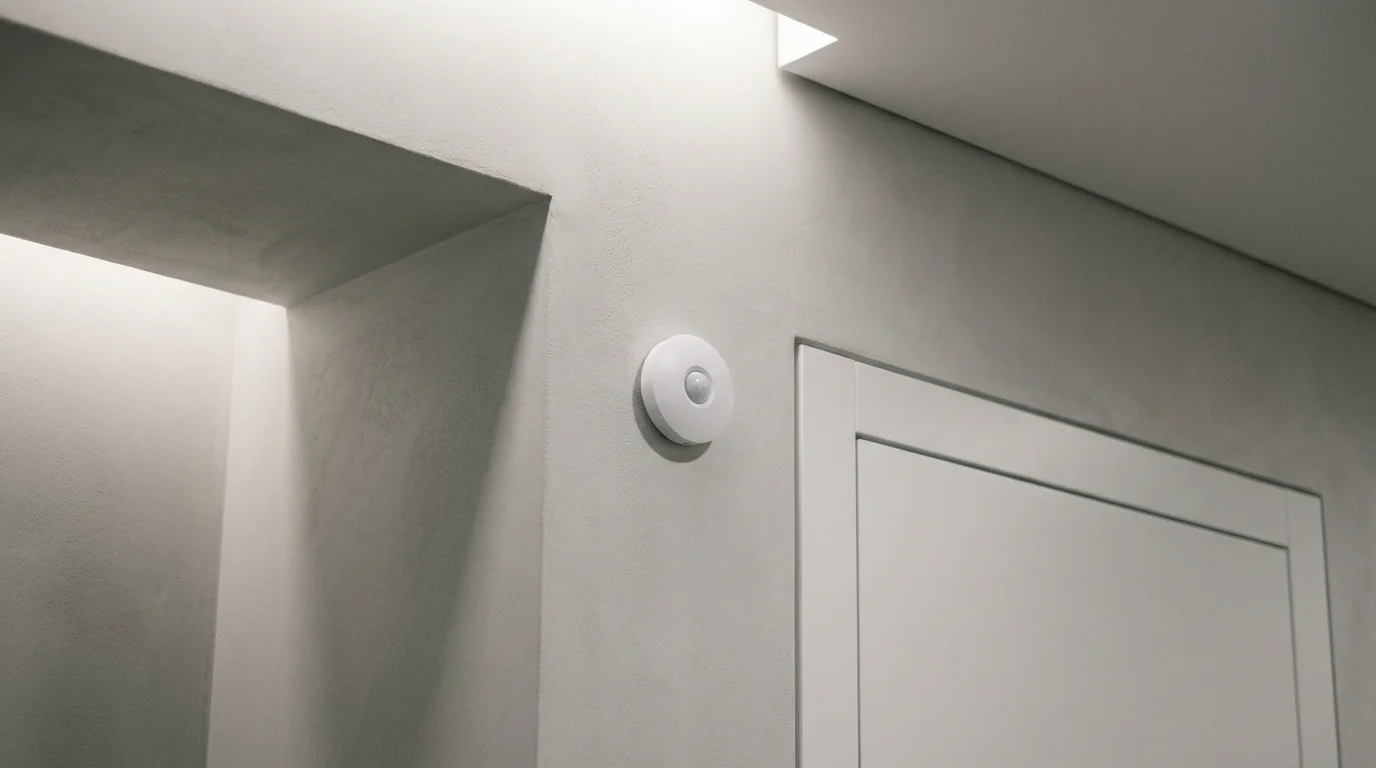
Automation feels truly “smart” when things happen automatically without you speaking a command or opening an app. This is where sensors come in. Contact sensors (which detect when a door or window opens) and motion sensors are affordable ways to trigger actions.
Once your sensors are in place, learning how to schedule your smart devices like a pro will help you fully automate your daily routines.
For example, you can stick a $20 contact sensor on your pantry door. Create a routine that turns on the smart bulb inside the pantry whenever the door opens and turns it off when it closes. This is practical, energy-saving, and impresses guests every time.
Budget Sensor Ideas
- Mailbox Alert: Place a contact sensor on your mailbox door (if within Wi-Fi range) to get a notification when the mail arrives.
- Closet Lighting: Use a motion sensor to trigger a smart light strip or bulb in a dark closet.
- Security Trigger: Set your smart speaker to play a sound or announce “Front door open” whenever the entry sensor is triggered.
While some sensors require a specific hub, many budget-friendly options connect via Bluetooth or Wi-Fi. Check compatibility carefully before buying.
Connectivity: Wi-Fi, Bluetooth, and Matter
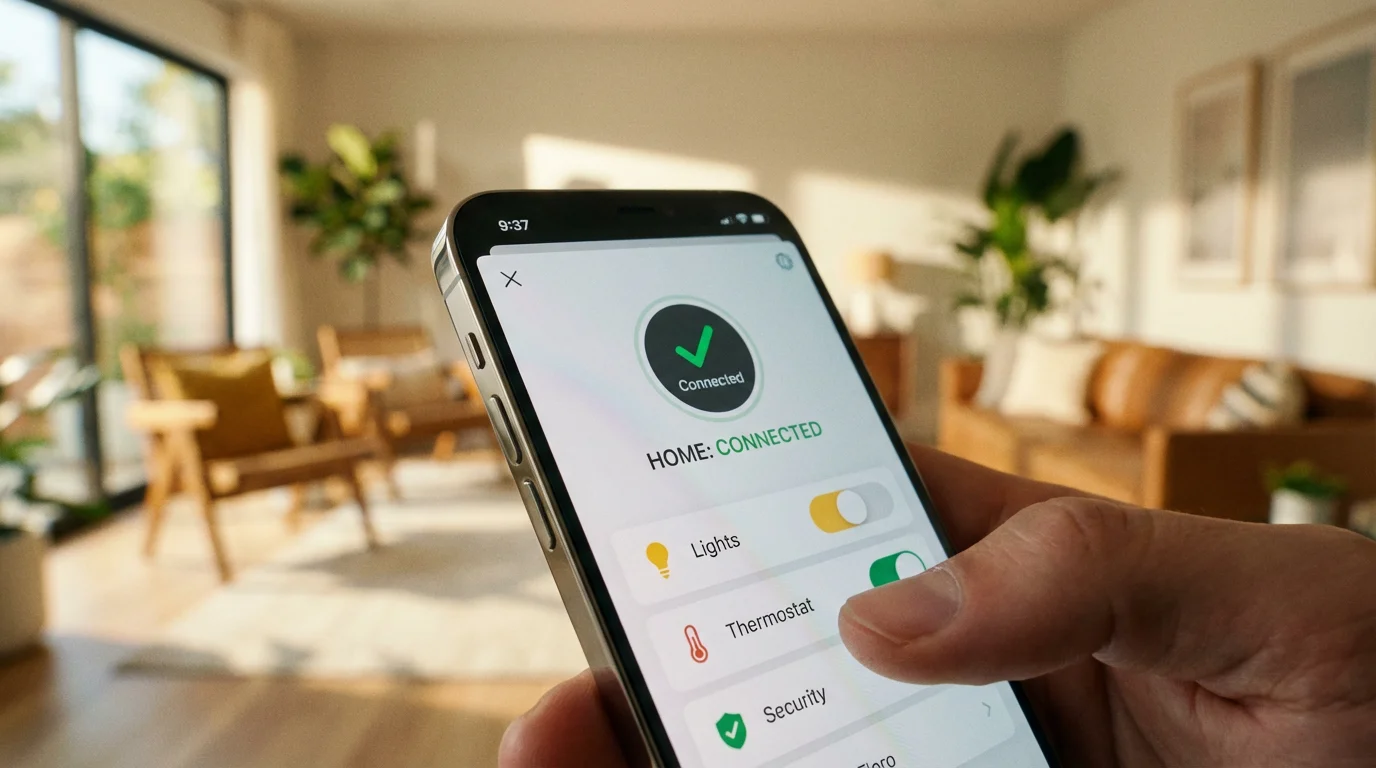
When buying cheap smart home devices, you will encounter different connection types. Understanding these will save you frustration.
- Wi-Fi: The most common for budget devices. No hub is required; they connect directly to your router. Downside: Too many Wi-Fi devices (20+) can congest your network and slow down your internet.
- Bluetooth: common in light bulbs and sensors. It uses very little power but has a short range. You usually need your phone nearby to control them unless you have a hub acting as a bridge.
- Zigbee/Z-Wave: These require a dedicated hub. While the devices themselves are cheap, the upfront cost of the hub might exceed your $50 limit unless you already own an Echo device with a built-in hub.
Looking forward, you should be aware of Matter. Matter is an industry standard supported by Amazon, Google, Apple, and others to ensure devices work together regardless of the brand. While Matter devices are currently rolling out, budget devices are slowly adopting this standard. Choosing Matter-compatible devices ensures your budget gear won’t become obsolete next year.

Creating Powerful Routines for Free
The secret to a budget smart home is that the most powerful component—the software—is free. Amazon Alexa, Google Home, and Samsung SmartThings apps allow you to create “Routines” or “Automations” that link your devices together.
You can create a “Goodnight” routine that triggers multiple actions with a single phrase. When you say, “Goodnight,” the system can lock the doors (if you have smart locks), turn off all smart plugs, turn off the lights, and set your thermostat to a sleeping temperature. This functionality costs nothing but adds significant value to your cheap devices.
“The best smart home is the one you don’t have to manage. Focus on automations that happen in the background to solve real problems.”
Another powerful tool is IFTTT (If This Then That), a web service that connects different apps. For instance, you can blink your living room lights when your Uber arrives or log every time your coffee maker turns on into a Google Spreadsheet. These software integrations bridge the gap between budget hardware and premium experience.
Frequently Asked Questions
Do I need a hub for budget smart home devices?
For most devices under $50, no. Manufacturers like Wyze, TP-Link Kasa, and LIFX typically use Wi-Fi, allowing devices to connect directly to your router without an extra hub. However, as you scale up, experts at Wirecutter note that if you plan to add dozens of devices, a hub can help manage network traffic and improve reliability.
Are cheap smart home devices secure?
Budget devices can be secure if you stick to reputable brands like Amazon, Google, Wyze, or TP-Link. Avoid generic, unbranded devices from random marketplaces, as they may lack security updates. To maximize security, always change the default password, enable two-factor authentication (2FA) within the app, and keep the device firmware updated.
Can I mix Alexa and Google Assistant devices?
You can have both voice assistants in your home, but they don’t talk to each other directly. However, most third-party devices (like smart plugs and bulbs) are compatible with both. You can control a Kasa plug with Alexa one day and Google Assistant the next. For the smoothest experience, it is usually better to pick one primary voice assistant for the whole house.
Does a smart plug save electricity?
Yes, they can. Smart plugs allow you to completely cut power to “vampire devices” (electronics that draw power even when off, like game consoles or older TVs). Additionally, setting schedules ensures lights, fans, or heaters aren’t running when no one is home, directly lowering your energy bill.
Disclaimer: This article is for informational purposes only. Smart home devices involve electrical connections and data privacy. Always follow manufacturer instructions for installation. For complex wiring or HVAC work, consult a licensed professional.