
You have packed your bags, double-checked your itinerary, and loaded the car. As you pull out of the driveway, that nagging thought creeps in: Did you lock the back door? Is the thermostat set to an energy-saving temperature? Did you leave the coffee maker on? Before smart technology, these worries could ruin the start of a trip. Today, a well-configured smart home solves these problems automatically.
For those prioritizing safety, automating your home for vacation security provides an extra layer of defense against potential intruders.
Setting up effective automations for when you leave ensures your house is secured the moment you pull out of the driveway.
Vacation mode isn’t just about turning off lights. It is about orchestrating a comprehensive system that mimics your presence, secures your perimeter, and manages energy consumption while you explore the world. By leveraging smart routines, geofencing, and sensor data, you can transform your house into a self-regulating fortress that looks lived-in even when it is empty.
The Philosophy of a Smart Vacation Mode
The goal of a smart vacation mode is threefold: deterrence, efficiency, and protection. Unlike a static timer that turns a lamp on at 6:00 PM and off at 10:00 PM every single day—a pattern savvy burglars can easily spot—modern automation creates a dynamic environment. Your home should act as if you are still there, reacting to sunset times and randomizing schedules.
Beyond security, vacation mode is a master switch for efficiency. It ensures you aren’t paying to heat or cool an empty house and prevents vampire appliances from drawing power unnecessarily. Rather than checking ten different apps before you leave, a single “Vacation Mode” scene handles everything at once.
Simulating Occupancy: Lighting and Sound
The most effective way to deter intrusion is to make the house look busy. A dark house for two weeks is a target; a house with fluctuating lights and sounds suggests someone is home.
Advanced Lighting Logic
Ditch the mechanical plug-in timers. Smart bulbs and switches allow for sophisticated scheduling that looks organic. When programming your lights, focus on these strategies:
- Randomization: Many platforms, including Amazon Alexa (via Guard) and dedicated smart lighting apps, offer a “randomize” feature. This varies the on/off times by 15 to 30 minutes each day so the pattern never looks robotic.
- Room sequences: Program lights to mimic movement. Have the kitchen lights turn on at sunset, followed by the living room an hour later, and finally the master bedroom before turning off for the night.
- Exterior Ambience: Ensure outdoor smart lights are tied to astronomical clocks (sunrise/sunset) rather than fixed times, so they adjust automatically as days get shorter or longer during your trip.
Audio Simulation
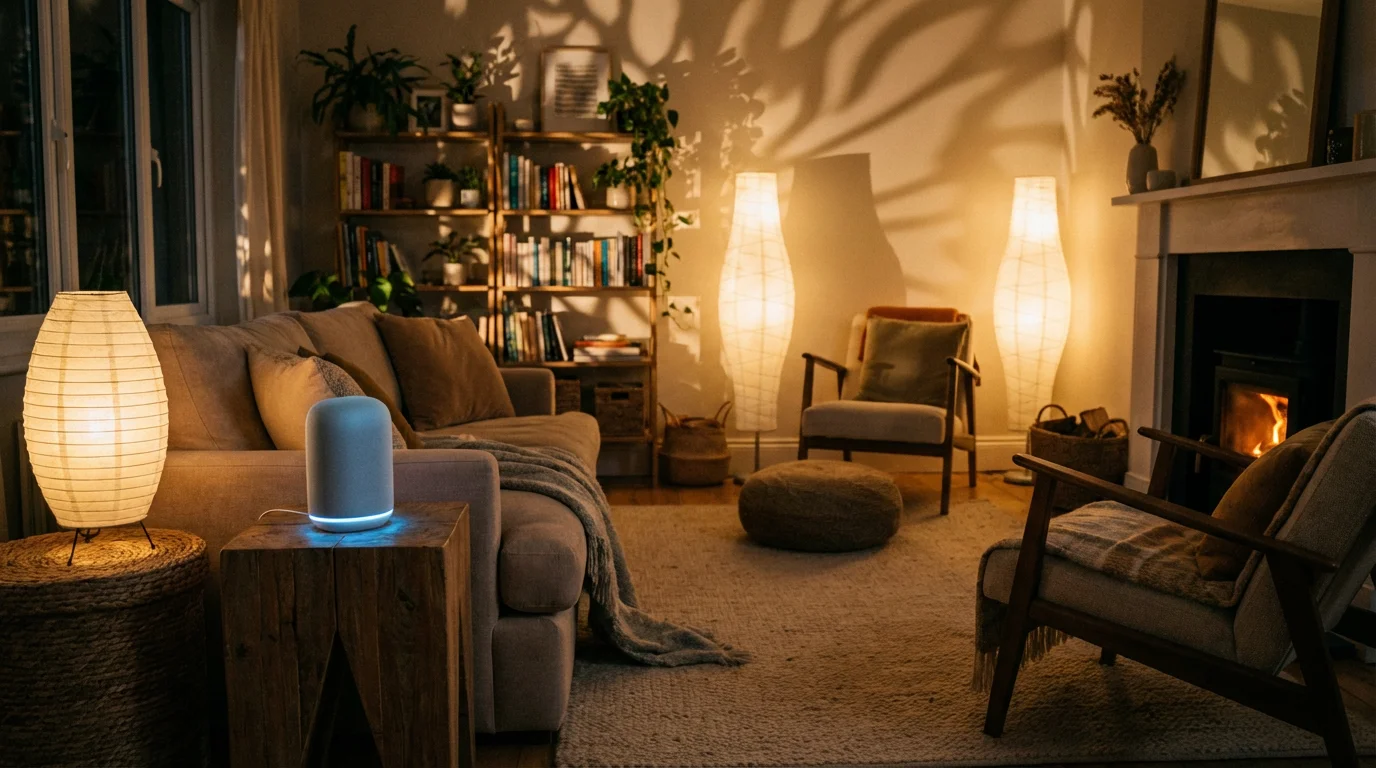
Silence can be just as telling as darkness. Smart speakers can play a vital role in occupancy simulation. You can create a routine where a smart speaker in the living room plays a talk radio station or a news podcast for an hour in the evenings. This adds a layer of realism that visual cues alone cannot match.
Securing the Perimeter: Locks and Sensors
Physical security is the backbone of your vacation strategy. Automation ensures that human error—forgetting to lock a door—doesn’t compromise your home.
Automated Locking
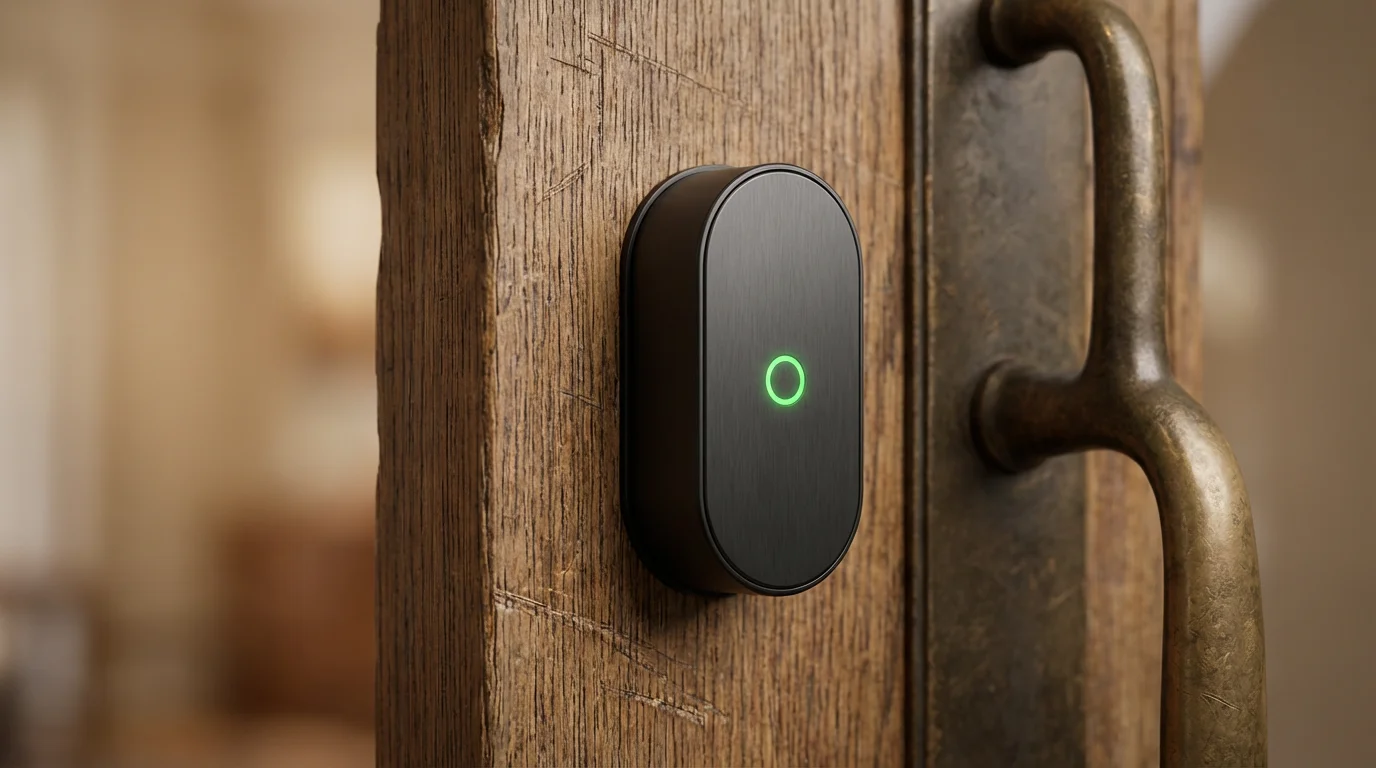
Smart locks are essential for travel. You should configure an “Auto-Lock” feature that engages the deadbolt after a set period of inactivity (e.g., 5 minutes). Furthermore, your vacation routine should send a final “Lock All” command to every entry point the moment you activate the scene.
Sensor Integration
Door and window sensors provide real-time peace of mind. If a sensor state changes to “Open” while your home is in vacation mode, your system should immediately trigger an alert to your phone and potentially sound a siren. According to CNET’s smart home coverage, layering these sensors with internal motion detectors creates a robust security net that catches activity both at the perimeter and inside the home.
Camera Coordination
Cameras should behave differently when you are away. While you might keep indoor cameras off while you are home for privacy, your vacation routine should arm them continuously. Configure your system to record clips only when motion is detected to save bandwidth and storage, but ensure push notifications are set to “High Priority” so you don’t miss them.
Energy Management and Climate Control
There is no reason to maintain a comfortable 72 degrees when the house is empty. Energy management is where your smart home pays for itself.
Thermostat Setbacks
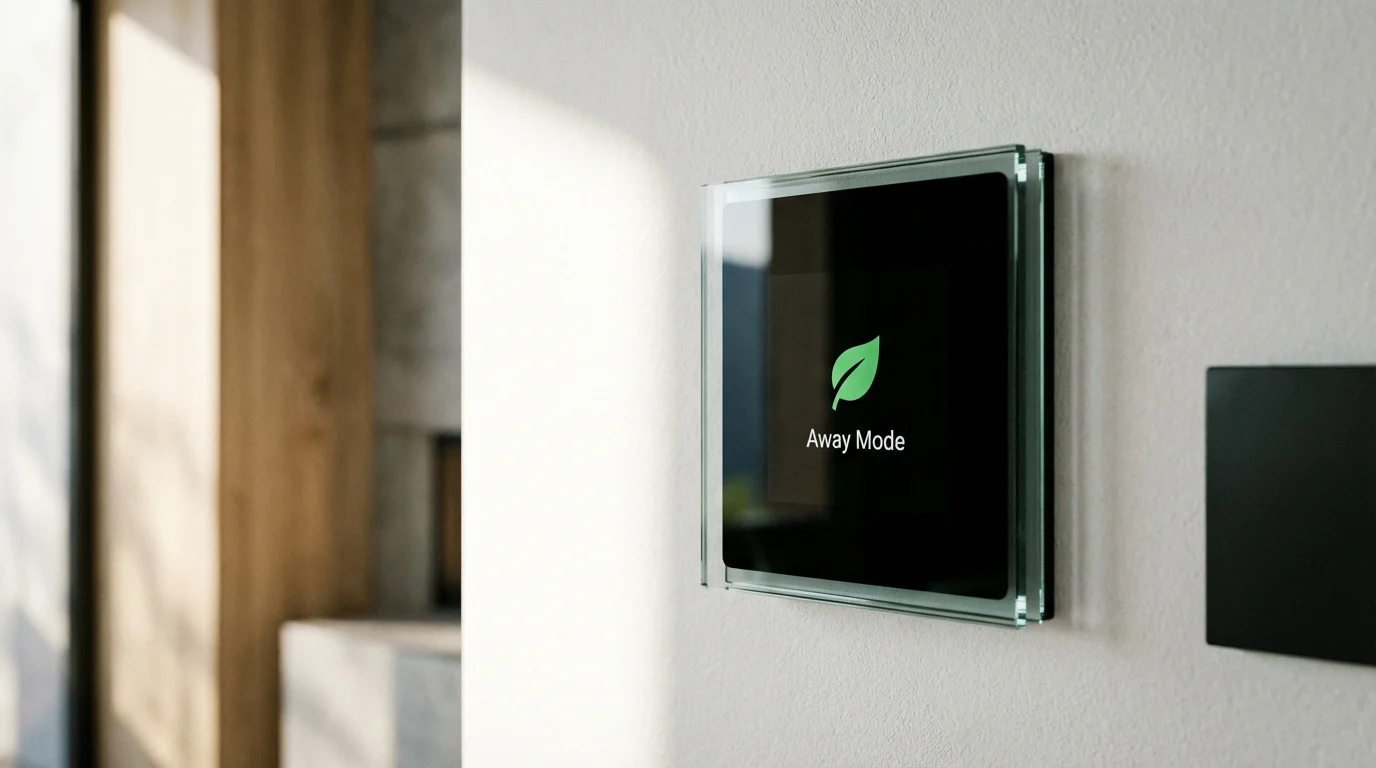
Smart thermostats are arguably the most impactful device for vacation savings. Energy Star reports that proper use of smart thermostats can lead to significant savings on heating and cooling bills. When you trigger vacation mode, your thermostat should enter “Eco” or “Away” mode immediately.
Recommended settings for away periods:
- Summer: Set the cooling to 82°F–85°F. This prevents excessive humidity buildup and protects wood furniture/flooring without wasting energy on cooling.
- Winter: Set the heating to 50°F–55°F. This is warm enough to prevent pipes from freezing but low enough to maximize savings.
Smart Plugs and Vampire Loads
Many devices draw power even when turned off. Use smart plugs to completely cut power to non-essential electronics like televisions, gaming consoles, and coffee makers. Your vacation routine can cut power to these specific plugs instantly, ensuring zero energy waste and reducing fire risk.
Disaster Prevention: Water and Fire
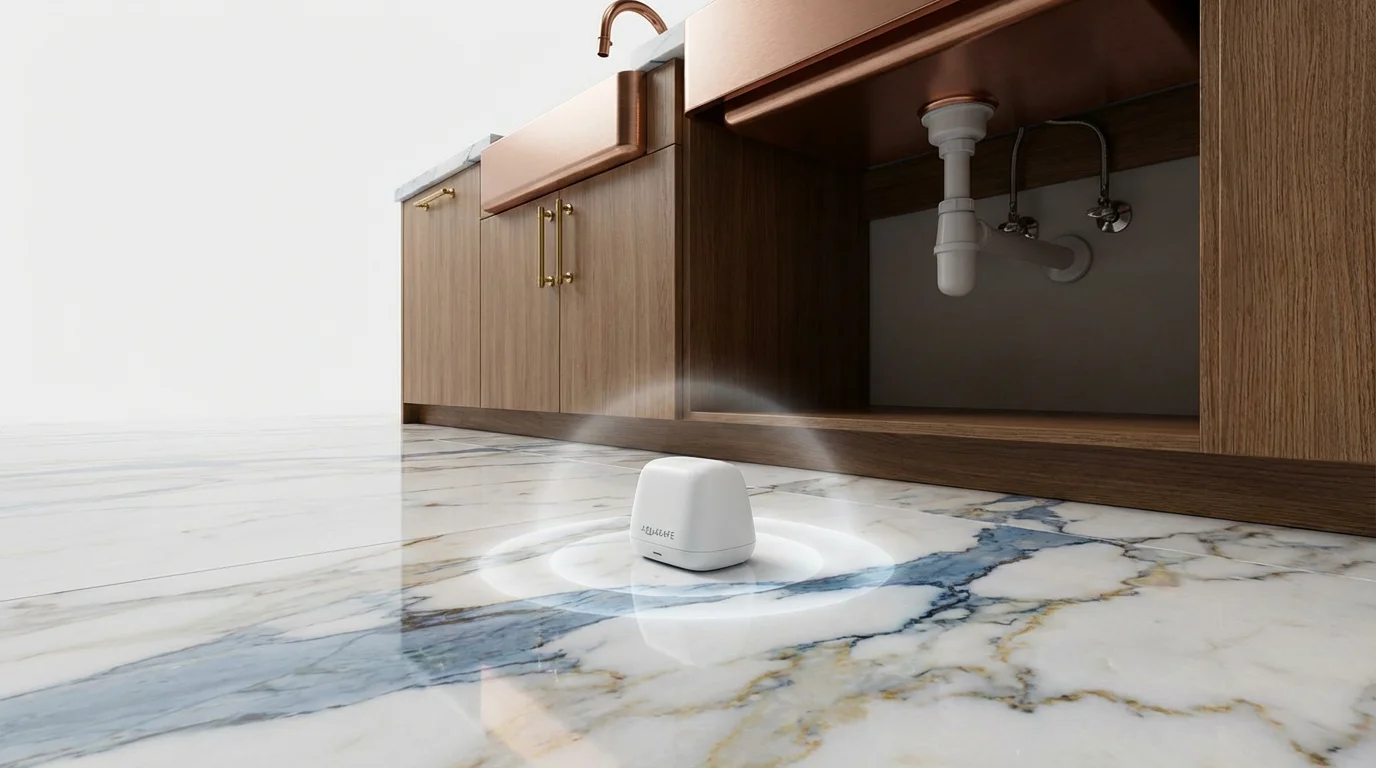
A burglary is a homeowner’s fear, but water damage is statistically more likely and often more expensive. A burst pipe or a leaking water heater can destroy a home in days if left unchecked.
Smart Water Valves
For the ultimate peace of mind, install a smart water shutoff valve on your main water line. These devices monitor water pressure and flow. If they detect a micro-leak or a burst pipe, they shut off the water supply to the entire house automatically and notify you.
If a whole-home valve isn’t in the budget, place water leak sensors near high-risk areas:
- Under the kitchen sink
- Behind the washing machine
- Near the water heater
- Behind toilets
Create an automation: IF leak sensor detects water, THEN send critical alert to phone AND sound the smart home siren to alert neighbors.
Smoke and CO Listeners
If you have standard smoke detectors, consider adding a smart “listener” or replacing one unit with a smart detector. These devices will push a notification to your phone if an alarm sounds, allowing you to call the fire department from hundreds of miles away.
How to Build Your Vacation Routine
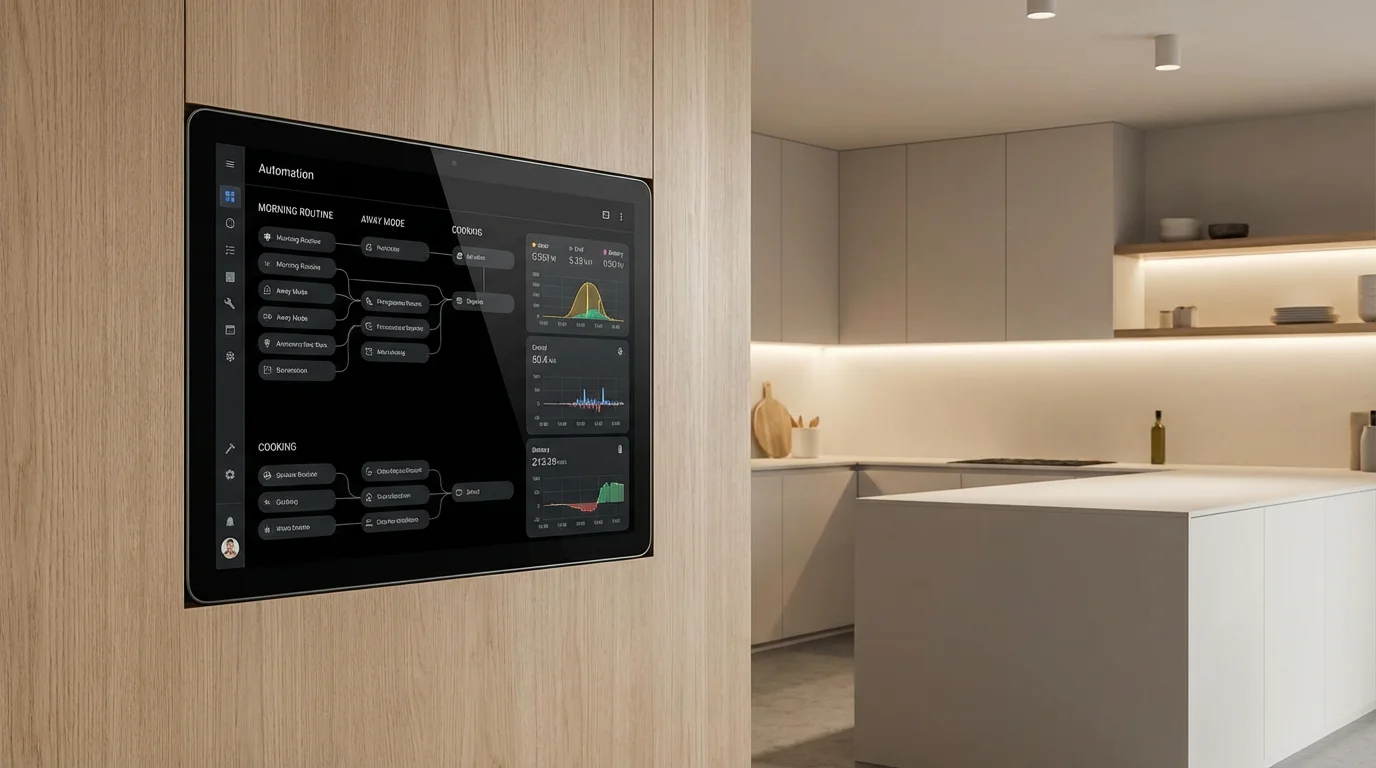
Now that you have the devices, you need to tie them together into a cohesive routine. You can build this in ecosystems like Amazon Alexa, Google Home, Apple HomeKit, or hub-based systems like Samsung SmartThings or Home Assistant.
Method 1: The Virtual Button
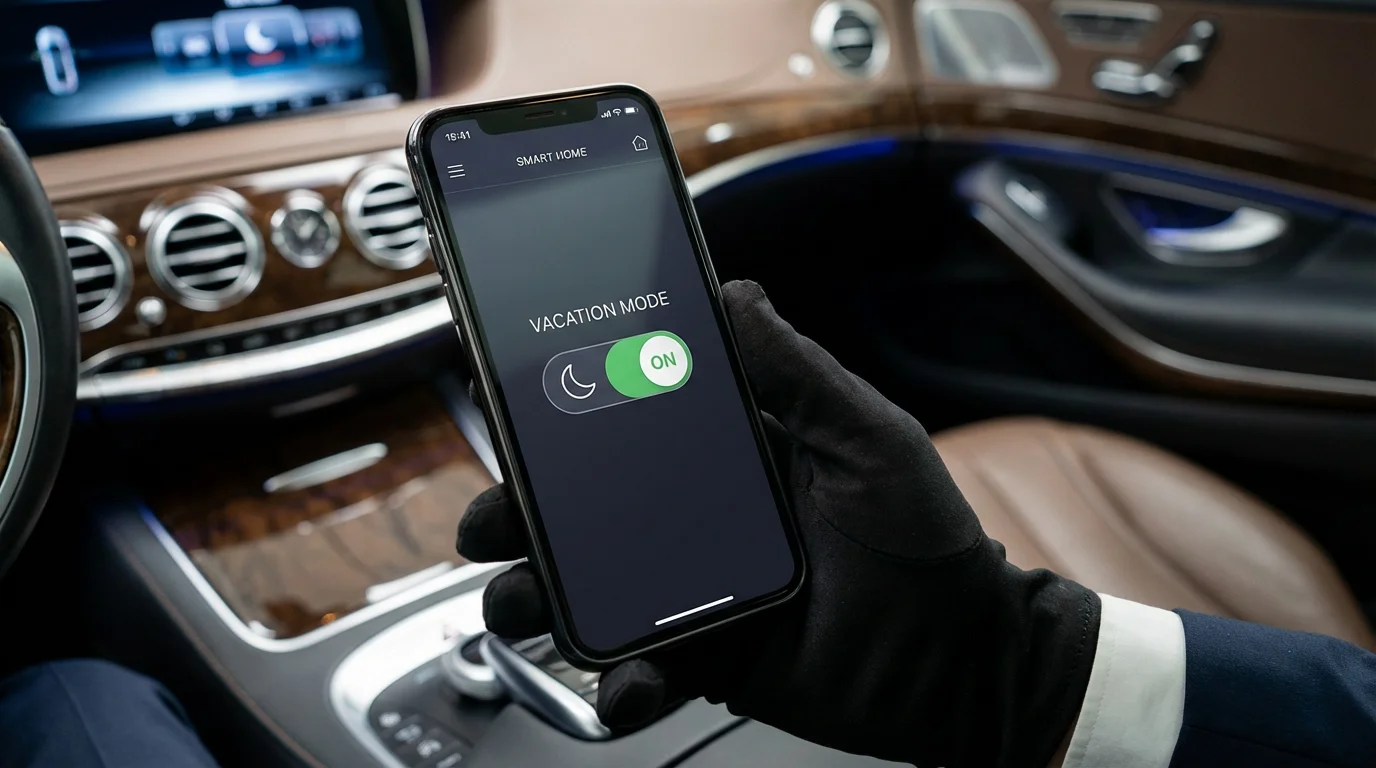
Create a Scene or Routine named “Vacation Mode.” This is a manual trigger you activate as you leave.
- Trigger: Voice command (“Turn on Vacation Mode”) or a button press in the app.
- Action 1: Set thermostat to Eco Mode.
- Action 2: Lock all doors.
- Action 3: Arm security system (Home/Away mode).
- Action 4: Turn off all interior lights immediately.
- Action 5: Enable “Guard” lighting schedules (randomized evening lights).
- Action 6: Turn off smart plugs controlling media centers.
Method 2: Geofencing (Multi-User)
Geofencing uses your phone’s location to trigger actions. For vacation mode, you need a “multi-user” condition so the house doesn’t shut down when you leave for work while your spouse is still home.
You can set a condition: “When the last person leaves the geofence radius, ask ‘Are you going on vacation?’” or automatically trigger the Away scene. Note that fully automating vacation mode based solely on location can be risky if you just go to the grocery store, so a confirmation prompt is usually better.
Managing Deliveries and Pet Sitters
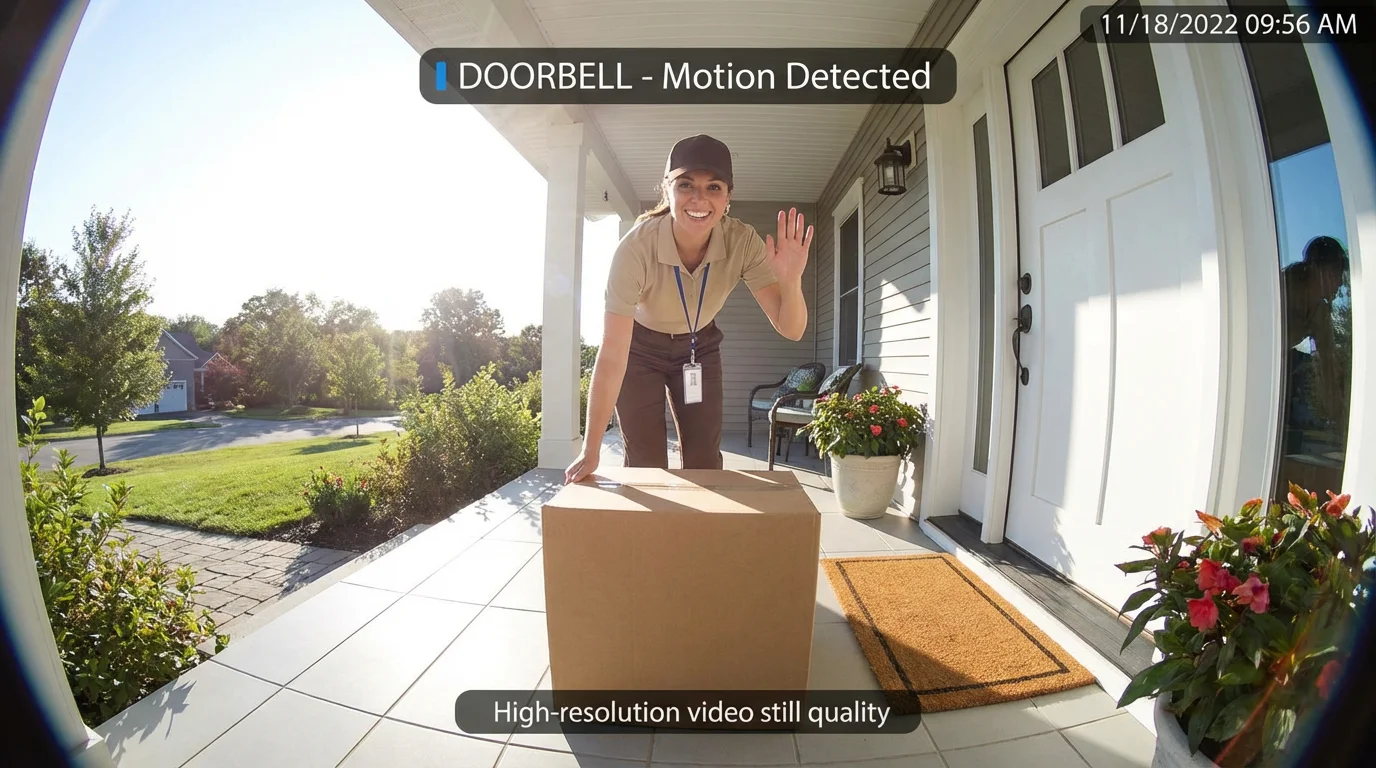
Vacation mode complicates things if you have people stopping by. You don’t want your pet sitter to trip the alarm or freeze because the thermostat is set to 50 degrees.
Temporary Access Codes
Never give out your master key or primary code. Smart locks allow you to generate temporary guest codes. Create a unique code for your pet sitter that is only active during the dates of your trip. You can check the lock’s activity log to verify when they arrived and left.
Disarming Automations
Create a specific “Guest Mode” or modify your automation logic. For example, if the guest code is entered on the front door smart lock:
- Disarm the indoor camera recording.
- Adjust the thermostat to a comfortable temperature for 2 hours.
- Turn on the entryway lights.
Once the door is locked again, the system can revert to high-security vacation settings.
Advanced Ideas for Power Users
For those running robust hubs like Home Assistant or Hubitat, you can take vacation automation to the next level.
For more specialized tips on protecting your property, explore our deep dive into automating your home for vacation security protocols.
Presence Simulation via TV
If you have a smart TV or a connected bias light strip behind the TV, you can simulate movie watching. Program the bias lighting to flicker with random colors and intensity changes between 8:00 PM and 10:00 PM. From the street, this looks exactly like someone watching an action movie.
Curtain and Blind Control
Smart blinds add a layer of realism. Static blinds that stay closed for two weeks look suspicious. Automate your blinds to open at sunrise and close at sunset. This not only looks natural but also helps passively heat or cool the home depending on the season.
The “Did I Close the Garage?” Failsafe
Integrate your smart garage door opener. Create a rule that checks the garage door status every 30 minutes. If it is found open while Vacation Mode is active, close it immediately and send a notification.
Frequently Asked Questions
Should I turn off my Wi-Fi router when I go on vacation?
No. Your smart home devices, cameras, and sensors rely on Wi-Fi to communicate with you. If you turn off the router, you lose all remote monitoring capabilities, leak detection alerts, and security notifications. Keep your internet connection active and consider a UPS (Uninterruptible Power Supply) for your router to keep it running during short power outages.
How do I prevent false alarms with my security cameras while away?
Adjust the sensitivity settings and define “activity zones” within your camera’s app. Mask out high-traffic street areas or swaying trees so you only get alerts for movement on your actual property. You can also set your cameras to identify people or vehicles specifically, filtering out animals and debris.
Can smart lights work if the physical wall switch is turned off?
Generally, no. Smart bulbs need power to receive signals. If you flip the physical switch off, the bulb goes offline. To avoid this, install smart switches instead of bulbs, or use switch covers (like those from Lutron Aurora) that lock the toggle in the “on” position while providing a digital button for control.
What is the best thermostat setting for an empty house in winter?
To prevent freezing pipes while saving energy, keep your thermostat between 50°F and 55°F. Do not turn the heating off completely, as a sudden cold snap could cause pipes to burst, leading to catastrophic water damage.
Disclaimer: This article is for informational purposes only. Smart home devices involve electrical connections and data privacy. Always follow manufacturer instructions for installation. For complex wiring or HVAC work, consult a licensed professional.

1 Comment