
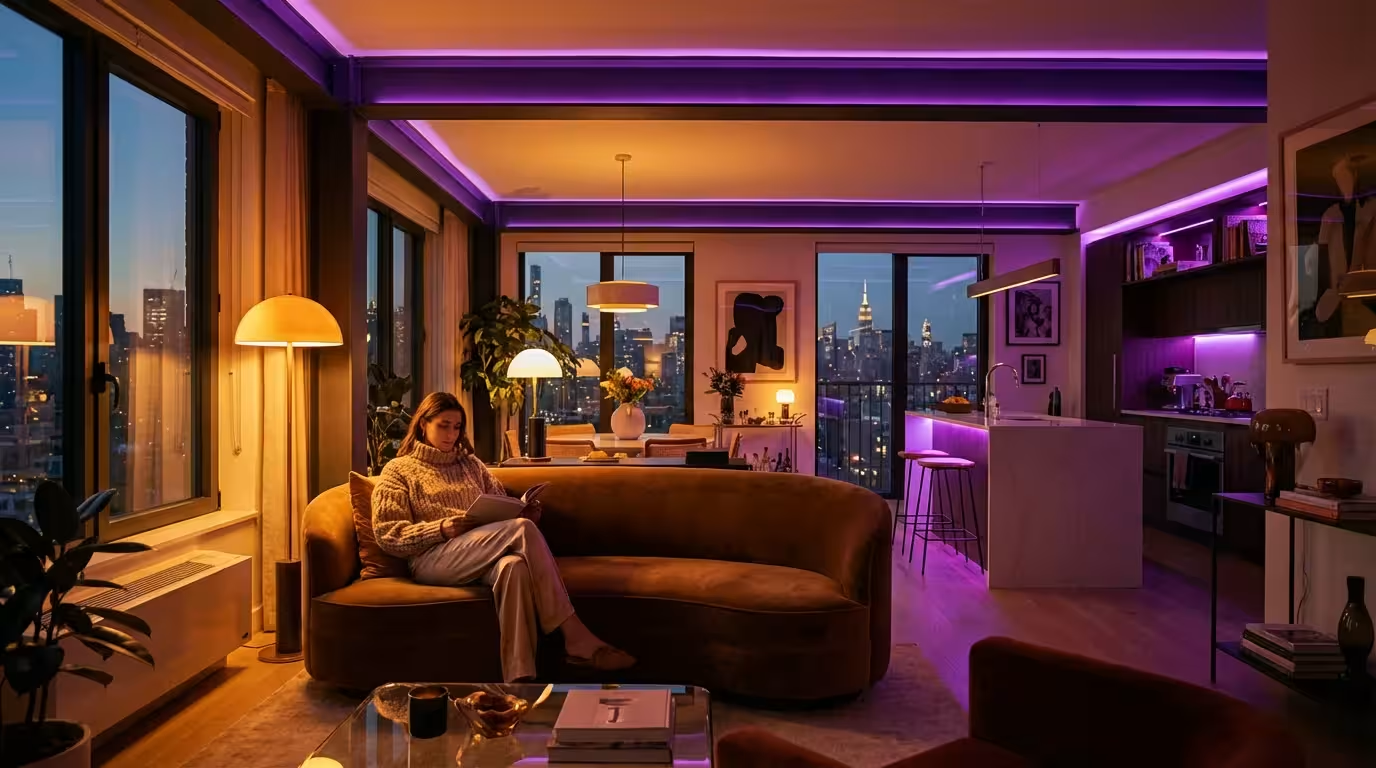
You know the look perfectly: the harsh, unflattering glow of a standard overhead fixture that seems to be the default in every rental unit. In a small apartment, lighting does more than just help you see; it defines the boundaries of your space. It determines whether your living room feels like a cozy sanctuary or a cramped box. Fortunately, smart lighting offers the most impactful, renter-friendly upgrade you can make to your home without picking up a single tool.
In addition to spatial efficiency, choosing the right smart lighting for your home’s ambiance is essential for creating a comfortable atmosphere in compact living quarters.
For apartment dwellers, the challenge isn’t just buying a light bulb. It is finding a system that works reliably in a space with crowded Wi-Fi signals, respects your lease agreement, and helps you multitask in rooms that often serve as an office, dining area, and lounge all at once. By selecting the right ecosystem, you can visually expand your square footage and automate your daily routines.

Why Smart Lighting Transforms Small Spaces
In a sprawling house, you might have dedicated rooms for specific activities. In a small apartment, your kitchen table might double as your desk, and your living room is likely your entertainment center and reading nook. Static lighting cannot adapt to these shifting roles, but smart lighting can.
For those using their apartment as a workspace, implementing smart lighting for home offices can improve both focus and comfort during the workday.
Smart lights allow you to “zone” a single room. By creating digital scenes, you can dim the lights near the TV while keeping a reading lamp bright, or turn the entire room into a focused workspace with cool white light during the day. This ability to change the character of a room instantly makes a small floor plan feel dynamic and larger than it actually is.
Beyond aesthetics, smart lighting offers significant energy efficiency. Because you can schedule lights to turn off when you leave or dim them to 80% brightness (which is barely noticeable to the human eye but saves power), you reduce your electricity bill. This is particularly relevant if you pay high utility rates in a city center.
Renter-Friendly Installation: No Wiring Required
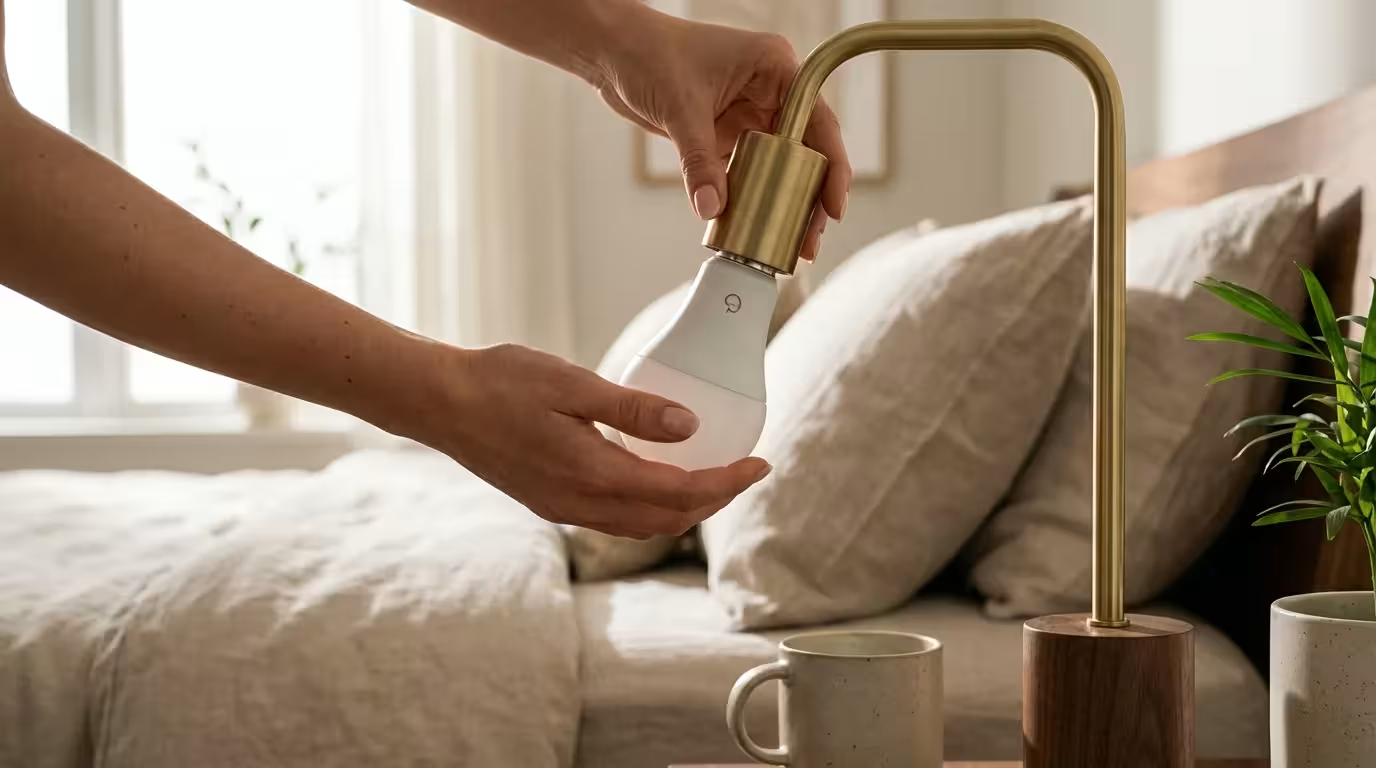
One of the golden rules of renting is to avoid messing with the electrical wiring. Installing smart dimmer switches usually requires turning off breakers, handling high-voltage wires, and potentially violating your lease. Therefore, the best smart lighting for apartments focuses on retrofitting rather than remodeling.
Because they require no permanent changes, these solutions are often ranked among the best first smart home devices for beginners.
Smart Bulbs
The easiest entry point is the smart bulb. These screw directly into your existing lamps and overhead fixtures. They come in standard sizes (A19 for table lamps, BR30 for recessed ceiling cans) and connect wirelessly to your phone or smart speaker. When you move out, you simply unscrew them and take your investment with you.
Smart Plugs
If you have vintage lamps with unique bulbs that you cannot replace, or if you want to control string lights, smart plugs are the answer. You plug the device into the wall, and then plug your lamp into the device. While this doesn’t allow for dimming or color changing (unless the lamp itself has those features), it gives you on/off control and scheduling capabilities for “dumb” devices.
Portable Smart Lamps
Several manufacturers now produce standalone smart lamps. These are distinct fixtures—often table lamps or floor lamps—with integrated LEDs. They are excellent for adding light to dark corners where you might not have a spare socket for a traditional lamp.
Comparing Major Smart Bulb Ecosystems
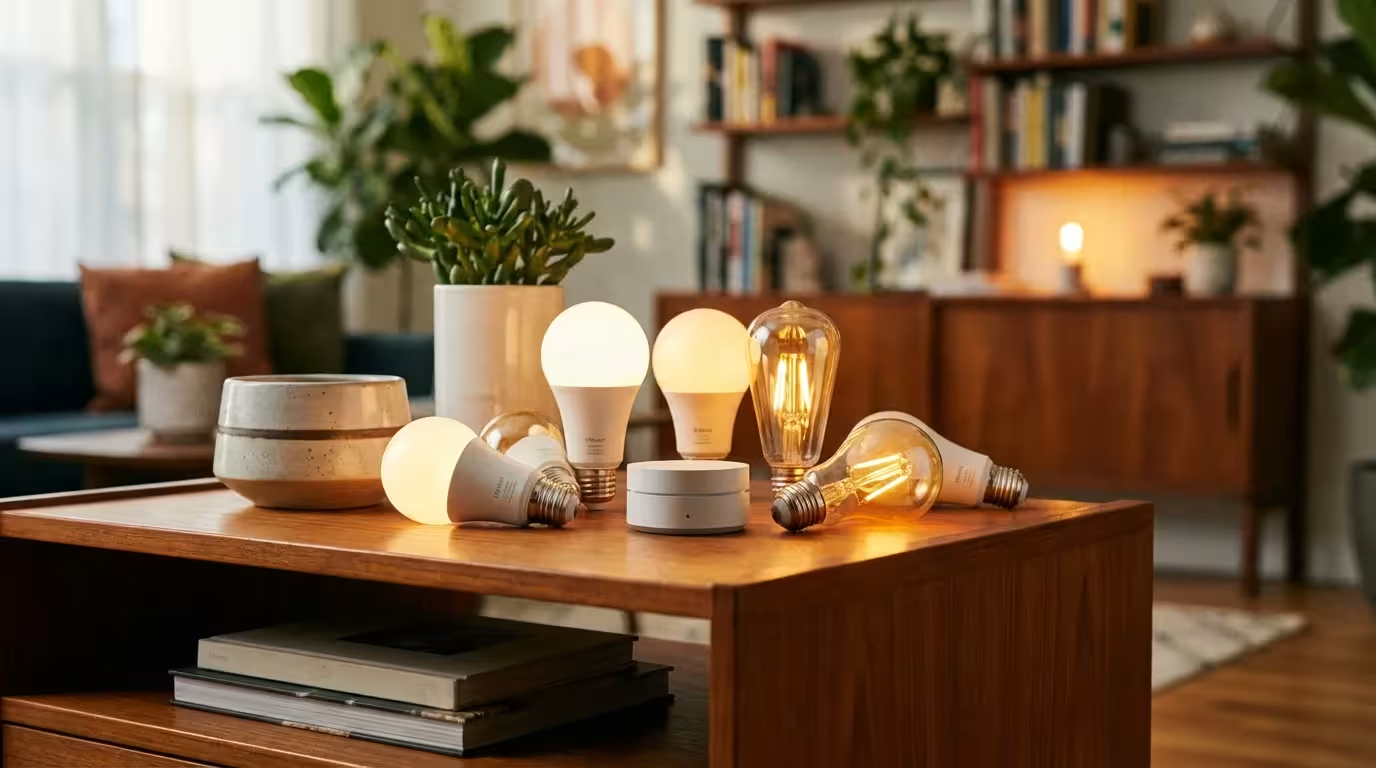
When choosing smart lights for an apartment, you generally trade off between price, reliability, and color quality. It is crucial to pick one ecosystem and stick with it to avoid using five different apps to turn on your lights.
Philips Hue: The Premium Choice
Philips Hue is widely considered the gold standard for smart lighting. The bulbs are responsive, the colors are rich, and the app is polished.
- Pros: Extremely reliable; massive range of bulb shapes; works with Apple HomeKit, Alexa, and Google; accessories like wireless dimmer switches are excellent for renters.
- Cons: Expensive; usually requires a “Bridge” (hub) plugged into your router for best performance.
LIFX: The Brightest Colors
If you want vibrant colors without a hub, LIFX is a strong contender. Their bulbs are known for high brightness outputs (lumens) and deep, saturated colors.
- Pros: No hub required (Wi-Fi direct); incredibly bright; excellent app effects.
- Cons: Can be slightly larger than standard bulbs; occasional connectivity hiccups if your Wi-Fi is weak.
Wyze and Kasa: The Budget Friendly Options
For those equipping an entire apartment on a budget, brands like Wyze and TP-Link Kasa offer incredible value. You can often outfit a whole room for the price of two premium bulbs.
- Pros: Very affordable; no hub needed; solid basic performance.
- Cons: Color reproduction isn’t as accurate as premium brands; app features are more basic.
Nanoleaf: The Decor Focus
Nanoleaf is famous for its wall panels, but they also make “Essentials” bulbs that support Matter and Thread. According to The Verge, Matter is the new interoperability standard that ensures devices from different brands work together seamlessly. If you are building a future-proof smart home, looking for the Matter logo is a smart move.
- Pros: Unique designs; supports Thread networking; competitive pricing.
- Cons: The aesthetic of the panels isn’t for everyone.
Expanding Space with Light Strips and Accents
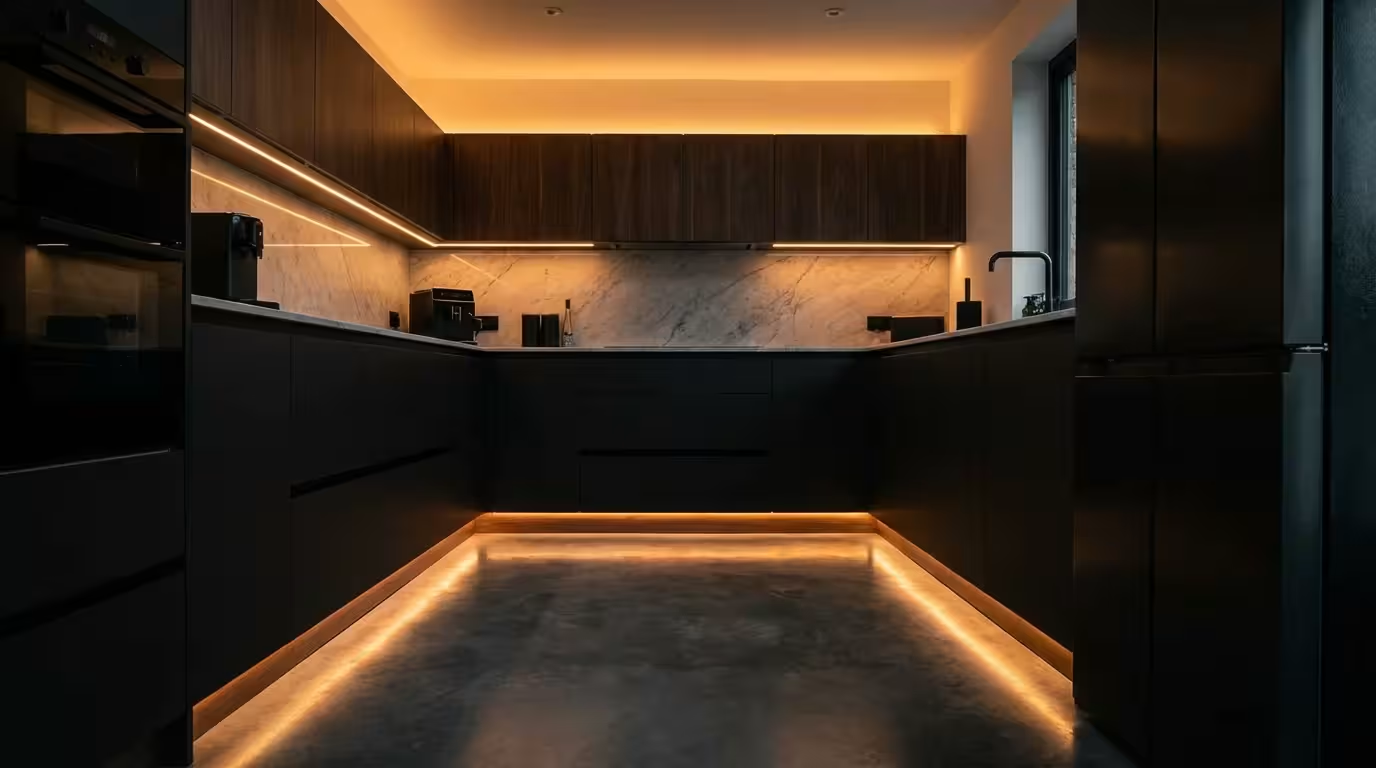
In a small apartment, shadows make rooms feel smaller. Smart light strips are your secret weapon for eliminating these shadows and adding depth to your living space. Light strips are flexible circuit boards with LEDs that can be adhered to surfaces.
Bias Lighting for TV
Placing a light strip on the back of your television (facing the wall) creates a halo of light known as “bias lighting.” This reduces eye strain when watching movies in the dark and improves the perceived contrast of your TV screen. It also adds a layer of sophistication to your media center without taking up physical space.
Under-Cabinet and Toe-Kick Lighting
Rental kitchens often suffer from poor lighting. You can run a smart light strip under your upper cabinets to illuminate your counter space for cooking. For a dramatic effect, run a strip along the “toe kick” (the recessed area at the bottom of your base cabinets). This provides a gentle nightlight that guides you to the fridge without blinding you.
Furniture Backlighting
Pulling your sofa or bed frame just two inches from the wall and installing a light strip on the back can make the furniture appear to float. This adds a sense of airiness to the room. When installing strips in a rental, always use removable adhesive clips or Command strips rather than the industrial backing tape provided on the strip, which might peel the paint when removed.
Connectivity: Navigating Wi-Fi, Bluetooth, and Zigbee
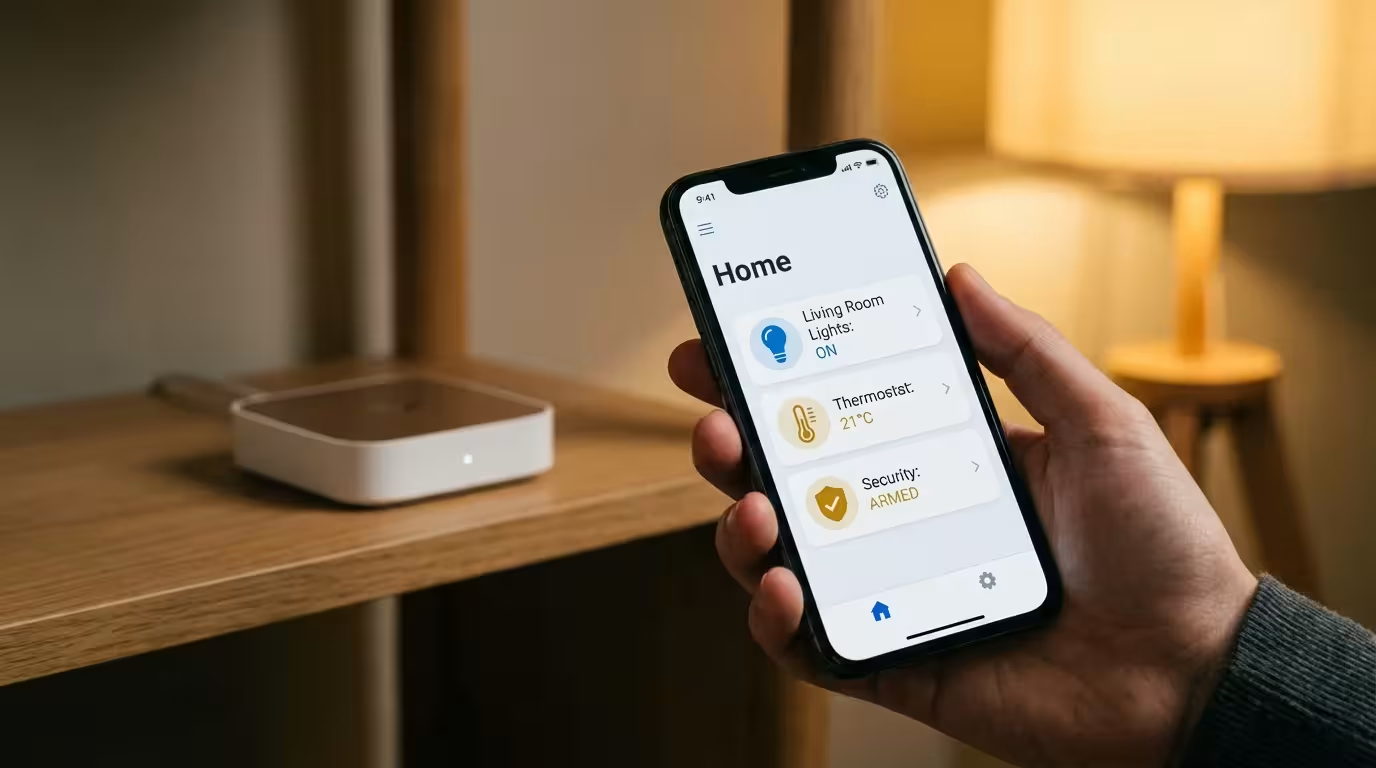
Understanding how your lights talk to your phone is critical in an apartment complex. You are surrounded by dozens of your neighbors’ Wi-Fi networks, which creates signal interference. This congestion can make smart devices sluggish.
Wi-Fi Bulbs: These connect directly to your router. They are easy to set up because you don’t need extra hardware. However, if you install 30 Wi-Fi bulbs in a small apartment, you might slow down your internet speed or overwhelm your router. These are best for smaller setups (under 10 devices).
Bluetooth Bulbs: These connect directly to your phone. They are simple but have limited range. You usually cannot control them when you are away from home unless you have a home hub (like an Apple TV or Amazon Echo) nearby to bridge the connection.
Zigbee and Thread: Technologies like Zigbee (used by Philips Hue) and Thread create a “mesh network.” The bulbs talk to each other rather than all shouting at your router simultaneously. One bulb passes the signal to the next, extending the range and reliability. In an apartment building with heavy Wi-Fi interference, a Zigbee or Thread-based system is often the most stable choice. The Connectivity Standards Alliance has championed these mesh protocols to ensure smart homes remain responsive even as you add more devices.
Essential Automations for Apartment Living
Once your lights are installed, the real magic lies in automation. You shouldn’t have to open an app every time you want to turn on a light. Here are three practical automations for small spaces.
Integrating these schedules with a room-by-room mood and productivity guide ensures your lighting always matches your current activity.
1. The Sunrise Simulator
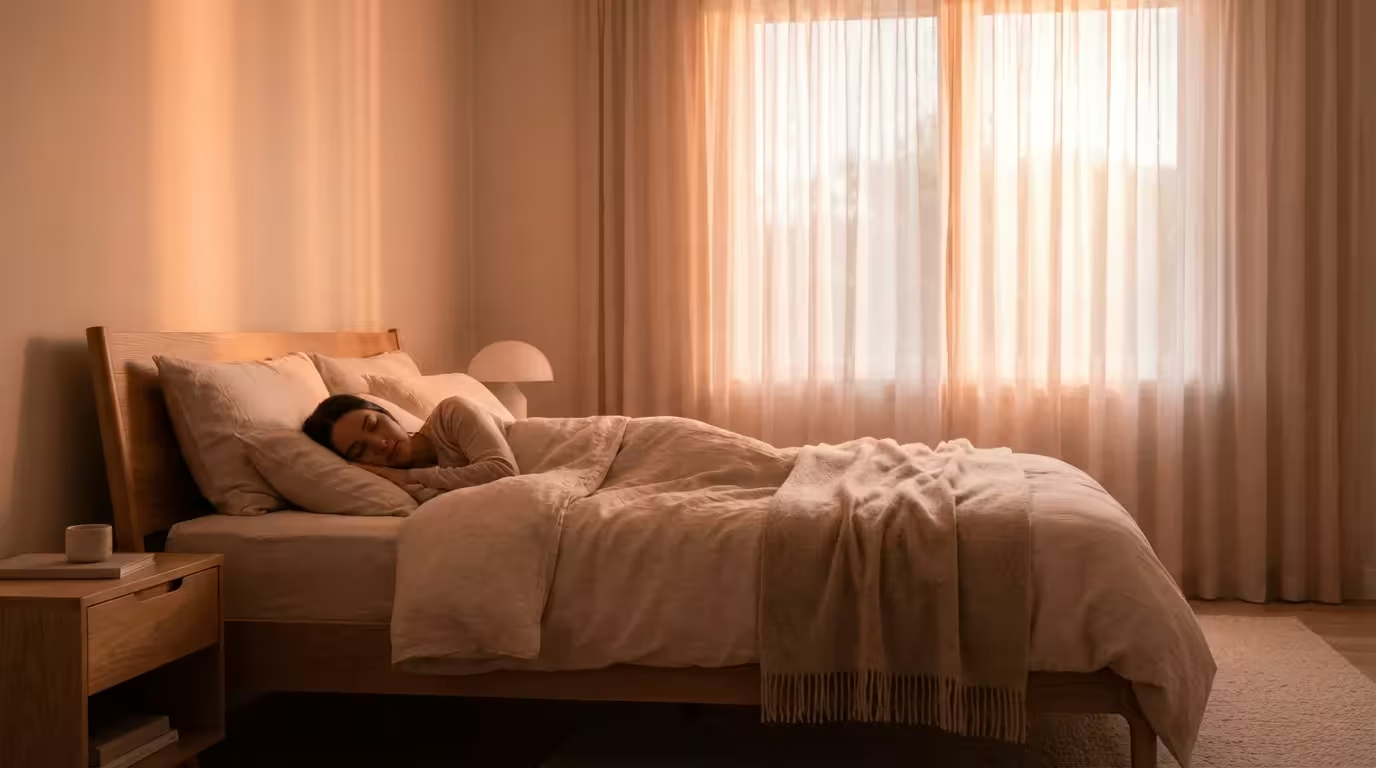
Many apartments lack windows in the bedroom or face a brick wall. This makes waking up difficult. You can schedule your smart lights to fade in slowly over 30 minutes before your alarm goes off, simulating a sunrise. This signals your body to stop producing melatonin, helping you wake up feeling more refreshed.
2. The “Welcome Home” Geofence
Using the location services on your smartphone, you can trigger your lights to turn on automatically as you pull into your parking spot or walk up to your building. Entering a bright, welcoming apartment is far superior to fumbling for a switch in the dark with your hands full of groceries.
3. Motion-Activated Hallways
Place a small, battery-operated motion sensor in your hallway or bathroom. Program it to trigger the lights at 10% brightness between 11 PM and 6 AM. This provides enough light to navigate safely at night without waking you up fully with blinding glare.
Understanding Color Temperature and Ambiance
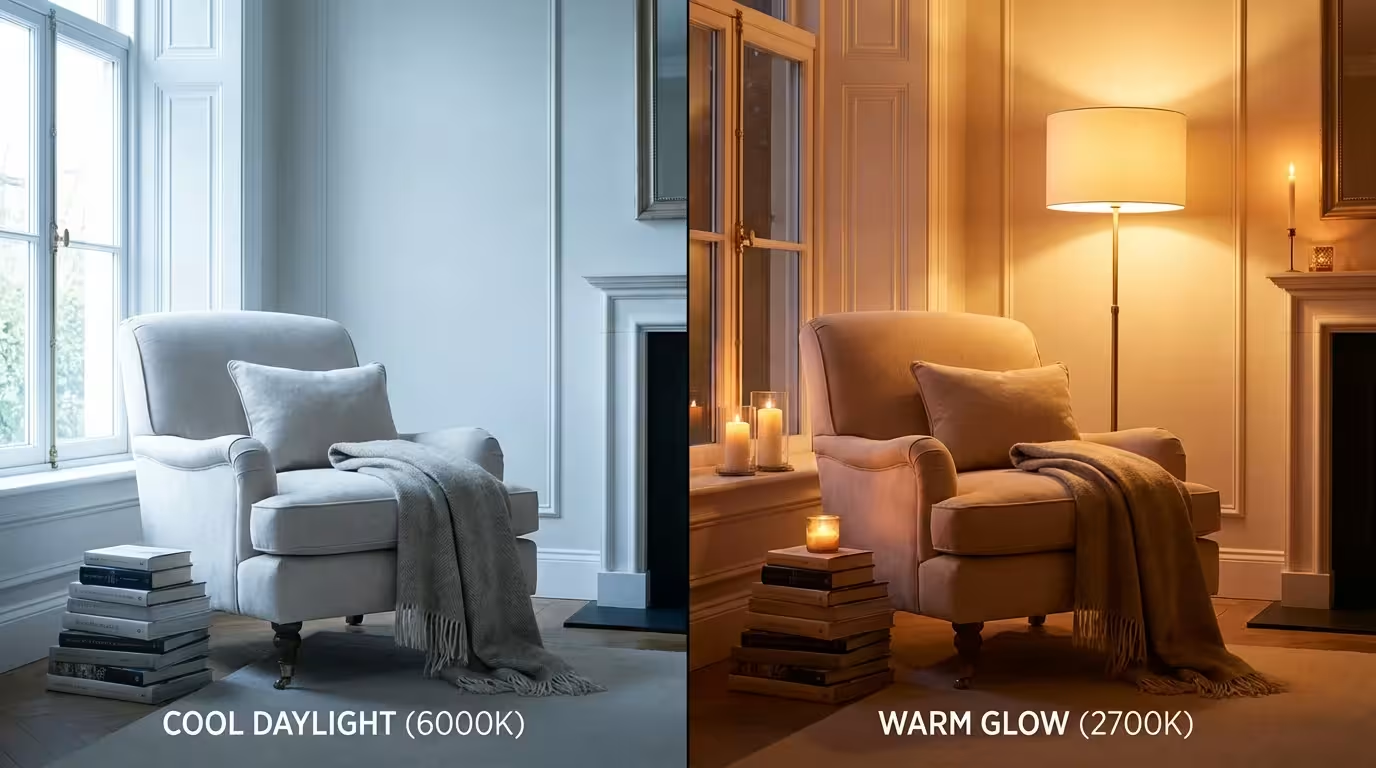
Smart lighting isn’t just about turning colors red or blue for a party; it’s about utilizing the spectrum of white light. Light “temperature” is measured in Kelvin (K).
- Warm White (2700K – 3000K): Soft, yellowish light similar to old incandescent bulbs. This is ideal for evenings, relaxing, and winding down. It mimics the sunset.
- Neutral White (3500K – 4000K): A clean, balanced white. Good for kitchens and bathrooms where you need clarity.
- Cool White / Daylight (5000K – 6500K): Crisp, bluish light. This mimics high noon sun. It promotes alertness and focus.
In a small apartment where your dining table is also your desk, this flexibility is vital. You can set a “Work” scene that blasts 5500K light to keep you productive during the day. At 5:00 PM, an automation can shift the lights to a warm 2700K, visually signaling that the workday is over and it is time to relax.
Frequently Asked Questions
Can I use smart bulbs in enclosed fixtures?
It depends on the bulb. LEDs generate heat at the base, and if that heat cannot escape, the electronics may fail prematurely. Check the bulb’s packaging; many are rated for enclosed fixtures, but standard smart bulbs generally prefer open airflow to ensure a long lifespan.
Do smart lights work if the physical wall switch is off?
No. Smart bulbs require electricity to stay connected to your network. If you flip the physical wall switch off, you cut the power, and the bulb goes offline. To solve this, you can buy smart buttons or magnetic switch covers (like the Lutron Aurora) that lock the switch in the “on” position and provide a digital button for control.
Will smart lights slow down my Wi-Fi?
A few bulbs won’t make a noticeable difference. However, if you add 20+ Wi-Fi bulbs to a standard router provided by your ISP, you might experience network congestion or dropped connections. For larger setups, using a hub-based system (like Philips Hue) or Thread devices helps keep your main Wi-Fi network clear for streaming and browsing.
Do I need a smart home hub to use smart lights?
Not necessarily. Wi-Fi and Bluetooth bulbs connect directly to your phone or router. However, a hub is recommended for better reliability, faster response times, and enabling control when you are away from home. Hubs also allow you to group many lights together without lag.
Disclaimer: This article is for informational purposes only. Smart home devices involve electrical connections and data privacy. Always follow manufacturer instructions for installation. For complex wiring or HVAC work, consult a licensed professional.



1 Comment