A standard smoke detector beeps. A traditional burglar alarm wails. While these noises warn you of danger, they often lack context and immediate utility. A truly smart home elevates safety by transforming a simple alert into a coordinated response. Imagine a system where smoke detection not only sounds an alarm but also turns on all the lights to cut through the darkness, unlocks the front door for first responders, and shuts down your HVAC system to stop the spread of smoke.
You do not need an expensive, professionally monitored security contract to achieve this level of protection. By leveraging the connected devices you likely already own—smart bulbs, speakers, and sensors—you can build a robust emergency alert system that reacts faster than you can.
This guide breaks down exactly how to design, program, and maintain a safety-focused automation layer for your home. We will move beyond basic notifications and explore how to create complex routines that actively help you manage crises.
Core Components of a Safety Ecosystem
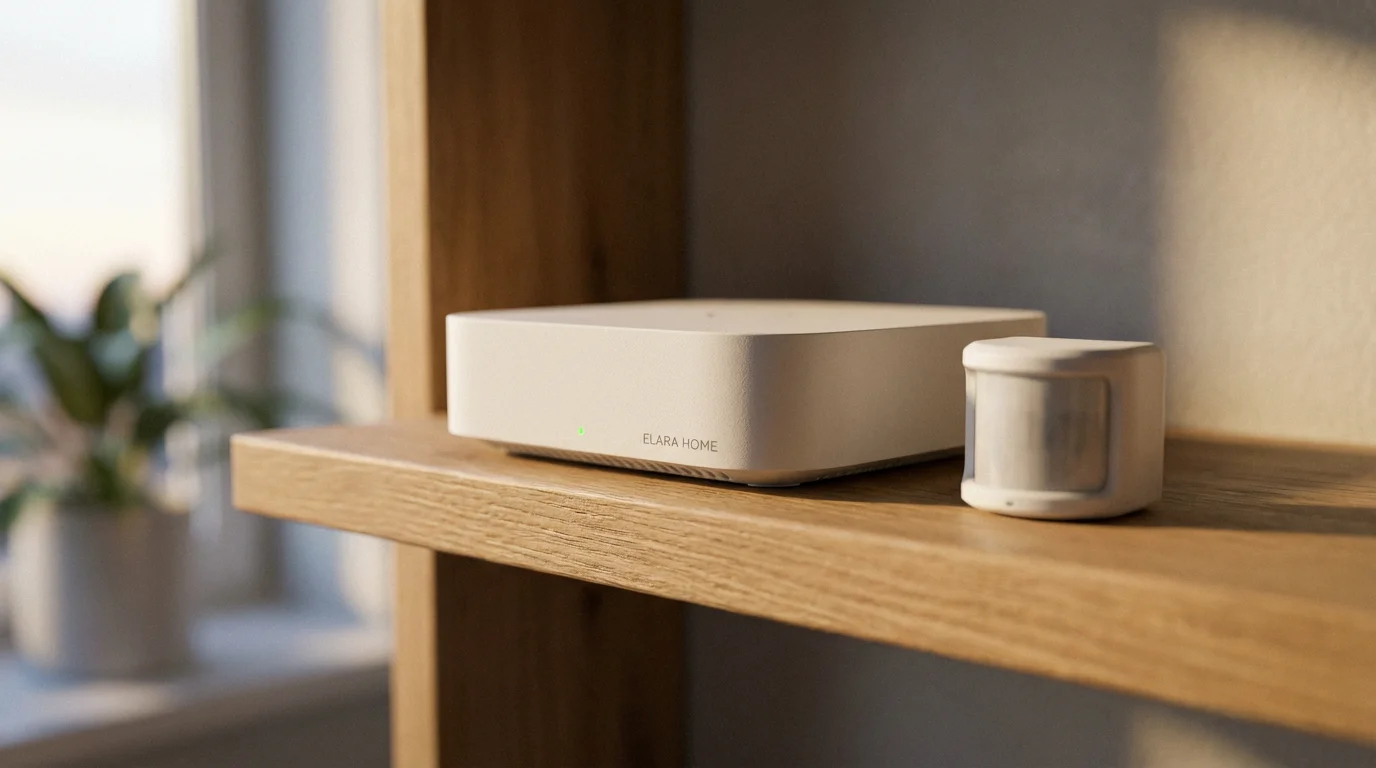
Before you start building routines, you must identify the hardware that will serve as the eyes, ears, and voice of your emergency system. You likely have some of these installed already. The goal is to move them from isolated gadgets to an integrated team.
Even if you are building a smart home on a budget, prioritizing life-safety sensors is the most cost-effective way to protect your family.
The Input Devices (Sensors)
These devices detect the emergency. Reliability is paramount here.
- Smart Smoke/CO Detectors: Devices like Nest Protect or First Alert Z-Wave perform self-checks and communicate directly with your hub.
- Acoustic Listeners: If you have traditional dumb smoke detectors, smart speakers (like Amazon Echo or Google Nest Audio) or specialized listening devices can detect the specific frequency of a T3 smoke alarm and trigger a digital response.
- Contact and Motion Sensors: These monitor doors, windows, and hallways. They are the backbone of intrusion detection.
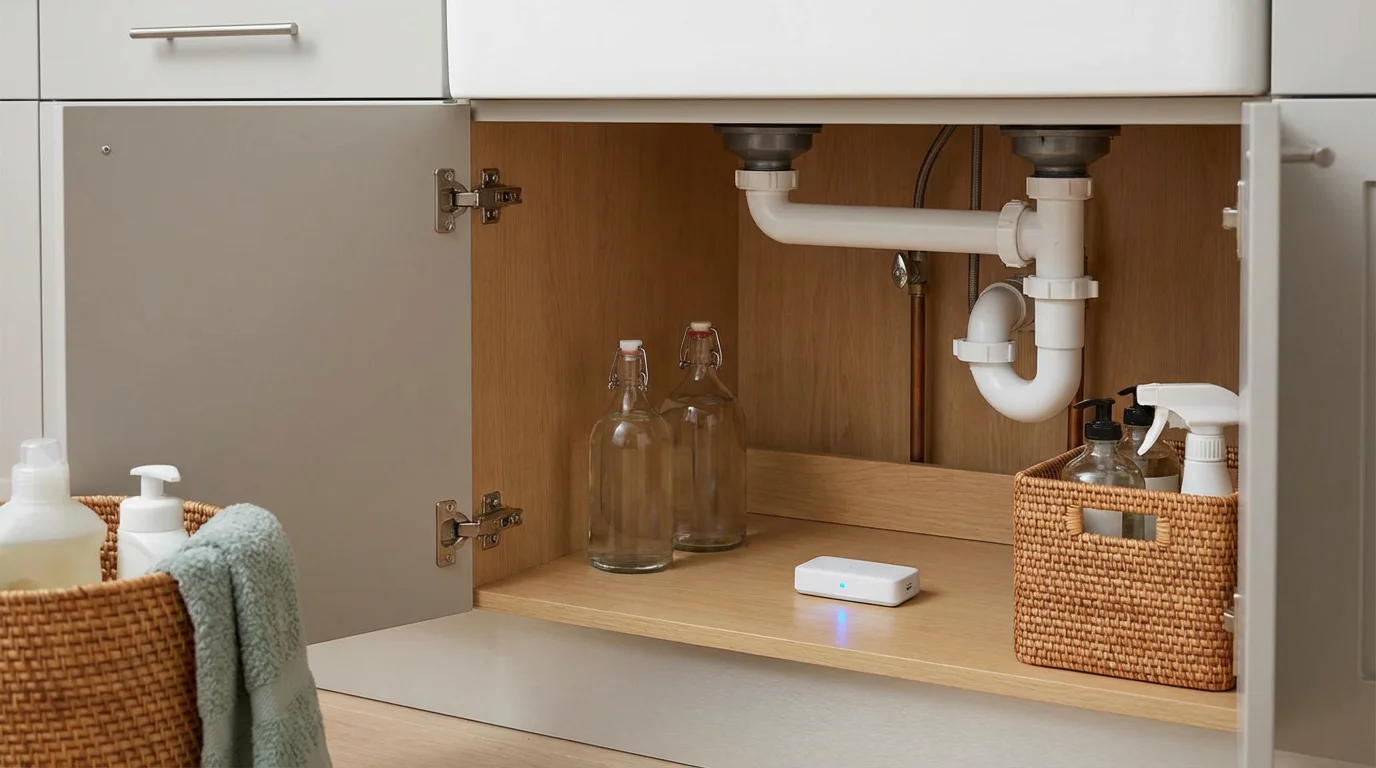
- Leak Sensors: Small probes placed under sinks, water heaters, and washing machines to detect moisture instantly.
The Output Devices (Action Takers)
Once a threat is detected, these devices execute your safety plan.
- Smart Lighting: Color-capable bulbs (Philips Hue, LIFX, or similar) are essential. They can flash specific colors to indicate the type of threat without you needing to check a phone.
- Smart Speakers: These provide Text-to-Speech (TTS) announcements, telling you exactly which door opened or where smoke is detected.
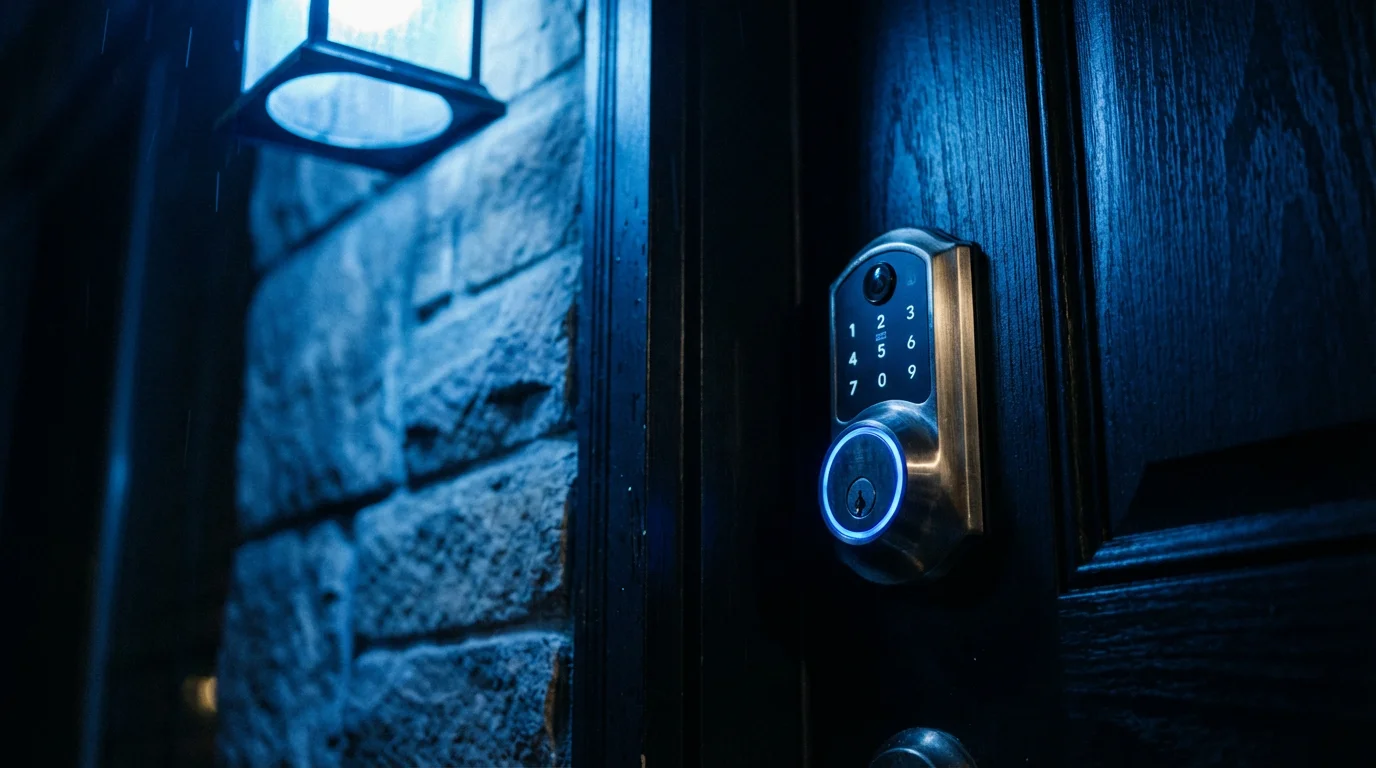
- Smart Locks: These can auto-unlock during a confirmed fire event to allow easy exit or entry for firefighters.
- Smart Thermostats: Integrating your thermostat allows the system to kill air circulation during a fire or shut off the furnace if carbon monoxide is detected.

Fire and Smoke: Lighting the Path to Safety
Time is your most valuable asset during a fire. In modern home construction, a room can reach flashover in under three minutes. Your automation must focus on immediate awakening, visibility, and egress.
The “Red Alert” Routine
You should program a high-priority routine that triggers the moment smoke is detected. Do not rely solely on a push notification to your phone, as you may sleep through it.
- Trigger: Smoke detector reports “Smoke detected” OR Smart Speaker hears a smoke alarm pattern.
- Action 1: Master Lighting Override. Turn every smart light in the house to 100% brightness. If you have color bulbs, set them to a warm white or a distinct red to cut through potential haze.
- Action 2: HVAC Shutdown. Your thermostat should immediately switch to “Off.” This prevents your heating or cooling system from circulating toxic smoke into bedrooms that might otherwise be safe.
- Action 3: Egress Assistance. Unlock all smart deadbolts. This removes a barrier between you and the outside and allows emergency personnel to enter without breaking down doors.
- Action 4: Audio Announcement. Broadcast a message across all smart speakers at maximum volume: “EMERGENCY: SMOKE DETECTED. EVACUATE NOW.”
Safety Tip: Never program a smart home routine that silences an alarm automatically. The alarm must sound until the danger is physically cleared.
Carbon Monoxide Considerations
Carbon monoxide (CO) is odorless and invisible. Your automation strategy here differs slightly from fire. While you still want lights on and doors unlocked, the priority is waking everyone up immediately, as CO induces deep sleep and unconsciousness.
Configure your smart speakers to pulse a distinct alarm tone different from your doorbell or timer sounds. If you have motorized windows or skylights, a CO trigger is the one scenario where automating them to open could be life-saving, though this requires advanced hardware.
Security and Perimeter Breach Alerts
Home security automations often fail because they are too annoying. If your phone buzzes every time a teenager opens the back door, you will eventually disable the alert. A smart emergency system uses “Context Aware” logic to filter these notifications.
Beyond immediate breach alerts, automating your home for vacation security can help deter intruders by making the house appear occupied while you are away.
Building an effective alert network is a core step in learning how to set up a complete smart security system that protects your entire property.
Geofencing and Time-Based Conditions
You need to differentiate between a “Welcome Home” event and a “Perimeter Breach.” Use geofencing (your phone’s location) and time-of-day constraints to define true emergencies.
- Scenario: The front door opens.
- Condition A (Normal): It is 5:00 PM and your phone is near the home. Result: No alert, or a gentle chime.
- Condition B (Emergency): It is 2:00 AM OR everyone’s phones are away from the house. Result: Full alert.
The Intruder Deterrence Routine
If a breach is confirmed (e.g., glass break sensor triggers or door opens while armed), your home should make its presence known.
- Visual Alarm: Flash exterior lights to draw attention from neighbors. Turn interior lights red or bright white to disorient the intruder.
- Audible Warning: Use text-to-speech on smart speakers. A voice announcing “Intruder alert: Police have been notified” is often more psychologically effective than a generic siren.
- Video Recording: Ensure all cameras begin recording immediately, regardless of whether they detected motion.
Water Leaks and Environmental Hazards
While fire and theft get the most attention, water damage is statistically more likely to occur. A smart home excels here because it can physically intervene to stop the damage.
The Automatic Shut-Off Sequence
This routine requires a smart water shut-off valve installed on your main water line. These devices can be retrofitted over existing ball valves or plumbed directly into the pipe.
When a moisture sensor detects water:
- Immediate Action: The valve closes the main water supply.
- Notification: You receive a “Critical Alert” notification on your phone.
- Visual Cue: A specific light (perhaps a strip behind the TV or in the kitchen) turns blue.
This automation transforms a catastrophic flooded basement into a minor puddle that can be cleaned up with a towel.
Designing a Visual Color-Code System
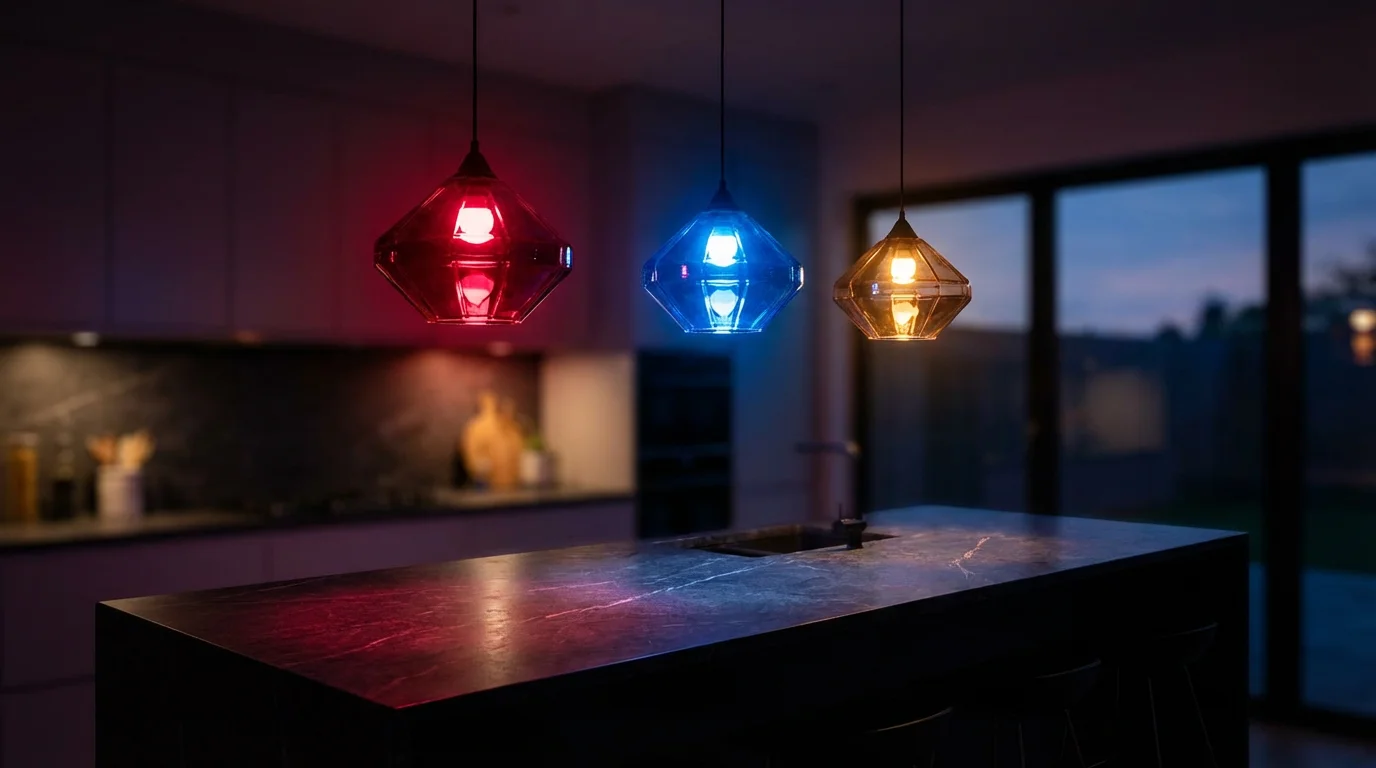
In a high-stress situation, cognitive function declines. You might not check your phone, and loud sirens can be disorienting. A visual color-code system utilizes your smart bulbs to communicate information instantly without words.
By standardizing these colors across your household, every family member will know what is happening just by looking at a lamp.
| Color | Meaning | Example Trigger |
|---|---|---|
| Red (Flashing) | Critical Emergency | Smoke detected, CO detected, or Panic Button pressed. |
| Blue (Solid) | Water/Plumbing Issue | Leak detected in basement or laundry room. |
| Yellow (Pulsing) | Security Breach | Door opened while system armed or in “Night Mode.” |
| Purple (Solid) | Severe Weather | Tornado warning or severe storm alert (requires IFTTT or weather API). |
Implementation is simple. In your automation platform (Apple HomeKit, Amazon Alexa, Google Home, or Samsung SmartThings), create scenes specifically for these colors. When creating your trigger routines, simply select the corresponding scene.
Building the Logic: Triggers, Conditions, and Redundancy
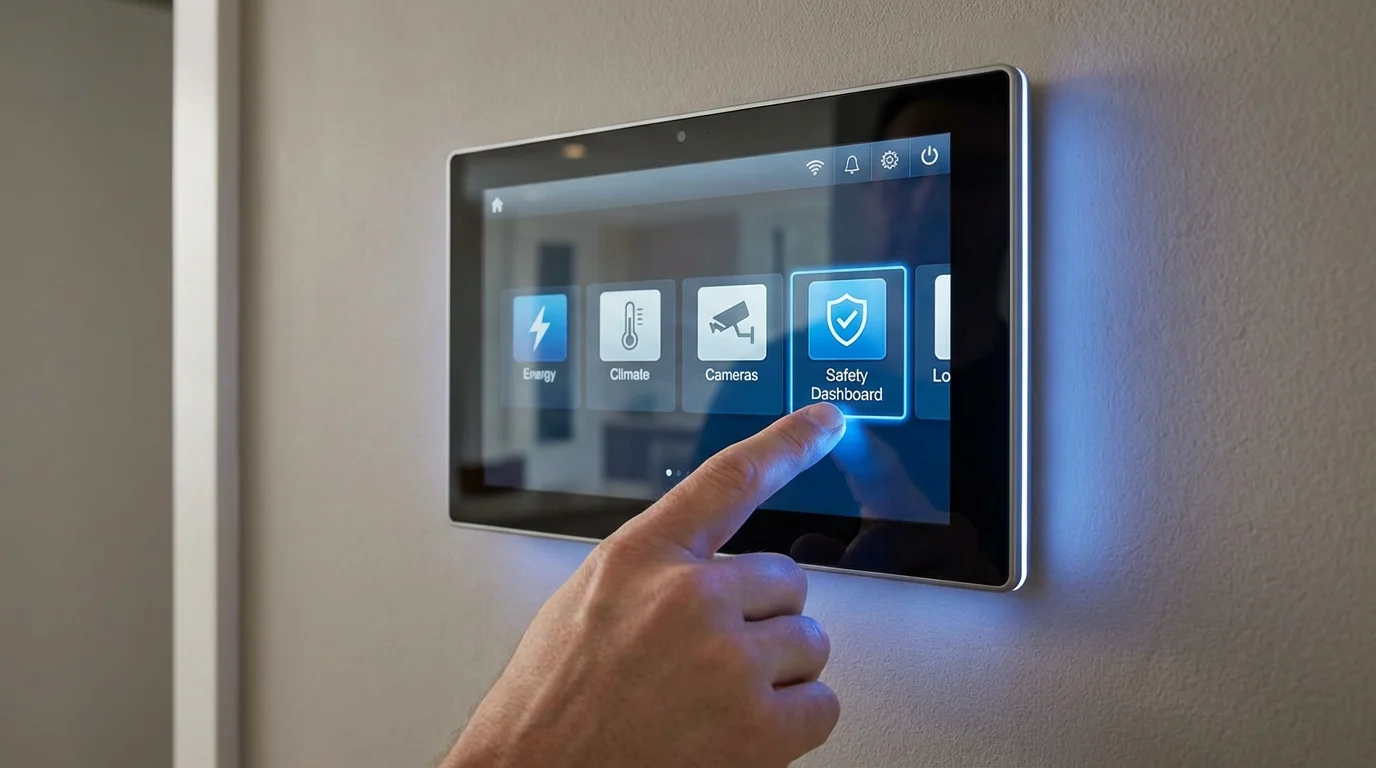
The most common mistake beginners make is creating routines that conflict with each other. To avoid “ghost” actions—like lights turning off when you want them on—you must structure your logic carefully.
Managing Conflicts
If your “Good Night” routine turns off all lights at 11:00 PM, but your “Fire Alarm” routine turns them on at 11:05 PM, you need to ensure the “Good Night” routine doesn’t override the emergency state. Most modern platforms handle this by prioritizing the most recent command, but dedicated hubs like Hubitat or Home Assistant allow you to set “Modes.”
If Mode is “Emergency,” prevent all other lighting automations (motion sensors, timers) from running. This “locks” the house in the safe state until you manually reset it.
Power and Internet Redundancy
A smart home without power is a dumb home. In an emergency, power and internet are often the first things to fail. To ensure your alert system remains operational, you need backup layers.
- Uninterruptible Power Supply (UPS): Plug your Wi-Fi router and your smart home hub into a battery backup UPS. This ensures that even if the street power is cut, your internal network remains alive to process local automations.
- Local Processing vs. Cloud: Cloud-based systems (like standard Alexa or Google Home routines) require the internet to think. Systems utilizing Zigbee, Z-Wave, or Thread (via hubs like SmartThings, Hubitat, or Apple HomePod) can often execute local processing. This means if the internet line is cut, your smoke detector can still talk to your lights because the signal never leaves your house.
- Cellular Backup: For high-security needs, consider a hub or alarm system with cellular backup. If the Wi-Fi dies, the system switches to a 4G/5G signal to get the alert out to your phone.
According to The Verge, the introduction of the Matter standard is significantly improving how devices communicate locally, reducing reliance on cloud servers and making safety routines faster and more reliable.
Maintenance and Routine Testing
An emergency system is only as good as its last test. Digital “rot” can happen—Wi-Fi passwords change, batteries die, and API connections break. You must schedule regular maintenance.
To ensure your safety system is fully integrated with your other gadgets, review the ultimate smart home setup checklist for a comprehensive overview of your connected home.
The Monthly Check-Up
- Sensor Verification: Physically test one contact sensor and one motion sensor to ensure they trigger the expected notification.
- Siren Test: If you use smart speakers as sirens, trigger a test routine to ensure the volume is set correctly. Smart speakers often default to lower volumes for music; ensure your emergency routine forces volume to 100%.
- Battery Audit: Check the battery levels of all sensors in your app. Replace any that are below 20%.
The “Silent” Fire Drill
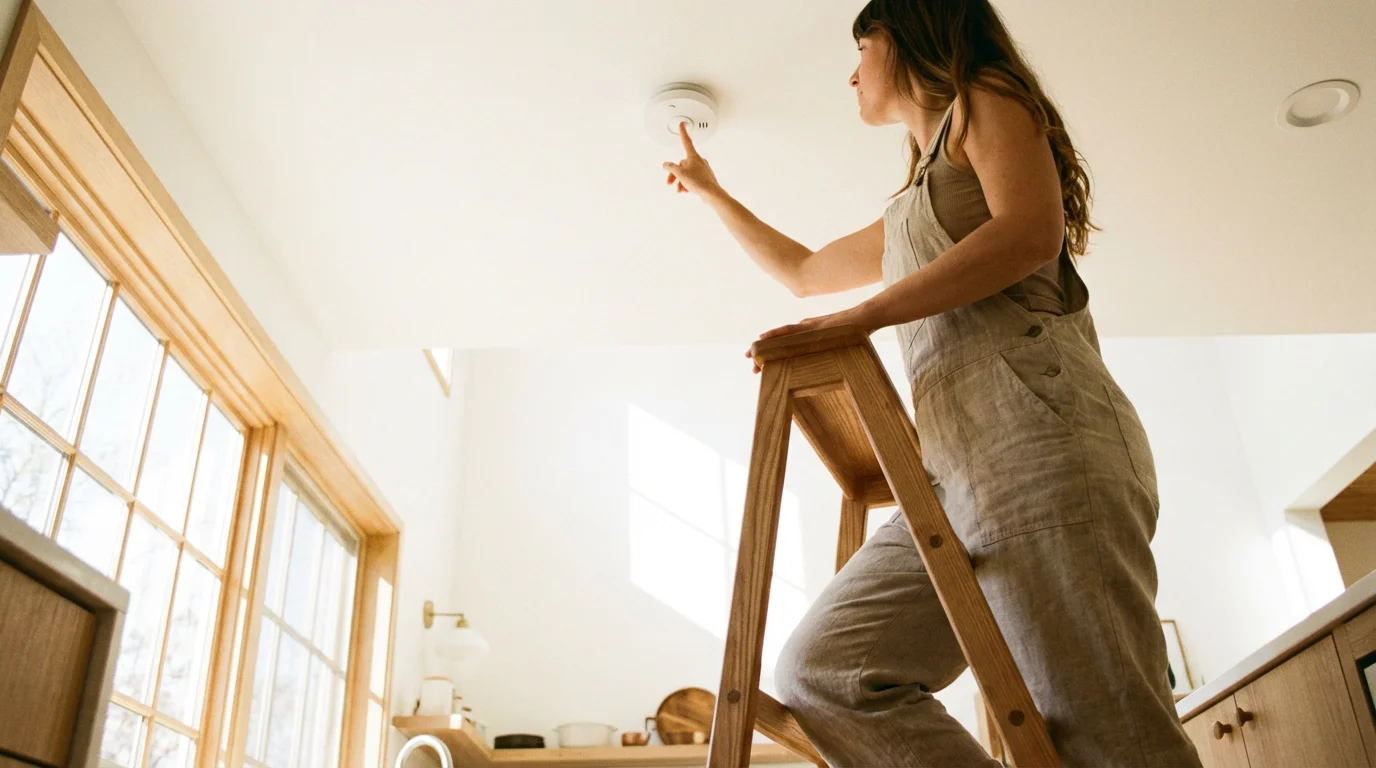
You cannot start a fire to test your automation, but you can simulate the trigger. Most smart smoke detectors have a “Test” button. Pressing this should initiate the full sequence: lights up, doors unlock, HVAC off.
If your system relies on listening for the sound of a standard alarm, use a YouTube recording of a T3 smoke alarm sound to test if your smart speakers or listeners pick it up. Verify that the “Red Alert” scene activates correctly.
Frequently Asked Questions
Can a smart home system replace a professional security system?
For most homeowners, a smart home system offers excellent self-monitoring capabilities, but it lacks the guaranteed response of a professional system. If you lose internet or cell service, you may not receive the alert. Professional monitoring ensures someone else calls the police or fire department even if your phone is off.
What happens to my emergency alerts if the Wi-Fi goes out?
If you rely on Wi-Fi devices (like many budget smart bulbs), they may fail to respond during an outage. Devices using Zigbee, Z-Wave, or Thread protocols connected to a local hub can often continue to communicate within the home even without an internet connection, provided the hub has battery power.
How do I prevent false alarms from waking up the whole house?
Use verification conditions. For example, require two sensors to trigger within one minute (e.g., Motion + Door Open) before sounding a siren. For smoke detection, rely on high-quality hardware rather than cheap sensors to minimize false positives. Consumer Reports offers excellent guides on which sensors have the lowest false-alarm rates.
Can my smart home automatically call 911?
Generally, no. Due to regulations preventing robocalls to emergency services, most smart home assistants (Alexa, Google) cannot dial 911 directly. However, they can be programmed to call a designated contact, like a neighbor or family member, who can then contact authorities.
Disclaimer: This article is for informational purposes only. Smart home devices involve electrical connections and data privacy. Always follow manufacturer instructions for installation. For complex wiring or HVAC work, consult a licensed professional.