
You open your utility bill, and the number at the bottom shocks you. It is a familiar scenario for many homeowners, especially during peak summer heat or winter chills. While we often blame rising rates, the real culprit is usually invisible waste. You cannot manage what you do not measure. This is where smart home energy monitoring changes the game.
Properly preparing your smart thermostat for seasonal changes ensures you stay ahead of weather shifts that typically drive up utility costs.
Transforming your house into an energy-efficient ecosystem does not require ripping out your walls or living in the dark. It starts with gaining visibility into where your power goes. Since your heating, ventilation, and air conditioning (HVAC) system likely accounts for nearly half of your energy bill, smart thermostats serve as the command center for any serious energy monitoring strategy.
By upgrading to intelligent climate control and pairing it with usage data, you stop paying for energy you do not use. This guide will walk you through selecting the right equipment, handling installation challenges like the C-wire, and configuring your system to maximize savings without sacrificing comfort.

The Great Energy Drain: Why Your Bill is High
Before you install new hardware, you need to understand the dynamics of energy consumption in a typical home. Most waste occurs not because appliances are inefficient, but because they run when they are not needed. Traditional “dumb” thermostats are reactive devices; they only know the temperature at the specific spot on the wall where they sit, and they run the system until that spot hits a target number.
This leads to several common inefficiencies:
- Over-conditioning: Cooling an empty house all day just so it is comfortable when you return from work.
- Ghost readings: A thermostat in a drafty hallway forces the furnace to run even when the living room is already hot.
- Maintenance neglect: Running an HVAC system with a clogged filter increases energy consumption by up to 15%, yet traditional thermostats rarely alert you until the system fails.
According to Energy Star, the average household spends more than $900 a year on heating and cooling. Smart thermostats tackle this directly by shifting from reactive temperature holding to predictive energy management.
Choosing the Right Smart Thermostat
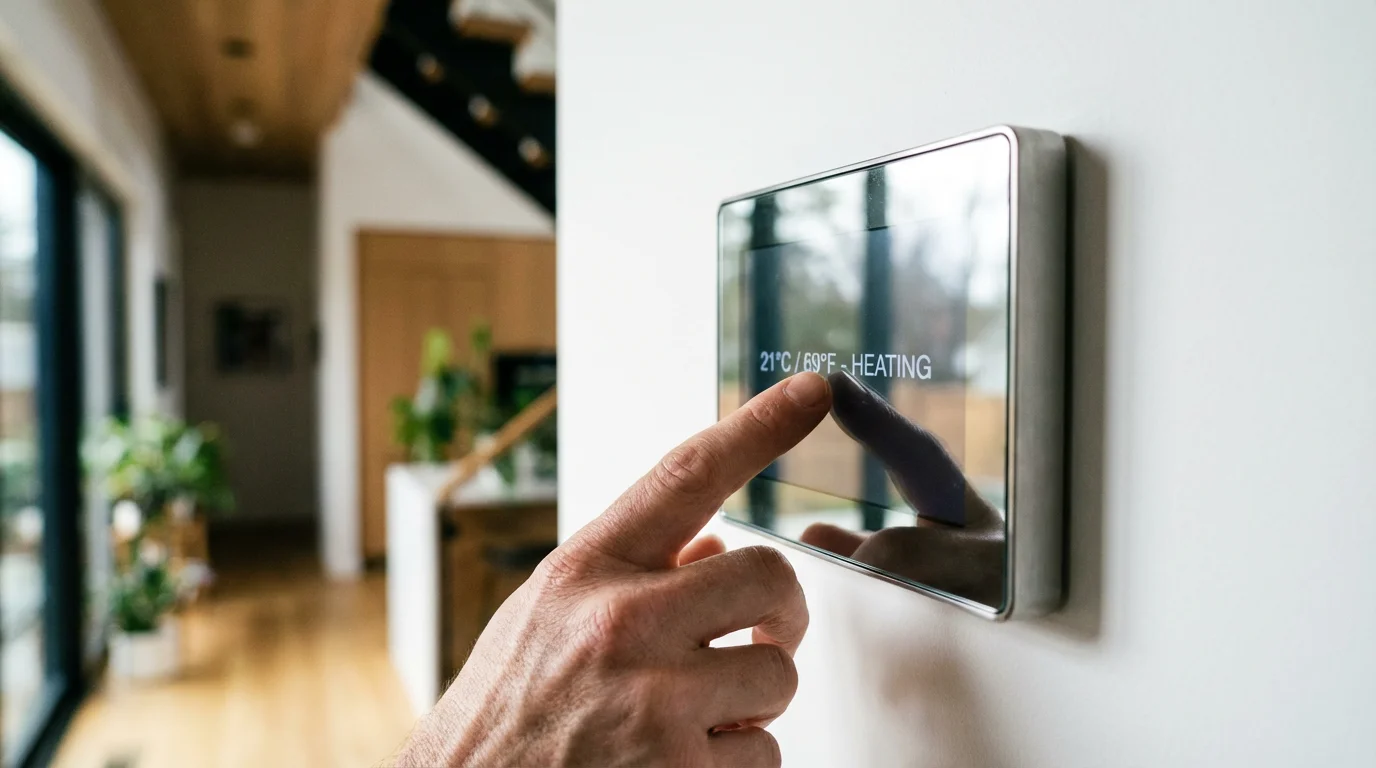
The market is dominated by a few key players, each offering a distinct approach to energy monitoring and automation. Selecting the right one depends on your specific home setup and lifestyle.
Google Nest: The Learning Approach
Nest thermostats are famous for their “Learning” algorithm. You do not need to program a complex schedule manually. For the first week, you simply adjust the dial when you are hot or cold. The device learns your patterns—understanding that you like the house at 68°F at night and 72°F in the morning—and builds a schedule for you.
Best for: Homeowners who want a “set it and forget it” experience and appreciate a sleek, modern aesthetic.
Ecobee: The Sensor-First Approach
Ecobee tackles the issue of hot and cold spots. Their models come with (or support) remote room sensors. You place these small sensors in bedrooms, offices, or living areas. The thermostat can then average the temperature across the house or focus only on occupied rooms.
Best for: Larger homes, multi-story houses with uneven heating, and data enthusiasts who want detailed graphs of their runtime and savings.
Honeywell Home / Resideo: The Compatibility Expert
Honeywell offers robust smart thermostats that prioritize reliability and broad compatibility with older HVAC systems. While they may lack some of the flashier design elements of Nest, they are workhorses that integrate well with various smart home platforms.
Best for: Users with specific HVAC requirements or those who prefer a traditional interface upgraded with smart features.
Installation Realities: The C-Wire Conundrum
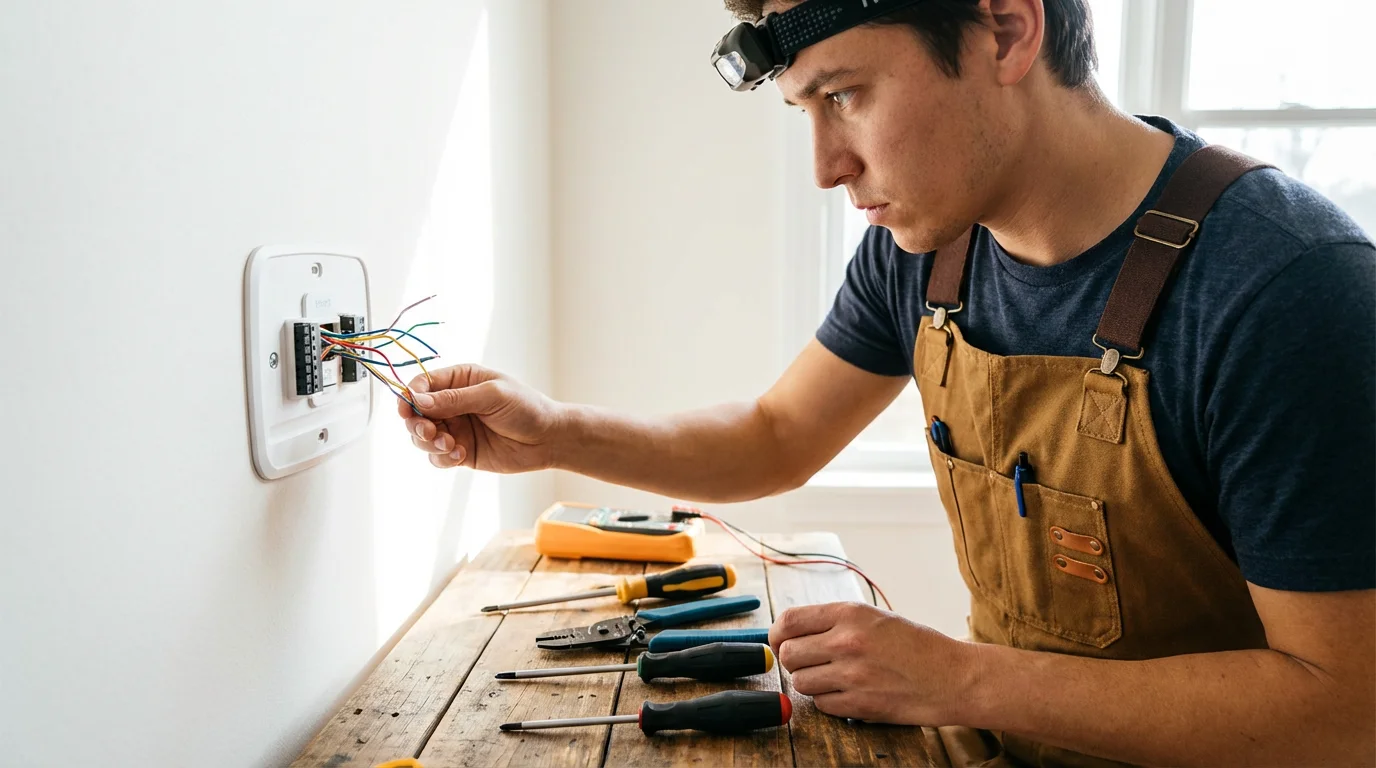
The biggest hurdle in upgrading your energy monitoring system is the Common Wire, or “C-wire.” Traditional thermostats run on batteries or steal small amounts of power when the heat runs. Smart thermostats, with their Wi-Fi radios and color screens, require a constant 24-volt power stream.
Before diving into the wiring, you may want to review our guide on how to install a smart thermostat yourself for a smooth transition.
If you remove your old thermostat faceplate and see only four wires (usually Red, White, Yellow, and Green), you might lack a C-wire. Without it, your smart thermostat may lose connection to Wi-Fi or “pulse” your HVAC system to steal power, potentially damaging your furnace board.
Solutions for Missing C-Wires
If you discover you are missing this critical wire, you have three primary actionable solutions:
- Use a Power Extender Kit (PEK): Brands like Ecobee include this in the box. You install a small adapter at your furnace control board. It combines two signals onto one wire, freeing up an existing wire to act as the C-wire. This is the most reliable DIY method.
- Use a C-Wire Adapter (Plug-in): If your thermostat is near a power outlet, you can run a thin cable from a wall plug to the thermostat. This is effective but aesthetically displeasing due to the visible wire.
- Pull a New Wire: If your walls are unfinished or you have easy access to the space behind the wall, you can fish a new 18/5 or 18/7 thermostat bundle from the furnace to the thermostat location.
Safety Warning: Always turn off the breaker to your furnace and air handler before opening the thermostat or furnace panel. If you are uncomfortable identifying high-voltage vs. low-voltage wires, hire a professional.

Automating Savings: Schedules and Geofencing
Once installed, the hardware alone does not save you money—the software configuration does. To maximize your energy monitoring and reduction, you must utilize advanced automation features.
Geofencing: The Magic of “Away” Mode
Geofencing uses your smartphone’s location services to tell your thermostat when you leave the house. Instead of relying on a rigid time-based schedule (which wastes energy if you stay late at work or go out for dinner), geofencing triggers an “Eco” or “Away” mode the moment you cross a virtual perimeter.
How to set it up effectively:
- Set the Radius: Do not make the radius too tight. A 1-to-3-mile radius ensures your system starts cooling or heating while you are driving home, so you walk into a comfortable house without running the system all day.
- Multi-User Geofencing: Ensure every adult in the house installs the app. You do not want the AC to shut off just because you went to the store while your partner is still working from home.
Optimizing Setbacks
A “setback” is the temperature difference between your comfort setting and your away setting. According to the Department of Energy, turning your thermostat back 7°F to 10°F for 8 hours a day can save as much as 10% a year on heating and cooling.
Avoid extreme setbacks. If you set your “Away” temperature to 85°F in the summer, your AC will have to work incredibly hard to bring the temperature back down to 72°F when you return. This struggle can negate the savings. A moderate gap of 5°F to 8°F strikes the best balance between savings and recovery time.

Deep Integration: Smart Vents and System Health
For true energy efficiency enthusiasts, monitoring the thermostat is just step one. You can extend control to the airflow itself. Standard HVAC systems are “all or nothing”—they blow air into every room, regardless of whether you are using them.
To build a truly cohesive ecosystem, consider integrating your smart thermostat with other IoT sensors and lighting controls for better automated efficiency.
Smart Vents
Smart vents replace your standard metal floor or ceiling registers. They communicate with your smart thermostat and room sensors. If the guest room is empty, the smart vents close partially, redirecting airflow to the rooms you are actually occupying. This reduces the runtime required to make your living room comfortable.
Note on Backpressure: Smart vent systems are designed to never close too many vents at once, which prevents dangerous pressure buildup in your ductwork. Always use a system designed to monitor static pressure.
HVAC Health Monitoring
Modern energy monitoring goes beyond temperature. Systems like Ecobee’s “Smart Security” subscription or standalone devices like the filtering monitors can analyze the power draw and sound signature of your furnace.
They can detect anomalies such as:
- Short cycling (the system turning on and off too rapidly).
- Struggling compressor motors.
- Clogged air filters restricting airflow.
Catching these issues early prevents catastrophic failures and ensures your system runs at peak efficiency. A well-maintained motor uses significantly less electricity than a struggling one.
Beyond the HVAC: Whole-Home Energy Monitoring
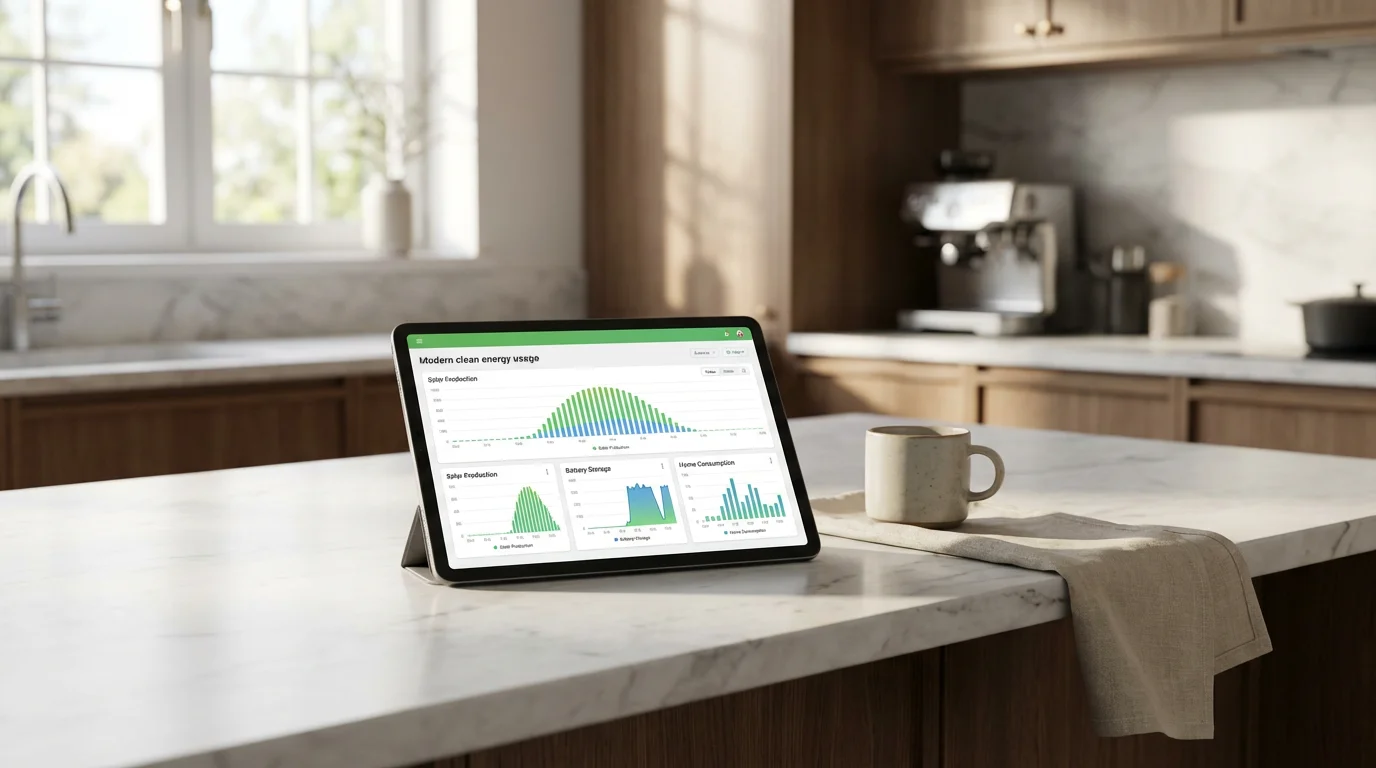
While the thermostat controls the heavy hitter, other devices contribute to your bill. To get a complete picture of your usage, consider expanding your setup.
If you are just beginning your automation journey, we recommend reviewing our introductory guide for beginners to prioritize your energy-saving upgrades.
Smart Plugs with Energy Monitoring
Not all smart plugs are created equal. Look for plugs specifically labeled with “Energy Monitoring.” Use these for specific energy vampires like:
- Space Heaters: These are notoriously inefficient. Monitoring them often reveals they cost more to run than the central heat.
- Dehumidifiers: These run silently in basements and can draw massive amounts of power.
- Entertainment Centers: Gaming consoles and amplifiers often draw power even in standby mode.
Circuit-Level Monitors
For the ultimate view, devices like the Emporia Vue or Sense install directly into your electrical panel (breaker box). They use current transformers (CT clamps) to measure the electricity flowing through your mains and individual circuits.
This gives you real-time data on exactly how much your dryer, oven, or EV charger is costing you per hour. Seeing that your dryer costs $0.75 per load might encourage you to line-dry clothes on sunny days, turning data into actionable behavior changes.

Financial Incentives: Rebates and ROI
The upfront cost of a smart thermostat ($100–$250) can be a barrier, but utility companies want you to upgrade. Reduced peak load on the grid saves them money, and they pass those savings to you.
Utility Rebates: Many energy providers offer instant rebates ranging from $50 to $100 when you buy an Energy Star-certified smart thermostat. Some providers even offer the devices for free or heavily discounted through their own marketplaces.
Demand Response Programs: During extreme weather events (like a summer heatwave), demand on the electrical grid peaks. Programs like “Rush Hour Rewards” (Nest) or “Community Energy Savings” (Ecobee) allow your utility company to make tiny, imperceptible adjustments to your thermostat during these hours. In exchange, you often receive annual credits or cash payments. You always retain the ability to override these adjustments if you become uncomfortable.
For unbiased reviews on which devices offer the best long-term value, Consumer Reports provides excellent durability and usability testing for smart home gear.
Frequently Asked Questions
How much money can a smart thermostat actually save me?
On average, Energy Star certified smart thermostats can save homeowners between 8% on heating and 10% on cooling costs annually. This typically amounts to roughly $50 to $100 per year, meaning the device often pays for itself within two years.
Can I install a smart thermostat if I live in an apartment?
Yes, provided you have access to the thermostat unit and permission from your landlord. Since the installation is reversible, you can reinstall the original thermostat when you move out and take your smart device with you. However, ensure you check compatibility with the building’s HVAC system first (e.g., high-voltage fan coils are often incompatible).
What happens to my smart thermostat if the Wi-Fi goes out?
If your Wi-Fi fails, your smart thermostat functions like a standard thermostat. It will continue to follow the last schedule downloaded to its memory and you can still manually adjust the temperature at the wall. You will only lose remote control via the app and live energy data logging until the connection is restored.
Does a smart thermostat work with a heat pump?
Yes, most major smart thermostats (Nest, Ecobee, Honeywell) support heat pumps, including those with auxiliary or emergency heat. It is critical to configure the settings correctly during setup (specifically the reversing valve setting, O/B) to ensure the system heats and cools when requested.
Disclaimer: This article is for informational purposes only. Smart home devices involve electrical connections and data privacy. Always follow manufacturer instructions for installation. For complex wiring or HVAC work, consult a licensed professional.


1 Comment