
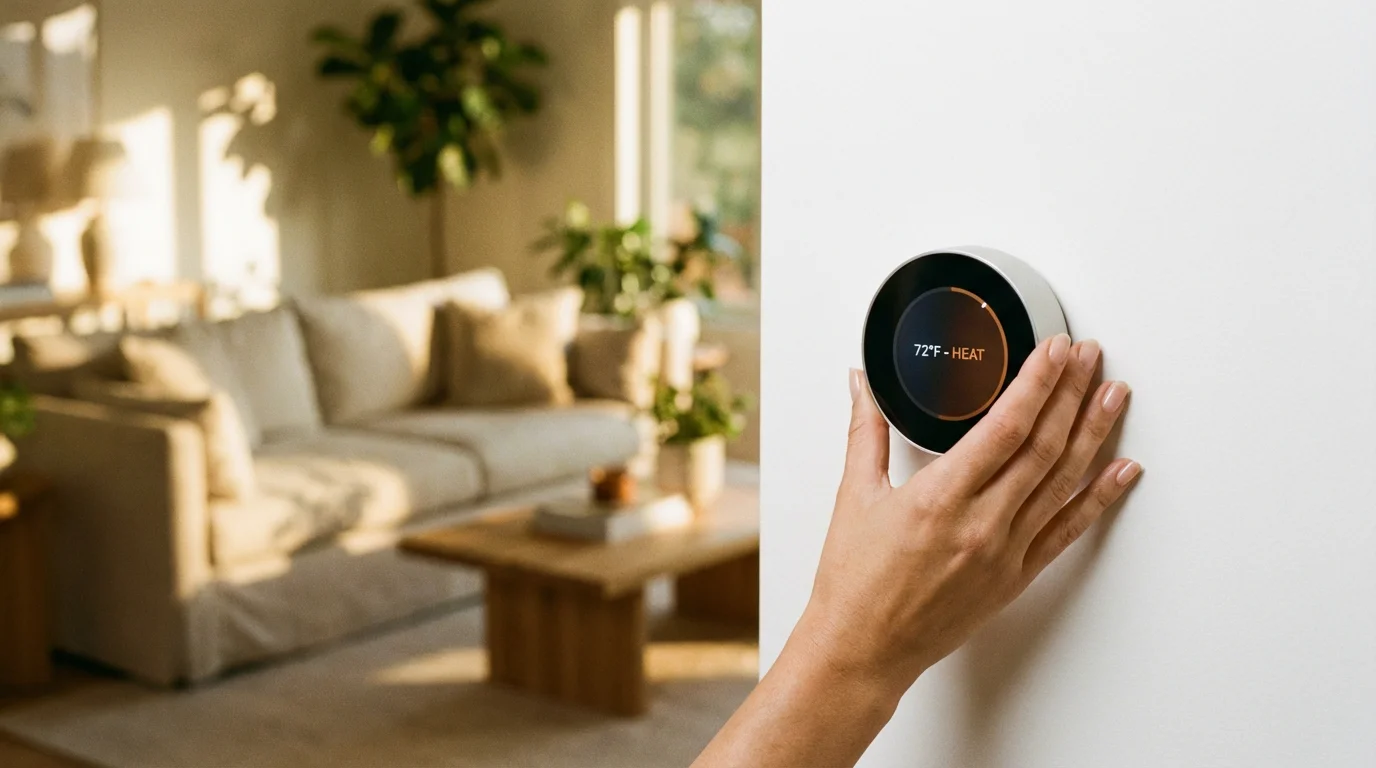
You bought a smart thermostat to modernize your home, but the real appeal usually lies in the promise of lower utility bills. It is a compelling idea: a device that pays for itself by managing your heating and cooling more efficiently than you ever could. However, simply installing a Nest, Ecobee, or Honeywell device on your wall is not enough to trigger significant savings. To truly optimize your energy consumption, you have to dive into the settings menu.
Properly configuring these settings is a fundamental part of smart home energy monitoring to help you gain control over your utility expenses.
Many homeowners treat their new smart device exactly like their old programmable one—they set a schedule and forget it. This approach leaves money on the table. The true power of an energy efficient thermostat lies in its algorithms, sensors, and advanced configuration options that adapt to your specific lifestyle.
By tweaking a few specific parameters, you can reduce the workload on your HVAC system without sacrificing comfort. We will walk through the exact settings you need to adjust to transform your thermostat from a fancy remote control into a genuine energy-saving tool.
The Mechanics of Smart Savings
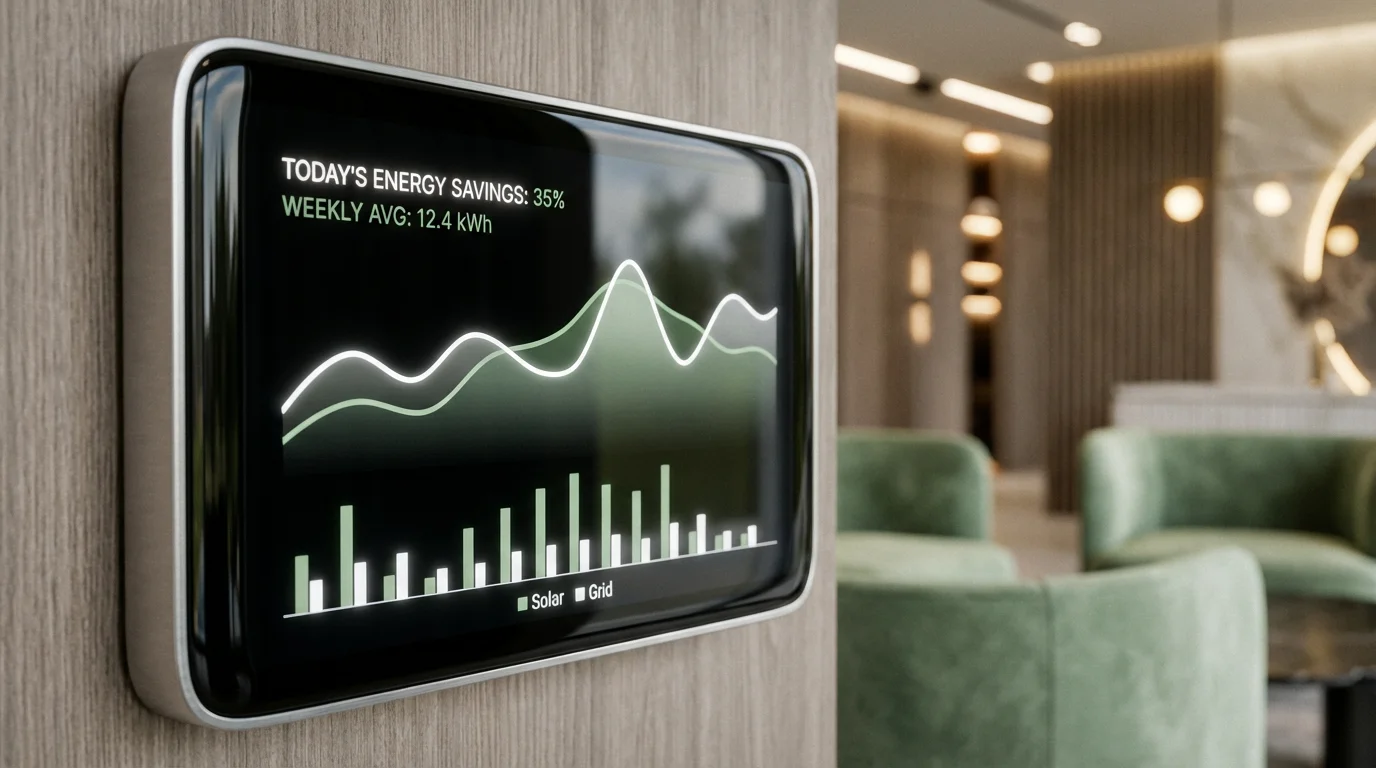
Before changing your settings, it is helpful to understand how smart thermostats actually save energy. Unlike standard thermostats that operate on simple logic (if the temperature is X, turn on; if Y, turn off), smart thermostats analyze data points. They look at local weather patterns, how long it takes your home to heat up or cool down, and when the house is occupied.
To see the direct impact of these adjustments, you should check your app monthly and learn how to read and understand your thermostat’s energy reports.
According to Energy Star, certified smart thermostats can save approximately 8% on heating and 10% on cooling bills annually. These numbers can be significantly higher if you actively manage the five settings detailed below. The goal is to reduce “short cycling” (turning on and off too frequently) and to eliminate heating or cooling empty spaces.
Setting 1: Geofencing and Presence Detection
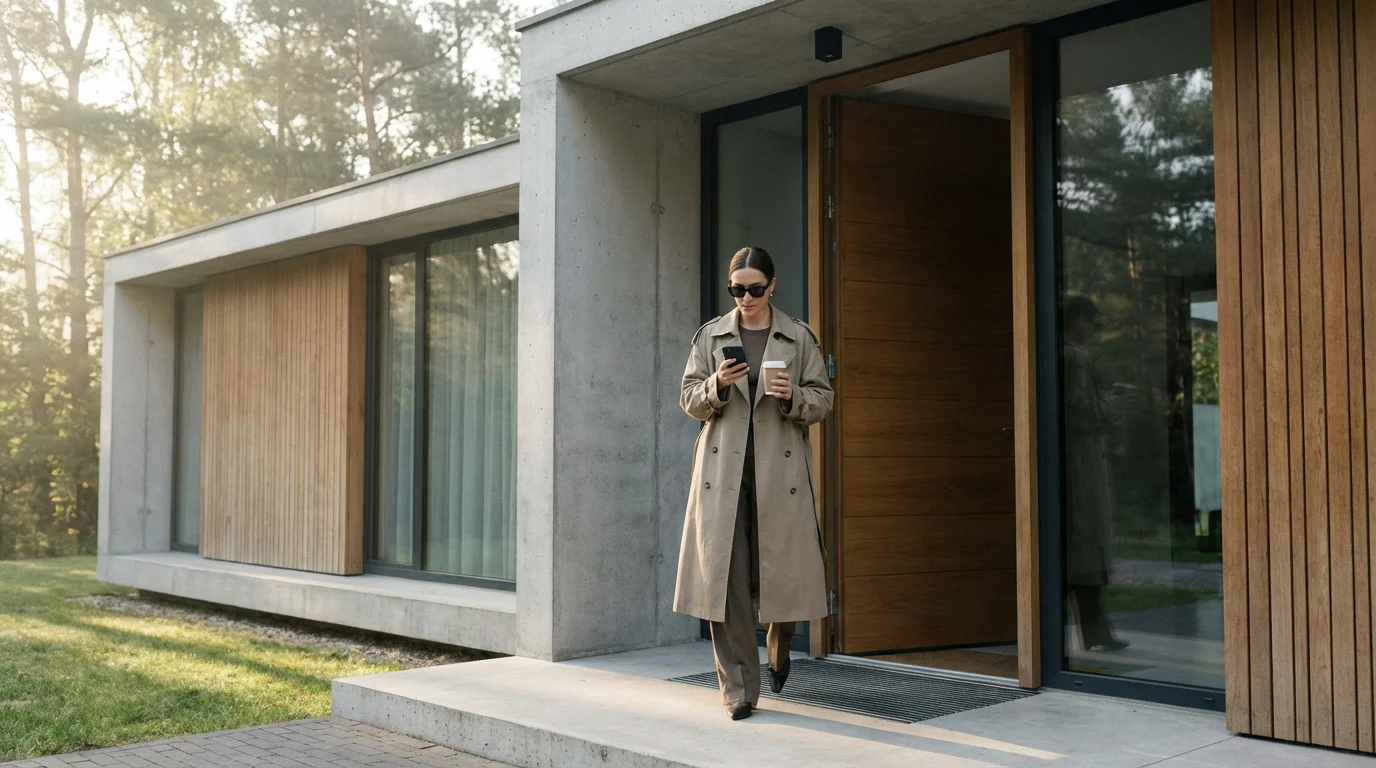
The single most effective feature for energy savings is Geofencing. This feature uses the GPS on your smartphone (and the phones of other household members) to tell the thermostat when you leave the house and when you return. When the last person leaves the “fence” radius, the thermostat automatically shifts to an “Away” or “Eco” mode, allowing the temperature to drift to a more energy-efficient level.
How to Configure Geofencing Correctly
Many users enable this feature but fail to calibrate the radius. If your geofence is too small, your HVAC system might shut down while you are just checking the mail or walking the dog, only to ramp back up ten minutes later. This rapid cycling wastes energy. Conversely, if the radius is too large, your system will continue running at full blast while you are miles away at the grocery store.
- Radius Size: Set your geofence radius to roughly 1 to 3 miles. This ensures the system recognizes you are truly gone before shifting modes, but also gives the system enough time to restore a comfortable temperature before you walk through the door.
- Multi-User Setup: Ensure every adult in the home has the app installed and location services enabled. If you only track your phone, the heat will turn off while your partner or children are still at home, leading to complaints and manual overrides that defeat the purpose of automation.
- Smart Home Integration: If you use platforms like Apple HomeKit or Google Home, you can tie geofencing to other triggers. For example, when you arm your security system to “Away,” you can force the thermostat into Eco mode immediately, bypassing the GPS delay.
Setting 2: Temperature Thresholds and Eco-Modes
Your smart thermostat likely has a specific mode for energy saving—Nest calls it “Eco Temperature,” while others might call it “Away” or “Smart Savings.” This mode defines the upper and lower limits the house can reach when you are not there. The mistake most people make is setting these thresholds too conservatively.
If your normal cooling temperature is 72°F, setting your Eco mode to 74°F barely saves any energy. The compressor will still kick on frequently to maintain that slightly higher temperature. To see real savings, you need to widen the gap.
Recommended Thresholds
- Summer (Cooling): Set your “Away” temperature to 78°F or 80°F. This prevents the house from becoming a sauna (which could damage drywall or electronics) but significantly reduces AC runtime.
- Winter (Heating): Set your “Away” temperature to 60°F or 62°F. This keeps the pipes safe and the house relatively tempered but stops the furnace from burning fuel unnecessarily.
- Recovery Time: Smart thermostats calculate “time-to-temperature.” If you set an aggressive threshold, the thermostat knows exactly how early it needs to start the system to get back to your comfort setting by the time you arrive. Trust the device to do this calculation for you.
“The most efficient energy is the energy you don’t use. Widening your temperature thresholds during ‘Away’ periods is the passive income of home automation.”
Setting 3: Cycle Rates and Temperature Differentials
This setting is often buried in the “Installation,” “Pro,” or “Advanced” menus, but it is critical for efficiency and the longevity of your HVAC equipment. This setting controls the temperature “swing” or “differential.”
In simple terms, the differential is the allowed variance from your set temperature before the system engages. If your thermostat is set to 70°F and has a tight differential of 0.5 degrees, the heat will kick on at 69.5°F and turn off at 70.5°F. This results in the system turning on and off constantly to maintain a precise line. This is inefficient and puts massive strain on your starter capacitor and blower motor.
Adjusting the Swing
You want to adjust this setting to allow for a wider temperature swing—typically between 1°F and 1.5°F (or even 2°F if you prioritize savings over precision).
- Why it helps: By allowing the temperature to drop to 68.5°F before heating back up to 71.5°F (in a 1.5°F swing scenario), your system runs for longer, sustained cycles. HVAC systems are most efficient when they run for longer periods rather than short bursts.
- Where to find it:
- Ecobee: Look for “Thresholds” in the Installation Settings. Adjust the “Heat Differential Temp” and “Cool Differential Temp.”
- Nest: This is often handled automatically by the “Time-to-Temp” algorithm, but you can influence it by using the “Safety Temperatures” and ensuring your “Lock” settings aren’t too restrictive.
- Honeywell/Resideo: Look for “Cycles per hour” (CPH). Lowering the CPH allows for longer run times and longer off times.

Setting 4: Fan Dissipation and Circulation
Your HVAC system consists of two main energy consumers: the temperature changer (compressor/furnace) and the air mover (the blower fan). The compressor uses a massive amount of electricity; the fan uses significantly less. You can use this to your advantage by adjusting fan dissipation and circulation settings.
Optimizing air circulation is particularly vital for smart thermostats for homes with multiple zones, where temperature imbalances are more common.
Cool Dissipation / Fan Overrun
When your furnace or AC turns off, the coils inside the unit are still hot or cold. If the fan stops immediately, that thermal energy stays trapped in the ductwork and is wasted. Most smart thermostats have a “Dissipation” or “Fan Off Delay” setting.
Enable this feature and set it to run the fan for 45 to 60 seconds after the compressor shuts off. This pushes the remaining conditioned air out of the ducts and into your living space, squeezing every last drop of value from the energy you just paid for.
Minimum Fan Runtime (Circulate Mode)
Sometimes you feel uncomfortable not because the room temperature is wrong, but because the air is stagnant. Before you lower the thermostat, try increasing air circulation.
Set your thermostat to run the fan for a minimum of 15 to 20 minutes per hour. This mixes the air in the house, preventing hot and cold spots (stratification). By equalizing the temperature between the upstairs and downstairs, you often delay the need for the HVAC system to kick on again. This keeps you comfortable at higher set temperatures in the summer.
Setting 5: Time-of-Use and Demand Response
Electricity prices are rarely static. Many utility companies utilize Time-of-Use (TOU) rates, where electricity is cheaper during the night and mid-day, but significantly more expensive during “peak” hours (usually 4:00 PM to 9:00 PM). Your smart thermostat can navigate this financial minefield for you.
Mastering these advanced settings will ultimately help you create the perfect temperature schedule for year-round savings and comfort.
These strategies work best when paired with other energy-saving automations that lower your bills across your entire home.
Supercooling (Pre-cooling)
If you have a TOU plan, you should configure your thermostat to “supercool” or “pre-heat” your home during off-peak hours.
- Identify Peak Hours: Check your electric bill to see when rates spike.
- Schedule the Pre-cool: Set your thermostat to cool the house to 2 or 3 degrees below your normal preference during the hour before peak rates begin.
- Coast Through the Peak: Set the thermostat to a higher eco-temperature during the peak window. Because you pre-cooled the thermal mass of the house (furniture, walls, floors), the house will stay comfortable for hours without the AC running while electricity is most expensive.
Demand Response Programs
Check your thermostat app for “Rebates” or “Energy Programs.” Many utility providers will pay you cash or give you bill credits if you allow them to make minor adjustments to your thermostat during grid emergencies (like extreme heatwaves). You always retain the ability to override these adjustments, but enrolling is often an easy way to earn $50 to $100 annually while helping the community avoid blackouts.
Beyond Settings: Maintenance and Sensors
Even the perfect settings cannot overcome a neglected system. To ensure your smart thermostat settings are effective, you must address the physical environment.
In addition to maintenance, learning how to use room sensors can help your thermostat manage hot or cold spots more effectively.
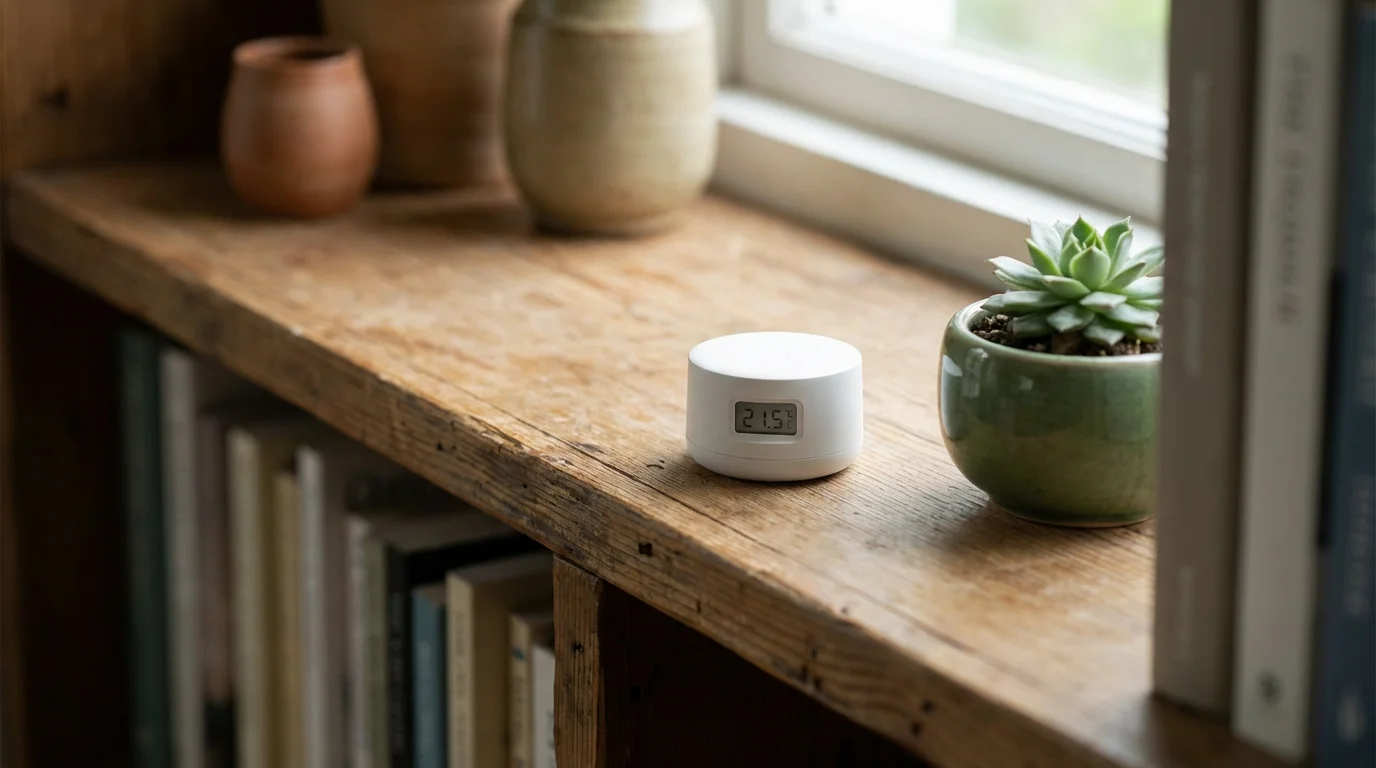
- Remote Sensors: If your thermostat is in a hallway that stays dark and cool, it might think the whole house is comfortable while your living room is baking. Using remote sensors (available for Ecobee, Nest, and others) allows the thermostat to average the temperature across occupied rooms. This prevents the system from running unnecessarily to cool a hallway no one is using.
- Filter Maintenance: A smart thermostat often has a “Filter Reminder” feature. Turn this on. A clogged air filter restricts airflow, causing the system to work harder and run longer to achieve the target temperature.
- Draft Protection: If your thermostat is mounted near a drafty door or a window receiving direct sunlight, its readings will be inaccurate. This leads to “ghost” cycling. Ensure the hole in the wall behind the thermostat (where the wires come through) is plugged with plumber’s putty so drafts from inside the wall don’t affect the sensors.
By combining these five critical settings with basic maintenance, you create a home ecosystem that prioritizes efficiency without demanding constant attention. You don’t have to sacrifice comfort to save money; you just have to be smarter about how you use the energy.
Frequently Asked Questions
Does turning the thermostat off completely save more money than using a setback temperature?
Generally, yes. Turning the system off saves the most energy because the rate of heat loss (or gain) slows down as the indoor temperature approaches the outdoor temperature. However, for smart home users, using a setback temperature (Eco mode) is preferred because it protects pipes from freezing and humidity from spiking, while still offering significant savings.
What is the C-wire and do I need it for energy savings?
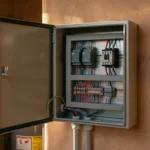
The C-wire (Common wire) provides continuous 24V power to your smart thermostat. While some models claim to work without it, lacking a C-wire can cause the thermostat to “pulse” your HVAC system to steal power, which leads to inefficient short-cycling. Installing a C-wire adapter ensures your thermostat has a stable connection to run its advanced energy-saving algorithms effectively.
How much can I realistically save with a smart thermostat?
On average, homeowners save between 10% and 12% on heating and 15% on cooling costs. In dollar terms, this usually ranges from $50 to $140 per year, depending on your climate and current energy rates. This means most devices pay for themselves within two years.
Should I set the fan to ‘Auto’ or ‘On’ for the best efficiency?
You should almost always leave the fan on “Auto.” Leaving the fan on “On” runs the blower motor 24/7, which consumes significant electricity and can actually increase humidity inside the home during the summer. Use the “Circulate” setting discussed in this article if you need air movement without running the fan continuously.
Disclaimer: This article is for informational purposes only. Smart home devices involve electrical connections and data privacy. Always follow manufacturer instructions for installation. For complex wiring or HVAC work, consult a licensed professional.


1 Comment