You invite technology into your home to make life easier. The lights turn on when you walk through the door, the thermostat adjusts automatically to save energy, and your doorbell tells you when a package arrives. But with every new device you connect to the internet, you open a potential digital door for intruders. The convenience of automation should not come at the cost of your privacy.
If you are just beginning your journey, check our guide on smart home for beginners to get the foundations right.
Securing a smart home requires a shift in mindset. You don’t need to be a cybersecurity expert to protect your data, but you do need to be proactive. Most vulnerabilities arise from default settings and weak passwords rather than sophisticated hacking attempts. By taking control of your network and understanding how your devices communicate, you can build a fortress that is both intelligent and secure.

The Reality of Smart Home Risks
Before fixing the problems, you must understand the landscape. Smart home devices are part of the Internet of Things (IoT). Unlike your laptop or smartphone, which receive frequent security scrutiny, many IoT devices are built by manufacturers prioritizing low cost and ease of use over robust security. This creates a gap that bad actors can exploit.
Understanding the most common smart home mistakes beginners should avoid is the first step in building a resilient system.
The risks generally fall into three categories:
- Unwanted Surveillance: In rare but publicized cases, hackers have compromised cameras to watch homeowners or speak through two-way audio systems. This usually happens due to reused passwords or lack of two-factor authentication.
- Data Mining: Companies often collect data on how you use their devices. While usually for product improvement, this data can reveal intimate details about your daily routine—when you wake up, when you leave for work, and what appliances you use.
- Network Vulnerability: An insecure smart bulb is unlikely to steal your identity, but it can serve as a gateway. Hackers can use a weak IoT device to pivot into your main network, gaining access to computers where you store sensitive financial documents.
Understanding these risks puts you in control. You can enjoy the benefits of automation while mitigating the dangers through specific, actionable steps.
Securing Your Network: The First Line of Defense
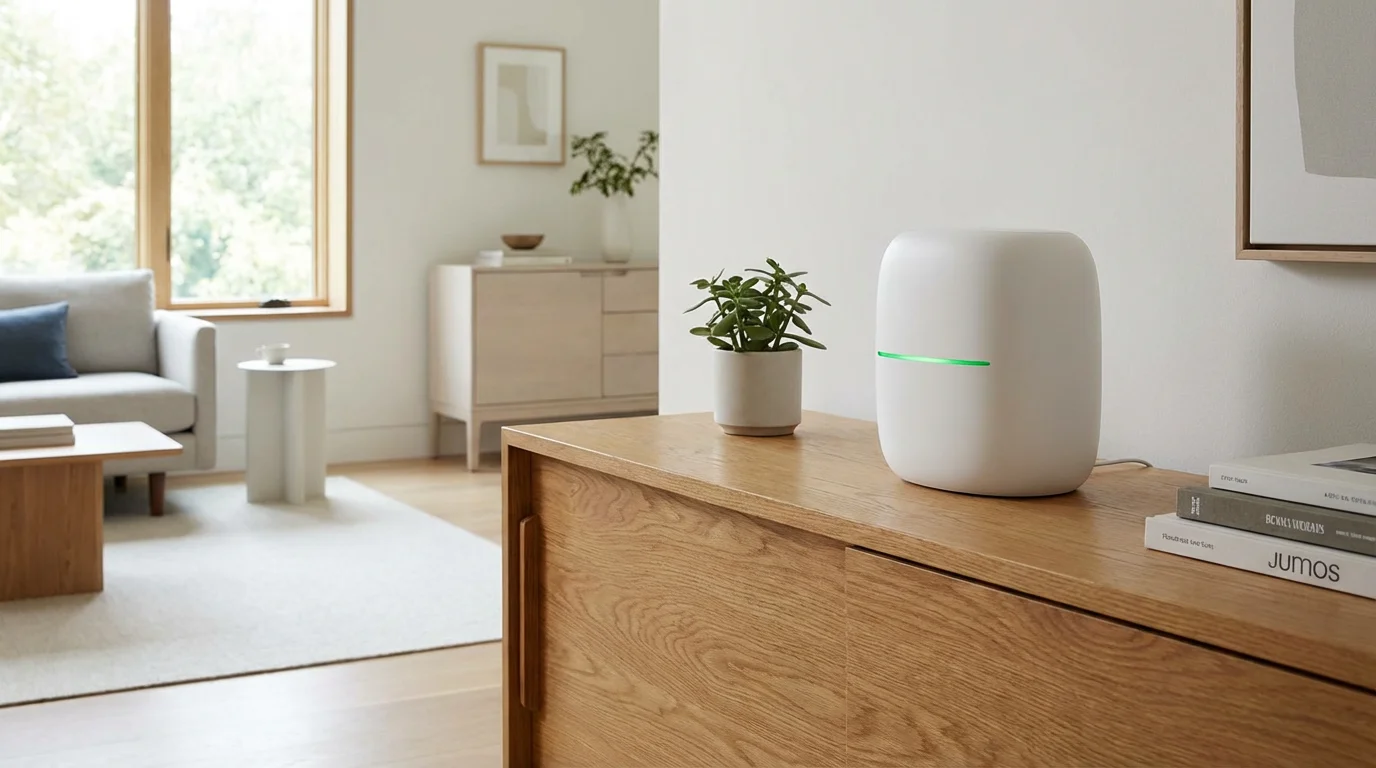
Your Wi-Fi router is the front door to your digital home. If you leave it unlocked, everything inside is vulnerable. Most homeowners set up their router once and never touch it again, which is a significant mistake. Securing the router is the single most effective step you can take to protect your smart home.
Change Default Credentials Immediately
Many routers come with a default username (often “admin”) and a password printed on a sticker. Lists of these default credentials exist online. As soon as you install a router, change the administrative password to a complex, unique phrase. This prevents anyone from logging into your router settings and changing your DNS or opening ports.
Utilize a Guest Network or VLAN
One of the best strategies for smart home privacy is network segmentation. Most modern routers allow you to create a “Guest Network.” While originally designed for visitors, this feature is perfect for your IoT devices.
By connecting your smart bulbs, plugs, and appliances to the Guest Network, you isolate them from your main devices. If a cheap smart plug is compromised, the attacker remains trapped in the Guest Network and cannot access the laptop where you do your online banking.
- Primary Network: Laptops, smartphones, tablets, and network-attached storage (NAS).
- Guest/IoT Network: Smart bulbs, thermostats, smart fridges, and robot vacuums.
According to Wirecutter’s smart home experts, isolating cheap devices is a top-tier strategy for preventing lateral movement across your network during a breach.
Smart Cameras and Video Doorbells: Keeping Prying Eyes Out
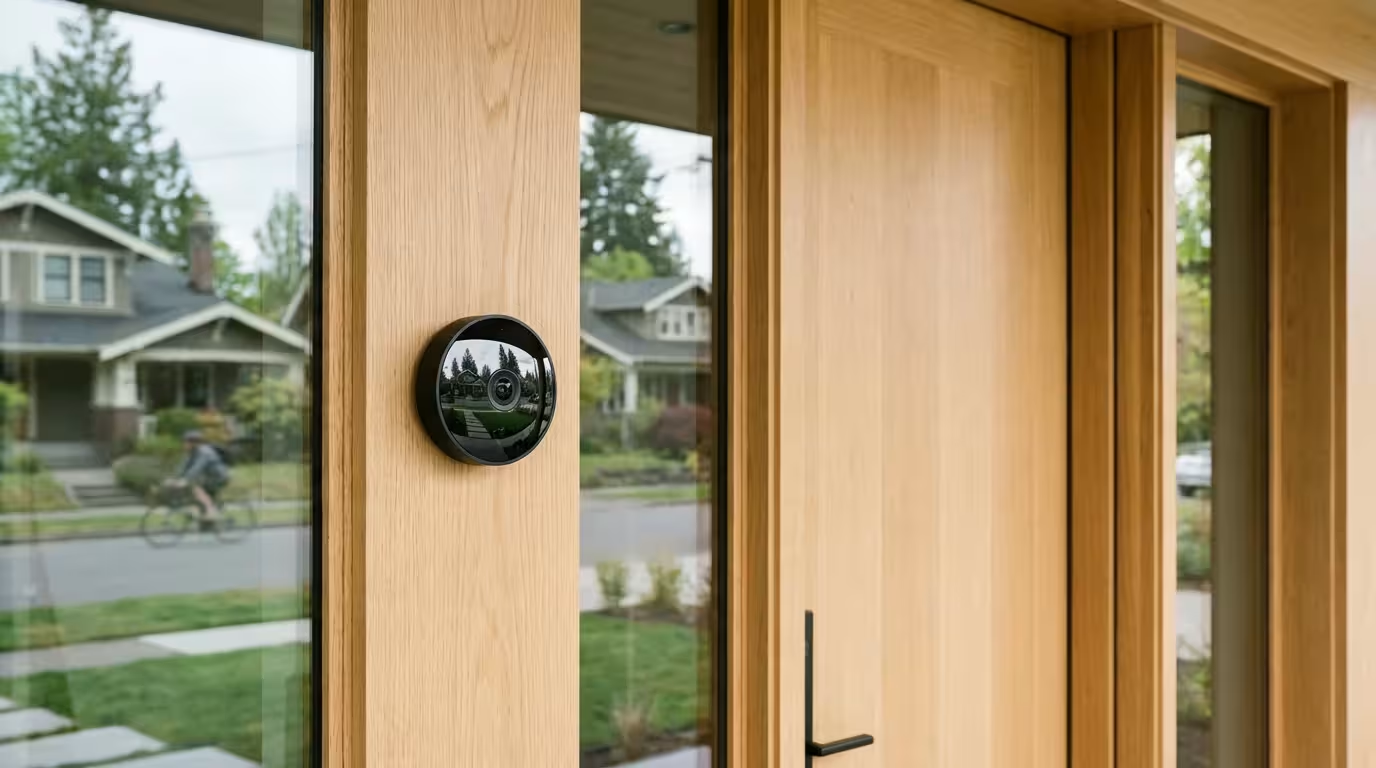
Cameras are the most sensitive devices in a smart home. They capture your family’s most private moments. Securing them is non-negotiable. Whether you use a video doorbell or indoor security cameras, the storage method and access controls define your privacy level.
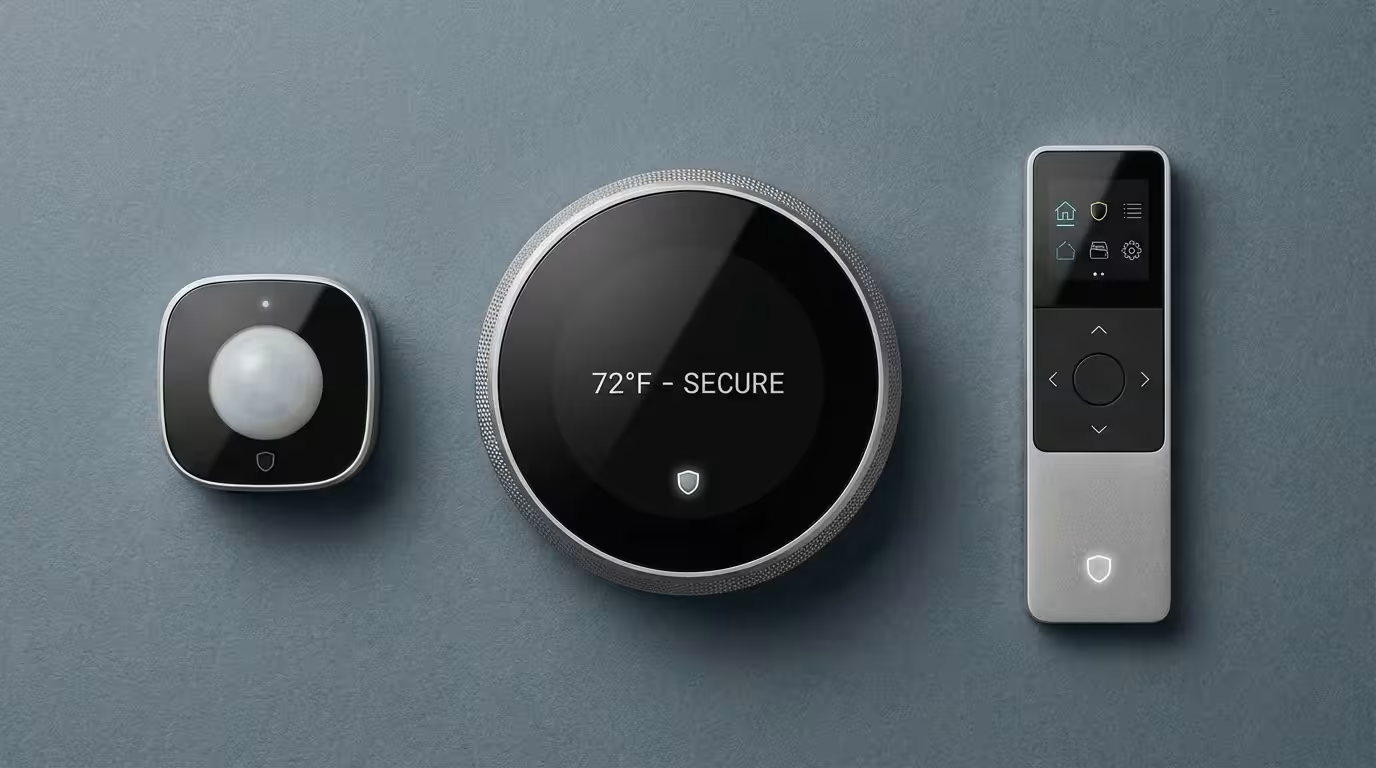
Beyond cameras, integrating smart sensors provides an extra layer of detection without recording private audio or video.
Cloud vs. Local Storage
You generally have two options for storing video footage:
- Cloud Storage: Footage is uploaded to the manufacturer’s servers. This is convenient because you can access it from anywhere, even if the camera is stolen. However, it relies on the company’s security practices. If you choose this route, ensure the provider uses end-to-end encryption.
- Local Storage: Footage is saved to a microSD card inside the camera or a separate Network Video Recorder (NVR) in your home. This keeps your video off the internet entirely. The downside is that if someone steals the camera (and it contains the SD card), you lose the footage.
Enable Two-Factor Authentication (2FA)
If your camera service offers Two-Factor Authentication (also known as Multi-Factor Authentication or MFA), enable it immediately. This requires a secondary code sent to your phone or generated by an app to log in, in addition to your password. This single step effectively neutralizes 99% of camera hacking attempts, which rely on stolen passwords.
Physical Privacy Shutters
For indoor cameras, look for models with a mechanical privacy shutter. This is a physical piece of plastic that covers the lens when the camera is off. It provides visual confirmation that the camera cannot see you, regardless of whether the software has been compromised.
Managing Voice Assistants and Microphones
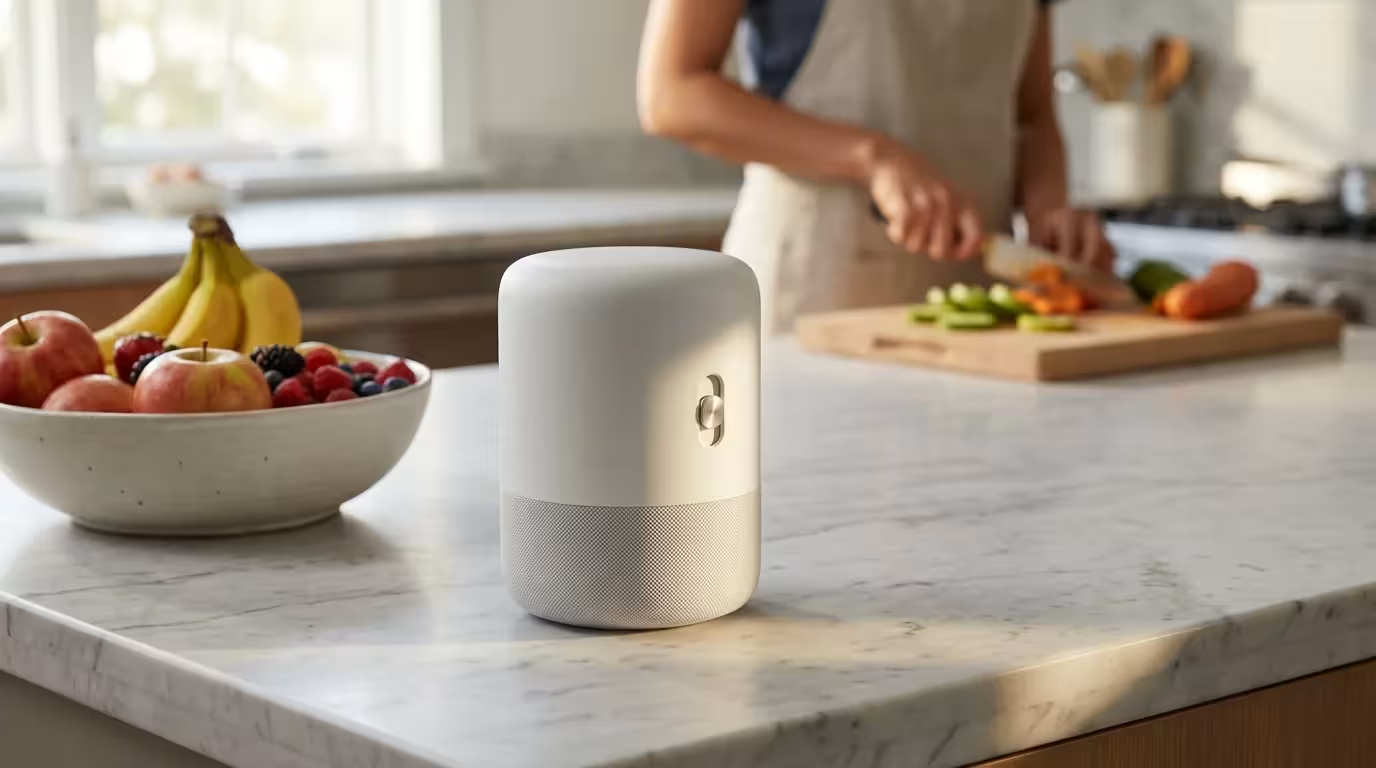
Smart speakers like Amazon Echo, Google Nest Audio, and Apple HomePod are incredibly popular, but having an “always-listening” microphone in your living room raises valid concerns. It is important to clarify that these devices generally listen for a “wake word” (like “Hey Google”) and only start recording and transmitting after they hear it. However, false activations happen.
For a deeper dive, check out our guide on the privacy settings every smart speaker owner should enable to lock down your data.
Mute Buttons are Your Friend
Every reputable smart speaker has a physical mute switch or button. When you are having a private conversation or simply want peace of mind, hit the mute button. The device usually displays a red light to indicate the microphone is electrically disconnected.
Review and Delete Voice History
Voice assistants store your voice commands to improve their recognition algorithms. You should regularly review and delete this history.
- Amazon Alexa: Go to Settings > Alexa Privacy > Review Voice History. You can set it to auto-delete recordings every 3 or 18 months.
- Google Assistant: Visit your Google Account > Data & Privacy > Web & App Activity. You can choose to auto-delete activity older than 3 months.
- Apple Siri: Apple processes most voice requests on-device (depending on the hardware generation) and anonymizes data sent to the cloud. You can still delete Siri history in Settings.
The Importance of Firmware and Software Updates
Firmware is the software embedded permanently into your hardware. Manufacturers release firmware updates to fix bugs, add features, and, most importantly, patch security vulnerabilities. Leaving a device on old firmware is like leaving your front door unlockable.
Maintaining a smart home setup checklist ensures you never miss a critical firmware update for your devices.
Most modern apps allow you to toggle “Automatic Updates.” Turn this on for every device you own. If a device is no longer supported by the manufacturer and stops receiving security updates (End of Life), you should disconnect it. The functionality it provides is rarely worth the risk of running unpatched software on your network.
Smart Locks and Access Control Best Practices
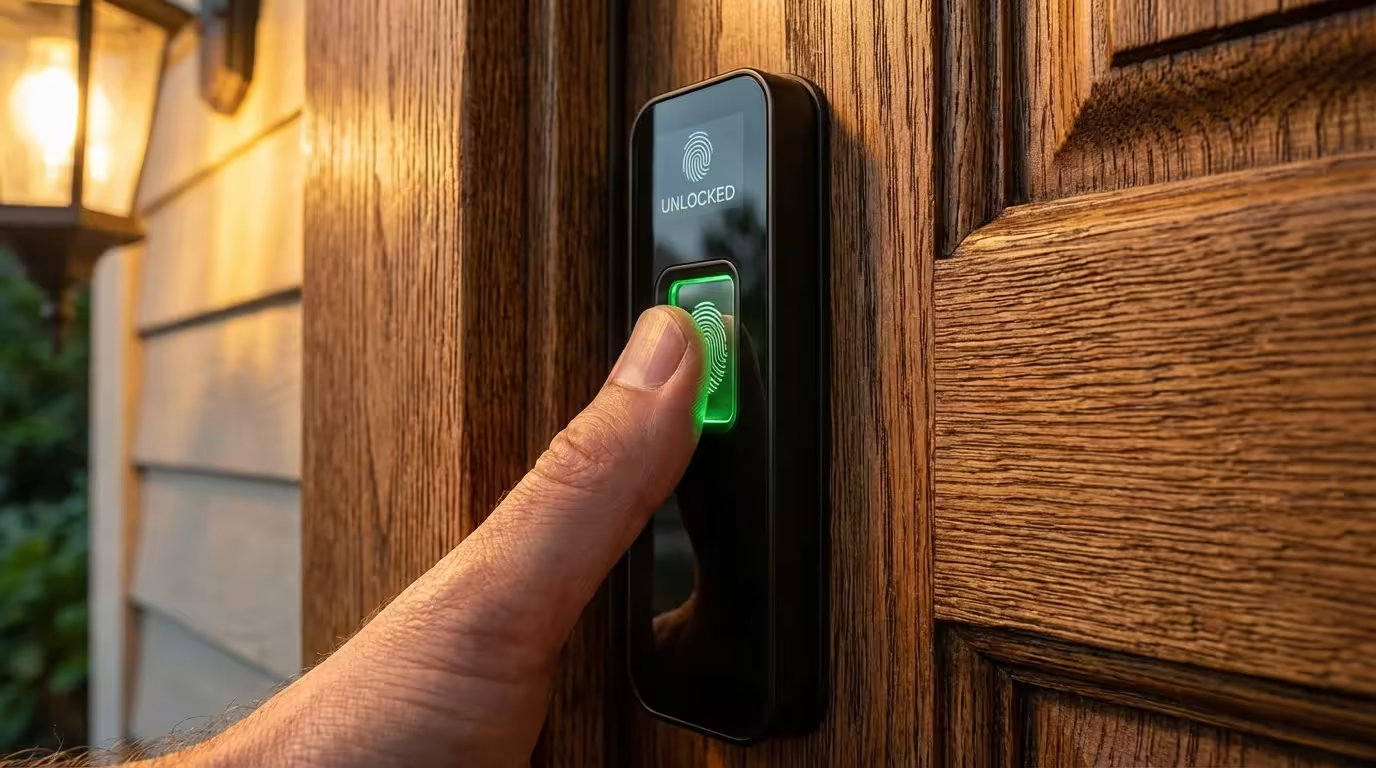
Smart locks offer incredible convenience, allowing you to let in dog walkers or contractors without hiding a key under the mat. However, they control physical access to your home, so digital security is paramount.
Secure access control is even more vital when you are automating your home for vacation security while traveling.
Use Unique User Codes
Never share your master admin code. Instead, create unique entry codes for every family member and guest. This allows you to track who enters your home and when. If a contractor needs access, give them a temporary code that expires after their work is done. If you give everyone the same code, you cannot revoke access for one person without inconveniencing everyone else.
Be Wary of Auto-Unlock Features
Many locks use geofencing (GPS location) or Bluetooth to unlock automatically when you approach the door. While magical, this can sometimes be triggered inadvertently if you are merely parking near your house or working in the yard. If you live in a dense urban environment or an apartment complex, consider disabling auto-unlock and using a keypad code or fingerprint scanner instead.
“The best smart lock is one that offers convenience without compromising the physical integrity of the door strike.”
Choosing the Right Ecosystem for Privacy
Not all smart home ecosystems are built the same. Your choice of platform dictates where your data goes and how it is processed.
When you are ready to expand, knowing how to set up a complete smart security system will ensure your ecosystem remains unified and safe.
Cloud-Dependent Ecosystems
Amazon Alexa and Google Home rely heavily on the cloud. When you ask to turn on a light, your voice often travels to a server, is processed, and a command is sent back to your home. This allows for powerful computing but involves significant data transfer. Both companies have robust security teams, but the architecture is inherently cloud-based.
Local-Processing Ecosystems
Apple HomeKit is known for prioritizing privacy. Much of the processing happens locally on your “Home Hub” (an Apple TV or HomePod) rather than in the cloud. Apple encrypts data so that even they cannot see your home usage patterns.
For advanced users, platforms like Home Assistant or Hubitat offer the ultimate privacy. These hubs process everything locally. Your light switch talks directly to your bulb without the signal ever leaving your house. This ensures that even if your internet goes down, your smart home still works.
The Matter Standard
The new smart home connectivity standard, Matter, is designed with security as a core pillar. Matter devices use blockchain-style technology to verify that a device is authentic and certified before it joins your network. As you build your smart home, prioritizing Matter-compatible devices can ensure a baseline of security and interoperability.
Data Hygiene: Permissions and Account Management
Beyond the hardware, you must manage the software side of your smart home. This is often referred to as “data hygiene.”
Audit App Permissions
When you install a smart home app on your phone, it will ask for various permissions. Does a smart light bulb app really need access to your contacts or your microphone? Probably not. Deny permissions that seem irrelevant to the device’s function. On both iOS and Android, you can grant “While Using App” location access rather than “Always,” which prevents the app from tracking your movements when you aren’t using it.
Password Management
The “lazy hacker” doesn’t write code to break into your system; they buy leaked passwords from other data breaches and try them on your accounts. This is why reusing passwords is dangerous. Use a password manager to generate and store complex, unique passwords for every single smart home account you create.

What to Do When Selling or Discarding Devices
When you upgrade your technology, the old devices still hold your data. A smart camera might have your Wi-Fi credentials saved in its memory. A smart lock might still have your entry codes.
Before you sell, donate, or recycle a smart device, perform a factory reset. This usually involves holding down a reset button for 10 to 30 seconds, but check the manufacturer’s manual for specific instructions. After resetting, log into the associated app and “remove” or “unlink” the device from your account to ensure the new owner can set it up without issues—and without access to your history.
Frequently Asked Questions
Can smart home devices work without the internet?
Yes, many devices can operate locally. Zigbee and Z-Wave devices controlled by a local hub (like Hubitat or SmartThings) work without internet. Additionally, devices using the new Matter standard are designed to communicate locally over your Wi-Fi or Thread network, reducing reliance on the cloud.
Is a wired security camera safer than a wireless one?
Generally, yes. Wired cameras (PoE or Power over Ethernet) send data directly through cables, making them immune to Wi-Fi jamming or signal interference. They are harder to intercept than wireless signals, though securing the recording device (NVR) with a strong password is still essential.
How do I know if my smart camera has been hacked?
Signs of a compromised camera include unusual camera movements (panning/tilting on its own), strange voices coming from the speaker, inability to log in to your account, or a sudden spike in network data usage. If you suspect a hack, unplug the device immediately and change your account password.
Does using a VPN protect my smart home?
Installing a VPN on your router can encrypt traffic leaving your home, preventing your ISP from seeing your data. However, it does not stop attacks originating inside your network or protect you if you use weak passwords. For most users, network segmentation (Guest Networks) is more effective than a VPN for smart home security.
Disclaimer: This article is for informational purposes only. Smart home devices involve electrical connections and data privacy. Always follow manufacturer instructions for installation. For complex wiring or HVAC work, consult a licensed professional.