Choosing a smart home ecosystem is arguably the most critical decision you will make when modernizing your living space. This choice dictates which devices you can buy, how you will interact with your home daily, and how your personal data is handled. It is not just about picking a smart speaker; it is about selecting the operating system for your house.
If you are just beginning your automation journey, our guide on smart home for beginners can help you build a solid foundation before committing to one of these platforms.
For many homeowners, the decision narrows down to the “Big Three”: Amazon Alexa, Google Home, and Apple HomeKit. Each platform possesses distinct strengths, specific hardware compatibilities, and unique philosophies regarding user privacy and automation. While the introduction of the Matter standard is beginning to bridge the gaps between these rivals, the core user experience remains vastly different across each ecosystem.
Whether you prioritize voice command accuracy, strict data privacy, or the widest selection of compatible gadgets, this guide breaks down the pros, cons, and nuances of each platform to help you build a smarter, more efficient home.

Understanding Ecosystem Lock-In
Before diving into specific brands, you must understand what “buying into an ecosystem” actually means. When you purchase a smart speaker or a hub, you are choosing a central translator for your devices. If you buy a smart bulb, a thermostat, and a door lock, they need a common language to talk to each other and to you.
Before diving into specific hardware, it is helpful to research smart home device compatibility to ensure your future gadgets will talk to each other flawlessly.
For those who find it difficult to choose, it is possible to connect multiple voice assistants in one home to leverage the unique strengths of each platform.
Historically, a device that worked with Alexa might not have worked with Apple HomeKit. This created a fragmented market where you had to check the packaging of every light bulb carefully. While technology is improving, the “brain” of your home—the voice assistant—still defines your experience. If you own an iPhone, your experience with Google Home will differ from that of an Android user. If you rely heavily on Amazon Prime, Alexa offers integrations that the others simply cannot match.
Your goal is to select the platform that causes the least amount of friction in your daily life. The best smart home is the one you don’t have to fight with to turn on the lights.

Amazon Alexa: The Compatible Powerhouse
Amazon Alexa is currently the market leader in terms of sheer device compatibility. If a company manufactures a smart device—whether it is a microwave, a light strip, or a robotic vacuum—it almost certainly works with Alexa. This ecosystem is built on accessibility and variety.
Choosing between smart displays vs smart speakers is the first step in deciding how you want to interact with Alexa in different rooms of your house.
Hardware and Entry Point
Amazon offers the widest range of first-party controllers, from the budget-friendly Echo Dot to the rotating Echo Show 10 and the wall-mounted Echo Hub. This variety allows you to place voice assistants in every room without breaking the bank. The ecosystem is incredibly welcoming to third-party manufacturers, meaning you have thousands of budget-friendly sensors and plugs to choose from.
Strengths of the Amazon Ecosystem
- Massive Compatibility: Tens of thousands of devices support “Works with Alexa” out of the box.
- Zigbee and Matter Support: Many Echo devices (like the Echo Show and Echo Studio) contain built-in Zigbee hubs and Thread border routers, allowing you to connect smart lights and sensors directly to the speaker without needing extra bridges.
- Alexa Hunches: This proactive feature allows Alexa to act on its own. For example, if you usually lock the door at night but forget, Alexa can notify you or lock it automatically.
- Whisper Mode: If you whisper to Alexa late at night, she whispers back, preventing you from waking up the rest of the household.
Weaknesses
The Alexa app can feel cluttered. Amazon frequently tries to upsell services or display shopping recommendations on Echo Show screens, which some users find intrusive. While powerful, the interface prioritizes Amazon retail integration, which can sometimes distract from home control functions.

Google Home: The Intelligent Assistant
If your priority is a voice assistant that actually understands what you are saying, Google Home (powered by Google Assistant) is the clear winner. Leveraging Google’s massive Knowledge Graph, this ecosystem excels at answering general queries, understanding context, and handling natural language.
Google’s broadcasting feature is a standout; learning how to set up voice announcements across your Nest devices can help keep your household organized.
If you decide this is the right platform for your needs, follow our guide on how to set up Google Home to get your devices connected properly.
Hardware and Integration
Google’s hardware lineup includes the Nest Audio, Nest Mini, and the Nest Hub displays. The integration with Nest products—such as the Nest Learning Thermostat, Nest Protect smoke detectors, and Nest Cam—is tight and seamless. The Nest Hub Max, for instance, uses its camera to recognize your face and display your specific calendar appointments, not your spouse’s.
Strengths of the Google Ecosystem
- Conversational Context: You can ask “Who is the President?” and follow up with “How tall is he?” without repeating the name. Google tracks the conversation flow better than competitors.
- Nest Integration: If you use Nest cameras, the video feeds load incredibly fast on Google displays. The interface for scrolling through video history is superior to most third-party apps.
- Google Ecosystem Synergy: It integrates perfectly with Google Calendar, Maps, Photos, and Android phones. You can ask your speaker to “show me my photos from Hawaii on the TV,” and it works instantly via Chromecast.
- Multiple Commands: You can chain up to three commands in one sentence, such as “Turn off the lights, lock the door, and set the thermostat to 70.”
Weaknesses
Google has a reputation for killing off features or rebranding apps frequently, which can frustrate long-term users. Furthermore, while its voice recognition is top-tier, the automation routines in the Google Home app have historically been less granular than Amazon’s, though they are improving with the new script editor for advanced users.

Apple HomeKit: The Privacy-First Choice
Apple HomeKit (managed via the Apple Home app) takes a fundamentally different approach. While Amazon and Google rely on cloud processing to improve their algorithms, Apple attempts to process as much data as possible locally on your devices. This makes HomeKit the gold standard for privacy-conscious homeowners.
Regardless of which ecosystem you select, it is essential to review the privacy settings for your smart speaker to protect your personal data.
Hardware and User Experience
The barrier to entry is higher here. You need an Apple “Home Hub”—specifically a HomePod, HomePod mini, or an Apple TV 4K. The smart speakers (HomePods) are excellent for music but offer Siri, which is generally considered less “smart” than Alexa or Google Assistant for general knowledge. However, for controlling the home, Siri is snappy and reliable.
Strengths of the Apple Ecosystem
- Security and Privacy: Apple encrypts data heavily. HomeKit Secure Video analyzes footage from your security cameras locally on your Home Hub rather than sending it to the cloud for analysis.
- Ease of Use: The Apple Home app is beautiful, intuitive, and built directly into the iOS Control Center. You can toggle lights or check cameras without even unlocking your iPhone.
- Local Control: Many HomeKit automations run locally. This means if your internet connection goes down, your scheduled automations and local switches still work.
- Setup Simplicity: Adding a device is often as simple as scanning a QR code with your iPhone.
Weaknesses
The “Apple Tax” is real; HomeKit-compatible devices are often more expensive than their Alexa or Google counterparts due to Apple’s strict certification requirements. Siri also struggles with complex, non-home-related queries compared to Google Assistant.

Voice Performance and Conversational Ability
When you shout a command from the other room while the dishwasher is running, you need your assistant to hear you. This is the “Voice User Interface” (VUI) factor.
Each platform offers a variety of advanced voice assistant features that go beyond simple commands to make your home feel truly intelligent.
Google Assistant retains the crown for natural language processing. It handles accents, slang, and mumbled commands better than the others. According to testing by tech outlets like The Verge, Google consistently answers complex questions more accurately. If you plan to use your smart speaker as a search engine, Google is the only logical choice.
Amazon Alexa is a close second but excels in speed. Alexa often executes smart home commands (like turning on a light) milliseconds faster than Google. However, Alexa requires more rigid syntax. You generally have to speak in “commands” rather than “sentences.”
Apple Siri is the most limited in general knowledge but surprisingly effective for home control. Because Siri on HomePods processes common requests locally, the response time for “Turn on the kitchen lights” is virtually instant. Siri’s weakness lies in ambiguity; if you ask something vague, Siri is the most likely to say, “I found this on the web,” and send a link to your phone.
Automation, Routines, and App Experience
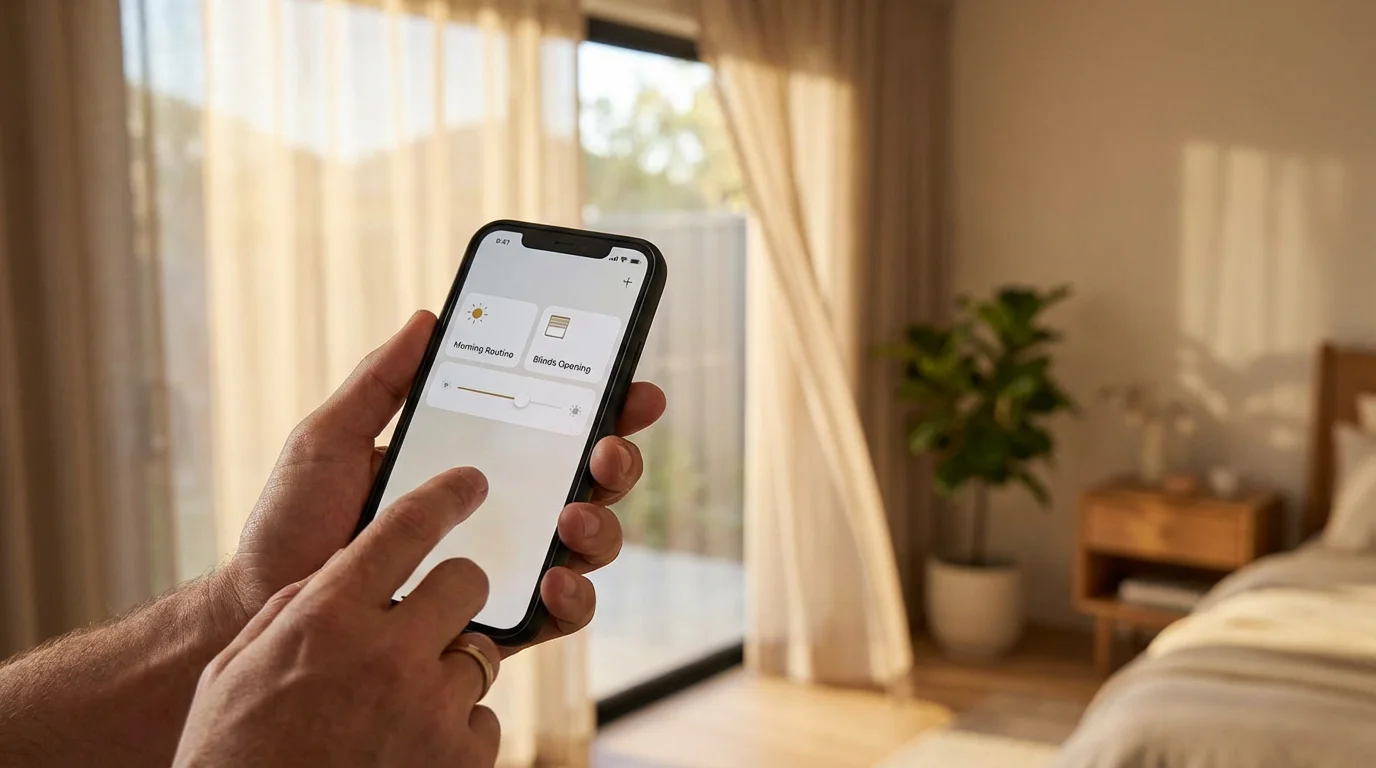
The true power of a smart home is automation—things happening without you asking.
Creating reliable routines is much easier if you follow best practices for naming your smart home devices to avoid confusion during voice control.
Amazon Alexa Routines
Alexa offers the most user-friendly yet powerful routine builder for the average person. You can create triggers based on sound detection (e.g., a dog barking or a baby crying), location, time, or sensor status. For example, you can set a routine where if the Echo Dot hears a smoke alarm sound, it sends a notification to your phone and turns all lights to 100% brightness.
Google Home Automations
Google recently overhauled its automation engine. The standard app offers basic “Day/Night” routines. However, for power users, Google now offers a script editor that allows for complex logic using YAML coding. This allows for conditions like “If the TV is on AND it is after sunset AND motion is detected, dim lights to 20%.”
Apple HomeKit Automations
Apple strikes a balance between power and simplicity. Its standout feature is location-based automation. Because your iPhone is deeply integrated into the system, “Arrive Home” and “Leave Home” automations work more reliably on HomeKit than on Alexa or Google. You can easily set rules like “When the last person leaves home, lock the front door and arm the security system.”
The Matter Standard Factor
For years, compatibility was a binary choice: Does this box have the “Works with Alexa” or “Works with Apple Home” badge? This is changing with Matter.
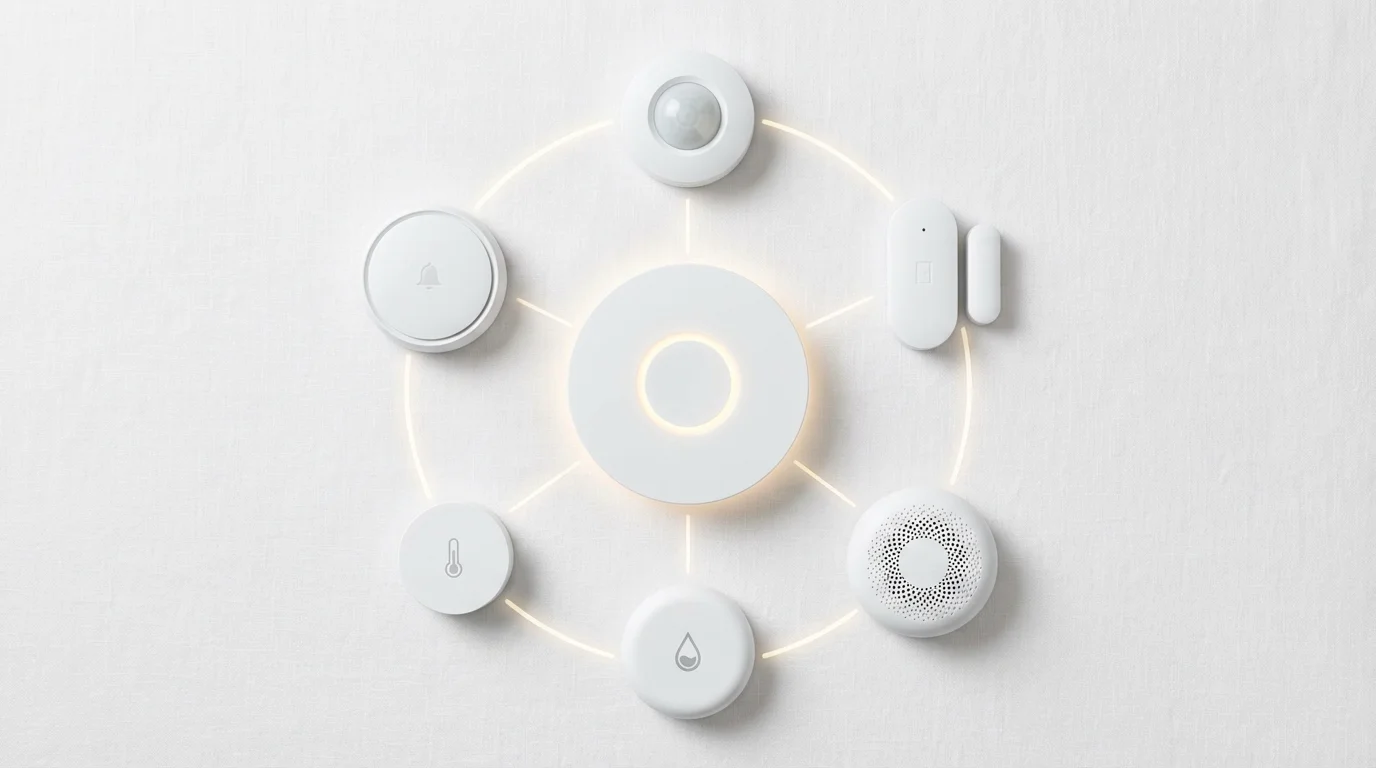
Matter is a new interoperability standard developed by a coalition including Apple, Google, Amazon, and Samsung. The goal of Matter is to ensure that smart devices work across all major platforms simultaneously. A Matter-certified light bulb can be controlled by Siri, Alexa, and Google Assistant at the same time.
If you are buying new devices today, look for the Matter logo. This future-proofs your home. If you decide to switch from an iPhone to an Android next year, your Matter devices will transition with you smoothly. To learn more about how this standard is unifying the industry, you can review the specifications at the Connectivity Standards Alliance.

Privacy and Security Comparison
Smart speakers are microphones connected to the internet. This reality makes privacy a valid concern for every homeowner. The business models of the three companies dictate their approach to your data.
- Amazon and Google: Both act effectively as advertising and data companies. They process audio in the cloud to improve their services and may use anonymized data to target ads or refine their algorithms. Both companies offer physical mute switches on their devices and dashboards where you can delete your voice recording history, but the default setting usually involves data collection.
- Apple: Apple is primarily a hardware company. They do not sell ads based on your home data. Apple explicitly states that they do not know what devices you are controlling or how you are using them. Voice recordings are processed on-device whenever possible, and when they are sent to the cloud, they are associated with a random identifier, not your Apple ID.
“The most secure smart home device is the one that processes your data within the four walls of your house.”
If privacy is your absolute non-negotiable top priority, Apple HomeKit is the safest route.

Making the Final Decision
Still undecided? Use this summary to pick the ecosystem that aligns with your lifestyle.
Choose Amazon Alexa If:
- You want the most affordable setup (Echo Dots are frequently discounted).
- You want to connect odd or obscure smart devices (Alexa supports almost everything).
- You enjoy tinkering with fun, custom routines.
- You are already a heavy Amazon Prime user.
Choose Google Home If:
- You want the smartest voice assistant that can answer real questions.
- You are heavily invested in the Android ecosystem.
- You use Nest cameras and thermostats.
- You want a digital photo frame experience (Nest Hub) that links to Google Photos.
Choose Apple HomeKit If:
- You live in an “all-Apple” household (iPhones, iPads, Apple TV).
- Privacy and data security are your top concerns.
- You prefer a clean, simple interface over endless customization options.
- You want automations that work reliably even when the internet is down.
Frequently Asked Questions
Can I use Alexa and Google Home in the same house?
Yes, you can run multiple ecosystems simultaneously. Many smart devices support both platforms. However, you cannot group an Amazon Echo and a Google Nest Audio to play the same music in sync. You will essentially be running two separate networks side-by-side.
Do I need a hub for smart lights?
It depends on the bulb. Wi-Fi bulbs connect directly to your router. Zigbee or Z-Wave bulbs require a hub. However, many modern smart speakers (like the Echo Show 10 or Apple HomePod) act as hubs for these devices, eliminating the need for a standalone bridge.
Is Apple HomeKit more expensive than Alexa?
Generally, yes. Apple’s HomePod speakers have a higher starting price than Amazon’s Echo Dot or Google’s Nest Mini. Additionally, devices certified for HomeKit occasionally carry a slightly higher price tag due to Apple’s strict hardware encryption and certification requirements.
What happens to my smart home if the internet goes out?
This varies by platform. Apple HomeKit processes many automations locally, so your lights and scheduled events will likely still work. Alexa and Google Home rely more heavily on the cloud; while some local voice control is possible on newer hardware, most routines will fail until the connection is restored.
Disclaimer: This article is for informational purposes only. Smart home devices involve electrical connections and data privacy. Always follow manufacturer instructions for installation. For complex wiring or HVAC work, consult a licensed professional.