
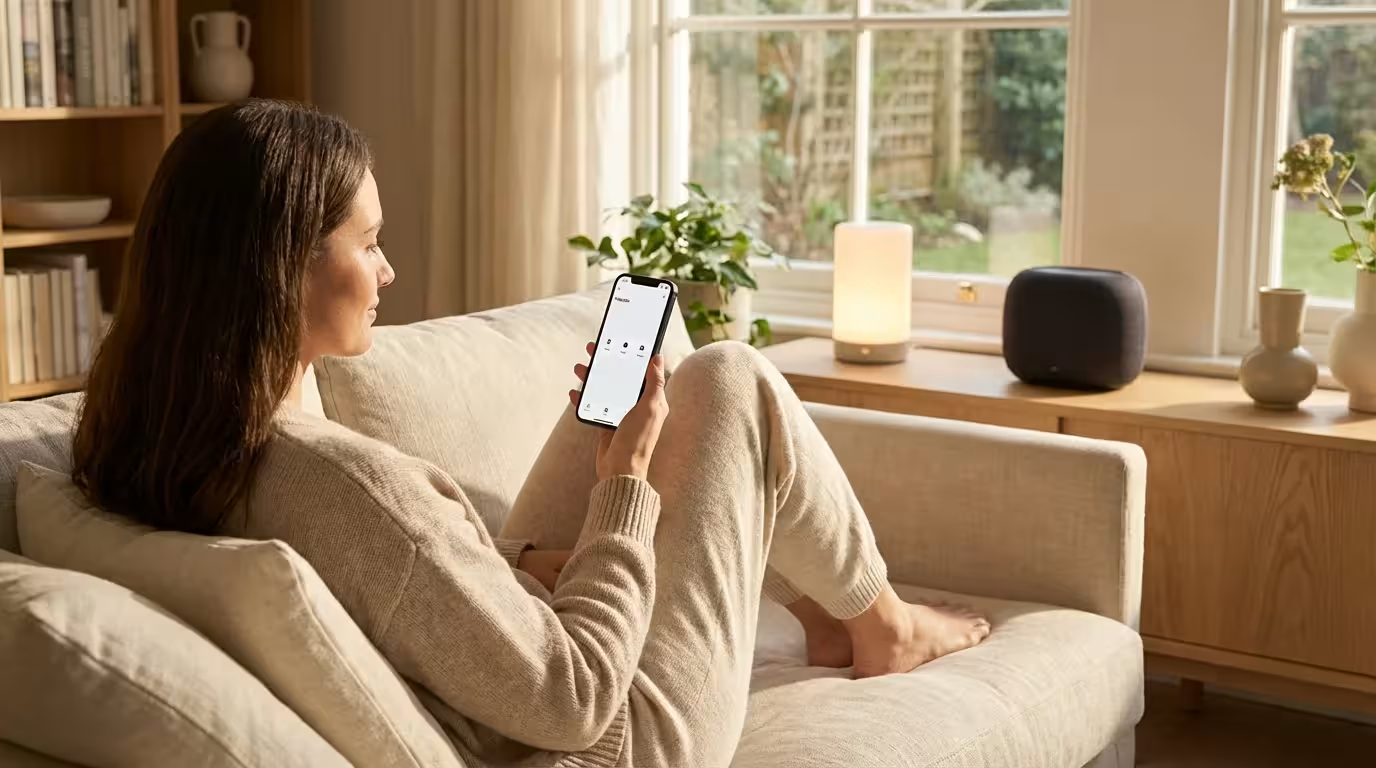
You stand in the smart home aisle of your local electronics store, holding a smart light bulb. You check the back of the box. It works with Amazon Alexa. You check your phone. Your household runs on Apple HomeKit. You put the bulb back on the shelf. If you have ever experienced this frustration, you are not alone. The smart home landscape has long been fragmented, forcing you to choose a “team” and sticking to it, often locking you out of the best devices on the market.
This era of fragmentation is ending. The solution is Matter.
Matter is more than just a new logo on a box; it is a fundamental shift in how our devices communicate. It promises a world where you can buy a smart lock, thermostat, or sensor and know it will work with your system, regardless of whether you use Siri, Alexa, Google Assistant, or SmartThings. Understanding the Matter protocol is the key to building a future-proof, robust, and responsive smart home.
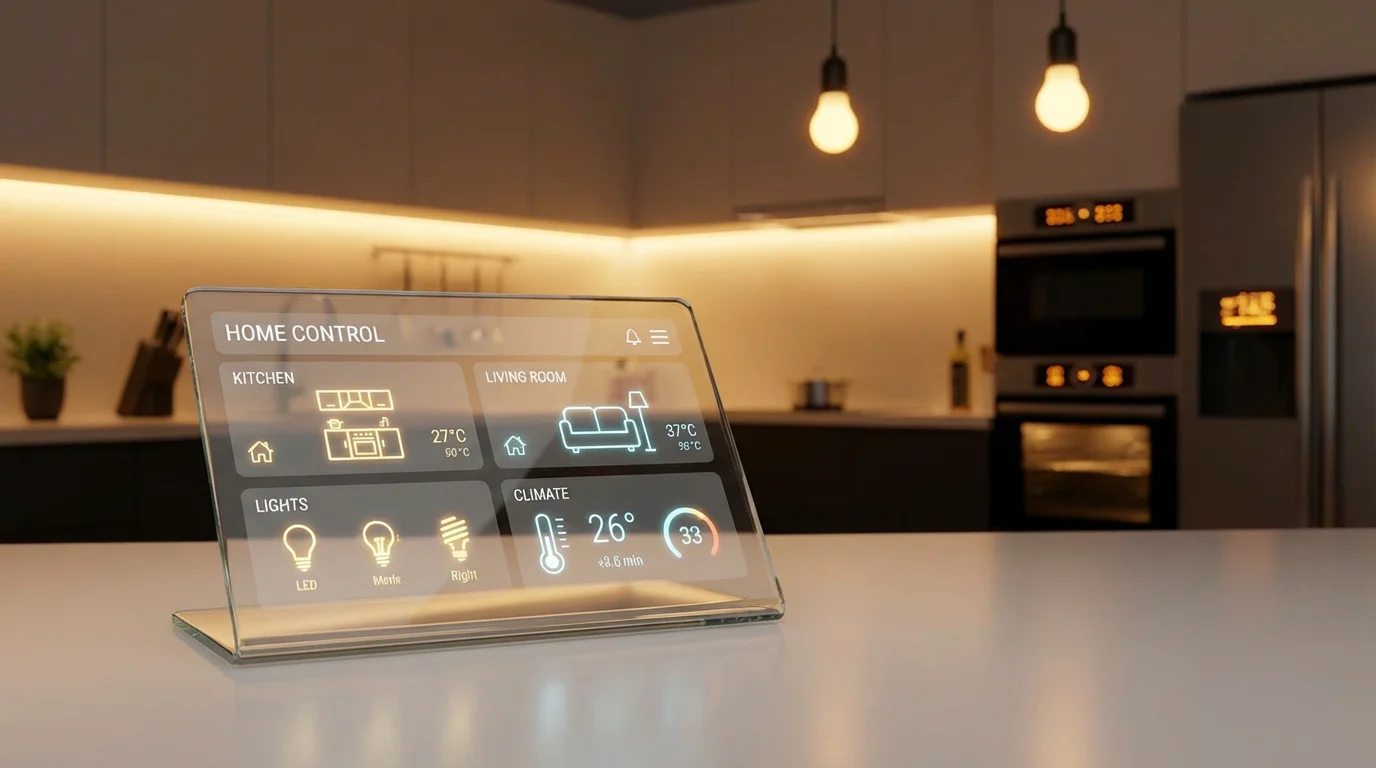
What Is Matter and Why Does It Matter?
At its core, Matter is a universal language for smart home devices. Before Matter, a Zigbee bulb spoke a different language than a Wi-Fi plug, and a Google Nest device struggled to understand an Amazon Echo. Manufacturers had to write specific code for every single platform they wanted to support, which increased costs and limited your choices.
Before investing in new hardware, it is wise to plan your smart home to ensure all components integrate perfectly.
Matter changes this dynamic by providing a single, unified standard. It was developed by the Connectivity Standards Alliance (CSA), a massive coalition that includes tech giants like Apple, Google, Amazon, Samsung, and hundreds of other manufacturers. Previously known as “Project Connected Home over IP,” the goal was simple: stop the fragmentation.
When you adopt Matter devices, you gain three distinct advantages over legacy smart home setups:
- Universal Compatibility: You no longer need to worry if a device is “HomeKit compatible” or “Works with Alexa.” If it has the Matter logo, it works with all major platforms simultaneously.
- Local Control: Matter prioritizes local communication over cloud reliance. When you tap a button on your phone to turn on a light, the signal travels directly across your home network to the device. This results in lightning-fast response times and ensures your automations still work even if your internet connection goes down.
- Enhanced Security: The standard was built with security as a foundational requirement, not an afterthought. It uses blockchain-style encryption technology to ensure devices are authentic and secure before they join your network.
The best smart home is the one where the technology disappears, and everything just works. Matter is the infrastructure that finally makes that possible.
The Technology Behind the Curtain: Thread vs. Wi-Fi
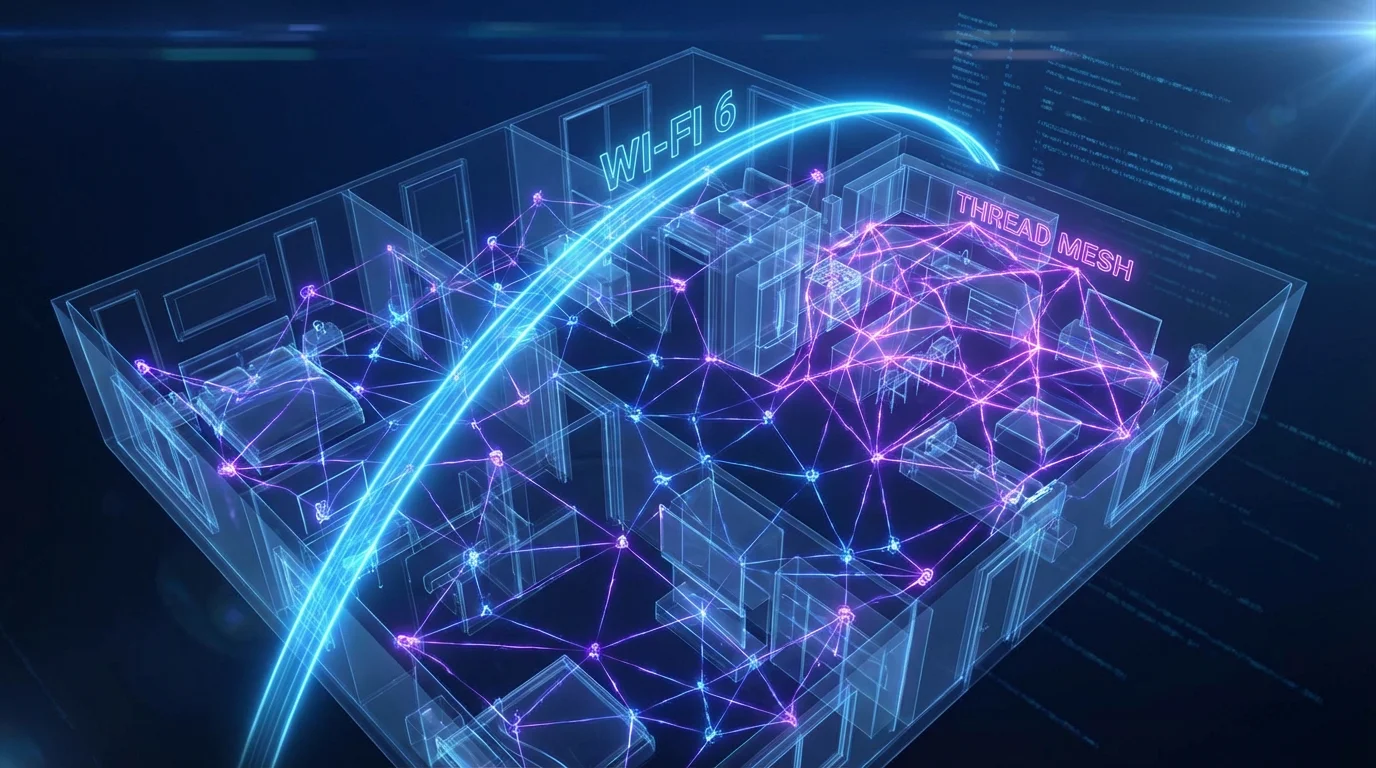
One of the most common points of confusion is distinguishing between Matter and the way devices physically connect. Matter is not a radio frequency like Bluetooth or Z-Wave; it is an application layer. Think of Matter as the language the devices speak, while Wi-Fi and Thread are the roads the message travels on.
Matter generally operates over two main transport protocols:
- Wi-Fi: Used for high-bandwidth devices that need to send a lot of data, such as security cameras, thermostats, and smart displays. Because these devices are usually plugged into wall outlets, the higher power consumption of Wi-Fi is not an issue.
- Thread: This is a low-power, mesh networking protocol designed for battery-operated devices like door sensors, motion detectors, and smart locks. Thread devices create a self-healing mesh network. If one device fails, the data finds another path. It is much faster and more reliable than Bluetooth and doesn’t clog up your Wi-Fi bandwidth like dozens of smart bulbs would.
To master your smart home, you need to understand that while a device uses Matter, it might connect via Thread. This means you need a “Thread Border Router” (more on this in the hardware section) to bridge that low-power mesh network to your main Wi-Fi network.

Breaking Down the Walled Gardens
For years, companies tried to lock you into their ecosystem. If you started with Google Home, switching to Apple required replacing half your hardware. Matter introduces a feature called “Multi-Admin” control that completely dismantles these walled gardens.
Multi-Admin allows a single Matter device to be controlled by multiple platforms simultaneously. You can set up a Matter smart plug using an iPhone and the Apple Home app. Once connected, you can grant access to your partner’s Android phone running the Google Home app, and even link it to an Amazon Echo for voice control in the kitchen.
This flexibility offers significant practical benefits:
- Household Harmony: Mixed-phone households (iOS and Android) no longer have to compromise on which app to use.
- Best-in-Class Automation: You can use the superior automation engine of one platform (like Home Assistant or Apple Home) while using the superior voice recognition of another (like Alexa).
- Resilience: If one platform has a service outage, you can still control your home through the other platforms linked to your devices.
Getting Started with Matter: What You Need
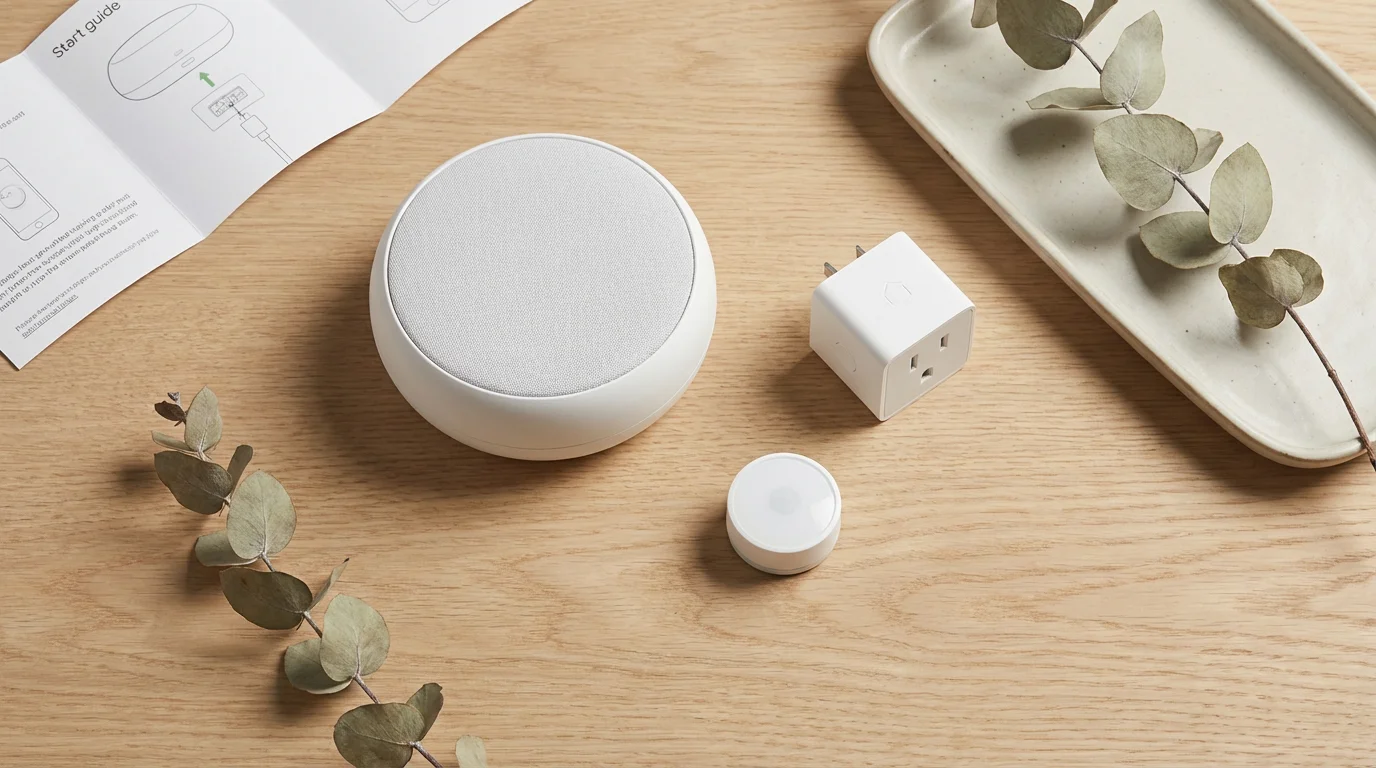
You do not need to replace everything in your house to start using Matter, but you do need a specific piece of hardware to act as the “brain” of the operation. In the Matter ecosystem, this is called a Matter Controller.
If you are unsure which voice controller to pick, check out our guide on the best smart speakers for different rooms.
A Matter Controller onboard your devices to your network and manages their communications. The good news is that you likely already own one. Many existing smart speakers and hubs have been updated via software to become Matter Controllers.
Choosing the Right Controller
Because Thread is such a vital part of the modern smart home, you should aim for a controller that acts as both a Matter Controller and a Thread Border Router. This ensures you can connect any device, whether it uses Wi-Fi or Thread.
Here are common devices that handle both roles:
- Apple: Apple TV 4K (2nd Gen or later with Ethernet), HomePod (2nd Gen), HomePod Mini.
- Google: Nest Hub (2nd Gen), Nest Hub Max, Nest Wifi Pro.
- Amazon: Echo (4th Gen), Eero Pro 6, Eero 6+.
- Samsung: SmartThings Station, SmartThings Hub v3.
If you have one of these devices plugged in and updated, your home is ready for Matter.
Setting Up Your First Matter Device
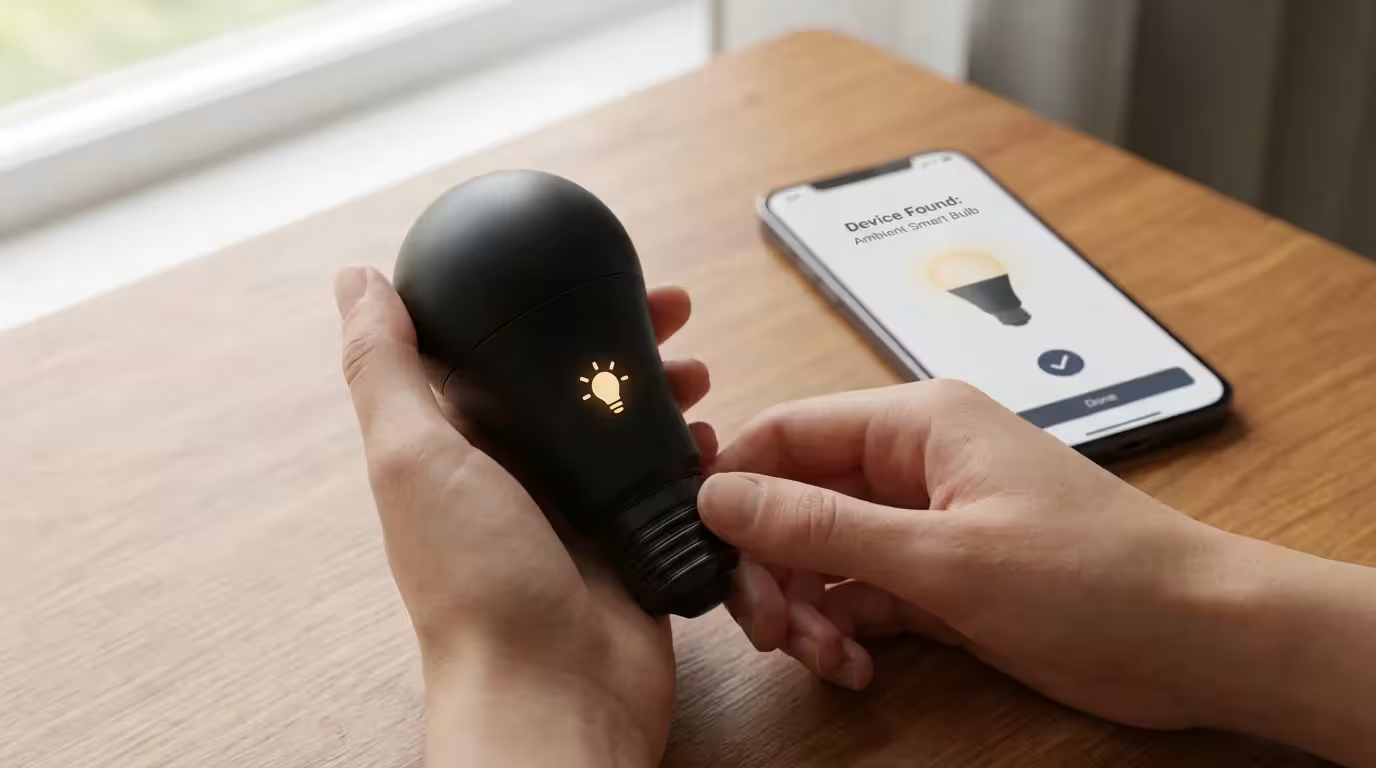
The setup process for Matter devices is designed to be seamless. Gone are the days of creating a temporary Wi-Fi hotspot, waiting for a specific blinking light, or downloading a proprietary app just to pair a light bulb. The process relies on a QR code or an 11-digit numeric code supplied with the device.
Follow these steps to add a new Matter device to your home:
- Power up the device: Plug in your smart plug or insert batteries into your sensor.
- Open your preferred app: Open the Apple Home, Google Home, Alexa, or SmartThings app. Ensure your phone is connected to the same Wi-Fi network as your Matter Controller.
- Scan the code: Select “Add Accessory” or “Add Device” and scan the Matter QR code on the device or manual.
- Wait for the handshake: Your phone and the Controller will exchange security credentials with the device. This usually takes between 10 and 30 seconds.
- Assign a room: Once connected, name the device and assign it to a room.
If you want to add this same device to a second platform (using the Multi-Admin feature), you simply go into the settings of the device in the first app, select “Turn on Pairing Mode” or “Link to another service,” and it will generate a new setup code. You then enter that code into the second app.
Current Limitations and Growing Pains
While Matter is the future, the present still has some rough edges. As helpful experts, we must acknowledge that early adoption involves some troubleshooting. According to major tech reviews from outlets like The Verge, the initial rollout of Matter has faced stability bugs, though updates are frequent.
To stay organized during your transition, consider following our ultimate smart home setup checklist.
Here are the practical limitations you should be aware of:
- Limited Device Categories: Matter launched with support for basic devices like lights, plugs, locks, shades, thermostats, and sensors. Support for robot vacuums, appliances, and energy management was added later, but cameras and complex scenes are still evolving in the specification.
- Feature Parity: Matter covers the basics perfectly—on/off, dimming, lock/unlock. However, proprietary features usually don’t transfer over Matter. For example, if you have a smart light with a unique “candle flicker” effect or “dynamic scenes” specific to that brand, you may still need the manufacturer’s native app to access those advanced settings.
- The “Bridge” Situation: Your existing Zigbee and Z-Wave devices will not magically become Matter devices. However, manufacturers like Philips Hue and Aqara have updated their hubs to support Matter. This acts as a bridge, exposing your old Zigbee bulbs to the new Matter network.

Is It Time to Upgrade Your Smart Home?
Should you rip out your existing switches and sensors to replace them with Matter versions? Generally, no. A smart home is an investment, and replacing working hardware is rarely cost-effective.
While Matter simplifies connectivity, it is still vital to plan your smart home strategy carefully before investing in new hardware.
However, you should adopt a “Matter-First” strategy for all future purchases. Use this decision framework:
- If you are starting from scratch: Buy a Matter Controller (like a HomePod Mini or Echo 4th Gen) and only purchase devices that support Matter over Thread. This builds a robust mesh network from day one.
- If you have an existing setup: Keep your current devices. If you need to expand—say, adding a smart plug to the guest room—buy a Matter version. It will coexist happily with your older devices.
- If you use a Hub (like Hue or SmartThings): Check if your hub has received a Matter update. If it has, enable it. This instantly modernizes your old equipment without you spending a dime.
By shifting your purchasing habits now, you ensure that your home becomes more compatible and future-proof with every new device you add, rather than more fragmented.
Frequently Asked Questions
Do I need a new router to use Matter devices?
No, you generally do not need a new Wi-Fi router. Matter devices communicate over your existing Wi-Fi network or create their own Thread mesh network. However, you do need a “Matter Controller” (like a smart speaker or hub) to manage the devices.
Does Matter work without the internet?
Yes. One of the biggest benefits of Matter is local control. Once set up, your phone or smart switch communicates directly with the device over your local network. Your automations will continue to run even if your internet connection goes down, although voice assistants like Alexa still require the internet to process your voice commands.
Will my old smart home devices work with Matter?
Old devices themselves won’t update to Matter, but many hubs (like Philips Hue or Aqara) have been updated to bridge old devices into the Matter ecosystem. If you don’t use a hub, your old Wi-Fi devices will likely stay as they are, but they can coexist alongside new Matter devices in apps like Google Home or Apple Home.
Is Thread the same thing as Matter?
No. Matter is the language devices speak, while Thread is the wireless technology they use to connect (similar to Wi-Fi or Bluetooth). Matter can run over Wi-Fi, Ethernet, or Thread. Thread is preferred for battery-powered devices because it is low-energy and creates a reliable mesh network.
Disclaimer: This article is for informational purposes only. Smart home devices involve electrical connections and data privacy. Always follow manufacturer instructions for installation. For complex wiring or HVAC work, consult a licensed professional.



1 Comment