
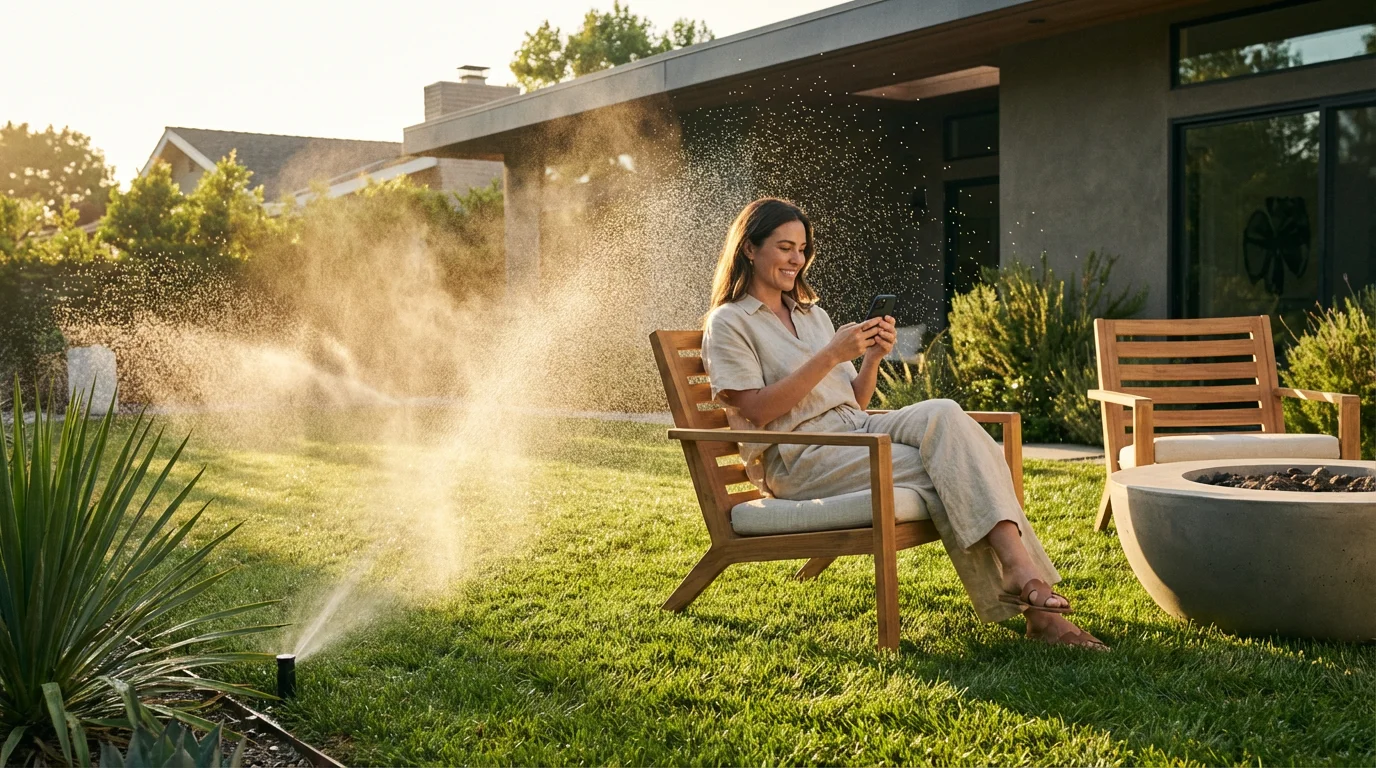
Maintaining a lush garden or a green lawn often feels like a part-time job. You spend hours dragging hoses, adjusting sprinklers, or worrying about whether your plants are dying during a heatwave while you are on vacation. Even if you have a traditional underground sprinkler system, the “dumb” controller likely waters the sidewalk during a rainstorm, wasting money and precious resources.
Automated watering systems have evolved far beyond simple mechanical timers. Today’s smart garden technology integrates with your local weather forecast, understands specific soil types, and connects to your broader smart home ecosystem. By upgrading to a smart controller or hose timer, you gain precise control over your irrigation, ensuring your landscape gets exactly the hydration it needs—no more, no less.
This guide will walk you through choosing the right hardware, setting up intelligent watering routines, and integrating your garden into your smart home for maximum efficiency and convenience.

Why Automate Your Garden?
The primary driver for most homeowners to install smart watering systems is convenience, but the benefits extend well beyond saving time. Traditional controllers operate on a “set it and forget it” rigid schedule. They water every Monday, Wednesday, and Friday regardless of whether it rained an inch on Tuesday. This rigidity leads to significant problems.
Reducing water waste is also a major component of smart home energy monitoring, allowing you to oversee all resource usage from a single dashboard.
Smart automated systems solve this through dynamic scheduling. By connecting to WiFi, these devices access hyper-local weather data to adjust run times automatically. The benefits are tangible:
- Water Conservation: The EPA estimates that outdoor irrigation accounts for nearly 30% of average household water use, much of which is wasted due to evaporation or runoff. Smart controllers can reduce this usage by up to 50%.
- Plant Health: Over-watering is just as dangerous to plants as under-watering. Smart systems encourage deep root growth by utilizing “soak cycles” rather than shallow, frequent watering.
- Financial Savings: If you live in an area with tiered water rates, preventing unnecessary cycles translates directly to lower utility bills.
- Remote Management: You can start a zone from your phone while standing in the yard to test a sprinkler head, rather than running back and forth to the garage.
Hardware: Controllers vs. Hose Timers
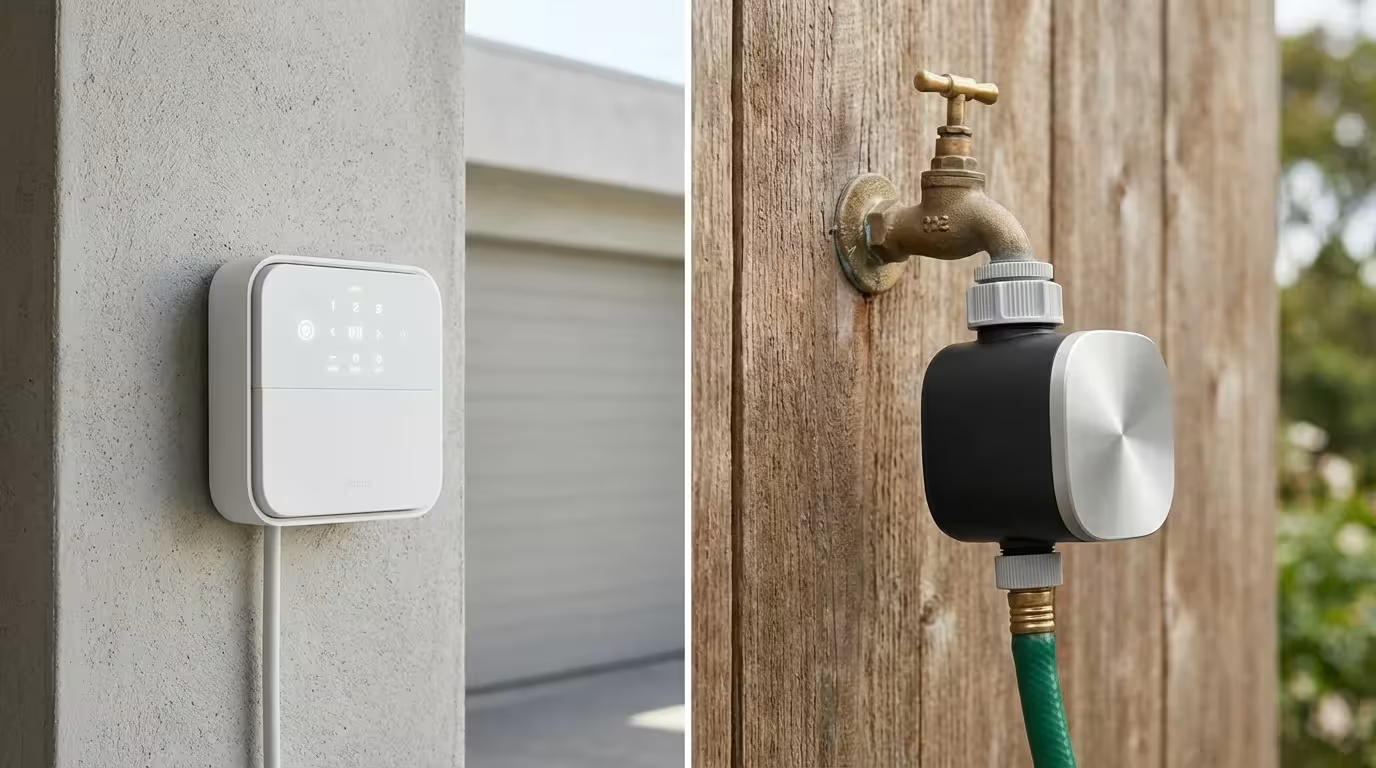
Before you build your automation routines, you must select the hardware that fits your current setup. Smart watering devices generally fall into two categories: retrofit controllers for in-ground systems and smart valves for hose faucets.
When selecting outdoor electronics, it is worth checking a smart home power outage survival guide to ensure your system can recover automatically after a storm.
Smart Sprinkler Controllers
If you already have an in-ground irrigation system with valves and pop-up sprinklers, you need a smart controller. This device replaces the old dial-based box usually found in your garage or on the side of your house. Leading brands like Rachio and Rain Bird utilize the existing wiring to control your zones.
Key Features to Look For:
- Zone Count: Ensure the controller supports the number of zones (valves) in your yard. Common configurations are 8 or 16 zones.
- Weather Intelligence: The software should automatically skip watering when rain is forecast or temperatures drop near freezing.
- EPA WaterSense Certification: Many municipalities offer rebates for installing certified controllers, effectively lowering the cost of the device.
Smart Hose Faucet Timers
For renters, or homeowners with smaller gardens, drip irrigation, or patio pots, a smart hose timer is the ideal solution. These attach directly to your outdoor spigot and control the flow of water to a standard garden hose or soaker hose system.
Key Considerations:
- Connectivity: Because these are located outside (often through brick walls), WiFi signals can be weak. Many use Bluetooth or a dedicated hub (like a Zigbee bridge) to ensure reliable connection.
- Battery Life: Unlike hardwired controllers, these run on batteries. Look for models that alert you when power is critically low.
- Flow Meters: Some advanced models measure gallons used, helping you track exactly how much water your vegetable garden consumes.
According to Wirecutter’s smart home reviews, reliability is the most critical factor when choosing outdoor smart hardware, as a failed “off” command can result in a flooded yard.
Installation and Wiring Basics
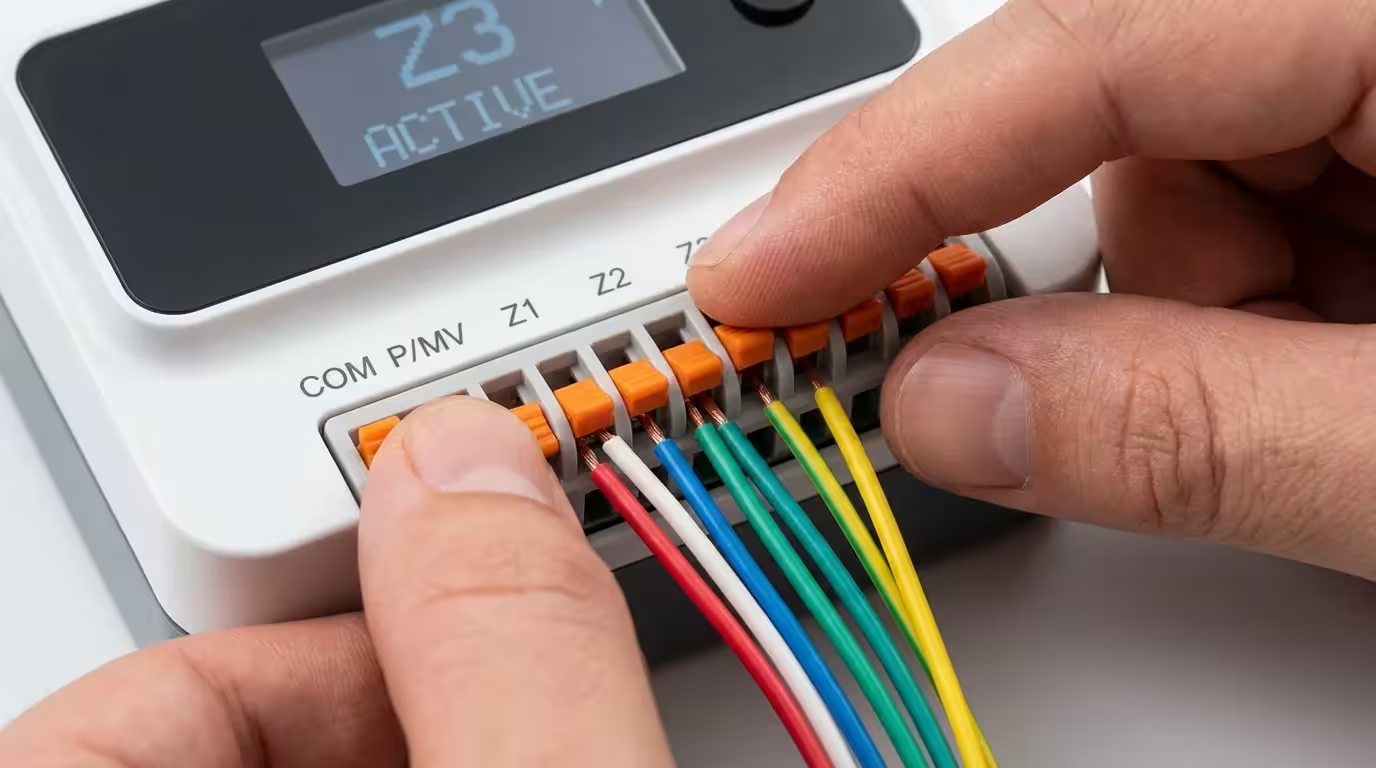
Installing a smart sprinkler controller is one of the more approachable DIY electrical projects because it typically involves low-voltage wiring (24VAC). However, you must handle the power supply carefully.
Taking the time to wire your system correctly helps you avoid common smart home mistakes beginners should avoid that can lead to frustrating connectivity drops later.
For a smoother setup process, refer to our ultimate smart home setup checklist to ensure your network and power requirements are met.
- Document the Old Setup: Before disconnecting anything, take a clear photo of the wiring inside your old controller. Note which colored wire goes to which terminal slot (usually labeled 1, 2, 3, C, M, etc.).
- Identify the Common Wire: The “C” or Common wire completes the circuit for all zones. This is usually a white wire. If this is loose or disconnected, the smart controller will not function.
- Mount and Connect: Mount the new unit using the existing holes if possible. Insert the wires into the corresponding spring-loaded terminals. The Common wire goes to “C,” and zone wires go to numbered slots.
- WiFi Configuration: Once powered up, the device will pulse a light indicating it is ready to pair. Use the manufacturer’s app to connect it to your 2.4GHz WiFi network. 5GHz networks often struggle to penetrate garage walls.
Creating Smart Watering Routines
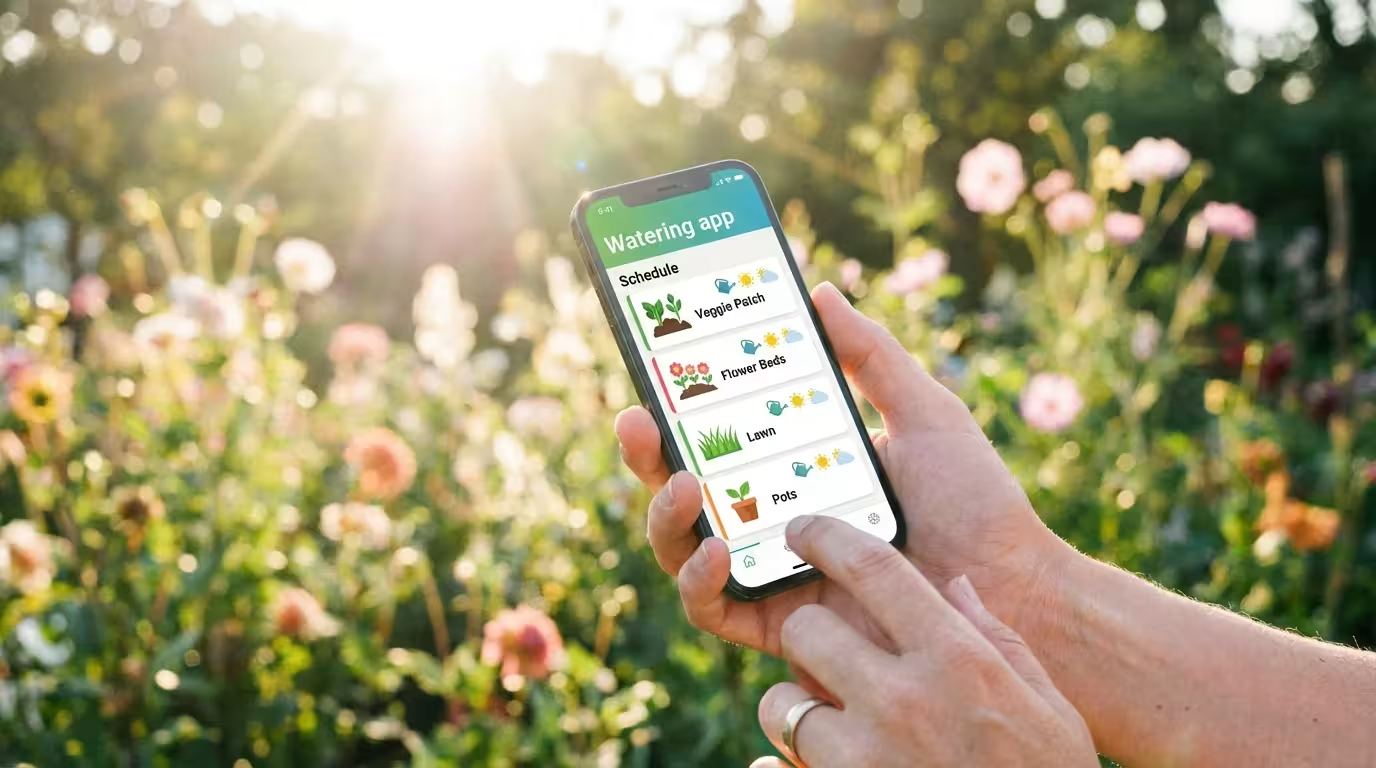
Once your hardware is installed, you move from “remote control” to true automation. The goal is to move away from fixed schedules (e.g., “Water every day at 6 AM”) toward dynamic, intelligent routines.
Learning how to schedule your smart devices correctly is the first step toward a fully hands-off irrigation routine.
The “Flex” Schedule
Most high-end smart controllers offer a “Flex” or “Smart” schedule mode. Instead of picking days, you input data about your landscape. You will tell the app:
- Plant Type: Grass (cool season vs. warm season), shrubs, trees, or vegetable garden.
- Soil Type: Clay, sand, or loam. Clay holds water longer but absorbs it slowly; sand drains quickly.
- Sun Exposure: Full sun, partial shade, or lots of shade.
- Slope: Flat or steep incline.
Using this data, the algorithm calculates the soil moisture balance. It treats your soil like a bank account: evaporation withdraws water, and rain or irrigation deposits it. The system only waters when the “account” runs low.
Cycle and Soak
One of the most powerful features to enable is “Cycle and Soak.” If you have clay soil or a steep slope, watering for 20 minutes straight usually results in runoff—the water flows into the street before it penetrates the roots.
A smart routine breaks this 20-minute session into smaller chunks. It might water for 5 minutes, wait 10 minutes for absorption, and then water for another 5 minutes. This repeats until the total time is met, ensuring deep saturation without waste.
Advanced Triggers and Weather Intelligence
The distinction between a timer and a smart system is the use of data triggers. You should enable specific weather intelligence features to maximize efficiency.
These triggers ensure your yard stays healthy through the winter and summer as part of your broader seasonal smart home automations.
These devices work best when integrated into broader weather-based smart home automations that react to environmental changes in real-time.
Rain Skips and Saturation Skips
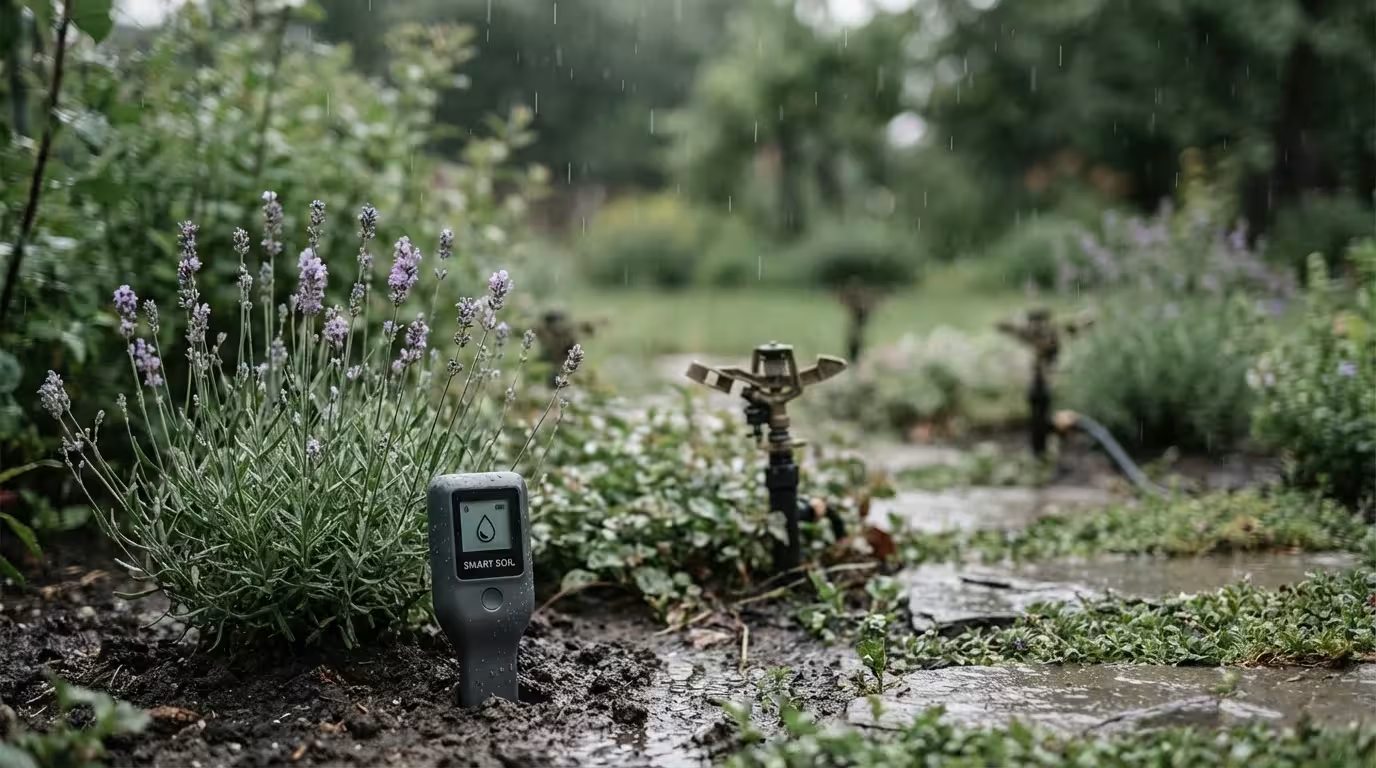
Standard rain sensors (the little cork discs mounted on fences) are reactive; they stop watering only after it has rained. Smart systems are predictive. They check the forecast one hour before the scheduled run.
- Rain Skip: If there is a high probability of rain today, the system cancels the schedule.
- Saturation Skip: If it rained heavily yesterday and the soil moisture calculation shows the ground is still wet, the system delays watering, even if no rain is forecast for today.
- Wind Skip: If wind speeds exceed a certain threshold (e.g., 20 mph), watering is skipped to prevent the spray from blowing onto driveways or neighbors’ yards.
Freeze Protection
If you live in a climate with occasional frosts, freeze protection is vital. You can set a trigger to prevent the system from running if the temperature drops below 37°F (3°C). This prevents ice sheets from forming on your walkways and protects the internal components of your sprinkler heads from cracking.
Integrating with Your Smart Home
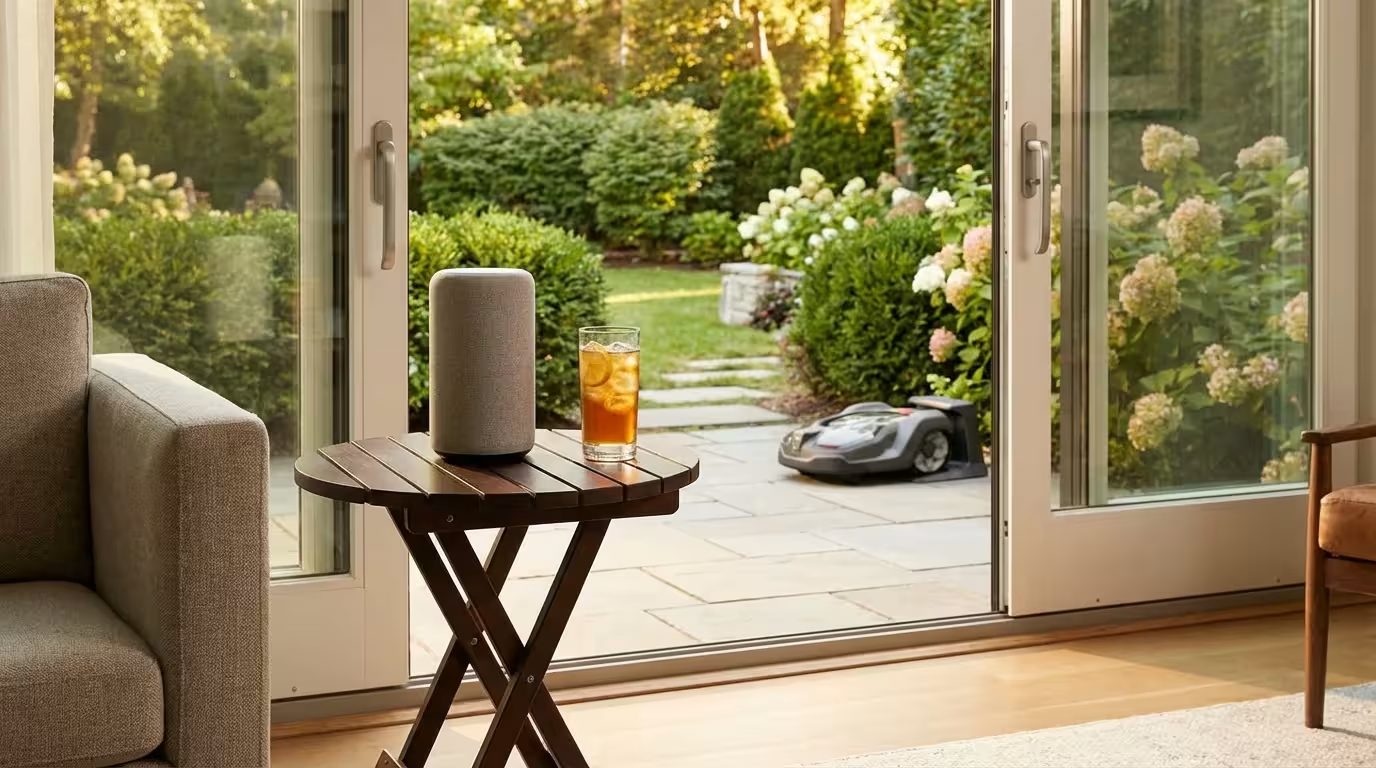
An automated garden shouldn’t exist in a vacuum. By integrating your watering system with platforms like Apple HomeKit, Amazon Alexa, Google Home, or Samsung SmartThings, you can create multi-device scenes.
Integrating your yard into a comprehensive vacation mode routine keeps your plants watered and your property secure while you are traveling.
Pairing your irrigation with outdoor smart lighting can enhance both the security and nighttime beauty of your landscape.
The “Dog Potty” Button
If you have sprinklers that run in the evening or early morning, you risk soaking your dog (or yourself) when letting them out. Create a virtual switch or use a physical smart button near the back door.
The Routine: When the button is pressed, pause all exterior irrigation for 15 minutes. After the timer expires, resume the schedule. This prevents you from having to open an app just to let the dog out safely.
Geofence Constraints
While you generally want the lawn to water regardless of whether you are home, you might not want the sprinklers near the driveway running when you arrive from work. You can set a condition: “If my phone enters the Home Geofence between 5:00 PM and 6:00 PM, pause the front yard zone.”
Visual Notifications
Instead of relying on push notifications that you might miss, use your smart lighting. If a freeze skip is triggered, or if a leak is detected, you can set your kitchen smart bulb to pulse blue. This gives you an immediate visual cue that the system requires attention.
Troubleshooting Automation Conflicts
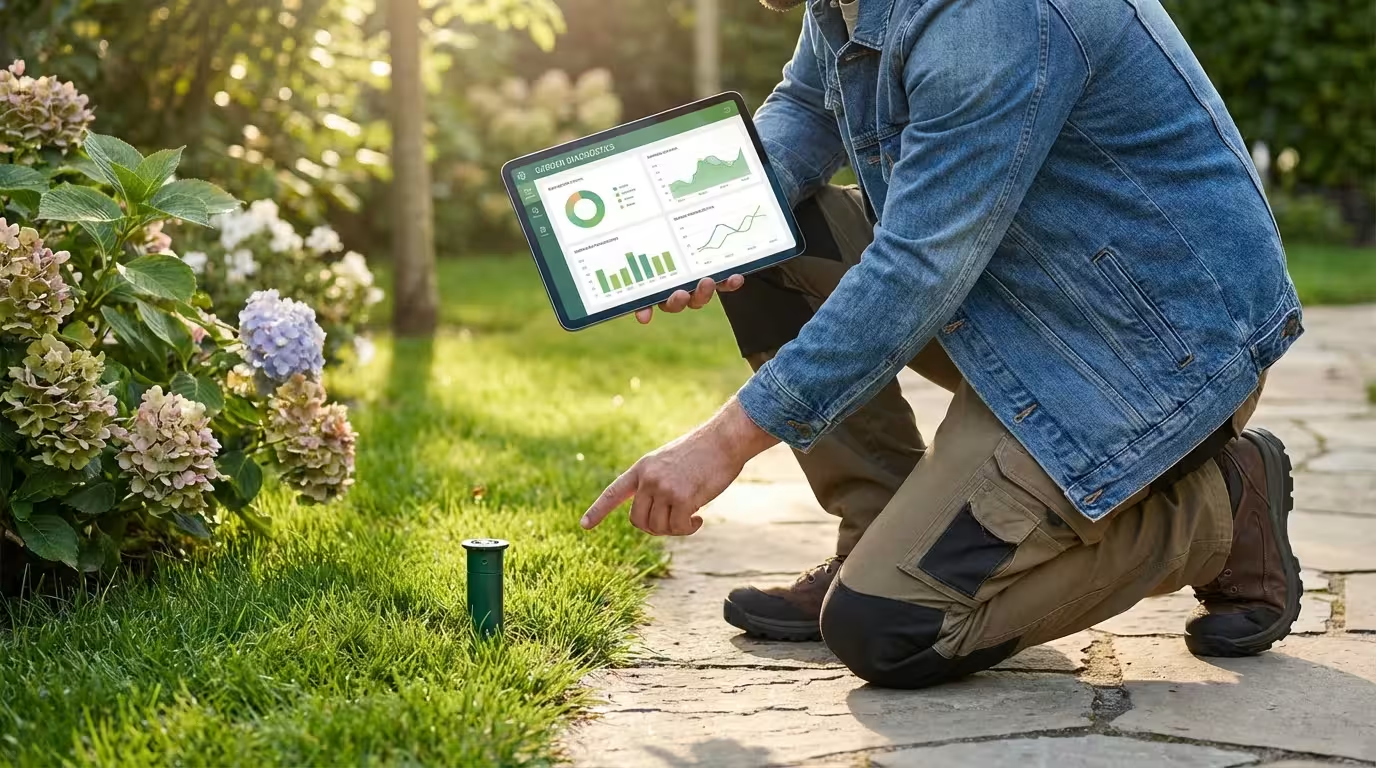
Even the best systems encounter hiccups. Here are the most common issues and how to resolve them.
The “Double Water” Problem
If you are transitioning from a dumb controller to a smart one, ensure you have completely disconnected the old timer. Some homeowners install a smart controller in series with an old one, or leave a battery timer on the hose bib while adding a main controller. This results in conflicting schedules where both devices try to open valves, or one blocks the other.
WiFi Interference
Irrigation controllers are often mounted on exterior walls or in garages, which are notoriously bad for WiFi reception. Metal lath in stucco walls acts as a Faraday cage, blocking signals.
Solution: If your controller frequently goes offline, install a WiFi mesh node or a range extender in the garage. Alternatively, look for controllers that support a hardwired Ethernet connection, though these are rare in residential models.
Master Valve Failures
If your app says the system is watering, but the heads aren’t popping up, check your Master Valve settings. Many systems have a master valve (labeled “M” or “MV”) that turns on the main water supply for the whole system. If your smart controller app has the “Master Valve” setting disabled, but your plumbing requires one, no water will flow.

Power User Automations
For those comfortable with deeper configuration, platforms like Home Assistant or IFTTT (If This Then That) unlock advanced potential.
- Hyper-Local Weather Stations: Instead of relying on a weather station at the airport 10 miles away, you can link your controller to a Personal Weather Station (PWS) in your own backyard. This provides the most accurate rainfall data possible.
- Leak Detection Shutoff: Integrate a smart flow meter (like Flume) with your irrigation controller. If the flow meter detects water usage of 5 gallons per minute at 3 AM when the sprinkler schedule is not running, it can trigger the irrigation controller to close the master valve instantly to prevent flooding.
- Evapotranspiration Calculations: Advanced users can tweak the crop coefficient settings in their controller. This variable defines how fast a specific plant consumes water. By fine-tuning this, you can dial in efficiency for exotic plants or vegetable gardens that have different thirst levels than standard turf.
Frequently Asked Questions
Do smart sprinkler controllers work if the WiFi goes down?
Yes, most reputable smart controllers store the schedule locally on the device’s memory. If the internet connection is lost, the controller will continue to run the last saved schedule. However, it will lose the ability to skip watering based on real-time weather updates until the connection is restored.
Can I install a smart controller outside?
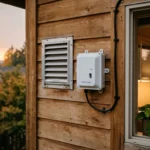
Smart controllers are electronic devices that are generally not waterproof out of the box. If you need to mount one outdoors, you must purchase a specific weather-resistant enclosure (often sold by the manufacturer) that protects the power adapter and unit from rain, UV rays, and dust.
Will a smart watering system work with a rain barrel or pump?
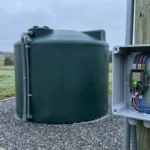
Yes, provided you have the correct relay. Most smart controllers have a terminal for a “Master Valve” or “Pump Start Relay.” You can wire your pump relay to this terminal. When the controller activates a zone, it simultaneously signals the pump to turn on and draw water from your barrel or well.
How much money can I really save?
Savings vary by climate and yard size, but CNET reports that switching to a smart controller can save homeowners between 20% to 50% on their outdoor water usage. For large landscapes in dry climates, the device often pays for itself within one or two seasons.
Disclaimer: This article is for informational purposes only. Smart home devices involve electrical connections and data privacy. Always follow manufacturer instructions for installation. For complex wiring or HVAC work, consult a licensed professional.


1 Comment