For many pet owners, the morning routine begins long before the alarm goes off. It starts with a wet nose, a paw to the face, or a persistent meow demanding breakfast. While we love our furry companions, the daily demand for feeding schedules—combined with late nights at the office or spontaneous weekend trips—can make manual feeding a significant logistical challenge.
Understanding the pros and cons of building a smart home can help you weigh the convenience of automated feeding against the cost and setup requirements of new equipment.
Enter the smart pet feeder. These connected devices promise to revolutionize how you manage your pet’s diet, offering portion control, remote scheduling, and even video monitoring from your smartphone. But with prices ranging from $50 to over $300, many homeowners hesitate. Is this just another gadget destined for the donation bin, or is it a genuine upgrade to your quality of life?
We will break down the technology, the real-world utility, and how these devices integrate into a broader smart home ecosystem to help you decide if a smart feeder belongs in your kitchen.
How Smart Feeders Work
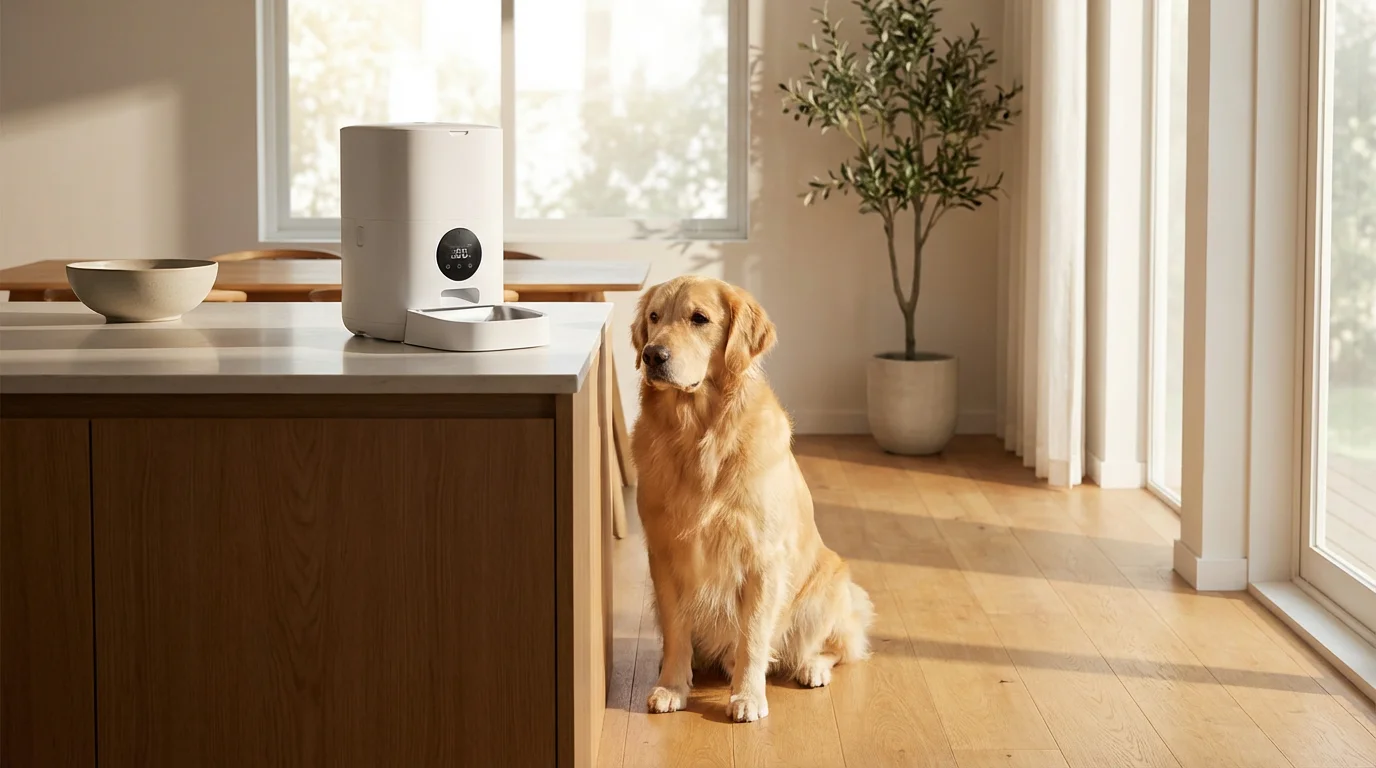
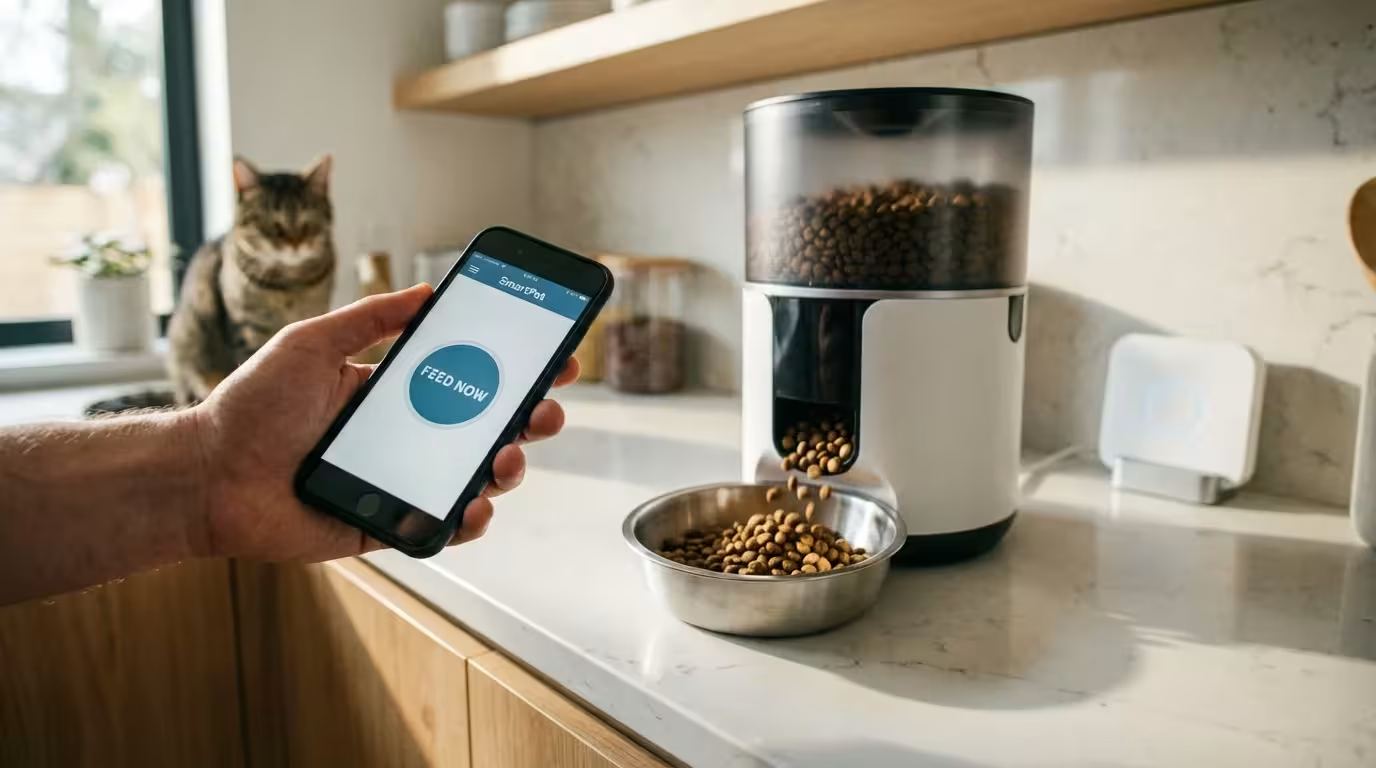
To determine value, you first need to understand the mechanics. A standard gravity feeder simply fills a bowl as your pet eats, often leading to overeating. A basic automatic feeder uses a simple digital timer to rotate a tray or open a hopper. A smart feeder, however, connects to your home Wi-Fi network and interfaces with a dedicated mobile app.
Before adding a feeder to your kitchen, it is helpful to plan your smart home to ensure all your devices communicate effectively and your Wi-Fi signal is strong enough to reach the feeder’s location.
This connectivity transforms the device from a simple dispenser into a dietary management tool. Through the app, you set precise schedules, determine the exact weight or volume of portions, and receive notifications when a feeding occurs. The device communicates with the cloud to log feeding history, which you can review to track your pet’s habits over time.
Most smart feeders utilize a motorized impeller system. When the scheduled time arrives—or when you trigger a manual feed via the app—the motor turns soft silicone or hard plastic blades to push a specific amount of kibble down a chute into the bowl. Advanced models include infrared sensors to detect if food is backing up (preventing jams) or weight sensors to verify the pet actually ate the food.
Health and Dietary Benefits
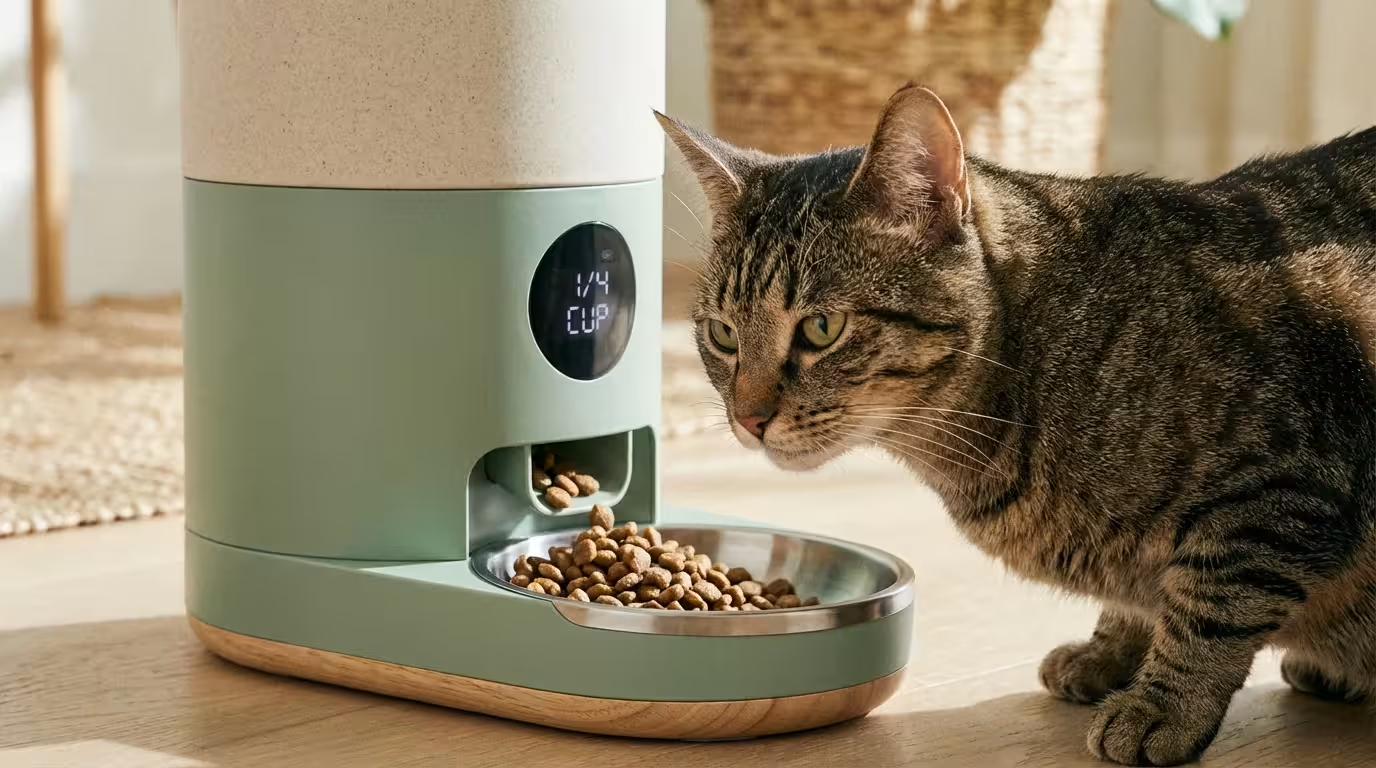
The primary argument for investing in a smart feeder isn’t just human convenience; it is animal health. Obesity is a massive problem for domestic pets, leading to joint issues, diabetes, and shortened lifespans. Free-feeding (leaving food out all day) contributes significantly to this issue.
Smart feeders provide a level of consistency that is difficult for humans to match manually:
- Precise Portion Control: Instead of “a cup or so,” you can program the feeder to dispense exactly 1/8th of a cup, five times a day. Smaller, more frequent meals are often better for digestion and keeping pets satisfied without overfeeding.
- Dietary Consistency: If you get stuck in traffic or decide to stay out for dinner, your pet’s schedule remains uninterrupted. This reduces anxiety for the animal, as they learn to rely on the machine rather than your presence for sustenance.
- Slow Feeding: Some smart feeders offer a “slow feed” mode that dispenses a meal in stages over 10 or 15 minutes. This prevents the “scarf and barf” phenomenon common in dogs that eat too quickly.
According to Wirecutter’s smart home research, automating mundane tasks allows homeowners to focus on interactions that build relationships rather than chores. In this context, the feeder handles the logistics, letting you focus on play and affection.
Integrating Feeders into Smart Routines
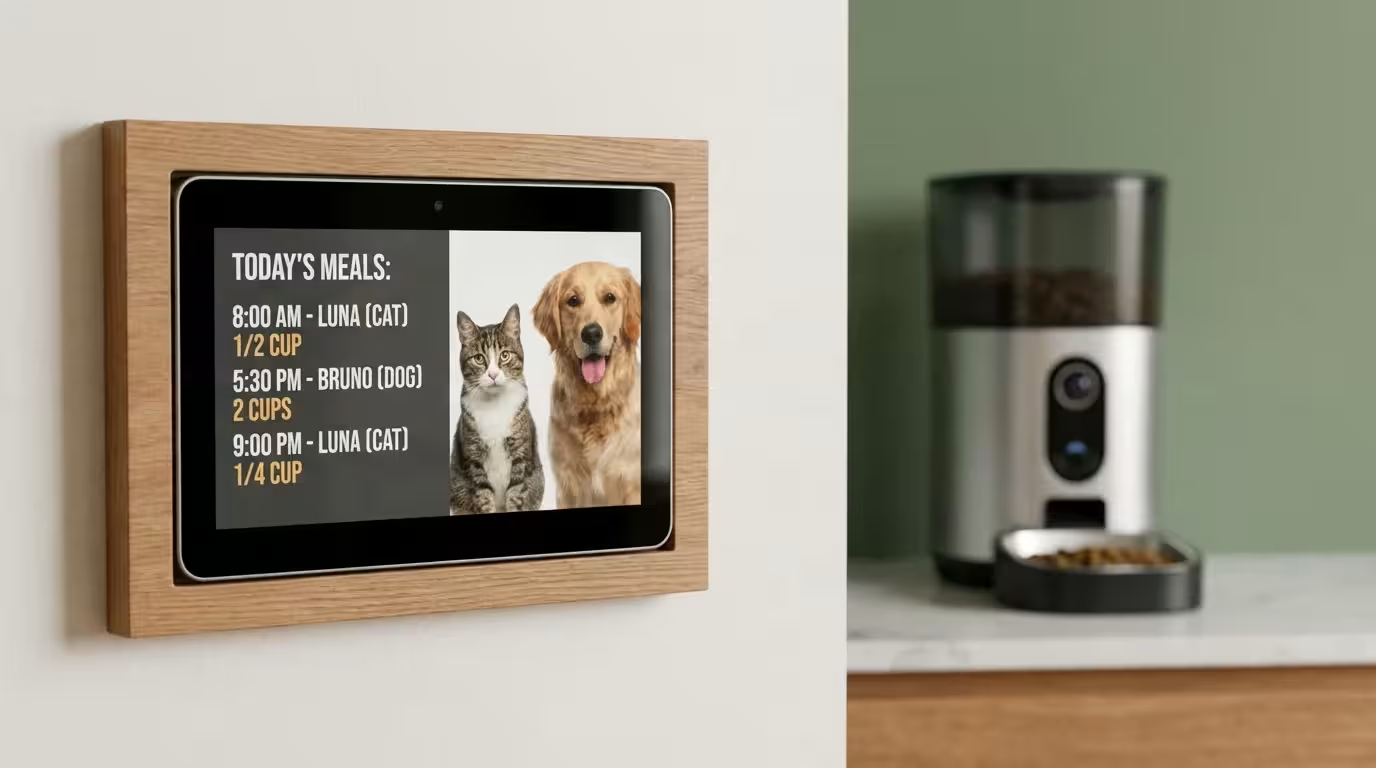
This is where a smart feeder distinguishes itself from a standard automatic feeder. If you are building a connected home, you want devices that talk to each other. Many top-tier smart feeders support ecosystems like Amazon Alexa, Google Home, or IFTTT (If This Then That).
Automating mealtime is just one part of creating comprehensive smart routines for pet owners that enhance your animal’s well-being.
By integrating your feeder into your broader home automation strategy, you can create scenes that solve specific behavioral problems.
The “Sleep In” Routine
If your cat wakes you up at 5:00 AM for food, you can automate a solution. Program the feeder to dispense a small meal at 4:45 AM. The mechanical sound of the feeder becomes the dinner bell, conditioning the pet to wait by the bowl rather than scratching at your bedroom door.
The “Leaving Home” Trigger
Using geofencing or a smart lock state change, you can trigger specific actions when you leave the house. For example:
- You lock the front door (smart lock).
- The security system arms (Away mode).
- The smart feeder dispenses a small treat to distract the dog, reducing separation anxiety as you walk away.
Voice Control Flexibility
Voice assistants add a layer of on-demand convenience. If you are cooking dinner and the dog is begging underfoot, a simple command—”Alexa, ask the feeder to give the dog a snack”—redirects their attention immediately without you stopping your meal prep.
The best smart home automations are proactive, not reactive. They solve a problem before it becomes a disruption to your day.
Essential Features to Look For
Not all smart feeders are created equal. The market is flooded with generic devices that have poor app interfaces or unreliable motors. If you decide to invest, prioritize these specific features to ensure longevity and reliability.
Avoiding common smart home mistakes—like neglecting to verify if a device has local scheduling—is essential for ensuring your pet is fed even if your internet goes down.
Dual Power Supply
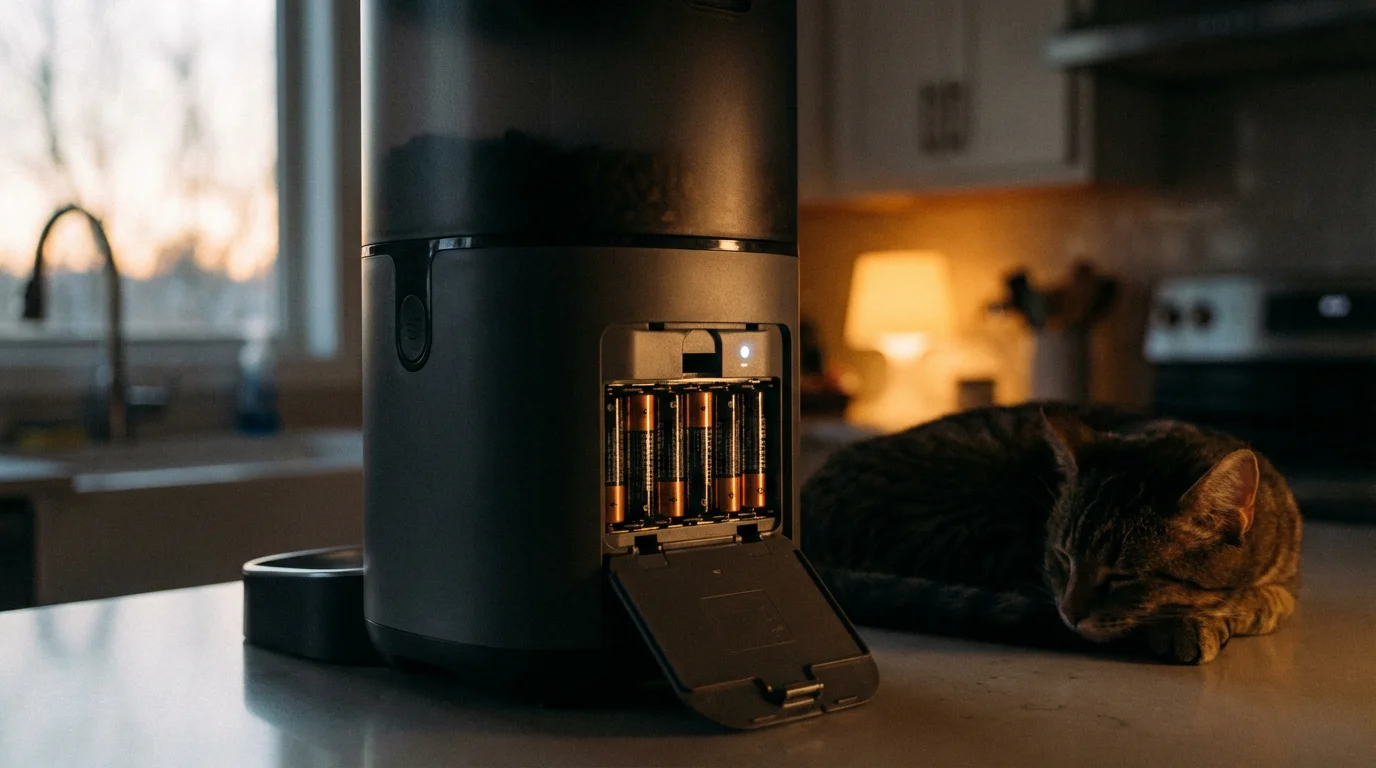
This is non-negotiable. Your smart feeder must have a battery backup (usually D-cell batteries) in addition to the wall adapter. If the power goes out or your Wi-Fi creates a dead zone, the feeder must retain its schedule locally and have the power to dispense food. A feeder that relies solely on Wi-Fi to trigger the motor is a risk to your pet’s health.
Jam Detection and Reversal
Kibble shapes vary wildly. Square or triangular kibble can easily jam a rotating mechanism. Look for feeders with “auto-reverse” technology. If the motor detects resistance, it spins backward to dislodge the kibble before trying again. Without this, you might come home to a hungry pet and a “Motor Error” notification on your phone.
Sealed Hopper with Desiccant
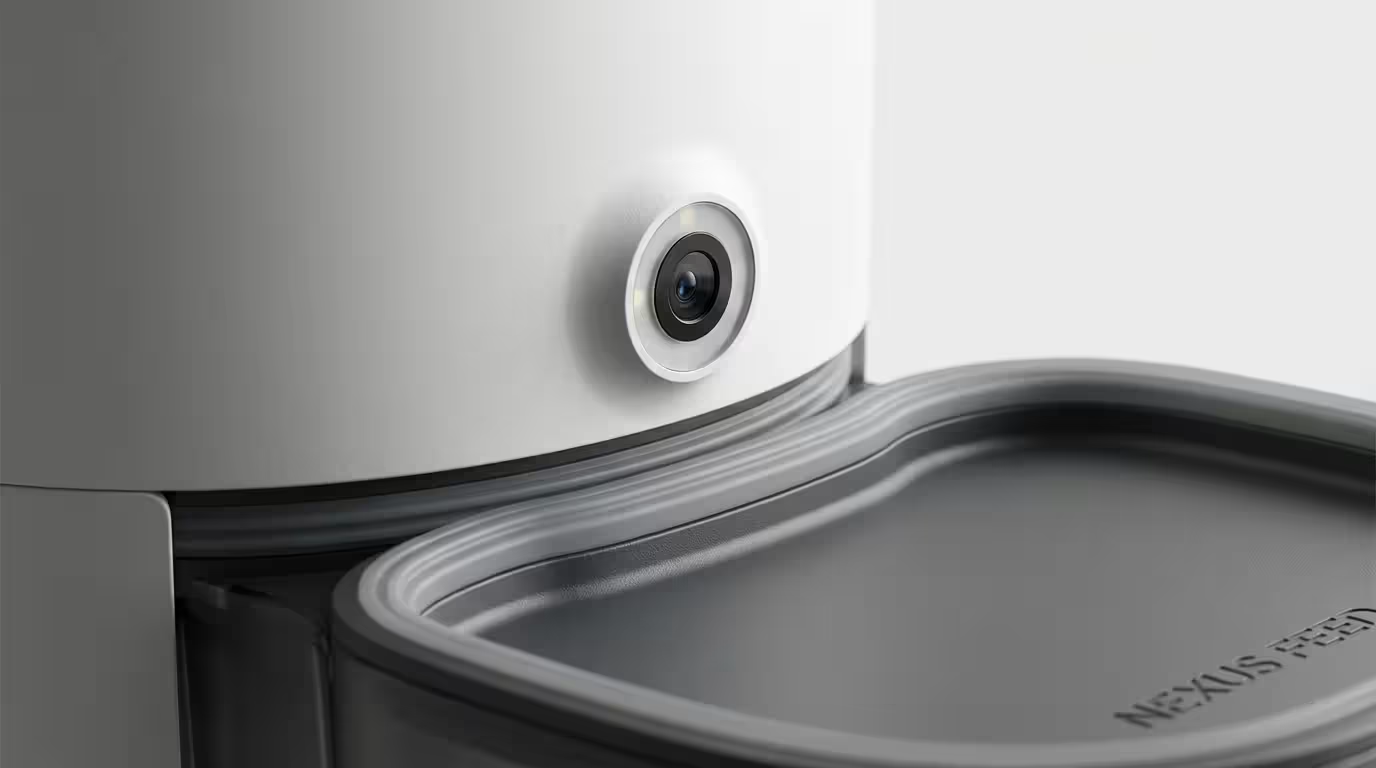
Pet food goes stale quickly when exposed to air. High-quality feeders feature a locking lid with a gasket seal and a compartment for a desiccant packet (silica gel). This keeps the food fresh and crunchy, which is more appetizing for the pet, and prevents ants or other pests from entering the storage bin.
Sensor Notifications
You need to know when the hopper is running low before it is empty. Optical sensors inside the tank should alert your phone when you have roughly 10-20% of food remaining. This prevents the panic of realizing you are out of food right before a weekend trip.
Potential Drawbacks and Reliability
Despite the benefits, smart feeders introduce new points of failure that simple bowls do not have. You must weigh these risks against the convenience.
Connectivity Issues: Like any IoT device, smart feeders can drop off your Wi-Fi network. While a good feeder stores the schedule locally, you lose the ability to dispense manual feeds or receive notifications until you reboot the device. If your router is far from the kitchen, you might need a Wi-Fi extender.
The “Smart” Pet Problem: Some cats and dogs are incredibly clever. If the feeder is lightweight, a large dog might knock it over to spill the beans. Raccoons (cat-like in their dexterity) can sometimes pry open lids that aren’t securely latched. You need a unit with a heavy base and a locking lid mechanism.
Food Limitations: These devices are almost exclusively designed for dry kibble. If your pet requires wet food or a raw diet, a standard hopper-style smart feeder will not work. There are rotating tray feeders with ice packs available, but they generally lack the advanced connectivity and long-term storage capacity of hopper models.
Cost Analysis: Smart vs. Traditional
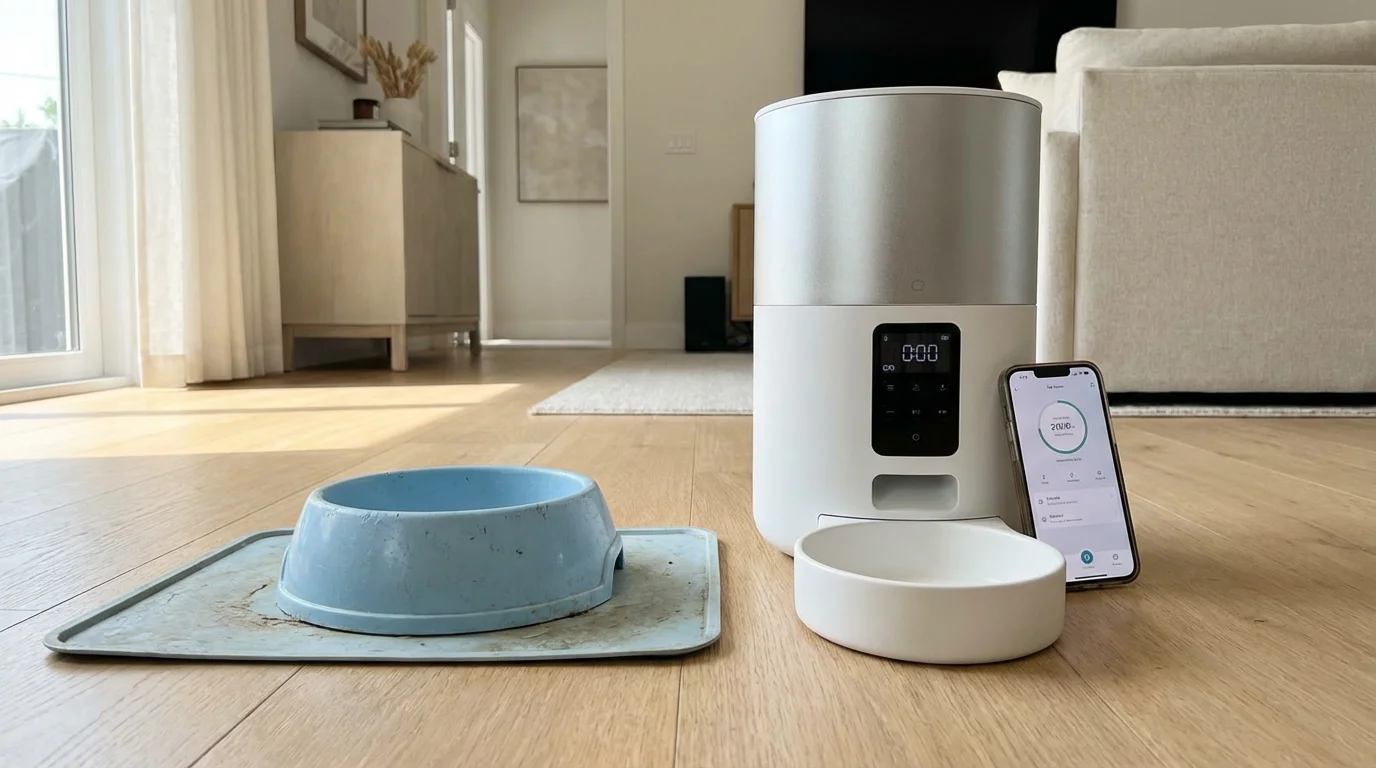
Is a $150 smart feeder worth it compared to a $10 plastic bowl? The value proposition depends entirely on your lifestyle.
For those building a smart home on a budget, start with devices that offer the most time-saving value before moving on to luxury features like built-in cameras.
Consider the cost of pet sitting. If you leave for a single overnight trip, a pet sitter might charge $25 to $50 per visit just to fill a bowl and scoop litter. If a smart feeder allows you to leave your cat alone for 24-48 hours (assuming they have water and a clean litter box), the device pays for itself after just three or four weekend trips.
Furthermore, consider the potential veterinary savings. If precise portion control prevents your dog from becoming overweight, you save significantly on future health costs related to arthritis or heart conditions. While the upfront hardware cost is higher, the long-term operational savings and health benefits often tip the scale in favor of the smart device.

Who Should Buy One (And Who Shouldn’t)
To finalize your decision, locate yourself in one of the following categories.
You Should Buy a Smart Feeder If:
- You have an overweight pet: The vet has recommended a strict diet, and you find it hard to measure exact portions manually.
- Your schedule is erratic: You work late, have a long commute, or enjoy spontaneous social outings after work.
- You travel frequently for short periods: You take weekend trips and want to monitor your pet’s eating habits remotely.
- Your pet wakes you up: You want to outsource the early morning feeding ritual to get more sleep.
You Should Stick to a Standard Bowl If:
- Your pet eats wet food: Technology for automated wet food dispensing is still limited and requires frequent cleaning.
- You have a giant breed dog: Most consumer feeders hold 4-6 liters of food. A Great Dane would empty the hopper in two days, negating the convenience.
- Your pet is destructive: If your dog chews through power cords or destroys plastic furniture, a smart feeder is an expensive chew toy waiting to happen.
Frequently Asked Questions
What happens if the Wi-Fi goes out?
Most reputable smart feeders store their feeding schedules locally on the device’s internal memory. This means that even if your internet connection is lost, the feeder will still dispense food at the programmed times. However, you will not receive notifications or be able to change the settings until the connection is restored.
Can smart feeders handle large kibble sizes?
It depends on the model, but generally, kibble larger than 10mm-12mm in diameter can cause jams. If you feed your dog large, chunky kibble, you must check the manufacturer’s specifications. Some “Pro” models are designed specifically to handle larger freeze-dried pieces or bigger kibble sizes.
Are smart pet feeders safe from hacking?
Any device with a camera and a microphone carries a privacy risk. If you choose a feeder with video capabilities, ensure you use a strong, unique password and enable two-factor authentication if available. According to CNET’s security guides, keeping your device firmware updated is the best defense against vulnerabilities. If privacy is a major concern, opt for a smart feeder without a camera.
How do I clean a smart feeder?
Hygiene is critical. Look for a feeder where the hopper, lid, and stainless steel bowl are fully detachable and dishwasher safe. You cannot submerge the base unit (which contains the motor and electronics) in water. You should clean the food tank at least once a month to prevent oil buildup from the kibble, which can go rancid.
Disclaimer: This article is for informational purposes only. Smart home devices involve electrical connections and data privacy. Always follow manufacturer instructions for installation. For complex wiring or HVAC work, consult a licensed professional.