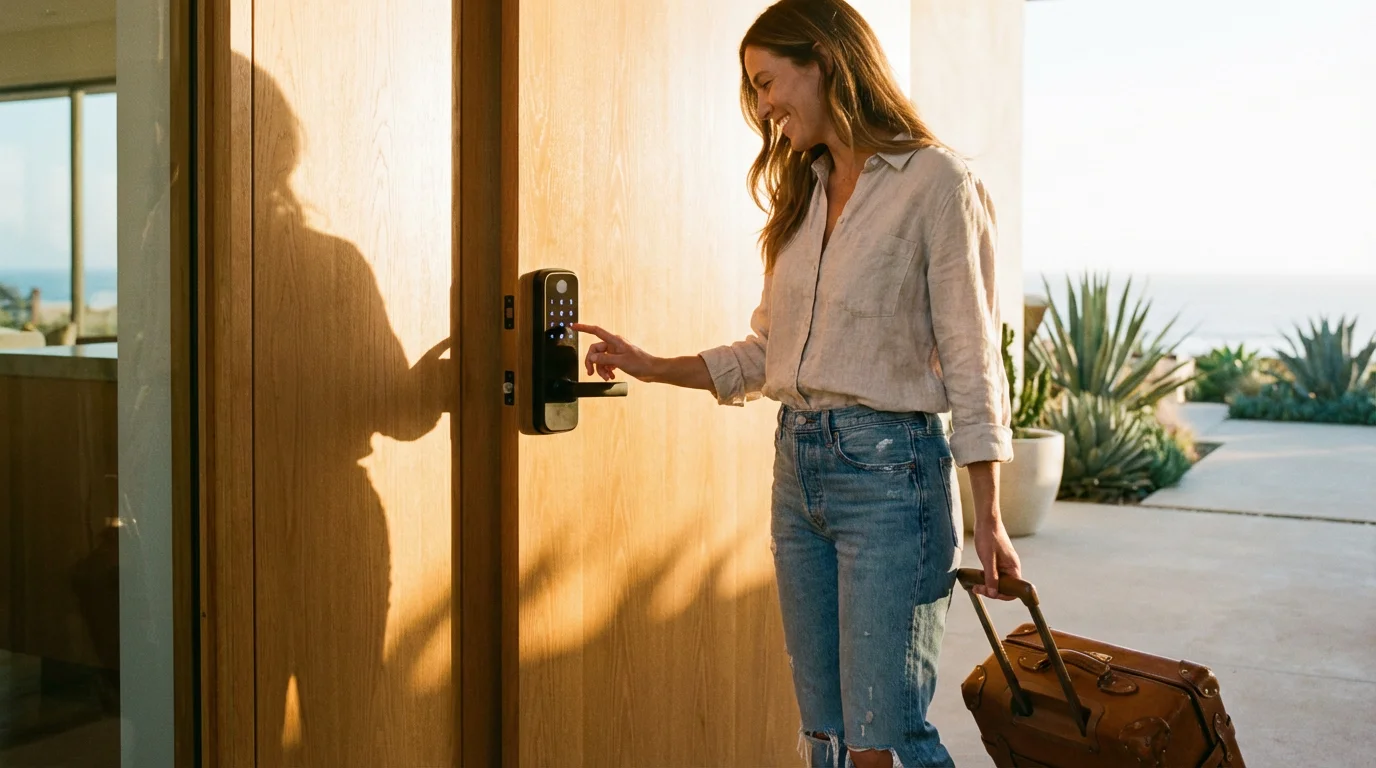
Managing a short-term rental involves a constant juggling act of cleaning schedules, guest communication, and the logistical headache of handing over keys. If you are still hiding a physical key under a mat or coordinating in-person meetups for check-in, you are losing valuable time and compromising security. Switching to a smart lock is the single most impactful upgrade you can make for your Airbnb or vacation rental.
A smart lock is often the first step in learning how to set up a complete smart security system for a professional-grade rental property.
If you are just beginning to upgrade your property, a smart lock is widely considered one of the 5 best first smart home devices to buy for immediate impact.
A properly configured smart lock system allows you to grant guest access from anywhere in the world, eliminates the risk of lost keys, and creates a seamless check-in experience that earns you five-star reviews. However, simply buying a connected lock isn’t enough; you need a workflow that automates code generation and ensures 24/7 reliability.
Why Keyless Entry is Essential for Hosts
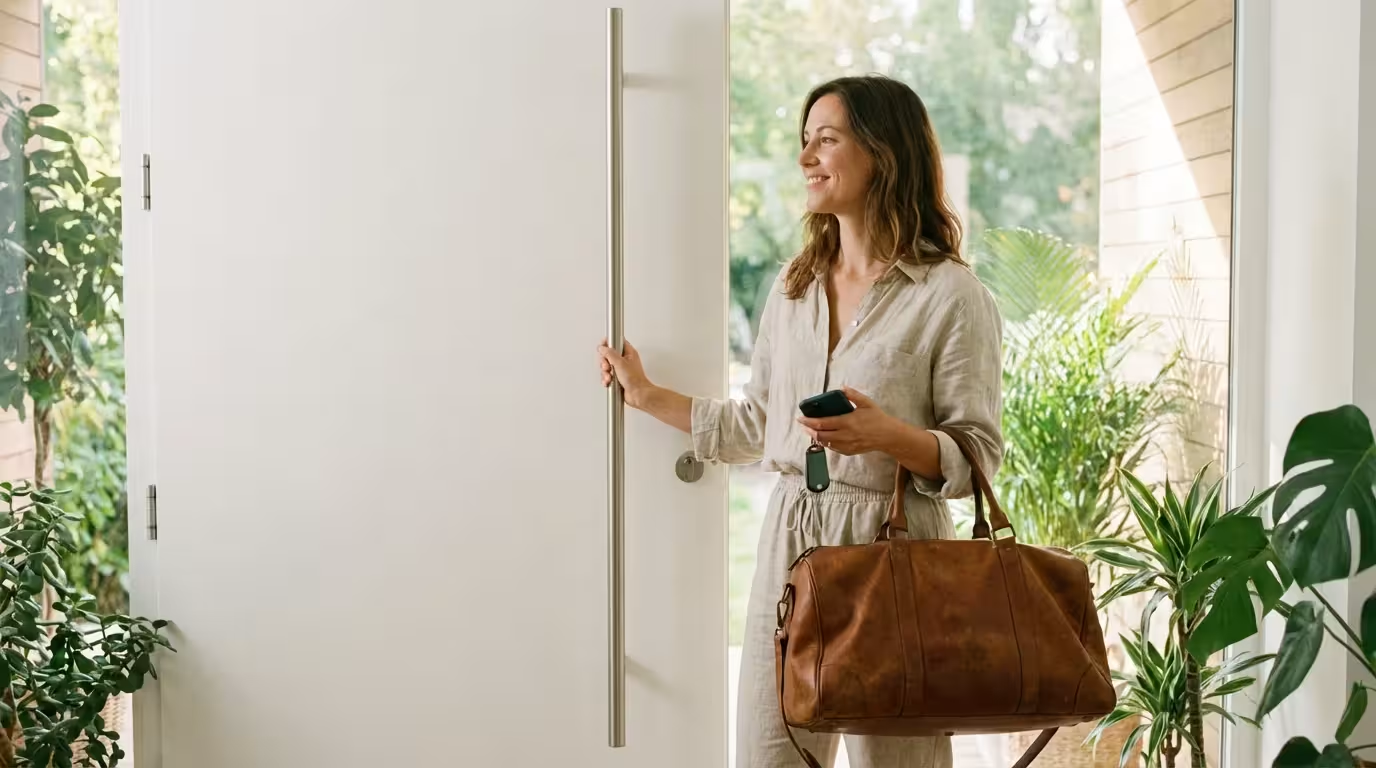
The transition from mechanical keys to digital entry changes the fundamental way you manage your property. While the initial setup requires a modest investment, the return on investment regarding time saved is immediate. For the modern traveler, a frictionless arrival is no longer a luxury—it is an expectation.
For more comprehensive oversight, consider integrating smart sensors for home security to monitor other entry points while you are away.
Implementing remote access solves several operational problems instantly:
- Contactless Check-in: Guests can arrive at any hour without you needing to be present or hiring a greeter. This is crucial for late-night flights or travel delays.
- Enhanced Security: You never have to worry about a guest duplicating a key at a hardware store. Access codes expire automatically when a guest checks out.
- Vendor Access: You can create specific, temporary codes for cleaners, plumbers, or maintenance workers, ensuring they only enter the property when authorized.
- Activity Monitoring: Most smart locks provide an activity log, allowing you to confirm that guests have arrived safely or that the cleaning crew finished on time.
Choosing the Right Smart Lock Hardware
Not all smart locks are built for the high turnover of a short-term rental. While a lock might work perfectly for a single-family home owner, it might fail under the pressure of constant code changes and varying levels of user tech-savviness. When selecting a device for Airbnb, reliability and ease of use are paramount.
Regardless of the brand you choose, it is vital to secure your smart home from hackers by updating your device firmware regularly.
Many hosts also look for smart locks that work with Alexa to enable voice commands and easier management through an existing smart speaker system.
The Keypad is Mandatory
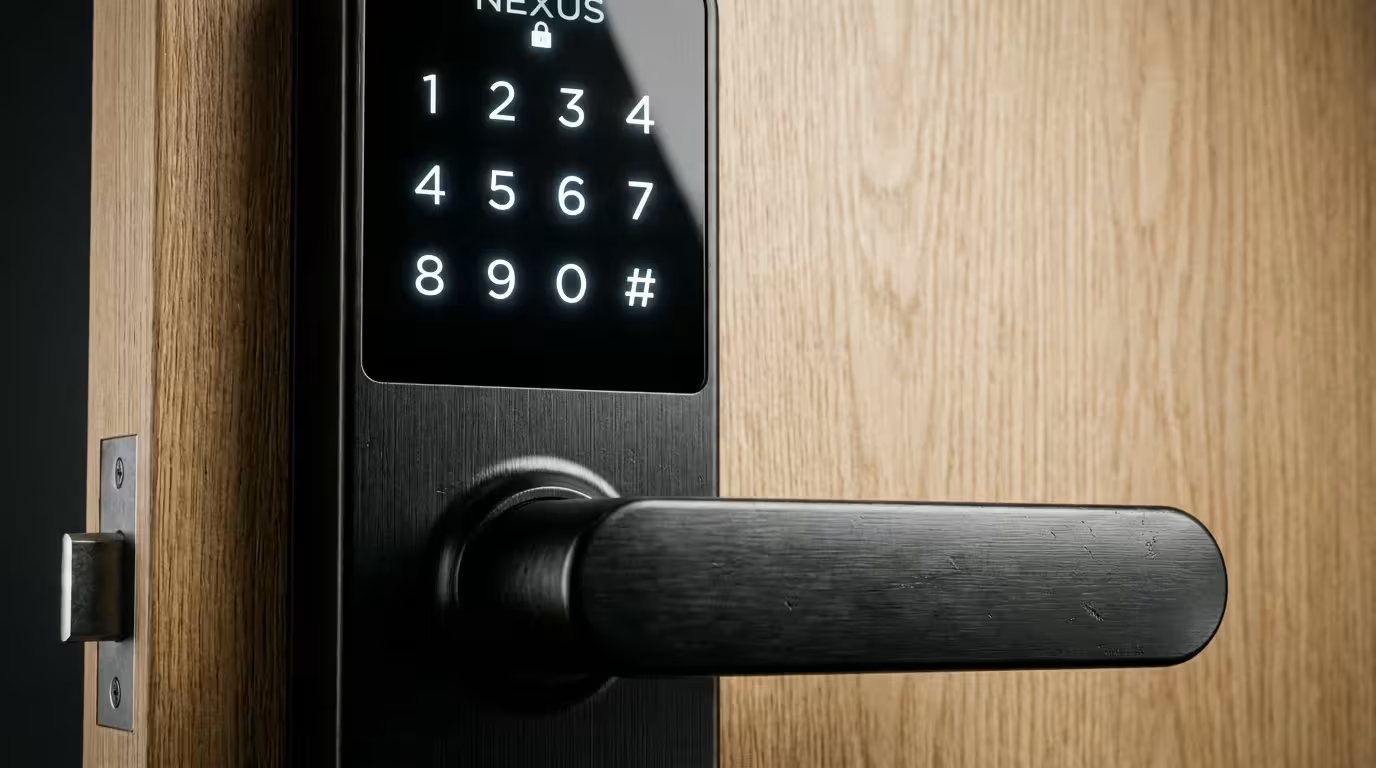
You might be tempted by locks that open via Bluetooth or a proprietary app. Avoid these for rentals. Asking a guest to download an app, create an account, and pair their phone via Bluetooth just to enter your home creates friction. You want a lock with a physical or touchscreen keypad. The universal “language” of entering a 4-digit code ensures every guest, regardless of their technical skill or phone battery status, can get inside.
Connectivity Options
Your choice of connectivity determines how you manage the lock remotely.
- Wi-Fi Locks: These connect directly to your router. They are the easiest to set up because they don’t require an extra hub. However, Wi-Fi consumes more battery power, so you will change batteries more frequently.
- Z-Wave or Zigbee Locks: These communicate with a central smart home hub (like Samsung SmartThings or a dedicated security hub). They offer better battery life and reliability but require more initial hardware setup.
- Bluetooth with Wi-Fi Bridge: Some locks use Bluetooth to communicate with a small bridge plugged into a nearby outlet, which then connects to Wi-Fi. This strikes a balance but adds another piece of hardware that can be accidentally unplugged by a guest.
According to extensive testing by Wirecutter, reliability is the most critical factor for smart locks, which is why sticking to established brands like Schlage, Yale, or August is generally safer than opting for cheaper, generic alternatives found on marketplace sites.
Installation and Power Considerations
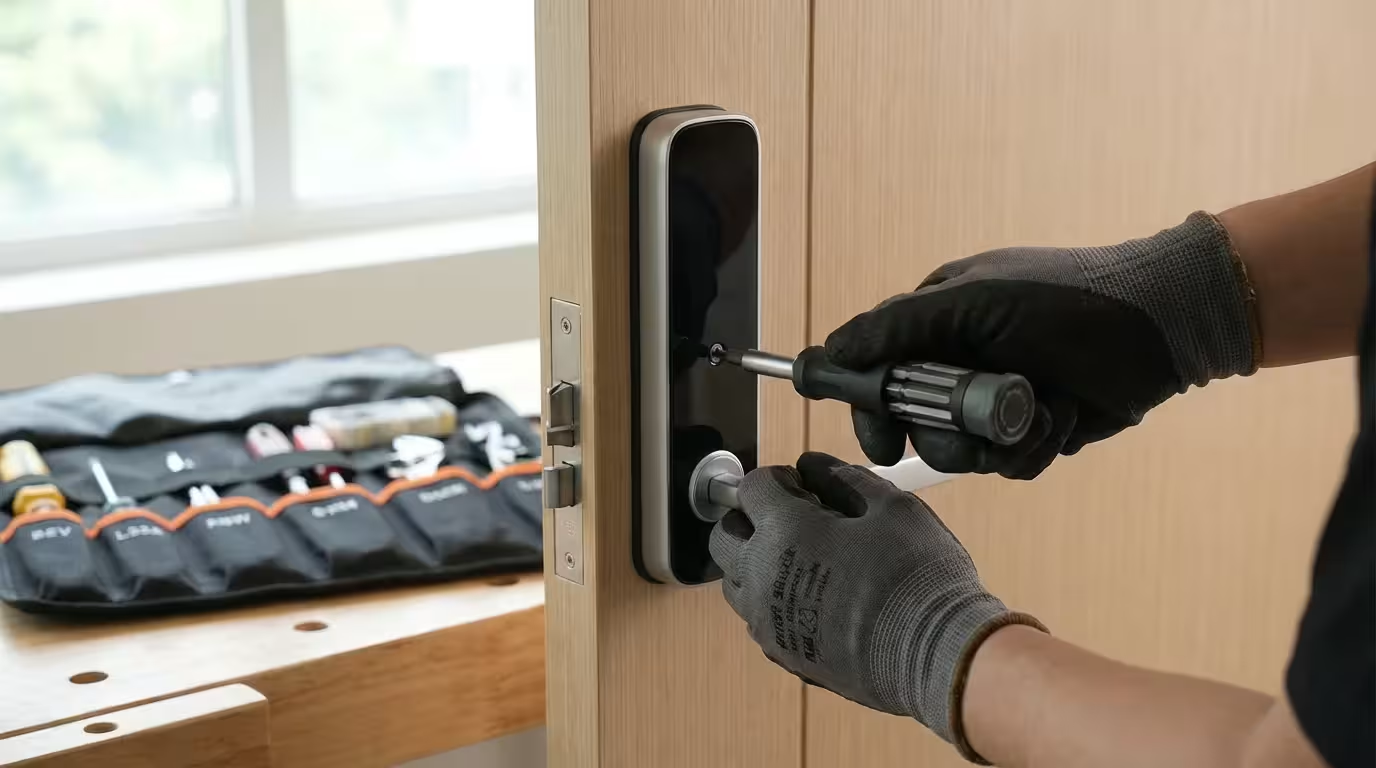
Installing a smart lock is usually a straightforward DIY project, provided your door is aligned correctly. If your current deadbolt sticks or requires you to push and pull the door to get it to lock, a smart lock will struggle. The motor inside a smart lock is not as strong as a human hand; it cannot force a misaligned bolt.
Pre-Installation Checklist
- Check Door Alignment: Ensure the deadbolt slides smoothly into the strike plate without friction. Adjust the strike plate or hinges if necessary before installing the new electronics.
- Verify Door Thickness: Most standard doors are 1 3/8″ to 1 3/4″ thick. If you have a custom or particularly thick door, you may need an extension kit.
- Assess Weather Exposure: If your door faces direct rain or snow, ensure the lock is rated for outdoor use (most are, but check the IP rating).
Retrofit vs. Full Replacement
You have two main form factors to choose from. A full replacement lock replaces the entire deadbolt assembly, including the exterior keyway and keypad. This offers a cohesive look and is generally more secure. A retrofit lock (like the August Smart Lock) replaces only the interior thumb-turn, leaving your existing exterior key and deadbolt hardware in place. Retrofits are excellent for renters who cannot change the external appearance of the door, but full replacements are typically better for Airbnbs as they integrate the keypad more seamlessly.
How to Manage Guest Access Codes
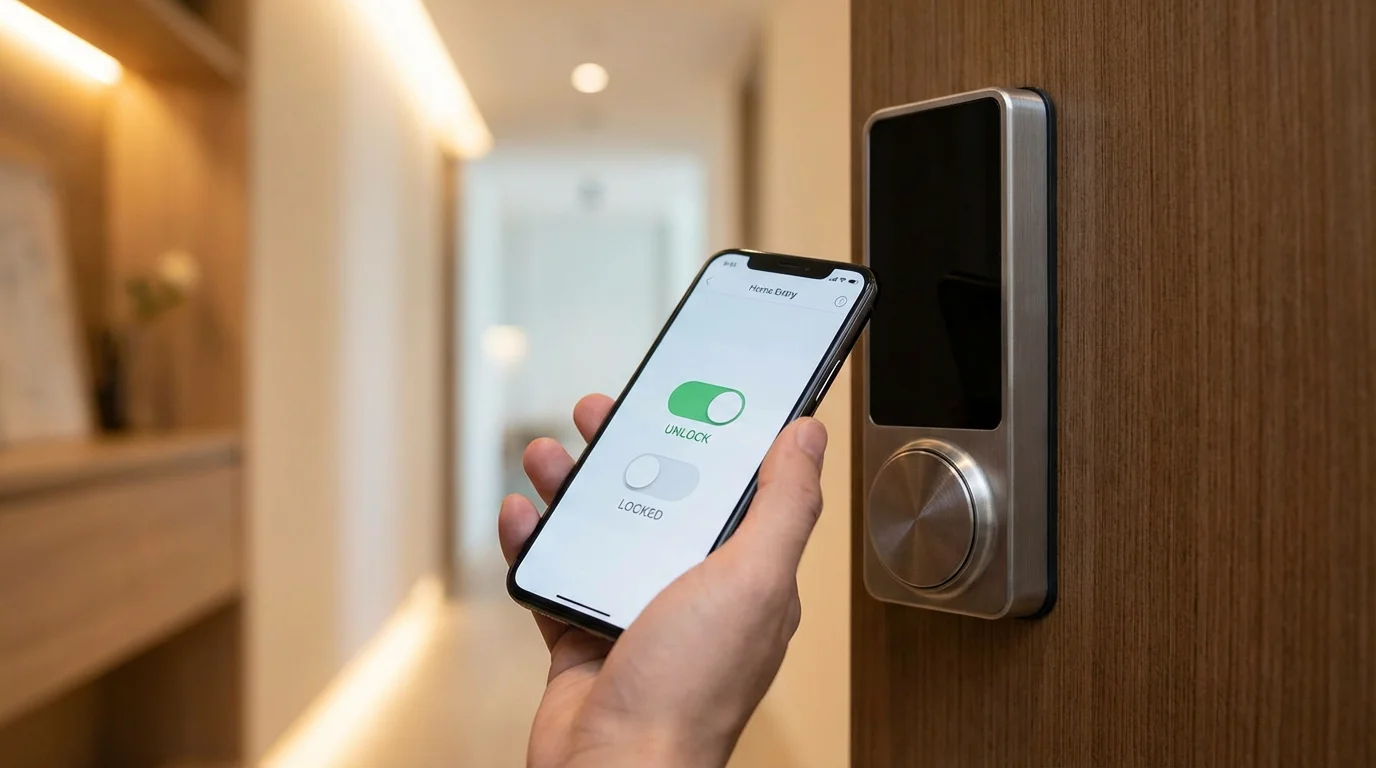
Once your lock is online, you need a strategy for managing codes. Using a single static code for all guests (e.g., “1234”) defeats the purpose of a smart lock and creates a major security vulnerability. You should generate a unique code for every booking.
The “Last Four Digits” Method
A popular strategy among manual managers is to set the entry code as the last four digits of the guest’s phone number. This is easy for the guest to remember and easy for you to find in the booking details. Most smart lock apps allow you to schedule these codes to become active at check-in time and expire at checkout time.
Creating User Roles
Your smart lock app will likely allow you to create different types of access credentials:
- Always On: Use this for yourself and property owners.
- Recurring/Scheduled: Ideal for cleaners who come every Tuesday or Friday between 10:00 AM and 3:00 PM.
- Temporary: Used for guests, active only during their specific reservation window.
Automating Codes with Booking Platforms
Manually programming a code for every guest is sustainable if you have one property and low turnover. If you manage multiple listings or have frequent short stays, you need automation. This prevents human error, such as forgetting to delete an old code or activate a new one.
Pairing this with smart light switches allows you to automate the exterior lighting for late-night guest arrivals.
To provide an even better experience, you can create a guest mode for your smart home that automatically adjusts lights and climate control when the booking starts.
Direct Integrations
Airbnb has a “Connected Locks” feature that works with specific partners (such as Yale, Schlage, and August). When you link your accounts, Airbnb automatically sends a unique code to the guest upon booking confirmation. This code activates at check-in and expires at checkout without you lifting a finger.
Third-Party Management Software
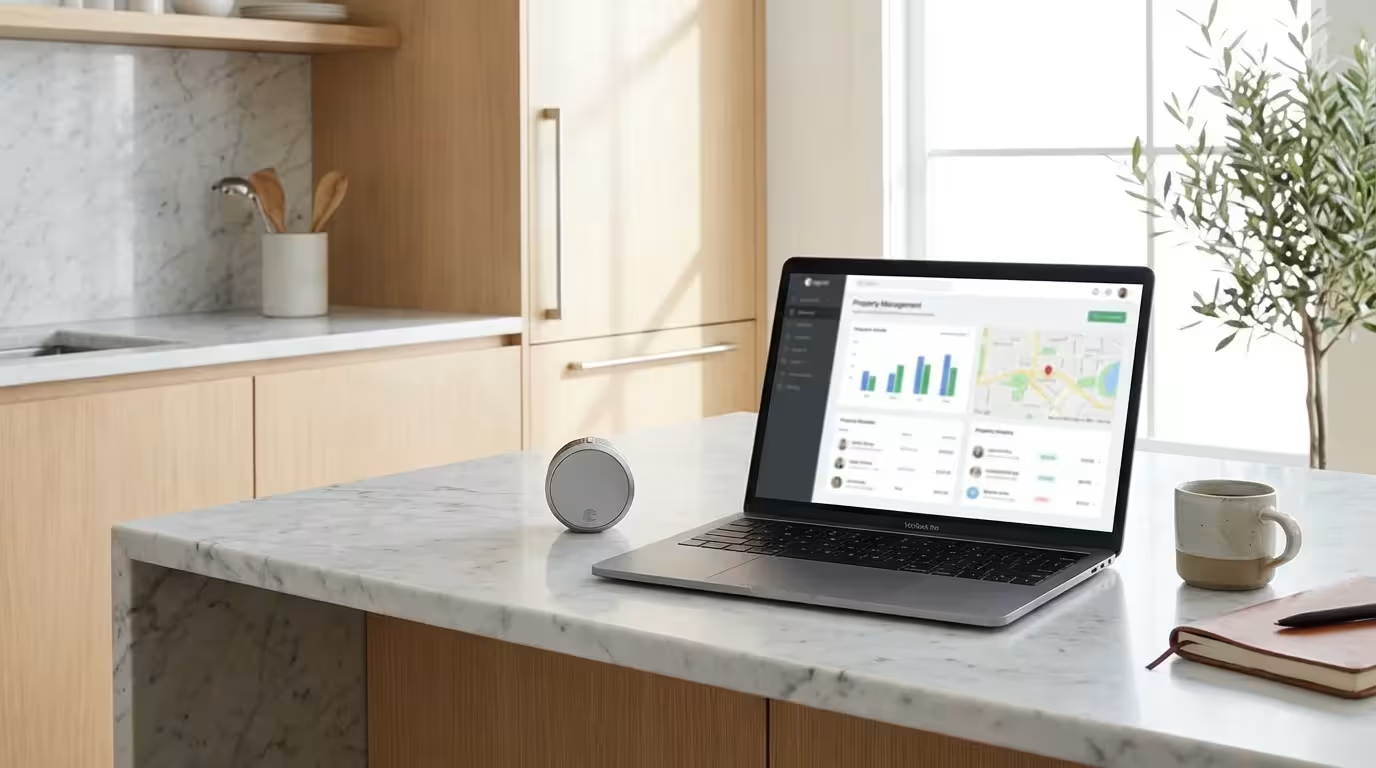
For more robust control, or if you list on multiple platforms (like VRBO and Booking.com simultaneously), you should consider middleware software like Seam, RemoteLock, or specific property management systems (PMS) like Guesty. These platforms act as a bridge between your booking calendar and your smart lock.
Here is how the automated workflow looks:
- A guest books your property on Airbnb.
- The automation software detects the new reservation.
- The software connects to your smart lock account and generates a random code (or uses the phone number method).
- The software triggers an automated message to the guest: “Welcome! Your access code is [CODE]. It will work starting at 3:00 PM on [DATE].”
- When the reservation ends, the software deletes the code from the lock automatically.
“The best smart home technology is the one you don’t have to manage. Automation turns a gadget into a business asset.”
Backup Plans for Power and WiFi Failures
Technology fails. Batteries die. Wi-Fi goes out. As a host, you must have redundancies in place to ensure a guest is never locked out at 2:00 AM.
The Mechanical Key Backup
Even with the most advanced smart lock, you should retain a physical key option. Install a secure, mechanical lockbox (key safe) somewhere discreet on the property. Put a physical key inside. If the smart lock fails completely, you can message the code for the lockbox to the guest. This is your “break glass in case of emergency” solution.
Battery Management
Smart locks typically run on AA batteries that last 6 to 12 months. However, cold weather and frequent Wi-Fi usage can drain them faster. Do not wait for them to die. Set a reminder to change batteries every 6 months regardless of the level, or immediately when the app reports low power (usually below 20%).
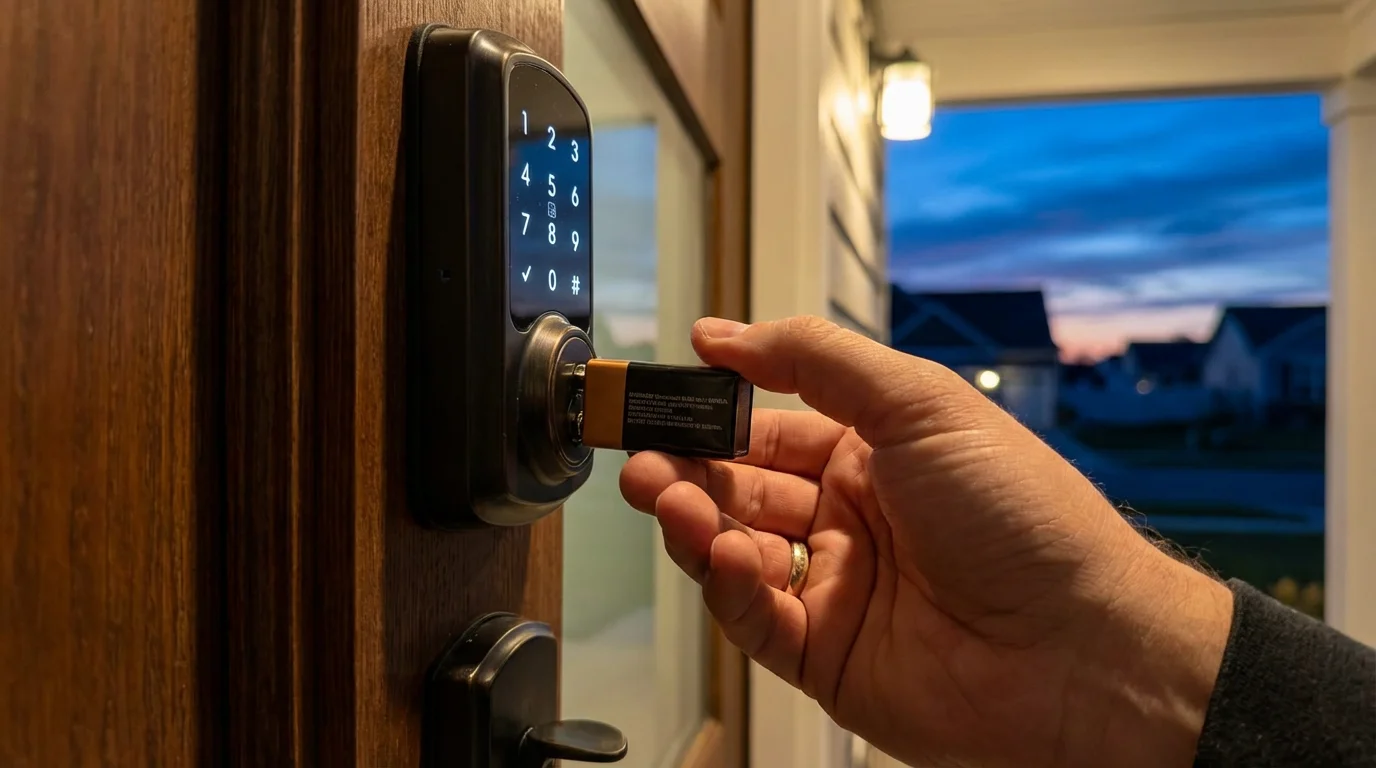
Many keypad locks, such as those from Yale or Schlage, feature 9V battery contacts on the exterior. If the internal batteries die completely, you can hold a 9V battery against these external contacts to provide just enough power to enter the code and unlock the door.
Security Best Practices for Rentals
Securing your property involves more than just locking the door; it requires managing how that access is granted and monitored.
For overall property protection during the off-season, consider automating your home for vacation security to keep your rental safe when it is unoccupied.
Enable Auto-Lock: Guests frequently forget to lock the door behind them when they leave for the day. Configure your smart lock to auto-lock after a set period (e.g., 30 seconds or 1 minute). This ensures your property is never left vulnerable.
Privacy for Security Cameras: While video doorbells often pair well with smart locks to verify guest arrival, you must be transparent. Consumer Reports emphasizes the importance of privacy in smart home setups; always disclose the location of outdoor cameras in your listing description. Never install cameras inside private spaces.
Audit Your Logs: Periodically check the access logs in your smart lock app. Look for unusual patterns, such as codes being used at odd hours by maintenance staff or old codes that were not successfully deleted.
Frequently Asked Questions
What happens if the Wi-Fi goes down?
This is a common concern. Most smart locks store access codes locally on the device’s internal memory. This means that even if the internet connection is lost, the codes you previously set for your current guests will still work. However, you will not be able to create new codes or unlock the door remotely via your phone until the connection is restored.
Can I use a smart lock if I live in an apartment complex?
If you rent the apartment or belong to a strict HOA, you often cannot change the exterior hardware. In this case, a retrofit smart lock (like the August Smart Lock or Level Bolt) is ideal. These attach to the interior side of the door, utilizing the existing deadbolt and exterior keyhole, so the outside appearance remains unchanged.
How do guests know how to use the lock?
Never assume a guest is tech-savvy. Include clear, visual instructions in your digital guidebook and send them via message prior to check-in. Keypad locks are generally intuitive, but specific steps like “Press the Yale logo to wake up the screen” or “Press # after entering the code” are helpful to clarify.
Are smart locks safe from hackers?
While no device is 100% hack-proof, reputable smart locks use 128-bit encryption similar to online banking. The physical risk of someone picking a standard lock, bumping a cylinder, or copying a key left under a mat is statistically much higher than the risk of a sophisticated digital hack on your smart lock.
Disclaimer: This article is for informational purposes only. Smart home devices involve electrical connections and data privacy. Always follow manufacturer instructions for installation. For complex wiring or HVAC work, consult a licensed professional.