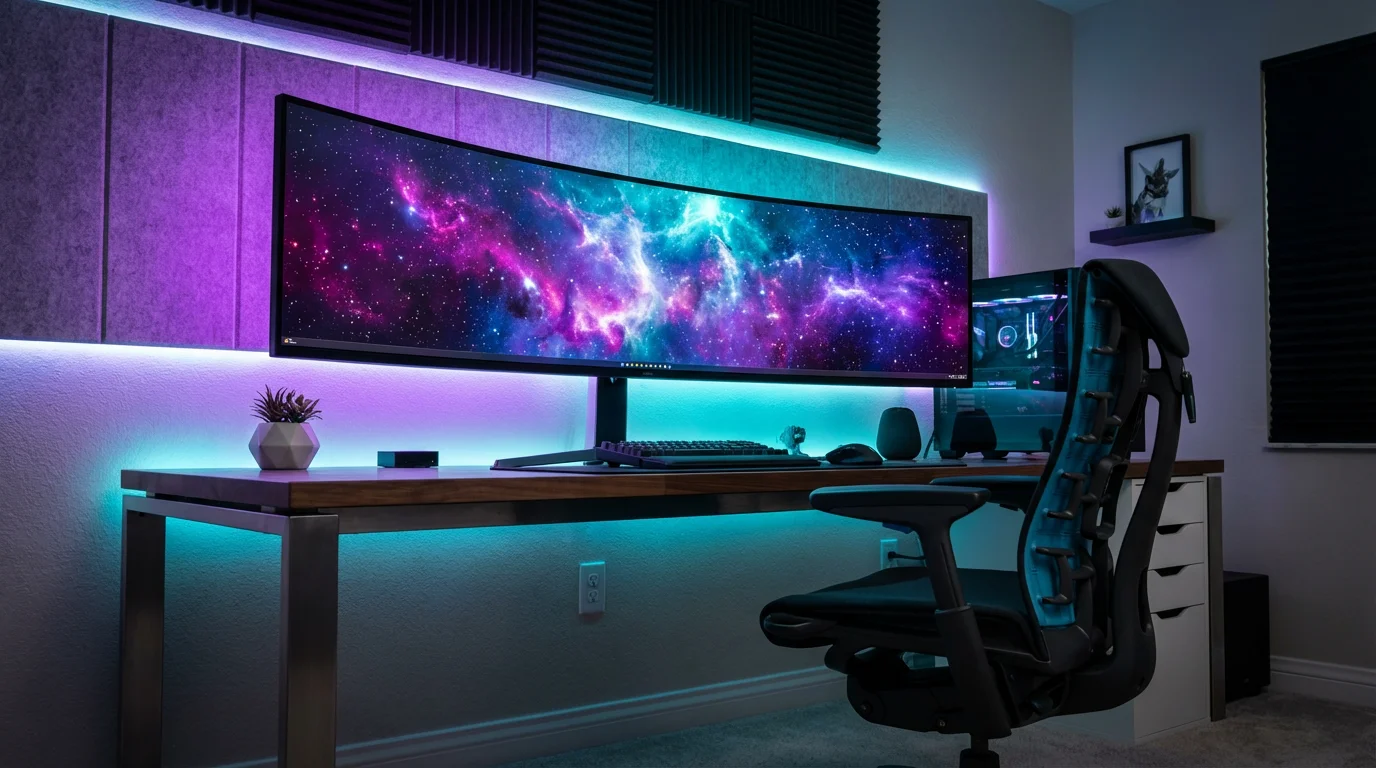
Your gaming setup deserves more than a standard ceiling bulb. Whether you are battling in a high-stakes FPS, exploring open worlds in an RPG, or streaming to an audience, lighting plays a pivotal role in the experience. It is no longer just about seeing your keyboard; it is about extending the game beyond the edges of your monitor.
Smart lighting transforms a dull desk into an immersive command center. With the right configuration, your lights can react to in-game explosions, mimic the time of day in your virtual world, or simply reduce eye strain during marathon sessions. The market is flooded with RGB options, but true integration requires more than just sticky LED strips.
You need lights that offer low latency, high color accuracy, and seamless integration with your hardware. This guide breaks down the best smart lighting ecosystems, specific product types, and configuration strategies to help you build the ultimate gaming environment.
Why Smart Lighting Matters for Gaming
Many gamers treat lighting as an afterthought or purely cosmetic addition. While aesthetics are a major factor, proper lighting serves functional purposes that improve your gameplay and health. Understanding these benefits helps you justify the investment.
To quickly switch between different gaming moods, you can set up custom lighting scenes for genres like horror or competitive shooters.
To optimize your setup for different genres, understanding color temperature can help you match the light’s warmth to the game’s environment.
Immersion is the most obvious benefit. When your room flashes red as your health bar drops, or glows a soft blue while you traverse an underwater level, the boundary between the game and reality blurs. This reactive lighting keeps you engaged and heightens the emotional impact of the narrative.
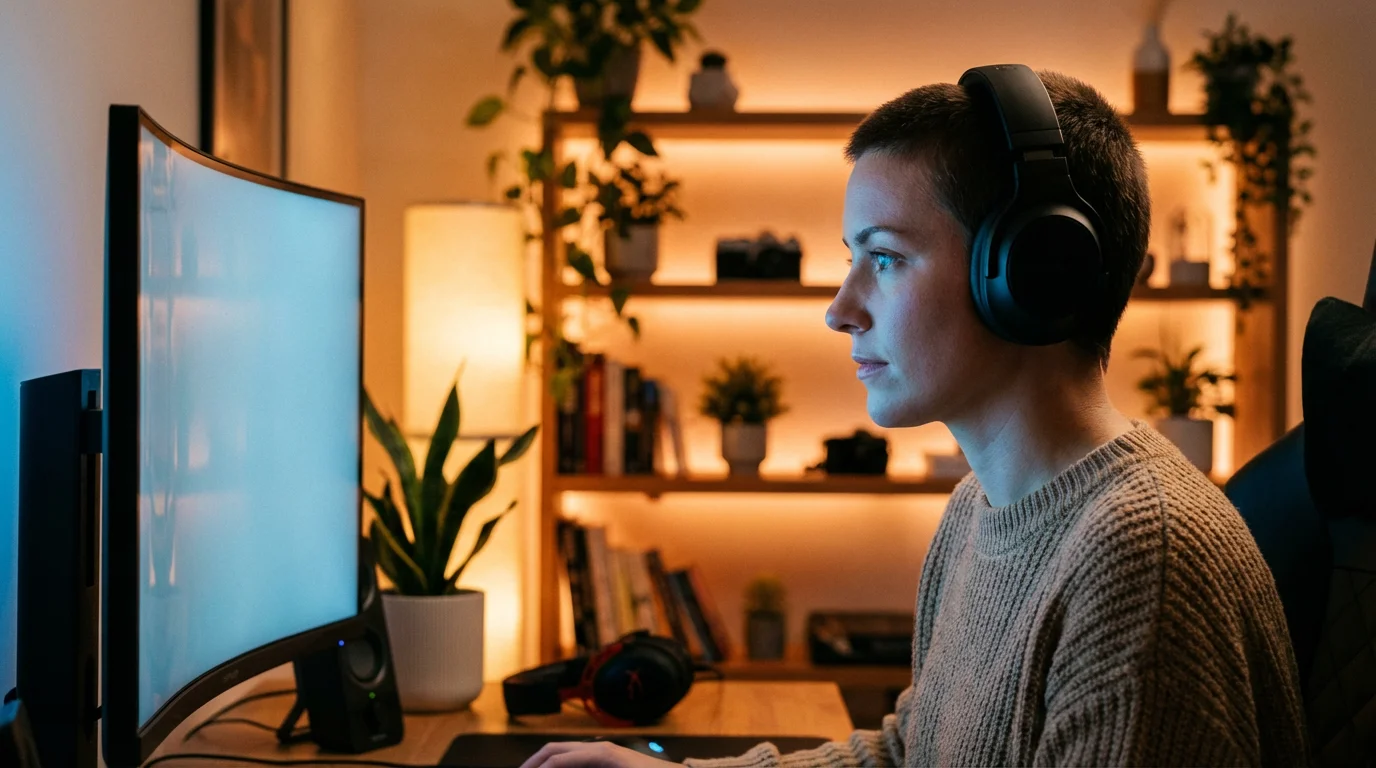
Eye Strain Reduction is equally important. Staring at a bright monitor in a dark room creates a high contrast ratio that forces your eyes to constantly adjust. This leads to fatigue and headaches. Bias lighting—placing a light source behind your monitor—raises the ambient light levels in your field of view without causing glare on the screen. This softens the contrast and allows you to play comfortably for longer periods.
Key Features to Look For
Before buying the first RGB strip you see, you must understand the specifications that differentiate high-quality smart lights from cheap novelties. Gaming setups have specific requirements regarding speed and color blending.
If you are building your setup on a budget, you can find affordable smart bulbs that still offer impressive RGB performance.
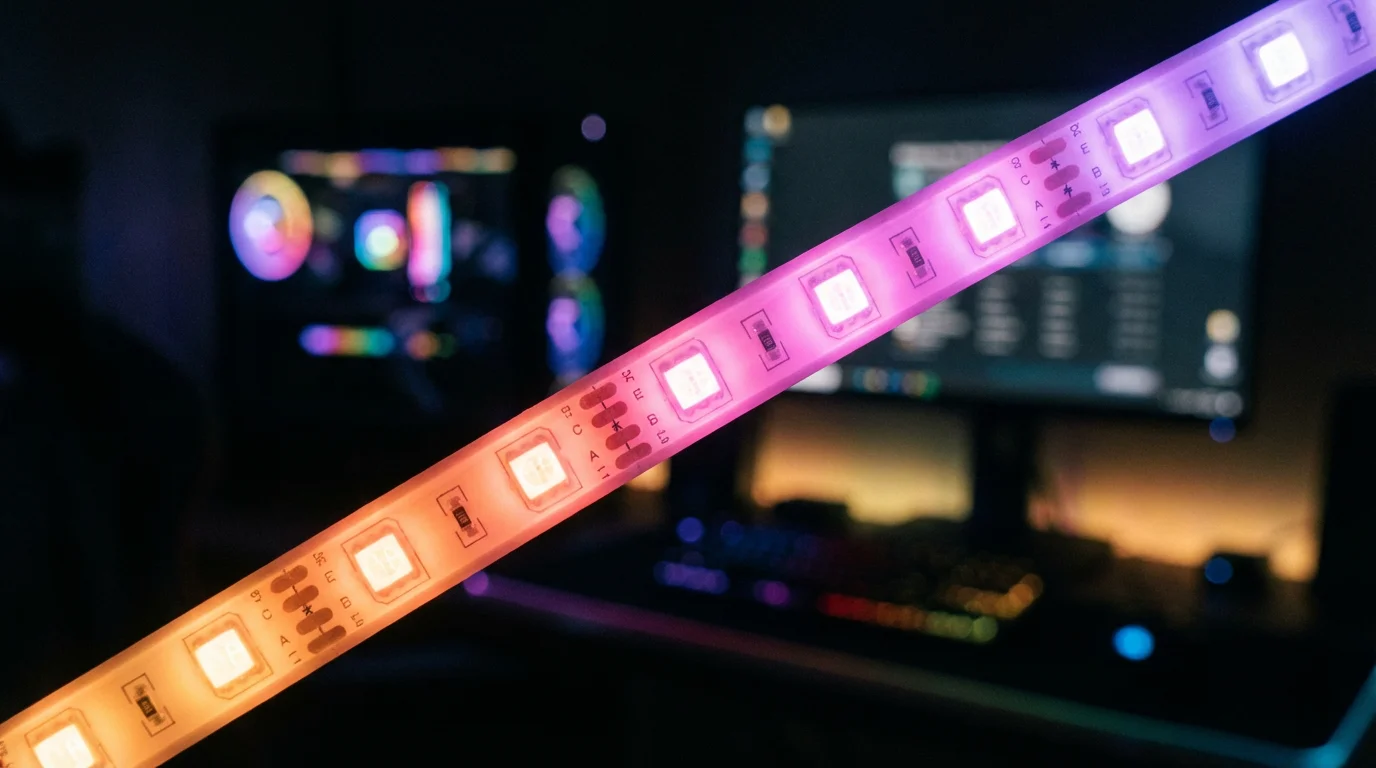
- RGB vs. RGBIC: Standard RGB strips can only display one color at a time across the entire strip. RGBIC (Independent Control) allows you to display multiple colors simultaneously on a single strip. This is essential for rainbow effects and fluid motion that mimics on-screen action.
- Color Accuracy: You want deep blacks, vibrant reds, and accurate whites. Cheaper LEDs often struggle to produce a true white or distinct pastels, which can ruin the atmosphere.
- Responsiveness (Latency): If you plan to sync your lights with your game, speed is critical. If you fire a weapon and the lights flash a second later, the immersion breaks. Look for systems known for low-latency syncing.
- Diffused vs. Exposed LEDs: For direct viewing (like wall panels), you want diffused light where you cannot see individual diodes. For indirect lighting (behind a desk), exposed LEDs are acceptable.
Monitor Backlighting and Light Bars
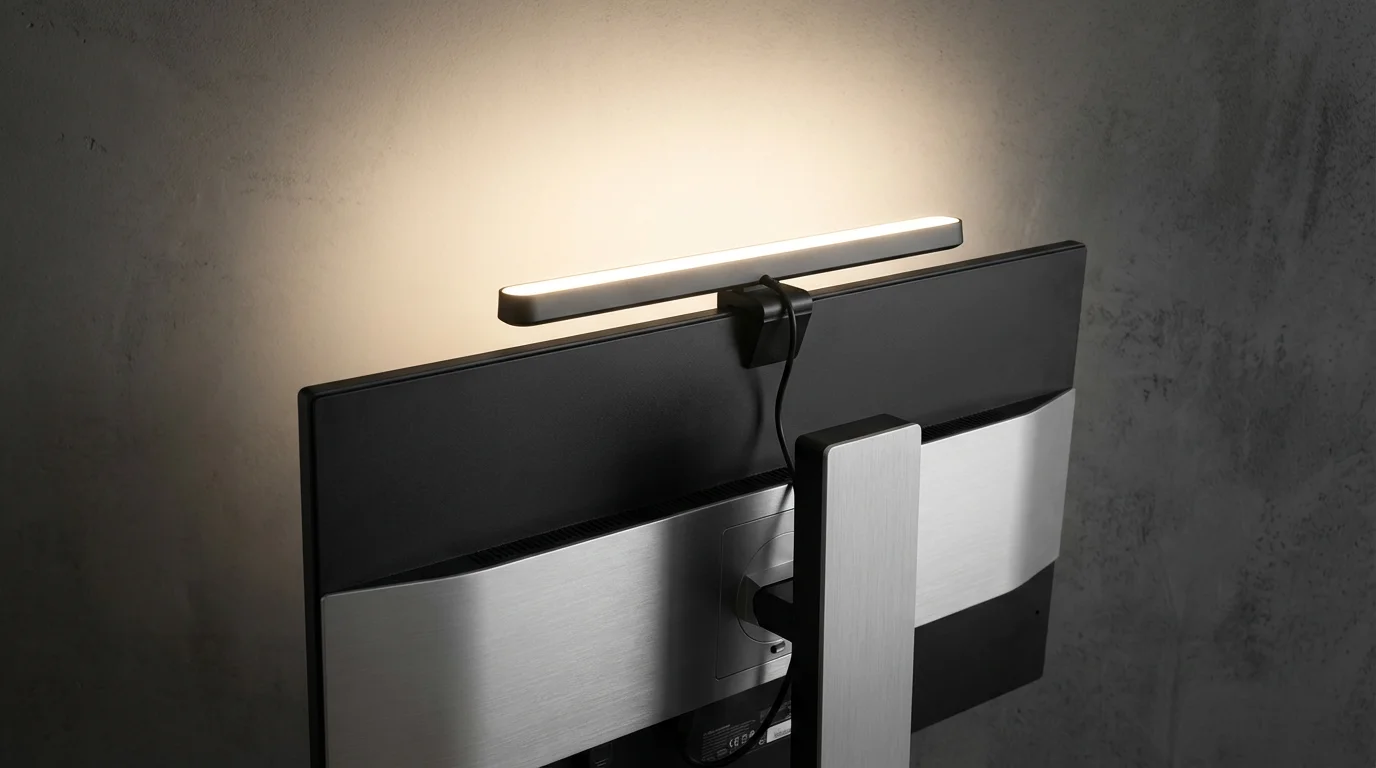
The area immediately behind and around your monitor is the most critical zone for gaming lighting. This is where you establish your bias lighting and primary sync effects. Light bars and dedicated monitor cameras are the top choices here.
For those who prefer a simpler setup without extra hardware, many hubless smart bulbs offer direct Wi-Fi connectivity for easy integration.
If your gaming desk also serves as a workspace, consider how smart lighting for home offices can help you transition from play to productivity.
Smart Light Bars are versatile fixtures usually placed vertically behind the monitor, facing the wall. They cast a wash of light that bounces back toward you. The Philips Hue Play bars are the industry standard for this category. They integrate seamlessly with PC software to mirror the colors on the edges of your screen. If your game displays a sunset on the left and a forest on the right, the left bar turns orange and the right turn green.
Camera-Based Systems offer an alternative for console gamers who cannot run sync software on a PC. These systems use a small camera mounted on top of your TV or monitor to “watch” the screen and adjust the LED backlight accordingly. Govee is a leader in this space, offering responsive backlighting that works with Xbox, PlayStation, and Switch without needing HDMI pass-through boxes.
The goal of monitor backlighting is to extend the screen, not compete with it. Keep brightness levels balanced so the reflection doesn’t wash out your display.
Wall Panels and Artistic Fixtures
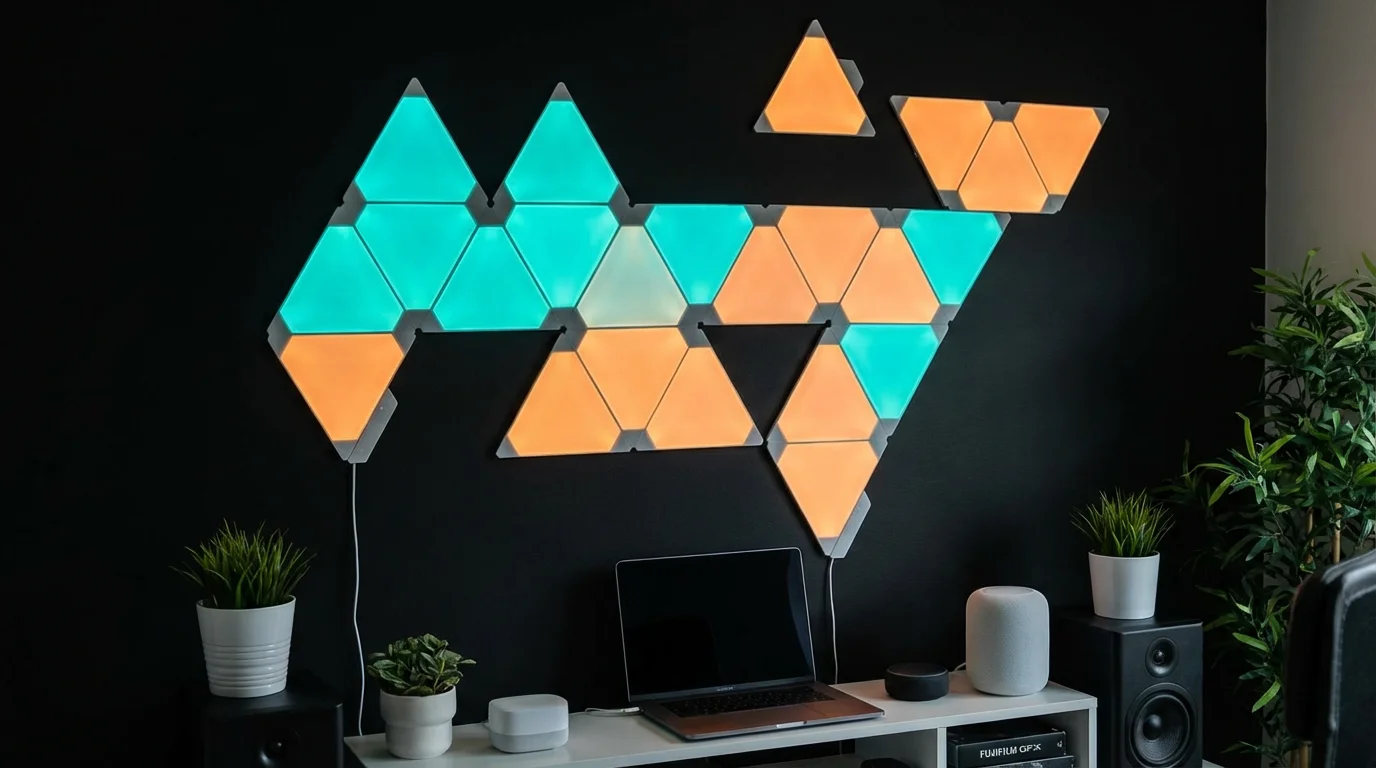
If you watch streamers on Twitch or YouTube, you have likely seen geometric light shapes on the walls behind them. These serve as decor and ambient lighting. Unlike strips or bars which are meant to be hidden, these are meant to be seen.
Nanoleaf Shapes defined this category. These modular panels (hexagons, triangles) snap together to create custom designs. They are excellent for filling large empty wall spaces and can react to music or game audio. Because they are modular, you can expand your setup over time.
Newer options include flexible neon rope lights that you can bend into shapes, logos, or words on your wall. These provide a retro neon aesthetic with modern smart home control. When mounting these, ensure you use a spirit level and plan your layout on the floor first. Once the adhesive touches the wall, moving them can be difficult without damaging paint.
Smart Strips for Desks and Shelves
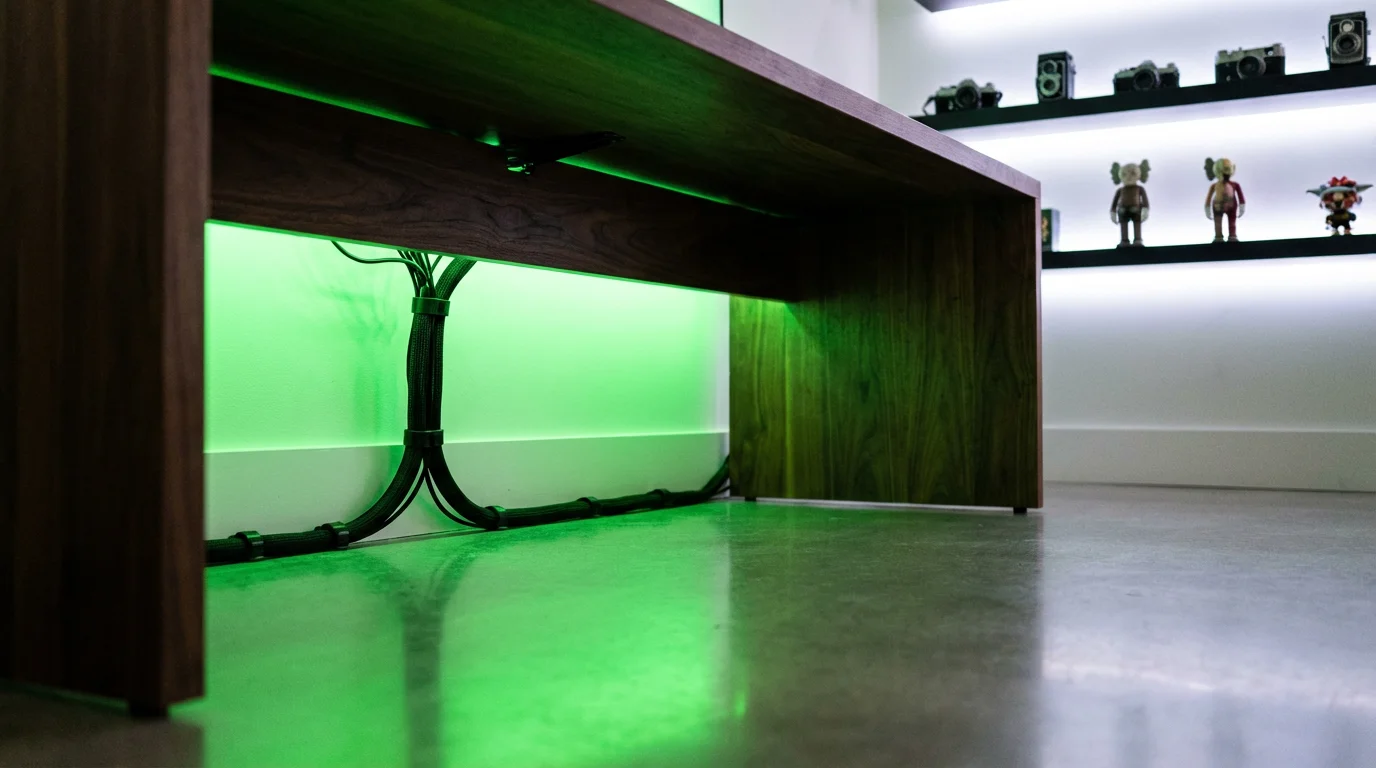
Defining the edges of your furniture adds depth to the room. Smart LED strips are best utilized for “underglow”—lighting up the floor beneath your desk or the back edge of the desktop itself.
When selecting a strip for a gaming desk, prioritize high LED density. A strip with 30 LEDs per meter will show “spotting” (dark gaps between lights), whereas a strip with 60 or more LEDs per meter provides a seamless bar of light. If your desk is against a wall, stick the strip to the back edge of the desk facing the wall. If your desk is in the middle of the room, consider a diffused neon strip or channel to hide the harsh diodes.
Integration Tip: Use smart strips to highlight your collectibles. If you have shelves displaying figures or hardware boxes, running a dimmable smart strip along the inner lip of the shelf turns a storage area into a display case.
Whole-Room Ambient Lighting
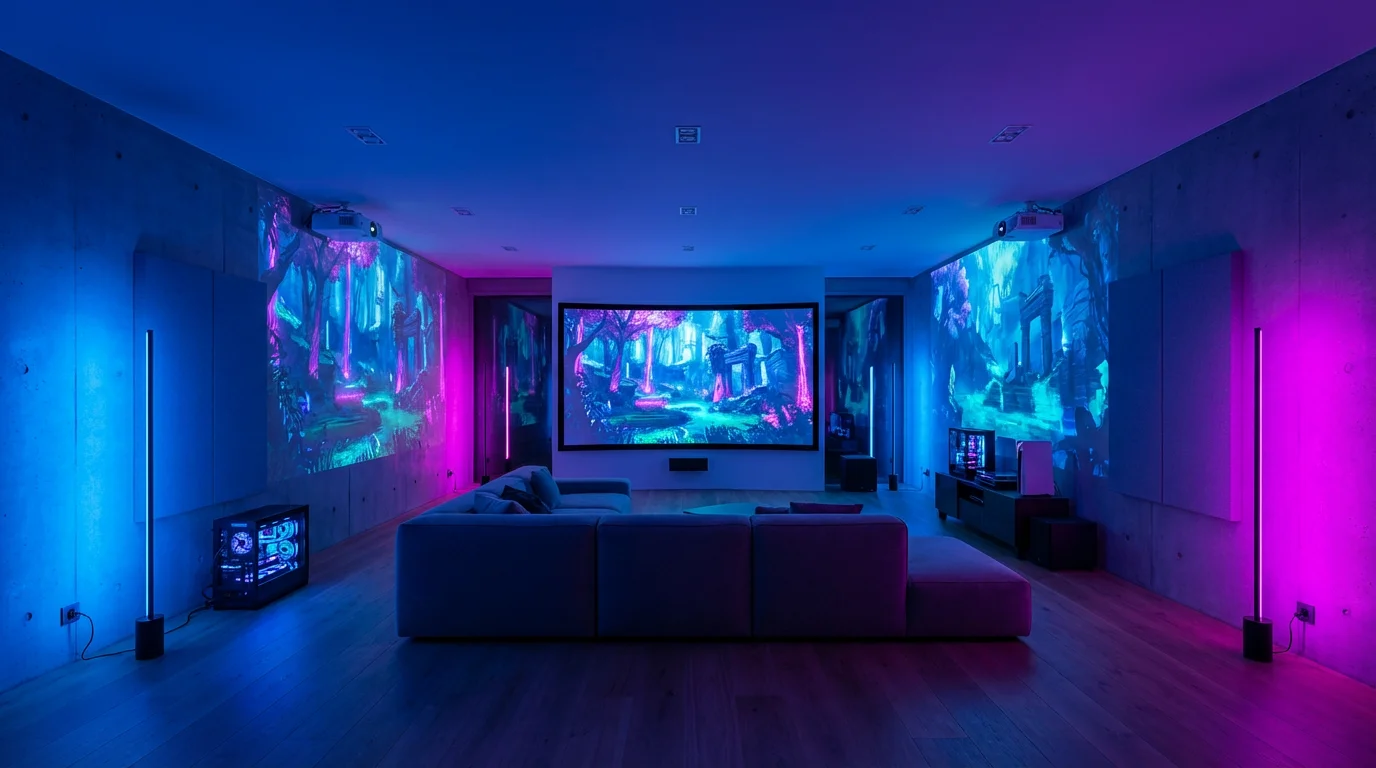
Don’t neglect the rest of the room. While the desk is the focal point, plunging the rest of the room into pitch blackness creates an isolating and often disorienting environment. You need fill light.
If you prefer physical control over app-based adjustments, installing smart light switches allows you to toggle your gaming modes instantly.
Learning how to set up smart lighting zones will allow you to isolate the gaming area from the rest of the living space.
Smart bulbs in standard floor lamps or ceiling fixtures can fill this role. You generally want these set to a low brightness and a complementary color to your main rig. For example, if your keyboard and monitor are pulsing aggressive red for a competitive match, set your floor lamp to a dim, warm white or deep orange to maintain the vibe without distraction.
Portable smart lamps are another excellent addition. Battery-powered options from brands like Philips Hue or portable table lamps allow you to place light exactly where you need it—perhaps on a side table or a shelf behind you—without worrying about power cords cluttering your visuals.
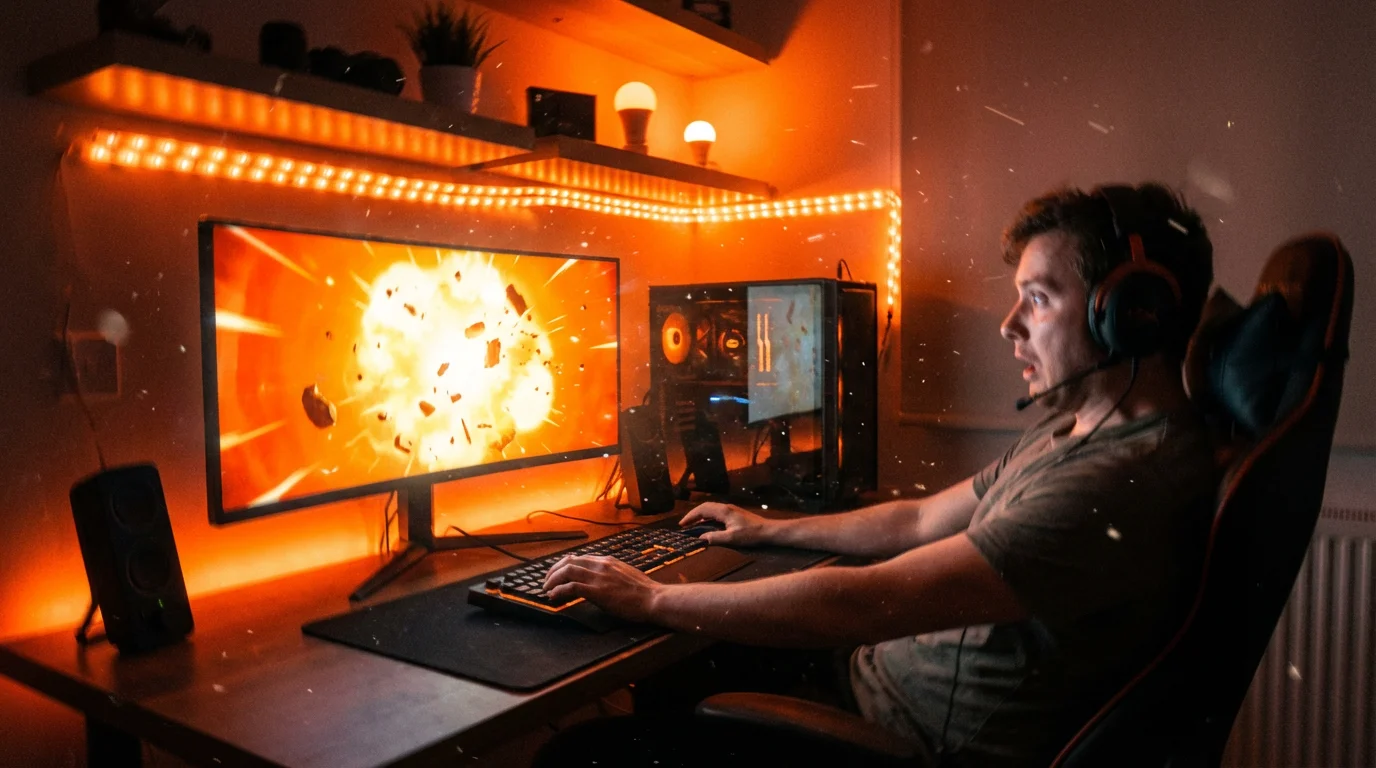
Sync Technology: Making Lights React
The “wow” factor of a gaming setup comes from synchronization. There are two main ways to achieve this: software-based sync and hardware-based sync.
You can also use specialized Alexa skills to change your lighting setup using simple voice commands without leaving your chair.
While focus is on gameplay, many of these same methods allow you to sync your smart lights with music and movies for a complete media experience.
Software Sync (PC Gaming)
If you game on a PC, you have the easiest path to synchronization. Most major smart lighting brands offer desktop applications that analyze your screen in real-time. This software is usually free.
- Razer Chroma: This is arguably the most robust ecosystem for gamers. It integrates with Philips Hue, Nanoleaf, Govee, and Yeelight. Games often have official Chroma profiles; for example, your keyboard and room lights might ripple when your character uses a specific ability.
- Brand-Specific Apps: The Hue Sync app and Govee Desktop app work well if you stick to a single brand. They allow you to map where lights are located physically in your room relative to your monitor.
Hardware Sync (Console Gaming)
Consoles (PS5, Xbox Series X) do not allow third-party apps to run in the background. To sync lights with console gameplay, you need an intermediary.
- HDMI Sync Boxes: These devices sit between your console and your TV. They read the video signal and tell your lights what colors to display. While highly accurate, they can be expensive and may limit video features like 120Hz refresh rates or VRR (Variable Refresh Rate) if the box doesn’t support the latest HDMI 2.1 standards.
- Camera Systems: As mentioned earlier, camera-based backlights avoid HDMI issues entirely because they simply look at the screen. They are slightly less accurate than direct HDMI reading but introduce zero input lag to your gaming signal.
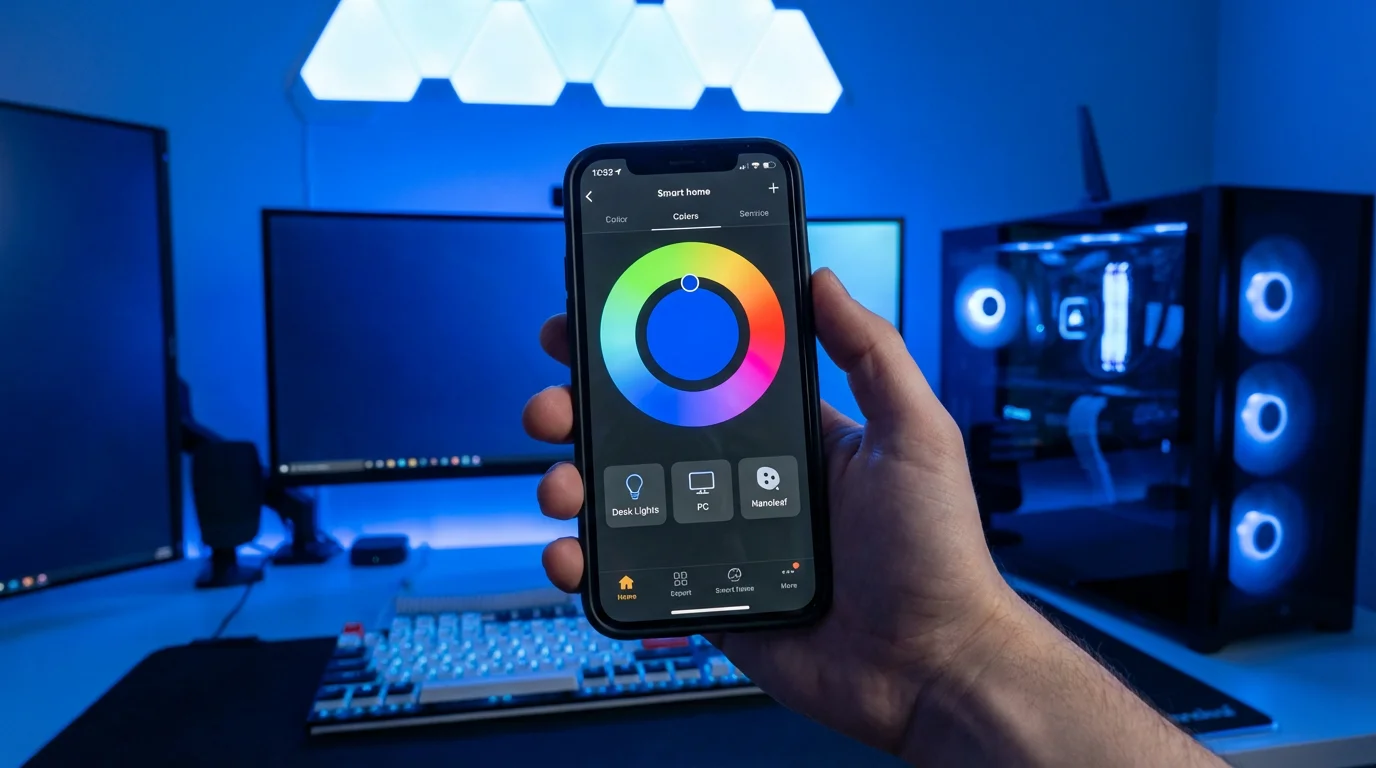
Ecosystems and Compatibility
Mixing and matching brands can lead to a disjointed experience where you have to open three different apps to turn off your room. For the best gaming setup, you should try to stick to one or two primary ecosystems or use a unifying platform.
Before committing to a single manufacturer, compare Philips Hue vs LIFX vs Wyze to determine which ecosystem best fits your budget and hardware.
Matter is the new smart home standard designed to make devices work together locally. As Matter continues to roll out, you will find it easier to control Govee lights and Nanoleaf panels from a single interface. However, for advanced gaming effects (like screen mirroring), you are often still tied to the manufacturer’s proprietary software.
If you already own peripherals from Razer, Corsair, or Logitech, check their compatibility lists. Razer Chroma is particularly open, allowing you to control third-party smart bulbs alongside your mouse and keyboard. This creates a unified lighting front where a wave effect travels from your keyboard, across your mousepad, and onto your wall panels.
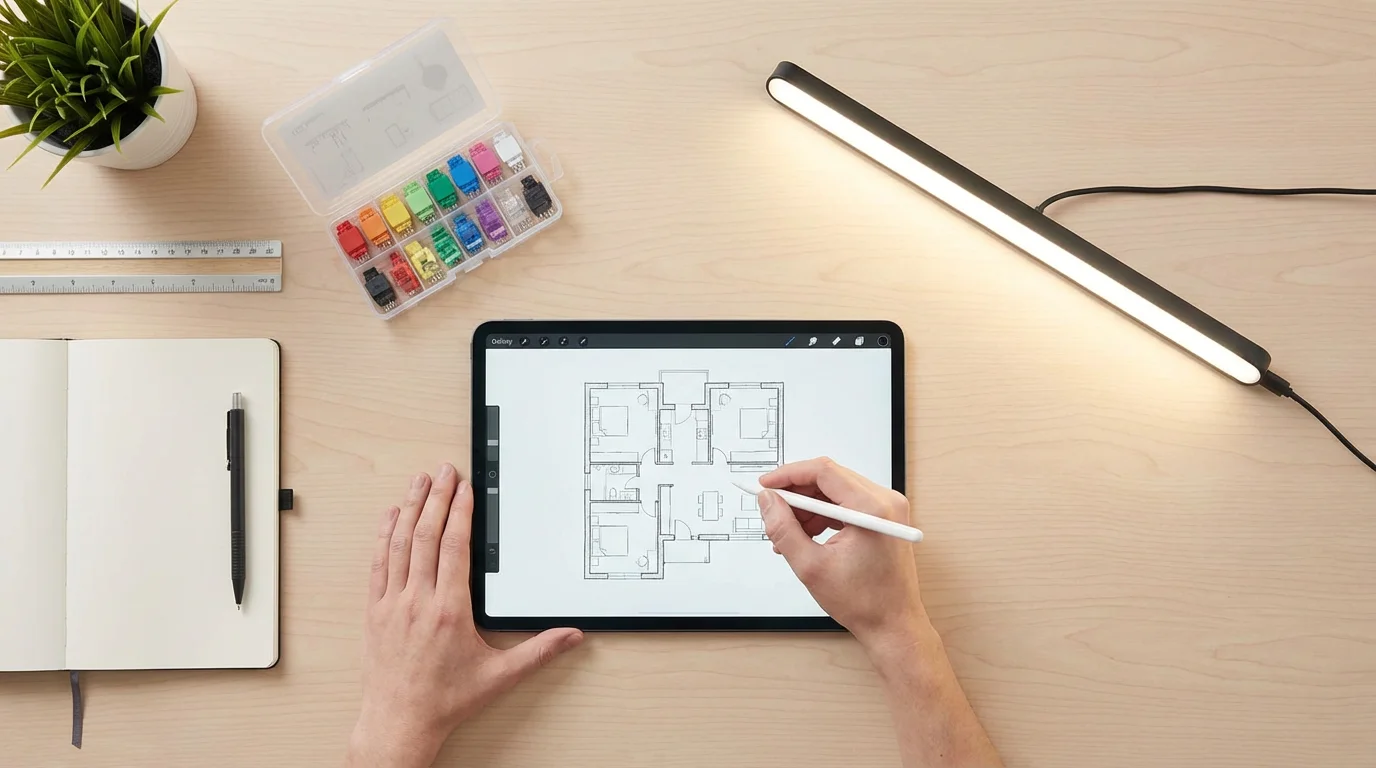
Designing Your Layout: Practical Tips
Before you peel the backing off any adhesive, take a moment to plan your physical installation. Lighting placement is difficult to correct once installed.
- Test Before Adhering: Plug everything in and ensure the lights work before sticking them to your wall or desk. Pair them with the app first.
- Clean the Surfaces: LED strip adhesive is notoriously fickle. Wipe down the back of your monitor or under your desk with isopropyl alcohol to remove dust and oils. This ensures a bond that won’t fail in the middle of a match.
- Plan Cable Management: Smart lights mean power bricks and cables. Use cable clips or raceways to route wires along the legs of your desk. Dangling wires ruin the clean look of a setup instantly.
- Avoid Glare: Ensure no light source points directly at your monitor screen. Glare kills contrast and makes it harder to see enemies in dark areas of the game.
- Consider Corner Mounting: Corner floor lamps or light bars facing into the corner of a room reflect light off two walls, maximizing the spread of color with a single device.
Frequently Asked Questions
Does smart lighting affect gaming performance or FPS?
Generally, no. Smart lighting software running on a modern PC uses minimal CPU resources. However, on older systems, running intense background synchronization software might cause slight frame rate dips. Hardware-based solutions like HDMI sync boxes or cameras have zero impact on PC performance.
Do I need a hub for smart gaming lights?
It depends on the brand. Philips Hue typically requires a Bridge for full functionality and syncing. However, most modern gaming lights from brands like Govee, LIFX, and Nanoleaf connect directly to Wi-Fi without a separate hub.
Can I mix different brands of lights in one setup?
Yes, you can physically have them in the same room, but syncing them to react together is difficult. Platforms like Razer Chroma allow you to sync multiple brands (like Hue and Nanoleaf) together. Without a unifying software, they will likely run on separate apps and schedules.
Is bias lighting actually good for your eyes?
Yes. Bias lighting increases the overall illumination in the room behind the screen. This reduces the contrast between the bright display and the dark wall, which prevents your pupils from fluctuating excessively, thereby reducing eye strain during long gaming sessions.
Disclaimer: This article is for informational purposes only. Smart home devices involve electrical connections and data privacy. Always follow manufacturer instructions for installation. For complex wiring or HVAC work, consult a licensed professional.