
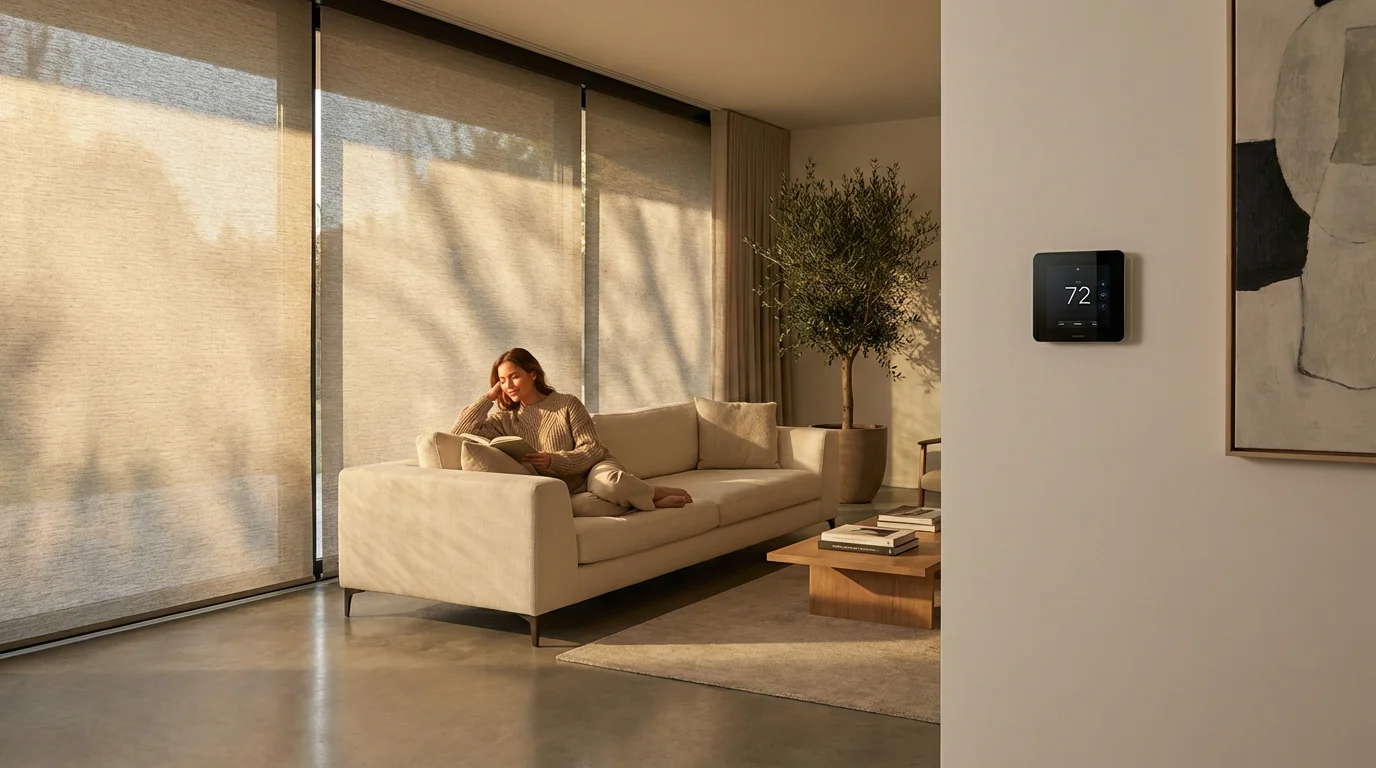
You have likely invested in a smart thermostat to manage your heating and cooling costs. Perhaps you also installed smart blinds to add a touch of luxury and convenience to your windows. Individually, these devices are excellent upgrades. Together, however, they form a powerful system that transforms your home from merely “connected” to genuinely intelligent.
To truly see the impact of these improvements, you may want to implement smart home energy monitoring to track and reduce your total kilowatt usage.
Most homeowners operate these systems in silos. You adjust the thermostat when you feel hot, and you lower the shades when the sun creates a glare on the TV. By integrating them, you unlock a new level of energy efficiency known as passive thermal management. Your home can automatically block the scorching summer sun to relieve your air conditioner or harvest winter sunlight to warm your living room without firing up the furnace.
This guide explores how to link these two ecosystems. You will learn how to create routines that react to room temperature, time of day, and occupancy, ensuring your home remains comfortable and efficient without you lifting a finger.

The Physics of Efficiency: Why Connect Them?
Windows are the weakest link in your home’s thermal envelope. Even double-paned, gas-filled windows transfer heat much faster than an insulated wall. During the summer, solar gain (heat entering through glass) can force your air conditioner to work overtime. In the winter, heat loss through glass can make your furnace burn more fuel to maintain a steady temperature.
Smart thermostats are reactive by nature. They wait for the indoor temperature to deviate from your set point before taking action. If your living room heats up to 78 degrees because of the afternoon sun, the thermostat triggers the AC to cool it back down. This creates a cycle of heating and cooling that wastes energy.
By integrating smart blinds, you change the system from reactive to proactive. If your thermostat detects a rising temperature trend, it can signal your blinds to close, blocking the solar gain before it heats the room. This simple action can delay or even prevent your HVAC system from turning on.
Key Benefits of Integration
- Reduced Energy Bills: By mechanically blocking or admitting heat, you reduce the load on your HVAC system.
- Extended HVAC Lifespan: Less runtime means less wear and tear on expensive compressors and blower motors.
- Furniture Protection: Automating blinds based on sunlight intensity protects sofas, rugs, and artwork from UV fading.
- Consistent Comfort: You eliminate hot spots near windows and drafty chill zones during winter.
Hardware Requirements and Compatibility
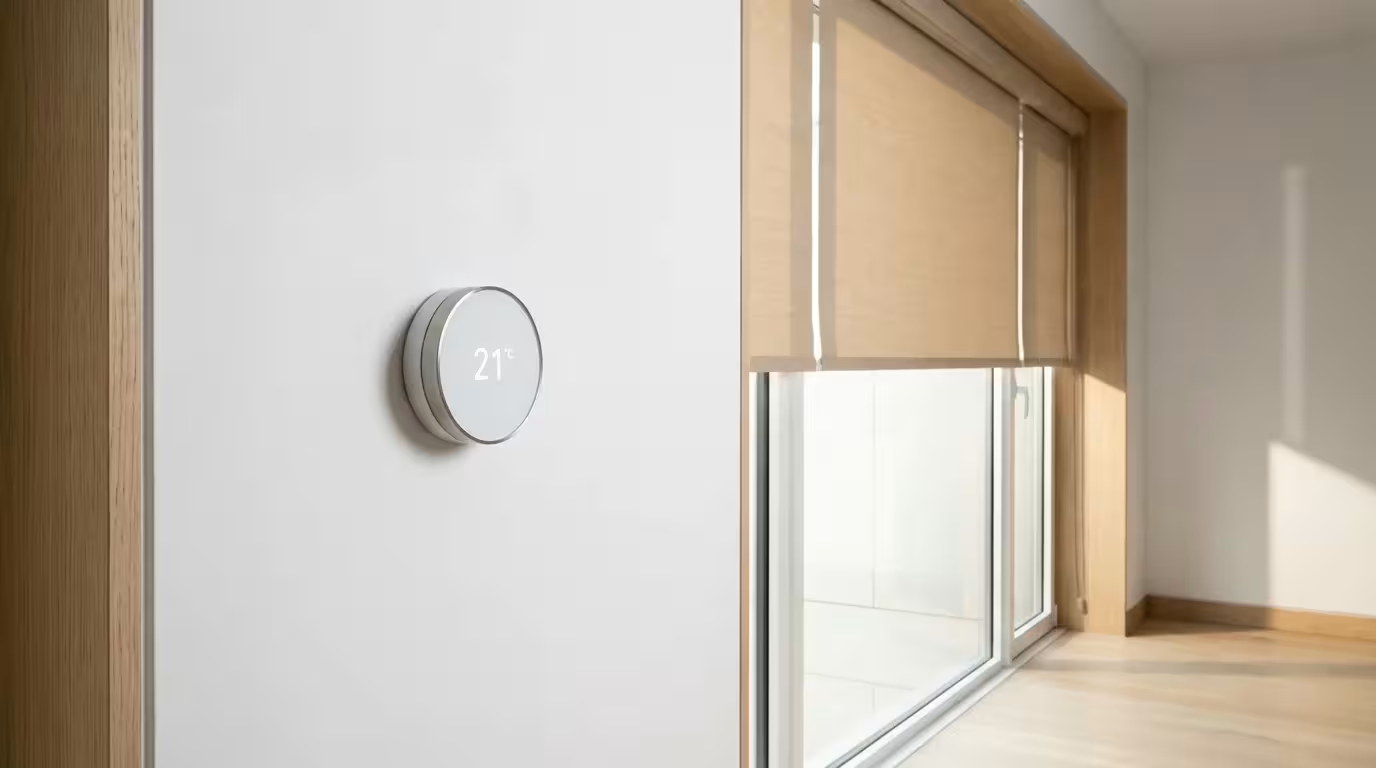
Before building your automations, you must ensure your devices can talk to each other. Direct device-to-device communication is rare; usually, you need a central platform or hub to act as the translator.
Regardless of your hardware choice, ensure you have enabled the top energy-saving settings on your device to form a solid foundation for your routines.
Smart Thermostats:
You need a thermostat that exposes its temperature sensors to third-party platforms. Leading options include the Google Nest Learning Thermostat, Ecobee SmartThermostat, and Honeywell Home T-Series. Ecobee is particularly powerful for this integration because of its remote room sensors, which allow you to trigger blinds based on the temperature of a specific room rather than just the hallway where the main unit sits.
Smart Blinds:
Your motorized shades must be “smart” capable. This includes premium systems like Lutron Serena or Somfy, as well as retrofit solutions like SwitchBot Blind Tilt or Eve MotionBlinds. According to Wirecutter’s smart home analysis, reliability is paramount for window coverings, so choose motors that have strong connectivity records (Zigbee, Thread, or clear Wi-Fi).
The Bridge (Hub):
To link them, you generally use one of the following ecosystems:
- Apple HomeKit: Excellent for local control and privacy. Requires an Apple TV or HomePod.
- Amazon Alexa: Good for cloud-based routines. Easy to set up but relies on an internet connection.
- Google Home: Similar to Alexa, with strong integration for Nest products.
- Samsung SmartThings: A powerful hub for creating complex logic (If/Then/Else) without writing code.
- Home Assistant: The enthusiast choice for total control, running locally on a dedicated server (like a Raspberry Pi).
Strategies for Passive Heating and Cooling
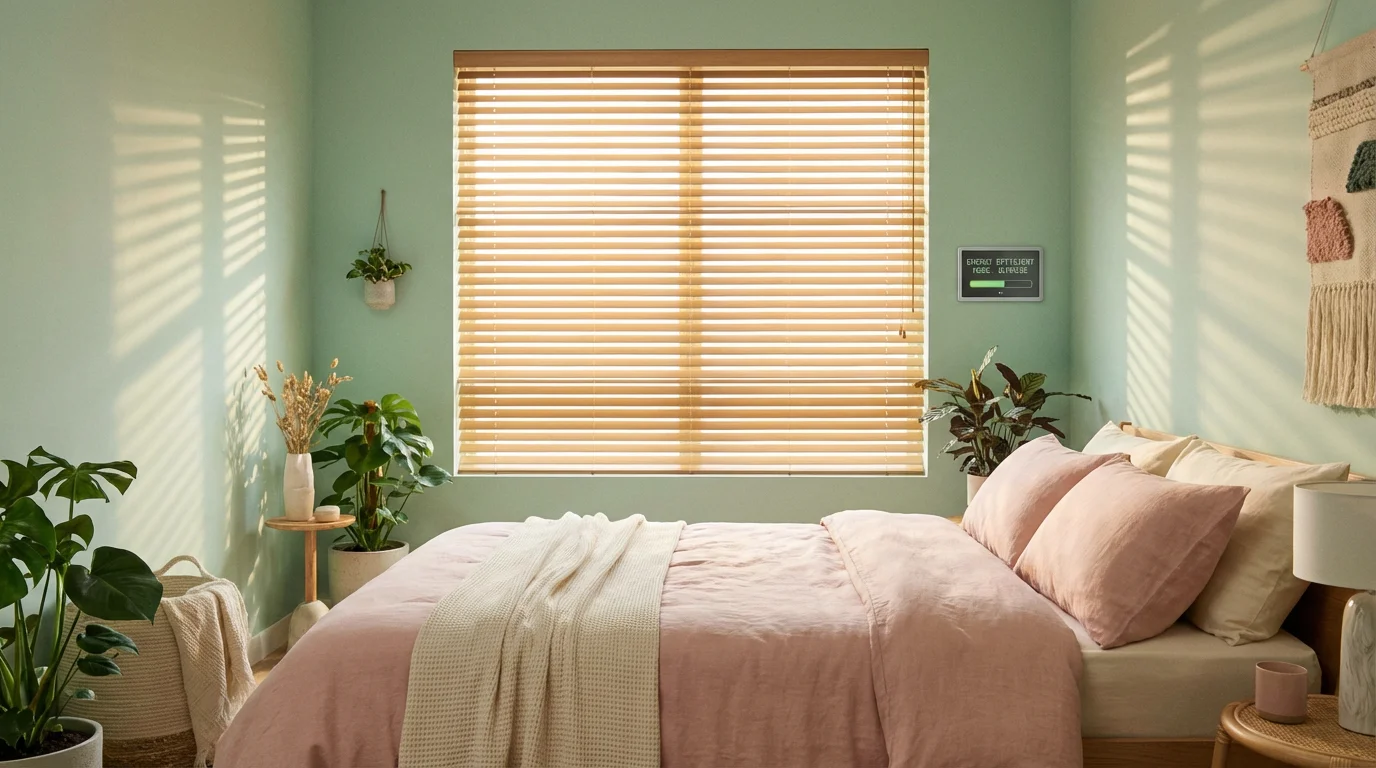
Successful automation depends on the season. You cannot simply set a rule that says “Close blinds when hot” without considering the time of year and the sun’s angle. You need distinct strategies for summer and winter.
This strategy works even better when coupled with weather-based smart home automations that account for local humidity and cloud density.
The Summer Strategy (Heat Rejection)
The goal in summer is to turn your home into a fortress against the sun. You want to minimize solar heat gain.
The Rule: When the forecast predicts high temperatures, or when the room temperature exceeds a specific threshold (e.g., 74°F), blinds on East and West-facing windows should close completely.
The Winter Strategy (Heat Harvesting)
In winter, sunlight is free heat. You want to capture as much of it as possible to warm your floors and walls.
The Rule: During daylight hours, if the room temperature is below your target (e.g., 68°F), open South-facing blinds to let light in. Once the sun sets, close all blinds immediately to add an extra layer of insulation against the cold night air.
“The most efficient energy is the energy you don’t use. Utilizing smart blinds to manage solar gain is the definition of modern efficiency.”
Creating the Automation: Step-by-Step Logic
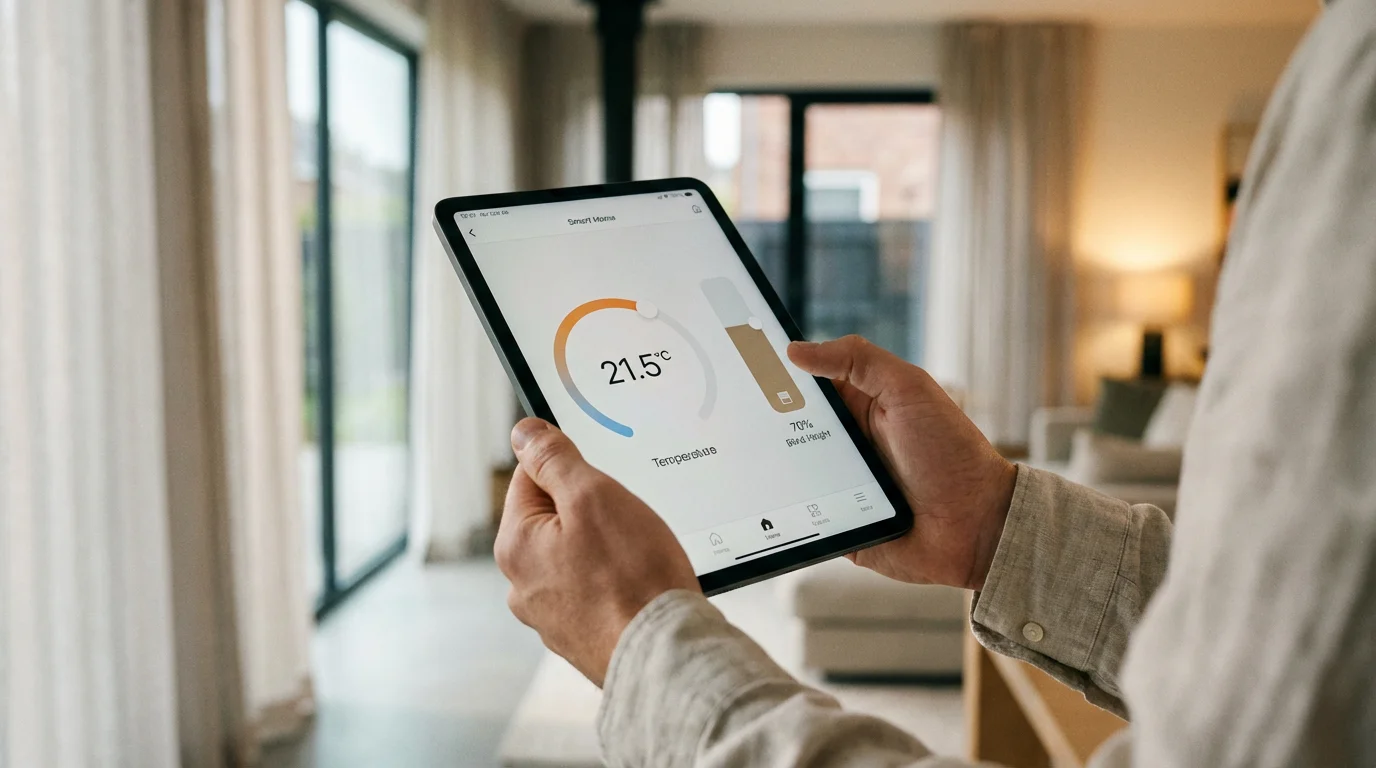
Let’s build a practical automation. While the specific buttons vary by app, the logic remains consistent across platforms like Alexa, Google Home, or HomeKit.
Beyond automation, you can also use voice control tips to manually override your blinds and thermostat simultaneously with a single command.
Scenario: The “Afternoon Shield”
Objective: Close the living room blinds if the thermostat detects the room is getting too hot.
- Identify the Trigger: In your smart home app, start a new Routine or Automation. Select your smart thermostat (or a specific room sensor) as the device.
- Condition: Temperature rises above 75°F.
- Time Condition: Between 12:00 PM and 6:00 PM (this prevents the blinds from closing at night if you have the heat on).
- Select the Action: Choose your smart blinds.
- Action: Set position to 0% (Closed) or 50% (tilted down).
- Add a Restoration Trigger (Optional): You need a way to open them back up. Create a second routine.
- Trigger: Time is 6:30 PM OR Temperature drops below 72°F.
- Action: Set blinds to Open.
For Nest users specifically, Energy Star certified thermostats often have “Eco” modes. You can set a routine that triggers your blinds to close whenever your thermostat enters Eco mode, ensuring maximum efficiency when you are away.
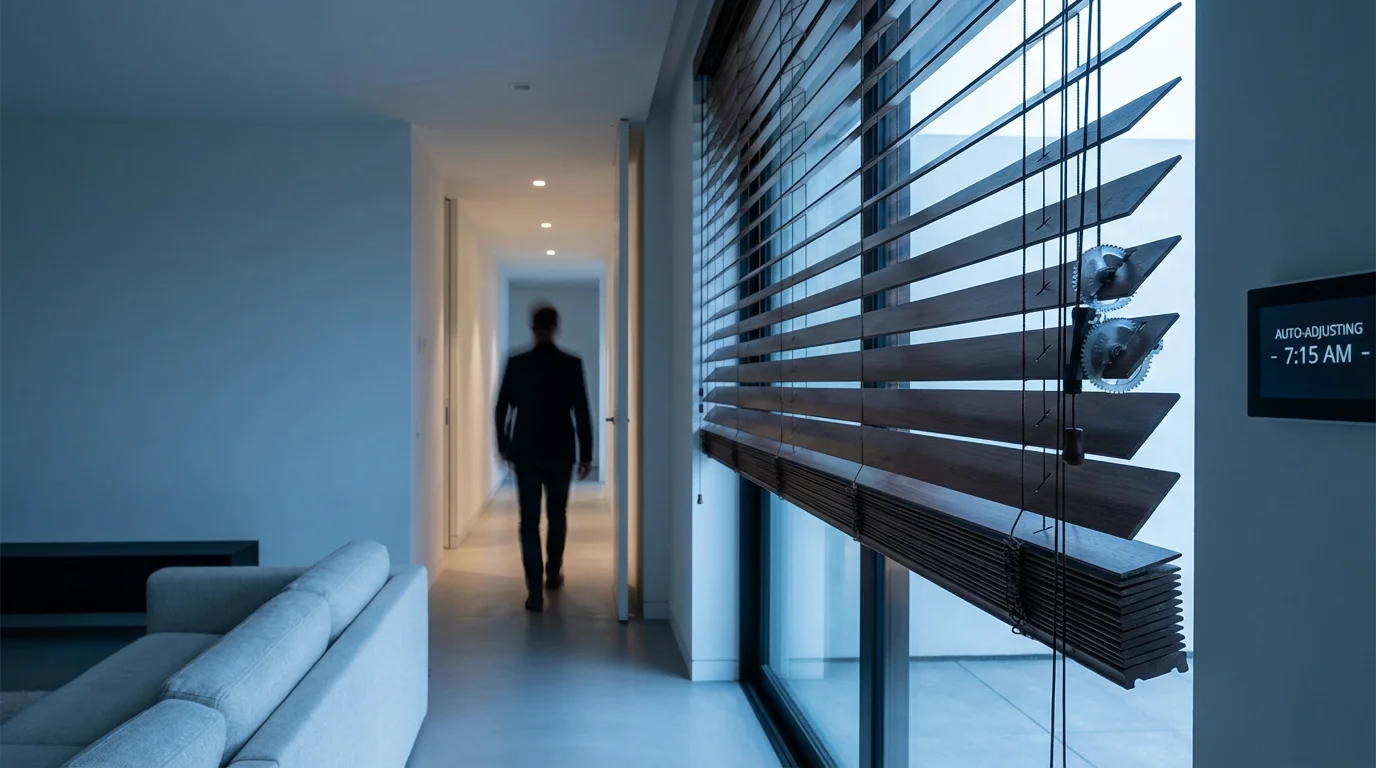
Advanced Routines: Geofencing and Occupancy
Temperature triggers are effective, but adding human context makes them intelligent. You probably don’t want the blinds to snap shut while you are reading a book just because the room hit 75 degrees. You can refine your setup using presence detection.
Geofencing Integration
Geofencing uses your smartphone’s location to determine if you are home.
- When you leave: The system should prioritize energy savings over views. Thermostat enters Eco mode; all blinds close to insulate the house.
- When you arrive: The system prioritizes comfort. Thermostat resumes schedule; blinds open to welcome you (unless it is night).
Room Occupancy Sensors
If you use an Ecobee thermostat with room sensors, or separate motion sensors (like those from Philips Hue or Aqara), you can create highly granular rules.
The “Movie Mode” Logic:
If the thermostat detects the living room temperature is high, AND the occupancy sensor detects no one is in the room -> Close Blinds.
If someone is in the room -> Keep Blinds Open (or set to 50% to reduce glare without blocking the view completely).
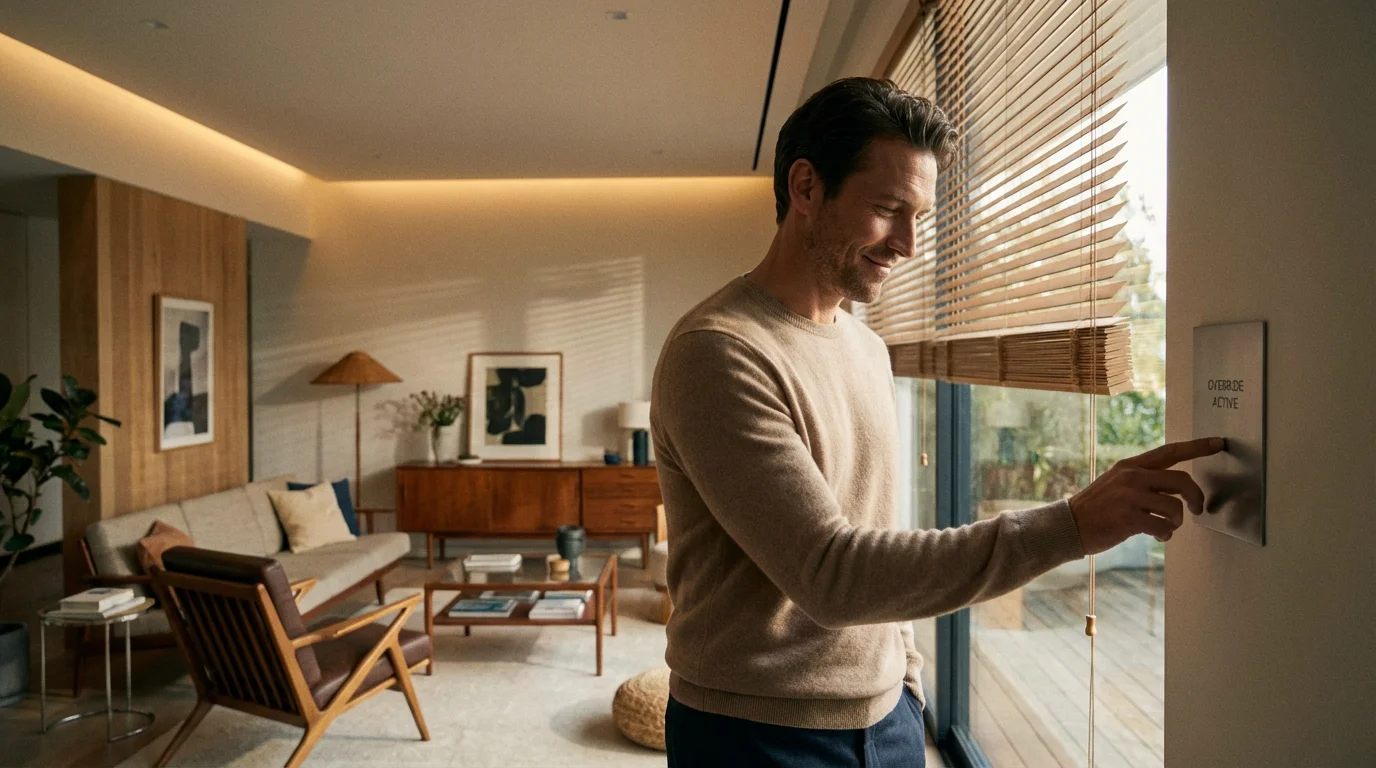
Troubleshooting Conflicts and Overrides
As you layer these automations, you will encounter conflicts. A common frustration occurs when an automation closes the blinds, you manually open them to look outside, and the automation immediately closes them again because the trigger condition (high temperature) is still met.
Setting Delays and Conditions
To solve the “fighting” loop, use platforms that support “Wait” commands or virtual switches (like SmartThings or Home Assistant).
Solution: Configure the routine to run only once per day, or add a condition that checks if the blinds were manually adjusted recently. In Apple HomeKit, you can use “Shortcuts” to add logic: “If blinds are closed, do nothing; otherwise, close them.”
Connectivity Latency
Sometimes the thermostat reports a temperature change, but the blinds react five minutes later. This is often due to cloud latency (the signal goes from your thermostat to the cloud, to the hub, to the blind manufacturer’s cloud, and back to the blind).
Fix: Whenever possible, use local control protocols like Thread or Apple HomeKit. These keep the signal within your home network, resulting in near-instant response times.
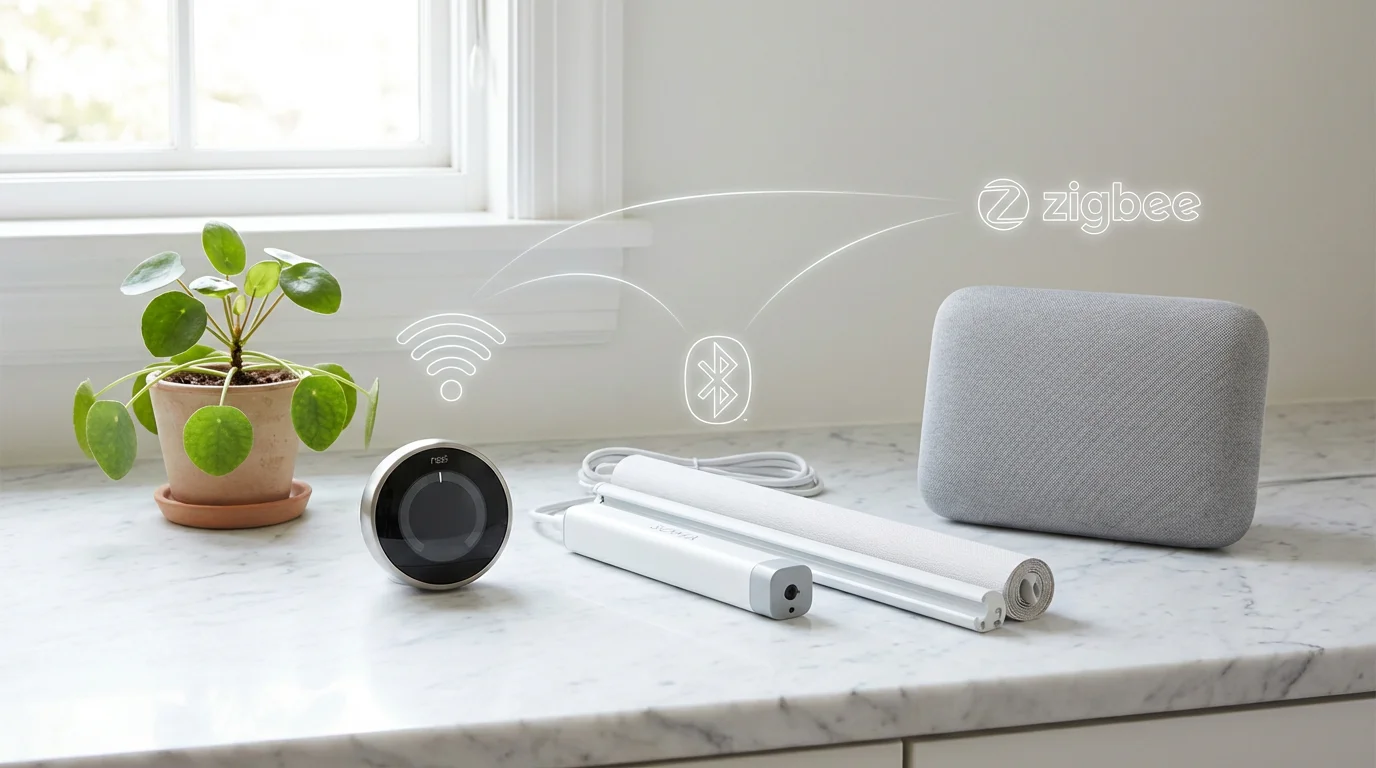
Future-Proofing with Matter
The smart home landscape is shifting toward Matter, a universal connectivity standard. Matter allows devices from Apple, Google, Amazon, and Samsung to work together locally, without relying heavily on internet clouds.
When shopping for new thermostats or smart blinds, prioritize devices that are “Matter-compatible” or “Thread-ready.” A Matter-enabled thermostat can communicate directly with Matter-enabled blinds across different brands with lower latency and higher reliability. This eliminates the “walled garden” problem where a Google Nest thermostat might struggle to talk to HomeKit-exclusive blinds.
Frequently Asked Questions
Do smart blinds really save enough energy to justify the cost?
Yes, but the return on investment takes time. The Department of Energy estimates that smart management of window coverings can reduce heat gain by up to 77% on windows facing the sun. While the upfront cost is high, the savings on HVAC wear and tear and monthly electricity bills are real, particularly in climates with extreme temperatures.
Can I integrate my existing dumb blinds with my smart thermostat?
You cannot integrate them directly, but you can retrofit them. Devices like the SwitchBot Blind Tilt or Axis Gear attach to your existing wand or chain mechanisms to motorize them. Once retrofitted and connected to a hub, they can be controlled by your smart thermostat just like native smart blinds.
What is the best ecosystem for linking thermostats and blinds?
For ease of use, Amazon Alexa and Google Home are the most accessible. However, for reliability and complex automation (like geofencing combined with temperature), Samsung SmartThings or Apple HomeKit are superior choices because they offer more granular control over triggers and conditions.
Will closing blinds automatically affect my houseplants?
It can if you are not careful. If you have light-sensitive plants, use a light sensor (lux sensor) or set your blinds to tilt rather than close fully. This blocks the heat and direct UV rays while still allowing ambient light to enter the room.
Disclaimer: This article is for informational purposes only. Smart home devices involve electrical connections and data privacy. Always follow manufacturer instructions for installation. For complex wiring or HVAC work, consult a licensed professional.

1 Comment