Handing over a smart home requires more than leaving a pile of hardware manuals on the kitchen counter. If you move out without unlinking your accounts, you risk exposing personal data and locking buyers out of their hardware.
Standard guides tell you to wipe everything immediately, but executing an abrupt factory reset smart devices selling house protocol breaks climate and lighting schedules before closing day.
Our transition framework decouples your personal identity while preserving local automation, ensuring heating and lighting work seamlessly during buyer inspections.
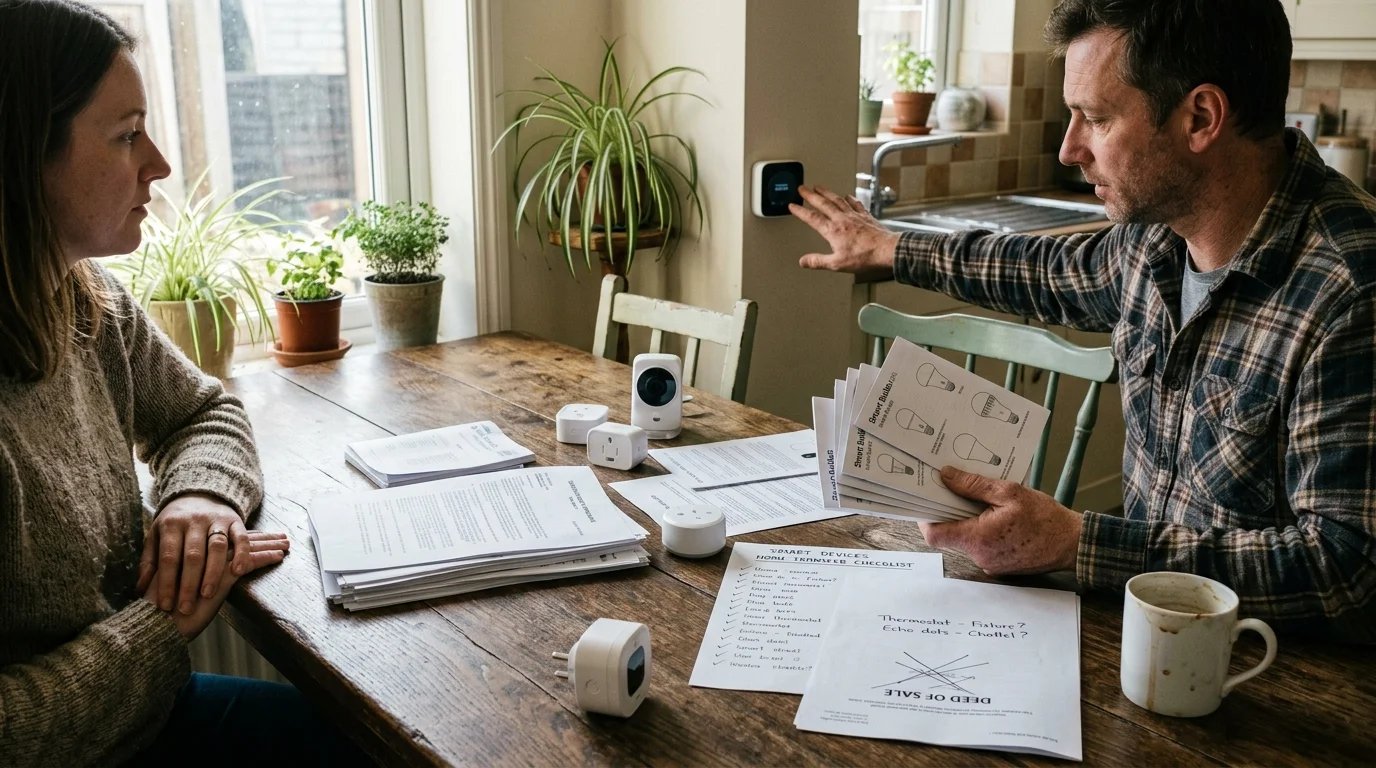
Smart Fixtures vs. Chattel: What Conveys by Law?
Selling a connected property creates friction when distinguishing real property from personal belongings. Standard real estate contracts treat permanently attached equipment as fixtures that convey automatically with the deed.
Understanding which equipment conveys follows similar logic to choosing smart home devices for renters, where portable hardware is intended to move with the occupant.
According to research from Parks Associates, the average U.S. broadband household owns 17 to 18 connected devices. Furthermore, 42% to 45% of households possess dedicated smart fixtures like connected deadbolts, thermostats, or hardwired security sensors.
If removing a device requires a screwdriver, wire nuts, or patching drywall, real estate law classifies it as a fixture. Plug-in items are personal property, known legally as chattel.
Confusion arises because smart devices blur these lines through detached bridges, wireless remotes, and secondary plug-in chime boxes.
- Conveying Fixtures: In-wall smart switches (such as Lutron Caséta), hardwired video doorbells, smart thermostats, motorized shades, and smart deadbolts.
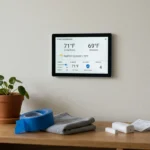
- Excluded Chattel: Countertop smart speakers, plug-in smart plugs, streaming media sticks, and standalone tabletop display hubs.
- Hybrid Gray Areas: Proprietary hub bridges (like the Philips Hue Bridge) that control hardwired ceiling bulbs; these must convey to preserve light functionality.
If you plan to keep hardwired smart switches, replace them with standard mechanical switches before listing your home. Removing an unexcluded fixture after executing a purchase agreement violates standard residential purchase contracts.
The Ghost in the House: Account Entanglement Risks
Failing to sever digital credentials before closing creates severe privacy vulnerabilities for both parties. Real estate agents increasingly report “ghost homes,” where former occupants retain camera access or accidental automation control.
A similar administrative decoupling process is required when transferring voice assistant accounts after a bereavement, where hardware must be safely freed from personal profiles.
Ensuring you have two-factor authentication configured across all smart home accounts prevents unauthorized re-enrollment from lingering browser sessions.
Unlinking these systems thoroughly is just as vital as knowing how to secure your smart home from hackers, as forgotten integrations leave digital entry points wide open.
According to smart home privacy research from Consumer Reports Smart Home testing, lingering account permissions can leave video cameras and door locks accessible to former owners indefinitely.
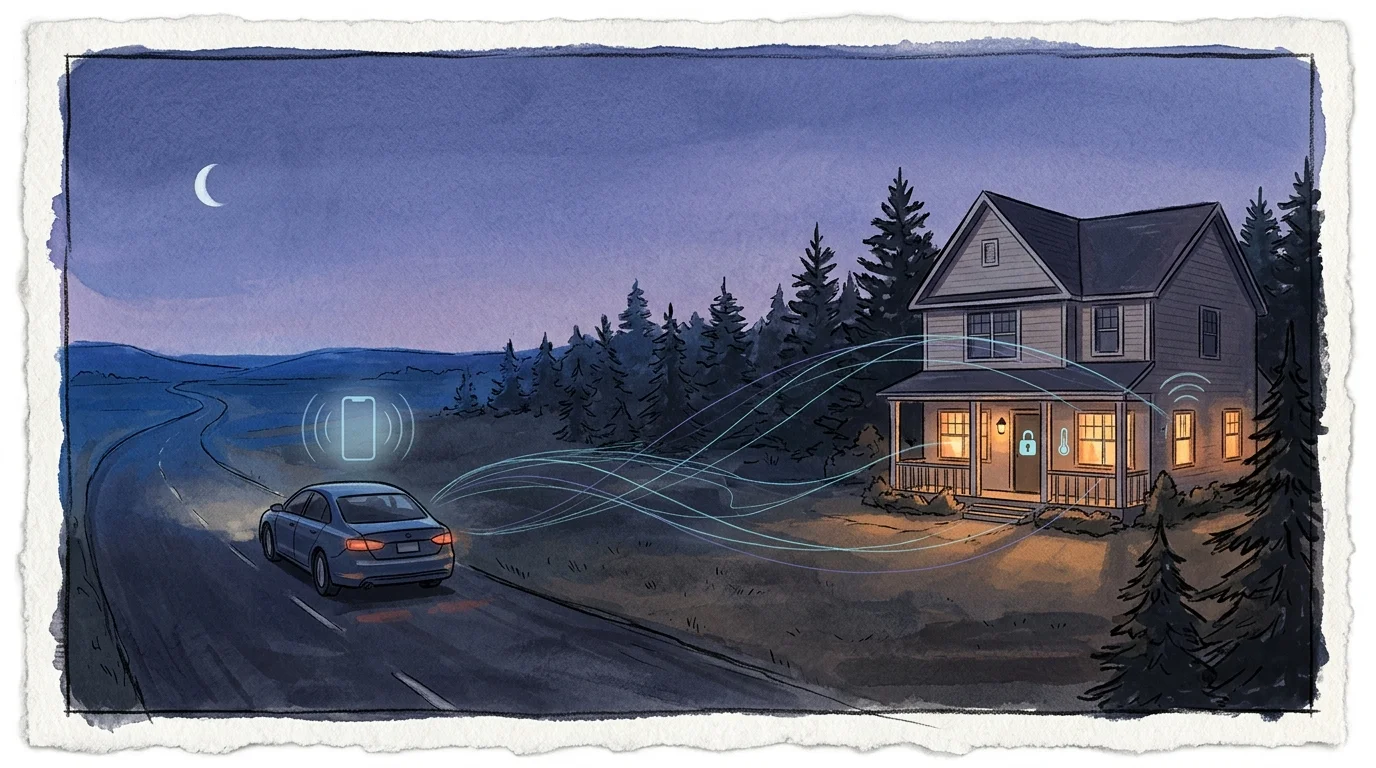
Geofencing routines can trigger when you drive near your old neighborhood. Your smartphone might inadvertently adjust the buyer’s living room thermostat or disarm their security perimeter without your knowledge.
Conversely, a buyer who cannot claim admin rights to an installed smart lock might find themselves locked out after an automated cloud firmware refresh.
The best smart home is the one you don’t have to manage.
When selling a smart home transfer devices cleanly to eliminate unauthorized cloud persistence. Cutting physical access is easy; revoking persistent OAuth application tokens across cloud integrations requires deliberate decommissioning steps.
Worked Example: The 4-Day Transition Protocol for a 3-Bedroom Home
Consider a practical transition scenario involving a 2,150-square-foot property with 14 smart fixtures. The home contains one Ecobee Smart Thermostat Premium, one Schlage Encode deadbolt, eight Lutron Caséta in-wall dimmers, one Ring Video Doorbell Pro 2, and one Rachio 3 sprinkler controller.
If prospective buyers need access before closing day, configuring a smart home guest mode lets them test lighting and climate controls without gaining master account privileges.
Attempting to wipe every unit on moving morning creates panic and errors. Following this structured schedule keeps critical systems running while protecting your private credentials.
- Day 4 (T-Minus 4 Days — Inventory & Documentation): Dedicate 75 minutes to document model numbers, static IP assignments, and physical QR pairing codes on paper.
- Day 3 (T-Minus 2 Days — Video & Cloud Subscriptions): Spend 45 minutes canceling camera cloud subscriptions (such as Ring Protect) and downloading saved archival footage to local external drives.
- Day 2 (T-Minus 1 Day — Pre-Walkthrough De-Registration): Spend 40 minutes removing secondary authorized users from all companion apps while leaving the master admin accounts active for walk-through tests.
- Day 1 (Closing Day — Factory Wipes & Account Release): Spend 20 minutes executing final cloud transfers, factory resetting door locks, and releasing hardware MAC addresses from your companion apps.
This 180-minute timeline costs zero dollars. In contrast, hiring an emergency electrician or locksmith to resolve escrow lockout disputes typically costs $1,250 in escrow holdbacks.
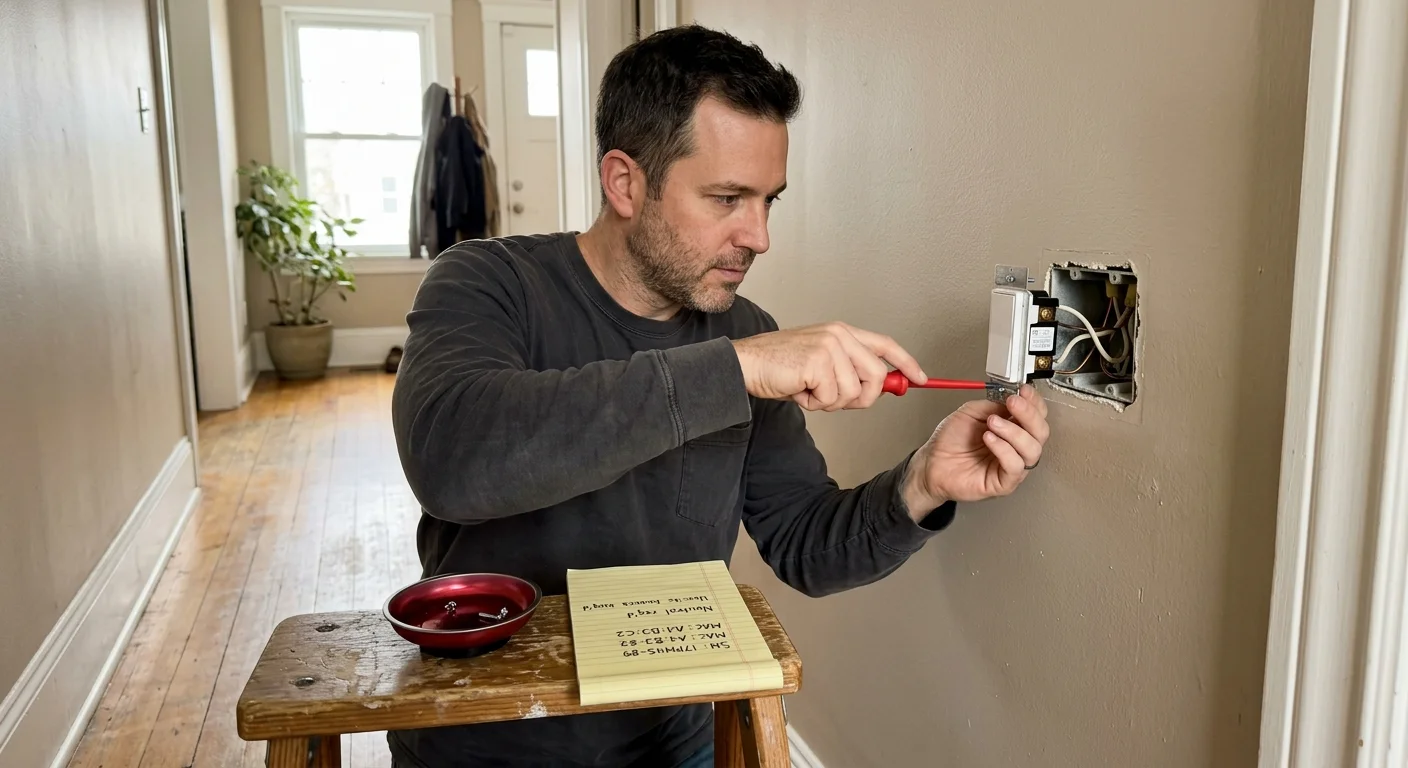
Step-by-Step Device Decommissioning and Account Unlinking
Do not simply delete an application from your smartphone. Deleting a client app leaves the device bound to your cloud profile on the manufacturer’s backend authentication servers.
Once ownership is transferred, incoming occupants should place all inherited connected gear on an isolated IoT guest network to protect their primary devices.
Use this handover smart home new owner checklist to decommission individual device categories systematically.
- Camera and Doorbell Disassociation: Open the Ring or Nest app, navigate to device settings, select “Remove Device,” and confirm the cloud unpairing prompt.
- Video History Erasure: Wipe on-board SD cards or purge historical cloud timelines to prevent incoming buyers from reviewing past motion recordings.
- Thermostat Decoupling: Access the physical thermostat touch screen, disconnect your Wi-Fi profile, and initiate a hardware reset of user preferences while preserving HVAC wire terminal mapping.
- Smart Deadbolt Re-Keying: Clear all user pin codes from the keypad, remove the device from your smartphone app, and restore factory default programming codes.
- Ecosystem Home Deletion: Open Apple Home, Google Home, or Amazon Alexa, access home settings, and select “Delete Home” to wipe all shared network automations.
Always perform camera and lock deregistration while connected to your home Wi-Fi network before unplugging your primary broadband modem.
Certain security systems reject remote unlinking commands if the peripheral hardware cannot communicate with the vendor’s cloud server during deletion.
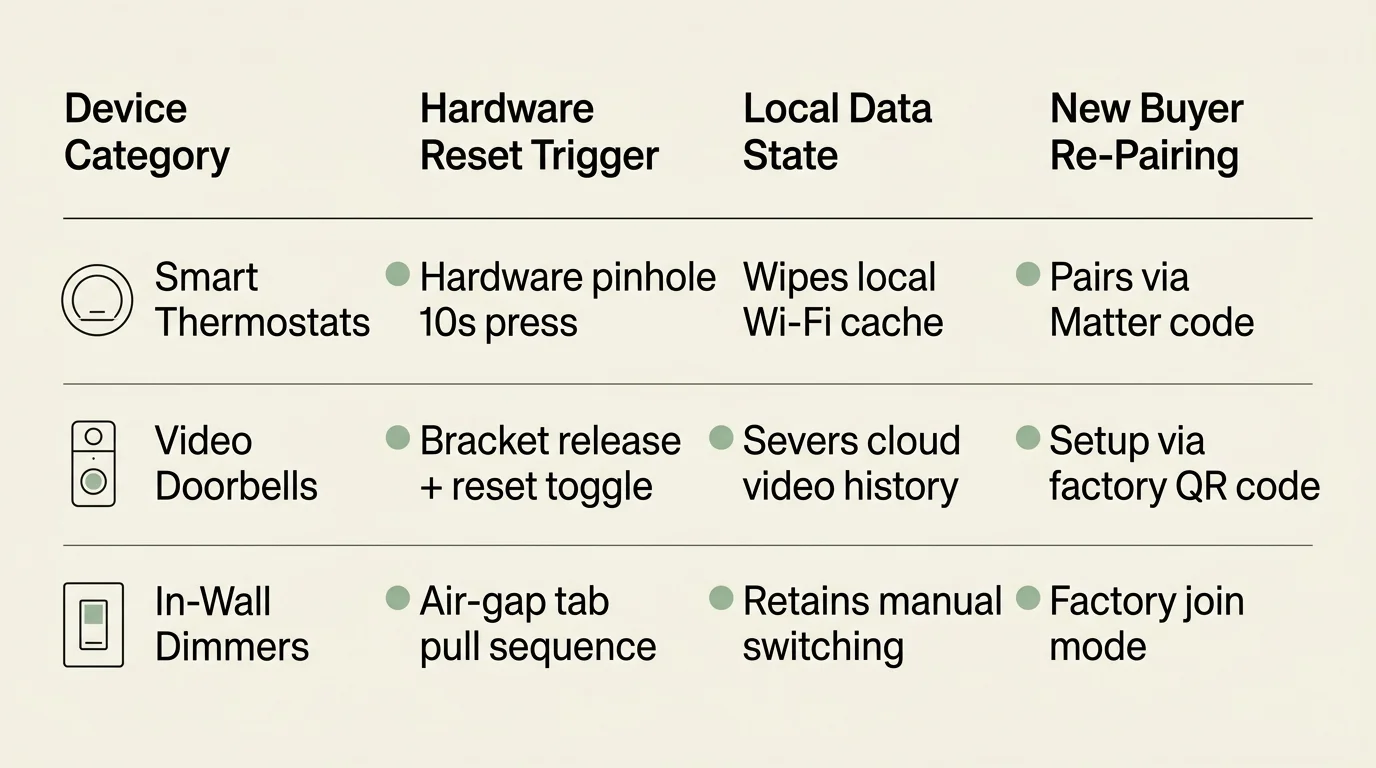
Protocol Matrix: Factory Reset and Re-Pairing Requirements
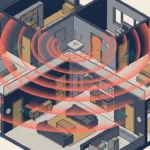
Every communication protocol handles handovers differently. Wi-Fi devices tie directly to cloud server accounts, whereas local wireless mesh devices rely on paired radio frequencies.
Understanding how reset devices respond when electricity cuts out follows the principles in our smart home power outage survival guide, ensuring mechanical operation continues uninterrupted.
If legacy hardware becomes unresponsive during factory resets or initial buyer setup, refer to our guide on troubleshooting smart devices that keep disconnecting to isolate network drops.
Understanding these hardware mechanisms ensures you do not inadvertently disable switches or leaves locks inoperable during final walk-through inspections.
| Device Model | Communication Protocol | Physical Reset Trigger | Default Offline Function | Buyer Re-Pairing Requirement |
|---|---|---|---|---|
| Schlage Encode Smart WiFi Deadbolt | Wi-Fi (802.11b/g/n) | Hold reset button under battery cover for 10 seconds | Keypad accepts factory default PIN codes printed on label | Scan interior assembly QR code via companion mobile app |
| Ecobee Smart Thermostat Premium | Wi-Fi & Bluetooth | Settings > Reset > Reset All Settings on screen | Maintains basic mechanical heating and cooling setpoints | Create new Ecobee cloud account and scan on-screen QR code |
| Lutron Caséta In-Wall Dimmer (PD-6WCL) | Clear Connect RF (434 MHz) | Triple-tap tapswitch, hold on third tap, then triple-tap again | Operates manually as a conventional mechanical wall switch | Press and hold Lutron Smart Hub button to pair locally |
| Ring Video Doorbell Pro 2 | Dual-Band Wi-Fi | Hold side button beneath faceplate for 20 seconds | Rings mechanical indoor doorbell chime when pressed | Must be officially removed from seller account before re-setup |
| Rachio 3 Smart Sprinkler Controller | Wi-Fi (2.4 & 5 GHz) | Hold arrow button until LED light ring illuminates yellow | Runs basic manual zone cycles from front control panel | Transfer ownership via serial number in Rachio app settings |
As shown in the table, Zigbee and Z-Wave switches continue functioning mechanically from the wall even after being reset from their coordinator hubs.
In contrast, cloud-reliant Wi-Fi appliances lose automated smart triggers immediately upon network disconnection, operating solely via basic manual input.
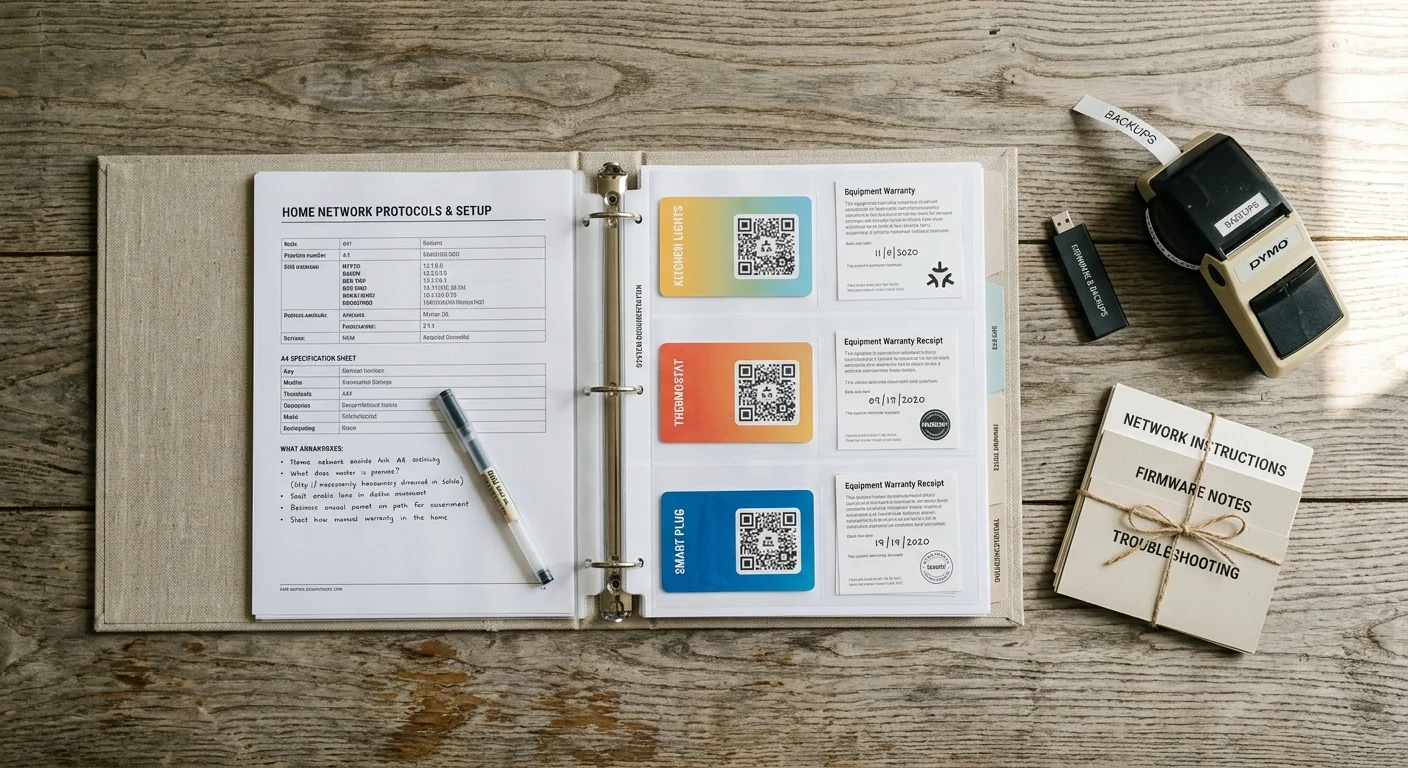
Creating the Digital Dossier and Handover Binder
Never rely solely on digital transfers. Creating a physical binder transforms a confusing tech ecosystem into a valuable, stress-free selling asset for incoming buyers.
Organizing your handover documentation around logical device naming conventions makes it substantially easier for new buyers to map automations room by room.
Providing clear documentation also allows buyers to follow the ultimate smart home setup checklist as they integrate incoming devices into their own digital ecosystem.
Place this dossier in a three-ring binder on the kitchen counter alongside all master keys and garage door remotes.
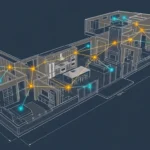
- Circuit Breaker Mapping: Document which specific breaker switches control which smart lighting modules and hardwired smoke detectors.
- Physical Setup Codes: Attach physical stickers containing HomeKit 8-digit codes and Matter 11-digit numerical pairing keys.
- App Direct Links: List the exact names of required smartphone management apps so buyers avoid downloading fraudulent third-party software.
- Device Inventory: Include model numbers, installation dates, hardware serial numbers, and warranty documents for all hardwired equipment.
Adopting unified interoperability ecosystems helps bridge device divides during real estate transactions. The Matter Smart Home Standard allows buyers to onboard smart switches regardless of whether they prefer Apple Home, Alexa, or Google Home.
When handing over Matter-certified equipment, verify that you provide the numeric manual setup code. These codes are often printed on rear chassis labels hidden inside electrical wall boxes.
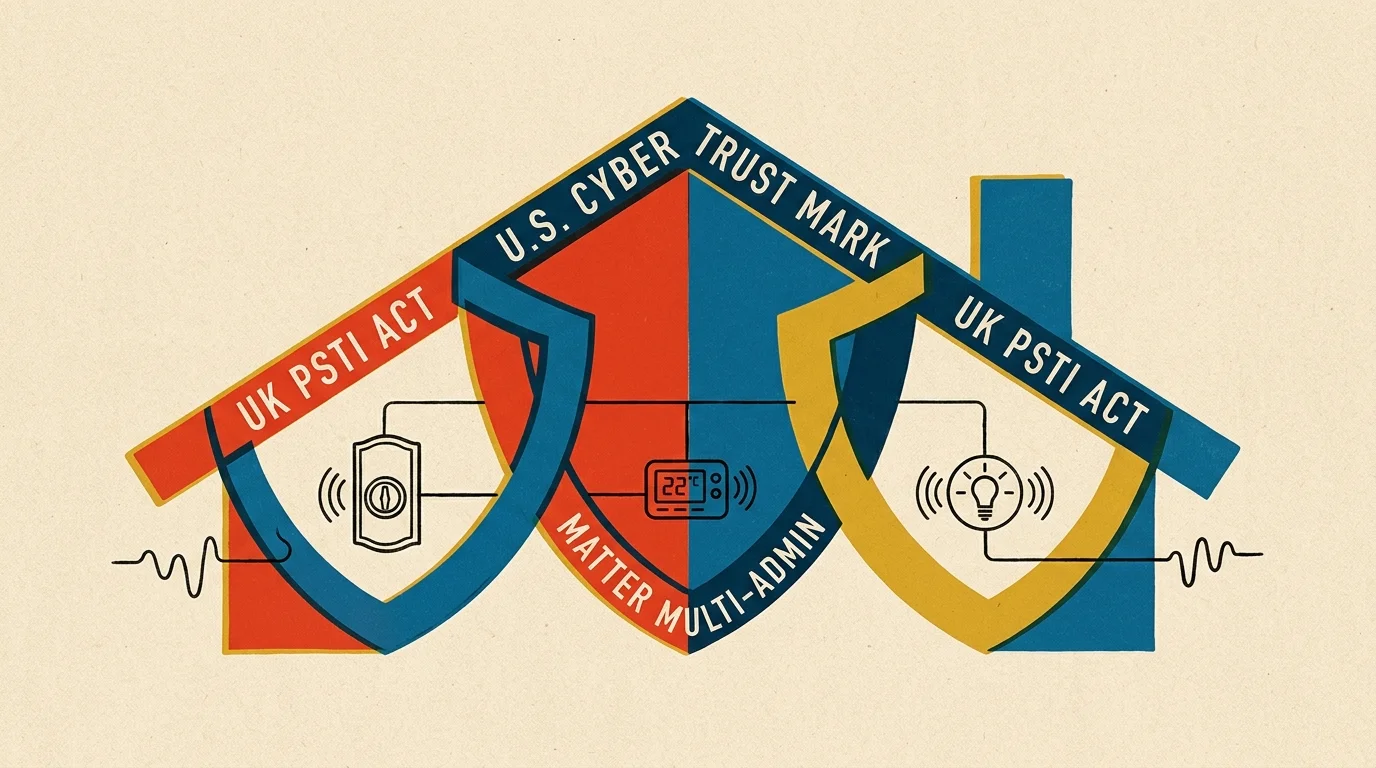
Regulatory Protections: Matter, PSTI, and Cyber Trust Mark
Modern smart home standards have evolved beyond unregulated, insecure hardware. Emerging cybersecurity legislation now simplifies safe device ownership transfer for consumers.
On April 29, 2024, the United Kingdom enforced the Product Security and Telecommunications Infrastructure (PSTI) Act 2022. This legislation outlawed universal default passwords like “admin” or “1234” across consumer network hardware.
Under this standard, factory-reset hardware requires the incoming buyer to establish unique administrative passwords. This mandate prevents attackers from exploiting predictable factory logins when hardware changes hands.
In the United States, the Federal Communications Commission approved the voluntary U.S. Cyber Trust Mark program on March 14, 2024. Eligible connected products must display a distinctive shield logo and a scannable QR code.
This code links buyers directly to a national registry detailing supported update lifespans, factory reset pathways, and minimum vulnerability patch guarantees.
Heating and cooling infrastructure features similar standardized baselines. Hardware certified under Energy Star Smart Thermostats must retain safe baseline temperature controls even when severed from active cloud connections.
These industry regulations ensure that resetting your connected home will not disable emergency heating systems or expose incoming families to network exploitation.
Frequently Asked Questions
Should I factory reset my smart thermostat before the buyer’s home inspection?
No, you should not factory reset your smart thermostat prior to the formal physical home inspection. Inspectors must verify that the thermostat correctly calls for heating and cooling stages, which requires configured HVAC equipment profiles.
What happens if I forget to delete a smart camera from my cloud account?
If you fail to unlink a camera, the incoming buyer will be unable to add it to their personal account. Security manufacturers prohibit duplicate registrations to prevent video surveillance hijacking, requiring original owners to delete devices remotely.
Can I transfer my smart home Wi-Fi router directly to the home buyer?
You can convey the router, but you must reset it to factory defaults first. Once reset, change the network SSID and password to a fresh generic credential before connecting any existing home automation hardware.
How do Matter-compatible smart devices improve the home selling process?
Matter devices eliminate platform vendor lock-in between sellers and buyers. A seller using Apple HomeKit can transfer Matter hardware to a buyer using Samsung SmartThings or Google Home without needing rewiring or third-party cloud bridges.
Disclaimer: This article is for informational purposes only. Smart home devices involve electrical connections and data privacy. Always follow manufacturer instructions for installation. For complex wiring or HVAC work, consult a licensed professional.