
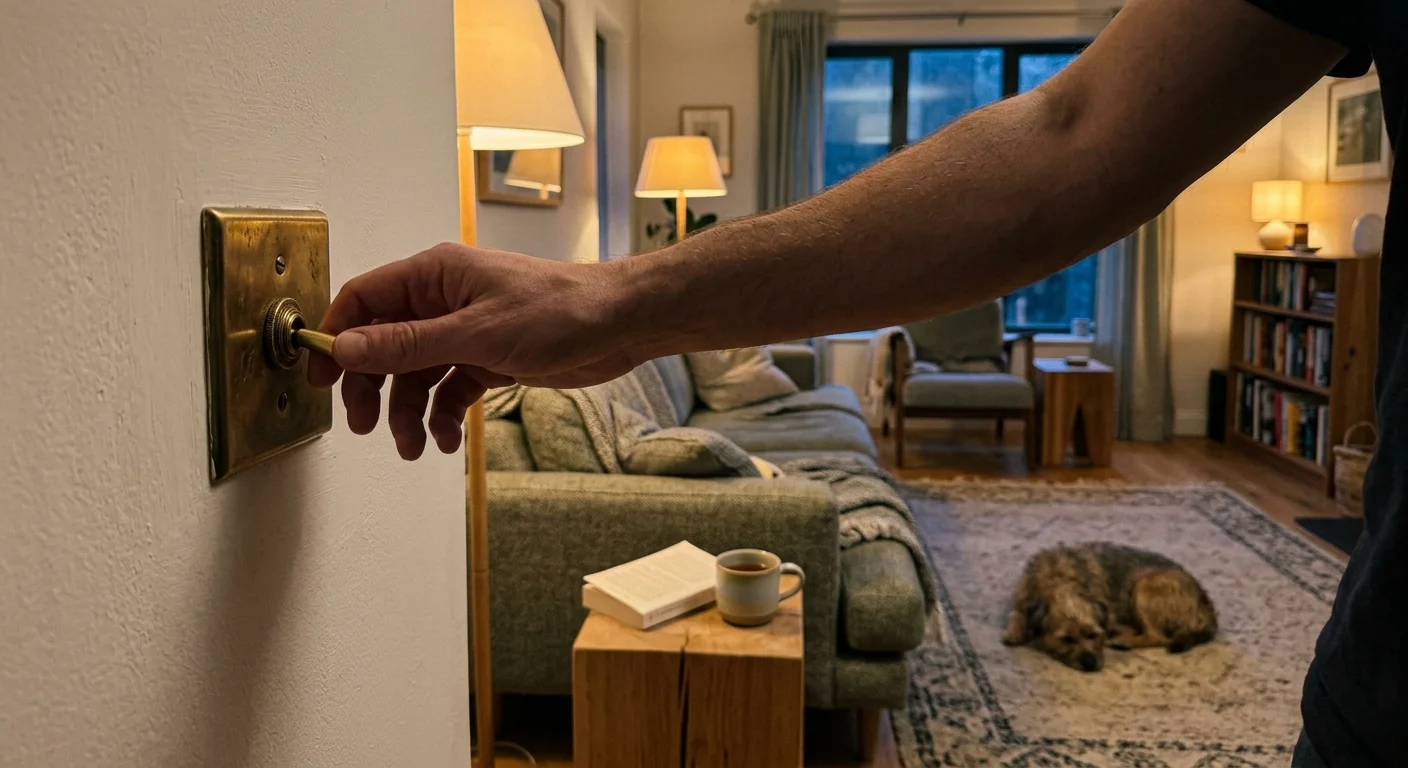
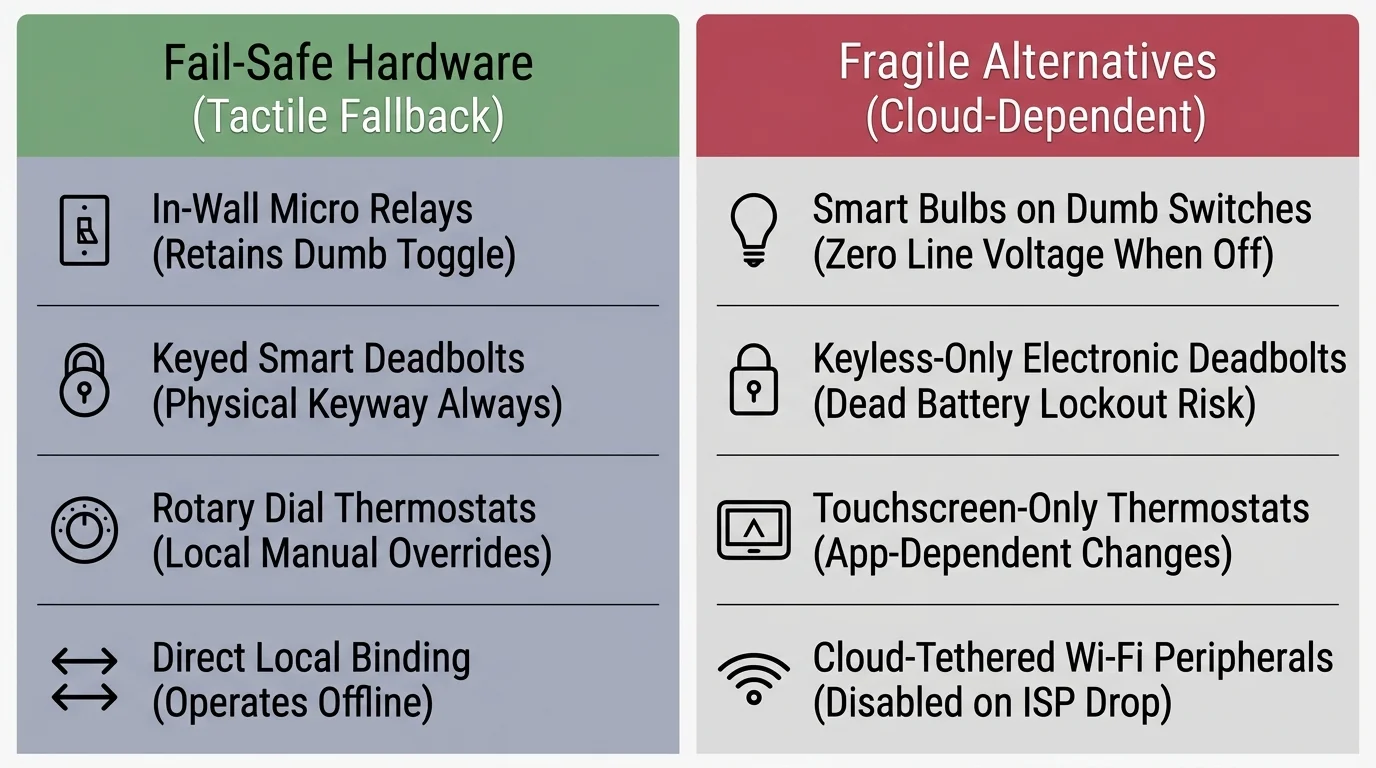
A host retrofitting a pre-1985 house with shallow metal switch boxes for rotating short-term guests cannot rely on apps, voice prompts, or smart bulbs. Pairing physical fallbacks with a smart home power outage survival plan keeps every room working when guests arrive.
Smart bulbs and cloud-only locks are the wrong buy here because they break wall-switch muscle memory and overcrowd tight boxes. A home automation deployment built on slim micro-relays, direct binding, and brass keyways keeps lights, doors, and heating working without hubs or internet.
Smart Bulbs Drop Offline When Guests Flip Wall Toggles
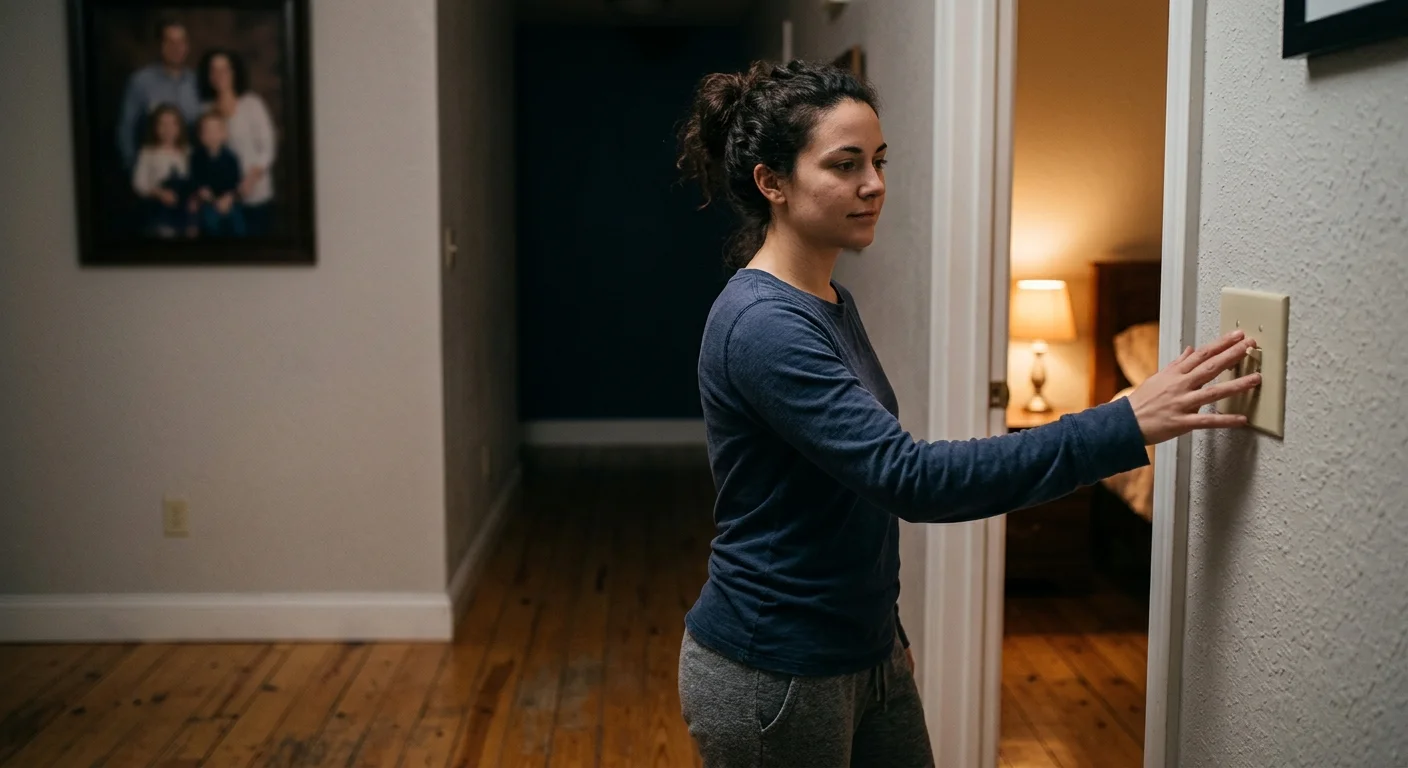
A weekend guest enters a bedroom, flips the wall toggle off by reflex, and shuts down your smart bulbs. Once that switch opens the circuit, automations, dashboards, and voice routines lose control until someone flips the paddle back.
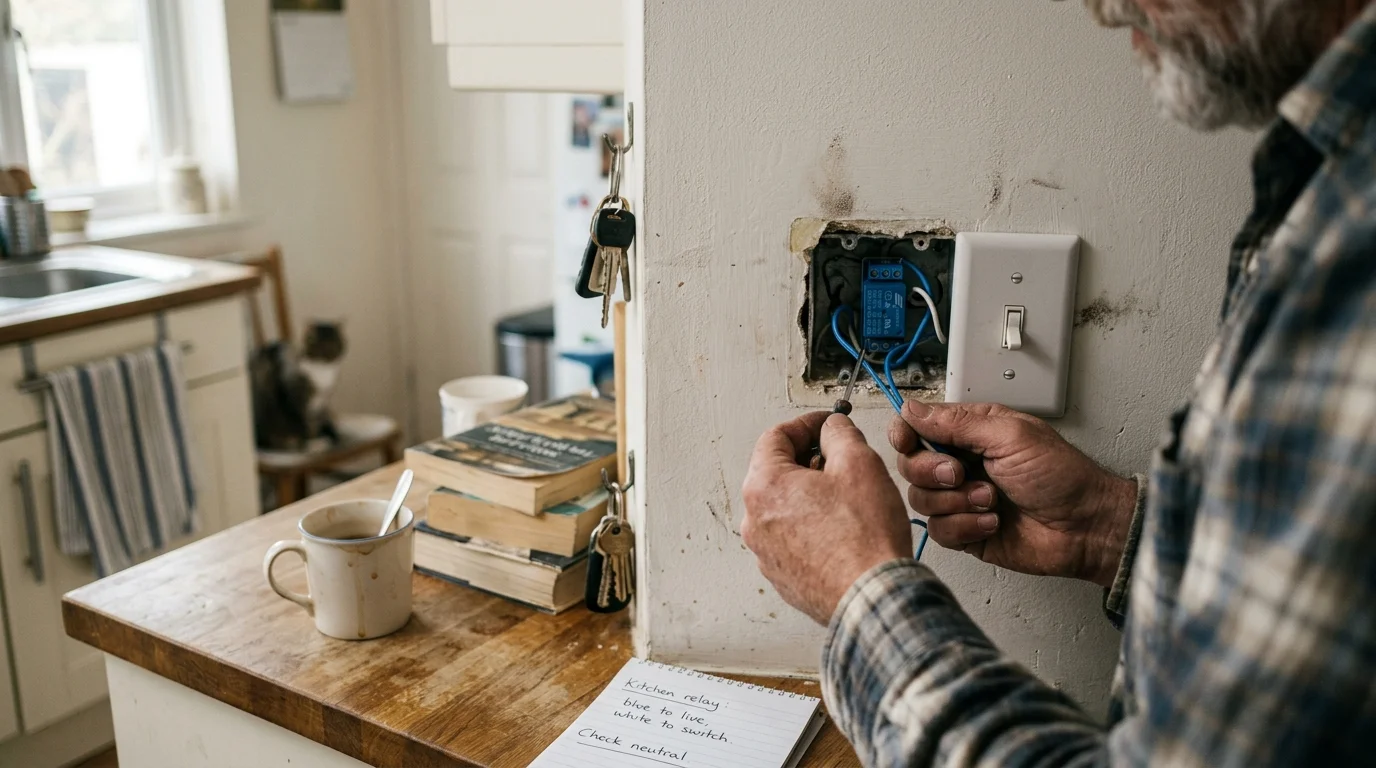
Standard toggles cause this outage by cutting line voltage to zero, disconnecting the bulb from your Zigbee or Thread mesh network. Worse, pre-1985 homes with shallow metal switch boxes often lack neutral wires and leave no room for bulky smart dimmers.
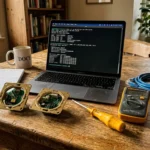
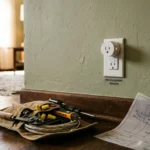
Keep existing toggles and wire slim in-wall relays like the Shelly Plus 1PM or Sonoff ZBMINIL2 behind them. Both handle up to 10 amperes while drawing under one watt on standby.
The wall paddle wires to the relay logic terminal instead of cutting fixture power. Even if your hub freezes, flipping the switch triggers internal contacts locally in milliseconds.
Where boxes fit full replacements, choose neutral-resting smart light switches like the Lutron Caséta Diva or Zooz ZEN71. Follow these wiring steps for tight pre-1985 boxes:
- Check box depth with a caliper; 18-cubic-inch plastic boxes fit micro-relays, whereas shallow metal boxes need slim pucks.
- Confirm white neutral bundles common after 1985, and use no-neutral bypass relays for older homes.
- Set relay input mode to edge switch so every paddle flip toggles standard bulbs.
- Use detached mode only for color fixtures in smart lighting scenes to maintain socket power.
- Use 5-port lever connectors instead of twist-on wire nuts to save box space.
Keyless Deadbolts Strand Visitors When Batteries or Motors Die
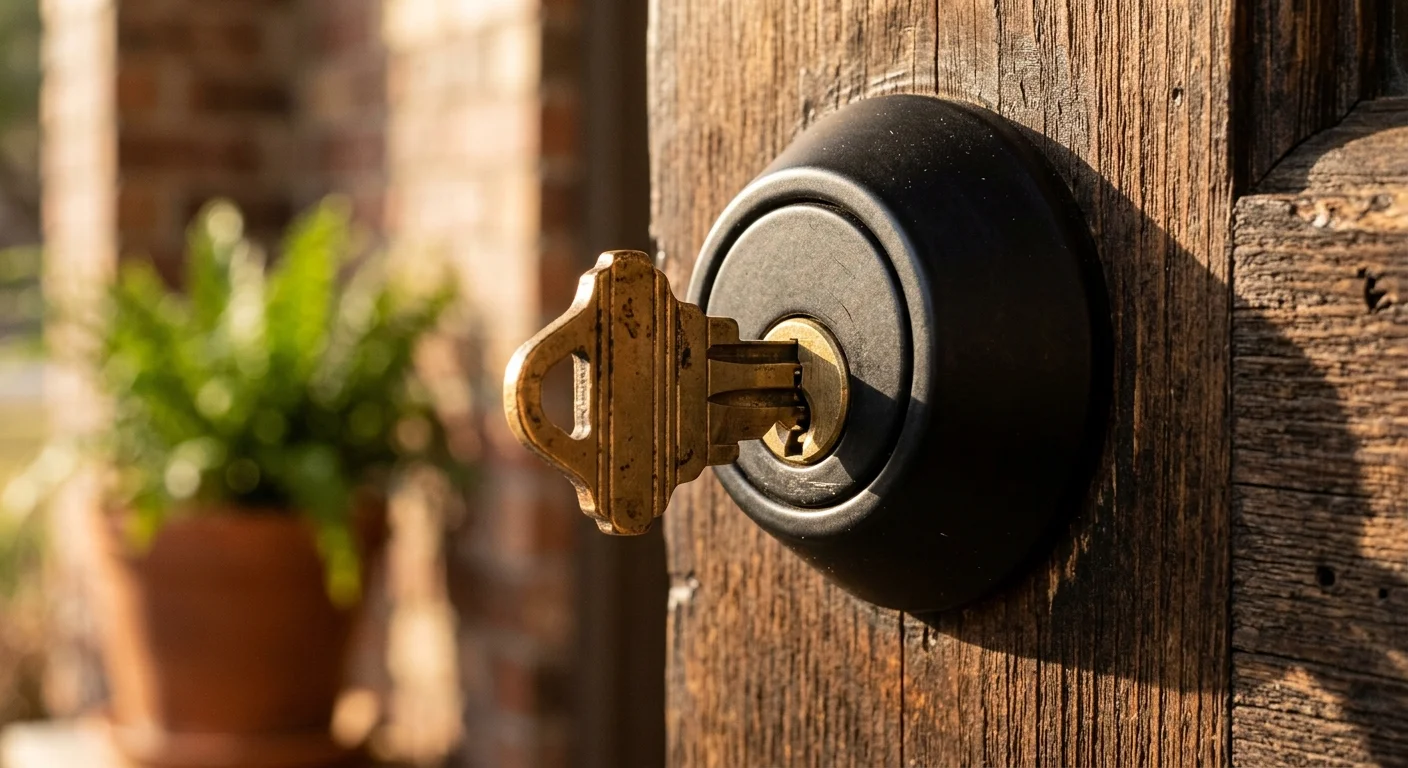
A guest steps onto the porch and returns to a dark keypad with no keyhole. Capacitive glass locks without cylinders turn dead batteries or jammed motors into lockouts.
Missing exterior keyways and binding strike plates cause this door failure. Dead alkaline cells or friction against an older wooden frame stall the internal drive motor mid-throw.
Install a lock with a brass key cylinder so guests and hosts always have manual backup entry. As Wirecutter’s smart home testing notes, interior-only retrofits let homeowners keep existing exterior hardware and physical brass keys.
Use an August Wi-Fi Smart Lock Retrofit (4th Generation) to keep the original exterior deadbolt and keyway. For full replacements, pick the Schlage Encode Smart WiFi Deadbolt with a Schlage C five-pin cylinder.
Apply these five entry standards before welcoming short-term guests:
- Install ANSI/BHMA Grade 1 or Grade 2 deadbolts to resist forced entry.
- Align the latch and strike hole so the bolt moves with zero friction.
- Set auto-lock timers to ten minutes so guests taking out trash avoid lockouts.
- Replace alkaline batteries at 20 percent capacity before low-battery chirps start.
- Store a duplicate brass key in a weather-resistant exterior lockbox.
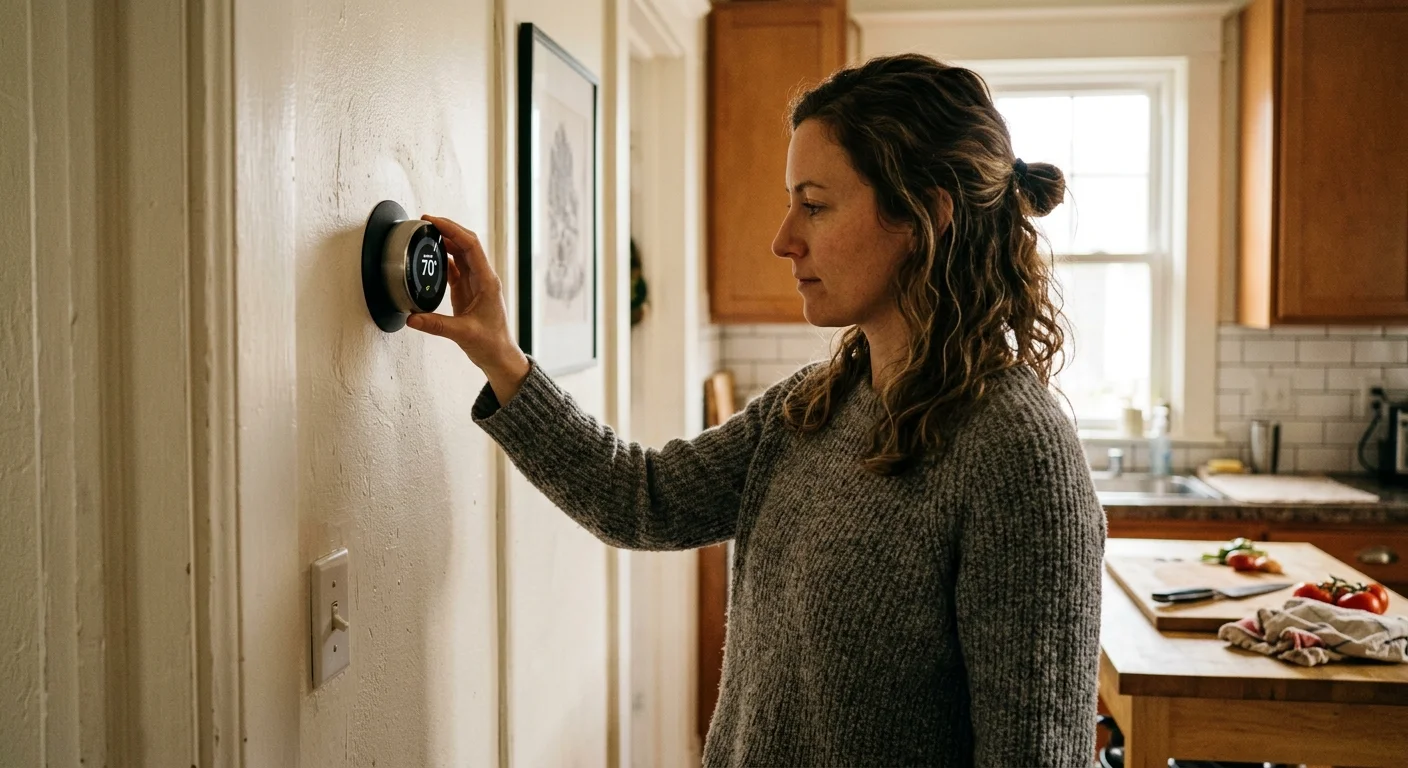
Thermostats Freeze Guests Out with Sleeping Screens and Away Geofencing
A visitor wakes up cold, taps a dark thermostat display, and gives up trying to open nested touch menus. Even if they raise the temperature, the system drops back down an hour later.
Sleeping screens, 60-minute hold limits, and single-phone departure geofencing trigger this climate failure. Driving away from the rental puts the HVAC system into away mode while guests are still indoors.
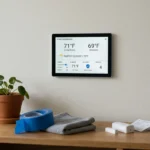
Install thermostats with physical buttons or rotating dials like the ecobee Smart Thermostat Premium or Honeywell Home T9. Guidance for Energy Star certified smart thermostats confirms automated schedules work alongside manual overrides.
Set holds to honor wall changes until the next scheduled block. If a guest raises heat to 71 degrees, it stays steady without dropping early.
Set these four climate rules before turning over keys to guests:
- Set temporary holds to clear at the next scheduled block instead of after 60 minutes.
- Cap heating at 74 degrees and cooling at 68 degrees to protect compressors.
- Disable single-phone geofencing triggers while guests stay indoors.
- Mount room sensors 5 feet high away from windows and return grilles.
Motion Sensors Plunge Stationary Guests into Darkness
A guest sits reading on the living room sofa until overhead lights suddenly cut out. Elsewhere, an automated goodnight routine turns off hallway lights while a visitor is still awake.
Passive infrared (PIR) sensors trigger this blackout because they only register large movements across thermal zones. Sitting still with a book makes the sensor report an empty room.
Replace PIR sensors in living rooms and bedrooms with millimeter-wave (mmWave) detectors like the Aqara FP2 or Apollo MSR-1. They track slight chest movement from breathing to hold occupied states.
Combine mmWave detection with local hub rules so wall switches always stay in charge:
- Pause shutoff timers for 90 minutes whenever a guest presses a wall switch.
- Add a three-minute dimming ramp before shutoff so guests notice and tap a switch.
- Place contact sensors on bathroom doors to hold lights on while closed.
- Disable motion-off commands in bedrooms and living rooms during active media playback.
Cloud Outages and Hub Reboots Break Wireless Wall Controls
Internet drops during a storm, leaving cloud-tied Wi-Fi plugs and buttonless shades dead for guests. Even a hub reboot can freeze wireless wall remotes for minutes.
Vendor cloud dependence and hub-bound routing cause this outage failure. When button presses must travel to remote servers or through a restarting controller, local switches stop responding.
Run guest automations locally on Home Assistant, Hubitat Elevation, or Homey Pro alongside Matter smart home standard devices. Use Zigbee binding or Z-Wave direct associations so wireless remotes talk directly to lights even when the hub reboots.
Choose hardware with instant physical overrides over app-only gear. A Zooz ZEN04 Z-Wave plug toggles in 5 ms via its side button, while Lutron Serena Shades with a Pico remote respond in 35 ms over 434 MHz RF.
Keep the house responsive during broadband and power hiccups with these four practices:
- Execute guest lighting, lock, and climate rules locally on Home Assistant, Hubitat Elevation, or Homey Pro.
- Connect your modem, router, and hub to a 1500VA uninterruptible power supply (UPS).
- Avoid Wi-Fi plugs and relays requiring vendor cloud accounts to switch.
- Bind wireless remotes directly to fixtures so switches work during hub updates.

Shallow Wall Boxes and Unchecked Travelers Stall Entryway Retrofits
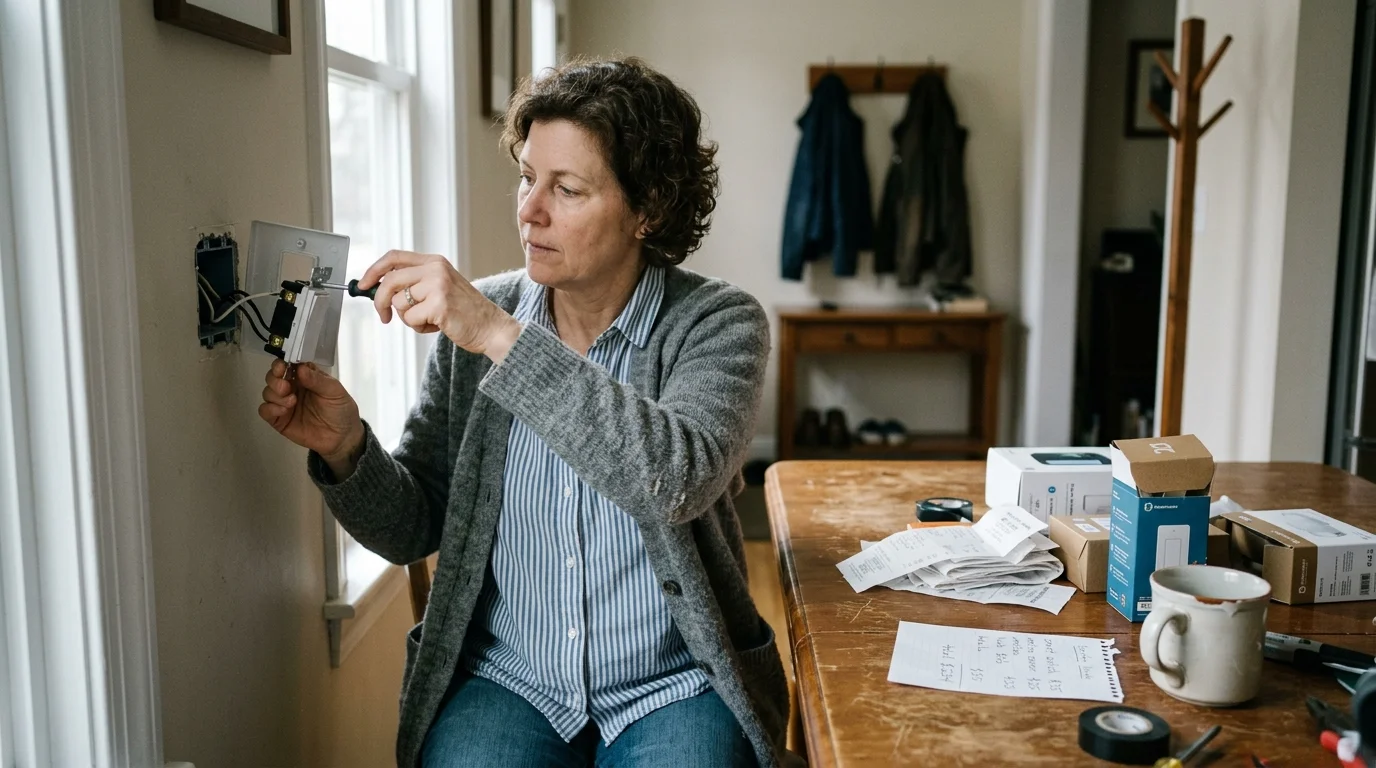
An entryway and three-way hallway retrofit stalls when bulky wire nuts will not fit inside a shallow metal box. Skipping depth and neutral checks leaves exposed switches before check-in.
Crowded connectors, missing neutral pigtails in pre-1985 walls, and cloud-only switches create mid-job bottlenecks. Pre-checked slim hardware keeps the door, porch, and hallway retrofit to 65 minutes.
Original guide prices total $212.98 before tax ($227.89 with 7% sales tax); confirm current prices on each maker’s page before buying:
- 1x August Wi-Fi Smart Lock Retrofit (4th Generation) keeping the original brass keyway: $139.99 (as of writing).
- 2x Shelly Plus 1PM Gen3 local Wi-Fi and Bluetooth in-wall relays: $37.00 total, $18.50 each (as of writing).
- 1x Third Reality Zigbee Door Contact Sensor: $14.99 (as of writing).
- 1x 5-pack WAGO 221-413 lever connectors and 14 AWG solid copper pigtails: $12.00 (as of writing).
- 2x Lutron Claro single-gang architectural faceplates: $9.00 total, $4.50 each (as of writing).
Install the entryway and hallway gear in four timed stages:
- Shut off breaker #4 at the main panel and verify zero AC voltage with a pen tester: 5 minutes.
- Wire the first Shelly relay behind the porch switch in edge switch mode: 20 minutes.
- Install the second Shelly relay inside the hallway 3-way traveler box with neutral pigtails: 20 minutes.
- Mount the August retrofit adapter plate onto the interior deadbolt thumbturn mechanism: 20 minutes.
The porch switch toggles the light in under 12 milliseconds whether the router is online or off. Opening the door after sunset brings hallway lights to 40%, jumping to 100% on a wall tap.
Disclaimer: This article is for informational purposes only. Smart home devices involve electrical connections and data privacy. Always follow manufacturer instructions for installation. For complex wiring or HVAC work, consult a licensed professional.

2 Comments