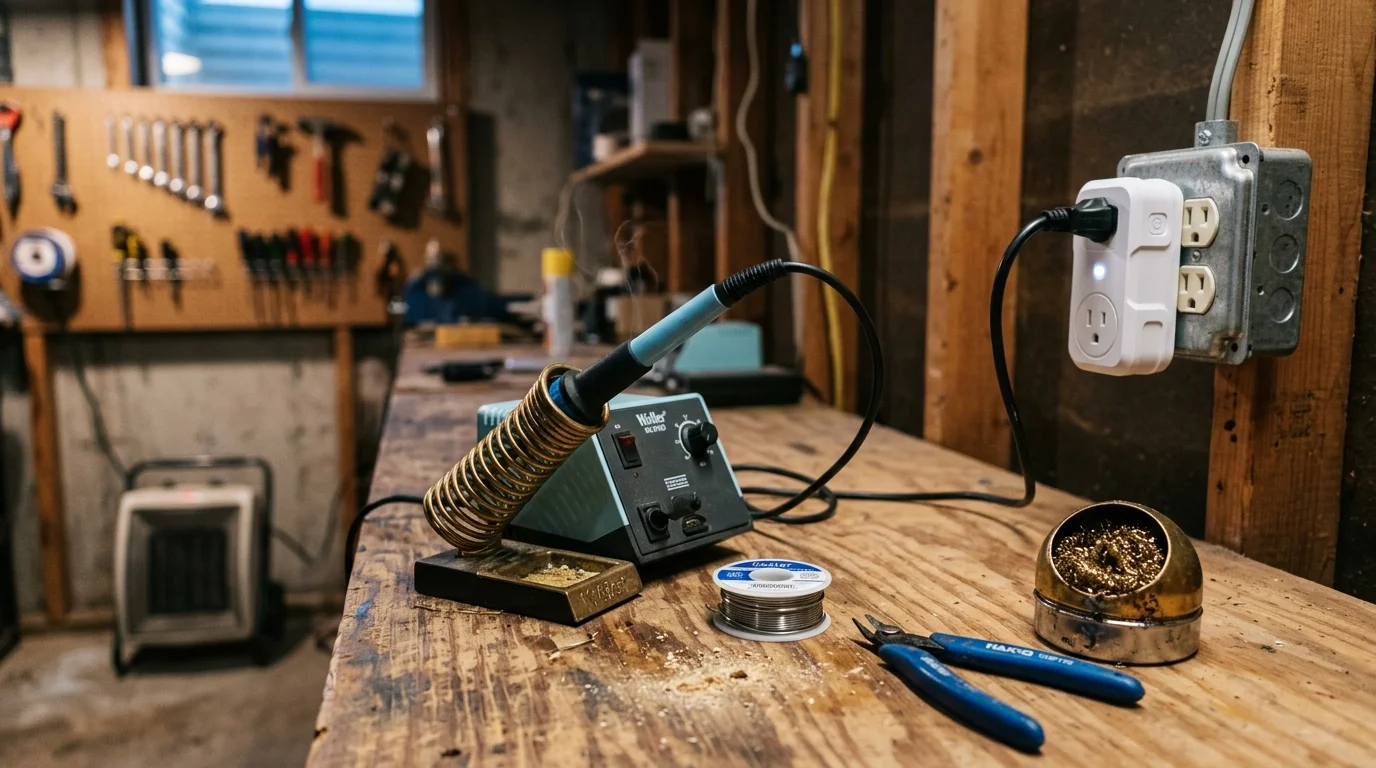
You walk upstairs from your basement workshop after an evening of repairs, leaving an 80-watt soldering station idling or a 1,500-watt ceramic heater blazing unattended.
Standard smart timer plugs cut power strictly at fixed hours. Unfortunately, they fail when you step away early or need extra time to finish a delicate joint.
Unlike rigid schedules, configuring a dual-threshold power-drop automation monitors real-time wattage dips to cut phantom draw and kill power when tools idle. This targeted strategy protects your workshop bench without interrupting active fabrication work.
Fire Hazards in Basement Workshops
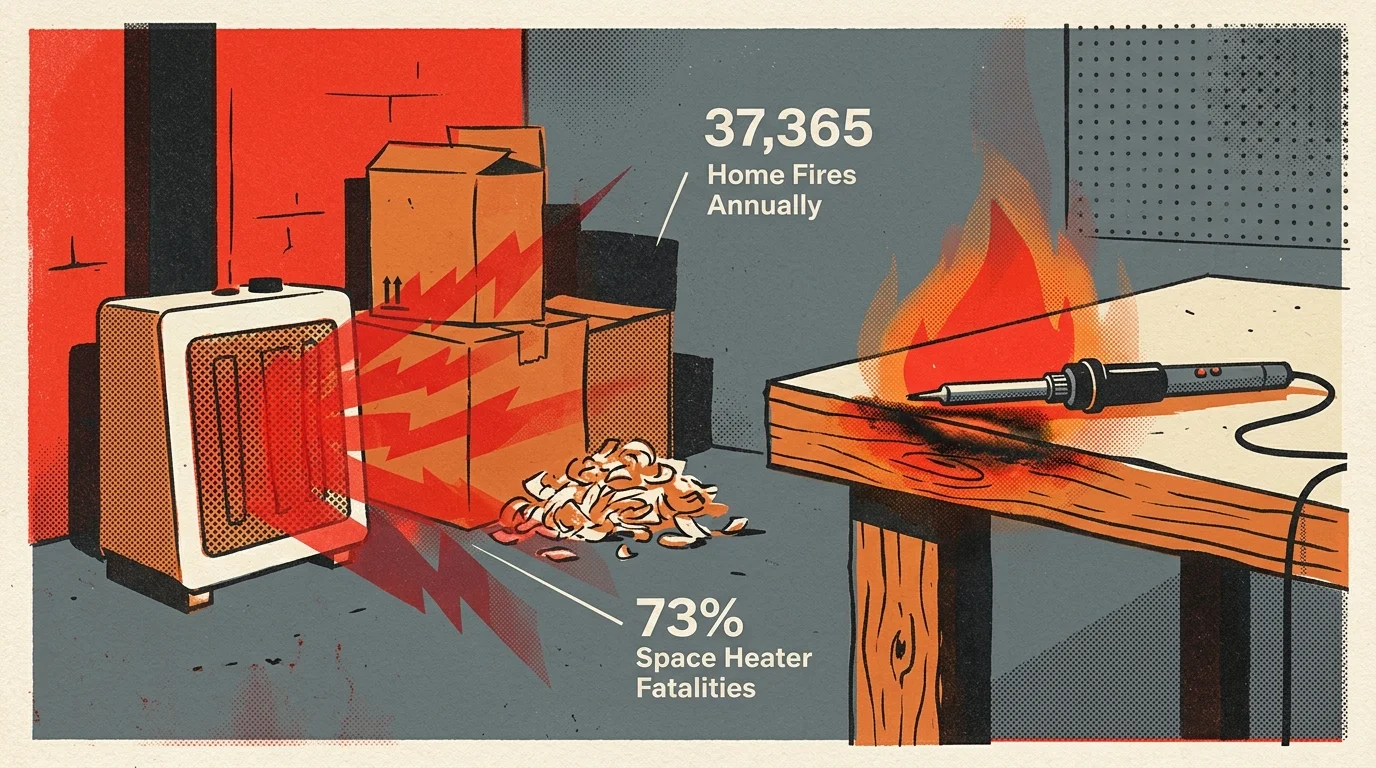
Basement workshops combine high-energy thermal appliances with sawdust, cardboard packaging, and aerosol solvents. Leaving these tools energized unattended creates severe structural danger.
According to the National Fire Protection Association, heating equipment causes an average of 37,365 home fires each year in the United States. These incidents account for 417 civilian deaths and $1.2 billion in direct property damage.
Space heaters represent 47% of those heating fires and cause 73% of the associated fatalities. A shop heater running against a workbench corner can ignite nearby combustibles within minutes.
Meanwhile, an unattended soldering iron operating at 350 degrees Celsius degrades its heating cartridge and melts nearby solder spools. The iron can easily burn through timber workbenches if knocked aside.
The U.S. Consumer Product Safety Commission explicitly warns that portable space heaters must plug directly into wall receptacles. Inserting unrated consumer adapters or cheap power strips creates a major fire hazard.
Using a properly rated smart plug wattage drop automation solves this issue. It continuously senses appliance operation and severs live current before thermal runaway occurs.

Understanding Wattage Baselines and Phantom Draw
Every bench tool displays distinct electrical signatures during active work, thermal recovery, and idle states. Identifying these consumption levels allows you to build an effective power monitoring safety routine.
A standard benchtop soldering station draws between 40W and 80W while actively heating its tip. Once hot, it cycles brief bursts of power to maintain temperature.
Modern soldering stations feature internal sleep timers that drop element temperature after several minutes of stillness. During this standby mode, power consumption plunges to between 5W and 15W.
When you physically switch the station off, power drops to 0W. Setting your automation threshold around 10W ensures the outlet cuts power only after the station initiates its native sleep routine.
Portable shop heaters operate on two main wattage levels. High settings pull roughly 1,500W, while low settings draw between 750W and 900W.
When the internal bimetallic thermostat satisfies your set temperature, the heating element shuts off entirely. The internal circulation fan continues running, dropping total power draw down to 10W to 35W.
An auto shutoff space heater smart plug routine detects when this low-wattage fan cycle lingers continuously. If the load stays below 40W for twenty minutes, the system turns the plug off automatically.
- Soldering Station (Active Heating): 40W to 80W continuous pulsing draw.
- Soldering Station (Sleep Mode): 5W to 15W resting draw.
- Soldering Station (Off Switch): 0W draw.
- Shop Heater (Element Fired): 750W (Low) to 1,500W (High).
- Shop Heater (Thermostat Satisfied): 10W to 35W fan-only circulation draw.
Hardware Selection and the NEC 80 Percent Rule
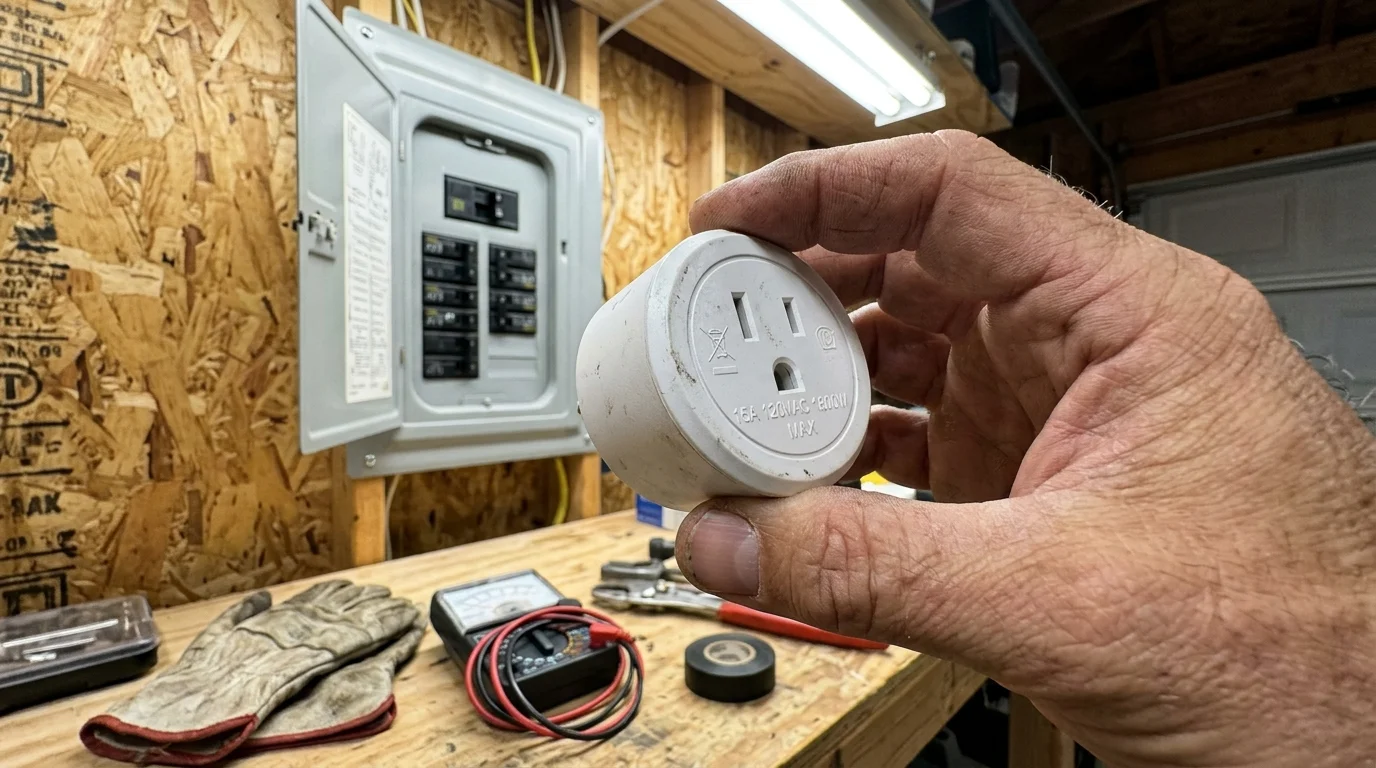
Selecting the wrong smart plug for high-draw workshop equipment leads to catastrophic relay failure. You must calculate continuous electrical current before connecting any resistive heating appliance.
Under National Electrical Code Articles 210.19 and 210.20, continuous loads running for three hours or longer must not exceed 80% of circuit capacity. A standard 15-amp branch circuit provides a maximum continuous limit of 12 amps or 1,440 watts at 120 volts.
Most consumer space heaters consume 1,500 watts, pulling 12.5 amps continuously. This draw exceeds the continuous safety threshold of standard 15-amp plugs, causing internal plastic housings to soften and contacts to weld together.
According to analysis from Wirecutter Smart Home, reliable smart switches must match both load profiles and wireless network requirements. High-amperage appliances require dedicated 20-amp circuits and industrial-grade relays.
Low-draw soldering stations draw under 100 watts and operate safely on standard 15-amp smart plugs like the Sonoff S31 or Shelly Plus Plug US. High-draw 1,500-watt heaters demand specialized heavy-duty controllers like the Zooz ZEN15.
Smart Plug Hardware Comparison
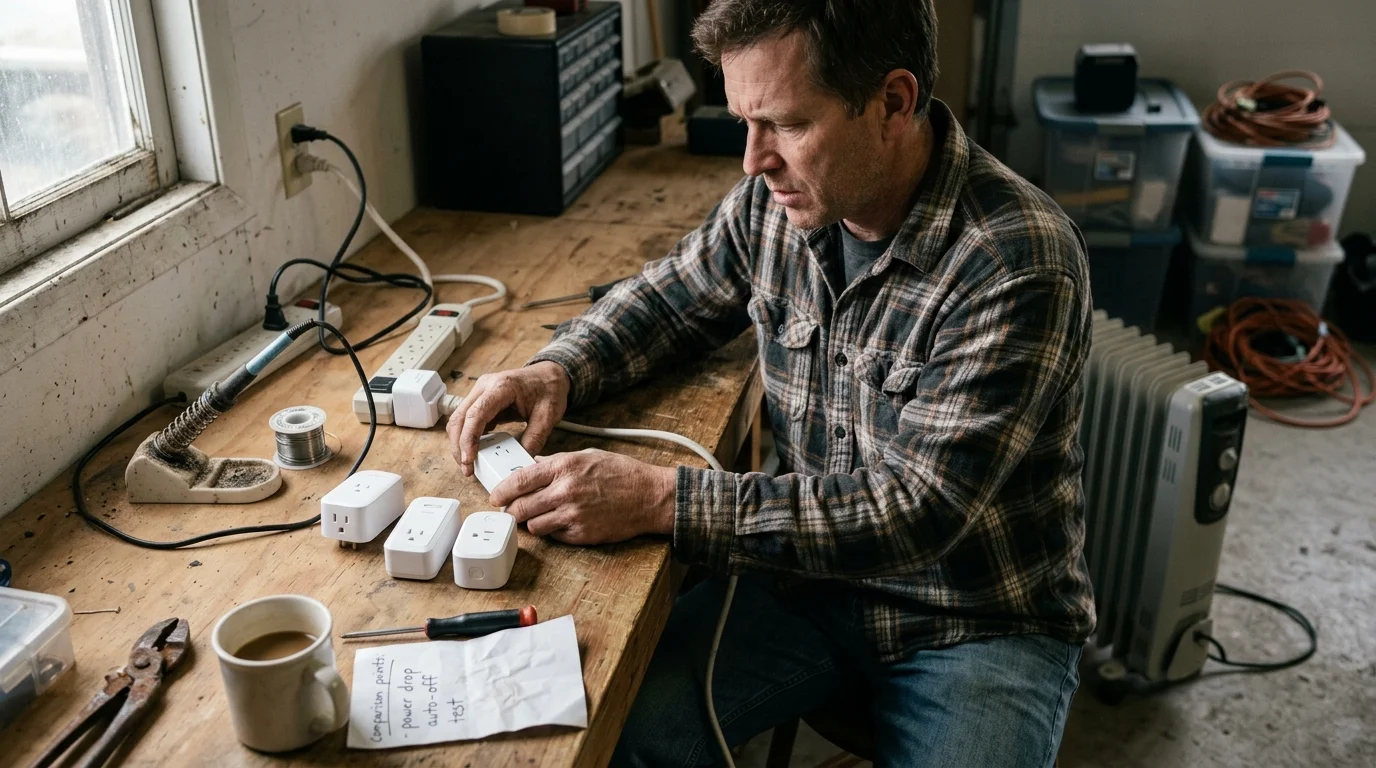
The following table outlines hardware specifications for popular smart switches used in workshop automation environments. Match your appliance load directly to the hardware’s continuous rating.
| Device Model | Rated Peak Relay | NEC 80% Continuous Limit | Energy Monitoring Protocol | Recommended Workshop Tool |
|---|---|---|---|---|
| Sonoff S31 | 15A / 1,800W | 12A / 1,440W | Wi-Fi (CSE7766 Chip) | Soldering iron stations, rotary tools |
| TP-Link Tapo P125M | 15A / 1,800W | 12A / 1,440W | Wi-Fi / Matter Polling | Soldering stations, 3D printers |
| Shelly Plus Plug US | 15A / 1,800W | 12A / 1,440W | Wi-Fi / Bluetooth (Local RPC) | Bench test supplies, soldering irons |
| Zooz ZEN15 Power Switch | 15A / 1,800W Heavy Duty | 15A / 1,800W Continuous | Z-Wave Plus (700 Series) | 1,500W space heaters, air compressors |
Notice that the Zooz ZEN15 uses an isolated relay and an internal 14 AWG pigtail cord. This design prevents thermal heat transfer from the wall outlet into the logic board.
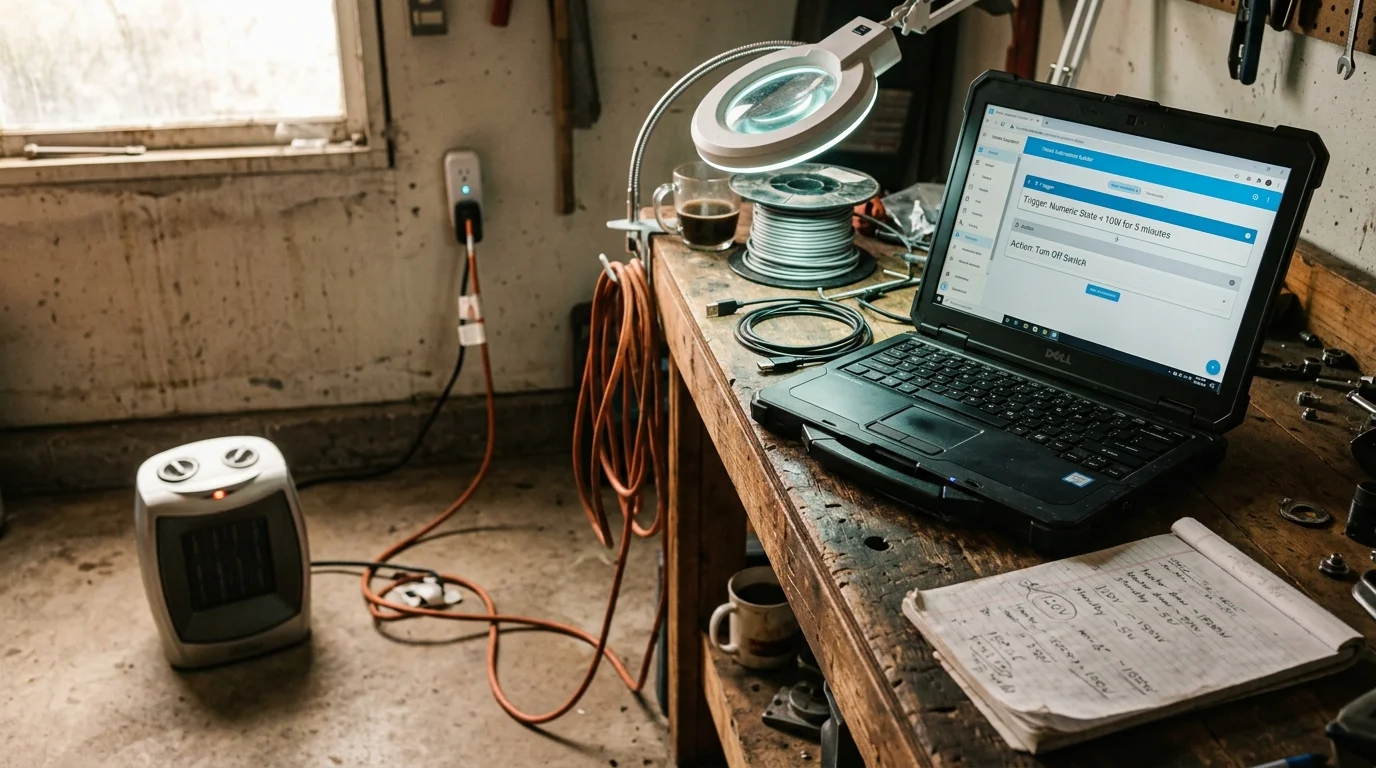
Step-by-Step Building a Power-Drop Automation in Home Assistant
Home Assistant delivers local, instant automation processing without relying on external cloud servers. This setup shuts down an auto shutoff space heater smart plug or soldering station reliably.
Follow these configuration steps to create a bulletproof power-monitoring routine using your local smart plug integration.
- Navigate to Settings > Automations & Scenes > Create Automation in your Home Assistant dashboard.
- Select Numeric State as the trigger type and choose your smart switch’s real-time power sensor entity.
- Set the Below attribute to 12 for a soldering station, or 40 for a cycling space heater.
- Configure the For duration field to
00:15:00to prevent brief tool cooling pauses from shutting down your switch. - Add a Condition pointing to your workshop motion sensor entity, requiring it to show
clearfor at least 15 minutes. - Assign the Action to call the
switch.turn_offservice targeting the smart plug entity. - Add a secondary action calling
notify.persistent_notificationto confirm the safety shutdown on your mobile device.
This multi-stage trigger ensures your equipment never turns off while you actively work at the bench. The motion condition prevents the plug from disconnecting if you briefly inspect a project while the iron rests.
For advanced reliability, create a secondary helper entity using the Home Assistant Timer integration. A software timer resets each time motion is detected, ensuring long soldering pauses remain completely safe.
Alternative Setup Using Commercial Smart Plug Ecosystems
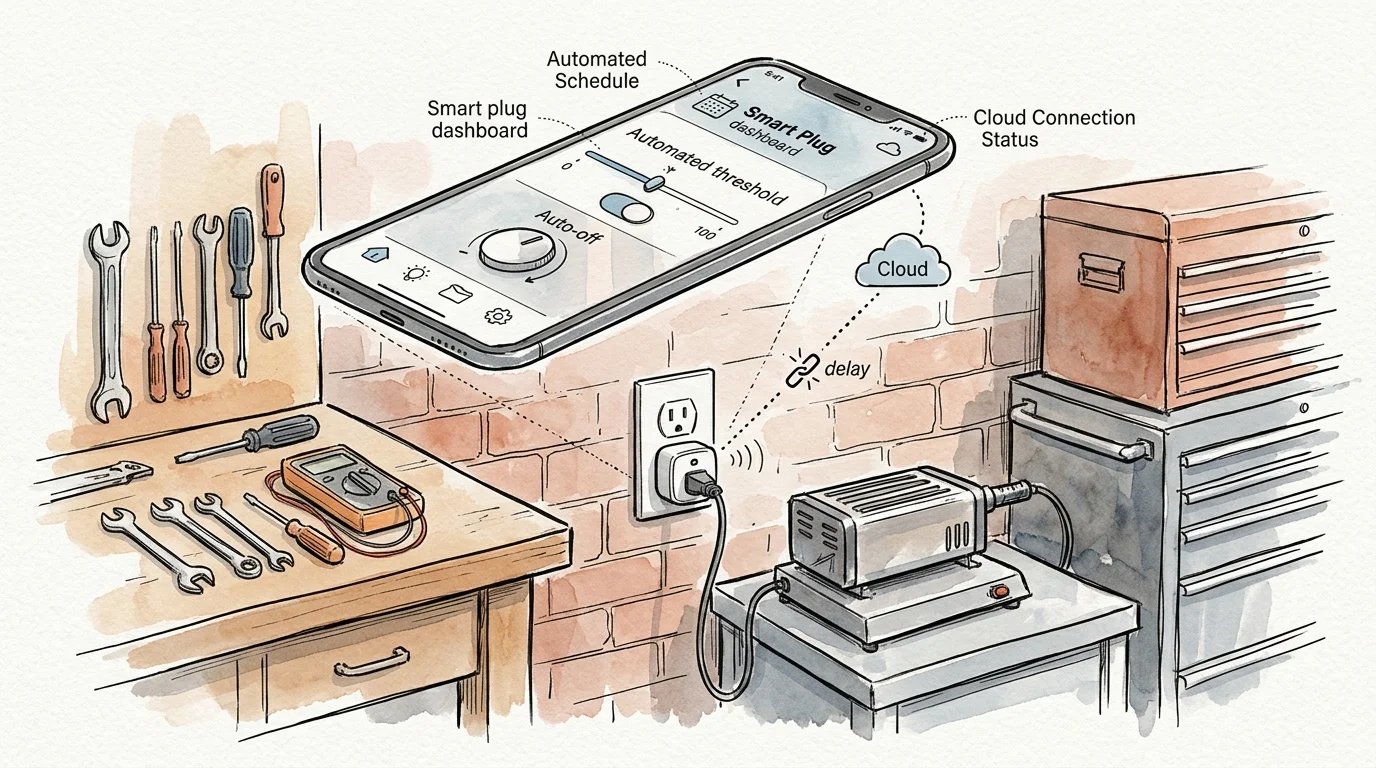
If you do not run a dedicated local server, you can deploy power routines using mainstream smart home apps. Most proprietary platforms include native threshold triggers inside their automation engines.
Modern smart plugs supporting the Matter Smart Home Standard link directly to ecosystems like Apple Home, Google Home, and Samsung SmartThings. However, advanced power triggers often require manufacturer-specific utilities.
In the TP-Link Tapo or Kasa app, select “Smart Actions” and create a new automation based on appliance power consumption. Choose your smart plug wattage drop automation as the initiating device.
Configure the trigger condition to register whenever wattage drops below 20W for longer than 30 minutes. Direct the action to shut down the smart plug immediately.
To ensure you can restart the tool easily, avoid complex interlocking app routines. Pressing the physical button on the side of the plug provides an immediate manual override.
Worked Example: Energy Savings and Safety Payoff
Consider a practical scenario based in a typical 240-square-foot basement workshop in upstate New York. The owner operates a 1,500-watt ceramic shop heater and an 80-watt soldering station throughout the winter.
Between November 1 and March 31—a span of 21 weeks—the owner forgets to shut off the heater three evenings per week. Each oversight leaves the heater cycling for ten unmonitored overnight hours.
During these cycles, the heater draws 1,500 watts for approximately 60% of the duration, consuming 0.9 kilowatt-hours per hour. Over ten hours, each forgotten night wastes 9.0 kilowatt-hours of electricity.
Over 21 weeks, 63 forgotten incidents accumulate 567 kilowatt-hours of wasted electrical energy. At an average residential utility rate of $0.19 per kilowatt-hour, this waste costs $107.73 every heating season.
In addition, the owner leaves the 80-watt soldering station running in its 12-watt sleep mode over two 48-hour weekends each month. That oversight consumes 11.52 kilowatt-hours across the winter, adding another $2.19 in waste.
While the soldering station electricity cost appears small, unmonitored heat oxidizes the plated tip, ruining an $18 cartridge every two months. Tip degradation costs $54 each winter season.
Installing two power-monitoring smart plugs costs approximately $45 in hardware. The combined savings in electricity and replacement tips total $163.92 in the first five months alone, paying for the setup nearly four times over.
More importantly, this automation eliminates 630 hours of unmonitored thermal stress on basement electrical circuits. Preventing a single runaway thermal event protects both your tools and your family.
Hardware Inspection and Routine Maintenance
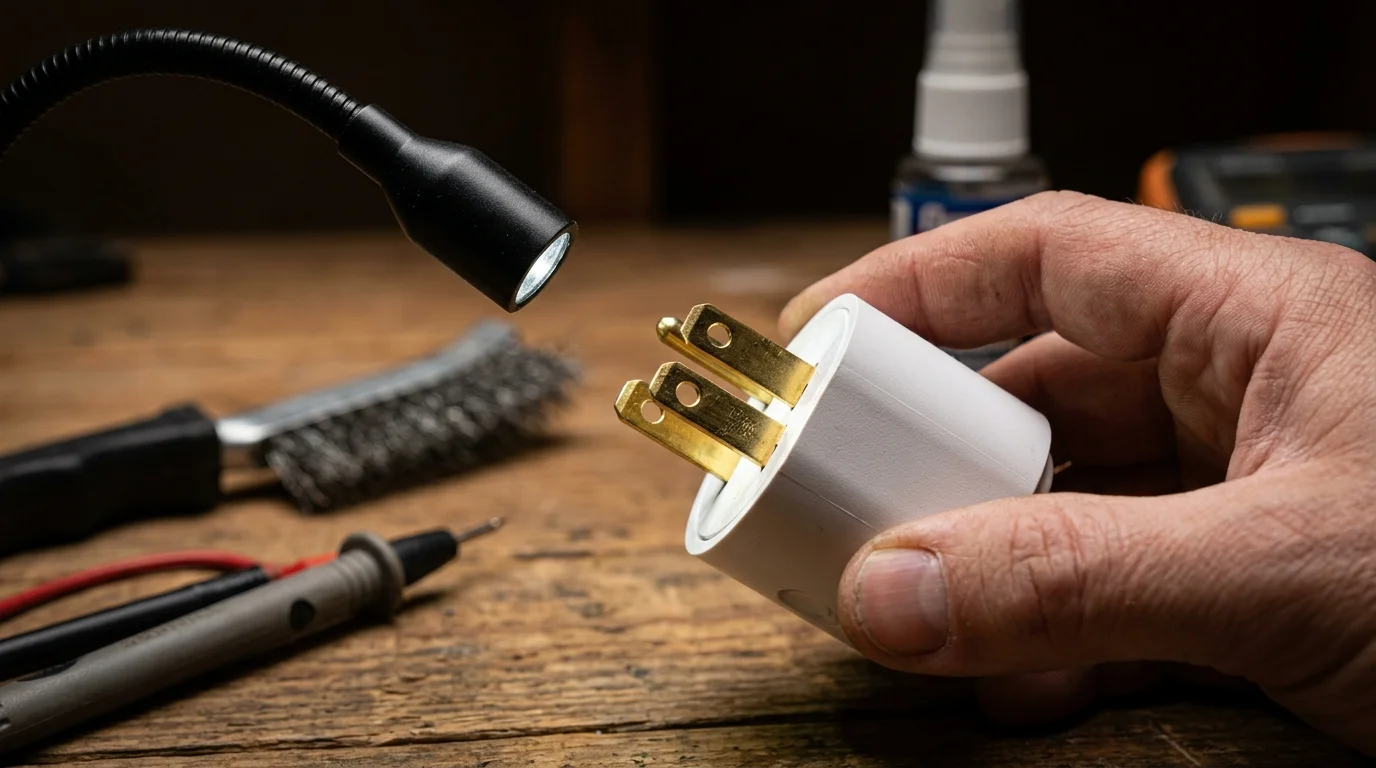
Automated safety systems require regular maintenance to ensure physical components survive harsh basement environments. Dust, moisture, and cyclic thermal expansion degrade intermediate electrical connections over time.
Perform these monthly and quarterly maintenance checks to ensure your power monitoring safety routine functions flawlessly:
- Inspect plug blades for discoloration, pitting, or scorching every 30 days.
- Check socket grip retention to verify heavy cords cannot pull loose from the smart plug receptacle.
- Test the mechanical relay function quarterly by listening for a crisp internal click during manual switching.
- Verify power calibration readings against an external Kill A Watt meter once per heating season.
- Set the smart plug “Power-On Behavior” setting to “Always OFF” so connected tools stay de-energized after mains outages.
If you detect loose receptacle contacts or excessive plug warmth during operation, retire the smart switch immediately. High-power thermal cycling requires flawless mechanical contact to prevent arcing.
Frequently Asked Questions
Can I plug a 1,500-watt space heater into a standard 15-amp smart plug?
Standard 15-amp smart plugs cannot safely handle continuous 1,500-watt loads under NEC continuous duty rules. Use a heavy-duty 15-amp appliance module like the Zooz ZEN15 or a dedicated 20-amp rated switch instead.
What wattage drop threshold should I set for my soldering station?
Set your automation trigger between 10W and 15W, with a 15-minute delay timer. This range detects when your iron enters sleep mode without cutting power during active heating cycles.
Will a power outage cause my shop heater to turn back on automatically?
Most smart plugs allow you to configure the default power-on state after an electrical outage. Always set this option to “Always Off” to prevent unattended heaters from turning on after a blackout.
Does the CPSC direct outlet rule prohibit all smart plugs on space heaters?
The Consumer Product Safety Commission mandates direct wall connections to prevent loose adapter overheating. While intermediate smart plugs add a connection point, using an industrial-grade appliance module minimizes resistance risks.
Disclaimer: This article provides informational guidance on smart home automation. Smart home devices involve electrical connections and load considerations.
Always follow manufacturer specifications for your equipment. For complex electrical installations, consult a licensed professional.