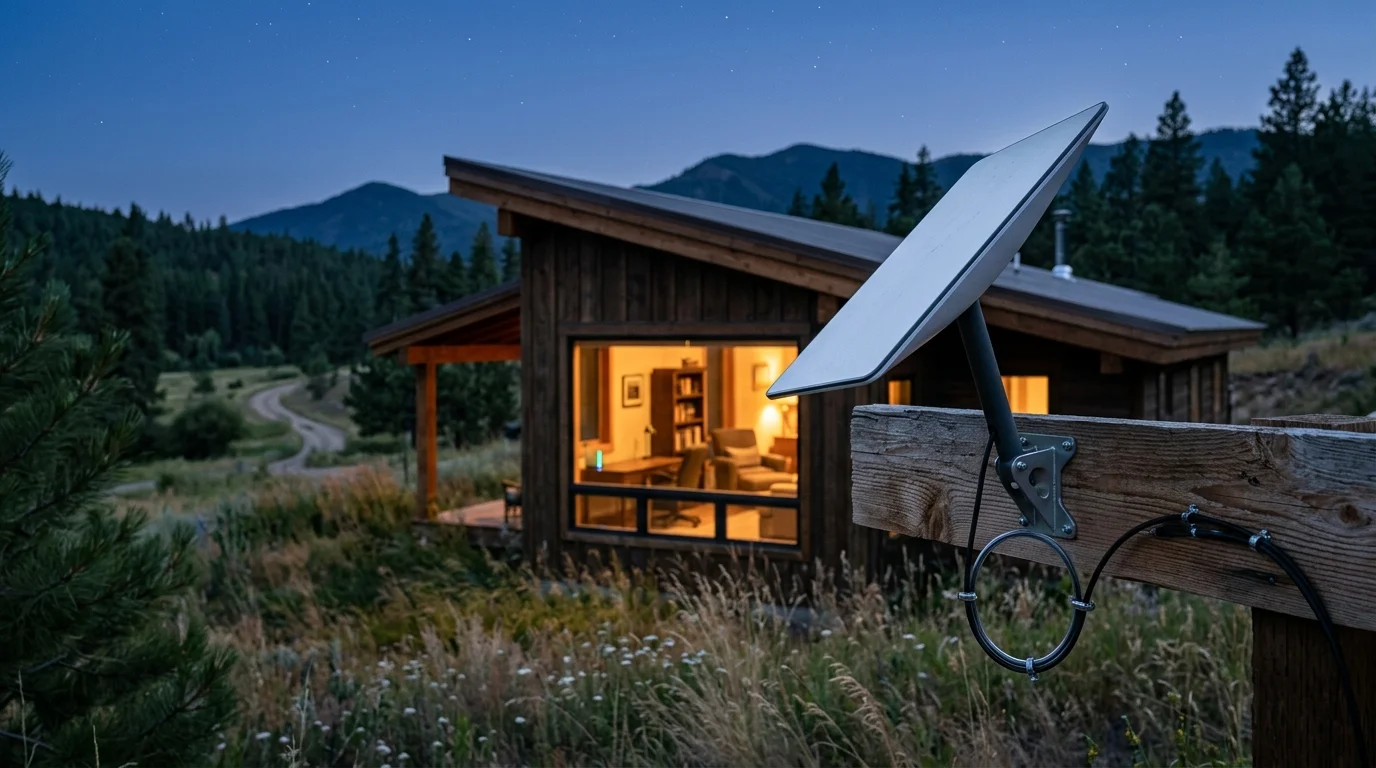
Living with a metered 100GB satellite connection means every megabyte directly impacts your monthly bill and broadband speeds. You can automate your rural home without triggering overage fees or mid-month throttling.
Before purchasing new gear, taking time to test if your home is ready for smart devices ensures your network infrastructure can accommodate connected tech without creating data bottlenecks.
If you are planning an automation setup from scratch, learning where to start with a smart home can help you choose bandwidth-efficient hardware before problems arise.
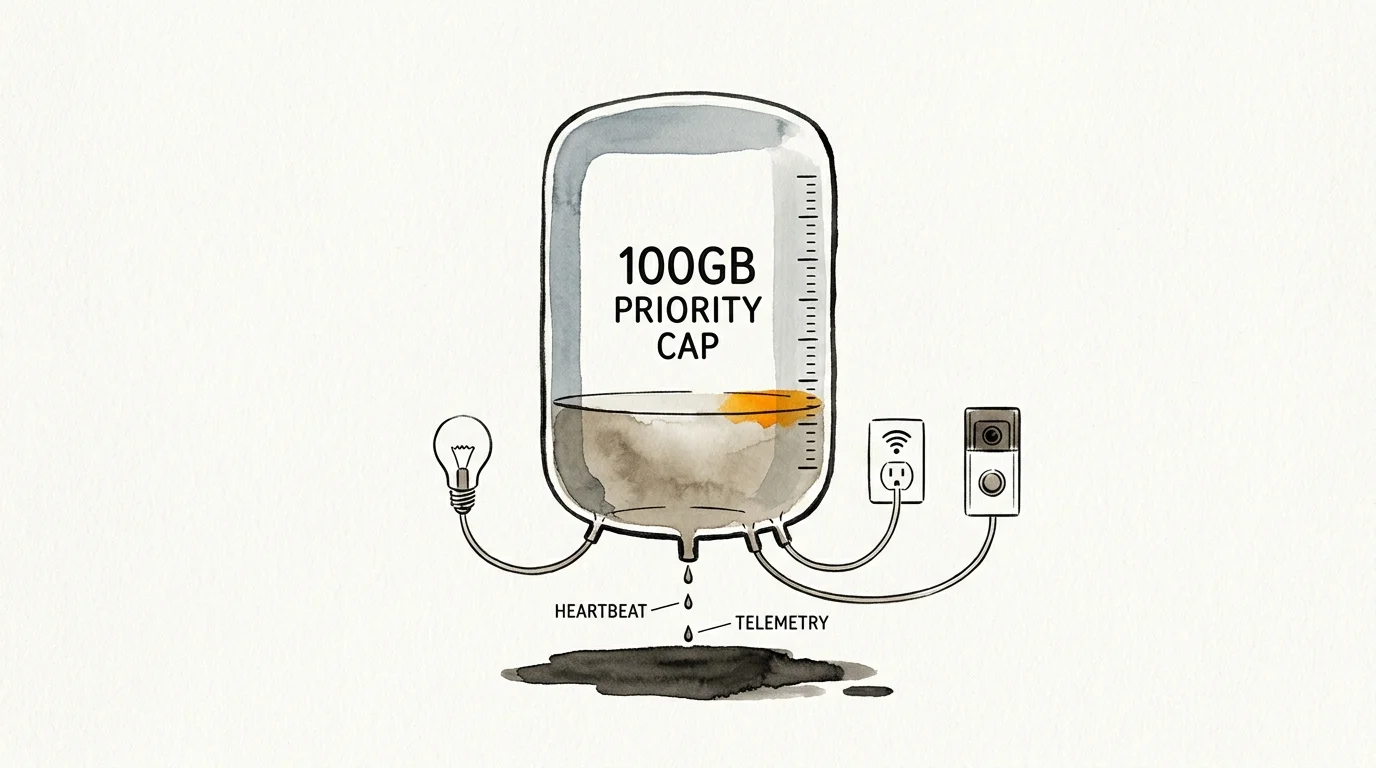
Standard consumer smart gadgets silently devour up to 35% of a 100GB satellite cap purely through idle cloud telemetry and video uploads. Migrating to a local-first architecture slashes that background usage to under 500MB monthly.
This practical audit breaks down smart device data consumption down to the megabyte. You will learn the exact hardware switches and router rules needed to protect your satellite allowance.
The Hidden Megabyte Drain: How Smart Devices Threaten 100GB Data Caps
Satellite providers like HughesNet enforce strict monthly priority thresholds, often capping high-speed data between 100GB and 200GB. Once you exhaust that data pool, providers throttle connection speeds down to a sluggish 1 to 3 Mbps.
Isolating your automation gear by creating a smart home guest network simplifies tracking cumulative background megabytes directly inside your router settings.
Viasat enforces similar priority thresholds between 60GB and 300GB before deprioritizing traffic during network congestion. Meanwhile, Starlink metered packages, such as Roam 50GB or 100GB tiers, penalize extra data consumption with steep per-gigabyte costs.
Managing your smart home metered internet data requires identifying invisible consumers. Most homeowners assume smart devices only consume bandwidth when actively toggled through a smartphone app.
In reality, Wi-Fi smart devices maintain continuous outbound links to distant manufacturer servers. They constantly ping remote servers to check for state changes, synchronize network clocks, and report diagnostics.
These telemetry calls, known as heartbeats, transmit dozens of times per minute. While a single packet is small, hundreds of daily pings multiplied across dozens of connected accessories create substantial background data waste.
Cheap Wi-Fi microcontrollers transmit encrypted handshakes around the clock. Over thirty days, these small data transactions accumulate into multiple gigabytes of phantom consumption.
The best smart home is the one you don’t have to manage.
When your broadband connection carries an expensive data cap, unmanaged cloud-dependent automation actively drains your wallet. Eliminating this waste requires understanding the precise megabyte footprint of every connected gadget in your house.
Telemetry Breakdown: How Much Data Do Smart Devices Use?
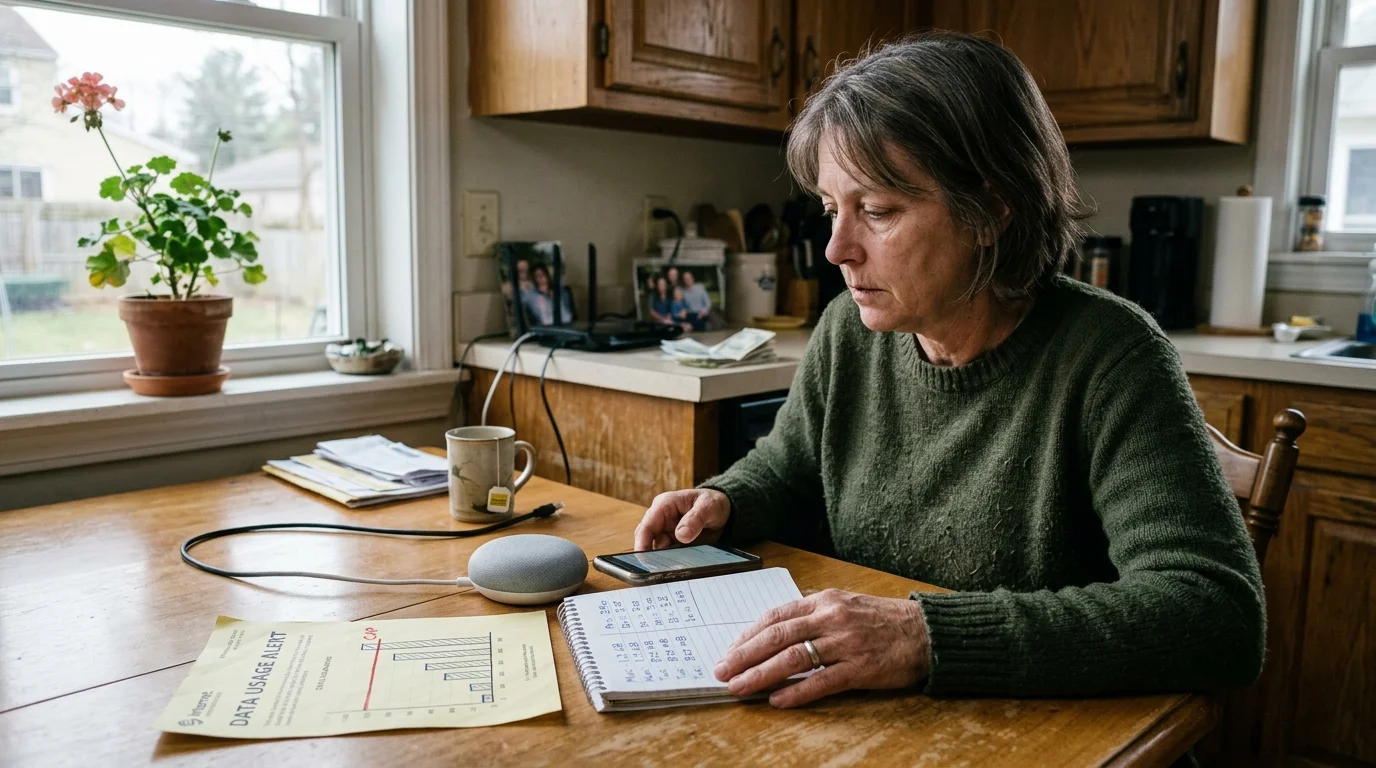
Determining how much data do smart devices use begins with auditing idle traffic versus active usage. Everyday smart home categories consume vastly different amounts of metered bandwidth.
Frequent network drops force accessories to repeatedly exchange authentication packets, making troubleshooting smart devices that keep disconnecting vital to stopping phantom data spikes.
Standard Wi-Fi smart plugs and light switches ping cloud hosts every few seconds to verify connectivity. A single Wi-Fi plug typically uploads between 15MB and 50MB of telemetry per month.
If you install twenty budget Wi-Fi smart bulbs across your living spaces, those idle bulbs consume up to 1GB of data monthly. They consume this data even if you never turn them on.
Smart thermostats require constant network contact to deliver remote temperature management and localized weather forecasts. According to specifications for Energy Star smart thermostats, units like Ecobee or Google Nest exchange between 50MB and 100MB of operational telemetry monthly.
Smart voice assistants like Amazon Echo or Google Nest Mini consume roughly 30MB to 50MB per month strictly handling voice queries and server handshakes. That equates to roughly 1MB to 2MB of idle traffic daily.
Streaming media on those same smart speakers rapidly increases bandwidth consumption. Playing internet radio, podcasts, or music through a voice assistant consumes approximately 100MB per hour, draining 1GB for every ten hours of listening.
Connected appliances like smart refrigerators, robot vacuums, and washing machines also generate telemetry. These large appliances ping remote servers to deliver error reporting and cloud telemetry, consuming another 40MB to 120MB monthly per unit.
- Wi-Fi Smart Bulbs and In-Wall Switches: 15MB to 50MB per month each for keep-alive heartbeats and cloud polling.
- Wi-Fi Smart Plugs: 20MB to 50MB per month each for diagnostic telemetry and real-time state synchronization.
- Smart Thermostats: 50MB to 100MB per month for cloud schedules, historical runtime reporting, and exterior weather feeds.
- Smart Speakers (Idle & Voice Queries): 30MB to 50MB per month for voice packet processing and telemetry.
- Smart Speakers (Audio Streaming): Approximately 100MB per hour of continuous music or podcast playback.
Restricting Video Feeds: Taming the Primary Bandwidth Consumer
Security cameras represent the single greatest hazard to metered satellite connections. Without proper safeguards, cloud-tethered surveillance hardware can burn through an entire monthly 100GB satellite allocation in a matter of days.
A 1080p camera uploading continuous 24/7 video streams consumes between 120GB and 300GB monthly per device. Even on unlimited satellite packages, this heavy traffic invites severe network deprioritization and connection slowdowns.
According to continuous testing published by PCMag Smart Home experts, cloud security cameras uploading constant video streams overwhelm even generous metered plans almost immediately.
Switching your cameras to event-based clip uploads dramatically reduces your metered consumption. Motion-triggered recording drops monthly camera usage down to between 1GB and 25GB per camera, depending entirely on movement frequency.
For rural properties with high activity, even motion clips can push your bandwidth past monthly thresholds. Trees blowing in the wind, passing wildlife, and shadows constantly trigger false recordings that upload to cloud storage.
Adjusting recording bitrates provides immediate bandwidth relief for essential cloud feeds. Dropping camera frame rates from 30 frames per second to 15 frames per second cuts clip file sizes nearly in half without degrading security utility.
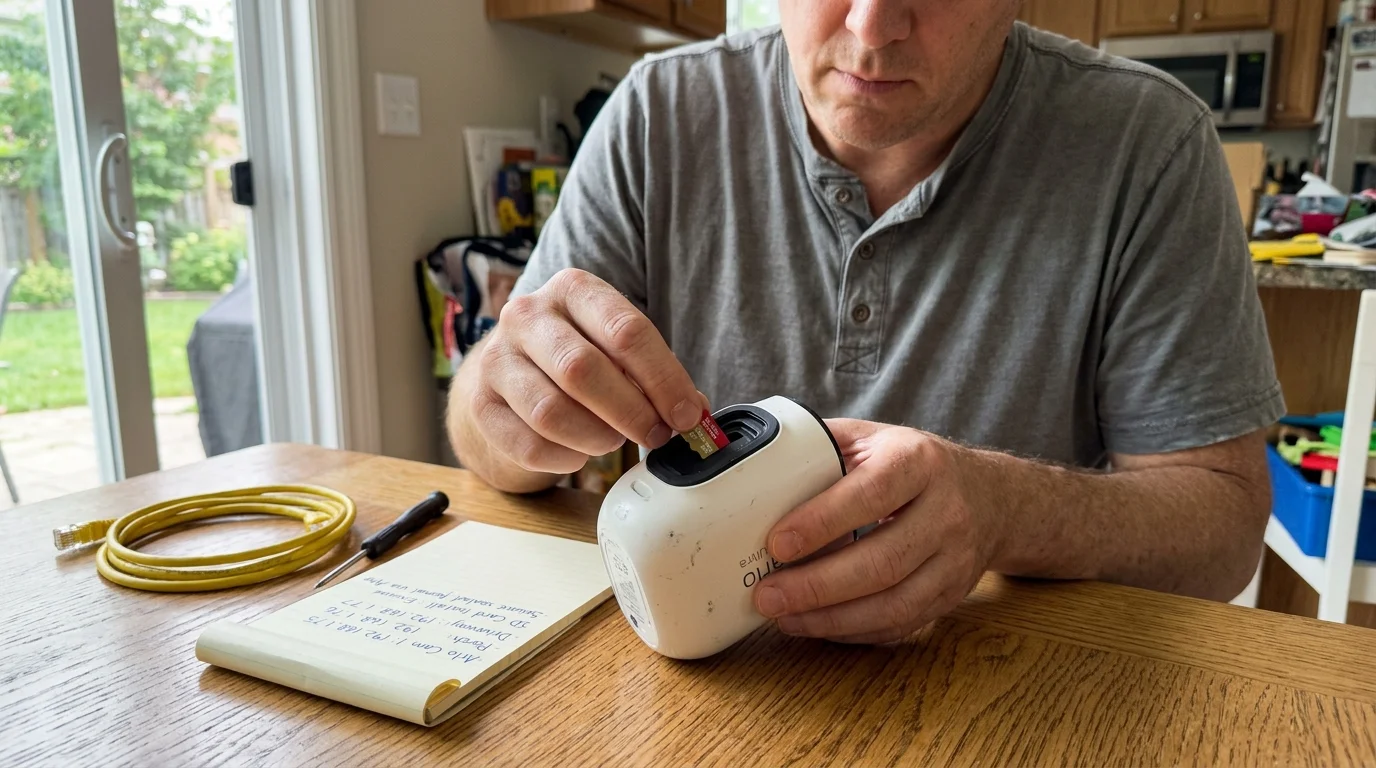
The only foolproof solution for satellite broadband users is adopting on-premise local video storage. Hardware utilizing onboard microSD cards or a central Network Video Recorder (NVR) stores high-resolution footage on your local network.
Local storage architecture uses exactly 0MB of metered satellite data during continuous recording. Your cameras only consume external bandwidth when you manually launch a remote live view from outside your home.
- Disable 24/7 continuous cloud uploads across all internal and external surveillance cameras immediately.
- Select security hardware equipped with onboard microSD cards, such as Reolink or Eufy standalone models.
- Deploy a local Network Video Recorder to retain multiple weeks of full-bitrate footage completely off the internet.
- Configure motion detection zones to ignore background brush, livestock enclosures, and public roadways.
- Lower live-view streaming resolution within the camera mobile app from 4K or 2K down to standard definition.
Eliminating Cloud Calls: Migrating to Zigbee, Z-Wave, and Matter
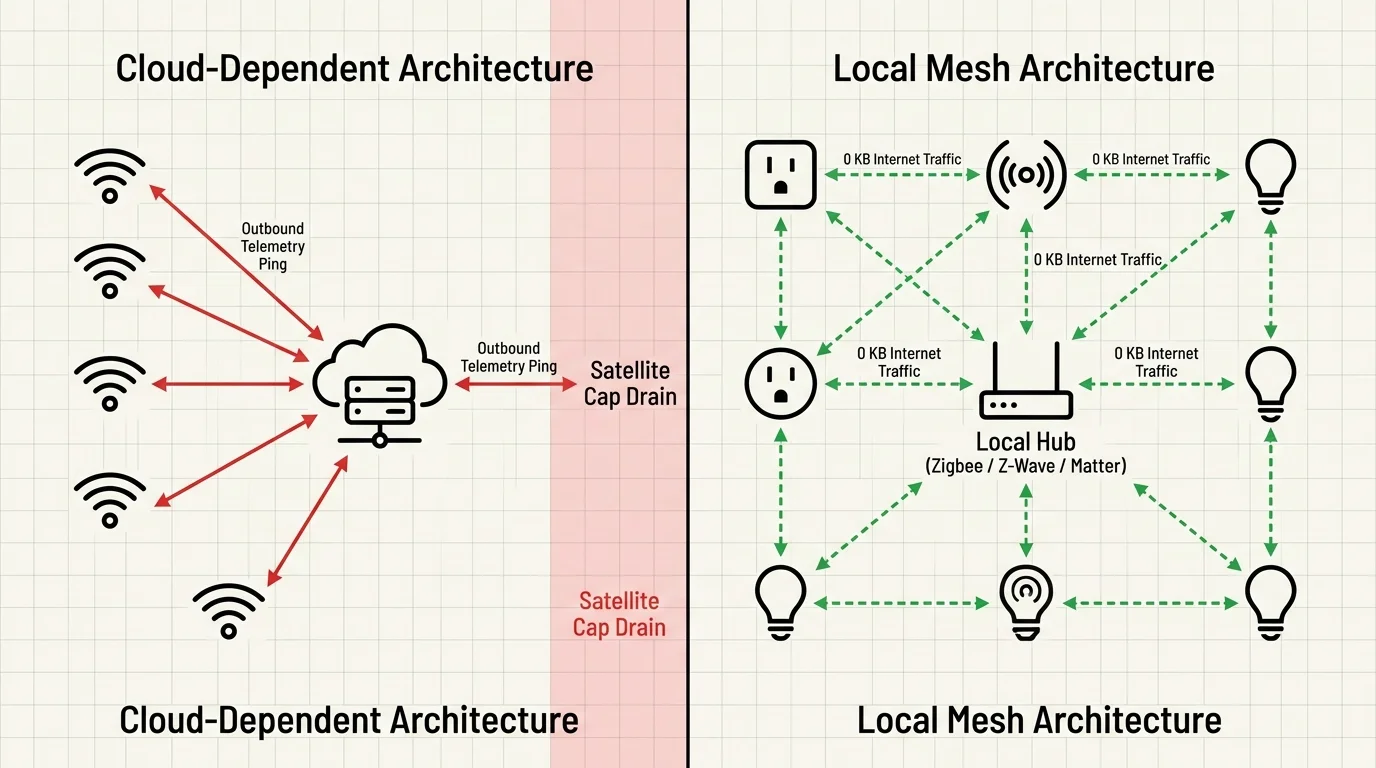
To permanently reduce smart home bandwidth usage, you must replace cloud-dependent communication with local radio protocols. Most consumer smart gadgets rely on Wi-Fi chips that communicate exclusively by routing commands through remote corporate clouds.
When setting up local wireless coordinators, remember that resolving 2.4GHz spectrum crowding between your Wi-Fi channels and Zigbee mesh will ensure reliable offline automation.
When you press a Wi-Fi wall switch, the command travels through your satellite dish to a remote server before bouncing back to flip the light relay. This round trip wastes valuable megabytes and introduces annoying latency.
In contrast, low-power mesh protocols like Zigbee and Z-Wave bypass your satellite internet modem entirely. Devices communicate using localized 2.4 GHz or sub-gigahertz radio frequencies paired with a centralized local controller.
Modern local smart hubs, including Hubitat Elevation and Home Assistant Green, process automations locally on your home network. When a motion sensor detects movement, the hub turns on your lighting without using a single byte of internet data.
The newer Matter connectivity standard also prioritizes local network communication. According to the Matter Smart Home Standard specifications, Matter over Thread allows certified devices to communicate directly across an IPv6 local mesh without internet access.
By adopting Thread border routers, your Matter devices form a self-healing local mesh that never dials out to external web servers. Your automations execute instantaneously across brands without consuming valuable satellite megabytes.
Transitioning your home to local mesh hardware guarantees your automations continue running seamlessly even during heavy weather satellite outages. You also gain complete privacy while securing your monthly data allowance.
- Audit your connected devices to identify Wi-Fi peripherals that send unencrypted cloud telemetry.
- Install an offline-capable local smart hub, such as a Hubitat Elevation C-8 or Home Assistant Green controller.
- Replace Wi-Fi smart plugs and wall switches with Z-Wave Plus or Zigbee alternatives.
- Pair smart sensors and switches directly to your local hub rather than proprietary smartphone applications.
- Recreate your lighting and climate automations inside your local hub’s internal rules engine.

Worked Scenario: Auditing a Rural Smart Home on a 100GB Budget
Consider a practical scenario involving a rural homeowner named David, living in Montana on a HughesNet Priority 100GB monthly plan. David pays $85 monthly for 100GB of priority data, facing $15 overage charges per 10GB increment.
Even if you are designing a smart home on a budget, buying cheap cloud-tethered gadgets often costs significantly more in the long run through monthly satellite overage charges.
Overlooking background telemetry is one of the most expensive smart home mistakes beginners should avoid, especially on metered satellite contracts.
David installed popular off-the-shelf smart gear without realizing how much data it leaked. After receiving unexpected overage penalties two months in a row, he performed a complete network telemetry audit.
His inventory revealed fifteen budget Wi-Fi smart bulbs consuming 450MB monthly (30MB each), six Wi-Fi plugs consuming 150MB, and one smart thermostat using 80MB. Additionally, two cloud-based outdoor security cameras were consuming 30GB through motion clips.
Two smart speakers used 100MB of idle sync telemetry, while David streamed approximately 15 hours of music monthly, totaling 1,500MB. In total, his smart devices consumed 32,280MB (32.28GB), eating nearly a third of his monthly satellite allowance.
David executed a targeted hardware and network restructuring over a single weekend. He implemented three concrete modifications to halt the background data drain on his satellite cap.
- Swapped Wi-Fi Bulbs and Plugs: Replaced 15 Wi-Fi bulbs and 6 plugs with Zigbee modules linked to a Hubitat hub, saving 600MB monthly.
- Converted Cameras to Local NVR: Replaced the cloud cameras with two Reolink PoE cameras recording to a local NVR, saving 30,000MB (30GB).
- Scheduled Music Streaming: Restricted audio streaming to HughesNet’s 50GB off-peak Bonus Zone (2:00 AM to 8:00 AM), saving 1,500MB of Priority Data.
Following these modifications, David’s monthly smart home consumption plummeted from 32,280MB down to just 180MB (80MB for thermostat telemetry and 100MB for idle speaker syncs). He recovered 32.1GB of priority data each month.
By eliminating 32.1GB of recurring cloud waste, David prevented recurring $45 monthly overage fees. The hardware upgrades completely paid for themselves within five months of operation.
Router-Level Data Rules: Firewalling and Scheduling Sync Windows
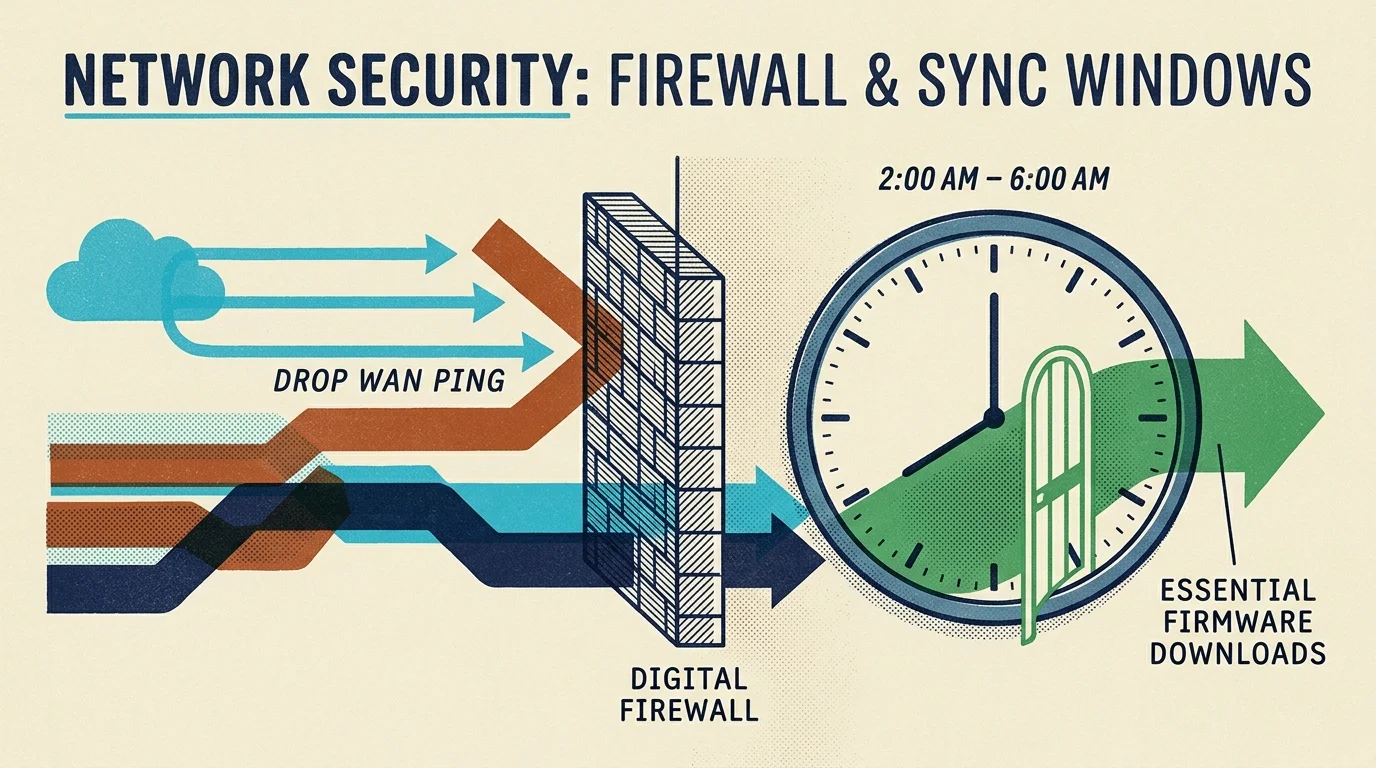
Configuring firewall settings on your local router provides absolute control over your network traffic. Even if a smart gadget attempts to phone home, strict router rules stop external data leaks at your gateway.
Most third-party routers from Asus, TP-Link, or GL.iNet permit you to block specific IP addresses from accessing the external Wide Area Network (WAN). Assign static IP addresses or DHCP reservations to your smart home equipment.
Once assigned, apply WAN-blocking firewall rules to local hubs, IP cameras, and smart appliances. This configuration allows internal devices to communicate with your smartphone locally while barring outbound internet transmissions.
You can also redirect smart home Network Time Protocol (NTP) requests to a local clock. Cheap smart devices constantly ping public time servers, generating thousands of daily DNS queries and data packets.
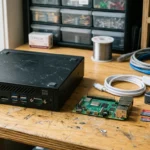
Hosting a local NTP server on your router or Raspberry Pi satisfies these time sync requests internally. Your smart plugs stay synchronized down to the millisecond without ever sending a packet across your satellite link.
Take strategic advantage of off-peak satellite data windows to run firmware updates and heavy maintenance tasks. HughesNet provides an unmetered Bonus Zone delivering 50GB of extra data between 2:00 AM and 8:00 AM local time.
Disable automatic firmware updates inside device management applications to prevent surprise daytime downloads. Schedule updates, camera backups, and cloud database synchronizations to trigger strictly during off-peak bonus hours.
- Log in to your router gateway and assign static IP reservations to all connected smart devices.
- Create an isolated Virtual Local Area Network (VLAN) designated specifically for Internet of Things hardware.
- Configure firewall access control lists to deny WAN internet access to the IoT VLAN.
- Turn off automatic cloud backups and over-the-air firmware updates in manufacturer companion apps.
- Schedule system maintenance and bulk video offloading during designated off-peak satellite bonus windows.
Architecture Comparison: Cloud-Dependent vs. Local-First Smart Gear
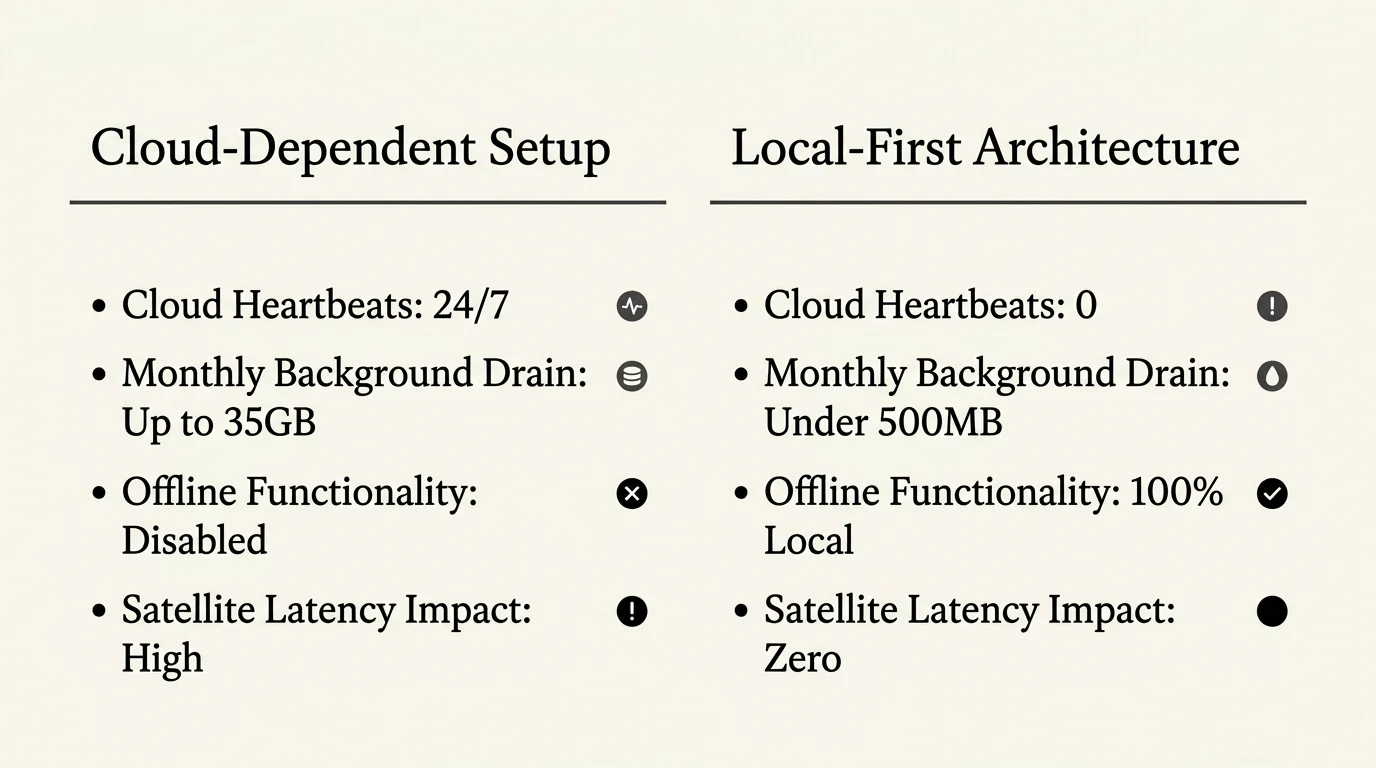
Choosing between cloud-tethered accessories and local-first hardware determines your monthly broadband expenses. The table below illustrates the measurable data footprint across standard smart home product categories.
| Smart Home Category | Cloud Wi-Fi Monthly Data (Per Unit) | Local Mesh Monthly Data (Zigbee/Z-Wave/Matter) | Monthly Bandwidth Savings (10 Units) |
|---|---|---|---|
| Smart In-Wall Switches | 20 MB to 45 MB | 0 MB (LAN Only) | 200 MB to 450 MB |
| Smart LED Bulbs | 15 MB to 50 MB | 0 MB (LAN Only) | 150 MB to 500 MB |
| Smart Plugs / Energy Monitors | 25 MB to 60 MB | 0 MB (LAN Only) | 250 MB to 600 MB |
| Indoor/Outdoor Security Cameras | 15,000 MB to 200,000 MB | 0 MB (On-Premise NVR/SD) | 150,000 MB to 2,000,000 MB |
| Door & Window Sensors | 10 MB to 30 MB | 0 MB (LAN Only) | 100 MB to 300 MB |
Selecting local mesh architecture completely neutralizes the compounding data cost of scaling your smart home. You can operate hundreds of Zigbee or Z-Wave accessories without consuming a single kilobyte of priority satellite allowance.
Frequently Asked Questions
Do smart plugs use internet data when they are turned off?
Yes, Wi-Fi smart plugs continuously consume internet data even when switched off. They must maintain an active connection with cloud servers to listen for remote activation commands and report electrical diagnostics.
Can Home Assistant or Hubitat work completely without an internet connection?
Yes, both Home Assistant and Hubitat execute logic, schedules, and device automations locally on your private home network. Your automated routines function seamlessly during severe satellite outages or complete broadband disconnections.
How much satellite data does viewing a live camera feed remotely consume?
Streaming a 1080p security camera feed remotely consumes between 5MB and 15MB of satellite data per minute. Viewing an uncompressed 4K security stream can consume over 30MB every minute.
Will switching from Wi-Fi to Zigbee devices lower my satellite bill?
Switching from cloud-reliant Wi-Fi accessories to local Zigbee mesh hardware eliminates background telemetry calls entirely. For households approaching monthly 100GB thresholds, this change frequently prevents expensive data overage fees.
Does voice control through Alexa or Google Home require satellite data?
Yes, smart speakers must upload spoken audio snippets to cloud servers for speech recognition processing. Each voice query consumes approximately 100KB to 250KB of upload and download bandwidth.
Disclaimer: This article is for informational purposes only; smart home devices involve electrical connections and data privacy. Always follow manufacturer instructions for installation, and consult a licensed professional for complex electrical or HVAC wiring.