
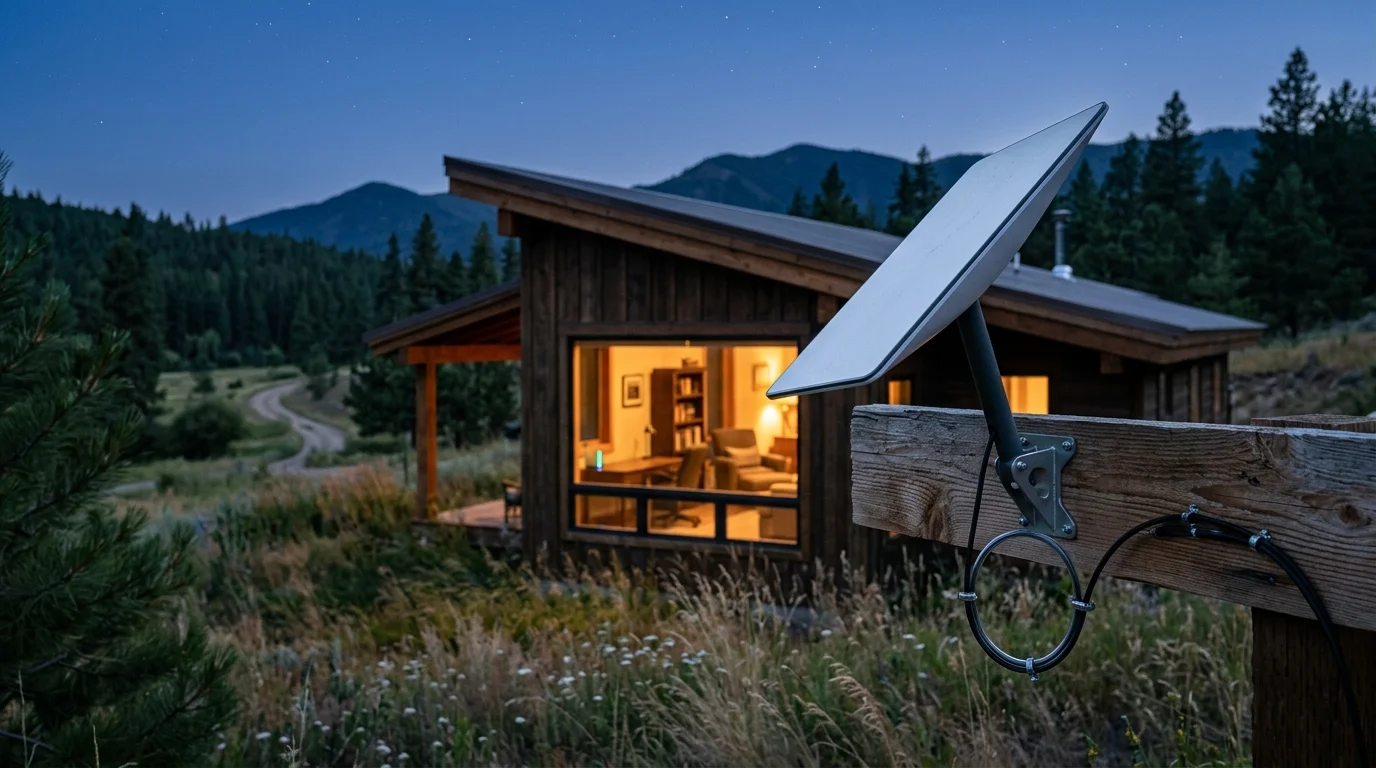
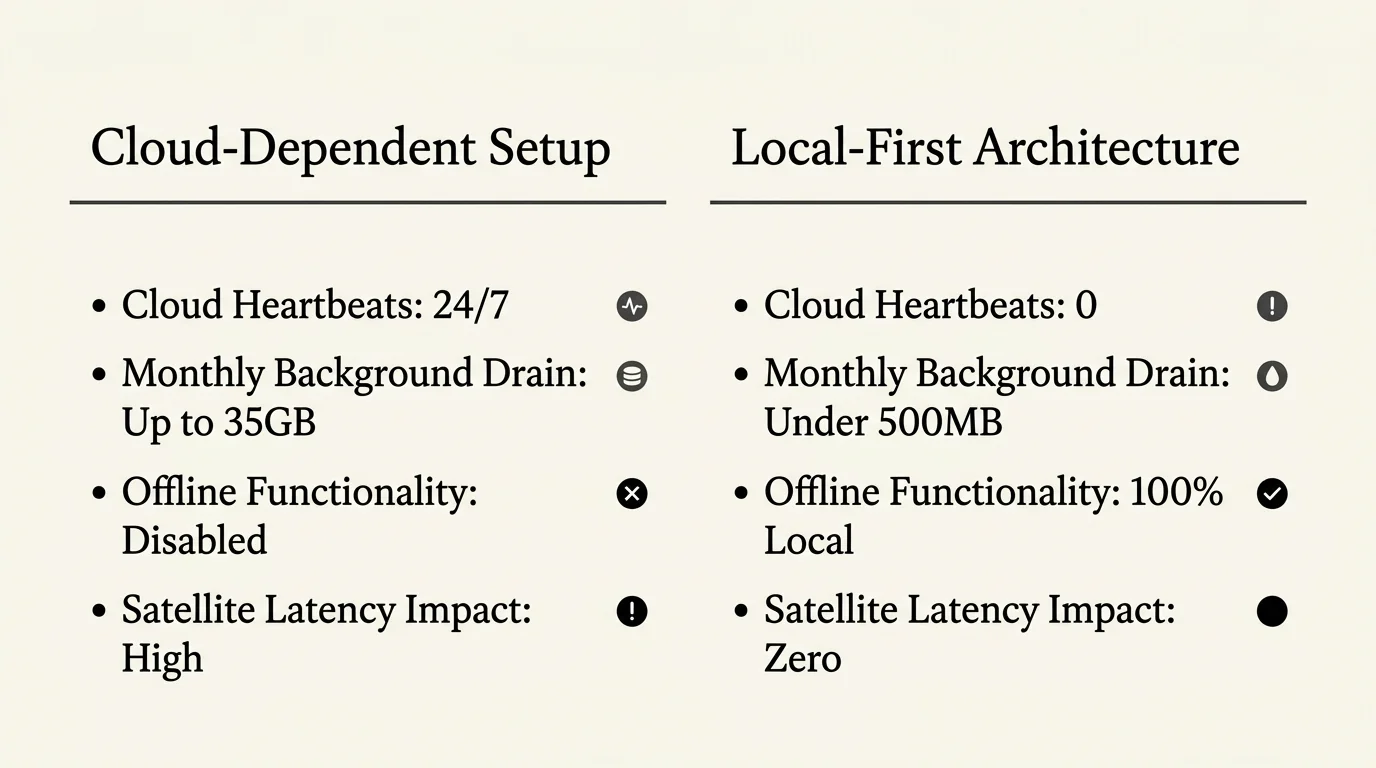
A rural household relying on a metered 100GB satellite internet connection cannot let unmanaged smart gadgets silently exhaust monthly priority data. Standard consumer Wi-Fi devices devour up to 35% of a 100GB satellite cap through idle cloud telemetry and background uploads.
Shifting to local-first mesh protocols, on-premise camera storage, and strict router firewall rules slashes background usage to under 500MB monthly. These changes protect your allowance from overage charges and 1 to 3 Mbps throttling.
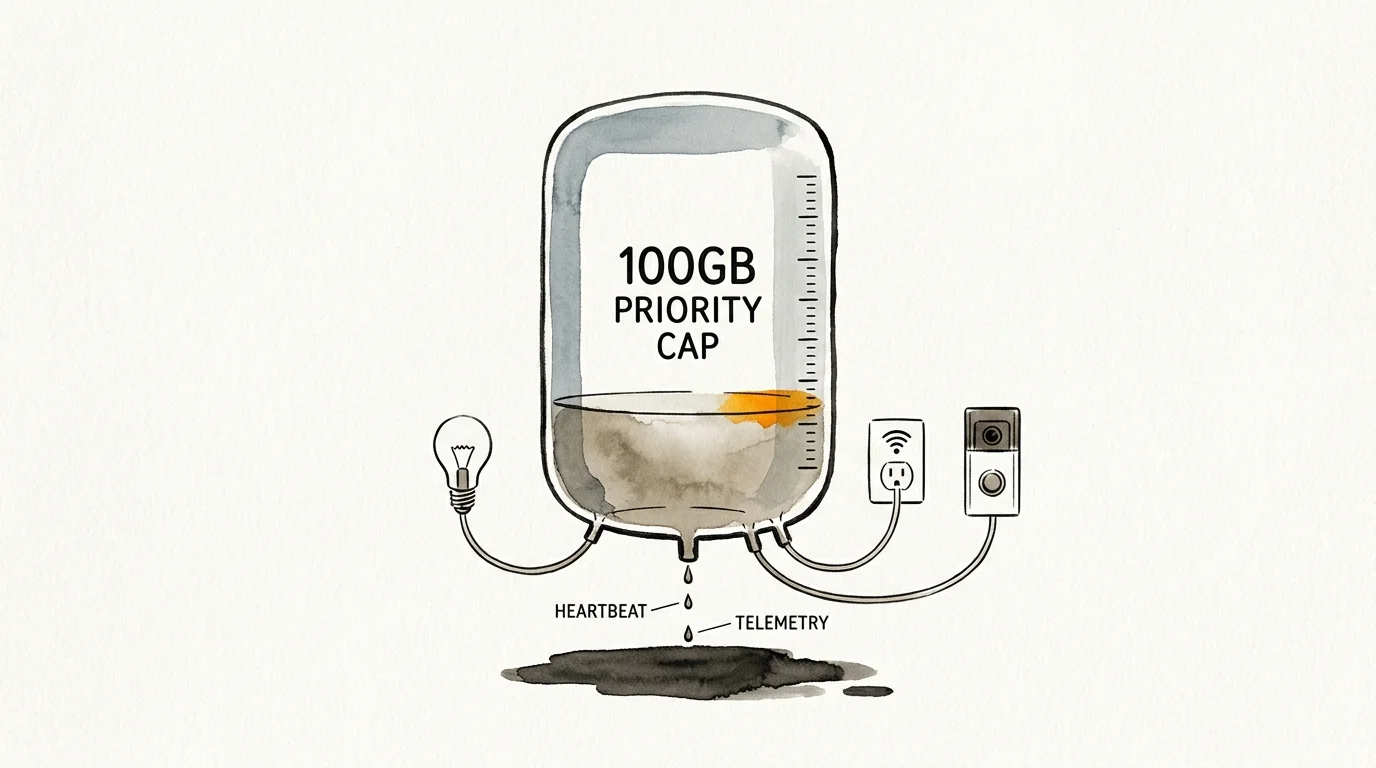
Matching Smart Hardware to a 100GB Satellite Cap
HughesNet caps priority data between 100GB and 200GB before throttling speeds to 1 to 3 Mbps. Viasat sets thresholds between 60GB and 300GB, while Starlink metered Roam 50GB and 100GB plans bill steep rates per extra gigabyte.
Take time to test if your home is ready for smart devices before buying gear. Reviewing where to start with a smart home helps you choose local protocols first.
Check each device category below against your tenancy, network, assistant, and household needs, and confirm specifications on the maker’s page before buying.
| Device Option | Renting or Owning | Wi-Fi vs. Local Option | Assistant and Hub | Household Fit | Cloud Data vs. Local Savings |
|---|---|---|---|---|---|
| Smart LED Bulbs | Renters or owners | 15 MB to 50 MB Wi-Fi; 0 MB Zigbee or Matter over Thread | Hubitat or Home Assistant Green | Daily living rooms | 150 MB to 500 MB (10 units) |
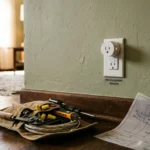
| Smart Plugs | Renters or owners | 25 MB to 60 MB Wi-Fi; 0 MB Z-Wave Plus or Zigbee | Local hub; offline control | Lamps and appliances | 250 MB to 600 MB (10 units) |
| In-Wall Switches | Owners (neutral wire) | 20 MB to 45 MB Wi-Fi; 0 MB Z-Wave or Zigbee | Hubitat C-8 or Home Assistant Green | Hallways and shared rooms | 200 MB to 450 MB (10 units) |
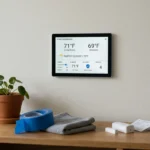
| Smart Thermostats | Owners or approved rentals | 50 MB to 100 MB Wi-Fi | Ecobee or Google Nest | Climate schedules | Keep one; restrict polling |
| Security Cameras | Renters (indoor) or owners (PoE) | 15,000 MB to 200,000 MB cloud; 0 MB NVR or microSD | Reolink or Eufy local storage | Pets or wildlife | 150,000 MB to 2,000,000 MB (10 units) |
| Door and Window Sensors | Renters or owners | 10 MB to 30 MB Wi-Fi; 0 MB Zigbee or Z-Wave | Direct local triggers | Doors and outbuildings | 100 MB to 300 MB (10 units) |
| Voice Speakers | Renters or owners | 30 MB to 50 MB idle; 100 MB per hour audio | Amazon Echo or Google Nest Mini | Off-peak spoken commands | Use 2:00 AM to 8:00 AM |
Operating Zigbee, Z-Wave, or Matter over Thread hardware keeps routine device traffic completely off your satellite dish.
Auditing Idle Telemetry Across Bulbs, Plugs, Thermostats, and Speakers
Budget Wi-Fi smart devices are the wrong buy for a metered satellite home because they maintain continuous outbound cloud links. Cheap microcontrollers send encrypted heartbeats dozens of times per minute, even when turned off.
Weak Wi-Fi signals worsen phantom usage because frequent drops force repeated authentication packets. Applying troubleshooting smart devices that keep disconnecting prevents reconnect loops from inflating your monthly bill.
According to specifications for Energy Star smart thermostats, models like Ecobee or Google Nest exchange 50MB to 100MB monthly. Connected refrigerators, robot vacuums, and washing machines add 40MB to 120MB monthly per appliance.
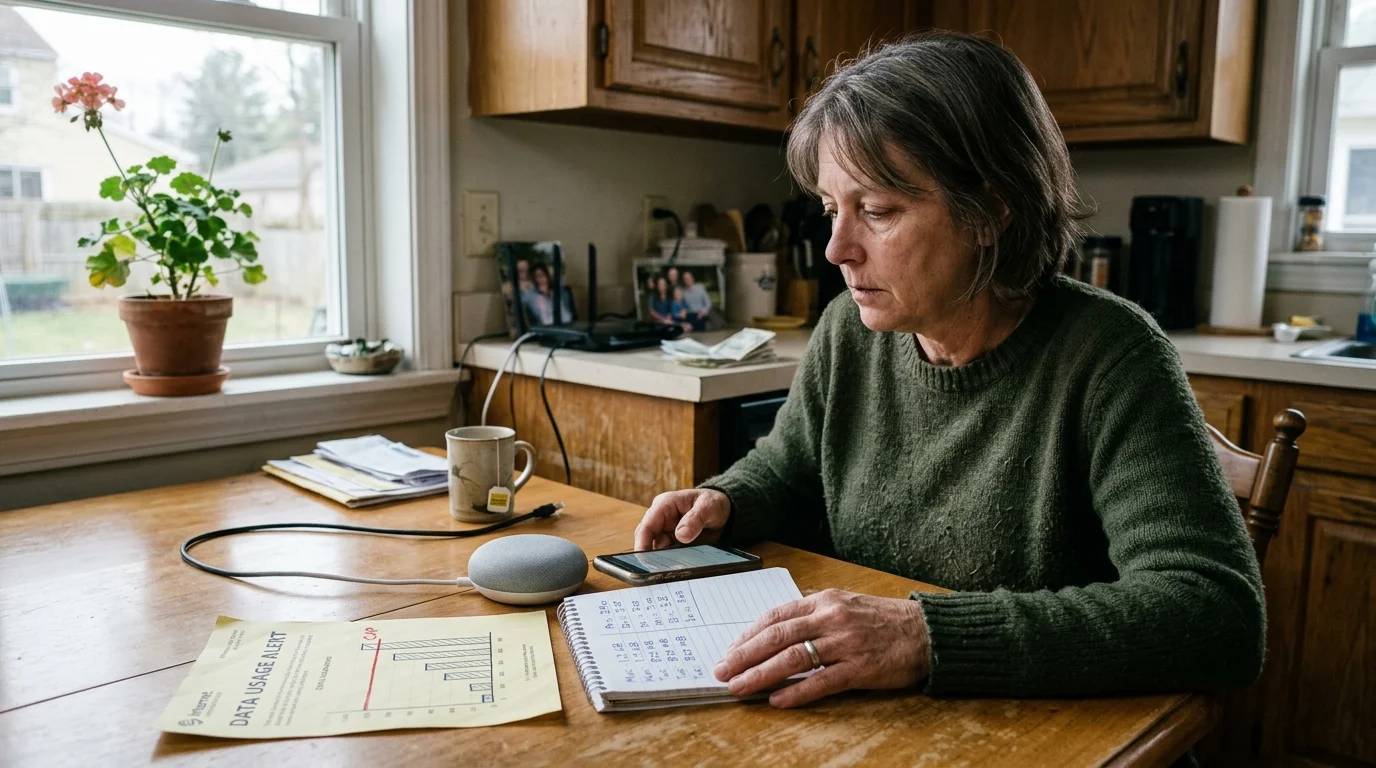
- Wi-Fi Bulbs and Switches: 15MB to 50MB monthly each; twenty idle bulbs consume up to 1GB monthly.
- Wi-Fi Smart Plugs: 20MB to 50MB monthly each for keep-alive pings and state syncing.
- Smart Speakers (Idle and Queries): 30MB to 50MB monthly (1MB to 2MB daily); each voice command uses 100KB to 250KB.
- Smart Speakers (Streaming): Roughly 100MB per hour of music or podcasts, draining 1GB every ten hours.
Buying cloud-tethered Wi-Fi gadgets for a smart home on a budget often costs more through satellite overages. Ignoring background telemetry is one of the costliest smart home mistakes beginners should avoid.
Replacing Cloud Security Cameras with Local NVR and MicroSD Storage
A single 1080p camera uploading continuous 24/7 cloud video consumes 120GB to 300GB monthly. According to continuous testing published by PCMag Smart Home experts, cloud security cameras uploading constant video streams overwhelm even generous metered plans almost immediately.
Motion-triggered cloud clips still burn 1GB to 25GB monthly per camera when blowing trees, shadows, or wildlife trigger false alerts. Dropping frame rates from 30 frames per second to 15 frames per second cuts clip sizes nearly in half.
On-premise recording using microSD cards or a Network Video Recorder (NVR) consumes 0MB of satellite data during continuous capture. Remote live viewing only burns external bandwidth away from home, using 5MB to 15MB per minute at 1080p or over 30MB at 4K.
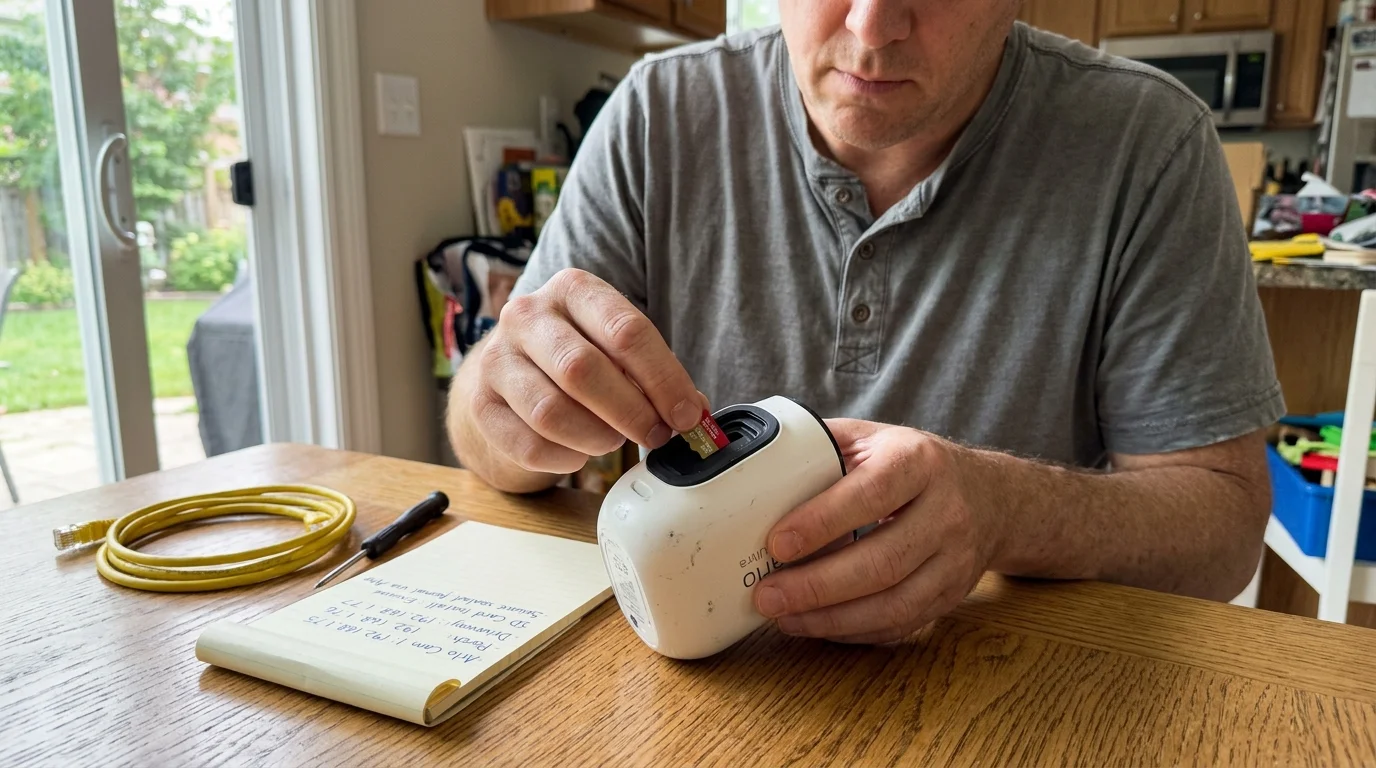
- Disable 24/7 continuous cloud uploads on every indoor and outdoor camera.
- Pick Reolink or Eufy microSD cameras for renter-friendly local recording.
- Install a PoE NVR in owned homes to retain weeks of footage offline.
- Set motion zones to ignore brush, livestock pens, and public roads.
- Lower mobile live-view resolution from 4K or 2K down to standard definition.
Migrating Switches, Bulbs, and Sensors to Zigbee, Z-Wave, and Matter
Cloud Wi-Fi switches bounce commands through your satellite dish to remote servers before toggling a light. Local Zigbee and Z-Wave meshes bypass your modem entirely on 2.4 GHz or sub-gigahertz frequencies.
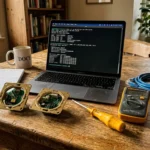
Hubs like the Hubitat Elevation C-8 and Home Assistant Green run smart sensors and climate automations locally. Routines keep working during weather outages while giving you complete privacy.
The Matter connectivity standard also prioritizes local control. According to the Matter Smart Home Standard specifications, Matter over Thread lets certified devices communicate across an IPv6 local mesh without internet access.
Adding Thread border routers keeps multi-brand hardware offline. When setting up Zigbee, resolving 2.4GHz spectrum crowding prevents Wi-Fi interference.
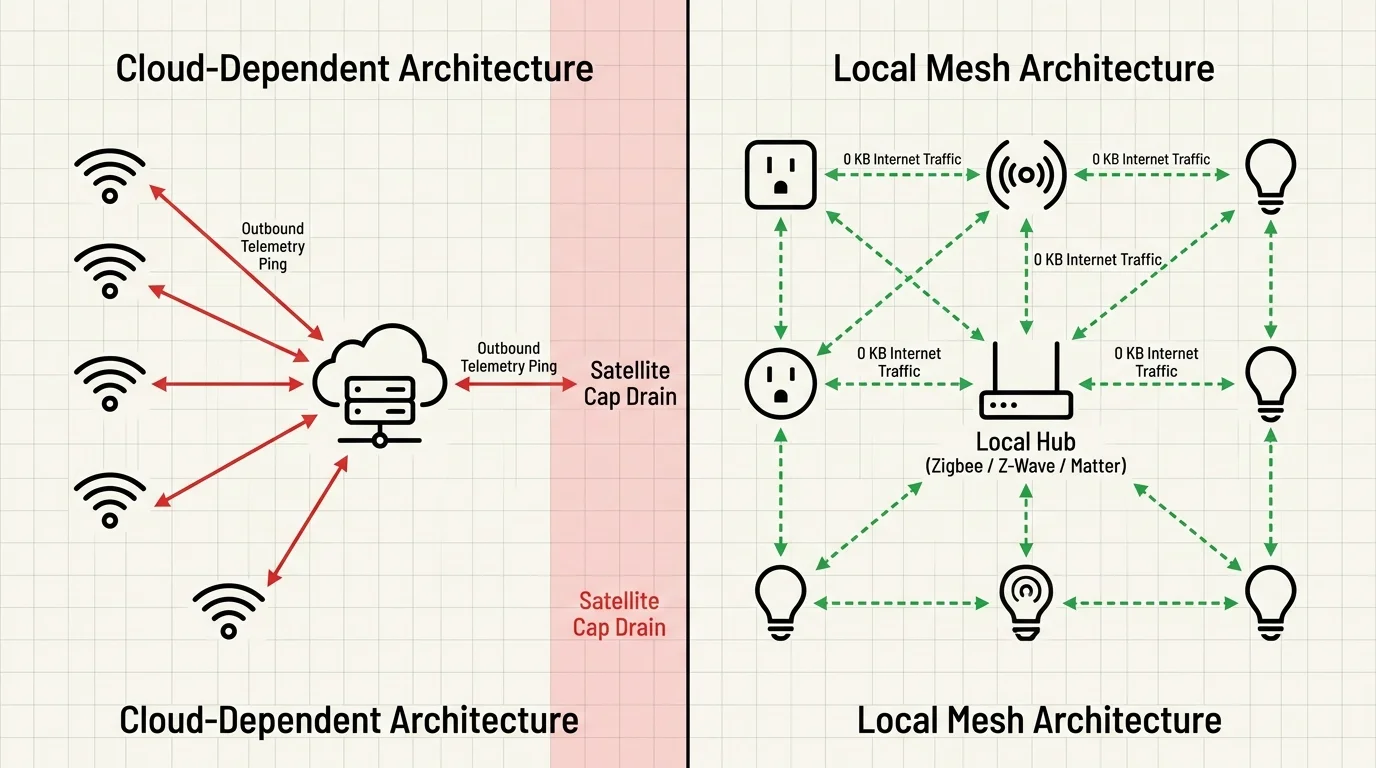
- Audit Wi-Fi gear to flag plugs, bulbs, and switches sending cloud telemetry.
- Connect a Hubitat Elevation C-8 or Home Assistant Green controller to your router.
- Swap Wi-Fi switches and plugs for Z-Wave Plus, Zigbee, or Matter over Thread gear.
- Pair sensors and switches to the local hub instead of vendor phone apps.
- Rebuild lighting and climate schedules inside the local hub’s rules engine.
Blocking Outbound WAN Pings with Router Firewall and DNS Rules
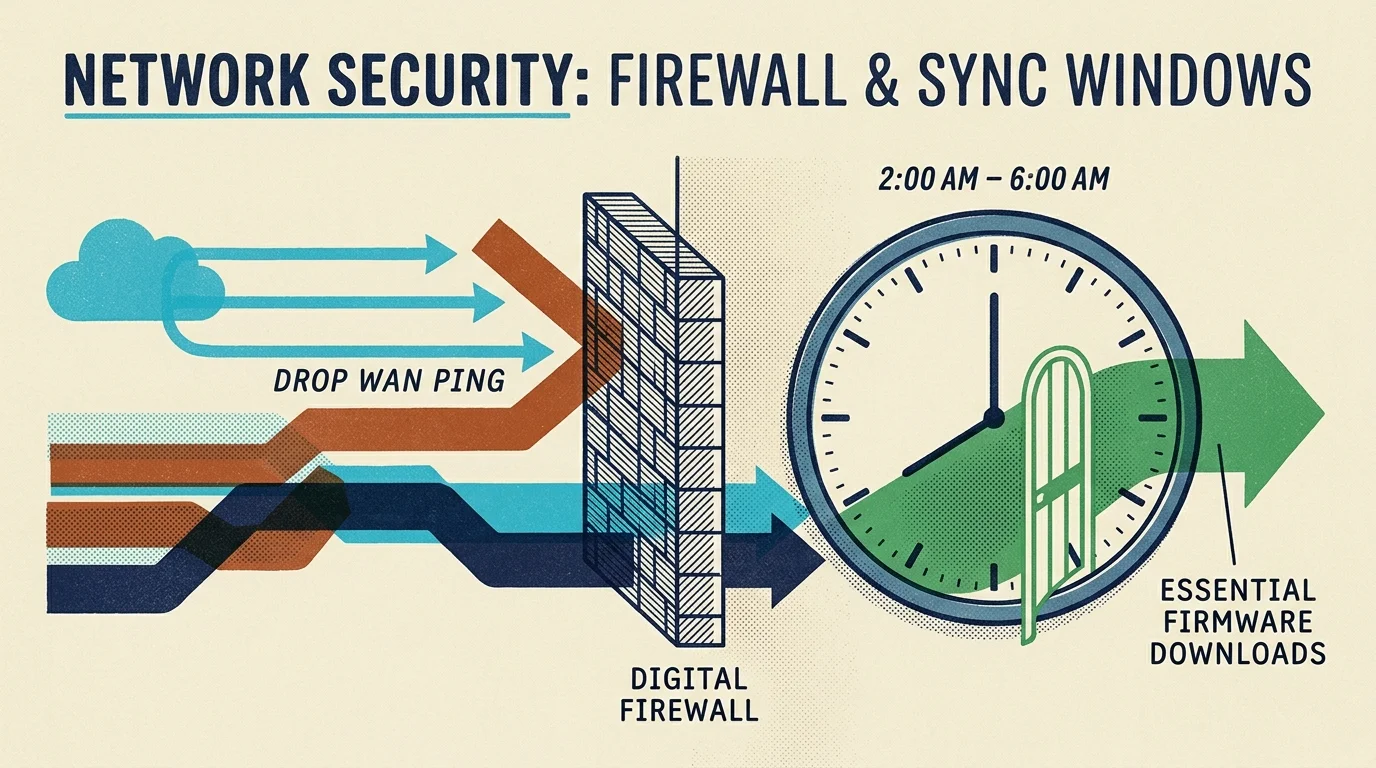
For Wi-Fi cameras, thermostats, or appliances you already own, router firewall rules block external traffic at the gateway. Third-party routers from Asus, TP-Link, or GL.iNet let you deny Wide Area Network (WAN) access while preserving local phone control.
Isolating IoT gear by creating a smart home guest network or Virtual Local Area Network (VLAN) makes monthly megabytes easy to track. Devices also hammer external DNS and Network Time Protocol (NTP) servers with thousands of daily queries.
- Assign static IP reservations: Bind fixed local IP addresses in router DHCP settings for every hub, camera, plug, and appliance.
- Isolate devices on an IoT VLAN or guest network: Move Wi-Fi gear onto a separate VLAN to contain and track background traffic.
- Block outbound WAN traffic in firewall rules: Deny WAN access for those static IPs or the IoT VLAN while keeping LAN-to-LAN traffic open for local apps.
- Serve DNS and NTP requests locally: Run an internal NTP server on your router or a Raspberry Pi and handle DNS lookups internally.
- Schedule updates off-peak: Disable automatic backups and firmware updates in apps, moving updates and music streaming to HughesNet’s 50GB Bonus Zone (2:00 AM to 8:00 AM).
Check your Asus, TP-Link, or GL.iNet router manual before blocking WAN access on a thermostat or speaker. Denying WAN disables cloud apps outside your home unless you use a local hub.
Auditing Smart Home Savings on a 100GB Satellite Budget
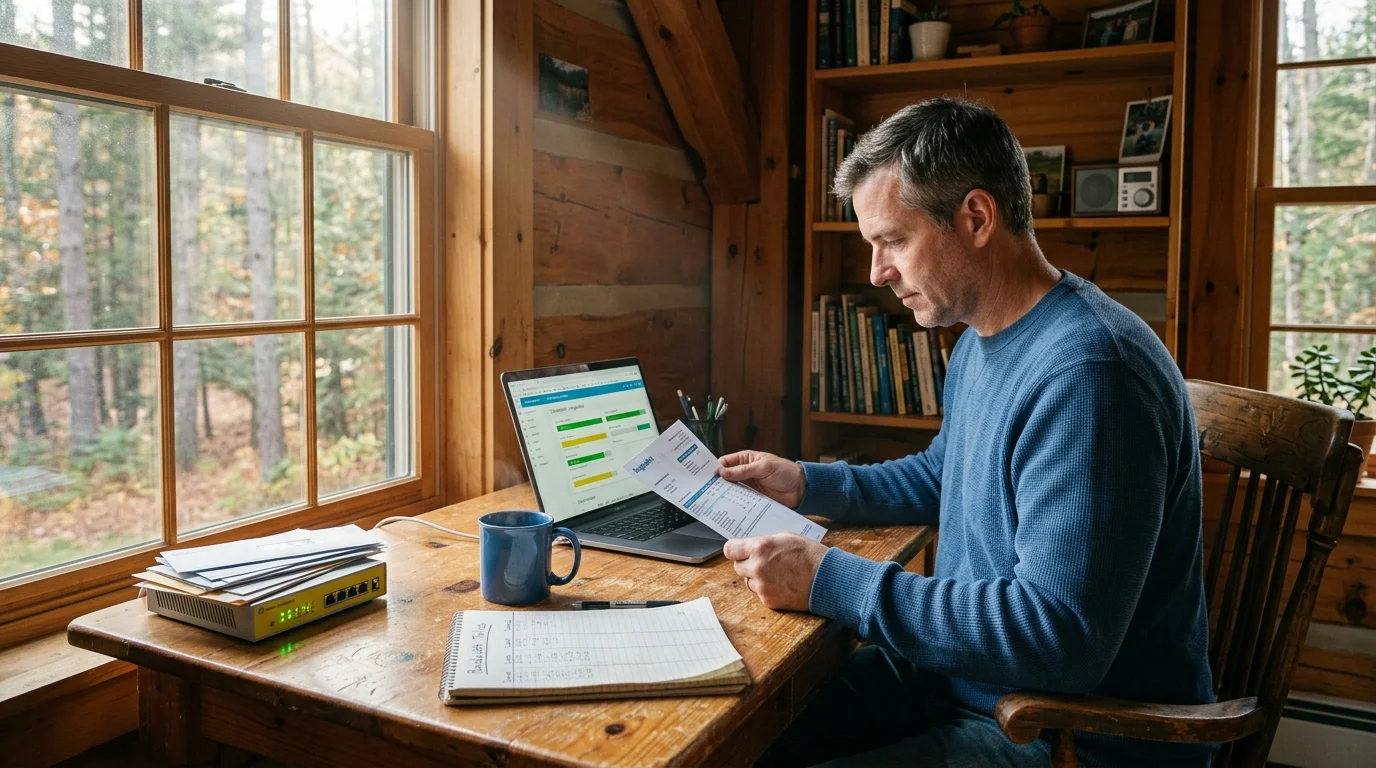
Consider a rural household on a HughesNet Priority 100GB plan priced at $85 monthly with $15 overages per 10GB increment, as cited in our baseline audit. Confirm current plan terms on the provider’s site before signing up.
In that audit, fifteen Wi-Fi bulbs used 450MB monthly at 30MB each, six plugs used 150MB, and one thermostat used 80MB. Two cloud cameras consumed 30GB, while two speakers used 100MB idle plus 1,500MB across 15 hours of music.
Altogether, those devices consumed 32,280MB (32.28GB), nearly one-third of the 100GB monthly cap.
- Swapped Bulbs and Plugs: Moved 15 bulbs and 6 plugs to Zigbee on a Hubitat hub, saving 600MB monthly.
- Converted Cameras to Local NVR: Replaced cloud cameras with two Reolink PoE units on a local NVR, saving 30,000MB (30GB).
- Scheduled Music Streaming: Shifted 15 hours of audio to the 50GB off-peak Bonus Zone (2:00 AM to 8:00 AM), saving 1,500MB.
Those changes cut smart home traffic from 32,280MB to 180MB (80MB for thermostat telemetry and 100MB for idle speaker syncs). Recovering 32.1GB monthly avoided $45 in overages and paid back upgrades in five months; confirm hardware prices on the maker’s site.
Disclaimer: This article is for informational purposes only; smart home devices involve electrical connections and data privacy. Always follow manufacturer instructions for installation, and consult a licensed professional for complex electrical or HVAC wiring.


2 Comments