Your non-verbal child can command smart home devices independently using their speech-generating augmentative and alternative communication (AAC) tablet. Smart speakers often ignore synthetic voices because digital speech lacks natural human resonance and introduces mechanical pauses between words.
You do not need an expensive environmental control unit to solve this issue. Adjusting acoustic equalization, extending assistant pause-window thresholds, and routing direct audio bridge the gap between communication software and consumer smart speakers.
Configuring these accessibility settings ensures voice assistants reliably capture machine-generated commands without truncating sentences or timing out.
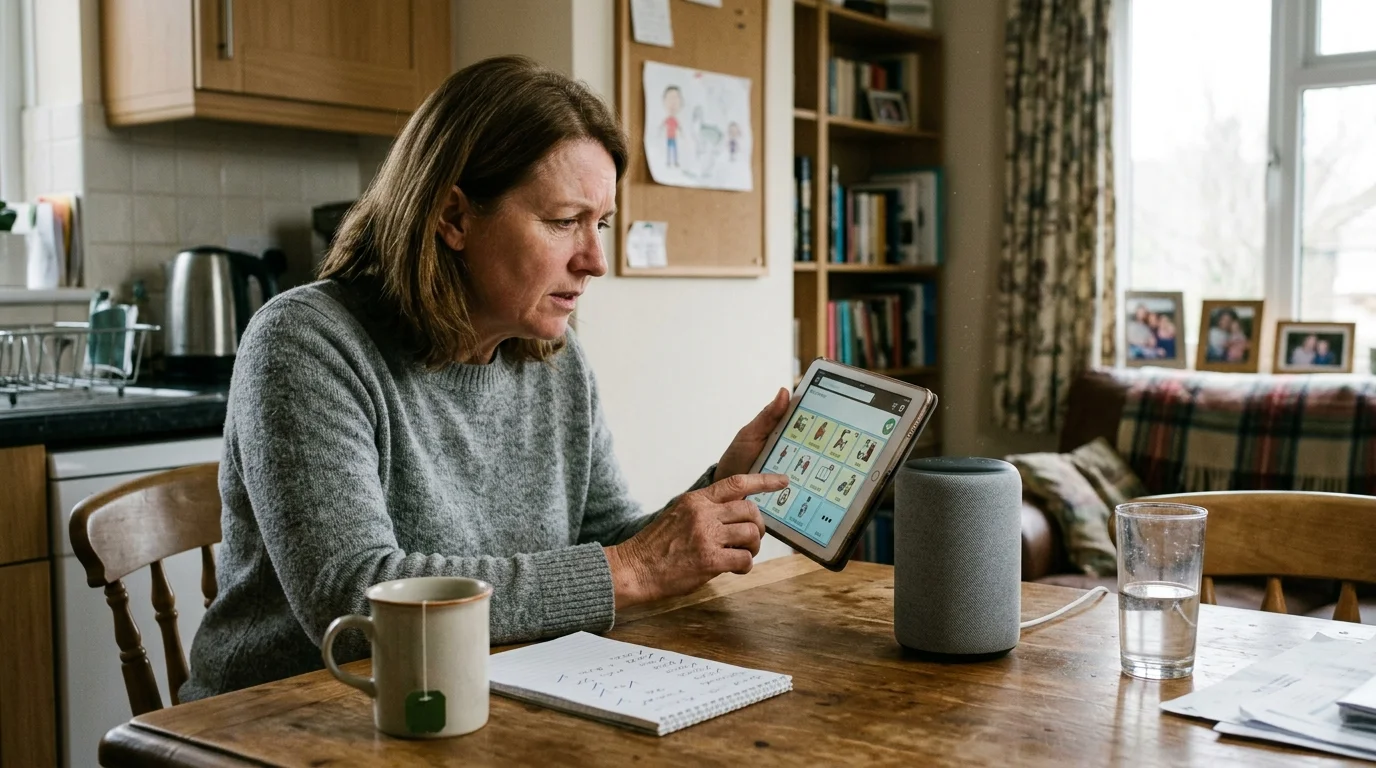
Why Smart Speakers Reject Synthetic Speech Formants
Smart speaker microphones rely on acoustic echo cancellation and beamforming arrays. These systems actively filter out sounds that lack natural human vocal characteristics.
If your speaker still fails to acknowledge wake words after testing different synthetic voices, follow our guide to troubleshooting when Alexa won’t listen to verify microphone functionality.
Human speech produces rich harmonic overtones and irregular glottal pulses. In contrast, text-to-speech (TTS) engines generate mathematically precise, static frequencies that microphone arrays often mistake for television background noise.
Formants represent the primary resonant frequencies of speech, labeled F1 through F3. Synthetic voices generated on tablets often produce compressed formants that collapse inside tiny mobile speakers.
When an AAC device voice assistant tries to interpret flat audio, the digital signal processor (DSP) discards the signal before natural language processing begins. This creates immediate recognition failure.
Cadence differences also break the assistant connection. AAC users select vocabulary tiles sequentially, creating unnatural latency between synthesized words.
Standard voice assistants expect steady syllabic delivery. When a synthetic voice pauses for 400 milliseconds between vocabulary tiles, the smart speaker immediately closes its listening window.
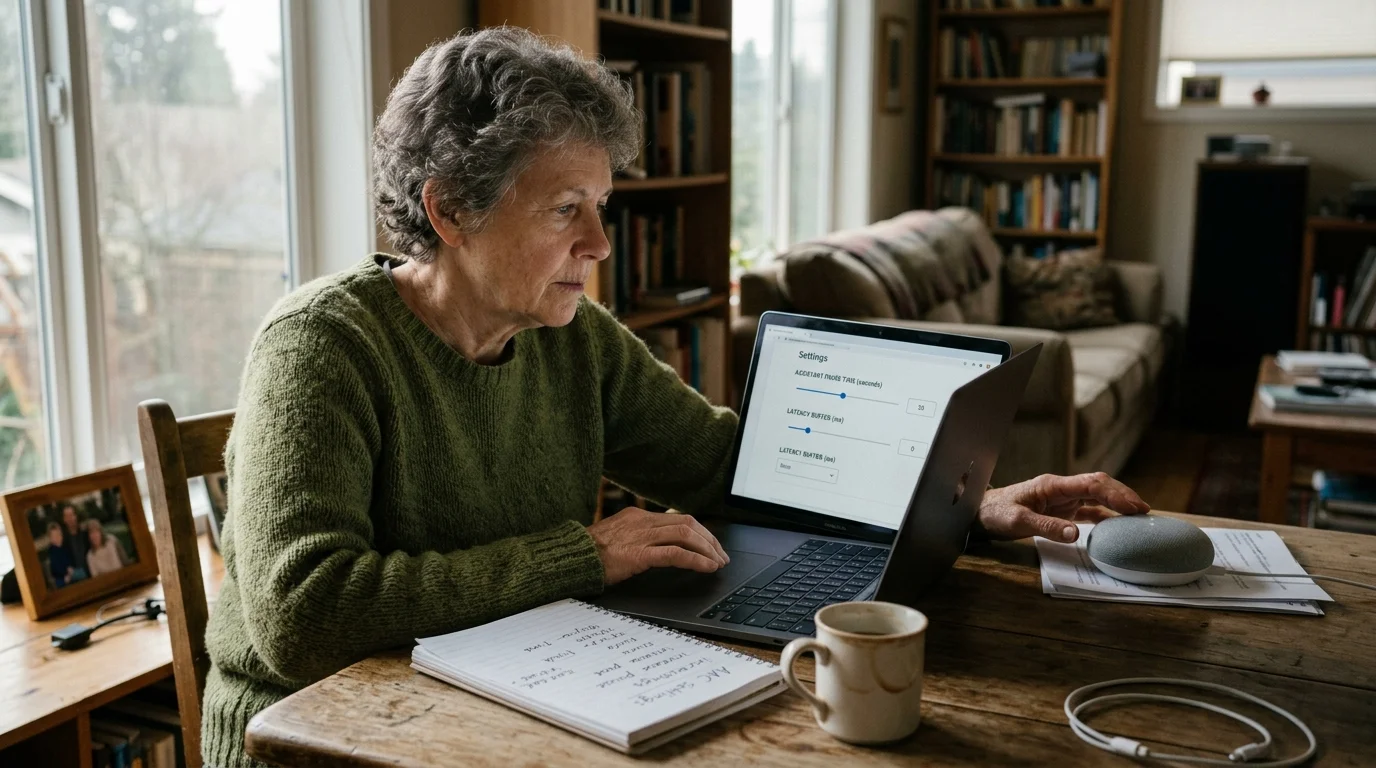
Configuring Assistant Pause Time and Latency Buffers
You must lengthen the time a smart speaker listens before it evaluates a command. Both Amazon and Apple provide accessibility tools to solve smart speaker speech delay issues.
These timing adjustments mirror strategies used when setting up voice control for elderly family members who also require extended conversational pauses.
Amazon Alexa includes an Adaptive Listening mode. This feature instructs the speaker to wait significantly longer before cutting off speech.
- Open the Amazon Alexa app on your phone.
- Select More, then tap Settings.
- Scroll down and select Accessibility.
- Tap Adaptive Listening and toggle the switch to the active position for every Echo device in your home.
Alexa also allows you to tune speech feedback rate between 0.7x and 2.0x of baseline speed. Matching Alexa’s response speed to your child’s AAC speech rate establishes a consistent conversational pace.
Apple Siri includes adjustable pause timing. You can adjust this feature on iOS devices and HomePod hubs through device settings.
- Open the Settings app on your Apple device.
- Tap Accessibility, then scroll down to Siri.
- Locate the Siri Pause Time heading.
- Change the selection from Default to Longest.
Selecting “Longest” adds up to two seconds of active silence buffering before Siri processes synthetic voice input. This buffer prevents Siri from cutting off your child mid-sentence while their tablet compiles speech tokens.
Google Assistant does not offer a named pause slider, but you can stabilize recognition by disabling Continued Conversation. Turning this setting off prevents Google Nest speakers from misinterpreting room echoes as secondary commands.
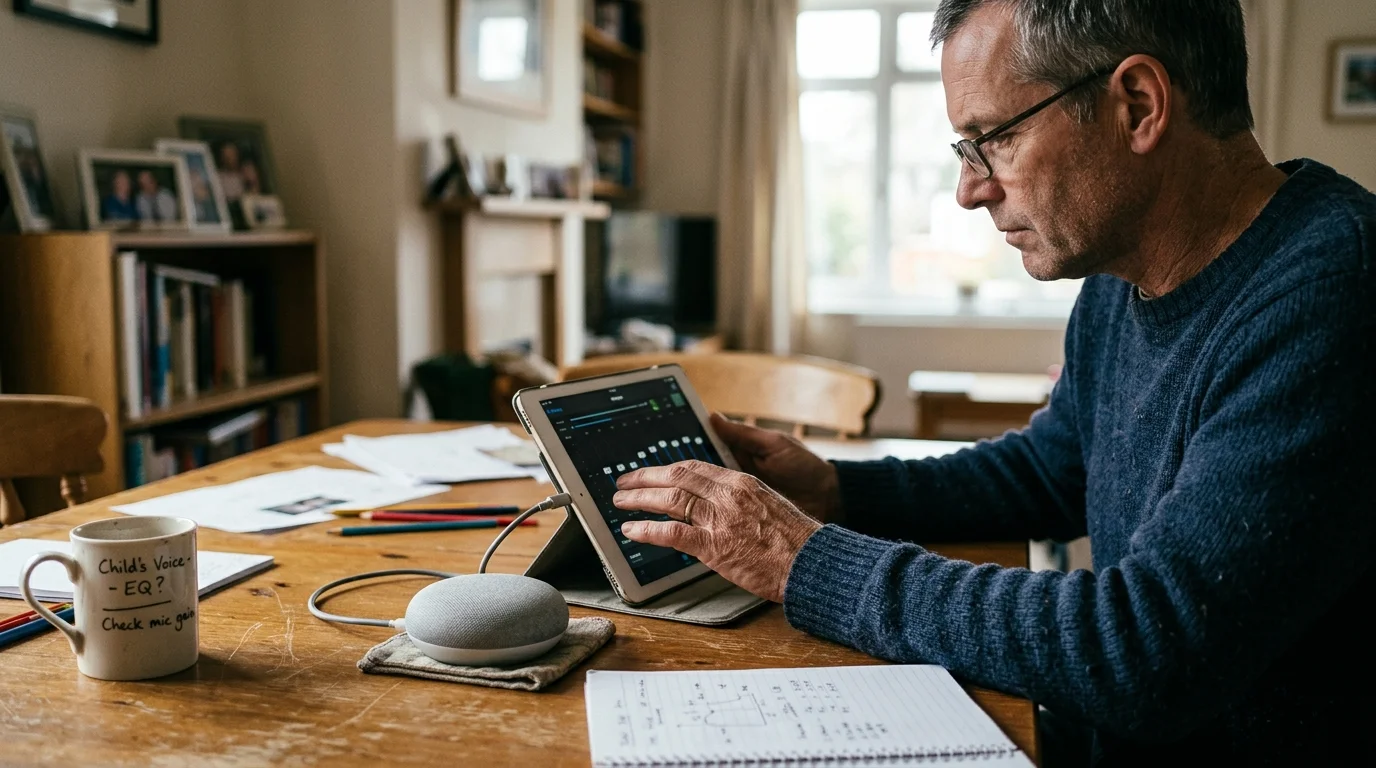
Equalizing Tablet Audio Output for Far-Field Microphones
Tablet speakers produce weak, tinny acoustic profiles. Standard iPad or Android hardware rolls off frequencies below 300 Hz and distorts frequencies above 4,000 Hz.
If an amplified tablet triggers assistants in adjacent rooms, consider calibrating smart speaker mic sensitivity to stop unintended cross-room wake-ups.
Along with frequency adjustments, following optimal smart speaker placement guidelines keeps ambient echo from degrading tablet audio reception.
Far-field smart speakers look for robust energy in the speech band between 1,000 Hz and 3,500 Hz. You can boost these formants using system equalizers or dedicated speech-case hardware.
- Boost mid-range frequencies: Apply a +3 dB boost at 1.5 kHz and 2.5 kHz to give synthetic voices throat-like resonance.
- Cut deep bass: Attenuate frequencies below 150 Hz to prevent cabinet vibration from rattling the tablet chassis.
- Reduce sharp sibilance: Drop frequencies above 8 kHz by 2 dB to eliminate harsh digital artifacts that confuse beamforming microphones.
- Position the tablet speaker toward the microphone: Angle the tablet display at 45 degrees so audio waves project directly toward the smart speaker.
If your child uses a high-tech speech-generating device (SGD), inspect the device casing for acoustic deflection ports. Pointing speaker output toward hard surfaces creates phase cancellation that completely scrambles synthetic voice recognition.
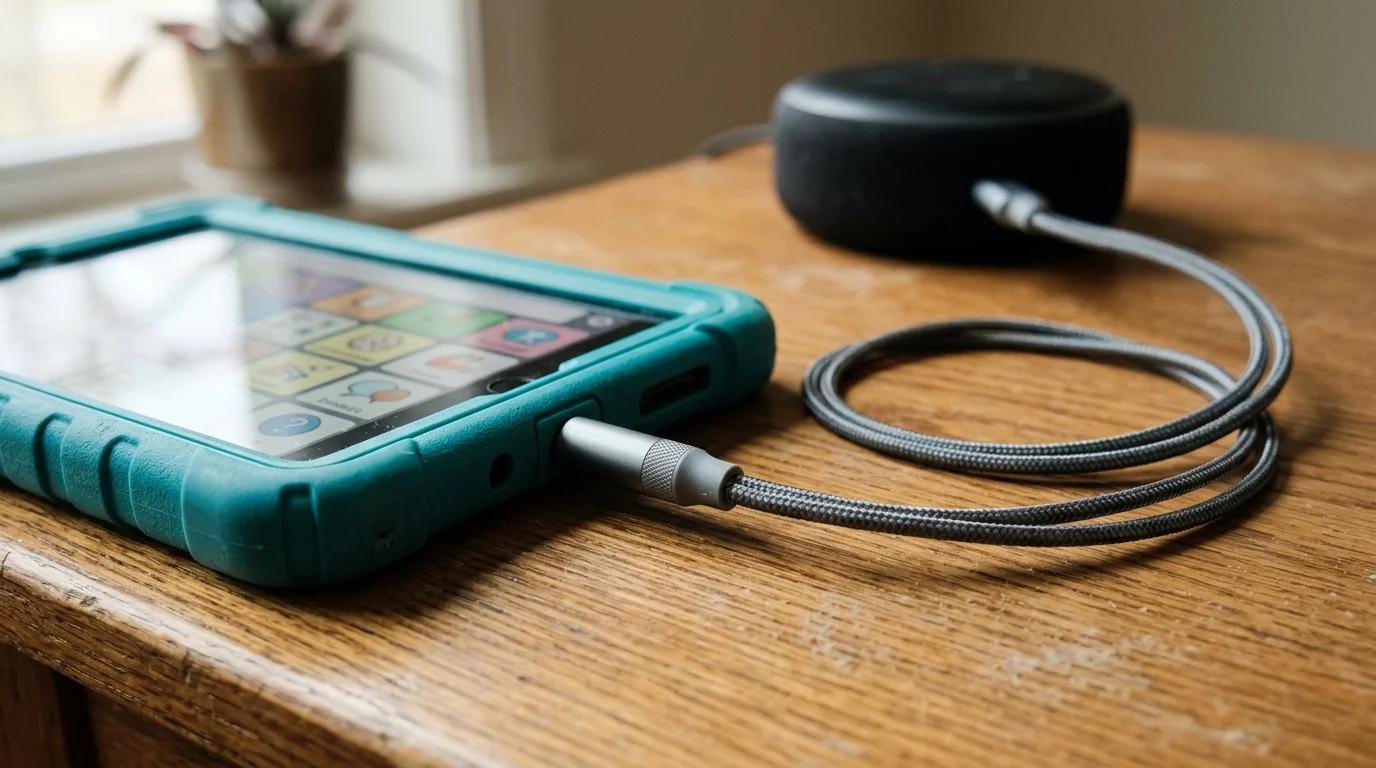
Hardware Bridging: Line-In, Bluetooth, and Direct-Audio Routing
Acoustic air transmission introduces room reflections, background noise, and distance attenuation. Direct audio routing completely removes these physical environmental barriers.
For families supporting non-verbal children prone to wandering, combining tablet accessibility with zero-latency door open chimes creates an essential layer of perimeter security.
You can bypass the room entirely by pairing your child’s AAC tablet directly to a smart speaker as a Bluetooth source. When the child presses an AAC tile, audio streams straight to the speaker’s internal receiver.
Bluetooth connections carry a minor latency penalty of roughly 100 to 200 milliseconds. However, this transmission method guarantees pristine digital clarity without room echo.
According to hardware evaluations from Wirecutter Smart Home, direct line-in auxiliary connections provide the lowest latency and highest reliability for continuous audio transmission.
Some smart speakers, such as older Amazon Echo units or specialized multi-input hubs, include a physical 3.5 mm auxiliary line-in jack. Connecting a shielded 3.5 mm audio cable from the tablet to the speaker guarantees zero signal loss.
If physical cords restrict mobility, direct Bluetooth streaming offers the best alternative. Configure the AAC app to route only speech synthesis to Bluetooth while keeping keyboard click sounds routed to the tablet speaker.
Building Failure-Proof AAC Voice Routines and Command Syntaxes
Complex sentence syntaxes cause high failure rates with assistive technology voice control. Natural human speech handles multi-clause commands, but smart speakers require concise command triggers.
To prevent accidental orders while a child experiments with AAC vocabulary tiles, implement voice-purchase hardening with multi-tier PINs to secure connected accounts.
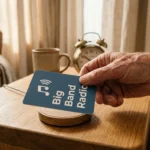
For users who experience consistent acoustic dropouts, tactile NFC action cards offer a dependable voice-free alternative to trigger the same smart home automations.
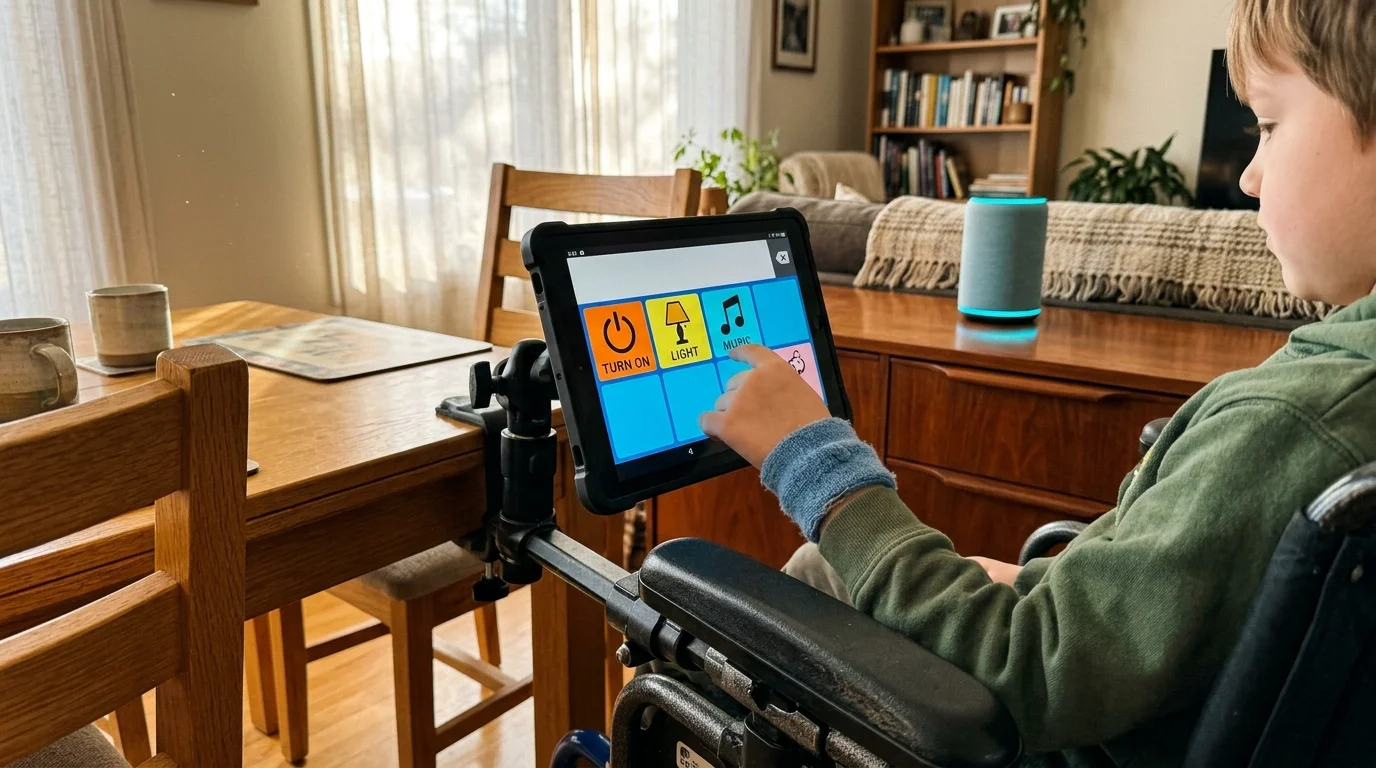
Program dedicated voice-control pages inside your child’s communication app, such as TouchChat, Proloquo2Go, or LAMP Words for Life. Build single buttons that transmit complete, self-contained macro strings.
Synthetic pronunciation of wake words often confuses voice assistants. For example, text-to-speech engines frequently slur the word “Alexa” into a two-syllable sound.
You can fix this error by creating phonetic pronunciation exceptions inside the AAC software dictionary. Rewrite the phonetic pronunciation to “Uh-lex-uh” or “See-ree” to produce clear, distinct phonemes.
Adopt universal connectivity frameworks to streamline how commands execute. Using the Matter Smart Home Standard allows your voice assistant to control cross-platform smart plugs and lights instantly without cloud-processing delays.
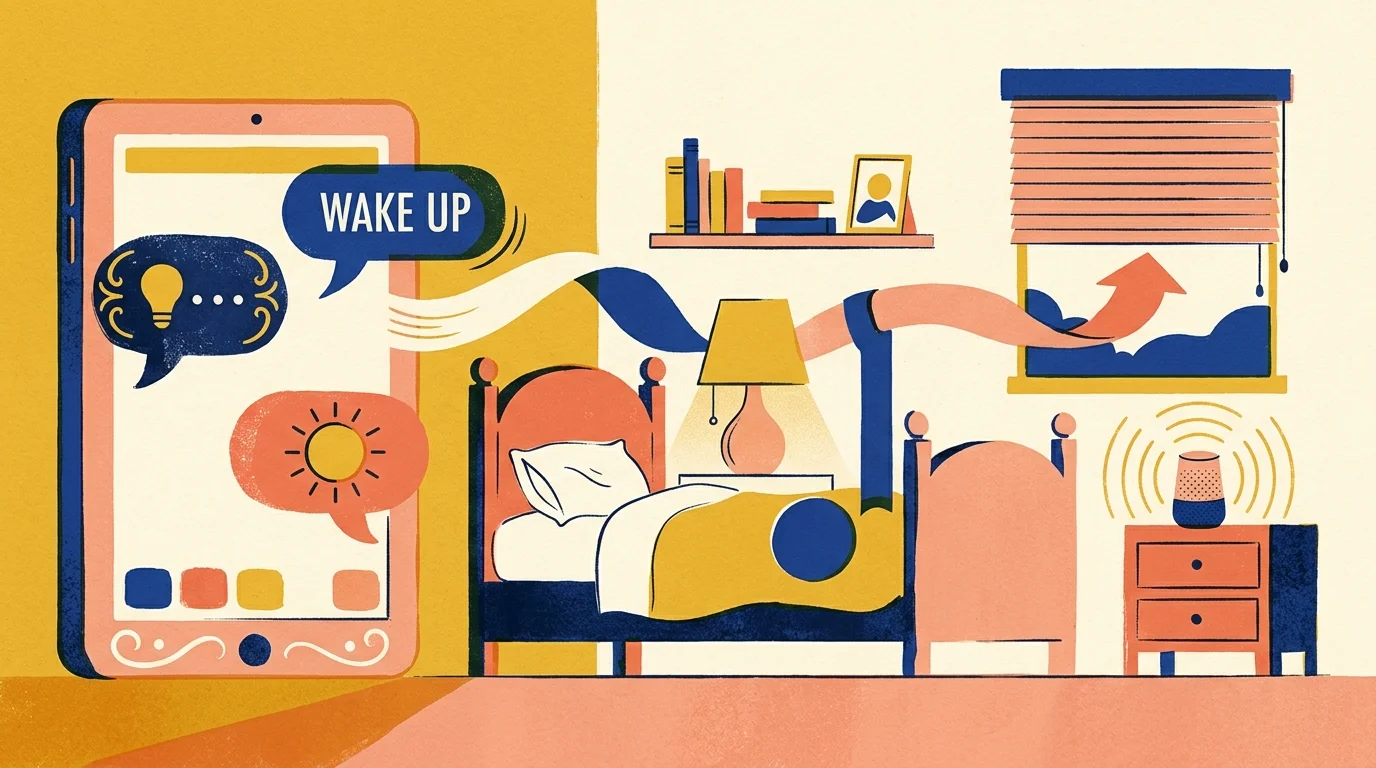
Build routines that use simple action-noun combinations. Programming a button to speak “Alexa, bedroom lights” delivers far higher success rates than programming “Alexa, please turn on the overhead lights in my bedroom.”
Smart Speaker Hardware Comparison for AAC Speech
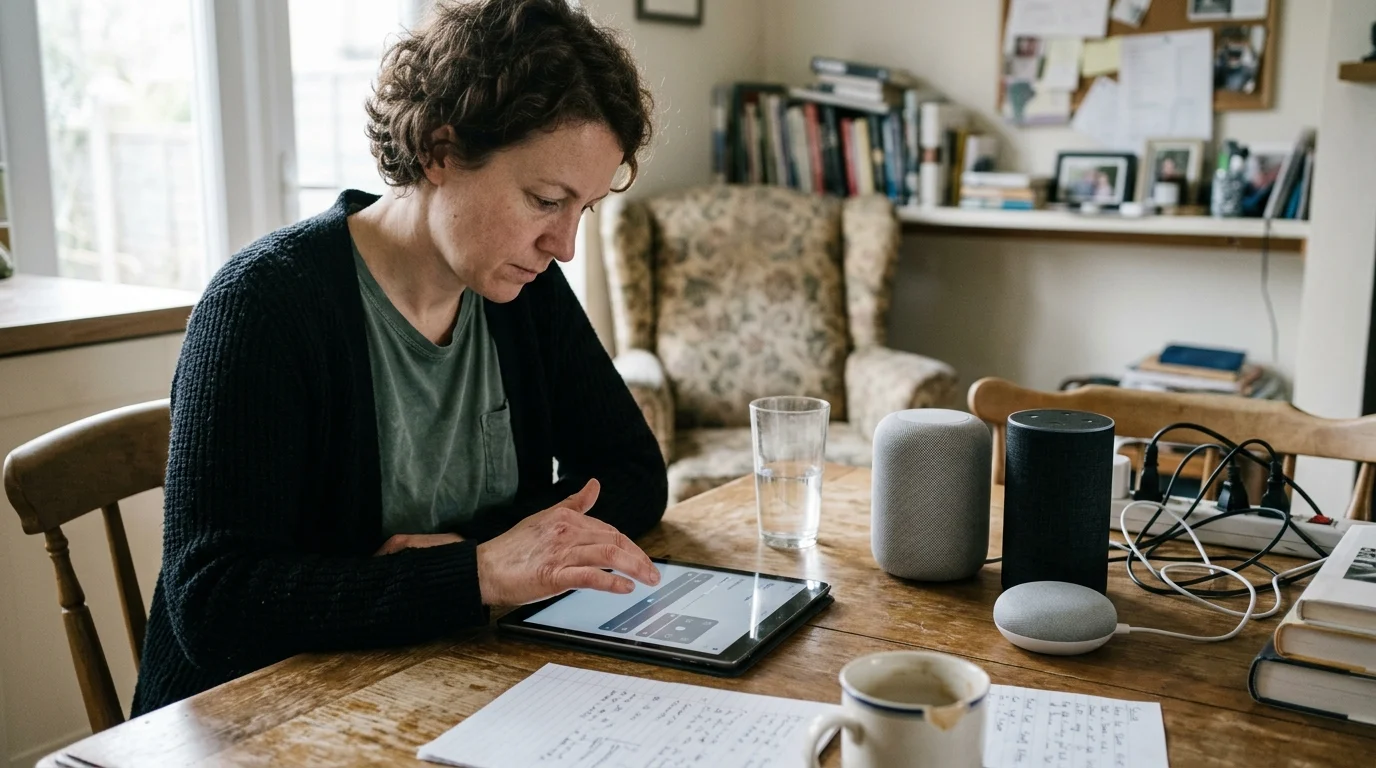
Different smart speakers handle machine-generated speech with varying levels of precision. Microphone array hardware and accessibility software determine how well each model performs.
Before deploying these devices in a child’s room, configure the smart speaker privacy settings to prevent audio recordings from being retained or reviewed.
The following table compares current smart speaker options across key hardware specifications and synthetic speech performance metrics.
| Smart Speaker Model | Base Price | Hardware Audio Line-In | Adaptive Pause Buffer | Optimal AAC Pick-up Range |
|---|---|---|---|---|
| Amazon Echo Dot (5th Gen) | $49.99 | No (Bluetooth Only) | Yes (Adaptive Listening) | 3 to 6 feet |
| Apple HomePod Mini | $99.00 | No (AirPlay Only) | Yes (Siri Pause Time: Longest) | 2 to 5 feet |
| Google Nest Audio | $99.99 | No (Bluetooth Only) | No (Fixed Timeout) | 2 to 4 feet |
| Amazon Echo Show 8 (3rd Gen) | $149.99 | No (Bluetooth Only) | Yes (Adaptive Listening) | 4 to 8 feet |
Amazon Echo models provide the most consistent synthetic voice recognition due to their proprietary Adaptive Listening algorithm. Apple HomePod Mini performs exceptionally well when paired with iPad-based AAC devices running iOS 16 or later.
Google Nest hardware lacks an adjustable speech-buffer setting. Consequently, Google devices show higher command termination rates when an AAC user builds multi-symbol sentences.
Worked Implementation Scenario: The Morning Routine Setup
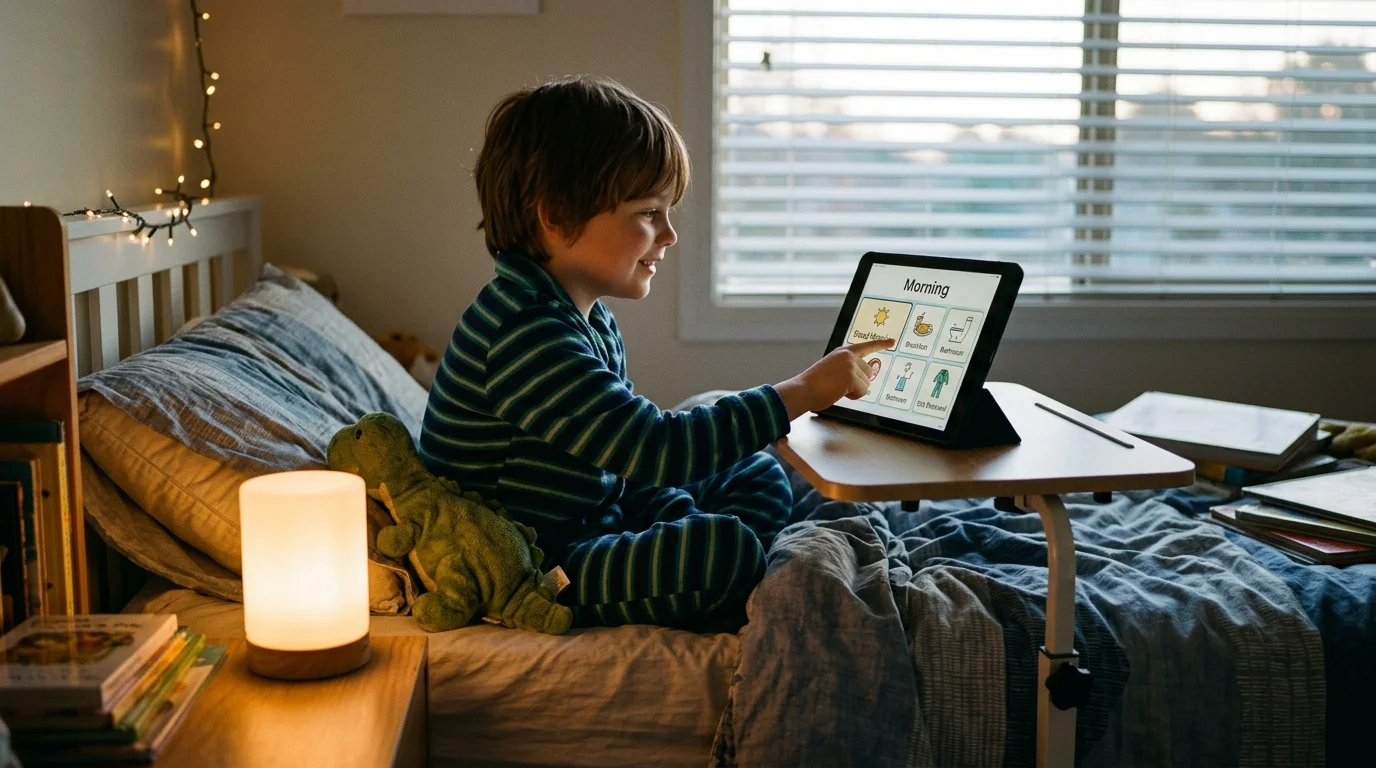
Consider an eight-year-old child using an iPad 10th generation tablet ($349.00) running TouchChat HD with WordPower ($299.99). The tablet sits in an amplified speech case mounted to their wheelchair tray.
Before hardware calibration, the child attempted to command an Amazon Echo Dot ($49.99) placed six feet away on a nightstand. The child experienced an unacceptable 60% command failure rate.
Alexa cut off the command mid-sentence during the 600-millisecond pause between the wake word and the action verb. The flat tablet speakers also failed to trigger the microphone array across the room.
The family resolved this issue by implementing three concrete modifications:
- They enabled Adaptive Listening in the Alexa app accessibility menu.
- They reduced the physical distance by mounting the Echo Dot on a shelf 36 inches from the wheelchair tray.
- They reprogrammed the TouchChat software with a dedicated button labeled “Morning Lights” configured with the string: “Alexa, run morning lights”.
They also adjusted the tablet’s speech volume to output at 78 dB SPL measured at one meter. This sound level cuts cleanly through ambient morning room noise.
Recognition success climbed from 40% to 95% across twenty consecutive command trials. The smart speaker now captures the trigger phrase reliably, turning on bedside lamps and opening smart blinds in under two seconds.
Assistive Technology Regulations, Privacy, and School Coordination
Dedicated speech-generating devices (SGDs) like Tobii Dynavox or PRC-Saltillo NovaChat cost between $3,000 and $15,000. These systems qualify as Durable Medical Equipment (DME) under Medicare, Medicaid, and private insurance policies.
DME insurance funding often locks software systems, which prevents parents from installing smart home controller apps directly on medical tablets. Commercial smart speakers provide an affordable, accessible environmental bridge that operates entirely through synthesized sound.
You can integrate these assistive smart home skills into your child’s school goals. Under the Individuals with Disabilities Education Act (IDEA) and Section 504 plans, environmental control automations qualify as functional communication goals.
Smart home voice automation requires careful privacy management. Assistive devices constantly broadcast spoken language in private living areas.
Reviewing smart home privacy coverage from The Verge Smart Home shows that consumer assistants regularly update data retention settings. You should open your assistant privacy dashboard monthly to delete recorded voice transcripts and revoke third-party data sharing.
Disable voice-recording storage in your assistant settings. This action ensures your child’s daily communication vocabulary is never retained on cloud servers or used for machine-learning evaluation models.
Frequently Asked Questions
Can smart speakers learn a synthetic voice profile?
Most smart speakers struggle to build a personalized voice profile for synthetic speech. Voice-matching algorithms look for unique human throat resonances and organic pitch fluctuations that digital speech engines do not reproduce.
What is the most reliable wake word for synthetic speech?
“Alexa” and “Computer” are the most reliable wake words for synthetic voice recognition. Their distinct phonetic structures are easier for speech engines to enunciate clearly than soft sibilant names like “Siri.”
Why does my smart speaker cut off the AAC voice halfway through a sentence?
The speaker cuts off speech because it interprets inter-word pauses as the end of the sentence. Enabling Alexa Adaptive Listening or setting Siri Pause Time to Longest solves this issue by expanding the listening buffer.
Can non-verbal children use AAC devices to make emergency calls through smart speakers?
Yes, children can make emergency calls if you program a dedicated single-touch emergency button on their AAC device. Pre-program the button to speak the exact assistant command needed to call an emergency contact or launch an emergency response routine.
Disclaimer: This article is for informational purposes only. Smart home devices involve electrical connections and data privacy. Always follow manufacturer instructions for installation. For complex wiring or HVAC work, consult a licensed professional.