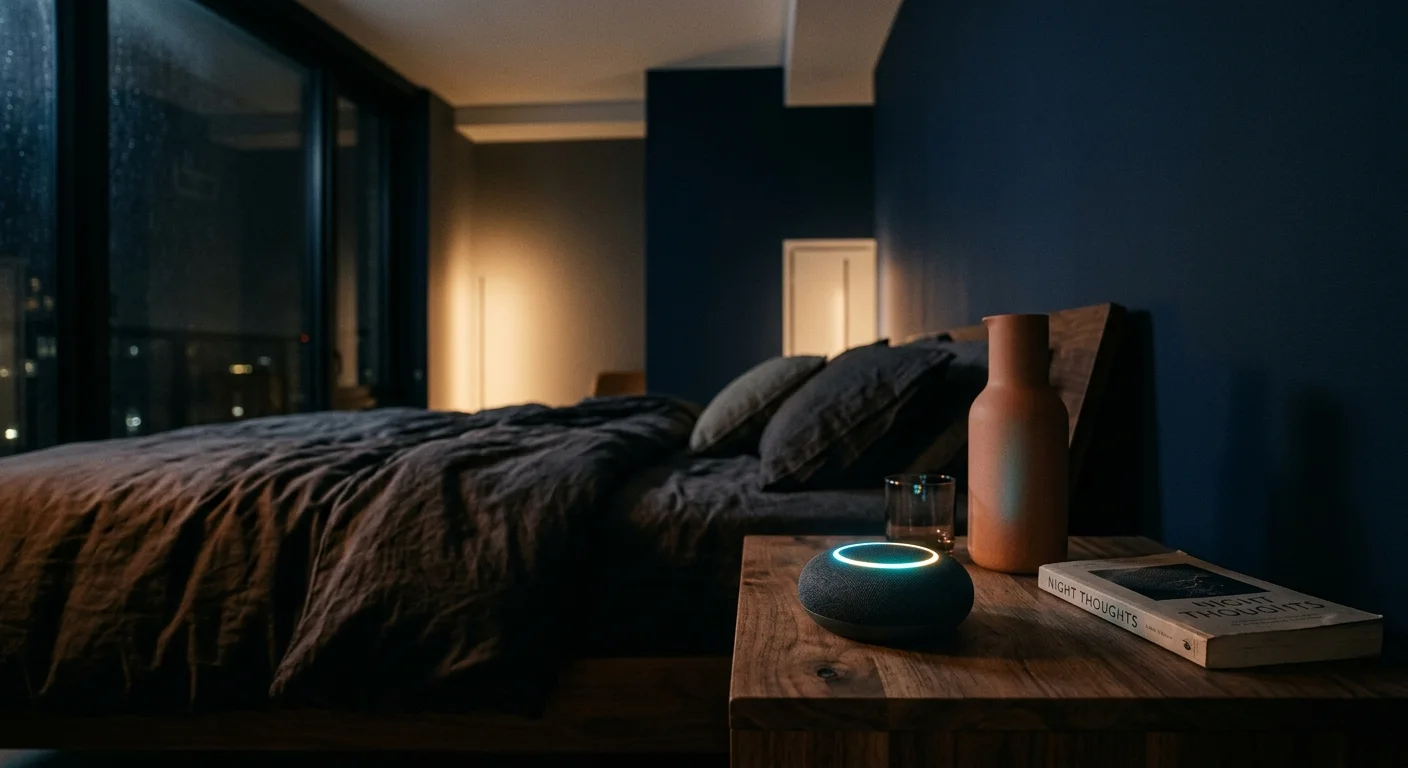
If you live in an apartment with thin drywall, standard voice assistant replies easily penetrate partition walls and wake your neighbors. You can eliminate late-night noise complaints by replacing voice responses with silent smart speaker feedback.
While daytime routines often benefit from learning how to set up voice announcements throughout your home, late-night apartment living requires a strictly silent strategy.
By enforcing a strict 30-decibel limit between 10:00 PM and 6:00 AM, you redirect confirmations away from speakers and into subtle optical LED pulses.
This guide shows you how to mute spoken acknowledgments on Amazon Echo, Google Nest, and Apple HomePod devices without sacrificing confirmation that your commands ran successfully.
The 30 dB Acoustic Target for Thin Drywall Partitions
Standard multi-family apartment buildings frequently separate adjoining units with a single layer of half-inch drywall mounted on uninsulated wood studs. This common partition design delivers a Sound Transmission Class rating of roughly 33 to 35.
Managing late-night sound bleed also involves audio isolation techniques like preventing movie wake-ups with acoustic null zones around shared boundary walls.
In addition to quieting feedback, you should consider calibrating far-field mic sensitivity to prevent false activations from neighbor conversations.
At an STC rating of 34, loud speech penetrates partitions clearly, while moderate speech above 45 decibels creates an intrusive murmur. When ambient background noise drops below 30 decibels at night, spoken words become instantly noticeable through the wall.
Factory-default smart speaker responses range from 52 to 62 decibels when measured one meter away. That volume level easily travels through thin drywall and interrupts your neighbor’s sleep cycles.
To eliminate noise complaints, you must enforce an acoustic acknowledgment ceiling of 30 decibels between 10:00 PM and 6:00 AM. Keeping audio below this threshold prevents sound transmission while preserving your late-night voice controls.
The most considerate smart home operates completely unnoticed by anyone outside your immediate room.
Optical confirmation provides the ideal alternative to audible speech. By relying on illuminated LED rings, light bars, or brief peripheral lamp pulses, you obtain positive command verification without generating acoustic vibrations.
Amazon Echo: Brief Mode, Whisper Mode, and Light Ring Cues
Amazon Echo speakers offer several native configuration toggles to silence conversational chatter. You can disable Alexa spoken confirmations and replace long sentences with brief tonal cues or visual light rings.
If speaking softly causes the microphones to miss your cues, try troubleshooting when Alexa won’t listen to optimize voice detection without raising volume levels.
By default, Alexa confirms every smart plug and light switch toggle with a verbose “OK.” Enabling Brief Mode strips this phrasing down to a short, low-frequency tone.
- Open the Amazon Alexa app on your smartphone.
- Select More from the bottom navigation bar and tap Settings.
- Scroll down to the Alexa Preferences section and select Voice Responses.
- Locate Brief Mode and toggle the switch to the On position.
Brief Mode alone may still exceed your 30-decibel limit if your device master volume sits above level three. To lower speech levels dynamically, enable voice assistant whisper mode night settings within the exact same configuration screen.
- Remain in the Voice Responses menu inside the Alexa app.
- Toggle Whisper Mode to the On position.
- Whisper your command into the microphone from two to three feet away.
When Whisper Mode detects a hushed voice, Alexa synthesizes a quiet, sibilant reply measuring roughly 28 to 32 decibels. If you position your Echo away from shared drywall, this hushed output disappears entirely into room acoustics.
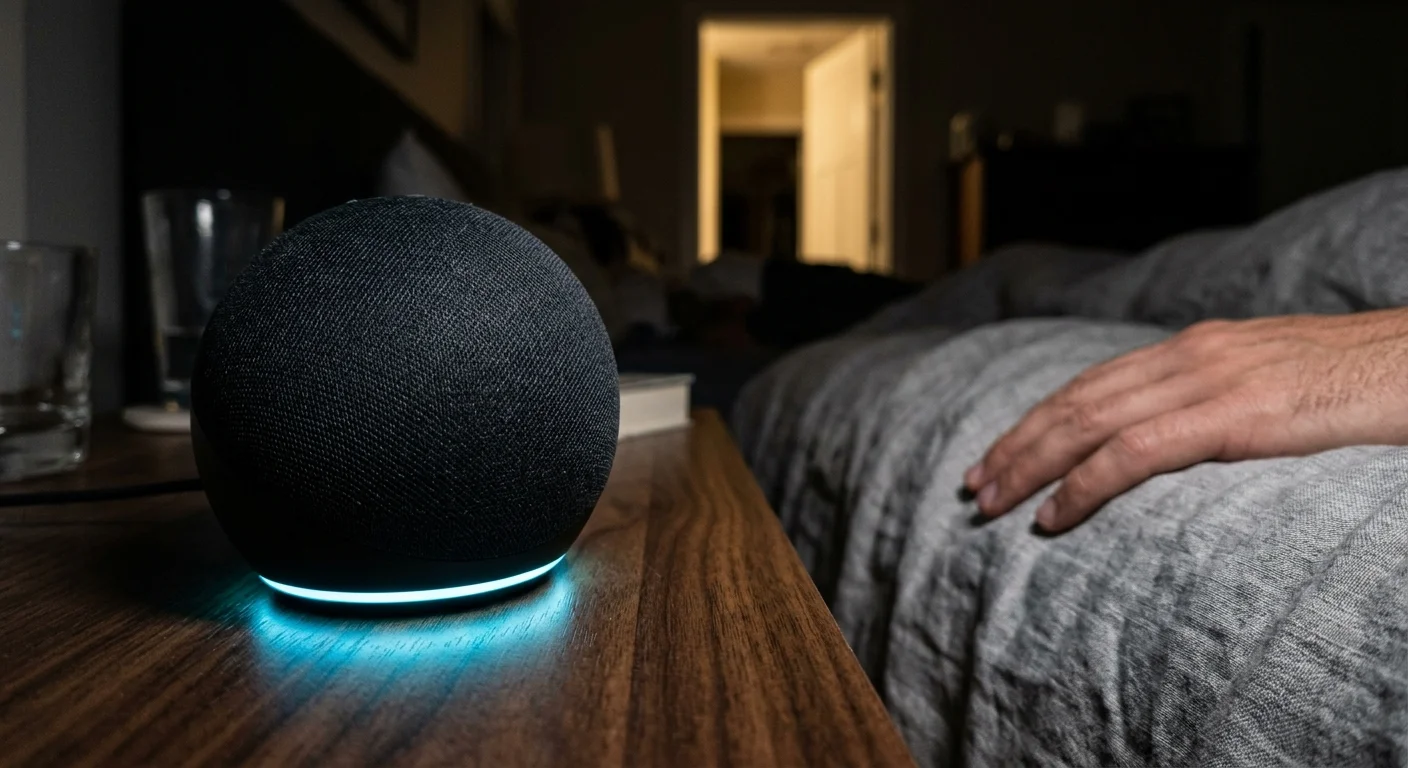
You can also bypass audio confirmations entirely by learning the Echo light ring language. The circular LED array on Echo speakers communicates operational state through distinct color patterns.
- Cyan on Blue: The device recognized the wake word and is currently processing your spoken command.
- Brief Cyan Spin: The device successfully pushed your automation or device state change without needing to chime.
- Slow Amber Pulse: A merchant or package notification awaits your review, suppressed automatically during active quiet hours.
- Solid Red: The physical microphone circuit remains switched off for total audio isolation.
Google Nest Audio: Night Mode Volume Caps and LED Indicators
Google Nest and Google Home speakers feature an automated tool specifically engineered for nocturnal quiet hours. The Night Mode profile automatically limits maximum response volume and dims top-mounted status LEDs on a fixed schedule.
For daytime hours when noise restrictions are relaxed, consider creating custom sounds and alerts with Google Assistant to replace default chime tones.
According to smart home hardware evaluations by PCMag Smart Home, configuring scheduled quiet profiles is critical for compact living spaces. Implementing Night Mode prevents high-volume feedback spikes when you trigger late-night commands.
- Launch the Google Home app and tap the specific Nest Audio or Nest Mini speaker tile.
- Tap the Settings gear icon located in the upper right corner.
- Select Notifications and Digital Wellbeing, then tap Night Mode.
- Toggle Enable Night Mode to activate scheduling controls.
- Define your active window by setting the start time to 10:00 PM and end time to 6:00 AM.
- Set the Max volume at night slider to 15 percent or lower.
- Drag the LED light brightness at night slider down to 20 percent to eliminate excessive room glare.
Google Assistant also features built-in conversational suppression when controlling equipment in the same designated room. When your speaker and smart bulb share identical room assignments in the Google Home app, the assistant omits spoken responses.
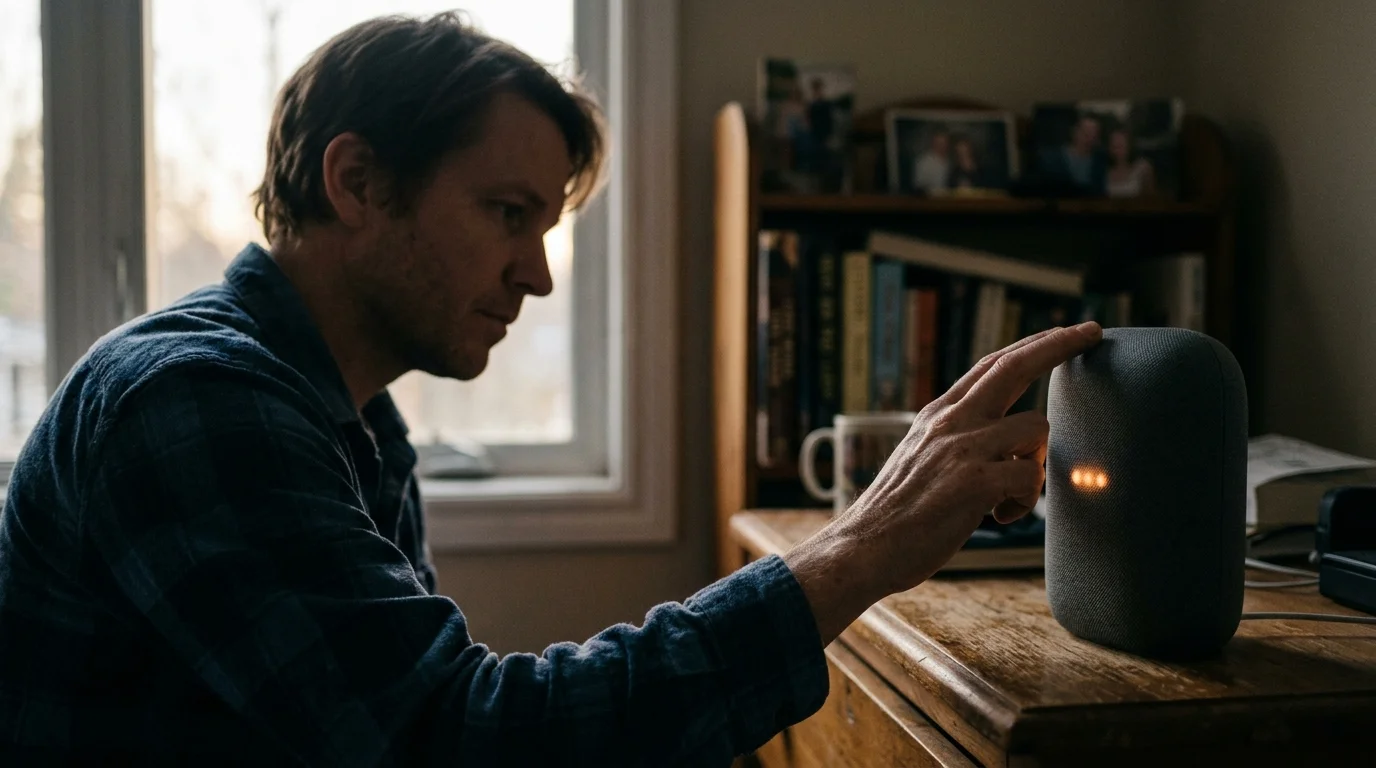
Instead of replying “Turning off the bedside lamp,” the speaker emits a soft chime below 28 decibels. You can confirm device status visually by observing the four white LEDs centered on the fabric top.
- Four Solid White Dots: The microphones are active and processing your vocal phrase.
- Dim White Pulse: The command completed successfully while operating under active Night Mode constraints.
- Four Solid Orange Dots: The hardware microphone mute toggle is engaged, preventing passive listening.
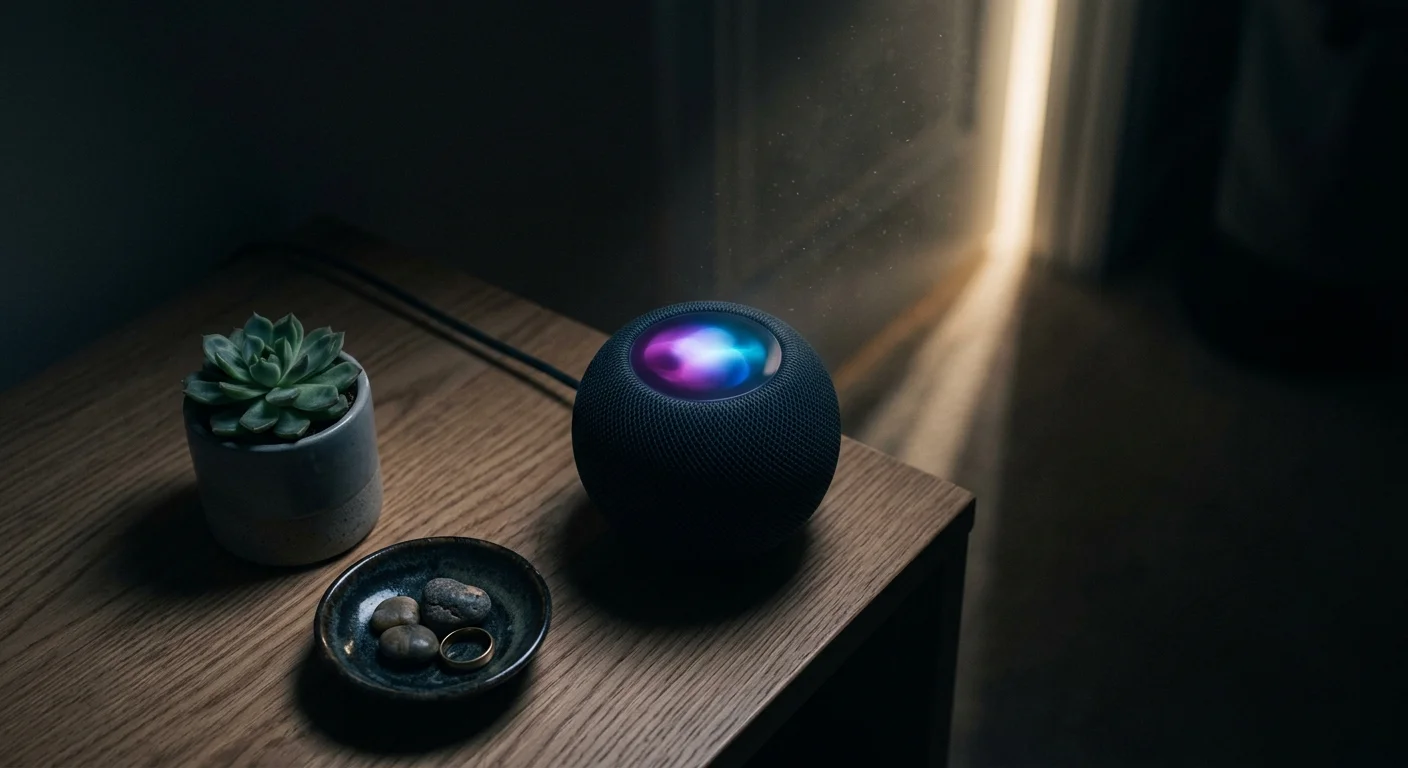
Apple HomePod: Siri Feedback Controls and Top Display Pulses
The Apple HomePod and HomePod mini integrate directly with iOS home automation architecture. Apple provides robust controls to eliminate spoken conversational feedback when executing smart accessory changes.
Evaluating nighttime feedback controls across platforms is a key consideration when deciding between Alexa vs Google Assistant vs Siri for an apartment setup.
When you command Siri to turn off a smart switch, the assistant can execute the command completely silently. You manage this setting directly inside the accessory settings panel within the Apple Home app.
- Open the Home app on your iPhone or iPad.
- Press and hold the tile for your HomePod mini or full-size HomePod.
- Scroll down to the bottom of the card and tap the Settings gear icon.
- Scroll down to the Siri sub-menu.
- Toggle Sound When Using Siri to the Off position to eliminate the activation chime.
- Select Siri Responses and set voice feedback to automate based on ambient context.
The capacitive top surface of the HomePod houses a multi-color LED display that provides comprehensive optical feedback. During late hours, you can rely exclusively on this illuminated disc to track command ingestion.
- Swirling Multi-Color Light: Siri detected the wake phrase and is interpreting your voice data.
- Single Bright Flash: The HomePod verified execution across your local Apple HomeKit architecture.
- Pulsing White Disc: The speaker is processing a media stream or running a background automation script.
- Spinning Orange Glow: The speaker experienced a Wi-Fi configuration failure or local network disconnect.
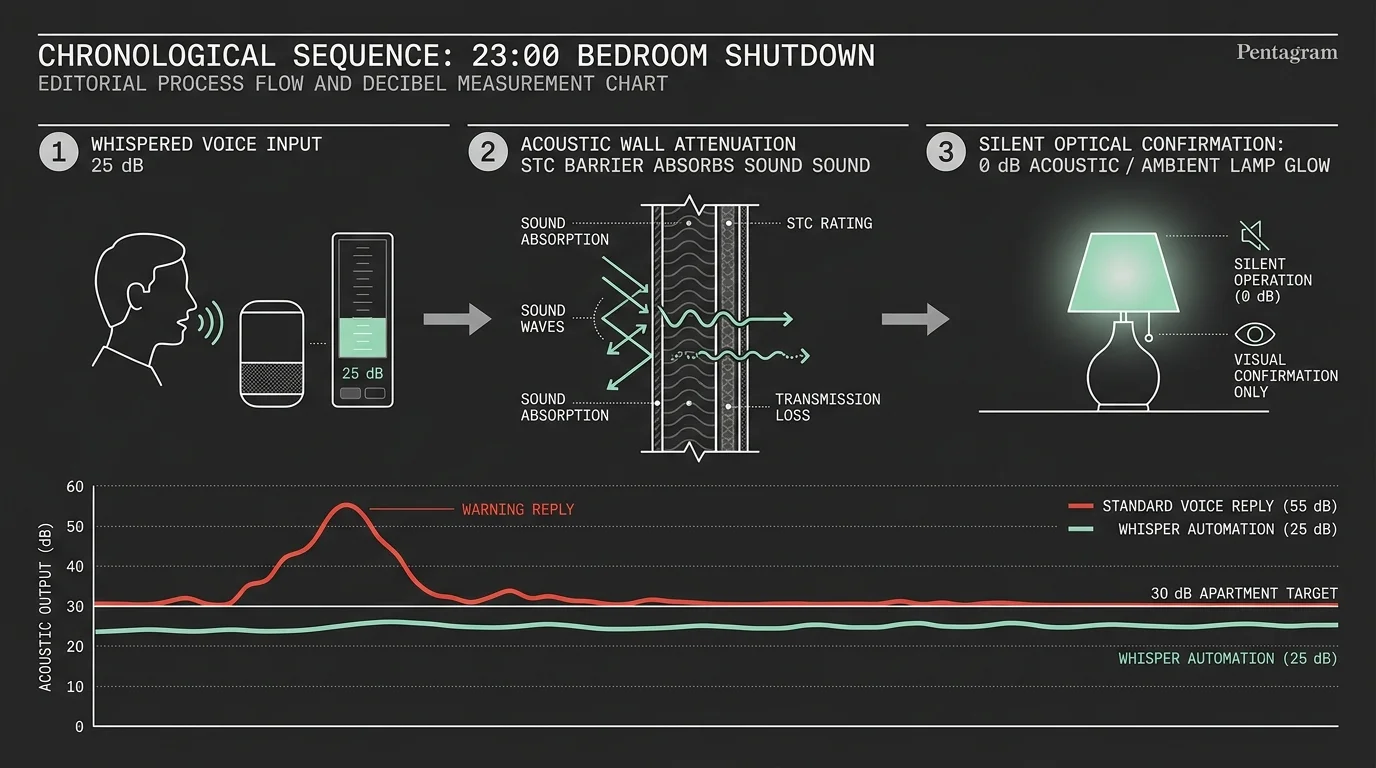
Worked Example: A 23:00 Bedroom Automation with Measured Decibels
Consider an apartment bedroom measuring 11 feet by 13 feet, bounded by an uninsulated drywall partition shared with an adjoining bedroom. An Amazon Echo Dot (5th Gen) rests on a nightstand just 3.5 feet from the shared wall.
When dampening nighttime volume, ensure your morning schedule remains dependable by configuring smart speaker alarm frequencies tailored to wake you without penetrating thin drywall.
At 11:00 PM (23:00), ambient bedroom sound measures 27.4 dBA. The resident issues a late-night command: “Alexa, turn off bedroom fan.”
In the factory configuration, the speaker responds with a loud conversational “OK” measuring 56.4 dBA at one meter. At the drywall surface 3.5 feet away, the sound pressure measures 49.2 dBA.
Because the partition STC rating equals 34, the transmitted sound enters the neighboring apartment at roughly 31.8 dBA. This audio pulse exceeds the neighbor’s 26.0 dBA baseline bedroom noise floor, triggering brief sleep interruption.
To eliminate this sound leak, you build an automated nighttime volume damping routine in the Alexa app.
- Open the Alexa app, tap More, and select Routines.
- Tap the + icon to create a new automation, titling it Night Mute.
- Tap When this happens, select Schedule, and input 10:00 PM daily.
- Tap Add action, select Device Settings, then choose Volume.
- Set the slider to 1 (equivalent to 10 percent volume) and assign it to the bedside Echo Dot.
- Create a matching morning routine titled Day Unmute scheduled for 6:00 AM to restore volume to 4.
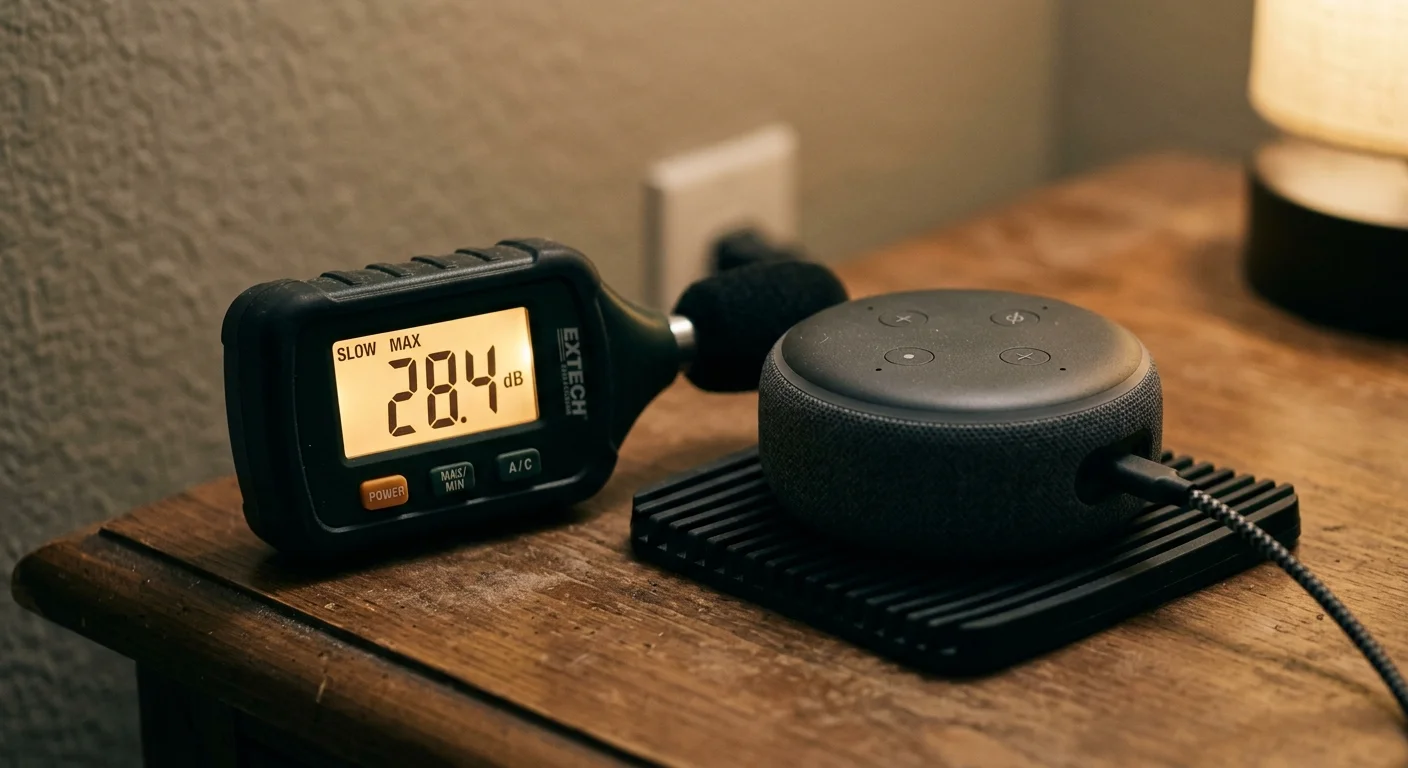
Executing this scheduled routine alongside Brief Mode drops the audible confirmation chime down to 28.1 dBA at one meter. At the partition wall 3.5 feet away, the sound level falls below the 27.4 dBA ambient room noise floor.
The transmission across the drywall partition drops to 0.0 dBA above ambient noise, completely isolating your neighbor from sound. Confirmation relies entirely on the Echo light ring flashing cyan for 0.8 seconds.
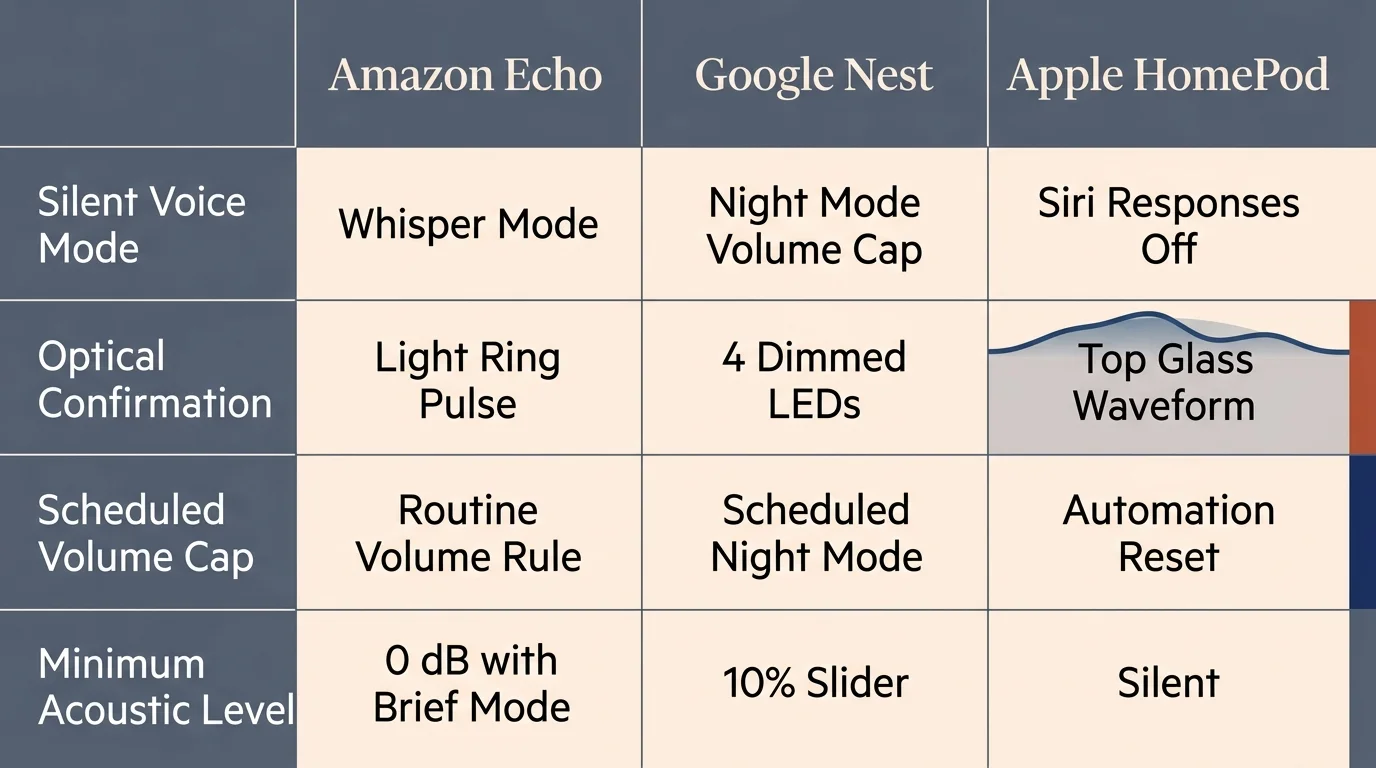
Platform Comparison: Nighttime Audio and Optical Controls
Each major smart speaker platform handles quiet hours and visual feedback through distinct software mechanisms. Independent testing published by Wirecutter Smart Home emphasizes that physical placement and volume ceilings dictate real-world noise isolation.
The table below compares the specific nighttime capabilities, acoustic floors, and visual confirmation types for leading compact smart speakers.
| Device Model | Silent Feature Mechanism | Spoken Mute Capability | Optical Indicator Type | Nighttime Acknowledgment Floor (dB) |
|---|---|---|---|---|
| Amazon Echo Dot (5th Gen) | Brief Mode + Whisper Mode | Full suppression via Brief Mode | 360-degree base LED ring | 28.1 dBA (Chime) / 0 dBA (Optical) |
| Google Nest Audio | Scheduled Night Mode | Suppressed within assigned room | 4 top-mounted white LEDs | 27.5 dBA (Chime) / 0 dBA (Optical) |
| Apple HomePod mini | Automated Siri Responses | Full suppression for accessories | Top-mounted capacitive color disc | 0.0 dBA (Purely Optical) |
| Amazon Echo Show 8 (3rd Gen) | Night Mode + Do Not Disturb | Full suppression via Brief Mode | On-screen banner + bottom LED | 0.0 dBA (Screen Alert) |
| Google Nest Hub (2nd Gen) | Night Mode + Low Light Clock | Suppressed within assigned room | LCD panel visual card update | 0.0 dBA (Screen Alert) |
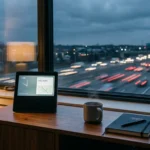
Smart displays like the Echo Show 8 and Nest Hub provide the cleanest silent smart speaker feedback. Their display screens present instant graphic confirmation cards, allowing you to mute speaker audio completely without losing status awareness.
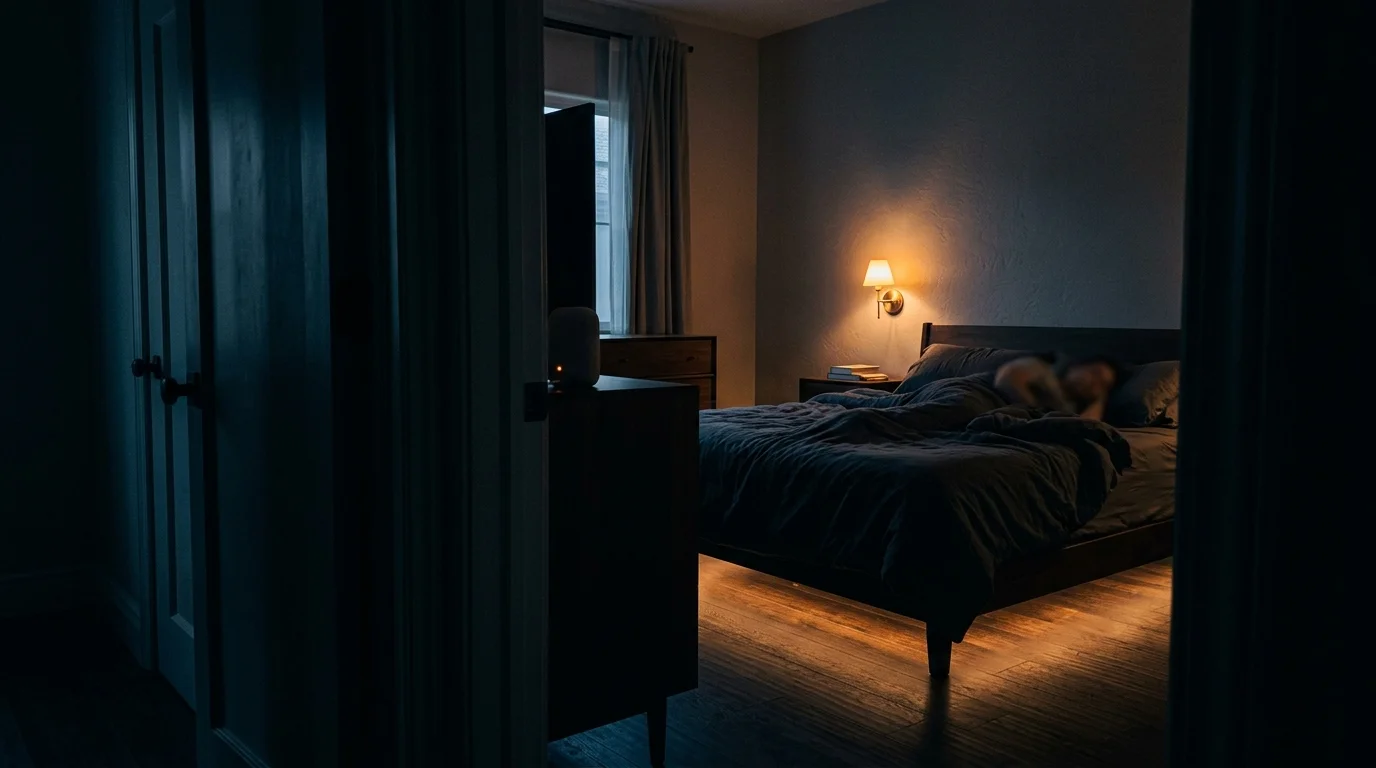
Redirecting Confirmations to Peripheral Smart Lighting
For absolute zero-decibel acknowledgment, you can repurpose auxiliary smart lighting in your bedroom to serve as an optical status monitor. By pairing your smart assistant with a bedside lamp, the lamp itself validates your command.
This technique uses Matter, Zigbee, or Wi-Fi smart bulbs configured to flash softly whenever you trigger an evening automation routine. The optical confirmation provides immediate visual clarity from your pillow without making a sound.
- Open your smart home controller app (such as Apple Home, Alexa, or Google Home).
- Create a custom bedtime script triggered by the vocal phrase: “Goodnight.”
- Add device actions to turn off your primary overhead lights, media systems, and audio amplifiers.
- Add an action targeting your bedside smart lamp to adjust to 5 percent brightness at a warm 2200 Kelvin hue.
- Insert a two-second delay into the automation sequence.
- Add a final action instructing the bedside smart lamp to power off completely.
When the sequence finishes, the gentle lamp pulse confirms your commands executed successfully. You never need to strain your ears or wonder whether smart locks engaged.
Ensure you select an ultra-warm color temperature between 2000K and 2400K for your nighttime optical acknowledgments. Warm light suppresses blue wavelength exposure, preserving natural melatonin production before sleep.
Troubleshooting Audio Bleed and Unwanted Nighttime Chimes
Even after configuring silent feedback modes, voice assistants occasionally push unexpected audio alerts through the speaker grille. Eliminating these rogue noises requires disabling auxiliary notifications and promotional suggestions.
Amazon Alexa devices frequently trigger post-command spoken suggestions known colloquially as “By the way” prompts. These conversational additions ignore Brief Mode configurations and project audio into quiet apartments.
- Open the Alexa app, tap More, and navigate to Settings.
- Select Notifications and tap Amazon Shopping.
- Disable Order Updates and Recommendations to halt unsolicited nocturnal package announcements.
- Navigate to Account Settings, tap Voice Responses, and disable promotional suggestions.
Google Nest speakers occasionally break silence if you command an accessory assigned to a different digital room. When controlling lights across multiple zones, Google Assistant always reads aloud full verbal acknowledgments.
To avoid spoken confirmations on Google Nest, group your bedside speaker and all bedroom accessories into the exact same virtual room within the Google Home app. This configuration forces Google Assistant to use quiet chime responses exclusively.
Finally, inspect Bluetooth connection alerts across all smart speaker hardware. If your smartphone drops connection to your bedside speaker during the night, the speaker may emit a loud disconnect chime.
Disable persistent Bluetooth host connections on bedside speakers between 10:00 PM and 6:00 AM. Rely exclusively on direct Wi-Fi local control to keep your sleep environment serene and silent.
Frequently Asked Questions
How do I disable Alexa spoken confirmations completely?
Open the Alexa app, navigate to Settings, select Voice Responses under Alexa Preferences, and turn on Brief Mode. This setting replaces verbal confirmations with a brief chime, which you can silence further by setting nighttime device volume to level one.
Can Google Nest turn off voice confirmations without using Night Mode?
Yes, Google Nest automatically suppresses voice feedback when controlling smart home devices assigned to the same virtual room as the speaker. The device emits a subtle tone instead of speaking, though Night Mode is required to schedule volume caps automatically.
Will whisper mode activate if I speak at a normal daytime volume?
No, Whisper Mode on Amazon Echo hardware relies on dynamic acoustic speech processing that only engages when it detects whispered vocal input. If you issue commands at regular conversational volume, the assistant responds using standard volume parameters.
Does muting spoken feedback prevent emergency alarms or timers from sounding?
No, silencing conversational confirmations and enabling Brief Mode does not silence timers, wake alarms, or emergency alerts. Most smart platforms maintain an independent volume channel for alarms and timers to ensure critical alerts sound reliably.
Disclaimer: This article is for informational purposes only. Smart home devices involve electrical connections and data privacy. Always follow manufacturer instructions for installation. For complex wiring or HVAC work, consult a licensed professional.