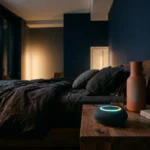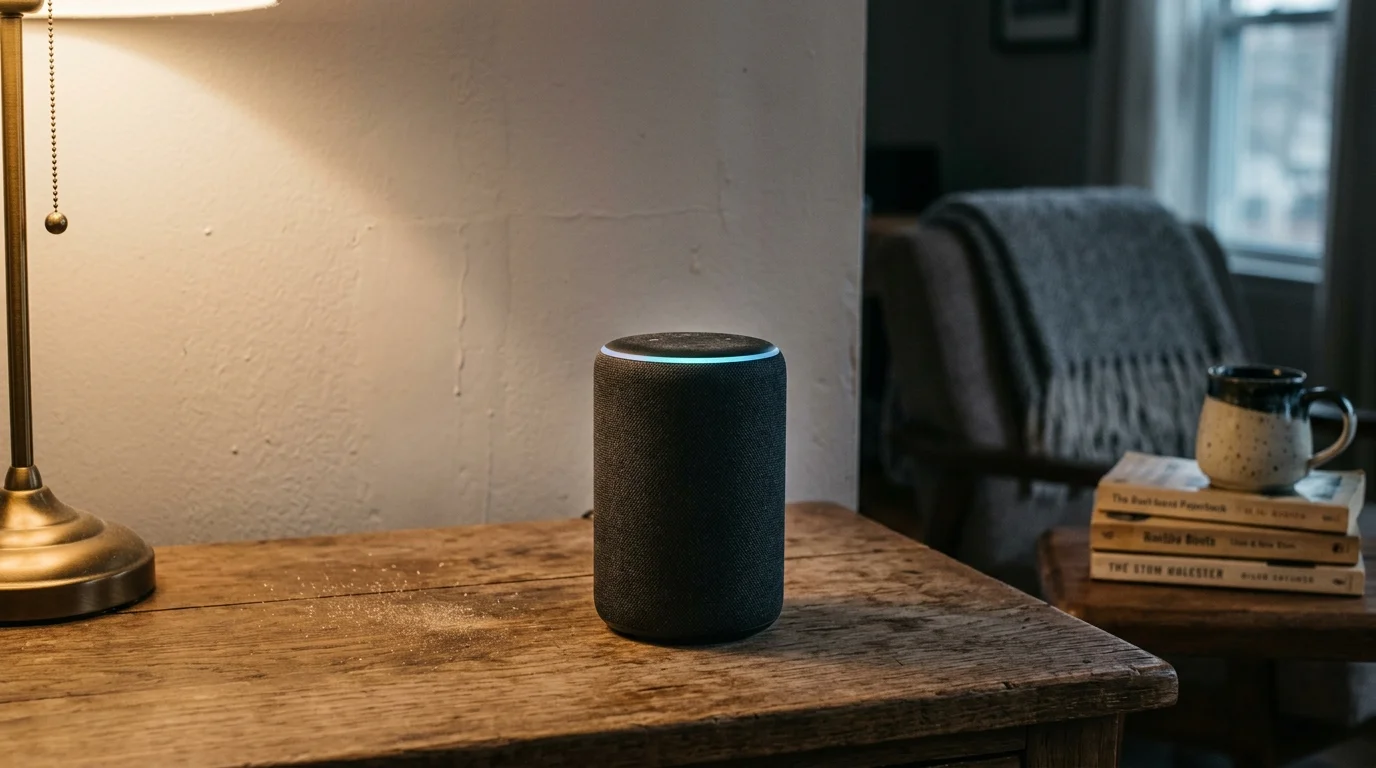
When your argumentative neighbor triggers your Amazon Echo through a thin apartment drywall partition, lowering the speaker’s playback volume solves nothing. Smart assistant microphone arrays actively listen for faint acoustic spikes regardless of your speaker output.
Standard apartment party walls permit vocal frequencies to pass directly into your living space at intelligible sound pressure levels. You do not have to accept random device activations or switch off your voice assistant completely.
True wake-word isolation requires calculating boundary-layer reflections and repositioning microphone pickup patterns to force incoming bleed below the hardware’s 35 dBA detection threshold.
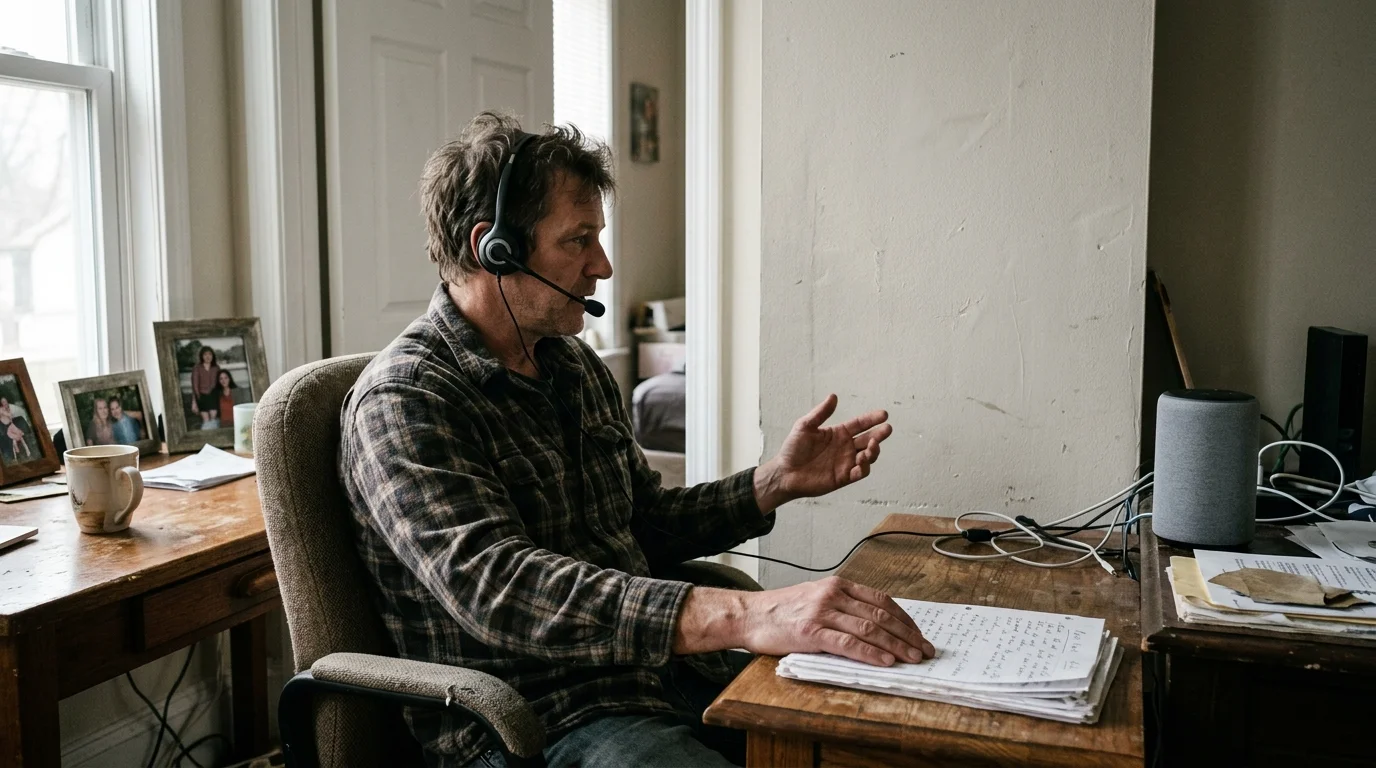
The Physics of Wake-Word Bleed Through Apartment Drywall
Under the International Building Code (IBC Section 1206), multi-family residential party walls require an acoustic design rating of Sound Transmission Class (STC) 50. Field tests under ASTM E336 permit ratings as low as STC 45 in completed buildings.
Many older or cheaply built apartment complexes feature uninsulated interior partitions that deliver only STC 30 to 35. At this rating, normal conversational speech around 60 dB passes through the drywall partition at roughly 30 dB.
If your neighbor raises their voice during an argument or phone call, sound pressure levels easily reach 75 to 80 dBA at their wall surface. An STC 32 partition reduces this energy by only 25 to 30 dB across mid-band frequencies.
That leaves 45 to 50 dBA of acoustic energy entering your living room. Because smart speakers continually listen for phonetic wake-word profiles, that volume easily triggers your microphone array.
Far-Field MEMS Microphones and Acoustic Beamforming
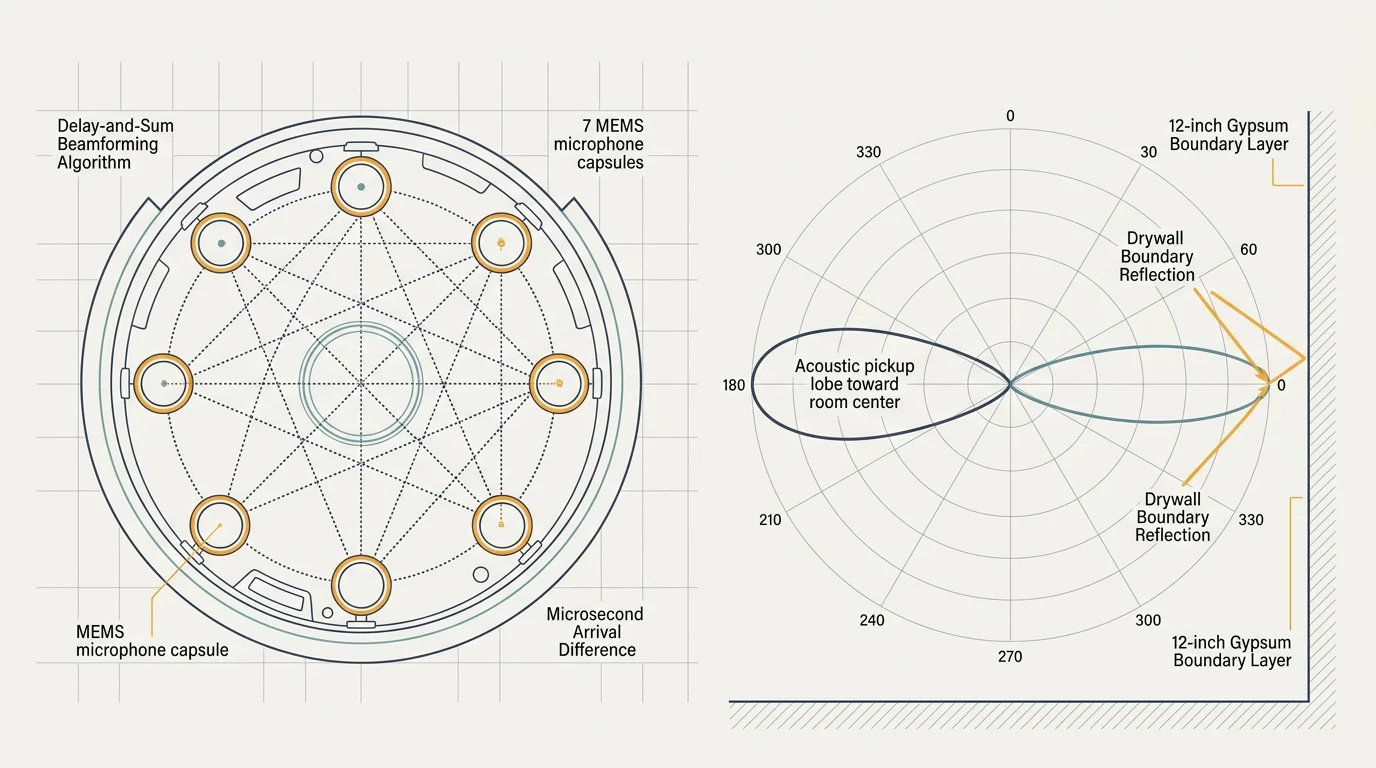
Modern smart speakers rely on micro-electro-mechanical systems (MEMS) microphone arrays combined with digital signal processor (DSP) algorithms. Devices like the Amazon Echo or Apple HomePod house between two and seven separate omnidirectional microphones.
Far-field hardware uses delay-and-sum beamforming to calculate the microsecond arrival time differences between individual microphone capsules. This allows the processor to isolate sound coming from a specific direction while suppressing ambient noise.
When you place a smart speaker within 12 inches of a shared drywall partition, boundary physics work against you. The solid gypsum board acts as an acoustic reflector and secondary acoustic radiator.
Sound bleeding through the wall reflects directly into the rear microphones of the array. The DSP interprets these clear, early acoustic reflections as an intentional local user speaking across your room.
As hardware analyses from The Verge Smart Home reporting frequently emphasize, smart speaker DSP chips actively boost low-amplitude signals when room noise levels drop.
In a silent apartment, your smart assistant amplifies gain across its microphone array. This high-gain state allows faint sounds from an adjacent unit to trigger the device instantly.
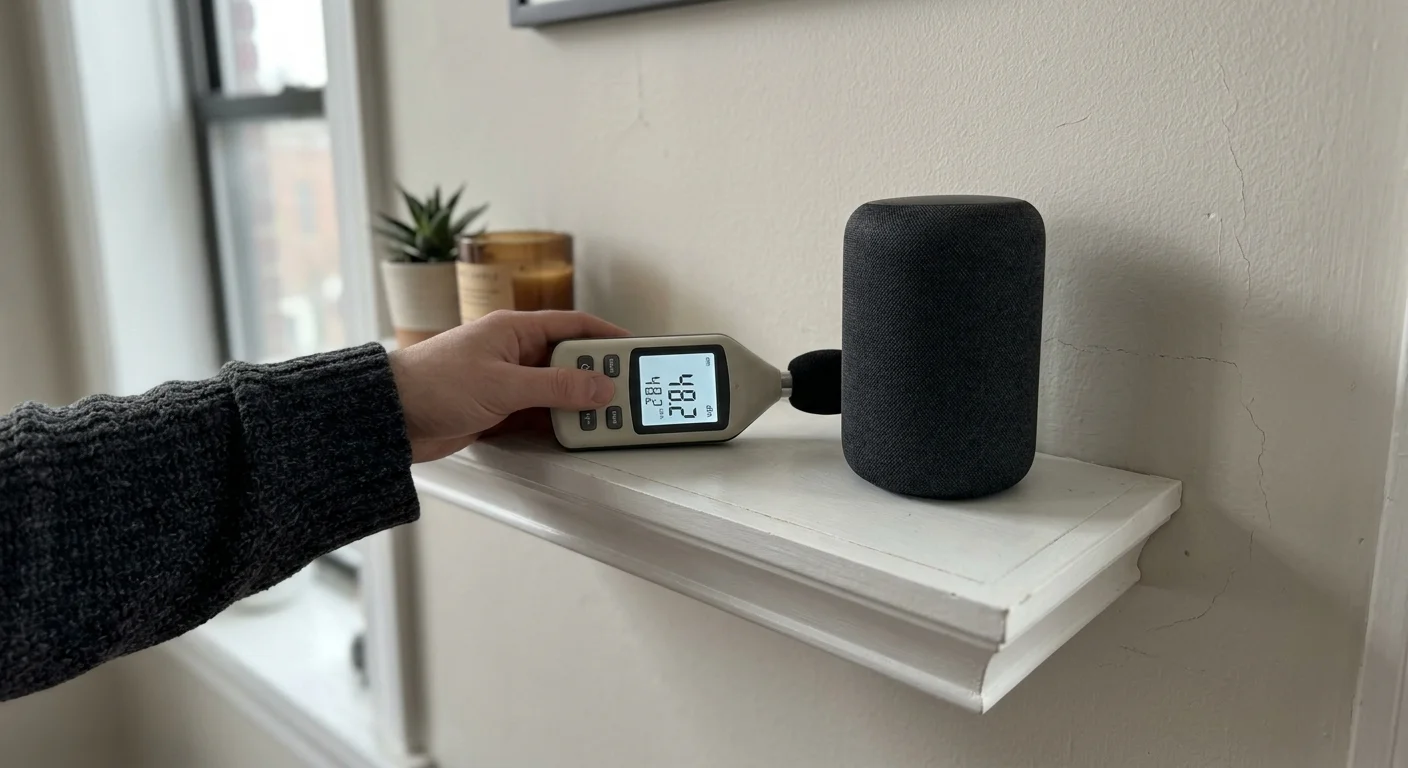
Measuring Wall Transmission Loss and Decibel Activation Thresholds
To stop false activations, you must measure the sound pressure level of your neighbor’s voice at your speaker’s exact placement. Most smart speaker far-field microphones trigger reliably at wake-word levels as low as 35 to 40 dBA.
If your neighbor’s voice registers above 38 dBA on an A-weighted decibel meter at your credenza or desk, wake-word false triggers apartment problems will persist.
You can determine whether acoustic bleed exceeds activation thresholds by conducting a controlled baseline test:
- Download a calibrated sound meter app, such as the NIOSH Sound Level Meter, or use a dedicated Type 2 SPL meter set to A-weighting and Slow response.
- Place the meter at the exact location and height of your smart speaker’s microphone array during a period when your neighbor is active.
- Record the ambient baseline decibel floor when the adjacent apartment is quiet, which typically ranges from 28 to 32 dBA in residential units.
- Log the peak dBA levels when your neighbor speaks, shouts, or plays media through the shared partition wall.
- Subtract the ambient floor from the peak level to establish the transmitted signal-to-noise ratio crossing your drywall.
If the peak bleed reads at or above 36 dBA, software alone rarely stops the microphone from processing the wake word. You must implement physical acoustic mitigation alongside software configuration.
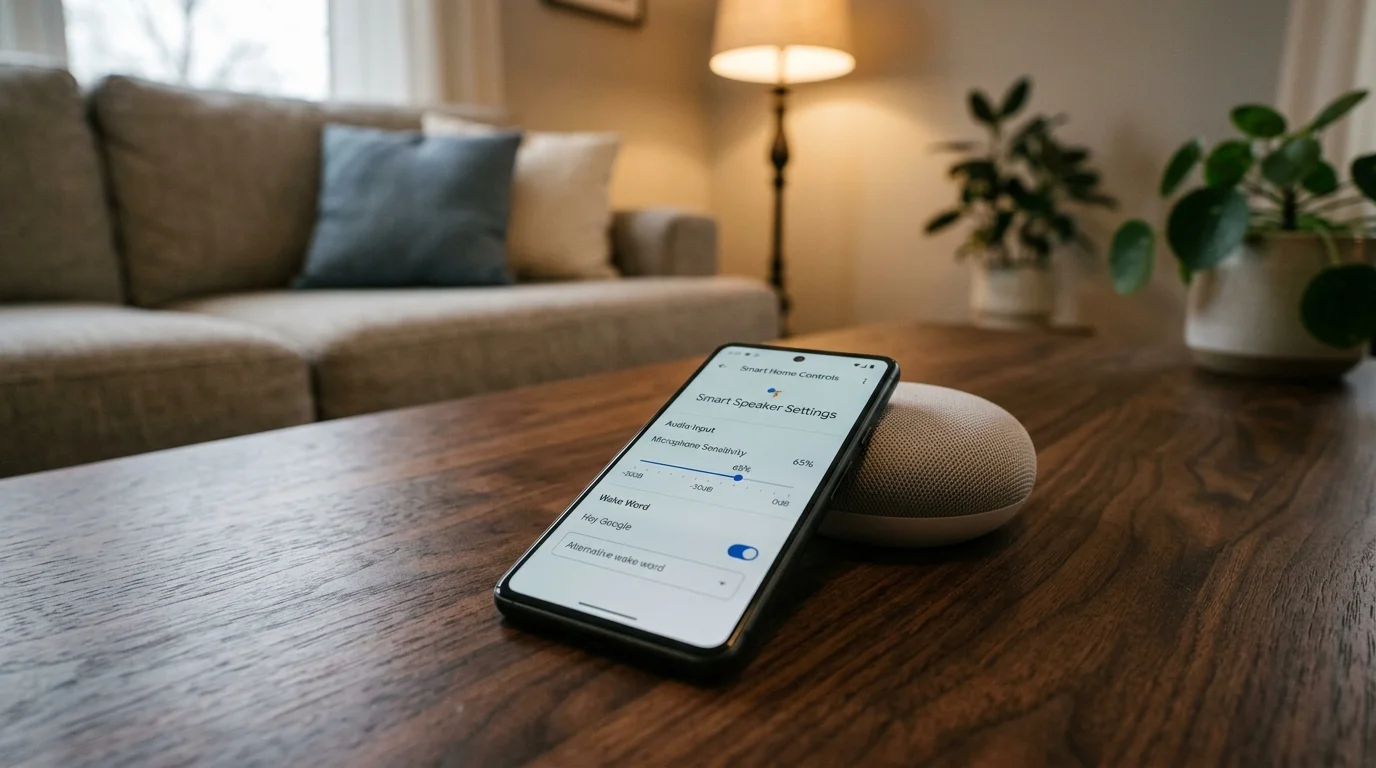
Platform Calibration Capabilities: Alexa, Google Assistant, and Siri
Voice assistant platforms handle hardware sensitivity and room calibration differently. Understanding these limitations prevents wasted time searching for settings that do not exist.
The best smart home is the one you don’t have to manage.
Google Assistant remains the only major voice ecosystem featuring a native, user-adjustable microphone sensitivity slider. Rolled out to Google Nest devices, this setting lets you raise or lower trigger thresholds across five distinct sensitivity points.
In contrast, Amazon Echo devices do not provide a manual smart assistant microphone sensitivity slider in the Alexa app. Alexa instead relies on Echo Spatial Perception (ESP) to determine which device responds.
ESP calculates acoustic signal strength and audio arrival times across local Echo units. However, ESP only arbitrates between devices registered to the same Amazon account, making it completely useless against a neighbor’s voice.
Apple HomePod and HomePod mini devices similarly lack decibel calibration controls in the Apple Home app. Siri relies purely on local machine learning models without manual threshold adjustments.
| Device Model | Native Sensitivity Control | Hardware Array Size | Trigger Sensitivity Floor | Account Arbitration Limitation |
|---|---|---|---|---|
| Amazon Echo (4th Gen) | No (Fixed DSP curve) | 6-mic circular array | 36 dBA | ESP ignores foreign household accounts |
| Google Nest Audio | Yes (5-level software slider) | 3-mic beamforming array | 34 to 44 dBA (slider dependent) | Slider isolates hardware locally |
| Apple HomePod (2nd Gen) | No (Binary toggle only) | 4-mic array | 35 dBA | No cross-device foreign-account filtering |
| Amazon Echo Dot (5th Gen) | No (Fixed DSP curve) | 3-mic linear array | 38 dBA | ESP ignores foreign household accounts |
As technical reviews from Wirecutter Smart Home evaluations illustrate, software adjustments cannot compensate for hardware arrays placed directly inside an acoustic reflection zone.
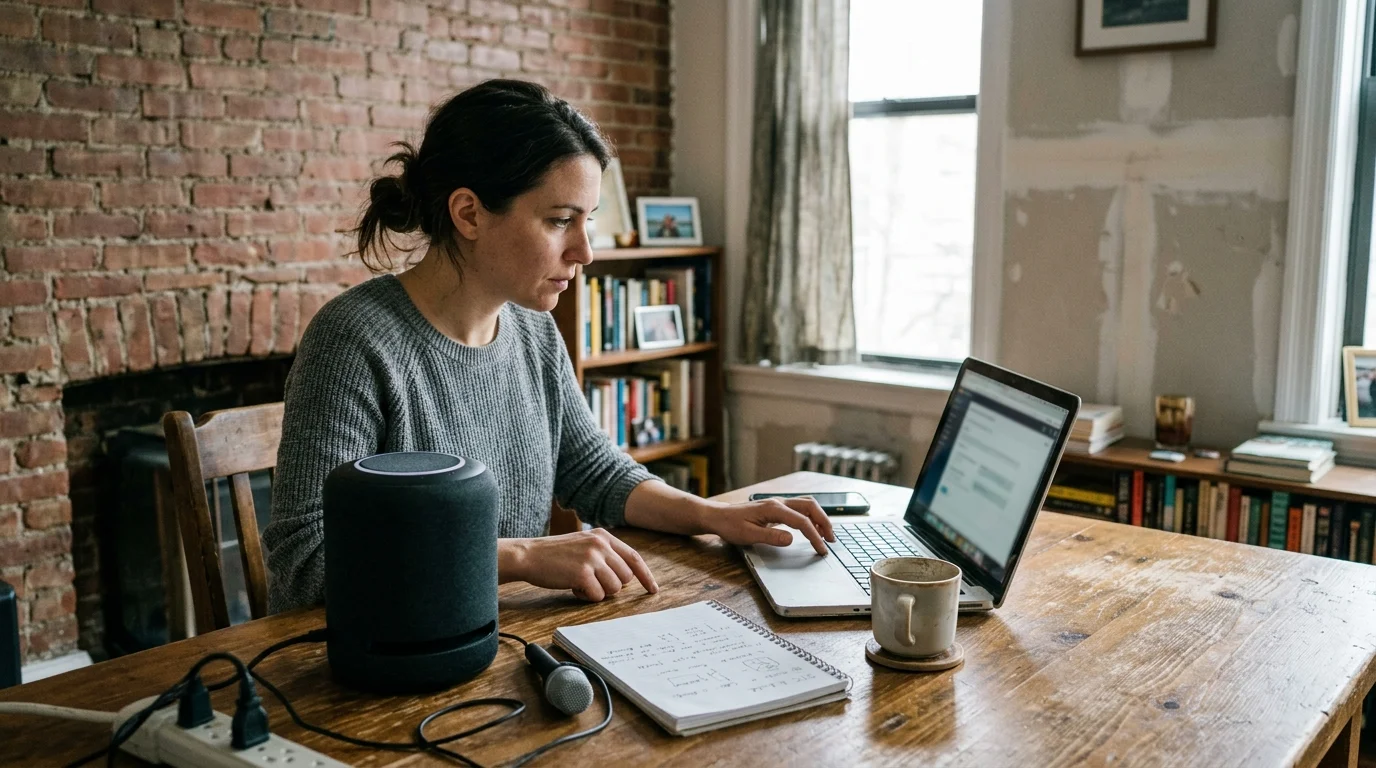
Worked Example: Calibrating an Echo Studio on a Shared STC 33 Partition
Consider a concrete scenario involving an apartment tenant living in an older multi-family complex. The renter placed an Amazon Echo Studio on a console table 8 inches away from a shared party wall.
The shared partition consists of 2×4 wood studs faced with 1/2-inch uninsulated gypsum board on both sides, yielding a measured STC 33 rating.
The adjacent neighbor frequently plays online games and argues late at night, generating average speech peaks of 76 dBA at 1 meter from the wall.
At 1 kHz, the partition’s transmission loss is 32 dB. Sound arrives through the drywall directly behind the Echo Studio at approximately 44 dBA, well above the unit’s 36 dBA trigger threshold.
The tenant executed a four-part physical calibration strategy on October 14 to eliminate the false triggers:
- Repositioned the Echo Studio 4 feet forward into the room, reducing direct through-wall acoustic energy by 5.8 dB via distance attenuation.
- Installed one 24-by-48-inch Owens Corning 703 dense fiberglass acoustic panel ($38, 2 inches thick, NRC 1.00) directly against the wall behind the console table.
- Mounted the speaker on a 1-inch thick high-density silicone acoustic isolation pad ($16) to eliminate physical vibrational transmission through the furniture surface.
- Changed the wake word from “Alexa” to “Computer” in the Alexa mobile application settings.
Following these changes, sound levels reaching the microphone array dropped from 44 dBA to 30.5 dBA. This placed the neighbor’s speech comfortably below the device’s activation floor, dropping false triggers from 5 per evening to zero.
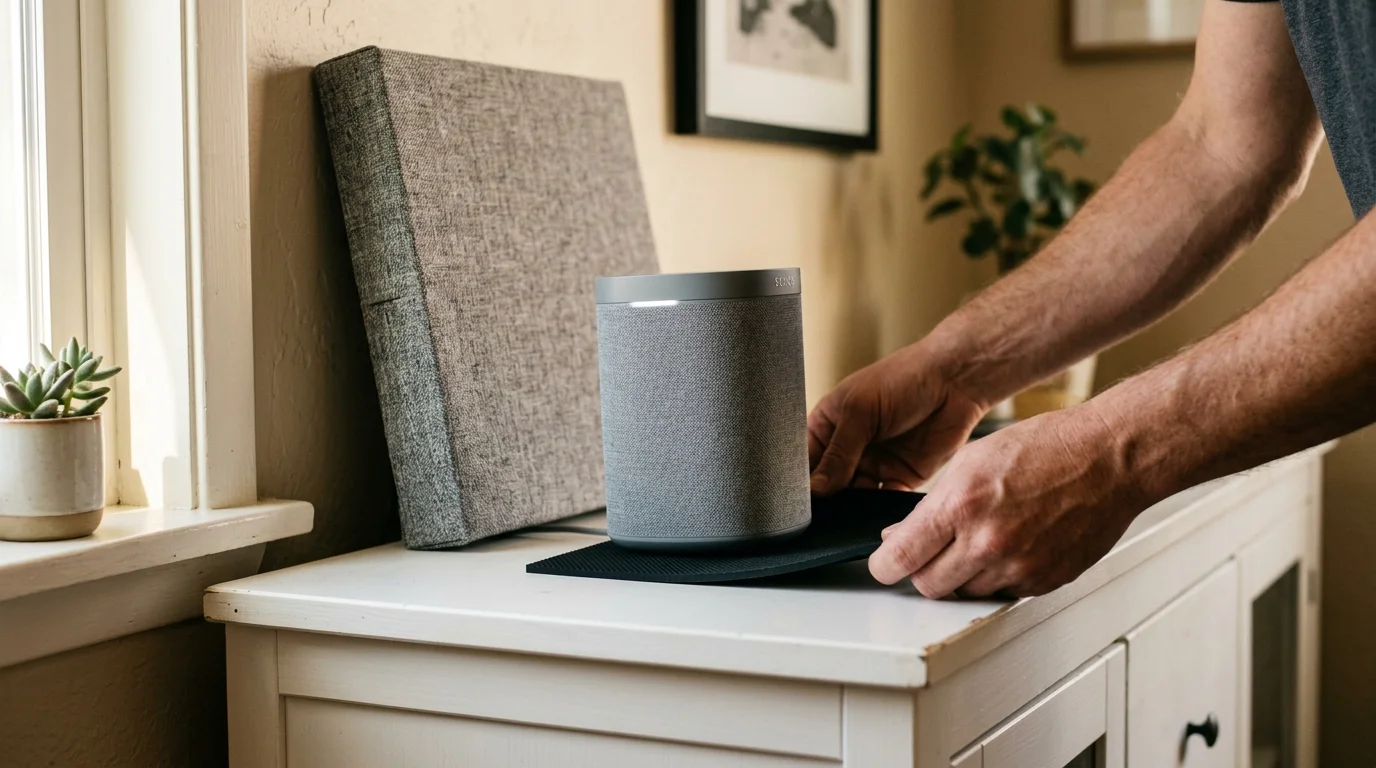
Acoustic Decoupling and Physical Polar Pattern Shifting
If you cannot modify your apartment walls, you must alter how sound waves propagate from the drywall to your smart speaker. Physical repositioning is the single most effective way to stop smart speaker hearing neighbors through thin walls.
When a speaker sits adjacent to a wall or corner, boundary reflections cause acoustic boundary loading. This acoustic reinforcement amplifies low and mid frequencies between 200 Hz and 800 Hz by up to 6 dB.
Human speech fundamentals fall precisely within this amplified boundary range. Moving your smart assistant outward breaks this acoustic reinforcement immediately.
Use these targeted physical placement rules to protect your microphone array from shared-wall bleed:
- Maintain at least 3 feet of horizontal distance between your smart speaker and any shared party wall.
- Never place a smart speaker inside a shared-wall drywall alcove, which creates a parabolic acoustic collector.
- Place sound-absorbing materials—such as dense books, heavy felt mats, or decorative acoustic felt tiles—directly between the device and the partition.
- Place the speaker on an isolated interior furniture piece rather than shelving anchored directly to the party-wall studs.
- Angle directional microphone arrays, such as smart displays with rear-facing mic ports, so their pickup nulls face the offending wall.
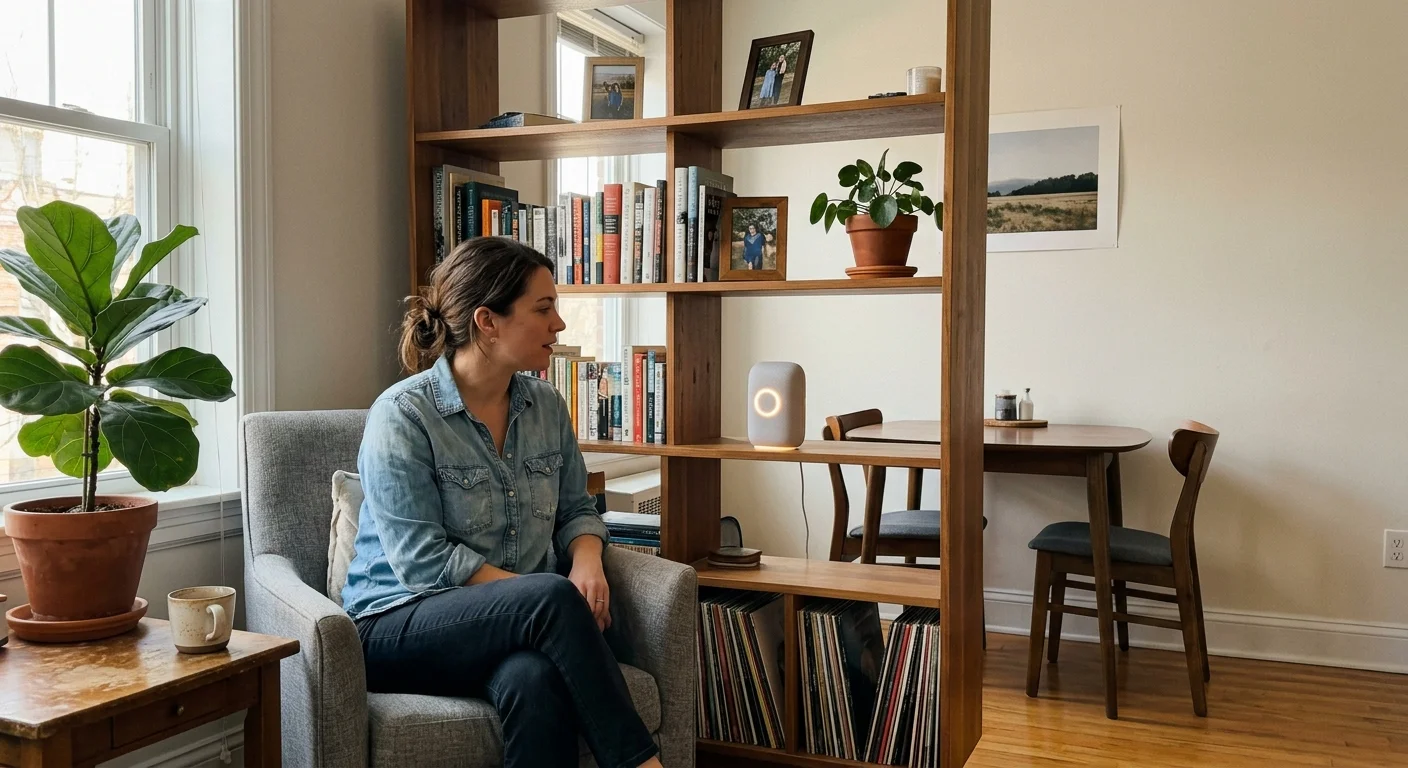
Solid wooden bookcases or decorative acoustic panels interrupt the direct line-of-sight sound waves traveling from the drywall partition. This intervention preserves your voice assistant’s responsiveness to commands spoken from inside your room.
Software Tweaks, Wake Word Swaps, and ESP Limitations
If physical repositioning alone does not eliminate false activations, software adjustments provide a secondary line of defense. The first software fix is modifying the trigger phonetic structure.
The default wake word “Alexa” contains three distinct syllables with soft vowel sounds that closely mirror common conversational speech patterns. Words like “election,” “unacceptable,” or “Alex” frequently cause misfires.
Switching to “Computer” or “Ziggy” reduces false triggers because these words contain sharper plosive consonants and uncommon phonetic transitions.
For Google Assistant users, calibrate your device sensitivity directly inside the Google Home application using these steps:
- Open the Google Home app on your mobile device and select your smart speaker from the room layout.
- Tap the Settings gear icon in the top right corner and open the Audio sub-menu.
- Select “Hey Google” sensitivity from the settings list.
- Move the 5-point slider to “-1” or “-2” (Least sensitive) to raise the decibel activation floor.
- Test the speaker from across your room to verify that it still reliably detects your normal speaking voice.
You can also schedule automated microphone mutes using smart plugs or device schedules. If your neighbor is loud during specific overnight hours, automated muting ensures complete privacy and uninterrupted sleep.
Frequently Asked Questions
Why does my Amazon Echo trigger when my neighbor talks?
Standard apartment partition walls often deliver sound isolation ratings below STC 35. Normal or elevated speech bleeds through at 40 dBA or higher, which easily crosses an Echo device’s far-field microphone activation threshold.
Can I adjust microphone sensitivity directly in the Alexa app?
No. Amazon Echo devices do not feature a manual software microphone sensitivity adjustment slider. You must rely on physical repositioning, acoustic dampening, or changing the wake word to eliminate false triggers.
How does Google Assistant’s sensitivity slider stop false triggers?
Google’s 5-point sensitivity slider adjusts the DSP wake-word confidence algorithm and decibel threshold. Lowering sensitivity to “-1” or “-2” requires a louder, clearer local acoustic signal before activating.
Does acoustic foam on the wall block smart speaker triggers?
Thin open-cell polyurethane foam only absorbs high-frequency flutter echoes and will not block low-frequency or mid-frequency vocal transmission through drywall. You need dense mass, such as mineral wool panels or mass-loaded vinyl.
Will turning on “Follow-Up Mode” make false triggers worse?
Yes. Follow-up mode keeps the microphone array active for several seconds after handling an initial command. If neighbor noise bleeds through during that window, the device will capture their conversation as a follow-up request.
Disclaimer: This article is for informational purposes only. Smart home devices involve electrical connections and data privacy. Always follow manufacturer instructions for installation. For complex wiring or HVAC work, consult a licensed professional.