As an estate executor, stepping into a deceased relative’s smart home presents immediate technical hazards. You need to secure connected hardware without unintentionally disarming perimeter cameras, water sensors, or automated lighting schedules.
Most estate cleanup advice suggests factory resetting every smart speaker right away. This standard guidance creates dangerous blind spots by severing active safety automations before physical control of the property resolves.
This guide demonstrates how to establish legal digital authority to transfer voice assistant hardware and linked accounts while keeping vital perimeter and freeze-protection routines online.
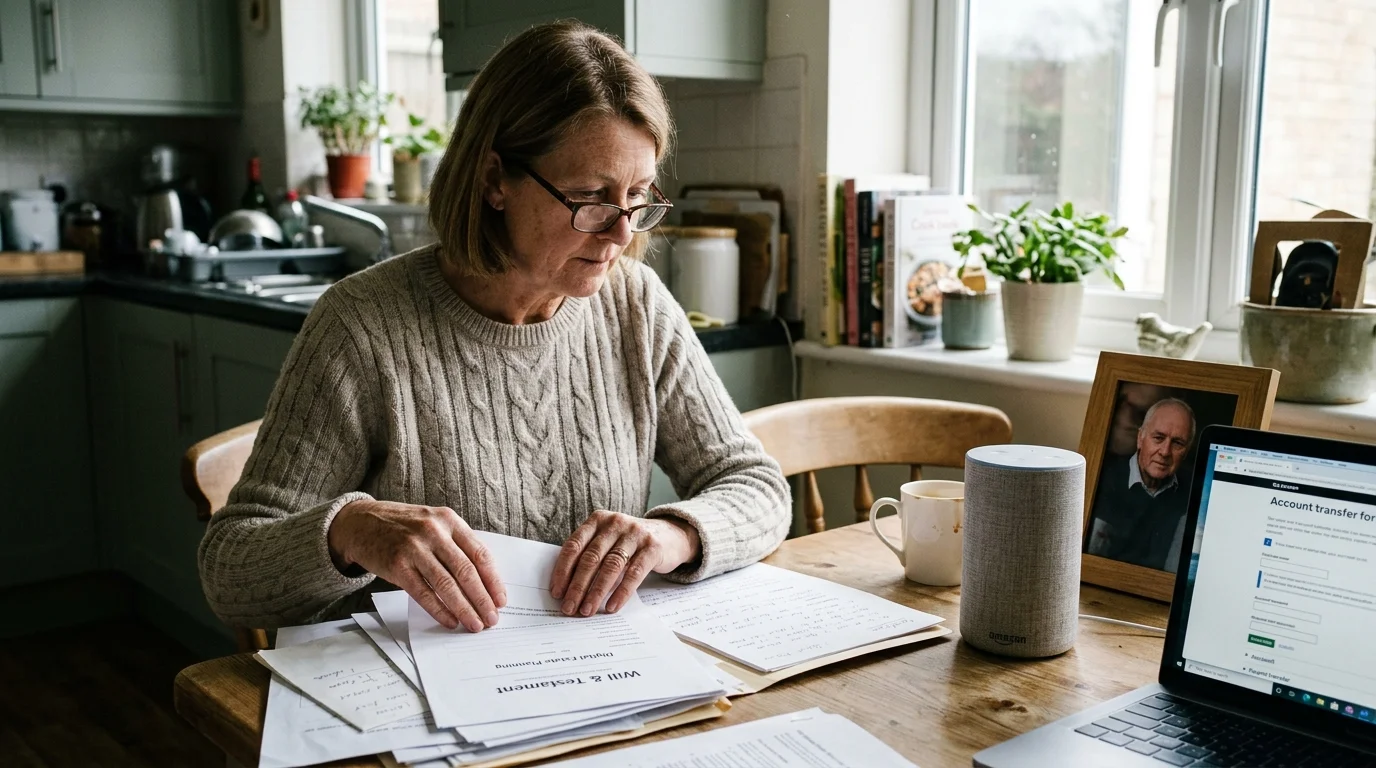
Legal Authority and Digital Asset Laws
Administering connected hardware requires navigating digital estate statutes alongside traditional probate procedures. You cannot simply log in with remembered passwords without risking service agreement violations or two-factor authentication lockouts.
The legal foundation for digital property management rests on the Revised Uniform Fiduciary Access to Digital Assets Act (RUFADAA). Drafted in 2015, forty-six U.S. states and Washington, D.C., have enacted this legislation.
RUFADAA grants executors and court-appointed administrators the legal authority to access, manage, or close digital accounts. However, the law enforces a strict three-tier priority structure for determining user intent.
- Online Platform Tools: Settings configured within platform tools take absolute legal priority over instructions in traditional wills or trusts.
- Estate Planning Documents: Explicit authorizations written into a verified will, power of attorney, or trust apply only if online tools remain unconfigured.
- Terms of Service: The platform’s standard terms govern account disposition if neither online tools nor estate documents provide explicit direction.
To exercise authority under RUFADAA, you must assemble specific estate credentials before contacting voice platform bereavement divisions. Missing documents cause multi-week administrative delays.
- Certified copy of the decedent’s death certificate issued by the vital statistics registry.
- Letters Testamentary, Letters of Administration, or court probate appointment certificates naming you as fiduciary.
- Government-issued photo identification verifying your identity against court records.
- Serial numbers and associated email addresses for every primary smart speaker and display hub.
Incorporating smart speaker digital estate planning into estate administration preserves critical property safeguards while fulfilling your fiduciary duty.
Auditing Smart Routines Before Disconnecting Hardware
Smart speakers function as voice endpoints, but they frequently double as administrative hubs for environmental controls. If you pull the plug immediately, you might disable unseen safeguards protecting the real estate.
Before modifying any hardware, determine whether the voice assistant executes critical scheduled automations. Vacant homes face elevated risks of pipe freezes, electrical fires, and unauthorized intrusions.
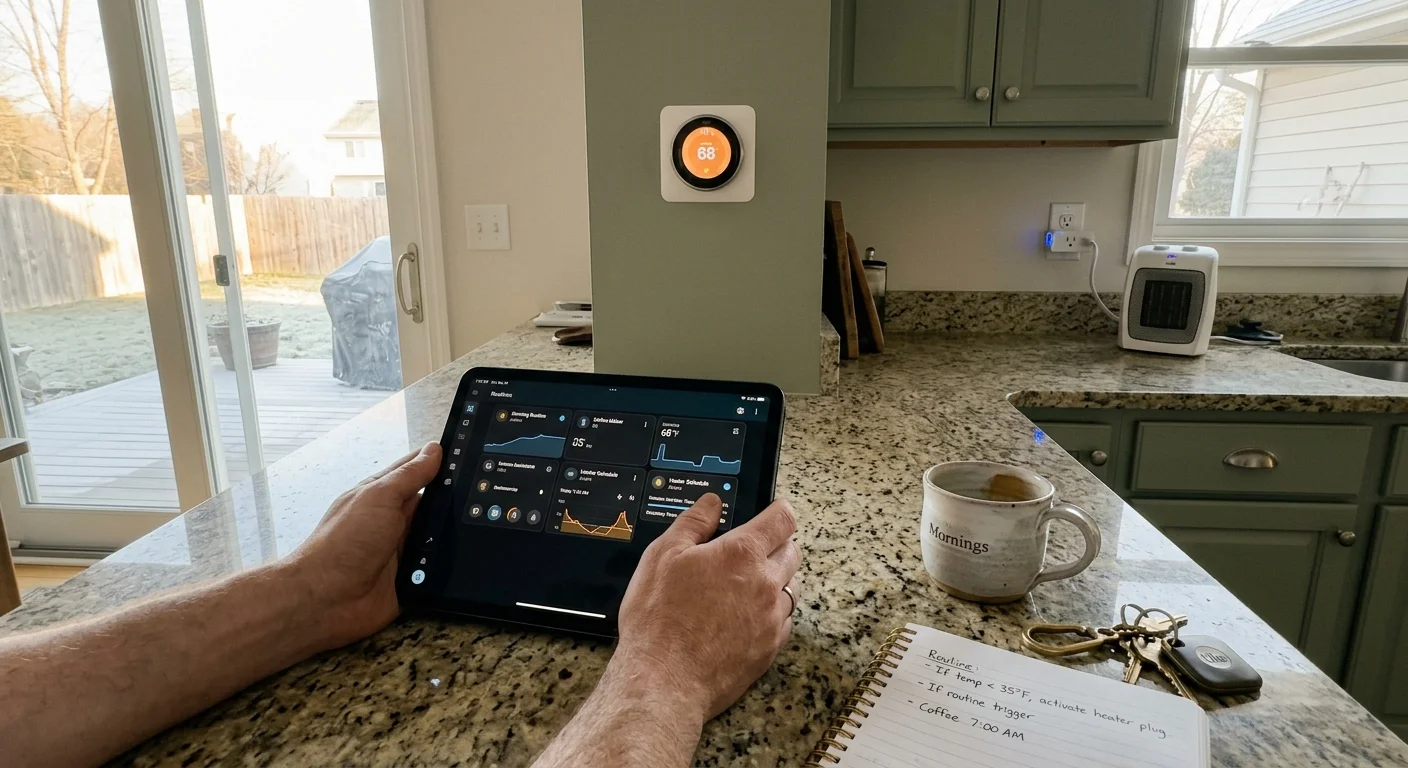
Review the primary smart speaker interfaces for active routines controlling environmental thresholds. Look for schedules tied to smart thermostats, dehumidifiers, and sump pump monitors.
- Freeze Protection: Routines cycling auxiliary heat when exterior temperatures drop below 40 degrees Fahrenheit.
- Security Lighting: Randomized evening lighting schedules that create an occupied appearance during probate proceedings.
- Water Shutoff Triggers: Zigbee or Z-Wave leak detectors configured to close motorized main water valves automatically.
- Perimeter Alerts: Smart chime routines tied to outdoor motion sensors or smart video doorbells.
Document every active voice command, routine trigger, and schedule within the voice companion application. Capture screenshots of automation logic before changing account configurations.
This inventory allows you to recreate identical automations under a surviving account or estate administration profile without manual guesswork.

Worked Estate Scenario: Preserving Automations During Account Transition
Consider the estate of an account holder at an Oak Ridge property. The home contains fourteen connected endpoints managed through three voice speakers and a dedicated display hub.
The hardware includes two Amazon Echo Dot (4th Generation) units, one Echo Show 8 (2nd Generation), and one Google Nest Hub (2nd Generation). The ecosystem controls security lighting, perimeter cameras, and a smart thermostat.
The probate process opens on October 12. If the executor factory wipes the Amazon Echo Show 8 immediately, the home loses its Zigbee bridge connection to four freeze sensors and two smart radiator valves.
A heating failure during early November freezes plumbing lines, causing an estimated $14,500 in localized water damage. The executor must maintain environmental control across an 18-day administrative handoff window.
- Day 1 (Inventory and Containment): The executor documents all four voice units, their MAC addresses, and active Zigbee sensor associations. The smart home displays show an active routine: “Maintain basement at 55 degrees.”
- Day 3 (Wi-Fi Isolation): The executor migrates all hardware to a dedicated 2.4 GHz estate management SSID. This preserves device-to-device communication while preventing remote account tampering.
- Day 7 (Credential Transition): Armed with Letters Testamentary, the executor submits verification to Amazon’s bereavement team. The representative freezes media purchases while maintaining device registry for 14 days.
- Day 15 (Platform Export): The executor manually pairs the environmental Zigbee sensors to a standalone hub, recreating the heating routine under an estate administrator profile.
- Day 18 (Hardware Decommissioning): With safety routines preserved on the secondary hub, the executor issues a remote deregistration through Amazon and wipes the physical Echo devices.
This phased sequence prevented property damage while clearing the hardware of personal data. The estate preserved physical security without violating digital service terms.
Platform Bereavement Workflows: Apple, Google, and Amazon
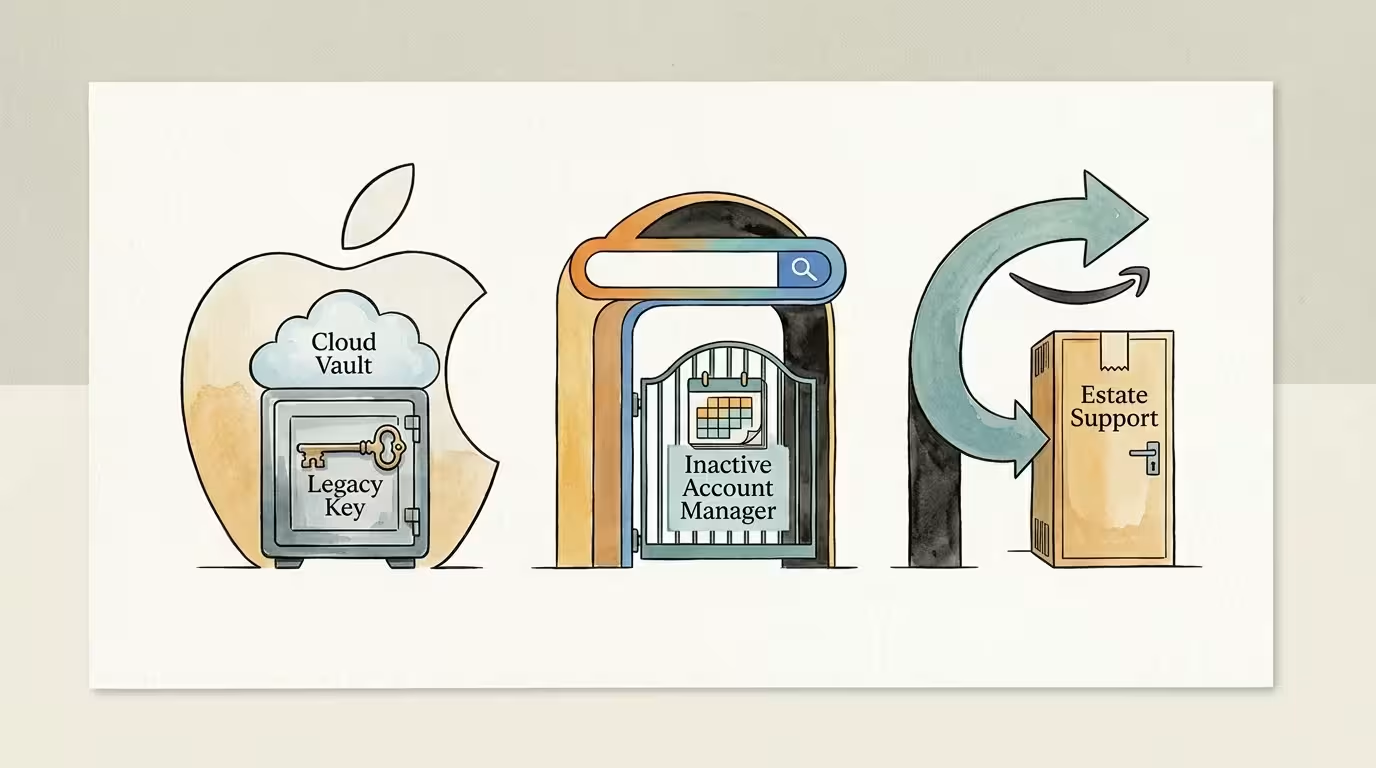
Every major smart home provider maintains distinct legal channels for handling deceased user profiles. Navigating these pathways enables you to manage or transfer smart home accounts deceased relatives left behind.
Apple manages digital succession through its Legacy Contact program, launched in iOS 15.2 and macOS Monterey 12.1. If the decedent named you as a Legacy Contact, you possess a cryptographic Access Key.
You submit the Access Key alongside a death certificate through Apple’s digital legacy portal. Once approved, Apple grants access to select account data for three years before permanently deleting the account.
Apple HomeKit configurations, smart automations, and device registrations transfer cleanly under this protocol. However, purchased media licenses and iCloud Keychain passwords remain non-transferable under Apple’s terms.
Google approaches digital inheritance through the Inactive Account Manager utility. Users designate timeout thresholds of 3, 6, 12, or 18 months of total inactivity across Google services.
Google sends SMS and email notifications one month prior to timeout expiration. When triggered, Google delivers pre-selected data archives to up to ten designated contacts.
Google’s general account policy permanently purges accounts inactive across all services for 24 consecutive months. Executors lacking direct access must apply through Google’s formal deceased user request portal with probate verification.
Amazon operates the strictest account transfer boundaries among voice assistant vendors. Amazon accounts, Prime benefits, and digital media licenses terminate upon the account holder’s death.
To manage Amazon-linked smart hardware, contact Amazon’s bereavement team at bereavement-support-cs@amazon.com. You must provide Letters Testamentary, a death certificate, and identity verification.
Amazon cancels recurring subscription fees, disassociates payment methods, and assists in releasing hardware serial numbers. The estate can then register the smart speakers to a new account.
Resetting and Recommissioning Orphaned Voice Hardware
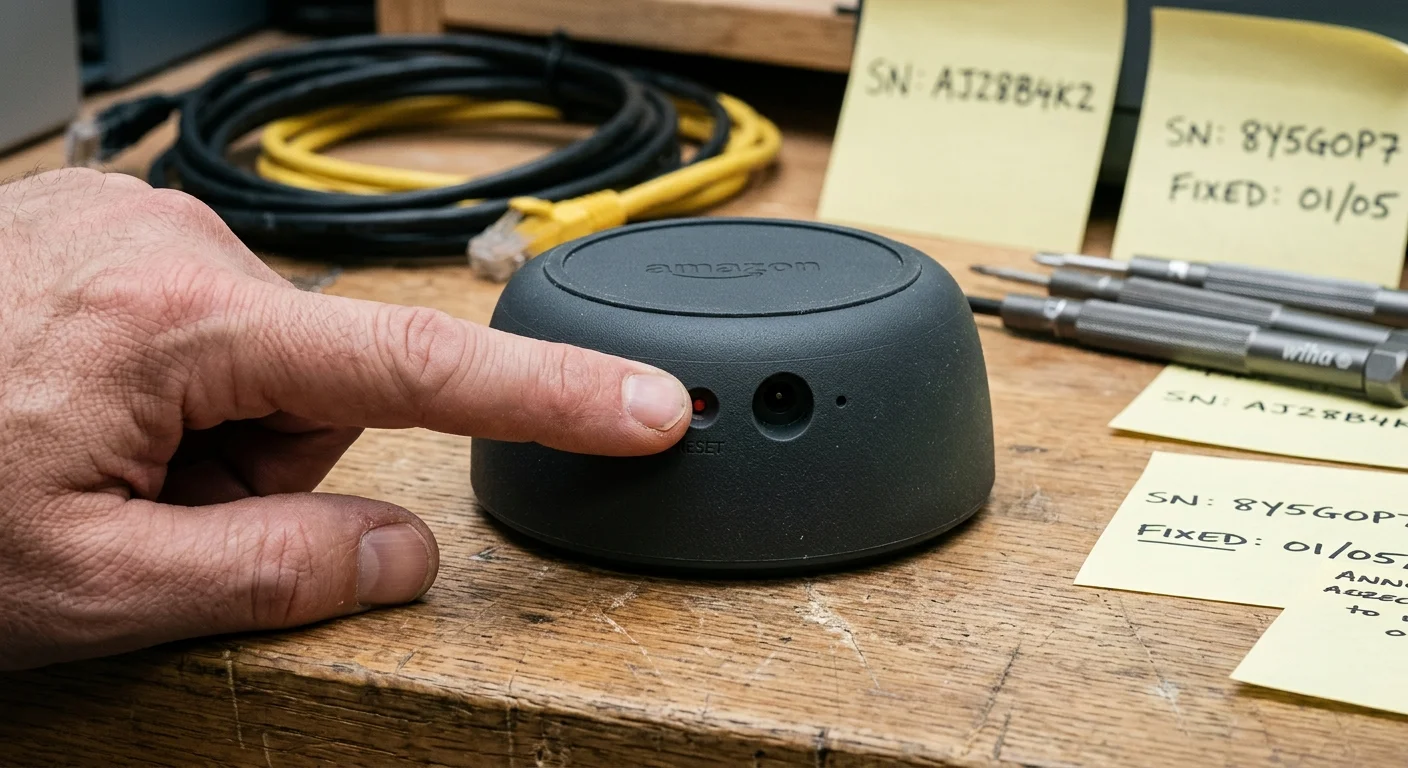
Once you archive safety automations and obtain legal authorization, wipe the voice hardware. Physical resets purge personal voice recordings, Wi-Fi credentials, and account authentication tokens.
If you plan to reuse or donate the hardware, you must reset dead relative smart speaker units using exact physical button sequences. Software unlinking alone leaves local credentials cached on the device flash memory.
- Amazon Echo (3rd, 4th, and 5th Generation): Press and hold the Action button (the button with a single dot) for 20 to 25 seconds. Wait for the light ring to pulse orange, turn blue, shut off, and turn orange again.
- Google Nest Audio and Nest Mini (2nd Generation): Switch the physical microphone mute switch to the off position. The LEDs will glow solid orange. Press and hold the center touch surface or volume center for 10 to 15 seconds until you hear a confirmation chime.
- Google Home Hub / Nest Hub (All Generations): Locate the volume up and volume down buttons on the back panel. Press and hold both volume buttons simultaneously for 10 seconds until the display prompts you with a reset countdown.
- Apple HomePod and HomePod mini: Unplug the speaker power adapter, wait 10 seconds, and plug it back in. Touch and hold the top surface of the HomePod; the white spinning light will turn red while Siri announces a pending reset. Keep pressing until you hear three distinct beeps.
After completing the reset sequence, configure the voice hardware on a fresh Wi-Fi network using an administrator account. Modern devices supporting the Matter smart home standard pair directly across platforms without retaining old account links.
Label the reset hardware clearly during estate liquidation to confirm to buyers or heirs that all previous account data has been wiped.
Voice Ecosystem Bereavement Comparison
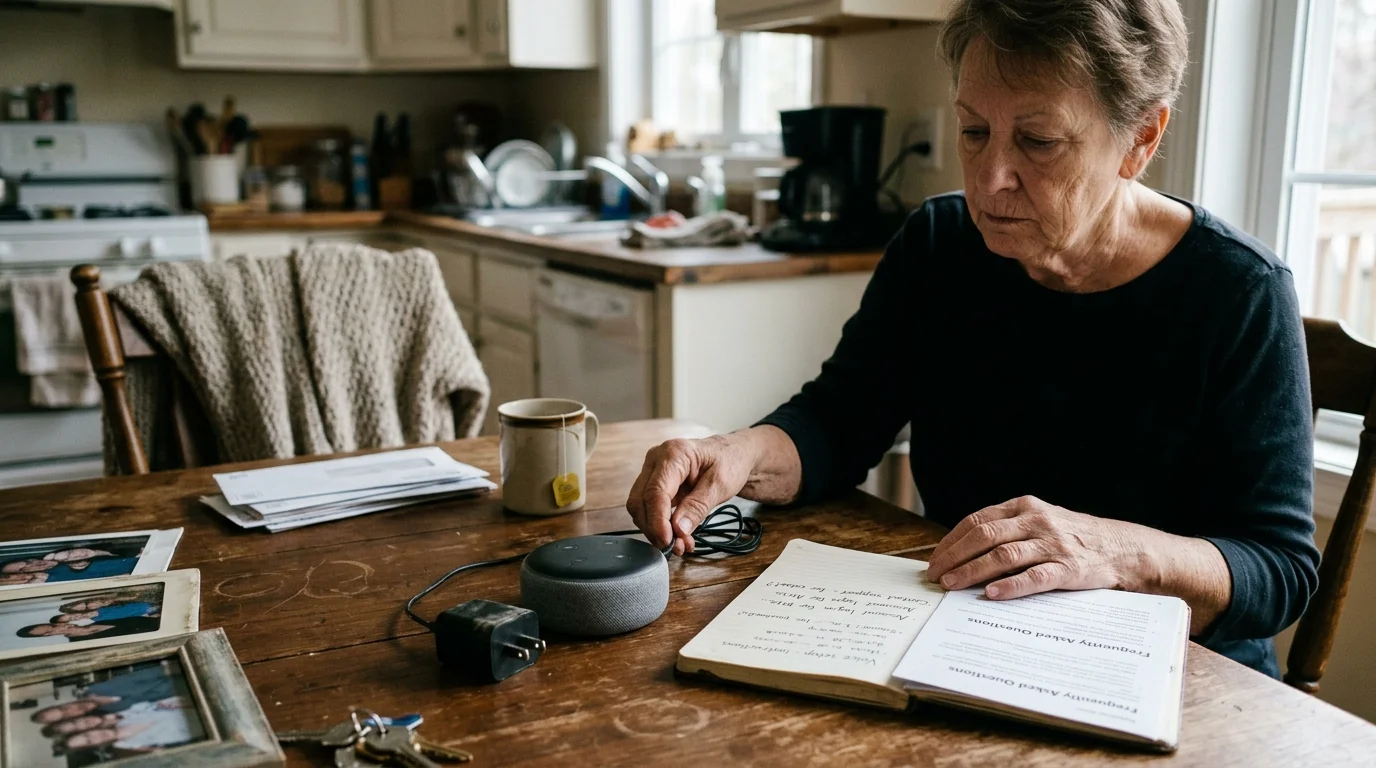
Voice assistant ecosystems handle fiduciary access, hardware releases, and account timeouts differently. The table below details operational realities across the three major ecosystems.
| Platform / Ecosystem | Formal Verification Tool | Processing Window | Digital Media Transferability | Inactivity Deletion Horizon |
|---|---|---|---|---|
| Apple (Siri / HomeKit) | Digital Legacy Portal (Requires Access Key) | 3 to 7 business days | Non-transferable; licenses terminate | 3 years after legacy access opens |
| Google (Google Assistant / Home) | Inactive Account Manager or Deceased User Form | 14 to 30 business days | Non-transferable; takeout download provided | 24 consecutive months of inactivity |
| Amazon (Alexa / Echo) | Bereavement Support Team via Direct Verification | 7 to 14 business days | Non-transferable; content access closes | Indefinite; purged upon verified closure |
Review these parameters before committing estate labor to account transfers. When digital media cannot transfer, prioritize wiping hardware rather than petitioning platforms for account ownership.
Securing Subscriptions and Preventing Account Lockout
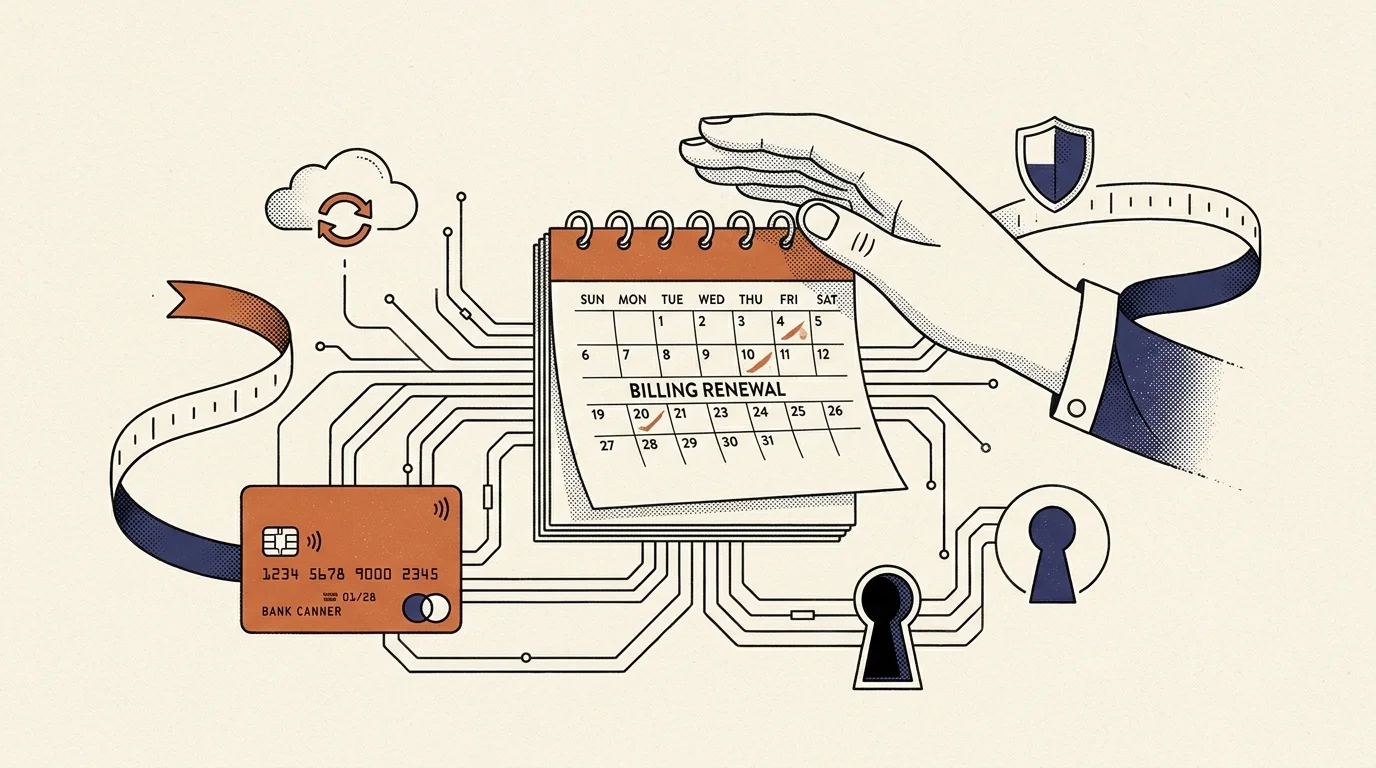
Smart home hardware depends on background cloud subscriptions for event recording, cellular backup, and voice processing. Estate executors frequently encounter sudden hardware failures when banks freeze decedent credit cards.
When financial institutions process a death notice, automated billing attempts fail immediately. Services like Nest Aware, Ring Protect, and Apple iCloud+ will drop into grace periods lasting between 7 and 30 days.
Once the grace period expires, cloud video history vanishes, and smart perimeter systems revert to basic functionality. Cellular backup modules in smart alarm panels shut down, leaving the property dependent on broadband.
- Obtain an estate debit card or court-approved fiduciary credit account through the estate checking facility.
- Access the billing portal for critical smart home services before platform accounts face closure.
- Update payment credentials to the estate account to prevent uninterrupted camera monitoring during probate.
- Set calendar reminders to audit subscription status every thirty days until property distribution completes.
Maintaining active subscription tiers protects the physical property during administrative settlement. Once the estate sells or transfers the property, systematically cancel recurring charges through the vendor portals.
Transitioning Smart Home Control to New Occupants or Heirs
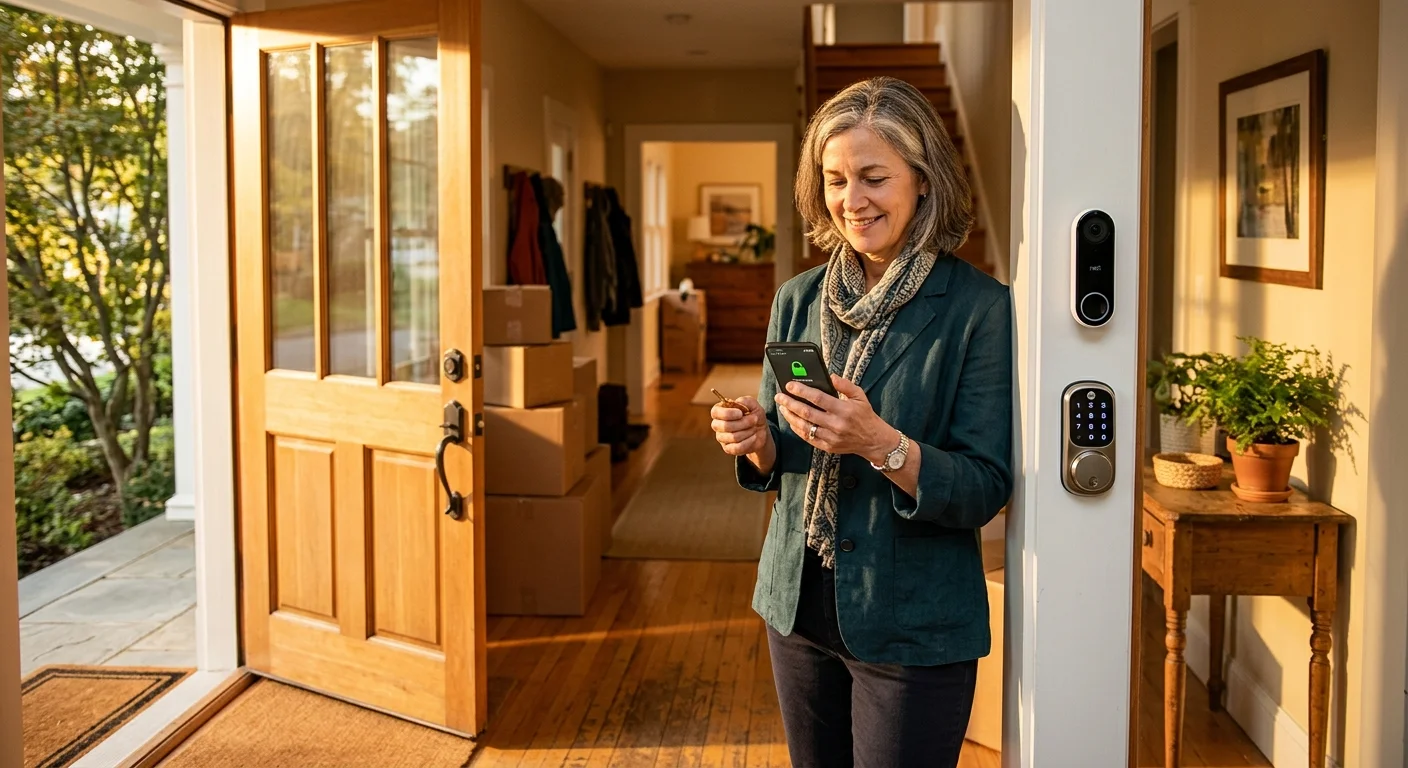
Transferring a functional smart home to a surviving spouse, heir, or homebuyer requires a deliberate handoff. Simply sharing account credentials compromises security and causes persistent identity conflicts.
The cleanest transition method uses built-in multi-user household frameworks. Add the incoming occupant’s email address as a full administrative co-owner before decommissioning the decedent’s profile.
- Amazon Alexa: Configure Amazon Household to add the surviving adult, allowing hardware sharing while separating payment methods.
- Google Home: Open Household settings, select Invite Person, and assign Full Access to grant complete control over Nest thermostats and speakers.
- Apple Home: Launch Home Settings, choose Invite People, and provide administrative privileges to manage HomePod hubs and HomeKit accessories.
Once the recipient accepts administrative control, verify that all peripheral accessories respond to their mobile application. Test critical voice triggers to ensure local responsiveness.
Finally, remove the decedent’s profile from the household directory. This revokes legacy access, isolates billing, and places smart home governance in living hands.
Frequently Asked Questions
Can I transfer an Amazon Prime membership and purchased music to an heir’s Echo speaker?
No. Amazon terms establish that digital purchases, Prime benefits, and streaming licenses are non-transferable personal rights that terminate upon death.
What happens to voice recordings stored on smart speakers after an account closes?
Verified account closure requests prompt platforms to delete stored voice audio, transcription logs, and behavioral profiles from active cloud directories.
Can an executor bypass an Apple HomePod passkey without an Access Key?
No software bypass exists. If you lack the Digital Legacy Access Key, you must perform a manual hardware reset using the top physical touch surface.
Will smart thermostats continue to regulate temperature if the voice assistant account shuts down?
Yes. Smart thermostats maintain base internal heating and cooling setpoints locally, even when cloud voice connections and external routines disconnect.
Disclaimer: This article is for informational purposes only. Smart home devices involve electrical connections and data privacy. Always follow manufacturer instructions for installation. For complex wiring or HVAC work, consult a licensed professional.