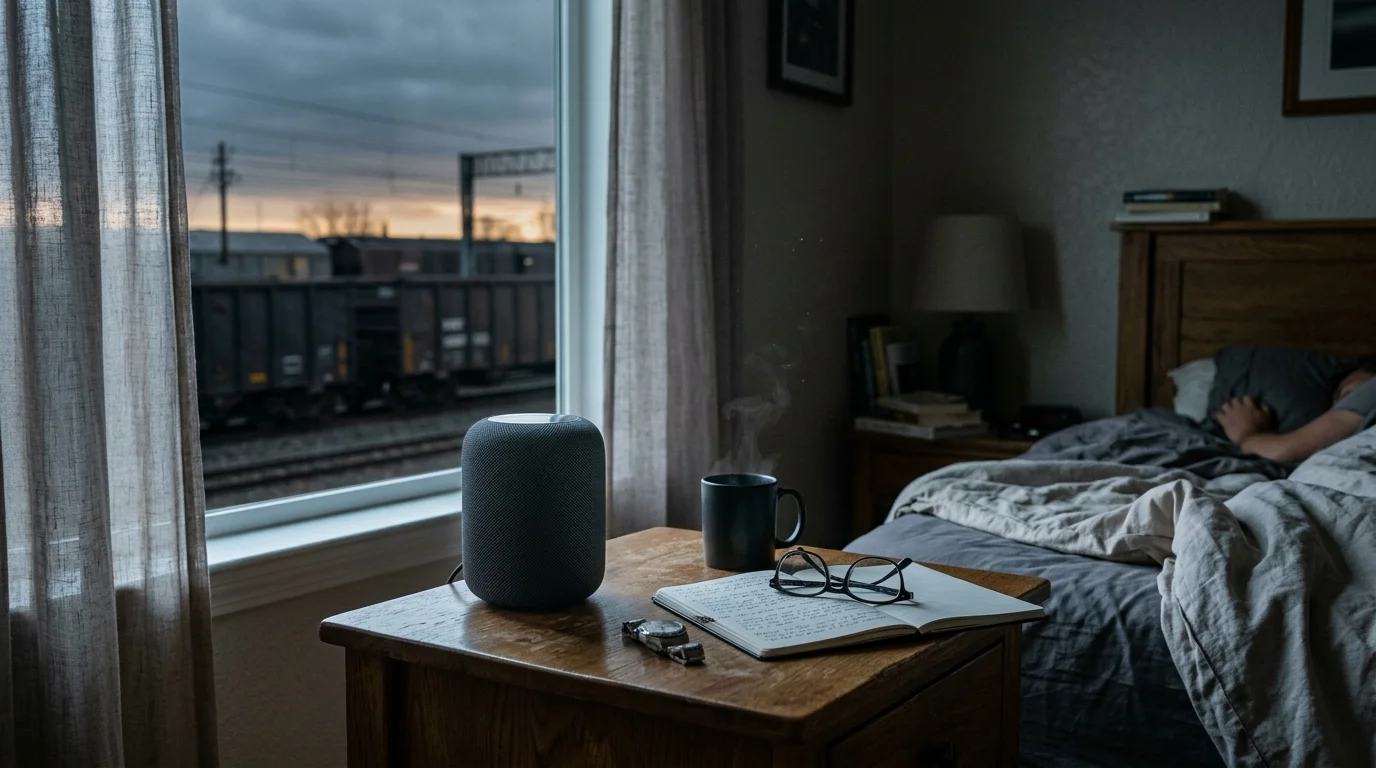
Living fifty yards from an active freight line destroys standard wake-up routines when low-frequency diesel rumbles drown out ordinary alarms. You can defeat this acoustic barrier by re-engineering your smart speaker’s frequency spectrum rather than simply blasting louder volume.
Traditional alarms fail because low-frequency train noise causes upward auditory masking, completely burying standard midrange alarm chimes. Raising total decibels only creates distorted noise that your brain easily incorporates into sleep.
Shifting your alarm audio entirely into the 2 kHz to 5 kHz bracket pierces through locomotive drone while staged multi-room handoffs force physical arousal.

The Psychoacoustics of Transit Rumble and Auditory Masking
Locomotives produce high-energy acoustic emissions concentrated between 30 Hz and 150 Hz. These long sound waves easily penetrate exterior home insulation, double-pane glass, and drywall framing.
When low-frequency energy invades your bedroom, it triggers a psychoacoustic phenomenon called the upward spread of masking. Intense low frequencies desensitize the human basilar membrane, preventing perception of higher-frequency sounds at moderate volumes.
Most default alarm tones generate energy between 400 Hz and 1,000 Hz. Because this midrange energy sits directly adjacent to transit harmonics, your sleeping brain fails to isolate the alarm signal.
The human ear canal acts as a natural acoustic resonator for sounds between 2,500 Hz and 4,500 Hz. Frequencies inside this band require significantly less acoustic energy to trigger physiological arousal.
Common transit sounds project distinct acoustic signatures across the lower spectrum:
- Diesel Engine Throttle: Steady, high-energy drone peaking between 45 Hz and 90 Hz.
- Rail Wheel-Track Impact: Transient rhythmic thumps generating vibration spikes between 20 Hz and 60 Hz.
- Highway Semi-Truck Traffic: Rolling tire hiss and exhaust resonance concentrated between 80 Hz and 250 Hz.
- Coupler Slack Run-Out: Sudden percussive bangs spanning 100 Hz to 400 Hz that wake you briefly, leaving you desensitized to morning alarms.
To cut through low frequency noise, your alarm strategy must abandon low-end audio entirely. Removing bass frees your smart speaker’s amplifier to push clean, piercing energy into the ear canal’s optimal sensitivity zone.
Smart Speaker Hardware: Frequency Response and Driver Capabilities
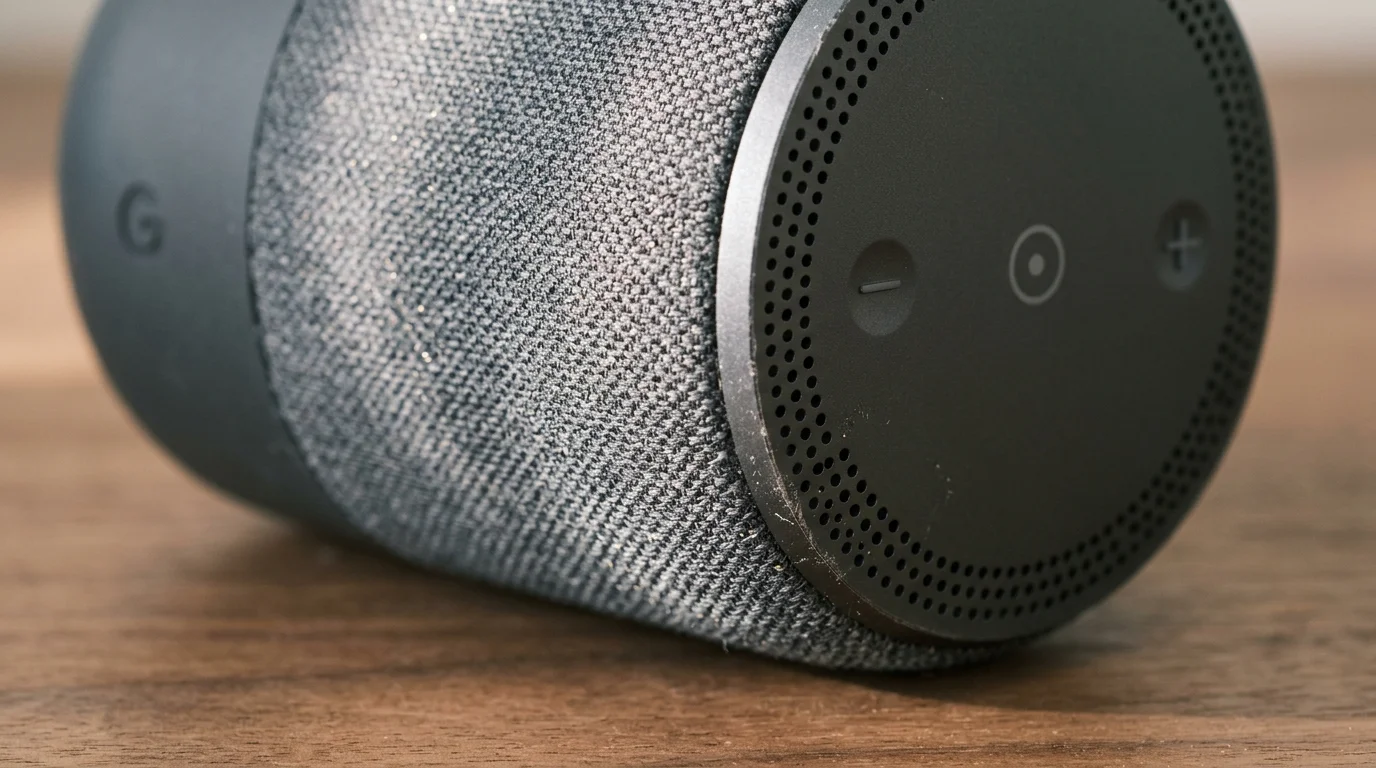
Smart speakers possess compact drivers that struggle to produce both deep bass and sharp treble simultaneously. Forcing a small speaker to push bass while ringing an alarm causes immediate harmonic distortion.
Independent analysis from audio evaluators at Wirecutter Smart Home reveals that compact smart speakers often sacrifice high-treble clarity to emulate rich bass. You must reverse this default acoustic profile.
Selecting the right hardware platform directly influences how effectively your audio alarm cuts through structural train rumble. The table below details hardware capabilities across leading smart speaker models.
| Device Model | Driver Array | Hardware EQ Control | Peak 2.5–5 kHz Output (dBA at 1m) | Multi-Room Sync Latency |
|---|---|---|---|---|
| Amazon Echo (4th Gen) | 3.0-inch woofer, dual 0.8-inch tweeters | 3-Band (Bass, Mid, Treble ±6 dB) | 82 dBA | < 15 ms (lossless audio sync) |
| Amazon Echo Dot (5th Gen) | 1.73-inch front-firing driver | 3-Band (Bass, Mid, Treble ±6 dB) | 76 dBA | < 20 ms |
| Google Nest Audio | 2.95-inch woofer, 0.75-inch tweeter | 2-Band (Bass, Treble ±6 dB) | 80 dBA | < 25 ms (Cast protocol) |
| Apple HomePod mini | Full-range driver, dual passive radiators | None (Automatic computational EQ) | 74 dBA | < 10 ms (AirPlay 2) |
The Amazon Echo (4th Gen) offers dedicated dual tweeters that isolate high-frequency chimes from its woofer. This physical separation prevents low-end transit rumble from distorting critical treble alerts.
Devices relying on single full-range drivers, such as the Echo Dot or HomePod mini, require extreme digital equalization to stop bass modulation from muffling high-pitched wake-up chimes.
Calibrating On-Device Equalizers to Cut Through Low-Frequency Noise
Default smart speaker sound profiles emphasize heavy bass to make music sound warm and full. For heavy sleepers near freight lines, this bass emphasis actively degrades alarm performance.
When an alarm tone fires, your speaker’s miniature amplifier expends massive electrical current trying to generate low frequencies. That wasted wattage robs power from the high frequencies needed to shatter sleep inertia.
You can adjust equalizer settings in the Amazon Alexa app to repurpose your hardware as a specialized vocal and chime projector:
- Open the Alexa app on your iOS or Android device.
- Select Devices from the bottom menu, then choose Echo & Alexa.
- Tap the specific speaker placed beside your bed.
- Tap the Settings gear in the upper-right corner and select Audio Settings.
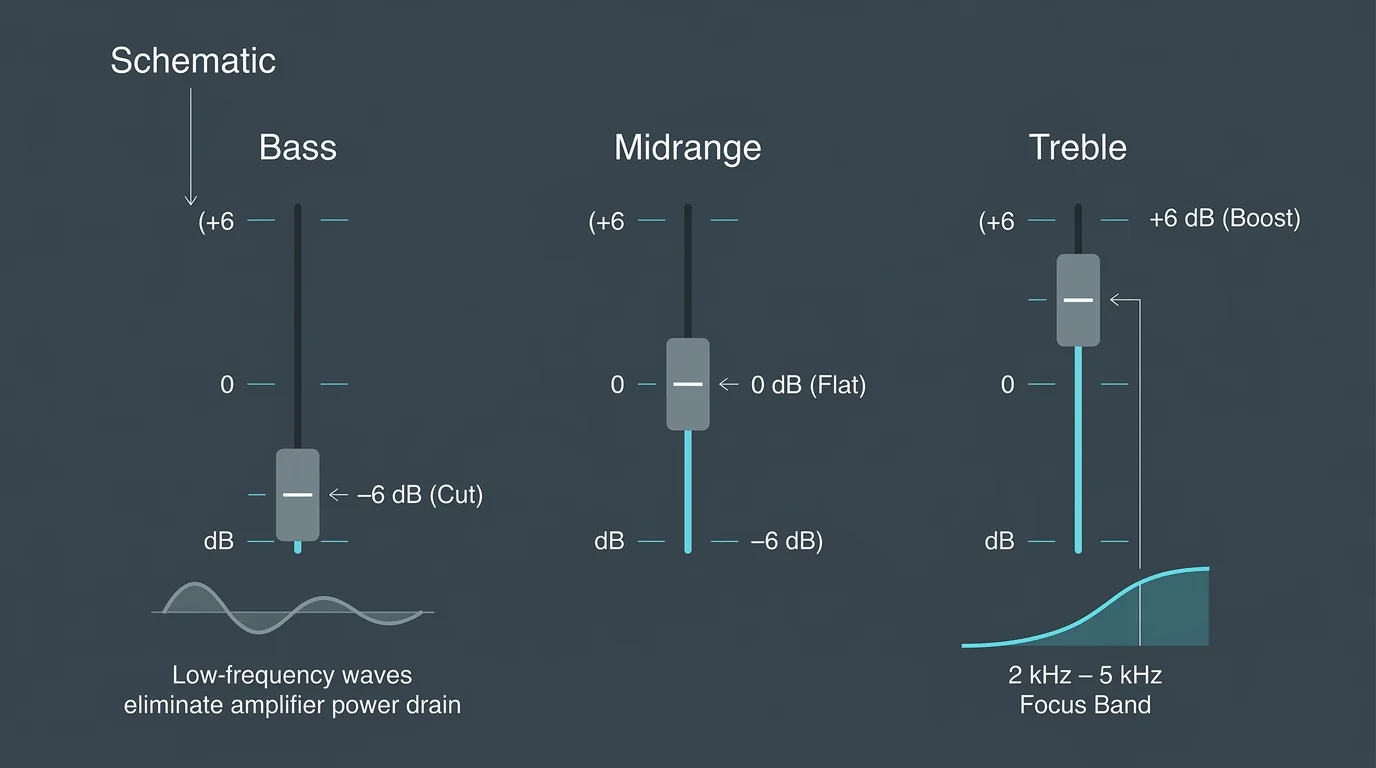
- Drag the Bass slider to -6 dB (maximum cut).
- Set the Midrange slider to +1 dB or +2 dB to maintain vocal clarity for wake-up briefings.
- Drag the Treble slider to +6 dB (maximum boost).
Google Home users follow a similar path within device settings. Access your Nest Audio, open Audio, and drop Bass to -6 while raising Treble to +6.
Apple HomePod users cannot manually manipulate multi-band EQ sliders. However, you can toggle the Reduce Bass setting within the Apple Home app under speaker properties.
This aggressive attenuation prevents your smart speaker from compounding room boundary resonance. It redirects all amplifier headroom toward razor-sharp frequencies that slice through diesel engine harmonics.
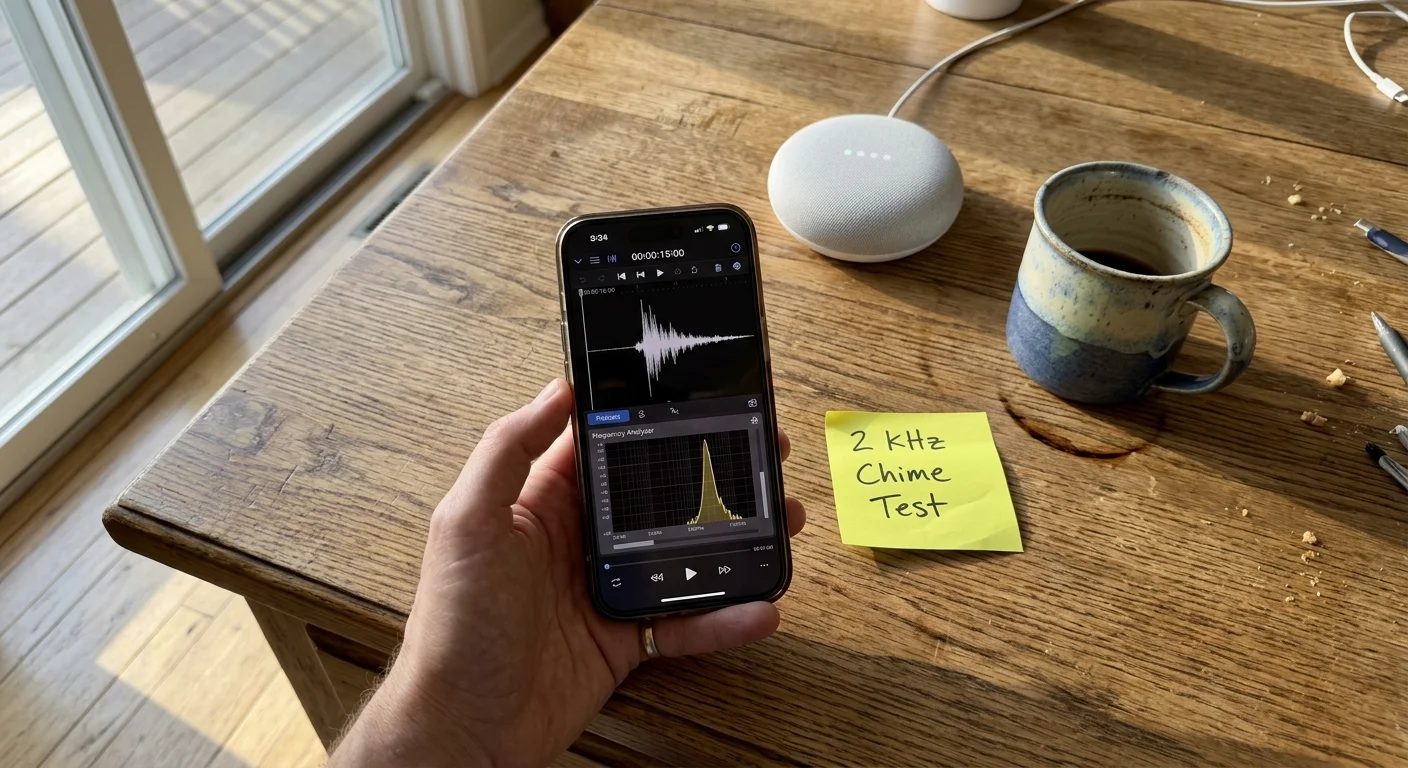
Selecting and Designing 2 kHz to 5 kHz Wake-Up Audio
Never rely on gentle acoustic guitar tracks, synthetic woodwind melodies, or low-tempo pop music for waking near active rail lines. These tracks operate in the exact harmonic spectrum occupied by freight locomotives.
Locomotive noise peaks heavily between 30 Hz and 250 Hz, with decaying harmonics reaching up to 1,200 Hz. Any chime operating below 1,500 Hz risks near-total acoustic suppression.
High-register metallic instruments produce sharp acoustic attacks with natural harmonic overtones between 2,500 Hz and 5,000 Hz. These frequencies trigger an involuntary startle reflex in the brainstem.
Effective waking sounds share specific structural characteristics that overcome environmental masking:
- Steep Transient Attack: Sounds that reach peak amplitude in under 10 milliseconds prevent your auditory cortex from smoothing out the alert.
- Modulated Pulse Rates: Repeating tone bursts between 3 Hz and 5 Hz simulate urgent sensory alarm patterns.
- Harmonic Clusters Above 3 kHz: Glspil, tubular bells, and high triangle strikes generate piercing frequencies immune to locomotive masking.
- Decaying Amplitude Tails: Sound pulses that ring down momentarily create contrast, preventing sensory habituation during long train passes.
Inside the Alexa platform, swap default soothing chimes for built-in alerts like “Countertop”, “Nightly”, or “Clarity”. These alerts concentrate their spectral energy above 2,200 Hz.
If you stream custom wake-up audio from external media libraries, choose tracks featuring pure synthesized square-wave pings or piccolo arpeggios. Square waves produce rich odd harmonics that easily penetrate heavy diesel hums.
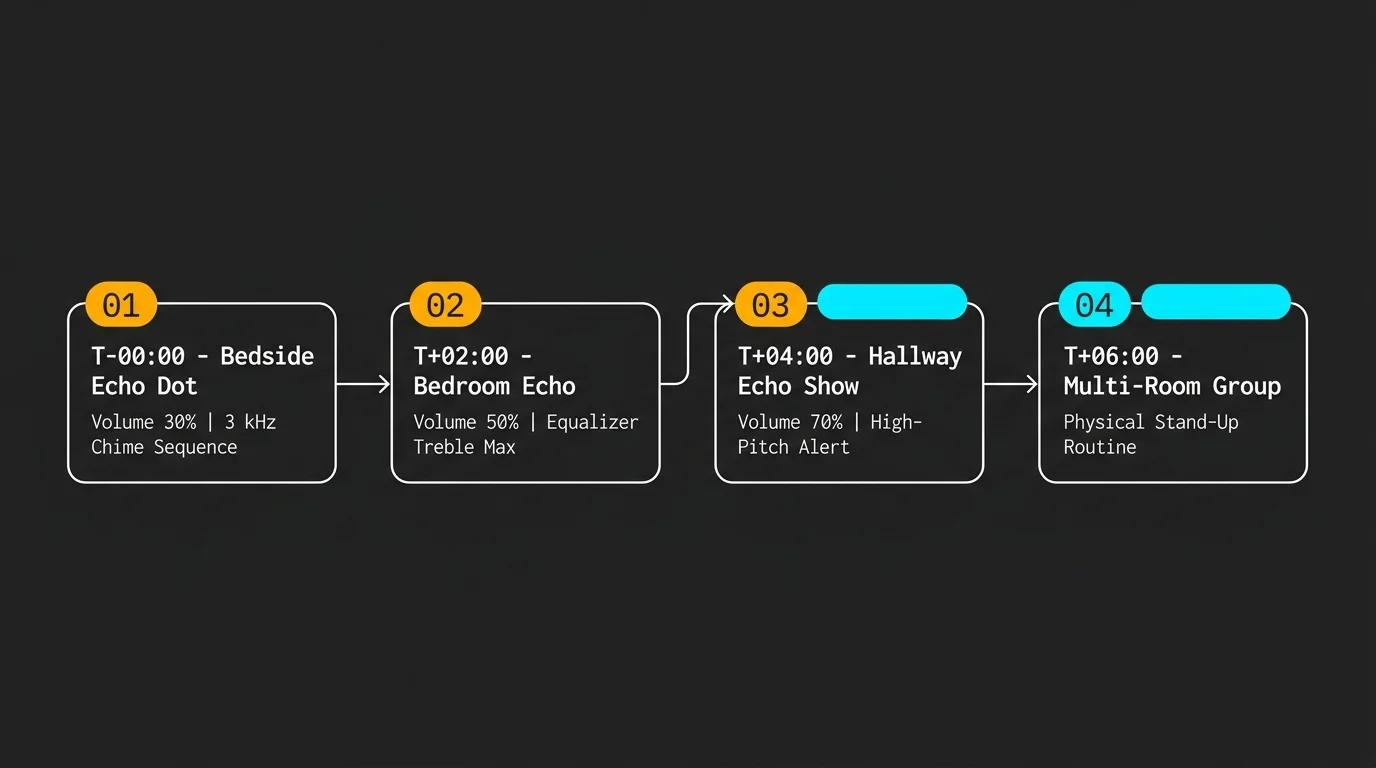
Building an Alexa Heavy Sleeper Automation for Freight Corridors
A single bedside alarm rarely succeeds against a late-night manifest train moving heavy freight. You must build an intelligent, multi-stage routine that escalates volume across multiple physical zones.
The core strategy combines frequency-targeted chimes with physical movement. Forcing yourself out of bed breaks the sensory paralysis caused by sleep inertia and continuous transit rumble.
Industry analysts at CNET Smart Home emphasize that chaining synchronized device actions creates far more reliable wake cycles than solitary alarm speakers.
Follow these exact steps to construct a rock-solid smart speaker loud alarm setup using the Amazon Alexa app:
- Open the Alexa app, tap More, and select Routines.
- Tap the + icon to create a new routine and name it Corridor Heavy Sleeper.
- Tap When this happens, select Schedule, and input your wake target (for example, 05:45 AM on weekdays).
- Tap Add action, choose Device Settings, select Volume, and set your bedside Echo to Level 4 (40%).
- Tap Add action, select Sounds, choose Alarms, and pick Countertop on the bedside unit.
- Tap Add action, select Wait, and set the duration for 90 seconds.
- Tap Add action, set bedside Echo volume to Level 8 (80%), and trigger the high-frequency tone again.
- Tap Add action, select Wait, and set the duration for 60 seconds.
- Tap Add action, select Device Settings, choose Volume, and set your hallway or bathroom Echo to Level 9 (90%).
- Tap Add action, trigger a high-register synth chime across your bathroom speaker, forcing you out of the bedroom to silence it.
This automated escalation ladder bypasses continuous ambient noise. If a passing train masks the first 40% pulse, the escalating 80% bedside burst breaks through ninety seconds later.
Synchronizing the final stage with an adjacent room turns auditory stimulation into spatial navigation. Once you stand up and leave the bedroom, the freight train’s masking spell breaks completely.
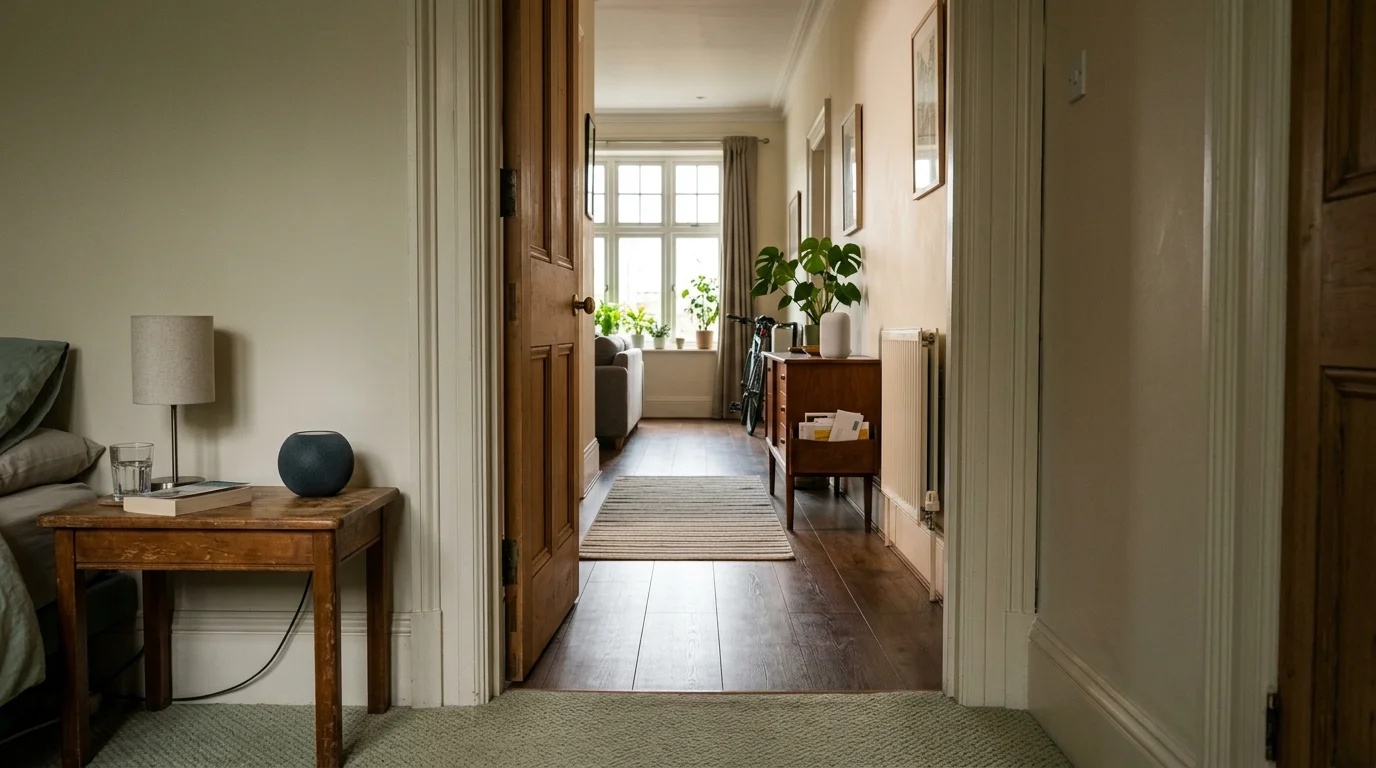
Multi-Room Staging on Google Home and Apple HomePod
Google Home and Apple HomeKit ecosystems support similar frequency-tailored staging routines. Each system handles audio grouping and latency compensation differently across distributed hardware.
Google Assistant utilizes Cast-enabled speaker groups. Create an audio group named Wake Matrix inside the Google Home app containing your bedroom Nest Audio and hallway Nest Mini.
In Google Automations, configure your wake script to isolate treble delivery. The structured routine commands individual speakers in sequence rather than firing simultaneously at equal volumes.
Step through this baseline Google Assistant Household Routine:
- Trigger: Time equals 06:00 AM on Monday through Friday.
- Action 1: Adjust bedroom Nest Audio equalizer:
Set treble to maximum, set bass to minimum. - Action 2: Set bedroom volume to 50% and play a chosen high-frequency Spotify track (such as 3 kHz synthesizer pulse test tones).
- Action 3: Delay 120 seconds.
- Action 4: Set hallway Nest Mini volume to 85% and broadcast high-frequency chimes.
- Action 5: Turn on bedroom overhead smart lighting to 100% cool white (5000K to 6500K).
Apple users leverage HomePod minis paired through the Apple Home app. Smart home coverage from The Verge Smart Home highlights how Apple’s computational audio automatically balances drivers, requiring creative workarounds.
Because HomePods lack open manual equalizer bands, open the Home app, select each HomePod, and toggle Reduce Bass. This cuts low-end output below 100 Hz by up to 8 dB.
Next, build a scene in Apple Shortcuts that plays high-frequency percussion tracks stored in your Apple Music library. Stagger the scene across rooms with two-minute pauses using shortcut wait actions.
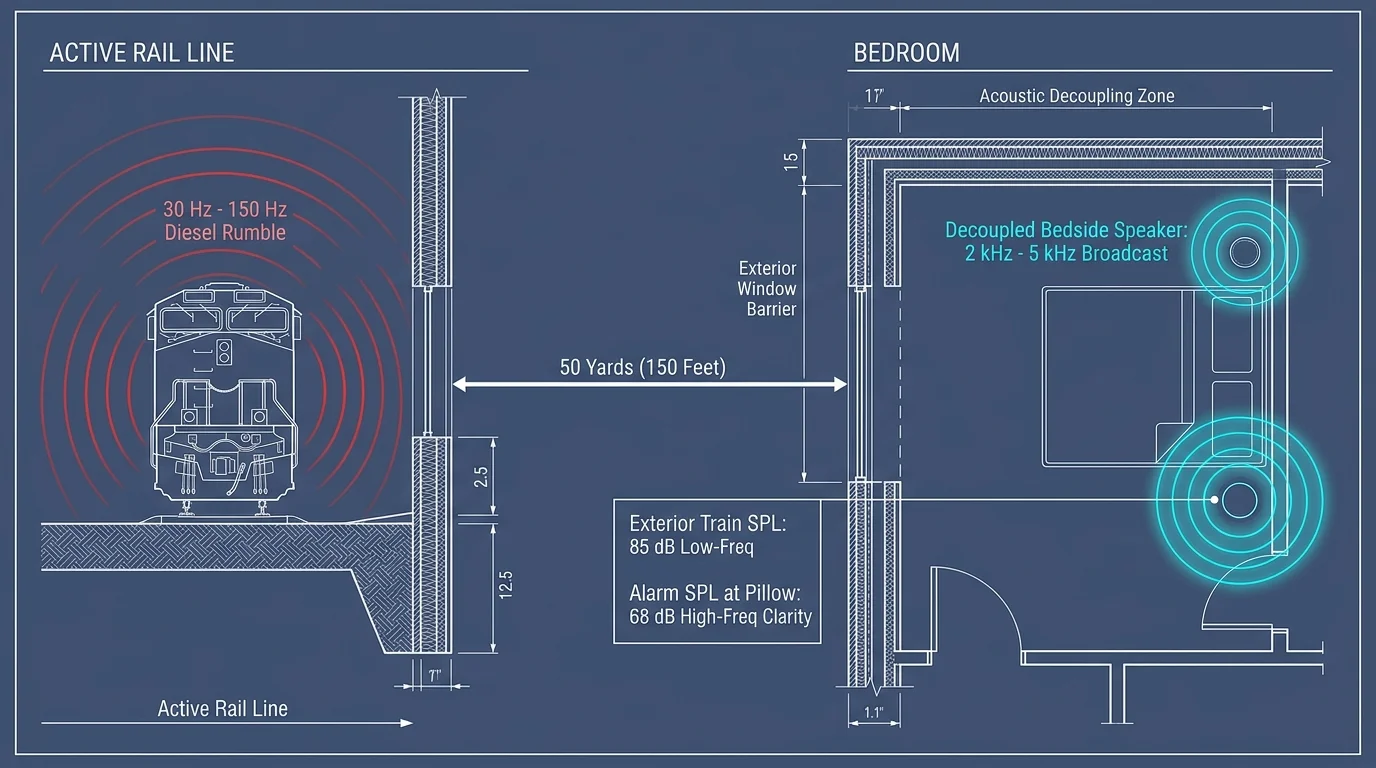
Worked Scenario: Waking Up 50 Yards from an Active Rail Corridor
Consider a practical scenario based on a two-story home situated exactly 150 feet (50 yards) from an active rail corridor. A 110-car mixed freight train regularly rumbles past at 05:45 AM.
Three Tier 4 diesel locomotives pull this consist. As the train passes, structural vibrations and engine roar create an indoor noise level measuring 68 dBA on a Type 2 sound level meter inside the second-floor bedroom.
When measured on the C-weighted scale—which captures deep low frequencies—the room registers 82 dBC. Peak acoustic energy concentrates squarely between 45 Hz and 80 Hz.
The resident previously relied on a single smart speaker set to default factory EQ, playing standard alarm chimes at volume level 7 (70 dBA at bedside). The low-frequency train noise routinely masked the alarm, causing the resident to oversleep.
The resident implements an acoustic overhaul with the following configuration and equipment cost:
- Bedside Unit: Amazon Echo 4th Gen ($99 retail, acquired on sale for $65).
- Bathroom Unit: Amazon Echo Dot 5th Gen ($49 retail).
- Isolation Accessories: Two sets of high-density silicone speaker isolation pads ($16 total).
- Total Financial Investment: $130.
The resident adjusts the bedside Echo hardware EQ: Bass -6 dB, Midrange +1 dB, Treble +6 dB. The bathroom unit receives identical EQ adjustments.
The alarm routine executes at 05:45 AM. The bedside speaker triggers the high-register “Countertop” tone peaking between 2,800 Hz and 4,200 Hz.
In that specific frequency band, the freight train produces only 46 dB of ambient acoustic interference inside the bedroom. The Echo’s re-tuned treble pushes 74 dBA at three feet.
This creates a decisive +28 dB signal-to-noise ratio in the ear canal’s most sensitive reception zone. The alarm pierces the acoustic envelope instantly, waking the sleeper within five seconds every time.
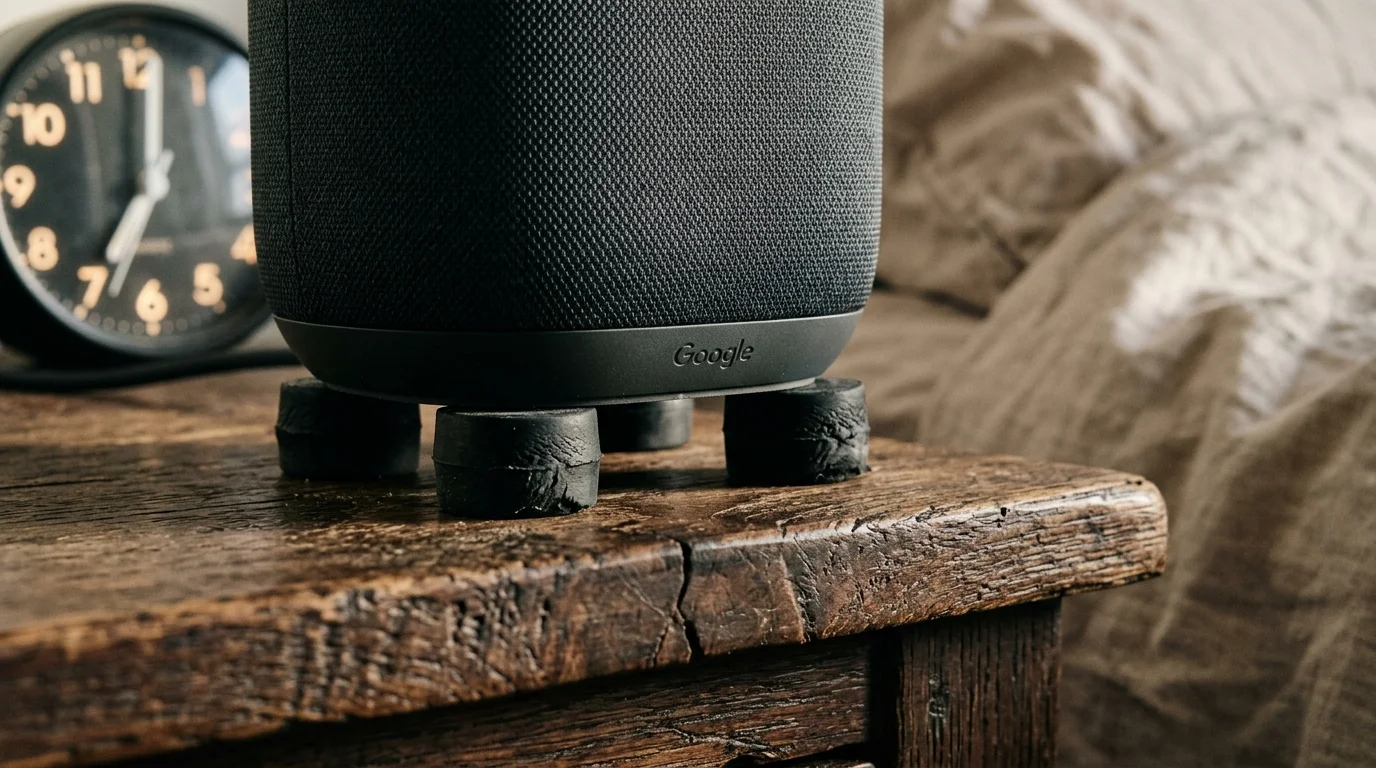
Hardware Placement and Acoustic Decoupling
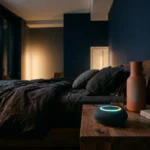
Physical speaker placement profoundly impacts how audio frequencies propagate through your bedroom. Placing a smart speaker directly on an acoustic surface can completely ruin your frequency tuning.
When you set a smart speaker flat on a hollow wooden nightstand, the speaker enclosure transfers mechanical vibration into the furniture. The nightstand turns into a passive acoustic radiator, amplifying unwanted lower-mid frequencies.
This coupling effect muddies your wake-up audio, adding the very resonance you are trying to eliminate. Decouple your speaker physically to keep high-frequency transients clean and distinct.
Implement these mechanical isolation and placement rules to maximize clarity:
- Install Silicone Isolation Feet: Place 1-inch hemispherical silicone bumpers under the speaker base to stop physical vibration transfer into tables.
- Clear Line-of-Sight Alignment: High-frequency sound waves are highly directional. Angle the speaker face directly toward your sleeping head position without pillows or lamps in between.
- Maintain Distance from Walls: Keep smart speakers at least 12 inches away from drywall corners. Corner placement acts as a natural horn amplifier for low-frequency rumble.
- Elevate Speaker Height: Position the bedside speaker at mattress level rather than near the floor. Floor placement lets carpet absorb high-frequency chime transients.
If bedroom layout forces you to keep the speaker against a wall, attach a small square of dense acoustic foam directly behind the unit. This stops immediate wall reflections from blurring sharp chime attacks.
Pairing mechanical isolation with aggressive treble equalization ensures clean signal delivery. Your smart speaker becomes a high-precision wake-up tool capable of cutting through the heaviest transit rumble.
Frequently Asked Questions
Why does low-frequency train noise wake me up at night but let me sleep through morning alarms?
Sudden coupler clatter and shifting track impacts create sudden low-frequency percussive spikes that trigger biological fight-or-flight reactions during deep sleep stages. By morning, continuous locomotive rumble produces steady-state masking that blankets standard midrange alarm sounds.
Can I use smart lights instead of sound to wake up near train tracks?
Smart lighting provides an exceptional secondary cue when paired with high-frequency audio alarms. Schedule 5000K daylight-white smart bulbs to snap instantly to 100% brightness when your secondary multi-room chime triggers.
Will pushing the treble slider to +6 dB damage my smart speaker?
No, consumer smart speakers incorporate internal digital signal processors that limit peak voltage to prevent driver blowout. Dropping the bass to -6 dB simultaneously reduces overall amplifier strain, providing cleaner electrical headroom for boosted treble.
What specific alarm frequency cuts through heavy traffic rumble most efficiently?
Frequencies between 2,500 Hz and 4,000 Hz pierce traffic noise best due to human ear canal resonance. Highway tire noise and diesel engines produce minimal energy in this bracket compared to their overwhelming sub-200 Hz rumble.
Disclaimer: This article is for informational purposes only. Smart home devices involve electrical connections and data privacy. Always follow manufacturer instructions for installation. For complex wiring or HVAC work, consult a licensed professional.