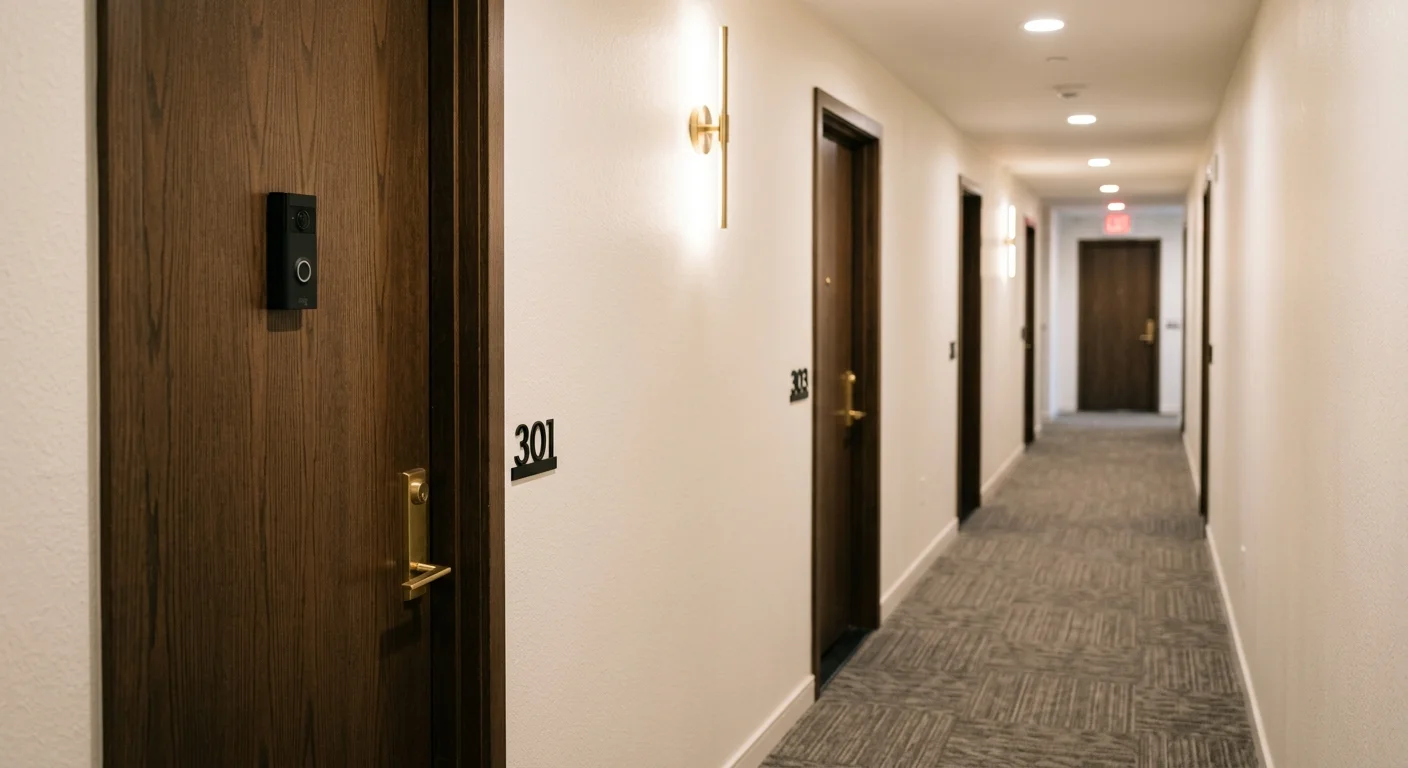
Securing your urban condominium without sacrificing your security deposit requires balancing surveillance with strict residential safety standards. Installing a standard battery doorbell or clamp mount on an interior door often violates municipal fire codes and voids building insurance.
A code-compliant setup allows you to master how to monitor your home security remotely while protecting both your personal safety and your security deposit.
Peephole cameras serve as an essential foundation when building a smart home for renters, allowing tenants to add entryway security hardware that is completely portable.
A certified peephole camera apartment door installation preserves the architectural integrity of fire-rated doors while giving you clear front-door visibility. Replacing your existing optical viewer is the only zero-damage method that keeps your corridor legally compliant.
This guide evaluates physical clearances, battery endurance in low-light halls, and state wiretapping laws to help you choose the best peephole camera for renters.
Fire Door Physics: Why Interior Apartment Hallways Change the Rules
Shared interior corridors present unique architectural hurdles for renters. A standard exterior front door faces open air, but apartment unit doors act as tested fire barriers.
Beyond maintaining passive door assemblies, incorporating smart smoke and CO detectors ensures your apartment receives immediate alerts if corridor smoke breaches unit perimeters.
Unlike deciding between indoor vs outdoor security cameras for a standalone home, apartment corridor installations must prioritize strict multi-family building codes rather than weatherproofing concerns.
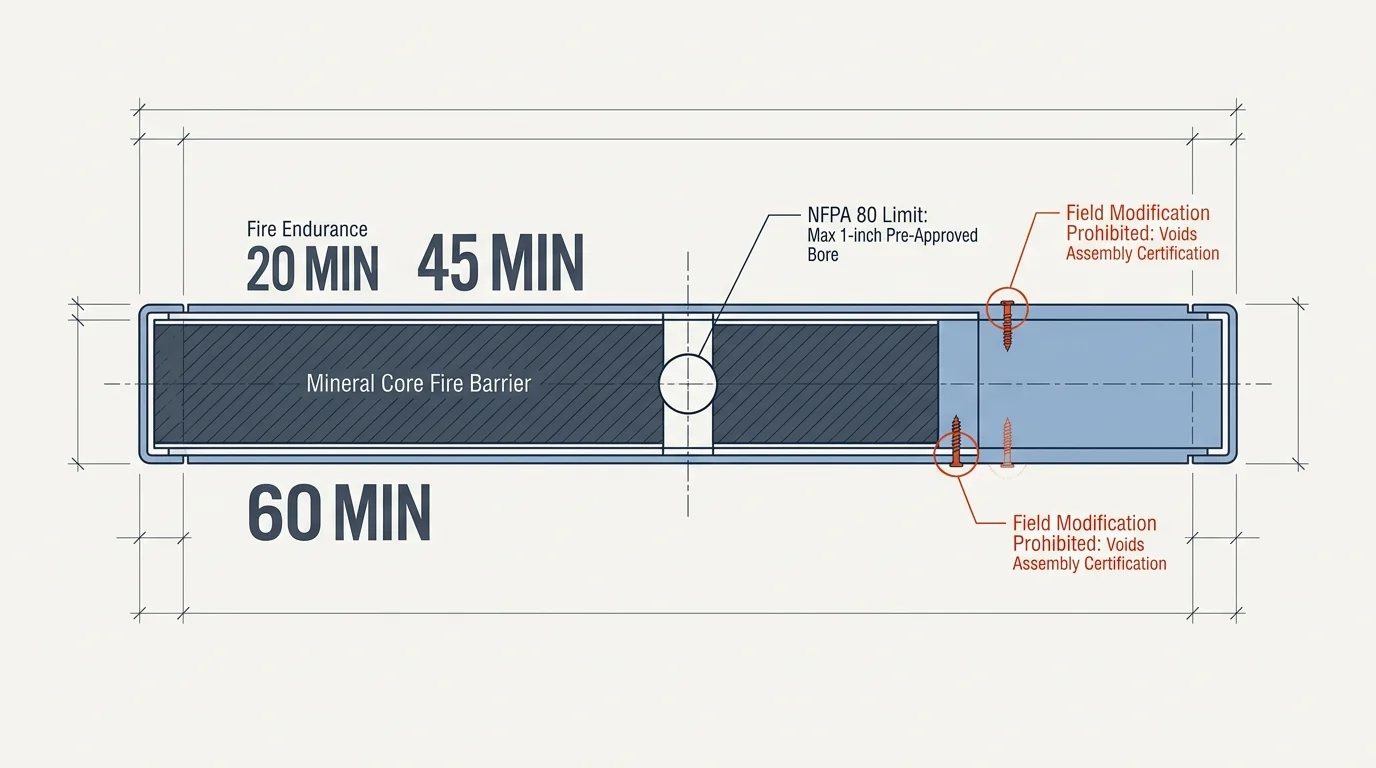
Under the International Building Code (IBC), common hallway doors must protect egress corridors from smoke and heat during emergencies. Most interior unit entries are rated for 20, 45, or 60 minutes of fire resistance.
National Fire Protection Association standard NFPA 80 strictly governs field modifications on these assemblies. You cannot drill screw holes or alter the slab without voiding the door’s safety certification.
NFPA 80 limits field drilling to labeled hardware and pre-approved holes under one inch in diameter. Drilling mounting screws for a battery doorbell permanently damages the internal fire core.
Municipal fire marshals inspect multi-family corridors annually. When an inspector spots unlisted modifications, your landlord receives a violation notice that gets billed directly to you.
Property managers routinely deduct the entire replacement cost of the door slab from your security deposit. A smart doorbell fire code apartment conflict can easily turn a temporary security fix into a thousand-dollar mistake.
Peephole Cameras vs. Battery Doorbells: Core Hardware Comparison
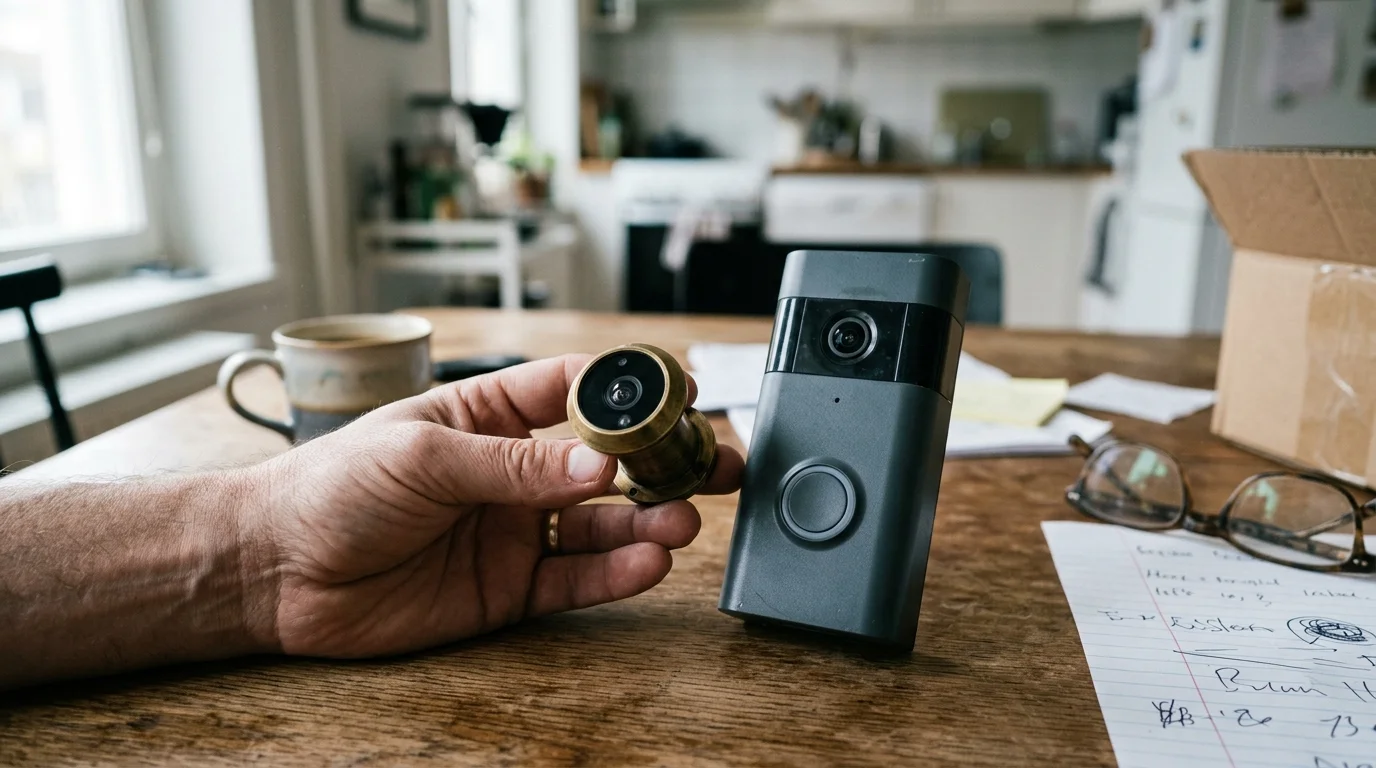
Traditional battery doorbells house their lens, battery, and radio transmitters in a single chunky exterior enclosure. In contrast, a peephole smart camera splits its hardware across both sides of the door.
After selecting compatible hardware, learning how to integrate security cameras with your smart home enables automated door chimes and live video feeds across connected displays.
The thin exterior component houses the camera sensor and doorbell button, connecting via a flat ribbon cable through the existing peephole bore. The heavy battery pack, speaker, and processor sit securely on the interior side.
According to hardware reviews published by Wirecutter Smart Home, this divided architecture prevents corridor theft while maintaining a slim exterior profile. It also keeps heat-generating batteries away from common hallway temperatures.
Before purchasing, you must compare measurable hardware dimensions against local corridor restrictions. The table below details critical specifications for leading hallway security devices.
| Device Model | Retail Price | Fire Assembly Rating | Corridor Protrusion | Compatible Door Thickness | Mounting Method |
|---|---|---|---|---|---|
| Ring Peephole Cam 2K (2nd Gen) | $99.99 | UL 10C (Up to 45 min) | 0.60 inches | 1.28 to 2.36 inches | Existing 12–14 mm bore |
| Blink Video Doorbell | $59.99 | None (Voids rating) | 1.34 inches | Universal (Surface) | Adhesive or screw mount |
| Google Nest Doorbell (Battery) with Clamp | $199.98 | None (Breaches smoke seal) | 3.10 inches | 1.35 to 2.00 inches | Edge-clamping steel bracket |
Notice the listing difference between these models. Only dedicated peephole hardware holds an official UL 10C positive pressure fire certification for rated doors.
However, that certification tops out at 45 minutes. If your high-rise uses 60-minute or 90-minute stairwell-adjacent entry assemblies, even a peephole camera may exceed local code allowances.
The Hidden Risks of No-Drill Clamp Mounts on Fire Assemblies
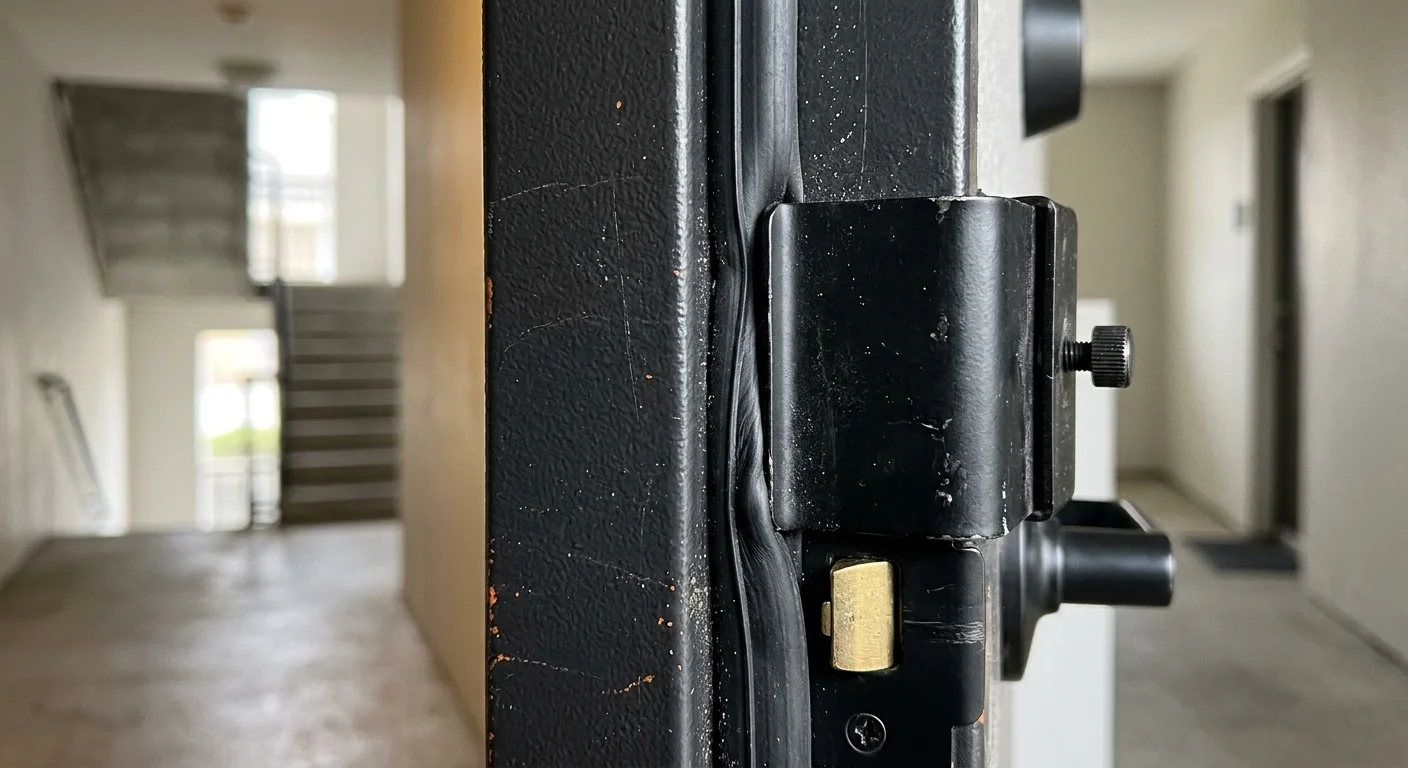
Many renters turn to third-party anti-theft clamp brackets to avoid drilling screws into their rental door. These metal cages wrap around the edge of the door slab and clamp down with thumbscrews.
Tenants wanting keyless convenience without altering their door slab can also examine no-drill smart locks for renters designed to fit over existing interior thumbturns.
While tenants routinely use damage-free mounting tactics for interior keypads and sensors, applying bracket clamps to exterior fire door edges leads to immediate code violations.
While marketed as damage-free, these brackets cause severe fire code violations on interior corridor doors. Fire assemblies rely on tight perimeter seals called intumescent strips.
These seals expand under extreme heat to block lethal smoke and gas from infiltrating the unit. A metal clamp bracket breaks this perimeter seal by introducing a physical gap between the door and frame.
During a corridor fire inspection, an altered smoke gasket fails immediately. Beyond smoke infiltration, edge clamps can also gouge the door frame jamb, causing permanent wood or metal damage.
Corridor accessibility rules create another legal trap for exterior door attachments. Life safety codes dictate clear egress widths in shared corridors.
- ADA Section 307.2: Objects mounted to walls or doors between 27 inches and 80 inches above the floor must not protrude more than 4 inches into the walkway.
- NFPA 101 Egress Clearance: Common residential corridors must maintain unobstructed exit paths free of snag hazards during evacuations.
- Intumescent Seal Integrity: Gaskets along the door jamb must remain compressed and uninterrupted by external metal brackets.
- Self-Closing Mechanics: Heavy exterior mounts cannot alter the closing speed or latching force of automatic door closers.
A bulky battery doorbell fitted into an anti-theft cage often approaches 3.5 inches of total depth. In narrow, 44-inch apartment corridors, this protruding metal box creates an immediate snag hazard for emergency personnel.
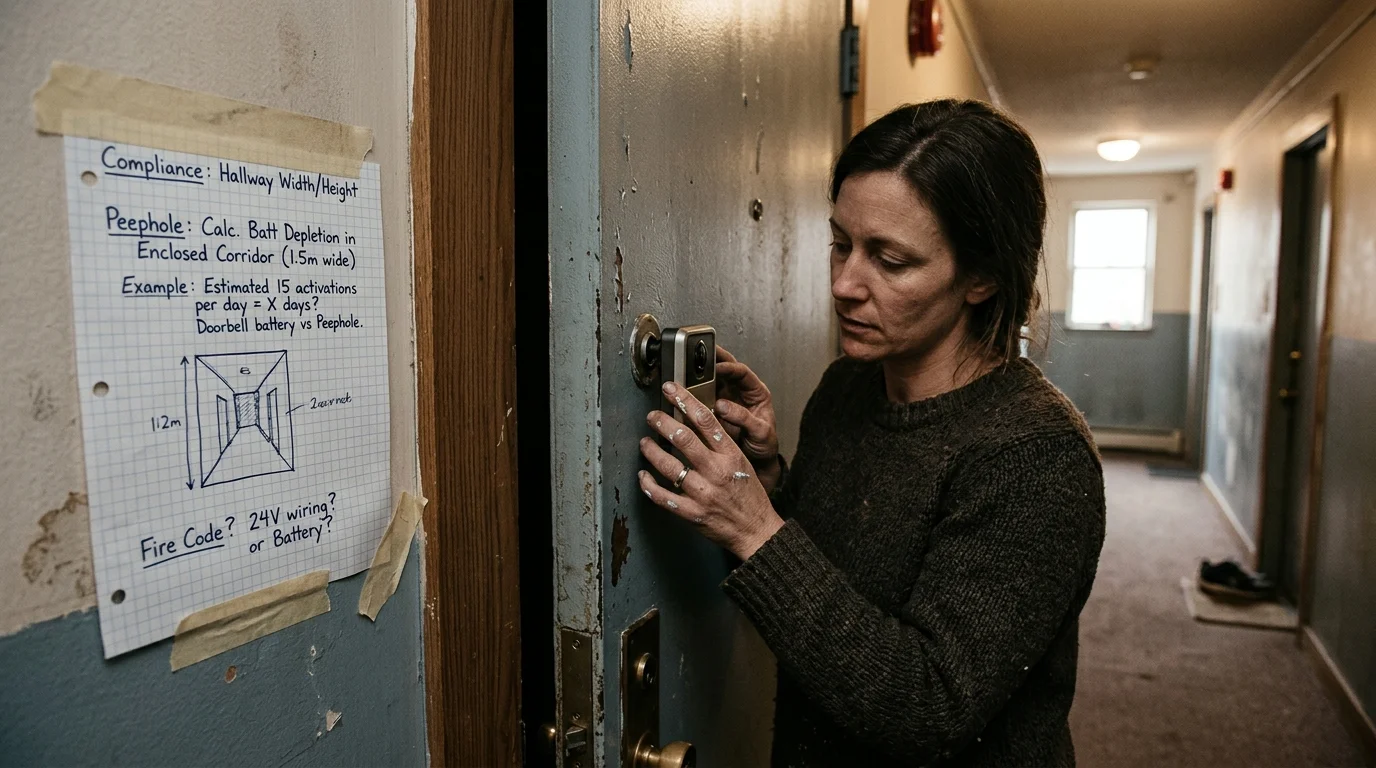
Worked Example: Calculating Compliance and Battery Depletion in an Enclosed Corridor
Consider a practical scenario inside a 28-unit condominium building in Chicago. A renter lives in Unit 3B, which features an interior door facing a central, windowless corridor.
Renters looking to minimize ongoing expenses can pair their doorway camera with smart security systems without monthly fees to avoid recurring cloud subscription charges.
Your approach to local storage vs cloud storage also plays a significant role in operational battery life, as constant cloud uploads over crowded multi-unit Wi-Fi networks drain battery cells faster.
The renter inspects the metal certification plate riveted to the door’s hinge stile. The tag confirms a 1.75-inch thick solid-core door with a 45-minute Warnock Hersey fire rating and a standard 0.5-inch optical viewer.
The tenant first considers mounting a Blink Video Doorbell using heavy-duty adhesive tape. However, the building lease strictly forbids surface modifications to fire doors, carrying a $250 non-compliance penalty.
Furthermore, removing adhesive tape from painted fire doors frequently strips the industrial finish. Repainting or re-veneering a fire-rated door requires certified technicians, risking a $900 door replacement fee deducted from the tenant’s security deposit.
Instead, the renter installs a Ring Peephole Cam 2K for $99.99 through the existing 0.5-inch bore. Because the device is UL 10C listed for 45-minute assemblies, it maintains full building code compliance without altering the door core.
Next, the renter calculates power performance. In a 28-unit building, neighboring foot traffic generates an average of 42 motion events per day directly in front of Unit 3B.
Enclosed hallways maintain dim, artificial lighting around 15 lux. In testing evaluated by tech editors at PCMag Smart Home, low ambient illumination forces smart cameras to run active infrared sensors continuously, which triples standby power draw.
Let us examine the battery math across two device configurations in this specific hallway environment:
- Unoptimized Battery Doorbell: 42 daily motion events with 15-second live captures create 630 seconds of active recording daily. Under continuous 15-lux conditions, the 6,000 mAh battery drains completely in 24 days instead of the advertised 180 days.
- Optimized Peephole Camera: The renter configures custom motion zones to ignore hallway traffic beyond 4 feet from the door face. This reduces daily activations from 42 down to 5 genuine doorway approaches.
- Battery Longevity Result: With passive corridor foot traffic filtered out, the 5,000 mAh peephole battery delivers 74 days of continuous operation between recharges.
By tailoring capture zones to the corridor’s geometry, the renter saves 50 days of battery life per charge cycle. More importantly, the installation preserves the fire assembly rating and eliminates the risk of property management fines.
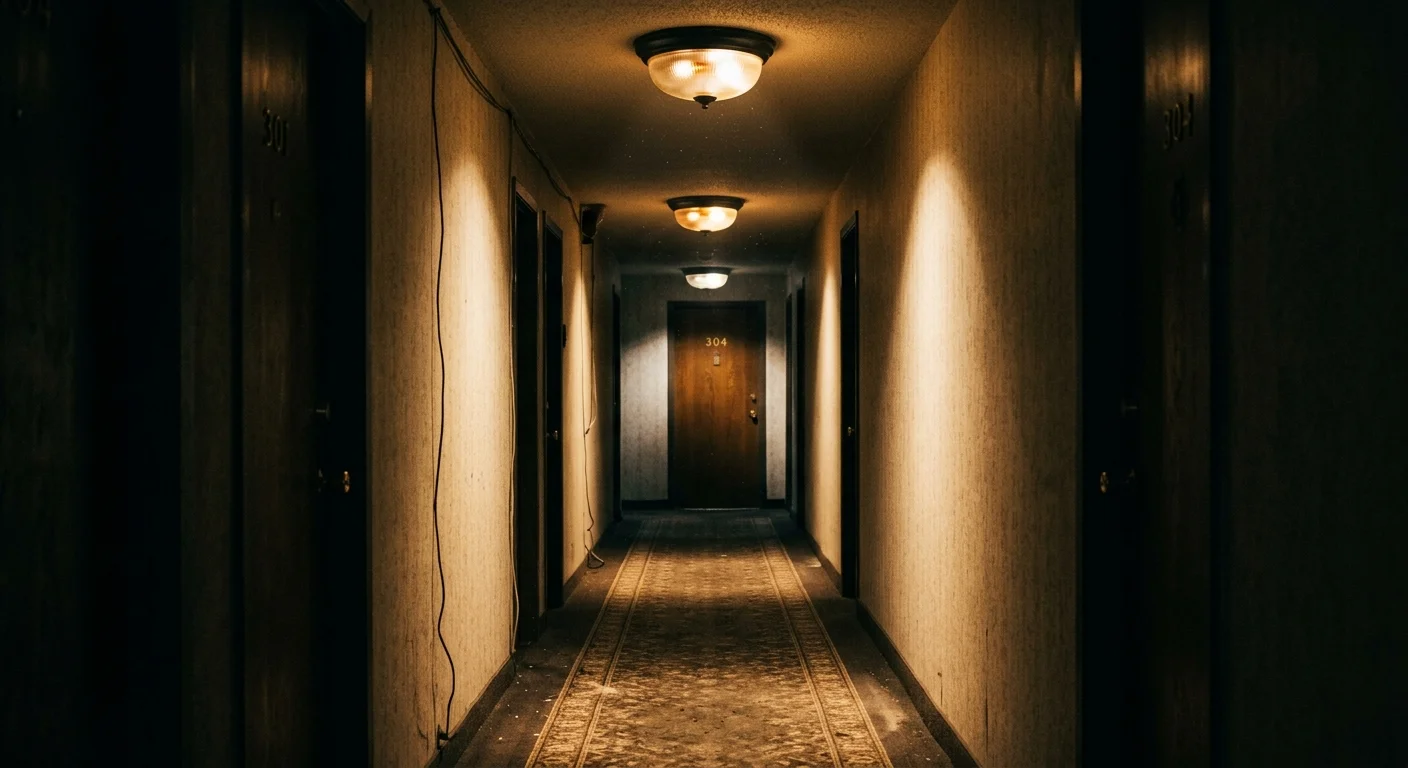
Low-Light Hallway Video Quality and Sensor Performance
Shared apartment hallways present terrible lighting environments for digital imaging sensors. Most corridors rely on recessed fluorescent or low-output LED fixtures spaced widely apart.
These fixtures produce low lux levels and heavy light flicker. Cheap camera sensors attempt to brighten the frame by boosting digital gain, which fills your video with noisy compression artifacts.
Worse, standard black-and-white infrared night vision frequently backfires in narrow hallways. The powerful IR light emitted by the camera reflects directly off the glossy paint of the opposing unit door.
This reflection overexposes the center of your frame while leaving human faces completely shadowed. High dynamic range (HDR) processing solves this issue by blending multiple exposure levels simultaneously.
To ensure crisp, usable footage in an enclosed residential hallway, apply these camera adjustments immediately after setup:
- Disable Auto-Infrared: If your corridor maintains constant 24-hour lighting above 10 lux, turn off infrared LEDs to eliminate reflective whiteout.
- Restrict Detection Range: Pull your motion boundary back to 3 to 4 feet so passing neighbors do not trigger false recordings.
- Enable Anti-Flicker: Set your video refresh rate to 60 Hz (North America) to match commercial hallway light ballasts.
- Adjust Exposure Compensation: Lower overall sensor exposure slightly to prevent glossy opposing walls from blowing out facial details.
These setting changes reduce video noise and keep faces clearly identifiable when visitors approach your threshold. They also prevent continuous processing wakeups that exhaust your battery prematurely.
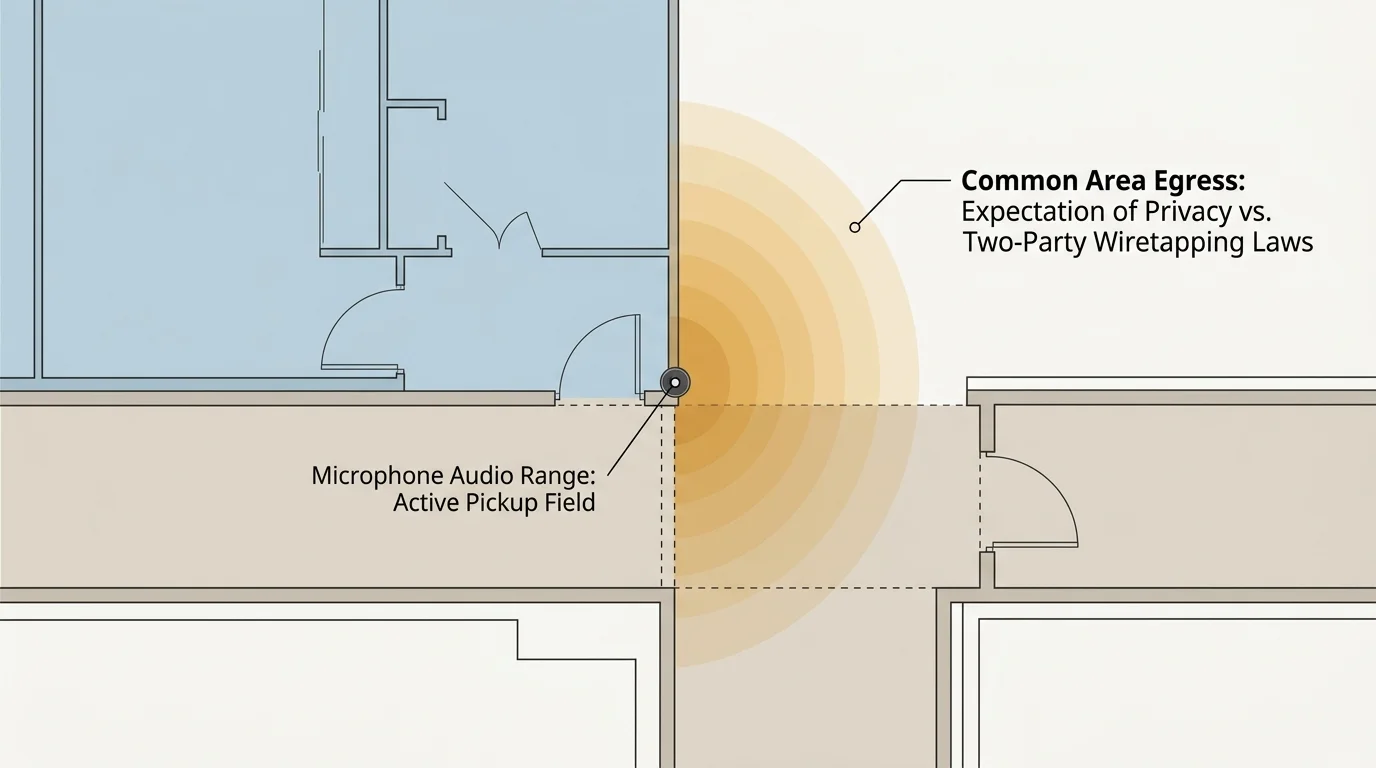
Audio Wiretapping and Hallway Privacy Regulations
While physical fire compliance protects your security deposit, local privacy laws protect you from civil liability. Tenants often assume that because an apartment hallway is a shared space, privacy rights do not exist.
Maintaining proper smart home privacy is vital in shared corridors where sensitive microphones can inadvertently capture neighboring conversations without consent.
Federal courts generally rule that residents possess no reasonable expectation of visual privacy in common apartment corridors. However, audio recording falls under entirely different legal frameworks.
In the United States, roughly a dozen states enforce strict all-party or two-party consent wiretapping laws. These states include California, Florida, Illinois, Massachusetts, Maryland, Pennsylvania, and Washington.
In these jurisdictions, intercepting or recording private conversations without the explicit consent of all participants constitutes a statutory violation. A high-sensitivity smart microphone can easily capture private neighbor conversations through their front doors.
Landlords and homeowner associations frequently cite wiretapping liability when issuing immediate removal demands for battery doorbells. You can safeguard your installation by strictly controlling audio settings.
- Turn Off Continuous Audio Streaming: Disable background audio recording inside your camera companion app.
- Set Push-to-Talk Only: Restrict microphone activation so audio only transmits when you actively answer a doorbell press.
- Apply Privacy Zones: Use software blackout masks over neighboring doorways to eliminate visual privacy complaints.
- Notify Direct Neighbors: A quick, friendly conversation with immediate neighbors alleviates concerns about invasive surveillance.
Taking these proactive digital privacy steps prevents neighbor disputes and protects your smart home setup against HOA complaints.
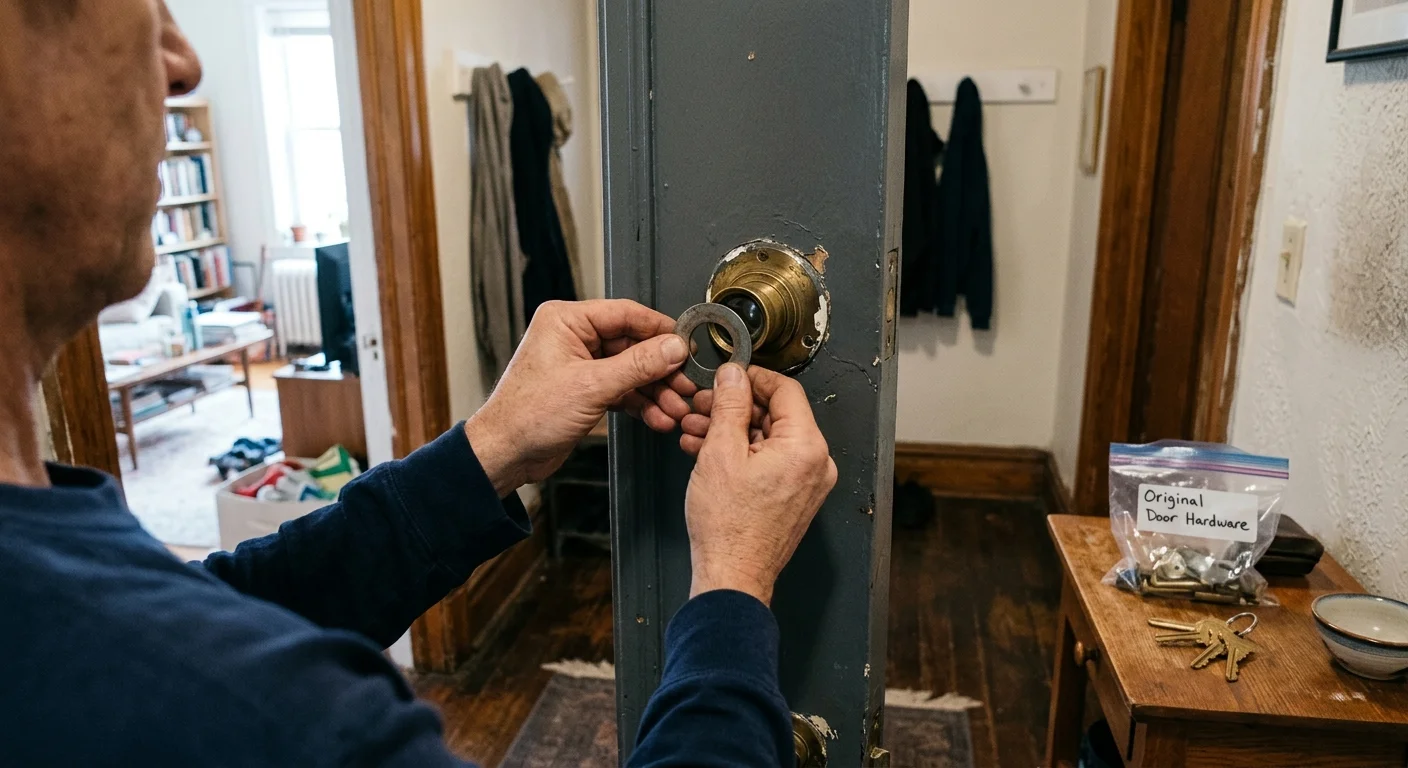
Step-by-Step Installation: Replacing an Optical Viewer Without Damage
Installing the best peephole camera for renters requires no power tools, adhesives, or structural door modifications. The entire process takes less than fifteen minutes using simple hand tools.
Before beginning, gather your smart peephole kit, a coin or flathead screwdriver, and a labeled plastic storage bag for the original hardware.
- Verify the Door Rating: Inspect the metal tag on the hinge side of your door slab. Ensure the assembly is rated for 20 or 45 minutes; do not install on 60-minute or 90-minute assemblies.
- Unscrew the Factory Viewer: Place a large coin or flathead wrench into the interior peephole slots. Turn counterclockwise while holding the exterior lens firmly in place with your thumb.
- Clean the Empty Bore: Pull both halves of the optical viewer out of the door. Wipe dust and paint debris out of the internal hole using a dry microfiber cloth.
- Insert the Camera Barrel: Feed the flat ribbon cable and camera tube through the hole from the corridor side. Ensure the lens sits perfectly flush against the door face.
- Fasten the Interior Bracket: Slide the interior mounting plate over the barrel on the inside of the door. Hand-tighten the included retaining nut clockwise until the assembly sits firmly against the slab.
- Connect the Ribbon Cable: Gently press the flat connector into the port on the indoor base unit. Secure the indoor housing over the bracket and insert the charged battery pack.
- Store the Original Lens: Place the old brass peephole hardware into your labeled storage bag. Store it safely so you can reinstall it on move-out day to reclaim your full security deposit.
Never overtighten the retaining nut with mechanical pliers. Hand-tightening secures the camera firmly without cracking the door’s interior laminate or compressing internal insulation.
Frequently Asked Questions
Can my landlord legally forbid a peephole camera?
Landlords can restrict devices that alter the building’s exterior appearance or breach common-area privacy clauses in your lease. However, if the lease does not explicitly prohibit peephole replacements and the hardware is code-compliant, tenants generally retain the right to install zero-damage devices.
Are peephole cameras code-compliant on 60-minute fire doors?
No. Consumer peephole cameras, including the Ring Peephole Cam 2K, carry UL 10C certifications limited to 20-minute and 45-minute fire doors. Mounting them onto 60-minute or 90-minute assemblies voids the door’s safety rating.
Does a battery doorbell work inside a dark apartment hallway?
Standard battery doorbells operate in hallways, but low light levels drastically reduce their battery longevity. Dim corridors force active infrared illumination and digital image processing, exhausting standard battery charges in weeks rather than months.
How do I stop my camera from recording passing neighbors?
Open your device app and adjust motion sensitivity zones to cover only the three feet directly in front of your door. You should also disable continuous audio recording to comply with state wiretapping regulations.
Disclaimer: This article is for informational purposes only. Smart home devices involve electrical connections and data privacy. Always follow manufacturer instructions for installation. For complex wiring or HVAC work, consult a licensed professional.