
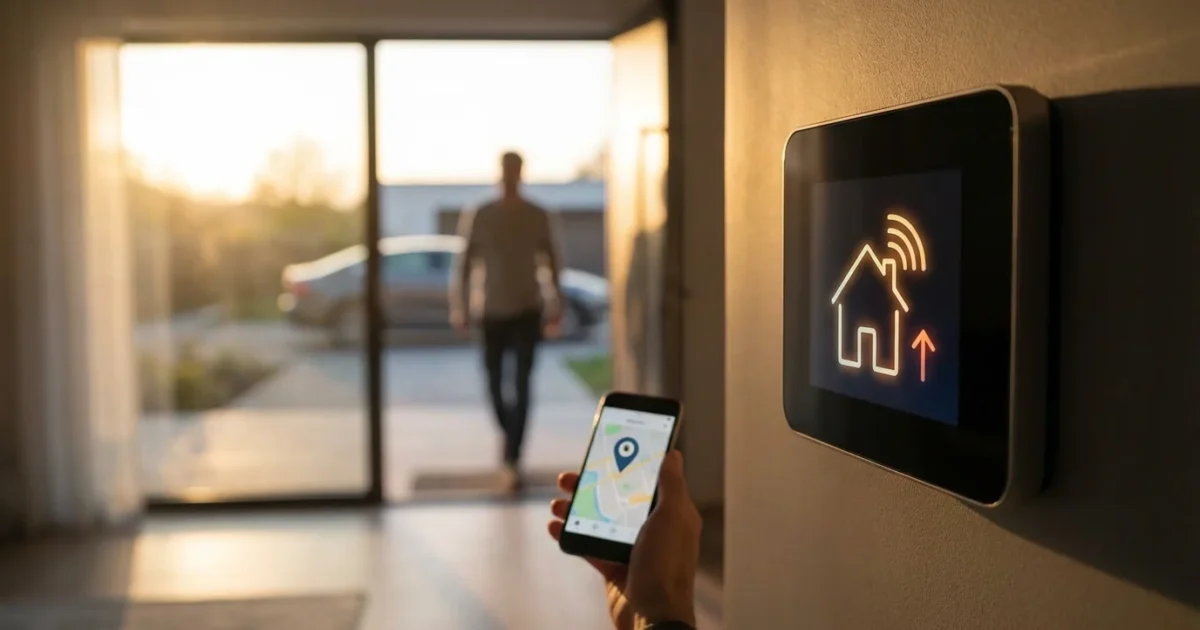
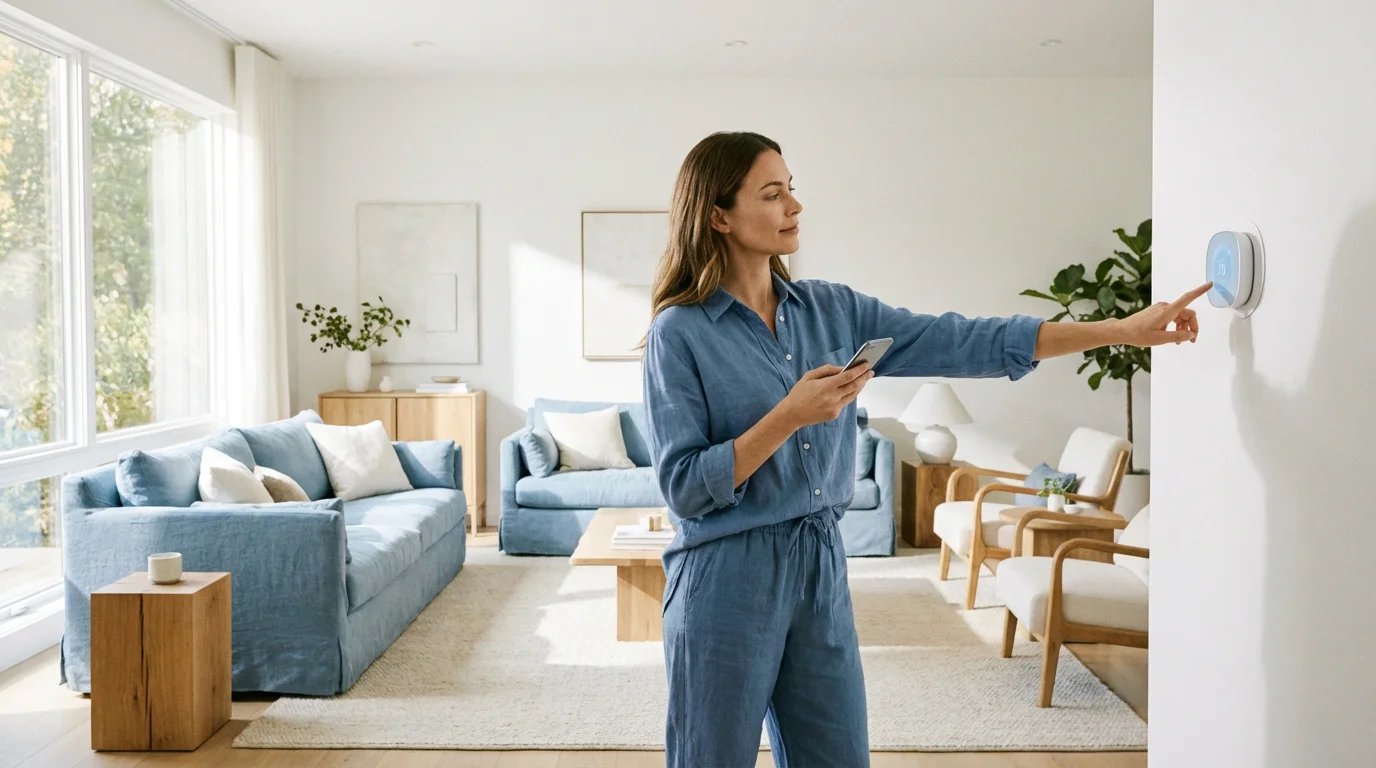
Your smart thermostat offers more than just convenient scheduling. It provides advanced features that learn your habits and respond to your real-time needs. One of the most powerful and energy-saving tools at your disposal is geofencing. This technology uses your smartphone’s location to automatically adjust your home’s temperature, ensuring comfort when you are home and efficiency when you are away.
What is Geofencing and How it Works
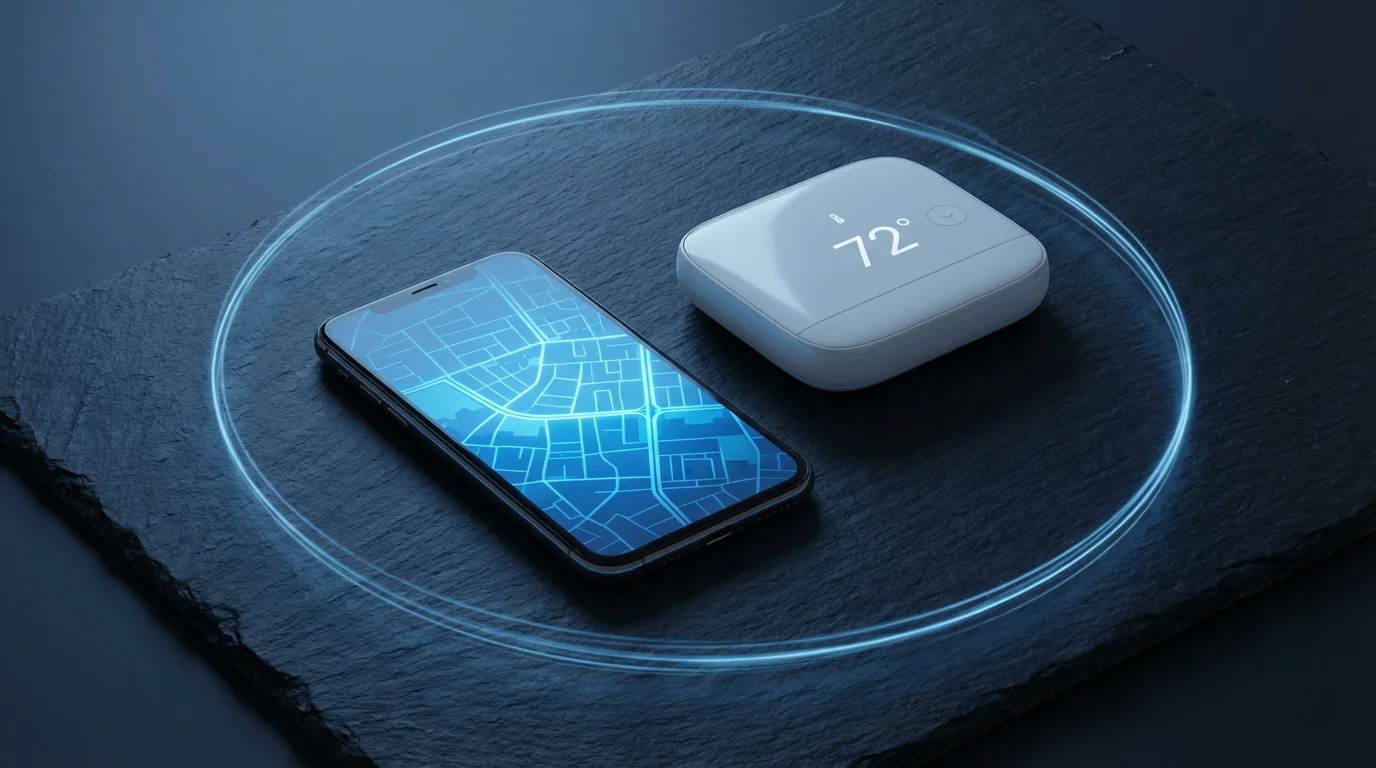
Geofencing creates a virtual boundary around a real-world geographical area. You define a specific radius around your home, such as a one-mile circle. When your smartphone crosses this virtual fence, it triggers an automated action on your smart thermostat.
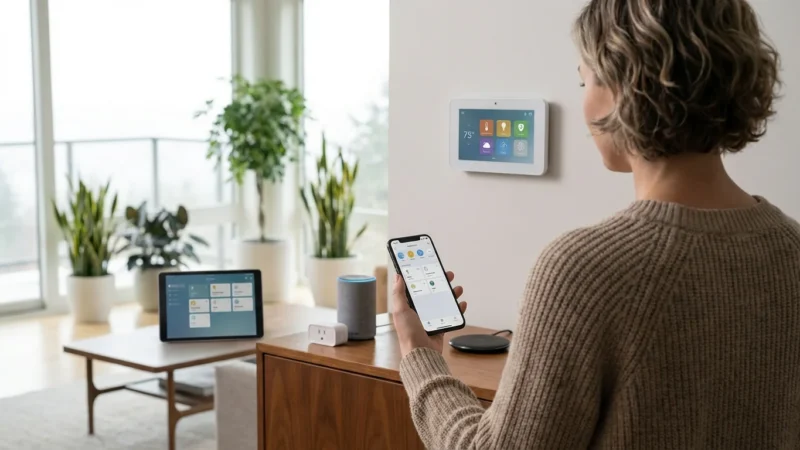
This location-based automation relies on your phone’s GPS, Wi-Fi, and cellular data to determine your position. The smart thermostat app then uses this information to activate pre-set heating or cooling commands. For instance, as you leave the geofence, your thermostat can switch to an “away” temperature, saving energy. As you return, it can preemptively adjust to a comfortable “home” temperature.
The core principle involves two states: “inside” the geofence and “outside” the geofence. Your thermostat adjusts its behavior depending on which state your primary device or devices are in. This creates an intelligent, responsive climate control system without manual input.
Why Use Geofencing for Your Thermostat?
Implementing geofencing with your smart thermostat offers several compelling benefits. It enhances convenience, significantly reduces energy consumption, and provides greater control over your home environment. Many users discover geofencing simplifies their daily routine.
Consider these advantages of location-based climate control:
- Automatic Energy Savings: Geofencing ensures your HVAC system does not heat or cool an empty house. As you leave, the thermostat automatically enters an eco-friendly “away” mode. This prevents unnecessary energy waste, directly impacting your utility bills.
- Enhanced Comfort: Your home reaches your preferred temperature by the time you arrive. The geofence triggers your thermostat to start heating or cooling while you are still en route. You walk into a perfectly conditioned space, eliminating waiting for comfort.
- Effortless Operation: You no longer need to manually adjust your thermostat when leaving or returning. Geofencing handles the changes seamlessly in the background. This frees you from constant monitoring and adjustments.
- Reduced Carbon Footprint: Minimizing energy consumption through efficient climate control helps protect the environment. Running your HVAC system only when necessary contributes to lower greenhouse gas emissions. You play a part in sustainable living.
- Flexibility for Irregular Schedules: Traditional schedules work well for consistent routines, but geofencing adapts to your unpredictable days. Whether you leave early, return late, or decide on an impromptu trip, your thermostat adjusts without manual intervention.
These benefits make geofencing a powerful upgrade for any smart home user seeking efficiency and convenience. It transforms your thermostat from a simple controller into an intelligent, adaptive system.
Choosing a Geofencing-Capable Smart Thermostat
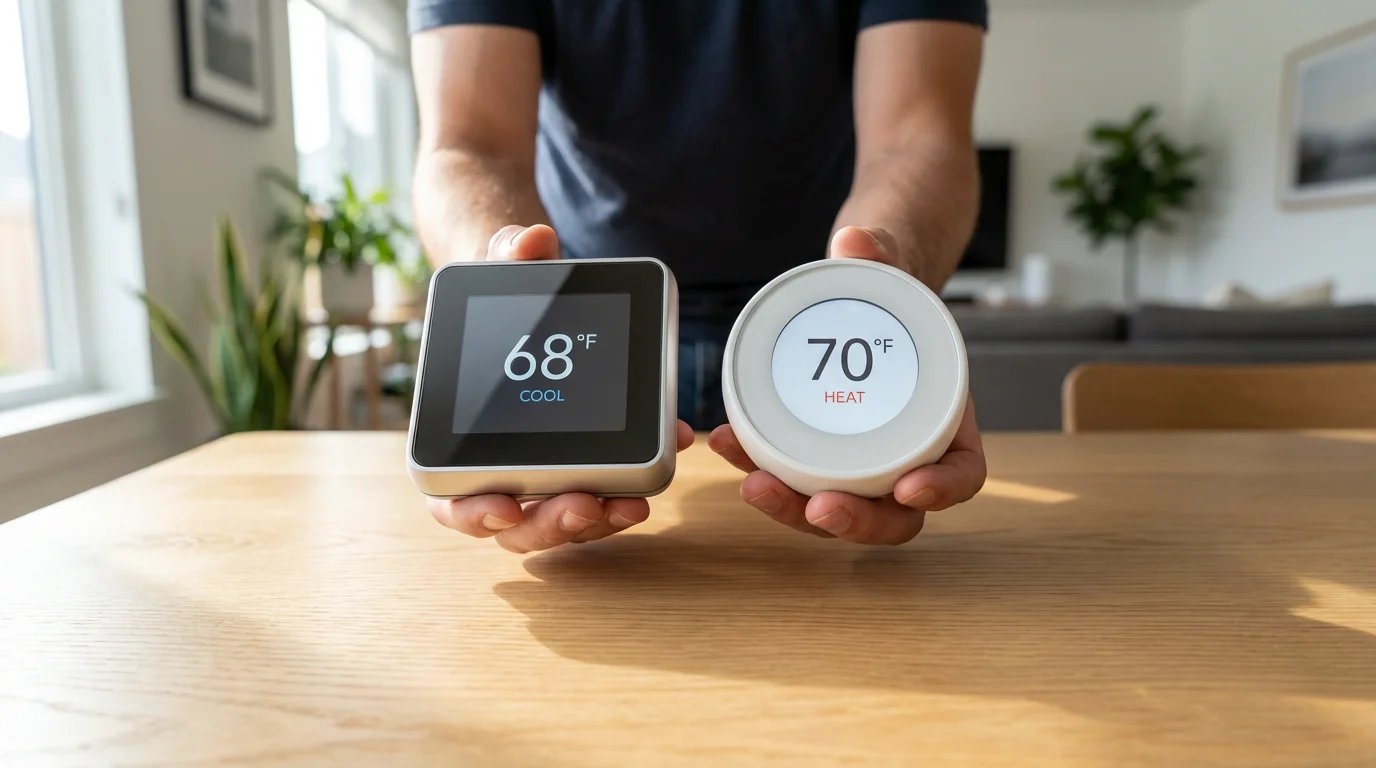
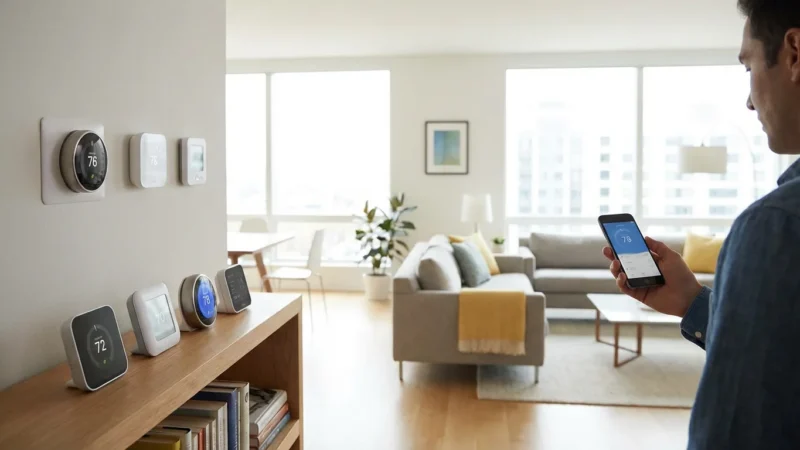
Not all smart thermostats offer robust geofencing capabilities. When selecting a device, research its specific features and how it handles location-based adjustments. Major brands like Nest, Ecobee, and Honeywell Home typically include sophisticated geofencing.
Consider these factors when making your choice:
- Geofencing Implementation: Some thermostats use a single phone’s location, while others track multiple family members. Look for options that support multiple users for more accurate home/away detection. This ensures the house remains comfortable if one person is home.
- Customization Options: A good geofencing system allows you to define the radius of your geofence. You should also be able to set specific temperatures for “home,” “away,” and “sleep” modes. Flexibility in settings leads to greater satisfaction.
- C-Wire Requirement: Many smart thermostats require a “C-wire” (common wire) for continuous power. If your current HVAC system lacks a C-wire, you might need an adapter or professional installation. Check compatibility before purchasing to avoid surprises.
- Integration with Other Smart Home Devices: Does the thermostat integrate with your existing smart home ecosystem, such as Apple HomeKit, Google Home, or Amazon Alexa? Seamless integration enhances overall automation. Look for Matter certification for future compatibility, as described by the Connectivity Standards Alliance.
- Learning Features: Some thermostats, like Nest, learn your temperature preferences over time. This complements geofencing by refining comfort settings based on your habits. Learning thermostats automatically build a schedule that aligns with your lifestyle.
- Energy Monitoring and Reporting: Track your energy usage through the thermostat’s app. This helps you understand the impact of geofencing on your energy bills. Detailed reports demonstrate your savings.
- Utility Rebates: Many energy providers offer rebates for installing smart thermostats. Check with your local utility company for potential incentives. These rebates can significantly offset the initial cost of your device, making it a more attractive investment.
Popular choices for geofencing include the Google Nest Learning Thermostat, the Ecobee SmartThermostat with Voice Control, and various Honeywell Home models. These devices consistently receive high marks for their performance and features from sources like Wirecutter, a product recommendation service from The New York Times.
According to Wirecutter, smart thermostats like the Ecobee and Nest models consistently rank high for their energy-saving features, including effective geofencing, which delivers both comfort and efficiency for users.
Thermostat Geofencing Setup Guide
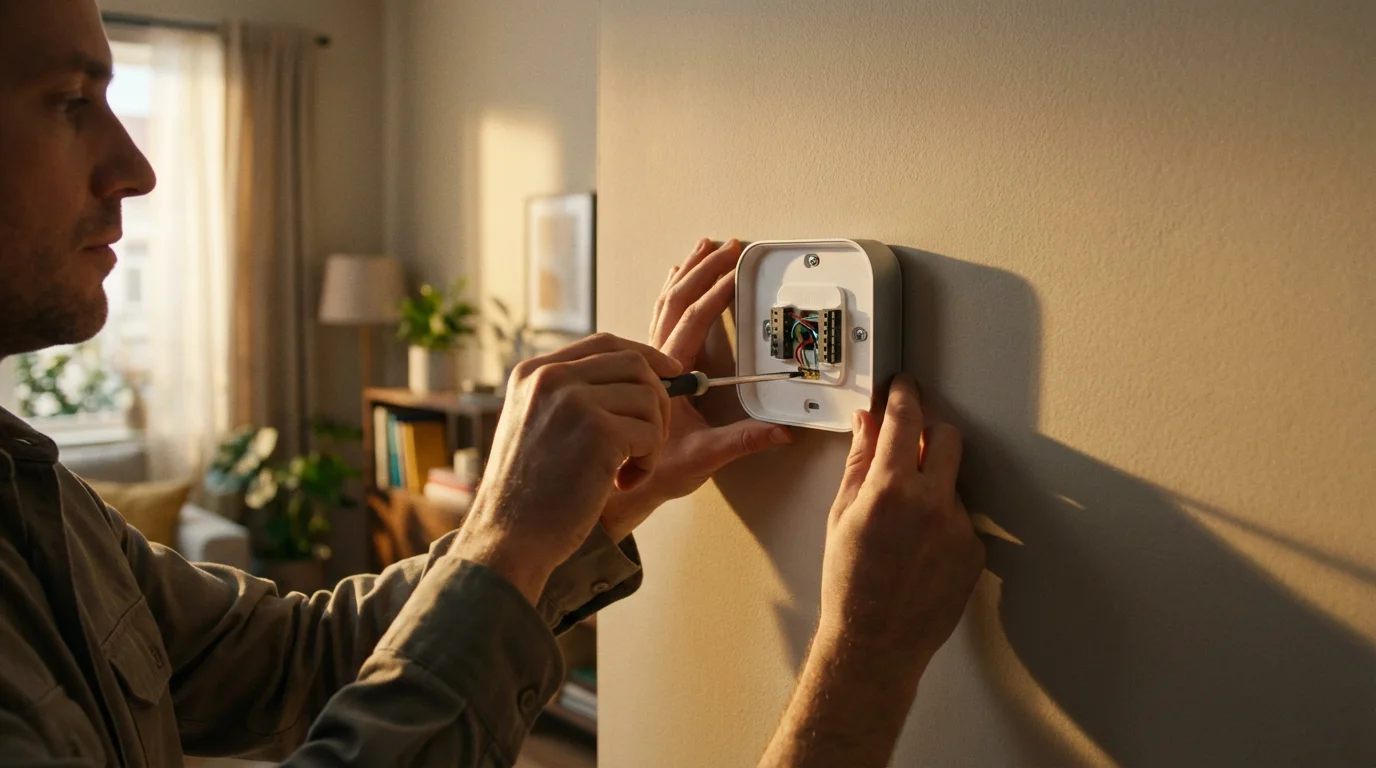
Setting up geofencing on your smart thermostat involves a few straightforward steps. While specifics vary slightly by brand, the general process remains consistent across most devices. This guide covers the common configuration steps.
Here is a step-by-step process to activate and configure geofencing:
- Install Your Smart Thermostat and App:
- First, ensure your smart thermostat is correctly installed and connected to your home Wi-Fi network.
- Download the corresponding manufacturer’s app (e.g., Nest, Ecobee, Honeywell Home) to your smartphone.
- Complete the initial setup and registration process within the app.
- Enable Location Services on Your Smartphone:
- For geofencing to work, your smartphone must share its location with the thermostat app.
- Navigate to your phone’s settings (iOS: Settings > Privacy > Location Services; Android: Settings > Location).
- Ensure Location Services are turned “On.”
- Find your thermostat app in the list and set its location access to “Always” or “Allow all the time.” This allows the app to track your location even when not actively in use.
- Access Geofencing Settings in the Thermostat App:
- Open your smart thermostat app.
- Look for a section related to geofencing, home/away assist, or location-based control. This is often found under “Settings,” “Home/Away,” or “Automation.”
- Activate the geofencing feature.
- Define Your Home Geofence Area:
- The app will prompt you to set the radius for your geofence. This is typically a circular area around your home address.
- You can usually adjust the size of the geofence, from a few hundred feet to several miles. Start with a moderate size, like 0.5 to 1 mile, and adjust based on your commute and home’s preheating/cooling time.
- Confirm your home’s precise address within the app to ensure accuracy.
- Configure Home and Away Temperatures:
- Set your desired “home” temperatures for heating and cooling. These are the comfortable temperatures you want when you are present.
- Define your “away” temperatures, which are more energy-efficient settings. Aim for a wider range, perhaps 60-65°F for heating and 80-85°F for cooling, to maximize savings.
- Consider Multiple Occupants (if applicable):
- If your thermostat supports multiple users, invite family members to download the app and enable location sharing.
- This ensures the system only switches to “away” mode when everyone has left the geofence. It will revert to “home” mode when the first person returns.
- Test and Refine:
- After setup, test the geofencing by leaving and re-entering your geofenced area.
- Monitor the app to see if the thermostat correctly switches between home and away modes.
- Adjust the geofence radius or temperature settings as needed to optimize for your comfort and energy savings.
This step-by-step approach ensures a smooth setup process. Remember to regularly check your phone’s location settings to prevent accidental disabling.
Advanced Geofencing Strategies and Tips
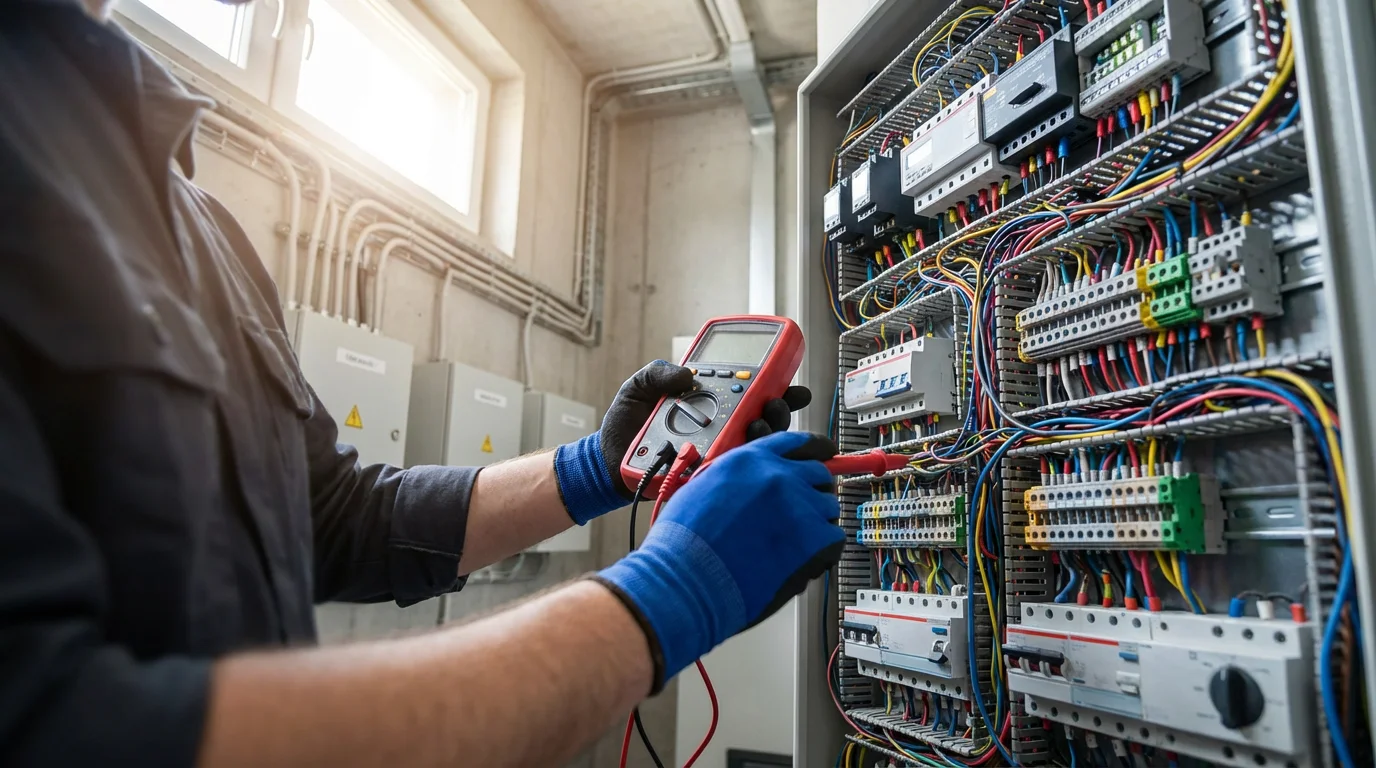
Once you master the basics of geofencing, you can explore advanced strategies to optimize your smart home. These tips enhance comfort, maximize energy savings, and seamlessly integrate with your daily life. Leverage these techniques to get the most from your location-based thermostat control.
Implement these advanced tactics:
- Optimize Geofence Radius: Experiment with your geofence size. A smaller radius might be suitable if your home heats or cools quickly. A larger radius provides more preheating or precooling time, ensuring comfort upon arrival, especially for homes with slower HVAC systems. You might need a larger geofence if you have a long commute.
- Combine Geofencing with Schedules: Do not rely solely on geofencing if you have a predictable schedule. Use geofencing to override your schedule on atypical days. For example, if you typically work from home but go out unexpectedly, geofencing saves energy by switching to “away” mode. This creates a resilient and flexible system.
- Utilize Multiple User Detection: If your thermostat supports it, enable geofencing for all family members. This prevents the thermostat from switching to “away” mode if someone remains home. It ensures comfort for the last person to leave and the first to return.
- Integrate with Learning Features: Allow your thermostat’s learning features to work alongside geofencing. A Nest thermostat, for instance, learns your preferred temperatures and adjusts its preheating/cooling times. This synergy creates a highly personalized climate control experience.
- Set Up Smart Away/Eco Modes: Many smart thermostats offer specific “eco” or “smart away” modes. These modes adjust to more aggressive energy-saving temperatures when no one is detected home, whether through geofencing or occupancy sensors. Activating these modes maximizes your savings.
- Consider Vacation Mode: For extended periods away, disable geofencing or switch to a dedicated vacation mode. Vacation mode often sets minimum and maximum temperatures to protect your pipes from freezing or prevent extreme heat buildup. This offers more predictable control than a prolonged “away” geofence state.
By applying these advanced strategies, you unlock the full potential of your geofencing-enabled smart thermostat. You achieve a perfect balance of comfort, convenience, and energy efficiency. According to Energy Star, smart thermostats can save homeowners an average of 8% on heating and cooling costs, with geofencing being a key contributing feature. You can find more details on their site.
Troubleshooting Common Geofencing Issues
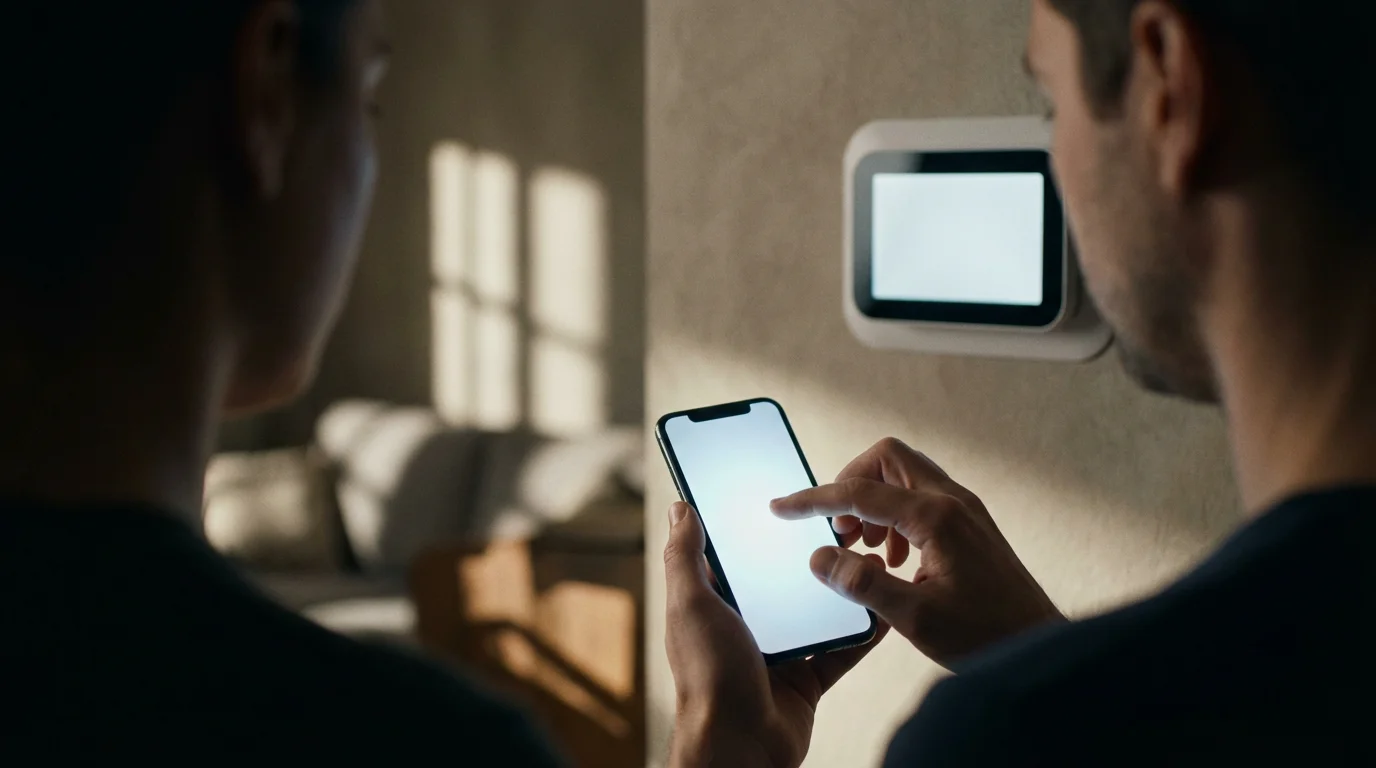
Even with proper setup, you might encounter occasional issues with your geofencing system. Understanding common problems and their solutions helps you maintain seamless operation. Most issues stem from smartphone settings or connectivity.
Address these common geofencing challenges:
- Thermostat Not Switching to Away Mode:
- Problem: You leave home, but the thermostat remains in “home” mode.
- Solution:
- Check your phone’s location services. Ensure they are enabled and set to “Always” for the thermostat app.
- Verify your phone’s Wi-Fi and cellular data are active. Geofencing relies on these for accurate location updates.
- If multiple users are configured, confirm everyone has left the geofence. The system may wait for the last person to depart.
- Review the geofence radius in your app. It might be too large, meaning you have not physically exited the defined zone.
- Thermostat Not Switching to Home Mode:
- Problem: You arrive home, but the thermostat has not yet adjusted to your preferred temperature.
- Solution:
- Confirm your phone’s location services are working correctly.
- Check the geofence radius. It might be too small, causing the thermostat to only trigger when you are very close to home.
- Allow sufficient time for the thermostat to register your return and for your HVAC system to reach the desired temperature. Some systems have a “smart delay.”
- Ensure the “home” temperature settings are correctly configured in the app.
- Inaccurate Location Detection or Frequent Mode Switching:
- Problem: The thermostat frequently switches modes when you are at home or reports you as away erroneously.
- Solution:
- Adjust the geofence radius. A slightly larger radius can smooth out detection issues, especially in urban areas with varying GPS accuracy.
- Ensure your Wi-Fi is strong at home. Poor Wi-Fi can lead to GPS inaccuracies.
- Restart your smartphone and the thermostat app. Sometimes a simple refresh resolves glitches.
- Check for app updates. Manufacturers frequently release updates to improve location accuracy and fix bugs.
- Battery Drain on Smartphone:
- Problem: Using geofencing significantly reduces your phone’s battery life.
- Solution:
- While geofencing uses some battery, modern implementations are optimized. If drain is extreme, check for other apps consuming battery in the background.
- Ensure your phone’s operating system and the thermostat app are up to date. Updates often include battery optimizations.
- Some apps allow you to adjust the frequency of location checks, which can impact battery usage.
Persistent issues might indicate a problem with your specific smart thermostat model or smartphone. Consult the manufacturer’s support resources or community forums for model-specific advice. You can also review general smart home troubleshooting guides from reputable sources like CNET or PCMag for broader insights into device connectivity.
Integrating Geofencing with Other Smart Home Devices
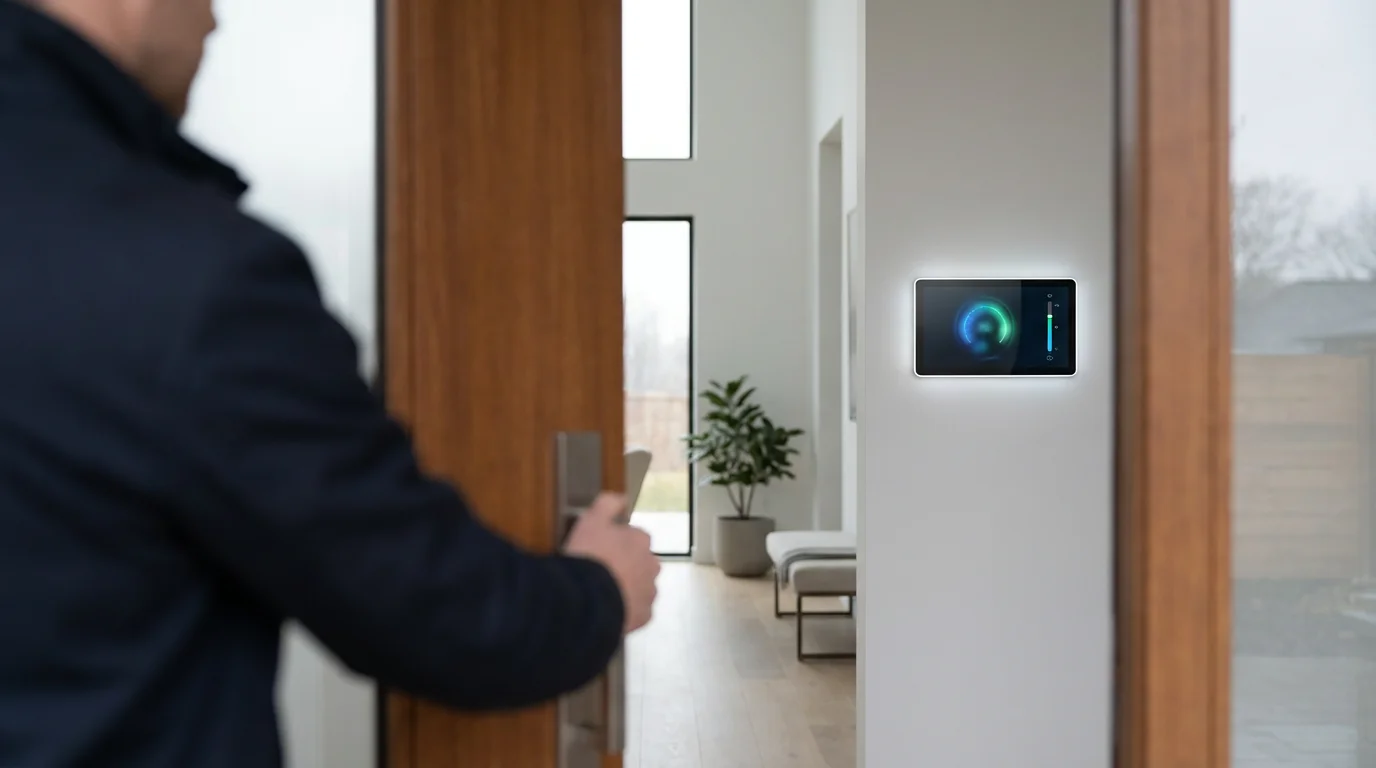
Geofencing extends beyond just your thermostat. Integrating location-based triggers with other smart home devices elevates your home automation to a new level of intelligence and convenience. Your home becomes truly responsive to your presence.
Explore these integration possibilities:
- Smart Lighting: As you enter your geofence, your outdoor lights can turn on to welcome you home. Indoor lights can illuminate a path from the garage or front door. When you leave, all lights can automatically turn off, saving energy.
- Smart Locks: While less common for automatic unlocking due to security concerns, geofencing can send you a notification if you leave your home without locking the door. Some advanced systems can automatically lock doors once everyone has left the geofence.
- Security Systems: Geofencing can automatically arm your security system when the last person leaves the geofence. It disarms the system as the first person returns. This prevents accidental alarms and ensures your home is always protected.
- Smart Plugs and Appliances: Connect smart plugs to devices like coffee makers or slow cookers. Geofencing can trigger these devices to turn on a set time before your arrival. Imagine walking in to fresh coffee or a meal simmering.
- Garage Door Openers: As you approach your home, a geofence trigger can open your garage door automatically. This offers unparalleled convenience, especially during inclement weather. You never fumble for a remote again.
- Robot Vacuums: Configure your robot vacuum to start a cleaning cycle after you leave the geofence. It finishes cleaning before you return, ensuring a tidy home without disruption. Your home stays clean without effort.
- Music and Entertainment: Your favorite playlist or podcast can automatically start playing on smart speakers as you arrive home. This instantly sets a welcoming ambiance.
You can achieve these integrations through various platforms like IFTTT (If This Then That), directly within your smart home hub (e.g., Samsung SmartThings, Hubitat), or via the apps of specific device ecosystems (e.g., Google Home, Amazon Alexa). Look for devices that support Matter, the new smart home standard, for broader compatibility. Building these interconnected automations creates a home that truly anticipates your needs.
Frequently Asked Questions
How much money can geofencing save me on my energy bills?
The actual savings vary depending on your climate, insulation, and personal habits. However, smart thermostats using geofencing can significantly reduce unnecessary heating and cooling of an empty home. Energy Star suggests smart thermostats can save 8% on heating and cooling, and geofencing directly contributes to this. You can expect noticeable savings, often enough to offset the thermostat’s cost over time.
Does geofencing work with multiple family members in the house?
Yes, many advanced smart thermostats support multi-user geofencing. This means the system tracks the location of multiple smartphones linked to the household. The thermostat only switches to “away” mode when the last person leaves the geofence and returns to “home” mode when the first person enters. This prevents your home from becoming uncomfortable if one family member remains inside.
Is geofencing a privacy concern?
Geofencing requires your smartphone to share its location data with the thermostat app. This raises valid privacy questions for many users. Manufacturers generally state they use location data solely for automation purposes. Review the privacy policy of your chosen smart thermostat brand to understand how they handle your data. You maintain control over your phone’s location services and can disable them anytime.
Will geofencing drain my smartphone’s battery quickly?
Modern smartphone operating systems and well-designed smart home apps optimize location tracking to minimize battery drain. They often use a combination of GPS, Wi-Fi, and cellular triangulation to conserve power. While any constant location service uses some battery, geofencing should not drastically reduce your phone’s battery life in most cases. If you experience significant drain, check your app and phone settings for optimizations.
Should I use geofencing or a traditional schedule?
The best approach often involves a combination of both. Use a schedule for predictable routines, such as overnight temperature drops. Employ geofencing to manage those unpredictable departures or early returns. Geofencing acts as an intelligent override, ensuring efficiency and comfort even when your daily routine deviates. This hybrid method offers the most flexible and energy-efficient solution.
Disclaimer: This article is for informational purposes only. Smart home devices involve electrical connections and data privacy. Always follow manufacturer instructions for installation. For complex wiring or HVAC work, consult a licensed professional.
Leave a Reply