
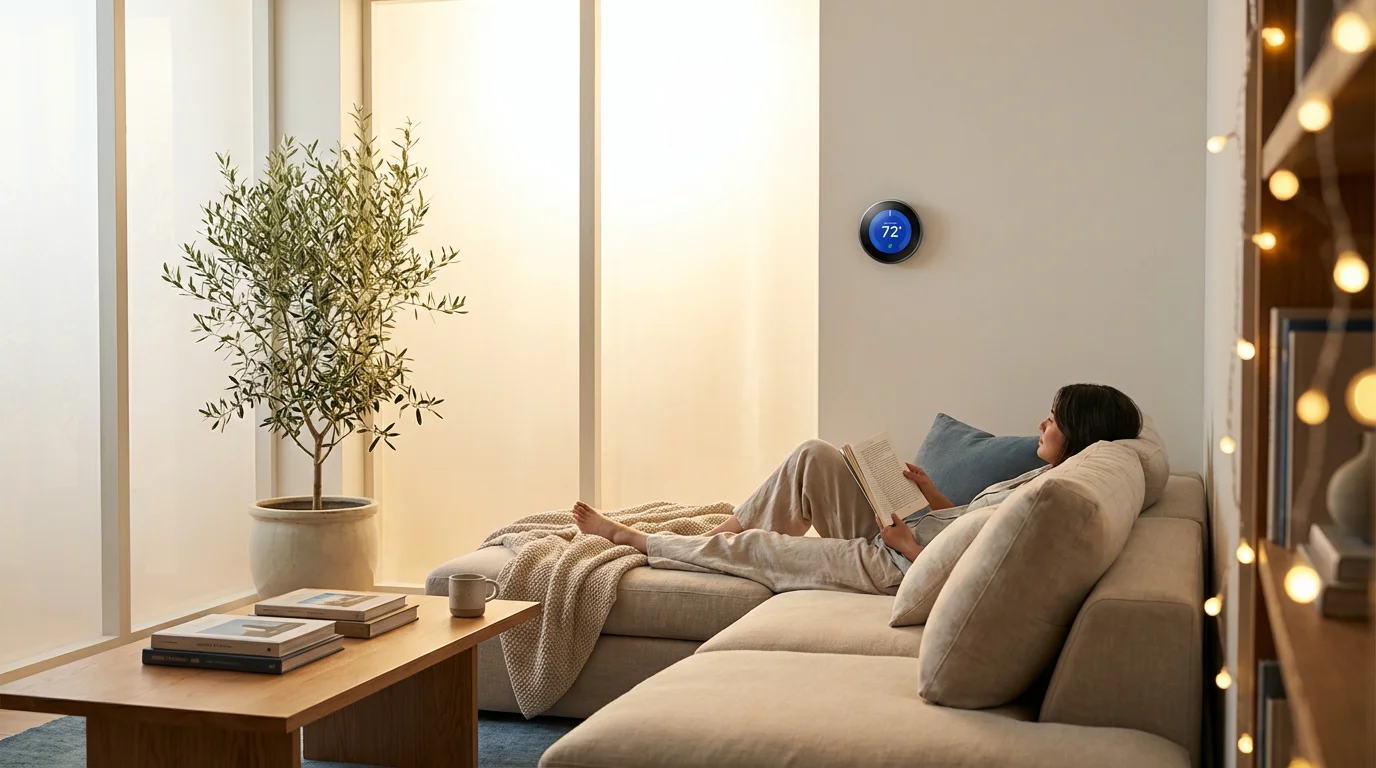
Summer brings longer days, backyard barbecues, and unfortunately, skyrocketing electricity bills. For most households, air conditioning is the single largest consumer of energy, often accounting for nearly half of a home’s energy budget during peak months. If you are still adjusting an old manual dial or a basic programmable unit, you are likely wasting money cooling an empty house or fighting to find a comfortable temperature when you return from work.
A smart thermostat is one of the most impactful upgrades you can make for your home’s efficiency. Unlike standard units that simply react to temperature changes, smart thermostats learn your habits, adapt to the weather, and communicate with your smartphone. When deployed correctly, they don’t just add convenience; they actively manage your cooling load to reduce strain on the electrical grid and your wallet.
This guide will walk you through selecting the right device, navigating the installation process, and optimizing your settings specifically for the unique demands of summer cooling.

Why Summer Cooling is Different
Heating a home and cooling a home require different strategies. In winter, you might tolerate a wider range of temperatures, throwing on a sweater if it gets chilly. In summer, however, humidity plays a massive role in comfort. A standard thermostat only reads temperature, but 74 degrees with high humidity feels drastically different than 74 degrees in dry air.
Furthermore, air conditioning units work hard to remove latent heat from your home. If you let the house get too hot during the day, your AC unit has to run continuously for hours to bring the temperature back down—a process often called “recovery.” This struggle against thermal mass (heat stored in your furniture, walls, and floors) can negate the savings you hoped to achieve by turning the AC off.
Smart thermostats solve this by using algorithms to calculate exactly how long it takes to cool your specific home. They prevent the temperature from drifting too far comfortably while ensuring the system runs efficiently rather than frantically.
Choosing the Right Smart Thermostat
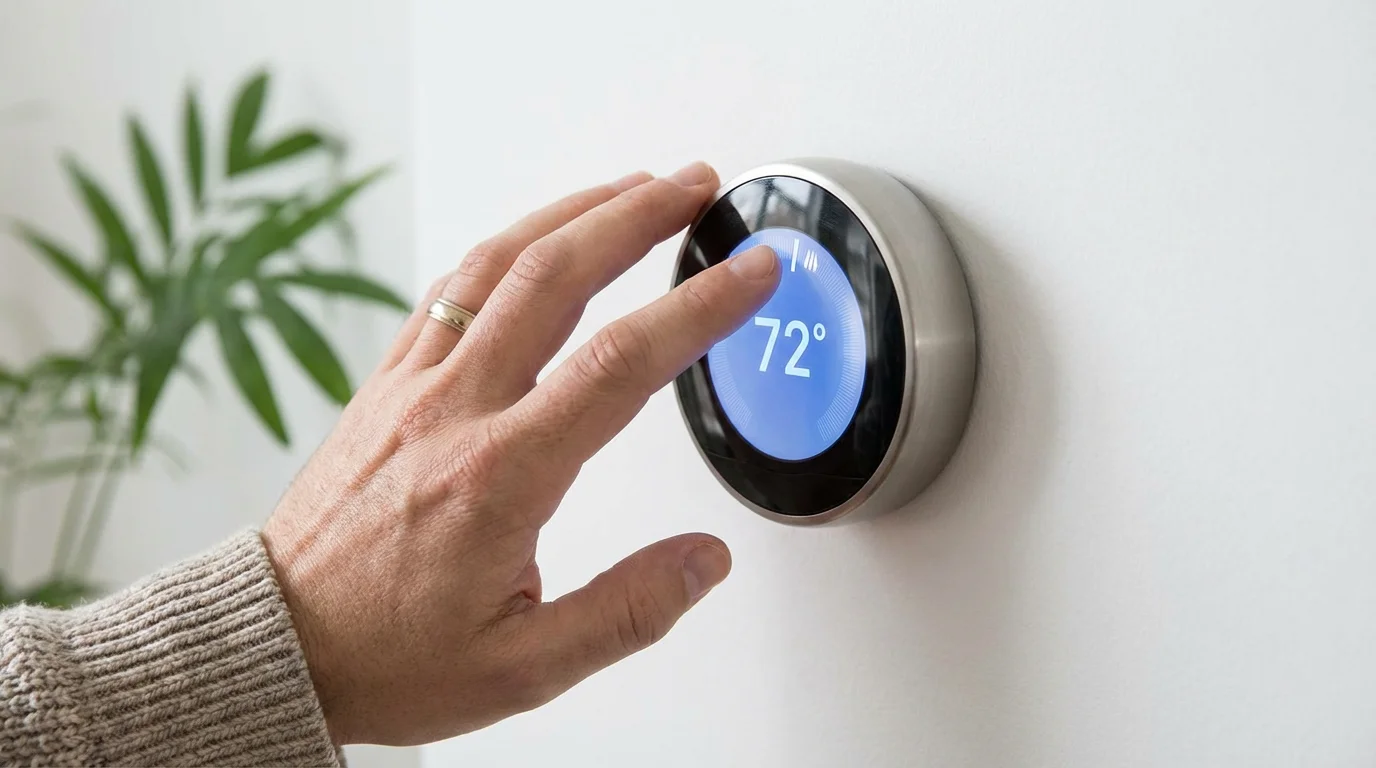
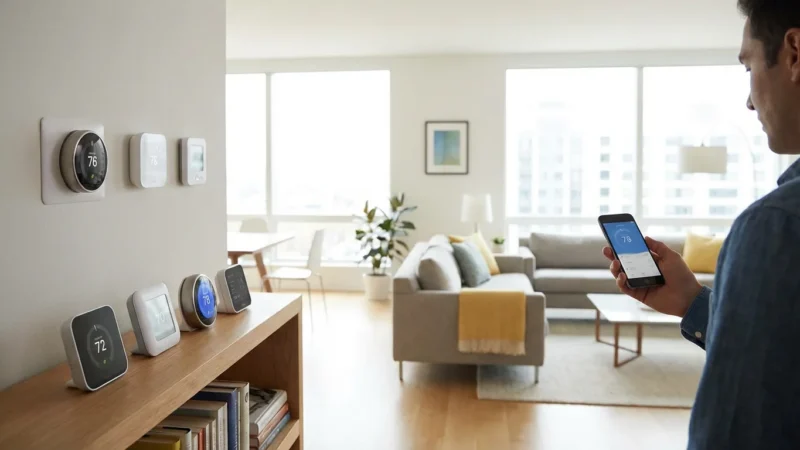
The market is saturated with options, but for summer efficiency, you need specific features. While aesthetics matter, the brain inside the device is what lowers your bill. Focus on the following three categories when shopping.
Learning vs. Geofencing
There are two main philosophies in smart climate control. “Learning” thermostats, pioneered by Nest, track your manual adjustments over the first few weeks and build a schedule automatically. If you turn the temp down every night at 10:00 PM, the device eventually does it for you. This is excellent for households with predictable routines.
Other systems, like those from Honeywell or Ecobee, rely heavily on scheduling and geofencing. Geofencing uses your smartphone’s location services to detect when you leave a pre-set radius around your home. When the last person leaves, the AC shifts to “Eco” mode. When you are a few miles away on your return trip, it kicks back on. For summer activities—where you might be in and out of the house frequently—geofencing is often superior to a rigid schedule.
Remote Sensor Capability
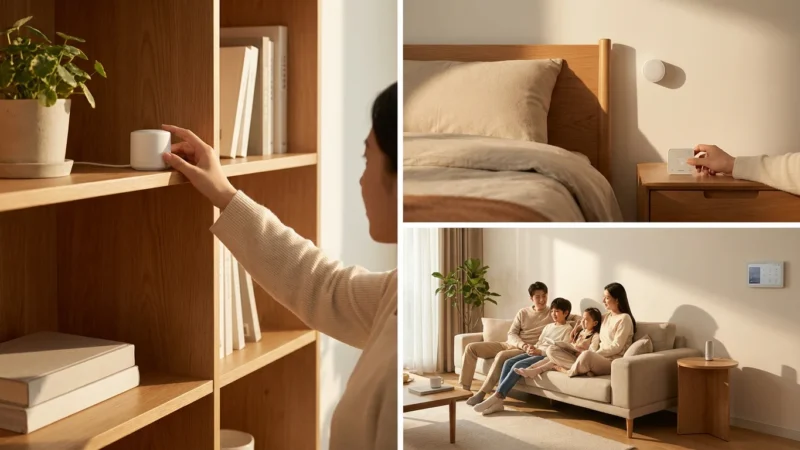
In a multi-story home, the upper floors are almost always hotter than the ground floor. If your thermostat is in a cool downstairs hallway, it might think the house is 72 degrees while your upstairs bedroom is baking at 80 degrees. Thermostats that support remote room sensors allow the system to average the temperature or focus cooling on occupied rooms only.
Utility Rebates and Eco-Programs
Before buying, check with your local utility provider. Many power companies offer instant rebates that cover a significant portion of the device’s cost. According to Energy Star, certified smart thermostats allow you to participate in demand-response programs. During peak heat waves, the utility company can make minor adjustments to your thermostat to prevent brownouts, often rewarding you with bill credits in return.
Installation Essentials and Compatibility
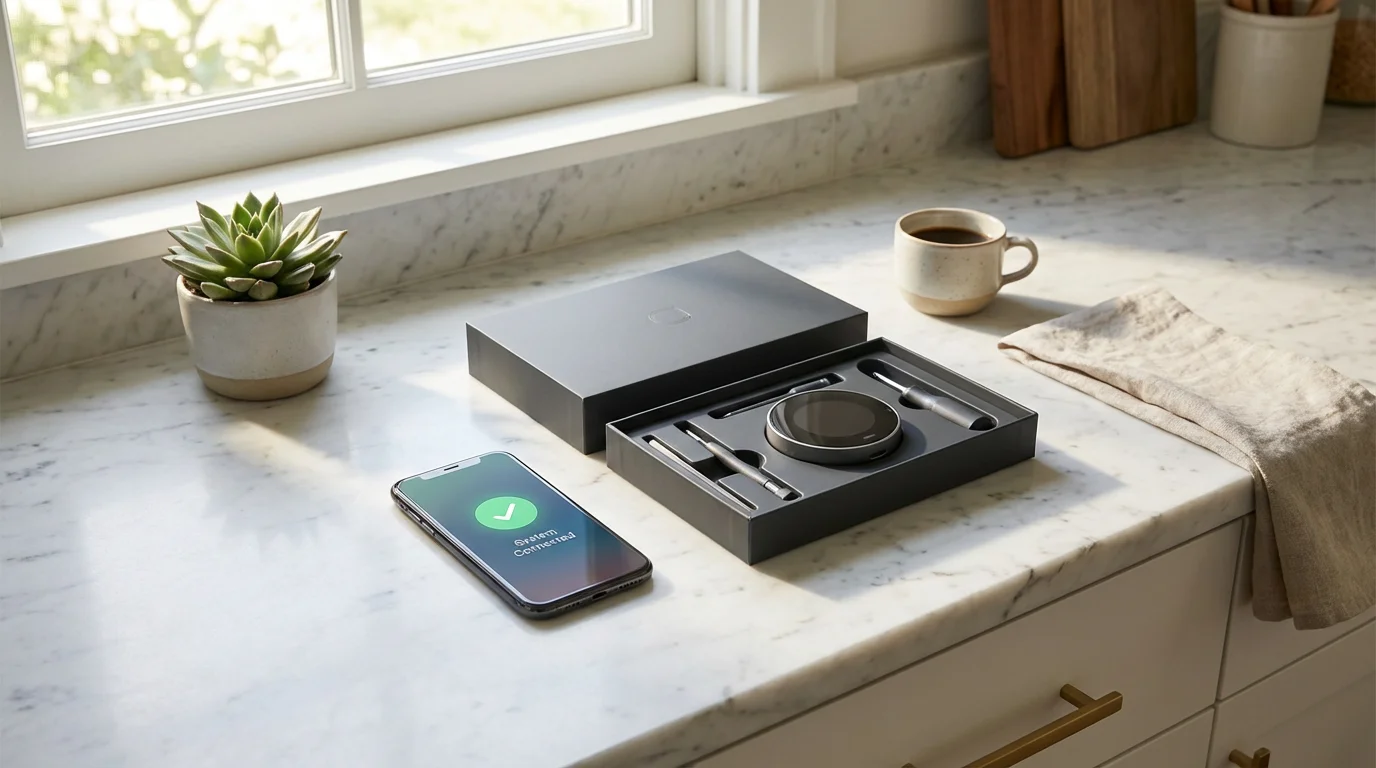
Installing a smart thermostat is generally a DIY-friendly project, taking about 30 to 45 minutes. However, the wiring inside your walls determines if the job will be plug-and-play or require extra steps.
The C-Wire Requirement
The most common hurdle is the “C-wire” or Common wire. Old mechanical thermostats didn’t need power; they worked like a simple switch. Smart thermostats have Wi-Fi radios and bright displays that require a constant 24-volt power stream. The C-wire provides this constant power path.
If you remove your old thermostat faceplate and see only two or four wires (usually Red, White, Green, and Yellow), you might be missing the Common wire. Without it, some smart thermostats try to “power steal” by pulsing the HVAC system, which can cause damage or strange behavior in the summer, such as the AC compressor turning on and off rapidly.
Installation Steps
- Turn off the Power: Go to your breaker box and flip the switch for your HVAC system. Confirm the power is off by testing the old thermostat.
- Label Your Wires: Do not rely on wire colors alone. Use the stickers provided with your new device to label wires based on the terminal they are connected to (e.g., the wire in the “Y” terminal is “Y,” even if the wire itself is blue).
- Check for C-Wire: Look for an unused wire tucked into the wall. If you find one, you are in luck. Connect it to the C terminal at the thermostat and the furnace.
- Install the Backplate: Screw the new mounting plate to the wall. Use the built-in level included with most smart thermostats to ensure it is straight.
- Connect and Configure: Snap the display onto the base and turn the power back on. Follow the on-screen prompts to connect to Wi-Fi and configure your HVAC type (usually “Forced Air”).
If you lack a C-wire and have no spare wires in the wall, you have two options: use a “Power Extender Kit” (PEK) included with many Ecobee models, or hire a professional to run a new thermostat cable.
Optimizing Settings for Maximum Savings
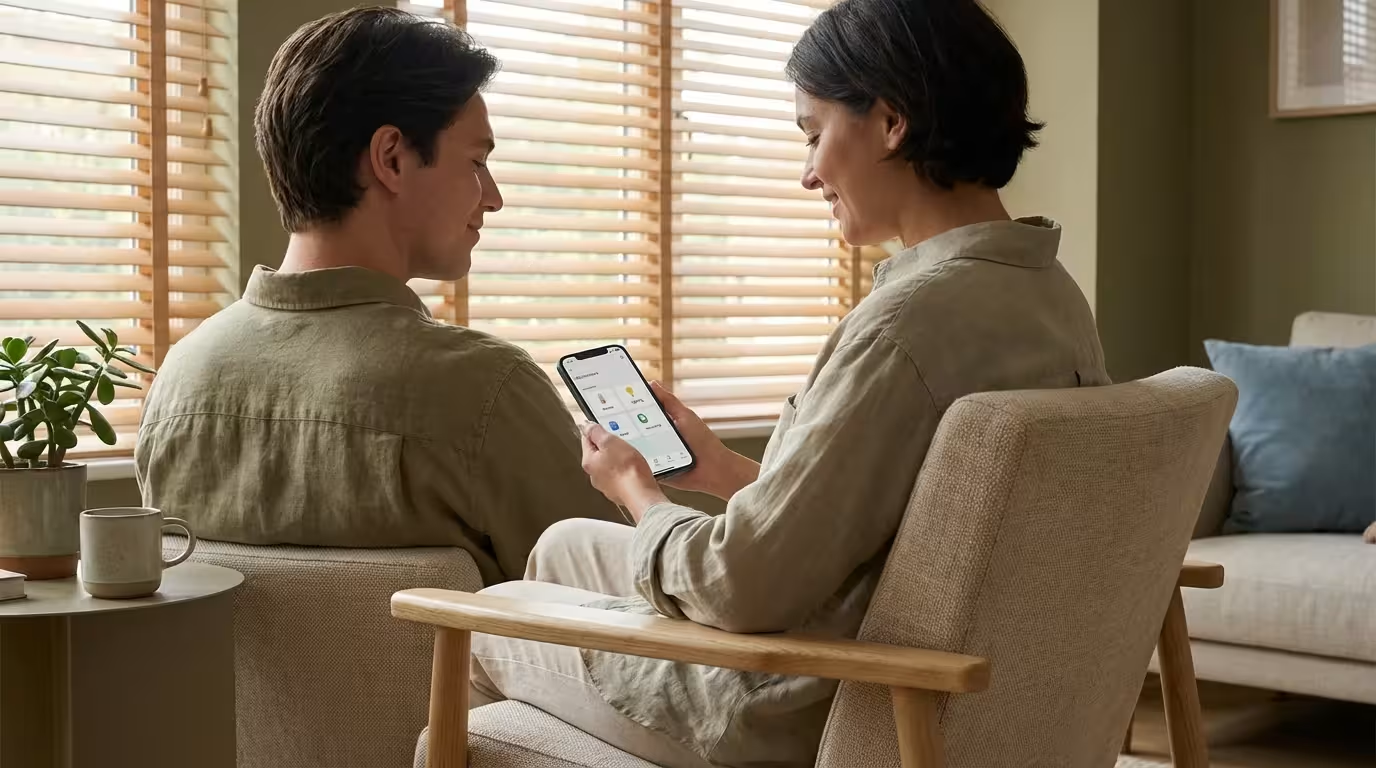
Once installed, the default settings are rarely the most efficient for your specific home. To truly beat the summer heat without breaking the bank, you need to dive into the settings.
Utilize “Time-of-Use” Strategies
Many utility companies charge different rates for electricity depending on the time of day. “Peak” hours—usually 4:00 PM to 9:00 PM—are the most expensive. Smart thermostats can integrate with these rate plans.
You can employ a strategy known as “Supercooling” or “Pre-cooling.” Program your thermostat to cool the house down to 68-70 degrees during the cheaper, off-peak hours (like midday or early morning). Then, right before peak pricing starts at 4:00 PM, set the thermostat to drift up to 76 or 78 degrees. Your home acts like a battery, storing the cold air. The AC won’t run during the expensive hours, but the house will remain comfortable.
Smart Away Modes
Enable the “Away” or “Eco” mode features immediately. Set the upper limit (the temperature the house reaches when you are gone) to a safe but efficient number, such as 80 or 82 degrees. This prevents the unit from fighting the midday sun for an empty house but keeps it cool enough that pets are safe and the system can recover quickly when you return.
Humidity Control
If your thermostat supports it, enable the “Overcool to Dehumidify” feature. This allows the AC to run past your target temperature by 1 or 2 degrees if the humidity is high. Drier air feels cooler, allowing you to set your standard baseline temperature higher (e.g., 76 instead of 74) while maintaining the same level of comfort.
Advanced Cooling Strategies
For the tech-savvy homeowner, integration is the key to a truly automated summer.
Ceiling Fan Integration
Smart ceiling fan switches (or smart fans) can pair with your thermostat. Through platforms like IFTTT (If This Then That) or Home Assistant, you can create a rule: “If the thermostat rises above 75 degrees, turn ceiling fans to medium.” This creates a wind-chill effect, making the room feel 4 degrees cooler without engaging the energy-hungry AC compressor.
Smart Vents
Standard HVAC systems cool the whole house evenly, which is inefficient if you spend all day in a home office. Smart vents replace your standard metal registers and open or close based on room occupancy. When paired with a smart thermostat and room sensors, you can direct airflow only to the rooms you are using.
Note: Be cautious with smart vents. Closing too many vents at once can increase static pressure in your ductwork, potentially damaging your blower motor. Always ensure your system has pressure relief or bypass capabilities before closing off more than 20% of your vents.
Maintenance Alerts and System Health
Summer puts the highest stress on your HVAC equipment. A clogged air filter restricts airflow, forcing the system to run longer to achieve the same cooling effect. This can freeze your evaporator coils and lead to a total system failure.
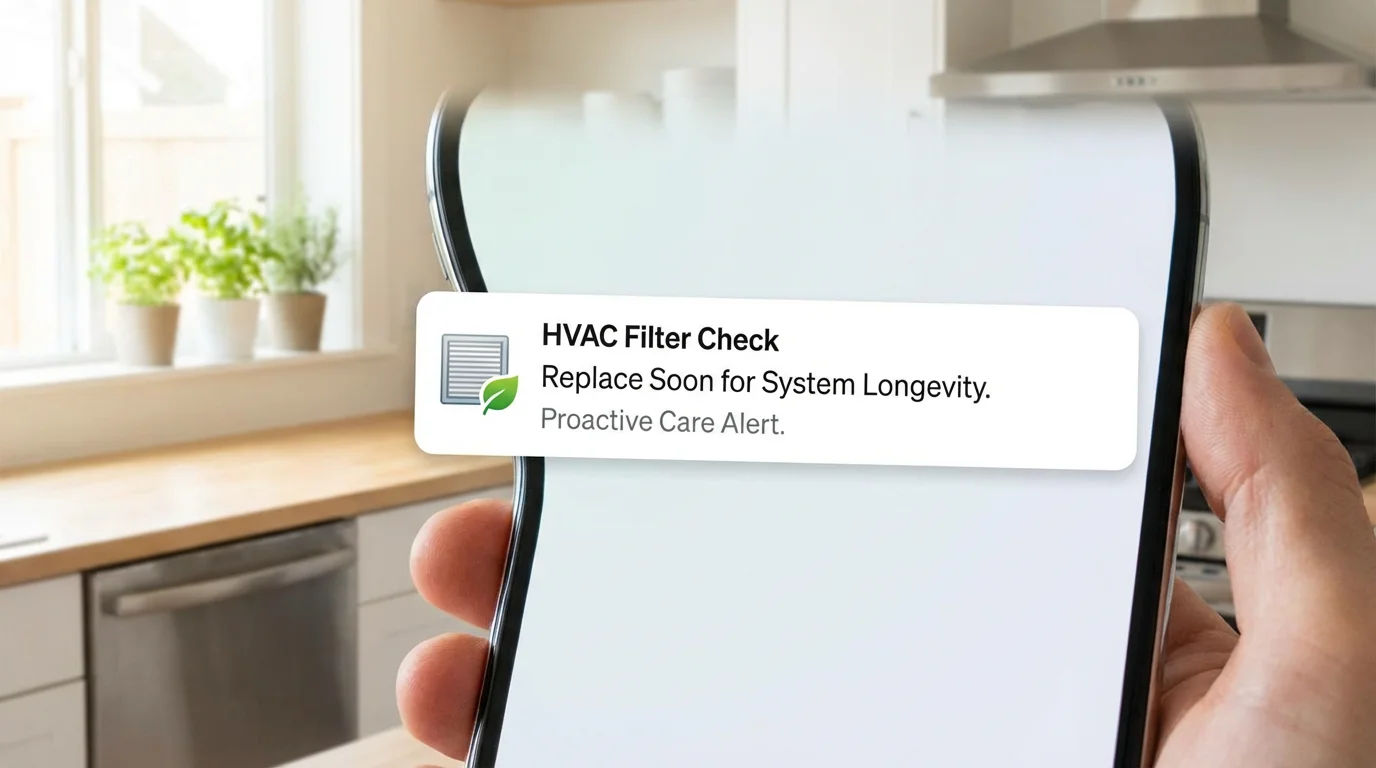
Configure your smart thermostat to track filter life based on runtime hours rather than calendar days. If it’s a mild month, you might not need to change the filter. If it is a scorching July, you might need to change it sooner than expected. The app will notify you exactly when it’s time.
Additionally, newer models offer HVAC monitoring. They learn the “health” of your system by analyzing how quickly your home cools down. If the system detects that it takes 40 minutes to drop the temperature one degree—when it used to take 15 minutes—it will send you an alert. This early warning allows you to call a technician for a tune-up before the unit dies in the middle of a heatwave.
Frequently Asked Questions
How much money can a smart thermostat really save in the summer?
Savings vary based on your home’s insulation and climate, but manufacturers and independent studies suggest average savings of 10% to 15% on cooling costs. For a home with high summer electric bills, the device often pays for itself within one or two seasons.
Do I need Wi-Fi for a smart thermostat to work?
A smart thermostat will function as a standard digital thermostat without Wi-Fi, allowing you to adjust the temperature manually. However, you will lose the key features that justify the cost: remote control, geofencing, weather adaptation, and software updates.
What is the ideal summer temperature setting?
The Department of Energy recommends setting your thermostat to 78°F (26°C) when you are home and higher when you are away. However, with the aid of ceiling fans and humidity control, many homeowners find 75°F or 76°F to be a comfortable balance between savings and comfort.
Will a smart thermostat work with my window AC units?
Standard smart thermostats (like Nest or Ecobee) only work with central air systems (low voltage). For window AC units or mini-splits that use infrared remotes, you need a specific “Smart AC Controller” (such as devices from Sensibo or Mysa) that mimics the IR signals of your remote.
Disclaimer: This article is for informational purposes only. Smart home devices involve electrical connections and data privacy. Always follow manufacturer instructions for installation. For complex wiring or HVAC work, consult a licensed professional.
Leave a Reply