
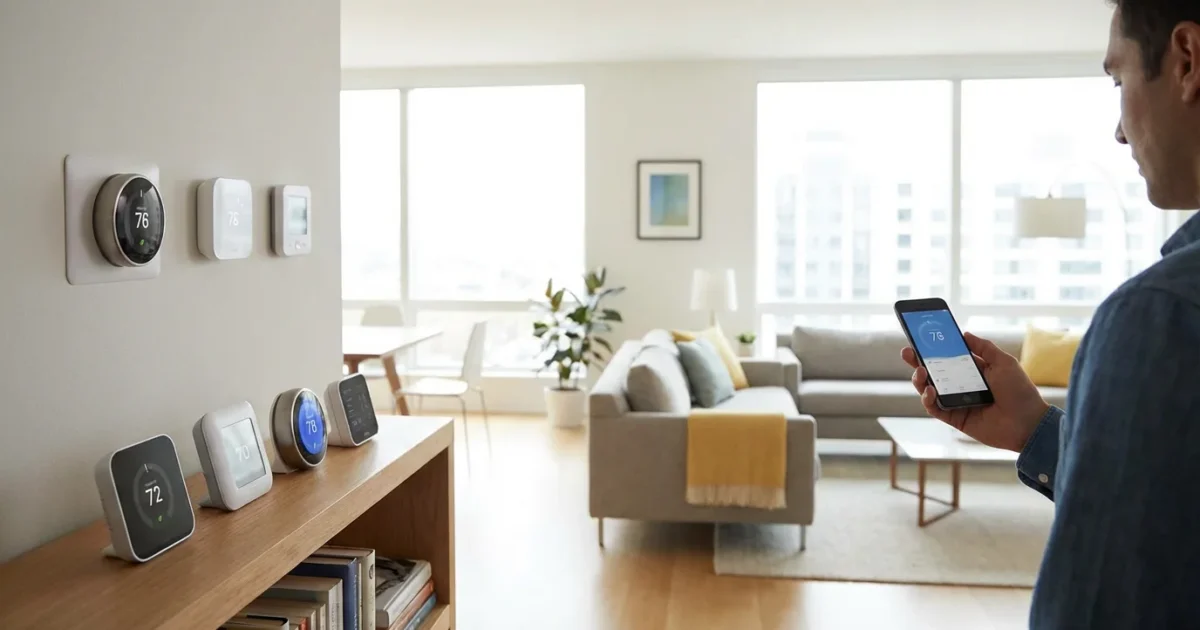
You want a smarter home, even if you do not own it. As a renter, you face unique considerations when upgrading your living space with smart technology. A smart thermostat is a powerful tool for enhancing comfort, saving energy, and potentially reducing utility bills. The good news is that many excellent options exist for renters, offering flexibility, easy installation, and portability.
This guide helps you navigate the choices, understand compatibility, and find the best smart thermostat for your apartment or rental home. You can gain greater control over your climate and energy use, regardless of your landlord’s policies or your current wiring setup.
Why Consider a Smart Thermostat as a Renter?
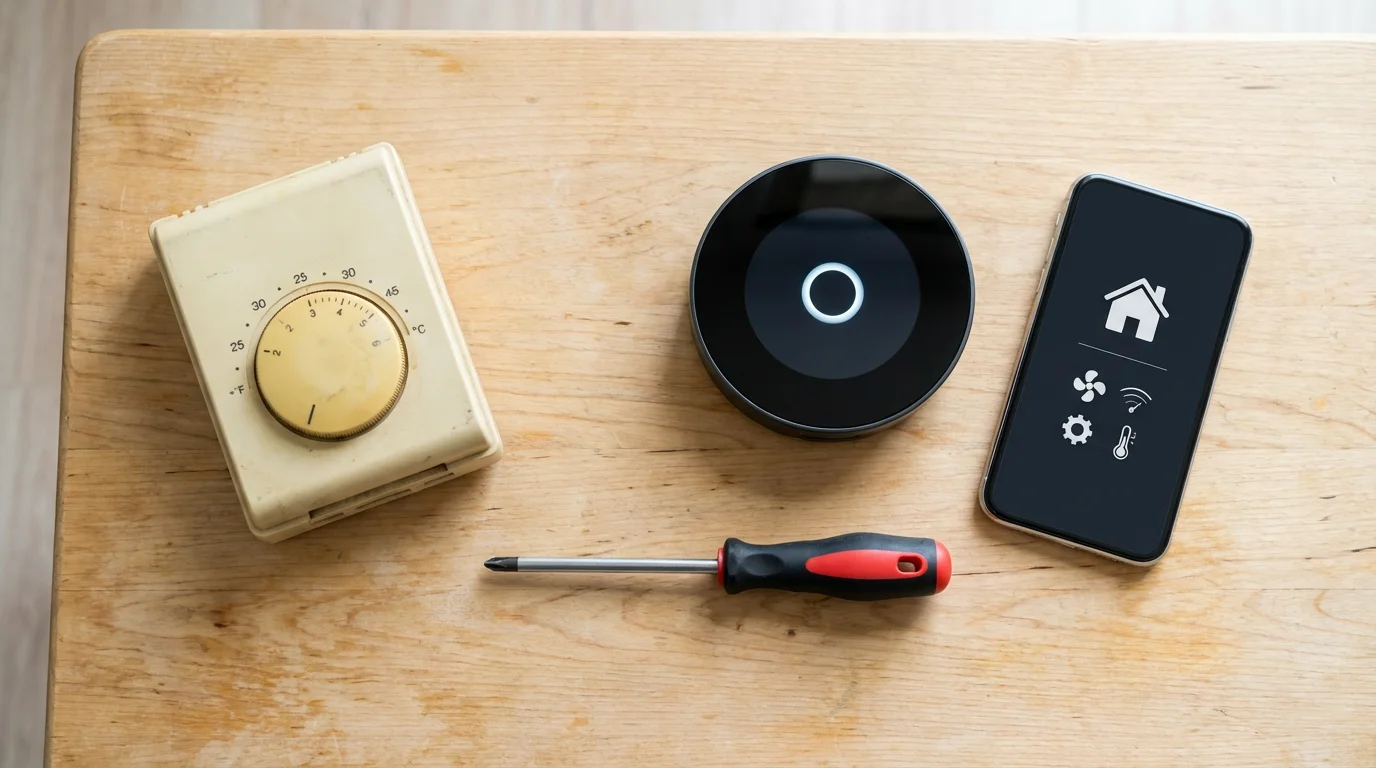
Renting often means living with standard, basic thermostats. These older models offer limited control, forcing you to adjust temperatures manually or stick to rigid schedules. This approach frequently leads to wasted energy and fluctuating indoor comfort.
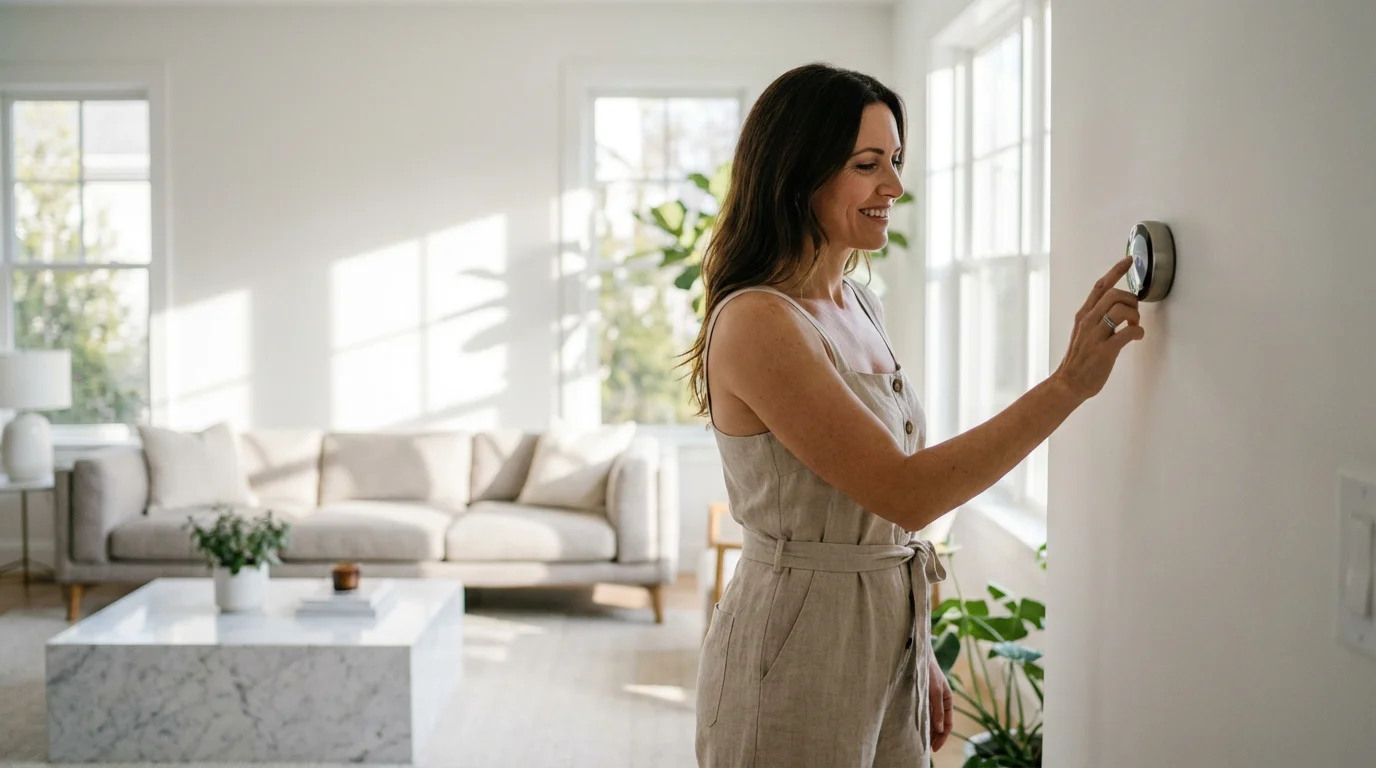
A smart thermostat transforms your heating and cooling experience. It brings advanced features like remote control, intelligent scheduling, and energy usage reports directly to your fingertips. You gain significant advantages.
- Energy Savings: Smart thermostats learn your habits and optimize temperatures, reducing energy consumption. This can lead to noticeable savings on your monthly utility bills. According to Energy Star, a smart thermostat can save you about 8% on heating and cooling costs.
- Enhanced Comfort: Program schedules, use geofencing to adjust temperature when you are away, or rely on learning algorithms to maintain ideal conditions. Your home stays comfortable without constant manual adjustments.
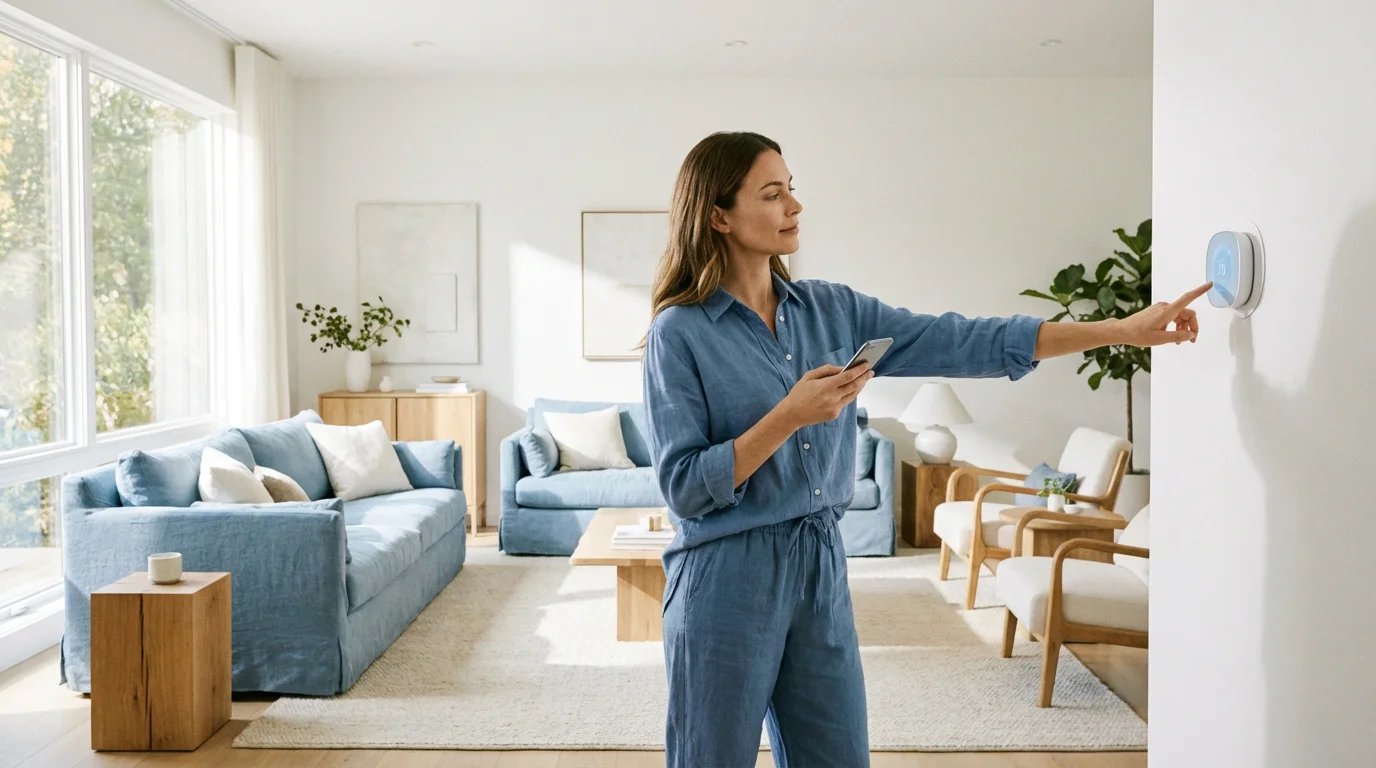
- Remote Control: Adjust your thermostat from your smartphone, whether you are at work or on vacation. This allows you to warm up your apartment before you arrive home or turn down the AC if you leave unexpectedly.
- Environmental Impact: Reducing energy use contributes to a smaller carbon footprint. You make a positive environmental choice while also saving money.
- Increased Home Value (for you): While you do not own the property, you own the smart thermostat. You can take it with you to your next home, continuing to benefit from its features and savings.
You do not need to commit to permanent modifications to enjoy these benefits. Many smart thermostats offer simple installation and removal, making them ideal for a rental lifestyle.
Understanding Renter-Friendly Smart Thermostat Features
Not all smart thermostats suit renters equally. When you select a device for your apartment or rental home, prioritize features that simplify installation, minimize landlord friction, and ensure portability. Look for models that specifically address common renter challenges.
Consider these essential renter-friendly attributes:
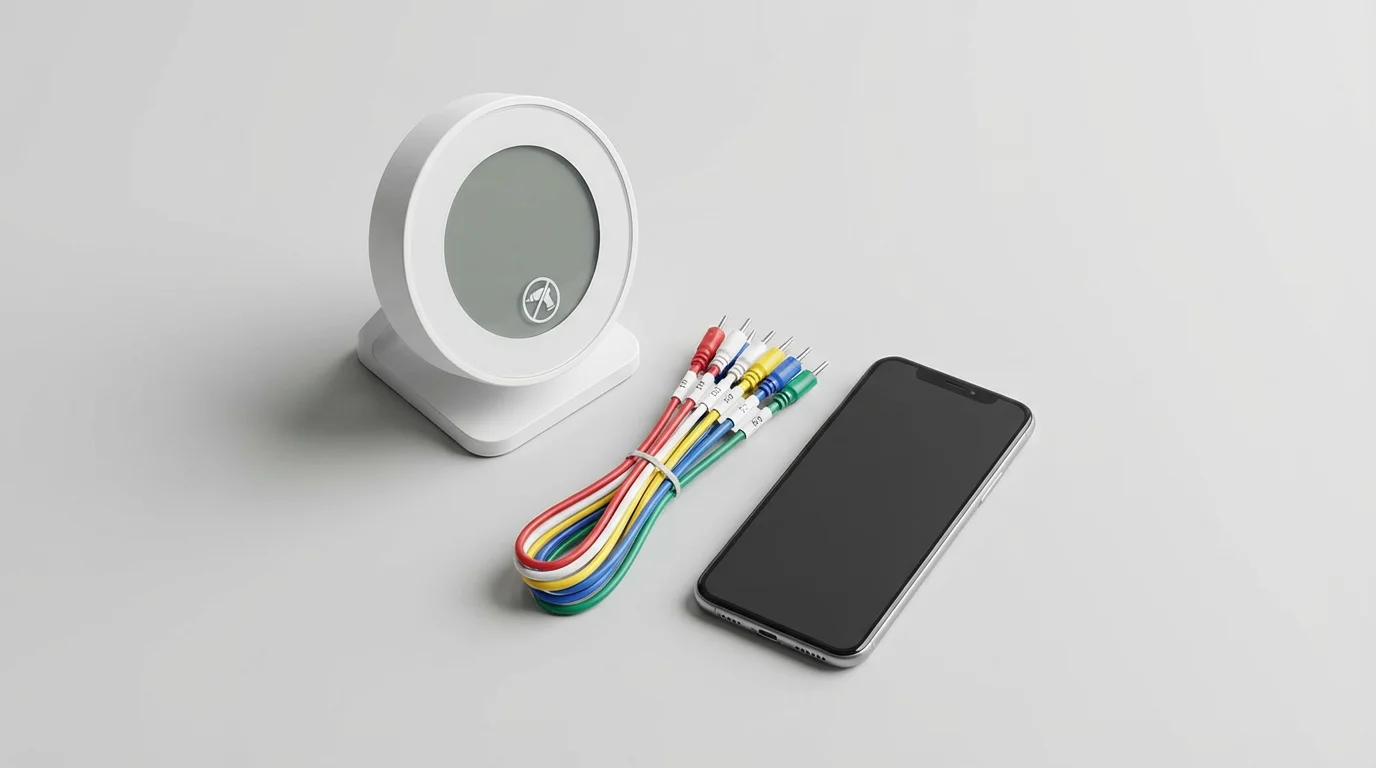
- No C-Wire Requirement: Many older rental properties lack a common wire, or C-wire, which powers smart thermostats. Models that operate on batteries, utilize a power extender kit, or draw minimal power from other wires are highly desirable. This avoids complex wiring or the need for an electrician.
- Easy Installation and Uninstallation: You need a thermostat you can install yourself without specialized tools and remove cleanly when you move out. Look for straightforward wiring guides and minimal mounting hardware.
- App-Based Control: All good smart thermostats offer smartphone control. This allows you to manage your home’s climate from anywhere, a crucial convenience for busy individuals.
- Geofencing: This feature uses your phone’s location to detect when you leave or return home. The thermostat automatically adjusts the temperature to save energy when you are away and restore comfort before you arrive.
- Learning Capabilities: Some smart thermostats learn your preferences over time. They observe your adjustments and build an optimized schedule automatically. This provides hands-off energy efficiency and comfort.
- Compatibility with Existing HVAC: Ensure the thermostat works with your rental unit’s heating and cooling system. Most smart thermostats support standard central air and furnace systems, but confirm compatibility for specific setups like heat pumps, multi-stage systems, or boiler systems.
You also benefit from devices that do not require drilling new holes or permanent alterations. Seek out options that fit into your rental agreement and lifestyle seamlessly.
Key Smart Thermostat Brands and Renter Options
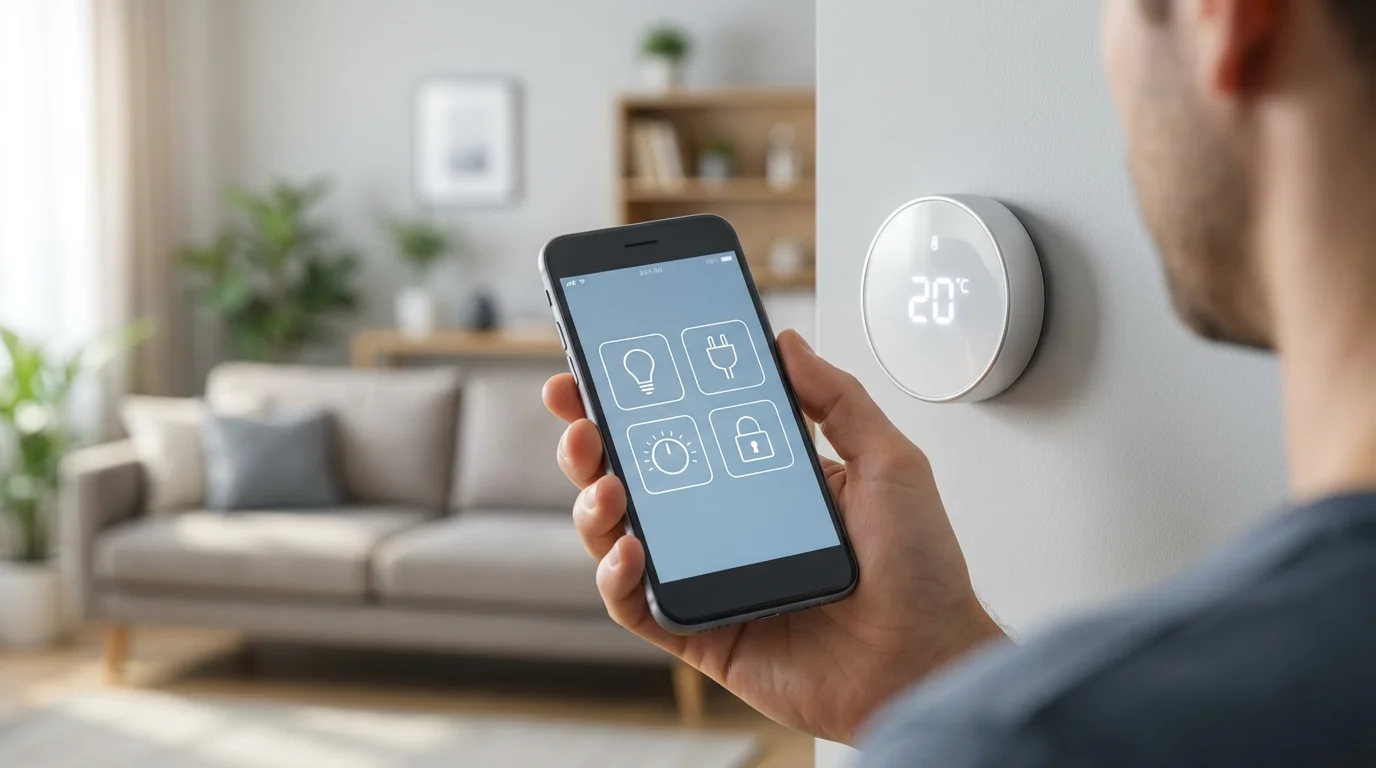
Several major players dominate the smart thermostat market, each offering models with features beneficial to renters. You will find options that prioritize ease of installation, C-wire alternatives, and user-friendly interfaces.
For a deep dive into the pros and cons of these major manufacturers, see our comparison of Nest vs Ecobee vs Honeywell to see which is best for your rental.
Google Nest Thermostats
Nest thermostats are known for their sleek design and powerful learning capabilities. The Nest Learning Thermostat and Nest Thermostat E automatically learn your schedule and preferences, creating an efficient temperature program. The newer, more affordable Google Nest Thermostat simplifies the interface while still offering remote control and energy-saving features.
- Renter-Friendly Aspects:
- No C-Wire Options: The Nest Learning Thermostat often works without a C-wire by drawing minimal power from other wires, though performance can vary. The Nest Power Connector provides a reliable C-wire alternative for all Nest models.
- Simple Setup: Nest provides clear, step-by-step instructions through its app, making installation manageable for most users.
- Portability: Easy to uninstall and take to your next home.
Consider the Nest Thermostat if you value intelligent learning and a streamlined user experience. The Nest Power Connector helps address C-wire issues directly, giving you flexibility.
Ecobee Smart Thermostats
Ecobee thermostats stand out for their focus on room sensors and precise temperature control. Models like the Ecobee Smart Thermostat Premium and Ecobee SmartThermostat with Voice Control include remote sensors that detect both temperature and occupancy. These sensors help eliminate hot and cold spots in your rental, ensuring comfort throughout your living space.
- Renter-Friendly Aspects:
- Power Extender Kit (PEK) Included: Ecobee thermostats typically come with a PEK in the box. This kit provides a reliable C-wire alternative, making them highly compatible with older, C-wire-less HVAC systems common in rentals.
- Comprehensive Control: The room sensors and robust scheduling features give you granular control over your home’s climate.
- Clear Instructions: Ecobee offers detailed installation guides and online support.
Ecobee is an excellent choice if you want consistent comfort across multiple rooms and appreciate the added functionality of voice control or air quality monitoring in their premium models. The included PEK is a significant advantage for renters.
Honeywell Home Smart Thermostats
Honeywell Home offers a range of smart thermostats, from basic Wi-Fi models to more advanced, feature-rich devices. Their thermostats often provide a balance of affordability and essential smart features. The Honeywell Home T-series, like the T9 or T10 Pro, integrates smart room sensors and geofencing capabilities.
- Renter-Friendly Aspects:
- Diverse Options: You can find models that suit various budgets and feature preferences.
- C-Wire Flexibility: Many Honeywell Home models offer a power extender kit option or operate with minimal power, making them adaptable to different wiring setups.
- Reliable Performance: Honeywell has a long history in the HVAC industry, providing robust and dependable devices.
Honeywell Home thermostats offer practical solutions for renters seeking a dependable smart thermostat without excessive complexity. Their range allows you to select a model that perfectly matches your rental’s needs and your budget.
Installation Without Hassle: C-Wire and Power Options
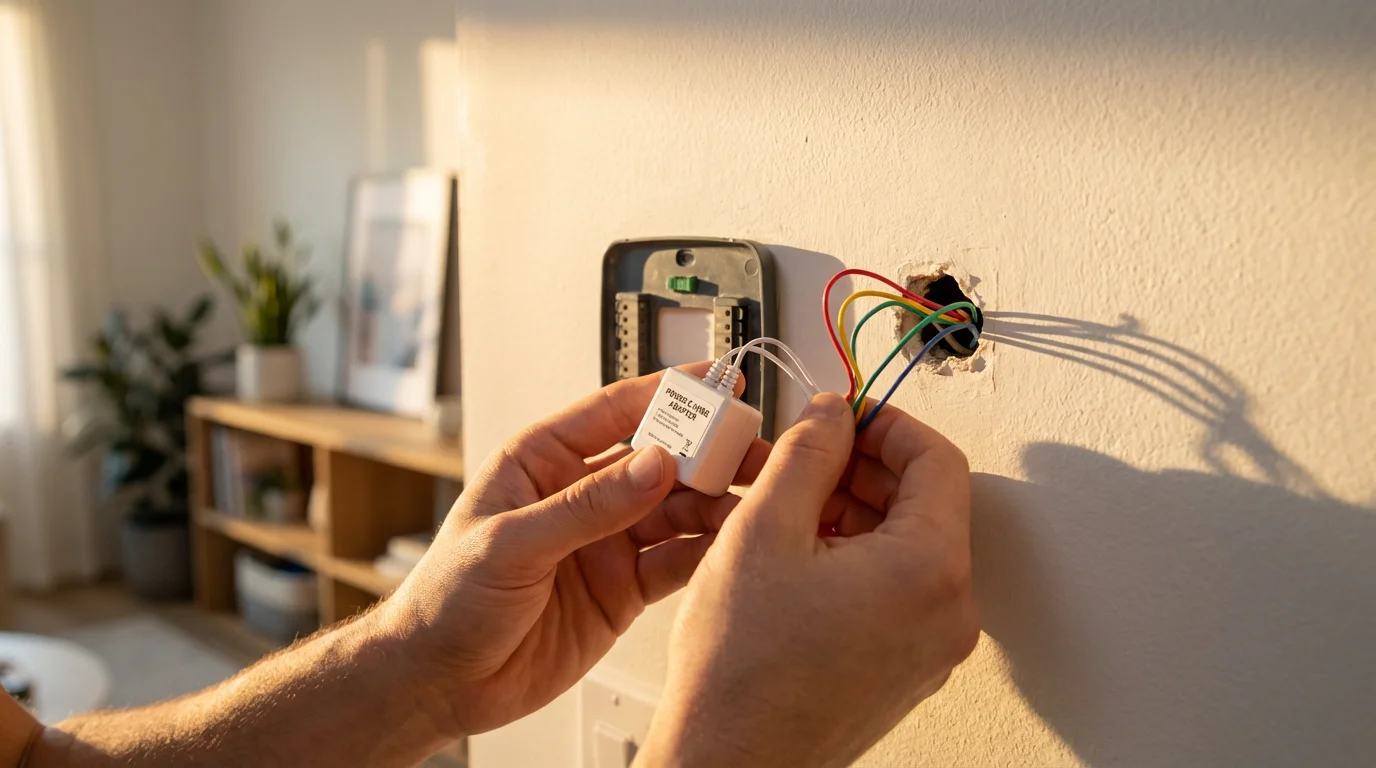
One of the biggest hurdles for renters considering a smart thermostat is often the C-wire, or common wire. This wire provides continuous power to your thermostat, which smart devices require for their Wi-Fi and advanced features. Many older homes and apartments lack a C-wire in their thermostat wiring bundle.
If you are ready to begin the process, we have a comprehensive guide on how to install a smart thermostat yourself safely.
What is a C-Wire?
Your existing thermostat wiring typically includes wires for heating (W), cooling (Y), and fan (G), connected to the furnace or air handler, along with a power wire (R or Rc/Rh). The C-wire acts as a neutral wire, completing the circuit to deliver constant 24V AC power. Without it, a smart thermostat might try to “power steal” from other wires, leading to erratic behavior, battery drain, or even HVAC system damage.
Renter-Friendly Solutions for No C-Wire:
Do not despair if your rental lacks a C-wire. Manufacturers have developed several clever solutions to ensure compatibility for almost any renter-friendly smart thermostat.
- Power Extender Kit (PEK): Often included with Ecobee thermostats and available for others, a PEK is a small device installed at your furnace or air handler. It uses your existing wires to create a C-wire connection without adding new wiring. This typically requires opening your HVAC unit’s control panel, which can be intimidating but is often straightforward.
- Nest Power Connector: Google offers a dedicated power connector for its Nest thermostats. This device similarly attaches to your HVAC system’s control board, providing the necessary C-wire connection. It simplifies the process for Nest users.
- Battery-Powered Smart Thermostats: Some smart thermostats run entirely on batteries, eliminating the need for a C-wire. While convenient, you will need to replace batteries periodically. These models may have fewer advanced features or slower response times compared to wired options.
- USB Power Adapter: A few smart thermostats can draw power from a standard USB adapter plugged into a wall outlet near the thermostat. This provides a C-wire alternative by bypassing the HVAC wiring for power, but it does require an available outlet and can look less tidy.
Installation Steps and Safety:
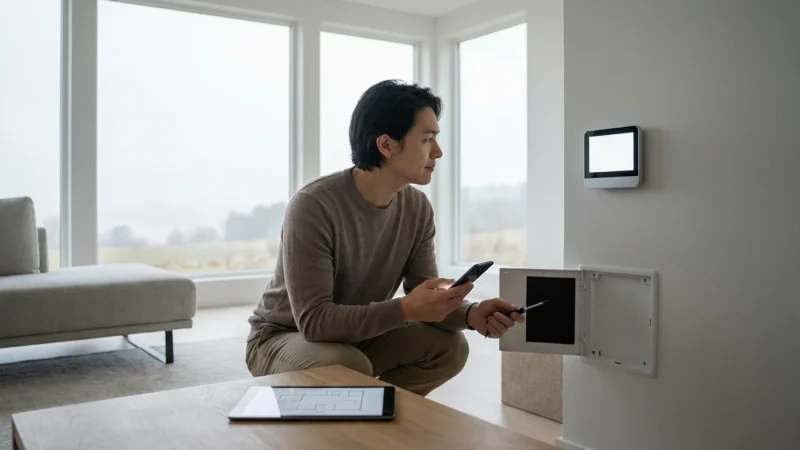
Before you begin any installation, always turn off the power to your HVAC system at the breaker box. This is a critical safety step. Your landlord may also appreciate you informing them about the change, especially if you plan to touch the HVAC unit itself for a PEK installation.
- Check Compatibility: Refer to your smart thermostat’s compatibility checker. You input your existing wiring setup, and it tells you if the thermostat works with your system and if a C-wire alternative is necessary.
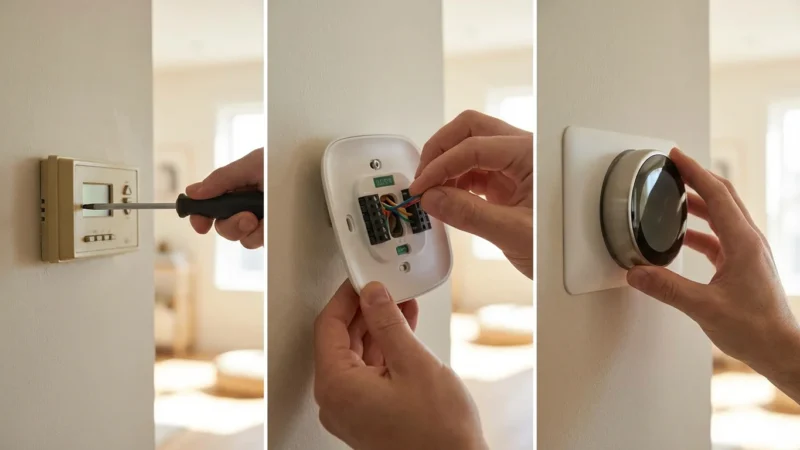
- Power Off: Locate your electrical panel and turn off the breaker controlling your heating and cooling system. Verify the power is off by trying to adjust your old thermostat.
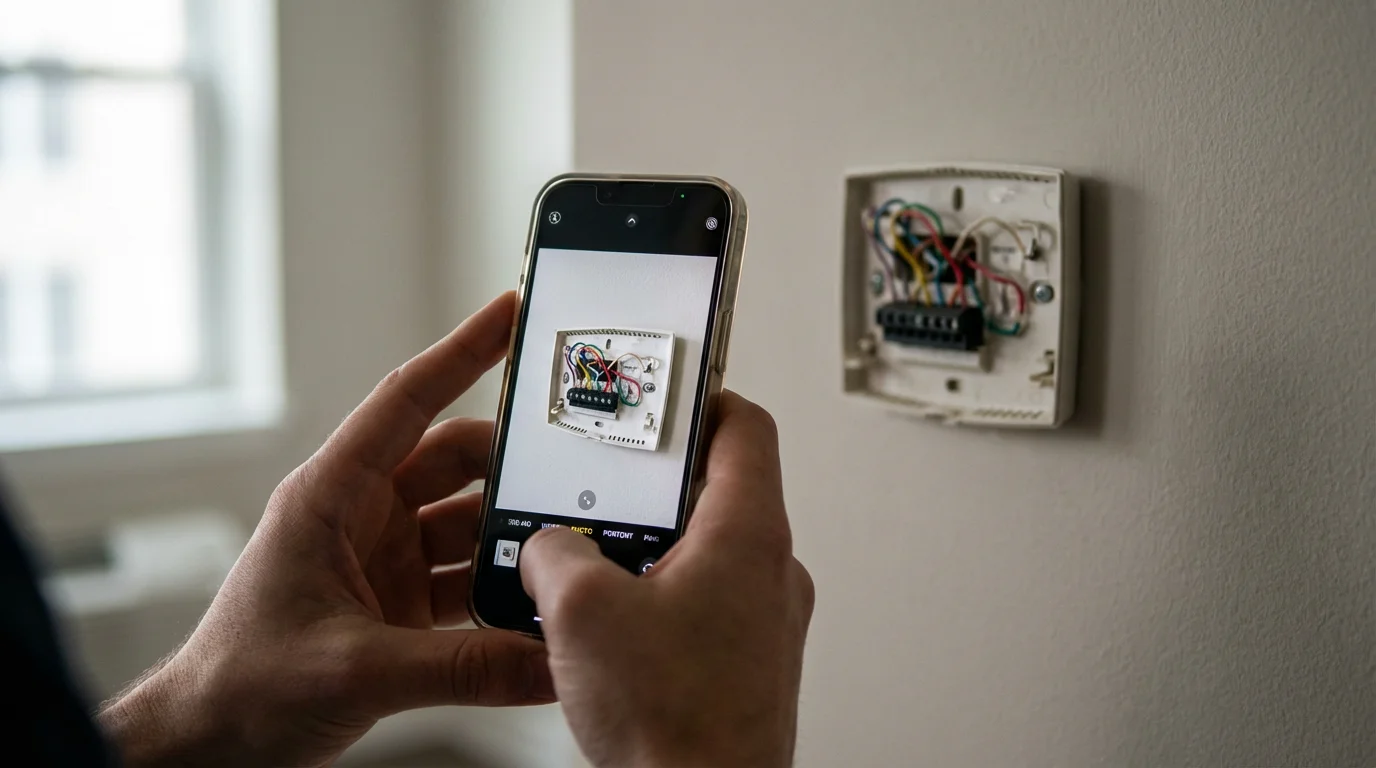
- Remove Old Thermostat: Carefully detach your old thermostat from the wall plate. Take a clear photo of the existing wiring connections. This serves as your reference for reconnection later or for when you move out.
- Install New Thermostat: Follow the specific instructions provided by your smart thermostat manufacturer. If you need a PEK or power connector, install it at the HVAC unit according to its guide.
- Restore Power and Test: Turn the power back on at the breaker. Follow the thermostat’s on-screen prompts or app instructions for setup and testing. Ensure both heating and cooling functions properly.
If you feel uncomfortable at any point during the installation, especially when dealing with HVAC unit wiring for a PEK, stop and consult a licensed electrician or HVAC professional. Your safety and the proper functioning of your HVAC system are paramount.
Maximizing Savings and Comfort with Smart Features
Beyond remote control, smart thermostats offer a suite of features designed to optimize energy use and enhance your living comfort. Understanding these capabilities helps you get the most out of your investment.
Upgrading doesn’t have to be expensive; check out our list of the best smart thermostats under $150 to find a budget-friendly option for your apartment.
- Smart Scheduling: Forget manual adjustments. You can program custom schedules based on your daily routine. Set different temperatures for when you are sleeping, at work, or home during the weekend. Many apps provide intuitive interfaces for schedule creation.
- Learning Algorithms: Devices like the Nest Learning Thermostat observe your temperature adjustments over time. They learn your preferences and automatically build an efficient schedule for you. This “set it and forget it” approach maximizes convenience and savings.
- Geofencing: This location-based feature automatically turns down your HVAC system when you leave your rental and powers it back up as you approach home. It prevents heating or cooling an empty apartment, ensuring energy efficiency without sacrificing comfort upon your return.
- Room Sensors: Ecobee excels in this area. These small, wireless sensors detect temperature and occupancy in different rooms. Your thermostat then averages temperatures or prioritizes occupied rooms, eliminating cold or hot spots that a single central thermostat might miss.
- Energy Usage Reports: Most smart thermostat apps provide detailed insights into your energy consumption. You can review daily, weekly, or monthly usage, identify patterns, and pinpoint areas for further savings. This data empowers you to make informed decisions about your heating and cooling.
- Utility Rebates: Many energy providers and local governments offer rebates for installing Energy Star certified smart thermostats. These rebates can significantly offset the initial cost of your device. Check with your utility company or visit the Energy Star website to find eligible programs in your area. You might qualify for a rebate simply by installing a qualifying device.
By leveraging these features, you transform your thermostat from a basic controller into an intelligent energy management system. You gain unprecedented control over your home’s climate and budget.
The best smart home devices often fade into the background, automating tasks so you can focus on living. A smart thermostat epitomizes this, offering comfort and savings without constant interaction.
Compatibility Checks and Landlord Conversations
Before you purchase and install a smart thermostat, two crucial steps ensure a smooth experience: checking HVAC compatibility and communicating with your landlord.
HVAC System Compatibility
Smart thermostats are designed to work with most low-voltage (24V) residential heating and cooling systems. However, some specialized systems may not be compatible or require specific adapters. You should verify your system type.
- System Types:
- Conventional (Furnace/AC): Most common, typically 1 or 2 stages of heating and cooling. Highly compatible with nearly all smart thermostats.
- Heat Pump: These systems use a reversing valve and may have auxiliary or emergency heat. Ensure your chosen smart thermostat explicitly supports heat pump systems, as their wiring differs from conventional systems.
- Boilers (Hydronic Heat): If your rental uses a boiler for radiant heat, you need a smart thermostat designed for hydronic systems. These often have different wiring requirements.
- Line Voltage: Some older apartments or electric baseboard heaters use high-voltage (120V or 240V) systems. Standard smart thermostats are NOT compatible with line voltage systems. Attempting to install one can be extremely dangerous and damage your system. Always verify your voltage type.
The simplest way to check compatibility is to remove your existing thermostat’s faceplate and note the wire labels. Then use the compatibility checker tools provided on the manufacturer’s website for your desired smart thermostat. For example, Google Nest and Ecobee both offer easy-to-use online tools.
Talking to Your Landlord
This step is vital for renters. While many smart thermostats are easy to install and remove, they involve modifying a fixture that belongs to the property. Clear communication can prevent misunderstandings or lease violations.
Here’s how to approach the conversation:
- Highlight the Benefits: Explain that a smart thermostat can save energy, potentially lowering utility bills for future tenants or even for the landlord if utilities are included in rent. You can also mention the added convenience and comfort.
- Emphasize Easy Installation and Reversibility: Assure your landlord you will install the device professionally (if using an electrician) or carefully yourself, without permanent damage. Crucially, confirm you will retain the old thermostat and reinstall it when you move out.
- Offer a Trial Period: Suggest installing it for a few months and sharing the energy savings data. This demonstrates the value proposition.
- Confirm No Property Damage: Reassure them that you will not drill new holes or make any irreversible changes. Emphasize that you will restore the original thermostat perfectly.
Most landlords appreciate improvements that add value or save energy, especially if they incur no cost and are easily reversible. Having this conversation upfront protects you and maintains a good relationship.
Advanced Tips for Apartment Living: Smart Vents and Zone Control
For tech-savvy renters looking to push their smart home further, integrating smart vents or exploring zone control can provide even finer climate management. These options, however, require more consideration and landlord approval.
Smart Vents
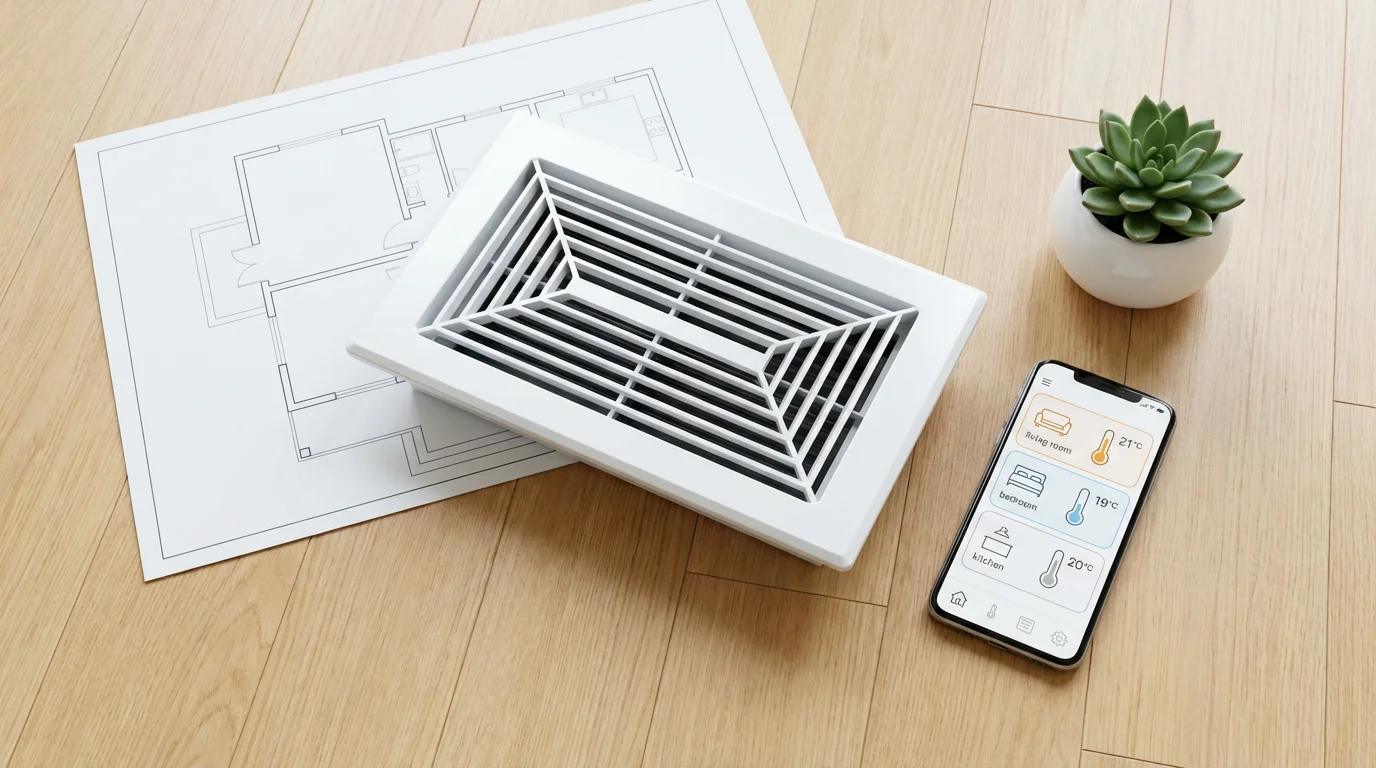
Smart vents, like those from Keen Home or Flair, integrate with your smart thermostat to provide room-level temperature control. They contain motorized dampers that open or close based on individual room temperatures and occupancy, directing airflow where it is needed most. This creates virtual zones within a single HVAC system.
- Benefits for Renters:
- Eliminate Hot/Cold Spots: Precisely control the temperature in individual rooms.
- Energy Efficiency: Close vents in unused rooms to save energy.
Renter Considerations: Smart vents replace existing vent registers, which is generally reversible. However, they are often expensive and require a compatible smart thermostat system. You absolutely need your landlord’s permission before installing these, as they are a more significant alteration than a thermostat replacement. Additionally, be aware that excessively closing vents can sometimes increase static pressure in your HVAC system, potentially impacting its efficiency or lifespan. Consult with an HVAC professional if you consider this option.
Zone Control Systems
True zone control involves installing multiple thermostats and dampers within your HVAC ductwork to create independent heating and cooling zones. This is typically a major HVAC renovation and not a renter-friendly solution for installation. However, some larger apartments or multi-unit rentals might already have existing zone control systems.
If your rental already has a multi-zone system with multiple thermostats, you can replace each individual thermostat with a compatible smart thermostat. This allows you to control each zone intelligently. Always ensure your chosen smart thermostats are compatible with your specific zone control panel, as these systems can be complex.
While advanced, these options demonstrate the full potential of smart climate control. Always prioritize landlord approval and professional installation for anything beyond a simple thermostat swap.
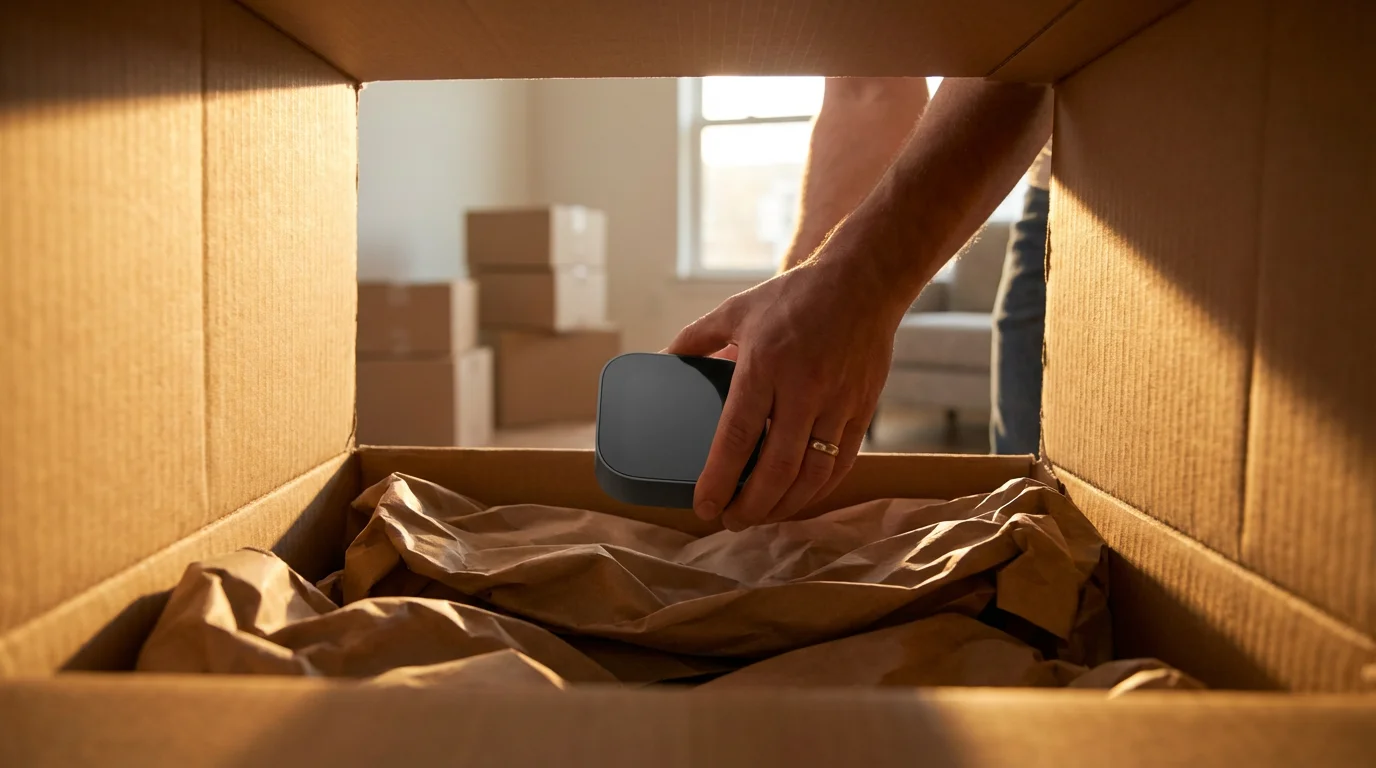
Making Your Smart Thermostat Portable
One of the best advantages of owning a smart thermostat as a renter is its portability. When you move, you can take your investment with you, rather than leaving it behind. This saves you money and allows you to enjoy continued comfort and savings in your next home.
Steps for Clean Removal:
- Take Photos: Before touching anything, take clear photos of your smart thermostat’s wiring connections. This ensures you have a record for reinstallation at your new place and for reconnecting the old thermostat.
- Power Off HVAC: Go to your electrical panel and turn off the breaker for your heating and cooling system. Verify the power is off at the thermostat.
- Remove Smart Thermostat: Detach the smart thermostat’s faceplate from its wall plate. Carefully disconnect the wires, labeling them as you go if your photos are not perfectly clear.
- Remove Wall Plate (if applicable): If the smart thermostat’s wall plate used different mounting holes or was larger than your original thermostat’s, you may need to remove it. Fill any new small holes with spackle if your landlord permits, or plan to reinstall the original thermostat’s plate to cover them.
- Reinstall Original Thermostat: Refer to your initial photos of the old thermostat’s wiring. Connect the wires to their original terminals on the old thermostat’s wall plate. Mount the old thermostat faceplate back on the wall.
- Remove Power Extender Kit (if used): If you installed a PEK or Nest Power Connector at your HVAC unit, you must remove it and restore the original wiring. Again, rely on photos taken during the initial installation to ensure proper reconnection.
- Restore Power: Turn the HVAC breaker back on. Test the original thermostat to ensure heating and cooling work correctly.
- Pack Safely: Store your smart thermostat and its accessories (sensors, PEK, manual) securely. Original packaging is ideal for protection during your move.
By following these steps, you ensure a smooth transition, leave your rental property in its original state, and prepare your smart thermostat for its next installation.
Frequently Asked Questions
Are smart thermostats really worth it for renters?
Yes, smart thermostats offer significant value for renters. You gain remote control, energy savings through optimized scheduling and geofencing, and enhanced comfort. Plus, you own the device, making it a portable investment you take to your next home. You save money on utility bills and enjoy a more comfortable living space.
Can I install a smart thermostat without my landlord’s permission?
It is always advisable to get your landlord’s permission before installing a smart thermostat. While many installations are reversible and non-damaging, the thermostat is an integral part of the property’s HVAC system. Open communication prevents potential issues regarding lease terms or property alterations. Most landlords are agreeable if you assure them of easy reversibility and highlight energy savings.
What if my rental property does not have a C-wire?
Many smart thermostats, including popular models from Ecobee and Nest, offer solutions for homes without a C-wire. Options include Power Extender Kits (PEK), Nest Power Connectors, or devices that run on batteries or draw minimal power from other wires. Always check the specific thermostat’s requirements and included accessories to ensure compatibility with your wiring setup.
Will a smart thermostat void my lease or damage the HVAC system?
A properly installed smart thermostat should not void your lease or damage the HVAC system, especially if you have landlord permission and follow manufacturer instructions. The key is ensuring compatibility, correctly wiring the device, and being prepared to revert to the original thermostat. For complex HVAC systems or uncertain wiring, consult a licensed HVAC professional to avoid potential issues.
Do I need an electrician to install a smart thermostat?
Many renters can install smart thermostats themselves, especially models designed for easy setup or those using a power extender kit. Manufacturers provide clear, step-by-step instructions. However, if you are uncomfortable with electrical wiring, dealing with your HVAC unit’s control board for a PEK, or have an unusual wiring setup (like line voltage), it is best to hire a licensed electrician or HVAC professional. Safety always comes first.
Disclaimer: This article is for informational purposes only. Smart home devices involve electrical connections and data privacy. Always follow manufacturer instructions for installation. For complex wiring or HVAC work, consult a licensed professional.
Leave a Reply