
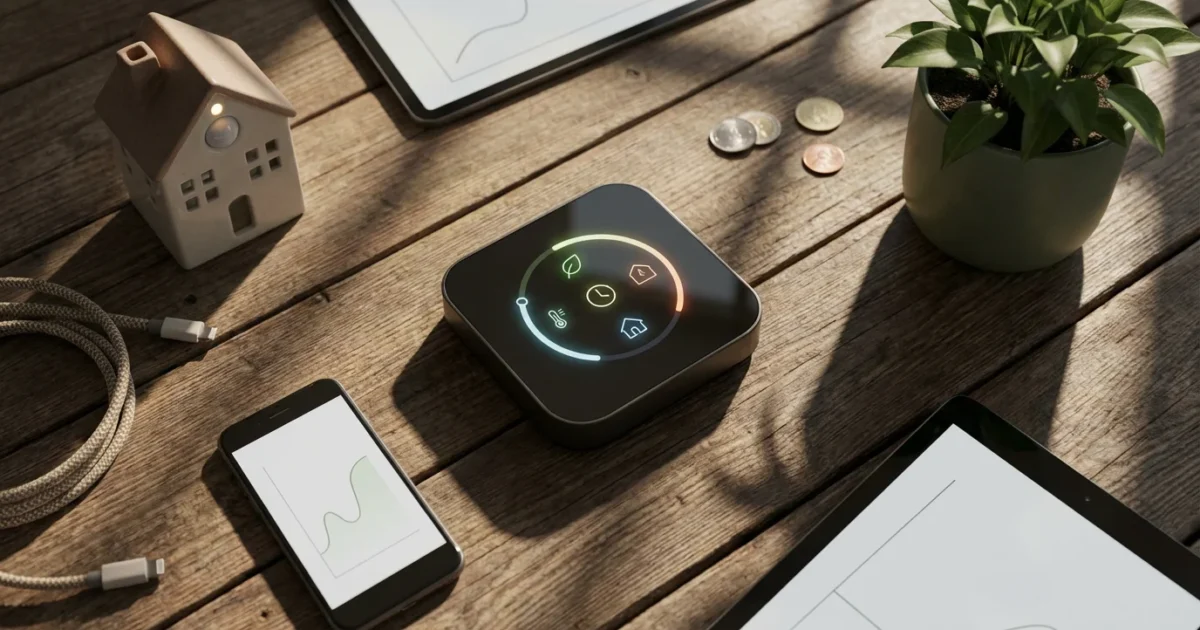
Controlling your home’s temperature makes up a significant portion of your utility bills. Many homeowners want to reduce these costs, increase energy efficiency, and enjoy a more comfortable living space. Smart thermostats offer a powerful solution, moving far beyond basic programming to deliver real financial benefits. You gain precise control over your heating and cooling, which translates directly into lower energy consumption.
This guide explores the specific smart thermostat features that drive substantial energy savings and contribute to significant cost reduction. You will learn how these advanced capabilities work, understand their impact on your utility bills, and discover actionable steps to maximize your savings. Prepare to transform your home’s climate control into an engine for efficient heating and cooling, providing both comfort and peace of mind.
Understanding How Smart Thermostats Deliver Energy Savings
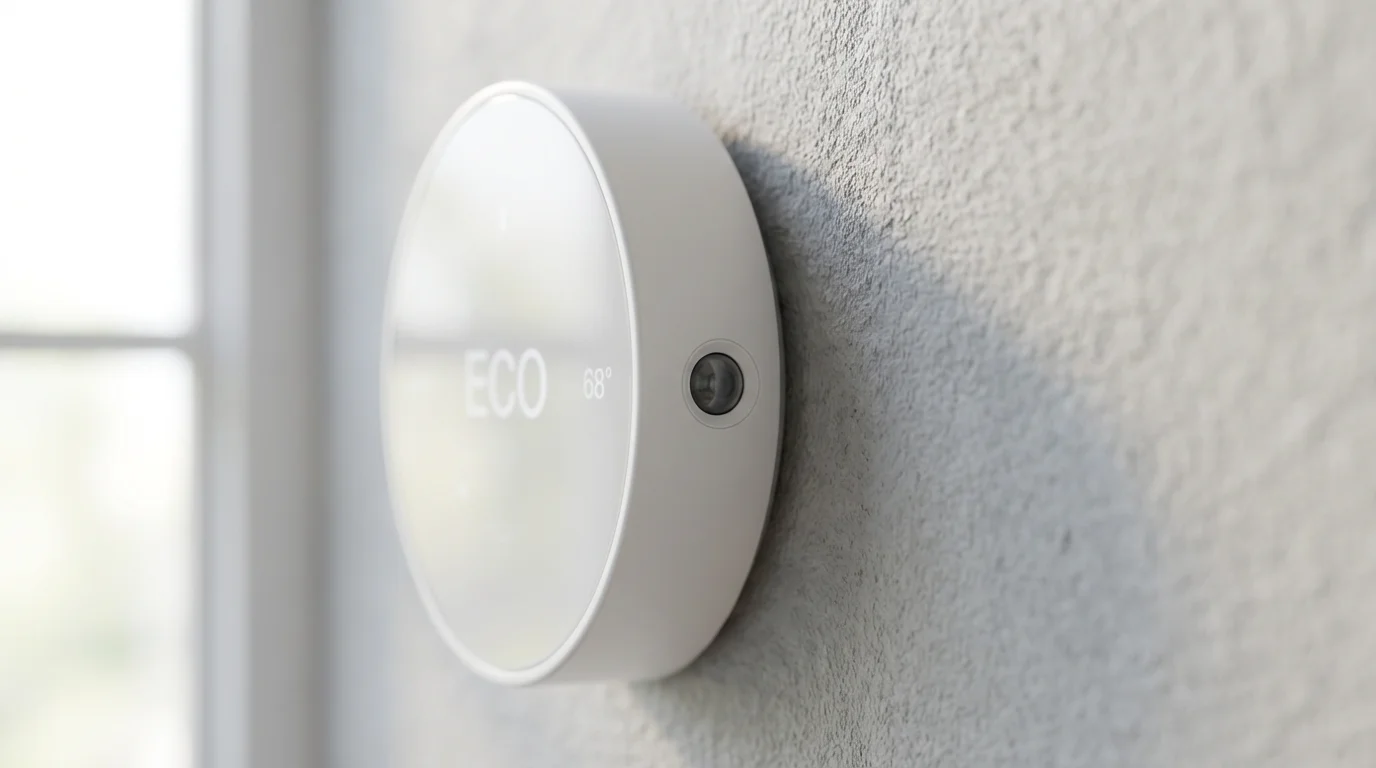
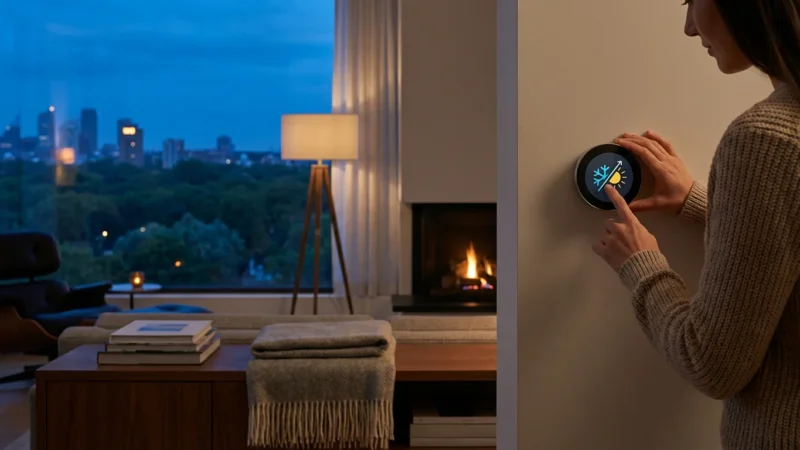
Smart thermostats fundamentally change how you interact with your home’s heating, ventilation, and air conditioning system. Traditional thermostats require manual adjustments or rigid scheduling. This often leads to wasted energy, as you might heat or cool an empty house, or forget to adjust the temperature before leaving.
Smart thermostats, by contrast, use a combination of sensors, connectivity, and intelligent software to optimize your home’s climate. They work proactively to maintain comfort while minimizing energy consumption. This optimization directly contributes to cost reduction on your monthly utility bills. The key is their ability to adapt to your lifestyle and home environment.
Precision Scheduling and Custom Programming
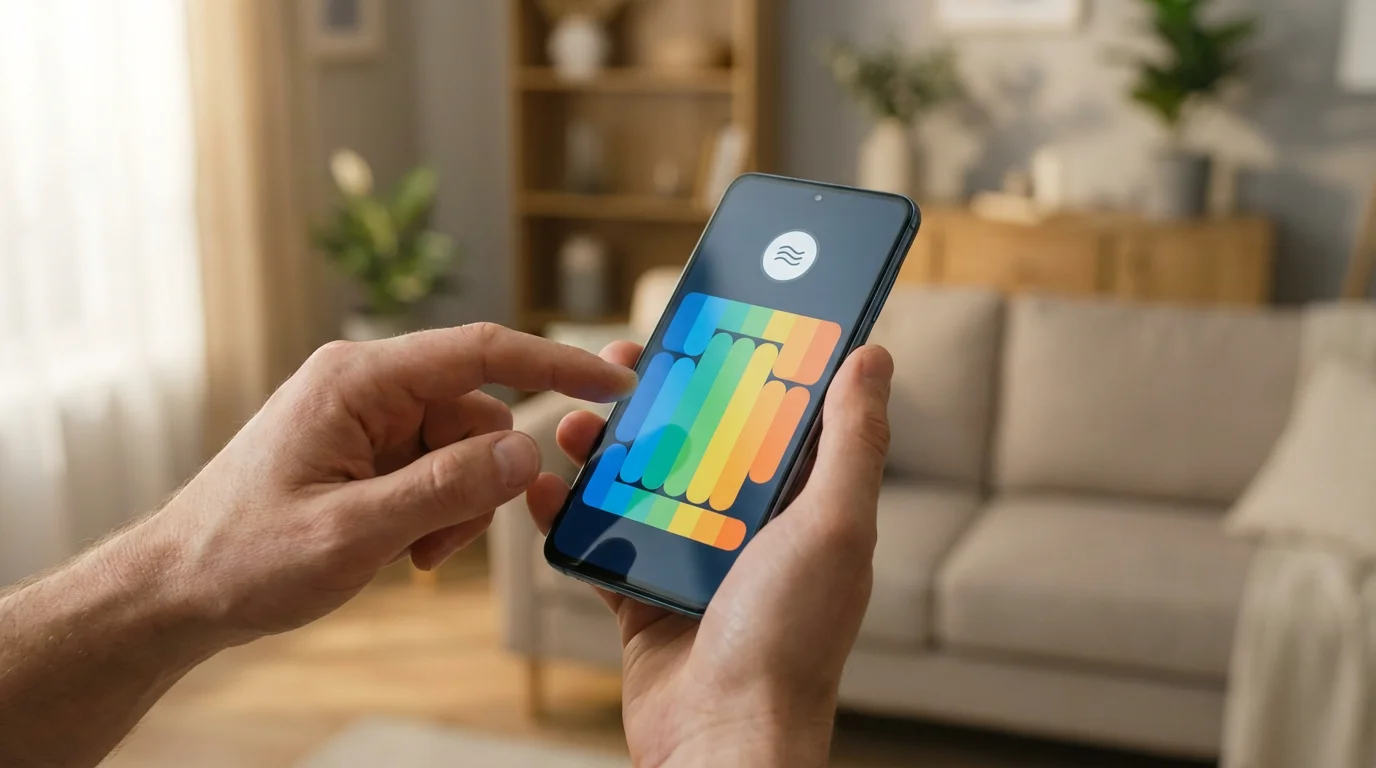
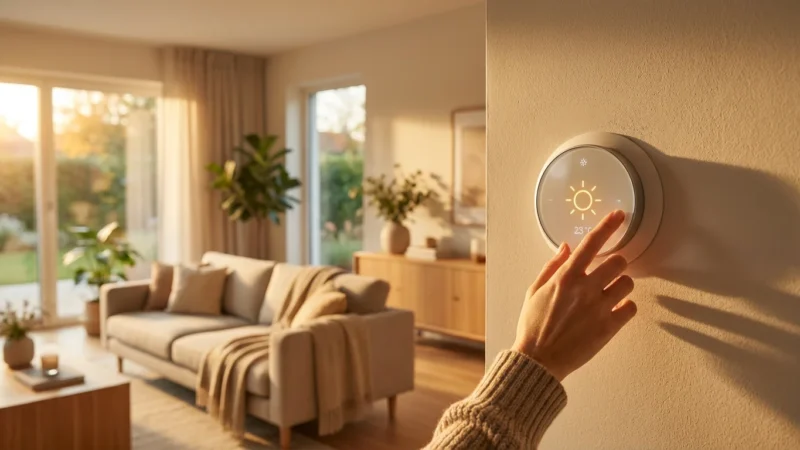
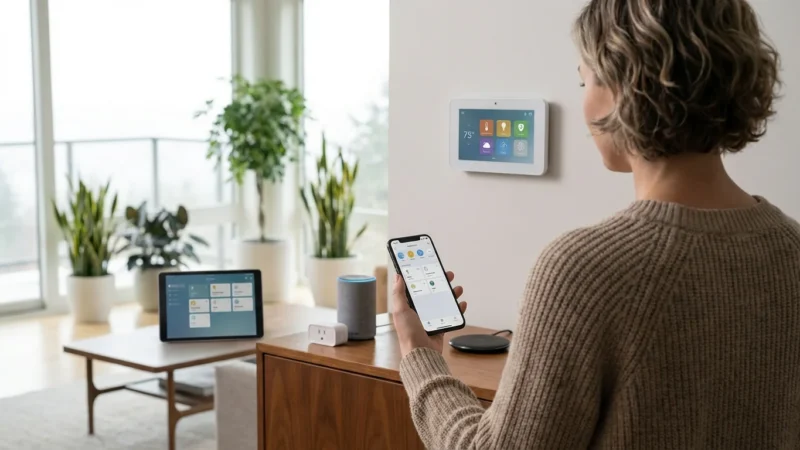
One of the foundational ways smart thermostats save you money is through advanced scheduling capabilities. Unlike older programmable thermostats, which often confuse users with complex interfaces, smart thermostats offer intuitive apps for setting precise schedules. You can easily program specific temperatures for different times of the day and days of the week.
This precision scheduling ensures efficient heating and cooling. For example, you can set your thermostat to lower the temperature by a few degrees when everyone is at work or school, then have it warm up just before you arrive home. This prevents unnecessary energy use when the house is empty, directly reducing your energy bill. Many thermostats allow for multiple schedule overrides without losing your core programming, offering flexibility without sacrificing savings.
Benefits of precise scheduling include:
- Reduced Waste: Avoid heating or cooling an empty home.
- Customized Comfort: Enjoy ideal temperatures precisely when you need them.
- Easy Adjustment: Modify schedules quickly from your phone, even when away.
- Consistent Savings: Establish an efficient routine that runs automatically.

Learning Algorithms and Adaptive Scheduling
Beyond simple programming, some smart thermostats incorporate powerful learning algorithms. Devices like the Nest Learning Thermostat observe your habits over time. They learn your preferred temperatures, when you typically leave and return home, and even how long your home takes to heat or cool.
This adaptive scheduling allows the thermostat to make intelligent adjustments automatically. If you consistently turn down the heat at 10 PM, the thermostat will eventually suggest or implement that change on its own. It proactively prepares your home, pre-heating or pre-cooling to reach your desired temperature right as you arrive, rather than waiting for you to walk through the door. This predictive behavior enhances comfort while maintaining optimal energy savings, making your home’s efficient heating nearly effortless.
Geofencing for Automated Temperature Adjustments
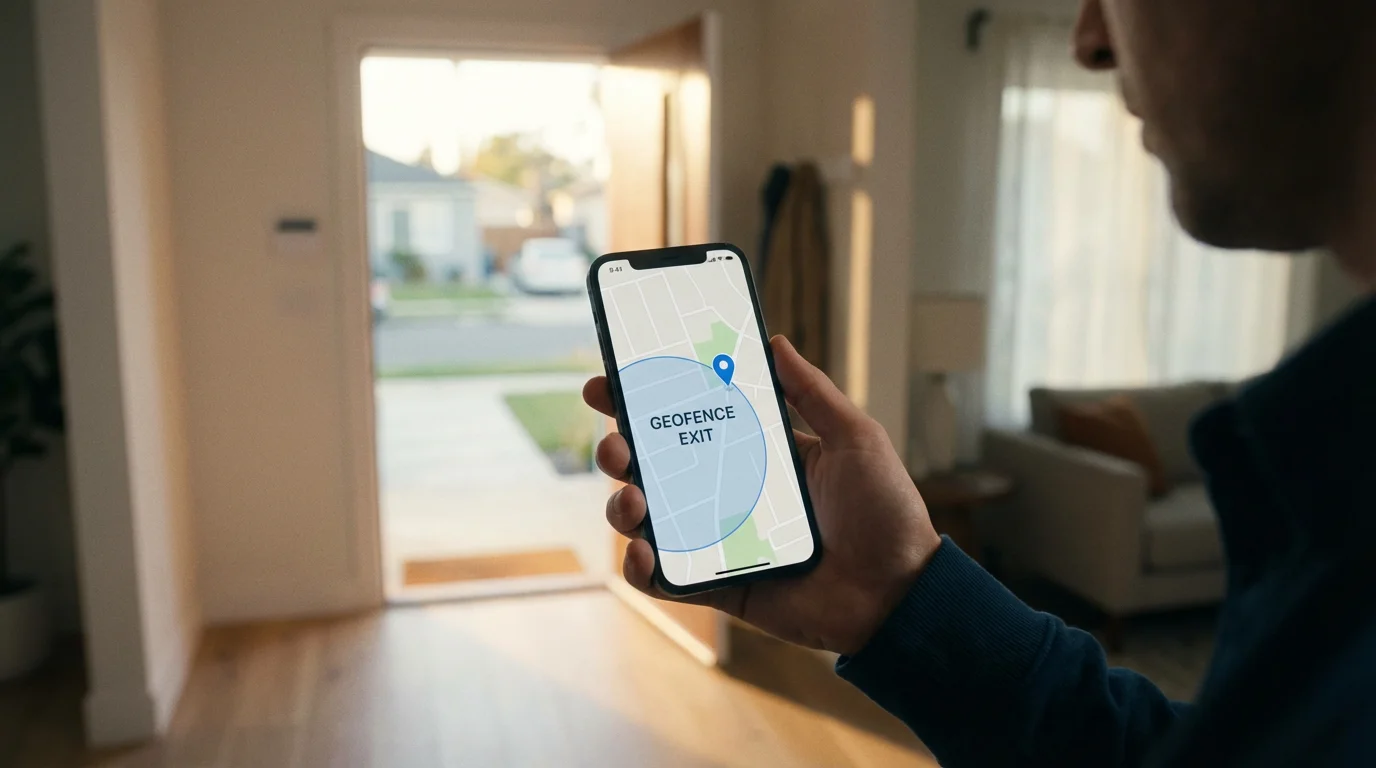
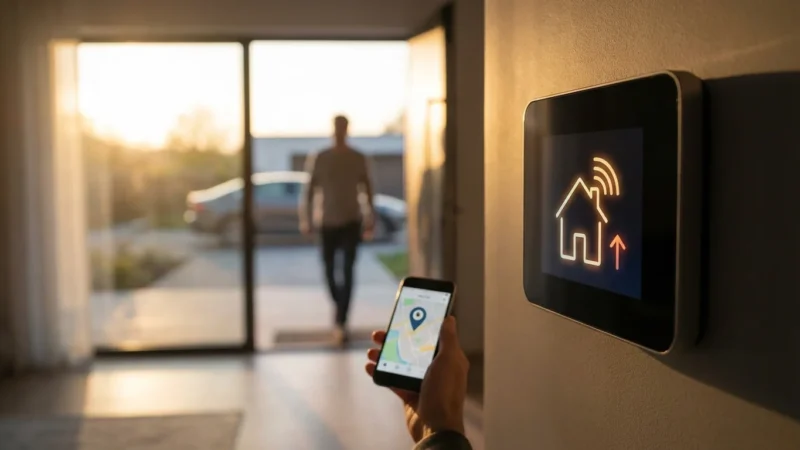
Geofencing utilizes your smartphone’s location to determine if you are home or away, automatically adjusting your thermostat accordingly. This feature is a game-changer for energy savings and cost reduction, especially for those with unpredictable schedules.
When you leave a predefined “home” perimeter, your smart thermostat switches into an “away” mode. This typically raises the cooling setpoint or lowers the heating setpoint, preventing you from expending energy on an empty house. As you approach home, the geofencing feature signals the thermostat to begin heating or cooling, ensuring comfort upon your arrival. This dynamic adjustment eliminates the need for manual changes or adherence to rigid schedules, maximizing efficient heating and cooling without conscious effort.
Consider these advantages of geofencing:
- It automatically saves energy when you forget to adjust the thermostat.
- It provides comfort by pre-conditioning your home before you arrive.
- It adapts to changes in your daily routine, unlike fixed schedules.
- It offers significant cost reduction by preventing wasted energy.

Room Sensors and Zoned Climate Control
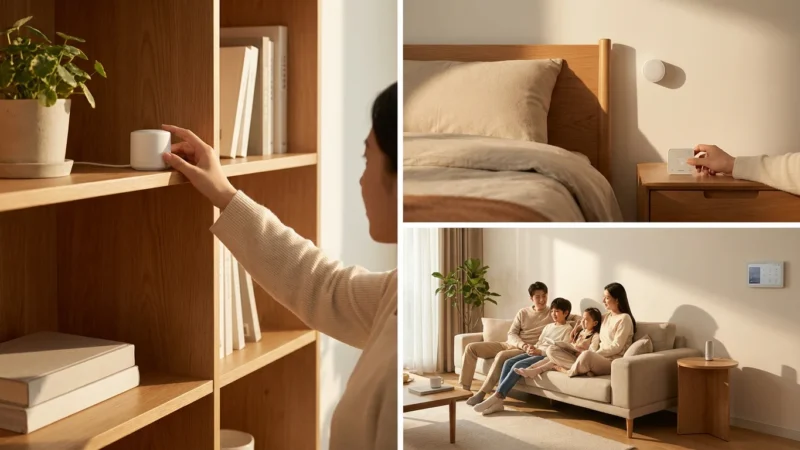
Many homes suffer from uneven temperatures, with some rooms feeling too hot while others are too cold. Smart thermostats address this issue with remote room sensors. Companies like Ecobee excel in this area, offering sensors that you can place in different rooms.
These sensors measure temperature and occupancy, relaying data back to the main thermostat. You can configure your system to prioritize comfort in specific rooms, perhaps your bedroom at night, or your living room during the day. For advanced users, integrating these sensors with smart vents allows for true zoned climate control. This directs conditioned air only to occupied areas, significantly improving efficient heating and cooling, and leading to further cost reduction by eliminating energy waste in unused spaces.

Energy Reports and Usage Insights
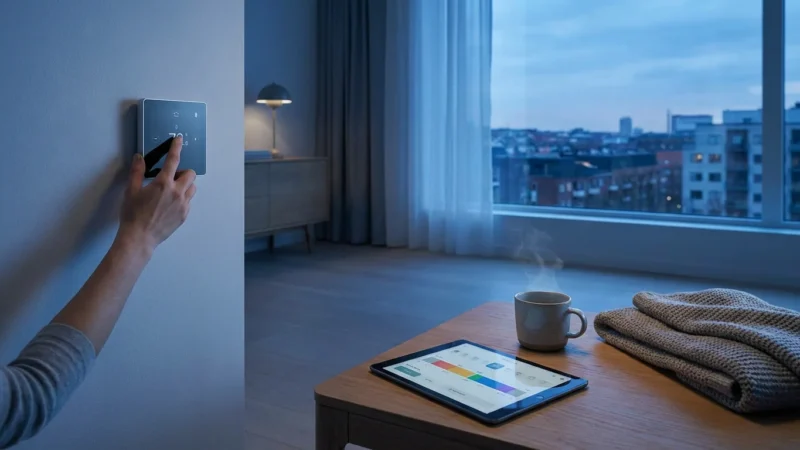
Understanding your energy consumption is crucial for effective cost reduction. Smart thermostats provide detailed energy reports and usage insights through their companion apps. These reports show you how much energy your HVAC system consumes, broken down by day, week, or month. You can often see the impact of external factors like weather, or specific thermostat adjustments you made.
The data empowers you to identify patterns of waste and make informed decisions to optimize your settings. For example, if you notice a spike in heating costs on particular days, you can investigate if your schedule needs adjustment or if a window was left open. Features like Nest’s “Leaf” icon offer immediate feedback when you choose an energy-saving temperature. According to Energy Star, a properly used smart thermostat can save you approximately 8% on heating and cooling costs, with energy insights playing a key role in achieving these savings.

Utility Rebates and Demand Response Programs
Many utility companies actively encourage smart thermostat adoption by offering significant rebates. These incentives can substantially offset the initial purchase cost, making the investment even more attractive. Utilities recognize the value smart thermostats bring to grid management and energy conservation efforts.
Beyond upfront rebates, you might qualify for “demand response” programs. In these programs, your utility can make minor, temporary adjustments to your thermostat during peak energy usage times, such as hot summer afternoons. These adjustments are usually subtle and brief, designed to reduce strain on the power grid without impacting your comfort noticeably. In return, you receive additional financial incentives or credits on your bill. Checking the Energy Star website or your local utility provider’s site helps you discover available programs, further contributing to your cost reduction.
Installation and Compatibility Considerations for Your HVAC System
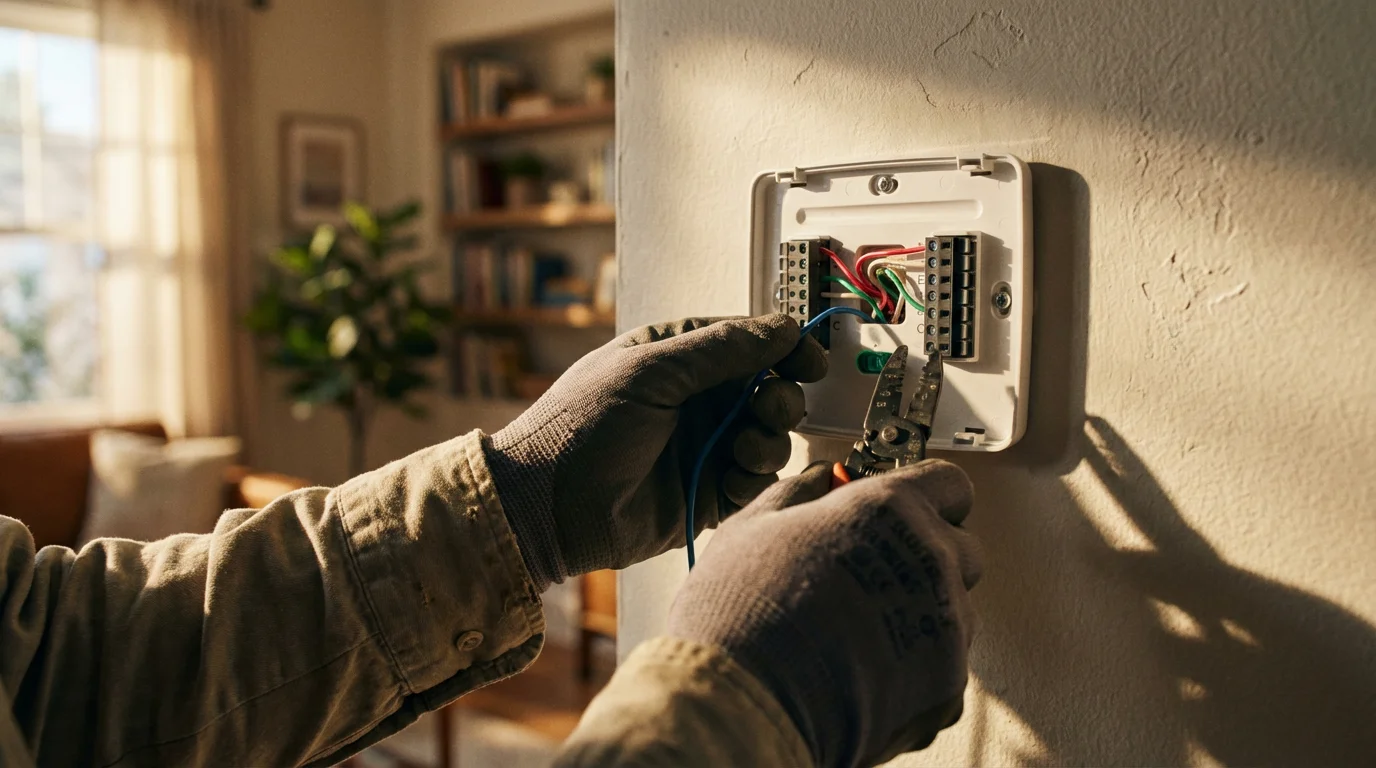
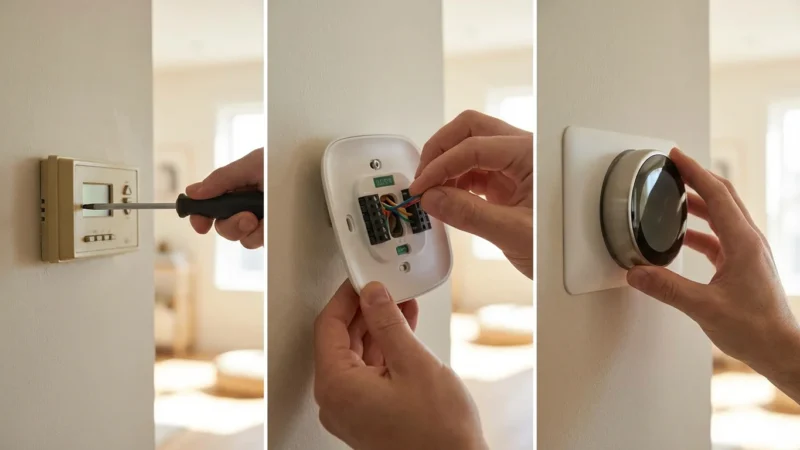
While many smart thermostats offer straightforward DIY installation, understanding compatibility with your existing HVAC system is crucial. The most common compatibility concern is the “C-wire” or common wire. This wire provides continuous power to the smart thermostat, which needs more power than traditional thermostats to operate its screen, Wi-Fi, and sensors.
Without a C-wire, your smart thermostat may “power steal” from other wires, leading to erratic behavior or damage to your HVAC system. Many manufacturers, like Ecobee and some Honeywell models, include a power extender kit to solve this. If your system lacks a C-wire, a power extender kit can provide the necessary power. Always consult your thermostat’s manual and, if unsure about wiring, contact a licensed HVAC professional for installation. Prioritizing safety and proper installation ensures your efficient heating system operates correctly.
Before purchasing, check these compatibility factors:
- C-Wire Presence: Verify if your current thermostat uses a C-wire.
- HVAC System Type: Confirm compatibility with your specific heating and cooling system (e.g., forced air, radiant, heat pump).
- Voltage: Ensure the smart thermostat supports your system’s voltage requirements.
- Manufacturer Guidelines: Always refer to the smart thermostat manufacturer’s compatibility checker.
Choosing the Right Smart Thermostat for Your Home
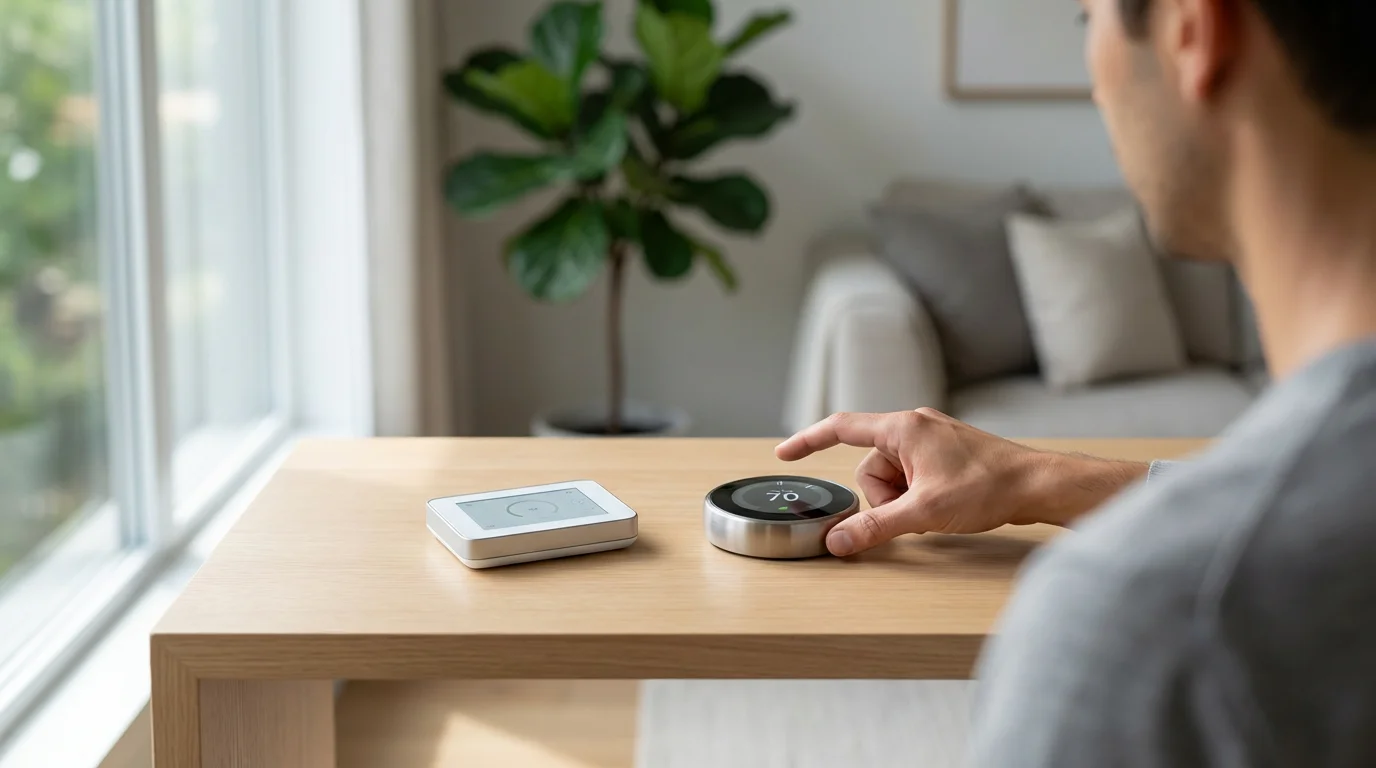
The market offers several excellent smart thermostat options, each with unique strengths. Your choice depends on your specific needs, existing smart home ecosystem, and desired features.
For a deeper dive into the top brands, check out our comparison of Nest vs Ecobee vs Honeywell: Which Smart Thermostat Is Best?
Nest Thermostats: Renowned for their learning capabilities and sleek design. They excel at automatically adapting to your schedule, offering a more hands-off experience. Nest integrates well within the Google Home ecosystem.
Ecobee Thermostats: Stand out with their remote room sensors, allowing you to prioritize comfort in specific areas. They offer extensive customization and robust energy reporting. Ecobee integrates with a wide range of smart home platforms, including Alexa, Google Assistant, and Apple HomeKit.
Honeywell Home Thermostats: Provide a balance of smart features with a more traditional interface for some models. They offer reliable performance and can integrate into various smart home setups, often with strong support for HVAC system diagnostics. Their focus is often on reliability and broad compatibility.
The best smart thermostat for you is the one that seamlessly integrates with your daily life, making energy savings an effortless byproduct of intelligent automation.
Consider these points when making your selection:
- Features: Do you prioritize learning, room sensors, or advanced scheduling?
- Compatibility: Does it work with your HVAC system and existing smart home devices?
- Ease of Use: How intuitive is the app and the physical device?
- Budget: Smart thermostats range in price, but many offer a quick return on investment through energy savings and rebates.
Maximizing Your Smart Thermostat’s Energy Savings
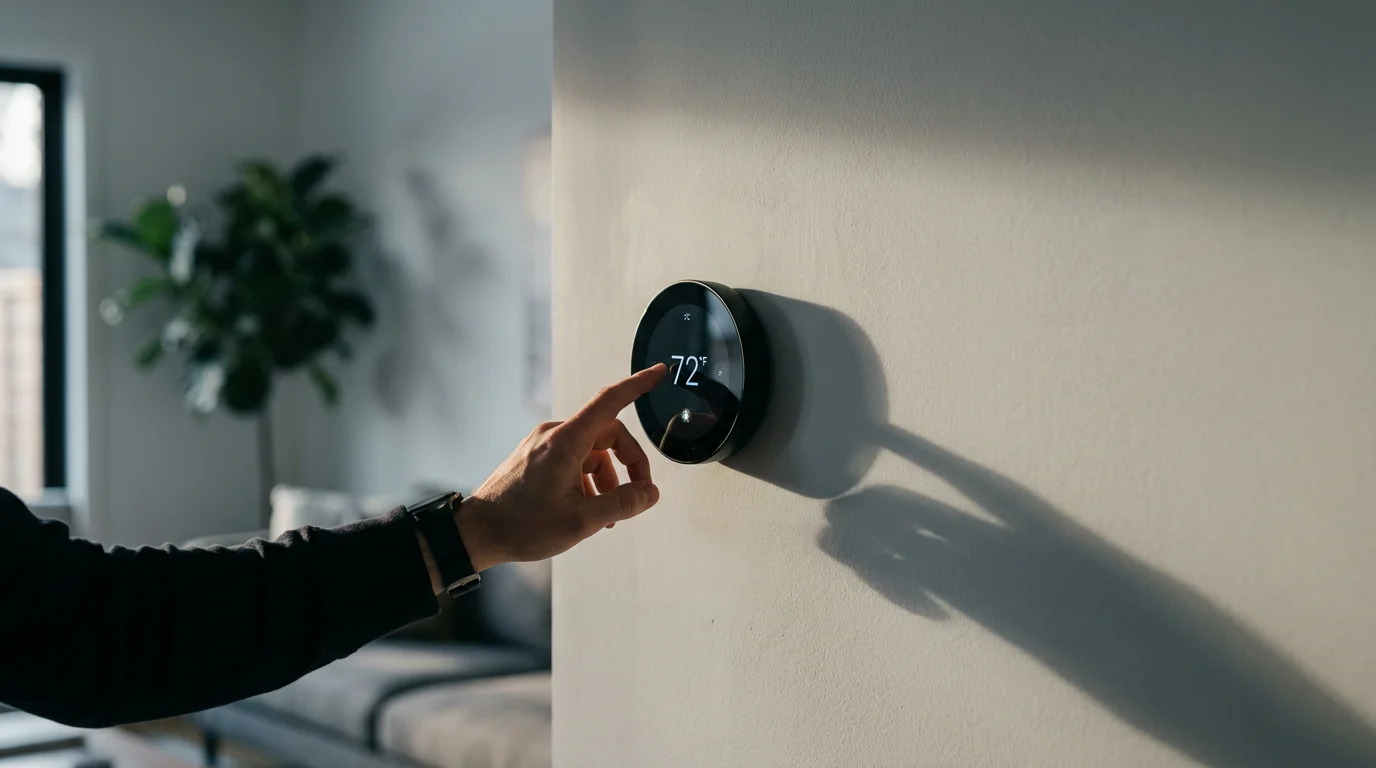
Installing a smart thermostat is the first step, but proactive engagement ensures you achieve the greatest energy savings and cost reduction. Here are actionable strategies to make the most of your investment in efficient heating and cooling:
- Optimize Your Schedule Consistently: Even with learning features, regularly review and fine-tune your schedules. Ensure setpoints align with your actual occupancy and comfort needs. Slight adjustments can yield significant savings over time.
- Engage with Geofencing: If your thermostat has geofencing, ensure it is active and your phone’s location services permit its operation. Test its functionality to confirm it accurately switches between home and away modes.
- Utilize Room Sensors Strategically: Place sensors in rooms where temperature accuracy matters most to you, such as bedrooms or frequently used living areas. Experiment with prioritizing these rooms at different times of the day.
- Monitor Energy Reports: Regularly check the energy reports provided by your thermostat’s app. Identify peak usage times, understand the impact of weather, and adjust your behavior accordingly. This data is your most powerful tool for ongoing cost reduction.
- Participate in Utility Programs: Enroll in any available utility rebates or demand response programs. These provide direct financial benefits and further incentivize efficient energy use.
- Combine with Home Automation: Integrate your smart thermostat with other smart home devices. For example, ensure smart blinds close automatically during direct sunlight to reduce cooling load. You can create routines where lights turn off when the thermostat detects an “away” state, adding to overall energy savings.
- Maintain Your HVAC System: A well-maintained HVAC system runs more efficiently. Regularly change air filters, schedule professional tune-ups, and ensure your ducts are sealed. A smart thermostat cannot fully compensate for an inefficient or poorly maintained system.
By actively managing these features, you transform your smart thermostat from a simple device into a comprehensive tool for intelligent home climate management, guaranteeing substantial energy savings for years to come.
Frequently Asked Questions
How much can a smart thermostat actually save?
Studies and reports from organizations like Energy Star suggest that smart thermostats can save homeowners approximately 8% to 15% on their annual heating and cooling costs. Actual savings vary based on your climate, home insulation, personal habits, and the specific features you utilize, but most users see a noticeable reduction in their utility bills.
Do smart thermostats work with all HVAC systems?
Most smart thermostats are compatible with a wide range of HVAC systems, including conventional gas, oil, electric, and heat pump systems. However, compatibility issues can arise with millivolt systems, proprietary systems, or those requiring a specific wire configuration, such as a C-wire. Always check the manufacturer’s compatibility tool before purchase.
What is a C-wire and do I need one?
A C-wire (common wire) provides continuous 24V power to your smart thermostat, which requires more consistent power than traditional models. Many smart thermostats need a C-wire for stable operation. If your home lacks a C-wire, some smart thermostats include a power extender kit, or you might need a professional electrician to install one.
Are smart thermostats worth the investment?
Absolutely. While the initial cost can range from $100 to $250, the energy savings and potential utility rebates often lead to the thermostat paying for itself within one to three years. Beyond financial savings, you gain enhanced comfort, convenience, and remote control over your home’s climate, making them a worthwhile upgrade for most homeowners.
Can I control my smart thermostat away from home?
Yes, remote control is a core feature of nearly all smart thermostats. You can adjust settings, create schedules, monitor energy usage, and receive alerts from anywhere using your smartphone, tablet, or computer. This capability offers unparalleled convenience and peace of mind, ensuring your home is always at the right temperature when you arrive.
Disclaimer: This article is for informational purposes only. Smart home devices involve electrical connections and data privacy. Always follow manufacturer instructions for installation. For complex wiring or HVAC work, consult a licensed professional.


Leave a Reply