

Choosing the right smart thermostat is a critical decision for any homeowner looking to modernize their living space. A smart thermostat does more than just control your heating and cooling. It provides convenience, improves energy efficiency, and integrates with your broader smart home ecosystem. Today, you face many options, but three brands consistently stand out: Nest, Ecobee, and Honeywell.
This comprehensive guide dives deep into the features, benefits, and unique selling points of each, helping you determine which smart thermostat is best for your specific needs. We will compare them head-to-head, explore installation nuances, discuss energy savings, and guide you towards making an informed choice for your home in 2025 and beyond.

Understanding Smart Thermostats: More Than Just Temperature Control
Smart thermostats represent a significant leap from traditional programmable models. They offer advanced capabilities that give you unparalleled control over your home’s climate. These devices learn your preferences, adapt to your schedule, and help you save energy without sacrificing comfort.
Consider the core benefits these intelligent devices deliver:
- Remote Control: Adjust your home’s temperature from anywhere using your smartphone. This means you can warm up your house on your way home or check on temperatures while you are away.
- Energy Efficiency: Smart thermostats identify patterns and optimize heating and cooling cycles. This proactive management reduces energy waste, lowering your utility bills.
- Convenience: Automate your home climate so you never have to remember to adjust the thermostat. Your home maintains a comfortable temperature seamlessly.
- Detailed Reporting: Access energy usage reports to understand where and how you consume energy. This data empowers you to make smarter choices.
Key features to look for include geofencing, learning algorithms, room sensors, and integration with other smart home platforms. Each of these elements contributes to a truly intelligent heating and cooling experience, making a smart thermostat a valuable investment.
Nest Thermostat: The Learning Innovator
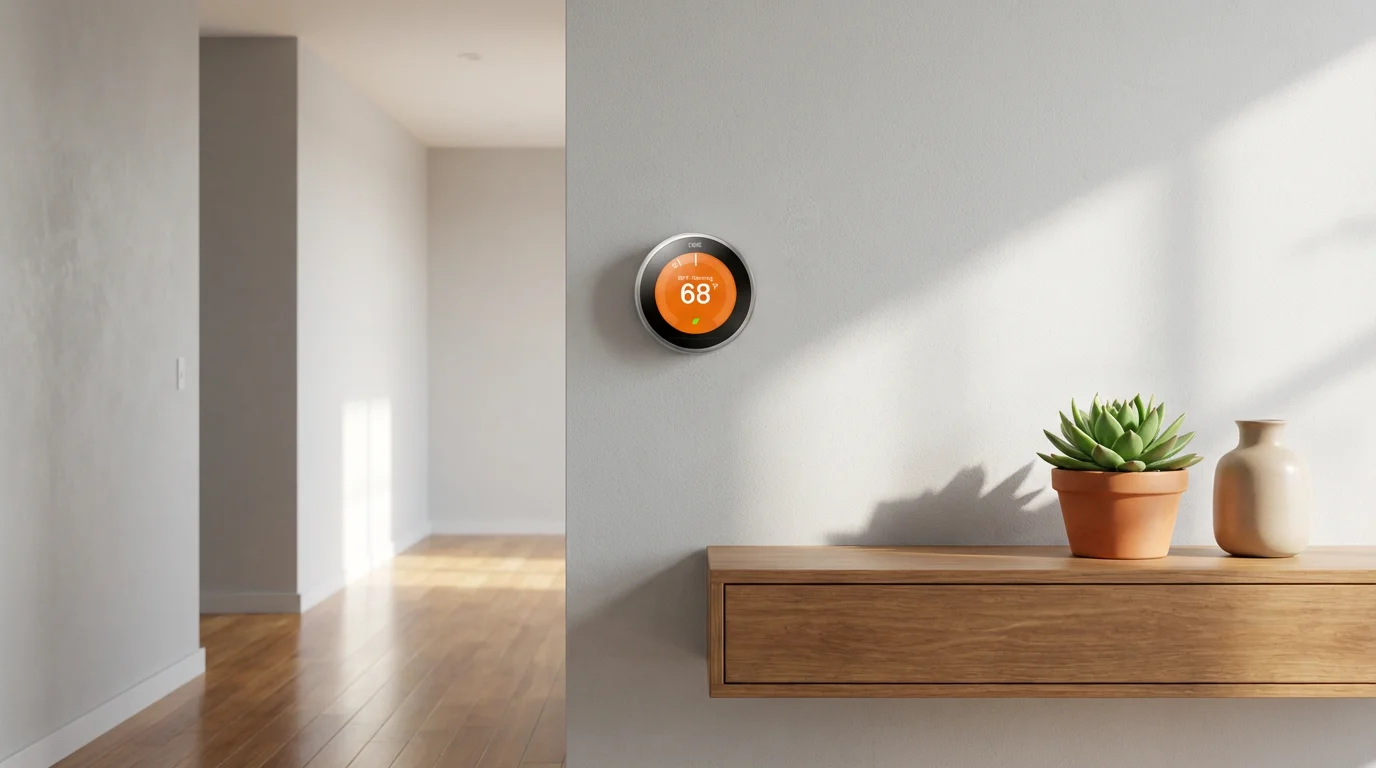
Google’s Nest thermostat often stands as the face of smart home climate control, celebrated for its sleek design and pioneering learning capabilities. The Nest Learning Thermostat, the flagship model, popularized the idea that your thermostat could adapt to you. Its intuitive interface and distinctive circular design make it instantly recognizable.
Key Features of Nest Thermostats
- Auto-Schedule: The Nest Learning Thermostat observes your temperature adjustments over time and builds a personalized schedule. You make a change for a few days, and it learns your preference.
- Farsight: This feature displays the temperature, weather, or time from across the room. It activates when it senses your presence.
- Energy History: Review how much energy you use daily and monthly. This helps you understand your patterns and make adjustments for greater savings.
- Home/Away Assist: Nest uses geofencing and motion sensors to detect if anyone is home. It automatically switches to an Eco temperature when you leave, preventing you from heating or cooling an empty house.
- HVAC Monitoring: The thermostat monitors your HVAC system for potential issues, sending alerts if it detects unusual patterns or performance problems.
Pros and Cons of Nest Thermostats
- Pros:
- Industry-leading learning algorithms create highly personalized schedules.
- Elegant, minimalist design.
- Excellent integration with Google Home and other Nest devices.
- Clear energy reporting.
- Cons:
- Some models may require a C-wire, or operate with potential power-stealing issues on older HVAC systems without one.
- Relies heavily on its learning feature, which might not suit users who prefer explicit scheduling.
- Fewer options for external room sensors compared to Ecobee.
The best smart home devices seamlessly integrate into your daily life, anticipating your needs rather than requiring constant interaction.
Nest thermostats are ideal for users who appreciate an elegant interface and desire a set-it-and-forget-it experience. If you trust a device to learn your habits and manage your energy use proactively, a Nest thermostat is an excellent choice for your home.
Ecobee Smart Thermostat: Advanced Sensor Technology
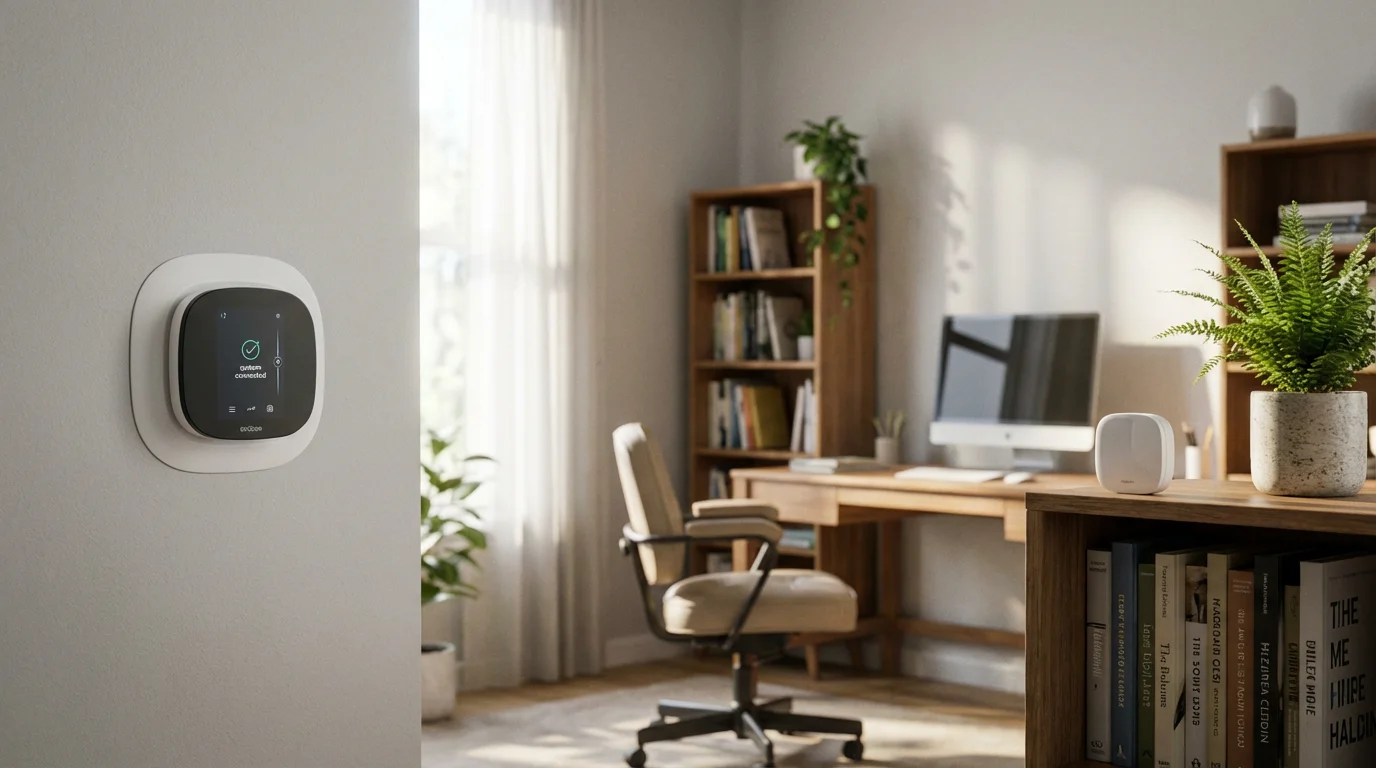
Ecobee carved its niche in the smart thermostat market by prioritizing intelligent room sensors and broader smart home integrations. Unlike Nest, which focuses on learning your habits from the main unit, Ecobee’s strength lies in its ability to address temperature disparities across different rooms. This ensures comfort where it matters most: in the rooms you actually occupy.
Learning how to use room sensors for better temperature control is the key to maximizing the value of an Ecobee system.
Key Features of Ecobee Smart Thermostats
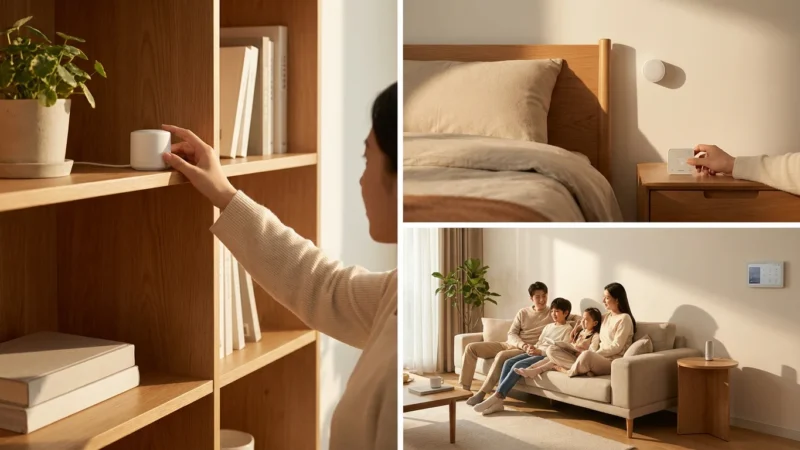
- Room Sensors: This is Ecobee’s signature feature. Remote sensors detect both occupancy and temperature in various rooms. The thermostat can then average temperatures or prioritize comfort in specific rooms when occupied.
- Eco+: This feature works with your local utility company’s demand response programs, adjusting temperatures during peak hours to save energy and money. It learns your preferences over time.
- Voice Control Integration: Some Ecobee models, like the Ecobee Smart Thermostat Premium, include built-in Amazon Alexa or offer Siri integration via HomeKit, allowing you to use your thermostat as a smart speaker.
- Home IQ: Ecobee provides detailed insights into your energy consumption. It shows how outdoor weather, your settings, and occupancy affect your energy use.
- Follow Me Mode: When enabled, this feature only heats or cools based on the average temperature of the occupied sensors. This ensures comfort in the rooms you are using.
Pros and Cons of Ecobee Smart Thermostats
- Pros:
- Excellent for homes with uneven temperatures or multi-level dwellings, thanks to remote room sensors.
- Robust smart home integrations, including Alexa, Google Assistant, and Apple HomeKit.
- Some models offer built-in voice assistants, reducing clutter.
- Strong focus on detailed energy reporting and utility programs.
- Cons:
- Generally requires a C-wire for consistent operation.
- Interface can feel less intuitive than Nest’s for some users.
- Higher upfront cost, especially if you purchase additional sensors.
The Ecobee smart thermostat is best for homeowners who live in larger homes, struggle with inconsistent temperatures across rooms, or prioritize robust smart home integration. If you want precise temperature control and detailed insights into your energy use, Ecobee provides powerful tools to achieve those goals.
Honeywell Home Smart Thermostat: Reliability Meets Connectivity
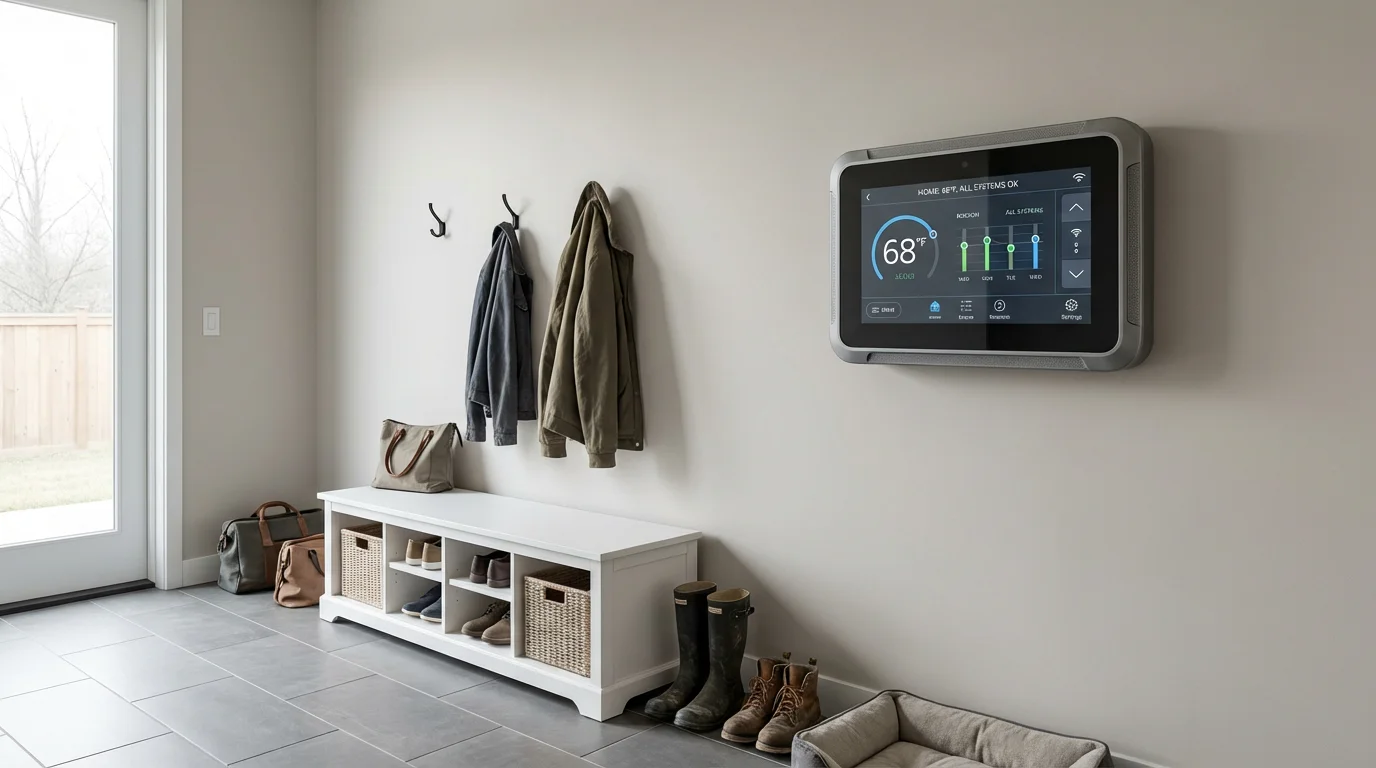
Honeywell Home brings decades of HVAC expertise to the smart thermostat arena. Their product line, now under Resideo, offers a diverse range of smart thermostats that blend traditional reliability with modern connectivity. Honeywell Home often appeals to those who value a familiar brand and straightforward, dependable performance.
Key Features of Honeywell Home Smart Thermostats
- Diverse Product Line: Honeywell Home offers various models, from the T5 and T6 Pro Wi-Fi thermostats to the more advanced T10 Pro Smart Thermostat with RedLINK technology. This ensures a model for nearly every budget and feature requirement.
- Geofencing: Many Honeywell Home smart thermostats include geofencing, automatically adjusting your home’s temperature when you leave or approach. This saves energy when you are away and ensures comfort upon your return.
- Flexible Scheduling: You can create 7-day programmable schedules, tailoring your heating and cooling to your weekly routine. This offers precise control without relying solely on learning algorithms.
- Integration with RedLINK: For more advanced HVAC systems or zoned homes, the RedLINK models offer wireless connectivity to other Honeywell accessories, such as outdoor sensors and humidity controls.
- Smart Alerts: Receive reminders for filter changes or notifications about extreme indoor temperatures. This helps maintain your system and prevents potential issues.
Pros and Cons of Honeywell Home Smart Thermostats
- Pros:
- Strong legacy in HVAC, inspiring confidence in reliability.
- Wide range of models caters to different budgets and feature needs.
- Reliable geofencing and programmable scheduling options.
- Good integration with Amazon Alexa, Google Assistant, and Apple HomeKit for many models.
- Cons:
- Design can be more utilitarian compared to Nest’s sleek aesthetics.
- Learning capabilities are generally less advanced than Nest’s.
- Room sensor offerings are not as central or robust as Ecobee’s.
- Some models may lack certain cutting-edge features found in competitors.
A Honeywell Home smart thermostat is an excellent choice if you prefer a traditional HVAC brand with modern smart capabilities. It provides reliable performance, effective geofencing, and flexible scheduling. If you want a dependable smart thermostat without needing the most advanced learning or multi-room sensor features, Honeywell Home offers solid solutions.
Direct Comparison: Nest vs Ecobee vs Honeywell Features
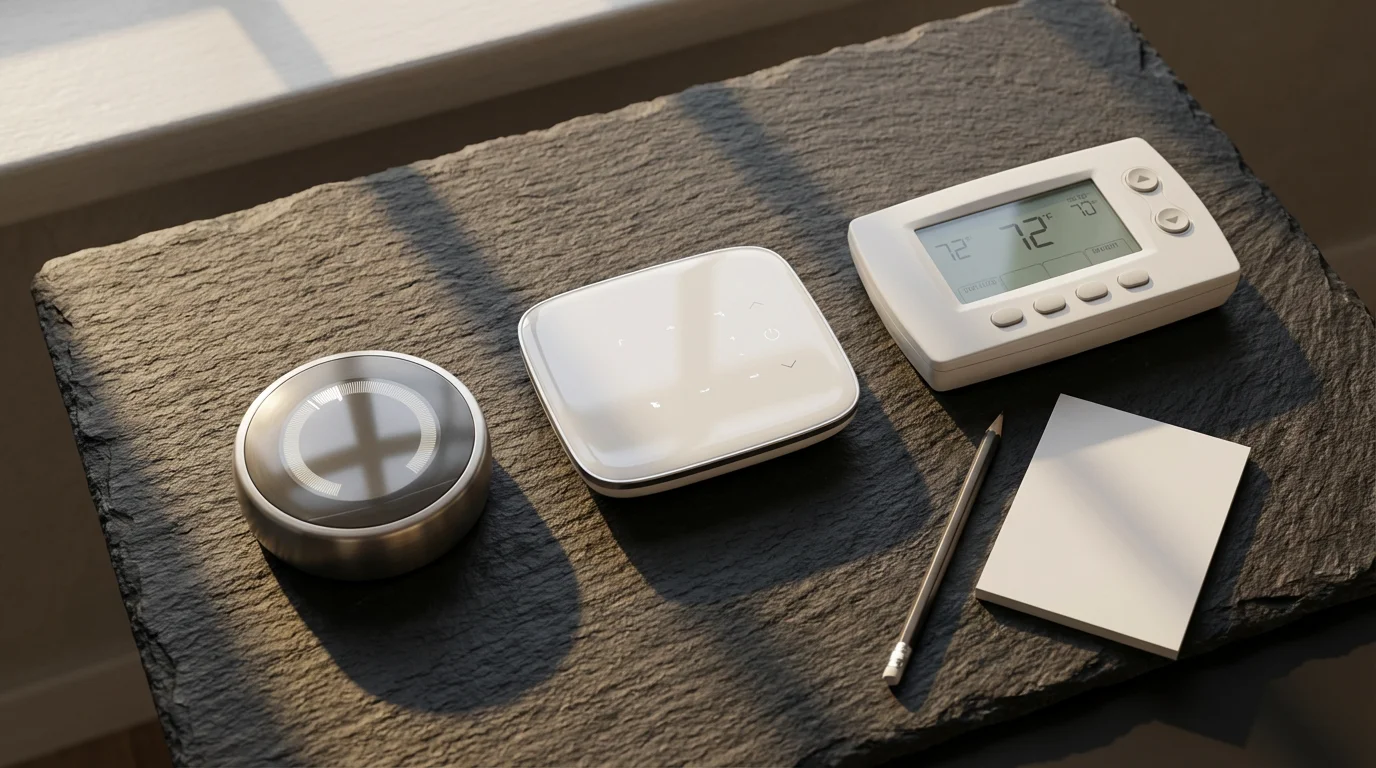
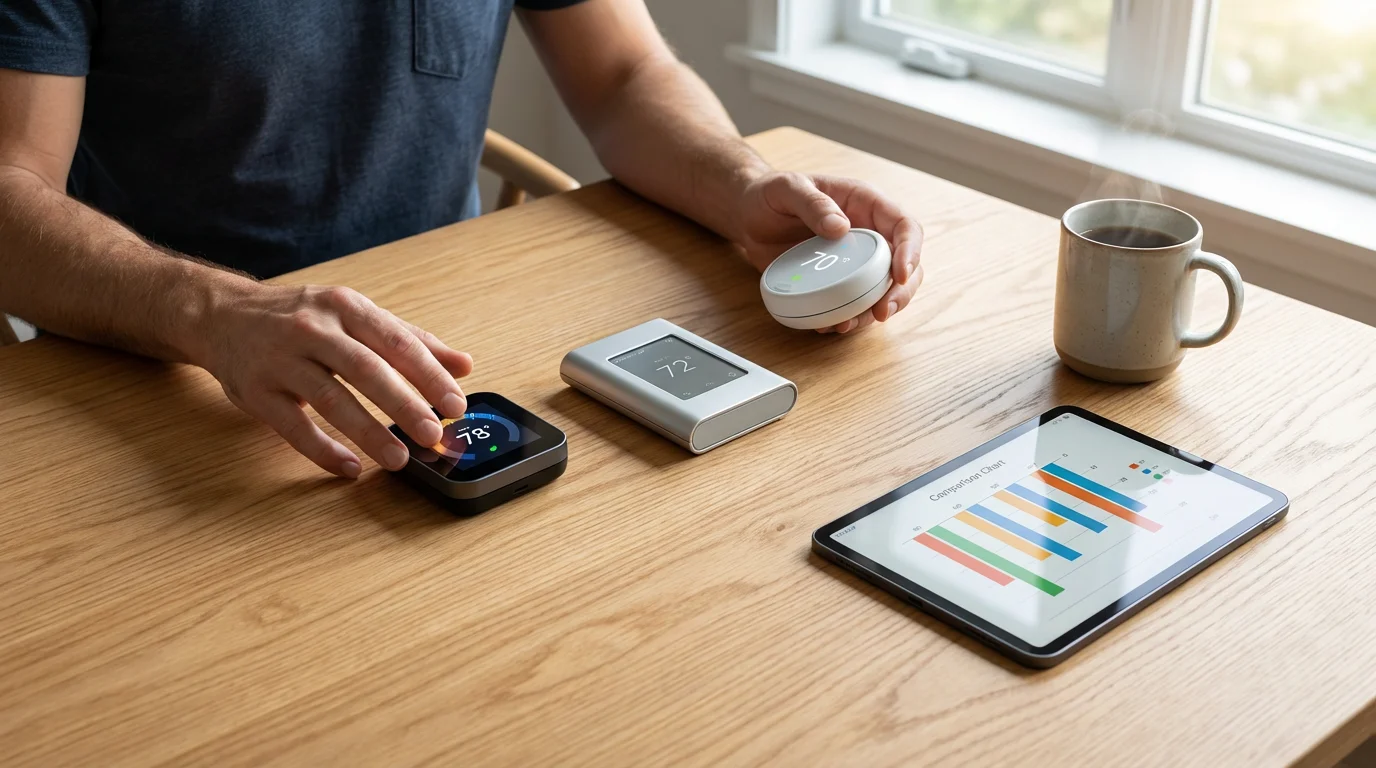
Deciding which smart thermostat is better requires a direct comparison of their core functionalities. Each brand emphasizes different aspects, making one more suitable for your home than another. Understanding these differences helps you make an informed choice for your specific needs, whether you prioritize advanced learning, comprehensive room sensing, or robust reliability.
For those shopping on a budget, it is worth comparing these premium brands against the best smart thermostats under $150.
Here is a detailed comparison across key feature categories:
- Learning & Scheduling:
- Nest: Excels with Auto-Schedule, learning your preferences to create a schedule automatically. It minimizes manual input.
- Ecobee: Offers strong programmatic scheduling and leverages Eco+ for energy savings, but its learning is less about auto-scheduling and more about adapting to occupancy and utility programs.
- Honeywell: Provides robust 7-day programming and geofencing. Its learning features are less prominent than Nest’s.
- Room Sensors:
- Nest: Offers Nest Temperature Sensors for specific room comfort, but they are not as integral to its core strategy as Ecobee’s.
- Ecobee: King of room sensors. Its remote sensors detect occupancy and temperature, optimizing comfort in occupied rooms. This is a primary differentiator.
- Honeywell: Some advanced models like the T10 Pro offer remote sensors, but their availability and functionality vary more across the product line.
- Smart Home Integration:
- Nest: Deep integration with Google Home and the Google ecosystem. Supports Amazon Alexa.
- Ecobee: Broad integration with Amazon Alexa, Google Assistant, and Apple HomeKit. Certain models even include built-in voice assistants.
- Honeywell: Generally good integration with Alexa, Google Assistant, and HomeKit, depending on the specific model.
- C-Wire Requirement:
- Nest: The Nest Learning Thermostat often works without a C-wire by ‘power stealing,’ though a C-wire is recommended for optimal performance. The Nest Thermostat (newer, simpler model) typically requires one.
- Ecobee: Almost always requires a C-wire. It usually includes a Power Extender Kit (PEK) if your system lacks one.
- Honeywell: Most smart models require a C-wire. Some models may include adapters or have workarounds.
- Design & Interface:
- Nest: Iconic, sleek, minimalist design with a rotating ring interface.
- Ecobee: Modern touchscreen interface, often larger.
- Honeywell: Functional touchscreen designs, sometimes more traditional in appearance.
- Price:
- Nest: Ranges from budget-friendly (Nest Thermostat) to premium (Nest Learning Thermostat).
- Ecobee: Generally in the premium price range, especially if you add multiple sensors.
- Honeywell: Offers options across a wide price spectrum, providing good value at various price points.

Installation and Compatibility Considerations for Your Home
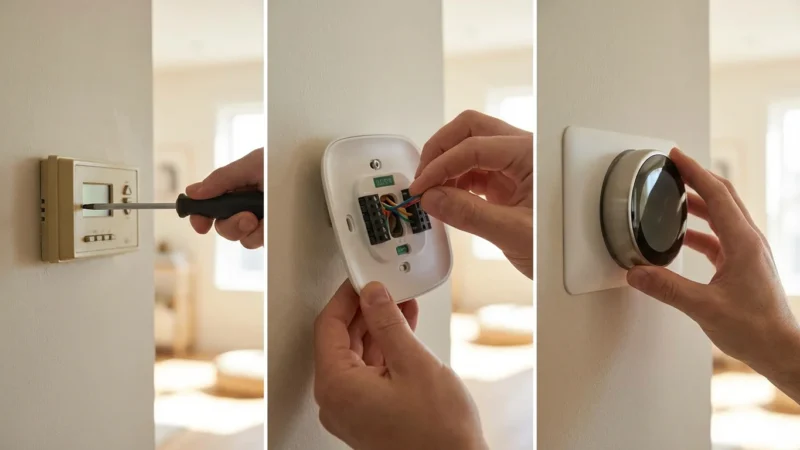
Before you commit to a smart thermostat, assess your home’s compatibility and your comfort level with installation. This crucial step ensures a smooth transition and proper operation of your new device. Taking the time to check your HVAC system and wiring prevents frustration later.
Here are the key aspects you need to consider:
- C-Wire (Common Wire): This is perhaps the most significant compatibility factor. A C-wire provides continuous 24V power to the thermostat, essential for powering Wi-Fi and advanced features.
- How to Check: Turn off power to your HVAC system at the breaker. Remove your old thermostat’s faceplate. Look for a wire labeled “C” connected to a “C” terminal.
- No C-wire? Some thermostats, like the Nest Learning Thermostat, can work without one by “power stealing,” but this can sometimes cause issues with older HVAC systems. Ecobee often includes a Power Extender Kit (PEK) to simulate a C-wire if you lack one. Honeywell also offers solutions. If you are unsure, consult a professional.
- HVAC System Type: Most smart thermostats support common HVAC systems, including:
- Conventional (forced air, gas, oil, electric)
- Heat pumps (with or without auxiliary heat)
- Boiler systems (for heating only)
However, ensure your chosen model specifically lists compatibility with your system, especially if you have multi-stage heating/cooling or dual-fuel systems.
- DIY vs. Professional Installation:
- DIY: Most smart thermostats are designed for homeowner installation. They come with clear instructions and often provide in-app guidance. If you are comfortable with basic wiring and following instructions, you can likely install it yourself. Always turn off power at the breaker first.
- Professional: If you lack a C-wire, have a complex HVAC system (e.g., zoned systems, dual fuel), or simply prefer expert help, consider hiring a licensed HVAC technician. They ensure correct wiring, optimal performance, and adherence to safety standards. Do not hesitate to call a professional if you feel uncomfortable at any point.
Review the manufacturer’s compatibility checker on their website using your current thermostat’s wiring. This gives you a definitive answer before purchase.

Maximizing Energy Savings and Utility Rebates
One of the most compelling reasons to invest in a smart thermostat is its potential for significant energy savings. These devices provide more than just convenience; they are powerful tools for managing your home’s energy consumption. By implementing smart strategies, you can minimize waste and reduce your utility bills.
Here are actionable ways to maximize your savings:
- Leverage Smart Scheduling: Instead of fixed schedules, let your thermostat adapt. Nest’s Auto-Schedule learns your habits. Ecobee and Honeywell allow you to create sophisticated programs that vary by day and time, ensuring you only heat or cool when necessary.
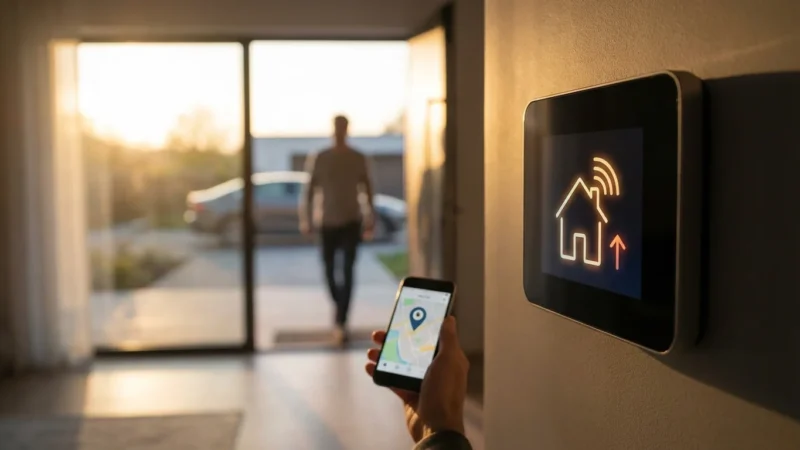
- Utilize Geofencing: All three brands offer geofencing. Enable this feature so your thermostat automatically adjusts the temperature to an eco-friendly setting when you leave home and begins conditioning your space as you return. This prevents you from wasting energy on an empty house.
- Deploy Room Sensors (Ecobee, Nest, Honeywell T10 Pro): If your home has uneven temperatures, strategically placing room sensors ensures that your thermostat heats or cools based on the temperature in occupied areas, not just where the main unit is located. This avoids overheating or overcooling unused rooms.
- Review Energy Reports: Regularly check the energy usage reports provided by your thermostat’s app. These reports highlight patterns and show you where you can make further adjustments to save. According to Energy Star, smart thermostats can save you an average of 8% on heating and cooling costs, a substantial benefit over time. You can learn more about these savings at Energy Star’s website.
- Participate in Utility Programs: Many local energy providers offer rebates or incentives for installing Energy Star certified smart thermostats. They may also have “demand response” programs, like Ecobee’s Eco+, which allow the utility to make minor temperature adjustments during peak demand in exchange for financial credits.
- How to Find Rebates: Check your utility company’s website or the Energy Star website for a list of eligible products and available rebates in your area. You might save a significant portion of the upfront cost.
By actively using these smart features, your thermostat becomes an active participant in your energy management strategy, leading to tangible savings and a reduced carbon footprint.

Integration with Your Smart Home Ecosystem
A smart thermostat truly shines when it integrates seamlessly with your other smart home devices. This connectivity allows for powerful automations that enhance convenience, security, and energy efficiency. Consider your existing or planned smart home ecosystem when making your choice.
Here is how Nest, Ecobee, and Honeywell fit into popular ecosystems:
- Google Home/Nest Ecosystem:
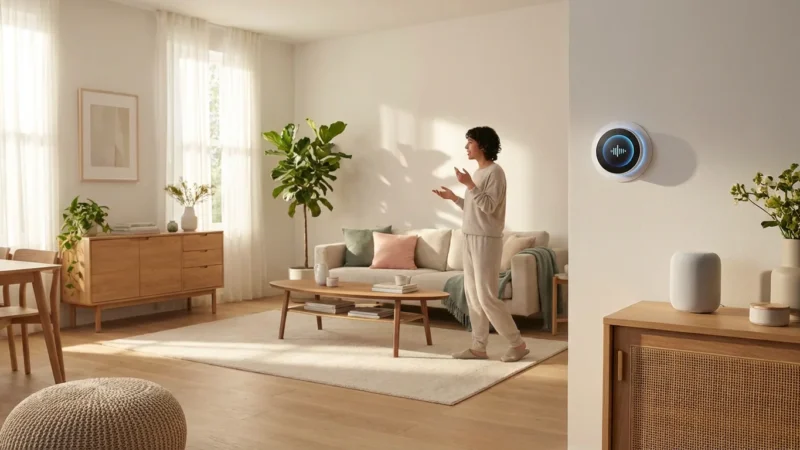
- Nest Thermostat: Integrates perfectly with Google Assistant, Nest Cams, Nest Protect smoke detectors, and other Google Home devices. You can say, “Hey Google, set the thermostat to 72 degrees,” or have your lights turn off when Nest detects you are away.
- Amazon Alexa Ecosystem:
- Nest, Ecobee, Honeywell: All three brands offer robust Alexa integration. You can use voice commands with your Echo devices to control your thermostat, or include thermostat actions in Alexa routines. For example, when you say “Alexa, good night,” your thermostat can lower the temperature, and your smart lights can dim.
- Apple HomeKit:
- Ecobee, Honeywell (select models): Ecobee stands out with strong Apple HomeKit support, allowing control via the Home app and Siri. Some Honeywell Home models also support HomeKit. Nest does not directly support HomeKit, though third-party bridges sometimes exist.
- Matter Smart Home Standard:
- The emerging Matter standard promises to revolutionize smart home integration. Many smart thermostat manufacturers are adopting Matter, which aims to create a more unified and compatible smart home experience regardless of brand or ecosystem. Keep an eye on Matter-certified versions of these thermostats for future-proofing your smart home.
Think about practical automations you can create: your front door’s smart lock could trigger your thermostat to start heating or cooling when you unlock it after work. Smart vents, like those from Flair or Keen Home, can work with your smart thermostat to direct airflow only to occupied rooms, further optimizing comfort and efficiency. This level of interconnectedness transforms your home into an intelligent, responsive environment.
Choosing the Best Smart Thermostat for Your Needs
With a clear understanding of what Nest, Ecobee, and Honeywell Home offer, you can now make a decision tailored to your specific household. There is no single “best” smart thermostat; the ideal choice depends on your priorities, home layout, and smart home ambitions. Consider these factors as you weigh your options.
Ask yourself these guiding questions:
- What is Your Budget?
- If cost is a primary concern, look at entry-level Honeywell Home options or the standard Nest Thermostat. Remember to factor in potential utility rebates.
- How Important Are Learning Features?
- If you prefer a thermostat that learns your routine and adjusts automatically with minimal input, the Nest Learning Thermostat is your top contender.
- Do You Have Uneven Temperatures?
- For homes with hot or cold spots, multiple levels, or large open areas, Ecobee’s robust room sensor ecosystem offers superior comfort management.
- What is Your Current Smart Home Ecosystem?
- If you are heavily invested in Google Home, Nest integrates seamlessly. For broader compatibility including Apple HomeKit, Ecobee is a strong choice. All three work well with Amazon Alexa.
- How Comfortable Are You with DIY Installation?
- Most smart thermostats offer straightforward DIY installation, but checking for a C-wire beforehand is critical. If you have complex wiring or an older HVAC system, professional installation is always a safe bet.
- Do You Value a Trusted HVAC Brand?
- If you appreciate Honeywell’s long-standing reputation in heating and cooling, their smart thermostat line offers reliability with modern features.
Ultimately, the best smart thermostat comparison for 2025 points to a choice between Nest’s intelligent learning, Ecobee’s multi-room sensing, and Honeywell’s reliable, diverse offerings. Review your priorities, examine your home’s needs, and choose the device that will bring you the most comfort, savings, and peace of mind.
Frequently Asked Questions
Do smart thermostats really save you money?
Yes, smart thermostats can significantly reduce your energy bills. They achieve this through features like intelligent scheduling, learning your habits, geofencing to adjust temperature when you are away, and detailed energy reports. Energy Star certified smart thermostats can save you an average of 8% on heating and cooling costs, a considerable amount over time. Many utility companies also offer rebates or incentives for installing them.
What is a C-wire and do I need one for my smart thermostat?
A C-wire, or common wire, provides continuous power to your thermostat. Many smart thermostats require a C-wire to function properly, as their advanced features and Wi-Fi connectivity demand more power than traditional battery-powered thermostats. While some models, like certain Nest thermostats, can operate without a C-wire by ‘power stealing’ from other wires, this method can sometimes lead to system instability or damage to older HVAC systems. Checking for a C-wire is crucial for compatibility. If you lack one, you might need a C-wire adapter or professional installation.
Can smart thermostats integrate with my existing smart home devices?
Absolutely. Modern smart thermostats from Nest, Ecobee, and Honeywell are designed to integrate seamlessly with various smart home ecosystems. They often work with popular voice assistants like Amazon Alexa and Google Assistant, allowing you to control your climate with voice commands. Many also support Apple HomeKit. Emerging standards like Matter further enhance compatibility, enabling your thermostat to communicate with other Matter-compatible devices, from smart lights to security cameras, creating powerful automation routines.
Which smart thermostat is best for a multi-zone home?
For multi-zone homes, the best smart thermostat depends on your existing HVAC setup and desired control. If you have separate HVAC systems for each zone, you will need a smart thermostat for each zone. Ecobee thermostats, with their remote room sensors, excel in homes where temperature disparities exist across different areas within a single zone, allowing you to prioritize comfort in occupied rooms. Nest offers multiple thermostats that can work together within the same home account. Honeywell also provides solutions for zoned systems, often leveraging their extensive line of zoning panels and dampers. Consider your current zoning system and whether you need individual control for each room or just better average temperature sensing for larger areas.
Disclaimer: This article is for informational purposes only. Smart home devices involve electrical connections and data privacy. Always follow manufacturer instructions for installation. For complex wiring or HVAC work, consult a licensed professional.
If you are comfortable with basic wiring, follow our guide on how to install a smart thermostat yourself for a step-by-step walkthrough.



Leave a Reply