
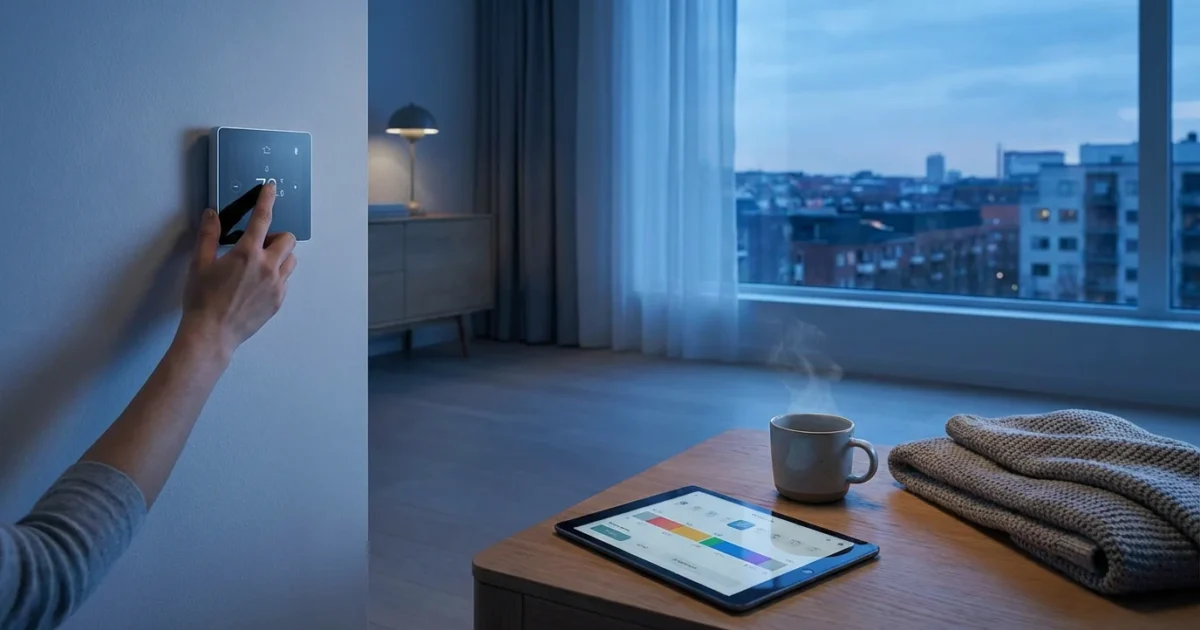
Creating an effective temperature schedule for your home significantly impacts comfort, energy consumption, and your monthly utility bills. A smart thermostat transforms how you manage your home’s climate, moving beyond simple on-off controls to intelligent, responsive heating and cooling. This guide provides actionable steps to design a personalized temperature schedule, ensuring your home remains comfortable while maximizing energy savings.
You can optimize your home’s climate control regardless of your tech skill level. Learn how to program a smart thermostat schedule that adapts to your daily life, making your home more efficient and enjoyable.

Understanding Your Home’s Thermal Dynamics
Before you begin programming, consider how your home heats and cools. Factors like insulation quality, window efficiency, and sun exposure influence indoor temperatures. Understanding these elements helps you create a more effective temperature schedule.
For example, a south-facing room often heats up faster in direct sunlight. A smart thermostat can account for these nuances, but your initial settings benefit from this knowledge. Identifying problem areas allows for more targeted adjustments.
- Insulation: Poor insulation leads to rapid heat loss in winter and heat gain in summer.
- Windows: Old, single-pane windows are significant sources of energy transfer.
- Sun Exposure: Rooms with direct sunlight exposure will warm up more quickly.
- Drafts: Gaps around doors and windows allow conditioned air to escape.
- Occupancy: Areas with more people or appliances generate more heat.

Choosing the Right Smart Thermostat for Your Needs
The market offers several excellent smart thermostat options, each with unique features. Your choice impacts how easily you can create and manage your temperature schedule. Popular brands include Nest, Ecobee, and Honeywell Home.
These devices offer more than basic temperature control. They provide features like remote access, energy reporting, and integration with other smart home devices. Selecting the right model ensures compatibility with your HVAC system and lifestyle.
Key Features to Consider
- Learning Capabilities: Some thermostats, like Nest, learn your preferences and adjust the schedule automatically over time.
- Remote Sensors: Ecobee thermostats use external sensors to monitor temperature in multiple rooms, addressing hot or cold spots.
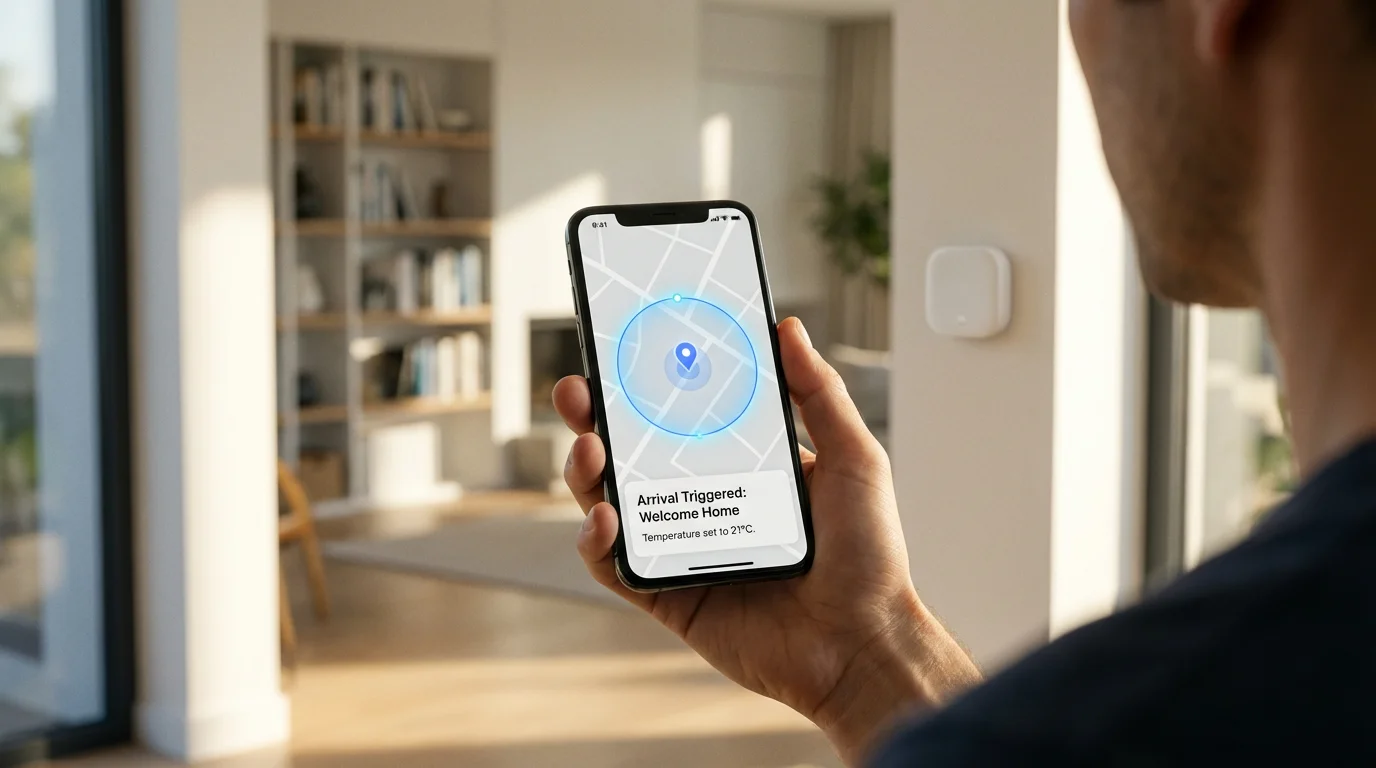
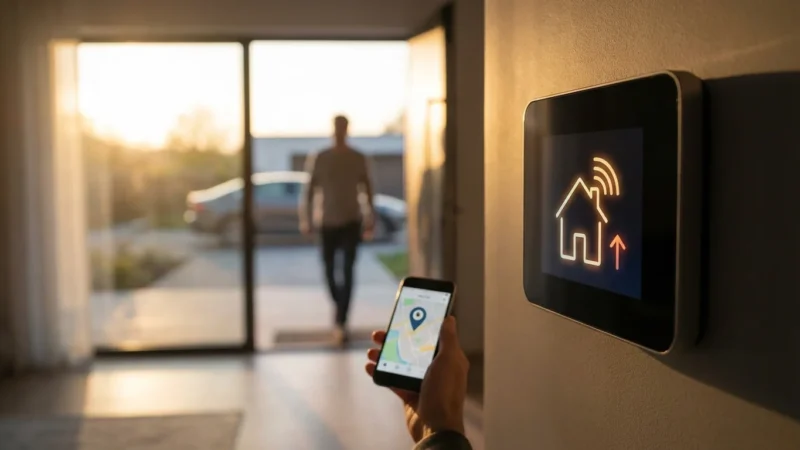
- Geofencing: This feature uses your phone’s location to detect when you leave or return home, automatically adjusting the temperature.
- Energy Reporting: Many models track your energy usage, providing insights into your heating schedule and cooling schedule efficiency.
- HVAC System Compatibility: Ensure the thermostat works with your specific heating and cooling system, including multi-stage systems or heat pumps.
- Smart Home Integration: If you use platforms like Alexa, Google Home, or Apple HomeKit, verify compatibility for unified control.
For detailed comparisons and reviews, you can consult resources like Wirecutter’s smart home guides. They often provide comprehensive insights into product performance and user experience, helping you make an informed decision.
Installation Essentials: C-Wire and Compatibility
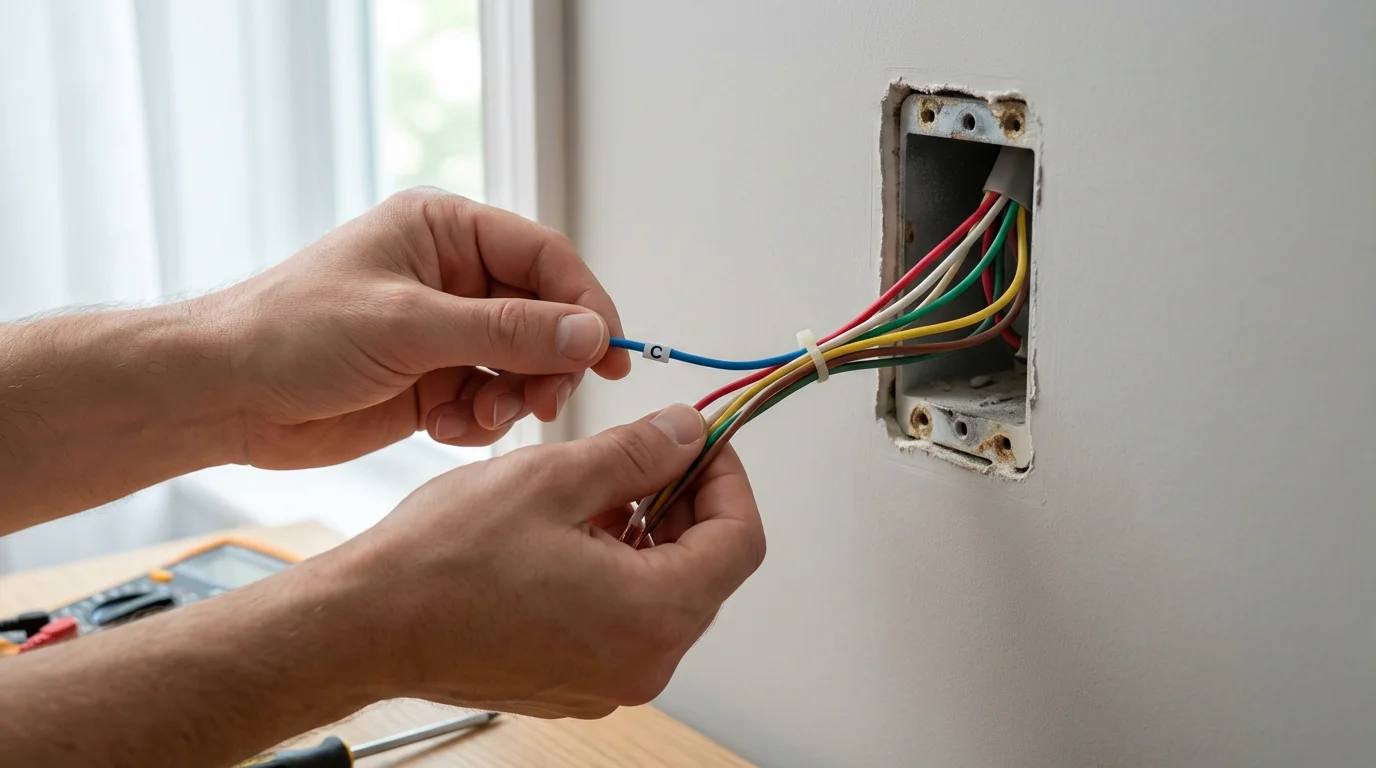
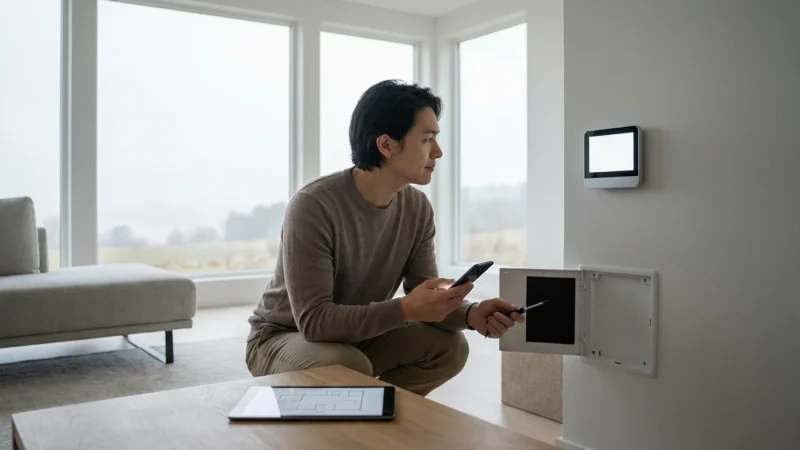
Installing a smart thermostat typically involves basic wiring. Most smart thermostats require a “C-wire” (common wire) to provide continuous power. Without a C-wire, the thermostat might rely on battery power or “power stealing” from your HVAC system, which can cause issues.
Check your current thermostat wiring before purchasing. Many smart thermostat manufacturers provide online compatibility checkers. If your system lacks a C-wire, some models include an adapter kit, or you might need a professional HVAC technician for installation. Prioritize safety by turning off power to your HVAC system at the breaker before any wiring work.
Steps for a Smooth Installation
- Turn Off Power: Locate your circuit breaker and switch off the power to your HVAC system. Confirm the system is off at the thermostat.
- Remove Old Thermostat: Carefully detach your old thermostat from the wall plate. Take a picture of the existing wiring for reference.
- Check for C-Wire: Identify if a C-wire is present. It is usually blue or black and labeled “C.”
- Install New Backplate: Mount the smart thermostat’s backplate to the wall, feeding the wires through.
- Connect Wires: Connect the wires to the appropriate terminals on the new thermostat. Refer to your smart thermostat’s specific wiring diagram.
- Restore Power and Test: Turn the power back on at the breaker. Follow the on-screen prompts for initial setup and test the heating and cooling functions.
If you encounter complex wiring or feel uncomfortable at any point, do not hesitate to contact a licensed HVAC professional. Incorrect wiring can damage your thermostat or HVAC system.

Setting Up Your Baseline Temperature Schedule
Establishing your initial temperature schedule forms the foundation for energy savings and comfort. Think about your family’s daily routine, including sleep, work, and away times. A well-designed schedule avoids heating or cooling an empty home.
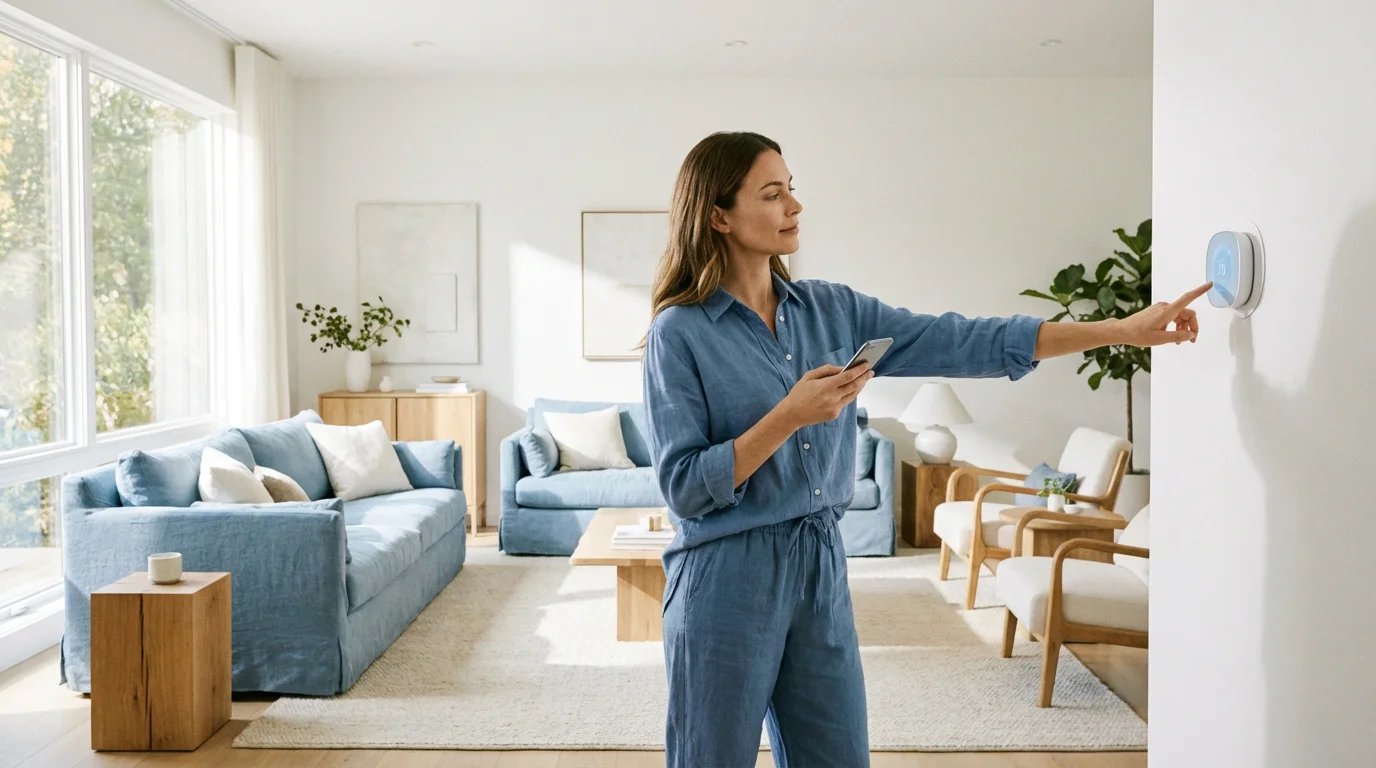
Most smart thermostats allow programming schedules based on days of the week, with different settings for weekdays and weekends. This makes programming a smart thermostat schedule straightforward and adaptable to varying routines.
Developing Your Initial Schedule
- Wake Up (e.g., 6:00 AM – 8:00 AM): Set a comfortable temperature as you start your day. For instance, 70°F (21°C) in winter or 74°F (23°C) in summer.
- Away (e.g., 8:00 AM – 5:00 PM): When no one is home, adjust the temperature to save energy. In winter, set it lower, perhaps 64°F (18°C). In summer, set it higher, like 80°F (27°C).
- Return Home (e.g., 5:00 PM – 10:00 PM): Bring the temperature back to a comfortable level for evening activities, perhaps 70°F (21°C) in winter or 74°F (23°C) in summer.
- Sleep (e.g., 10:00 PM – 6:00 AM): Many people prefer cooler temperatures for sleeping. Set it lower in winter, around 66°F (19°C), or slightly higher in summer, 76°F (24°C).
Experiment with these set points to find what works best for your household. Remember that your system takes time to reach desired temperatures, so schedule transitions slightly before you need the change.
The most efficient temperature schedule often means setting your thermostat back 7-10 degrees Fahrenheit for at least 8 hours a day from your normal setting. This can save you as much as 10% a year on heating and cooling costs.
Advanced Scheduling: Learning, Geofencing, and Sensors
Smart thermostats excel with advanced features that refine your baseline temperature schedule. These capabilities provide more dynamic control, responding to real-time conditions and your habits without constant manual adjustments. This moves you closer to the best thermostat schedule for energy savings.
Leveraging these features reduces energy waste and enhances comfort. They automate decisions your old thermostat could never make, making your home truly smart.
Sophisticated Smart Thermostat Features
- Learning Algorithms: Nest thermostats, for example, observe your manual adjustments over a week or two. They then build an optimized temperature schedule based on your actual preferences. This “set it and forget it” approach appeals to many users.
- Geofencing: This technology uses your smartphone’s location to determine if anyone is home. When you leave a defined geofence, the thermostat can automatically transition to an “away” energy-saving setting. As you approach home, it can pre-heat or pre-cool your house.
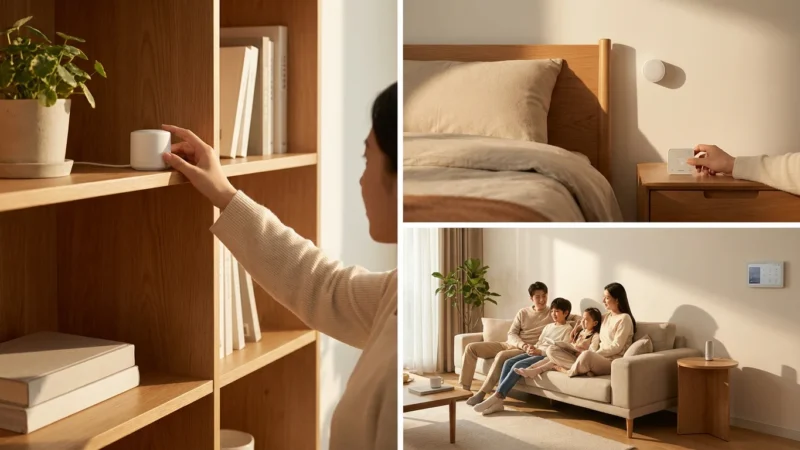
- Room Sensors: Ecobee thermostats often come with or support additional room sensors. These small devices monitor temperature and occupancy in various rooms. They help eliminate hot or cold spots by averaging temperatures or prioritizing specific rooms during certain times.
- Weather Integration: Many smart thermostats pull local weather data. They can preemptively adjust your heating schedule or cooling schedule based on upcoming forecasts, like pre-cooling your home before a heatwave hits.
- Open Window/Door Detection: Some advanced systems can detect open windows or doors and temporarily pause heating or cooling to prevent energy waste. This smart feature ensures you do not waste energy conditioning the outdoors.
Activate and configure these features within your thermostat’s app. Each feature offers a distinct way to refine your temperature schedule beyond simple time-based programming.
Optimizing for Energy Savings and Comfort
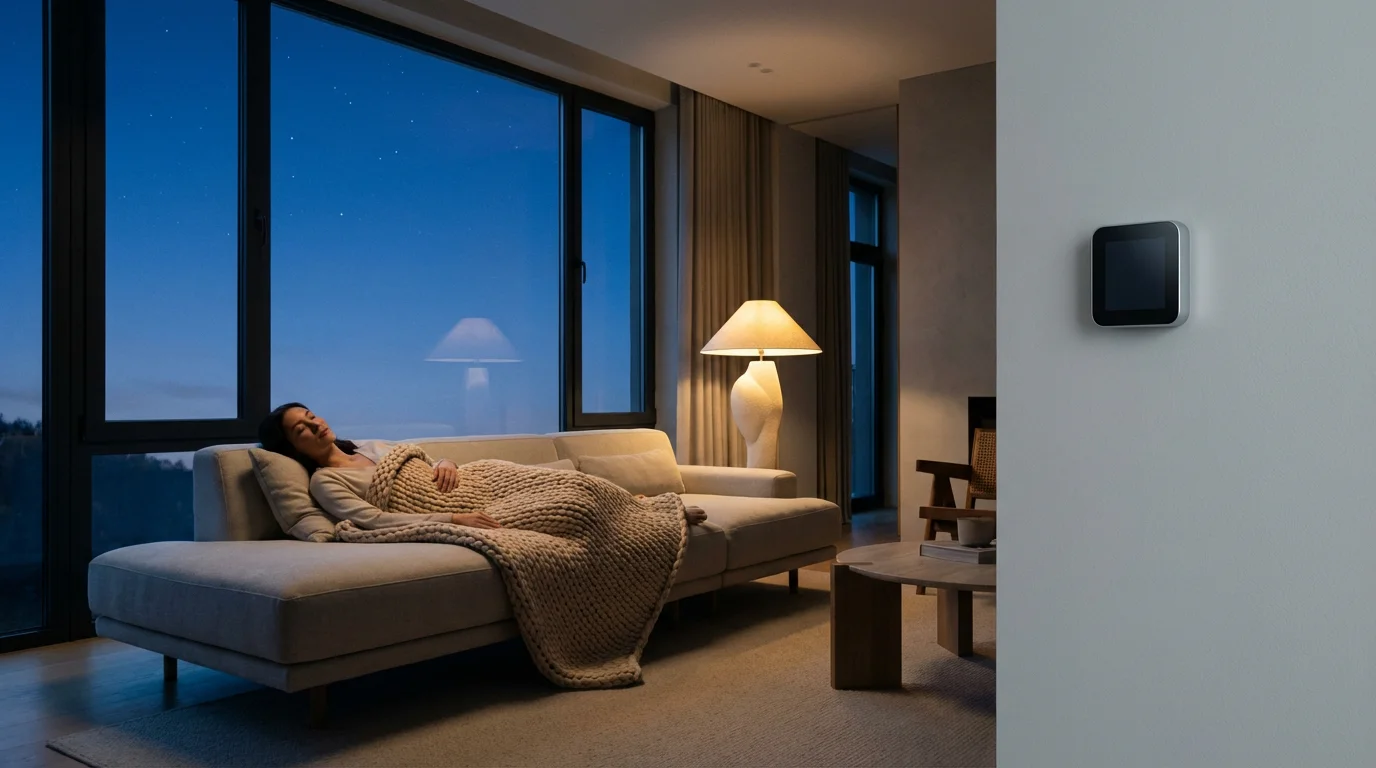
The core benefit of a smart thermostat is its ability to balance comfort with significant energy savings. A thoughtful approach to your settings can reduce your utility bills while maintaining a pleasant indoor environment. Consider these strategies to achieve the best thermostat schedule for energy savings.
Many utility companies offer rebates for installing Energy Star certified smart thermostats. Check with your local provider for potential incentives. These rebates make the initial investment even more appealing, directly translating to savings.
Strategies for Maximum Efficiency
- Program Aggressive Setbacks: When you are away or asleep, set your thermostat back 7-10 degrees Fahrenheit from your comfortable temperature. The energy saved during these periods significantly impacts your overall consumption.
- Avoid Extreme Temperature Swings: Do not let your home get excessively hot or cold, as it requires more energy to return to a comfortable temperature. Gradual adjustments are more efficient.
- Utilize Seasonal Adjustments: Your ideal temperature schedule might differ in summer versus winter. Periodically review and adjust your settings to align with seasonal changes and personal comfort.
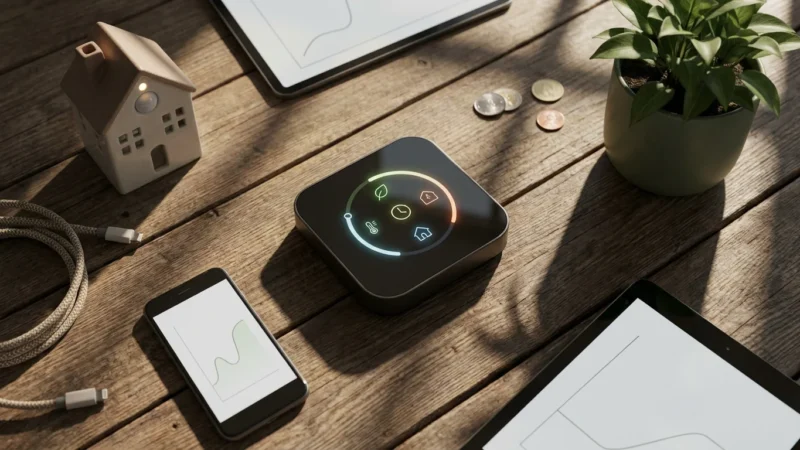
- Monitor Energy Reports: Use your smart thermostat’s app to review energy usage data. This provides insights into peak usage times and allows you to identify areas for further optimization in your heating schedule and cooling schedule.
- Leverage Utility Programs: Many energy providers offer “demand response” programs. These allow your utility to make slight adjustments to your thermostat during peak demand times in exchange for incentives. You retain override control, ensuring comfort is never sacrificed.
- Consider Smart Vents: For homes with uneven heating or cooling, smart vents can help. These devices work with your smart thermostat to direct airflow to specific rooms, improving comfort and efficiency in targeted areas.
According to Energy Star, a smart thermostat can save homeowners an average of 8% on heating and cooling costs. That translates to approximately $50 annually. These savings add up over time, demonstrating the financial benefits of an optimized temperature schedule.

Integrating with Your Smart Home Ecosystem
A smart thermostat truly shines when it integrates with other smart devices in your home. This connectivity creates powerful automation routines that enhance convenience and efficiency beyond simple temperature control. Imagine your home responding intelligently to your presence and preferences.
Connecting your thermostat to your broader smart home ecosystem elevates its capabilities. It moves from a standalone device to an integral part of your automated living space.
Examples of Smart Home Integrations
- Lights: Trigger lights to turn on or off when your thermostat switches from “away” to “home” mode. Your entry foyer lights could illuminate as your home begins warming up.
- Smart Locks: When you lock your front door from the outside, a routine could tell your thermostat to switch to an “away” temperature schedule. This ensures you never forget to save energy.
- Window Shades: Automate smart blinds or shades to close during the hottest part of the day in summer, preventing heat gain, or open in winter to leverage passive solar heating. Your thermostat can coordinate with these actions.
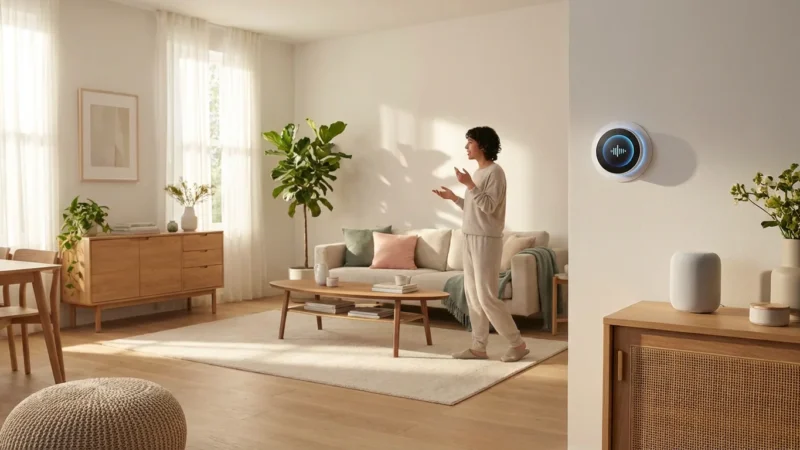
- Voice Assistants: Use Alexa, Google Assistant, or Siri to adjust your thermostat hands-free. A simple voice command allows you to change the temperature or check your current settings.
- Motion Sensors: Integrate smart motion sensors to inform your thermostat if a room is occupied. If a room remains empty for an extended period, the thermostat could adjust its temperature or even turn off zoning in that area.
- IFTTT Routines: Use services like IFTTT (If This Then That) to create custom automations. For instance, “If the outdoor temperature drops below freezing, then set my thermostat to 68°F and send me a notification.”
These integrations create a seamless and responsive home environment. Your perfectly crafted temperature schedule becomes even more powerful when it communicates with other aspects of your smart home.

Troubleshooting Common Scheduling Issues
Even with careful planning, you might encounter minor hiccups when fine-tuning your temperature schedule. Addressing these common issues ensures your system operates optimally and efficiently. Most problems have straightforward solutions.
Patience and systematic checks usually resolve scheduling discrepancies. Do not assume a major malfunction if your thermostat does not behave exactly as expected.
Resolving Scheduling Problems
- Inconsistent Temperatures: If certain rooms are consistently too hot or too cold, review your remote sensor placement. Ensure they are not near heat sources (lamps, electronics) or drafts. Consider adding more sensors or smart vents.
- Schedule Not Activating: Double-check that you saved your temperature schedule within the app or on the thermostat itself. Verify that no manual override is active. Smart thermostats often prioritize manual adjustments, which can temporarily pause your schedule.
- Geofencing Malfunctions: Ensure your phone’s location services are enabled for your thermostat app. Confirm that the geofence radius is appropriately set. Obstacles or Wi-Fi connectivity issues can sometimes affect accuracy.
- Learning Feature Overrides: If you constantly manually adjust a learning thermostat, its algorithm might struggle to establish a consistent schedule. Allow the thermostat a few weeks to learn, avoiding frequent manual changes during this period.
- Wi-Fi Connectivity Issues: A poor Wi-Fi connection can prevent your smart thermostat from receiving updates or communicating with its app. Check your home network and router placement to ensure a strong signal.
- HVAC System Short Cycling: If your system turns on and off too frequently, your temperature differential settings might be too narrow. Adjust the “swing” or “deadband” setting in your thermostat’s advanced menu, allowing a larger temperature range before the system activates.
Always consult your smart thermostat’s user manual or manufacturer’s support website for specific troubleshooting steps. Many companies offer extensive online resources and customer service.
Frequently Asked Questions
How often should I adjust my temperature schedule?
You should review your temperature schedule seasonally, typically twice a year when transitioning from heating to cooling or vice versa. Adjust it any time your daily routine significantly changes, like a new work schedule or school year. Regular monitoring of energy reports helps identify opportunities for fine-tuning.
Can a smart thermostat really save me money?
Yes, a smart thermostat can absolutely save you money. By enabling precise temperature control, remote adjustments, and advanced features like geofencing and learning algorithms, you avoid heating or cooling an empty home. Energy Star reports average savings of 8% on heating and cooling costs, translating to significant annual savings.
What is a C-wire and why is it important?
A C-wire, or common wire, provides continuous 24V AC power to your smart thermostat. This constant power supply is crucial for features like Wi-Fi connectivity, backlighting, and advanced sensors. Without a C-wire, many smart thermostats cannot function reliably, often relying on batteries or “power stealing” which can strain your HVAC system.
Can I program different temperatures for different rooms?
Yes, you can achieve room-specific temperature control, but it often requires more than just a smart thermostat. Systems with multiple remote sensors can prioritize temperatures in specific zones. For true multi-room control, you might need a zoned HVAC system combined with smart vents that work in conjunction with your smart thermostat.
Are smart thermostats compatible with all HVAC systems?
Most smart thermostats are compatible with standard 24V conventional and heat pump systems. However, some older, millivolt, or proprietary HVAC systems might not be compatible. Always check the manufacturer’s compatibility checker before purchasing. If you have a complex system, consult an HVAC professional for guidance.
Disclaimer: This article is for informational purposes only. Smart home devices involve electrical connections and data privacy. Always follow manufacturer instructions for installation. For complex wiring or HVAC work, consult a licensed professional.


Leave a Reply