
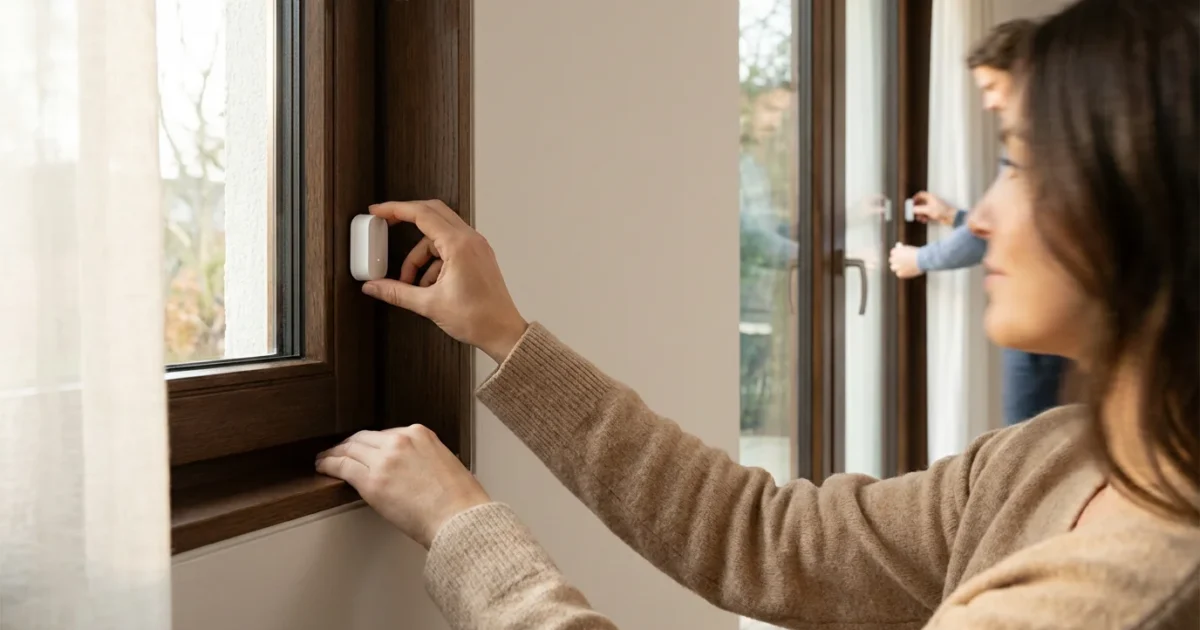
Securing your home and enhancing daily convenience often starts with foundational smart devices. Window and door sensors represent one of the most practical and impactful additions you can make to your smart home ecosystem. They provide immediate entry detection, giving you real-time information about your home’s perimeter. These small devices offer a robust layer of security and unlock a world of automation possibilities, from managing energy use to creating intuitive welcome home routines.
What Are Window and Door Sensors?
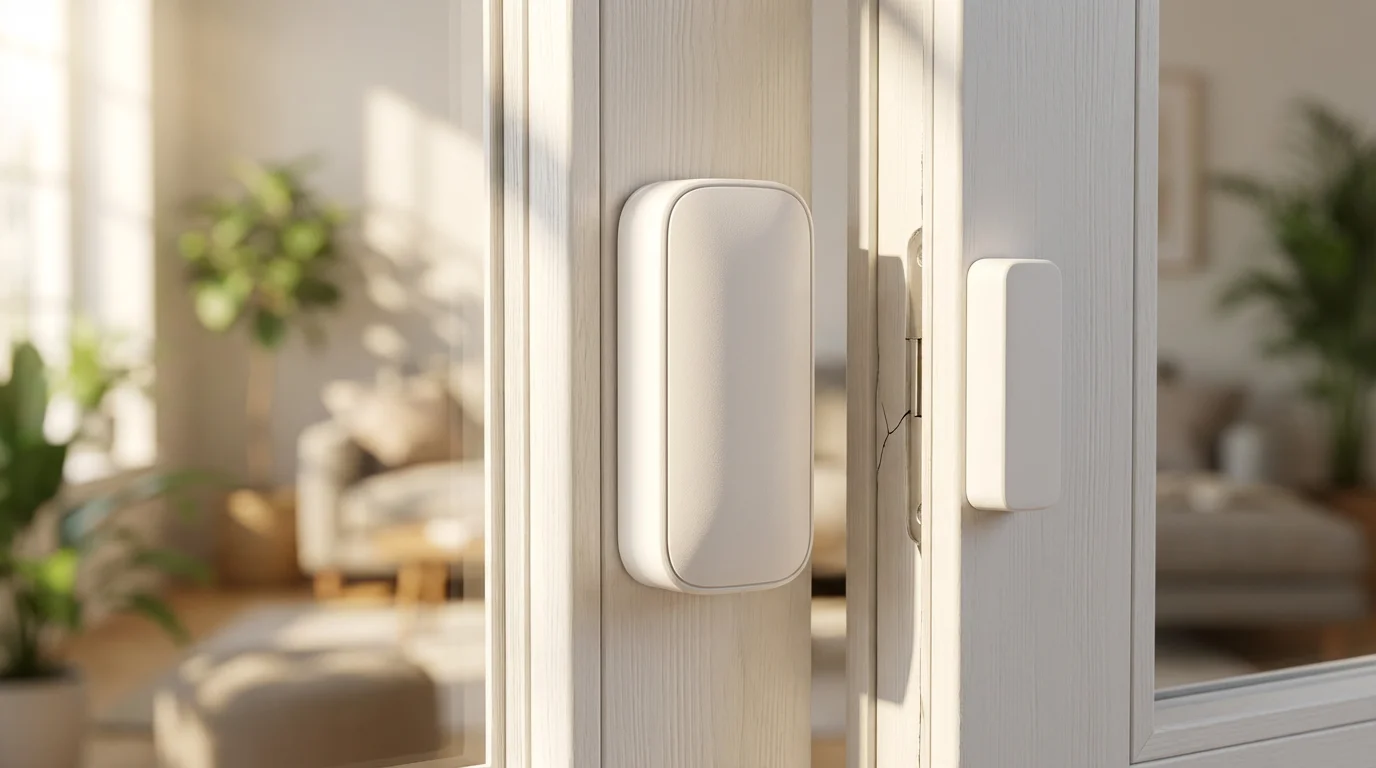
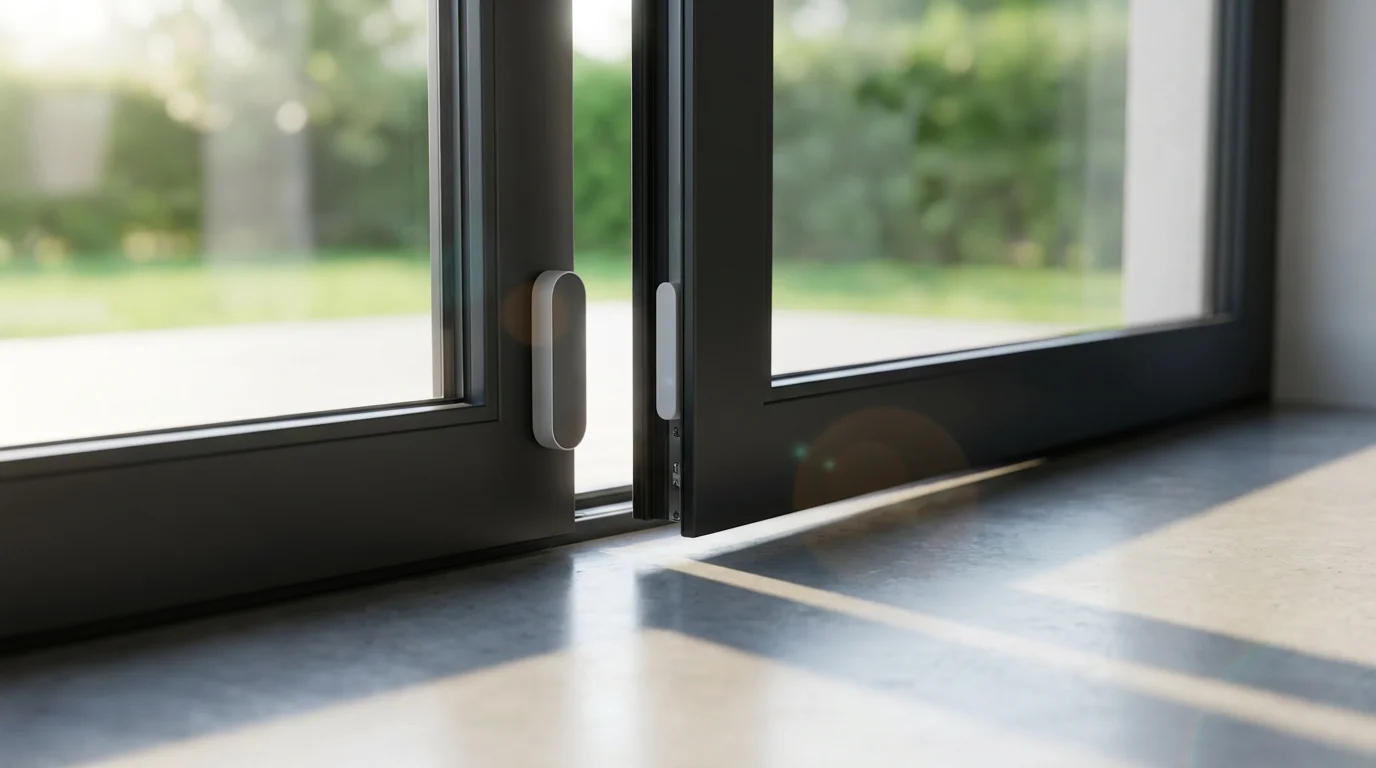
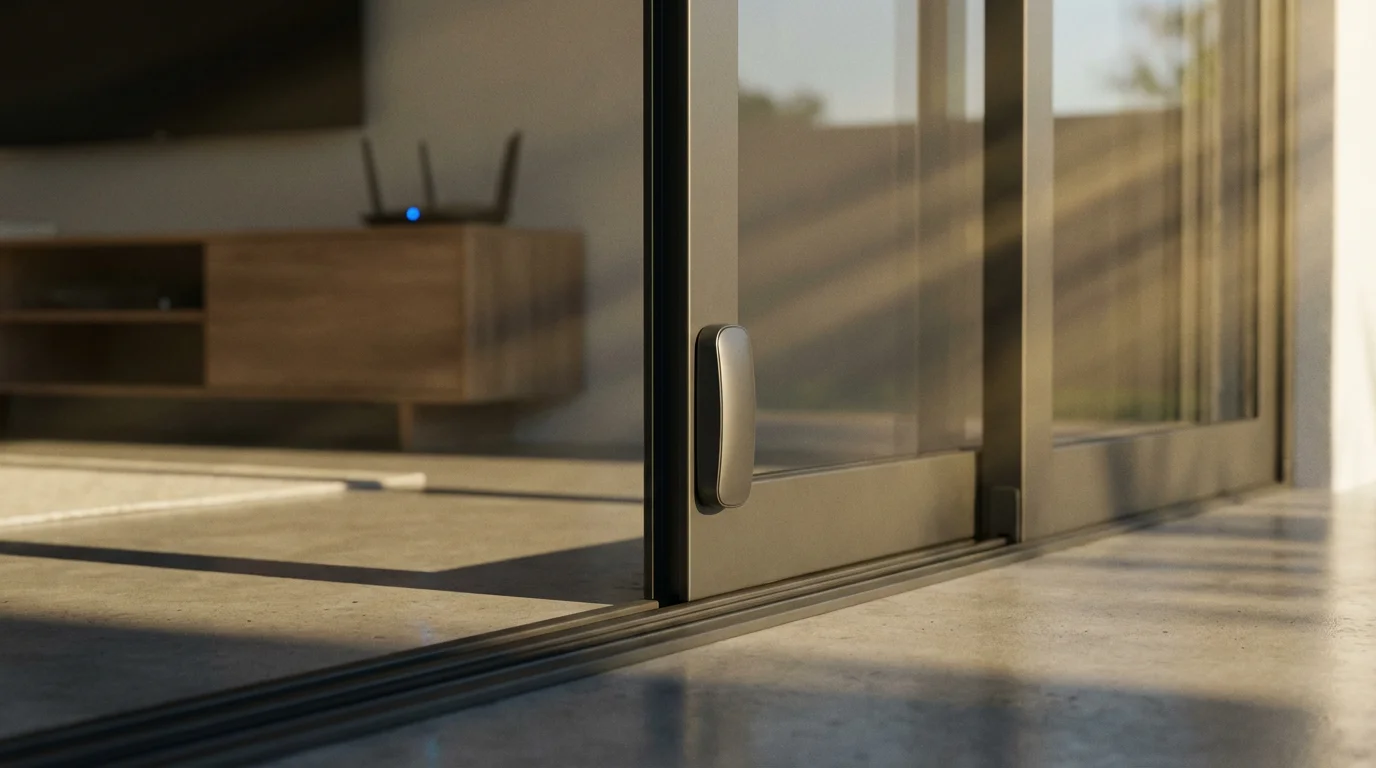
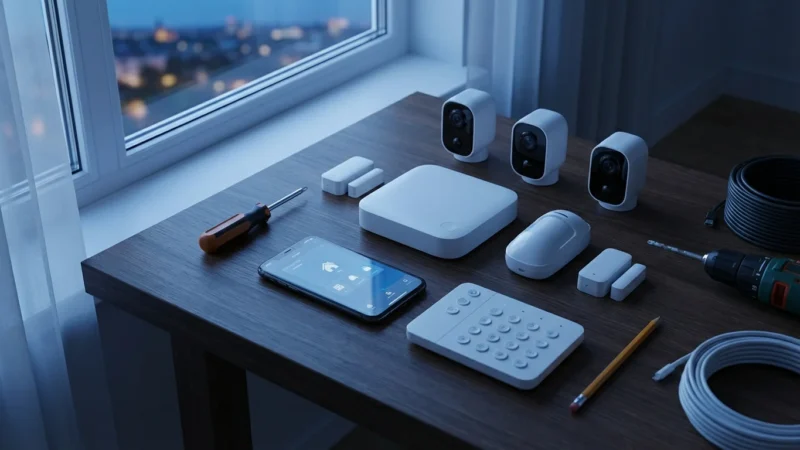
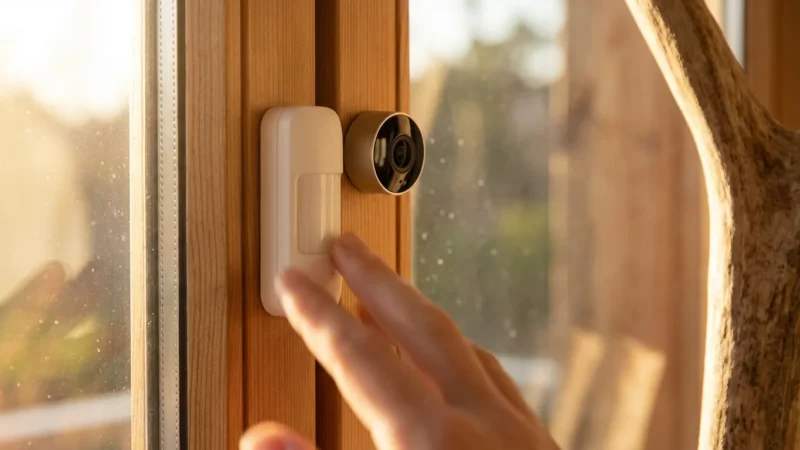
Window and door sensors are compact, two-piece devices that monitor the opening and closing of entry points in your home. The primary component, the sensor, mounts on the door or window frame. Its smaller counterpart, a magnet, mounts on the movable door or window itself.
When the door or window closes, the magnet aligns with the sensor, creating a closed circuit. When the door or window opens, the magnet moves away, breaking this circuit. The sensor then sends a signal, usually wirelessly, to your smart home hub or directly to your smartphone, indicating the entry point’s status.
While traditional wired sensors exist, modern smart home setups predominantly use wireless door sensors and window sensors. These wireless options offer easy installation, flexibility in placement, and seamless integration with other smart devices, making them ideal for both homeowners and renters.
The Core Benefits of Smart Entry Detection
Integrating smart window and door sensors into your home offers a multitude of advantages beyond basic security. These devices deliver tangible benefits across convenience, energy efficiency, and overall peace of mind.
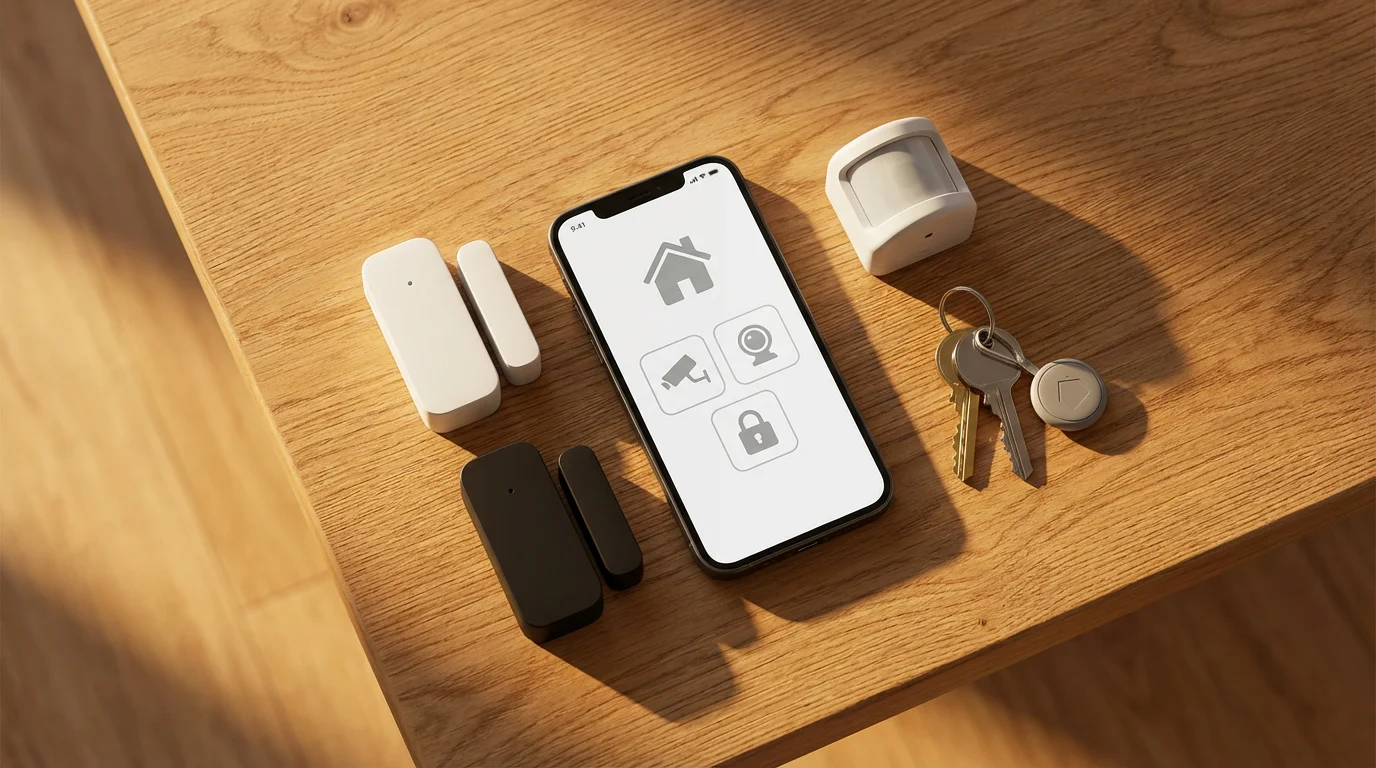
- Enhanced Security and Alerts: You receive instant notifications on your phone or smart device whenever a monitored entry point opens. This real-time entry detection allows you to respond quickly to potential intrusions, unauthorized access, or even simply forgotten open windows. Many systems also integrate with sirens or professional monitoring services.
- Smart Automation Triggers: Sensors act as vital triggers for your smart home routines. For example, your entryway lights can automatically illuminate when you open the front door at night. This eliminates fumbling for light switches and creates a welcoming atmosphere.
- Energy Savings: Integrate your window sensors with your smart thermostat. If a window opens, your thermostat can automatically pause heating or air conditioning, preventing wasted energy. This simple automation significantly reduces utility costs over time.
- Child and Pet Monitoring: Keep track of sensitive areas like medicine cabinets, liquor cabinets, or exterior doors leading to pools. Receive alerts if children or pets access restricted zones, giving you greater control and safety.
- Peace of Mind: Whether you are at home or away, knowing the status of your doors and windows provides invaluable peace of mind. You can check the status of all entry points from your phone, ensuring everything is secure before you go to bed or leave for vacation.
The best smart home devices provide data you can act on, transforming passive monitoring into active control and automation. Window and door sensors are prime examples of this principle.
Types of Smart Window and Door Sensors
The market offers several types of smart entry detection devices, each with specific applications and connectivity options. Understanding these differences helps you select the right sensors for your needs.
The most common types include:
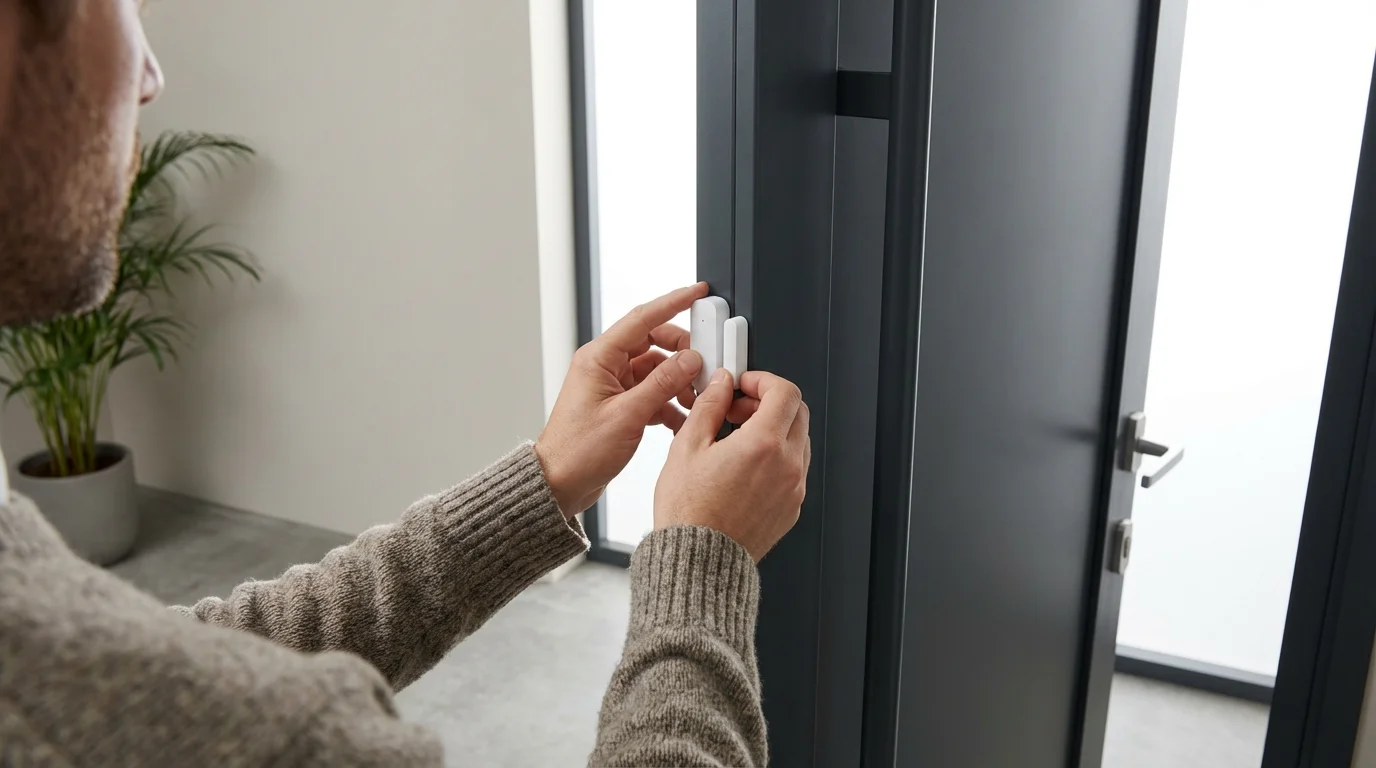
- Magnetic Contact Sensors: These are the standard two-piece sensors described earlier. They detect when a door or window separates from its frame. They are reliable, discreet, and boast long battery lives.
- Vibration or Glass-Break Sensors: These sensors detect vibrations consistent with glass breaking. Some contact sensors incorporate this functionality, while others are standalone units. They offer an additional layer of protection against forced entry through windows.
- Tilt Sensors: Primarily used for garage doors, skylights, or double-hung windows, tilt sensors detect changes in angle. They are useful for monitoring overhead doors, ensuring they are fully closed or open.
Connectivity is a crucial factor influencing sensor performance and integration:
- Wi-Fi Sensors: These connect directly to your home’s Wi-Fi network. They require no separate hub, making initial setup simple. However, they consume more battery power and can sometimes strain your Wi-Fi network if you have many devices.
- Zigbee/Z-Wave Sensors: These sensors operate on mesh networks, requiring a compatible smart home hub. They offer excellent battery life, a strong, reliable connection, and extend the range of your smart home network. Most major smart home platforms support these protocols.
- Matter-Enabled Sensors: Matter is a new, unified connectivity standard designed to simplify smart home device compatibility. Matter-enabled window and door sensors work across different ecosystems, offering greater flexibility and future-proofing your setup. You can learn more about this evolving standard through resources like the CSA-IoT’s Matter information page.
When selecting your sensors, consider your existing smart home ecosystem and the range required for your home’s layout. A mesh network, like Zigbee or Z-Wave, often provides superior coverage in larger homes.
Choosing the Best Smart Sensors for Your Home
Selecting the right door sensors and window sensors involves evaluating several key factors. Your choice impacts not only security but also ease of use and integration with your broader smart home system.
If you want to avoid subscription costs, look for sensors that are compatible with smart security systems without monthly fees.
- Compatibility with Your Smart Home Hub:
Ensure the sensors you choose integrate seamlessly with your existing smart home platform, whether it is Amazon Alexa, Google Home, Apple HomeKit, or a dedicated hub like SmartThings or Hubitat. Check for explicit compatibility listings before purchase.
- Connectivity Type:
Decide between Wi-Fi, Zigbee, Z-Wave, or Matter. Wi-Fi offers simplicity without a hub, but Zigbee and Z-Wave typically provide better battery life and network stability for a larger number of devices. Matter promises universal compatibility, simplifying future additions.
- Battery Life:
Look for sensors with reported battery lives of 1-3 years. Longer battery life reduces maintenance and ensures continuous protection. Check user reviews for real-world battery performance.
- Design and Size:
Some sensors are bulkier than others. Consider the aesthetics and how discreetly they will blend into your home decor. Slim, compact designs are often preferred for windows and doors with tight clearances.
- Additional Features:
Many advanced door and window sensors offer features like tamper detection, which alerts you if someone tries to remove or disable the sensor. Some combine contact sensing with vibration or temperature sensing, adding more value.
- Installation Method:
Most smart sensors use adhesive backing for easy, drill-free installation. However, some offer screw-mount options for a more permanent and secure fit. Choose based on your preference and home type.
- Reviews and Reliability:
Always consult reputable sources for product reviews. Websites like CNET Smart Home and Wirecutter Smart Home offer in-depth analyses of the best smart sensors for home security, covering performance, ease of use, and overall value. High reliability is paramount for security devices.
By carefully considering these points, you can choose door and window sensors that perfectly match your home’s unique requirements and your smart home ambitions.
How to Install Door and Window Sensors
Installing smart window and door sensors is a straightforward process for most homeowners. You do not typically need specialized tools or electrical knowledge. Follow these steps for successful setup:
- Gather Your Materials:
You will need your chosen sensors, the manufacturer’s instructions, a clean cloth, and rubbing alcohol. If your sensors are screw-mounted, have a drill and screwdriver ready.
- Clean the Surface:
Wipe down the areas on your door/window frame and the door/window itself where you plan to install the sensor and magnet. Use rubbing alcohol to ensure a clean, dry surface, allowing the adhesive to bond properly.
- Test Placement and Range:
Before peeling off any adhesive, temporarily hold the sensor and magnet in place. Ensure they are aligned with minimal gap (usually less than half an inch) when the door or window is closed. Test the signal strength if your hub allows, especially for locations far from your hub or router.
- Install the Sensor Body:
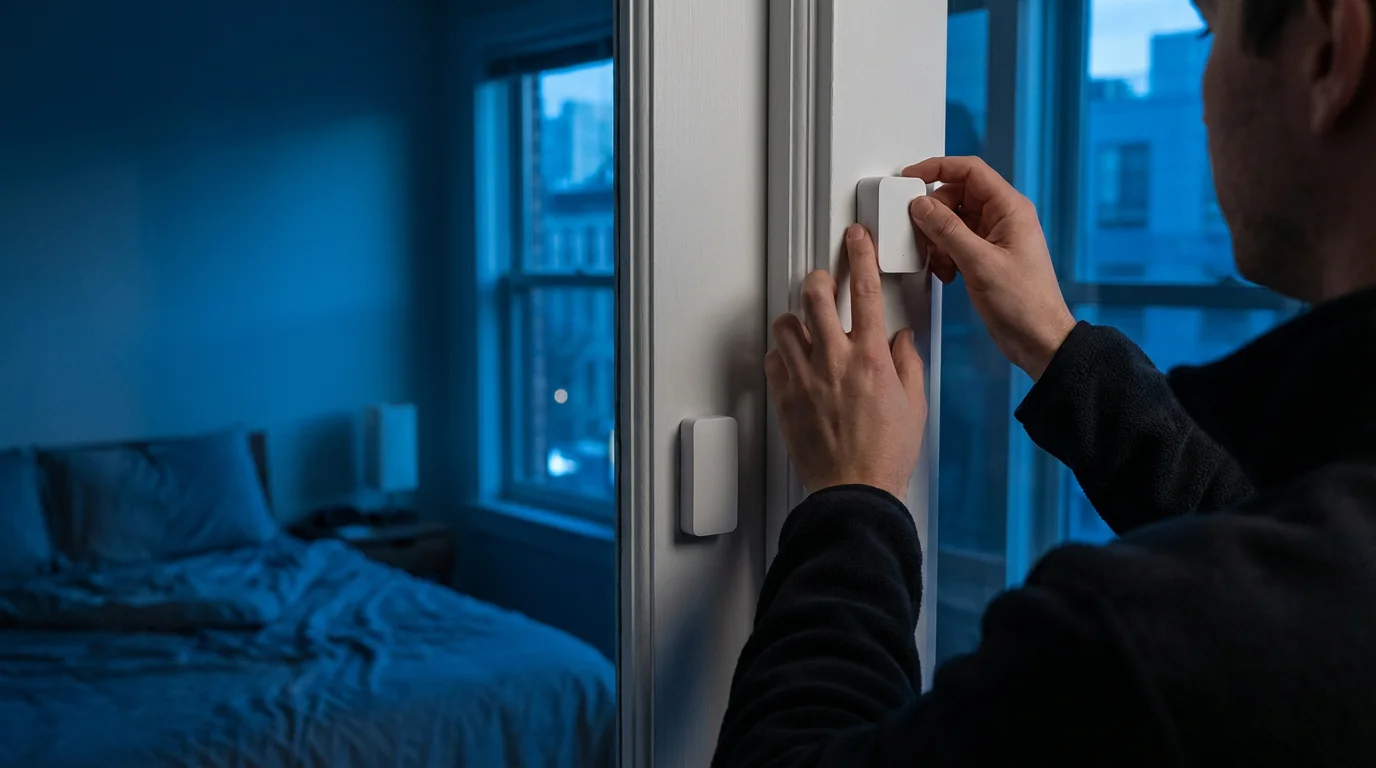
Peel the adhesive backing from the larger sensor component. Press it firmly onto the fixed frame of your door or window. Hold it for 30 seconds to ensure a strong bond.
- Install the Magnet:
Peel the adhesive backing from the smaller magnet component. Align it with the sensor body on the movable part of the door or window. Again, press firmly for 30 seconds. The indicator marks on both pieces should align.
- Pair with Your Smart Home Hub:
Open your smart home app (e.g., Alexa, Google Home, SmartThings). Follow the app’s instructions to add a new device. This usually involves putting the hub into pairing mode and activating the sensor (often by pulling a tab or pressing a button). The app will confirm successful pairing.
- Test Functionality:
Once paired, open and close the door or window several times. Check your smart home app to confirm that the sensor status updates correctly (e.g., “Open” or “Closed”). Adjust alignment if the sensor fails to register changes consistently.
Remember, always refer to your specific sensor’s instruction manual for detailed guidance. While most installations are simple, if you encounter any wiring or advanced integration issues beyond basic setup, consult a licensed professional or your smart home system’s technical support.
Integrating Sensors into Your Smart Home Automations
The true power of smart door and window sensors emerges when you integrate them into intelligent home automations. These automations transform simple entry detection into proactive actions, making your home more responsive and efficient.
Consider these practical automation examples:
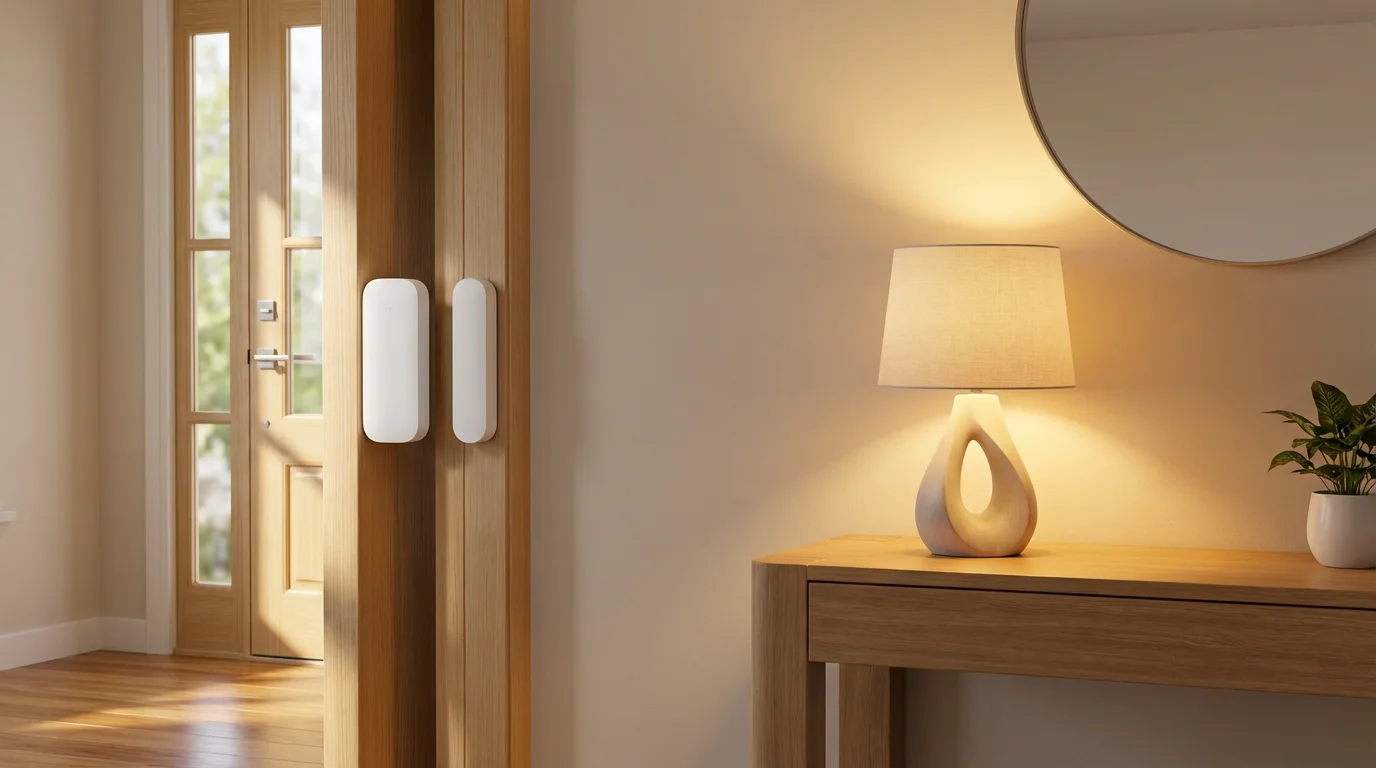
- Automated Lighting: Program your entryway lights to switch on when the front door opens after sunset. Similarly, a pantry light can activate when its door swings open, then turn off after a few minutes of inactivity.
- Enhanced Security Scenes: When a window sensor detects an opening while your security system is armed, trigger your smart siren, flash exterior smart lights, and send immediate notifications to your phone and trusted contacts.
- Climate Control for Efficiency: If a window or door remains open for more than five minutes, your smart thermostat can automatically pause heating or cooling. This prevents energy waste, especially on milder days when fresh air is preferred.
- Welcome Home Routines: Combine door sensors with presence detection. When your front door opens and your smartphone is detected at home, disarm your security system, adjust the thermostat to your preferred temperature, and play your favorite playlist.
- Child and Pet Safety Alerts: Place sensors on gates leading to dangerous areas like pools or on cabinets storing harmful chemicals. Receive an instant alert if these doors are opened, allowing for quick intervention.
- Monitoring Deliveries: Install a sensor on your garage service door or a package drop box. Receive a notification the moment a delivery person places a package inside, ensuring you know when items arrive.
These automations demonstrate how door sensors and window sensors move beyond basic security. They create a seamless, intelligent living environment that caters to your lifestyle, enhancing both safety and daily convenience.
Advanced Tips for Maximizing Sensor Effectiveness
To get the most out of your window and door sensors, consider these advanced strategies and best practices. These tips help ensure your system is robust, reliable, and perfectly tailored to your home’s needs.
- Strategic Placement Beyond Main Entries: Do not limit entry detection to just your front and back doors. Install sensors on less obvious points of entry, such as basement windows, side doors, garage access doors, and even skylights. Intruders often target the path of least resistance.
- Combine with Other Sensor Types: Pair your contact sensors with motion sensors and security cameras for a multi-layered defense. A motion sensor can confirm activity after a door sensor triggers, while cameras provide visual verification. This reduces false alarms and offers comprehensive monitoring.
- Optimize Battery Life: While modern sensors boast long battery lives, monitoring battery levels within your smart home app is crucial. Replace batteries proactively before they drain completely. Use high-quality, reputable brand batteries for consistent performance.
- Regular Testing and Maintenance: Periodically test each sensor by opening and closing its respective door or window and verifying the status change in your app. This confirms the sensor is communicating properly and ensures reliable entry detection. Clean the sensor surfaces to prevent dust buildup.
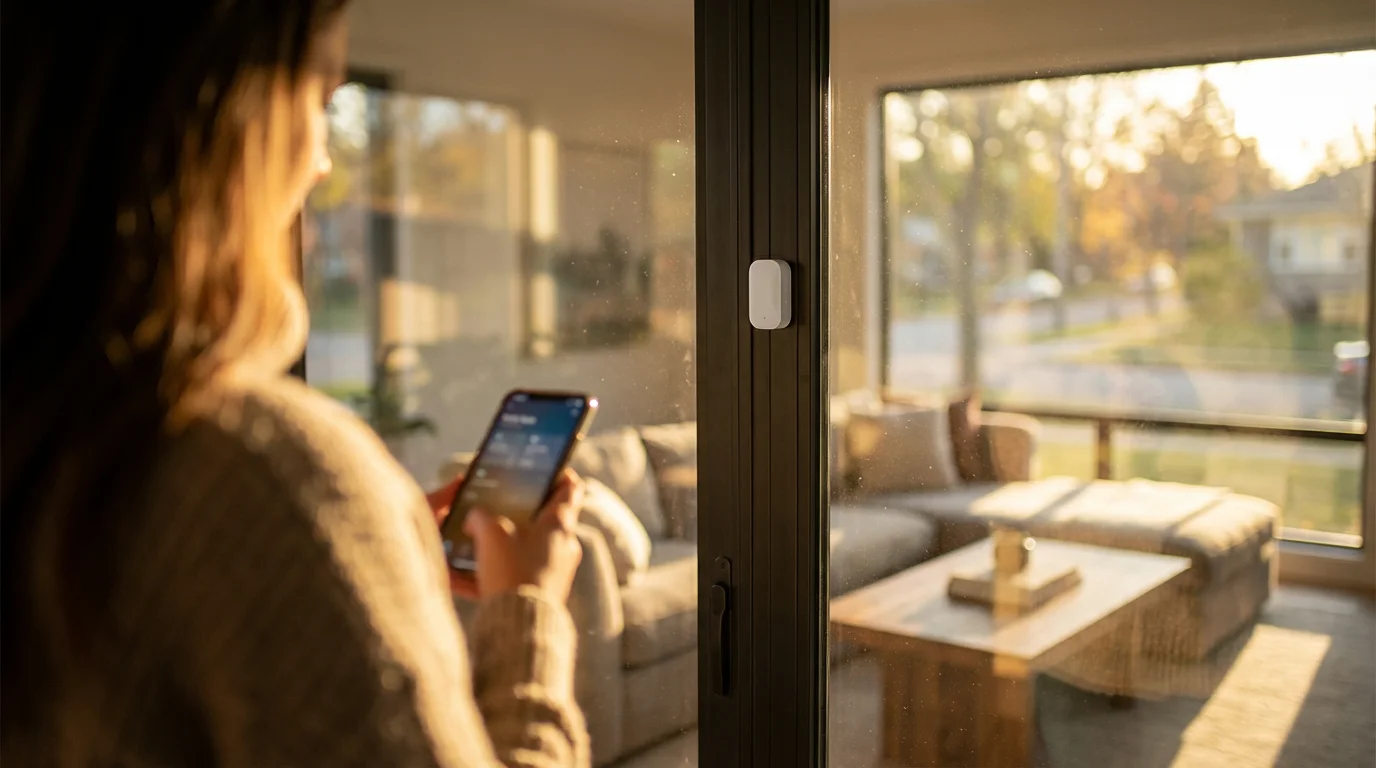
- Adjust Notification Settings: Customize your alerts to avoid “notification fatigue.” Set critical alerts for security breaches, but perhaps use subtle visual cues or light changes for less urgent events, like a back door opening during the day. Tailor alerts to your schedule and preferences.
- Leverage Geo-Fencing: Integrate your sensors with geo-fencing features in your smart home app. Your security system can automatically arm itself when you leave a defined perimeter and disarm upon your return, ensuring your sensors are always active when needed.
Implementing these advanced tips transforms your sensor network from a basic alert system into a proactive, intelligent guardian for your home.
Privacy and Security Best Practices with Sensors
While window and door sensors primarily enhance your physical security, it is equally important to address digital privacy and security. Protecting your smart home network safeguards your data and prevents unauthorized access to your devices.
While physical security is important, it is equally vital to know how to secure your smart home from hackers to protect your sensor data.
Follow these essential best practices:
- Strong, Unique Passwords:
Use complex, unique passwords for your smart home accounts and Wi-Fi network. Avoid common phrases or personal information. A strong password, combined with two-factor authentication, significantly reduces the risk of unauthorized access.
- Enable Two-Factor Authentication (2FA):
Wherever available, enable 2FA for your smart home accounts. This adds an extra layer of security, requiring a second verification step, like a code from your phone, before logging in.
- Keep Firmware Updated:
Regularly check for and install firmware updates for your smart home hub and sensors. Manufacturers release updates to patch security vulnerabilities and improve performance. Outdated firmware can be a significant security risk.
- Secure Your Wi-Fi Network:
Use WPA3 or WPA2 encryption for your Wi-Fi network. Change the default router password. Consider creating a separate guest network or a dedicated IoT network for smart devices to isolate them from your main network.
- Understand Data Collection:
Review the privacy policies of your smart device manufacturers. Understand what data they collect, how it is used, and if you have options to control or limit data sharing. Window and door sensors typically collect less personal data than cameras, focusing on status changes rather than visual or audio recordings.
- Encrypt Communications:
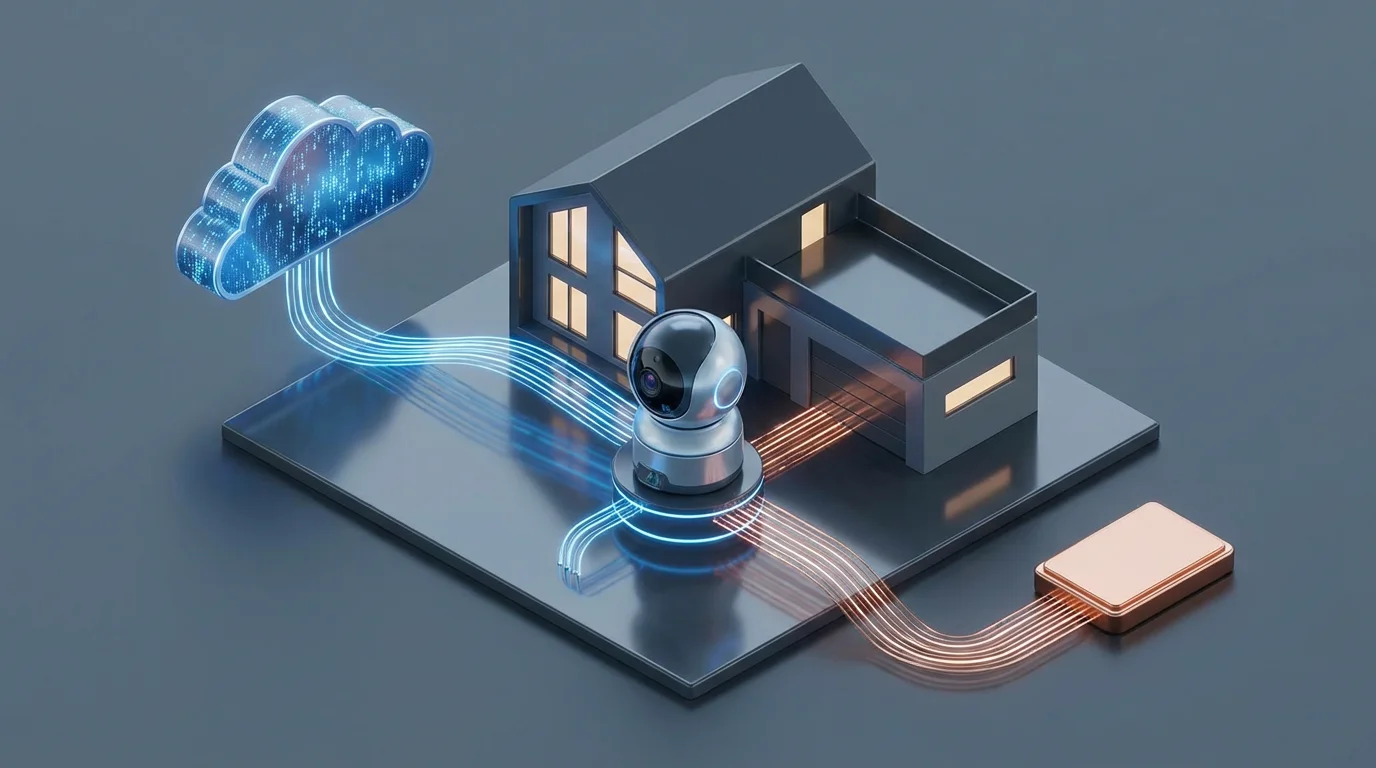
Ensure your smart home platform uses encrypted communication protocols between your sensors, hub, and the cloud. This protects your data from interception as it travels across your network and the internet.
By actively managing these digital security aspects, you bolster the overall protection provided by your physical door sensors and window sensors. You ensure your smart home remains a secure and private sanctuary.
Frequently Asked Questions
Do window and door sensors work without Wi-Fi?
Most smart window and door sensors require a wireless connection, but not all require Wi-Fi. Sensors using Zigbee or Z-Wave protocols connect to a dedicated smart home hub, which then connects to your internet, often via Wi-Fi or Ethernet. Some basic, non-smart sensors might be standalone and not connect to any network. Wi-Fi-only sensors directly connect to your home Wi-Fi.
How long do sensor batteries last?
Battery life for smart window and door sensors varies significantly based on the sensor type, connectivity protocol (Wi-Fi sensors generally consume more power than Zigbee or Z-Wave), usage frequency, and battery quality. Many sensors can last between 1 to 3 years on a single coin-cell or AA/AAA battery. Your smart home app usually provides battery level indications.
Can I use different brands of sensors together?
Yes, often you can mix and match different brands of sensors, especially if they operate on the same communication protocol (like Zigbee or Z-Wave) and connect to a common smart home hub or platform. However, for direct Wi-Fi sensors, compatibility is usually brand-specific. The emerging Matter standard aims to significantly improve interoperability across brands and ecosystems.
Are these sensors effective against all types of intrusion?
Window and door sensors are highly effective against intrusions where an entry point is opened. They provide immediate entry detection. However, they do not detect intrusions that involve breaking glass without opening the window, or through walls. For comprehensive security, combine them with other devices like glass-break sensors, motion sensors, and security cameras.
What’s the difference between door sensors and motion sensors?
Door sensors (and window sensors) detect the opening and closing of a specific entry point. They trigger when two magnetic parts separate. Motion sensors, conversely, detect movement within a designated area, regardless of whether a door or window is opened. Both contribute to a robust security system, serving different detection purposes.
Embracing smart window and door sensors empowers you to take control of your home’s security and efficiency. Their straightforward installation, coupled with versatile automation capabilities, makes them an indispensable part of any modern smart home. You gain valuable insights and a responsive environment that adapts to your needs, providing both convenience and critical peace of mind.
Disclaimer: This article is for informational purposes only. Smart home devices involve electrical connections and data privacy. Always follow manufacturer instructions for installation. For complex wiring or HVAC work, consult a licensed professional.
For visual verification of these alerts, consider pairing your sensors with one of the best video doorbells for 2025.
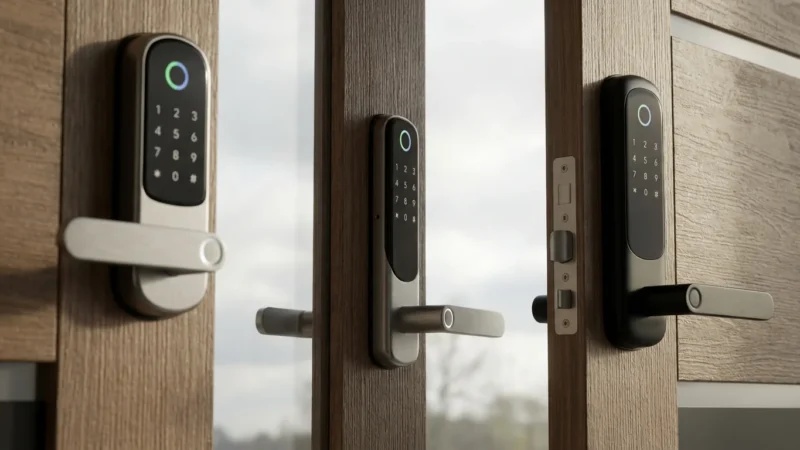
Many homeowners also pair these triggers with smart locks to ensure their home is fully secured the moment a door is closed.



Leave a Reply