
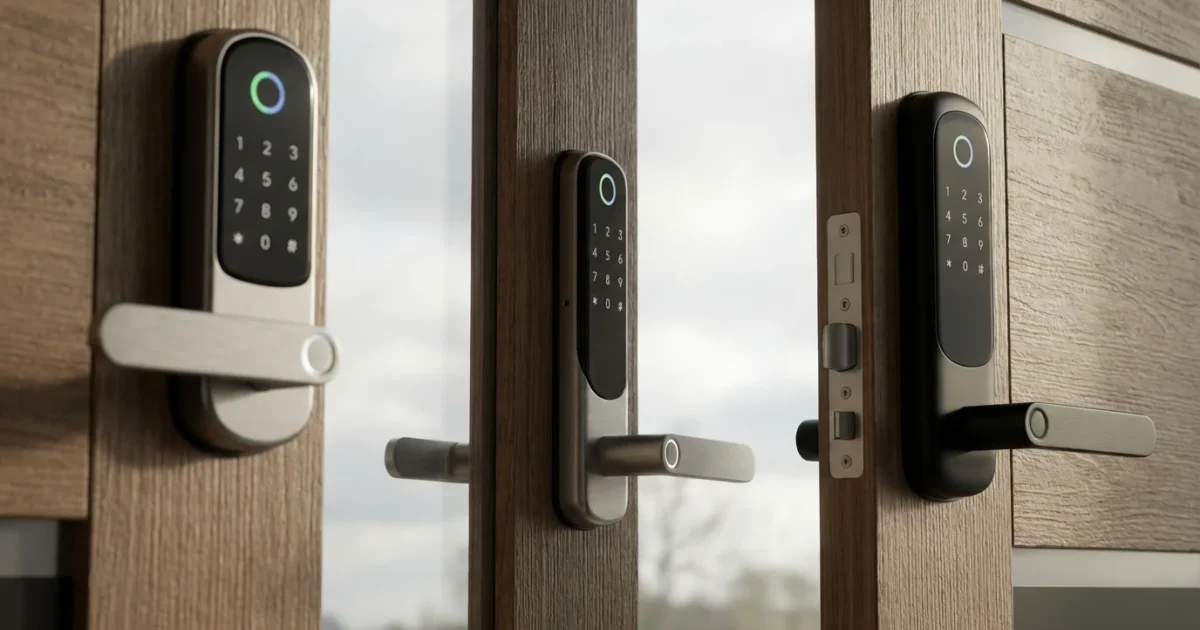
Securing your home and managing access should be easy and efficient. Smart locks offer convenience, enhanced security, and seamless integration with your existing smart home ecosystem. When you choose an Alexa smart lock, you gain the power of voice control, making daily routines smoother and giving you greater peace of mind.
This guide explores the top smart locks compatible with Alexa, detailing their features, benefits, and how they fit into a modern home. You will learn what to look for, how to optimize your setup, and practical steps to enhance your home’s security and convenience with voice controlled door locks.
Why Choose Alexa Smart Locks for Your Home?
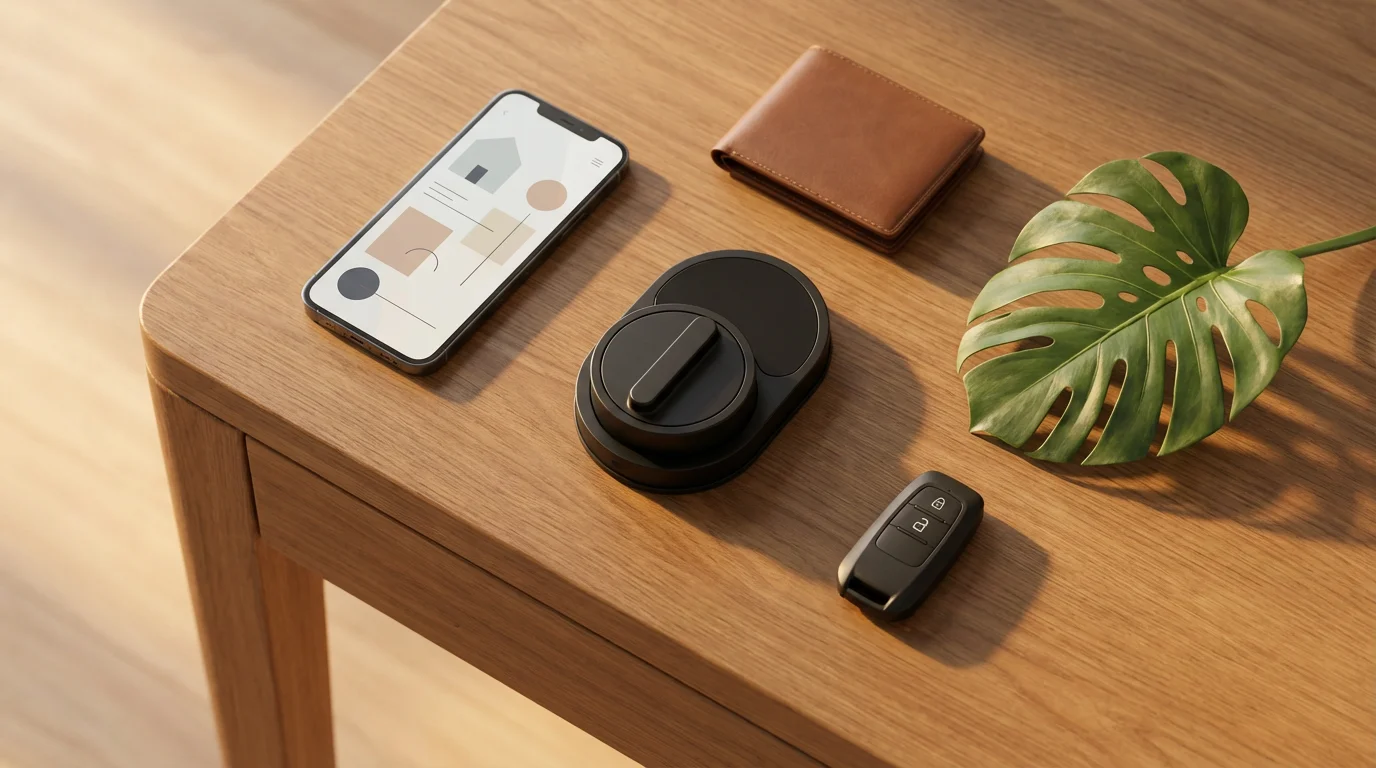
Integrating smart locks with Alexa transforms how you interact with your home’s entry points. Imagine leaving for work and simply telling Alexa to lock the front door, or returning home with groceries and unlocking it with a voice command. This level of convenience saves time and reduces stress, ensuring your home is secure without fumbling for keys.
Integrating a lock is a vital component for those learning how to set up a complete smart security system from scratch.
Alexa smart locks provide more than just voice control. They offer advanced security features, remote access management, and seamless integration with other smart devices. This means your smart lock can trigger other actions, like turning on lights when you unlock the door, creating a truly automated experience.
How Alexa Smart Locks Work
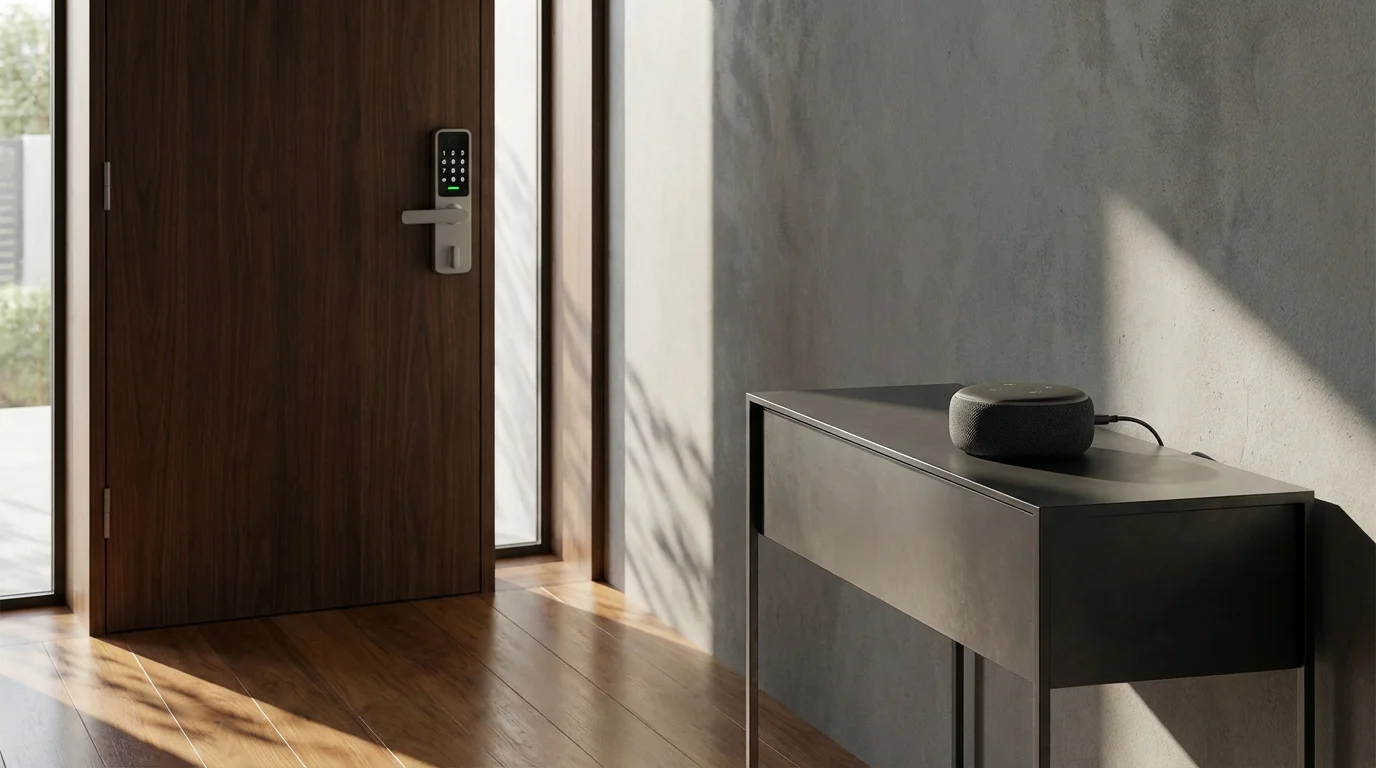
Alexa smart locks connect to your home network and communicate with your Amazon Echo devices. This connectivity allows Alexa to send commands to the lock and receive status updates. The primary ways these compatible locks communicate include Wi-Fi, Zigbee, Bluetooth, and the newer Matter standard.
- Wi-Fi: Locks with built-in Wi-Fi connect directly to your home router. They do not require a separate hub, making installation straightforward. However, Wi-Fi can consume more battery power than other protocols.
- Zigbee: Zigbee smart locks require a compatible hub, often built into an Echo device like the Echo Show or Echo Studio. This creates a mesh network, extending range and improving reliability. Zigbee uses less power, extending battery life.
- Bluetooth: Some smart locks use Bluetooth for local control via your smartphone. To integrate with Alexa for remote access or voice commands, these locks often require a Wi-Fi bridge or hub.
- Matter: Matter is a new universal standard designed to simplify smart home device compatibility. Matter-enabled Alexa smart locks offer robust local control and enhanced interoperability with various ecosystems, reducing setup complexity. You can find more information about this standard from the Connectivity Standards Alliance.
Once connected, you can use voice commands to check the lock’s status, lock the door, and in some cases, unlock it with a specific PIN for added security. For example, you might say, “Alexa, is the front door locked?” or “Alexa, lock the back door.”
Key Features to Consider in Alexa Smart Locks
When selecting the best smart locks that work with Alexa, evaluate several key features to ensure the lock meets your specific needs. Understanding these capabilities helps you choose a device that offers both convenience and robust security.
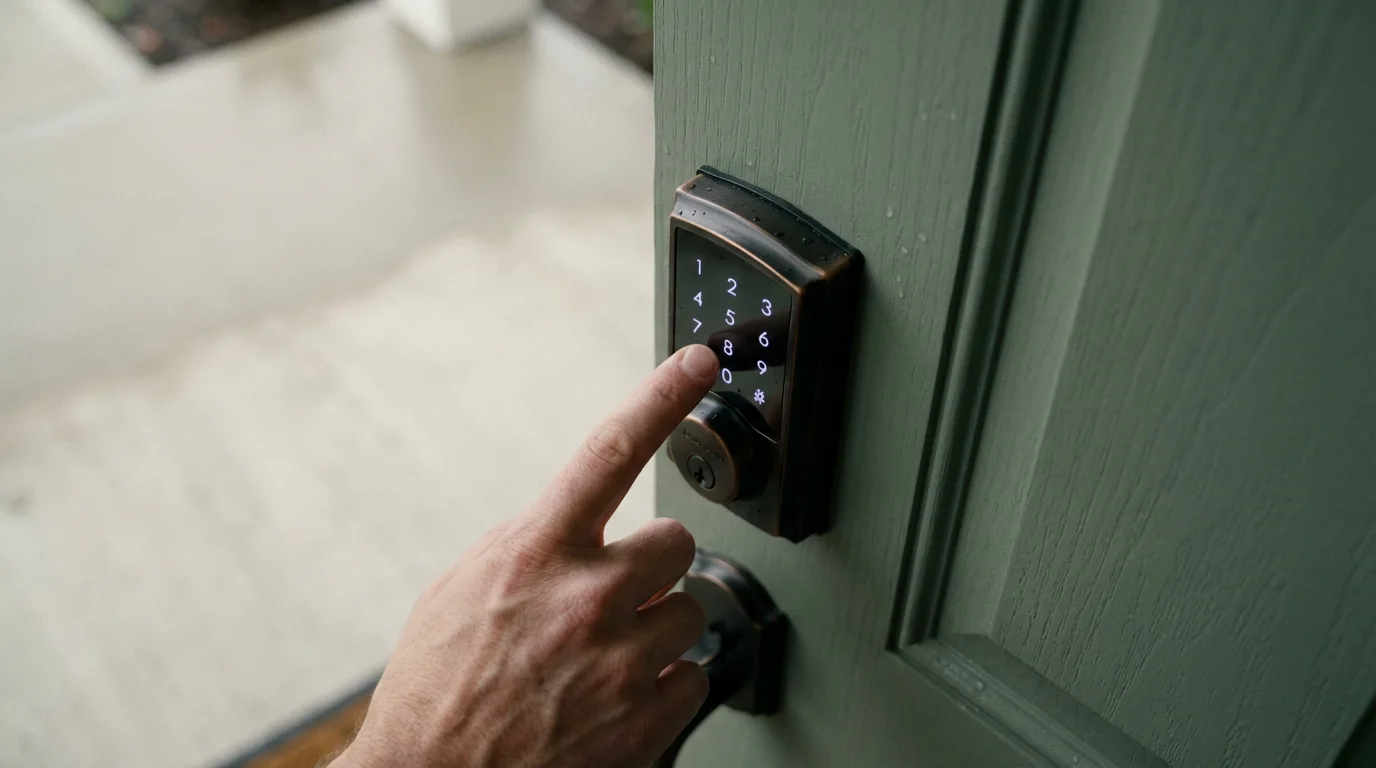
- Voice Control: The core feature is the ability to lock and unlock your door, or check its status, using Alexa voice commands. Ensure the lock’s Alexa integration is seamless and responsive.
- Remote Access: Manage your lock from anywhere using a smartphone app. You can lock or unlock doors for deliveries, check if you left a door unsecured, or let family members in even when you are away.
- Guest Access and Codes: Generate temporary or permanent access codes for visitors, service providers, or family members. You can often set schedules for these codes, ensuring access only when needed.
- Auto-Lock and Unlock: Configure your lock to automatically lock after a set period, preventing you from accidentally leaving your home unsecured. Some advanced locks can even auto-unlock when you approach with your smartphone.
- Tamper Alerts and Notifications: Receive immediate notifications on your smartphone if someone tries to tamper with your lock or if the door is left ajar. This proactive security feature provides peace of mind.
- Activity Logs: Review a history of who entered your home and when. This audit trail is useful for monitoring household activity and for security purposes.
- Battery Life: Smart locks run on batteries, so consider models known for extended battery life. You want a lock that does not require frequent battery changes, and ideally, one that warns you when power is low.
- Design and Finish: Smart locks come in various styles and finishes. Choose one that complements your home’s aesthetic, matching your existing door hardware.
- Installation Type: Decide if you prefer a full replacement lock or a retrofit model that installs over your existing deadbolt. Retrofit options often simplify installation.
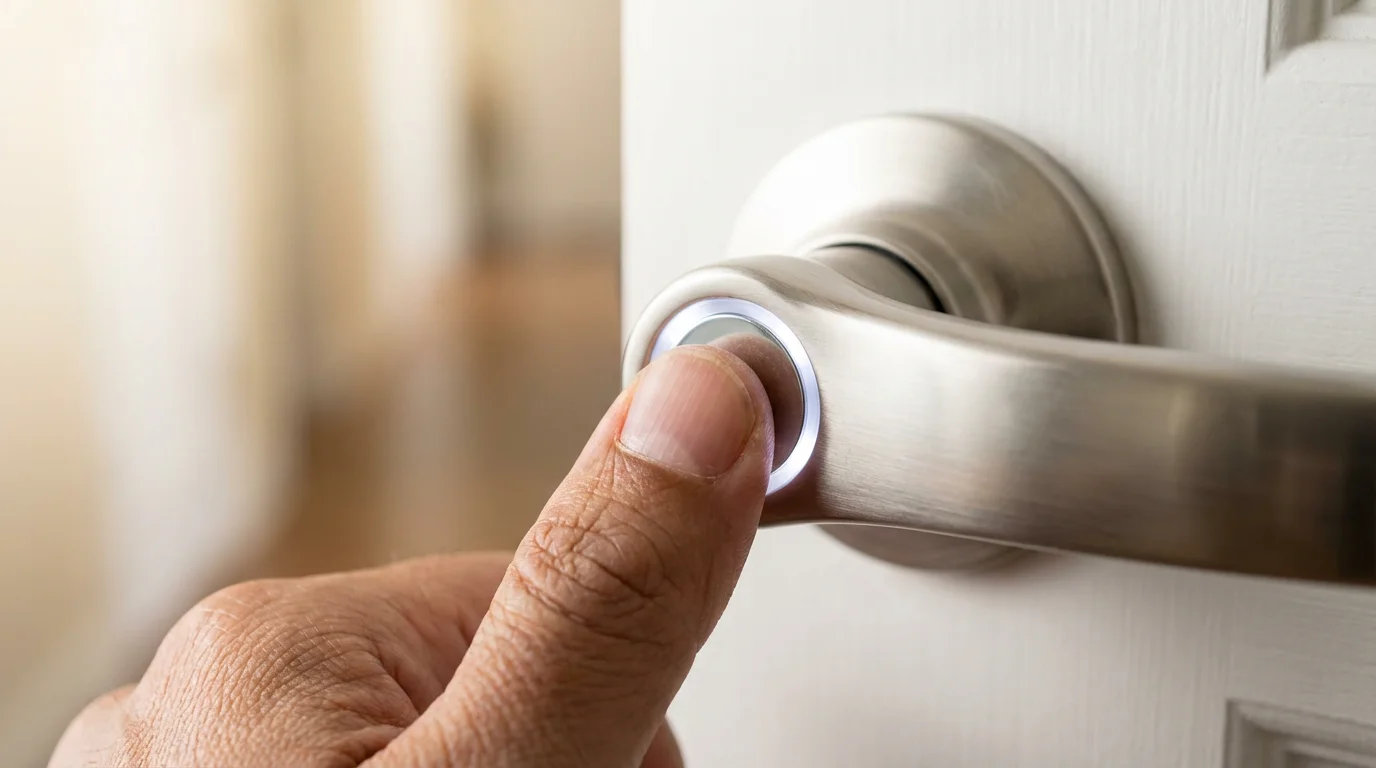
Top Alexa Compatible Smart Locks for Your Home
We have curated a list of the best Alexa smart locks, balancing features, reliability, and user experience. These compatible locks offer excellent integration with Amazon’s voice assistant, enhancing your home’s security and smart capabilities.
Schlage Encode Plus Smart Wi-Fi Deadbolt
The Schlage Encode Plus stands out for its robust feature set and direct Wi-Fi connectivity, eliminating the need for a separate hub. It integrates seamlessly with Alexa, allowing for voice control, remote access, and status checks. A standout feature is its compatibility with Apple Home Key, letting you unlock your door by tapping your iPhone or Apple Watch.
- Connectivity: Wi-Fi, Bluetooth, Matter.
- Key Features: Built-in Wi-Fi, Matter support, Apple Home Key, keypad with illuminated numbers, auto-lock, tamper alarms, activity log.
- Why We Recommend It: This lock offers top-tier security with convenient voice unlock capabilities. Its direct Wi-Fi connection simplifies setup, and Matter support ensures future-proofing within your smart home ecosystem.
August Wi-Fi Smart Lock
The August Wi-Fi Smart Lock is perfect for renters or those who prefer to keep their existing deadbolt and keys. It installs on the inside of your door, leaving your exterior hardware unchanged. This retrofit design makes installation quick and non-invasive. The built-in Wi-Fi means no external bridge is necessary for Alexa control.
- Connectivity: Wi-Fi, Bluetooth.
- Key Features: Retrofit installation, Auto-Unlock and Lock, DoorSense (tells you if your door is open or closed), virtual guest keys, activity feed.
- Why We Recommend It: Its ease of installation and ability to retain your existing keys make it an an excellent choice for many. Auto-Unlock is incredibly convenient when your hands are full.
Yale Assure Lock 2 with Wi-Fi
The Yale Assure Lock 2 is a stylish and versatile smart lock that offers multiple entry options: keypad, smartphone app, and traditional key. With its direct Wi-Fi module, it connects directly to your home network for Alexa control. Yale’s reputation for security shines through in its durable construction.
- Connectivity: Wi-Fi, Bluetooth, optional Matter upgrade module.
- Key Features: Sleek design, keypad entry, physical key override, auto-lock, remote access, virtual keys, easy integration with Alexa and Google Home.
- Why We Recommend It: This lock balances aesthetics, security, and smart features effectively. The option for a physical key provides a reliable backup, and Matter support enhances its versatility. For more insights, you might consult smart home reviews from CNET Smart Home.
Kwikset Halo Touch Fingerprint Smart Lock
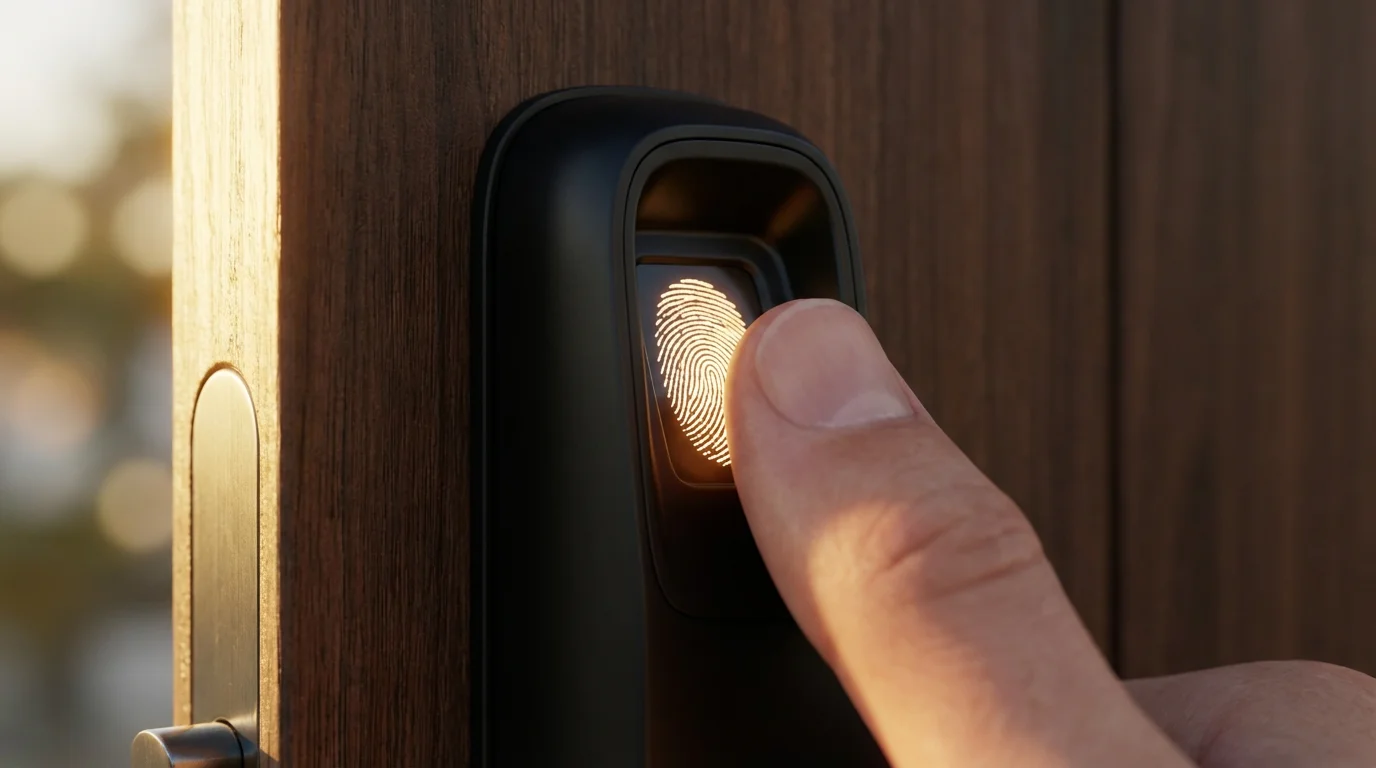
The Kwikset Halo Touch elevates convenience by adding fingerprint access to its features. You can unlock your door with a touch of your registered finger, eliminating the need for keys or codes. It connects directly to your Wi-Fi for Alexa voice control, giving you options for how you want to manage access.
- Connectivity: Wi-Fi.
- Key Features: Fingerprint access, Wi-Fi connectivity, keypad, remote access, auto-lock, personalized access codes.
- Why We Recommend It: The fingerprint scanner offers unparalleled speed and convenience. If you prioritize quick, keyless entry without fumbling for your phone, this is an excellent choice among voice controlled door locks.
Wyze Lock
The Wyze Lock offers an affordable entry point into smart home security without sacrificing essential features. Like the August, it is a retrofit lock that installs over your existing deadbolt on the inside of your door. It connects to Alexa via its included Wi-Fi Gateway, providing reliable remote access and voice control.
- Connectivity: Bluetooth (to gateway), Wi-Fi (gateway to router).
- Key Features: Affordable, retrofit design, auto-lock and unlock, door position detection, remote access via app, Alexa integration.
- Why We Recommend It: If you are looking for a budget-friendly option to add Alexa smart lock capabilities to your existing deadbolt, the Wyze Lock delivers impressive value and functionality.
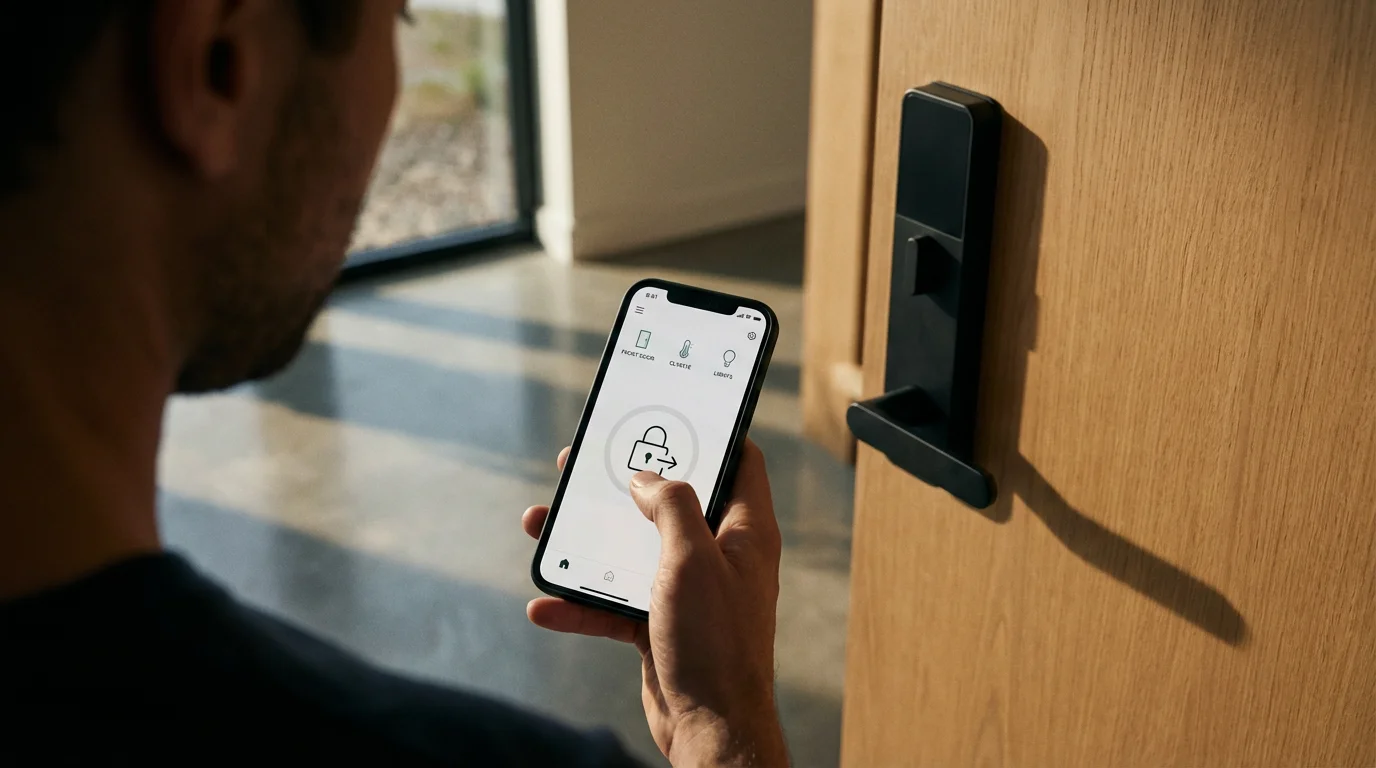
Choosing Your Ideal Alexa Smart Lock
With several excellent Alexa smart locks available, consider these factors to make an informed decision for your home. Your choice depends on your specific needs, existing setup, and priorities for security and convenience.
- Compatibility with Your Door:
- Most smart locks replace standard deadbolts. Ensure your door thickness and bore hole are compatible with the chosen model.
- Check if you prefer a full replacement or a retrofit option that works with your existing hardware.
- Connectivity Type:
- Wi-Fi: Simplest for many, direct connection, but can impact battery.
- Zigbee/Matter: Requires a compatible hub (like some Echo devices), offers better battery life and potentially stronger mesh network. This is important for best smart locks that work with Alexa and Google, as Matter offers cross-platform compatibility.
- Entry Methods:
- Do you want a keypad?
- Is fingerprint access important to you?
- Do you need a traditional key override as a backup?
- Consider who will use the lock and their preferred method of entry.
- Battery Life and Management:
- Look for locks with good battery longevity, typically 6 months to a year.
- Ensure the app provides low battery alerts so you can replace them before they die.
- Installation Difficulty:
- Some locks are simple DIY projects, especially retrofit models.
- Others might require more comfort with basic tools. If you are uncertain, consider professional installation for peace of mind.
- Budget:
- Prices vary widely based on features, brand, and connectivity.
- Define your budget and prioritize features that are most important to you.
The best smart home is one that simplifies your life and enhances your security without constant management. Choose devices that integrate seamlessly and fade into the background, providing convenience when you need it most.
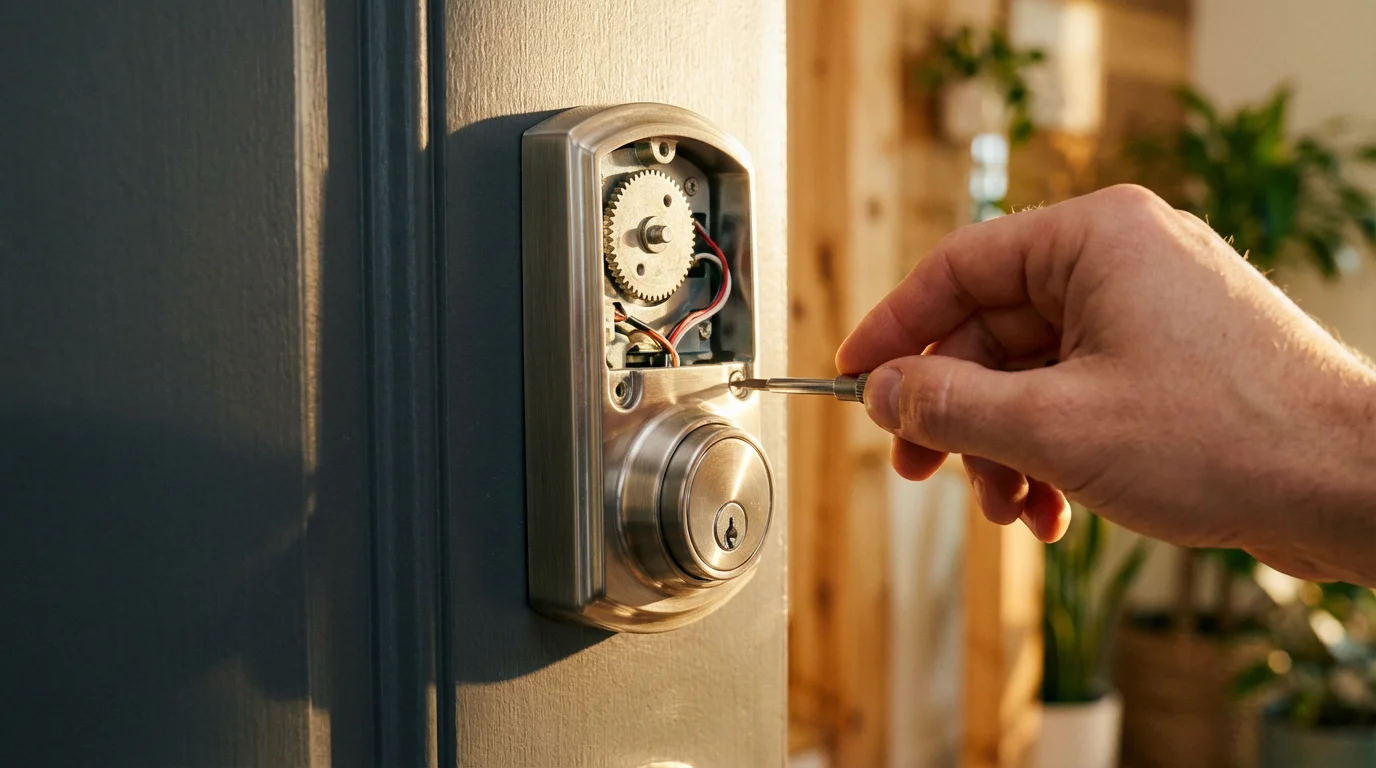
Optimizing Your Alexa Smart Lock for Daily Living
Once you have installed your Alexa smart lock, unlock its full potential by setting up routines and integrating it with other smart devices. These automations create a truly smart and responsive home environment, leveraging your voice controlled door locks.
Alexa Routines for Enhanced Convenience and Security:
- “Leaving Home” Routine: When you say, “Alexa, I’m leaving,” your smart lock engages, lights turn off, and your thermostat adjusts to an away setting.
- “Coming Home” Routine: As you approach home, or when you unlock the door, Alexa can turn on entry lights, disarm your security system, and even start your favorite playlist.
- “Good Night” Routine: Before bed, say “Alexa, good night.” Your smart lock checks and locks all doors, turns off downstairs lights, and adjusts your smart thermostat for sleep.
- Temporary Guest Access: Create a routine that activates a temporary access code on your smart lock for specific dates or times, ideal for house sitters or deliveries.
Integration with Other Smart Devices:
- Smart Lights: Link your smart lock to smart lights so they illuminate your path when you unlock the door after dark.
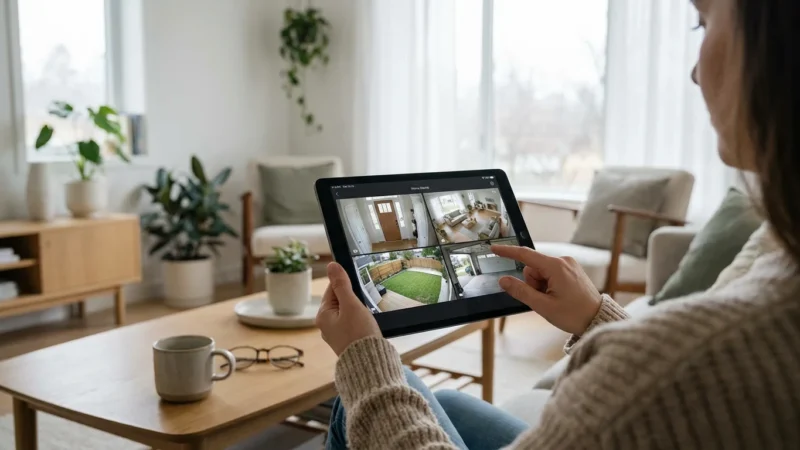
- Security Cameras: If your smart lock detects tampering, a connected security camera can begin recording and send you an alert.
- Video Doorbells: When someone rings your video doorbell, you can see who is there and, if desired, unlock the door using Alexa voice commands through your compatible locks.
- Smart Thermostats: Your smart lock’s “home” or “away” status can inform your smart thermostat to adjust temperatures, saving energy when no one is home. According to Energy Star, smart thermostats can save up to 10% on heating and cooling costs. You can find more details on Energy Star’s website.
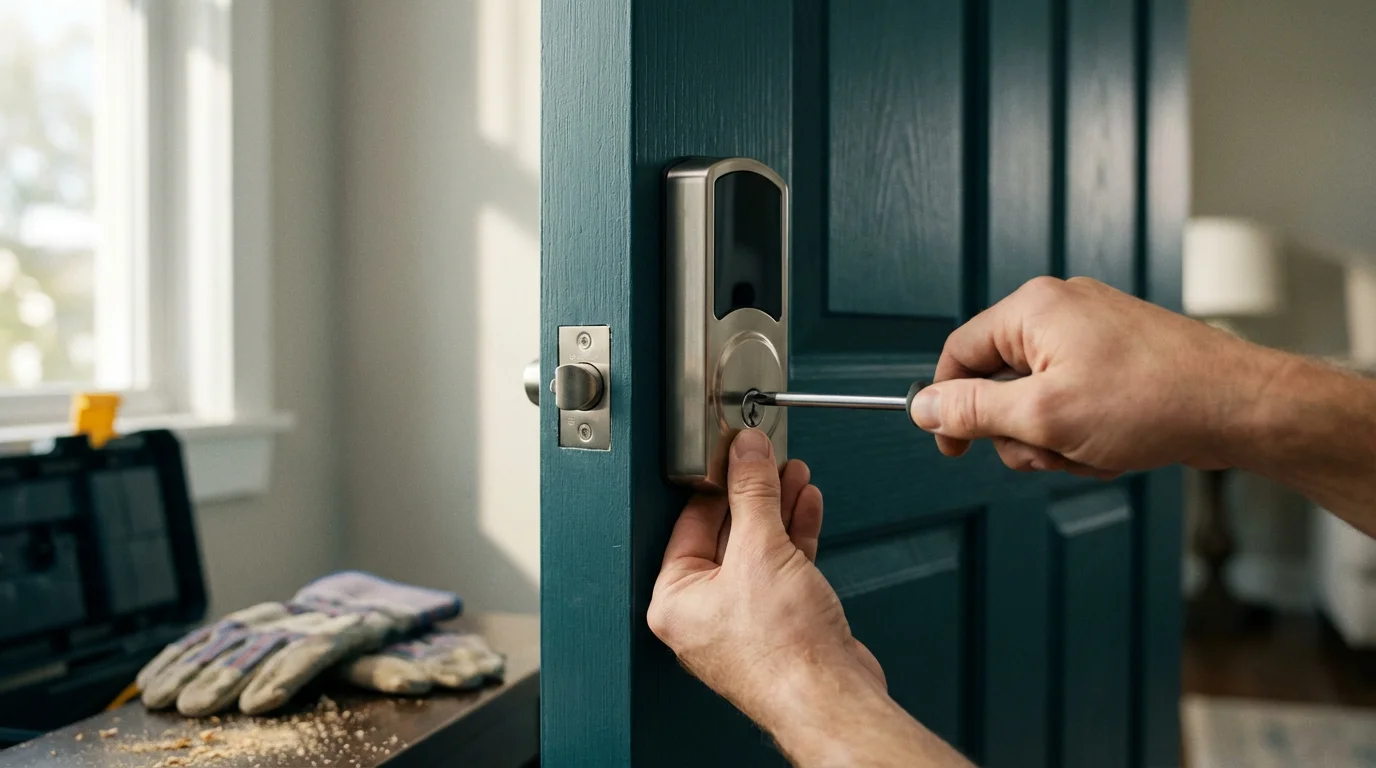
Installation and Safety Tips for Smart Locks
Installing an Alexa smart lock is often a straightforward process, but proper installation ensures both functionality and security. Always refer to your specific lock’s instruction manual for detailed steps.
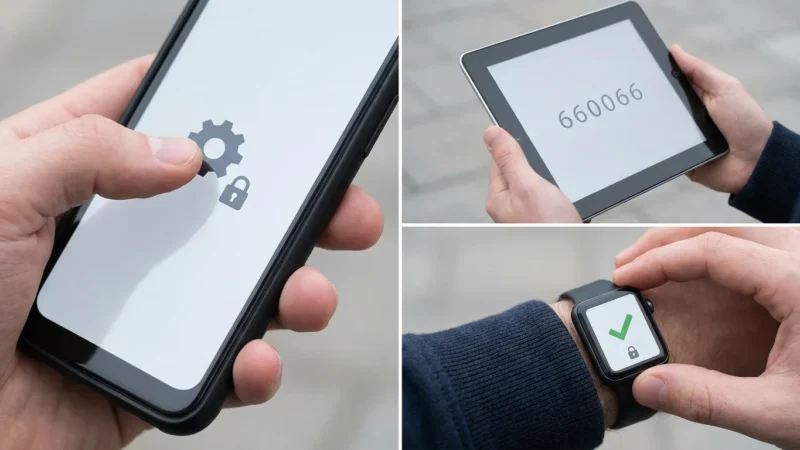
Once your hardware is in place, it is highly recommended to set up two-factor authentication on your app account to prevent unauthorized digital access.
- Read the Manual: Before starting, thoroughly read the manufacturer’s instructions. Each lock has unique components and steps.
- Gather Your Tools: Most installations require only a Phillips head screwdriver. Some may need a tape measure or pencil.
- Check Door Compatibility: Ensure your door thickness, backset, and bore hole size match the lock’s specifications. A standard deadbolt hole is usually 2-1/8 inches in diameter.
- Remove Old Hardware: Carefully remove your existing deadbolt. Keep track of screws and parts in case you need to reinstall it later.
- Install New Lock: Follow the step-by-step instructions. Pay close attention to the orientation of the cylinder, bolt, and internal components. Ensure the bolt extends and retracts smoothly before tightening.
- Test Thoroughly: After physical installation, manually test the lock with a key (if applicable) and from the interior. Then, pair it with your Alexa app and test all smart functions, including voice commands and remote access.
- Firmware Updates: Always ensure your new smart lock has the latest firmware. Manufacturers frequently release updates to improve security, functionality, and compatibility.
- Professional Help: If you encounter any difficulties, or if you are uncomfortable with the installation, consider hiring a locksmith or a smart home professional. They possess the expertise to ensure your lock is installed correctly and securely.
Privacy and Security Best Practices for Your Smart Lock
While Alexa smart locks offer immense convenience, maintaining strong security and privacy practices is crucial. Protect your home and personal data by following these guidelines.
Taking a proactive approach will help you secure your smart home from hackers and keep your family’s data safe.
- Use Strong, Unique Passwords: Create a complex password for your Wi-Fi network and your smart lock’s app. Avoid using easily guessable information.
- Enable Two-Factor Authentication (2FA): If available for your smart lock app and Amazon account, enable 2FA. This adds an extra layer of security, requiring a second verification step, like a code from your phone, to log in.
- Secure Your Wi-Fi Network: Use WPA3 or WPA2 encryption on your home router. Change the default router password. A strong Wi-Fi network forms the foundation of your smart home security.
- Manage Guest Access Codes Carefully: Delete temporary codes once they are no longer needed. Avoid sharing master codes or your personal access code.
- Review Activity Logs: Regularly check your smart lock’s activity log in the app. This helps you monitor who entered your home and detect any unauthorized activity.
- Keep Firmware Updated: Always install manufacturer firmware updates promptly. These updates often include critical security patches that protect against vulnerabilities.
- Restrict Voice Unlocking (Optional): For maximum security, you can disable voice unlocking or require a spoken PIN for unlocking via Alexa. Most smart locks offer these configurable security settings within their app or the Alexa app.
- Understand Data Collection: Be aware of what data your smart lock collects and how it is used. Review the manufacturer’s privacy policy.
Frequently Asked Questions
Can Alexa unlock my door with just my voice?
Yes, many Alexa smart locks support voice unlocking. For security, Alexa typically requires you to enable a specific voice code or PIN that you must speak to unlock the door. This prevents unauthorized individuals from unlocking your door by simply shouting commands at your Echo device from outside your home. You can usually configure this setting in the Alexa app.
What is the difference between Wi-Fi and Zigbee smart locks?
Wi-Fi smart locks connect directly to your home’s Wi-Fi network, often without needing an extra hub. They tend to consume more battery power. Zigbee smart locks require a compatible smart home hub, like certain Echo devices, to communicate with your network. They typically offer better battery life and create a mesh network for extended range and reliability. Some newer locks also support Matter, which simplifies cross-platform compatibility.
Do I need a smart home hub for Alexa smart locks?
It depends on the lock. Many modern Alexa smart locks feature built-in Wi-Fi, which allows them to connect directly to your home network and Alexa without a separate hub. However, some locks use Zigbee or Bluetooth and require a compatible hub, like an Echo Show or Echo Studio with a built-in Zigbee hub, or a dedicated bridge for Bluetooth locks, to enable full Alexa functionality and remote access.
How secure are Alexa smart locks?
Alexa smart locks are designed with robust security features, including strong encryption for communication and secure installation. Like any smart device, their security also depends on your practices: using strong, unique passwords, enabling two-factor authentication, keeping firmware updated, and being cautious with guest access codes. When properly secured, they offer a high level of protection comparable to traditional locks, with added digital safeguards.
What happens if the internet goes out or the power fails?
Most Alexa smart locks retain their core functionality during internet or power outages. You can typically still operate them manually with a physical key, if equipped, or through the keypad. Smart features like remote access, voice control via Alexa, and app notifications will be unavailable until power and internet service are restored. Ensure your chosen lock has a reliable manual override option.
Disclaimer: This article is for informational purposes only. Smart home devices involve electrical connections and data privacy. Always follow manufacturer instructions for installation. For complex wiring or HVAC work, consult a licensed professional.
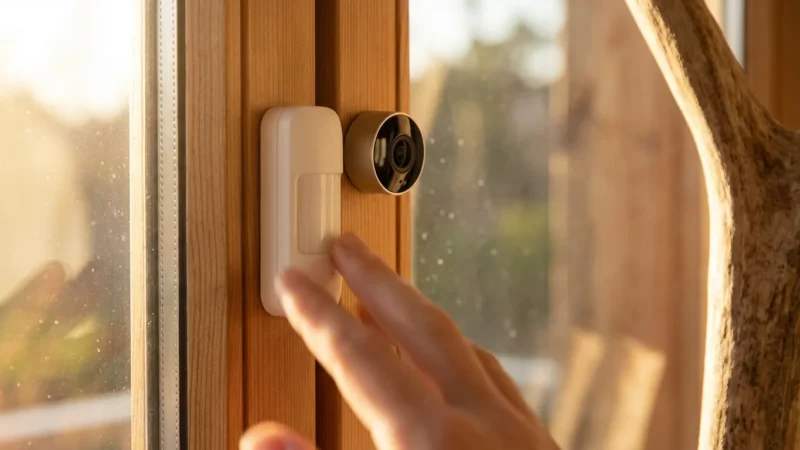
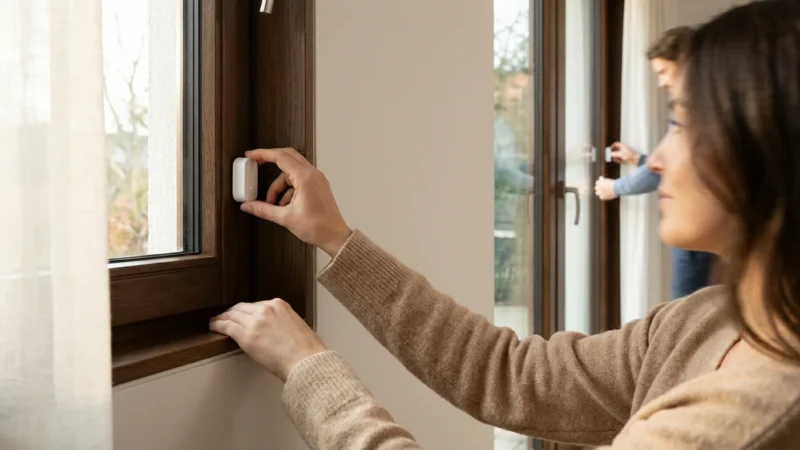
For a fully protected perimeter, you should also consider installing window and door sensors to monitor every point of entry.

Leave a Reply