
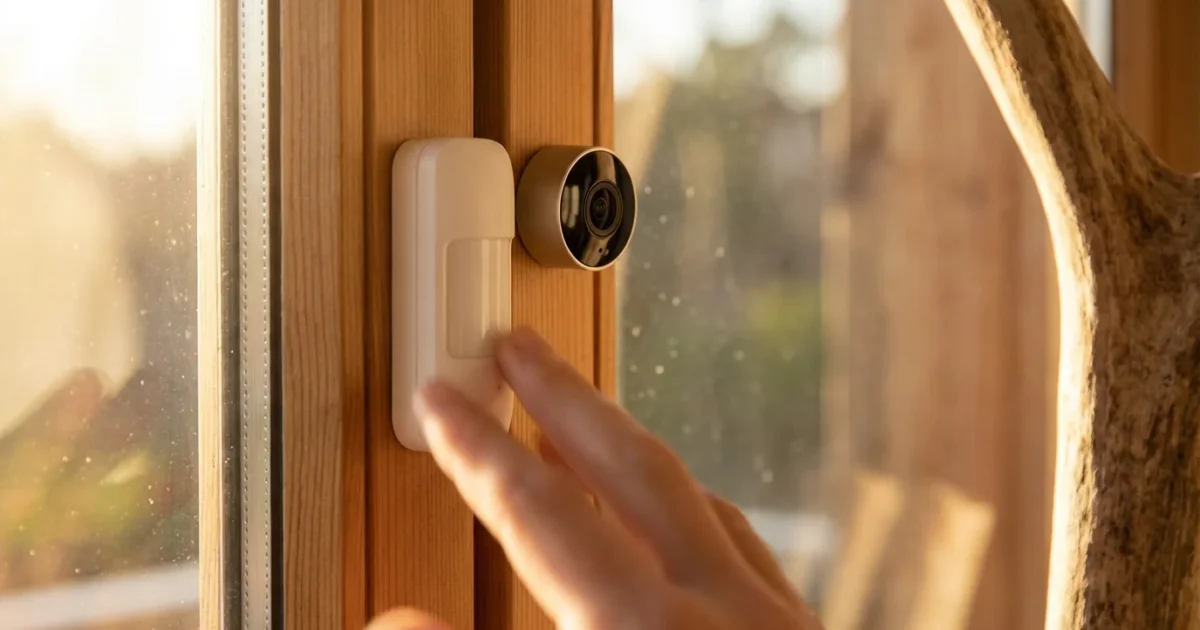
Securing your home provides peace of mind. Many homeowners hesitate, imagining complex installations or ongoing subscription costs. You can build a robust smart security system without committing to monthly fees. This guide shows you how to choose devices, set them up, and leverage automation for effective, budget-friendly protection. You gain full control over your home’s security, its data, and your spending.
Understanding No-Subscription Security Systems
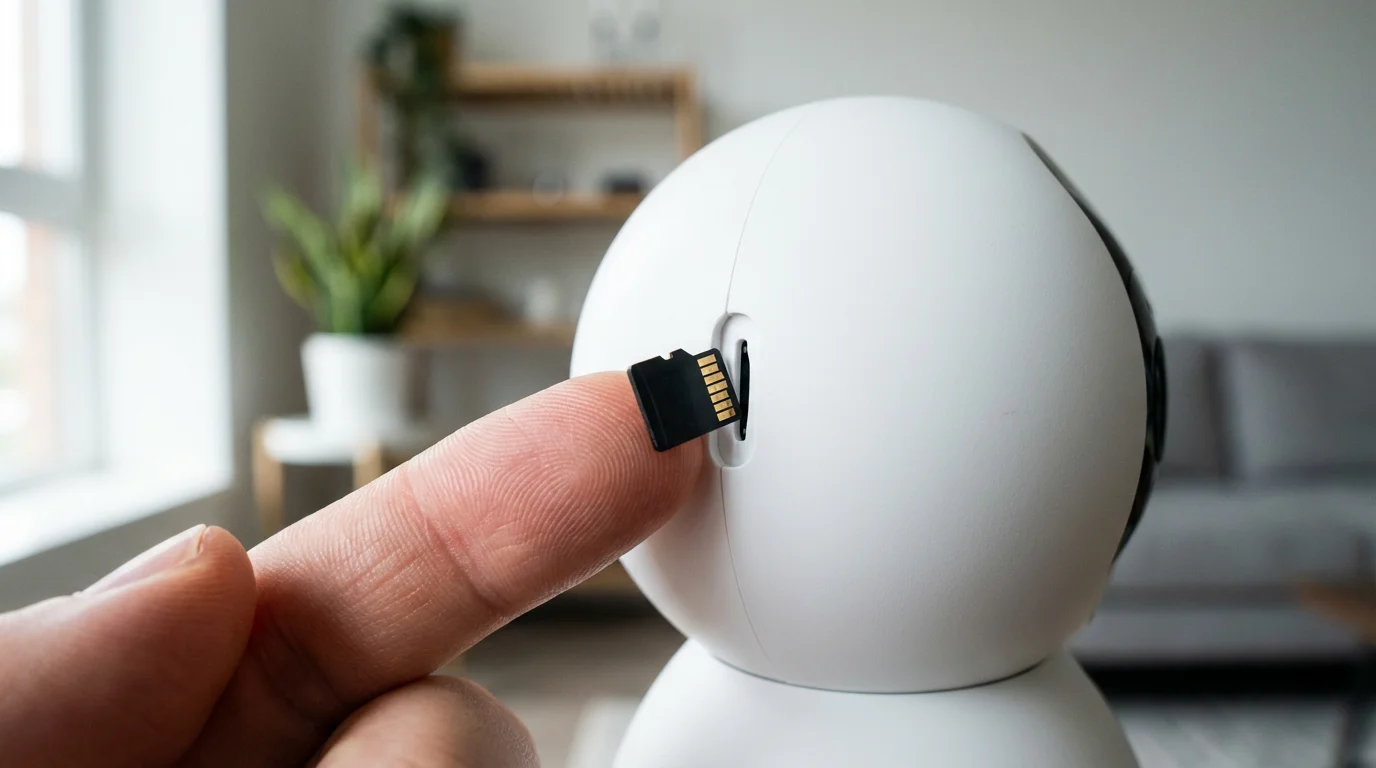
A smart security system without monthly fees means you purchase the hardware outright and manage its operation yourself. You avoid recurring charges for professional monitoring, cloud video storage, or advanced app features. Instead, you typically self-monitor through notifications on your smartphone and utilize local storage options for video recordings.
These systems empower you with direct control. You receive alerts when sensors trigger or cameras detect motion. You decide how to respond, whether calling emergency services directly or checking camera feeds. This approach offers significant long-term savings compared to subscription-based services, which can cost hundreds of dollars annually.
Why Choose a No-Monthly-Fee System?
Opting for a DIY security without subscription presents several compelling advantages for homeowners. You gain flexibility and financial freedom. Many people value controlling their home data.
Here are the primary benefits:
- Significant Cost Savings: Eliminate recurring monthly bills, saving hundreds or even thousands of dollars over the lifetime of your system. Your initial hardware investment is your only major expense.
- Enhanced Privacy: With local storage solutions, your video recordings and data remain within your home network. You avoid uploading sensitive footage to third-party cloud servers, giving you greater control over your personal information.
- Full Ownership and Control: You own the hardware and dictate its functionality. You can customize settings, choose integrations, and decide how your system operates without being restricted by a provider’s service plan.
- Scalability: Expand your system at your own pace and budget. Add more cameras, sensors, or smart locks as your needs evolve, without upgrading a subscription tier.
- No Contract Lock-ins: Enjoy the freedom to change or upgrade components whenever you wish. You are not bound by long-term contracts that tie you to specific hardware or services.
This approach transforms security from an ongoing expense into a one-time investment with lasting benefits.
Core Components of a DIY Smart Security System
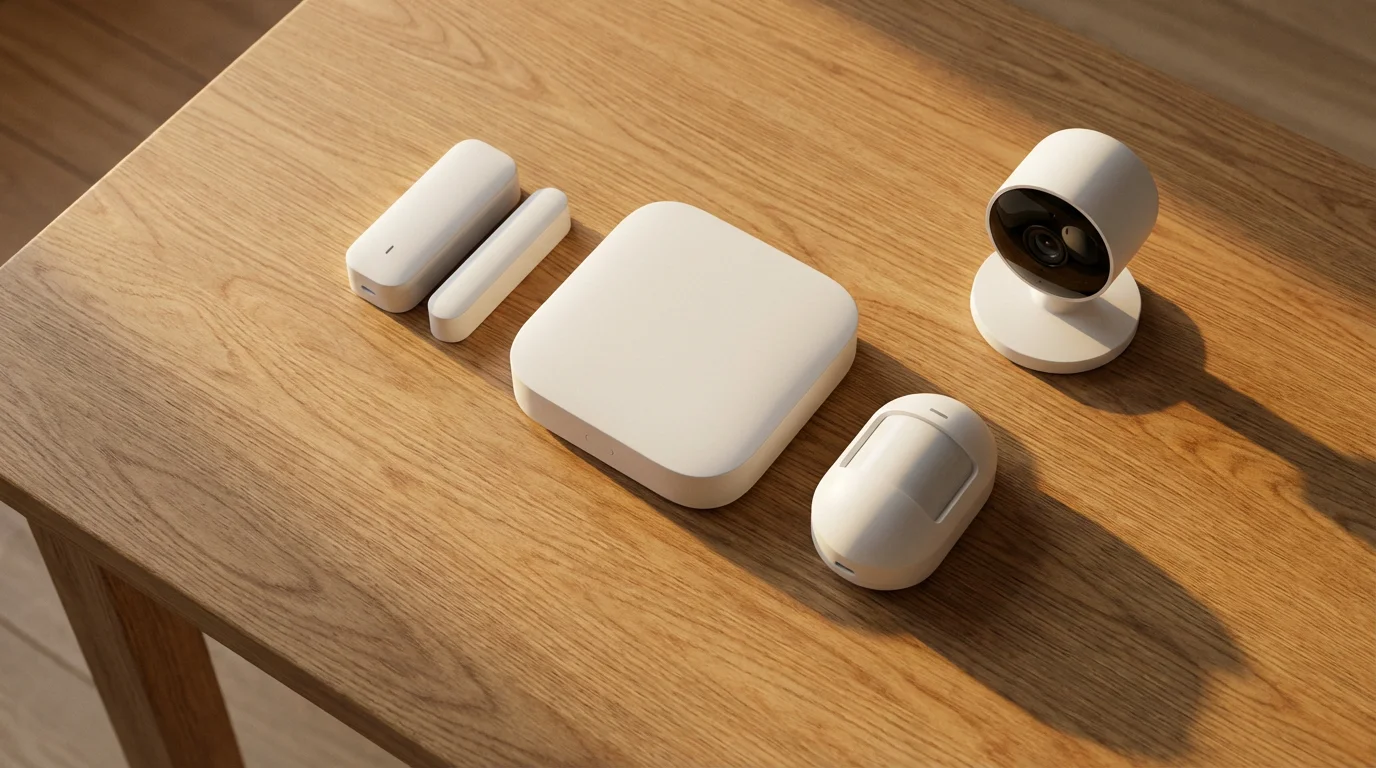
Building a robust no-monthly-fee security system involves selecting the right smart devices. These components work together to provide comprehensive coverage and alert you to potential threats. You choose devices that communicate effectively and offer local storage options.
Key components include:
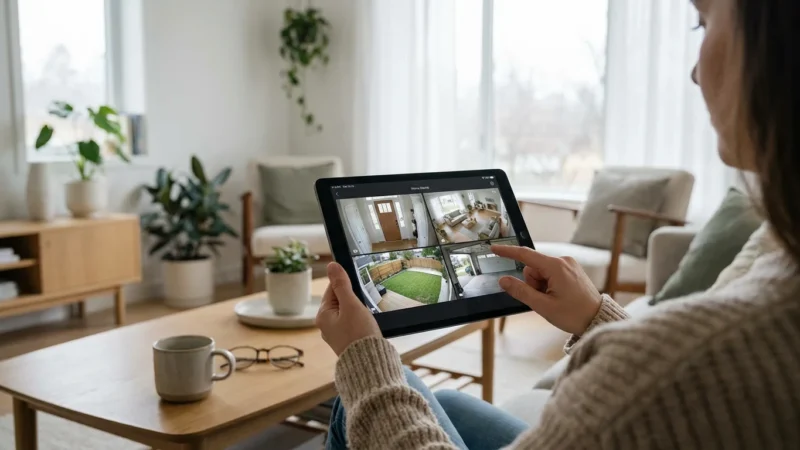
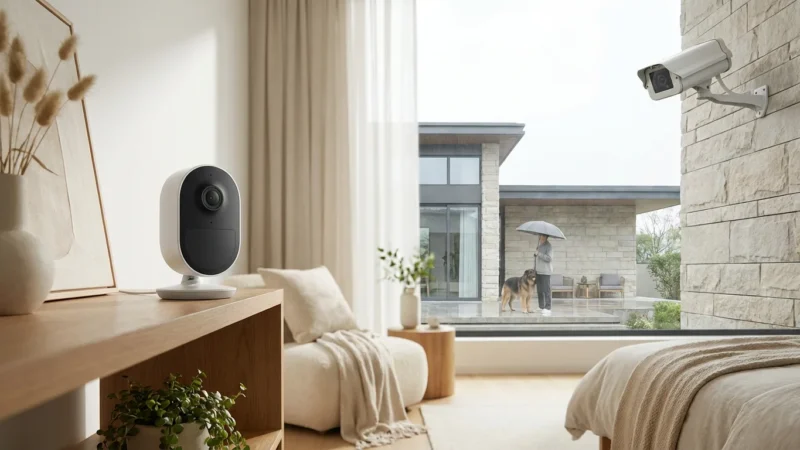
- Video Doorbells and Security Cameras: These devices serve as your eyes on your property. Look for models offering local storage via SD card slots or compatibility with Network Video Recorders (NVRs) or Network Attached Storage (NAS) drives. They provide real-time video feeds, motion detection alerts, and two-way audio.
- Window and Door Sensors: These small sensors attach to entry points. They detect when a window or door opens or closes. When triggered, they send instant notifications to your phone, alerting you to unauthorized access.
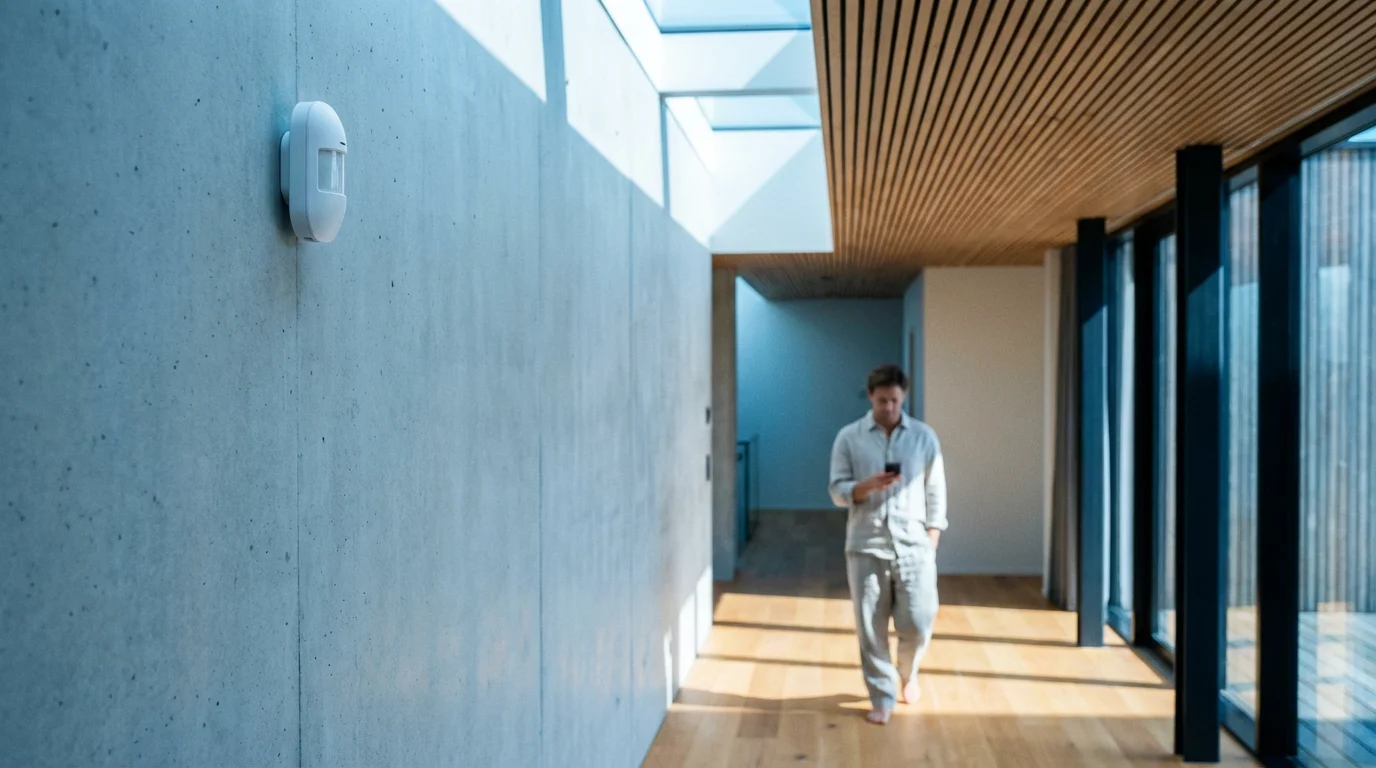
- Motion Sensors: Interior motion sensors detect movement within rooms. Place them in high-traffic areas or near valuables. They complement door/window sensors, providing an additional layer of detection if an intruder gains entry.
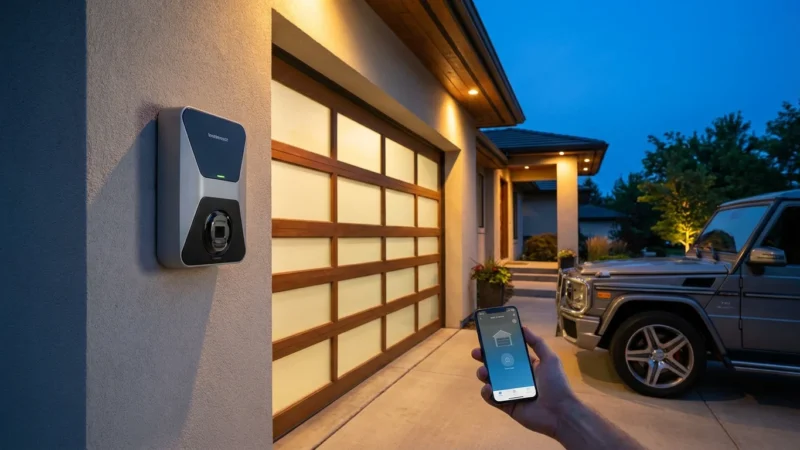
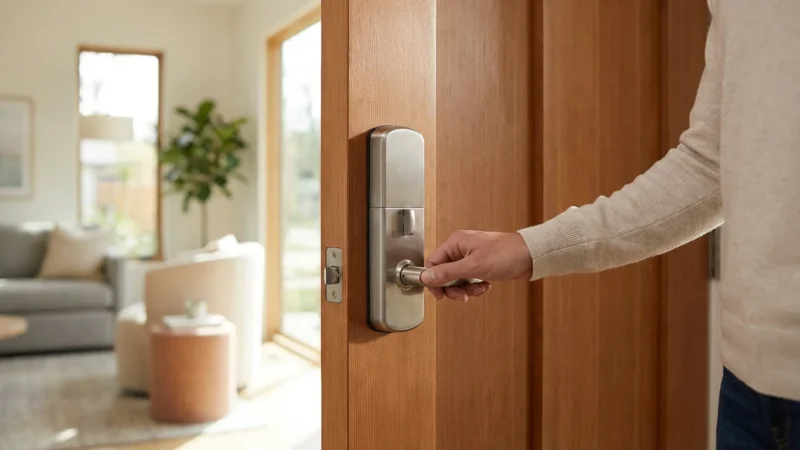
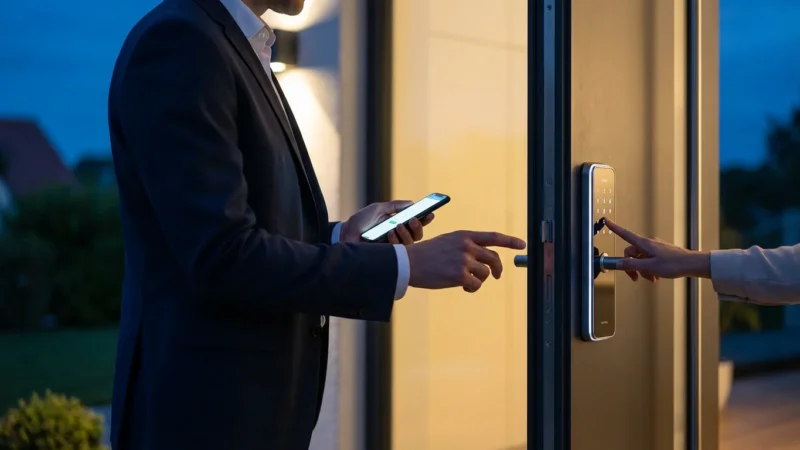
- Smart Locks and Keyless Entry Systems: Upgrade your traditional deadbolt to a smart lock. These devices allow you to lock and unlock your door remotely, grant temporary access codes, and receive notifications when the door is locked or unlocked. They integrate with other smart security components to create powerful automations.
- Smart Home Hubs or Gateways: While some devices operate independently, a central hub often enhances functionality. A hub can connect devices from different manufacturers, enabling complex automations and providing local processing for faster response times. Look for hubs compatible with open standards like Matter or Zigbee for broader device support.
Each component plays a vital role in creating a layered defense strategy for your home.
Local Storage vs. Cloud Storage: The Key to Saving Money
The choice between local and cloud storage significantly impacts both your budget and your privacy with a smart security system. Understanding this difference is crucial for building a truly no monthly fee setup.
Local Storage
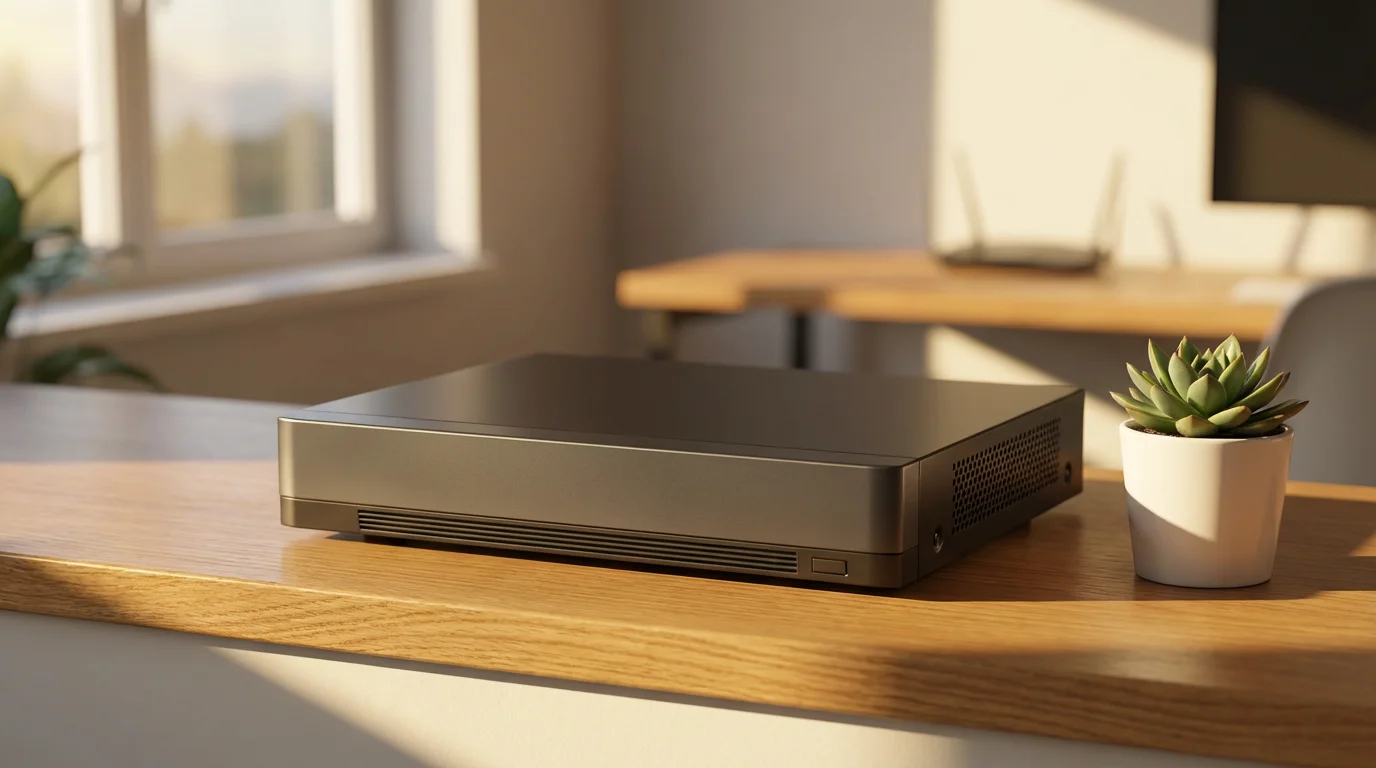
Local storage means your video recordings save directly onto a device located within your home. This could be an SD card inside the camera itself, a dedicated Network Video Recorder (NVR), or a Network Attached Storage (NAS) device on your home network. You purchase the storage solution once.
Advantages:
- No Recurring Fees: The primary benefit is avoiding monthly subscription costs for video storage.
- Enhanced Privacy: Your footage stays on your premises, never uploaded to third-party servers unless you specifically choose to share it.
- Reliability: Recordings continue even if your internet connection goes down, provided the camera has power.
- Faster Access: Accessing footage often feels quicker because it comes from a local source.
Disadvantages:
- Vulnerability: If an intruder steals or damages the camera or storage device, you lose the footage.
- Limited Remote Access: Viewing footage remotely might require a more technical setup, such as port forwarding, or relying on specific app integrations.
Cloud Storage
Cloud storage involves uploading your video recordings to remote servers maintained by the device manufacturer or a third-party service. This typically requires a monthly or annual subscription fee.
Advantages:
- Off-site Backup: Your footage remains safe even if cameras are stolen or damaged.
- Easy Remote Access: Accessing and reviewing recordings from anywhere is generally straightforward through a mobile app.
- Advanced Features: Subscriptions often unlock features like AI-powered person detection, activity zones, and longer video history.
Disadvantages:
- Ongoing Costs: The biggest drawback is the recurring expense, which defeats the purpose of a “no monthly fee” system.
- Privacy Concerns: Your video data resides on external servers, potentially raising privacy questions depending on the provider’s policies.
- Internet Dependence: No internet connection means no video uploads or remote access.
For a truly no-monthly-fee system, prioritize devices offering robust local storage options. Many brands now provide excellent local storage solutions, allowing you to bypass subscriptions entirely while maintaining strong security.
Top Picks for No-Monthly-Fee Smart Security Devices
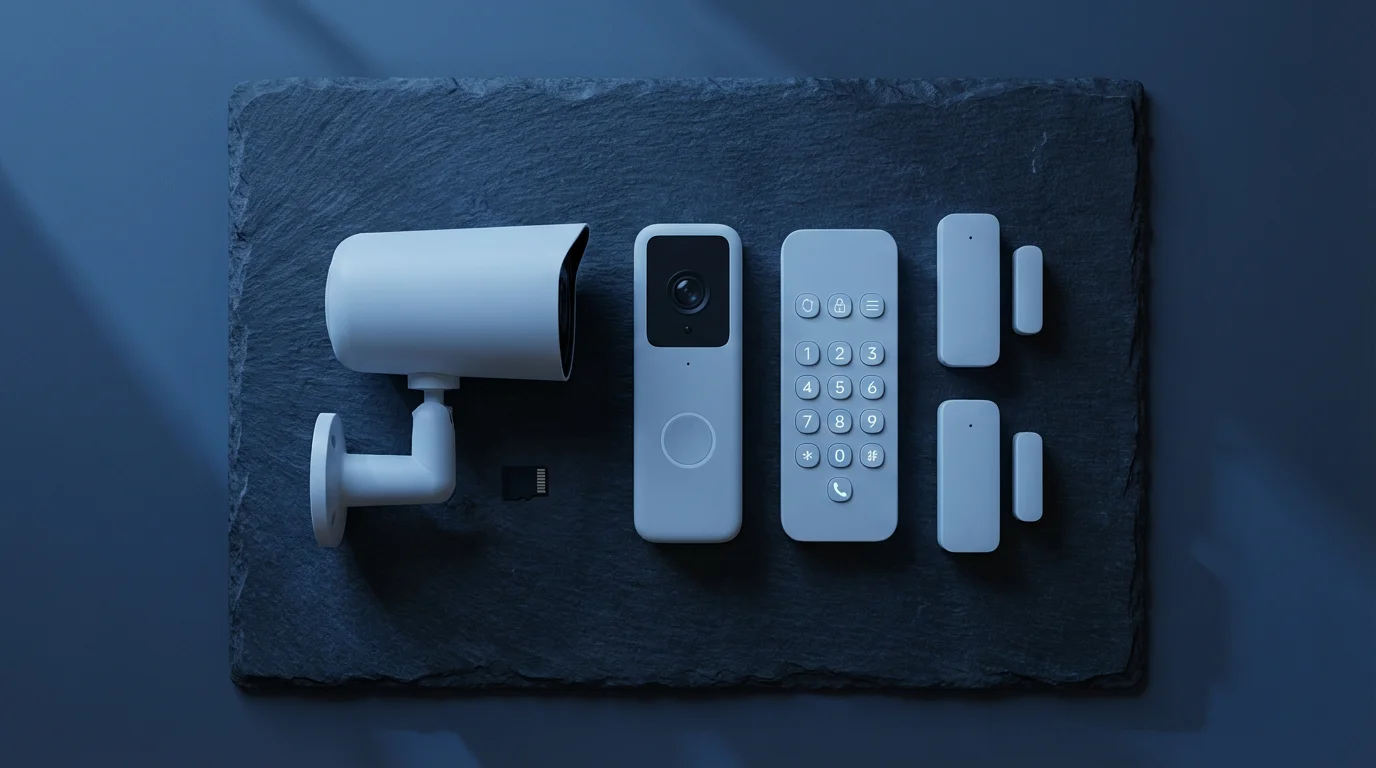
Building your ideal system means selecting reliable devices that deliver security without hidden costs. We focus on brands known for their local storage capabilities and strong performance. Here are curated recommendations for essential smart security components:
Cameras and Video Doorbells
- Eufy Security: Eufy offers a wide range of cameras and video doorbells designed with local storage in mind. Their devices often include an onboard SD card slot or pair with a HomeBase hub that stores footage locally.
- Key Features: 2K or 4K resolution, excellent battery life on wireless models, advanced AI detection (person, pet, vehicle), no subscription needed for core features or local storage.
- Examples: EufyCam 3 series (with HomeBase 3 for expandable local storage), Eufy Video Doorbell Dual.
- Reolink: Reolink provides a comprehensive lineup of cameras, including PoE (Power over Ethernet) and Wi-Fi models, many with SD card slots or NVR compatibility. They are a popular choice for continuous recording and robust local storage.
- Key Features: High resolution (up to 12MP), advanced optical zoom, NVR integration for large storage capacity, strong night vision.
- Examples: Reolink Argus 3 Pro (battery-powered with SD card), Reolink RLC-811A (PoE with AI detection).
Sensors and Smart Locks
- Aqara: Aqara offers an extensive ecosystem of Zigbee-based sensors that are highly affordable and integrate well with smart home hubs. Their Hubs typically offer local automation processing.
- Key Features: Compact design, long battery life, support for door/window sensors, motion sensors, vibration sensors, and water leak detectors. Require an Aqara Hub (which also supports local automations).
- Examples: Aqara Door and Window Sensor, Aqara Motion Sensor P1.
- SmartThings & Zigbee/Z-Wave Sensors: If you use a SmartThings Hub (or another Z-Wave/Zigbee compatible hub), you unlock a vast array of third-party sensors. These communicate locally with the hub, providing quick responses without cloud dependency.
- Key Features: Wide compatibility, robust local automation capabilities when paired with a hub, diverse sensor types.
- Examples: Aeotec SmartThings Door/Window Sensor, Ecolink Z-Wave Motion Sensor.
- August Smart Locks: August locks fit over your existing deadbolt, transforming it into a smart lock. The basic locking and unlocking functions, auto-lock, and auto-unlock work without any subscription.
- Key Features: Easy installation, existing keys still work, remote access (with Connect Wi-Fi bridge), guest access.
- Note: Some advanced features like remote access without the Connect Wi-Fi bridge or integration with specific rental platforms might require a fee, but core security functions do not.
- Yale Assure Locks: Yale offers various smart deadbolts in different communication protocols (Zigbee, Z-Wave, Wi-Fi). You manage access codes and monitor lock status through the associated app, all without a fee for basic use.
- Key Features: Touchscreen or push-button keypads, auto-relock, tamper alerts, integration with smart home hubs.
When selecting devices, verify their local storage capabilities and ensure they align with your home’s existing smart home ecosystem or a hub you plan to acquire. Look for systems that offer robust apps for self-monitoring and notifications, ensuring you remain informed without a professional service.
Building Your System: DIY Installation and Setup
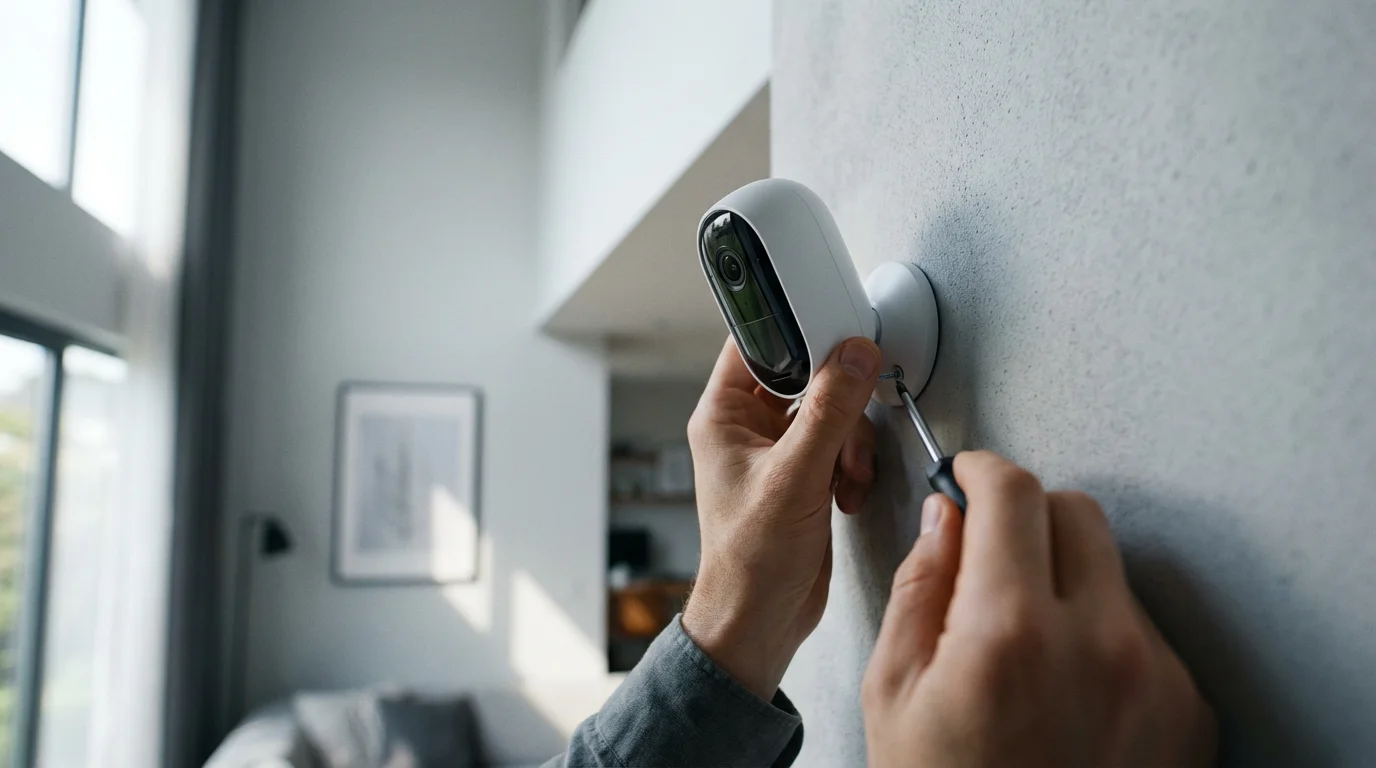
Installing your smart security system yourself is a straightforward process for most homeowners. You save on installation fees and learn the intricacies of your system firsthand. Always follow the manufacturer’s specific instructions for each device, as steps can vary.
General Installation Steps:
- Plan Your Coverage: Determine the critical areas you need to monitor. Consider entry points, valuable items, and areas with high traffic. This planning ensures optimal placement for cameras and sensors.
- Camera Placement:
- Exterior: Position outdoor cameras to cover primary entryways, driveways, and vulnerable windows. Mount them high enough to prevent tampering, but within reach for maintenance. Aim for an angle that captures faces and license plates.
- Interior: Place indoor cameras in common areas like living rooms or hallways. Avoid pointing them directly at bright windows to prevent glare.
- Sensor Installation:
- Door/Window Sensors: Attach the two parts of the sensor to the door/window frame and the moving part. Ensure they align closely when the door/window is closed, typically within half an inch.
- Motion Sensors: Install motion sensors in corners of rooms or hallways, aiming them to cover the largest possible area without obstruction. Consider pet immunity settings if you have animals.
- Smart Lock Installation: Remove your existing deadbolt and follow the instructions to install the smart lock. This usually involves a screwdriver and can take 15-30 minutes. Test the lock manually and electronically after installation.
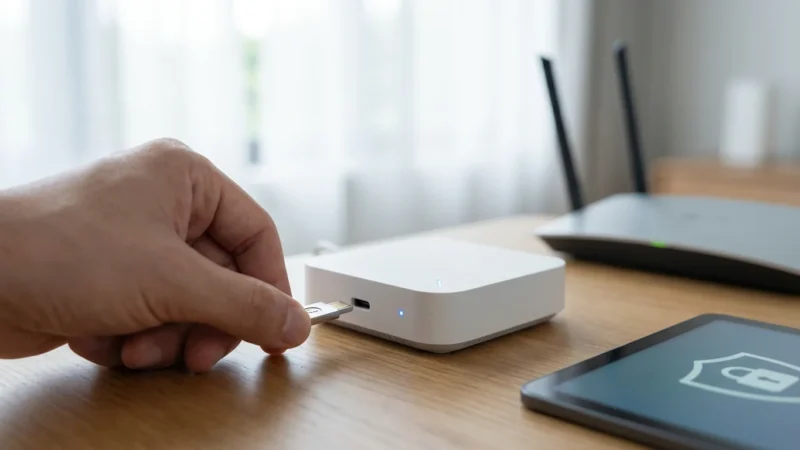
- Hub Setup (if applicable): If your system uses a hub, connect it to your router via Ethernet and power. Follow the app’s instructions to set it up and pair your devices.
- Device Pairing: Open each device’s companion app or your smart home hub app. Follow the prompts to add new devices. This typically involves scanning a QR code or putting the device into pairing mode.
- Test Everything: After installation, thoroughly test each device. Walk in front of motion sensors, open and close doors/windows, and test camera feeds and recordings. Ensure you receive notifications on your smartphone for all triggers.
For any devices involving electrical wiring, such as hardwired video doorbells or security lights, ensure you understand the process. If you feel uncomfortable, contact a licensed electrician for safe installation. You prioritize safety throughout the entire process.
Maximizing Security with Smart Home Automations
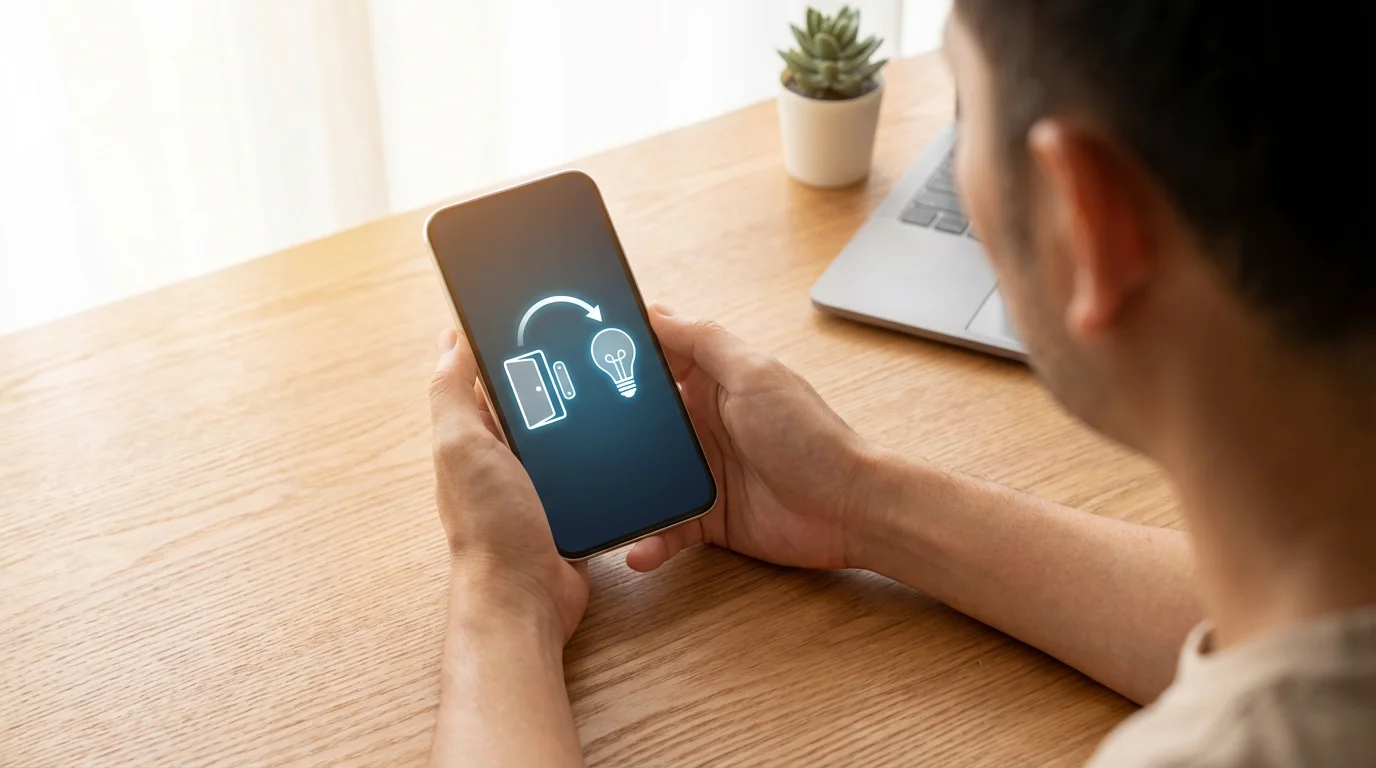
Smart home automations amplify the effectiveness of your no-monthly-fee security system. You can program devices to react intelligently to events, creating a proactive defense for your home. These routines enhance convenience and deterrence without constant manual intervention.
Understanding how to integrate security cameras with your smart home allows you to trigger lights and sirens based on motion events.
Here are practical automation examples you can implement:
- Light Up Intruders: Program outdoor smart lights to turn on brightly when an outdoor camera detects motion after dark. This startles potential intruders and makes them more visible to cameras. You deter unwelcome visitors effectively.
- Sound the Alarm: Connect your door/window sensors or motion sensors to a smart siren or even specific smart speakers. If a sensor triggers while your system is armed, the siren activates, drawing attention and notifying neighbors.
- “Occupied” Simulation: Schedule interior smart lights to turn on and off at varying times when you are away. You can also integrate smart blinds to open and close. This gives the appearance of someone being home, discouraging burglars.
- Entry Notification: Receive a push notification on your phone when a specific door (like the back door or a child’s bedroom door) opens or closes. You stay informed about activity, even when you are not home.
- Disarm on Arrival: Use geofencing to disarm your motion sensors or unlock your smart lock when your smartphone enters a defined perimeter around your home. This prevents accidental alarms and provides convenient entry.
- Video Recording Activation: Set your cameras to begin recording a longer clip when a motion sensor in the same area triggers. This ensures you capture crucial moments if initial camera motion detection misses an event.
Many smart home hubs, like Home Assistant or Hubitat, excel at local automation processing. This ensures your security routines run quickly and reliably, even if your internet connection experiences an outage. You benefit from immediate responses to security events.
Privacy and Security Best Practices
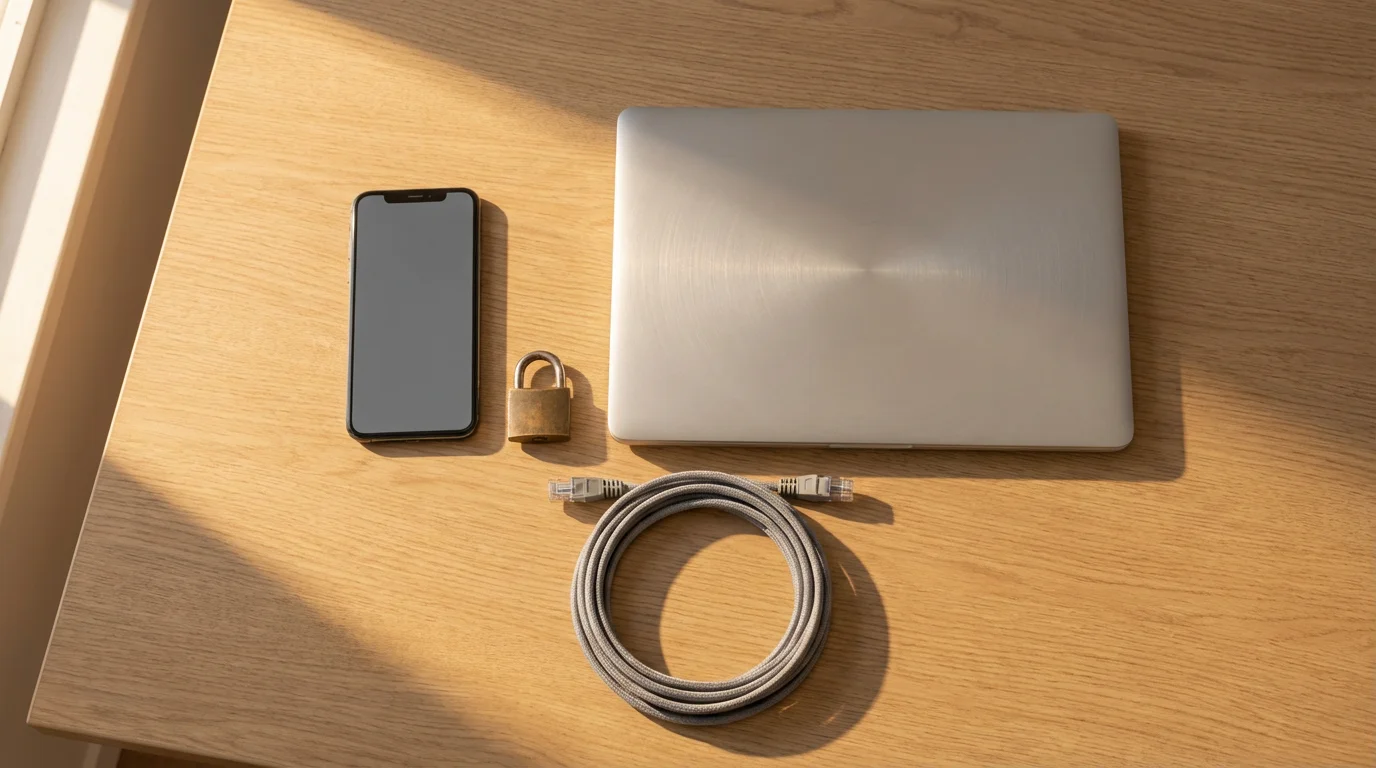
While a no-monthly-fee system gives you more control over your data, you still need to implement best practices to protect your smart home. Prioritize digital hygiene for your devices and network. You safeguard your information and prevent unauthorized access.
While local storage helps, you should also learn how to secure your smart home from hackers to ensure your local network remains impenetrable.
Follow these essential guidelines:
- Use Strong, Unique Passwords: Create complex passwords for all your smart home accounts and Wi-Fi network. Combine uppercase and lowercase letters, numbers, and symbols. Avoid reusing passwords across different services.
- Enable Two-Factor Authentication (2FA): Always activate 2FA wherever available. This adds an extra layer of security, requiring a second verification step (like a code from your phone) even if someone obtains your password.
- Secure Your Wi-Fi Network: Use WPA3 or WPA2 encryption on your router. Change the default router password. Consider creating a separate guest Wi-Fi network for smart devices if your router supports it, isolating them from your primary network.
- Keep Firmware Updated: Regularly check for and install firmware updates for all your smart devices and your router. Manufacturers release updates to patch security vulnerabilities and improve performance. You maintain optimal security with current software.
- Review Privacy Settings: Understand the privacy settings for each device and its companion app. If you use any cloud features (even optional ones), review the data retention and sharing policies. Disable features you do not use.
- Be Mindful of Camera Placement: Position indoor cameras strategically. Avoid placing them in private areas like bedrooms or bathrooms. Only record what you need to record for security purposes.
- Backup Local Recordings: If you rely on local storage, establish a routine for backing up critical footage to another secure location, such as an external hard drive or an encrypted cloud service. You prevent data loss if the primary storage device fails.
Vigilance in these areas helps ensure your smart security system truly protects your home and your privacy.
Frequently Asked Questions
Do all smart security systems require a monthly fee?
No, many smart security systems offer a no-monthly-fee option. These systems typically rely on local storage for video, self-monitoring through smartphone alerts, and DIY installation. You purchase the hardware once and avoid recurring costs.
What are the main downsides of a no-monthly-fee system?
The primary downside is the lack of professional monitoring. You are responsible for responding to alerts and contacting emergency services. Additionally, local storage can be vulnerable to theft or damage if an intruder accesses the recording device.
Can I integrate different brands of devices without a hub?
Some devices integrate directly through their respective apps or platforms (like Google Home or Amazon Alexa). However, a dedicated smart home hub often provides more robust, local integration and automation capabilities for devices from various brands. This enhances the overall system’s functionality and reliability, according to Consumer Reports.
How reliable is local video storage?
Local video storage is generally very reliable, especially when using high-quality SD cards or dedicated NVRs. However, it is vulnerable to physical theft or damage. Some systems offer redundant local storage or options to upload critical clips to a personal cloud service for added backup.
What if I need professional monitoring later?
Many no-monthly-fee systems are modular. You can often add professional monitoring services later if your needs change. Some manufacturers offer optional subscription tiers for this, or you can integrate your DIY system with third-party monitoring services that support your devices. You maintain flexibility to upgrade your security as required.
Disclaimer: This article is for informational purposes only. Smart home devices involve electrical connections and data privacy. Always follow manufacturer instructions for installation. For complex wiring or HVAC work, consult a licensed professional.
Before you buy, check out our roundup of the best video doorbells for 2025 to find the right no-subscription model for your porch.

Leave a Reply