
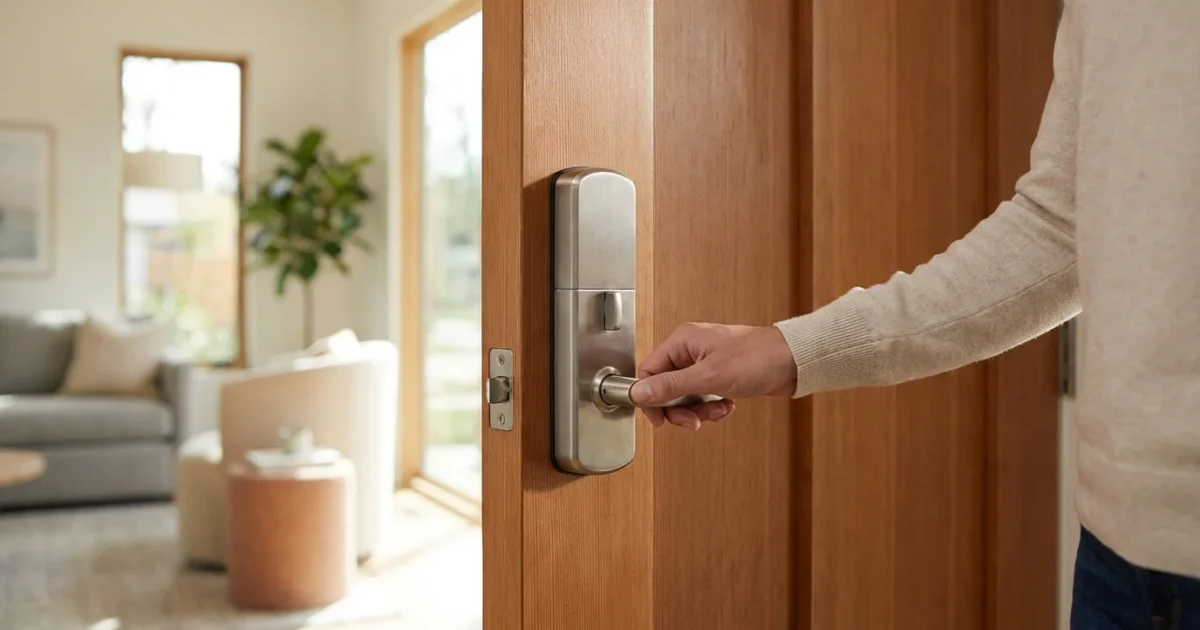
You want a home that feels secure, efficient, and convenient. Smart locks promise exactly that: keyless entry, remote access, and integration with your broader smart home system. However, a common question arises as you consider upgrading your door security: are smart locks truly safe for your home? You are right to ask this crucial question.
This article explores the security aspects of smart locks, helping you understand their benefits, identify potential risks, and implement best practices to ensure your home remains protected. We empower you to make informed decisions about modernizing your door security.
Understanding Smart Lock Security
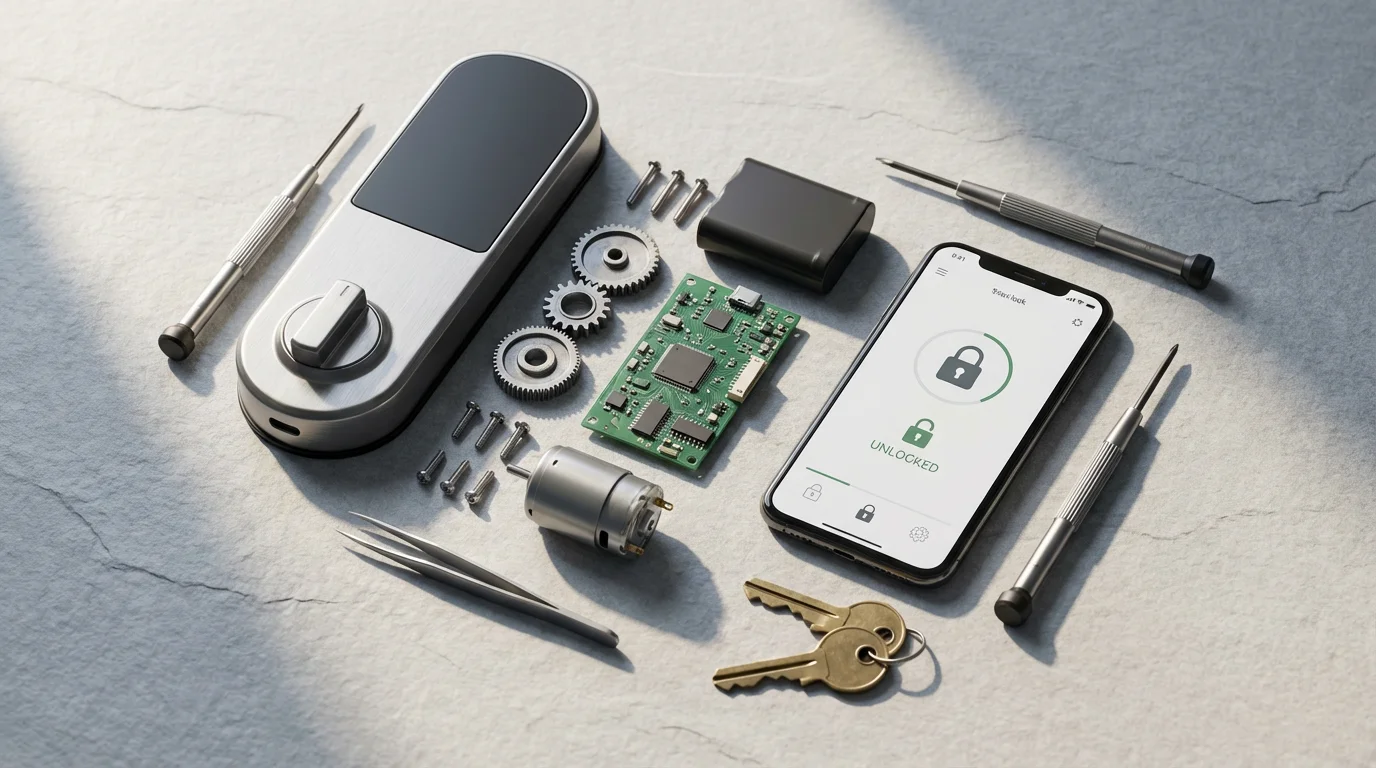
Smart locks offer a significant upgrade over traditional deadbolts, integrating digital technology to enhance access control and monitoring. They connect to your home network, allowing you to manage your door from anywhere via a smartphone app. This convenience introduces new layers of security, but also new considerations.
Fundamentally, a smart lock protects your home in two ways: physically and digitally. The physical security relies on the lock’s hardware, much like a traditional deadbolt. The digital security involves encryption, authentication protocols, and network safeguards that prevent unauthorized digital access.
Many smart locks adhere to established security standards for physical components. They often feature robust construction and tamper alerts. Simultaneously, their digital components leverage advanced encryption to secure communication between the lock, your phone, and the cloud. This dual approach aims to create a comprehensive security barrier for your home’s entry points.
How Smart Locks Secure Your Home
Smart locks provide several distinct security advantages that traditional locks cannot match. You gain superior control, visibility, and flexibility over your home’s access points.
Consider these key security benefits:
- Keyless Entry: You eliminate the risk of lost or stolen physical keys. Most smart locks use keypads, fingerprints, or smartphone authentication for entry. You no longer worry about spare keys hidden under a mat or misplaced by family members.
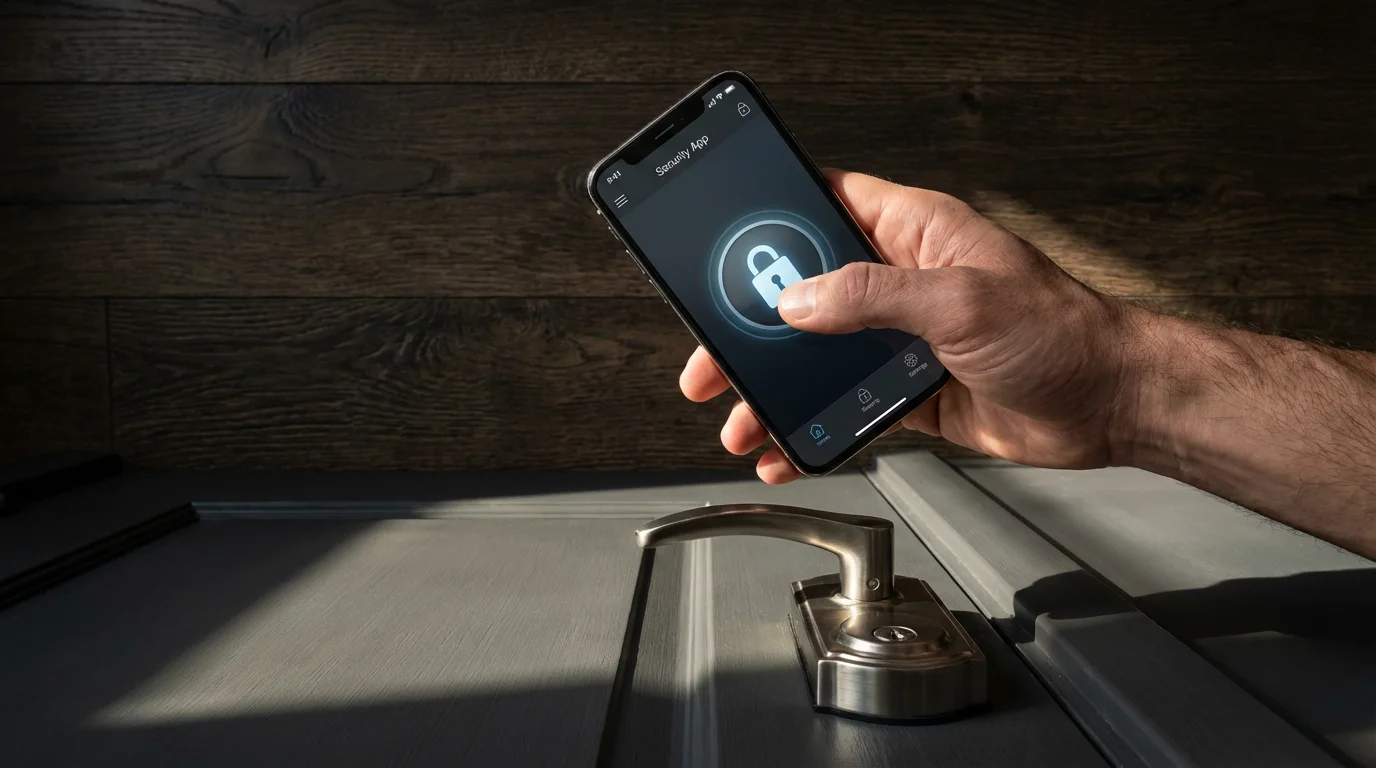
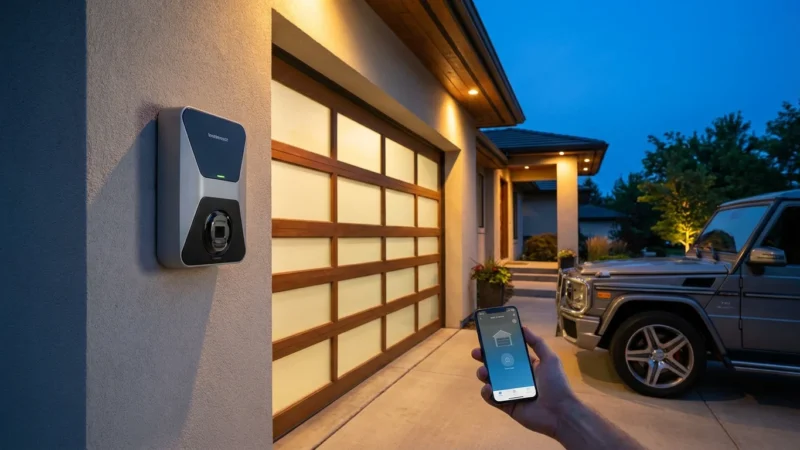
- Remote Access and Control: You can lock or unlock your door from anywhere using your smartphone. This means you can let in a dog walker, a delivery person, or a family member even when you are not home. You receive peace of mind knowing you can secure your home with a tap.
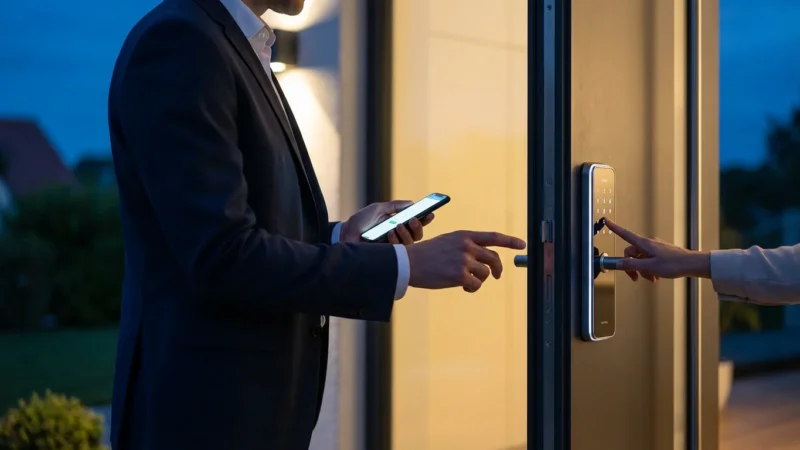
- Access Codes and Schedules: You can generate unique, temporary access codes for guests, service providers, or family members. Set these codes to work only during specific times or dates, revoking access instantly when no longer needed. This granularity of control is invaluable for managing who enters your home and when.
- Activity Logs and Alerts: Most smart locks maintain a log of who enters and exits your home and at what time. You receive instant notifications on your phone whenever the door is locked, unlocked, or if an attempt to tamper with the lock occurs. This real-time awareness empowers you to monitor your home’s security continuously.
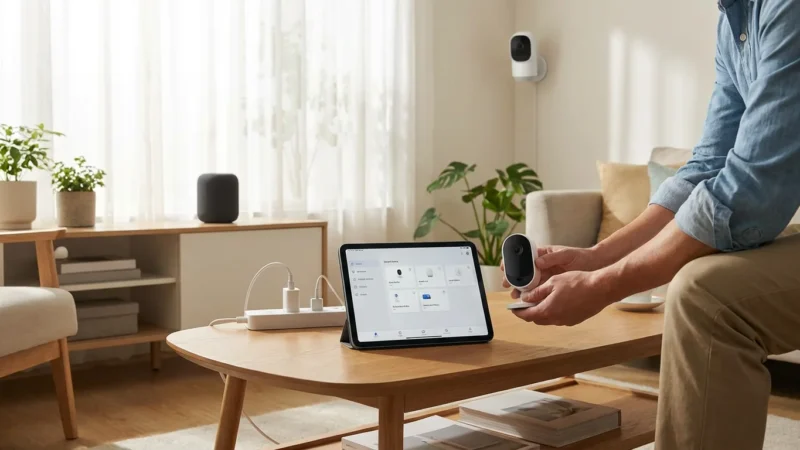
- Integration with Smart Home Systems: Smart locks often integrate seamlessly with other smart home devices, creating a more cohesive security system. For example, your lights can turn on when you unlock the door at night, or your security camera can start recording if someone attempts to force the lock.
These features collectively create a more dynamic and responsive security posture for your home. You move beyond simple locking mechanisms to a system that actively monitors and controls access, providing robust door security.
Addressing Common Security Concerns with Smart Locks
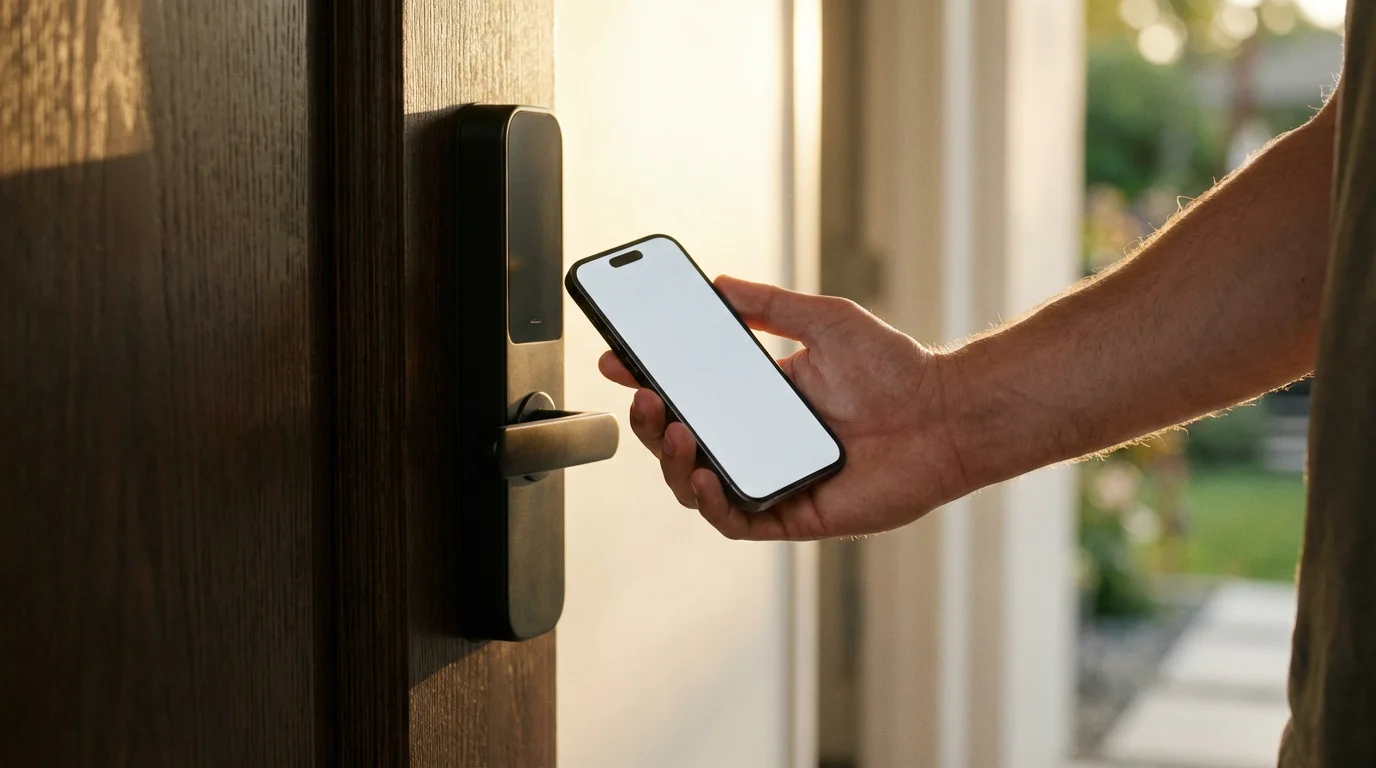
While smart locks offer numerous security benefits, you likely have questions about potential vulnerabilities. Addressing these concerns directly helps you understand how manufacturers mitigate risks and how you can take proactive steps.
Common security concerns include:
- Hacking and Cyber Threats: Your primary concern might be hackers gaining unauthorized digital access. Manufacturers use strong encryption protocols, similar to those banks use, to protect data transmitted between the lock and your devices. They also regularly release firmware updates to patch vulnerabilities.
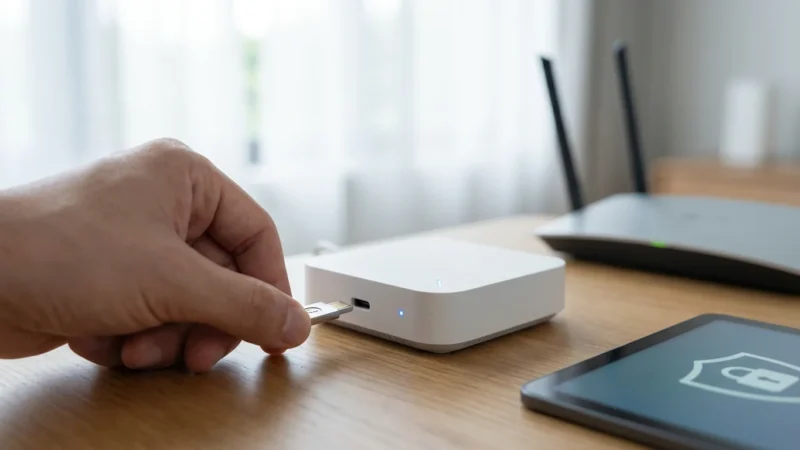
- Wi-Fi and Network Vulnerabilities: Smart locks connect to your home’s Wi-Fi network. A weak Wi-Fi password or an unsecure network can create an entry point. You must use strong, unique Wi-Fi passwords and ensure your router’s firmware is up to date.
- Battery Failure: What happens if the battery dies? Reputable smart locks include multiple safeguards. They provide low battery warnings well in advance, giving you ample time to replace batteries. Many also feature a traditional key override or external battery jumpstart options, ensuring you are never locked out.
- Physical Tampering: Just like traditional locks, smart locks are susceptible to physical attacks. High-quality smart locks feature strong, drill-resistant deadbolts and tamper alarms. Many carry a high BHMA (Builders Hardware Manufacturers Association) grade, indicating their physical resilience.
- Privacy Concerns: Your smart lock collects data, such as entry times and user codes. Manufacturers typically encrypt this data and store it securely. You control who has access to this information through your account settings and strong password practices.
- Power Outages: A power outage will not render your smart lock useless. Most smart locks operate on battery power, ensuring functionality even when your home loses electricity. Their core locking mechanism remains active, securing your door.
You mitigate these risks effectively by choosing reputable brands, maintaining good cybersecurity hygiene, and understanding your lock’s features. Industry standards and continuous innovation drive improvements in smart lock security.
Types of Smart Locks and Their Security Features
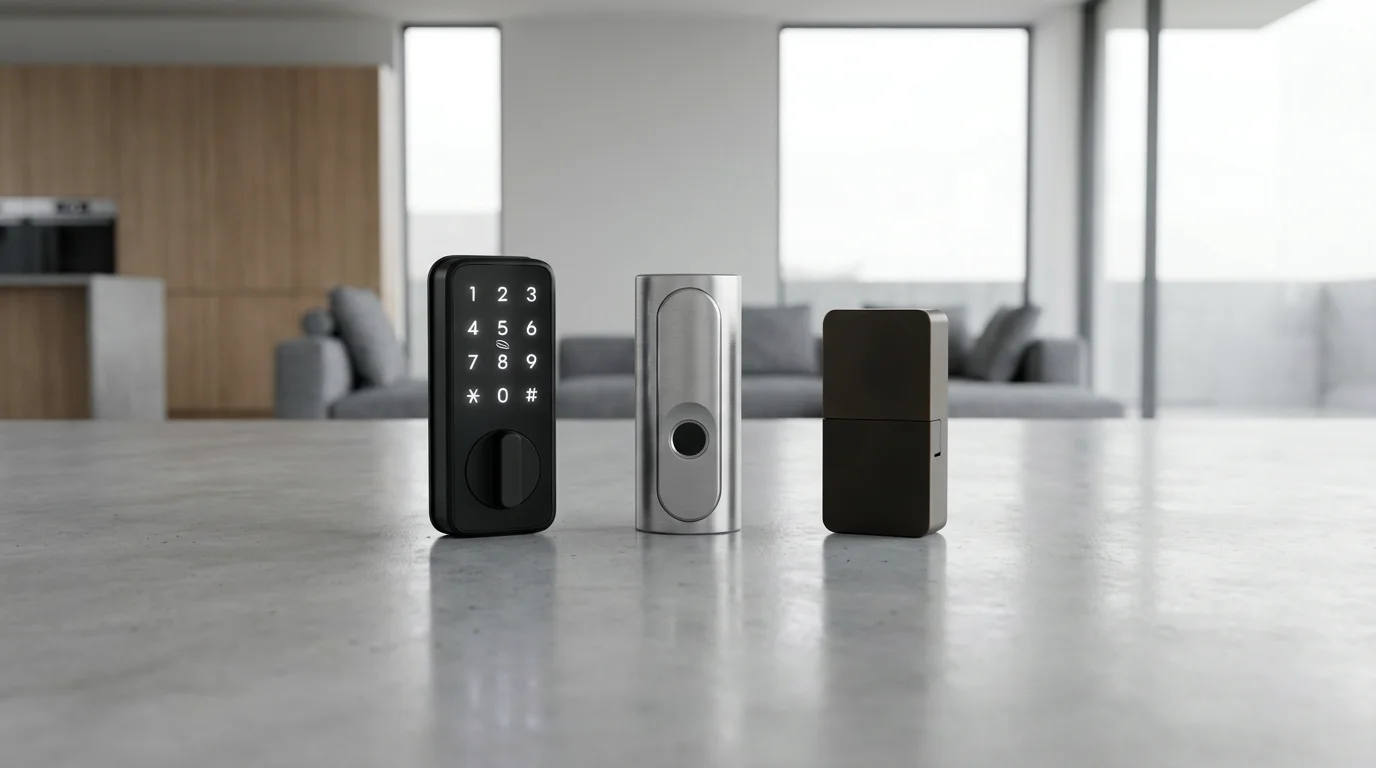
The market offers various types of smart locks, each with distinct features and security considerations. Understanding these differences helps you select the best option for your home’s specific needs.
Here are the primary types of smart locks you will encounter:
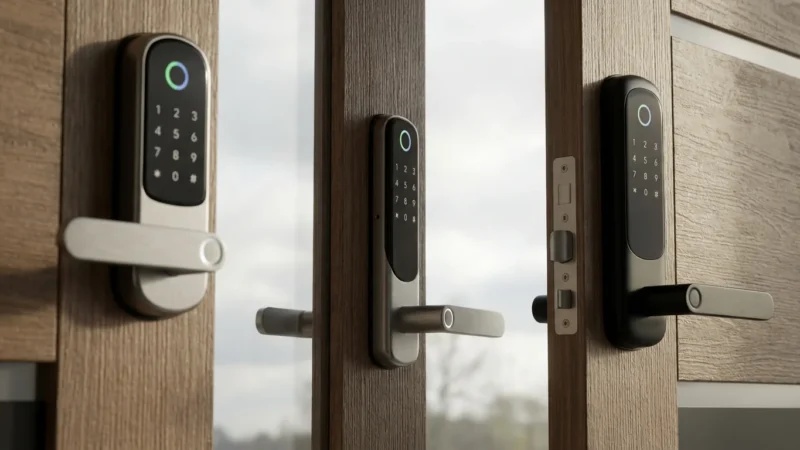
- Keypad Locks: These locks allow keyless entry via a numerical code. They are highly convenient, eliminating the need for physical keys. Security depends on strong, unique codes and the keypad’s durability. Many also offer a traditional key override.
- Bluetooth Locks: These connect directly to your smartphone via Bluetooth when you are in close proximity. They are typically battery-efficient and simple to set up. Their security relies on strong Bluetooth encryption and your phone’s security. Remote access usually requires an additional Wi-Fi bridge.
- Wi-Fi Locks: These locks connect directly to your home Wi-Fi network, providing full remote access without a bridge. They offer robust real-time monitoring and control. However, they consume more battery power than Bluetooth or Z-Wave/Zigbee locks. Their security is tied to your home network’s strength.
- Z-Wave and Zigbee Locks: These locks use mesh network protocols, Z-Wave or Zigbee, to communicate with a central smart home hub. They offer excellent battery life and integrate well into comprehensive smart home ecosystems. Security relies on the hub’s encryption and the network’s integrity. These locks are often part of broader security systems, like those offered by professional monitoring services.
- Fingerprint/Biometric Locks: These provide the ultimate keyless convenience, allowing entry with a touch. Biometric data is typically stored locally on the device or with strong encryption. They eliminate forgotten codes or lost keys entirely.
Many advanced smart locks combine several of these features, offering multiple ways to unlock your door. For instance, a Wi-Fi lock might also include a keypad and a traditional keyhole. This redundancy enhances both convenience and security.
Enhancing Smart Lock Security with Best Practices
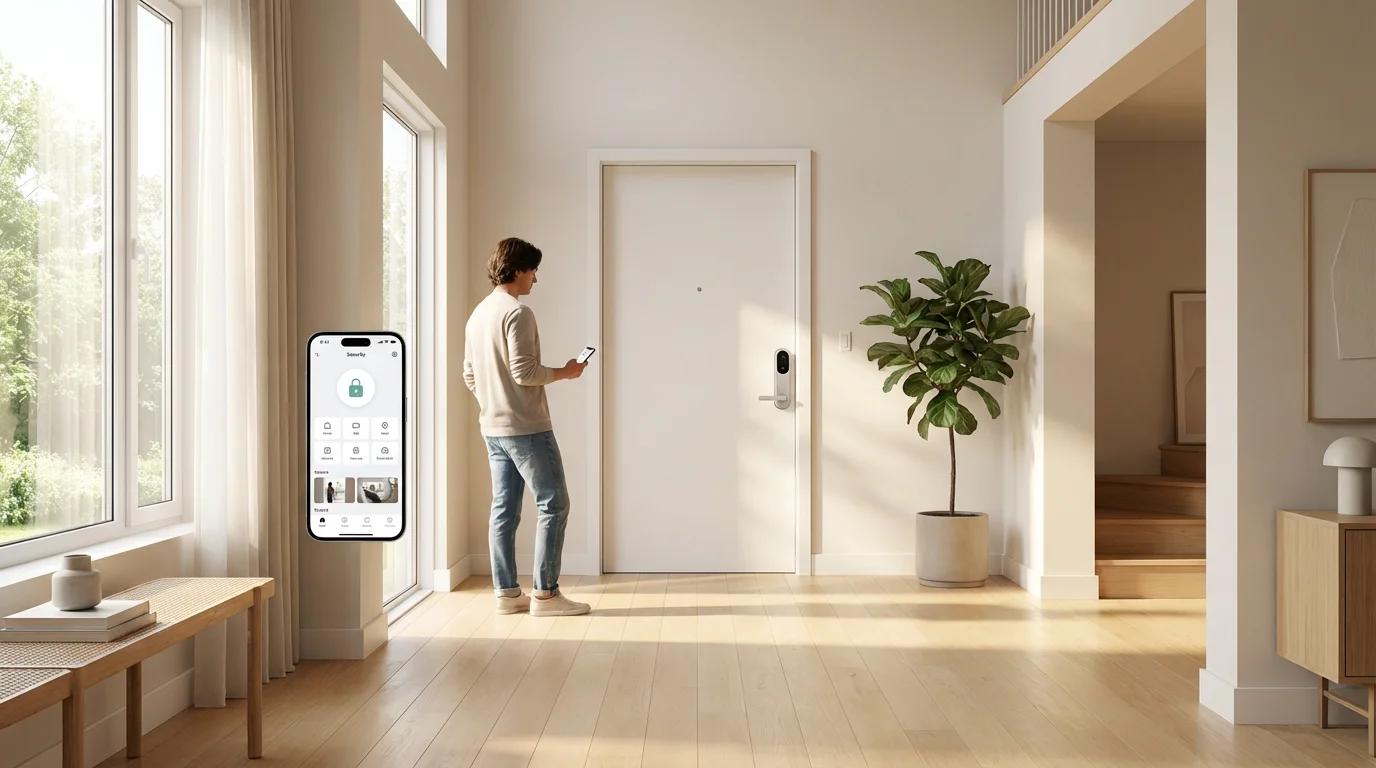
Implementing smart locks means adopting smart security practices. Your active participation significantly strengthens your home’s defense. Follow these guidelines to maximize your smart lock’s security potential.
You can enhance your smart lock security through several actionable steps:
- Use Strong, Unique Passwords: This applies to your smart lock app, your smart home hub, and especially your Wi-Fi network. Avoid common passwords or personal information. A password manager can help you create and store complex passwords.
- Enable Two-Factor Authentication (2FA): Whenever available for your smart lock app or smart home platform, enable 2FA. This adds an extra layer of security, requiring a second verification method, such as a code sent to your phone, before access is granted.
- Keep Software and Firmware Updated: Manufacturers regularly release updates to fix bugs, improve performance, and patch security vulnerabilities. You must install these updates promptly. Enable automatic updates if your device offers this feature.
- Secure Your Wi-Fi Network: Change your router’s default username and password. Use WPA3 or WPA2 encryption for your Wi-Fi network. Consider creating a separate guest network for visitors to keep your main smart home network isolated.
- Monitor Activity Logs and Alerts: Regularly check your smart lock’s activity logs for unusual entry attempts. Pay attention to notifications and investigate any suspicious alerts immediately.
- Change Access Codes Regularly: Change guest or temporary access codes after they are no longer needed. For permanent users, consider changing codes periodically, perhaps every few months, for added security.
- Review User Access: Periodically review who has access to your smart lock and revoke permissions for individuals who no longer need them. This includes temporary guests or past service providers.
By consistently applying these best practices, you build a robust defense around your smart lock, protecting your home against both physical and digital threats. As Wirecutter notes, strong passwords and updated software are fundamental to smart home security. See more on smart home security recommendations from Wirecutter.
Maintaining strong digital hygiene is just as critical for smart locks as robust physical construction. A chain is only as strong as its weakest link, whether that link is a flimsy deadbolt or a weak Wi-Fi password.
Integrating Smart Locks into Your Home Security Ecosystem
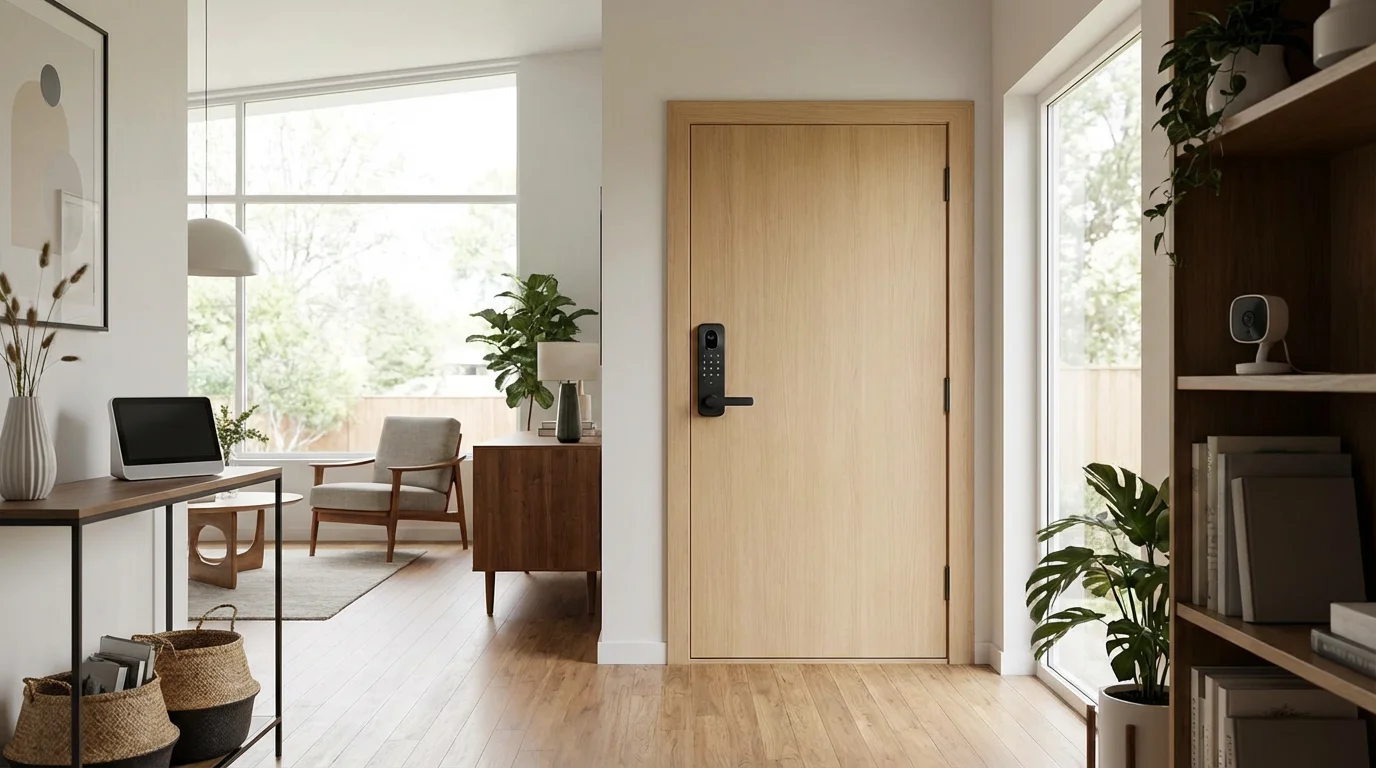
Smart locks excel when they operate as part of a larger, integrated smart home security system. You leverage the capabilities of multiple devices working in harmony to create a comprehensive and proactive defense for your property.
Consider how smart locks can integrate with other smart security devices:
- Video Doorbells: When your smart doorbell detects motion or someone rings the bell, you can see who is at your door and then remotely unlock your smart lock. This seamless interaction enhances both convenience and security.
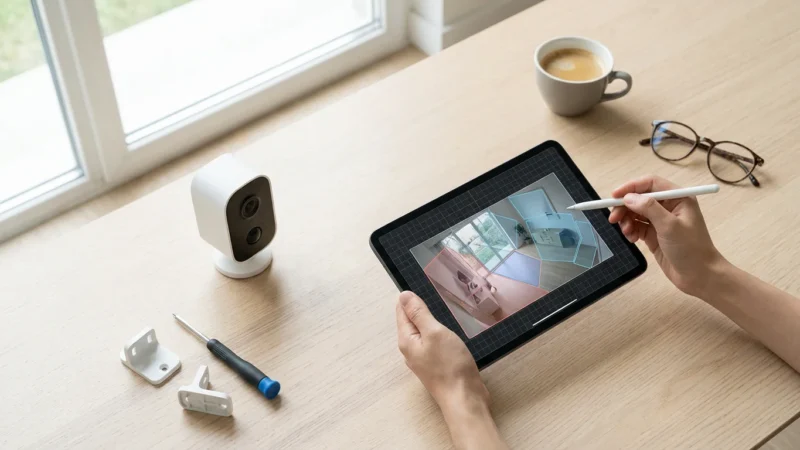
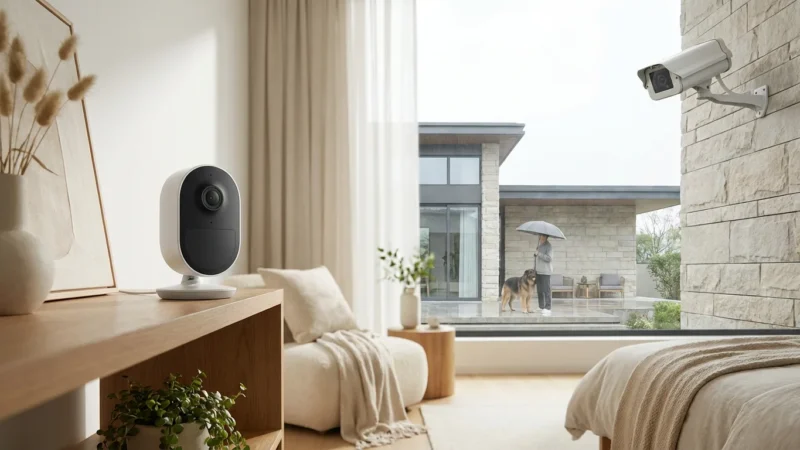
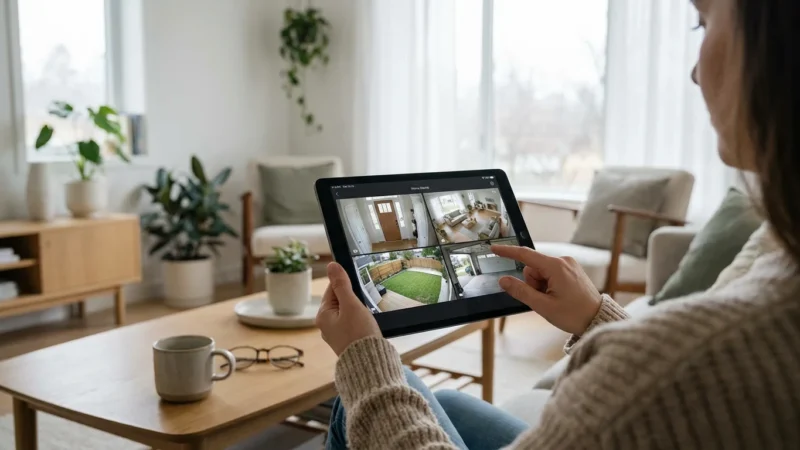
- Security Cameras: Link your smart lock with indoor or outdoor security cameras. If an unauthorized access attempt triggers the lock’s tamper alarm, your cameras can automatically start recording, capturing crucial evidence.
- Motion and Door/Window Sensors: When a door or window sensor detects an open point while your smart lock is engaged, it can trigger an alarm or send you an alert. This creates a layered defense, catching potential intruders even if they bypass the lock.
- Smart Lighting: Integrate your smart lock with smart lights. For instance, when you unlock your door at night, specific lights can automatically turn on, illuminating your path and giving the impression of an occupied home.
- Smart Security Systems: Many smart locks can be integrated directly into a professional home security system. This allows the lock to communicate with the central monitoring station, providing additional peace of mind and faster response in emergencies.
This interconnectedness moves your home security beyond isolated devices to a cohesive, intelligent network. You gain a higher level of awareness and control, making your home significantly more resilient against security threats.
Choosing the Right Smart Lock for Your Security Needs
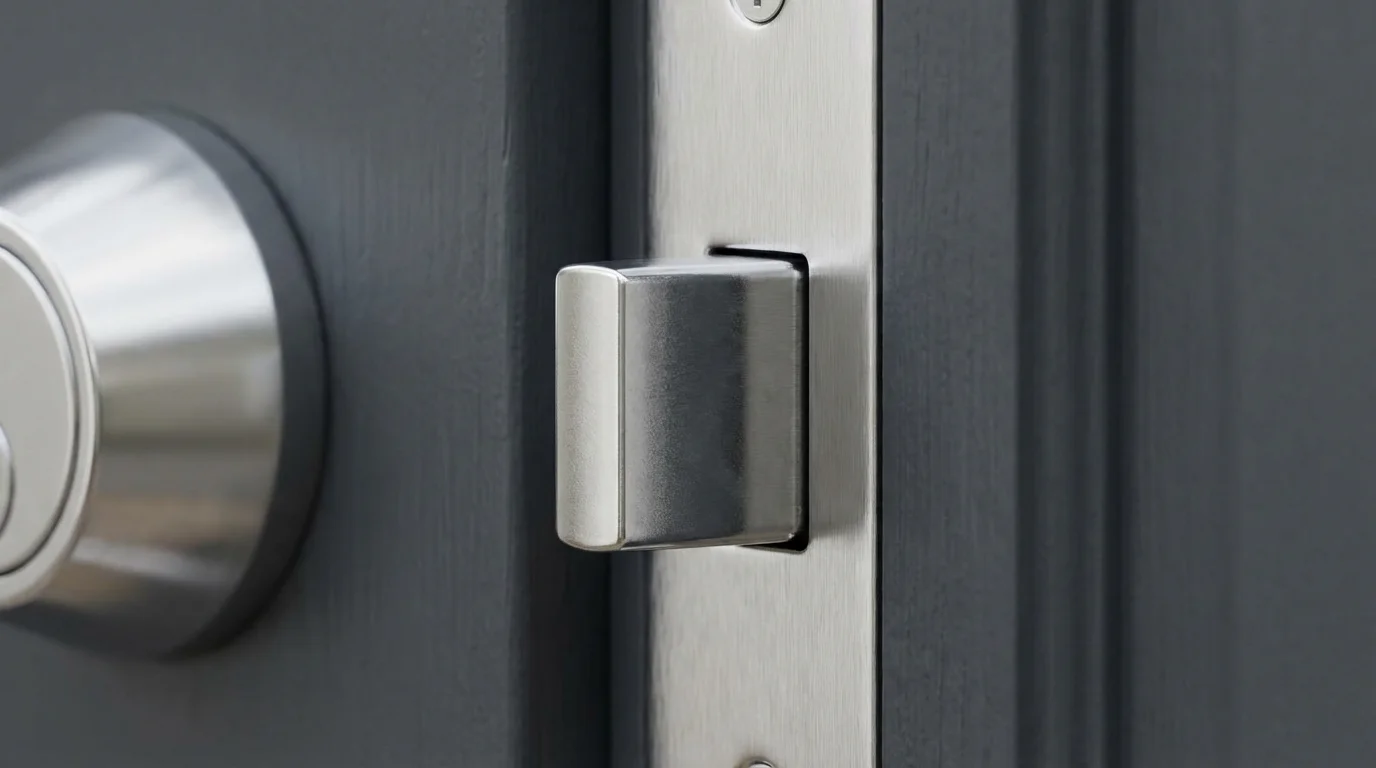
Selecting the ideal smart lock involves more than just picking a brand. You need to assess your specific security requirements, understand your home’s existing setup, and consider your comfort level with technology.
Before making a purchase, it is helpful to check the best smart locks that work with Alexa if you plan on using voice commands for entry.
Ask yourself these questions when making your decision:
- What level of physical security do you need? Look for locks with high BHMA ratings (Grade 1 or 2) for robust physical resilience against forced entry.
- What type of keyless entry do you prefer? Keypads are common, but consider fingerprint scanners for ultimate convenience or smartphone-only access for simplicity.
- Do you need remote access? If so, you will likely need a Wi-Fi enabled lock or a Bluetooth lock with a Wi-Fi bridge.
- What is your existing smart home ecosystem? Ensure the smart lock you choose is compatible with your current hub (e.g., Apple HomeKit, Amazon Alexa, Google Home, SmartThings) or supports universal standards like Matter.
- How important is battery life? Bluetooth, Z-Wave, and Zigbee locks generally offer longer battery life than Wi-Fi direct locks.
- What is your budget? Smart locks range in price based on features, brand, and build quality. Invest in quality for core security devices.
- Do you want a traditional key override? Many smart locks offer this as a backup, which can be a reassuring feature for many homeowners.
Reading reputable reviews from sources like CNET or PCMag can provide valuable insights into real-world performance and security assessments of specific models. You make an informed choice by aligning the lock’s features with your individual security priorities.
Installation and Maintenance for Optimal Security
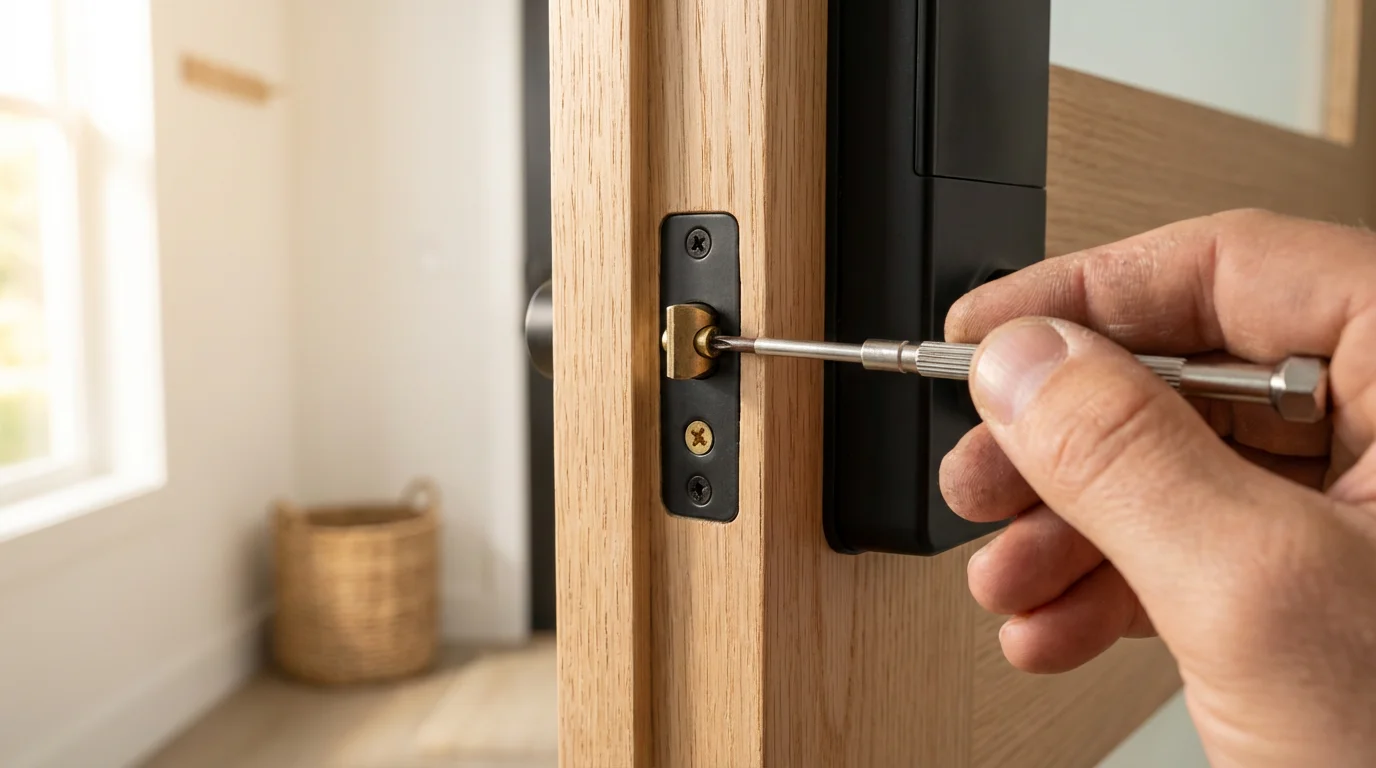
Proper installation and ongoing maintenance are as crucial for smart lock security as the technology itself. A poorly installed lock, no matter how advanced, compromises your home’s safety. Regular maintenance ensures consistent performance and protection.
Here are key considerations for installation and maintenance:
- Follow Manufacturer Instructions Precisely: Each smart lock has specific installation guidelines. You must follow them carefully to ensure the lock functions correctly and provides its intended level of security. Do not skip steps or improvise.
- Assess Your Door and Frame: Ensure your door and door frame are in good condition. A strong smart lock on a weak door or frame offers limited protection. Reinforce weak points if necessary.
- Consider Professional Installation: While many smart locks are designed for DIY installation, you might consider a professional locksmith, especially if you are uncomfortable with hardware installation or if your door requires modifications. A professional ensures the lock is installed securely and calibrated correctly.
- Test All Features After Installation: After installation, thoroughly test the lock’s physical and digital functions. Confirm keyless entry works, remote access is functional, and all sensors and alerts are active.
- Regular Battery Checks: Smart locks run on batteries. Pay attention to low battery warnings from your app or the lock itself. Replace batteries proactively before they completely drain, ensuring continuous operation.
- Clean and Inspect Regularly: Periodically clean the lock’s exterior, especially keypads or fingerprint scanners. Inspect the physical components for any signs of wear, damage, or tampering.
- Monitor for Firmware Updates: As mentioned, firmware updates are critical. Check your manufacturer’s website or app regularly for new versions and install them to maintain optimal security.
By taking these steps, you ensure your smart lock delivers reliable, long-term security. Proper installation and diligent maintenance prevent common vulnerabilities, keeping your home safe and accessible on your terms.
Frequently Asked Questions
Are smart locks more secure than traditional locks?
Smart locks generally offer an enhanced layer of security beyond traditional deadbolts. While physical robustness remains crucial, smart locks add digital protection through encryption, remote monitoring, activity logs, and customizable access codes. This combination can make them significantly more secure if you implement best practices for network security and software updates.
Can hackers bypass smart locks?
While no security system is 100% impervious to sophisticated attacks, reputable smart lock manufacturers employ advanced encryption and security protocols to deter hacking attempts. Cyberattacks often target weak network passwords or outdated software, not the lock’s core encryption. By using strong passwords, enabling two-factor authentication, and keeping firmware updated, you significantly reduce the risk of digital compromise.
What happens to a smart lock during a power outage or internet failure?
Most smart locks operate on battery power, so a power outage does not affect their functionality. If your internet connection fails, remote access features will be unavailable, but the lock still functions locally. You can typically use its keypad, fingerprint reader, or a physical key override to enter your home. Smart locks are designed with these contingencies in mind.
Do smart locks work with existing deadbolts?
Many smart locks are designed as direct replacements for standard deadbolts, fitting into existing boreholes on your door. Others are retrofit devices that mount over your existing deadbolt’s interior thumbturn, leaving the exterior hardware untouched. Always check the product specifications for compatibility with your door’s thickness and existing lock type.
Is my personal data safe with a smart lock?
Reputable smart lock companies prioritize data security. They encrypt your personal data, access codes, and activity logs during transmission and storage. You control access to this data through your app account, which you secure with a strong password and two-factor authentication. Always choose brands with a proven track record in data privacy and security.
Disclaimer: This article is for informational purposes only. Smart home devices involve electrical connections and data privacy. Always follow manufacturer instructions for installation. For complex wiring or HVAC work, consult a licensed professional.

Leave a Reply