
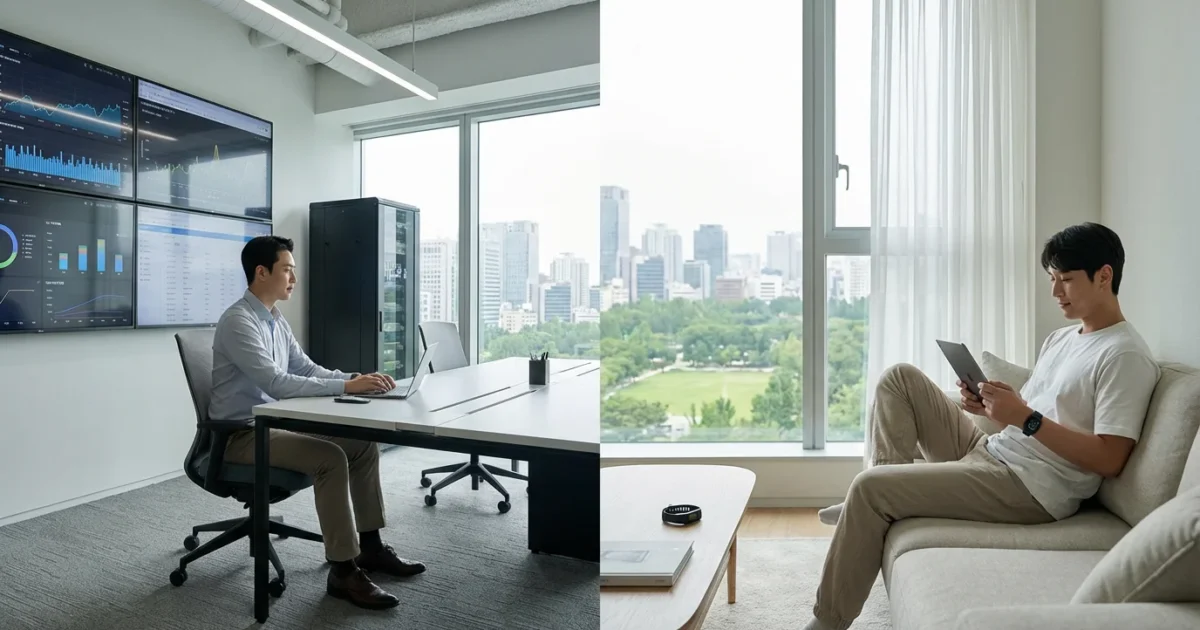
Securing your home effectively requires careful consideration of monitoring options. As you explore smart security systems, you will encounter two primary choices: professional monitoring and self-monitoring. Each approach offers distinct benefits and drawbacks, impacting your peace of mind, budget, and level of control. Understanding these differences helps you make an informed decision for your unique living situation.
Your home’s safety is paramount. This guide provides practical insights into both professional and self-monitored security systems, empowering you to choose the solution that best fits your needs, whether you prioritize instant professional response or maximum flexibility and cost savings.
Understanding Home Security Monitoring
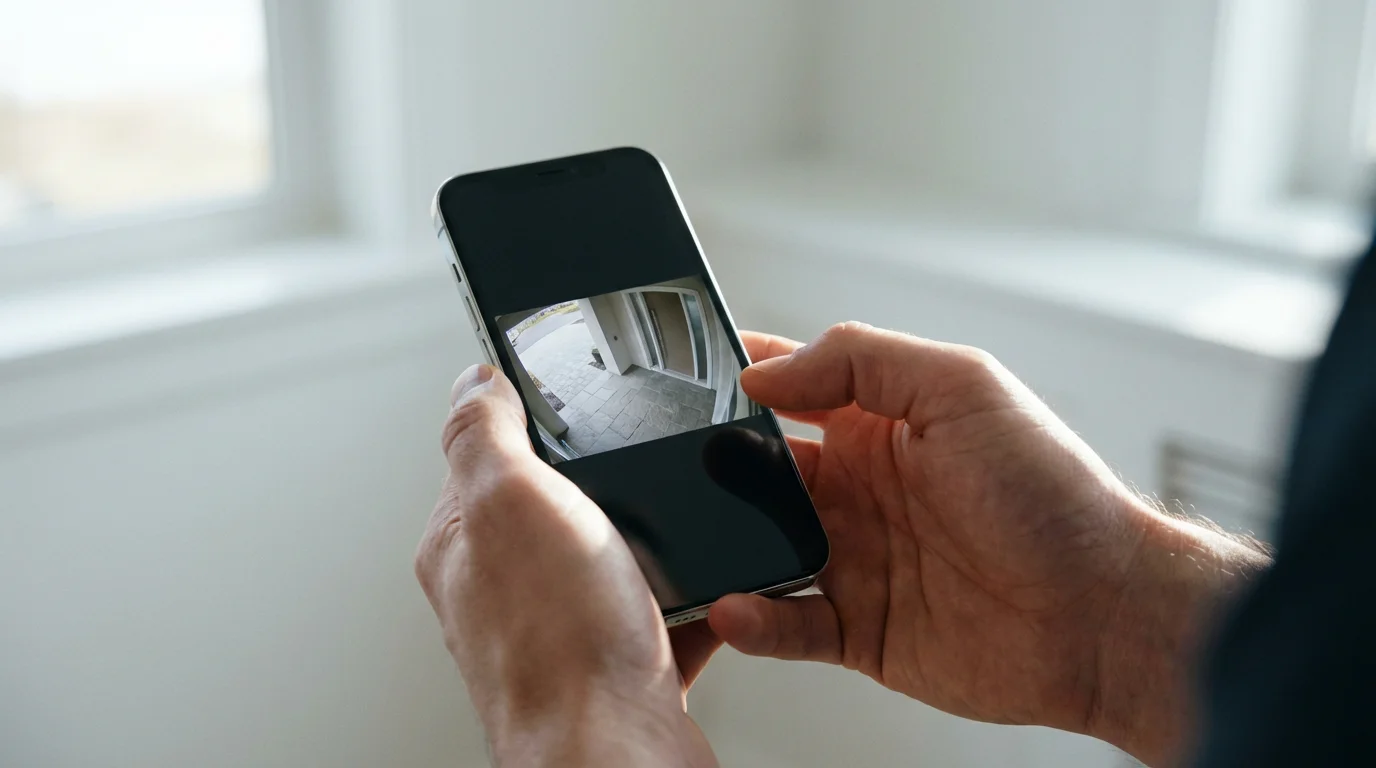
Home security monitoring forms the backbone of any robust smart home defense. It determines who receives alerts when a security event occurs and who acts on those alerts. Without a monitoring plan, your sophisticated smart locks, video doorbells, and motion sensors merely record events; they do not automatically trigger a response. This critical decision affects your home’s vulnerability and your response time to potential threats.
For a broader look at the process, check our guide on how to set up a complete smart security system to see how different components work together.
The core function of any security system is to detect intrusions, fires, or other emergencies. Monitoring takes that detection a step further by establishing a clear chain of action. Your choice impacts not only the speed of response but also the effort you personally invest in managing your home’s security.
What is Professional Monitoring?
Professional monitoring involves a third-party service that watches over your home security system 24/7. When your alarm system triggers, whether from a tripped motion sensor, a broken window, or a smoke detector, the signal goes directly to a central monitoring station. Trained operators at this station then verify the alarm and, if necessary, dispatch emergency services to your home. This process provides continuous protection, even when you are unavailable or asleep.
These services often integrate with a full suite of smart security devices, including smart locks, video doorbells, and various sensors. You typically pay a monthly fee for this service, which covers the monitoring, communication infrastructure, and sometimes equipment maintenance or warranty. Many professional monitoring services offer cellular backup, ensuring your system remains connected and capable of sending alerts even if your internet or power goes out.
How Professional Monitoring Works:
- An alarm event occurs, such as a door sensor activating or a smoke detector going off.
- The security system sends a signal to the central monitoring station, often via cellular connection.
- A trained operator receives the signal, attempts to verify the alarm by calling you, your emergency contacts, or checking camera feeds if enabled.
- If the alarm is verified or you cannot be reached, the operator immediately dispatches local police, fire, or medical services to your address.
- The monitoring station keeps you informed of the situation and the actions taken.
The Advantages of Professional Monitoring
Opting for professional monitoring brings several significant benefits, particularly if you prioritize hands-off security and immediate expert response. This service offers a robust safety net, ensuring help is on the way even when you cannot act yourself.
- 24/7 Expert Response: A dedicated team constantly monitors your home, ready to act on any alert. This ensures prompt action regardless of the time of day or your personal availability.
- Immediate Emergency Dispatch: Operators directly contact police, fire, or medical services. This eliminates delays that might occur if you are busy, away, or unable to reach your phone.
- Peace of Mind: Knowing that professionals are always watching over your home provides a high level of reassurance. You can travel or sleep soundly, confident that your property is protected.
- Reliable Communication: Many professional systems use cellular backup, maintaining connectivity even during power outages or internet disruptions. This critical feature ensures your alerts always reach the monitoring station.
- Reduced False Alarms: Many services incorporate alarm verification protocols, such as calling you first or checking camera feeds, before dispatching emergency services. This helps avoid unnecessary emergency calls and potential fines.
- Lower Insurance Premiums: Home insurance providers often offer discounts for professionally monitored security systems. The added protection reduces risk, translating into potential savings on your policy.
According to Consumer Reports, professionally monitored systems offer a “distinct advantage” by ensuring a prompt response, especially for serious threats like fire or burglary, even when you are away from home.
What is Self-Monitoring?
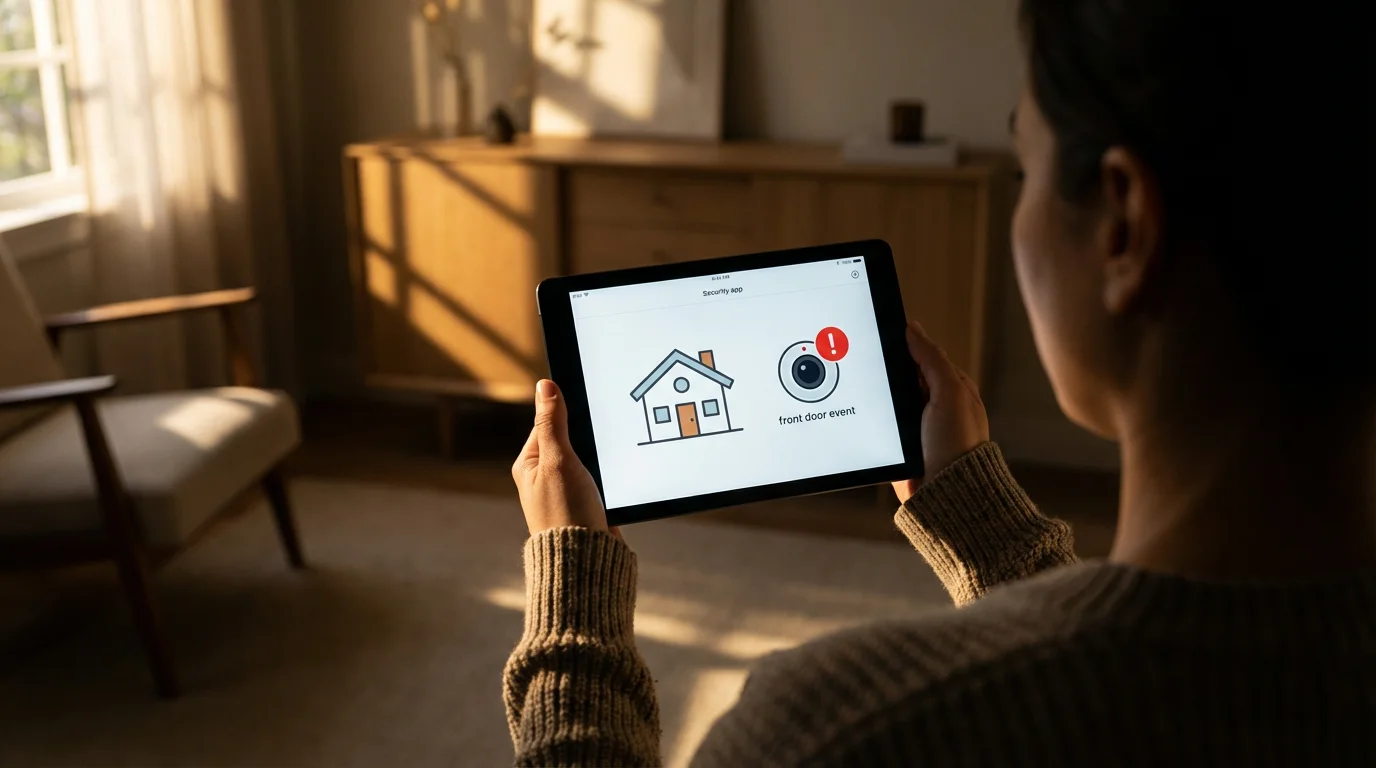
Self-monitoring puts you in direct control of your home’s security alerts and responses. When your security system detects an event, it sends notifications directly to your smartphone, tablet, or email. You then become responsible for assessing the situation and deciding what action to take, which might include contacting neighbors, calling emergency services yourself, or checking live camera feeds. This DIY approach appeals to those who prefer flexibility and avoid ongoing monthly fees.
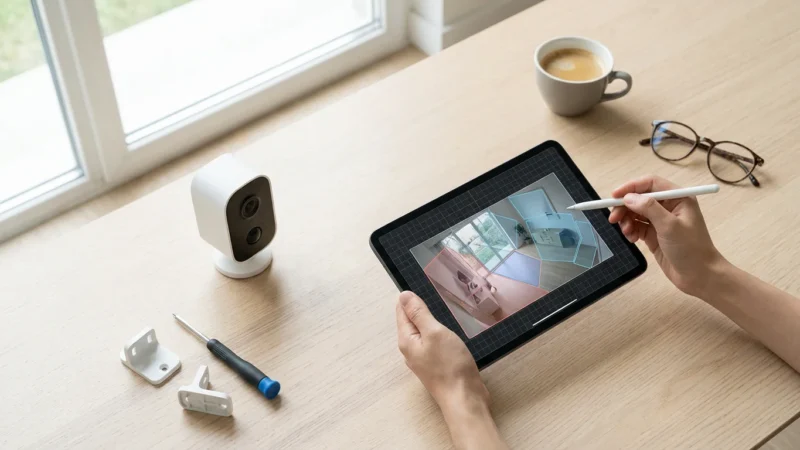
Many popular smart home security devices, such as standalone video doorbells, security cameras with cloud storage, and simple door/window sensors, are designed with self-monitoring in mind. You purchase the equipment, install it yourself, and manage all alerts through an app. The system functions well as an alert mechanism, but the burden of response falls squarely on your shoulders.
Typical Self-Monitoring Setup:
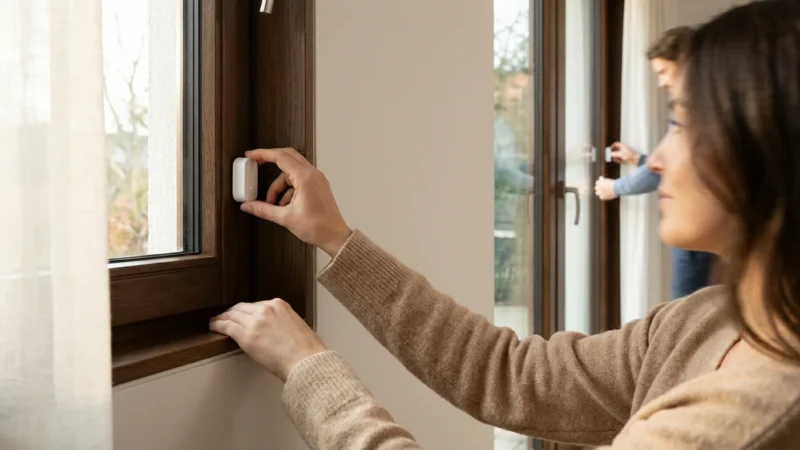
- You install smart security devices, such as door/window sensors, motion detectors, and video cameras.
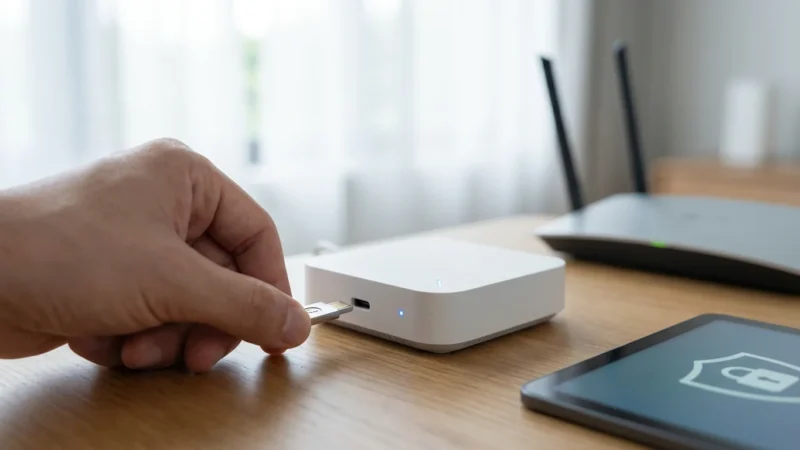
- These devices connect to your home Wi-Fi network and a central hub or directly to their respective apps.
- When a sensor triggers or a camera detects motion, the system sends an alert to your smartphone via a push notification.
- You receive the alert, open the app to view live camera feeds or check sensor status, and determine the next steps.
- If an emergency exists, you must personally call 911 or your local emergency number to request assistance.

The Advantages of Self-Monitoring
Self-monitoring offers an appealing alternative for many homeowners, particularly those who are tech-savvy and prefer direct management of their systems. This approach emphasizes cost savings and complete autonomy over your security setup.
- No Monthly Fees: The most significant draw of self-monitoring is the elimination of recurring subscription costs for monitoring services. You pay for the equipment upfront and manage it yourself.
- Full Control and Flexibility: You decide which devices to install, how they operate, and how to respond to alerts. You are not bound by service contracts or specific equipment requirements from a monitoring company.
- Customization: Build a system tailored exactly to your needs. Integrate various brands of smart devices that communicate through platforms like Matter or Zigbee, creating personalized automations. For instance, a motion sensor might trigger lights to turn on and send you a notification simultaneously.
- Enhanced Privacy (with local storage): If you choose cameras with local storage options, such as an SD card or network attached storage, you maintain greater control over your video footage. This can reduce reliance on cloud services and potential privacy concerns.
- Scalability: Easily add or remove devices as your needs change without needing to adjust a service plan. Start small with a video doorbell and expand to full sensor coverage over time.
- Direct Notifications: You receive immediate alerts directly to your phone, allowing you to view and respond to events in real time. This direct connection gives you an unfiltered view of what is happening.

Professional Monitoring: Weighing the Costs and Benefits
Choosing professional monitoring involves balancing its significant advantages against its financial commitment. This service provides unparalleled security response, but it comes with a price tag.
Benefits of Professional Monitoring:
- Guaranteed Response: Even if you are unreachable, tired, or otherwise incapacitated, trained professionals will handle emergency dispatch. This level of reliability is crucial for serious incidents like fires or home invasions.
- Cellular Backup: Many systems include a dedicated cellular connection, ensuring your alarm signals reach the monitoring station even if your power or internet goes out. This redundancy is a vital security feature.
- Insurance Savings: The verified presence of professional monitoring often qualifies you for discounts on your homeowner’s insurance premiums. These savings can partially offset the monthly monitoring fees.
- Reduced Stress and Responsibility: You delegate the critical task of emergency response to experts, freeing you from the constant need to monitor alerts and contact emergency services yourself.
- Potential for Advanced Features: Some professional services offer alarm verification via live video feeds, ensuring authorities are dispatched only for genuine threats, reducing false alarm fines.
Costs and Considerations for Professional Monitoring:
- Monthly Fees: This is the most substantial ongoing cost. Fees vary widely depending on the provider, equipment, and level of service, typically ranging from $20 to $60 per month.
- Contracts: Many providers require long-term contracts, often 2-3 years. Canceling early can incur penalties. Research contract terms carefully before committing.
- Equipment Costs: While some companies offer “free” equipment with a contract, you usually pay for it through higher monthly fees. Outright purchase of equipment can be expensive but might offer more flexibility later.
- Installation: Professional installation may be required or recommended, adding to the initial cost. While ensuring proper setup, it removes the DIY option.
- Less Control Over Equipment: You might be limited to specific brands or models of equipment compatible with the monitoring service. Upgrading or changing devices might require coordination with your provider.
Self-Monitoring: Balancing Control and Responsibility
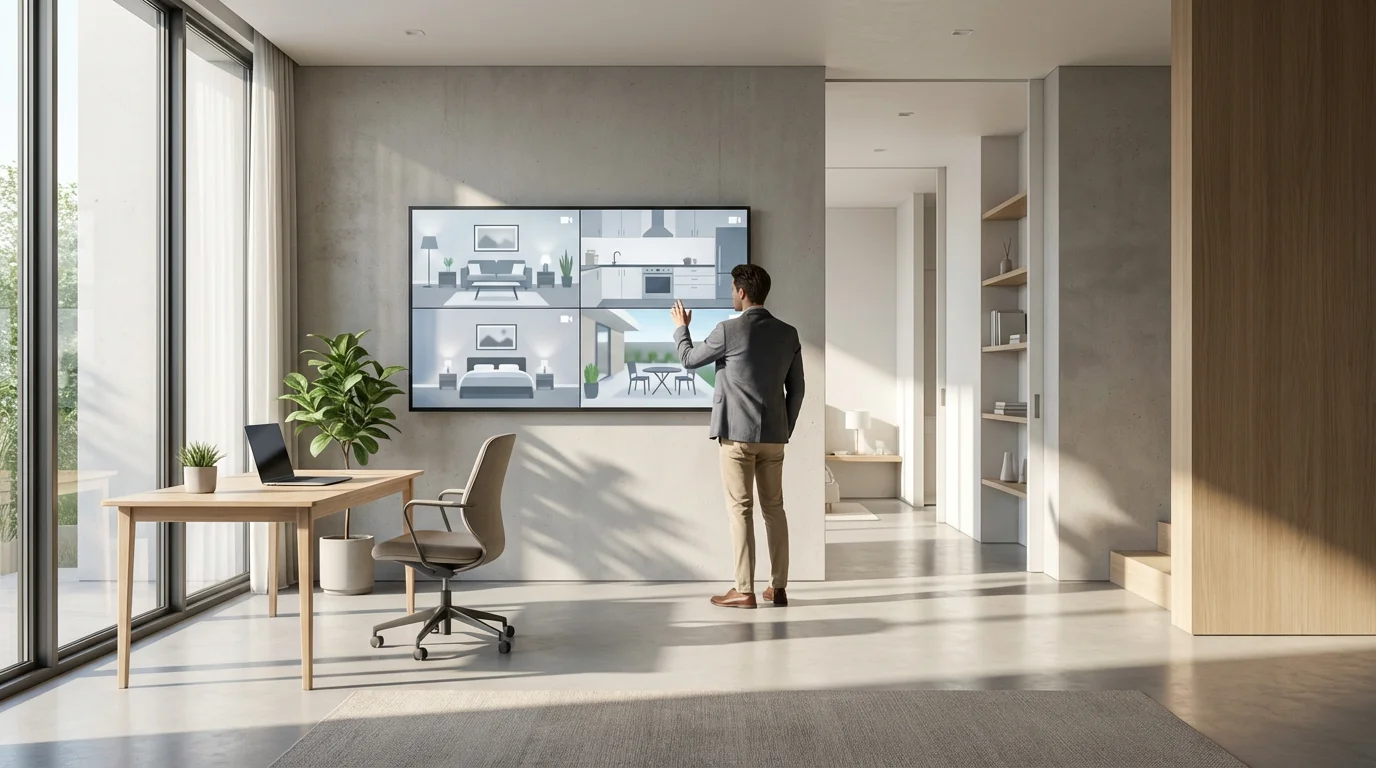
Self-monitoring appeals to those who value autonomy and cost savings. However, this approach requires you to assume full responsibility for your home’s security, which demands constant vigilance and quick decision-making.
Benefits of Self-Monitoring:
- Cost-Effectiveness: By far the greatest advantage is the absence of recurring monthly fees. You invest in the hardware once, making it a budget-friendly option in the long run.
- Maximum Flexibility: You are free to choose any smart security devices from various manufacturers. You can mix and match components, integrate with other smart home devices, and change your setup anytime.
- Direct Communication: Alerts come straight to your phone, giving you immediate insight into events. You can view live video from your security cameras, check sensor status, and decide on the appropriate action.
- Privacy Control: Systems offering local video storage allow you to keep your footage on-site rather than relying solely on cloud storage, which can be a significant privacy consideration. You control who accesses your data.
- Empowerment: You learn how your system works, understand its capabilities, and become the primary protector of your home. This can be empowering for tech-savvy individuals.
Drawbacks and Responsibilities of Self-Monitoring:
- Personal Responsibility for Response: When an alarm triggers, you must take action. If you are asleep, in a meeting, traveling internationally, or your phone battery dies, you might miss a critical alert.
- Potential for Missed Alerts: Smartphone notifications can be overlooked, silenced, or lost in a flurry of other messages. There is no failsafe like a professional monitoring station ensuring action.
- No Automatic Emergency Dispatch: You must call emergency services yourself. Delays in response can occur if you are not immediately available or if you need to verify the alarm before calling.
- Internet Dependency: Most self-monitored systems rely on your home internet connection. If your internet goes down or power fails, your system may lose its ability to send alerts. Some cameras offer local recording but cannot send notifications.
- False Alarm Risks: Without professional verification, you might accidentally call emergency services for a false alarm, potentially incurring fines from your local municipality.
- Setup and Troubleshooting: You are responsible for installing and maintaining all components. While many DIY systems are user-friendly, complex issues may require personal research or technical support.
Choosing Your Path: Key Considerations
Your decision between professional monitoring and self-monitoring should align with your lifestyle, budget, and specific security needs. Evaluate these factors carefully to make the best choice for your home.
Regardless of the monitoring path you choose, it is vital to learn how to secure your smart home from hackers to keep your network safe.
Evaluate Your Security Needs:
- Risk Level: Do you live in an area with high crime rates? Is your home particularly vulnerable? Higher risk often warrants the guaranteed response of professional monitoring.
- Property Type: A large property with multiple entry points might benefit from a comprehensive system managed by professionals. A small apartment might be adequately secured with self-monitored devices.
- Occupants: Do you have elderly family members, young children, or individuals with special needs who might require immediate external assistance in an emergency? Professional monitoring offers a vital safety net.
- Additional Threats: Beyond intrusion, do you need monitoring for fire, carbon monoxide, or flood detection? Professional services often integrate these alarms for a comprehensive safety package.
Consider Your Lifestyle:
- Travel Frequency: If you travel often or for extended periods, professional monitoring ensures your home is always watched, even when you are thousands of miles away.
- Availability: Can you reliably respond to alerts 24/7? If your work or sleep schedule makes this difficult, professional monitoring provides continuous coverage.
- Technical Comfort: Are you comfortable installing, configuring, and troubleshooting smart devices and apps? Self-monitoring requires a degree of technical aptitude.
Assess Your Budget:
- Upfront Costs: Self-monitoring typically has higher initial hardware costs but no recurring fees. Professional services might offer subsidized equipment but come with monthly payments.
- Long-Term Costs: Calculate the total cost of ownership over 3-5 years for both options, factoring in monthly fees versus potential equipment upgrades for self-monitoring.
- Insurance Savings: Factor in potential homeowner’s insurance discounts that professional monitoring might provide.
Think About Privacy and Data:
- Cloud vs. Local Storage: Many smart cameras rely on cloud storage, often with a subscription fee. Consider self-monitored cameras that offer local storage to maintain greater control over your video data.
- Data Security: Ensure any smart devices you use, whether for self or professional monitoring, come from reputable brands with strong encryption and security protocols. For more on smart home security best practices, you can consult resources like CNET’s Smart Home section.
Hybrid Security Solutions
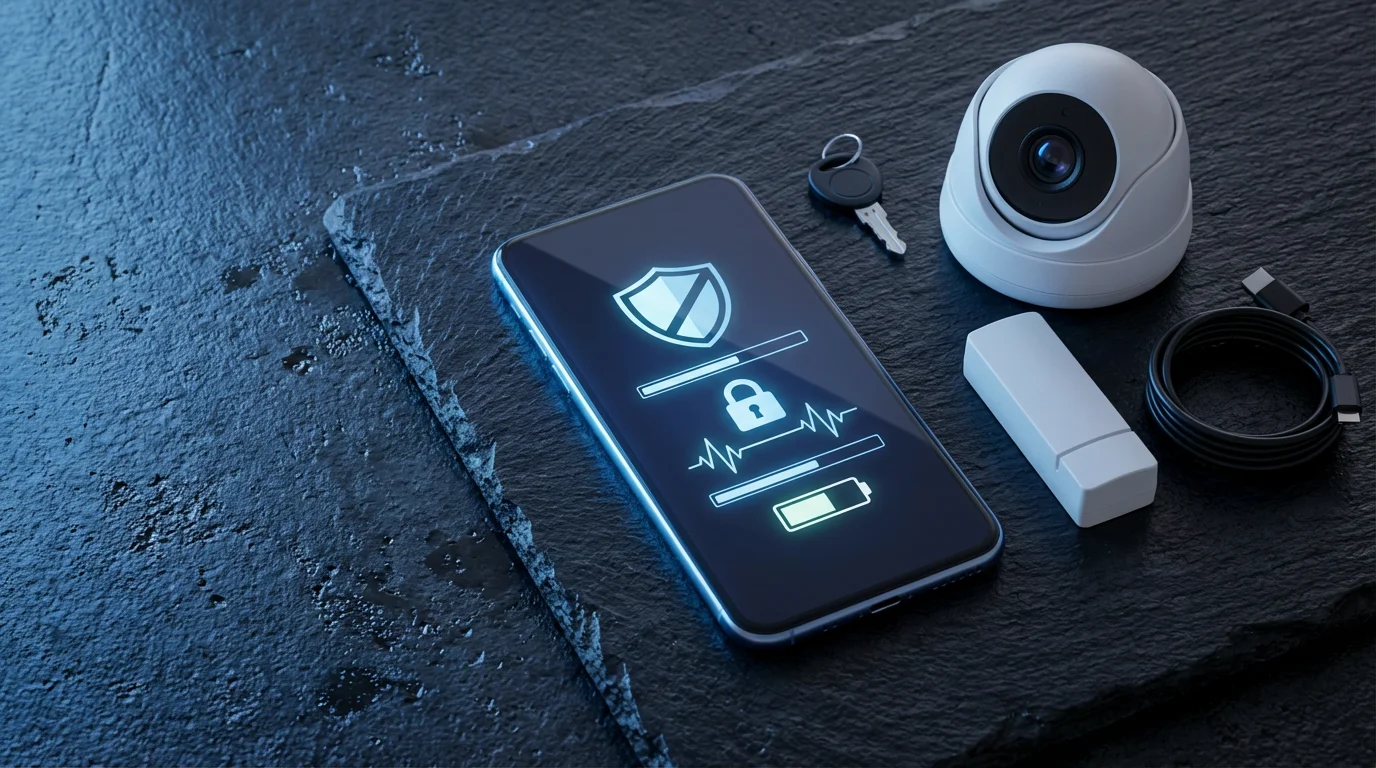
You do not always have to choose exclusively between professional monitoring and self-monitoring. Many systems and approaches allow for a hybrid setup, combining the best aspects of both to create a tailored security solution.
A common hybrid model involves a core professionally monitored system for critical threats like intrusion, fire, and flood, while you self-monitor auxiliary devices. For example, you might have a security company monitoring your door and window sensors and smoke detectors, ensuring emergency dispatch. Simultaneously, you could have several independent, self-monitored security cameras and a video doorbell that send alerts directly to your phone. This gives you direct visual confirmation without incurring additional monitoring fees for every single device.
Another option is a system that offers flexible monitoring plans. Some providers allow you to activate professional monitoring on an as-needed basis, perhaps when you go on vacation, and revert to self-monitoring for everyday use. This flexibility provides peace of mind during vulnerable periods while saving on monthly costs the rest of the time.
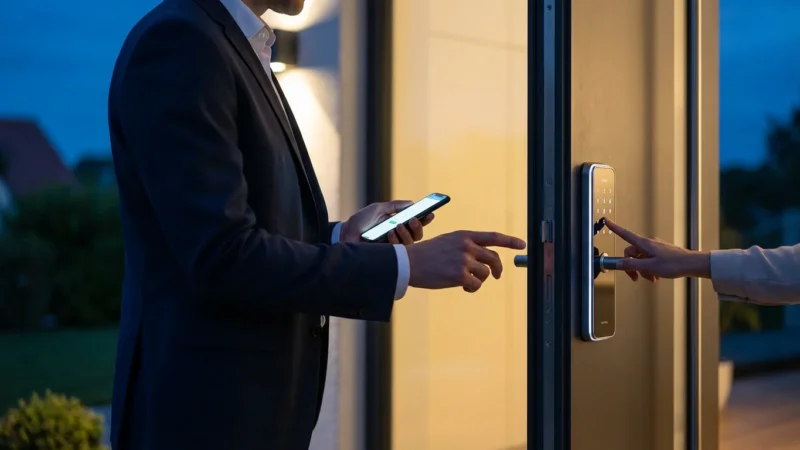
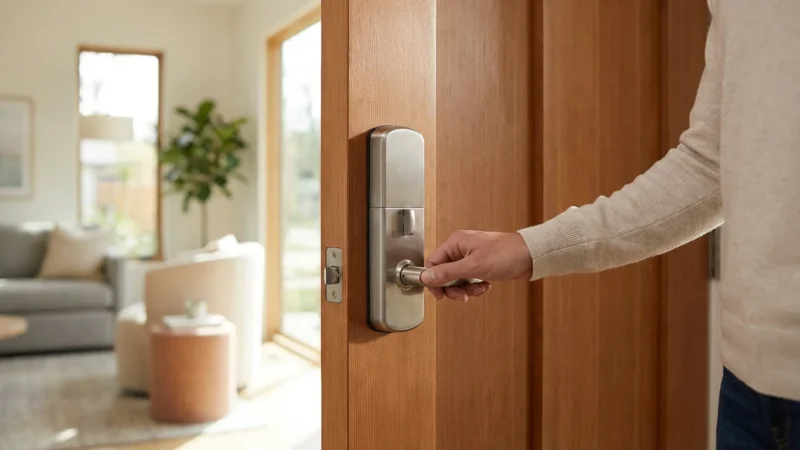
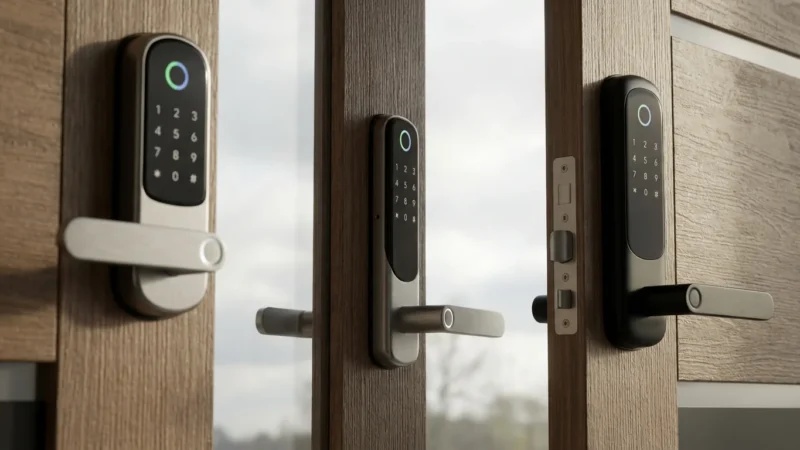
Consider integrating smart home devices that enhance both forms of monitoring. Smart locks provide keyless entry for family and trusted visitors, while a video doorbell lets you screen guests remotely. These devices, whether professionally integrated or self-managed, add layers of convenience and security to your home. The key is to design a system that complements your needs, providing professional backup where it is most critical and giving you personal oversight where you prefer direct control.
Frequently Asked Questions
Is professional monitoring worth the monthly cost?
For many homeowners, the peace of mind and guaranteed emergency response of professional monitoring makes the monthly cost worthwhile. It is especially valuable if you travel frequently, have a large family, or live in an area with higher crime rates. The cost often offsets potential losses from theft or damage, and can sometimes lower insurance premiums.
Can I switch from self-monitoring to professional monitoring, or vice versa?
Yes, many modern smart security systems offer the flexibility to switch between self-monitoring and professional monitoring plans. Some providers allow you to activate or deactivate professional monitoring with a simple subscription change. If you own your equipment outright, you might even switch providers, though compatibility is a key consideration.
What happens during a power outage with my security system?
Most professionally monitored systems include battery and cellular backup. This means the system continues to operate and communicate with the monitoring station even if your power and internet go out. Self-monitored systems, particularly those relying solely on Wi-Fi, often cease to send alerts during power or internet outages, though some cameras may continue local recording.
Do I need professional monitoring for smart doorbells and cameras?
Standalone smart doorbells and cameras typically function well with self-monitoring. They send alerts and live video directly to your phone. However, if you want guaranteed dispatch for suspicious activity captured by these devices, integrating them into a professionally monitored system ensures an expert will verify and act on the alert, even if you are unavailable.
Choosing between professional monitoring and self-monitoring for your home security system is a significant decision. It directly impacts your safety, budget, and peace of mind. Professional monitoring offers a robust, hands-off solution with guaranteed emergency response, ideal for those who prioritize maximum protection and convenience. Self-monitoring provides flexibility, cost savings, and direct control, best suited for tech-savvy individuals who are always available to respond to alerts. Carefully weigh your personal circumstances, evaluate your risk factors, and consider your lifestyle. By understanding the advantages and disadvantages of each, you equip yourself to build a smarter, more secure home that truly meets your needs.
Disclaimer: This article is for informational purposes only. Smart home devices involve electrical connections and data privacy. Always follow manufacturer instructions for installation. For complex wiring or HVAC work, consult a licensed professional.
Leave a Reply