

Most people start their smart security journey with a video doorbell or a camera. While these devices are excellent for seeing what is happening, they are often reactive—recording an event as it unfolds. To build a truly proactive security system, you need to integrate smart sensors. These small, unobtrusive devices act as the nervous system of your home, detecting movement, vibration, and unauthorized entry the moment it happens.
Integrating sensors goes beyond simple burglar alarms. When properly connected to a hub or ecosystem, they trigger lighting, manage climate, and send critical alerts to your phone. This guide covers how to select, place, and integrate smart sensors to create a home that doesn’t just watch you, but actively protects you.
The Core Types of Security Sensors
Before buying a multipack of sensors, you must understand the specific role each plays in your security ecosystem. A robust setup relies on layers of detection.
Contact Sensors (Door and Window)
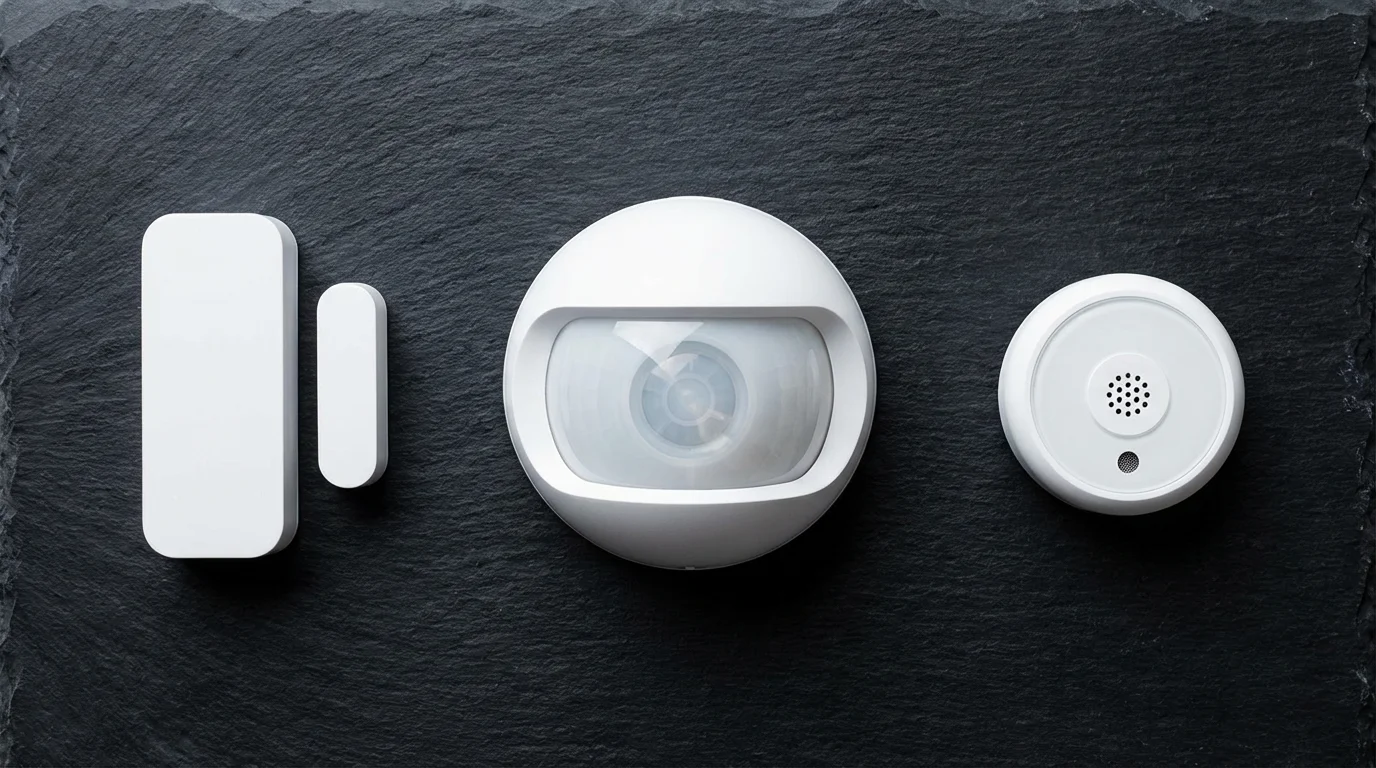
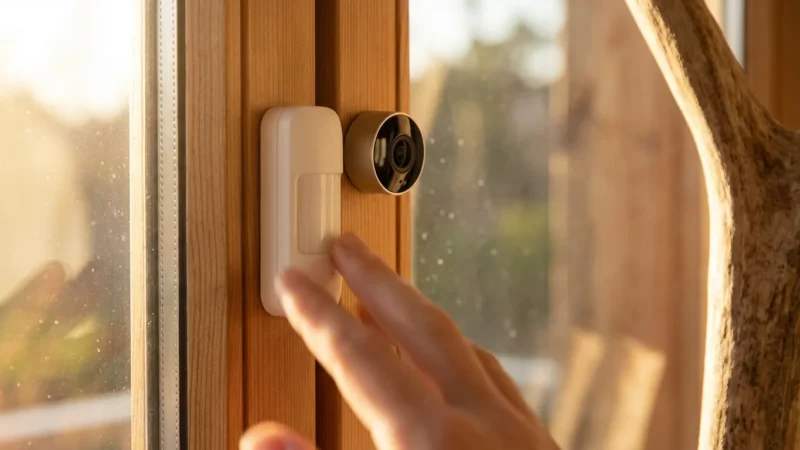
Contact sensors are the bread and butter of perimeter security. They consist of two parts: a sensor containing a reed switch and a magnet. When the door or window opens, the magnet moves away from the sensor, breaking the circuit and sending a signal to your hub.
These are essential because they detect a breach before an intruder is fully inside. However, their utility extends beyond the front door:
- Medicine Cabinets: Receive an alert if a sensitive cabinet is opened.
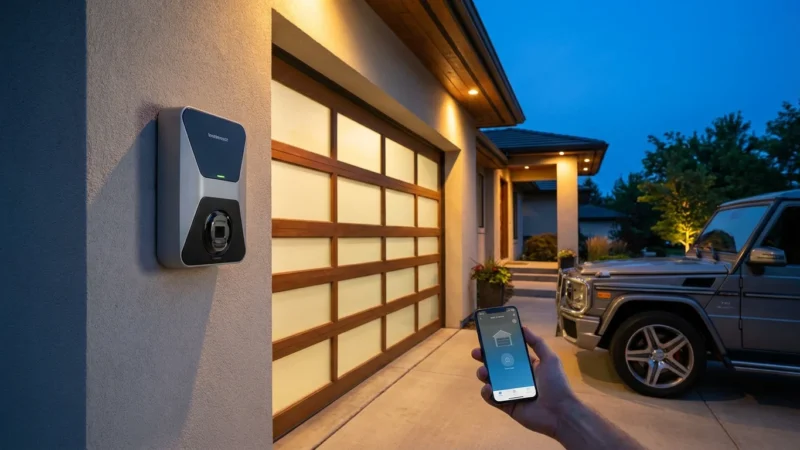
- Garage Doors: Check if you left the garage open without driving back home.
- Windows: Secure ground-level windows that are often overlooked.
Motion Sensors (PIR)
Passive Infrared (PIR) motion sensors detect changes in heat signatures. When a person (or large pet) moves across the sensor’s field of view, the heat differential triggers the alarm. Modern smart motion sensors often include temperature and light (lux) sensors, allowing them to double as triggers for your thermostat or lighting systems.
Glass Break Sensors
A contact sensor won’t trigger if an intruder smashes the glass rather than prying the window open. Glass break sensors listen for the specific acoustic frequency of shattering glass. You typically only need one per room, provided the sensor has a clear “line of hearing” to the windows.
Water and Leak Sensors
While often categorized under “utility,” leak sensors are a vital component of home security. Water damage is statistically more likely and more expensive than burglary. Placing these near washing machines, water heaters, and under sinks protects the physical integrity of your home.
Choosing the Right Connection: Wi-Fi, Zigbee, and Matter
One of the most common mistakes beginners make is buying sensors based solely on price, ignoring how they connect. Sensors run on batteries, and the communication protocol dictates battery life and reliability.
Wi-Fi Sensors
Wi-Fi sensors connect directly to your router. They are easy to set up because they don’t require a hub. However, Wi-Fi is power-hungry. These sensors often have shorter battery life and can congest your network if you have too many of them. They are best used sparingly.
Zigbee and Z-Wave
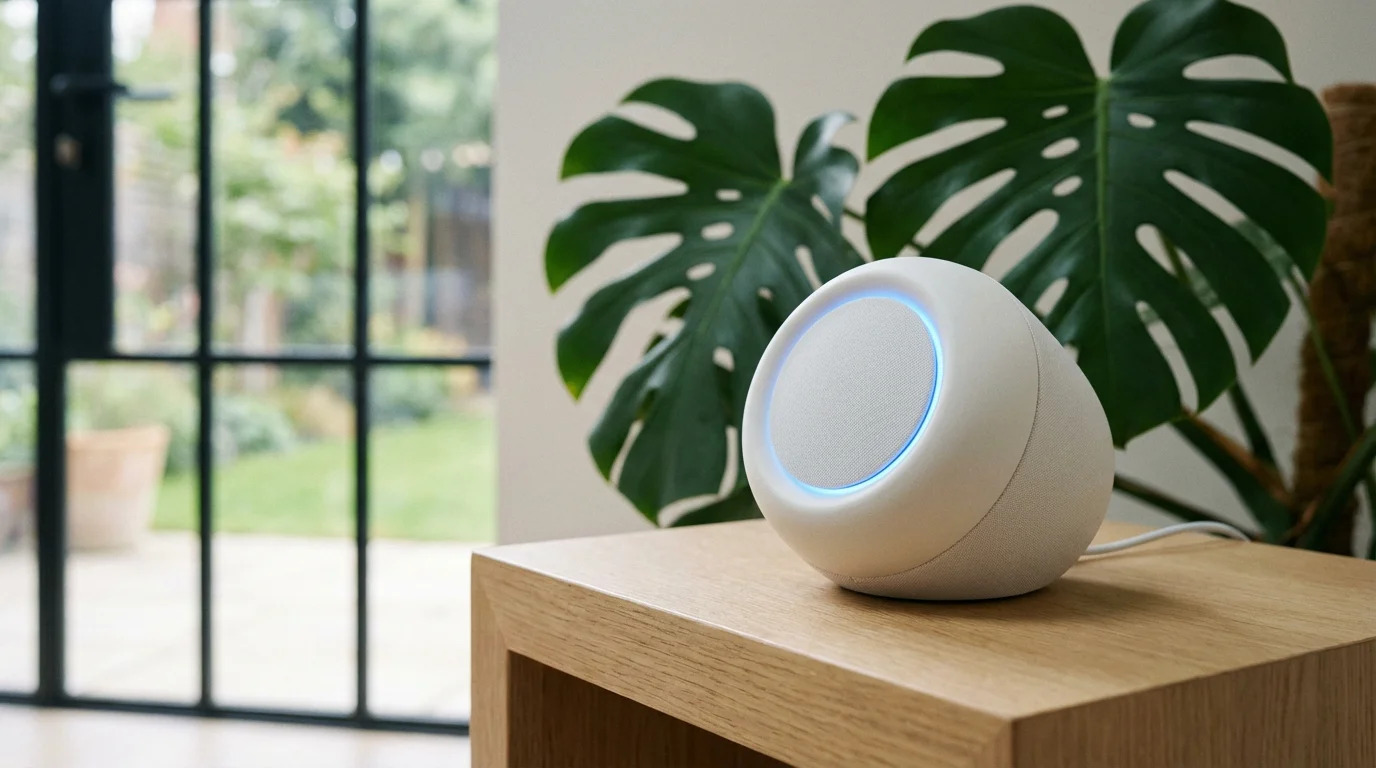
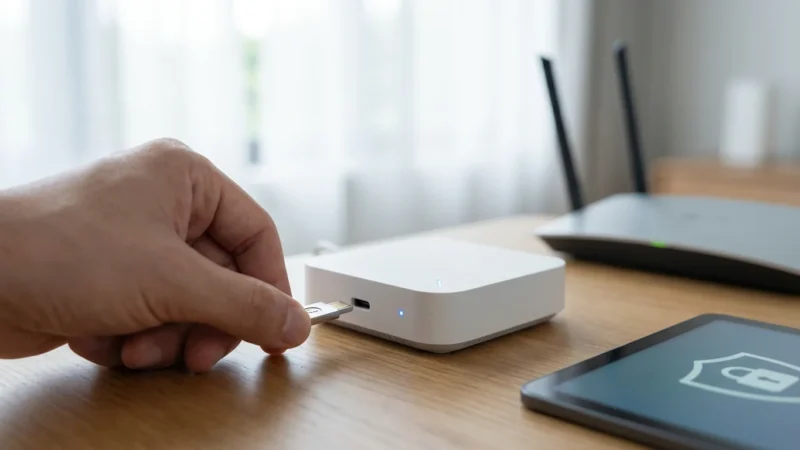
For a comprehensive system, Zigbee and Z-Wave are the superior choices. These low-power mesh protocols allow devices to communicate with a central hub (like a SmartThings hub or Amazon Echo) rather than your router. The benefits are clear:
- Battery Life: Coin-cell batteries can last 1–2 years.
- Speed: Local processing means lights turn on instantly when you open a door.
- Reliability: The mesh network strengthens as you add more powered devices.
The Matter Standard
The smart home landscape is shifting toward Matter, an interoperability standard backed by major tech companies. Matter-compatible sensors work across Apple Home, Google Home, and Amazon Alexa simultaneously. When purchasing new sensors, looking for the Matter logo ensures future-proofing, allowing you to switch platforms without replacing your hardware.

Strategic Placement for Maximum Coverage
Owning sensors is useless if they are installed incorrectly. A motion sensor facing a window will trigger false alarms due to sunlight heat, while a contact sensor on a metal frame might fail due to magnetic interference.
Motion Sensor Placement Rules
- Corner Mounting: Place sensors in the corner of a room, roughly 7 to 8 feet high. This provides the widest field of view and minimizes blind spots.
- Perpendicular Movement: PIR sensors are most sensitive to movement across their field of view, not directly toward them. Position them so an intruder would have to walk past the sensor, not straight at it.
- Avoid Heat Sources: Do not point sensors at radiators, vents, or direct sunlight. Sudden temperature shifts cause false alarms.
Contact Sensor Nuances
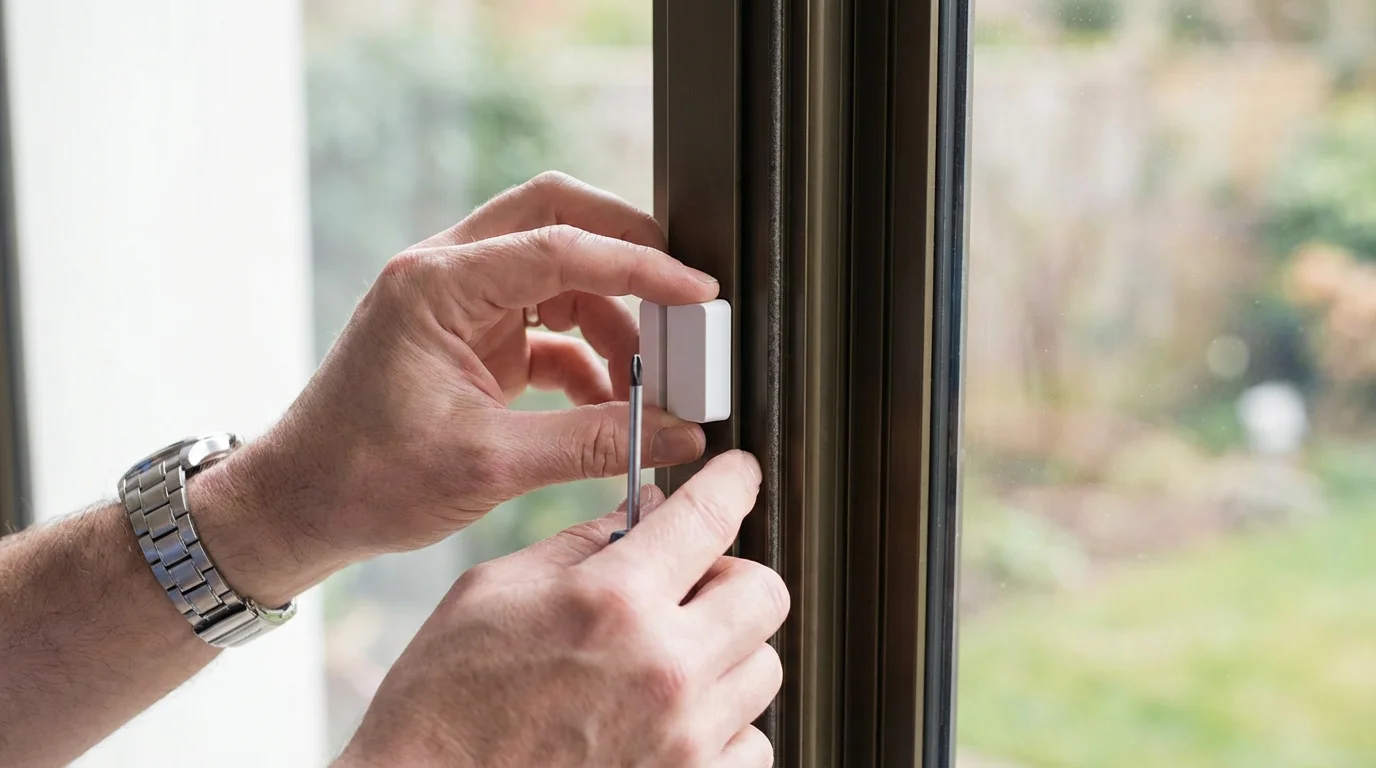
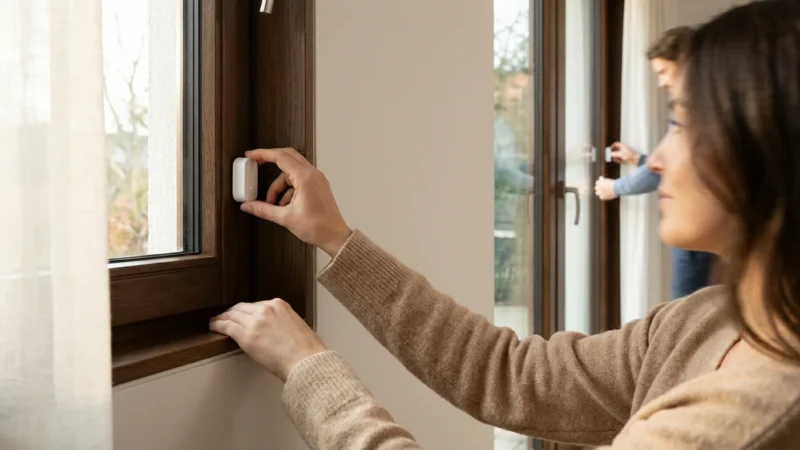
Ensure the gap between the magnet and the sensor is less than the manufacturer’s maximum gap allowance (usually around half an inch). If your door frame has molding that creates an uneven surface, use double-sided foam tape to build up the height of the magnet so it sits flush with the sensor.
Installation and Pairing Best Practices
Before peeling the adhesive backing, you must pair the device. It is incredibly frustrating to mount a sensor high on a wall only to realize it won’t pair or needs a reset pin you left in the kitchen.
The “Pair First” Method
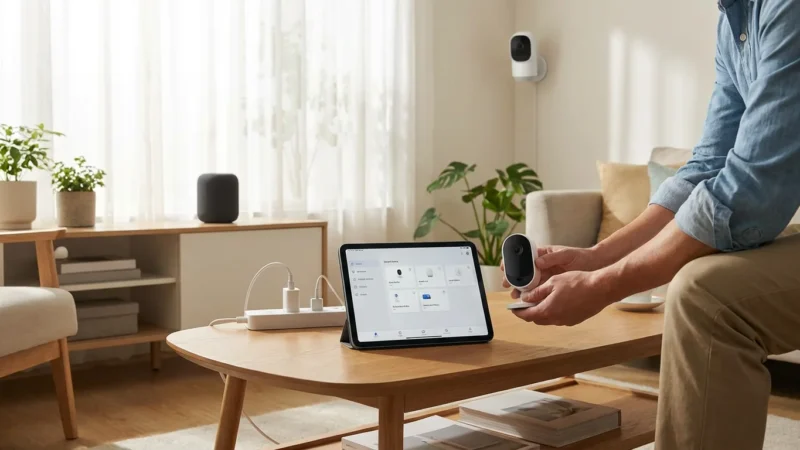
Bring all your sensors to the room where your hub is located. Pull the battery tabs one by one and pair them to your app. Label them immediately in the app (e.g., “Living Room Motion”) and write the name on the back of the sensor with a piece of painter’s tape. Only then should you take them to their final destination.
Adhesion and Mounting
Most sensors come with 3M command strips or similar adhesive. Clean the surface with isopropyl alcohol and let it dry before sticking the sensor. For high-humidity areas like bathrooms or garages, adhesive often fails. In these locations, use the small screws provided with the sensor to mount the backplate permanently to the frame or wall.

Creating Powerful Security Automations
Integration is where a “notification system” becomes a “smart home.” By linking your sensors to lights, sirens, and smart assistants, you create active deterrents.
The “Occupancy Simulation”
Burglars prefer empty houses. You can use contact sensors to simulate presence:
- Trigger: Motion detected in the living room or front door contact sensor opens.
- Condition: Time is between Sunset and Sunrise AND Mode is “Away.”
- Action: Turn on living room lamps for 10 minutes, then turn off.
Immediate Intrusion Deterrence
If a perimeter breach occurs while you are sleeping or away, immediate feedback is necessary.
- Trigger: Window sensor opens.
- Condition: System is Armed/Away.
- Action: Flash all smart lights red, sound the siren, and send a critical alert to your phone.
This “light flash” technique is particularly useful because it draws attention from neighbors and disorients the intruder.
Convenience Meets Security
Not every automation needs to be an alarm. Using sensors for convenience ensures you know they are working.
- Closet Lighting: Put a contact sensor on the pantry door to turn the light on when opened and off when closed.
- HVAC Efficiency: If a window remains open for more than 5 minutes, have your smart thermostat turn off the AC to save energy.
Maintenance and Preventing False Alarms
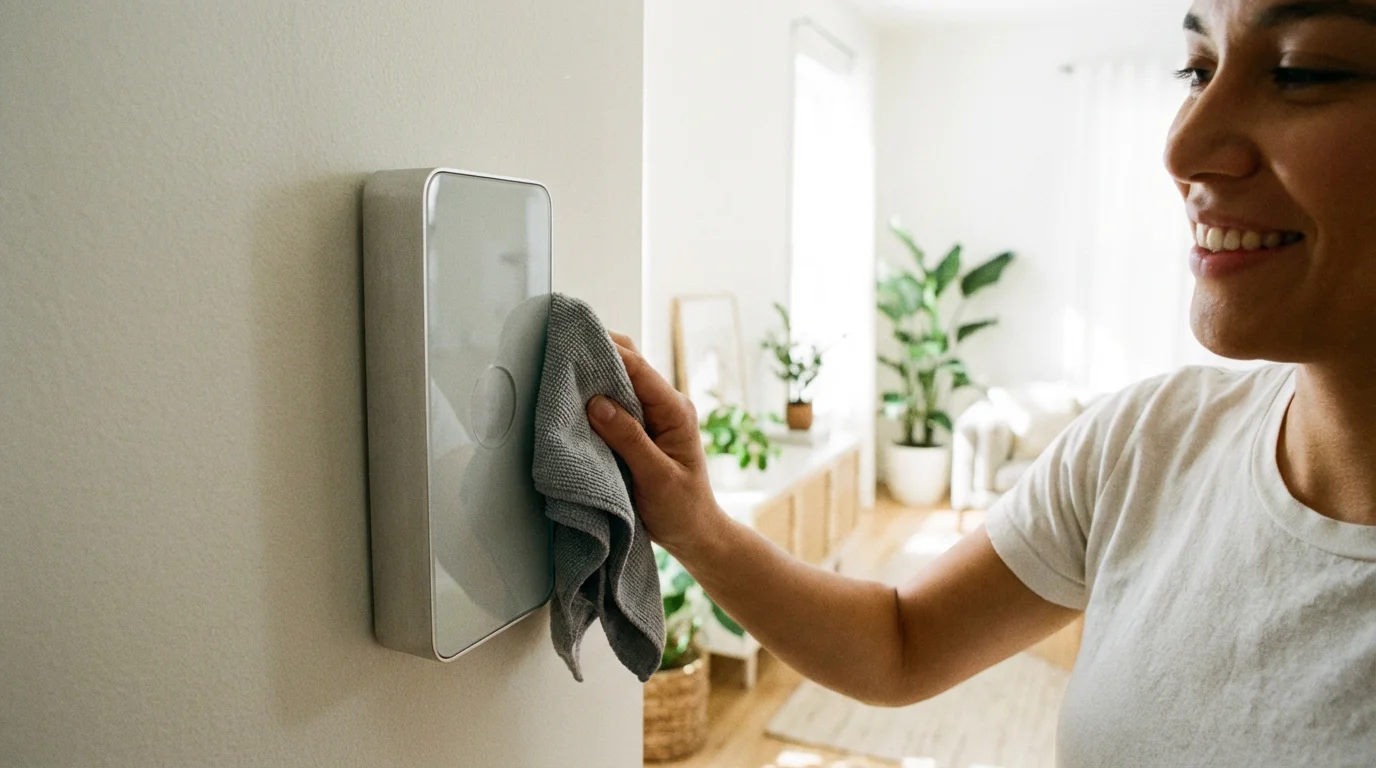
Nothing kills the utility of a smart security system faster than repeated false alarms. If your family ignores the siren because “it’s just the cat again,” your security is compromised.
Managing Pet Triggers
If you have pets, standard motion sensors are problematic. You have two options:
- Pet-Immune Sensors: Buy sensors specifically designed to ignore objects under a certain weight (usually 40-60 lbs).
- Invert the Sensor: Mount the motion sensor upside down roughly 4 feet off the ground (height of a light switch). This directs the “view” upward, catching human torsos while leaving the floor clear for dogs to roam undetected.
Battery Hygiene
Do not wait for a sensor to die. Most smart home apps report battery percentage. Set a recurring reminder in your calendar every six months to check sensor health. According to Wirecutter, device reliability drops significantly when batteries dip below 20%, often resulting in missed signals or false disconnect alerts.
Privacy and Data Security
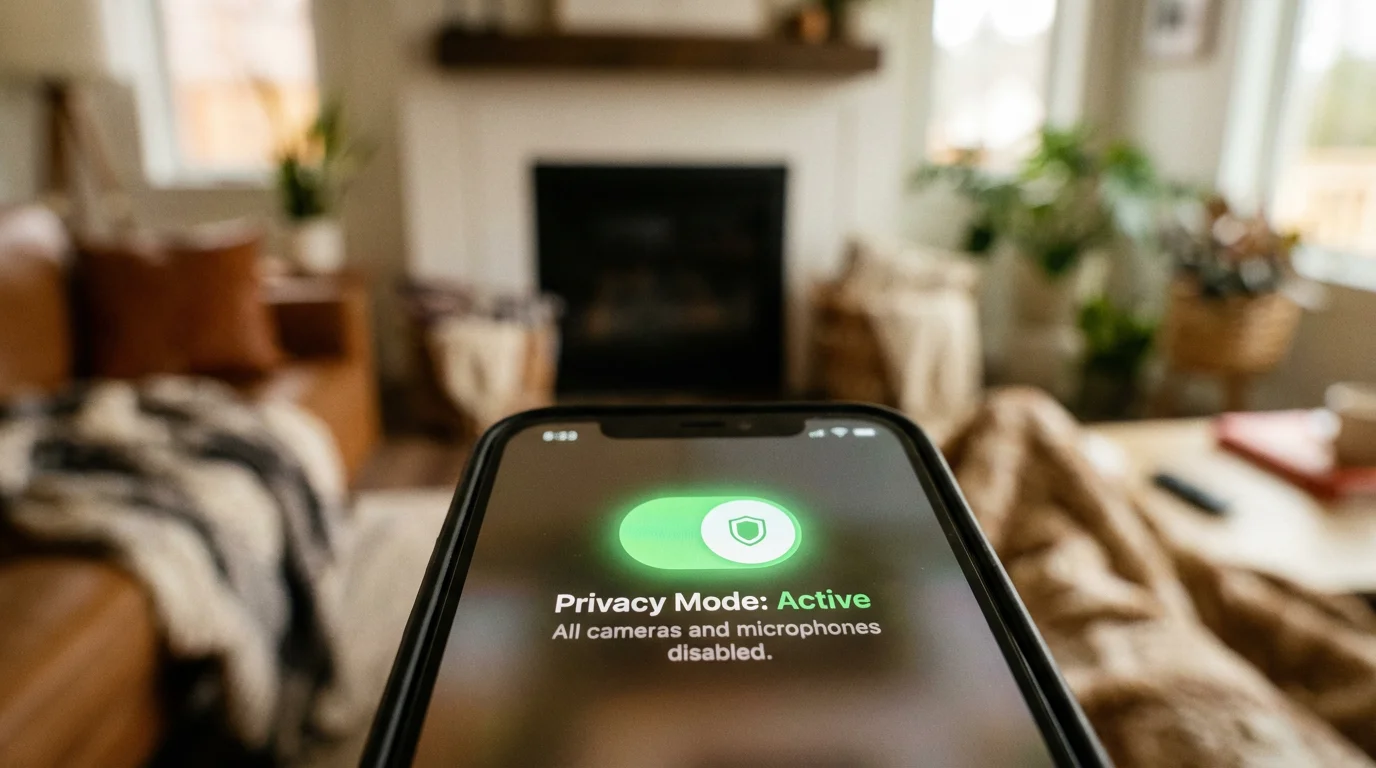
A major advantage of sensors over cameras is privacy. A motion sensor in the hallway tells you someone is there without recording video of your family in their pajamas. This makes sensors the ideal security choice for private areas like bedrooms and bathrooms.
Local Processing vs. Cloud
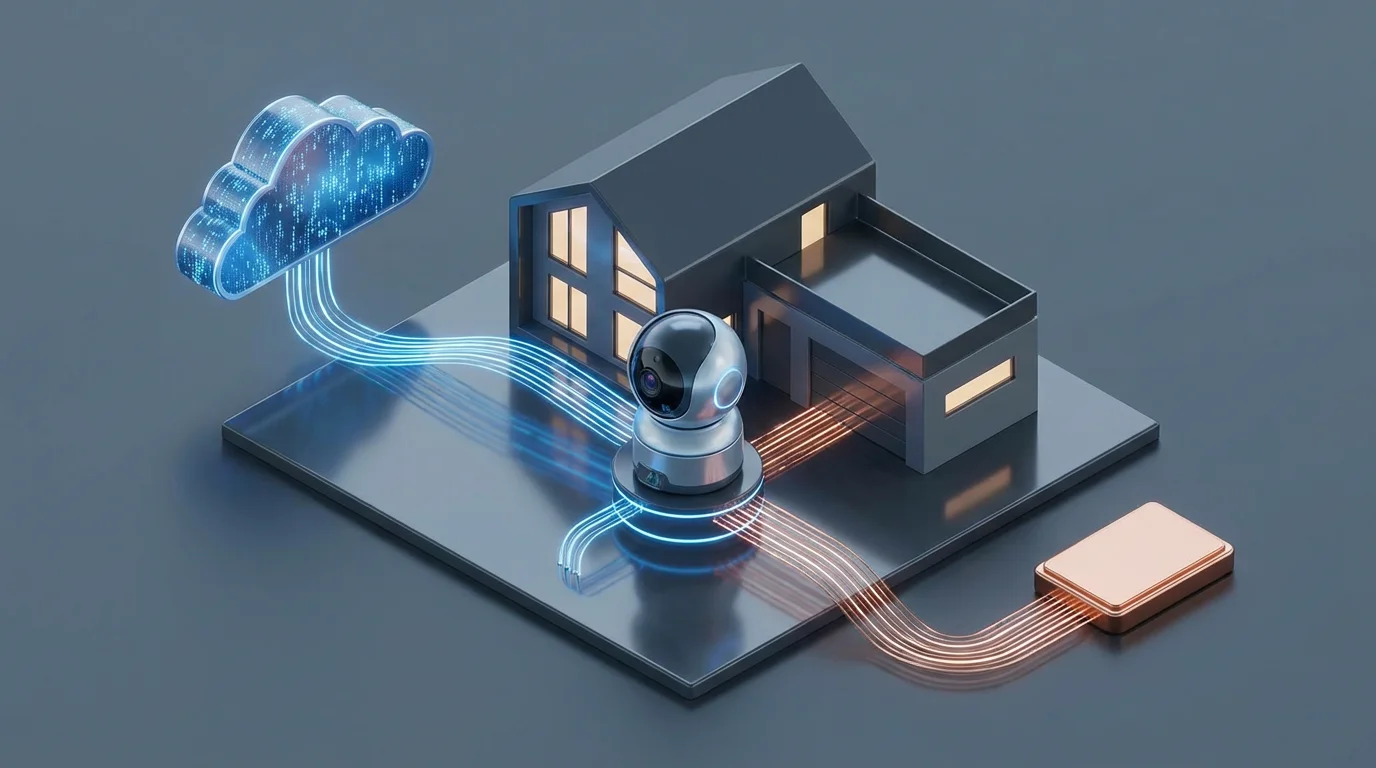
For maximum privacy, prioritize hubs that process data locally. Hubs like Hubitat or Home Assistant keep sensor data within your home network. Even mainstream hubs like SmartThings and Apple Home are moving more processing to the local device. This ensures that the record of when your front door opens isn’t constantly being beamed to a cloud server, and it ensures your security automations work even if the internet goes down.
Frequently Asked Questions
Do smart sensors work if the Wi-Fi goes out?
It depends on your connection type. Wi-Fi sensors will fail without internet. However, Zigbee and Z-Wave sensors connected to a local hub (like Hubitat or SmartThings V3) can still trigger local automations, such as sounding a siren or turning on lights, even without an active internet connection.
Can I use motion sensors if I have large dogs?
Yes, but you need “pet-immune” motion sensors designed to ignore movement under a certain weight. Alternatively, you can mask the lower portion of the sensor lens with electrical tape or mount the sensor upside down at waist height to detect human movement while ignoring pets on the floor.
Do I need a professional to install door and window sensors?
No. Most smart sensors are designed for DIY installation using peel-and-stick adhesive backings. No wiring or drilling is typically required. However, for recessed sensors hidden inside the door frame, you may need a drill and basic carpentry skills.
How long do batteries last in smart sensors?
Battery life varies by protocol. Wi-Fi sensors may need new batteries every 3–6 months. Zigbee and Z-Wave sensors typically last 1–2 years on a single coin-cell battery because they use significantly less power to communicate.
Disclaimer: This article is for informational purposes only. Smart home devices involve electrical connections and data privacy. Always follow manufacturer instructions for installation. For complex wiring or HVAC work, consult a licensed professional.


Leave a Reply