
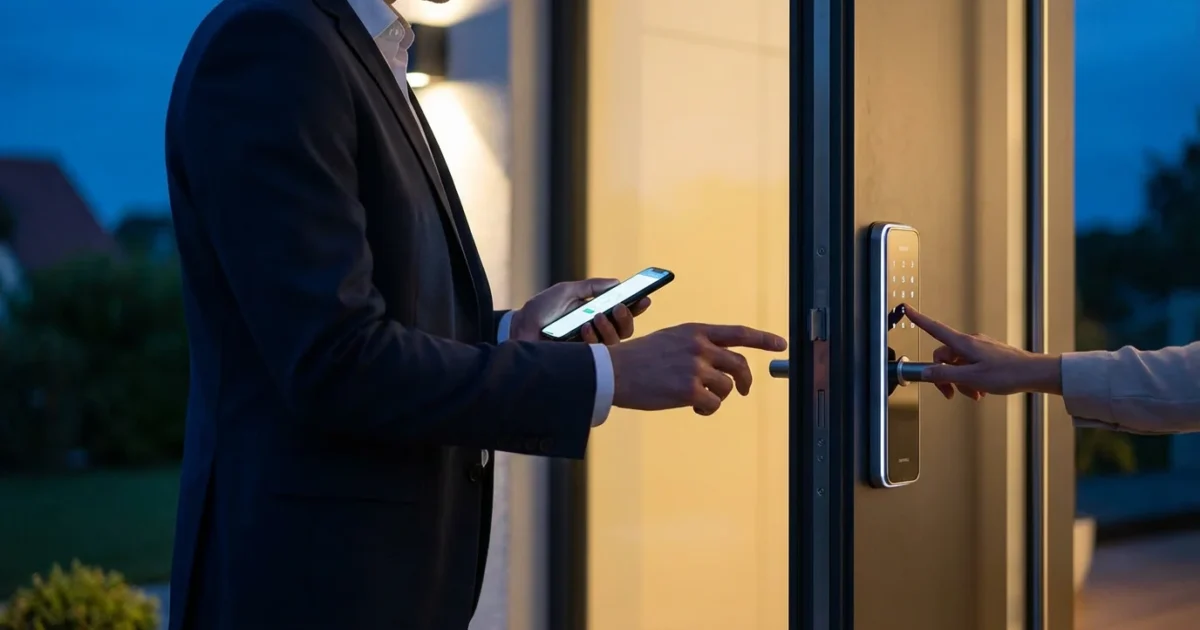
Empowering visitors with temporary access to your home enhances convenience and security. Smart locks offer a superior solution compared to traditional keys, providing granular control over who enters your property and when. You gain peace of mind knowing exactly who has access and for how long.
This comprehensive guide details how to implement time-limited entry for guests, service providers, or family members. You will learn the practical steps to set up, manage, and revoke smart lock guest codes, ensuring your home remains secure and accessible on your terms.
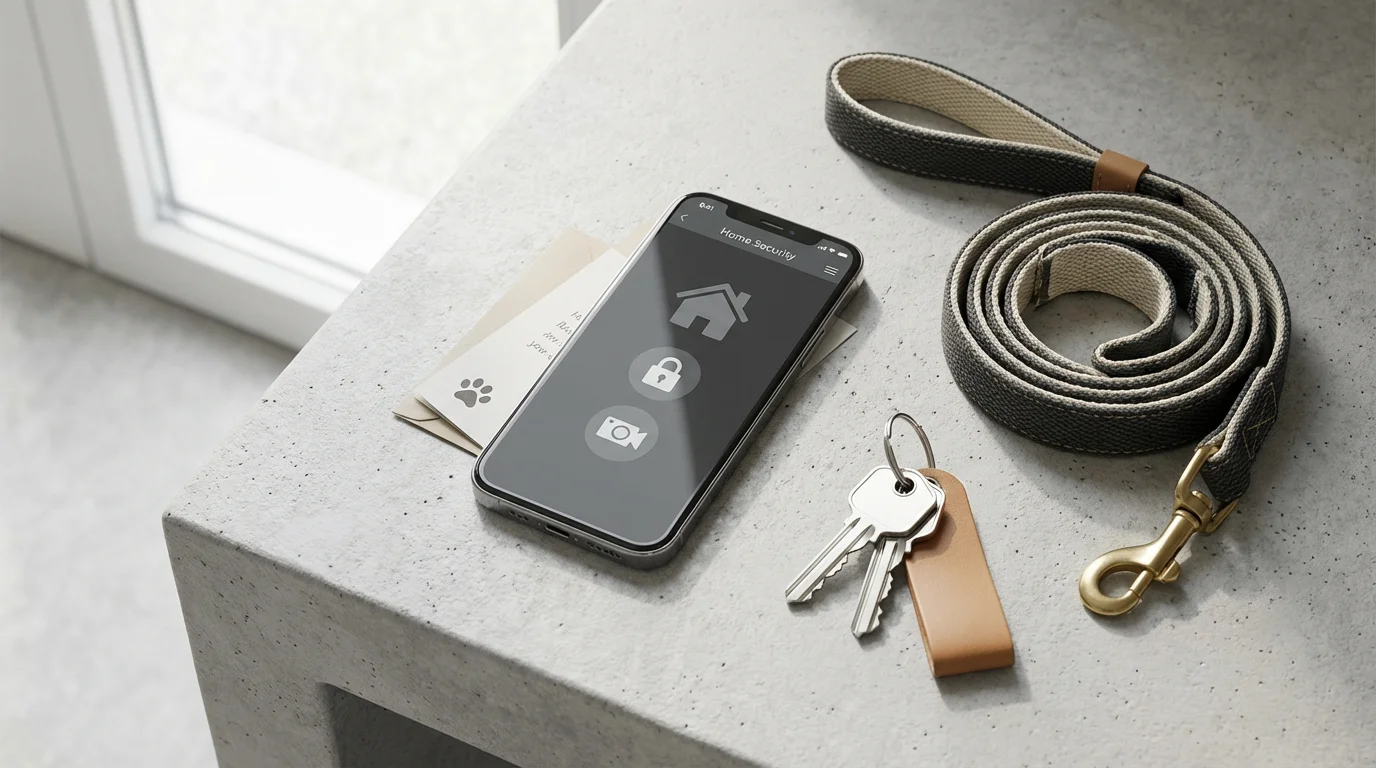
Why Temporary Access Matters for Your Smart Home Security
Modern living often requires flexible access to your home. Whether you need to let in a pet sitter, a cleaning service, or a contractor, managing physical keys creates logistical challenges and security risks. You might worry about lost keys or unauthorized duplication.
To see exactly who is at your door before giving them a code, consider pairing your lock with one of the best video doorbells for 2025.
Temporary access features in smart locks resolve these issues efficiently. You can grant specific individuals entry only when they need it, without distributing permanent keys. This system provides superior control and accountability, enhancing your overall home security posture.
Consider these common scenarios where temporary access proves invaluable:
- Guests and Family: Provide codes for friends or relatives visiting for a weekend, which automatically expire after their stay.
- Service Providers: Grant a dog walker or house cleaner access for their scheduled visits. You can set codes to work only on specific days and times.
- Deliveries: Some systems allow one-time access codes for secure package deliveries inside your home.
- Contractors: Offer time-limited entry to electricians, plumbers, or repair technicians for the duration of their work.
- Real Estate Showings: Realtors can use temporary codes for scheduled showings, with logs tracking entry and exit times.
The ability to create, modify, and revoke access remotely gives you unparalleled management capabilities. You maintain complete oversight, directly from your smartphone or computer.
Understanding Different Types of Temporary Smart Lock Access
Smart locks offer various methods for granting temporary access, each suited to different situations. Understanding these options helps you choose the most appropriate solution for your specific needs.
Here are the primary types of temporary access available:
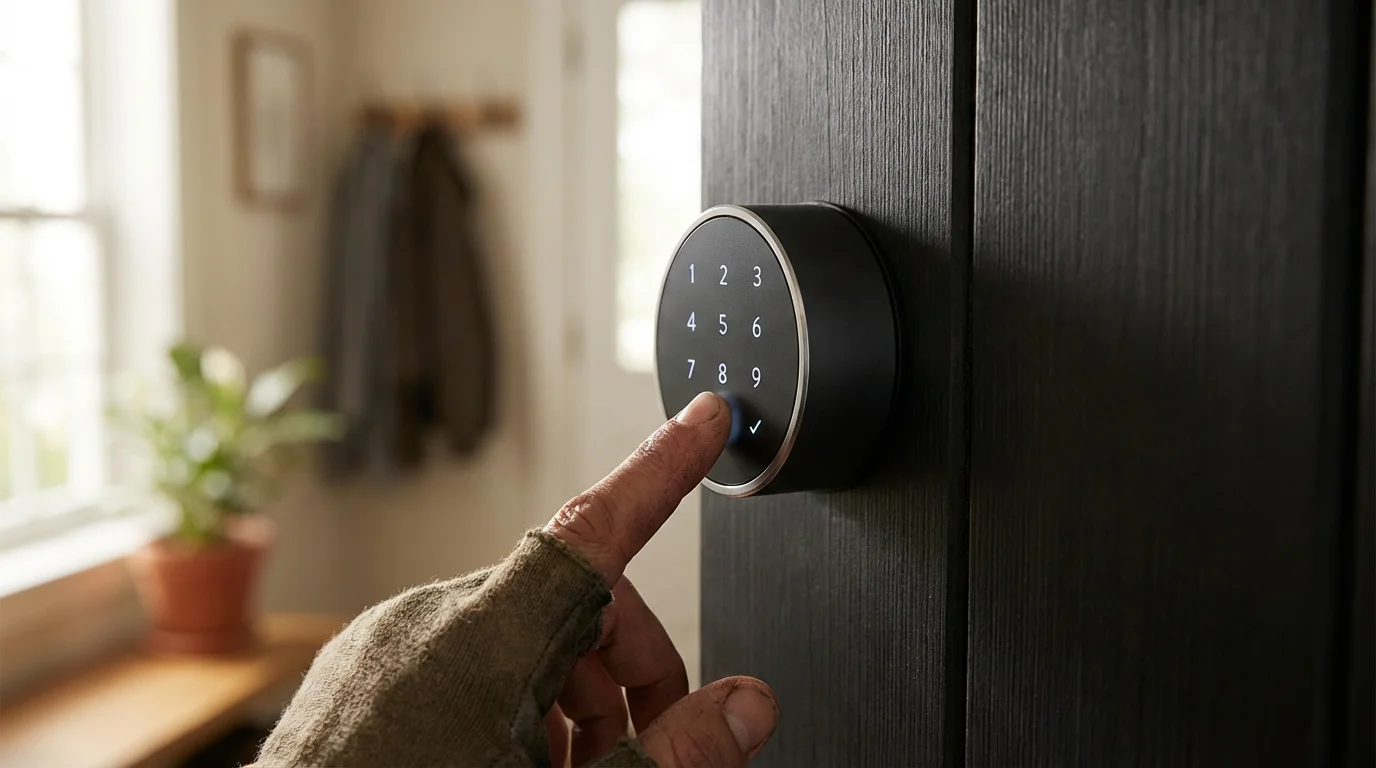
- Guest Codes or PINs: These are numerical codes you provide to guests. You can program them to be active for a specific duration, such as a few days, or on a recurring schedule, like every Tuesday morning. Most smart locks, like those from Schlage, Yale, and Kwikset, support multiple unique PINs.
- Time-Limited Entry: This feature allows you to define an exact start and end date/time for a guest code. For example, a code might activate on Friday at 3 PM and deactivate on Sunday at 11 AM. This provides precise control over access periods.
- One-Time Use Codes: Ideal for single-entry situations, such as a delivery or a quick repair visit. The code becomes inactive immediately after its first use. This method offers high security for brief, isolated access needs.
- Scheduled Access: This advanced option allows you to set codes that work only during specific hours on specific days of the week. A cleaner’s code could function only between 9 AM and 1 PM on Mondays, for instance.
- Mobile App Access: Some smart locks, particularly those from brands like August, allow you to invite guests to use their own smartphones as a key. You share access through the lock’s app, which can also be time-limited or scheduled. Guests download the app and receive a digital key.
Each access type offers distinct advantages. Evaluate your requirements to determine which method best serves your temporary access needs. Many smart locks combine several of these options, providing comprehensive flexibility.
Essential Preparations Before Setting Up Guest Codes
Before you create your first guest code, ensure your smart lock system is ready. A few simple checks and preparations streamline the process and prevent common issues. Proper setup guarantees reliable operation and a smooth experience for your guests.
Managing lock access is a key step in learning how to set up a complete smart security system for your property.
Follow these preparatory steps:
- Confirm Smart Lock Installation: Verify your smart lock is correctly installed and functioning. It should be securely mounted to your door and connected to its power source, whether battery or hardwired.
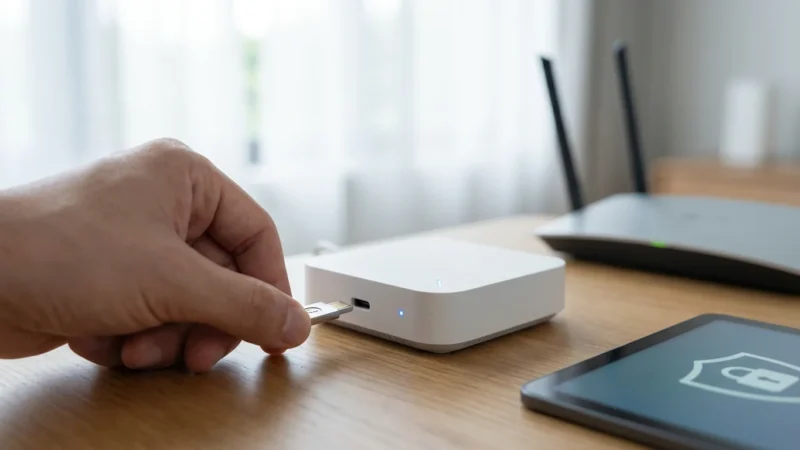
- Ensure Connectivity: Confirm your smart lock is properly connected to your home network, whether via Wi-Fi, Zigbee, Z-Wave, or Bluetooth. A stable connection is crucial for remote management and sending new codes. If your lock relies on a hub, ensure the hub is online.
- Install and Update Manufacturer’s App: Download the latest version of your smart lock’s official companion app on your smartphone or tablet. Regularly update the app to access new features and security enhancements.
- Familiarize Yourself with the App Interface: Spend a few minutes navigating your smart lock’s app. Locate sections related to user management, guest access, code creation, and activity logs. Each brand’s app might have slightly different terminology.
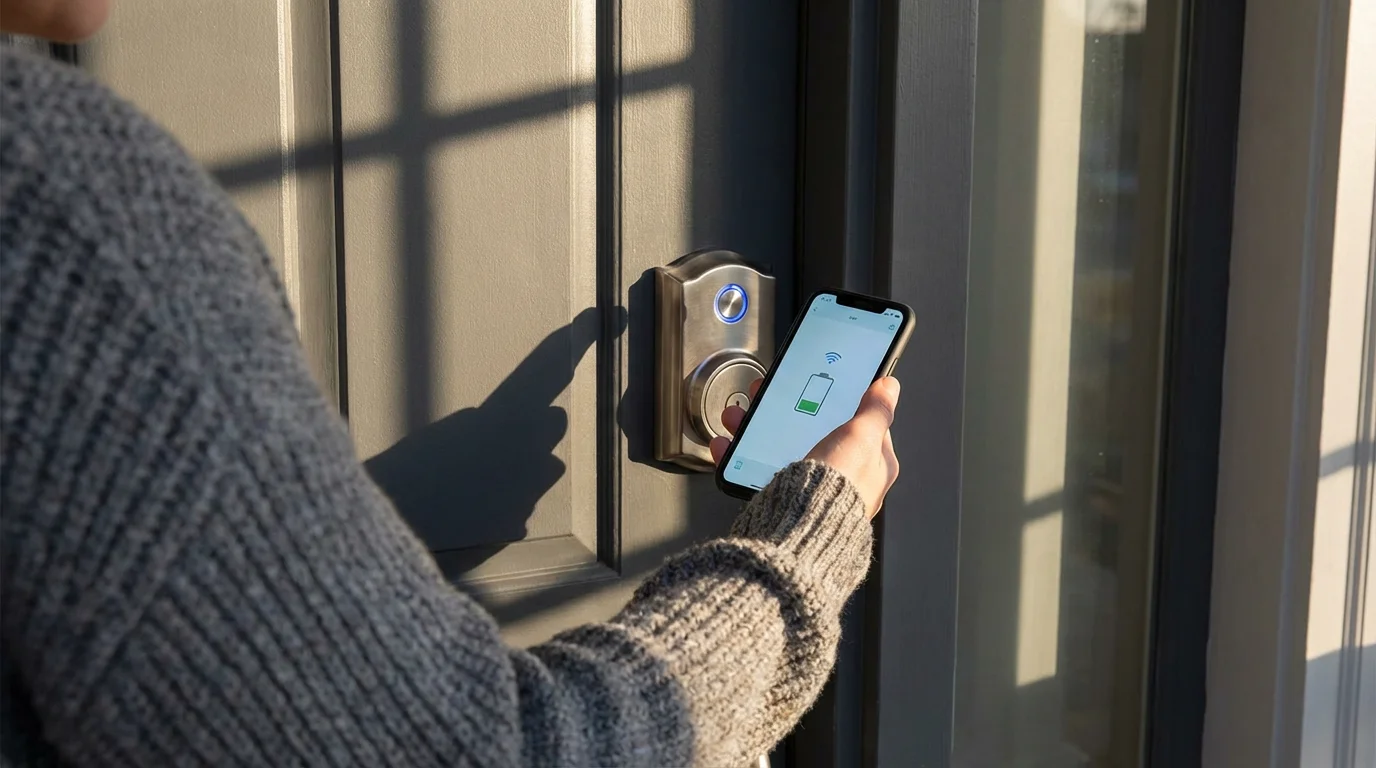
- Check Battery Life: If your smart lock is battery-powered, ensure the batteries have sufficient charge. Low battery levels can affect connectivity and lock performance, potentially preventing codes from working reliably.
- Review Your Lock’s Manual: For specific instructions or troubleshooting, consult your smart lock’s user manual. It contains detailed guidance tailored to your particular model and brand.
Completing these preparations ensures you can efficiently and securely set up temporary access. You avoid potential frustrations and guarantee your guests a seamless entry experience.
Step-by-Step: Setting Up a Smart Lock Guest Code
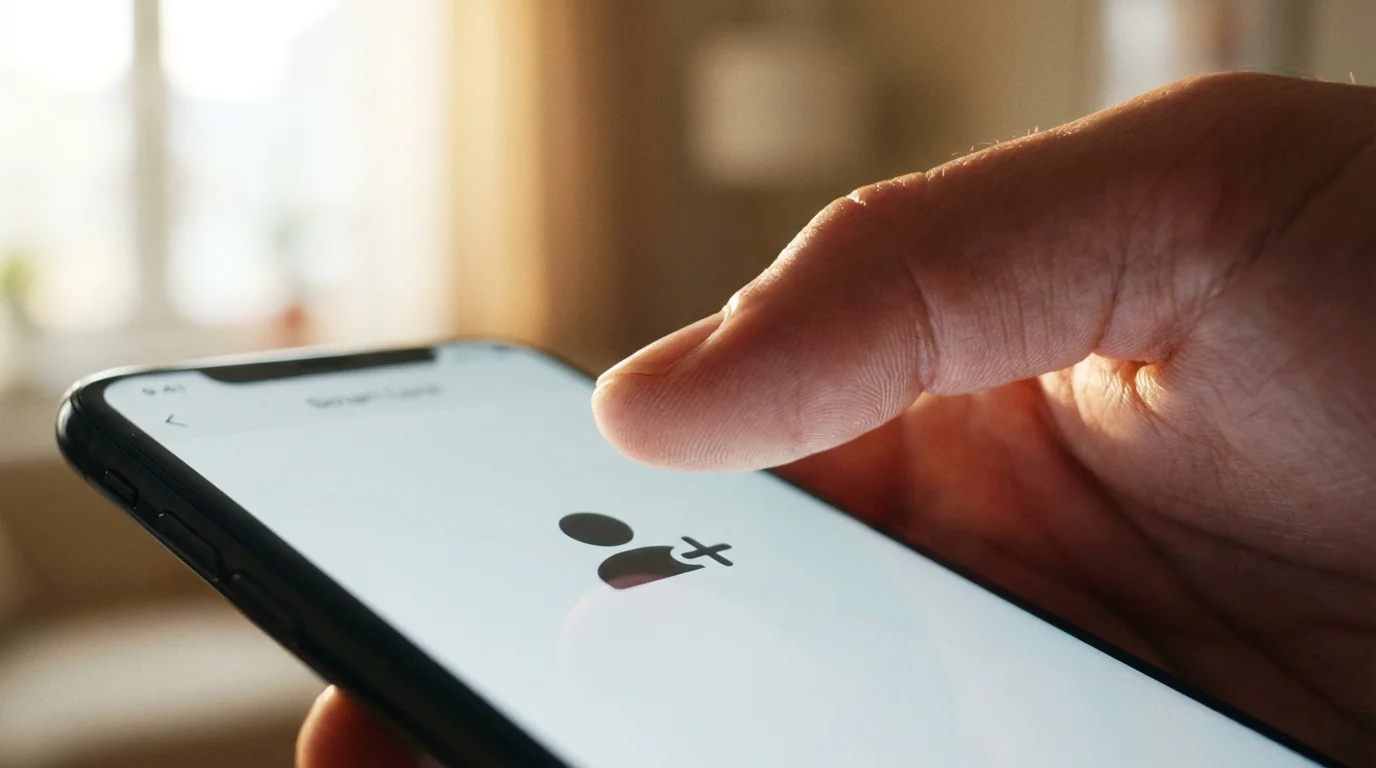
Creating a temporary access code for your smart lock is a straightforward process, typically managed through your lock’s dedicated smartphone app. While interfaces vary slightly between brands, the core steps remain consistent. This guide provides a general workflow applicable to most popular smart lock systems.
Follow these steps to generate and activate a smart lock guest code:
- Open Your Smart Lock App: Launch the manufacturer’s app on your smartphone. Examples include the Schlage Home app, August app, or Yale Access app. Log in if prompted.
- Navigate to Access/User Management: Look for sections labeled “Users,” “Guests,” “Access,” “Key Management,” or similar. This is where you control who has entry to your home.
- Select “Add New User” or “Create Code”: Choose the option to add a new person or generate a new access code. You might see options like “Guest Access,” “Temporary Code,” or “Permanent Code.” Select the appropriate temporary option.
- Enter Guest Information (Optional): The app may ask for the guest’s name, email, or phone number. This helps you identify the code’s recipient in your activity logs. Providing this information can also allow the system to send direct instructions to your guest.
- Define Access Type and Duration: This is a critical step.
- Code Type: Choose between a numeric PIN, a digital key, or a one-time code, depending on your lock’s capabilities.
- Start/End Time: Specify the exact dates and times when the code becomes active and when it expires. For example, July 1st, 9:00 AM to July 5th, 5:00 PM.
- Schedule: If you need recurring access, set specific days of the week and time windows (e.g., every Wednesday from 10:00 AM to 1:00 PM).
- Create the PIN or Code: The app may auto-generate a random PIN, or it might allow you to create your own. If creating your own, choose a strong, unique numeric code that is easy for your guest to remember but difficult for others to guess. Avoid sequential numbers or obvious patterns.
- Review and Confirm: Double-check all the settings you have entered, including the code, access duration, and associated guest name. Ensure everything aligns with your intended access parameters.
- Save and Activate: Confirm your settings. The app sends the new code to your smart lock, activating it based on your defined schedule. This process typically happens instantly if your lock has a strong connection.
- Share the Code: Securely communicate the code to your guest. Provide clear instructions on how to use it with your specific smart lock, including which buttons to press.
After setup, test the code yourself before your guest arrives, if possible. This confirms it functions correctly and gives you confidence in the system’s reliability. According to PCMag, many smart locks make this process intuitive, allowing you to manage access directly from your phone even when away from home.
Managing and Monitoring Temporary Access
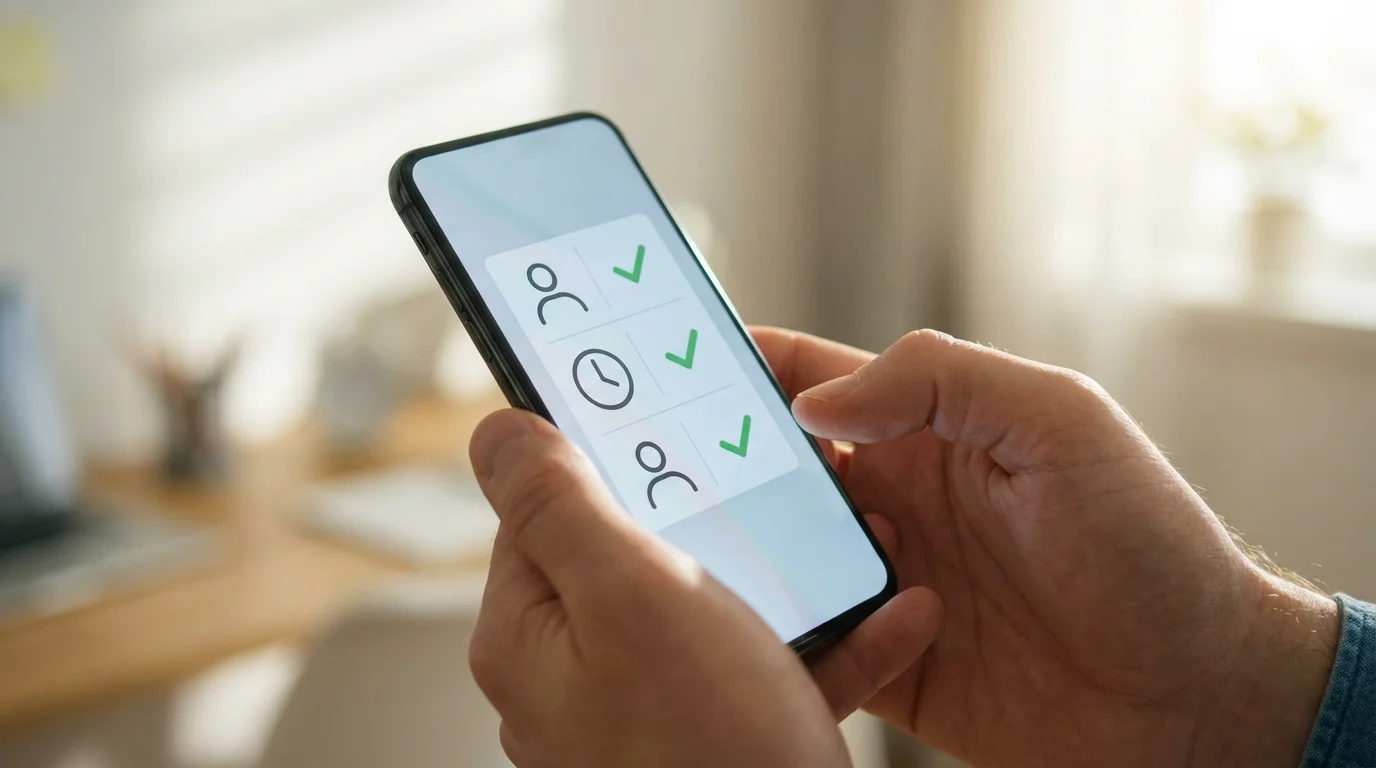
Granting temporary access is only one part of the equation. Effective management and monitoring capabilities are equally crucial for maintaining security and convenience. Your smart lock system provides tools to oversee who enters your home and when, giving you complete control.
These logs are essential tools if you want to monitor your home security remotely and keep track of visitors in real-time.
Here’s how you can manage and monitor temporary access efficiently:
- Revoking or Deleting Codes: When temporary access is no longer needed, revoke it immediately. Most smart lock apps allow you to easily delete an existing guest code or disable it temporarily. You simply navigate back to the “Users” or “Access” section, select the relevant code, and choose the option to delete or deactivate. This action typically takes effect instantaneously, preventing further unauthorized entry.
- Viewing Activity Logs: One of the most significant security advantages of smart locks is their ability to record entry and exit events. Your smart lock app features an activity log or history that details:
- Which code was used.
- The exact date and time of entry.
- Whether the lock was unlocked or locked.
- Sometimes, even who used the code, if linked to a specific user profile.
Regularly review these logs to stay informed about your home’s access history.
- Receiving Notifications: Many smart locks can send real-time alerts to your smartphone when a specific code is used. You can configure these notifications to inform you whenever a guest code unlocks or locks the door. This immediate feedback provides peace of mind, confirming your pet sitter arrived or your child is home from school.
- Modifying Access Schedules: Life plans change, and your smart lock allows for flexibility. You can easily adjust the active dates or times for any existing temporary code through the app. Extend a guest’s stay, or shorten a contractor’s access window with a few taps.
- Best Practices for Communication: Clearly communicate the access code and usage instructions to your guests. Explain how to enter the code, which buttons to press, and any specific locking procedures. Also, emphasize the importance of not sharing the code with others. This ensures smooth entry for them and maintains your security standards.
By actively utilizing these management and monitoring features, you transform your smart lock into a dynamic access control system. You maintain full oversight and respond promptly to any changes in your access requirements.
Advanced Temporary Access Strategies and Smart Home Integrations
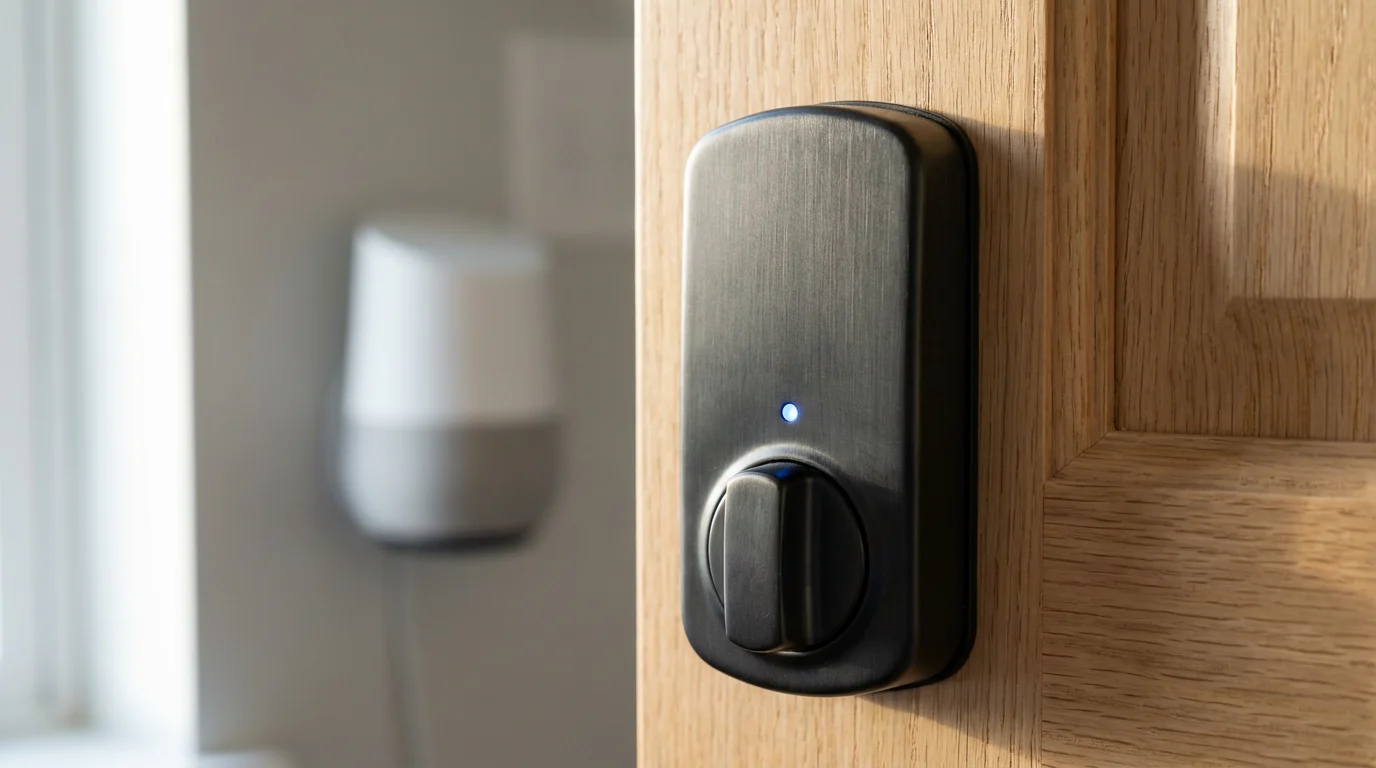
Beyond basic code creation, smart locks integrate seamlessly with broader smart home ecosystems, offering advanced automation for temporary access. These integrations enhance convenience and security by linking your lock with other connected devices and services. You can create a truly intelligent experience for yourself and your guests.
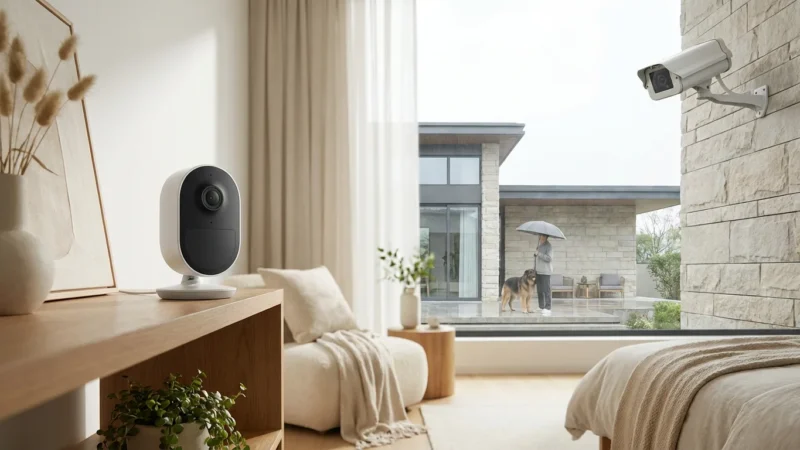
You can also learn how to integrate security cameras with your smart home to record video every time a guest code is entered.
Consider these advanced strategies:
- Lighting on Entry: Integrate your smart lock with smart lighting systems. When a specific guest code unlocks the door, you can automate interior lights to turn on. This provides a welcoming atmosphere, especially if guests arrive after dark. Imagine lights illuminating the hallway as a friend enters.
- Thermostat Adjustment: Link your smart lock with a smart thermostat. As a guest enters, the thermostat can adjust to a comfortable temperature setting, optimizing energy use. When the guest code logs an exit, the thermostat can return to an energy-saving mode. Energy Star certified smart thermostats can help you achieve significant savings.
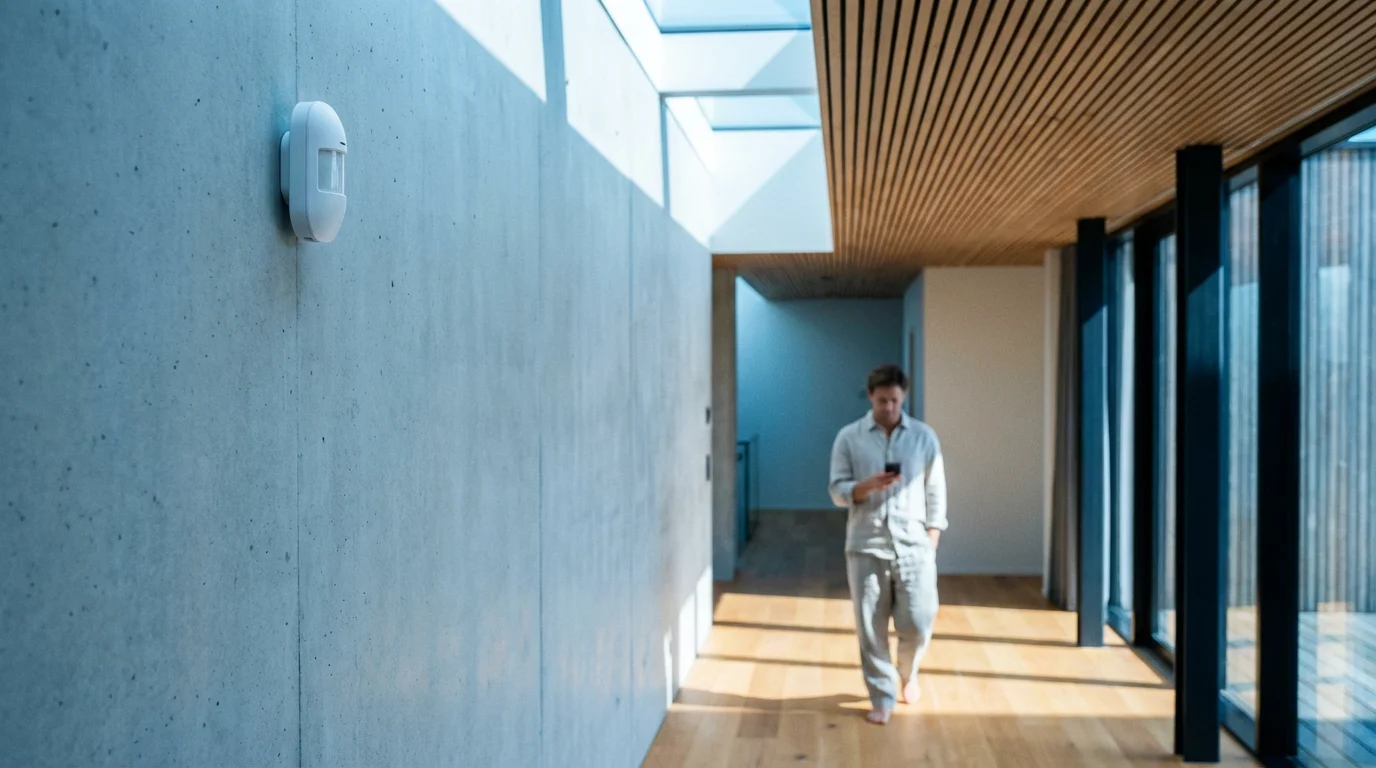
- Security System Integration: For enhanced security, integrate your smart lock with your home security system. Using a guest code could automatically disarm the security system upon entry and re-arm it upon exit. This prevents false alarms and simplifies the entry process for authorized temporary visitors.
- Geofencing for Trusted Users: While not strictly for temporary guests, geofencing allows your lock to automatically unlock when your smartphone approaches your home. For trusted long-term guests or family members, this hands-free approach adds significant convenience. Always ensure privacy settings are robust when using geofencing.
- Rental Platform Integration: If you use platforms like Airbnb or Vrbo, some smart lock brands or third-party services offer direct integration. This automatically generates unique, time-limited codes for each booking and shares them with guests. This eliminates manual code creation and ensures seamless access for renters. Tom’s Guide often covers smart locks that excel in these types of integrations.
These integrations leverage the full potential of your smart home. They offer a sophisticated, automated approach to managing temporary access, providing both security and a personalized experience for anyone entering your home.
Security and Privacy Best Practices for Guest Access
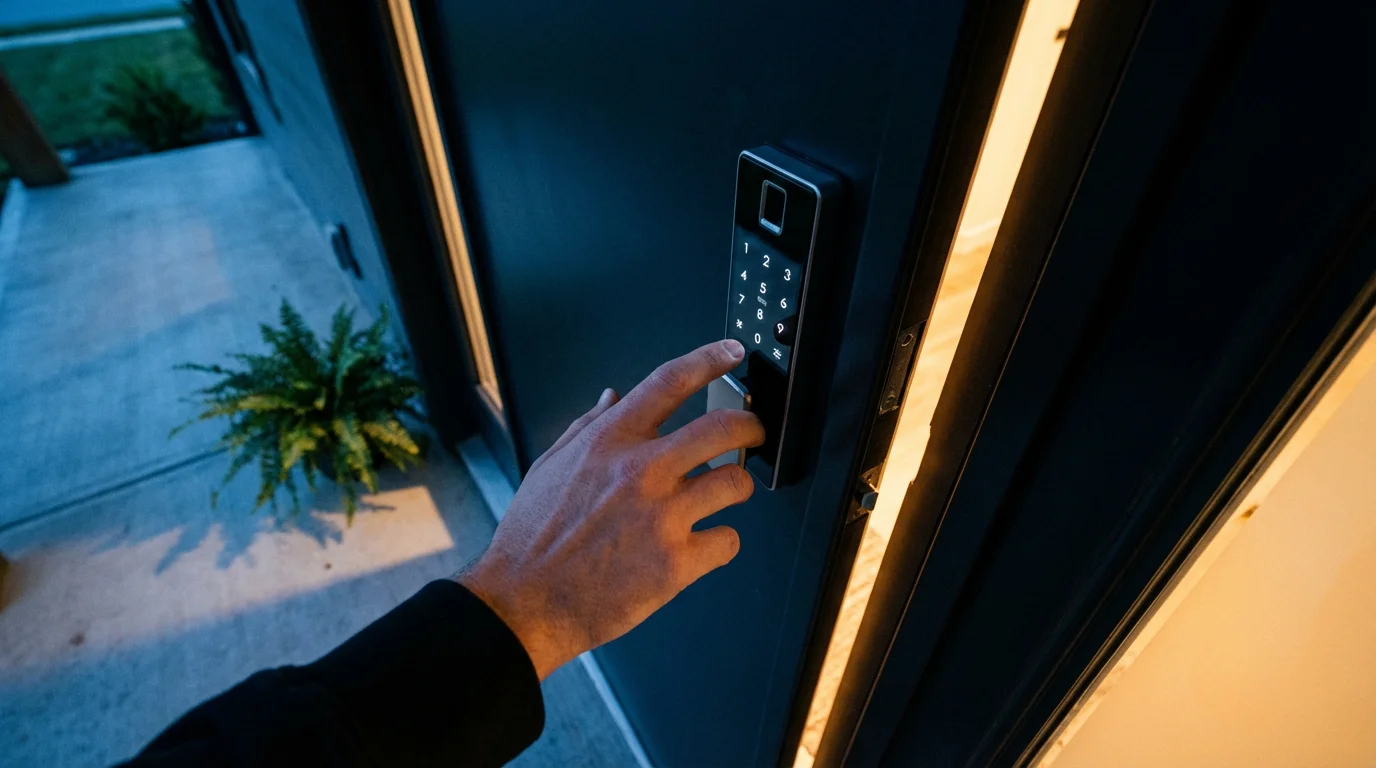
While smart locks offer unparalleled convenience, maintaining strong security and privacy practices remains paramount. When you grant temporary access, you extend a level of trust. Implementing smart habits ensures this trust is well-placed and your home remains protected.
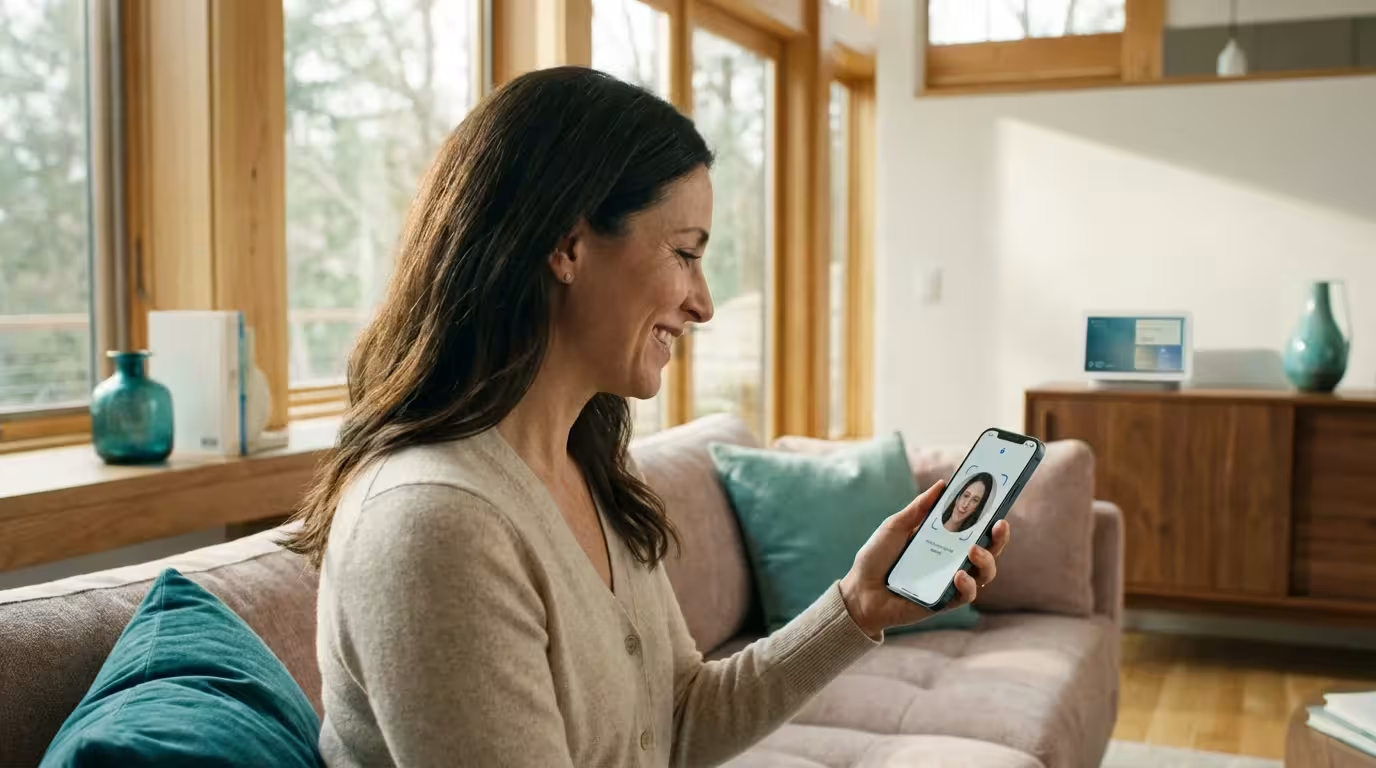
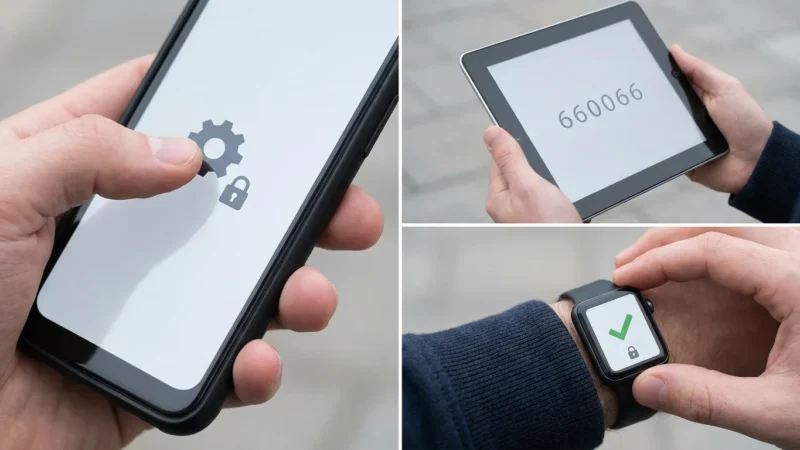
To protect your administrative account from unauthorized changes, be sure to set up two-factor authentication on smart devices used for home management.
Smart security is proactive. You continuously evaluate and strengthen your defenses, ensuring convenience never compromises safety.
Here are critical best practices:
- Use Strong, Unique PINs: Always opt for complex, non-obvious codes. Avoid sequential numbers (e.g., 1234), repeating digits (e.g., 7777), or personal information like birth dates. If your lock allows, use longer PINs.
- Generate Unique Codes for Each User: Whenever possible, assign a distinct temporary code to each individual or group requiring access. This allows for precise activity tracking in your logs, showing exactly who entered when. It also simplifies revoking access for one person without affecting others.
- Promptly Revoke Unneeded Access: As soon as a guest no longer requires access, deactivate or delete their code. Do not delay this step. Unused, active codes present an unnecessary security risk.
- Educate Your Guests: Inform your temporary visitors about the importance of not sharing their assigned code with anyone else. Explain that the code is personal to them and designed for their specific access.
- Regular Firmware Updates: Keep your smart lock’s firmware updated to the latest version. Manufacturers frequently release updates that patch security vulnerabilities and improve performance. Enable automatic updates if your lock supports it.
- Secure Your Wi-Fi Network: If your smart lock connects via Wi-Fi, ensure your home network is secure. Use a strong, unique password for your router, and consider using WPA3 encryption if your router supports it. A compromised network can potentially expose your smart devices.
- Protect Your Account Credentials: The account you use for your smart lock app controls all access. Use a strong, unique password for this account and enable two-factor authentication (2FA) if available. This adds an extra layer of security against unauthorized access to your smart lock management.
- Review Activity Logs Regularly: Make it a habit to check your smart lock’s activity history. This allows you to spot any unusual or unauthorized entry attempts promptly.
- Consider Video Doorbell Integration: For an extra layer of verification, integrate your smart lock with a video doorbell. You can visually confirm who is at your door before providing a code or seeing who used a code to enter. This combination offers robust entry monitoring.
By diligently following these practices, you maximize the convenience of temporary access while upholding the highest standards of home security and privacy. You create a safe and controlled environment for everyone accessing your property.
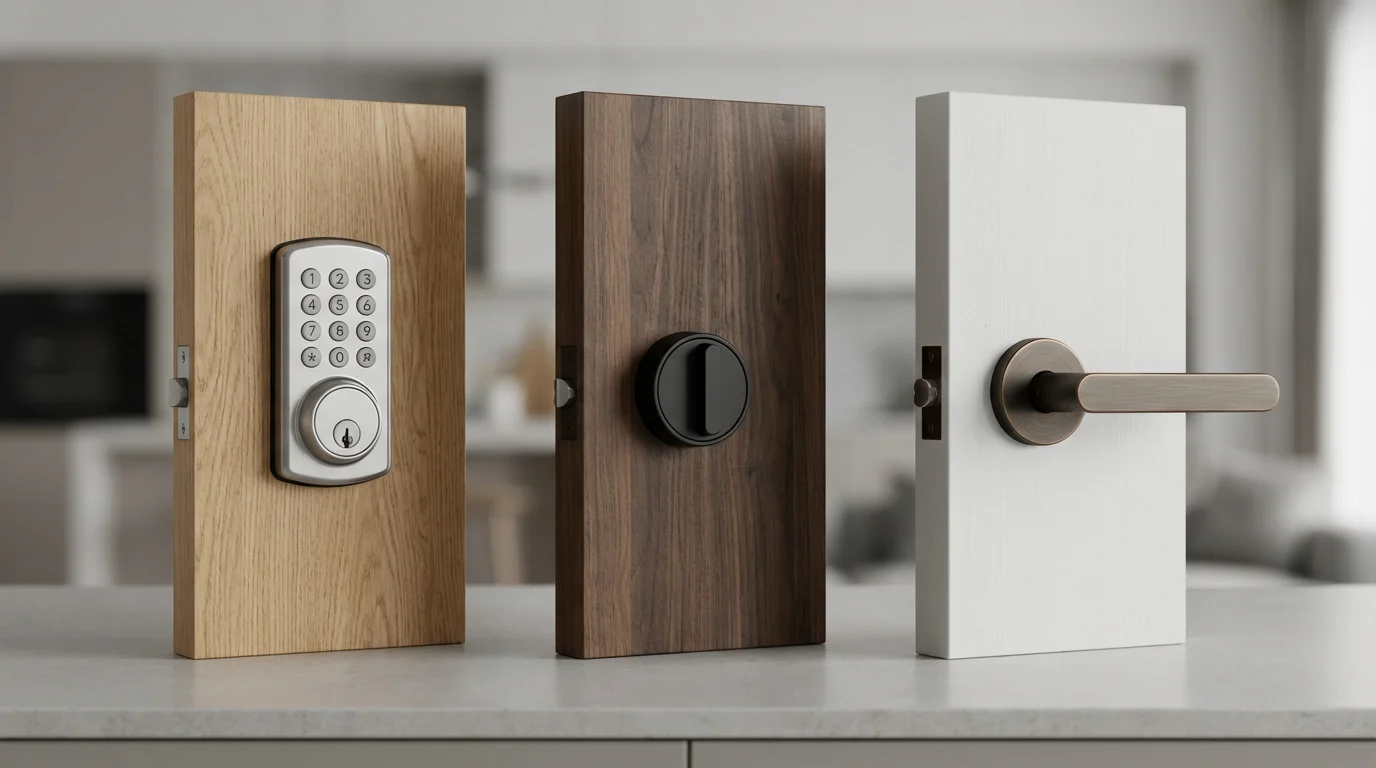
Choosing the Right Smart Lock for Temporary Access Needs
Selecting the ideal smart lock is crucial for seamless temporary access management. Not all smart locks offer the same features or level of flexibility. Your choice depends on your specific needs for guest codes, integration preferences, and overall home security requirements.
Consider these key features when making your selection:
- Code Capacity: How many unique access codes can the lock store simultaneously? If you frequently host multiple guests or service providers, a lock with higher code capacity (e.g., 20-50 codes) is beneficial.
- Scheduling Options: Does the lock offer granular control over access schedules? Look for features that allow you to set specific start/end dates, recurring daily/weekly schedules, and one-time use codes.
- App Interface and Ease of Use: A user-friendly mobile app simplifies code creation, management, and monitoring. Check reviews for app intuitiveness and reliability. A clunky app detracts from the convenience.
- Connectivity Type:
- Wi-Fi: Offers direct remote access and control, often without a separate hub. Can consume more battery.
- Bluetooth: Requires proximity to the lock for management. Good for basic, local control.
- Zigbee/Z-Wave: Requires a smart home hub for remote access. Offers greater reliability and range within a mesh network, and often better battery life.
Choose based on your existing smart home ecosystem and preferred control method.
- Integration Compatibility: Ensure the smart lock integrates with your preferred smart home platforms (e.g., Apple HomeKit, Google Home, Amazon Alexa, Samsung SmartThings). Compatibility expands automation possibilities, linking your lock with other devices like lights and thermostats. Matter support is also becoming increasingly important for cross-platform compatibility. You can find more information on the Matter standard at csa-iot.org.
- Activity Logging: A robust activity log is essential for security. Confirm the lock records who entered, when, and whether the door was locked or unlocked.
- Physical Security: Beyond smart features, assess the lock’s physical security. Look for certifications like ANSI Grade 1 (the highest residential security standard) or BHMA ratings.
Popular brands like August, Schlage, Yale, and Kwikset often excel in temporary access features. Research specific models within these brands to find one that aligns perfectly with your home’s security and convenience needs. Comparing features on sites like CNET Smart Home or Wirecutter can provide valuable insights.
Frequently Asked Questions
Can I set a temporary code for a specific time window?
Yes, most smart locks allow you to set very specific time windows for temporary codes. You can define exact start and end dates and times, or even create recurring schedules for specific days of the week and hours. For example, a code can be active only from 9 AM to 5 PM on weekdays.
What happens if someone tries to use an expired code?
If someone attempts to use an expired or deactivated code, the smart lock will not grant access. It will typically deny the entry and may record the attempt in your activity log as an unauthorized entry. This ensures your home remains secure after the designated access period.
Is it possible to know when a guest code was used?
Absolutely. A key feature of smart locks is their activity log or history. This log records every entry and exit event, detailing which specific code was used, the exact date and time of access, and whether the door was locked or unlocked. You can review this information through your smart lock’s app.
Can I manage temporary access remotely?
Yes, remote management is a primary benefit of smart locks, especially those connected via Wi-Fi or a hub (for Zigbee/Z-Wave locks). You can create, modify, or revoke temporary access codes from anywhere using your smartphone app, as long as your lock has an active internet connection.
Are smart lock guest codes secure?
Yes, smart lock guest codes are very secure when you follow best practices. They offer more control than physical keys because you can create unique, time-limited codes for each user and revoke them instantly. Always use strong, non-obvious PINs, keep your app and firmware updated, and share codes securely to maintain high security.
Disclaimer: This article is for informational purposes only. Smart home devices involve electrical connections and data privacy. Always follow manufacturer instructions for installation. For complex wiring or HVAC work, consult a licensed professional.
Leave a Reply