
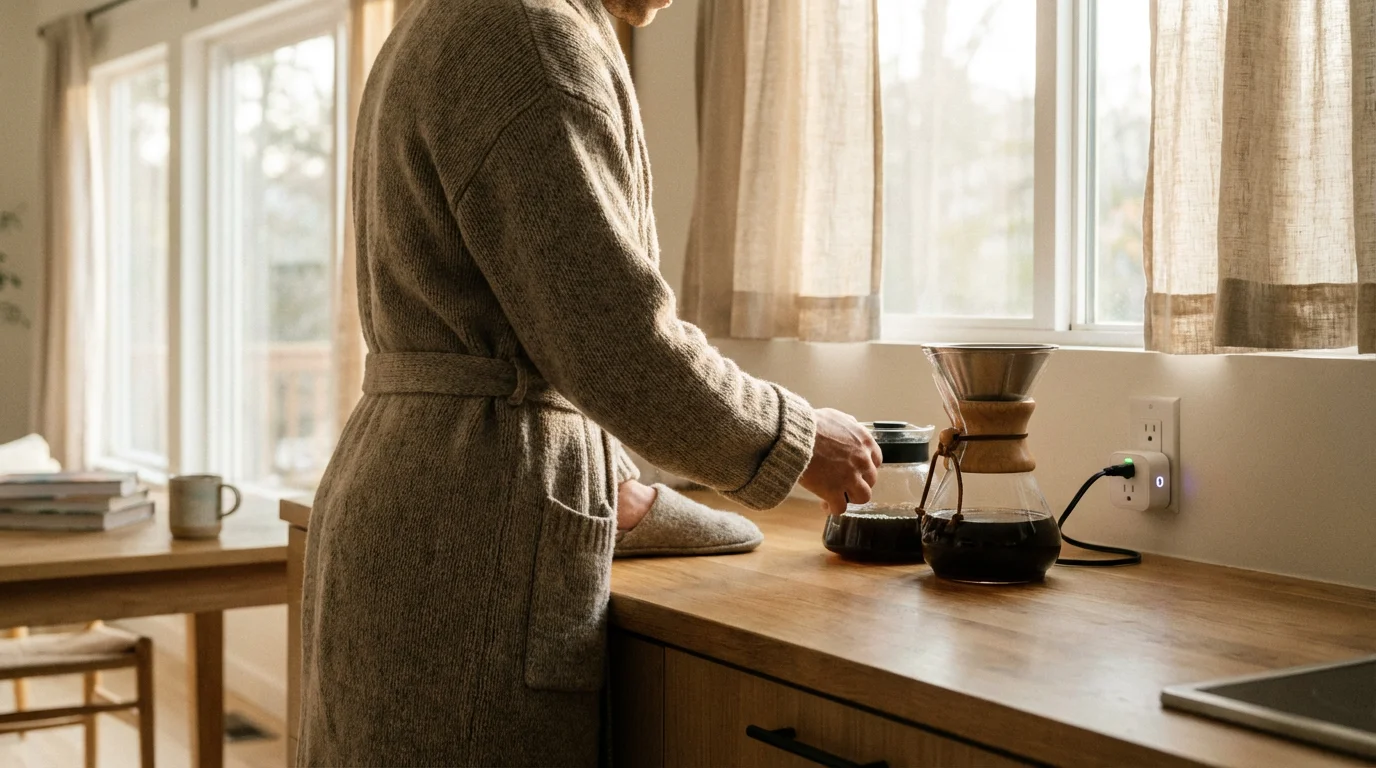
Waking up is hard. Waking up to the smell of freshly brewed coffee, however, makes the transition from sleep to wakefulness significantly easier. While high-end smart coffee machines exist, they often come with a steep price tag and complex proprietary apps that may not play nicely with the rest of your home. Fortunately, you don’t need to replace your trusty brewer to bring it into the 21st century.
By using a simple smart plug, you can upgrade a standard coffee maker into a connected device. This upgrade allows you to schedule brews, use voice commands, and integrate your morning caffeine fix into a broader smart home automation routine. It is one of the most practical entry points into home automation because it solves a tangible daily problem: waiting for the water to heat up while you are still groggy.
This guide walks you through the hardware requirements, the setup process, safety protocols, and advanced routine configurations to help you automate your coffee maker effectively.
How Smart Plugs Control Appliances
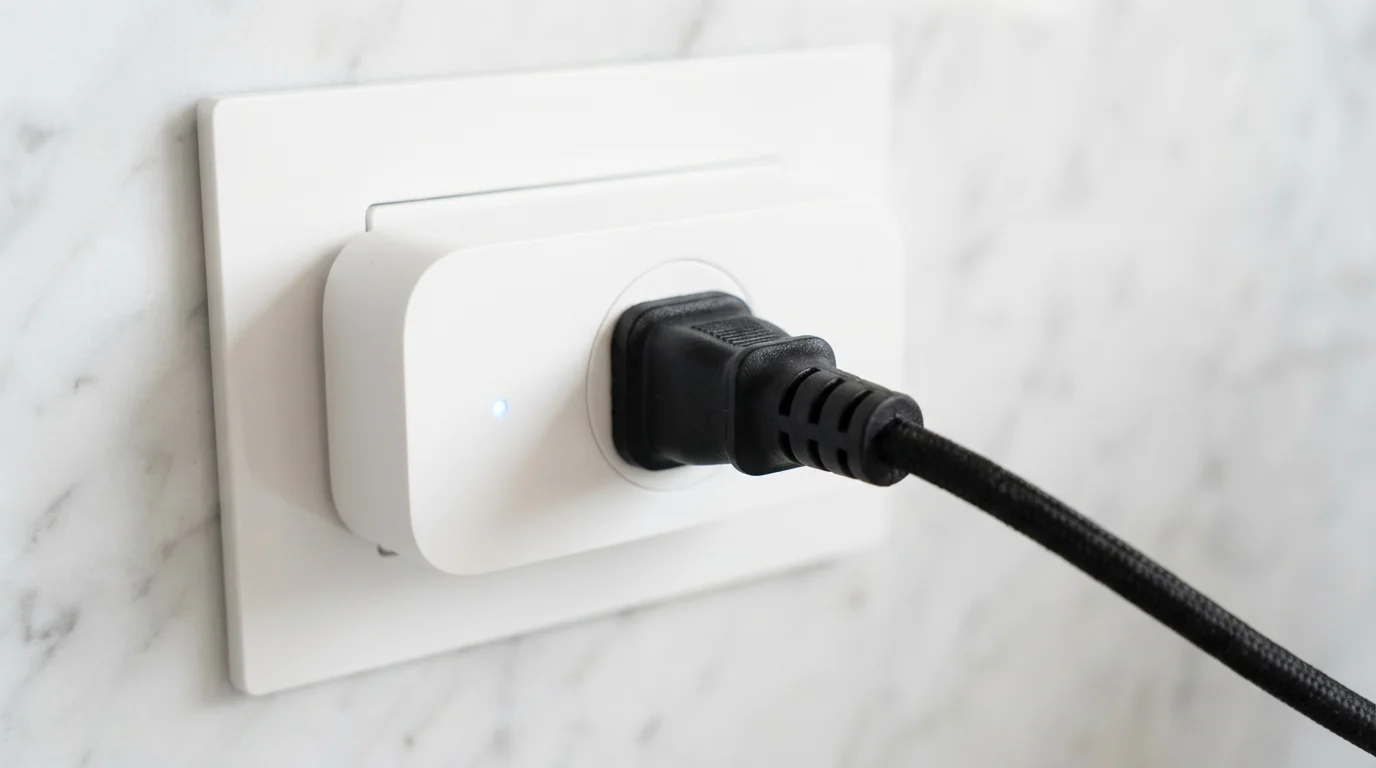
To automate your coffee maker successfully, you must first understand the mechanism of a smart plug. A smart plug acts as a controllable gatekeeper between your wall outlet and your appliance. It does not mechanically press buttons on your device; it simply cuts or restores the flow of electricity.
When you toggle a smart plug “On” via an app or voice command, it closes an internal relay, allowing current to pass through to the coffee maker. When you toggle it “Off,” the relay opens, cutting power completely. This is identical to unplugging the machine from the wall.
Because the smart plug only controls the power supply, the coffee maker itself must be ready to brew the moment it receives electricity. This limitation is why not every coffee maker works with this automation method. Understanding this distinction saves you from buying equipment that won’t function as intended.
Identifying Compatible Coffee Makers
The success of this project hinges on the type of switch your coffee maker uses. Not all machines are created equal in the world of smart home automation. You need to determine if your machine is “mechanical” or “digital.”
The Mechanical Switch (Compatible)
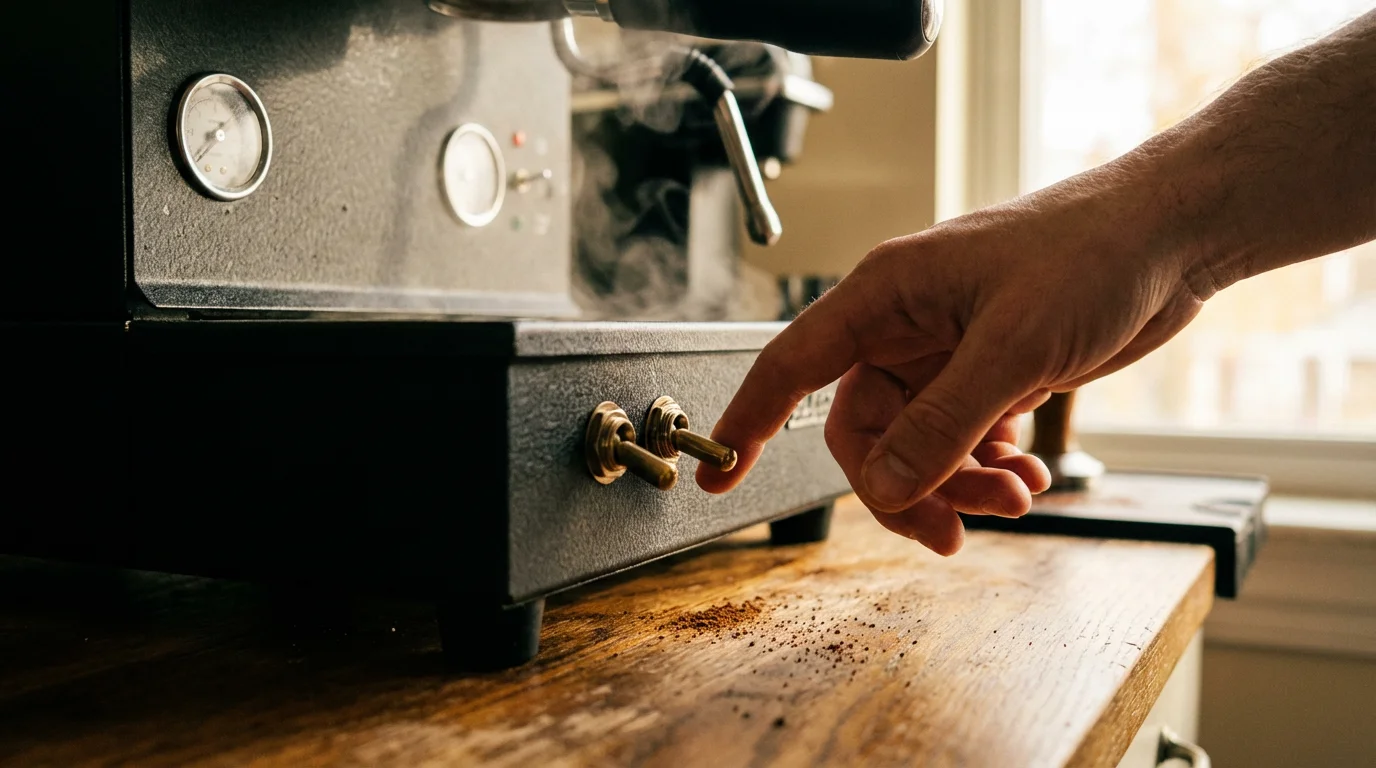
The ideal candidate for smart plug automation is a coffee maker with a physical, mechanical on/off switch. These are often toggle switches, rocker switches, or sturdy buttons that click into place and stay there.
The Test:
Turn your coffee maker on so the indicator light glows. While it is on, unplug it from the wall. Wait ten seconds, then plug it back in. If the machine immediately turns back on and resumes heating without you touching any buttons, it is compatible. You can leave the mechanical switch in the “On” position permanently and let the smart plug handle the power.
The Digital Switch (Incompatible)
Modern coffee makers often feature soft-touch buttons, digital clocks, and programmable displays. These devices use momentary switches that send a signal to a circuit board to activate the heating element.
The Problem:
If you cut power to a digital machine (which the smart plug does) and then restore power, the machine will almost always default to “Standby” or “Off” mode. It requires a human finger to press the “Brew” button again. Using a smart plug on these machines will only turn on the display clock, not the heating element.
If you own a digital machine, you cannot automate it with a simple smart plug. You would either need a SwitchBot (a small robotic finger that physically presses buttons) or a different coffee maker.
Choosing the Right Smart Plug
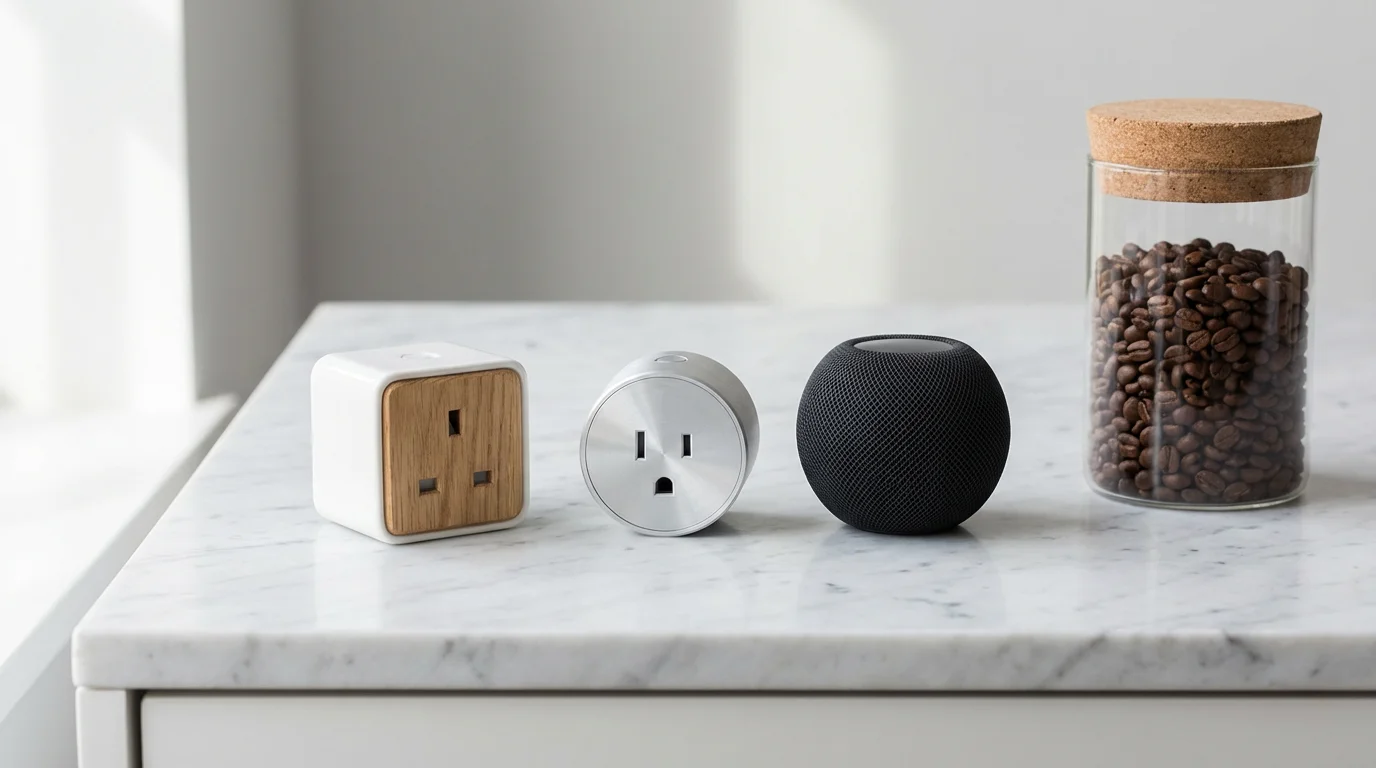
Once you verify your coffee maker is compatible, you need a smart plug capable of handling the job. Coffee makers are high-wattage appliances, similar to space heaters or hair dryers. They draw a significant amount of power to heat water quickly.
Consider the following factors when selecting your hardware:
- Amperage Rating: Look for a smart plug rated for at least 15 amps. Many cheaper plugs are rated for 10 amps, which is sufficient for lamps but dangerous for heating appliances. A standard coffee maker can draw between 800 and 1400 watts. A 15-amp plug ensures you have enough overhead to operate safely.
- Size and Form Factor: Kitchen outlets are prime real estate. Choose a plug with a slim design that doesn’t block the second outlet in the receptacle.
- Ecosystem Compatibility: Ensure the plug works natively with your preferred assistant, whether that is Amazon Alexa, Google Home, or Apple HomeKit.
- Matter Support: To future-proof your setup, consider devices that support the Matter smart home standard. Matter allows devices to work seamlessly across different ecosystems, meaning you aren’t locked into one brand forever.
Step-by-Step Setup Guide
With your mechanical coffee maker and high-amperage smart plug in hand, you are ready to set up your automation. Follow this straightforward process to get your morning brew online.
- Prepare the Coffee Maker: Fill the water reservoir and place a filter and coffee grounds in the basket. Ensure the carafe is properly seated on the hot plate.
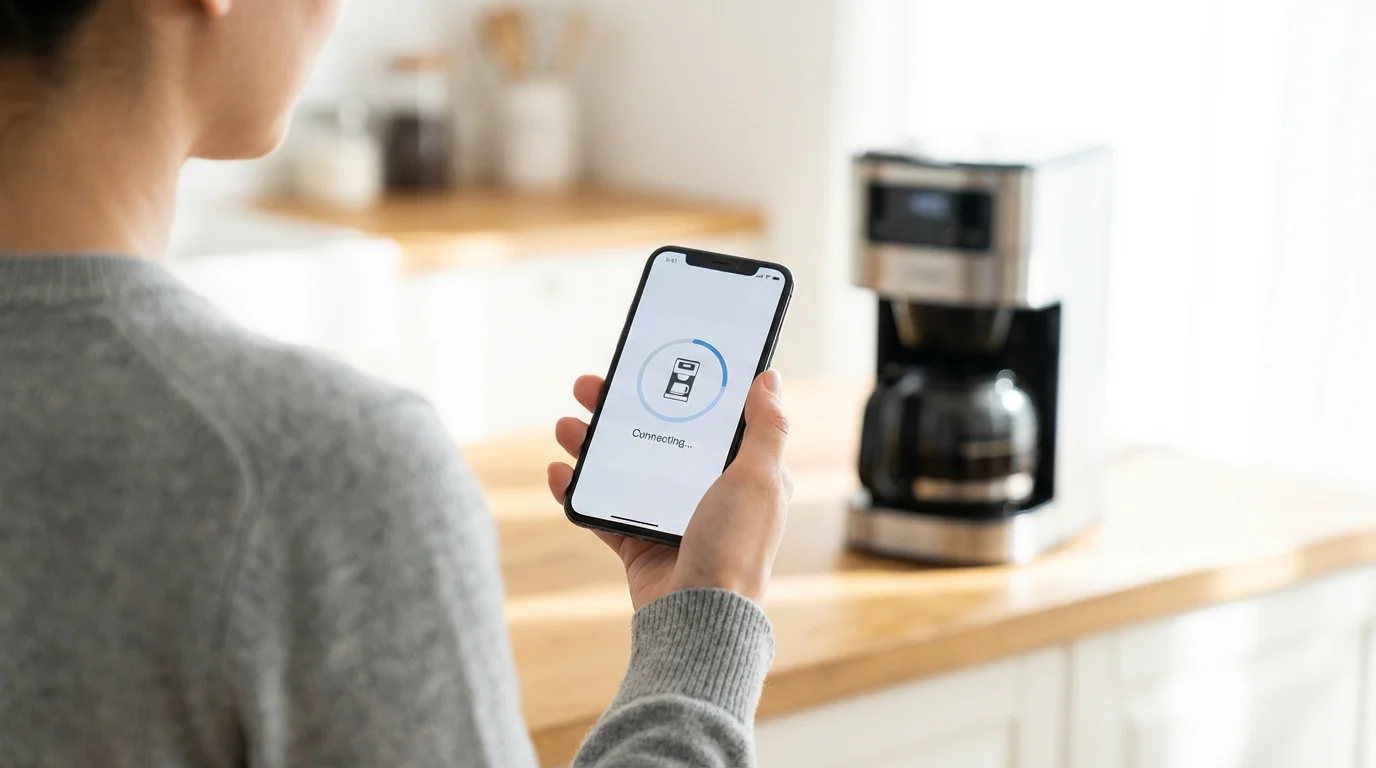
- Install the Smart Plug: Plug your smart plug into the wall outlet. Follow the manufacturer’s instructions to connect it to your Wi-Fi network and add it to your app (e.g., Kasa, Smart Life, Apple Home).
- Name the Device: Give the plug a clear, logical name like “Coffee Maker.” This makes voice commands natural (e.g., “Turn on the Coffee Maker”).
- Connect the Appliance: Plug the coffee maker’s power cord into the smart plug.
- Flip the Switch: Turn the coffee maker’s physical switch to the “On” position. Nothing should happen yet because the smart plug should be off.
- Test the Connection: Open your smart home app and tap the power button for the Coffee Maker. You should hear the plug click, and the coffee maker light should turn on as it begins to brew. Turn it off via the app to stop the process.
Creating the Perfect Morning Routine
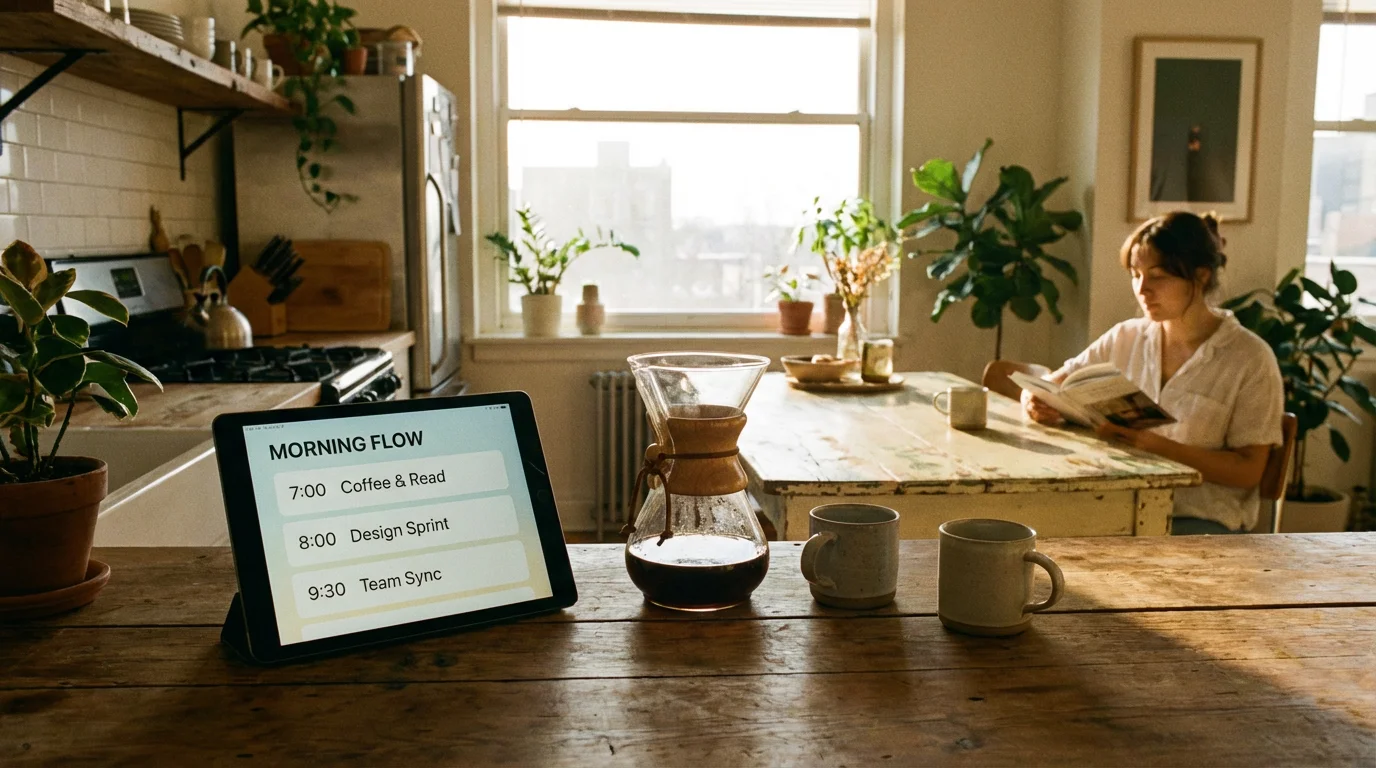
Turning the coffee maker on with your phone is convenient, but true automation happens when you don’t have to touch your phone at all. Integrating your coffee maker into a “Scene” or “Routine” coordinates multiple devices to act simultaneously.
The “Good Morning” Routine
Most smart home platforms allow you to trigger a sequence of events based on a single condition, such as the time of day or dismissing an alarm.
Example Logic:
- Trigger: 7:00 AM (Weekdays) OR When the bedroom motion sensor detects movement between 6:00 AM and 9:00 AM.
- Action 1: Turn on “Coffee Maker.”
- Action 2: Slowly fade bedroom lights to 50% brightness (Warm White).
- Action 3: Adjust thermostat to 70°F.
- Action 4: Play a news briefing or weather report on a smart speaker.
By grouping these actions, your home prepares for your day while you are brushing your teeth. The coffee is ready by the time you reach the kitchen.
Safety Considerations and Best Practices
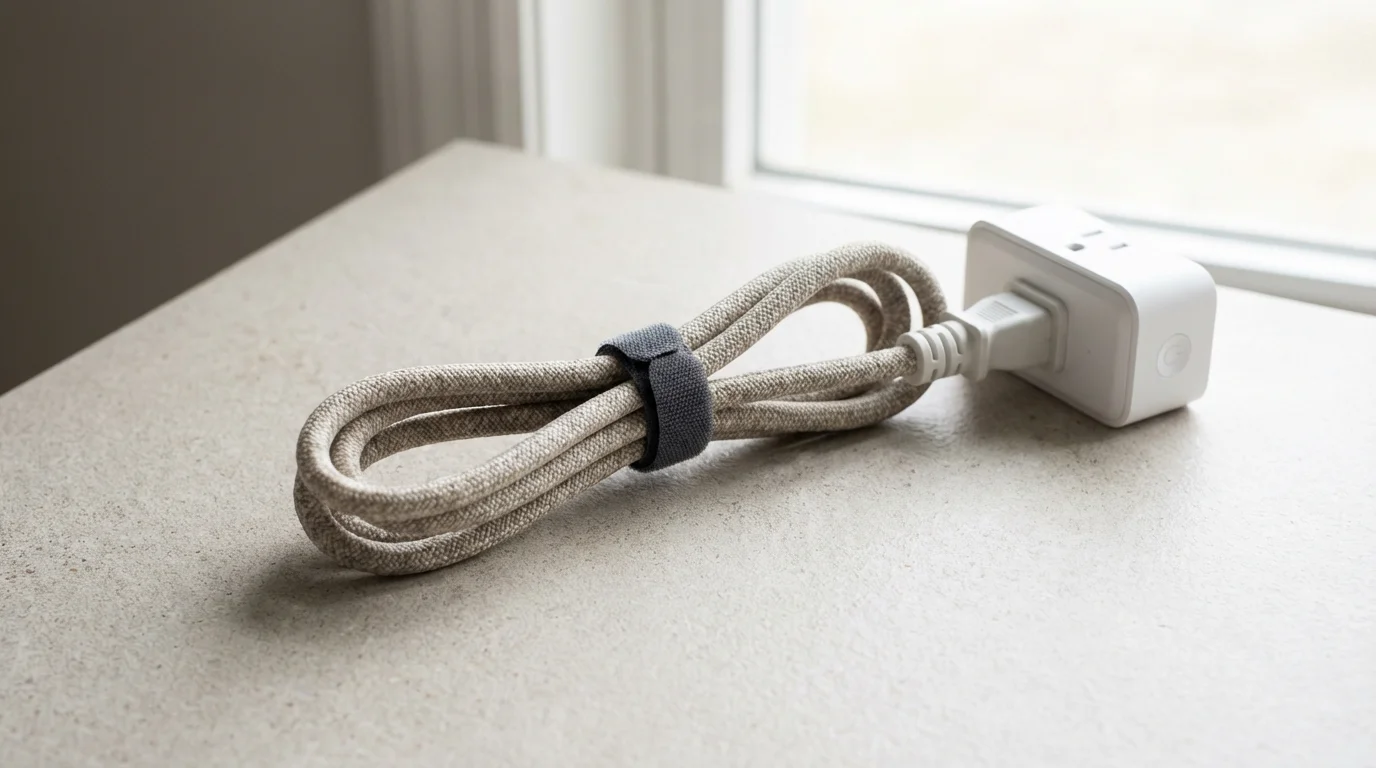
Automating heating elements carries inherent risks. A coffee maker left on indefinitely can burn the coffee, crack the glass carafe, or, in worst-case scenarios, cause a fire hazard. You must implement fail-safes in your automation logic.
The “Auto-Off” Rule
Never rely solely on your memory to turn the coffee maker off. Every automation that turns the coffee maker ON should be paired with an automation that turns it OFF.
Implementation:
In your automation app, create a rule: “When Coffee Maker turns On, wait 45 minutes, then turn Off.” This ensures that even if you leave the house in a rush, the machine cuts power automatically.
Water Discipline
The biggest failure point in coffee automation is human error: forgetting to add water the night before. If the smart plug activates an empty coffee maker, the heating element will run dry.
“The best smart home is the one you don’t have to manage.”
However, in this specific case, management is required. Make it a habit to prep the machine immediately after cleaning the carafe from the previous day’s use. If you are unsure if you prepped the water, do not run the automation remotely.

Troubleshooting Common Issues
Even the best setups encounter glitches. Here are the most common problems with smart plug coffee automation and how to fix them.
The Coffee Maker Won’t Turn On
If the app says the plug is on, but the coffee isn’t brewing, check the physical switch on the machine. It must remain in the “On” position at all times. Someone in your household may have manually flipped the switch off after the last pot was brewed.
“No Response” in the App
Kitchens are often full of metal appliances (fridges, microwaves, ovens) that act as shields against Wi-Fi signals. If your smart plug frequently disconnects, it may be in a dead zone. Try moving your router closer or using a smart plug that operates on a mesh network protocol like Zigbee or Thread, which can daisy-chain signals through other devices.
Voice Assistant Confusion
If you say “Turn on the coffee” and your assistant plays a coffee shop jazz playlist, check your naming conventions. Ensure the device is named specifically “Coffee Maker” or “Brewer.” Avoid generic names that conflict with music or other services.
Advanced Automation Ideas
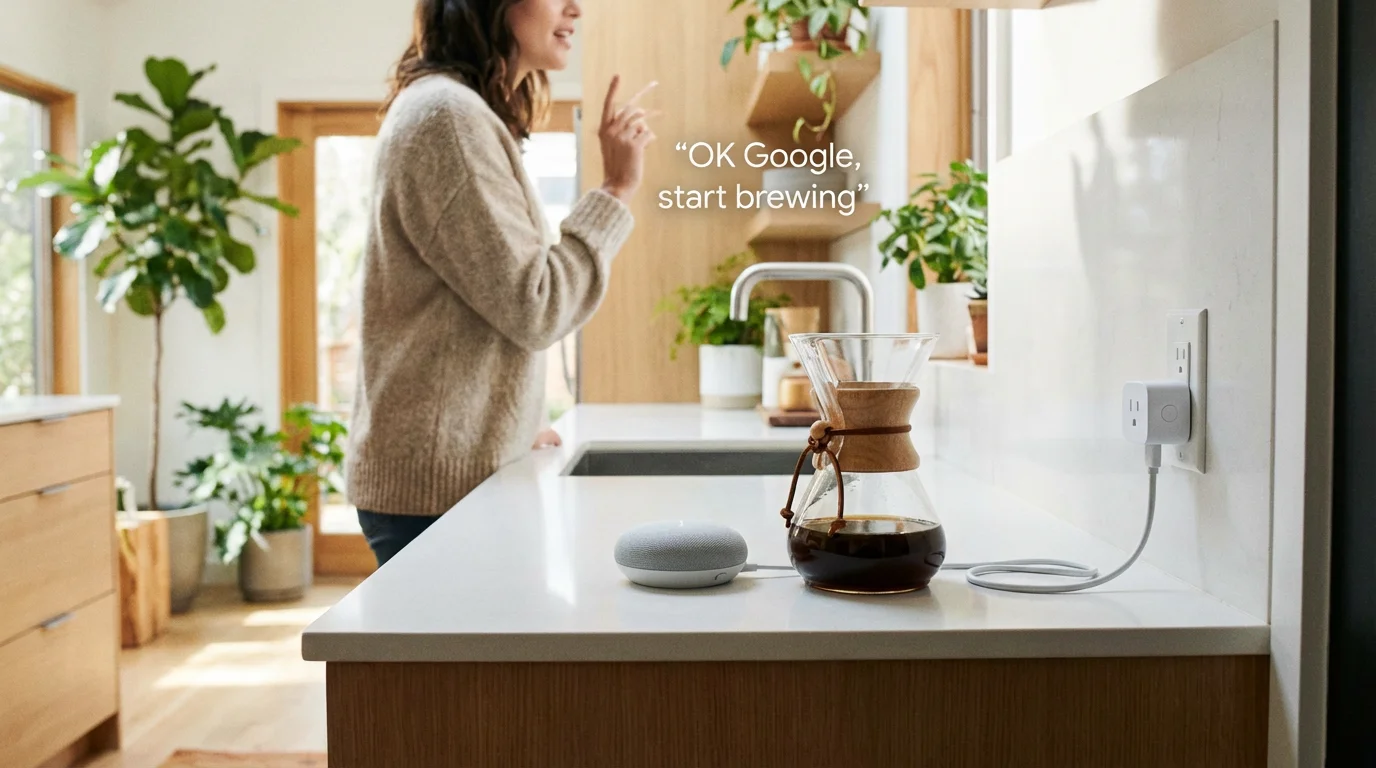
Once you master the basics, you can try these advanced triggers to make your system even smarter.
Geofence Triggers (The “Coming Home” Brew)
If you enjoy an afternoon cup, use location services. Create a trigger that starts the coffee maker when your phone enters a 1-mile radius of your home, but only if the time is between 4:00 PM and 5:00 PM. This ensures a fresh pot is waiting when you walk through the door.
Vibration Sensors for Confirmation
For the ultra-tech-savvy, attach a smart vibration sensor to the side of the coffee maker. You can use this to monitor if the machine is actually brewing. If the smart plug is “On” but the vibration sensor detects no movement (meaning the brewing process hasn’t started or has finished), you can receive a notification on your phone.
NFC Tags
Place an NFC tag on your nightstand. Instead of a time-based schedule, simply tap your phone against the tag when you wake up to trigger the coffee routine immediately. This is perfect for people with irregular schedules who don’t wake up at the same time every day.
Frequently Asked Questions
Can I use a smart plug with a Keurig or Nespresso machine?
Generally, no. Most pod-based machines like Keurig and Nespresso use digital switches that reset to ‘Off’ when power is cut. A smart plug can turn the machine’s power supply on, but you will still need to physically press a button to heat the water and dispense the coffee. For these machines, a smart plug is only useful for ensuring the machine is fully powered down when not in use.
Is it dangerous to leave a coffee maker switch on all the time?
It is generally safe provided the smart plug is reliable and you have auto-shutoff automations in place. However, you must ensure your smart plug is rated for the high wattage of the coffee maker (15 amps is recommended). Always ensure the machine has water before the schedule runs to prevent the heating element from damaging the empty carafe. According to CNET, utilizing devices with proper safety certifications (like UL or ETL) is essential for high-wattage appliances.
What happens if the Wi-Fi goes down?
If Wi-Fi fails, scheduled automations stored in the cloud may not run. However, most smart plugs have a physical button on the side. You can press this button to manually allow power to the coffee maker, just like a regular outlet, so you can still brew coffee manually without removing the plug.
Does this save energy?
It can save energy by preventing “vampire power” draw from the coffee maker’s clock or standby lights. More importantly, it saves energy by ensuring the machine turns off automatically after a set time (e.g., 30 minutes), preventing it from heating a carafe unnecessarily for hours if you forget to turn it off.
Disclaimer: This article is for informational purposes only. Smart home devices involve electrical connections and data privacy. Always follow manufacturer instructions for installation. For complex wiring or HVAC work, consult a licensed professional.


Leave a Reply