
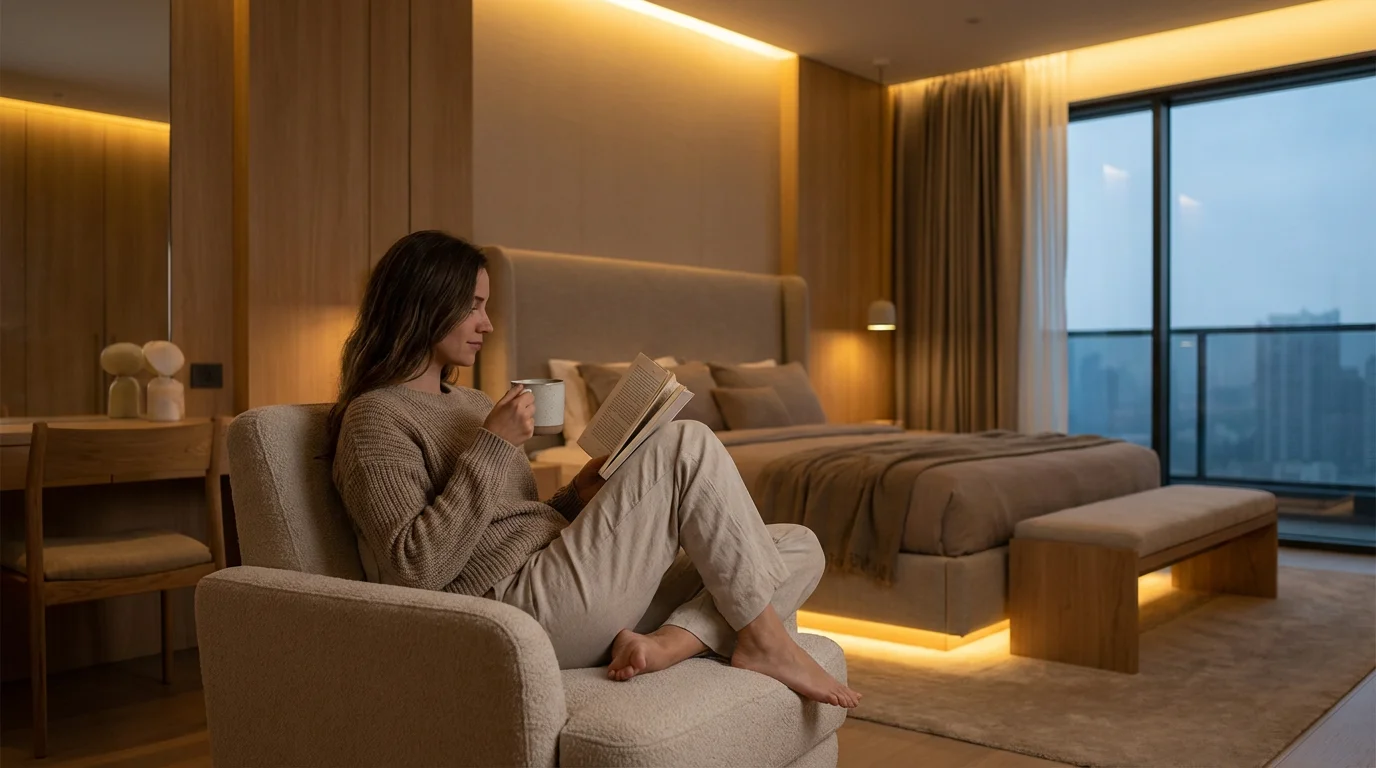
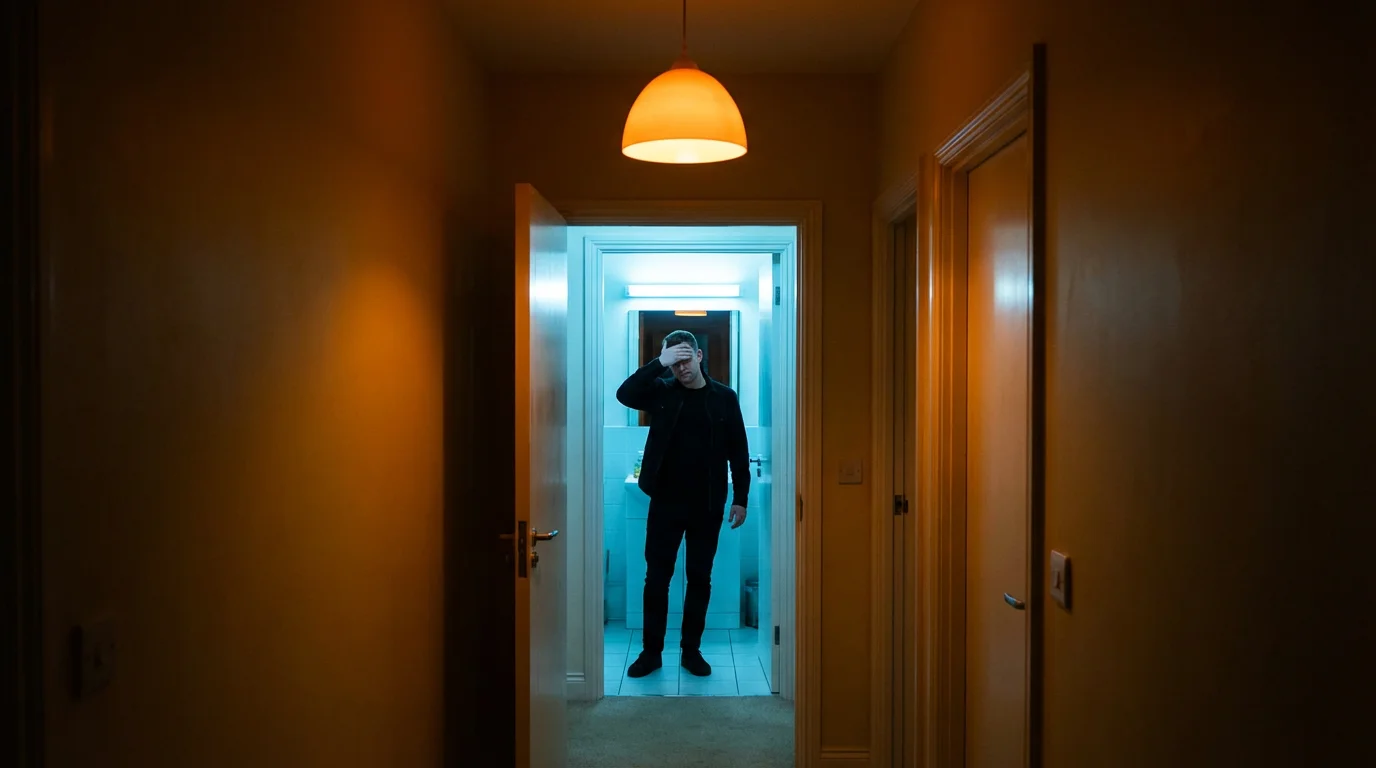
You have likely experienced the jarring sensation of turning on a bright, cool-toned bathroom light in the middle of the night. It instantly snaps you awake, making it difficult to fall back asleep. This happens because light is not just about visibility; it is a powerful biological signal. For years, we lived with static lighting that stayed the same brightness and color whether it was noon or midnight. Today, smart lighting technology allows you to reclaim control over your environment by mimicking the natural progression of the sun.
Optimizing color temperature is one of the most effective ways to use smart home technology for personal health. By adjusting the shade of white light throughout the day—shifting from energizing cool blues to relaxing warm ambers—you can support your body’s natural circadian rhythm. This guide explores the science behind light and sleep, selects the right hardware for the job, and provides actionable steps to automate your home for better rest.
The Science: How Light Controls Your Sleep
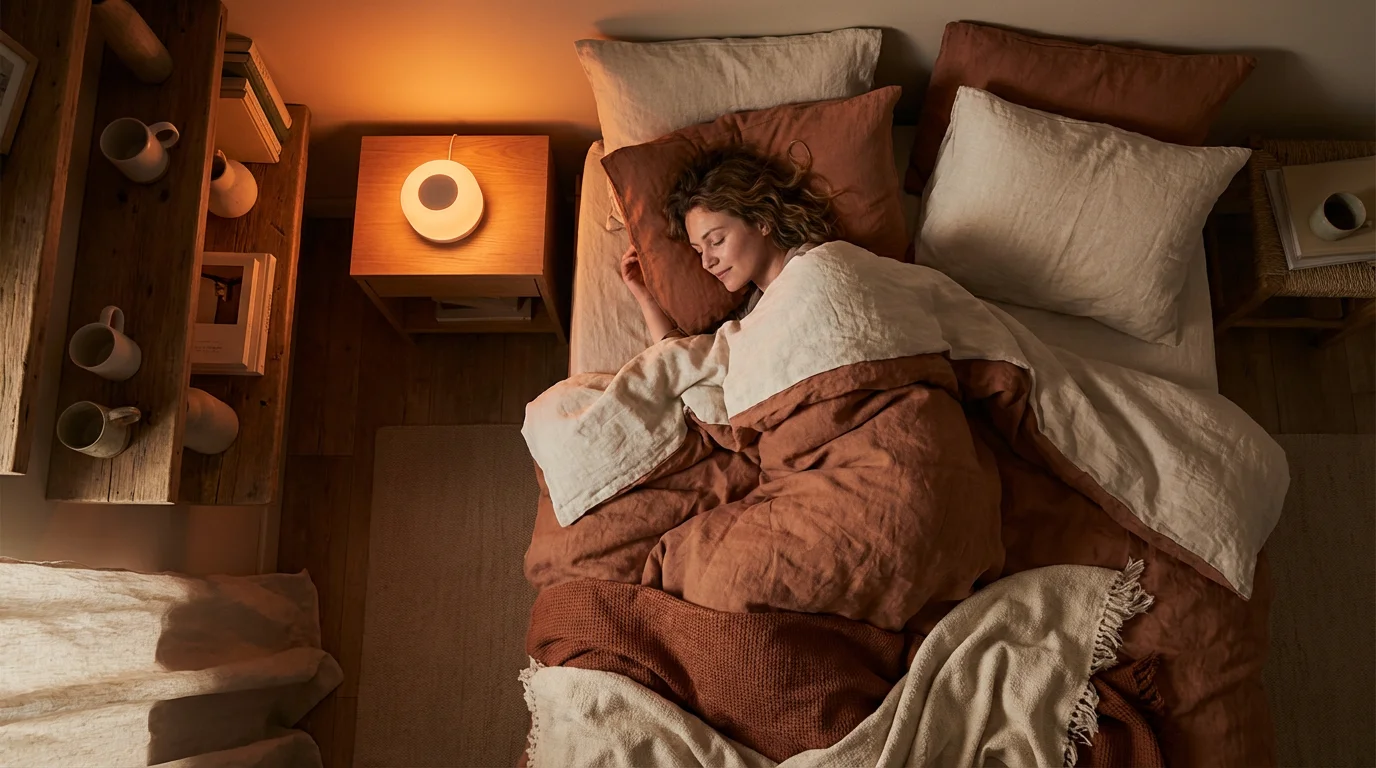
Your body operates on an internal clock known as the circadian rhythm. This biological process regulates sleep-wake cycles, hormone release, and body temperature. For thousands of years, the sun was the only regulator of this clock. Sunrise signaled the body to produce cortisol (for alertness), and sunset triggered the production of melatonin (for sleep).
Modern LED lighting and screens often emit a high concentration of blue light. While blue light is beneficial during the day because it boosts attention and reaction times, it is detrimental at night. Exposure to cool, blue-rich light after dark tricks your brain into thinking it is still daytime. This suppresses melatonin production, making it harder to fall asleep and reducing the quality of deep REM sleep you achieve.
Smart lighting solves this by allowing you to change the “temperature” of the light. By shifting your home’s lighting to warmer, amber tones as the evening progresses, you remove the blue light stimulus. This signals to your brain that it is time to wind down, facilitating a smoother transition into sleep.
Decoding the Kelvin Scale
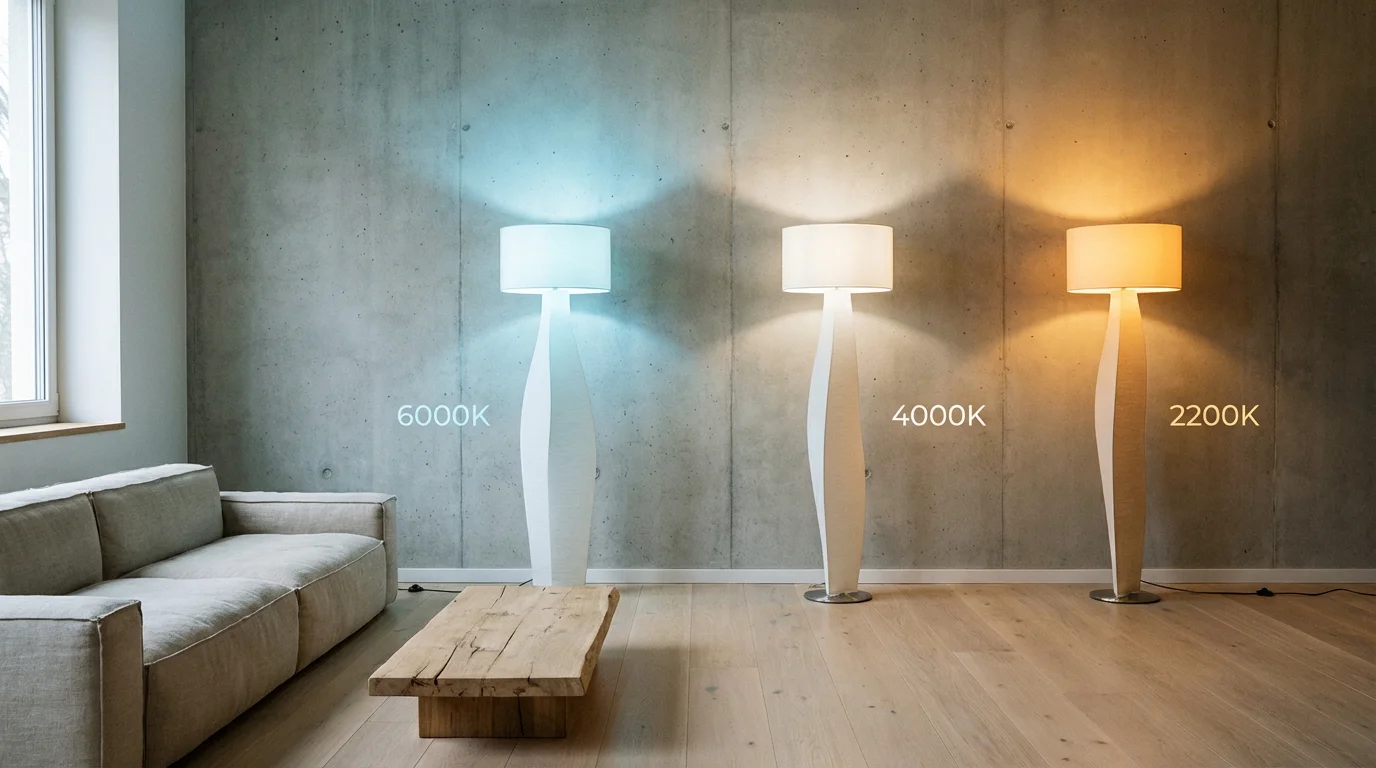
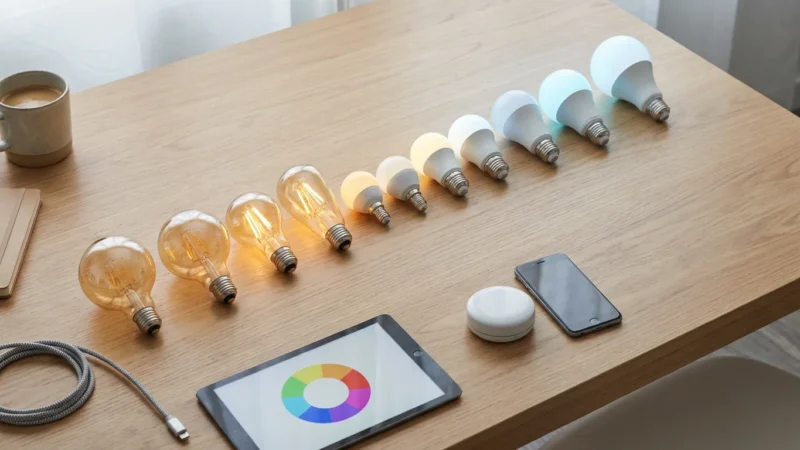
To master your lighting, you need to understand the Kelvin (K) scale. This measures the color temperature of a light source. Lower numbers represent warmer, redder light, while higher numbers represent cooler, bluer light. Understanding these numbers helps you choose the right settings for your automations.
- 1800K – 2200K (Candlelight): Very warm, orange-red glow. This is ideal for late-night relaxation and winding down right before bed. It contains almost no blue light.
- 2700K – 3000K (Soft White): The standard color of old incandescent bulbs. It is warm and inviting, perfect for living rooms and dining areas in the evening.
- 3500K – 4100K (Cool White/Neutral): A clean, white light that balances warmth and clarity. This is excellent for kitchens and workspaces during the late afternoon.
- 5000K – 6500K (Daylight): Bright, blue-white light that mimics the midday sun. This is best for maximizing focus and energy in the morning or while working.
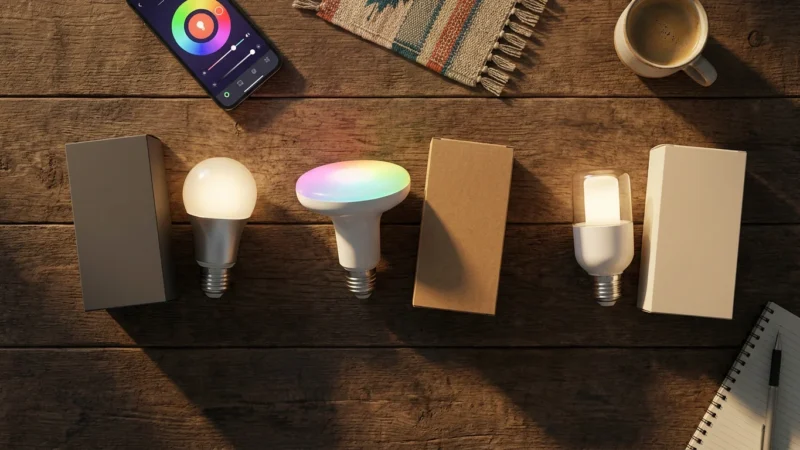
Standard “dumb” LED bulbs lock you into one of these temperatures permanently. Smart bulbs labeled as “Tunable White” or “White Ambiance” allow you to slide along this entire spectrum.
The Ideal Lighting Schedule for Sleep Hygiene
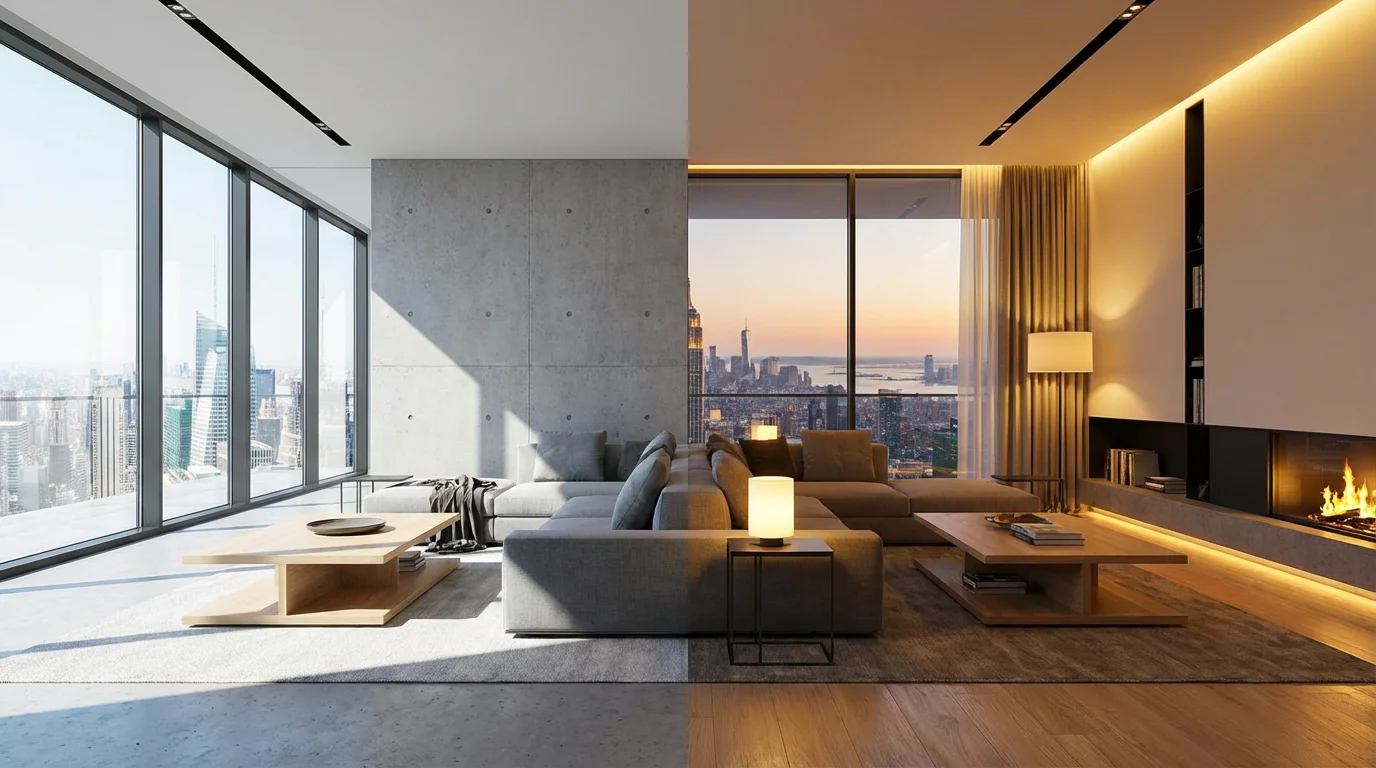
Automating your lighting ensures you receive the right light at the right time without having to think about it. You should aim to replicate the sun’s natural arc. Here is a practical schedule you can program into your smart home platform.
06:00 AM – 09:00 AM: The Wake-Up Call
Target: 5000K – 6000K (Daylight) at High Brightness.
Blast the blue light early. High-kelvin lighting suppresses the last of your melatonin and jumpstarts cortisol. This helps shake off sleep inertia. If you use a sunrise alarm, it should start dim and red, gradually shifting to bright cool white.
09:00 AM – 05:00 PM: Focus and Productivity
Target: 4000K – 5000K (Cool White) at Medium-High Brightness.
Keep the light clean and neutral. This temperature offers high contrast for reading and working but is slightly less harsh than the early morning setting. It maintains alertness throughout the workday.
05:00 PM – 08:00 PM: The Evening Transition
Target: 2700K – 3000K (Soft White) at Medium Brightness.
As the sun sets, your home should transition to warm white. This mimics the golden hour and early evening. It creates a cozy atmosphere for dinner and socializing while signaling your body to begin relaxing.
08:00 PM – 10:00 PM: The Wind Down
Target: 2200K – 2400K (Warm Glow) at Low Brightness.
Two hours before bed, eliminate blue light. Switch to a very warm, amber tone. Dim the lights to 50% or lower. This is critical for melatonin production.
10:00 PM Onwards: Night Mode
Target: 1800K – 2000K or Red at Very Low Brightness.
If you need to get up in the middle of the night, your lights should trigger at the lowest possible brightness in a deep amber or red color. This preserves your night vision and prevents your brain from waking up fully.
Choosing the Right Smart Bulbs
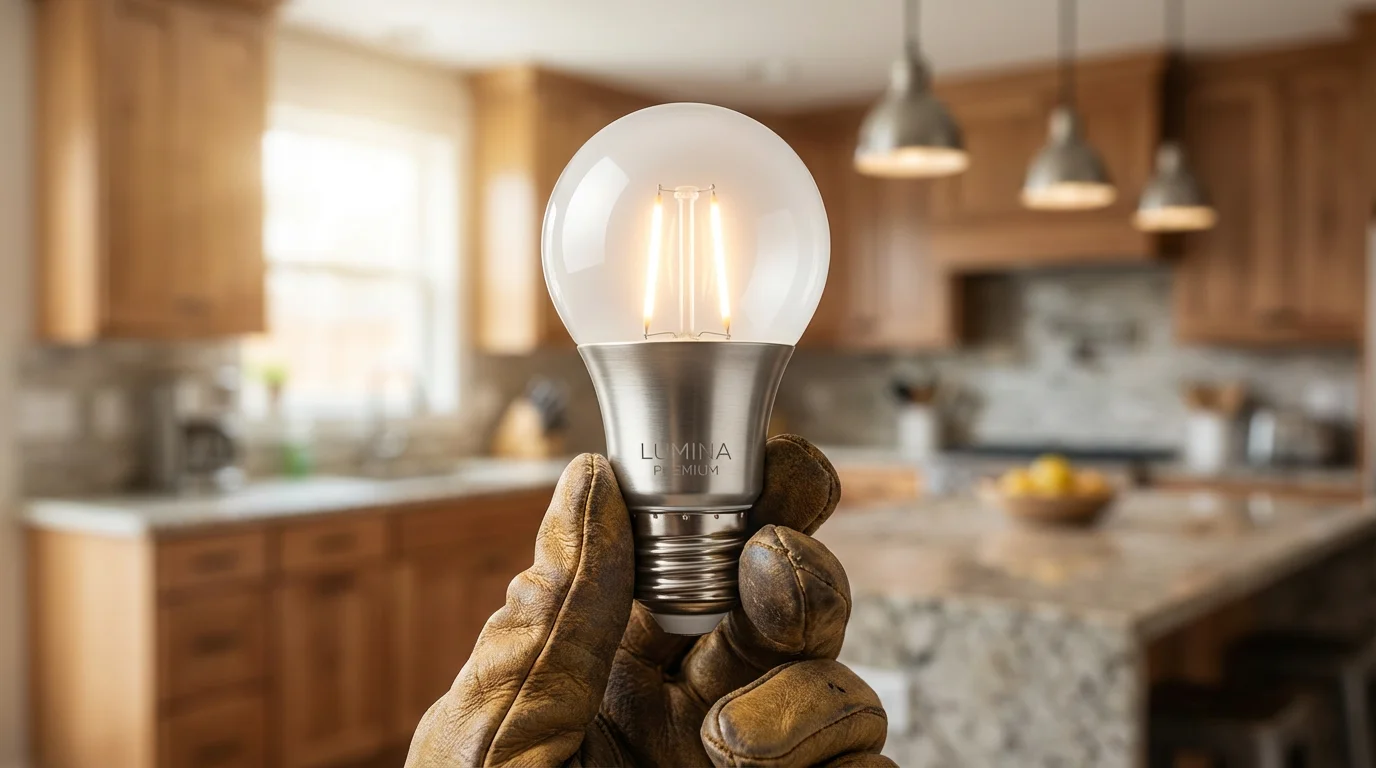
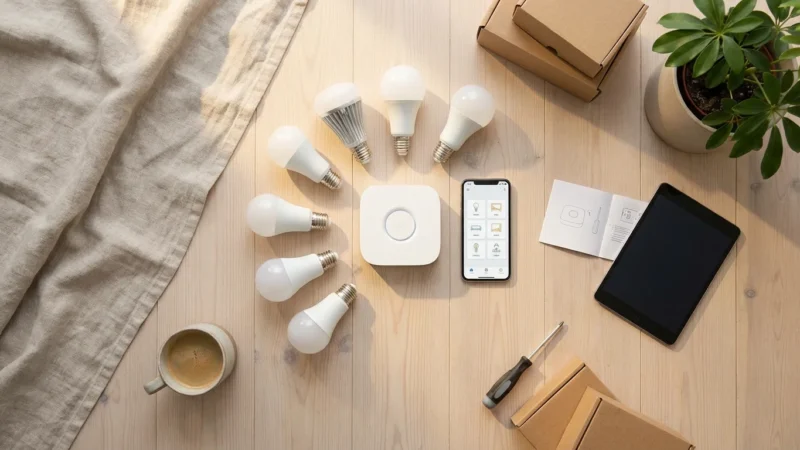
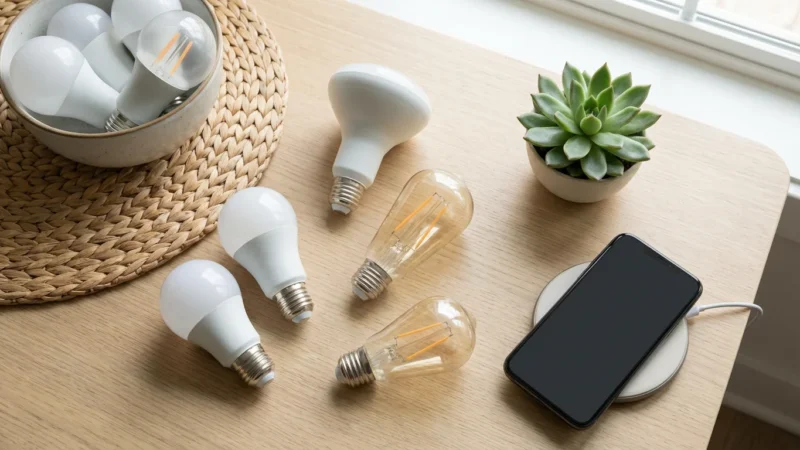
Not all smart bulbs handle color temperature equally. Some struggle to produce very warm, low-light tones, while others excel at it. When selecting bulbs for sleep hygiene, look for “Tunable White” capabilities. You do not strictly need full RGB color bulbs, but tunable white is essential.
- Philips Hue White Ambiance: Widely considered the gold standard for circadian lighting. They offer a massive temperature range (2200K to 6500K) and dim smoothly without flickering. Their ecosystem offers robust “Natural Light” automation out of the box.
- LIFX Bulbs: These bulbs are known for their vibrant colors and high brightness, but they also offer a “Day & Dusk” feature. They connect directly to Wi-Fi, eliminating the need for a hub.
- Nanoleaf Essentials (Matter/Thread): A cost-effective option that supports “Adaptive Lighting” via Apple HomeKit. They respond quickly and offer excellent color reproduction for the price.
- Wyze Bulb Color: For budget-conscious homeowners, Wyze offers high-quality tunable white options that perform well in standard lamps and fixtures.
“If you want to ensure your smart lights actually improve your life, focus on CRI (Color Rendering Index) and dimming range. A bulb that flickers at 10% brightness will ruin your sleep routine faster than the wrong color temperature.”
According to Wirecutter’s testing on smart home gear, Philips Hue remains a top recommendation due to its reliability and smooth dimming, which is crucial when simulating a sunrise or sunset.
How to Automate Adaptive Lighting
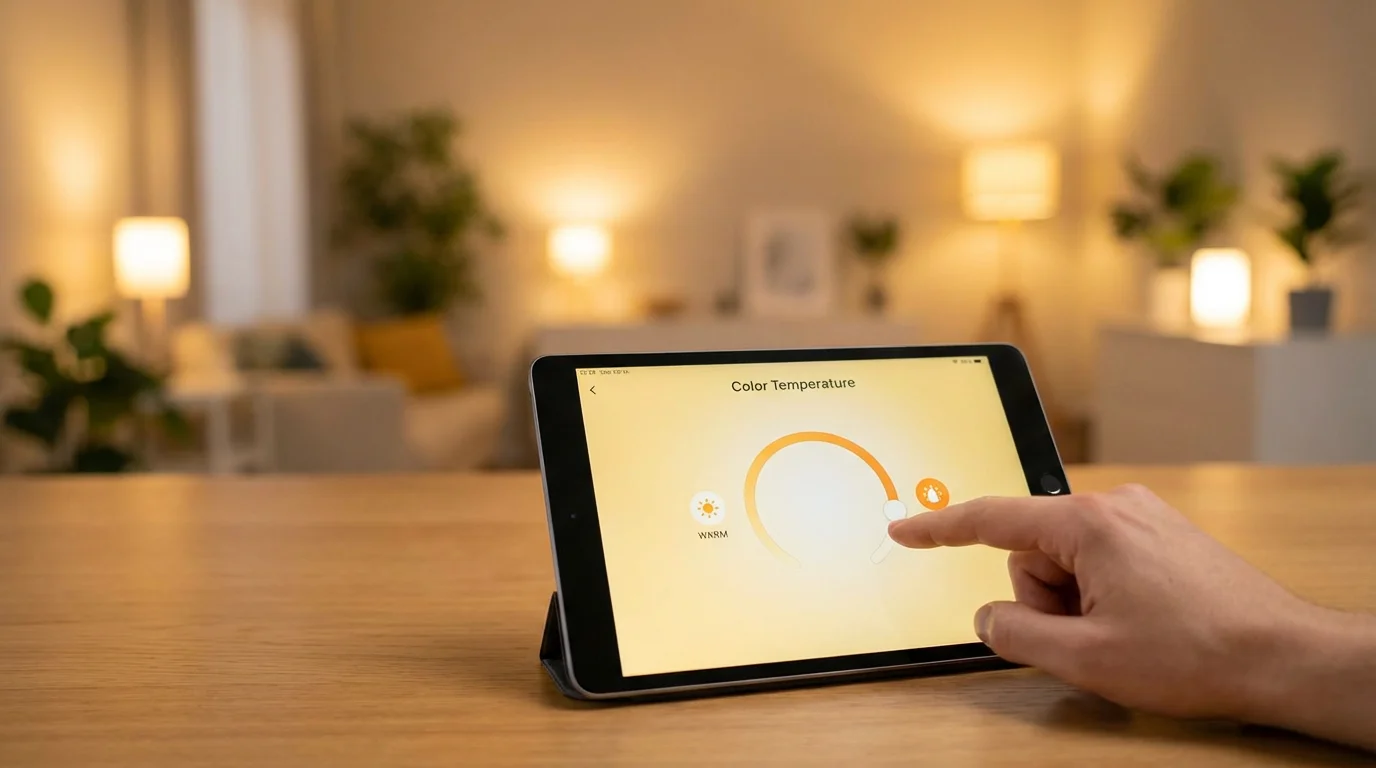
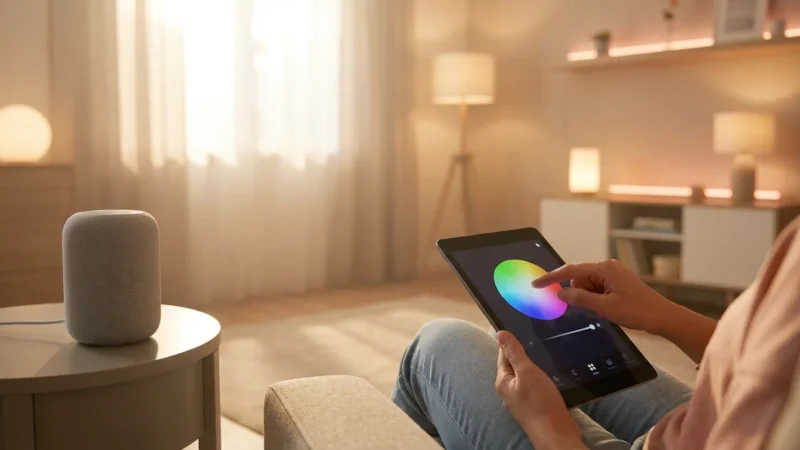
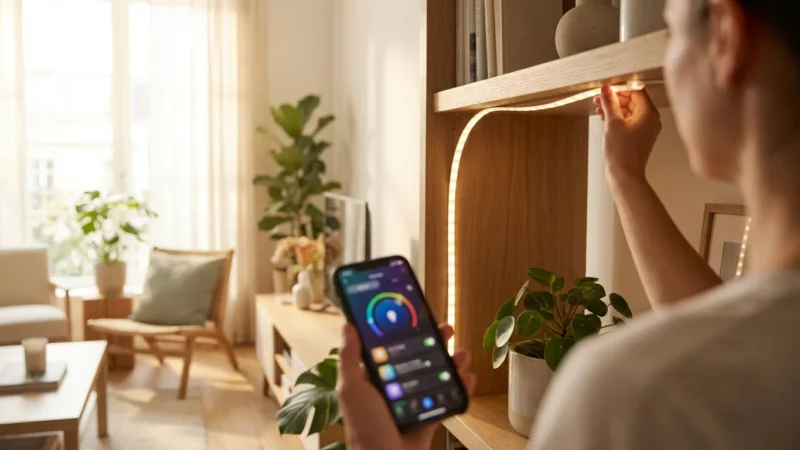
Manually changing your light color five times a day is tedious. The true power of a smart home lies in automation. Most major platforms now have built-in features to handle this progression automatically.
Apple HomeKit: Adaptive Lighting
If you are in the Apple ecosystem, this is the easiest method. Apple’s “Adaptive Lighting” feature automatically adjusts the color temperature of supported bulbs throughout the day.
- Open the Apple Home app.
- Long-press a compatible light.
- Look for the circle icon with a sun inside it (the first color preset).
- Tap it to enable Adaptive Lighting. The bulb will now shift from cool to warm automatically based on your local sunrise and sunset times.
Philips Hue: Natural Light Scene
The Hue app features a 24-hour scene called “Natural Light.”
- Select a Room in the Hue app.
- Go to the scenes gallery and select “Natural Light.”
- You can customize the time slots to match your specific schedule (e.g., make the “Relax” warm light start earlier in the winter).
- Program your motion sensors or switches to trigger this scene by default so you never get the wrong light temperature.
Amazon Alexa and Google Home
While native “adaptive” features vary by region and update, you can create Routines to simulate this effect.
- Create a “Sunset” Routine: Set a trigger for “1 Hour Before Sunset.” Action: Set Living Room lights to “Warm White” and brightness to 50%.
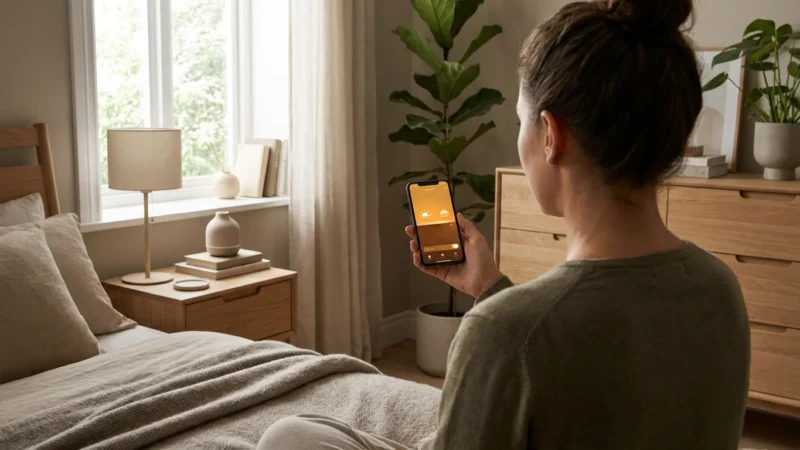
- Create a “Bedtime” Routine: Set a trigger for “10:00 PM.” Action: Set Bedroom lights to “Warm Glow” (or lowest Kelvin) and brightness to 20%.
Advanced Setup: Red Light and Sunrise Alarms
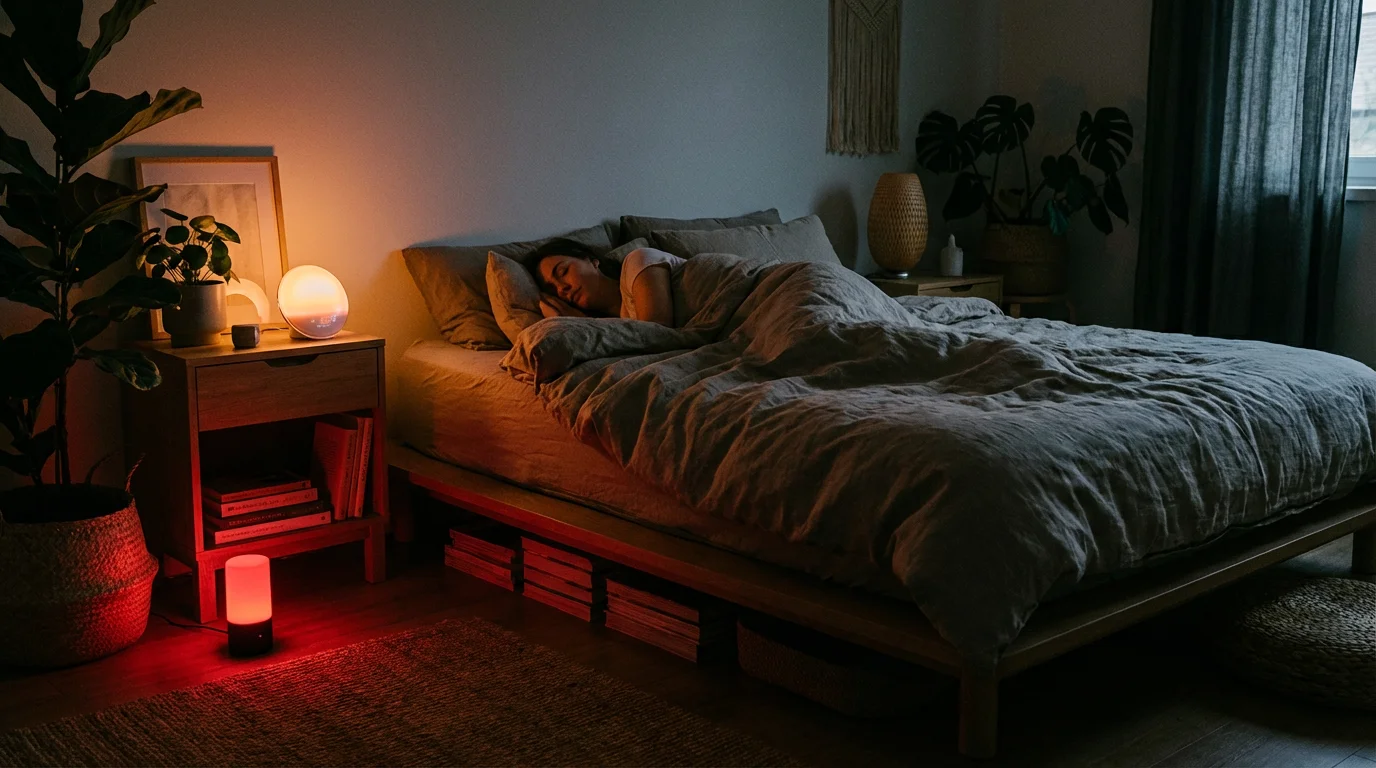
For those who want to take sleep hygiene to the next level, you can utilize extreme ends of the color spectrum. While warm white is good, pure red light is even better for late-night navigation.
Red light has the least impact on your circadian rhythm. You can set up an automation for your bathroom or hallway using a motion sensor. If motion is detected between 11:00 PM and 6:00 AM, the lights should turn on deep red at 10% brightness. This provides just enough visibility to navigate without activating your brain’s wakefulness centers.
Conversely, waking up can be improved with a “Sunrise Simulation.” Instead of a blaring audio alarm, program your bedroom lights to fade in over 30 minutes, starting from a dim, warm orange and transitioning to a bright, cool white. This gradual increase in light penetrates your eyelids, signaling your body to stop producing melatonin and start producing cortisol, resulting in a more refreshed wake-up experience.
Common Mistakes to Avoid
Even with the best intentions, improper setup can negate the benefits of smart lighting. Watch out for these common errors.
- Ignoring Brightness: Color temperature is only half the equation. A 2200K (warm) light set to 100% brightness can still be stimulating. Ensure your evening automations lower the intensity alongside the temperature.
- Mixed Lighting Sources: If your smart bulbs are set to warm white, but you have a bright, cool-white TV screen or a non-smart lamp running nearby, the effect is diminished. Try to synchronize all light sources in a room.
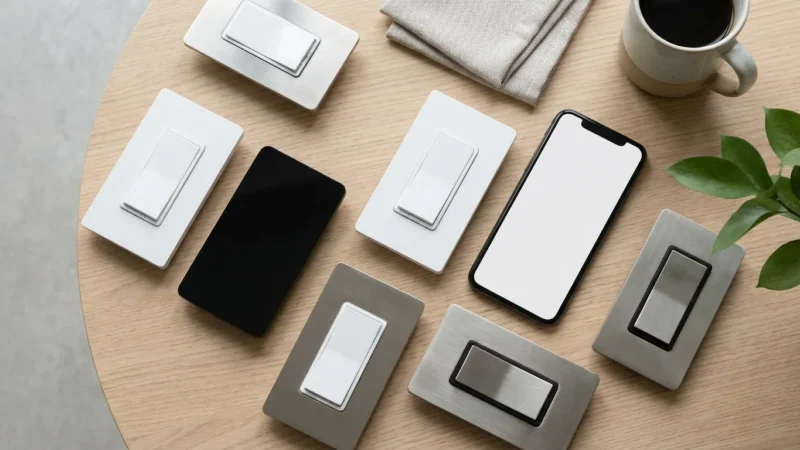
- Over-Complicating Controls: Do not rely solely on voice commands or apps. Install smart switches (like the Hue Dimmer or Lutron Aurora) so that family members or guests can turn lights on and off without breaking the automated color cycle.
- Inconsistent Schedules: Your circadian rhythm loves consistency. Try to keep your lighting shifts at roughly the same time every day, even on weekends, to anchor your internal clock.
According to The Verge’s smart home coverage, the friction of using an app to turn on lights is the number one reason users abandon smart lighting. Physical controls and reliable automation are key to long-term success.
Frequently Asked Questions
Does warm light actually help you sleep better?
Yes. Research indicates that exposure to warm, amber light (low Kelvin) has significantly less impact on melatonin suppression compared to cool, blue-rich light. By using warm light in the evening, you allow your body to naturally prepare for sleep, potentially reducing the time it takes to fall asleep.
What is the best color light for sleeping?
Pure red light is scientifically the best color for sleeping environments. It has the longest wavelength and does not trigger the photoreceptors in the eye that signal “daytime” to the brain. If red is too intense for your taste, a very dim, warm amber (around 2000K) is the next best alternative.
Do I need a smart hub to control color temperature?
Not necessarily. Many Wi-Fi-based bulbs (like LIFX or Wyze) allow you to control color temperature directly through their app or voice assistants without a hub. However, hub-based systems like Philips Hue often provide more reliable automation and smoother transitions for whole-home lighting schedules.
Can I use smart plugs to automate lighting for sleep?
Smart plugs can turn lamps on and off on a schedule, but they cannot change the color temperature or brightness of a standard bulb. To get the circadian benefits of shifting from cool to warm light, you must use smart bulbs that support tunable white or color adjustments.
Disclaimer: This article is for informational purposes only. Smart home devices involve electrical connections and data privacy. Always follow manufacturer instructions for installation. For complex wiring or HVAC work, consult a licensed professional.
Leave a Reply