

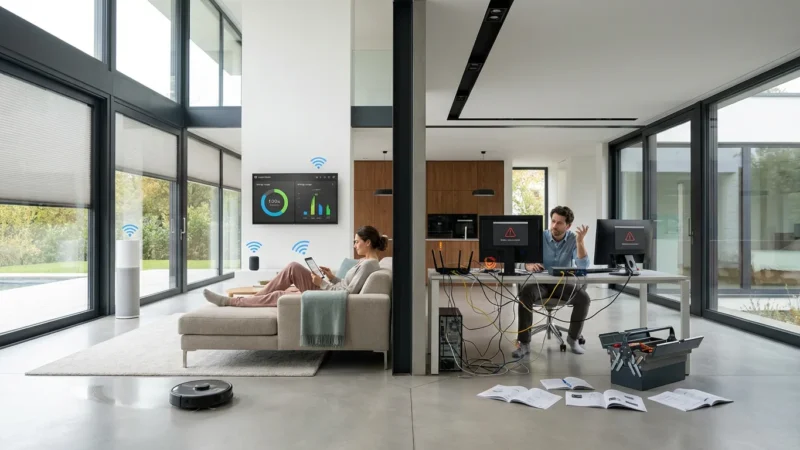
Building a smart home often starts with a single impulse purchase—a video doorbell on sale or a smart bulb that promises millions of colors. You install it, set it up on your phone, and enjoy the magic. Then you buy a second device from a different brand, only to realize it requires a completely different app. Before you know it, you have a folder full of apps on your phone and a “smart” home that feels disjointed and unintelligent.
True home automation relies on smart home compatibility. Your devices need to speak the same language, or at least have a translator, to work together seamlessly. When your motion sensor triggers your lights, or your smart lock tells your thermostat you’ve arrived home, you unlock the real value of connected technology. Understanding how these devices communicate ensures you build a system that is reliable, scalable, and easy to use.
The Three Layers of Compatibility
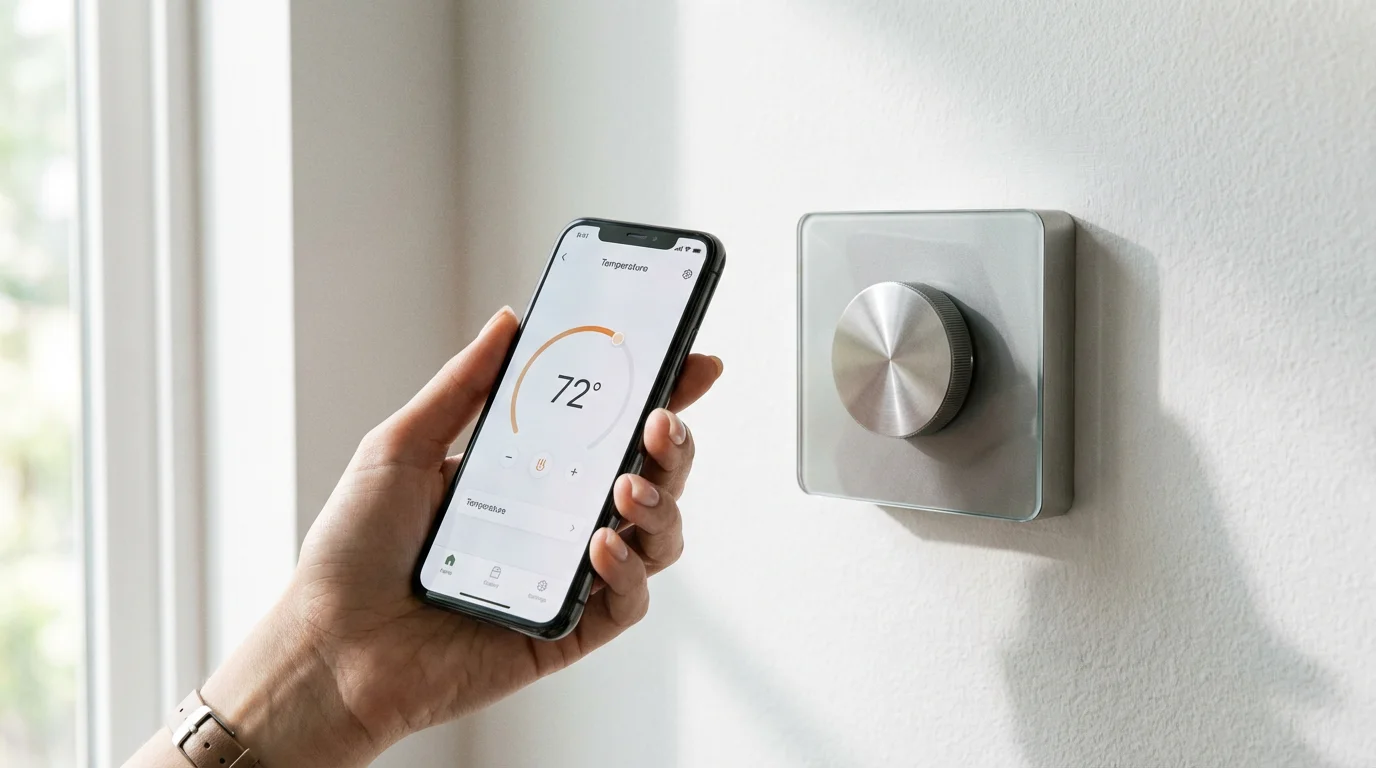
To prevent frustration, you must view compatibility through three distinct layers. A device might physically fit in your home and connect to the internet, but that does not guarantee it will integrate with your existing setup. Understanding these layers helps you spot potential conflicts before you open your wallet.
- The Ecosystem (The Controller): This is the interface you use to interact with your home. It’s usually a voice assistant like Amazon Alexa, Google Assistant, or Apple Siri. The ecosystem acts as the command center, sending orders to your various devices.
- The Protocol (The Language): This is how the device sends data wirelessly. Common protocols include Wi-Fi, Bluetooth, Zigbee, Z-Wave, and Thread. If your hub speaks Zigbee but your bulb speaks Z-Wave, they cannot talk directly without an intermediary.
- The Application (The Feature Set): Even if a device connects to your ecosystem, specific features might be locked behind the manufacturer’s proprietary app. For example, you might be able to turn a robot vacuum on via voice command, but you still need the specific brand’s app to set “no-go” zones.

Choosing Your Primary Ecosystem
Your choice of ecosystem dictates which devices you can easily buy and how you will interact with your home. While cross-platform compatibility is improving, picking a “winning team” simplifies your life significantly. Most beginners should stick to one of the big three platforms to ensure the smoothest experience.
Amazon Alexa
Alexa boasts the widest range of compatible devices. If you find a smart product on a shelf, there is a very high probability it works with Alexa. The routine capabilities—automation logic that triggers actions—are robust and user-friendly. However, the app can feel cluttered, and the interface is less visual than its competitors.
Google Home
Google Home is the natural choice for Android users and those heavily invested in Google’s services. Its strength lies in its intelligence; the Google Assistant often answers general knowledge questions better than competitors. The Google Home app offers a clean, visual interface, but its automation routines have historically been slightly less granular than Alexa’s, though they are catching up rapidly.
Apple HomeKit
For iPhone users, Apple HomeKit offers the best integration. Controls are baked directly into the iOS Control Center on your phone. HomeKit focuses heavily on security and privacy, processing much of your data locally rather than in the cloud. The trade-off is that HomeKit-certified devices are often more expensive and fewer in number compared to Alexa or Google counterparts.
“The best smart home is the one you don’t have to manage. Choosing a single ecosystem reduces friction and ensures your family interacts with the house in a consistent way.”
Decoding Wireless Protocols: The Invisible Languages
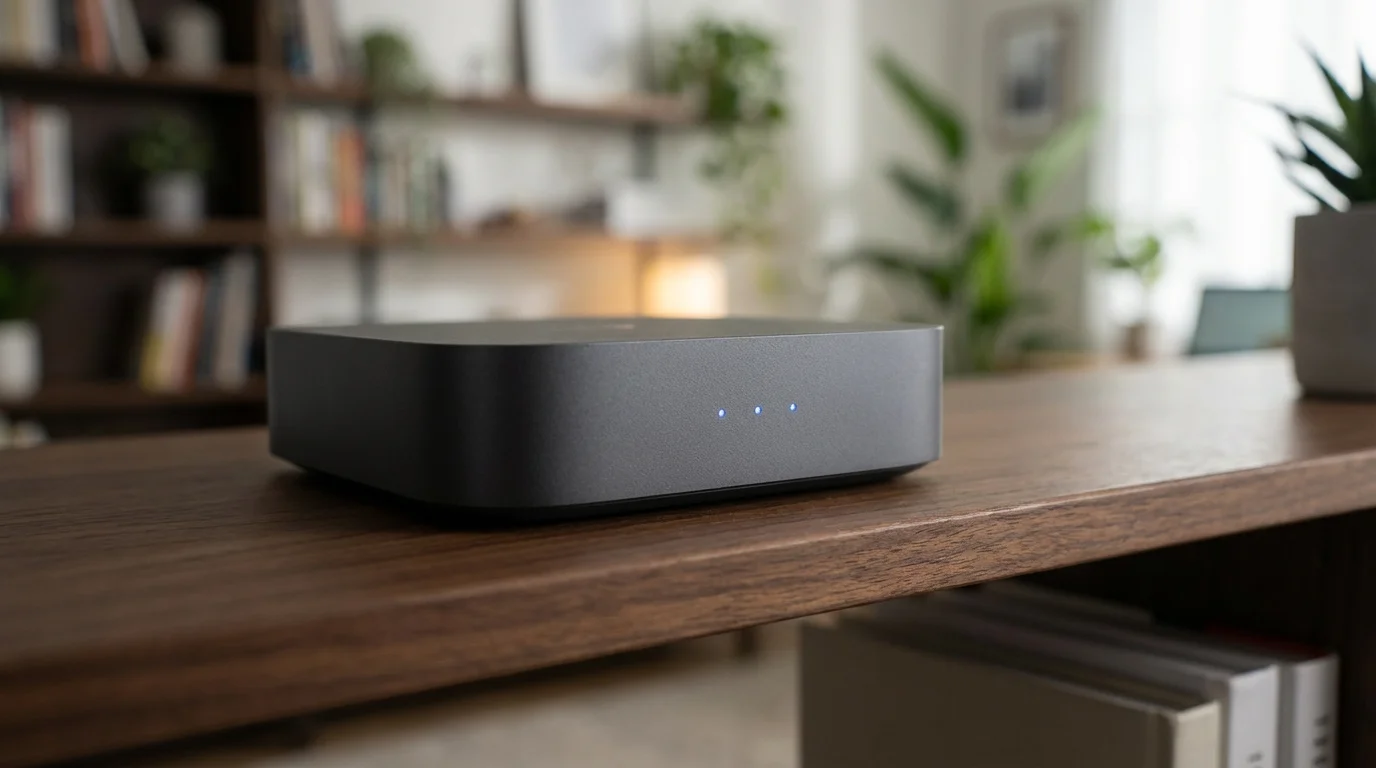
Once you choose an ecosystem, you need to understand how devices connect. This is often the most confusing part for beginners. Why does one bulb need a hub while another connects directly to Wi-Fi? It comes down to the communication protocol.
Wi-Fi
Wi-Fi devices connect directly to your router. They are accessible and easy to set up because you don’t need extra hardware. However, Wi-Fi devices consume more power (making them poor choices for small battery sensors) and can crowd your network. If you add 40 smart bulbs to a standard router, your Netflix streaming might start to buffer.
Bluetooth
Bluetooth is common in smart locks and some lighting. It uses very little power but has a short range. If you aren’t near the device, you often can’t control it unless you have a “bridge” nearby to connect it to the internet.
Zigbee and Z-Wave
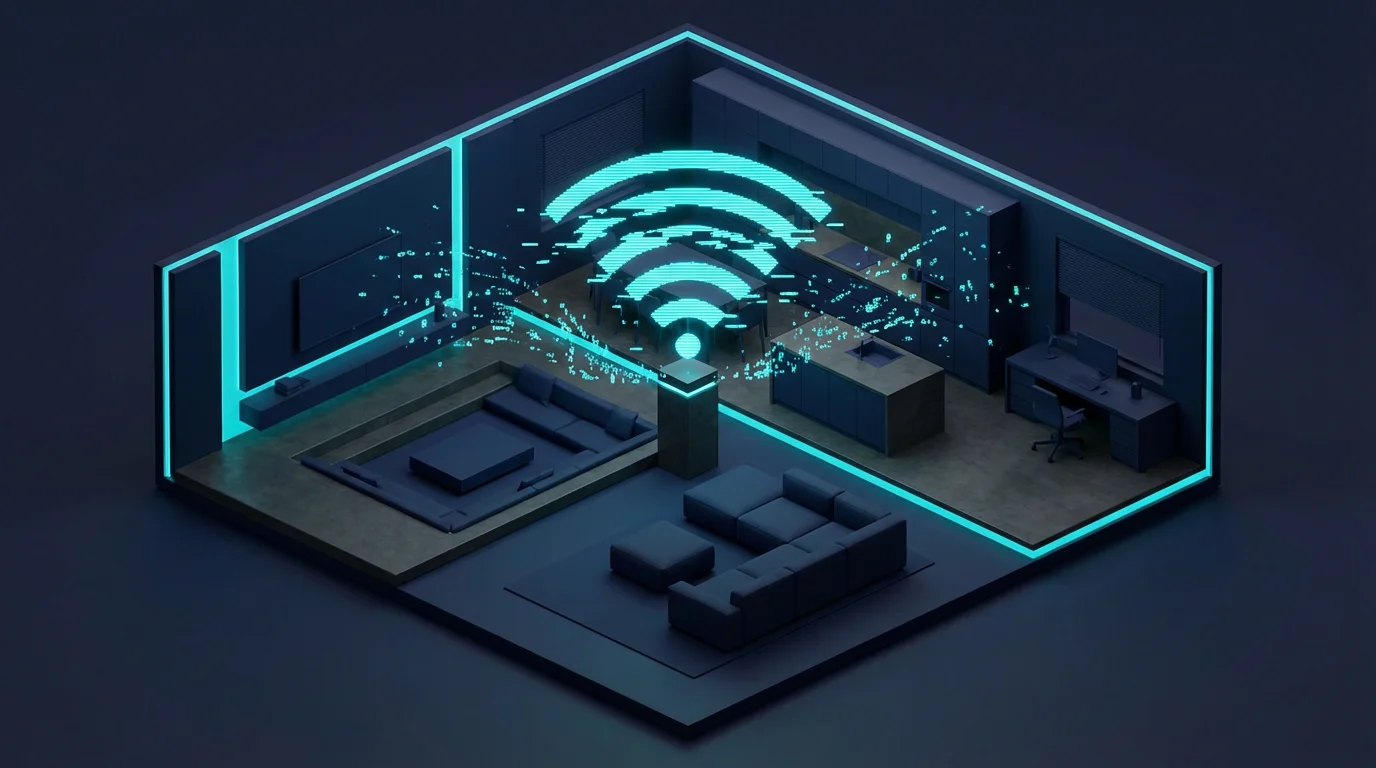
These are mesh network protocols designed specifically for home automation. Unlike Wi-Fi, where every device talks to the router, Zigbee and Z-Wave devices talk to each other. This creates a blanket of coverage; the more devices you have, the stronger the network becomes.
- Zigbee: Operates on the 2.4GHz frequency (same as Wi-Fi) but uses a different language. It is fast and widely supported by brands like Philips Hue and Amazon Echo devices.
- Z-Wave: Operates on a lower frequency (908.42 MHz in the US), which means it doesn’t interfere with your Wi-Fi signals. It has excellent range and reliability but requires a certified Z-Wave hub.
Thread
Thread is a newer protocol that combines the best of both worlds. It creates a low-power mesh network like Zigbee but is IP-based, meaning it connects more easily with the internet and your local network. It is fast, self-healing (if one device fails, data finds another path), and serves as a foundational pillar for the Matter standard.
Matter: The New Standard for Integration
The smart home industry has historically been fragmented, but that is changing with the introduction of Matter. Matter is an interoperability standard developed by the Connectivity Standards Alliance (CSA), which includes giants like Apple, Google, Amazon, and Samsung. According to the Connectivity Standards Alliance, Matter aims to ensure that smart devices work with any ecosystem right out of the box.
If you see the Matter logo on a box, you know three things:
- The device will work with Apple Home, Google Home, Amazon Alexa, and Samsung SmartThings simultaneously.
- It operates entirely locally over your Wi-Fi or Thread network, making it faster and more reliable than cloud-based integrations.
- Setup is standardized using a simple QR code scan.
For anyone starting a smart home today, prioritizing Matter-certified devices is the best way to future-proof your investment.

To Hub or Not to Hub?
The term “hub” often scares off beginners who want a simple setup. However, hubs are often the secret to a stable smart home. You need to decide if you want a hub-free (direct-to-Wi-Fi) home or a hub-based system.
The Hub-Free Approach
You buy devices that connect via Wi-Fi. You link their accounts (e.g., Yeelight, TP-Link Kasa) to Google or Alexa via the cloud.
- Pros: Low upfront cost; no extra box to plug in.
- Cons: If your internet goes down, your automations stop working. High latency (delay) because signals travel to a cloud server and back. Can congest your router.
The Hub-Based Approach
You use a central brain—like a Samsung SmartThings Station, an Amazon Echo (4th Gen), or a dedicated hub like Hubitat—to manage Zigbee, Z-Wave, or Matter devices.
- Pros: Automations often run locally (working even without internet). Does not slow down your Wi-Fi. Longer battery life for sensors.
- Cons: Higher initial cost. Another device to manage.
For anything beyond basic lighting control—such as security sensors, leak detectors, or whole-home automation—a hub-based system provides superior reliability.

How to Verify Device Compatibility Before Buying
Marketing jargon can be misleading. A device might say “Works with Alexa,” but that doesn’t tell the whole story. Follow this checklist to ensure you don’t end up with a digital paperweight.
- Check the “Works With” Badges: Look for the official logos of your ecosystem (Works with Google Home, Works with Apple Home). Be wary of generic “Voice Control” claims without specific logos.
- Identify the Protocol: Read the technical specifications on the box or product page. Does it require a Zigbee hub? Does it use Bluetooth? Ensure you have the necessary hardware to bridge it.
- Read User Reviews for Latency: Some integrations are technically compatible but painfully slow. Search for reviews mentioning “delay” or “connection dropouts” specific to your ecosystem.
- Consult Official Compatibility Lists: Major platforms maintain databases of certified devices. Checking sources like Consumer Reports or the official platform pages can save you from buying unsupported gear.
- Check for “Native” vs. “Skill” Support: For Alexa specifically, check if the device requires a third-party “Skill.” Native support is usually smoother; Skill-based support relies on the manufacturer’s server maintaining a connection with Amazon’s server.
Managing Mixed-Ecosystem Households
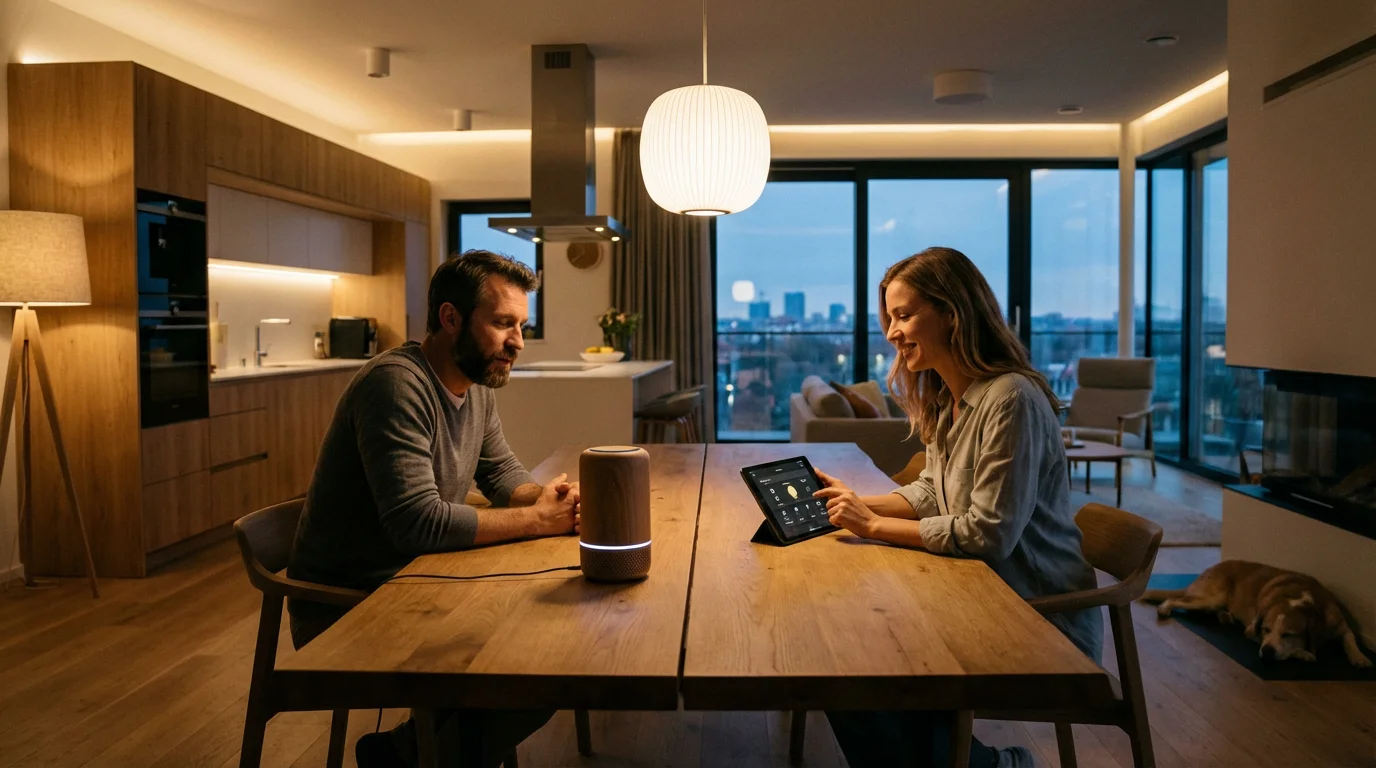
A common scenario involves a household where one partner uses an iPhone and the other uses an Android device. This “mixed-ecosystem” environment can be tricky, but it is manageable with the right strategy.
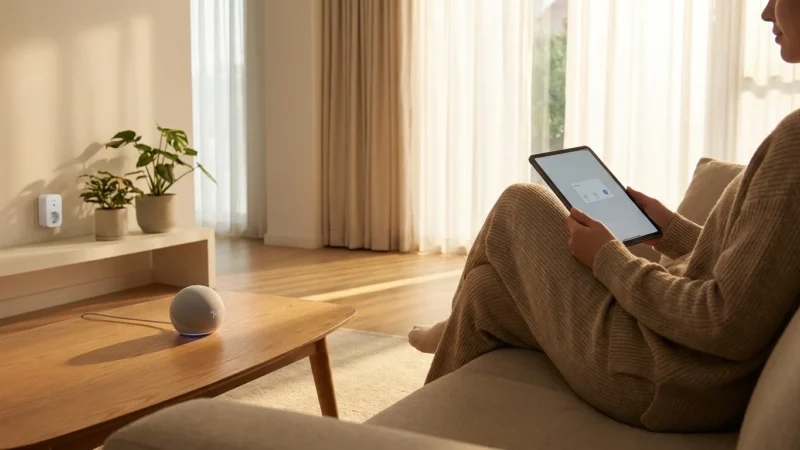
The best approach is to choose hardware that supports multiple platforms simultaneously. This is where Matter shines. A Matter-certified smart plug can be controlled via the Apple Home app on an iPhone and the Google Home app on an Android tablet at the same time. The status updates instantly on both devices.
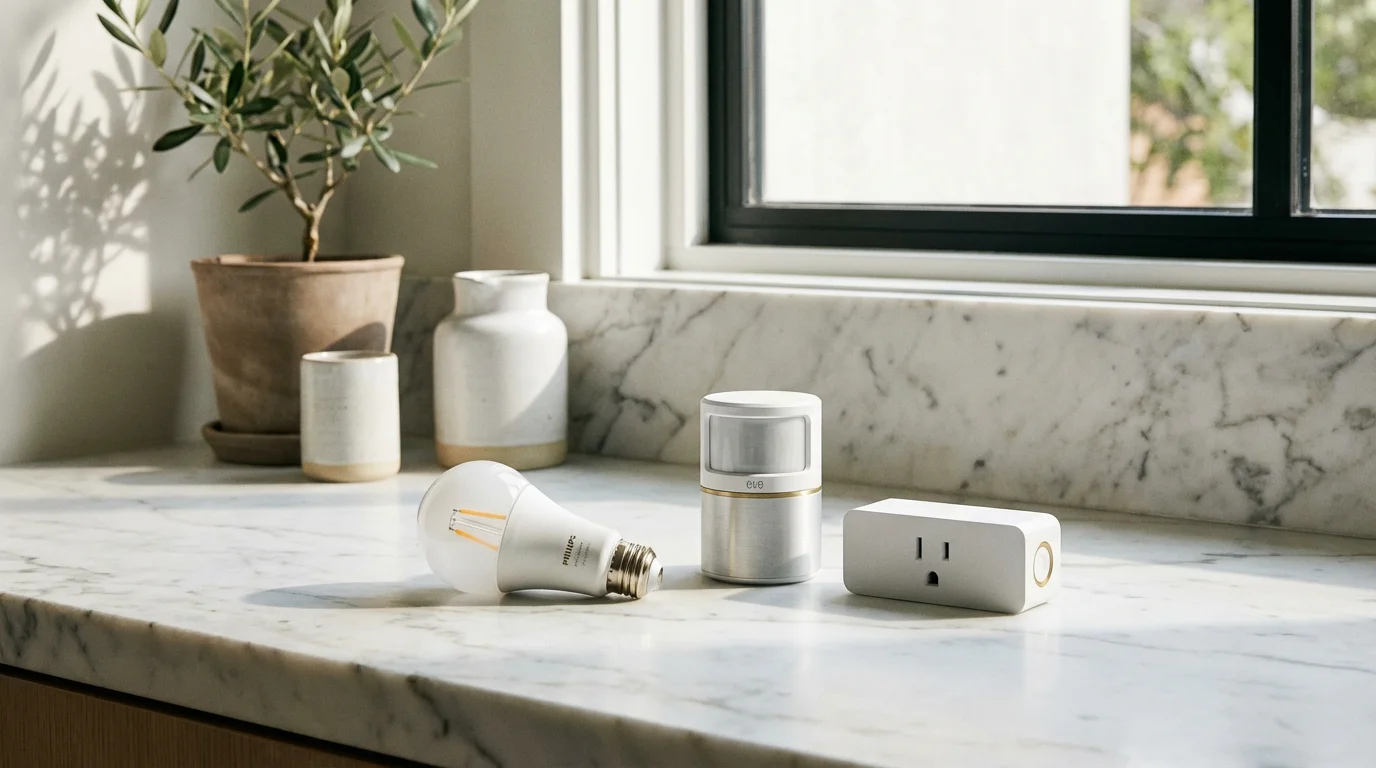
If you have older, non-Matter devices, you might need to use a “bridge” hub. For example, a Philips Hue Bridge exposes its Zigbee bulbs to HomeKit, Alexa, and Google Assistant simultaneously. Avoid buying Wi-Fi devices that only support one specific ecosystem if you live in a mixed household.
Troubleshooting Common Connection Issues
Even perfectly compatible devices sometimes fail to connect. Before you return a product, try these troubleshooting steps.
The 2.4GHz Wi-Fi Problem
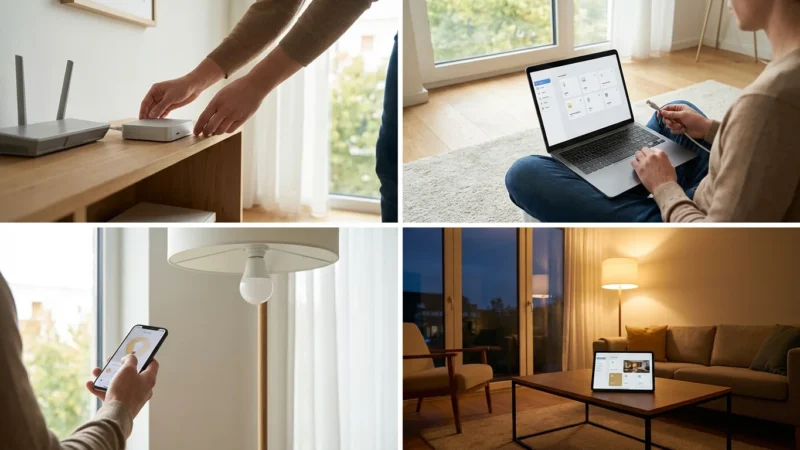
Most smart home devices only work on the 2.4GHz Wi-Fi band because it travels better through walls than the faster 5GHz band. Modern mesh routers often combine these into a single network name (SSID). During setup, your phone might be on 5GHz while the smart plug tries to find 2.4GHz, causing the setup to fail.
The Fix: Move further away from your router during setup (forcing your phone to switch to the longer-range 2.4GHz band) or temporarily disable the 5GHz band in your router settings.
Resetting the “Handshake”
If a device was previously paired to a hub or another network, it won’t connect to a new one until it is factory reset. For bulbs, this often involves a specific sequence of turning the light switch on and off (e.g., 5 times rapidly) until the bulb flashes.
Hub Position
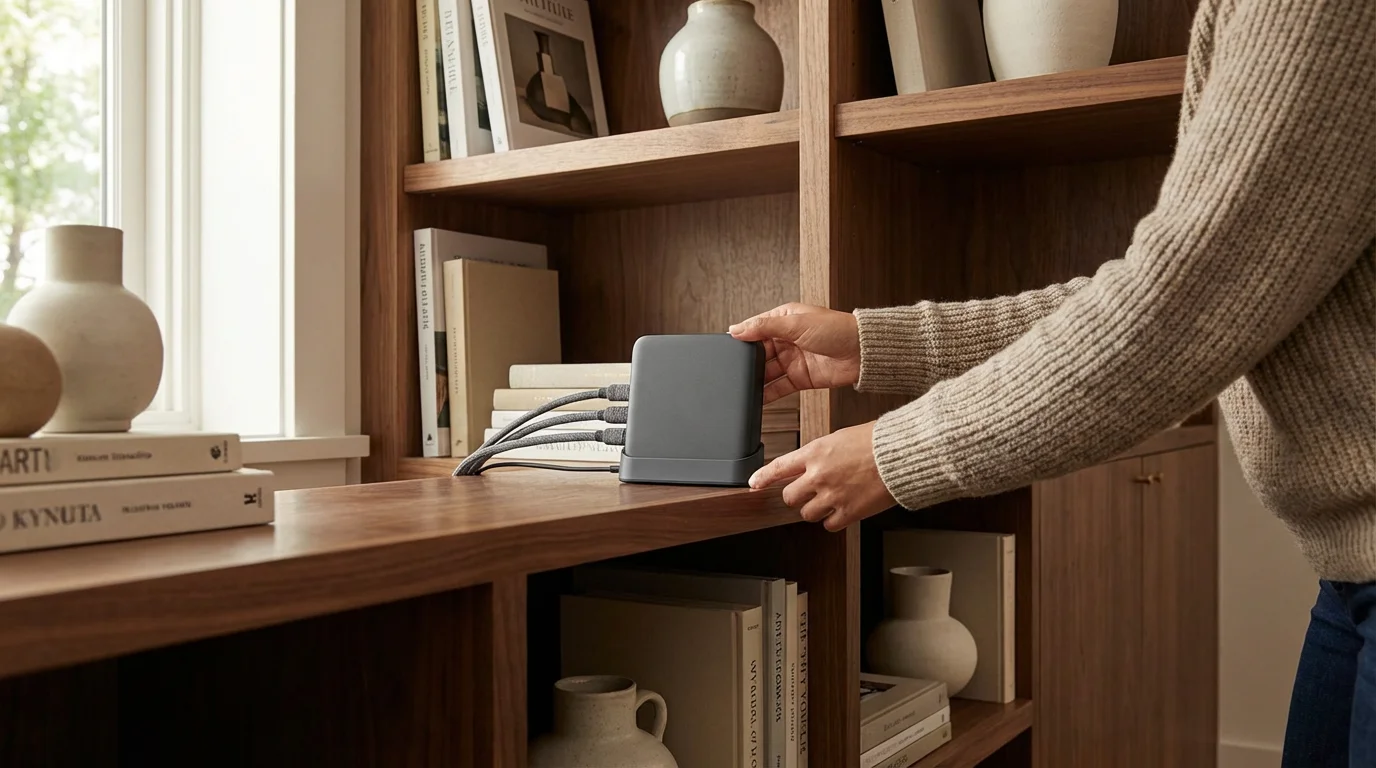
Zigbee and Z-Wave rely on a mesh. If you place a sensor in the garage but your hub is in the attic, the signal may not reach. You fix this not by moving the hub, but by adding a “repeater” device (usually a plugged-in device like a smart outlet) halfway between the hub and the sensor to bridge the gap.
Frequently Asked Questions
Can I use Google Home and Amazon Alexa in the same house?
Yes, you can run both ecosystems simultaneously. Many smart devices allow you to link your account to both Google and Alexa. However, you should generally designate one as your primary controller for setting up automation routines to avoid conflicting commands. For example, don’t set a “Good Morning” routine on both speakers that tries to adjust the same thermostat at the same time.
Do I need a hub for smart bulbs?
It depends on the bulb type. Wi-Fi bulbs (like LIFX or TP-Link Kasa) connect directly to your router and do not need a hub. Zigbee bulbs (like Philips Hue or Sengled) require a specific bridge or a smart speaker with a built-in Zigbee hub (such as an Echo Show or SmartThings Station) to function properly.
What happens to my smart home if the internet goes out?
Wi-Fi devices that rely on cloud servers—which includes many budget smart plugs and cameras—will stop responding to app or voice commands, although their physical switches will usually still work. Devices that use local hubs (Zigbee, Z-Wave) or the new Matter standard can often still process local automations (like motion sensors triggering lights) even without an active internet connection, provided your local Wi-Fi router is still powered on.
Is Z-Wave better than Wi-Fi for smart homes?
For extensive setups, Z-Wave is generally superior. It operates on a different frequency so it doesn’t compete with your video streaming, it uses significantly less power, and it creates a mesh network that improves range as you add devices. Wi-Fi is better for beginners starting with just one or two devices due to its simplicity and lack of extra hardware requirements.
Disclaimer: This article is for informational purposes only. Smart home devices involve electrical connections and data privacy. Always follow manufacturer instructions for installation. For complex wiring or HVAC work, consult a licensed professional.

Leave a Reply