
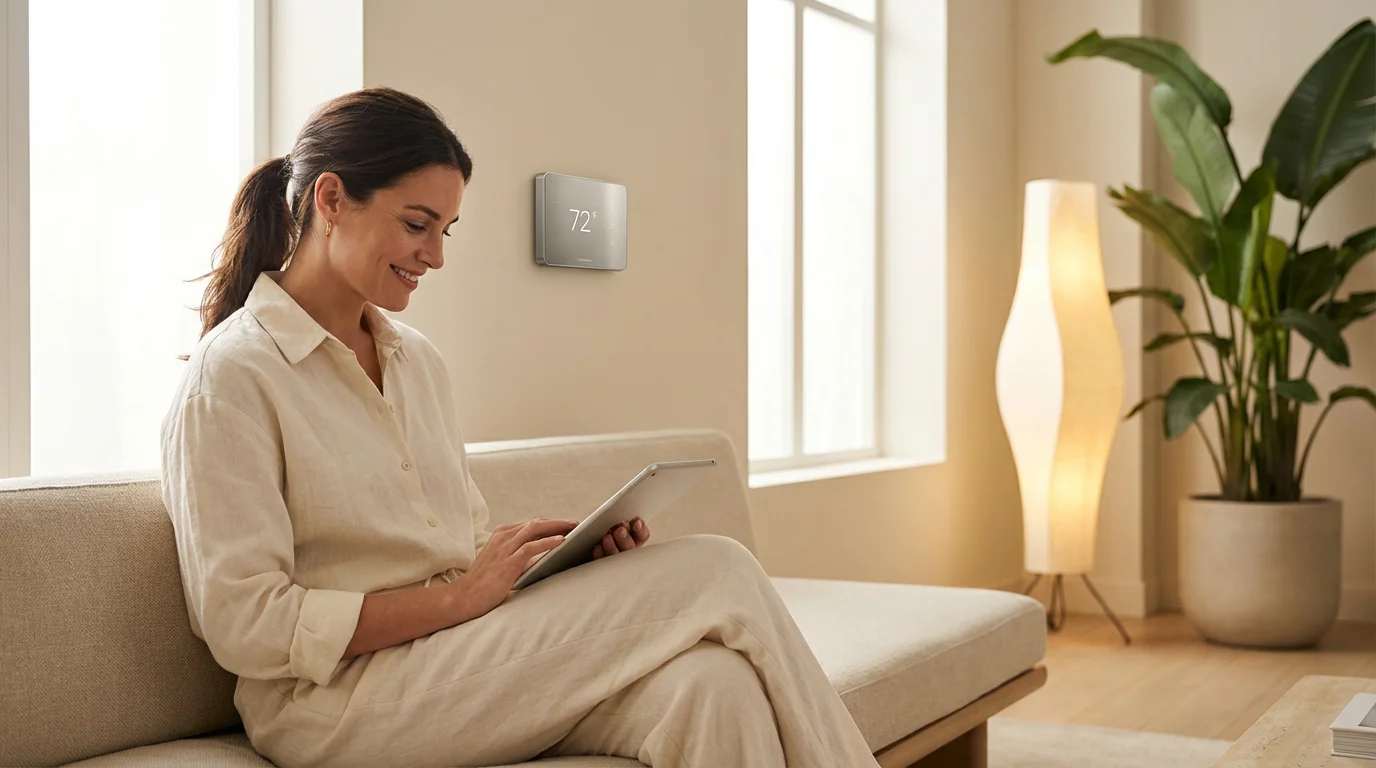
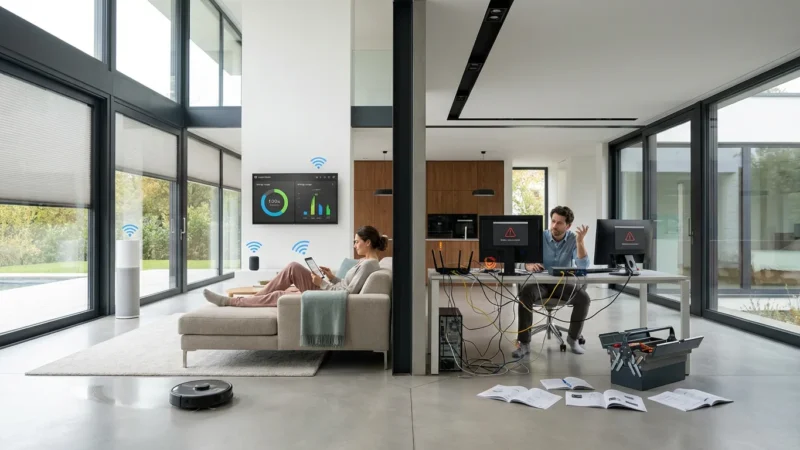
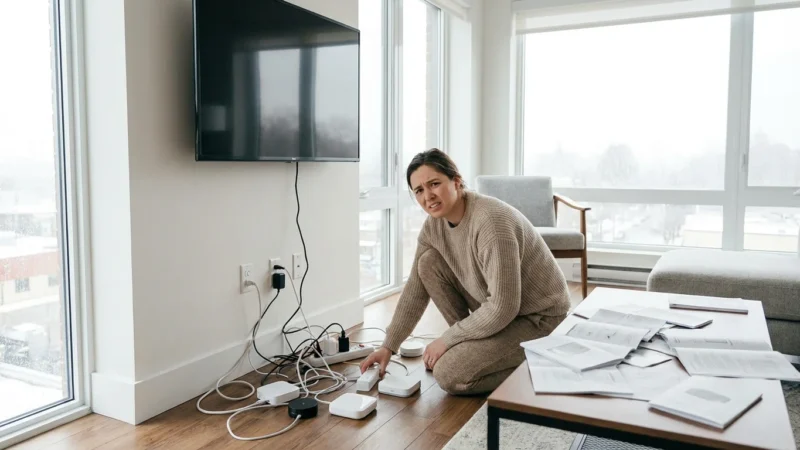
You have just unboxed a dozen smart bulbs, three plugs, and a new thermostat. You connect them to your Wi-Fi, the app asks you to name them, and in a rush of excitement, you default to “Bulb 1,” “Bulb 2,” and “Smart Plug A.” Fast forward two weeks: you shout at your voice assistant to “turn on the lamp,” and it responds, “Which one?” or worse, turns on the coffee maker in the kitchen instead of the light in the living room.
This scenario is the most common friction point in home automation. The hardware works, the connectivity is solid, but the user experience falls apart because of poor organization. A logical, intuitive naming convention is not just about being tidy; it is the backbone of a functional smart home. It dictates how naturally you interact with your house and how easily your family members can control the environment without memorizing a manual.
Establishing a naming strategy early prevents headaches down the road. Whether you rely on Alexa, Google Assistant, Apple HomeKit, or a local hub like Home Assistant, the principles of clarity and hierarchy remain the same. This guide breaks down exactly how to label your devices for maximum efficiency and ease of use.

The Logic Behind the Label
When you name a device, you are essentially creating a user interface for your voice. Unlike a physical switch that you can see and touch, a voice command requires you to recall a specific keyword. If that keyword is complex, vague, or duplicated, the system fails.
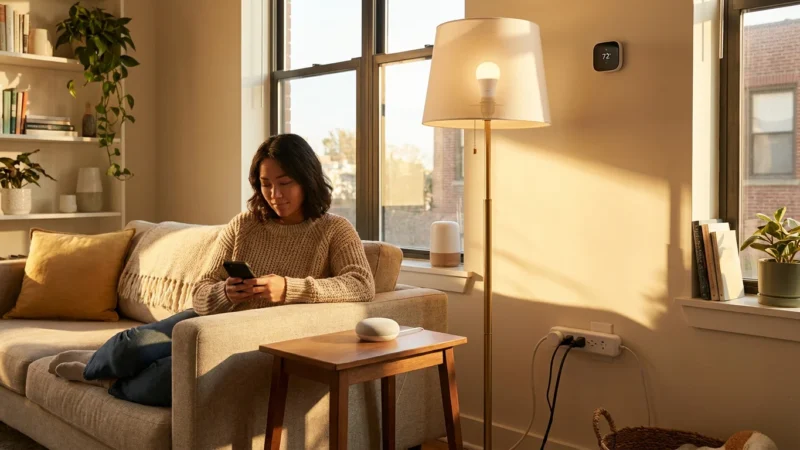
Your smart home ecosystem uses names to perform two primary functions: identification and grouping. Identification allows the system to toggle a specific relay or change a specific color. Grouping allows the system to understand context. If you have a device named “Office Light” inside a room group named “Office,” saying “Turn on the lights” while talking to a smart speaker located in the office should only trigger that specific device.
However, if your naming convention is sloppy, you introduce “cognitive load.” This means you have to pause and think before issuing a command. A smart home should reduce effort, not increase it. If you have to remember that the hallway light is technically “Second Floor Corridor Bulb 3,” the technology is no longer serving you.
The Golden Rules of Naming
To build a system that anyone in your household can use, adhere to a few foundational rules. These apply regardless of which brand of hub or speaker you use.
1. Keep It Natural
Name devices based on how you speak, not how you catalogue. When you walk into a room, what do you naturally call the light source? Do you call it the “Sofa Lamp” or the “Reading Light”? Use the vocabulary that comes instinctively to you.
2. Be Distinct but Descriptive
Every name must be unique to avoid conflict, but it should also describe the function or location. “Light 1” is distinct but not descriptive. “Living Room” is descriptive but not distinct (is it the room or the device?). A balance, such as “Living Room Overhead,” hits the sweet spot.
3. Avoid Manufacturer Defaults
Smart plugs often default to names like “TP-Link_Plug_4920.” Voice assistants trip over these, and sorting them in an app is a nightmare. Rename them immediately upon setup. According to Wirecutter’s smart home experts, ease of use is a primary factor in the long-term adoption of smart tech; simple names are the first step in achieving that ease.
Understanding Room and Zone Hierarchy
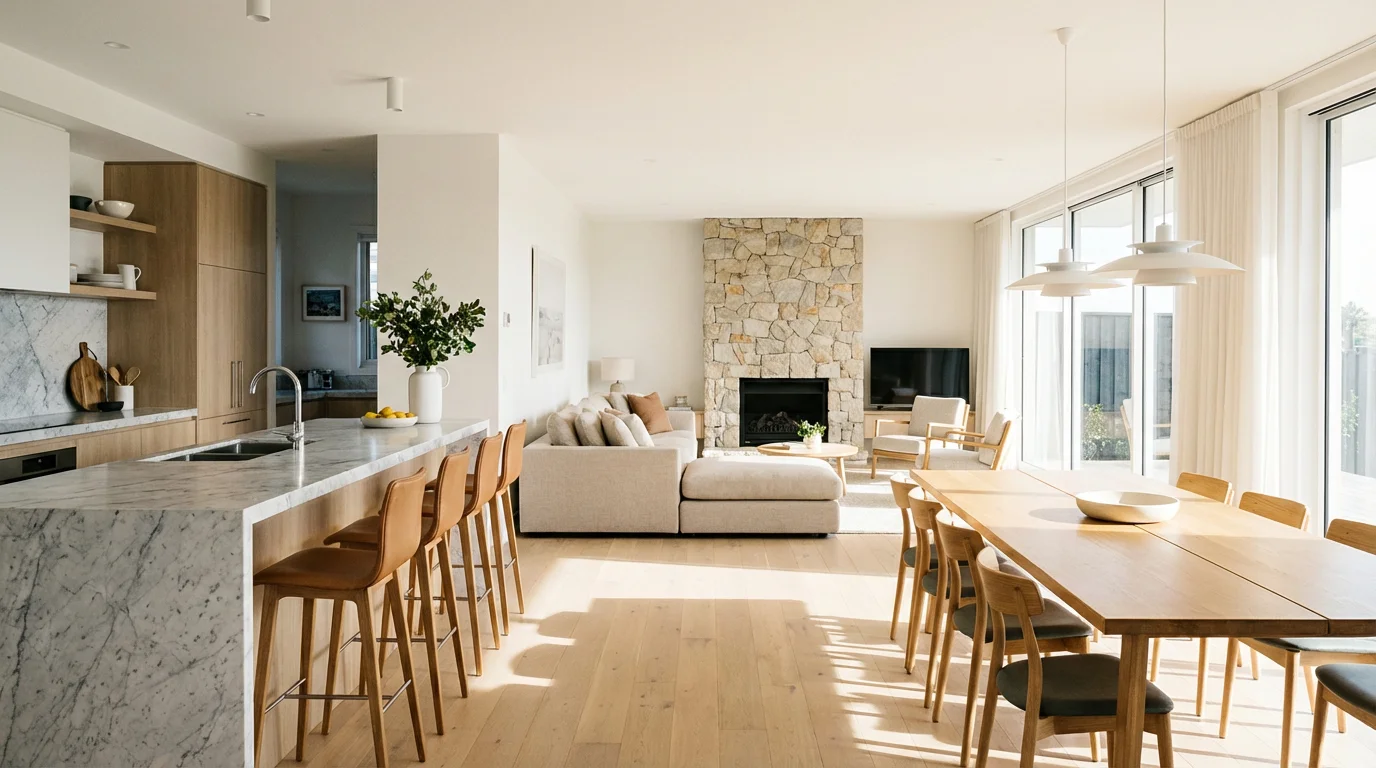
Most modern smart home platforms use a hierarchy: Home > Room > Device. Understanding this structure allows you to keep individual device names shorter and cleaner.
If you place a smart bulb in the “Kitchen” group inside the Alexa or Google Home app, you do not necessarily need to name the device “Kitchen Light.” If you do, the voice assistant might read it as “Kitchen Kitchen Light.” Often, simply naming it “Main” or “Overhead” suffices because the system knows it is in the Kitchen.
However, redundancy is sometimes safer for cross-platform compatibility. Here is a reliable structure to follow:
- Room Name: Master Bedroom
- Device Name: Master Bedroom Overhead
- Spoken Command: “Turn on the Master Bedroom Overhead” OR “Turn on the lights” (if the speaker is in the room).
Zones are collections of rooms. You might have an “Upstairs” zone. If you name your thermostat “Upstairs,” you can say “Set Upstairs to 72 degrees.” This is far more intuitive than naming it “Ecobee 3 Lite.”

Naming Specific Device Types
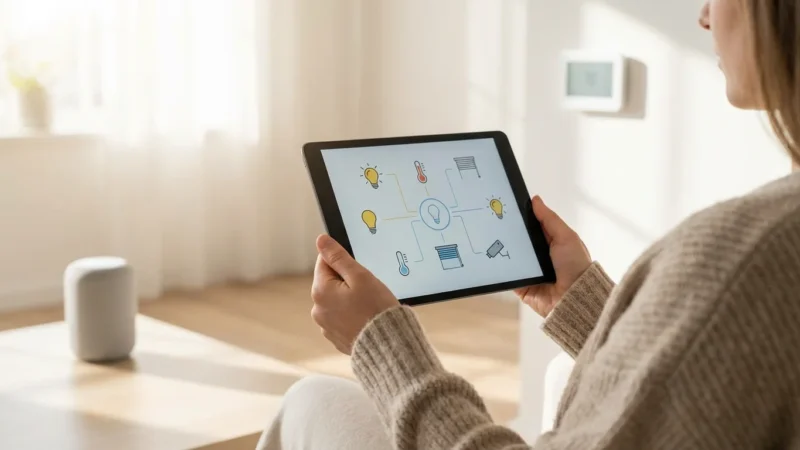
Different categories of devices require different naming strategies. A smart lock needs a different approach than a color-changing bulb. Here are actionable naming conventions for common hardware.
Lighting
Lighting is the most command-heavy category. Avoid generic terms like “Lamp” if you have five lamps. Use location or size descriptors:
- Descriptive: “Tall Lamp,” “Table Lamp,” “Desk Light.”
- Positional: “Left Nightstand,” “Window Strip,” “Sink Light.”
- Functional: “Reading Light,” “Makeup Mirror.”
Smart Plugs and Outlets
Never name a smart plug “Smart Plug.” Name it after the device plugged into it. If you use a smart plug to control a box fan, name the device “Box Fan.” When you move that plug to control the Christmas Tree in December, rename it “Christmas Tree.” This ensures your voice commands feel magical rather than technical.
Sensors (Contact and Motion)
You rarely interact with sensors via voice, but you need them clearly labeled for automation notifications. If your phone buzzes with “Sensor 4 Open,” you won’t know if it’s the back door or the liquor cabinet. Use a strict [Room] [Object] [Sensor Type] format:
- Front Door Contact
- Basement Motion
- Kitchen Sink Leak
- Garage Tilt Sensor
Thermostats and Climate
If you have one thermostat, “Thermostat” or “AC” works fine. If you have a zoned system, use the floor or area name. “Upstairs” and “Downstairs” are the standard. Avoid technical HVAC terms like “Zone 1 Controller.”
“The best smart home is the one you don’t have to manage. Your naming convention should be intuitive enough that a guest could guess the command on the first try.”
Optimizing for Voice Assistants
Each major voice platform processes language slightly differently. Tailoring your names to your primary ecosystem helps avoid the dreaded “I don’t know which device you mean” response.
Amazon Alexa
Alexa relies heavily on “Groups.” If you put an Echo Dot in a group called “Living Room” along with your lights, you can simply say “Lights on.” However, Alexa can struggle with possessive names like “Dad’s Lamp” versus “Dan’s Lamp.” Stick to distinct sounds. Avoid rhyming words if possible.
Google Assistant
Google is excellent at fuzzy matching (understanding “TV” and “Television” as the same thing). However, it can get confused if you duplicate room names in device names excessively. If you have a room called “Office” and a light called “Office Light,” saying “Turn off the Office” might turn off the Google Nest Hub screen rather than the light. Naming the light “Desk Lamp” clears up the confusion.
Apple HomeKit (Siri)
Siri is strict about rooms. You must assign devices to rooms in the Home app. Siri also handles “Zones” very well. If you group the Living Room, Kitchen, and Dining Room into a “Downstairs” zone, you can say “Turn off all Downstairs lights.” For this to work, ensure no single device is named “Downstairs.”
As the industry moves toward the Matter Smart Home Standard, interoperability will improve, but the need for unique, clear names will remain universal across all platforms.

Common Pitfalls to Avoid
Even experienced smart home enthusiasts fall into these traps. Check your current device list against these common errors.
1. Using Numbers
Naming bulbs “Kitchen 1,” “Kitchen 2,” and “Kitchen 3” is a recipe for frustration. You will never remember which bulb is number 2. Instead, use “Kitchen Sink,” “Kitchen Island,” and “Kitchen Table.” If you truly have a row of identical lights, group them into a single entity so they act as one.
2. Tongue Twisters
Avoid names that are difficult to pronounce quickly. “The Rural Brewery Pendant Light” is too long. “Bar Light” is better. Voice assistants struggle with alliteration and complex syllables just as humans do.
3. Changing Names Too Often
Once you establish a name, stick to it. If you change “Living Room Lamp” to “Sofa Light,” your family members will continue using the old name, causing frustration when the system doesn’t respond. Retrain the household only when absolutely necessary.
4. Duplicating Names for Groups and Devices
Do not name a Group “Kitchen” and a Device “Kitchen.” This creates a conflict where the assistant doesn’t know if it should toggle the single device or the whole room. Call the room “Kitchen” and the device “Overhead” or “Main.”

Maintenance and Future-Proofing
A smart home is not static. You buy new devices, move old ones, and upgrade Wi-Fi networks. Your naming scheme needs to evolve with your home.
The “Unassigned” Graveyard
When you unplug a device and toss it in a drawer, remove it or rename it “Unassigned” in your app immediately. Otherwise, voice assistants might try to ping a device that doesn’t exist, leading to delays and error messages.
The Six-Month Audit
Twice a year, scroll through your device list. Look for:
- Offline devices: Are they broken or just unplugged?
- Obsolete names: Do you still have a “Crib Cam” even though your child is now in a toddler bed?
- Ghost devices: Sometimes, when you unlink and relink a service, devices appear twice. Delete the duplicates to improve response times.
By keeping your digital inventory clean, you ensure that your automation scripts and routines run without hiccups.
Frequently Asked Questions
Should I include the room name in the device name?
It depends on the platform. Generally, it is best to avoid redundancy if the app handles room grouping well. However, adding the room name (e.g., “Kitchen Overhead”) prevents confusion if you have multiple devices called “Overhead” in different rooms. For troubleshooting purposes, unique names are always safer.
Can I have two devices with the same name in different rooms?
Yes, provided they are assigned to different “Rooms” in your smart home app. You can have a “Fan” in the Bedroom and a “Fan” in the Office. However, to control them specifically from a distance, you will need to say “Turn on Bedroom Fan.” If you simply say “Turn on the Fan,” the assistant will prioritize the device in the room you are currently standing in.
What is the best way to name smart plugs?
Name the smart plug based on the appliance it controls. If it controls a humidifier, name it “Humidifier.” Do not name it “Smart Plug 1” or “Socket A,” as you will forget what is plugged into it. This makes voice commands intuitive and natural.
How do I handle devices that I move frequently?
If you have a “roaming” smart plug, give it a generic name like “Utility Plug” when not in use. As soon as you deploy it for a specific purpose (e.g., holiday lights or a temporary fan), rename it immediately to reflect its current function. This takes thirty seconds but saves you weeks of trying to remember which generic plug controls the fan.
Disclaimer: This article is for informational purposes only. Smart home devices involve electrical connections and data privacy. Always follow manufacturer instructions for installation. For complex wiring or HVAC work, consult a licensed professional.
Leave a Reply