

Your voice assistant offers more than just setting timers or playing music. Devices like Amazon Alexa, Google Assistant, and Apple Siri possess a rich array of powerful, often overlooked capabilities. Many users tap into only a fraction of their smart speaker’s potential, missing out on enhanced convenience, security, and efficiency in their homes.
This guide delves into the hidden features and advanced commands you can implement today. Discover how to transform your smart speaker from a simple query tool into a central command center for your entire smart home ecosystem. We provide practical insights and actionable steps to help you unlock these advanced functionalities.
Beyond Basic Commands: Unlocking Hidden Voice Assistant Features
Many smart speaker owners use their devices for simple tasks. However, a world of advanced commands and hidden features awaits. These capabilities move beyond basic requests, offering deeper interaction and greater control over your smart environment. Exploring these can significantly enhance your daily experience.
For example, Alexa features most people dont know about include “Whisper Mode” and “Follow-Up Mode.” Whisper Mode allows you to speak quietly to Alexa, and she will respond in a whisper, perfect for late-night commands. Follow-Up Mode keeps the microphone open for a few seconds after a command, letting you issue subsequent requests without repeating the wake word.
Google Assistant also offers unique advanced commands. “Guest Mode” prevents your searches and requests from being saved to your activity history, protecting your privacy. You can also customize the wake word on some Google Assistant devices to “Hey Google” or “Okay Google” for personal preference, making interaction more seamless. These tips tricks elevate your interaction.
Advanced Command Examples for Each Assistant
- Amazon Alexa:
- “Alexa, turn on whisper mode.”
- “Alexa, enable follow-up mode.”
- “Alexa, tell me something good.” (Daily news brief with positive stories)
- “Alexa, find my phone.” (Calls your registered phone number)
- Google Assistant:
- “Hey Google, turn on guest mode.”
- “Hey Google, broadcast ‘Dinner is ready!’” (Sends a message to all Google Home devices)
- “Hey Google, good morning.” (Triggers a custom morning routine)
- “Hey Google, remember that my passport is in the blue drawer.” (Saves a note for later retrieval)
- Apple Siri:
- “Hey Siri, announce messages.” (Reads new messages aloud when connected to AirPods)
- “Hey Siri, what’s my update?” (Provides a summary of news, weather, and calendar events)
- “Hey Siri, find my Apple Watch.” (Pings your watch)
- “Hey Siri, learn my voice.” (Improves voice recognition over time)
Experimenting with these voice assistant hidden features can reveal unexpected benefits. They transform your smart speaker from a passive device into an active, intelligent helper. Take time to explore your device’s settings for further customization options.

Custom Routines and Automation: Your Voice, Your Rules
Voice assistant routines represent a cornerstone of smart home automation. They allow you to bundle multiple actions into a single voice command, simplifying complex tasks. Instead of saying “Alexa, turn on the living room lights, then turn on the TV, then set the thermostat to 72 degrees,” you can create a routine for “Movie Night.”
These routines are highly customizable, acting as advanced commands. You define the trigger, which can be a specific phrase, a time of day, or even a smart sensor event. Then, you specify the actions the assistant should take. This capability unlocks significant convenience and efficiency for your daily life.
Building Effective Routines
- Choose Your Trigger: This could be a phrase like “Good morning,” a specific time like 7:00 AM, or an event like motion detection from a smart sensor.
- Define Actions: List the devices and services your assistant controls. Actions range from turning on lights and adjusting thermostats to playing a specific playlist or announcing your calendar.
- Add Delays or Conditions: Some platforms allow you to introduce pauses between actions or set conditions based on device states. This creates more sophisticated automations.
- Test and Refine: Run your routine and adjust it as needed. Ensure all devices respond correctly and the sequence flows logically.
Consider a “Leaving Home” routine. When you say, “Hey Google, I’m leaving,” your smart speaker can lock the doors, turn off all lights, arm your security system, and adjust the thermostat to an energy-saving temperature. This combines multiple individual commands into one effortless action. Such advanced commands bring substantial utility.
Similarly, an “Evening Wind-Down” routine could dim your bedroom lights, play calming music, and set your smart blinds to close. This creates a peaceful environment with a single voice command. These capabilities are crucial smart home tips tricks you can use immediately.
Privacy and Security: Taking Control of Your Voice Data
Voice assistants enhance convenience, but they also raise important questions about privacy and data security. Understanding how your smart speaker collects and uses your voice data is crucial. Taking proactive steps to manage these settings empowers you to protect your personal information.
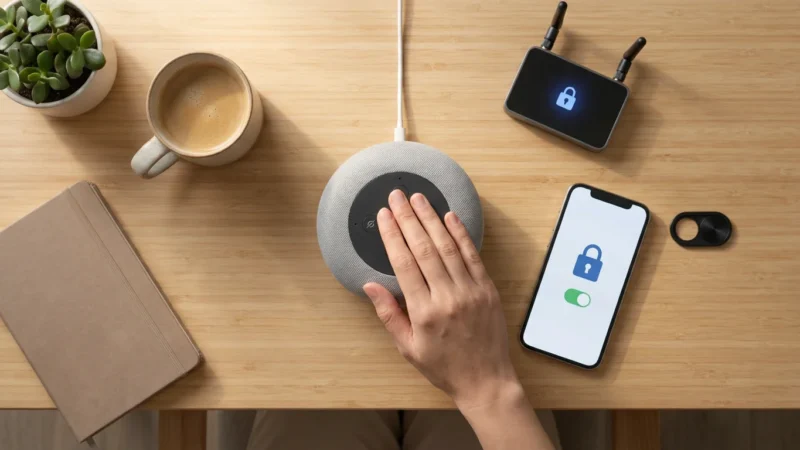
Beyond basic management, there are several essential privacy settings every smart speaker owner should enable to ensure long-term data security.
All major voice assistants allow you to review and delete your voice recordings. Regularly checking these settings provides peace of mind. You can typically find these options within the companion app for your smart speaker, under privacy or activity controls. This is a critical aspect of smart home management.
Key Privacy Settings to Manage
- Review and Delete Voice Recordings: Access your activity history through the Alexa app, Google Home app, or Siri settings. You can listen to recorded commands and delete individual entries or all recordings from specific timeframes.
- Disable Voice Recording: While this limits some functionalities, you can often disable the saving of voice recordings entirely. Be aware this might affect personalization and assistant performance.
- Guest Mode/Incognito Browsing: Utilize these features when others use your speaker. Google Assistant’s Guest Mode prevents interaction history from saving to your account.
- Multi-Factor Authentication (MFA): Enable MFA on your smart home accounts. This adds an extra layer of security, protecting your devices and data from unauthorized access.
- App Permissions: Review the permissions granted to the companion apps for your voice assistant. Restrict access to information you do not want shared.
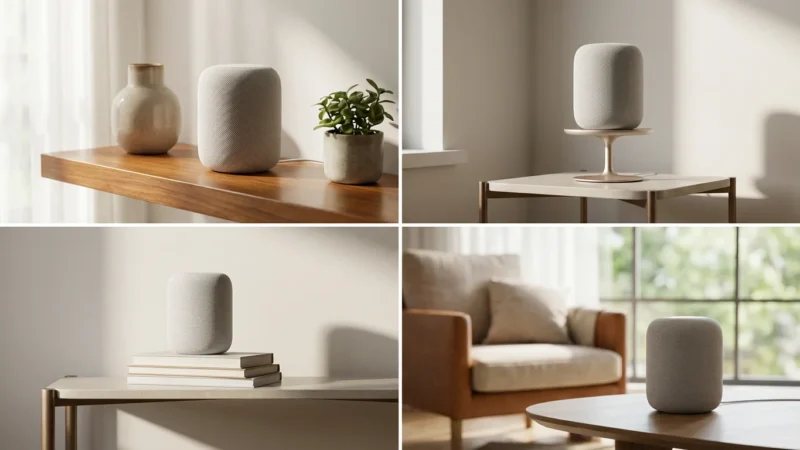
Furthermore, consider where you place your smart speakers. Avoid placing them in highly private areas like bathrooms or bedrooms if you are concerned about accidental activations. According to Consumer Reports, users should regularly review privacy settings and understand data retention policies. This vigilance helps maintain your digital security. You can find more details on managing smart home privacy through resources like Consumer Reports Smart Home.
“The security of your smart home begins with understanding the data it collects and proactively managing your privacy settings.”
Staying informed about software updates is also important. Manufacturers frequently release updates that address security vulnerabilities and improve privacy controls. Ensure your devices are always running the latest firmware for optimal protection.

Cross-Platform Capabilities: Bridging Alexa, Google Assistant, and Siri
Many homes contain a mix of smart devices, some optimized for Alexa, others for Google Assistant, and perhaps a few for Apple HomeKit/Siri. Managing these disparate ecosystems can seem complex. However, modern smart home standards and integrations are increasingly allowing these platforms to coexist and even cooperate.
The Matter smart home standard, for instance, aims to create a universal language for smart devices. This standard allows devices to work seamlessly across different ecosystems, reducing compatibility headaches. As more devices adopt Matter, integrating Alexa, Google Assistant, and Siri devices into a unified smart home becomes significantly easier.
Integrating Diverse Voice Assistants
- Matter-Compatible Devices: Prioritize purchasing devices that support the Matter standard. These devices will natively integrate with any Matter-certified controller, regardless of the voice assistant. You can learn more about this standard at Matter Smart Home Standard.
- Third-Party Hubs/Bridges: Some smart home hubs act as translators, allowing devices from one ecosystem to communicate with another. For example, a Home Assistant setup can unify control over virtually any smart device, regardless of its native platform.
- IFTTT (If This Then That): IFTTT is a web-based service that connects different apps, services, and devices through “applets.” You can create automations like “If Alexa detects motion, then tell Google Assistant to turn on the lights.” This bridges otherwise incompatible systems.
- Shared Account Access: For families, create shared smart home accounts (e.g., a shared Amazon Household or Google Family Group). This allows all family members to control devices and share routines across different assistants, provided the devices support it.
While direct voice command handoffs between Alexa and Google Assistant are not native, you can still achieve a largely unified experience. Focus on common device types such as smart plugs, lights, and thermostats, which often support multiple platforms simultaneously. This approach leverages the strengths of each assistant in your smart home.
Consider situations where you might prefer one assistant over another. You might use Alexa for shopping lists and music, Google Assistant for information retrieval and calendar management, and Siri for secure HomeKit devices. Strategic deployment allows you to maximize the unique benefits of each platform.
Leveraging Smart Home Integrations for Advanced Control
The true power of voice assistants emerges when they integrate deeply with your smart home devices. Beyond simple on/off commands, advanced integrations enable sophisticated automations and contextual control. This creates a truly intelligent living space that responds to your needs.
Think about integrating your voice assistant with your smart thermostat, lighting system, and security cameras. You can create scenarios that automatically adjust your home environment based on occupancy, time of day, or external conditions. These are the advanced commands that make your home feel futuristic.
Advanced Integration Scenarios
- Climate Control:
- “Alexa, I’m hot.” (Triggers a routine to lower the thermostat and turn on a smart fan)
- “Hey Google, set the house to energy-saving mode.” (Adjusts smart thermostat to higher temperature when no one is home, utilizing presence detection from your phone or smart sensors)
- Lighting Scenes:
- “Hey Siri, turn on reading lights.” (Activates specific lamps at a certain brightness and color temperature)
- “Alexa, set the kitchen to cooking scene.” (Brightens task lighting and dims ambient lights in the kitchen)
- Security and Monitoring:
- “Hey Google, arm the alarm in away mode.” (Locks doors, activates motion sensors, and enables outdoor cameras)
- “Alexa, show me the front door camera.” (Displays live feed on a smart display like an Echo Show)
- Entertainment and Media:
- “Alexa, play my workout playlist on Spotify downstairs.” (Plays music on specific smart speakers or soundbars)
- “Hey Google, pause the TV in the living room.” (Controls a smart TV or media player)
Many smart thermostats, such as those from Ecobee or Nest, offer deep voice assistant integration. You can adjust temperatures, set schedules, and even get energy usage reports by voice. These devices often qualify for energy rebates, making them a smart investment. You can research eligible products and potential savings at Energy Star Smart Thermostats.
Setting up these integrations usually involves linking accounts within your voice assistant’s app. For example, you would link your Philips Hue account to Alexa or your Nest account to Google Assistant. Always ensure you are linking official accounts to maintain security. These steps help you uncover the true smart home hidden features.
Smart Speaker Hardware: Choosing the Right Assistant for Your Home
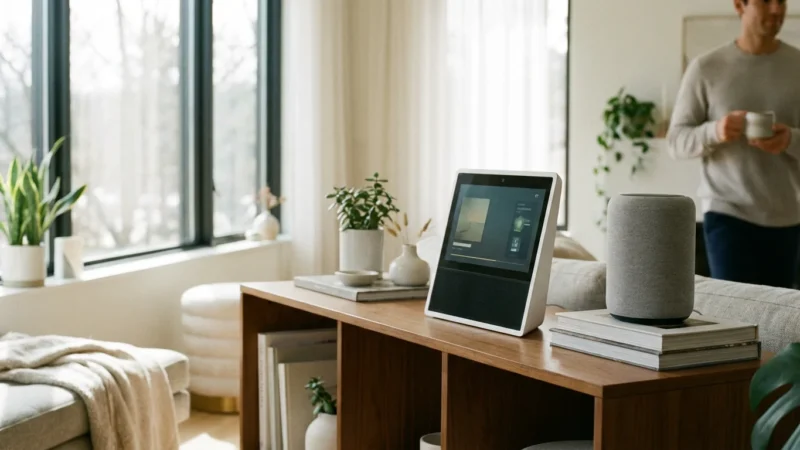
The choice of smart speaker hardware significantly influences your voice assistant experience. Each platform offers a range of devices, from basic smart speakers to smart displays with screens. Understanding the differences helps you select the best fit for your needs and budget.
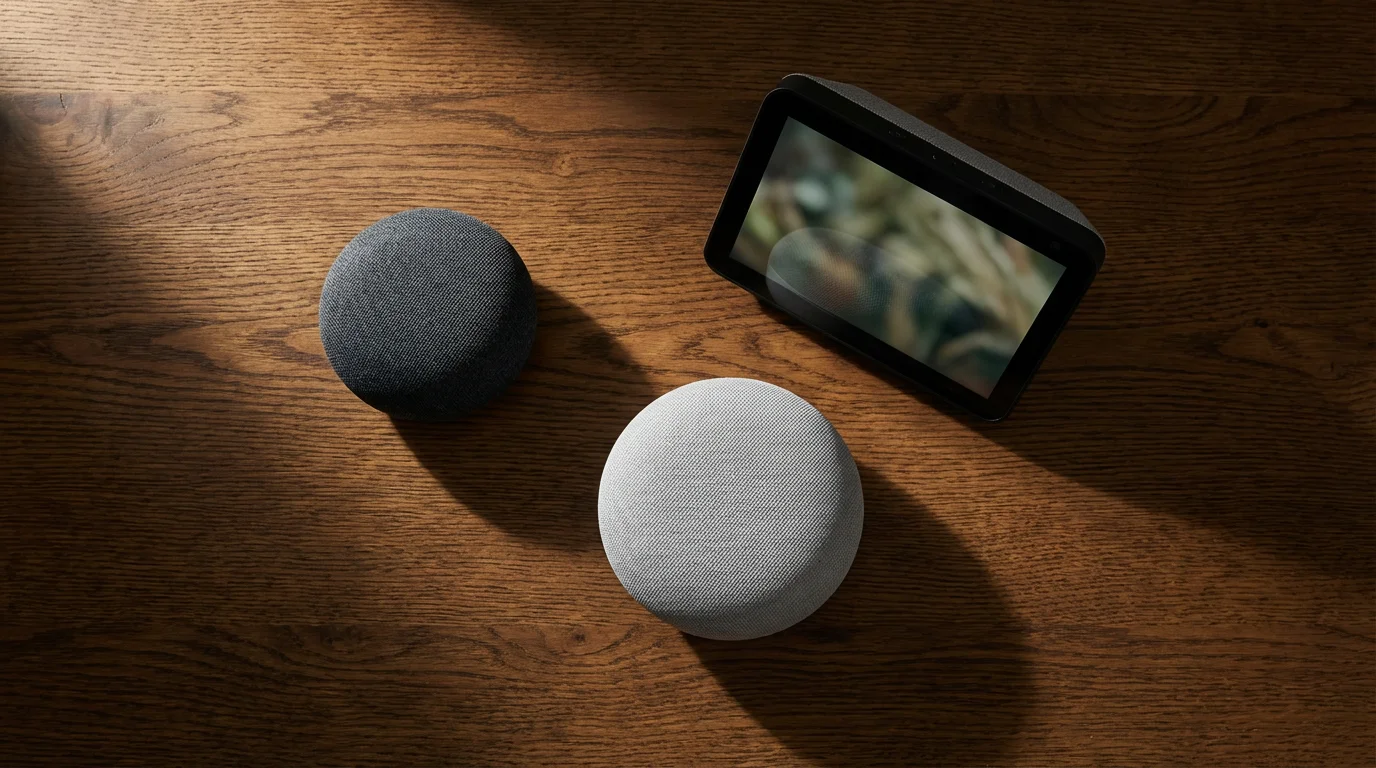
Amazon offers the Echo series, including the entry-level Echo Dot, the standard Echo, and the Echo Show smart displays. Google provides the Nest Audio and Nest Hub series. Apple’s offering is the HomePod mini. Each line has distinct features, sound quality, and integration capabilities.
Comparing Popular Smart Speaker Options
- Amazon Echo (Alexa):
- Pros: Widest range of devices, extensive smart home compatibility, robust routine creation, good value.
- Cons: Can feel overwhelming for beginners due to vast options, privacy concerns common to all voice assistants.
- Best For: Users prioritizing smart home device compatibility, budget-friendly options, and those already invested in Amazon’s ecosystem.
- Google Nest (Google Assistant):
- Pros: Excellent for information retrieval, strong integration with Google services (Calendar, Maps), good sound quality on Nest Audio, privacy features like Guest Mode.
- Cons: Slightly smaller smart home device ecosystem than Alexa, less developer flexibility than Alexa.
- Best For: Google services users, those who value search capabilities, and homes with Android devices.
- Apple HomePod mini (Siri):
- Pros: Superior audio quality for its size, strong privacy focus, seamless integration with Apple HomeKit and Apple devices.
- Cons: Limited smart home device compatibility (primarily HomeKit), higher price point, Siri can be less versatile than competitors for general queries.
- Best For: Apple ecosystem users, those prioritizing audio quality and privacy, and existing HomeKit users.
When selecting a smart speaker, consider your primary use case. If you want a central hub for controlling numerous smart lights and plugs, an Echo or Nest Hub might be ideal. If premium sound for music is paramount, a HomePod mini or Nest Audio excels. Think about where it will live in your home and how you will interact with it.
Beyond the core assistants, remember that many third-party smart home devices, like Sonos speakers or smart TVs, incorporate Alexa or Google Assistant directly. These devices often offer additional benefits like superior audio or integrated displays. Evaluate these options for a more cohesive smart home experience.
Troubleshooting and Optimization: Keeping Your Assistant Sharp
Even the most advanced voice assistants can occasionally encounter issues or benefit from optimization. Understanding basic troubleshooting steps and maintenance tips ensures your smart speaker remains responsive and reliable. These tips tricks help keep your system running smoothly.
Common issues include unresponsiveness, incorrect command interpretation, or connectivity problems. Addressing these quickly prevents frustration and ensures your smart home automations function as intended. Regular checks and updates are key to a well-performing system.
Common Troubleshooting and Optimization Steps
- Check Wi-Fi Connectivity: A stable Wi-Fi connection is paramount. Ensure your smart speaker is within range of your router and not experiencing interference. Restart your router and modem if connectivity issues persist.
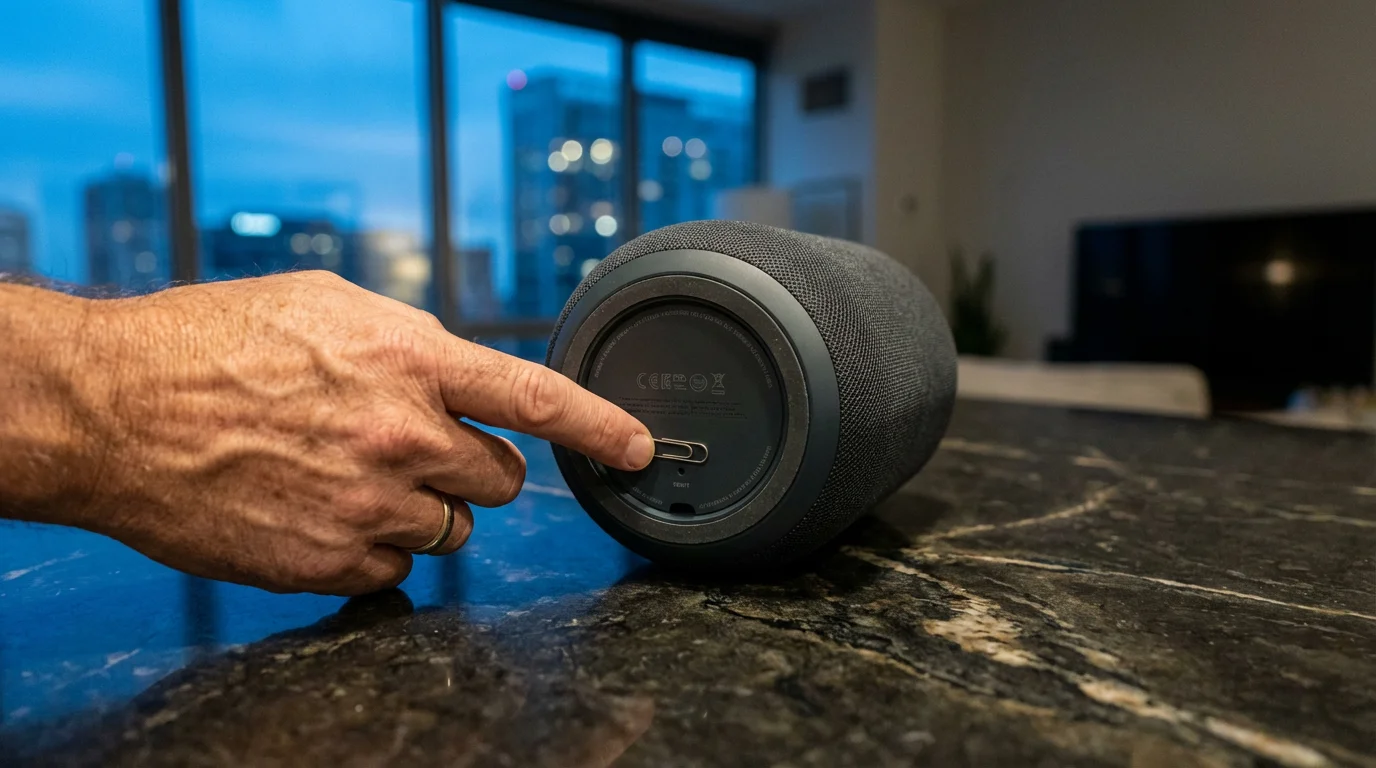
- Restart Your Device: A simple reboot often resolves temporary glitches. Unplug your smart speaker for 30 seconds, then plug it back in.
- Update Firmware and Apps: Keep your smart speaker’s firmware and its companion app updated. Manufacturers frequently release updates that improve performance, add features, and fix bugs.
- Review Voice History: Check your voice assistant’s activity history. This can reveal how your commands are being interpreted, helping you refine your pronunciation or command phrasing.
- Retrain Voice Model: If your assistant frequently misunderstands you, consider retraining its voice model. This is usually an option in the device’s settings within the app.
- Reduce Interference: Avoid placing your smart speaker near noisy appliances or directly in front of speakers playing loud music. Good microphone reception is crucial for accurate command recognition.
For more advanced issues, such as devices not responding or routines failing, check the device’s compatibility and linking status within your voice assistant’s app. Ensure that all smart devices are properly linked and online. Sometimes, simply relinking an account can resolve integration problems.
Optimizing your Wi-Fi network can also significantly improve smart home performance. A strong, consistent signal reduces latency and ensures commands are processed quickly. Consider a mesh Wi-Fi system for larger homes to eliminate dead spots. These steps are essential for reliable operation of all your smart home devices.
Frequently Asked Questions
Can I use both Alexa and Google Assistant in the same home?
Yes, you can absolutely use both Alexa and Google Assistant devices in the same home. They operate independently, though they will not directly communicate with each other unless integrated through a third-party service like IFTTT or a universal smart home hub. Many smart devices are compatible with both platforms, allowing you to control them from either assistant.
What are “Routines” and how do they save energy?
Routines are custom sequences of actions triggered by a single voice command, a schedule, or a sensor event. They save energy by automating tasks like turning off lights when you leave, adjusting thermostats based on occupancy, or setting devices to power down at specific times. For example, a “Goodnight” routine can turn off all non-essential lights and lower the thermostat.
How do I improve my voice assistant’s understanding of my commands?
To improve your voice assistant’s understanding, ensure it has a clear line of hearing without excessive background noise. Speak clearly and at a natural pace. Regularly review your voice history in the assistant’s app to see how it interprets your commands, and consider retraining its voice model if available. Keeping the device’s firmware updated also helps.
Are smart speakers always listening?
Smart speakers are always “listening” for their wake word (e.g., “Alexa,” “Hey Google,” “Hey Siri”). They only begin recording and processing your commands after detecting this wake word. You can typically mute the microphone on the device itself for complete privacy, but this also disables its listening capabilities. Manage your privacy settings in the companion app to review and delete voice recordings.
What is Matter, and why is it important for voice assistants?
Matter is a new open-source connectivity standard designed to ensure smart home devices work seamlessly together, regardless of their brand or the ecosystem they belong to. For voice assistants, Matter means that a single Matter-certified device can connect to and be controlled by Alexa, Google Assistant, or Apple HomeKit without needing separate versions or complex workarounds. It simplifies device setup and enhances compatibility.
Disclaimer: This article is for informational purposes only. Smart home devices involve electrical connections and data privacy. Always follow manufacturer instructions for installation. For complex wiring or HVAC work, consult a licensed professional.



Leave a Reply