
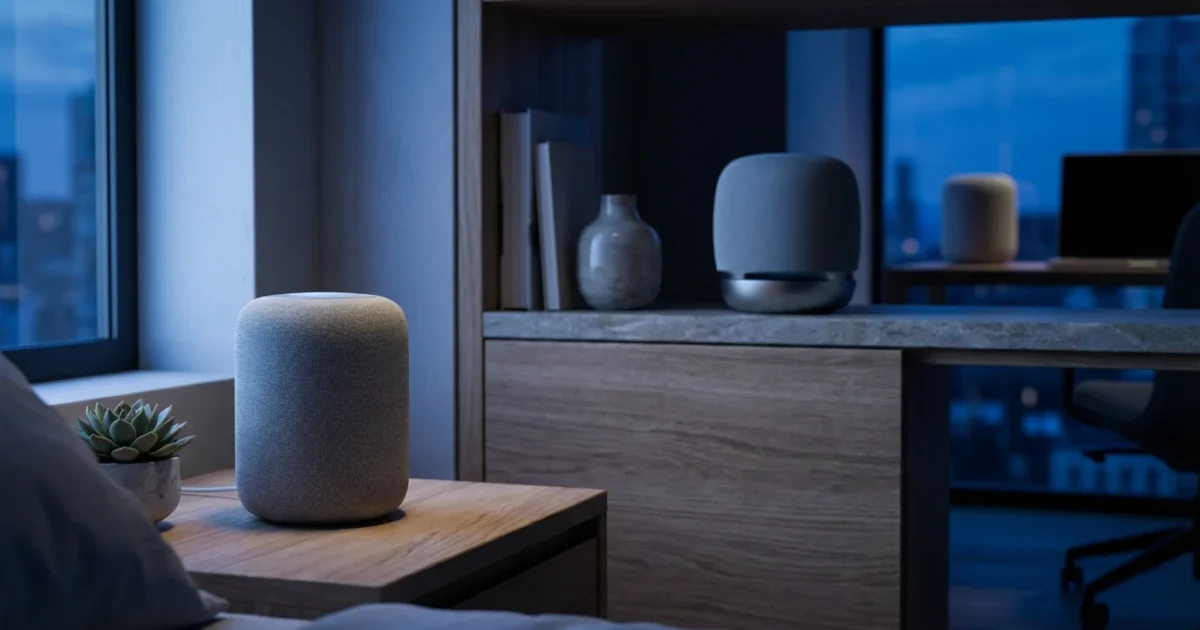
Smart speakers transform your home experience, offering hands-free control over music, information, and a growing array of smart devices. You gain convenience, enhanced security, and entertainment with simple voice commands. Selecting the right smart speaker for each room involves more than just picking a brand. You need to consider sound quality, voice assistant capabilities, privacy features, and how well the device integrates with your existing smart home setup.
This guide provides practical insights into choosing and using smart speakers. We help you understand the core voice assistants, recommend specific models for different areas of your home, and offer actionable steps for setup and privacy management. Elevate your living space with the power of voice.

Understanding Voice Assistants: The Core of Your Smart Speaker
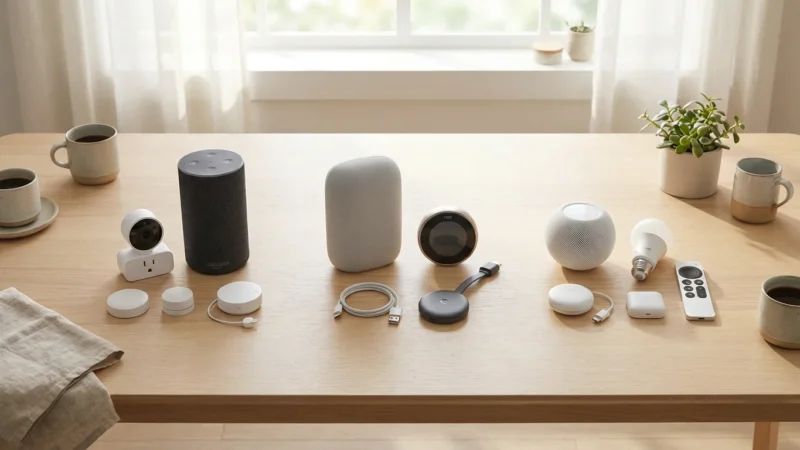
At the heart of every smart speaker lies a voice assistant, a sophisticated AI that processes your commands and controls your devices. These assistants act as your digital concierge, ready to play music, answer questions, set timers, or automate your smart home. The three dominant platforms are Amazon Alexa, Google Assistant, and Apple Siri.
Each assistant offers a unique experience and integrates with different ecosystems. Amazon Alexa boasts extensive third-party skill support, allowing you to customize its capabilities. Google Assistant excels in natural language processing and leverages Google’s vast knowledge base for information queries. Apple Siri provides seamless integration within the Apple ecosystem, offering strong privacy features.
Your choice of voice assistant often dictates the compatible smart home devices. For example, Zigbee is a popular wireless protocol for smart home devices, and many Echo devices have a built-in Zigbee hub. This means you can directly connect compatible Zigbee devices to your speaker without an additional hub. Google and Apple use different primary communication methods, though all three increasingly support the Matter standard.
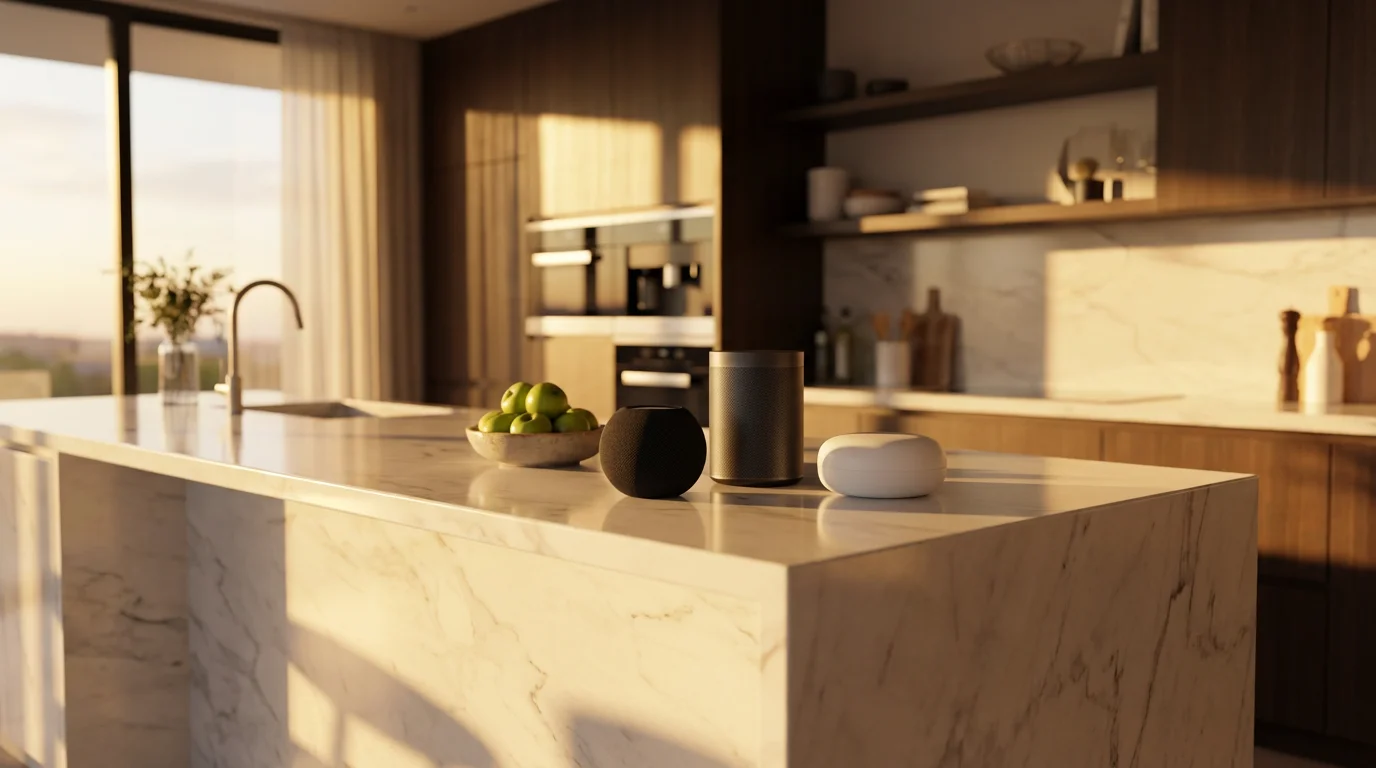
Choosing Your Ecosystem: Amazon Alexa vs. Google Assistant vs. Apple HomeKit
Deciding on a smart speaker often means committing to a broader smart home ecosystem. Each platform offers distinct advantages and caters to different user preferences. Understanding these differences helps you build a cohesive and efficient smart home.
Amazon Alexa
Alexa, powered by Amazon, offers a vast selection of compatible devices and services. Its strength lies in its extensive “skills,” which are essentially apps that add functionality, ranging from ordering groceries to playing games. Echo devices, like the Echo Dot or Echo Studio, lead the Alexa lineup. These devices often include a built-in Zigbee hub, simplifying connections for many smart home gadgets. The Alexa app provides robust control over routines and device management. This makes Alexa a strong choice if you seek broad compatibility and deep customization.
Google Assistant
Google Assistant leverages Google’s powerful search engine and AI capabilities. It excels at understanding complex queries and providing contextually relevant answers. Nest speakers, such as the Nest Audio and Nest Mini, are Google’s primary smart speaker offerings. Google’s ecosystem integrates seamlessly with services like Google Calendar, Gmail, and YouTube. Google Home routines are intuitive, allowing you to trigger multiple actions with a single command. If you prioritize accurate information retrieval, natural conversations, and integration with Google services, the Google Assistant is an excellent fit.
Apple HomeKit (Siri)
Apple HomeKit, controlled by Siri, emphasizes privacy and security, offering tight integration with other Apple devices. HomePod and HomePod Mini speakers provide high-quality audio and serve as HomeKit hubs. While HomeKit’s device compatibility is more curated than Alexa or Google, it ensures a high level of security and performance. For users deeply embedded in the Apple ecosystem, HomeKit offers a streamlined and secure smart home experience. Its privacy features, such as on-device processing for many requests, appeal to those concerned about data.
Consider your existing devices. If you already own an iPhone, Apple HomeKit might feel more natural. If you rely on Android and Google services, Nest speakers offer a seamless experience. For maximum flexibility and a wide range of affordable devices, Amazon’s Echo devices are a popular starting point.
Top Smart Speaker Recommendations for Every Room
The ideal smart speaker varies depending on its placement and primary use. We break down the best smart speaker options for specific rooms, considering factors like sound quality, display needs, and size.
To ensure your devices hear you clearly and sound their best, follow these smart speaker placement tips for every area of your home.
Best Smart Speaker for Kitchen
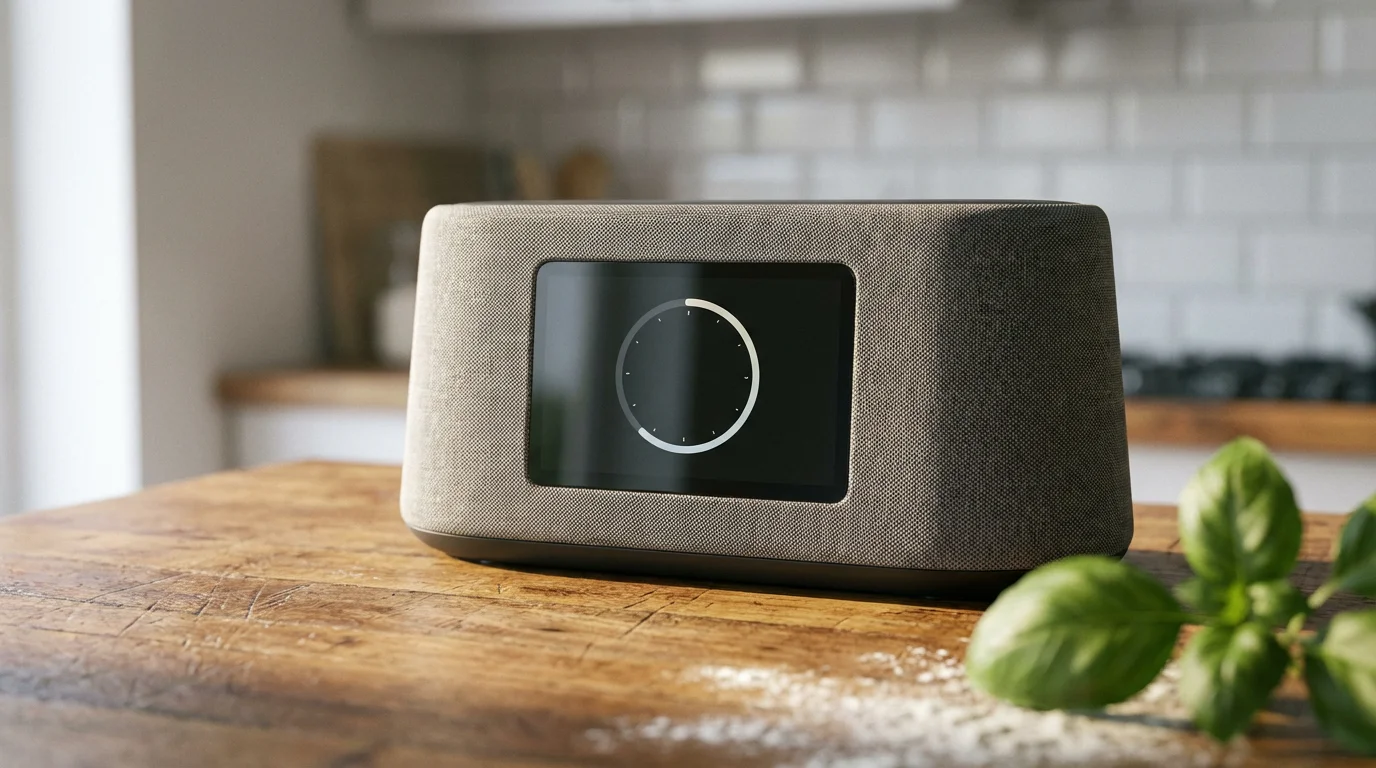
The kitchen often benefits from smart speakers with displays for recipes, video calls, or visual timers. A robust speaker is also ideal to overcome background noise. Hands-free control is paramount when your hands are busy cooking.
- Amazon Echo Show 8 (or Show 5): These devices offer excellent displays for following recipes, watching cooking videos, or making video calls. Their sound quality is good for music while cooking. The Show 8 provides a larger screen for better visibility.
- Google Nest Hub: Similar to the Echo Show, the Nest Hub offers a visual interface for recipes, YouTube videos, and photo displays. It also integrates seamlessly with Google Photos, making it a digital picture frame.
- Amazon Echo (4th Gen) or Nest Audio: If you prioritize audio quality without a screen, these models deliver rich sound for background music or podcasts while you prepare meals.
Best Smart Speaker for Bedroom
In the bedroom, features like ambient sound, gentle alarms, and privacy are key. Many prefer a device that blends in and does not have an intrusive bright screen. Consider speakers with strong alarm clock features or white noise options.
- Amazon Echo Dot with Clock: This compact device features an LED display showing time, alarms, and timers. Its small footprint makes it unobtrusive, and you can easily tap the top to snooze.
- Google Nest Mini (or Nest Audio): The Nest Mini is discreet and provides decent sound for a bedside table. The Nest Audio offers better sound if you listen to music more frequently. Both integrate well with Google Calendar for gentle morning routine announcements.
- Apple HomePod Mini: For Apple users, the HomePod Mini offers excellent sound for its size and strong privacy features. It can play ambient sounds and integrate with your Apple alarms.
Best Smart Speaker for Living Room
The living room often serves as a central entertainment hub, demanding superior sound quality for music, movies, and a powerful voice assistant for smart home control. You might also want a speaker that can fill a larger space.
- Amazon Echo Studio: This is an excellent choice if you ask which smart speaker has best sound quality among the Echo devices. It delivers immersive, high-fidelity sound, including 3D audio. It can also serve as a smart home hub, directly connecting Zigbee devices.
- Google Nest Audio: Designed for music lovers, Nest Audio provides balanced, clear audio that easily fills a living room. You can pair two for stereo sound. Its focus on audio performance makes it a strong contender for your main entertainment area.
- Apple HomePod (2nd Gen): Offering exceptional audio fidelity and smart home hub capabilities, the HomePod provides deep bass and clear vocals. It seamlessly integrates with Apple Music and HomeKit-enabled devices. According to Wirecutter, the HomePod often stands out for its audio performance among smaller smart speakers. https://www.nytimes.com/wirecutter/electronics/smart-home/
Smart Speakers for Other Areas (Bathroom, Garage, Office)
For utilitarian spaces, affordability, basic functionality, and sometimes durability are priorities. Simpler models often suffice.
- Amazon Echo Pop: An affordable, compact speaker offering clear sound for its size. It’s ideal for a bathroom or garage where you need basic voice control without high-end audio.
- Google Nest Mini: Small and discreet, the Nest Mini is perfect for adding voice control to a garage, office, or secondary bathroom.
Consider this table for a quick comparison of popular smart speakers:
| Speaker Model | Voice Assistant | Key Feature | Best For |
|---|---|---|---|
| Amazon Echo Studio | Alexa | Premium 3D Audio, Zigbee Hub | Living Room (best sound quality) |
| Amazon Echo (4th Gen) | Alexa | Balanced Sound, Zigbee Hub | General Purpose, Medium Rooms |
| Amazon Echo Show 8 | Alexa | 8″ HD Display, Video Calls | Kitchen, Video Reference |
| Amazon Echo Dot with Clock | Alexa | Compact, LED Time Display | Bedroom, Small Spaces |
| Amazon Echo Pop | Alexa | Ultra-Compact, Budget-Friendly | Bathroom, Garage, Kids’ Room |
| Google Nest Audio | Google Assistant | Rich, Room-Filling Sound | Living Room, Music Playback |
| Google Nest Hub | Google Assistant | 7″ Touchscreen Display, Photos | Kitchen, Visual Information |
| Google Nest Mini | Google Assistant | Compact, Discreet Audio | Bedroom, Office, Small Spaces |
| Apple HomePod (2nd Gen) | Siri (HomeKit) | High-Fidelity Audio, Privacy | Living Room (Apple Ecosystem) |
| Apple HomePod Mini | Siri (HomeKit) | Compact Audio, Intercom | Bedroom, Office (Apple Ecosystem) |
Setting Up Your Smart Speaker and Voice Assistant
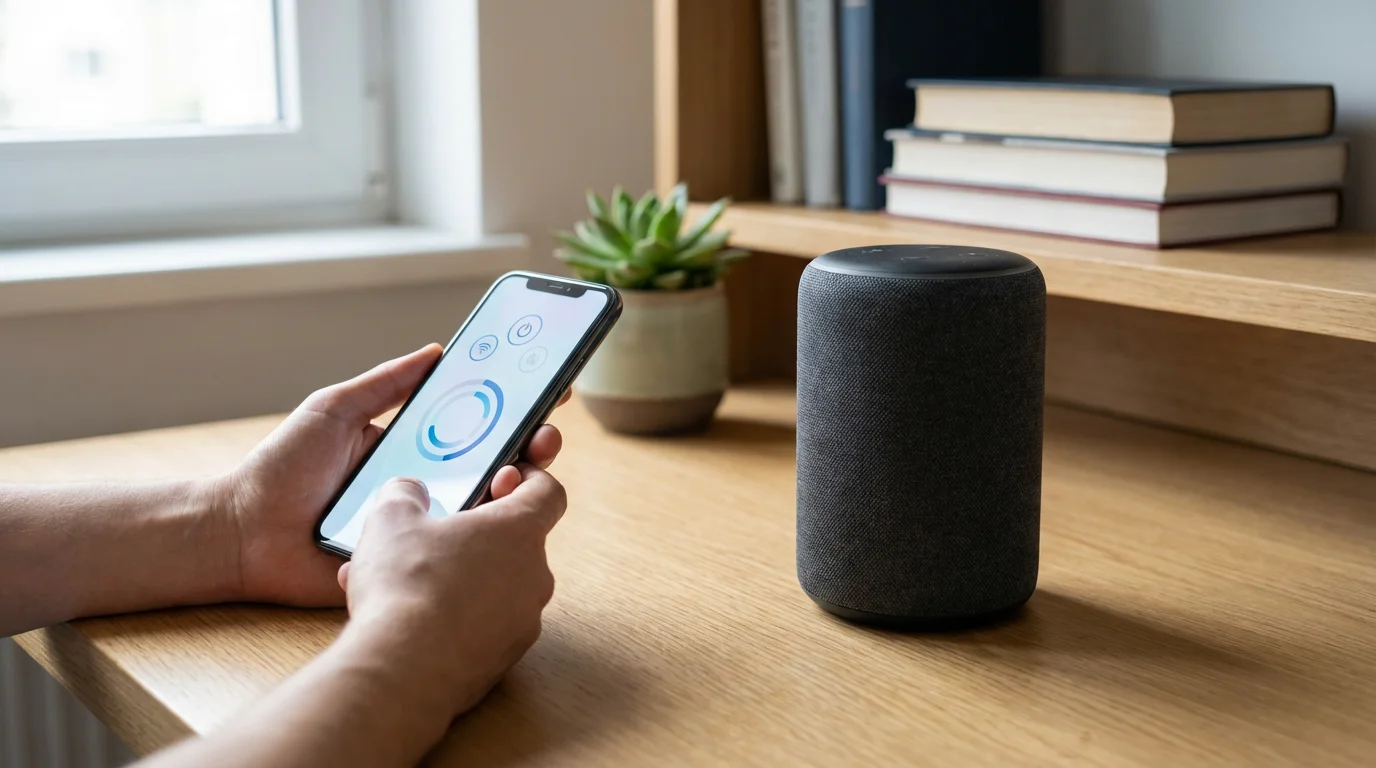
Setting up a smart speaker is a straightforward process, typically involving a few steps within a dedicated app. This initial setup connects your device to your home network and links it to your voice assistant account.
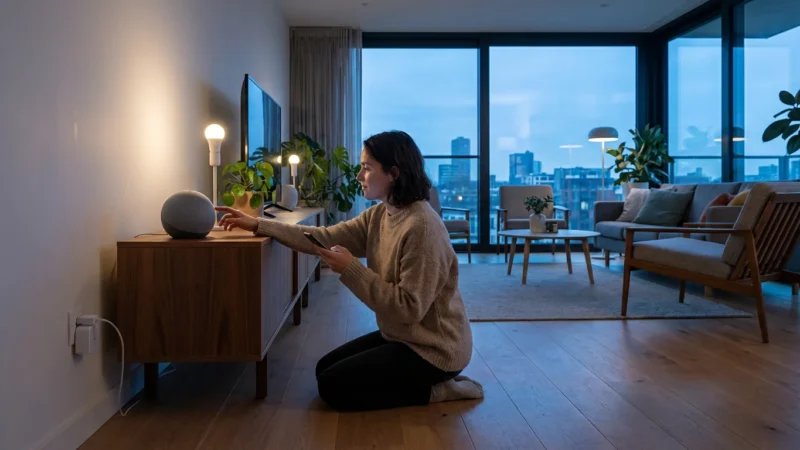
- Plug In Your Device: Connect your smart speaker to a power outlet. It will usually light up or play a chime to indicate it’s ready for setup.
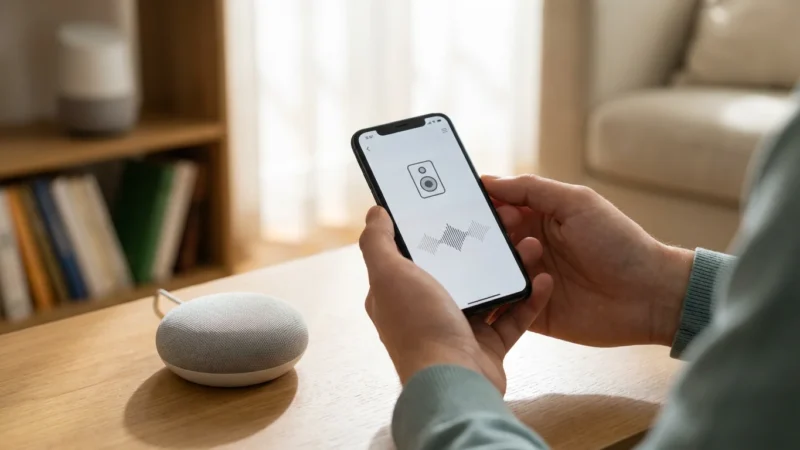
- Download the App: Install the Amazon Alexa app, Google Home app, or Apple Home app on your smartphone or tablet.
- Open the App and Add Device: Follow the in-app instructions to add a new device. The app usually guides you through finding your speaker and connecting it.
- Connect to Wi-Fi: The app will prompt you to select your home Wi-Fi network and enter the password. Ensure your phone is on the same network.
- Sign In/Create Account: Log in with your Amazon, Google, or Apple ID. If you do not have one, the app will guide you through creating an account.
- Customize Settings: Personalize settings like your preferred wake word, default music services, and address for local information.
- Integrate Smart Devices: Once the speaker is active, you can link other smart home devices. For example, in the Alexa app, navigate to “Devices” then “Add Device.” The app will search for compatible lights, thermostats, or plugs.
- Create Routines: Define automated actions like “Good Morning” routines that turn on lights and play the news.
Always ensure your smart speaker’s firmware is updated. Manufacturers frequently release updates that improve performance, add features, and enhance security. Check the app settings periodically for available updates.

Maximizing Your Smart Speaker: Essential Voice Commands and Routines
Beyond playing music and answering basic questions, smart speakers truly shine through their ability to control your smart home and automate daily tasks. Learning key voice commands and setting up routines saves you time and effort.
Core Voice Commands for Daily Life
These commands offer immediate convenience:
- Information: “Alexa, what’s the weather?” “Hey Google, tell me a fun fact.” “Siri, what’s on my calendar?”
- Entertainment: “Alexa, play my workout playlist.” “Hey Google, turn up the volume to 7.” “Siri, play the news from NPR.”
- Timers & Alarms: “Alexa, set a timer for 15 minutes.” “Hey Google, wake me up at 7 AM tomorrow.” “Siri, set an alarm for 6:30 AM.”
- Shopping & Reminders: “Alexa, add milk to my shopping list.” “Hey Google, remind me to call Mom at 3 PM.” “Siri, set a reminder to take out the trash.”
Smart Home Control Commands
Integrate your devices for seamless control:
- Lights: “Alexa, turn on the living room lights.” “Hey Google, dim the kitchen lights to 50%.” “Siri, turn off all the lights.”
- Thermostat: “Alexa, set the thermostat to 72 degrees.” “Hey Google, what’s the temperature in here?” “Siri, make the house warmer.”
- Locks & Cameras: “Alexa, lock the front door.” “Hey Google, show me the front door camera.” (Requires a smart display for camera feeds).
Creating Custom Routines
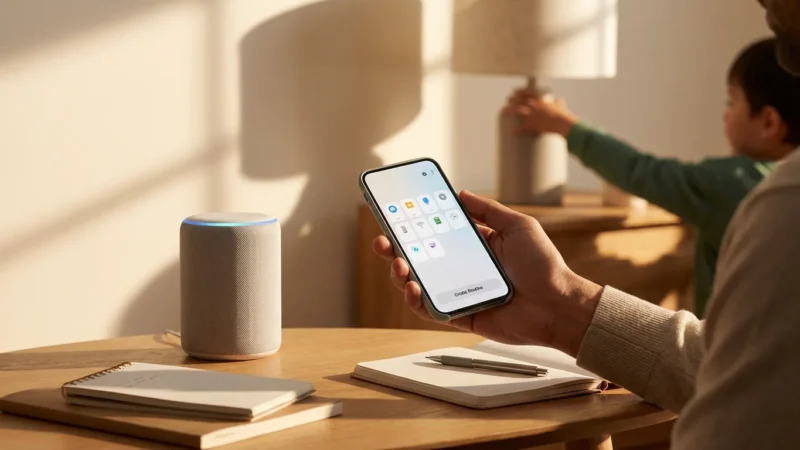
Routines automate multiple actions with a single phrase or on a schedule. You configure these within the Alexa, Google Home, or Apple Home app.
- “Good Morning” Routine: When you say “Alexa, good morning,” your smart speaker could turn on your bedroom lights, play a morning playlist, and announce the weather.
- “Leaving Home” Routine: Say “Hey Google, I’m leaving,” and your speaker can turn off all lights, lock the doors, and adjust the thermostat to an energy-saving temperature. You can save energy with this automation, as highlighted by resources like Energy Star. https://www.energystar.gov/products/heating_cooling/smart_thermostats
- “Movie Night” Routine: “Siri, movie night” could dim the living room lights, turn on the TV, and adjust the smart blinds.
Experiment with different triggers, such as time-based routines, location-based actions, or sensor inputs. The more you customize, the more useful your smart speaker becomes.
Privacy and Security with Smart Speakers
The thought of a device constantly listening in your home can raise privacy concerns. Smart speaker manufacturers implement various security measures, but you also play an active role in protecting your data. Understanding these features and taking proactive steps ensures a secure smart home experience.
Understanding Data Collection
Smart speakers record and send audio snippets to cloud servers only after detecting their wake word (“Alexa,” “Hey Google,” “Siri”). This allows the assistant to process your command. Manufacturers use these recordings to improve voice recognition and the overall user experience.
The best smart home is the one you don’t have to manage, but you must oversee its security.
Actionable Privacy and Security Steps
You can significantly enhance your smart speaker’s privacy settings:
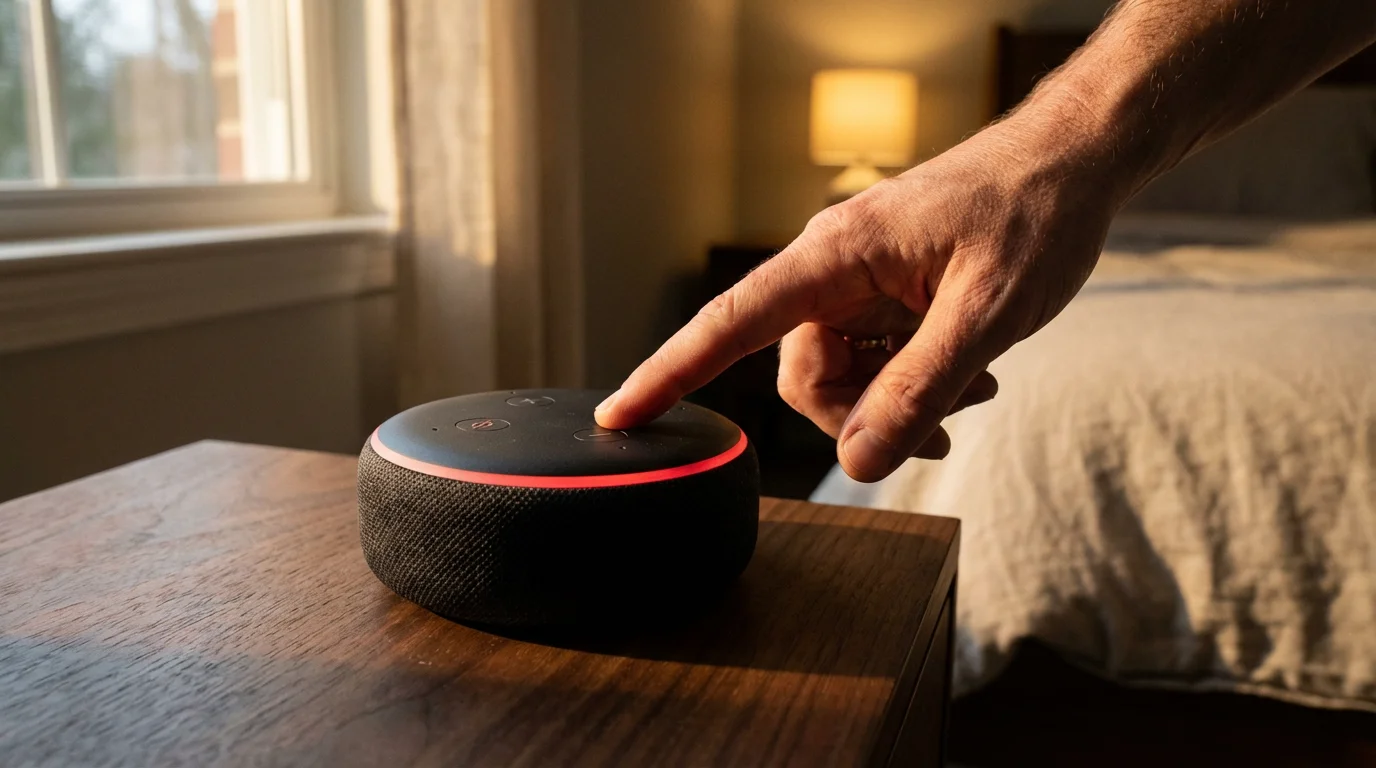
- Use the Mute Button: Every smart speaker has a physical mute button that electronically disconnects the microphones. Use it when you want absolute privacy, like during sensitive conversations or when not actively using the device.
- Review Voice History: Regularly access your voice assistant app to review and delete past recordings. You can typically find this in the privacy settings section of the Alexa, Google Home, or Apple Home app. Many platforms allow you to set up automatic deletion schedules.
- Manage Permissions: Limit third-party skills or apps to only the permissions they truly need. Be cautious about granting access to your location, contacts, or calendar to unfamiliar skills.
- Strong Wi-Fi Security: Secure your home Wi-Fi network with a strong, unique password and WPA2/WPA3 encryption. A compromised network leaves all connected devices vulnerable.
- Disable Voice Purchasing: If you do not intend to use your smart speaker for shopping, disable voice purchasing or set up a PIN for purchases in the app settings.
- Educate Household Members: Ensure everyone in your home understands how to use privacy features, especially the mute button.
Staying informed about privacy updates from manufacturers and regularly reviewing your settings empowers you to maintain control over your data. A robust privacy posture begins with your proactive engagement.
Frequently Asked Questions
Does a smart speaker listen to me all the time?
No, smart speakers do not listen to you constantly and record everything. They are designed to listen for a specific “wake word” like “Alexa,” “Hey Google,” or “Siri.” Once the wake word is detected, the device records a short audio clip and sends it to the cloud for processing. All major manufacturers provide ways to review and delete these recordings, and physical mute buttons are standard on most devices.
Can I use smart speakers from different brands in the same home?
Yes, you can absolutely use smart speakers from different brands in the same home. For example, you might have Echo devices in some rooms and Nest speakers in others. However, each speaker will operate within its own ecosystem (Alexa for Echo, Google Assistant for Nest). You will need to manage them through their respective apps. You cannot directly link an Alexa routine to a Google Assistant speaker, but you can often control the same third-party smart home devices (like lights or thermostats) from either assistant if those devices support both platforms.
What is the Matter standard for smart homes?
Matter is a new open-source connectivity standard for smart home devices, designed to simplify device compatibility. It allows devices from different manufacturers and ecosystems to communicate seamlessly with each other. For you, this means a Matter-certified smart light can work with Alexa, Google Assistant, Apple HomeKit, or any other Matter-compatible platform, reducing complexity and increasing choice. The Connectivity Standards Alliance (CSA) developed Matter to improve interoperability. https://csa-iot.org/all-solutions/matter/
Do smart speakers require a subscription?
Basic smart speaker functionality, such as playing music from free services, answering questions, setting timers, and controlling compatible smart home devices, typically does not require a subscription. However, if you want premium music streaming services (like Spotify Premium or Apple Music), ad-free news, or certain advanced features, you may need a separate subscription for those specific services. Amazon offers Prime benefits that enhance Alexa’s capabilities, but these are not strictly necessary for core functions.
How do I choose the best smart speaker for sound quality?
For the best sound quality, focus on larger smart speakers designed with audio fidelity in mind. The Amazon Echo Studio, Google Nest Audio, and Apple HomePod (2nd Gen) are top contenders. These speakers feature larger drivers, advanced acoustic designs, and often support high-resolution audio. Consider listening to them in person or reading detailed audio reviews from reputable tech publications to find the one that best suits your ear.
Disclaimer: This article is for informational purposes only. Smart home devices involve electrical connections and data privacy. Always follow manufacturer instructions for installation. For complex wiring or HVAC work, consult a licensed professional.
Leave a Reply