
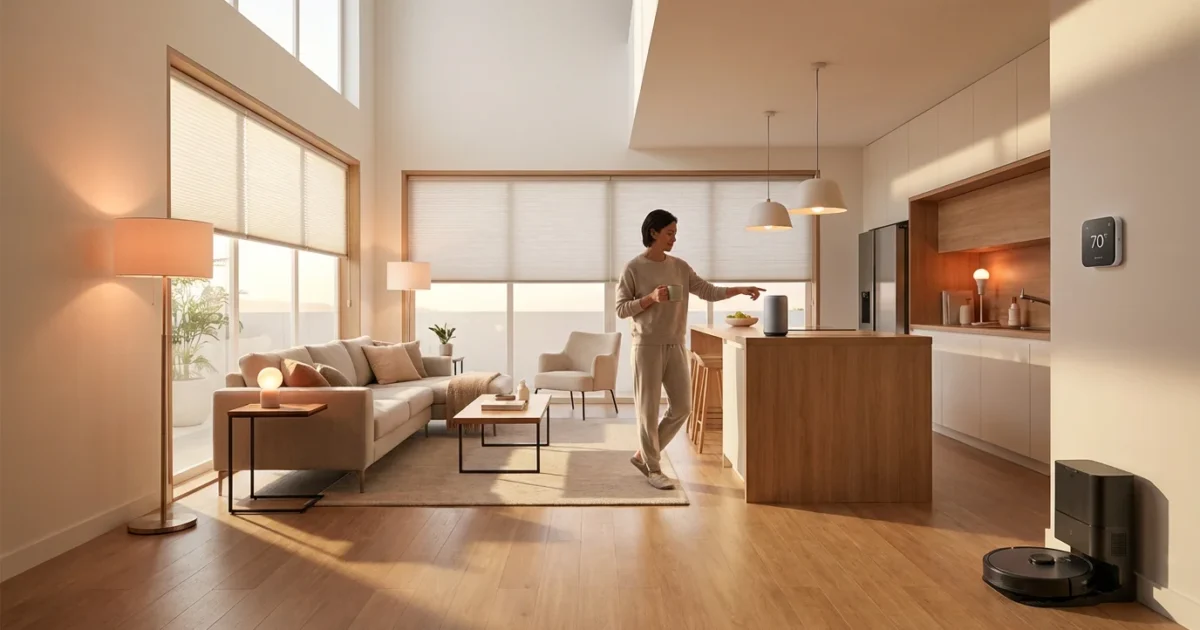
Harnessing the power of voice control transforms your home from a collection of devices into a responsive, intuitive living space. Alexa skills are the bridge connecting your voice commands to your smart home devices, unlocking unparalleled convenience, efficiency, and security. They allow you to dim the lights, adjust the thermostat, check your security cameras, and even start your coffee maker with simple spoken phrases.
This guide delves into the most impactful Alexa skills designed to elevate your smart home experience. You will discover practical ways to integrate these skills into your daily life, learn how to optimize your home’s automation, and gain valuable insights into privacy and security. Whether you are a beginner or a seasoned smart home enthusiast, these recommendations offer clear, actionable steps to build a smarter, more efficient home.
Why Alexa Skills Matter for Your Smart Home
Alexa skills empower your smart home devices to communicate seamlessly with your voice commands, transforming everyday tasks into effortless interactions. These Echo apps extend Alexa’s capabilities beyond basic queries, enabling her to control a vast ecosystem of connected products. Integrating smart home skills means you gain centralized control over your environment, enhancing both convenience and efficiency.
Imagine waking up and simply saying, “Alexa, good morning.” Your bedroom lights gently illuminate, the thermostat adjusts to your preferred temperature, and the news brief begins playing. This level of automation is possible because various Alexa skills are linked to your devices, ready to respond to your specific needs. These must have Alexa skills for smart home setups dramatically simplify daily routines and provide peace of mind.
Beyond specialized skills, mastering essential Alexa commands ensures you can control your entire ecosystem with ease.
Getting Started: Enabling Alexa Skills
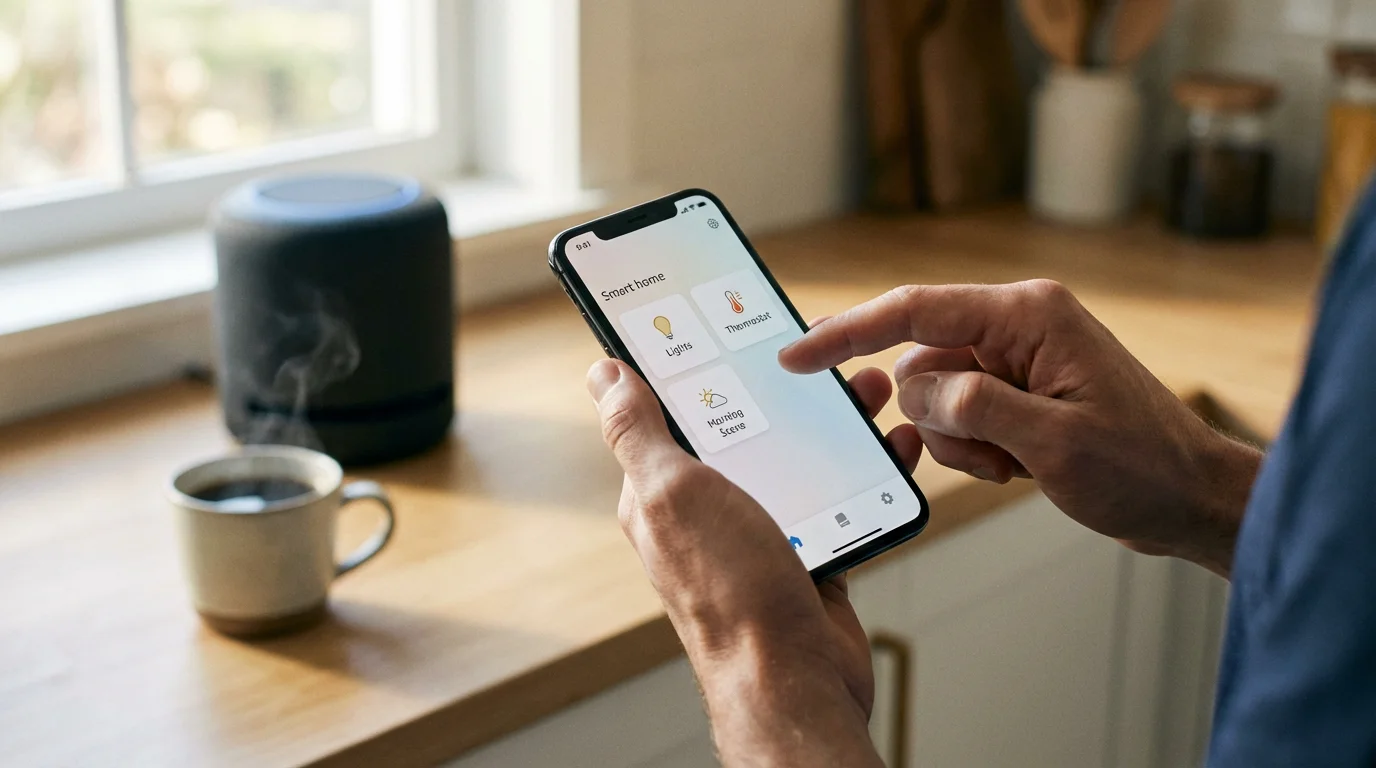
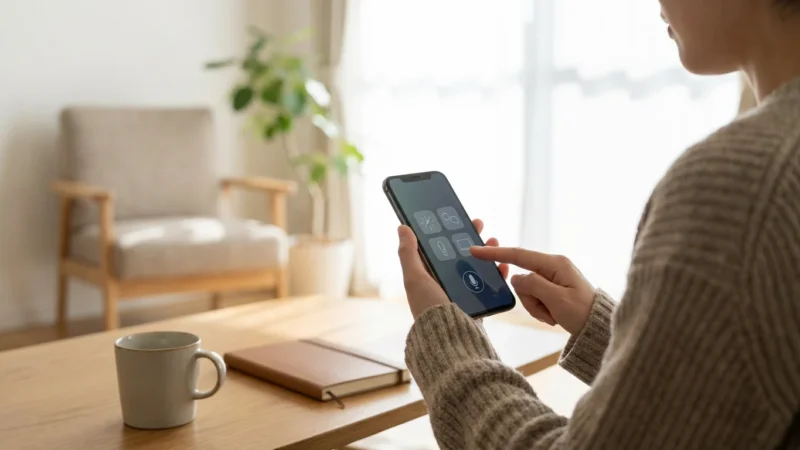
Enabling Alexa skills is a straightforward process that unlocks your smart home’s full potential. You can manage skills directly through the Alexa app on your smartphone or by using your voice. Most smart home devices automatically prompt you to enable their corresponding Alexa skill during setup.
Follow these simple steps to add new smart home skills:
- Open the Alexa app on your mobile device.
- Tap “More” in the bottom right corner.
- Select “Skills & Games.”
- Use the search bar to find the specific skill for your smart device, for example, “Philips Hue” or “Nest.”
- Tap on the skill you want to enable.
- Select “Enable to Use.”
- You will then be prompted to link your device manufacturer’s account. This step is crucial for Alexa to communicate with your specific devices.
- Once linked, Alexa discovers your devices. You can rename them or add them to rooms for easier voice control.
For optimal performance, keep your Alexa app updated and ensure your smart home devices are properly connected to your home Wi-Fi network. Regular checks of your connected devices within the Alexa app confirm their status and responsiveness.
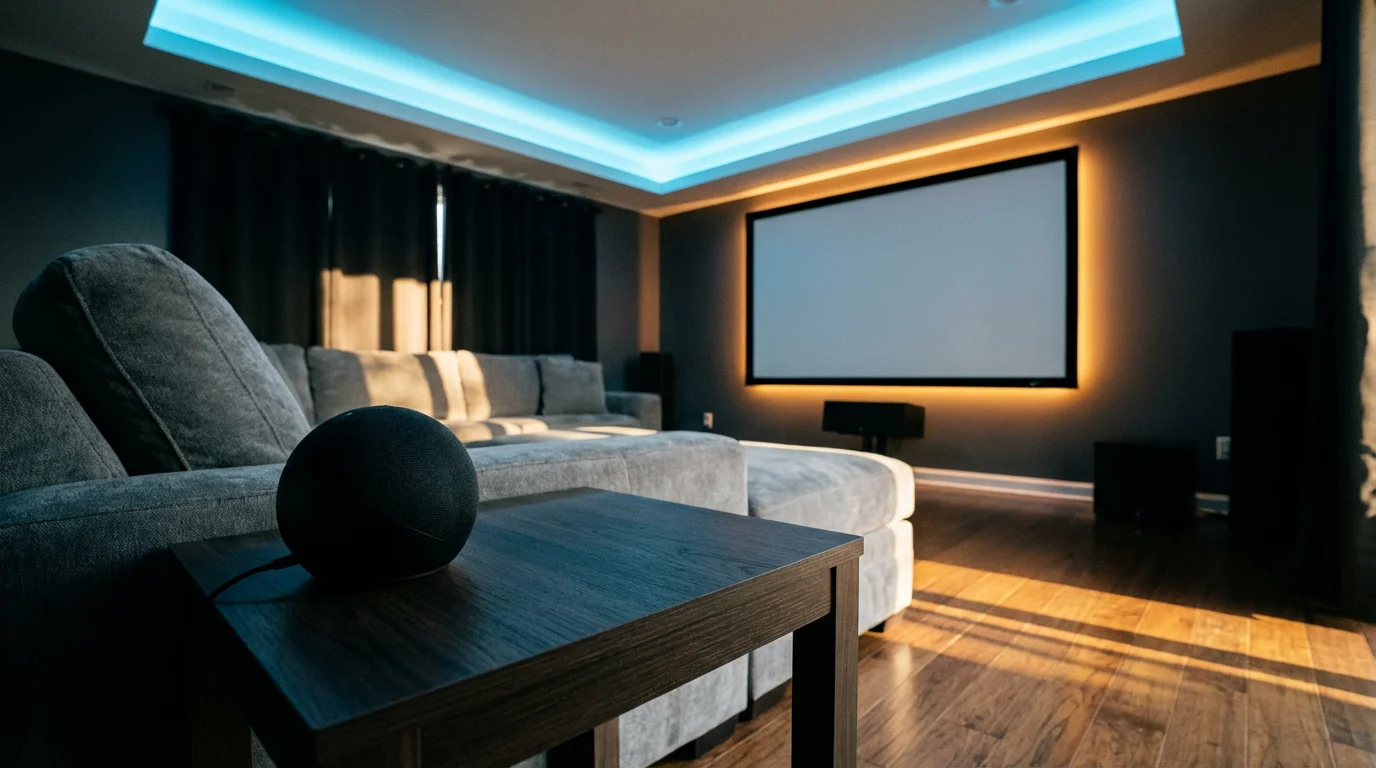
Top Alexa Skills for Lighting Control
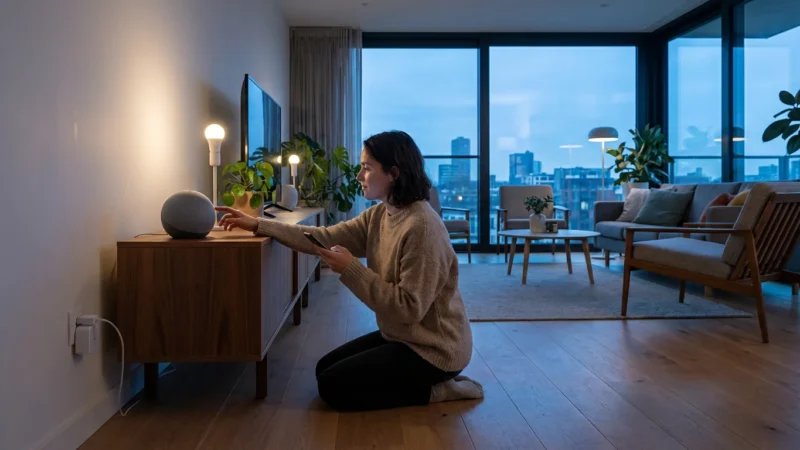
Lighting is often the first step many homeowners take into smart home automation, and for good reason. Alexa skills make controlling your lights incredibly intuitive. You can adjust brightness, change colors, and set schedules with just your voice, moving beyond simple on/off commands.
Here are some of the best Alexa skills for home automation when it comes to lighting:
- Philips Hue: This skill allows comprehensive control over your Philips Hue smart bulbs and fixtures. You can turn lights on or off, dim them, change colors, and even activate specific scenes you have created in the Hue app. For example, say, “Alexa, set living room lights to relax” or “Alexa, dim the kitchen lights to 50 percent.”
- TP-Link Kasa: For Kasa smart bulbs, plugs, and switches, this skill provides seamless integration. You can manage individual devices or groups, making it easy to control multiple lights in a room. You might say, “Alexa, turn on the bedroom lamp” or “Alexa, turn off all downstairs lights.”
- LIFX: LIFX offers vibrant color-changing bulbs that integrate beautifully with Alexa. The LIFX skill lets you choose from millions of colors and various white temperatures, providing precise control over your home’s ambiance. Try commands like, “Alexa, set the dining room light to magenta” or “Alexa, make the office light bright white.”
- GE Cync (formerly C by GE): The Cync skill manages GE’s smart bulbs and devices, offering reliable control for everyday lighting needs. You can control brightness, activate scenes, and schedule your lights to align with your daily routine. This is a practical solution for basic smart lighting setups.
These Alexa skills enable you to create custom routines, ensuring your lighting adapts to your lifestyle. You can set lights to turn on automatically at sunset or gradually brighten in the morning to help you wake up naturally.
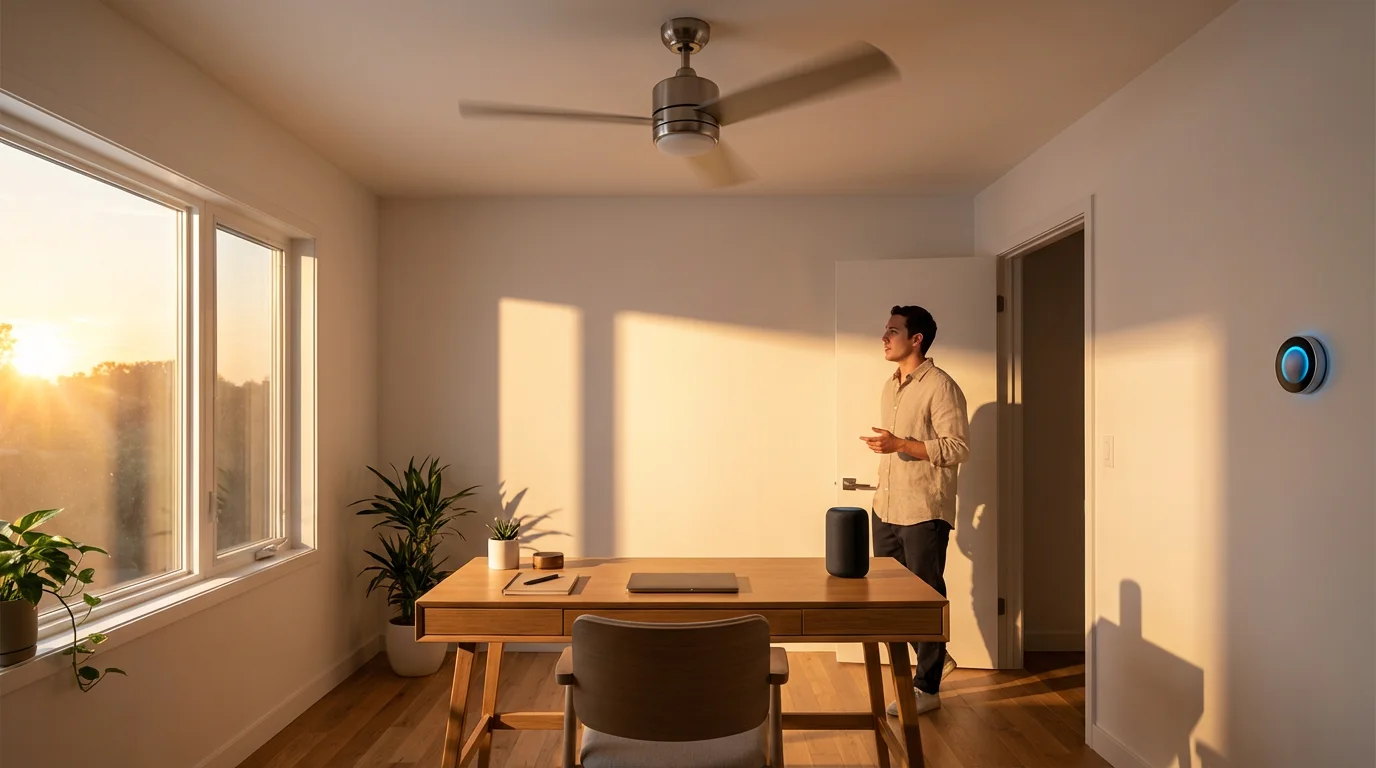
Best Alexa Skills for Climate Control
Managing your home’s temperature with Alexa skills not only offers unparalleled comfort but also helps you save energy. Smart thermostats learn your preferences and adjust settings automatically, and integrating them with Alexa makes controlling your climate even easier. You gain immediate control with simple voice commands, whether you are home or away.
Consider these essential Alexa skills for smart climate management:
- Nest Thermostat: The Nest skill connects your Google Nest Learning Thermostat and other Nest products to Alexa. You can adjust the temperature, change modes (heat, cool, eco), and inquire about the current temperature. A common command is, “Alexa, set the thermostat to 72 degrees” or “Alexa, turn on the heat.”
- Ecobee: Ecobee smart thermostats, known for their remote sensors, work excellently with Alexa. The Ecobee skill allows you to control the temperature, switch between modes, and even activate specific comfort settings. You can say, “Alexa, make it warmer in the living room” if you have a sensor there, or “Alexa, set ecobee to home mode.”
- Honeywell Home: This skill supports a range of Honeywell Home thermostats, including their popular Wi-Fi enabled models. It provides reliable voice control for temperature adjustments, fan settings, and mode changes. For example, “Alexa, increase the temperature by two degrees” or “Alexa, turn the fan on.”
These smart home skills allow you to automate your climate control based on time of day, occupancy, or even external weather conditions. You can create routines that lower the temperature when you leave the house and raise it just before you return, ensuring comfort and energy savings. According to Energy Star, smart thermostats can save homeowners around 10 percent on heating and 15 percent on cooling costs annually, demonstrating a significant benefit.
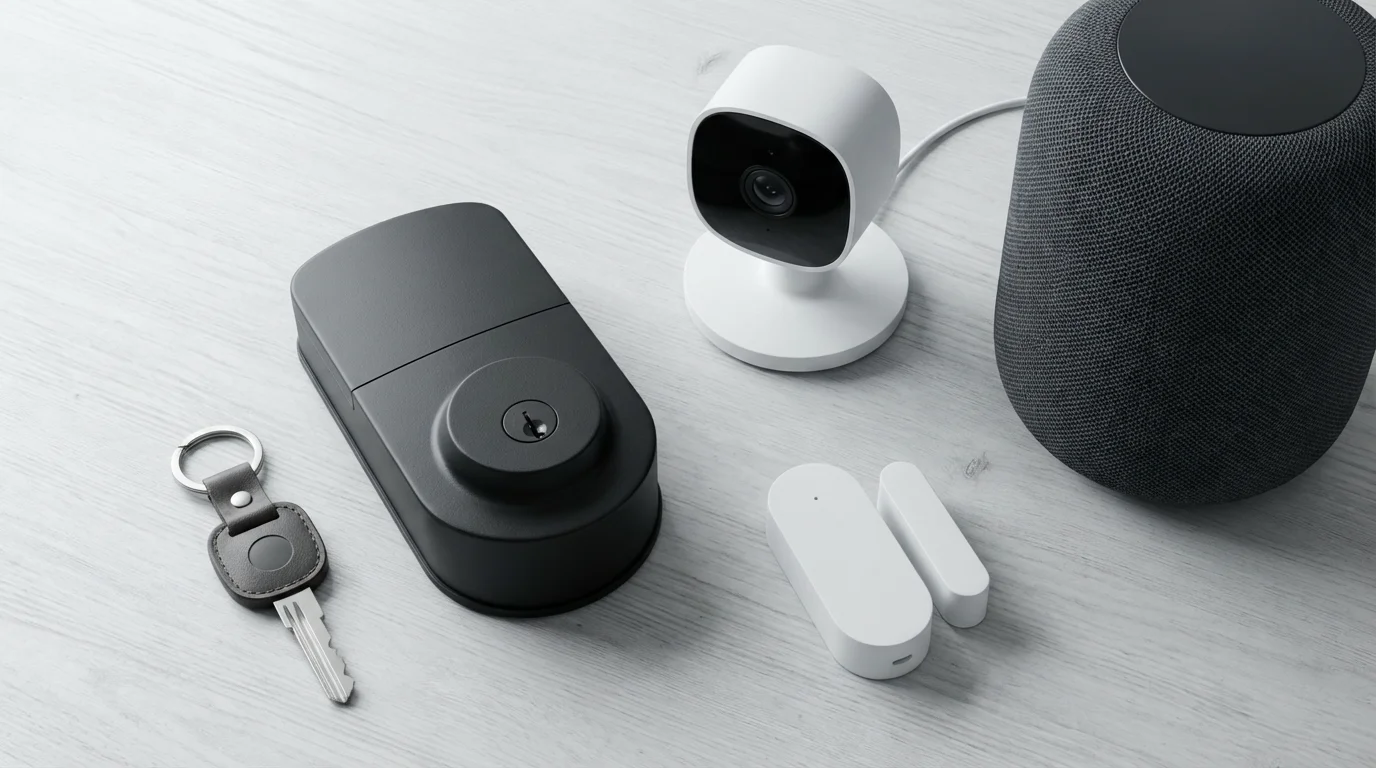
Essential Alexa Skills for Security and Monitoring
Security is a paramount concern for any homeowner, and Alexa skills offer powerful tools to monitor and protect your living space. From smart locks to security cameras and alarm systems, integrating these devices with Alexa provides hands-free control and instant alerts. You enhance your home’s defenses and gain greater peace of mind.
Explore these must have Alexa skills for smart home security:
- Ring: The Ring skill lets you interact with your Ring doorbells and security cameras. You can view live feeds on compatible Echo Show devices, receive motion alerts, and even initiate two-way talk. Say, “Alexa, show me the front door” or “Alexa, answer the front door.”
- Arlo: For Arlo smart cameras, this skill enables live viewing on Echo Show devices and provides status updates. You can arm or disarm your system with voice commands, ensuring your home is protected as needed. Commands include, “Alexa, show me the backyard camera” or “Alexa, arm Arlo.”
- SimpliSafe: The SimpliSafe skill integrates your entire home security system with Alexa. You can arm your system (home or away mode), check its status, and inquire about specific sensors. This provides quick control without needing to interact with the keypad. Try saying, “Alexa, arm SimpliSafe away” or “Alexa, is SimpliSafe armed?”
- August Smart Lock: The August skill allows you to lock and check the status of your August smart locks. While unlocking typically requires a voice PIN for security, checking if your door is locked is easy. Use commands like, “Alexa, is the front door locked?” or “Alexa, lock the back door.”
These smart home skills improve your response time to potential threats and integrate security into your daily routines. You can configure Alexa to announce when a door opens or when motion is detected, keeping you informed without constant monitoring.
Convenience and Daily Routine Skills
Beyond security and climate, Alexa skills excel at adding convenience to your everyday life. They can automate mundane tasks, streamline your routines, and connect to a wide array of smart appliances. These Echo apps transform simple actions into hands-free operations, giving you more time for what matters.
Consider these impactful Alexa skills for daily convenience:
- iRobot Home (Roomba): The iRobot Home skill allows you to start, stop, and pause your Roomba robot vacuum cleaner. You can send your Roomba back to its dock or inquire about its cleaning status. Imagine saying, “Alexa, tell Roomba to start cleaning” as you leave for work.
- Wemo: Wemo smart plugs and switches integrate with Alexa to control any device plugged into them. This is perfect for non-smart appliances like coffee makers, fans, or lamps, making them part of your smart home ecosystem. You can set up a routine for “Alexa, start coffee” to power on your coffeemaker in the morning.
- SmartThings: If you use a SmartThings hub, its skill acts as a powerful centralizer. It allows Alexa to control virtually all devices connected to your SmartThings hub, from smart plugs to motion sensors and more complex automations. This greatly expands Alexa’s reach within your smart home.
- Logitech Harmony: For home entertainment, the Harmony skill lets Alexa control your TV, sound system, and other media devices through your Harmony hub. You can change channels, adjust volume, and power on or off your entire entertainment system with voice commands. Try “Alexa, turn on the TV” or “Alexa, switch to Netflix.”
You can further enhance your home’s communication by learning how to set up voice announcements throughout your home using your Echo devices.
Integrating these Alexa skills into custom routines makes your home truly intelligent. You can create a “Good Night” routine that turns off all lights, locks the doors, and adjusts the thermostat, all with a single phrase.
“The best smart home is the one you don’t have to actively manage; it simply adapts to your life.”
Integrating Alexa with Advanced Smart Home Platforms
For those seeking deeper levels of automation and compatibility across diverse brands, integrating Alexa with advanced smart home platforms is key. These platforms act as central hubs, allowing devices from different manufacturers to communicate with each other and, by extension, with Alexa. This expands your smart home capabilities far beyond what individual device skills offer.
Many modern smart home ecosystems embrace standards like Zigbee, Z-Wave, or the emerging Matter protocol. Some Echo devices, like the Echo (4th Gen) and Echo Show models, include built-in Zigbee hubs, enabling direct control of compatible devices without an additional hub. For broader compatibility and complex automations, dedicated smart home hubs are invaluable.
Key integration points include:
- SmartThings: As mentioned, the SmartThings skill is powerful. It allows Alexa to interact with a vast array of Zigbee, Z-Wave, and Wi-Fi devices connected to your SmartThings hub. This means you can create complex scenes and automations within SmartThings and trigger them with Alexa voice commands.
- Hubitat Elevation: Similar to SmartThings, the Hubitat skill brings local processing and advanced automation capabilities to Alexa control. If you value local control and robust customization, Hubitat with Alexa integration offers a powerful combination.
- Matter Standard: The Matter smart home standard, supported by many companies including Amazon, aims to unify smart home devices across brands. Echo devices are being updated to support Matter over Wi-Fi, allowing you to control Matter-certified devices directly through Alexa, simplifying setup and improving interoperability. This represents a significant step towards a more unified smart home experience, making it easier to integrate new devices regardless of their manufacturer. You can learn more about the Matter standard and its goals from the Connectivity Standards Alliance (CSA), the organization behind it.
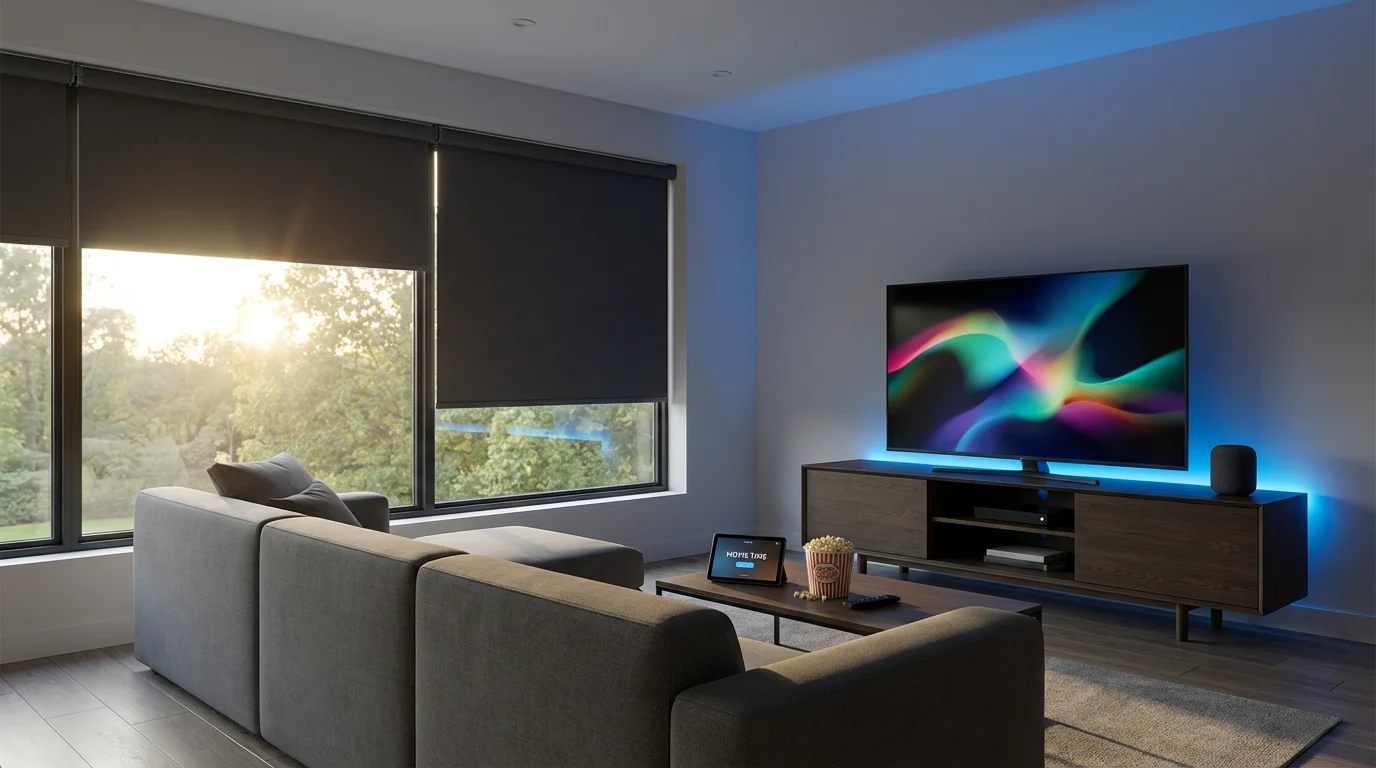
By leveraging these integrations, your Alexa voice commands can trigger multi-device actions that would be impossible with individual skills alone. For example, a single “Alexa, movie night” command could dim your smart lights, close smart blinds, turn on your TV, and adjust your smart thermostat to a comfortable viewing temperature. This comprehensive approach delivers a truly seamless smart home experience.

Privacy and Security with Alexa-Enabled Devices
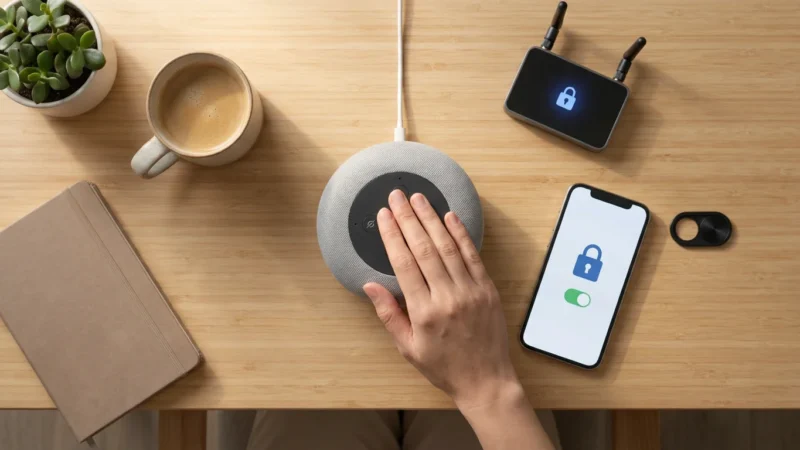
As your smart home expands with Alexa skills, understanding privacy and security best practices becomes increasingly important. While Alexa offers incredible convenience, you must ensure your data and home remain protected. Amazon has implemented numerous features to address these concerns, giving you control over your information.
Here are critical considerations and actionable steps:
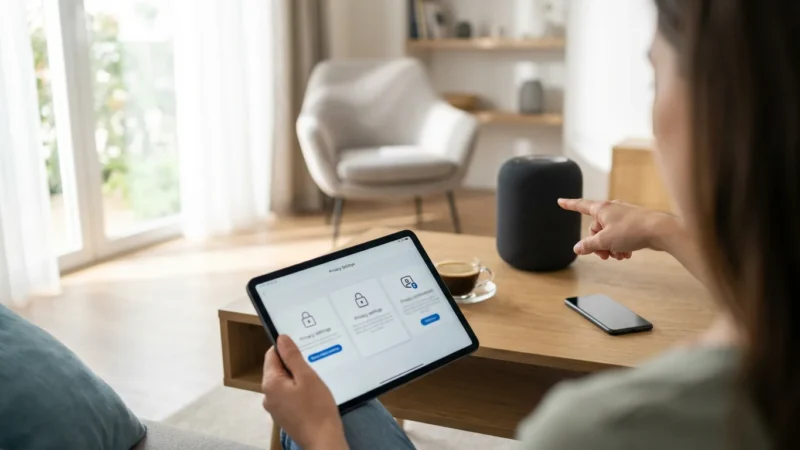
- Review Privacy Settings Regularly: Within the Alexa app, navigate to “Settings” then “Alexa Privacy.” Here, you can review your voice history, manage permissions for specific skills, and decide whether Amazon can use your voice recordings to improve its services. You have the option to delete recordings and opt out of certain data usage.
- Enable Voice ID: Voice ID helps Alexa recognize your voice, personalizing responses and potentially enhancing security for certain features. This prevents others from accessing your personal information or performing sensitive actions.
- Use Voice PINs for Purchases and Unlocks: For actions involving purchases, opening smart locks, or disarming security systems, always enable a voice PIN. This adds an essential layer of security, requiring a spoken code before Alexa executes the command. This prevents unauthorized access or actions from unintended users.
- Understand Skill Permissions: Before enabling any new Alexa skill, review the permissions it requests. Some skills may ask for access to your location, contacts, or other personal data. Only enable skills that genuinely require these permissions for their stated function.
- Keep Device Firmware Updated: Ensure your Echo devices and all connected smart home devices have the latest firmware updates. Manufacturers regularly release updates that patch security vulnerabilities and improve performance. Enable automatic updates where possible.
- Secure Your Wi-Fi Network: Your smart home’s security begins with a strong, password-protected Wi-Fi network. Use WPA2 or WPA3 encryption, create a strong, unique password, and consider a guest network for visitors to isolate your smart devices.
By actively managing your privacy settings and employing security best practices, you can enjoy the full benefits of Alexa-enabled smart home control with confidence. Your data and home security are largely within your control.
Advanced Alexa Routines and Automation
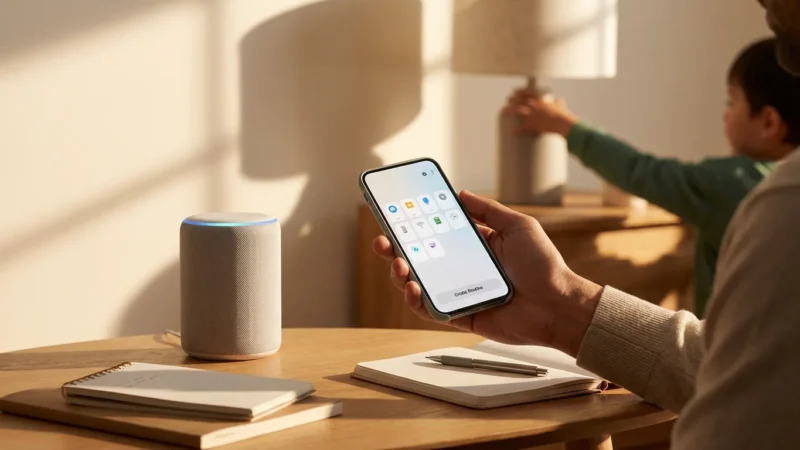
Moving beyond basic commands, Alexa Routines unlock the true potential of your smart home. These personalized automations allow you to trigger multiple actions with a single phrase, at a specific time, or when certain conditions are met. Creating advanced routines transforms your home into a truly intelligent environment that anticipates your needs.
Here is how to create and leverage advanced Alexa Routines:
- Access Routines in the Alexa App: Navigate to “More” then “Routines.”
- Create a New Routine: Tap the “+” icon to start building your custom automation.
- Choose a Trigger:
- Voice: A custom phrase like “Alexa, I’m home.”
- Schedule: A specific time or day, such as “Every weekday at 7:00 AM.”
- Smart Home: When a device state changes, like “When the front door opens.”
- Location: When you arrive or leave a specified location.
- Sound Detection: When Alexa hears a specific sound, such as glass breaking or a baby crying (on compatible Echo devices).
- Add Actions: After setting your trigger, add the steps Alexa will perform. This is where you combine various smart home skills.
- Smart Home Devices: Control lights, thermostats, locks, and more. For example, “Set living room lights to 60% and warm white.”
- Music & Podcasts: Start playing a specific playlist or radio station.
- News & Weather: Get a customized flash briefing or weather update.
- Customized Sayings: Have Alexa say a specific phrase.
- Wait: Introduce delays between actions. For example, wait 5 minutes after turning on lights before starting music.
- Configure Device & Timing: Specify which Echo device performs the action and any timing details.
Example Routine: “Alexa, Movie Time”
Trigger: Voice command “Alexa, movie time”
Actions:
- Set living room lights to 10% brightness, color warm white.
- Close smart blinds in the living room.
- Turn on the TV via Logitech Harmony skill.
- Set the thermostat to 70 degrees using the Nest skill.
- Wait 10 seconds.
- Alexa says, “Enjoy your movie.”
This powerful integration of Alexa skills into routines ensures your home responds intelligently to your lifestyle, delivering true convenience and efficiency. You can explore creative combinations to personalize your home’s behavior completely.
Frequently Asked Questions
What are Alexa skills?
Alexa skills are voice-driven applications that extend the functionality of your Amazon Echo devices. They allow Alexa to perform specific tasks, interact with various smart home devices, play games, provide information, and much more, all through voice commands. Think of them as apps for your Echo speakers.
How do I enable a smart home skill?
You enable smart home skills primarily through the Alexa app on your smartphone or tablet. Navigate to “Skills & Games,” search for the desired skill (e.g., “Philips Hue”), then tap “Enable to Use.” You typically need to link your smart device manufacturer’s account to the skill for it to function correctly.
Can Alexa control devices from different brands?
Yes, Alexa is designed to be a universal controller for many smart home devices, even those from different manufacturers. As long as a device has an Alexa skill available and you enable it, Alexa can often control it. For broader compatibility and advanced automations, platforms like SmartThings or devices supporting the Matter standard can further unify your smart home.
Do I need an Echo Show to use smart home skills?
No, you do not need an Echo Show. Most Alexa smart home skills work with any Echo device, including the standard Echo, Echo Dot, or Echo Studio. An Echo Show, with its screen, provides visual feedback for commands like showing live camera feeds or displaying thermostat settings, enhancing the experience but not being a requirement for basic control.
Are Alexa skills free?
Most Alexa smart home skills are free to enable and use. However, some skills may link to subscription services (like premium music streaming or specific news outlets) that require a separate paid subscription from the third-party provider. The core functionality of controlling your smart home devices through their respective skills is generally free.
Disclaimer: This article is for informational purposes only. Smart home devices involve electrical connections and data privacy. Always follow manufacturer instructions for installation. For complex wiring or HVAC work, consult a licensed professional.


Leave a Reply