
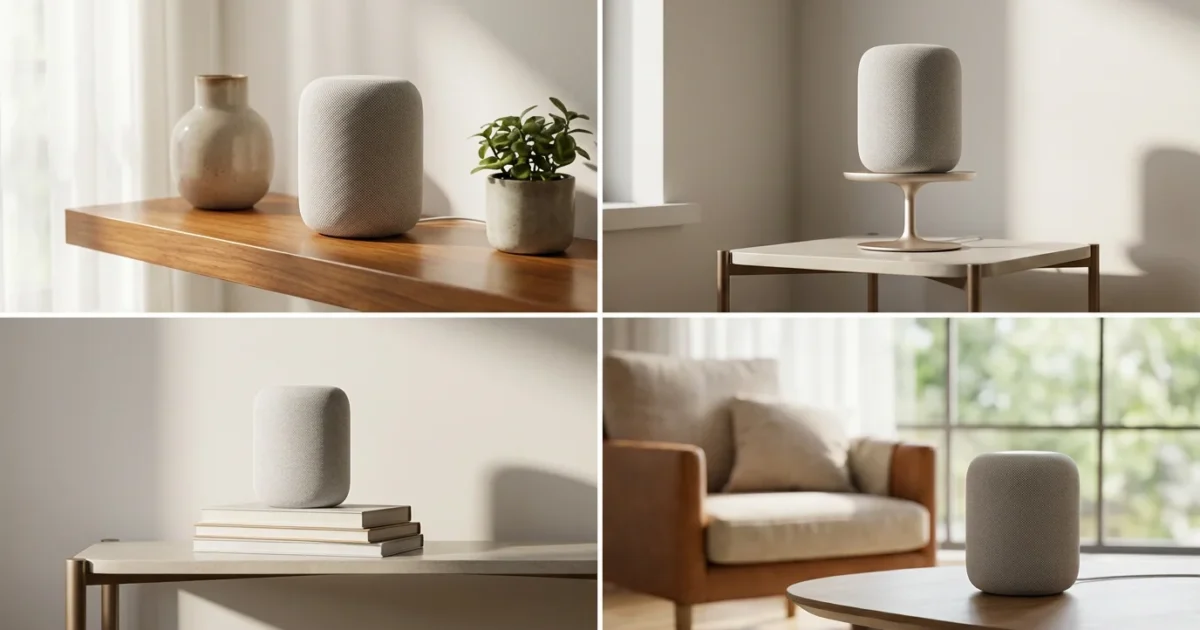
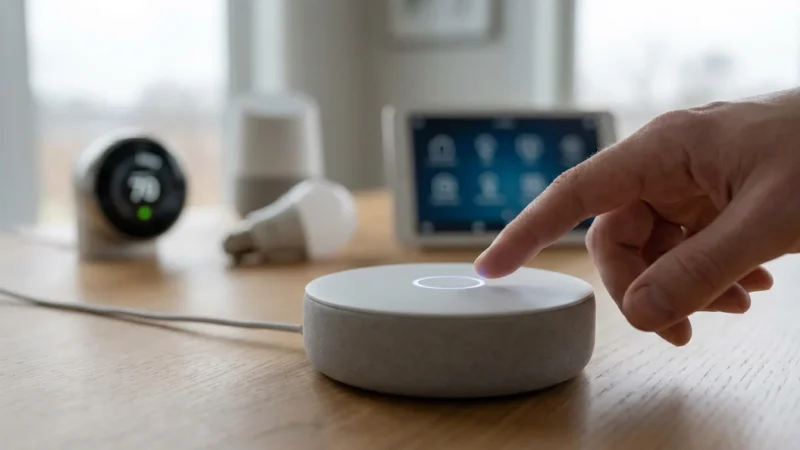
A smart speaker acts as the central hub for your smart home ecosystem, offering convenience through voice commands, entertainment through music, and vital information at your request. However, its true potential depends heavily on one crucial factor: its placement. Proper speaker placement significantly impacts its ability to hear your voice commands clearly and deliver optimal sound quality throughout your space. Understanding the best strategies for where to place smart speaker for best response makes all the difference in your daily interactions with your connected devices.
You can transform your smart speaker from a simple gadget into an indispensable home assistant by optimizing its location. This guide provides practical, actionable insights and smart speaker placement tips to help you achieve the best performance from your Amazon Echo, Google Nest Audio, Apple HomePod, or any other voice assistant device.
Understanding How Smart Speakers Hear You
Your smart speaker uses an array of microphones and advanced digital signal processing to recognize your voice, even from across a room or amidst background noise. This technology, known as far-field voice recognition, employs techniques like beamforming. Beamforming focuses the microphones on the sound source, your voice, while simultaneously reducing interference from other sounds.
Obstacles and environmental factors significantly impact this sophisticated listening ability. A clear path between you and the speaker allows the microphones to capture your voice most effectively. Hard surfaces can cause echoes, distorting your voice, while soft furnishings absorb sound, potentially weakening your commands before they reach the device.
Optimizing Sound Quality for Music and Audio
Smart speakers serve as your personal DJ, podcast player, and audiobook narrator. Achieving the best sound quality depends on understanding their acoustic design and your room’s characteristics. Different speakers offer varying sound profiles, some project 360-degree audio, while others direct sound in a specific direction.
In addition to physical placement, you can further improve voice recognition accuracy by adjusting your device’s software sensitivity settings.
Speaker Design and Room Acoustics
Consider your speaker’s design. Devices like the Amazon Echo and Google Nest Audio often feature omnidirectional sound, filling a room more evenly. Speakers with more directional sound benefit from being aimed toward your primary listening area. Room acoustics also play a vital role. Hard surfaces, such as bare walls, glass, and tile floors, reflect sound, leading to harshness or echo. Conversely, soft surfaces like carpets, curtains, and upholstered furniture absorb sound, which can muffle the audio.
You can balance these elements for optimal sound. Place your speaker in an area with a mix of hard and soft surfaces. This setup prevents excessive echo and ensures clear audio reproduction.
Bass Response and Wall Proximity
Bass frequencies often sound more pronounced when you place a speaker closer to a wall or in a corner. This phenomenon, called boundary gain, occurs because the surfaces reflect bass waves, reinforcing them. While this can add depth to your music, too much boundary gain can make the bass sound boomy or muddy. Experiment with placing your speaker a few inches from a wall versus directly in a corner to find the sweet spot for your room and preferences.
Stereo Pairing for Immersive Audio
For a truly immersive audio experience, many smart speakers, including Amazon Echo and Google Nest devices, support stereo pairing. You link two identical speakers to function as left and right channels, creating a wider, more detailed soundstage. To optimize this setup, position the two speakers equidistant from your primary listening position and about 6-10 feet apart, depending on room size. This configuration provides a richer, more dynamic sound than a single speaker offers.
Ideal Placements for Voice Assistant Responsiveness
The primary function of a smart speaker for many users is its ability to respond accurately to voice commands. Ensuring your device hears you clearly is paramount for a seamless smart home experience. Consider these factors for the optimal location:
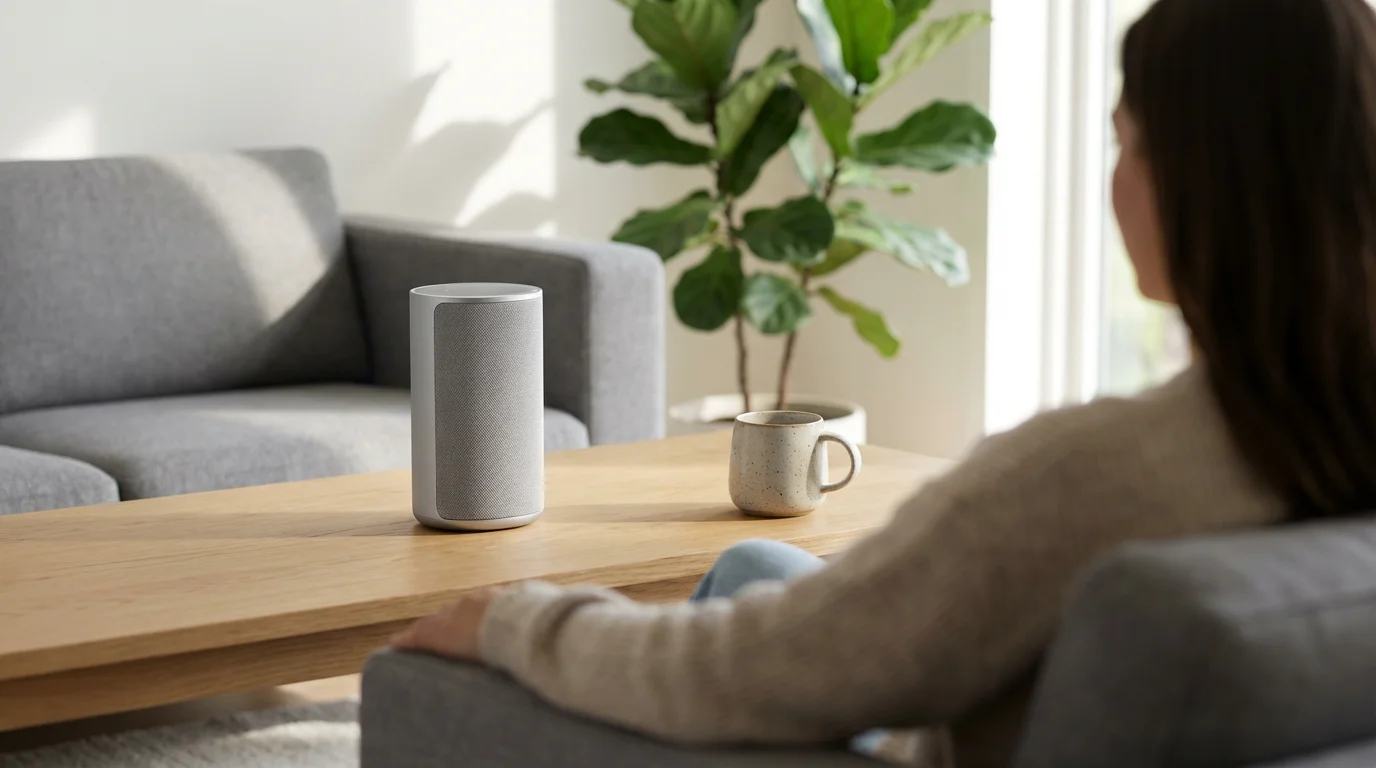
- Central Location: Placing your smart speaker in a central area of a room, such as a coffee table or kitchen island, maximizes its line of sight to various parts of the space. This central position allows its microphones to capture your voice from multiple angles, reducing missed commands.
- Avoid Corners and Enclosed Spaces: While corners can boost bass, they often create acoustic dead zones or funnel background noise, making it harder for your speaker to isolate your voice. Enclosed spaces, such as inside cabinets or behind clutter, also block sound waves, diminishing both responsiveness and sound quality. Keep your speaker in an open area.
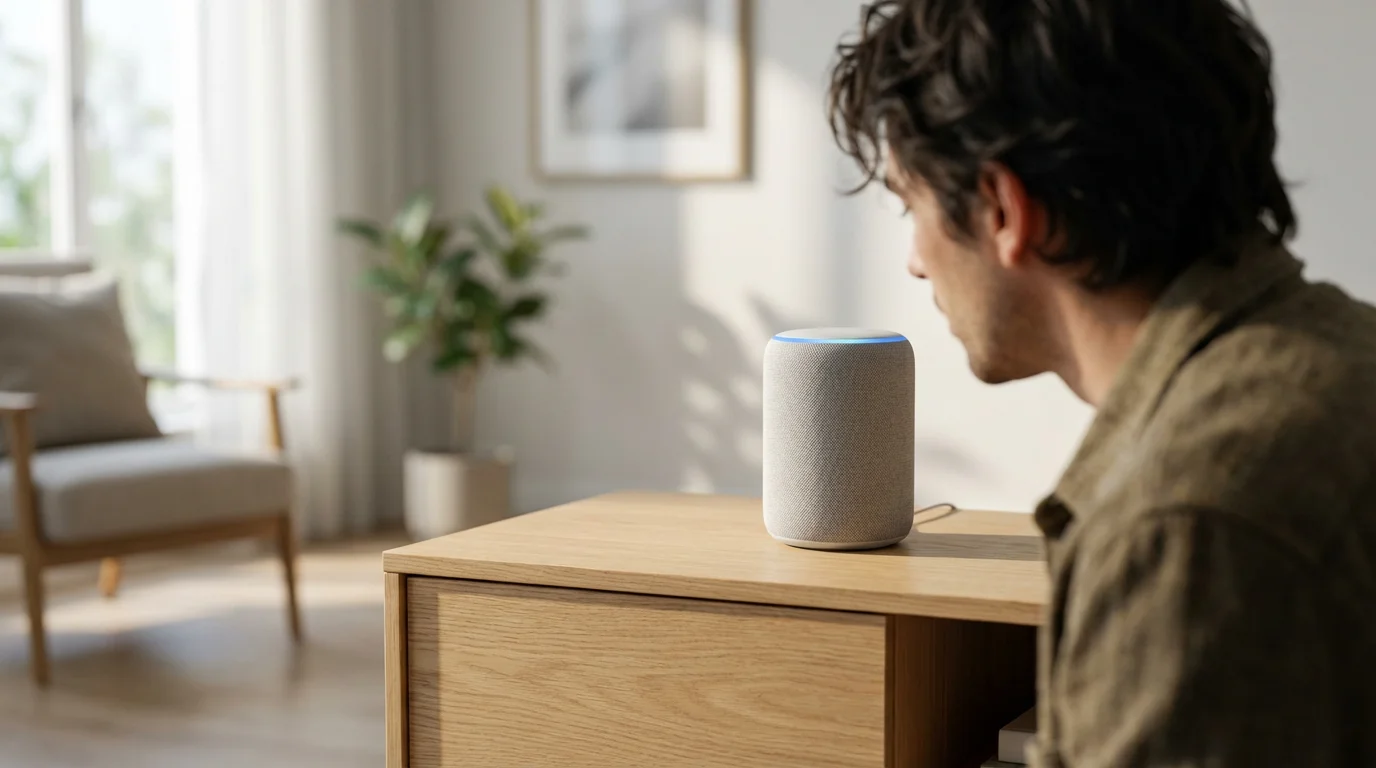
- Optimal Height: Position your smart speaker at roughly ear level when you are typically speaking to it. For a living room, this might be on an end table or bookshelf. In a kitchen, a countertop works well. Placing it too high, like on a tall shelf, or too low, like on the floor, can impede its microphone’s ability to pick up your voice clearly. Aim for 3-5 feet off the ground for most common interaction scenarios.
- Clear Line of Sight: Ensure no large objects, furniture, or thick curtains directly obstruct your speaker. These physical barriers can muffle your voice or block the sound waves your speaker uses for beamforming. A clear line of sight translates to more accurate voice command recognition.
Room-Specific Placement Strategies
Each room in your home presents unique challenges and opportunities for smart speaker placement. Tailoring your approach to the room’s function ensures you get the most out of your device.
Choosing the right hardware is the first step, so ensure you have the best smart speakers for every room to match your specific acoustic needs.
Living Room: The Entertainment Hub
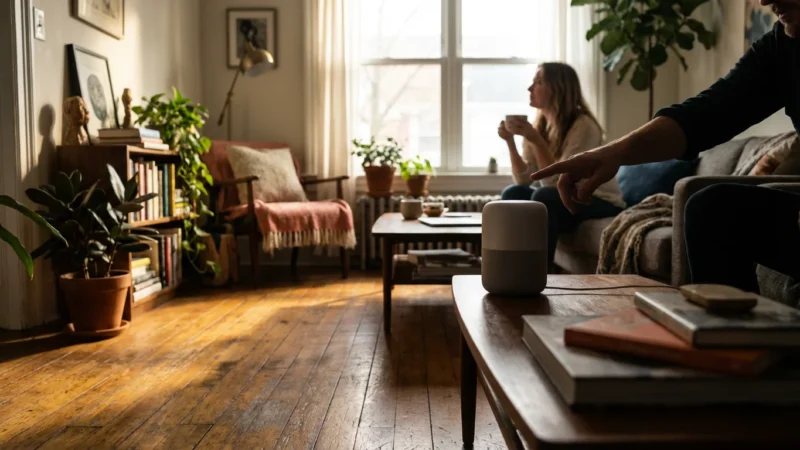
In the living room, your smart speaker often serves as an entertainment controller and a general assistant. Place it on a coffee table or an end table near your main seating area. If you use it for music, consider stereo pairing with two speakers for a richer audio experience, positioning them on opposite sides of the room, facing your primary listening spot. Ensure it has a clear view of where you typically sit.
Kitchen: Command Central for Cooking
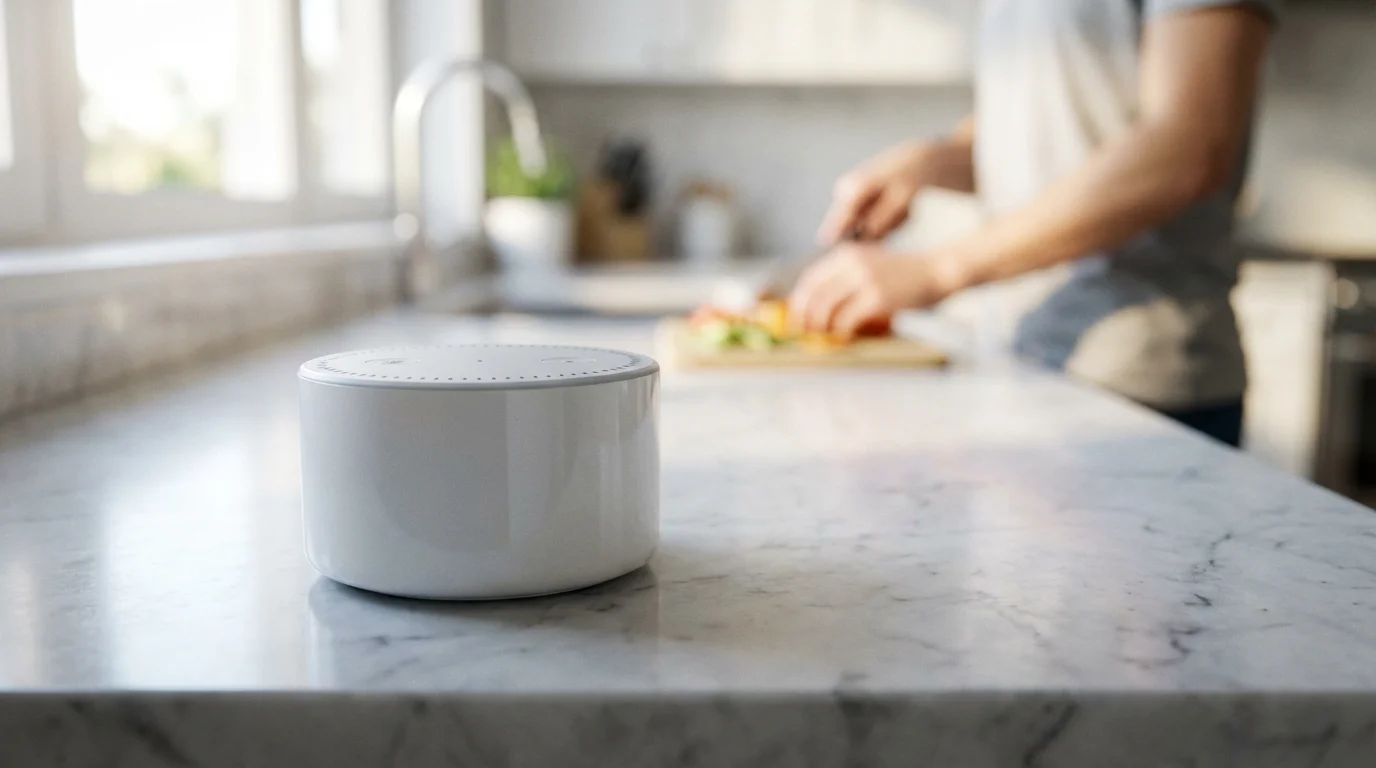
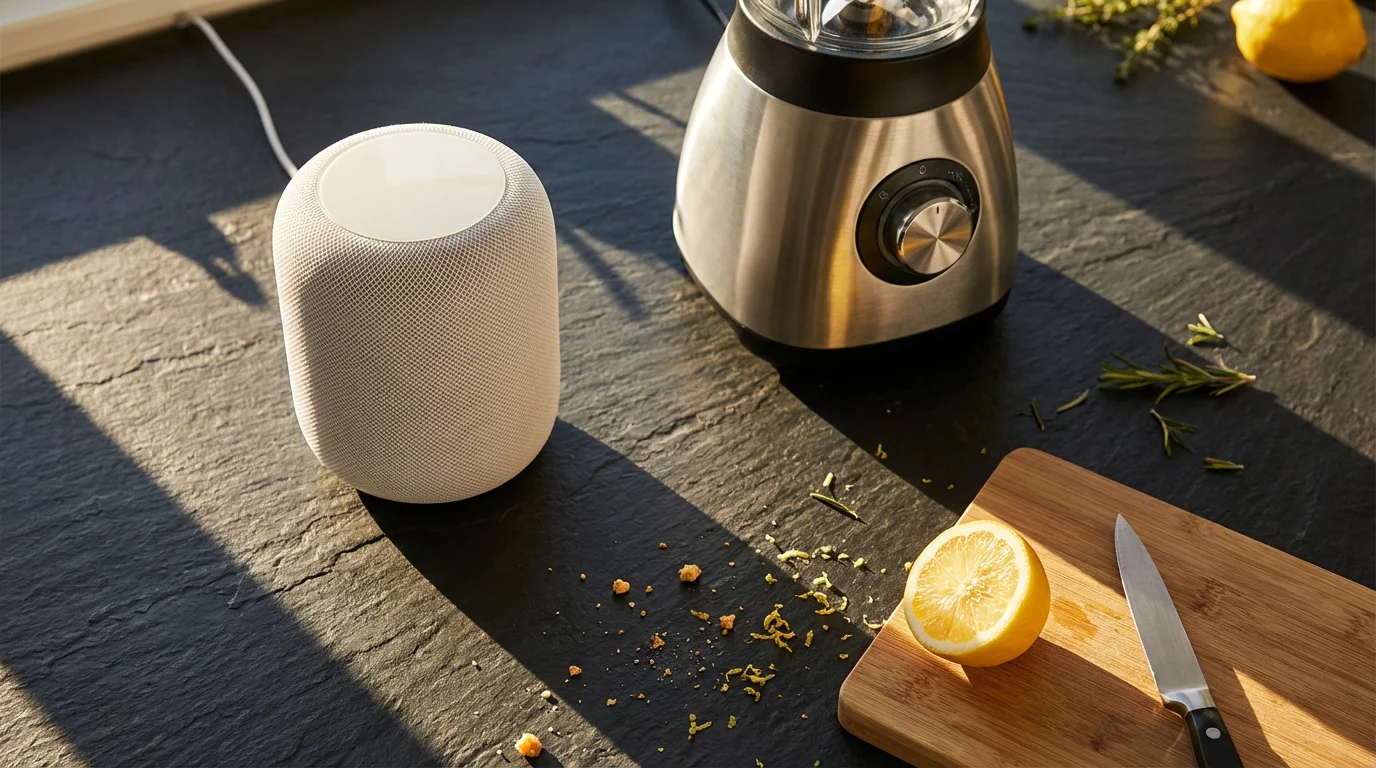
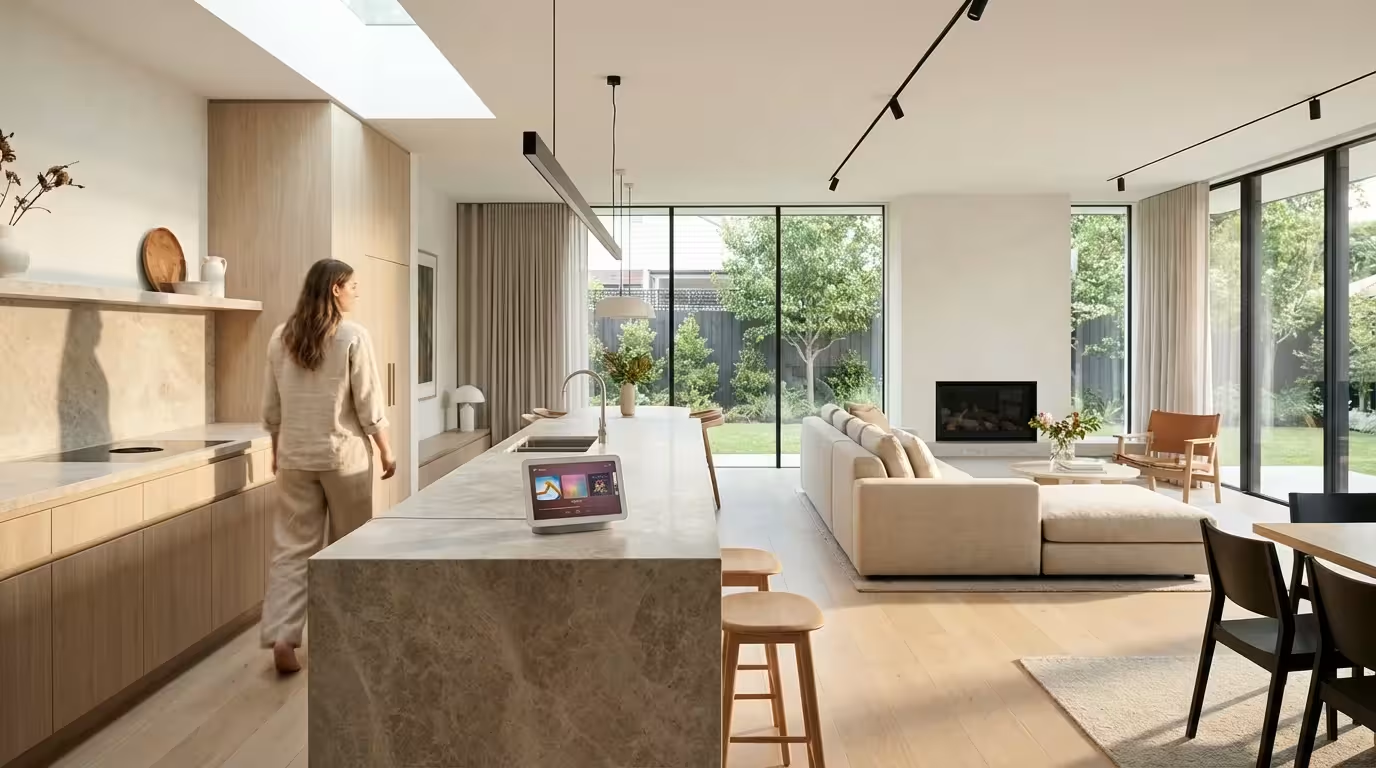
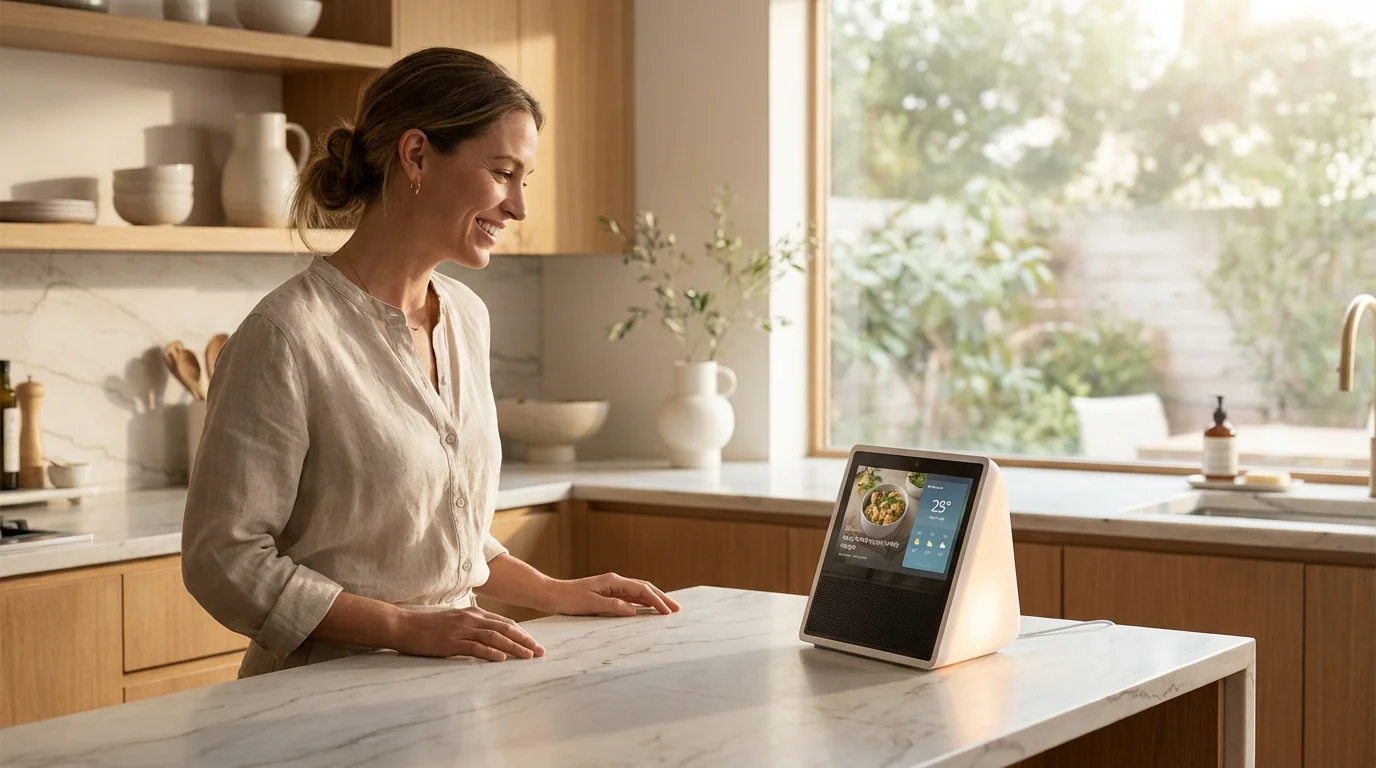
The kitchen is often a noisy environment with running water, cooking sounds, and conversations. Place your smart speaker on a clear countertop, away from the sink and stovetop. This placement protects it from moisture and grease while ensuring it can hear you over ambient noise. A location near a frequently used preparation area allows for hands-free timers, unit conversions, and recipe lookups. For example, you can say, “Alexa, set a timer for 10 minutes” without touching a screen.
Bedroom: Personal Assistant and Alarm
Your bedroom speaker primarily offers convenience and ambiance. A nightstand is an ideal spot, providing easy access for setting alarms, playing calming sounds, or controlling bedroom lights with a simple voice command. Consider privacy: turn off the microphone when not in use or position it so it does not directly face sensitive areas. Some users opt for a spot on a dresser or shelf to keep nightstand clutter minimal.
Bathroom: Music and Podcasts
For music during showers or getting ready, a smart speaker in the bathroom can be great. However, moisture and humidity are significant concerns. Place the speaker on a high shelf or vanity, away from direct splashes and steam. Consider models with water resistance ratings if you frequently use them in this environment. Never place a speaker where it could fall into water.
Office: Focus and Productivity
In a home office, your smart speaker can help with productivity. Position it on your desk, but not directly in front of your monitor, where it might block sound or visual space. A spot slightly off to the side or on a credenza allows for quick queries, calendar management, and focus music without distractions. It lets you say, “Hey Google, add ‘send report’ to my to-do list” seamlessly.
Problematic Areas to Avoid:
- Inside Cabinets or Drawers: These severely muffle sound and block microphones.
- Behind Large TVs or Furniture: Obstructions weaken voice commands and sound quality.
- Directly Next to Noisy Appliances: Refrigerators, washing machines, or HVAC vents create constant background noise, hindering responsiveness.
- Near Vents or Drafts: Rapid temperature changes or drafts can potentially affect device longevity.
Multi-Speaker Setups and Whole-Home Coverage
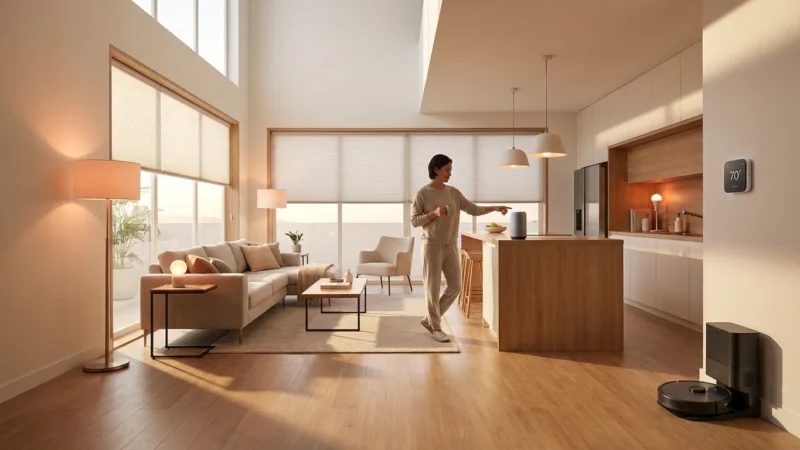
A single smart speaker might suffice for a small apartment, but a multi-speaker setup unlocks true whole-home automation and pervasive voice control. This strategy ensures you always have a responsive voice assistant within earshot, regardless of where you are in your home. It creates a network of devices that work together to provide seamless coverage.
Seamless Voice Control Across Rooms
Strategically placing smart speakers in high-traffic areas and individual rooms allows for continuous voice interaction. If you walk from the kitchen to the living room, your command “turn off the kitchen lights” still registers, often by the nearest or most relevant speaker. This prevents frustration from having to shout or repeat commands as you move through your home. Smart assistants, including Amazon Alexa and Google Assistant, often intelligently determine which speaker should respond based on proximity and sound detection, preventing multiple devices from answering simultaneously.
Stereo Pairs and Speaker Groups
Beyond individual room control, multi-speaker setups offer enhanced audio experiences. You can pair two identical smart speakers to create a stereo sound system, as previously mentioned. This configuration is excellent for dedicated listening areas. Furthermore, you can group multiple speakers to play the same audio synchronously across different rooms. For example, you can command, “Alexa, play my party playlist on ‘Everywhere’” to have music fill your entire house. This is fantastic for entertaining or simply enjoying your favorite tunes throughout your home.
Consider the following for effective multi-speaker deployment:
- Map Your Home: Identify key areas where you frequently use voice commands or listen to music.
- Prioritize High-Traffic Zones: Place speakers in living rooms, kitchens, and main bedrooms first.
- Fill Gaps: Add speakers to hallways, dining rooms, or home offices to ensure consistent coverage.
- Test Responsiveness: After placement, walk through your home and test commands from various points to identify any dead zones.
A well-planned multi-speaker arrangement provides convenience. Imagine arriving home and saying, “Hey Google, I’m home,” triggering your living room lights, thermostat, and music to turn on automatically.
Addressing Common Placement Challenges
Even with careful planning, you might encounter issues affecting your smart speaker’s performance. Understanding these challenges and knowing how to troubleshoot them helps you maintain an optimal smart home experience.
Background Noise Interference
Background noise is one of the most common hindrances to smart speaker performance. Sources can range from air conditioners, dishwashers, and televisions to outdoor traffic or even loud conversations. If your speaker struggles to hear you over ambient sounds, consider these solutions:
- Reposition the Speaker: Move it further away from noisy appliances or open windows.
- Adjust Device Volume: Lower the TV or music volume if it competes with your voice commands.
- Use a Different Model: Some premium smart speakers feature more advanced microphone arrays designed to filter out background noise more effectively. For example, devices like the Amazon Echo Studio or Google Home Max often offer superior noise cancellation.
Acoustic Dead Zones
Acoustic dead zones are areas where your voice commands consistently fail to register. These zones often occur due to:
- Thick walls or furniture blocking sound waves.
- Rooms with unusual layouts that cause sound to dissipate unevenly.
- Poorly positioned speakers that lack a clear path to your voice.
To combat dead zones, try these steps:
- Experiment with Small Moves: Even shifting a speaker a few inches can make a difference.
- Elevate the Speaker: Use a stand or mount to raise the speaker to ear level.
- Add Another Speaker: In larger or more complex spaces, strategically placing an additional smart speaker often provides the best solution.
Interference from Other Devices
While less common with modern smart speakers, electronic interference can occasionally affect performance. Devices operating on similar wireless frequencies, such as older cordless phones, baby monitors, or even microwaves, could theoretically cause minor disruptions. Ensure your smart speaker has enough space from other electronics. Most modern Wi-Fi networks and smart speakers are designed to coexist, but isolating devices can sometimes resolve persistent issues.
“The best smart home is the one you don’t have to manage. Proper smart speaker placement creates that seamless, intuitive experience where technology simply fades into the background.”
Privacy and Security Considerations
Smart speakers, with their always-on microphones, raise legitimate privacy concerns. Understanding how these devices work and implementing best practices ensures both convenience and peace of mind. Your control over your data and listening habits is crucial.
Microphone Mute Buttons
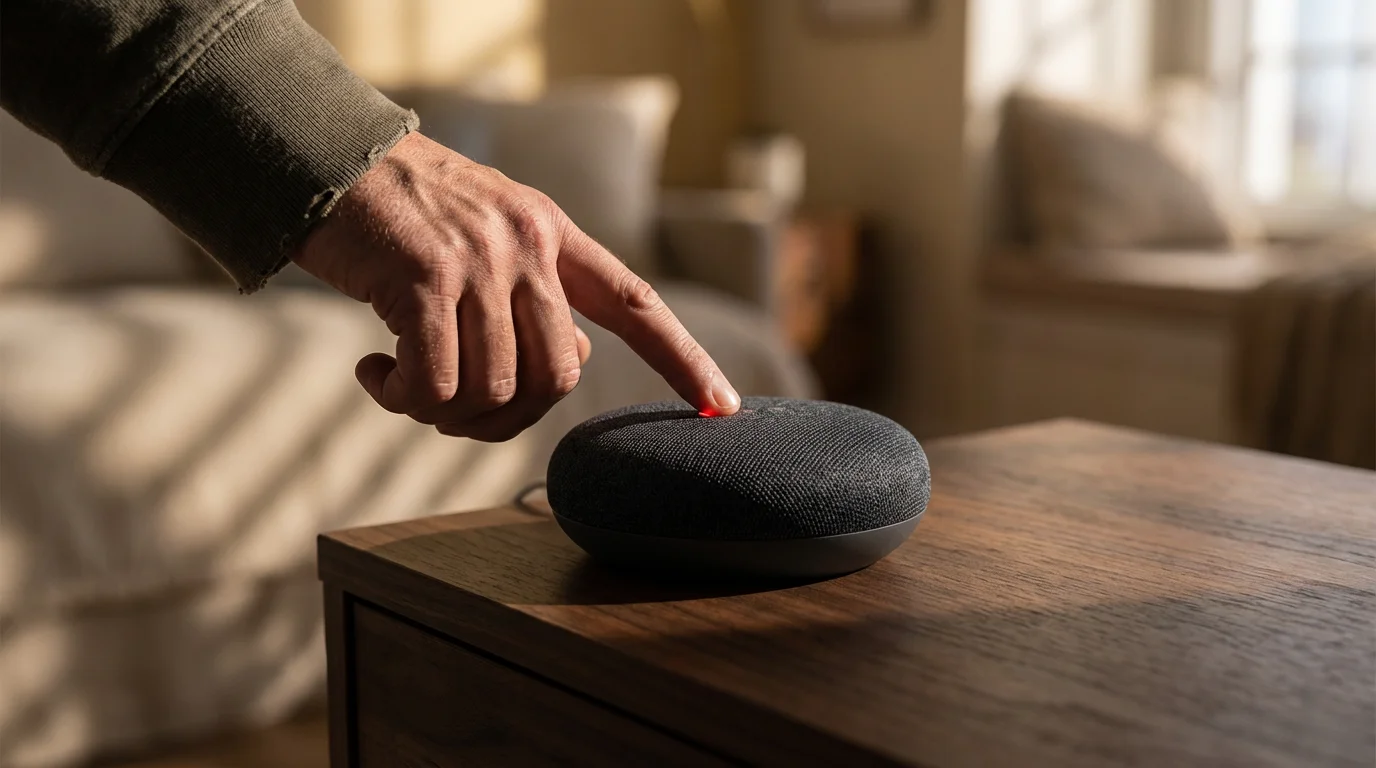
Every major smart speaker, including those from Amazon, Google, and Apple, features a physical microphone mute button. When you activate this button, it electronically disconnects the microphones, ensuring the device cannot listen for your wake word or record audio. This offers a robust privacy measure, providing you with immediate control. You can visually confirm the microphone is off, typically indicated by a red light.
Reviewing Voice History and Permissions
Your voice assistant stores recordings of your interactions to improve its understanding of your commands. You can review and delete this voice history through your device’s companion app or web portal. For example, within the Alexa app, you navigate to ‘Settings’ then ‘Alexa Privacy’ to manage your voice recordings. Similarly, Google Assistant and Apple Siri offer options to review and delete historical data. Regularly checking these settings empowers you to manage your privacy proactively.
Thoughtful Placement for Privacy
Beyond technical settings, consider the physical placement of your speakers in relation to sensitive areas. Avoid placing smart speakers in private spaces where sensitive conversations might occur or where recording would be particularly intrusive, such as directly in a child’s bedroom or a private home office unless absolutely necessary and with clear understanding of its functions. For instance, placing a speaker in a common area like the living room or kitchen often balances convenience with privacy concerns more effectively.
Understanding the privacy policies of Amazon Alexa, Google Assistant, and Apple Siri is also beneficial. They detail how your data gets collected, stored, and used. Familiarize yourself with these policies to make informed decisions about device placement and usage.
Smart Speaker Recommendations and Features to Consider
The market offers a diverse range of smart speakers, each with unique strengths. Your choice often depends on your existing smart home ecosystem, audio preferences, and budget. Understanding key features helps you select the right device for your optimal location strategy.
Leading Smart Speaker Ecosystems
- Amazon Echo: Leveraging Alexa, Echo devices integrate seamlessly with a vast array of smart home gadgets. They come in various sizes and price points, from the compact Echo Dot to the audio-focused Echo Studio. Many Echo devices include a built-in Zigbee hub, simplifying connections to compatible smart home devices.
- Google Nest Audio: Powered by Google Assistant, Nest devices excel at search queries, calendar management, and integration with Google’s extensive suite of services. The Nest Audio offers impressive sound quality for its size and works well within Google Home speaker groups.
- Apple HomePod: Featuring Siri, the HomePod (and HomePod mini) offers premium audio quality, especially within the Apple ecosystem. It integrates tightly with Apple Music and HomeKit-compatible accessories. Its spatial awareness features adjust sound based on room acoustics.
Key Features Impacting Placement and Performance
- Microphone Array Quality: Speakers with more advanced microphone arrays, often indicated by a higher number of microphones or specific mentions of far-field technology, generally perform better in noisy environments or from a distance. This directly impacts where you can place the speaker without sacrificing responsiveness.
- Sound Drivers and Acoustics: High-quality drivers and thoughtful acoustic design produce richer, more balanced audio. If music is a priority, invest in speakers known for their audio fidelity. This influences how critical precise speaker placement becomes for sound quality.
- Smart Home Hub Capabilities: Some smart speakers, like certain Echo models, include built-in smart home hubs. This allows them to directly connect to devices using protocols like Zigbee, simplifying your smart home setup and potentially reducing the need for additional hubs.
- Portability and Power: While most smart speakers require a constant power connection, some offer battery power for temporary portability. This flexibility allows you to test different locations before settling on a permanent spot or move the speaker for a specific task.
When selecting your next smart speaker, consider how its features align with your desired placement and overall smart home goals. A device that struggles to hear you or deliver clear audio, regardless of its features, fails to deliver a truly smart experience.
Fine-Tuning Your Smart Speaker’s Performance
Once you have positioned your smart speaker, a few additional steps help you maximize its effectiveness and ensure it perfectly suits your lifestyle. These adjustments move beyond basic setup to truly personalize your voice assistant experience.
Voice Calibration and Personalization
Most smart speakers allow for voice calibration, where the device learns to recognize your voice more accurately. This training helps it differentiate your commands from other voices or background noise. For example, you can often train your speaker to recognize your voice for personalized responses, such as accessing your calendar or specific playlists. This personalization enhances responsiveness and accuracy, making your interactions smoother.
Equalizer Settings for Audio Preferences
Many smart speakers include adjustable equalizer settings within their companion apps. You can tweak the bass, treble, and sometimes mid-range frequencies to match your personal sound preferences or the acoustics of your room. If your speaker sounds too bass-heavy near a wall, you can reduce the bass setting. Conversely, if music sounds thin in an open space, you might increase the bass. Experimenting with these settings fine-tunes the sound quality for your optimal location.
Testing Commands from Various Spots
The most practical way to assess your speaker’s placement is through real-world testing. Walk around the room, issue commands from different distances, and speak at various volumes. Note any areas where the speaker consistently fails to hear you or misunderstands your requests. This feedback helps you make minor adjustments to its position or identify areas that might benefit from an additional speaker. You are essentially creating a voice coverage map of your room.
Smart Routines and Custom Commands for Daily Life
Beyond basic commands, leverage smart routines and custom commands to automate daily tasks, making your smart speaker even more valuable. For example:
- Morning Routine: “Good morning” could trigger your bedroom lights to brighten, the coffee maker to start, and the news briefing to play.
- Leaving Home Routine: “I’m leaving” might turn off all lights, lock smart doors, and set your smart thermostat to an energy-saving mode.
- Movie Night: “Movie time” could dim the lights, close smart blinds, and turn on your entertainment system.
These routines, configured in the Alexa, Google Home, or Home app, significantly enhance the convenience offered by your perfectly placed smart speaker. They allow your smart speaker to seamlessly integrate into your life, responding intuitively to your needs.
Frequently Asked Questions
Can I place my smart speaker behind the TV?
Placing your smart speaker behind a TV generally hinders its performance. The TV acts as a physical barrier, blocking the speaker’s microphones and muffling its sound output. This results in reduced voice command accuracy and poor audio quality. For optimal performance, position your smart speaker in an open area with a clear line of sight.
Does smart speaker placement affect its smart home capabilities?
Directly, placement affects the reliability of voice commands used to control smart home devices. If your speaker cannot hear you, you cannot control your smart lights or thermostat via voice. Indirectly, if your speaker also functions as a smart home hub (e.g., some Echo models with Zigbee), its physical location might influence the range and stability of its connection to other devices, particularly for Zigbee or Matter devices.
How close should a smart speaker be to a wall for optimal sound?
The optimal distance varies by speaker and room acoustics. Generally, placing a smart speaker a few inches (3-6 inches) from a wall can enhance bass response without making it sound muddy, due to boundary gain. Placing it too far out can make bass sound weaker, while putting it directly into a corner might make it too boomy. Experimentation in your specific room yields the best results for your preferred sound quality.
Is it bad to put a smart speaker in a corner?
Placing a smart speaker in a corner can boost bass frequencies significantly, which some users prefer for music. However, it can also create acoustic issues, making the sound boomy and less clear. More importantly, corners can make it harder for the speaker’s microphones to pick up your voice commands clearly, as sound waves can bounce and create confusing echoes for the device’s far-field voice recognition technology. Evaluate if the bass boost outweighs potential voice command issues for your use case.
Should I put my smart speaker near my Wi-Fi router?
While proximity to your Wi-Fi router generally provides a stronger and more stable internet connection, it is not strictly necessary for smart speakers to be right next to it. Smart speakers typically connect over 2.4 GHz Wi-Fi, which offers a good range. The primary factors for speaker placement remain voice command responsiveness and sound quality. If placing it near the router compromises these, prioritize acoustics and line of sight. Ensure it is within a reasonable range of your Wi-Fi signal, but avoid placing it so close that it interferes with other devices or looks unsightly.
Disclaimer: This article is for informational purposes only. Smart home devices involve electrical connections and data privacy. Always follow manufacturer instructions for installation. For complex wiring or HVAC work, consult a licensed professional.

Leave a Reply